 Shelfhelp.ai



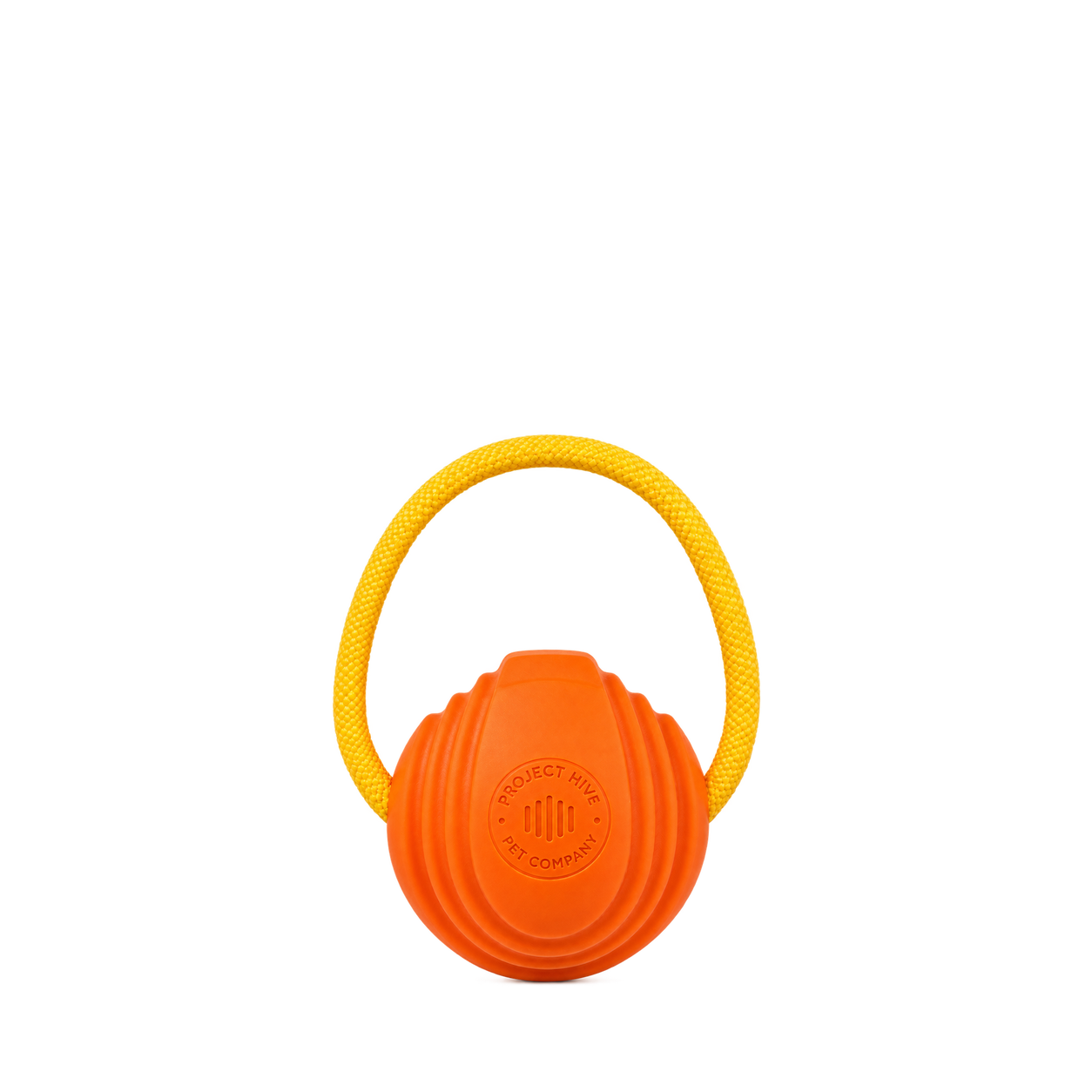

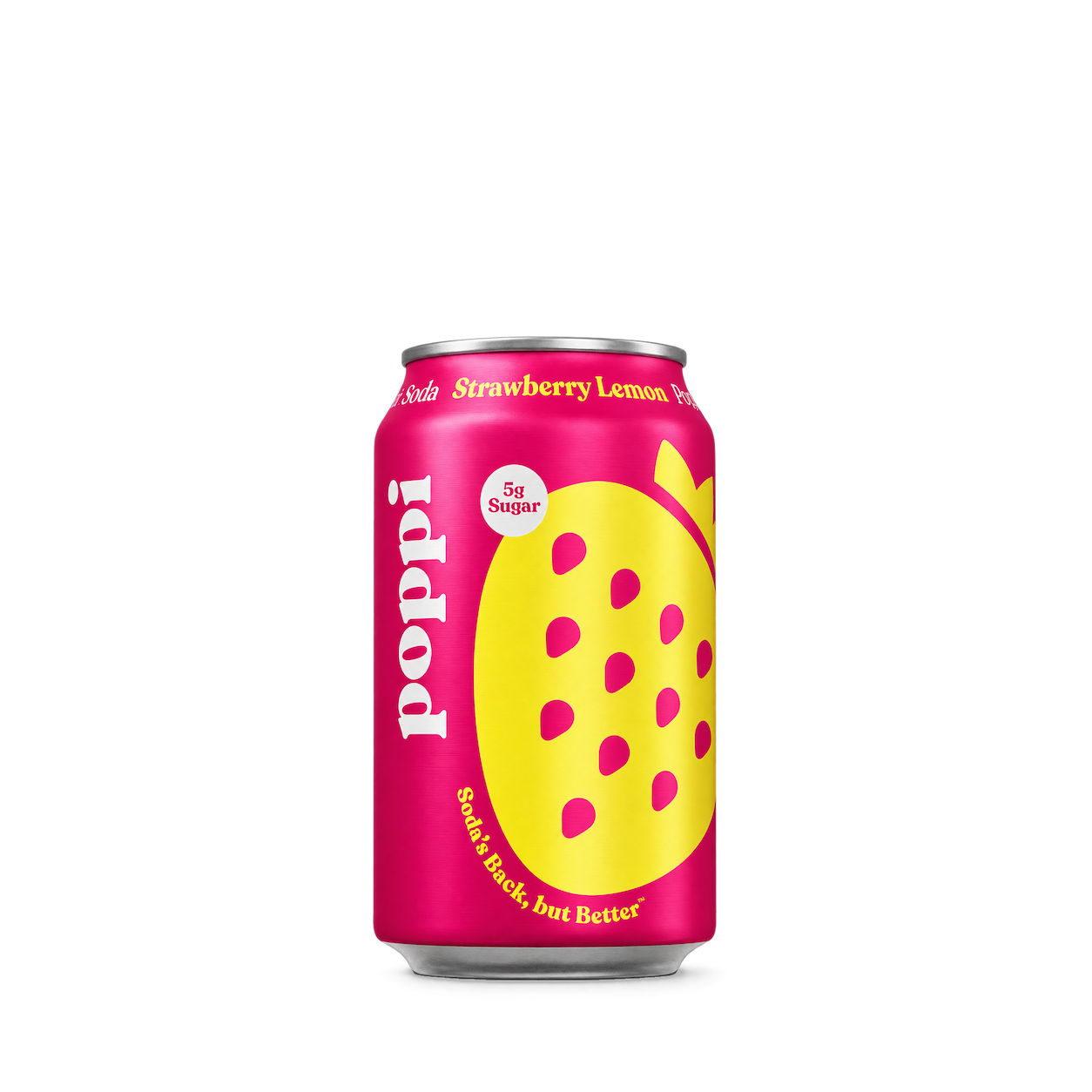
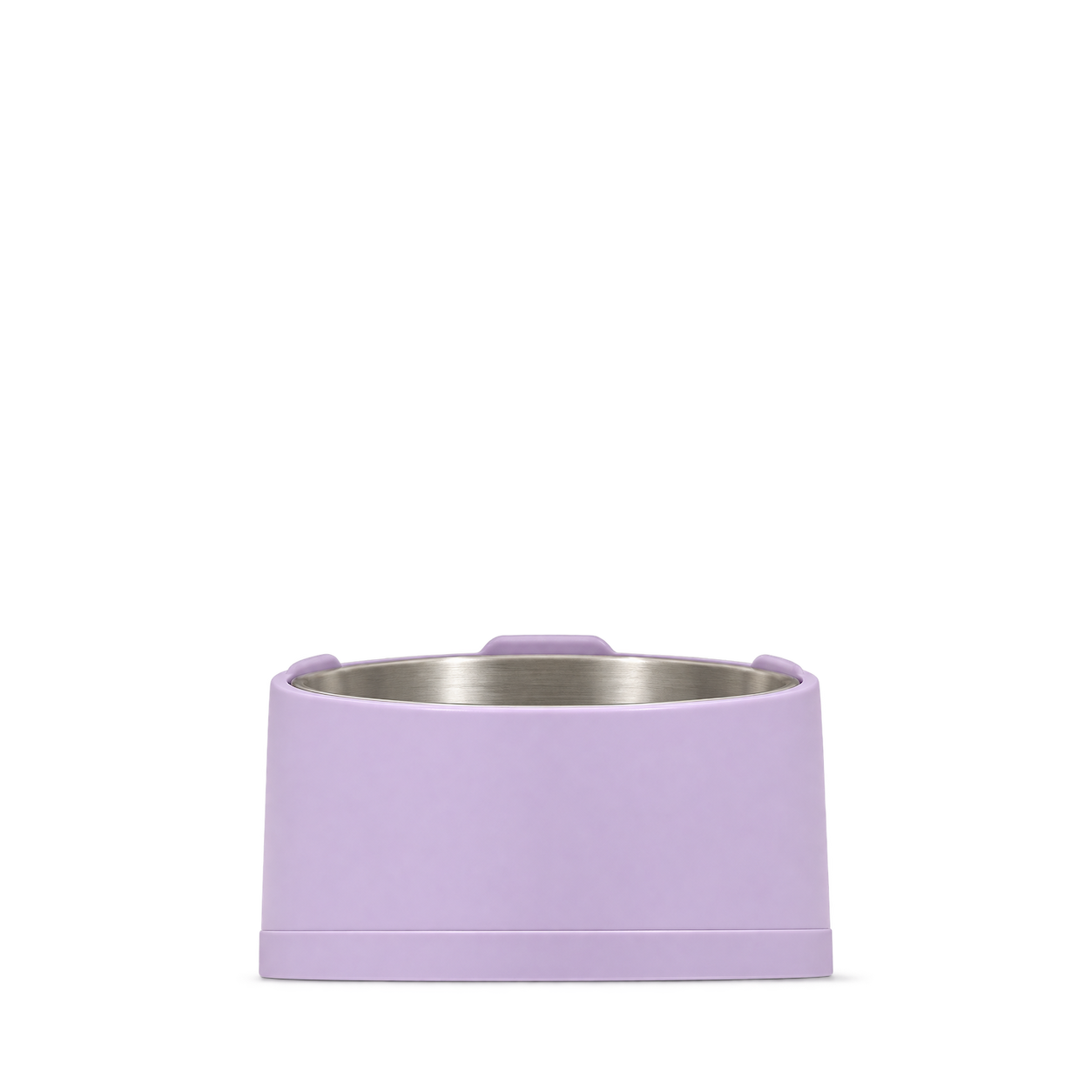
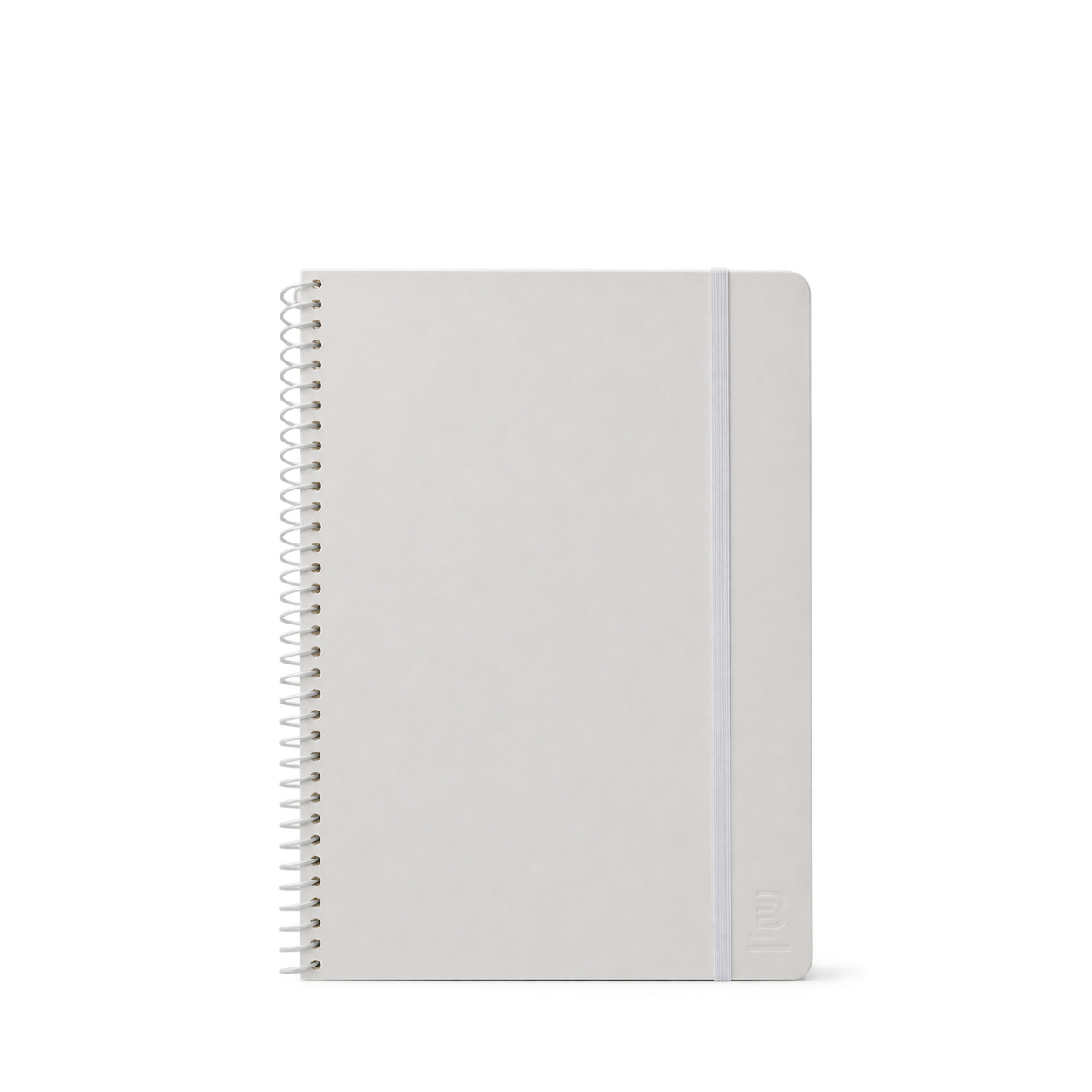







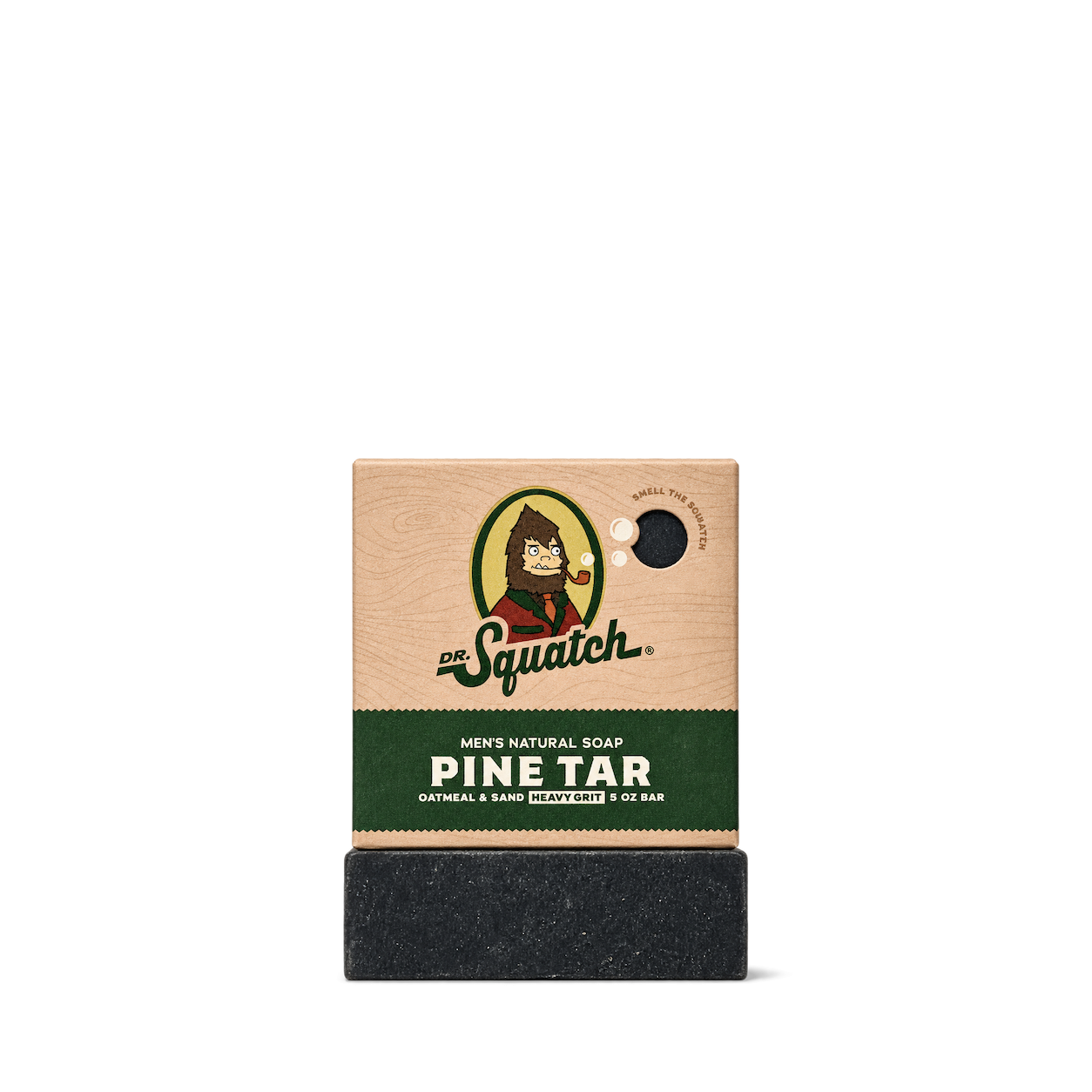


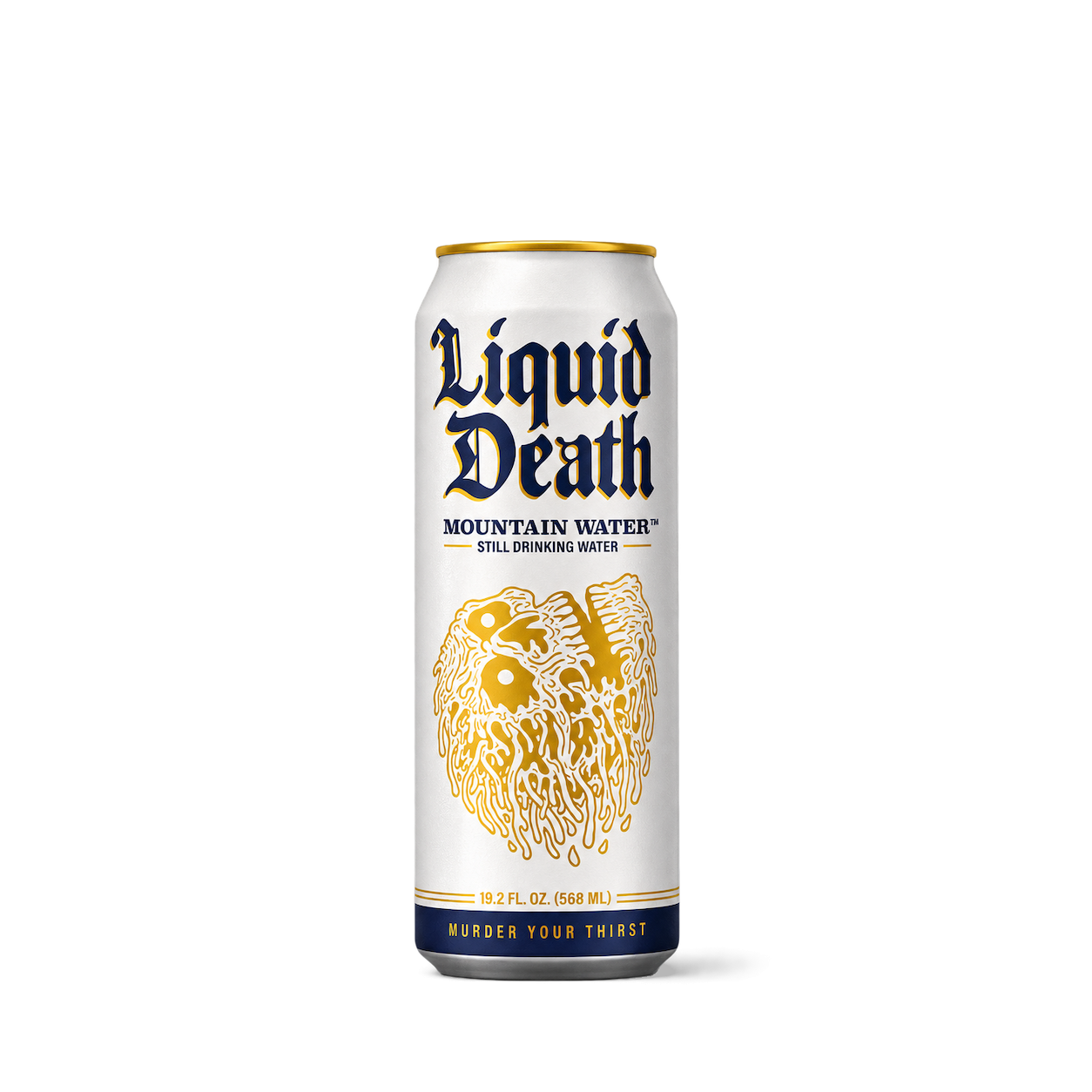
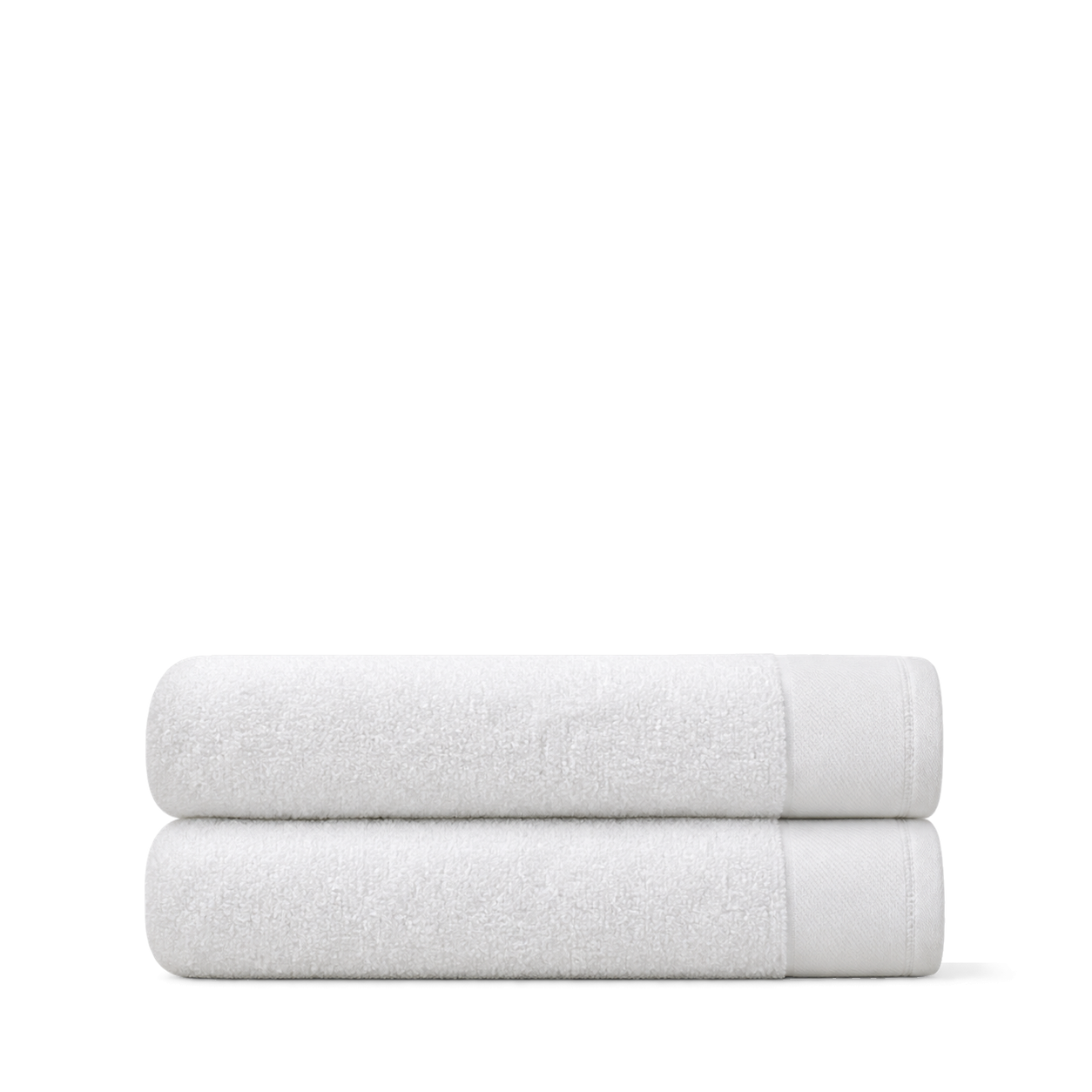

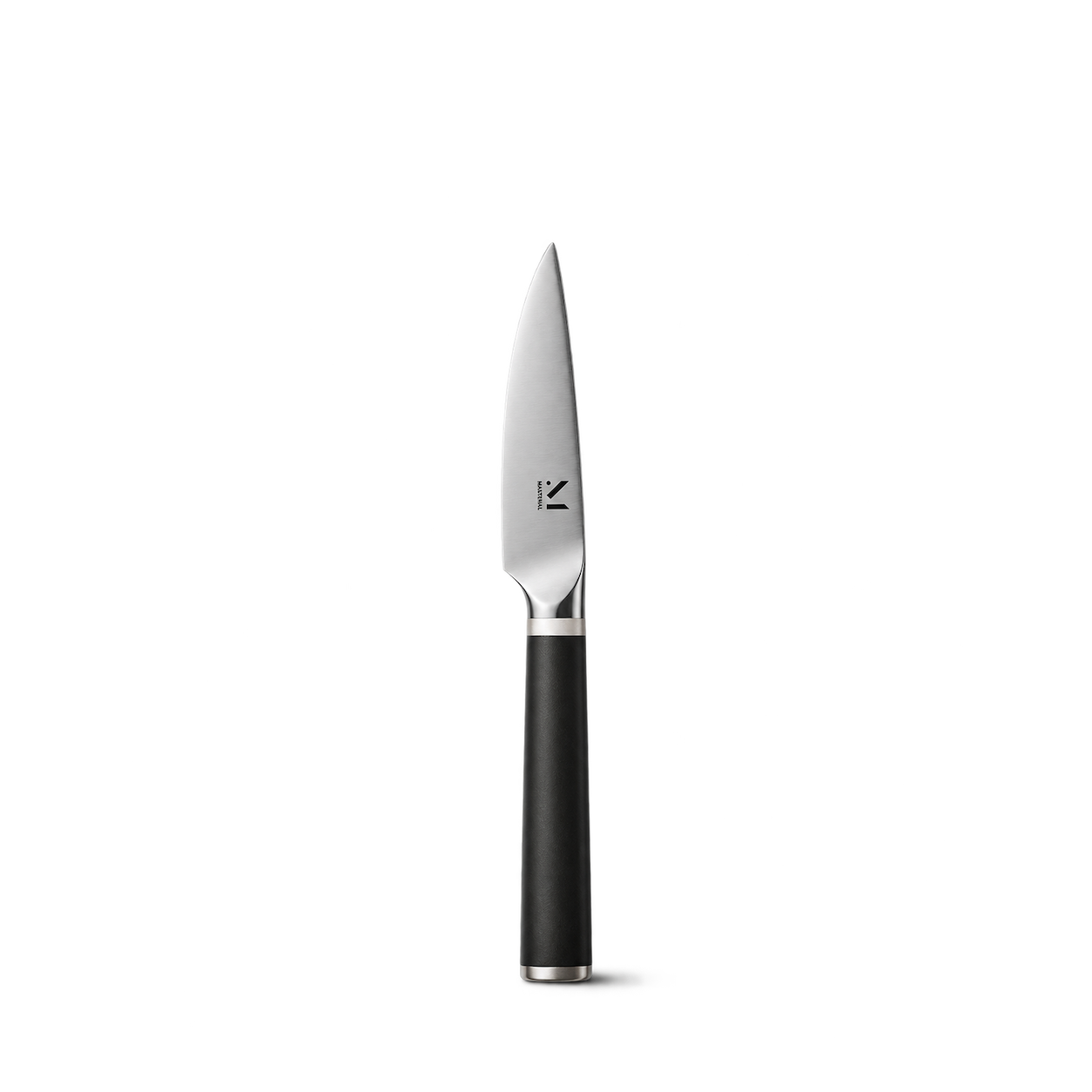
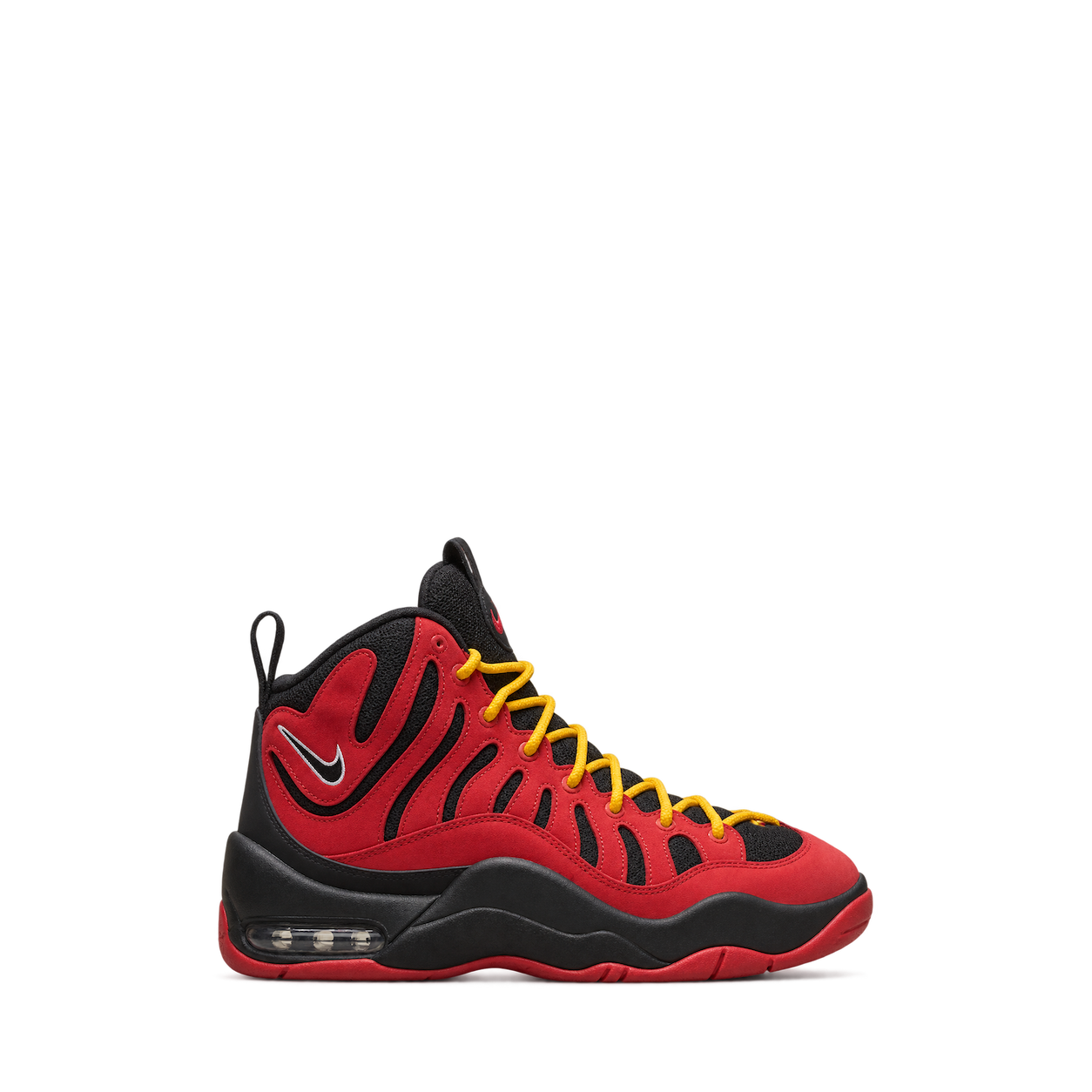

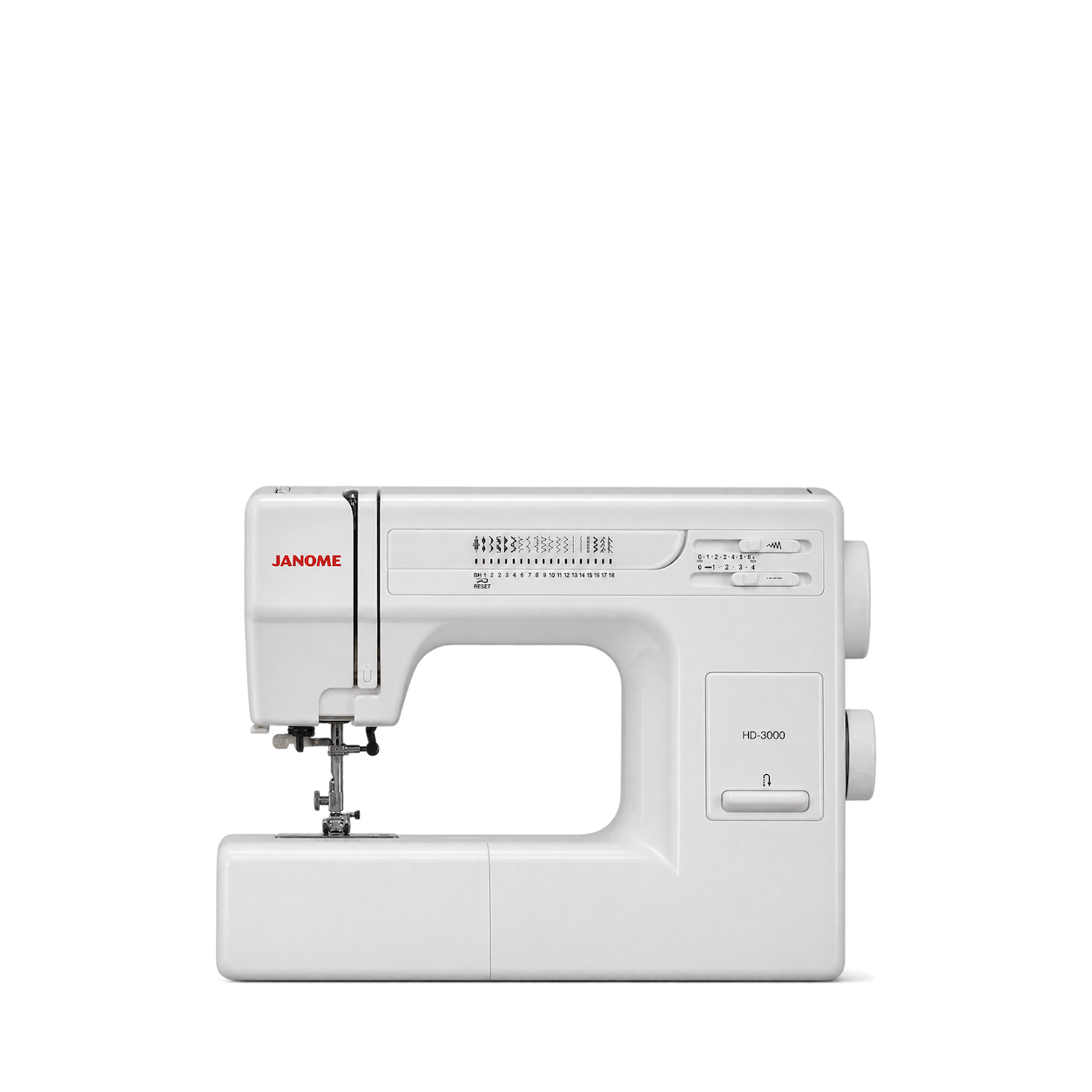
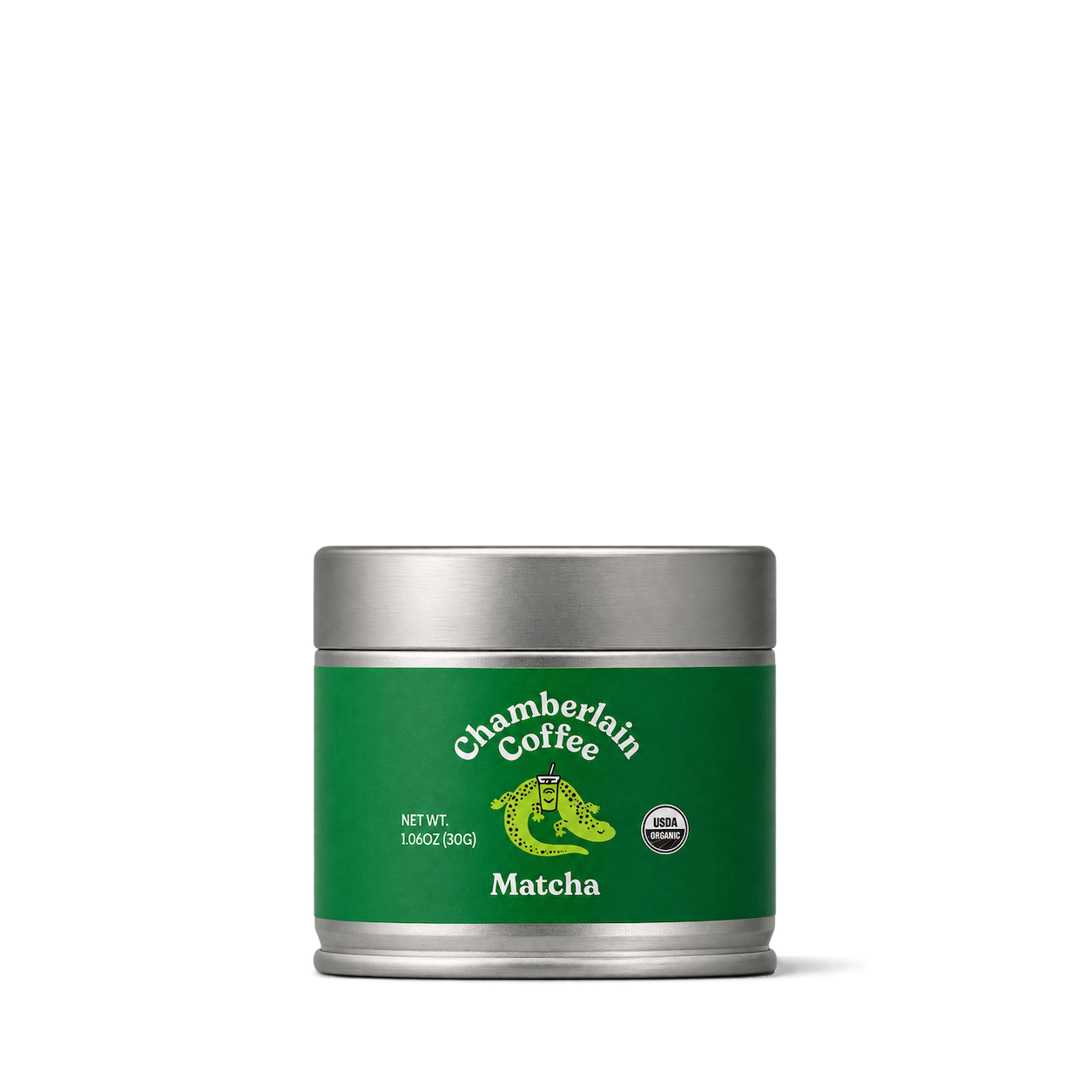
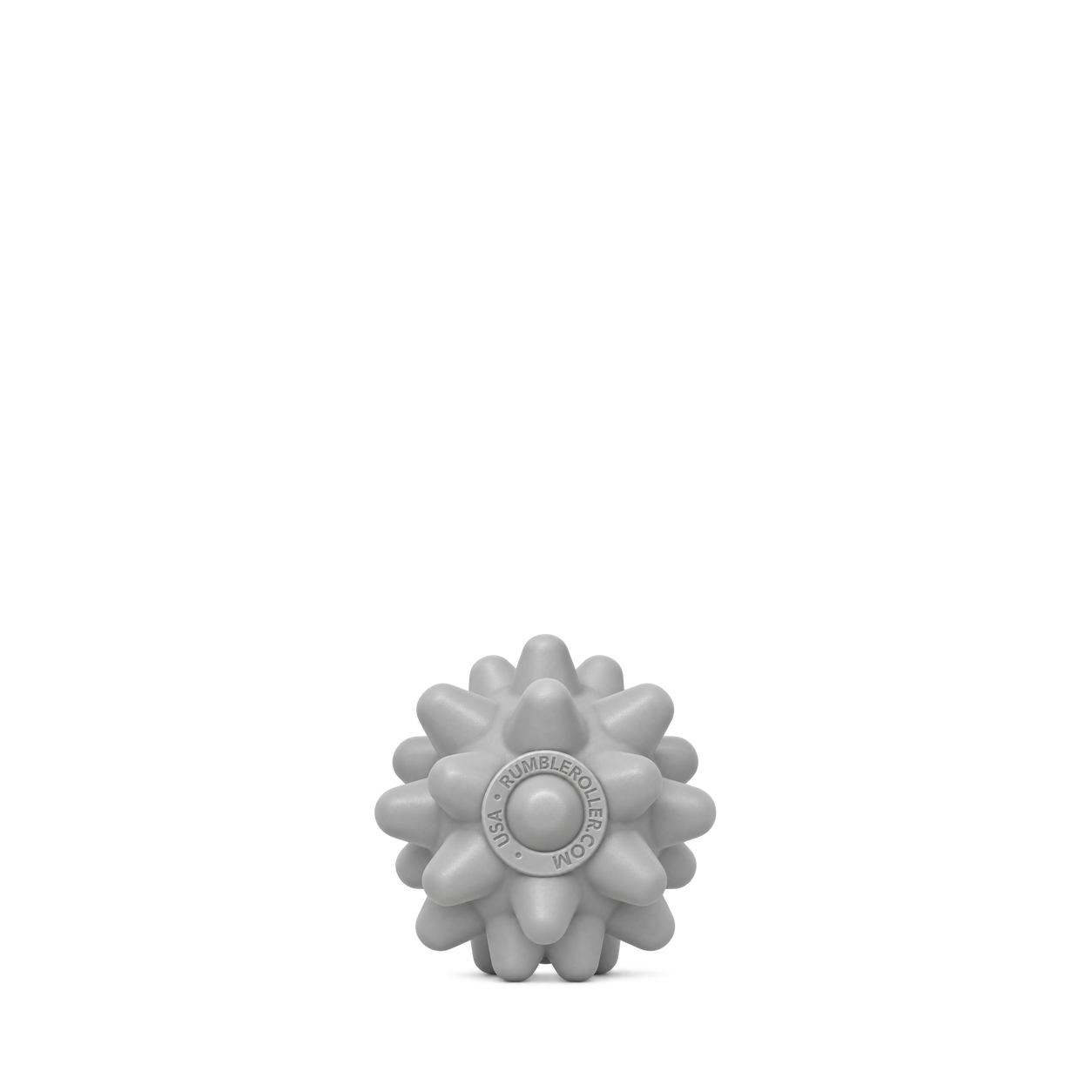
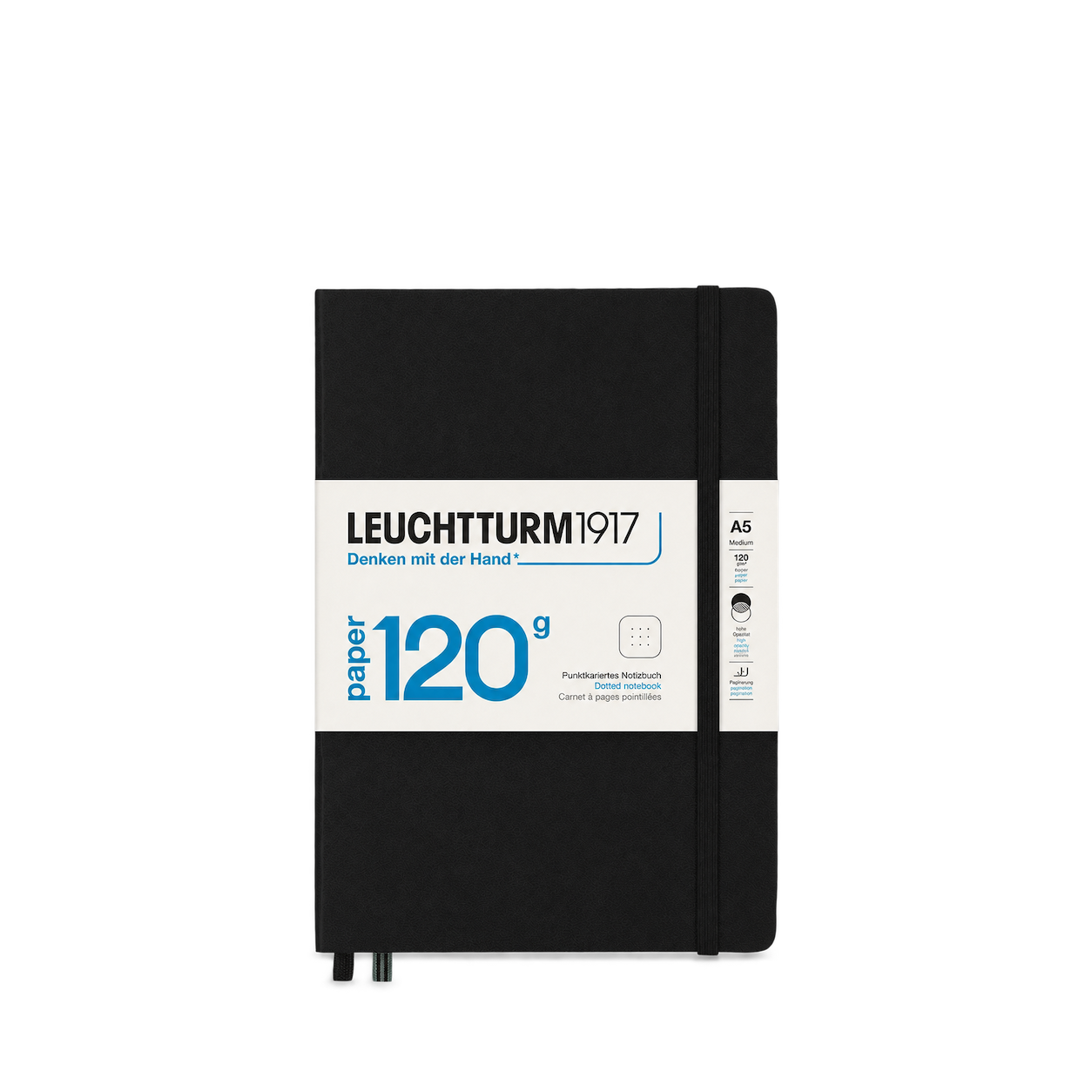


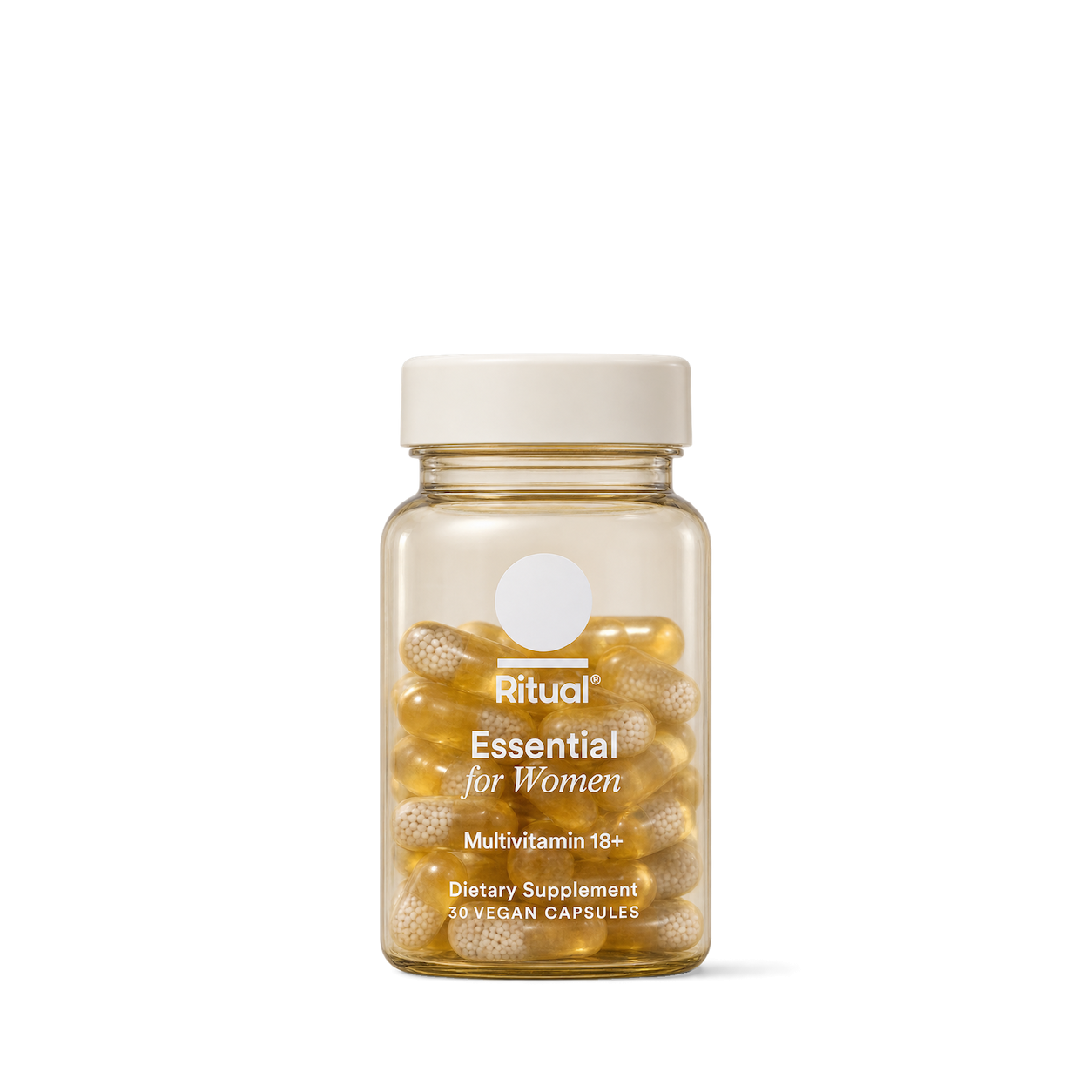
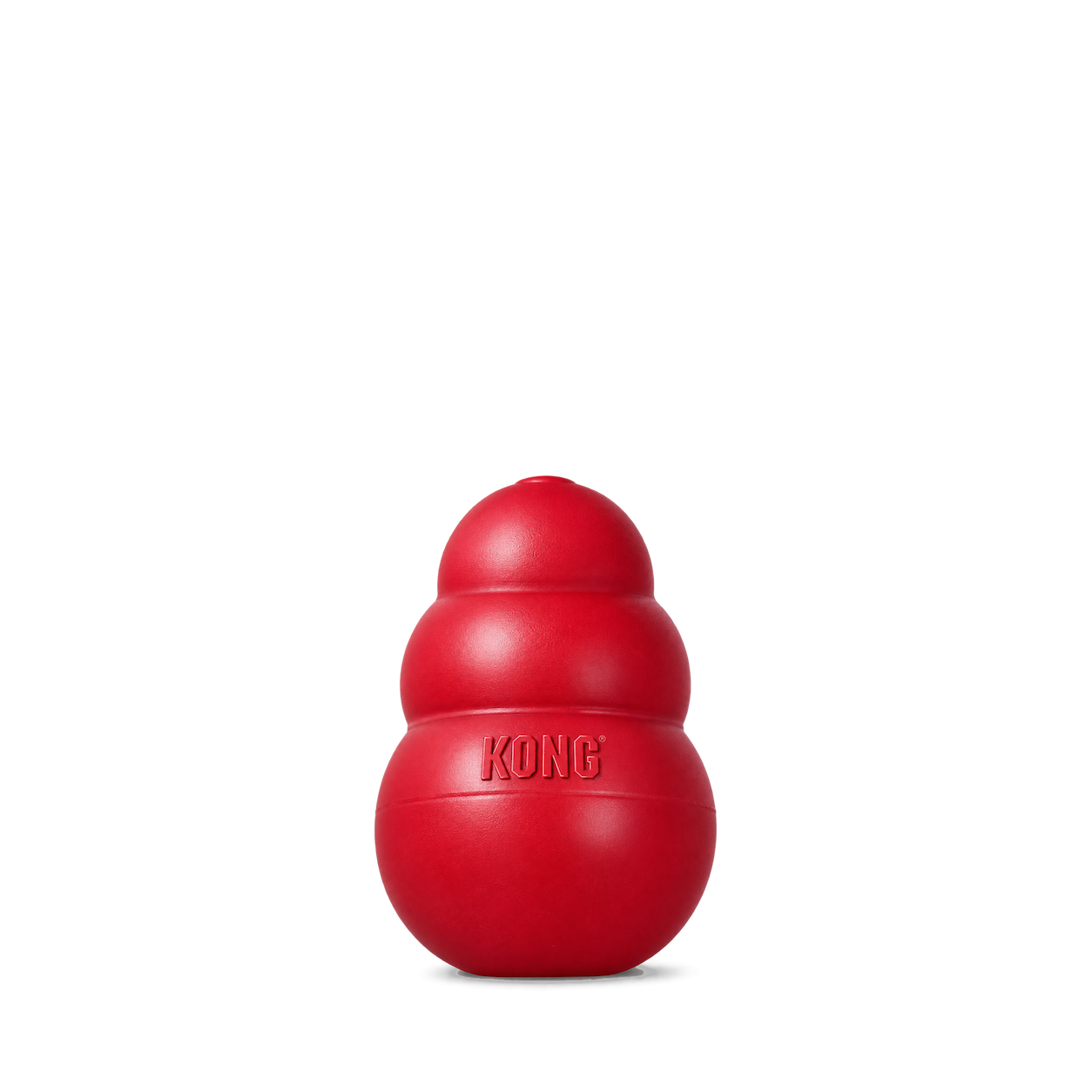
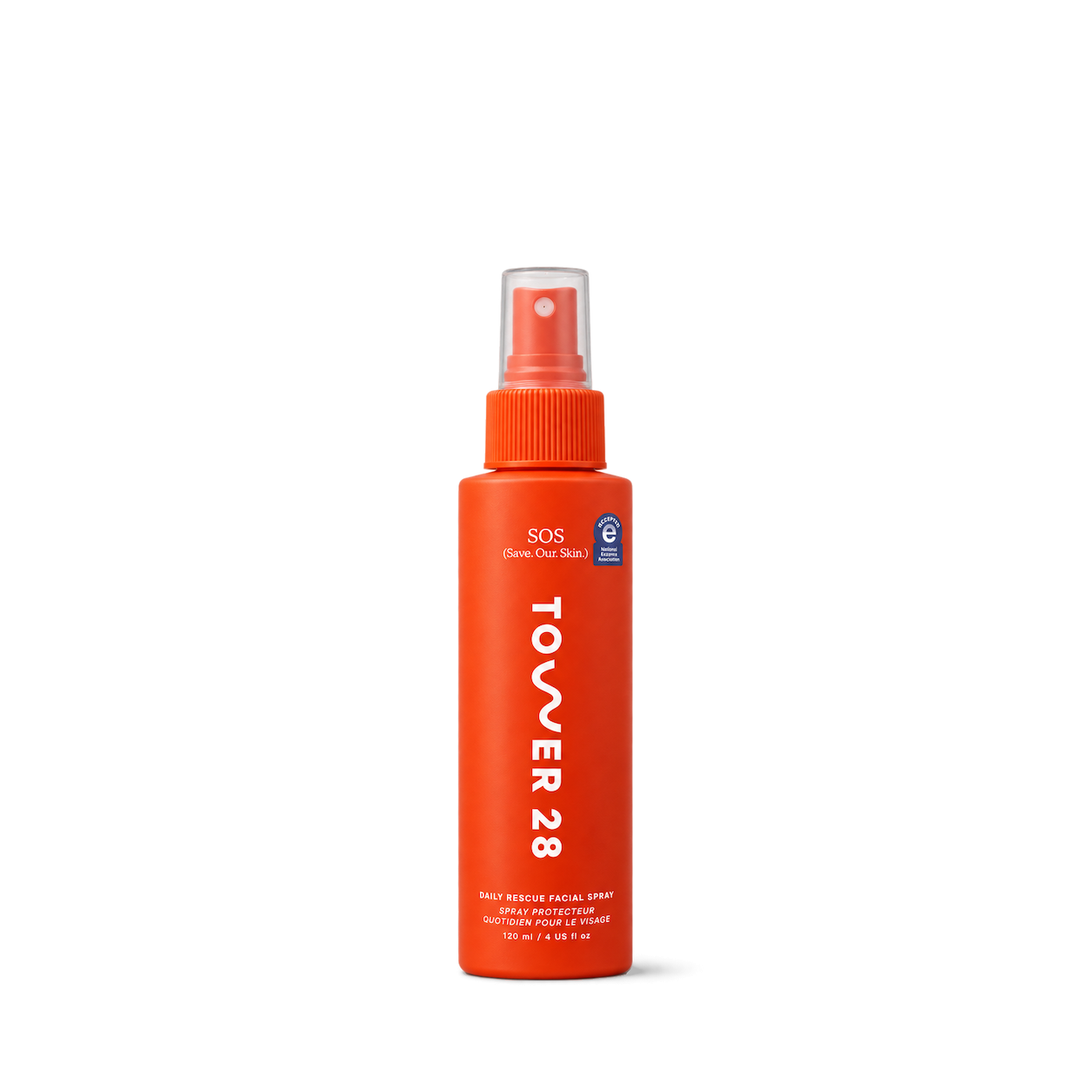


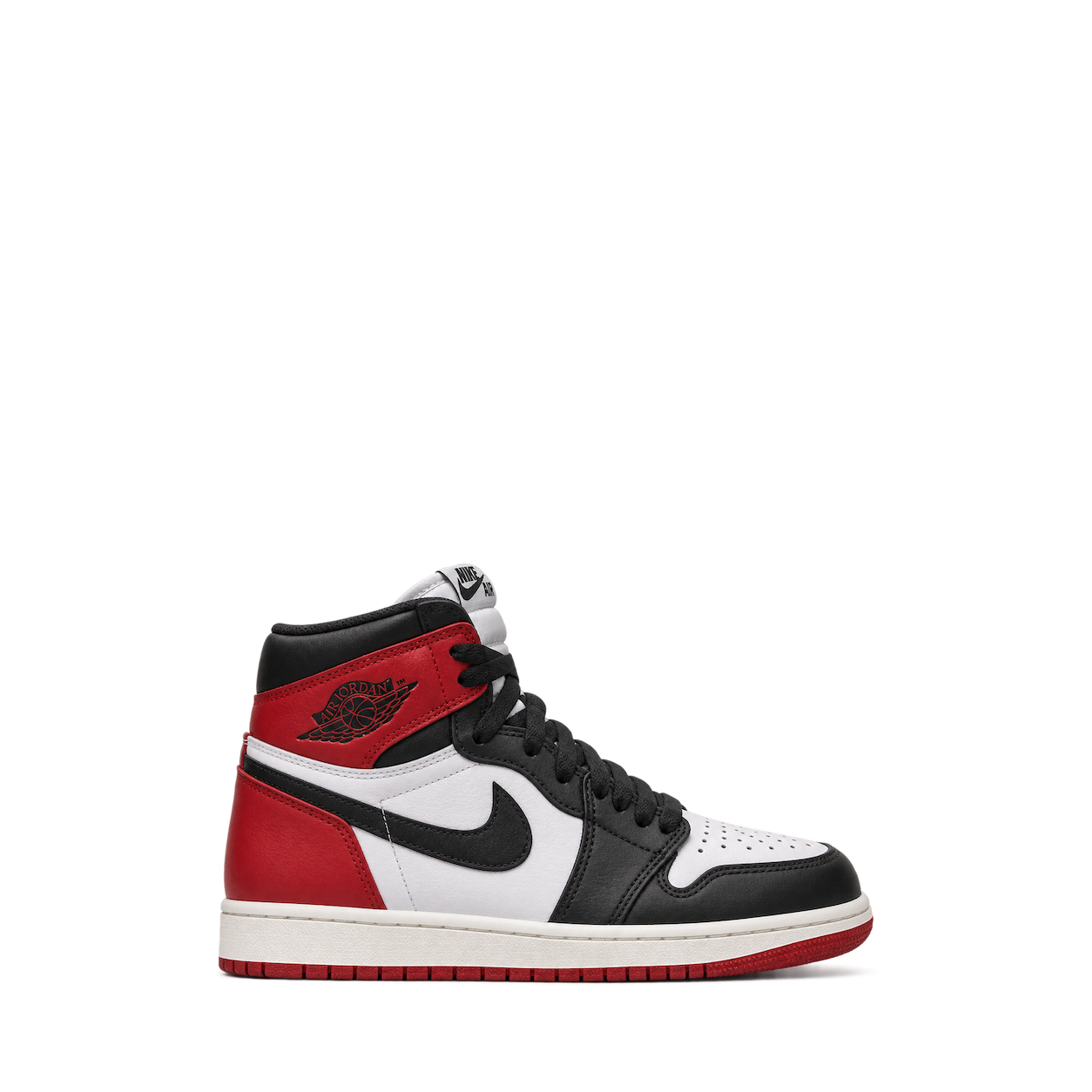
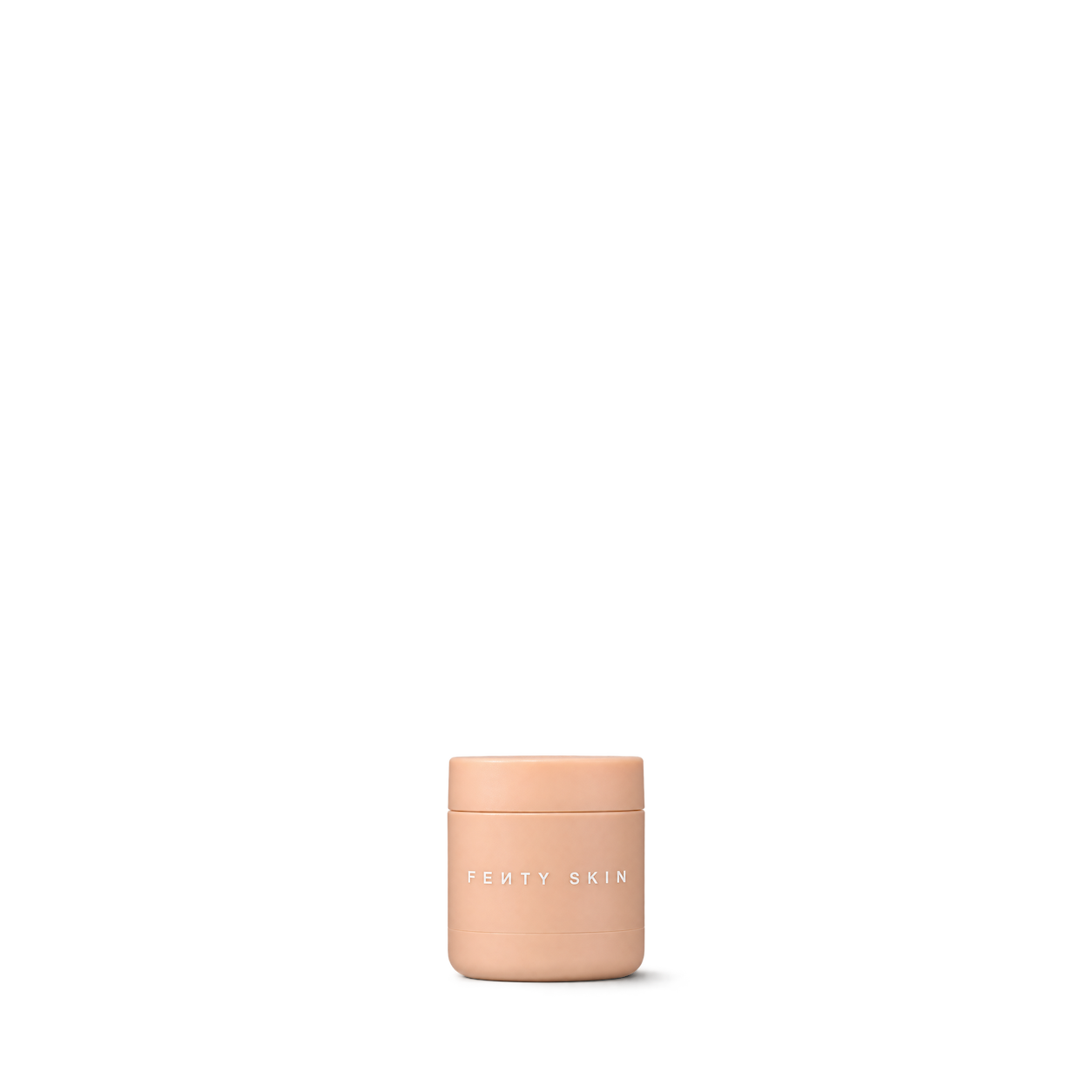
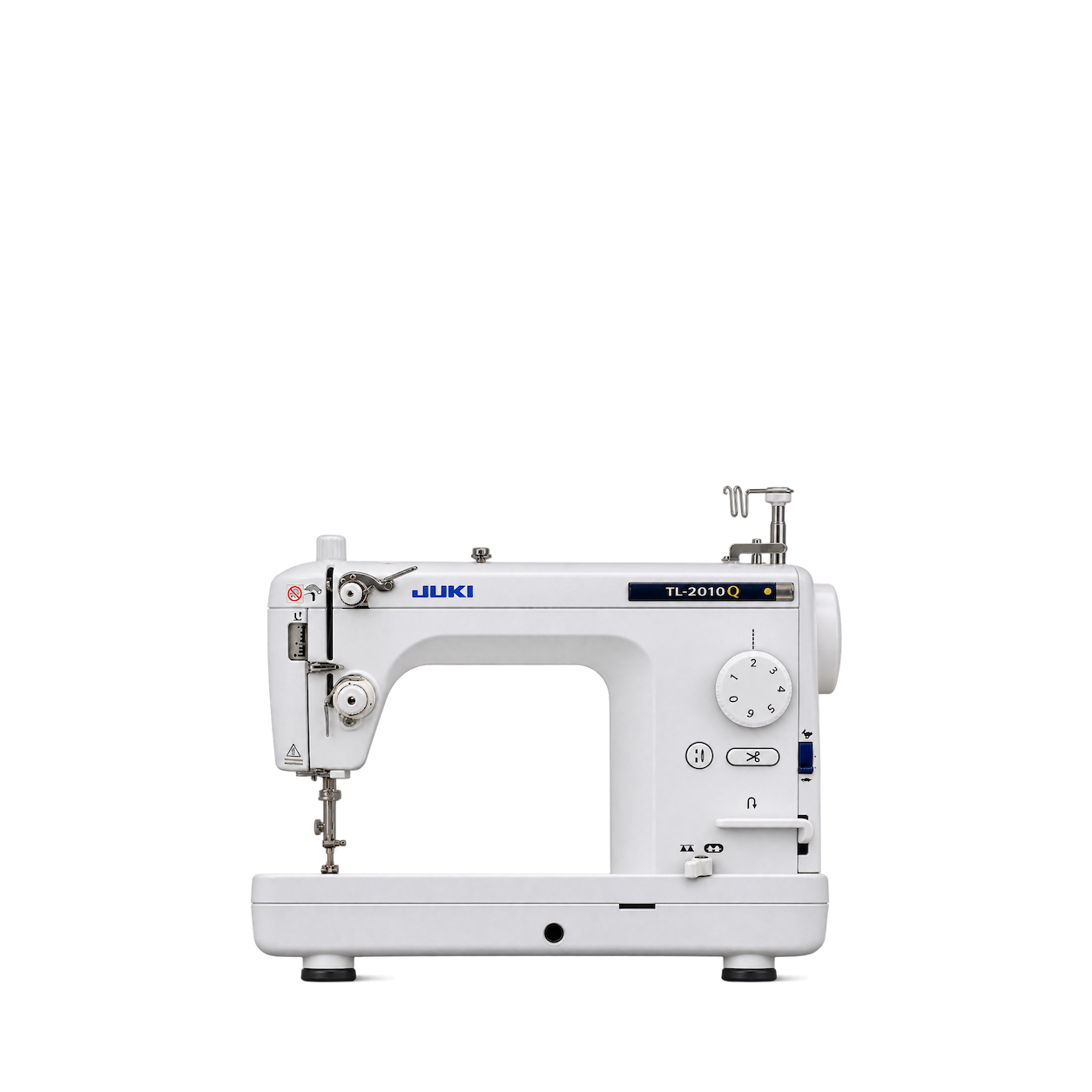
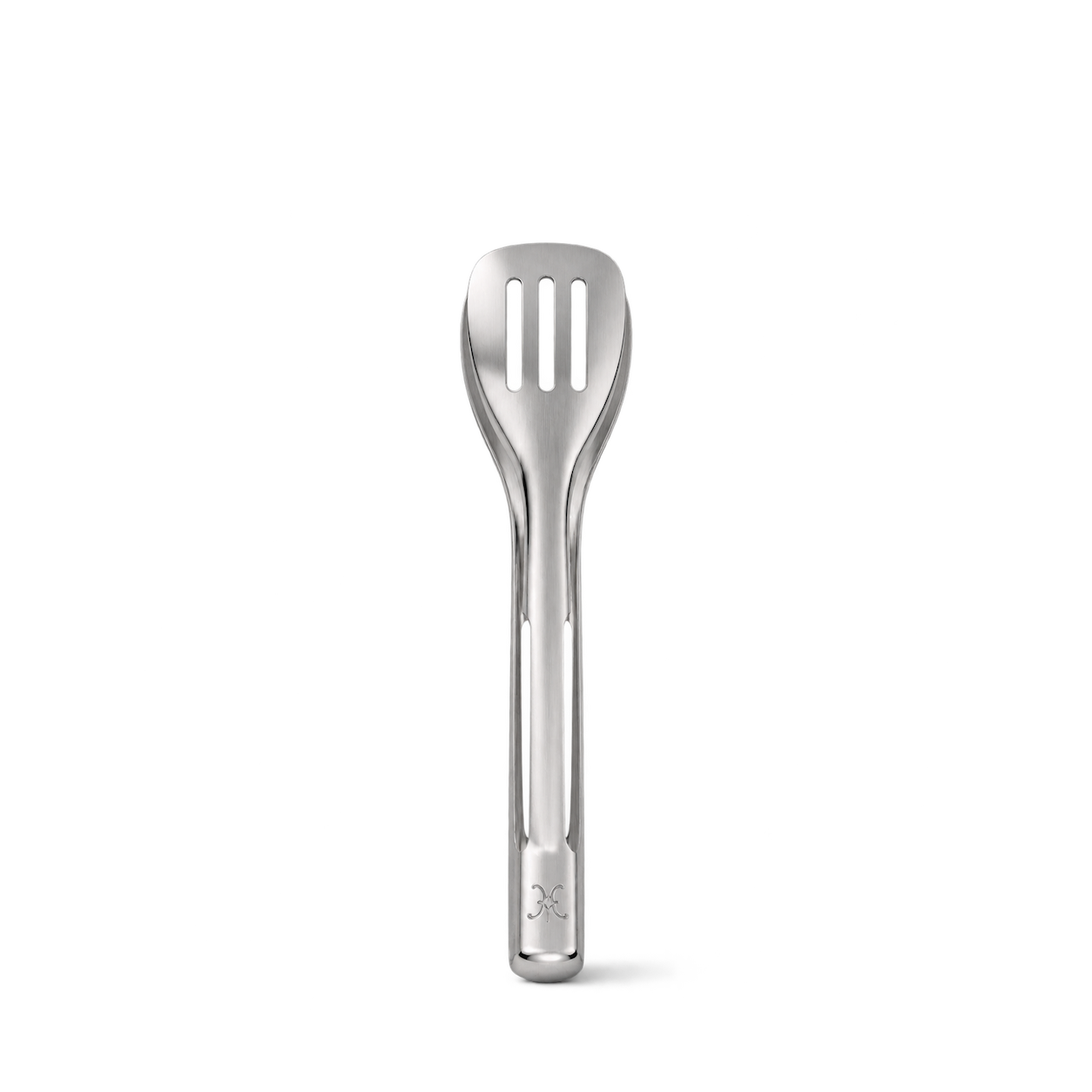

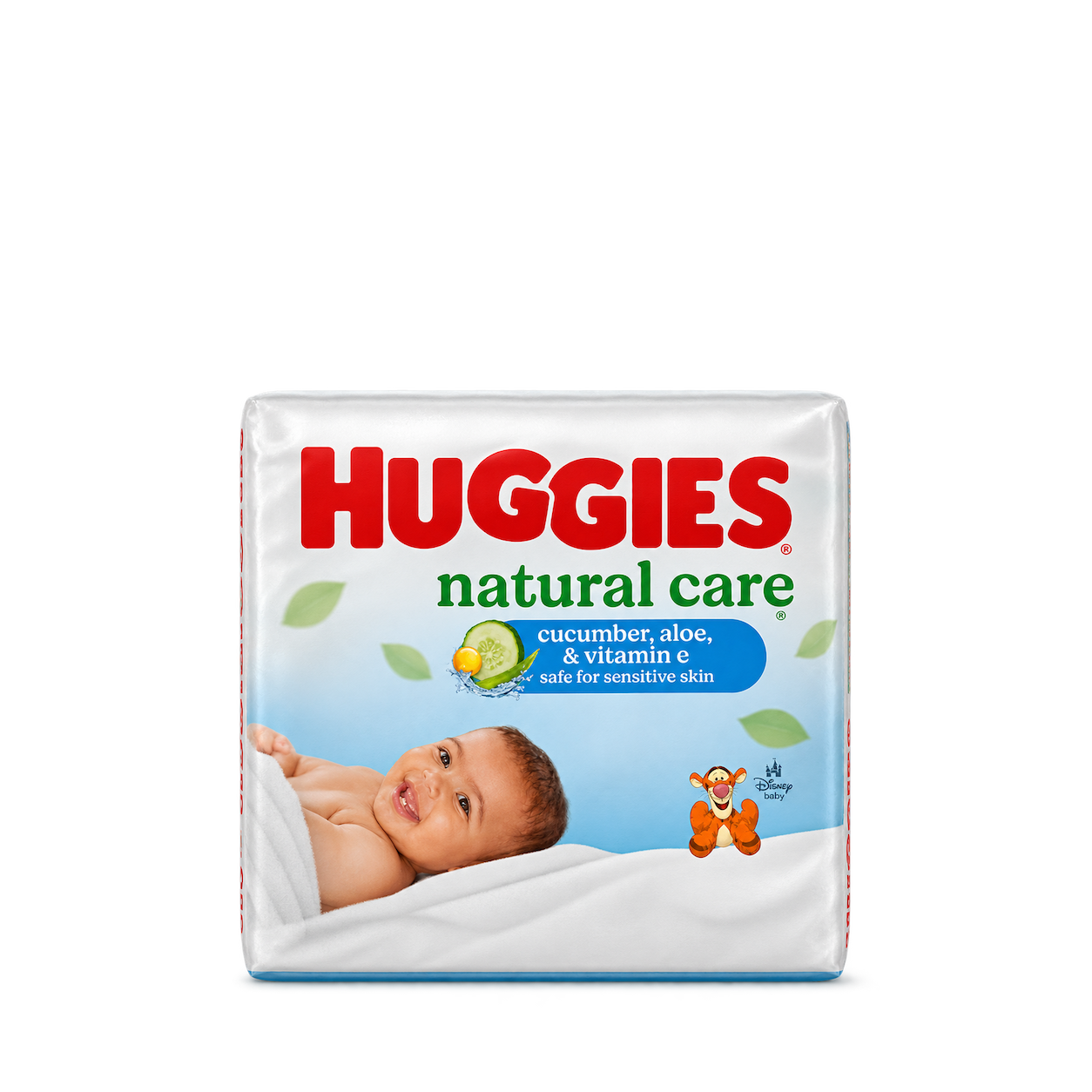


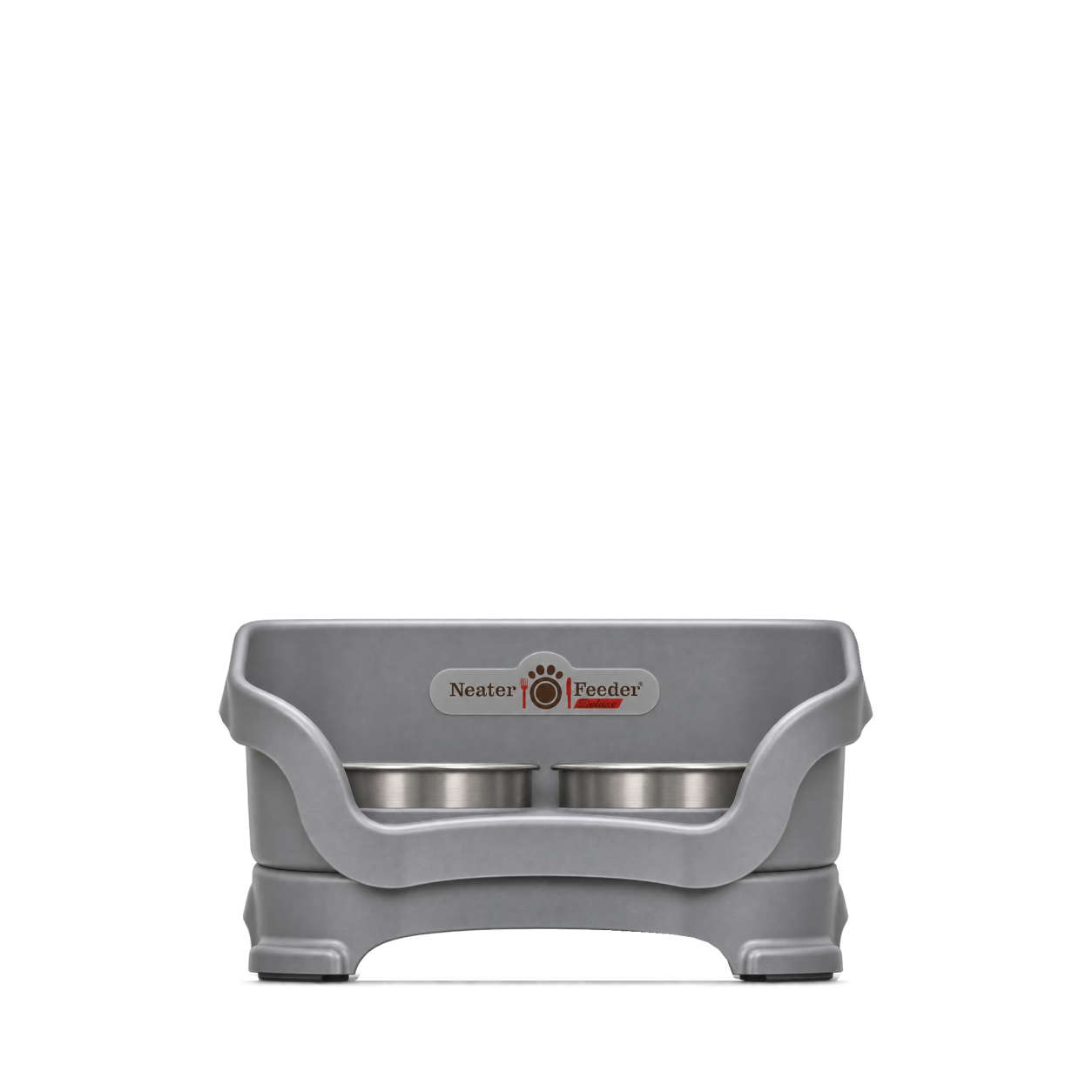


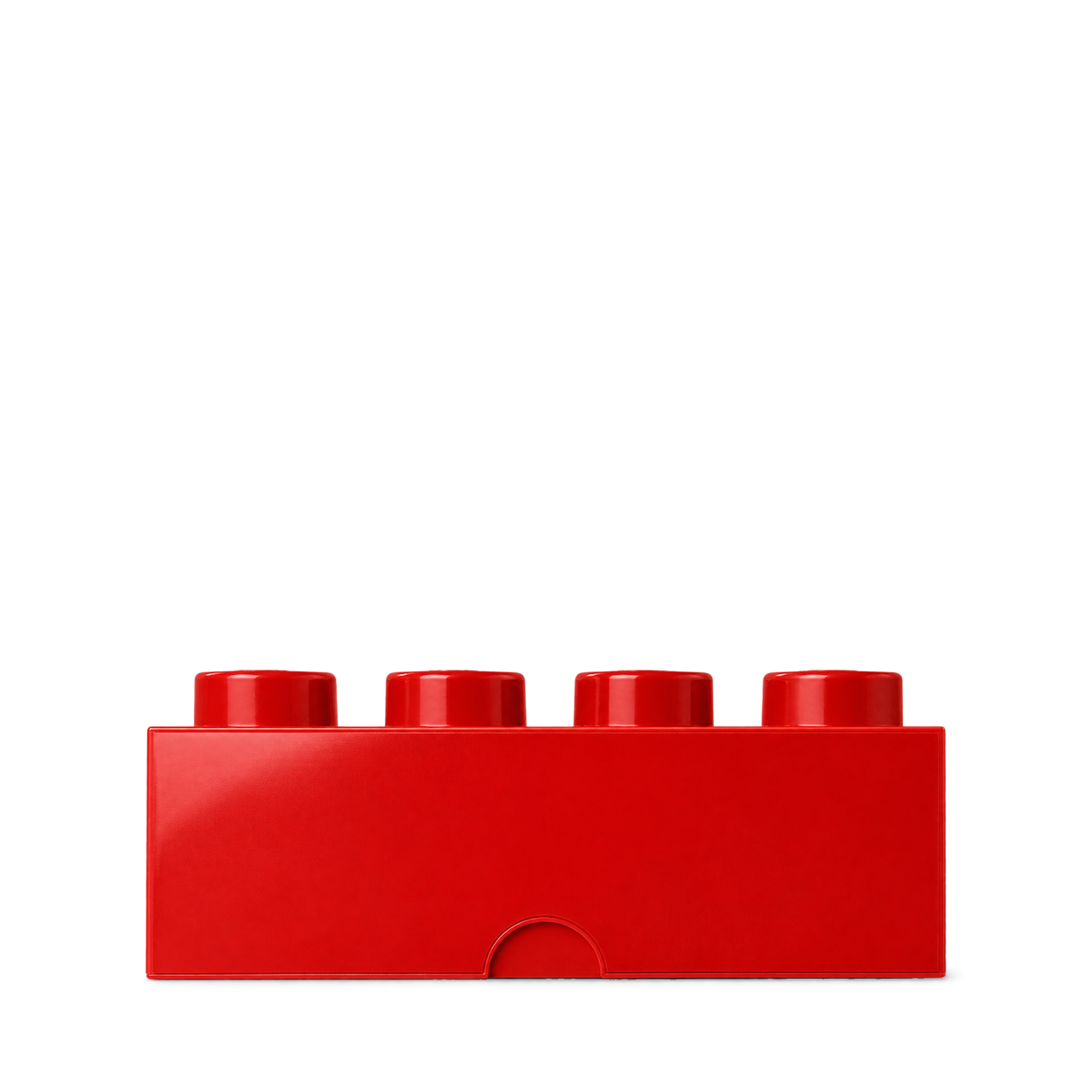




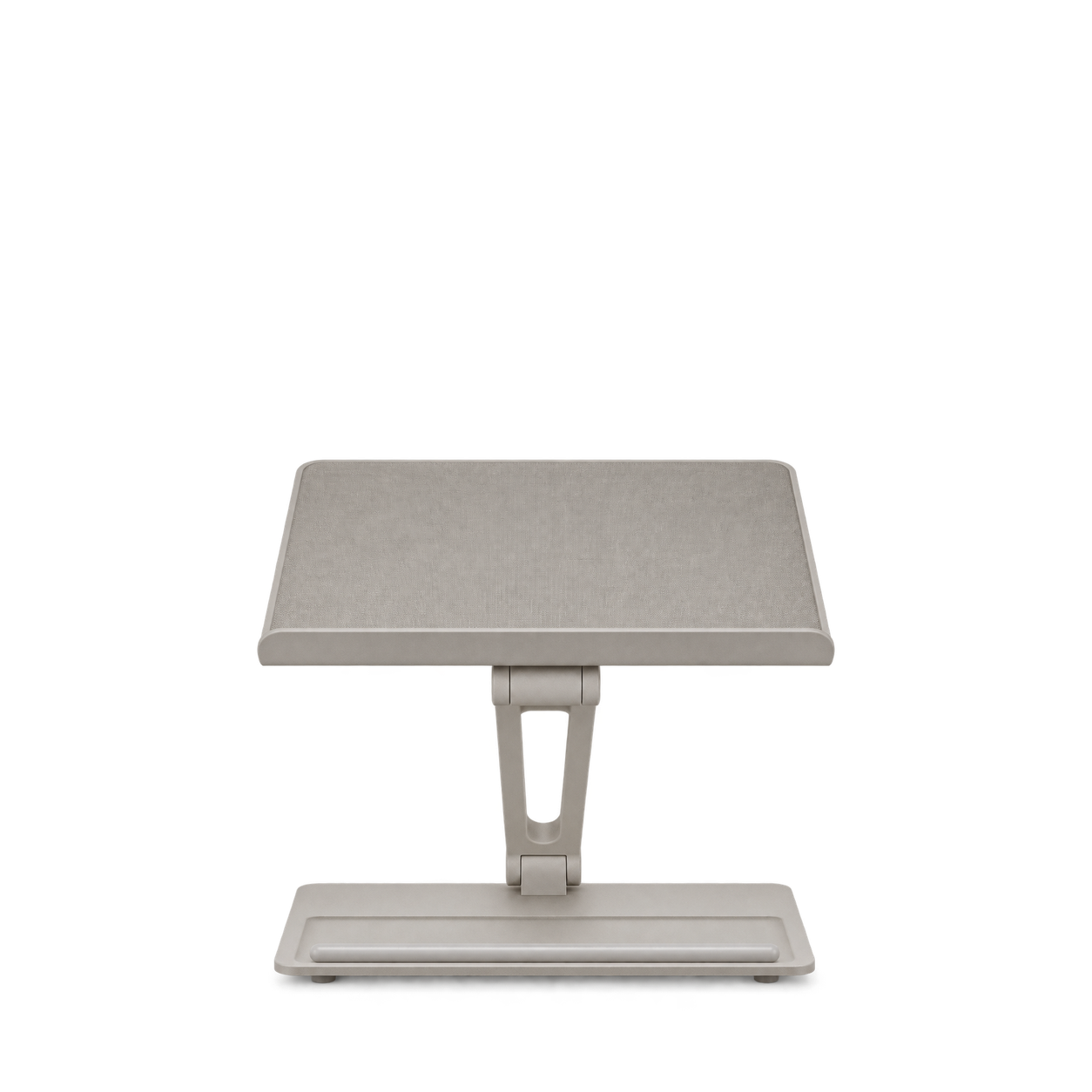
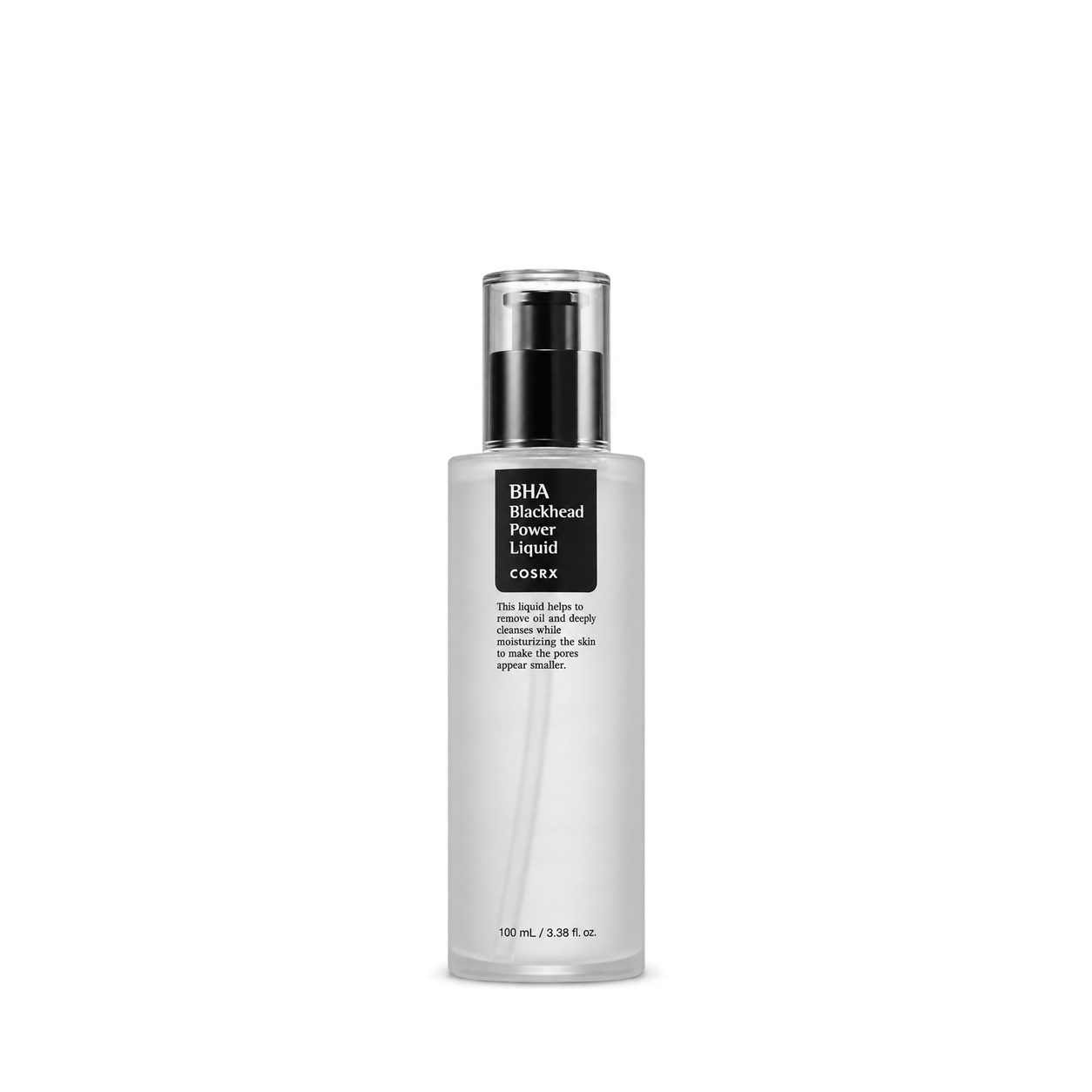


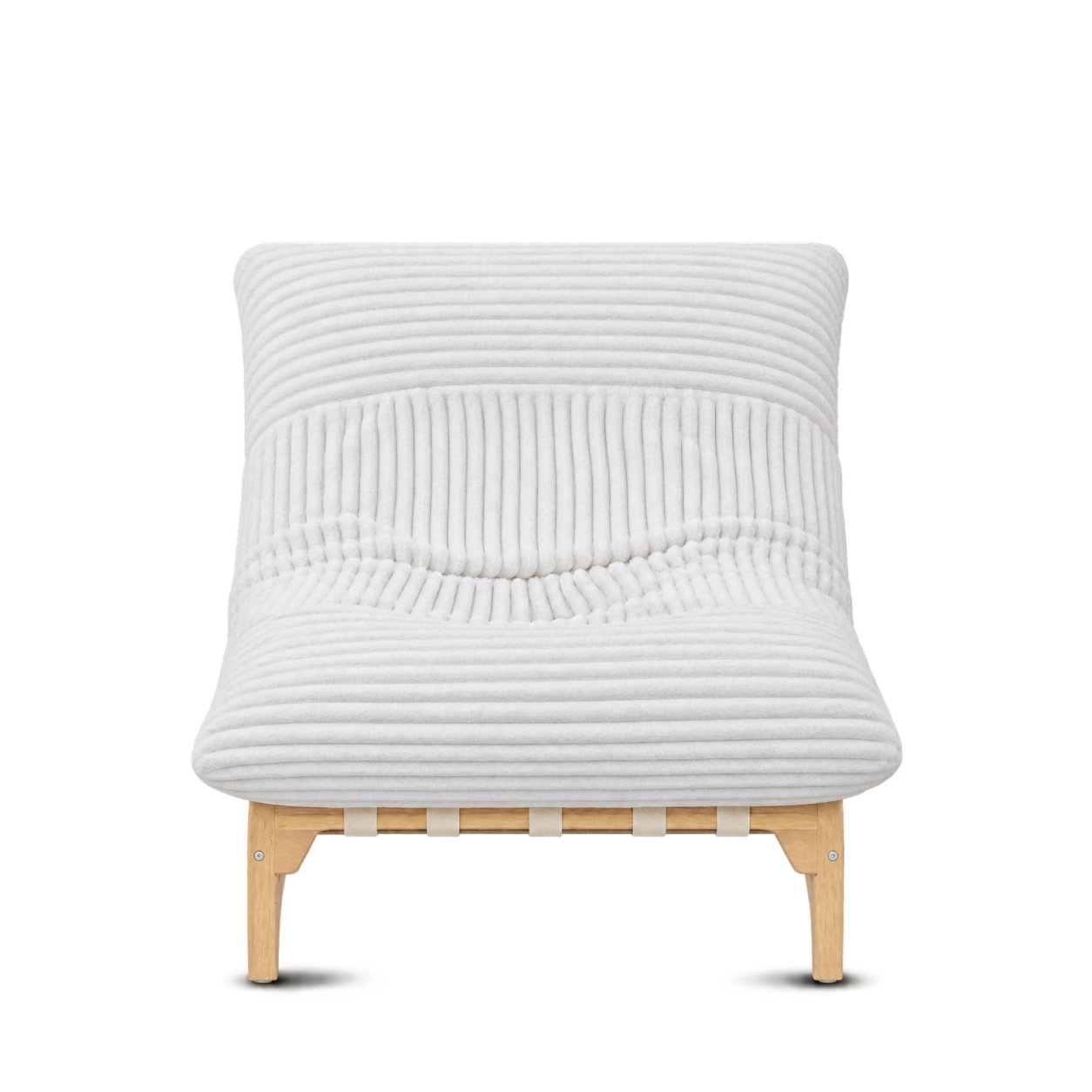


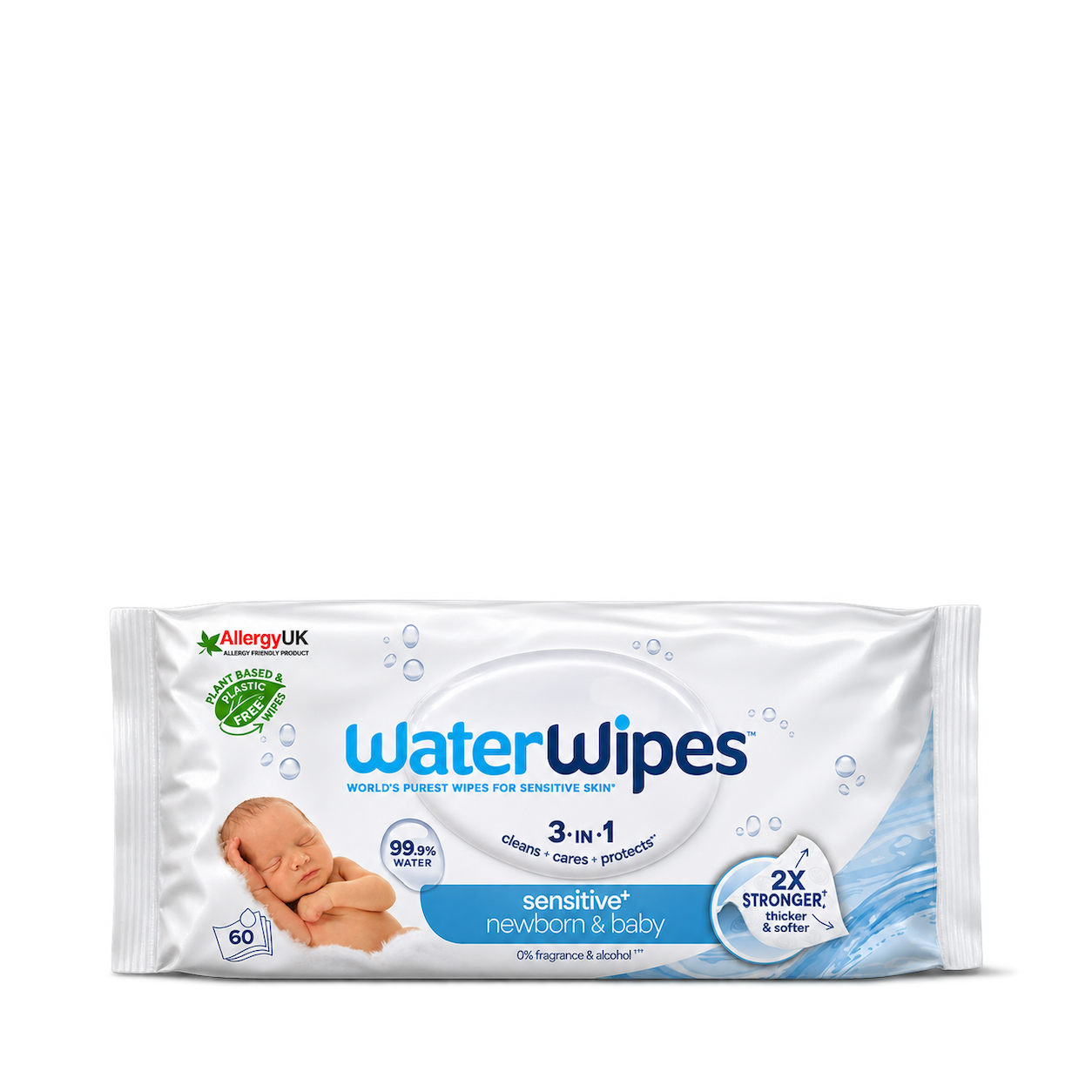








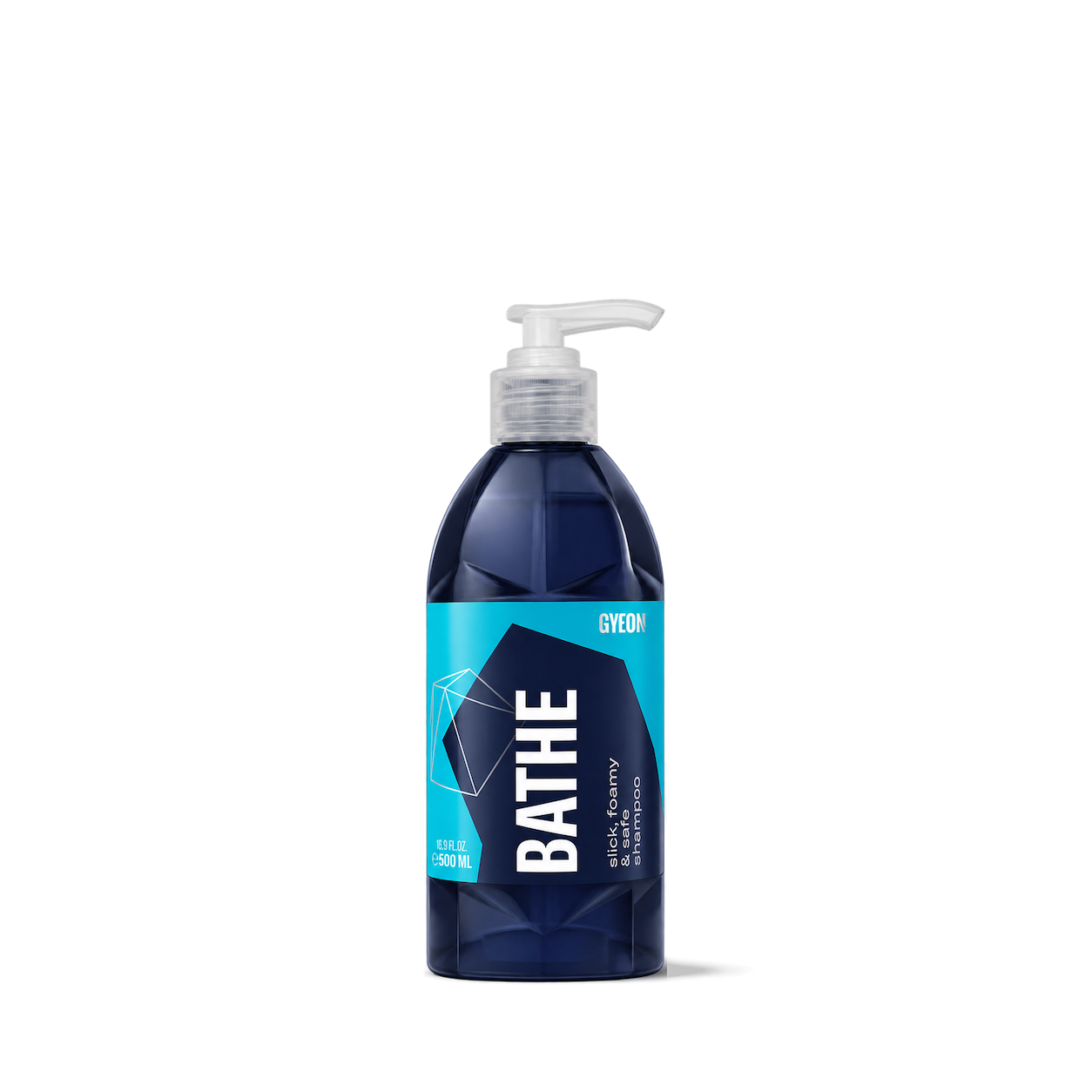

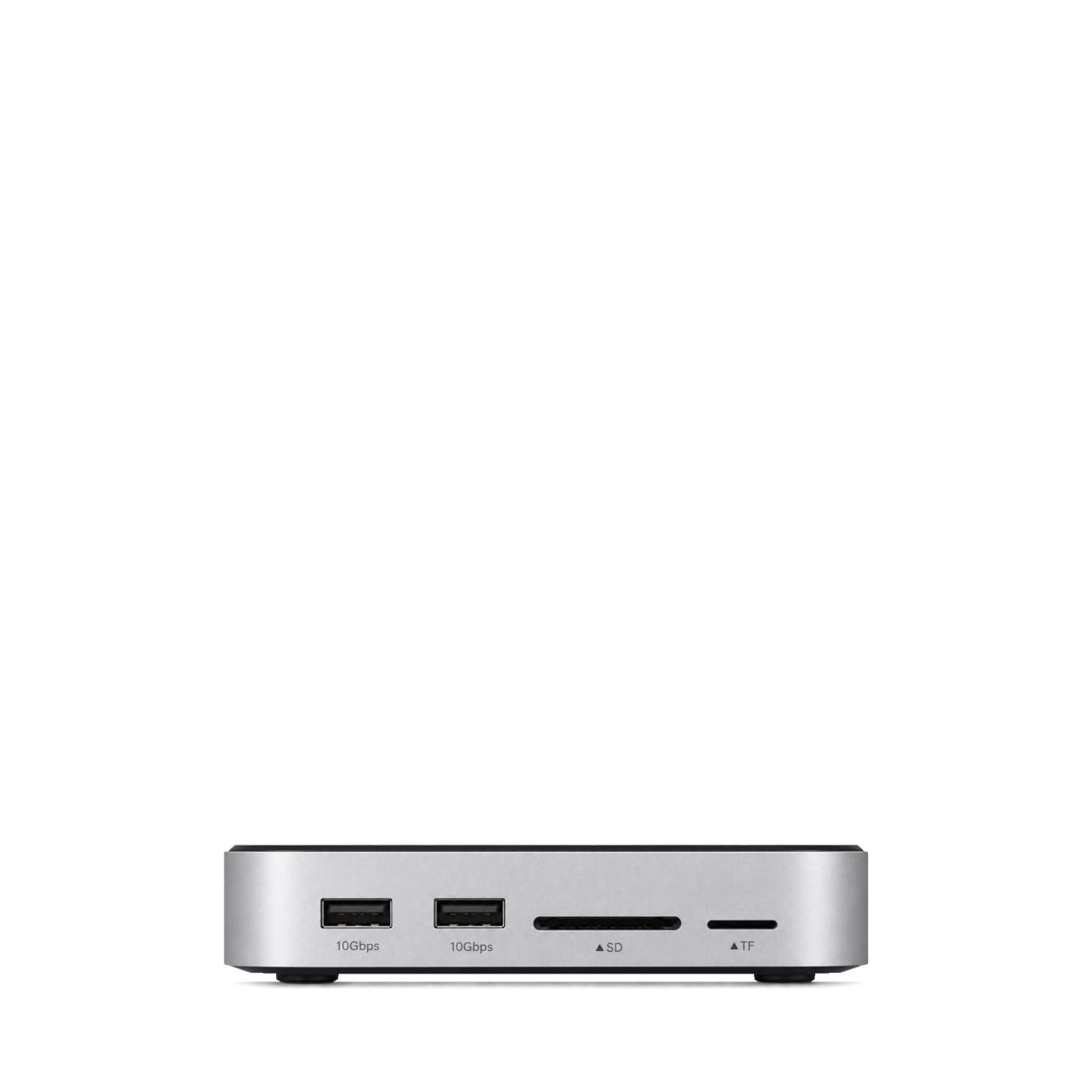
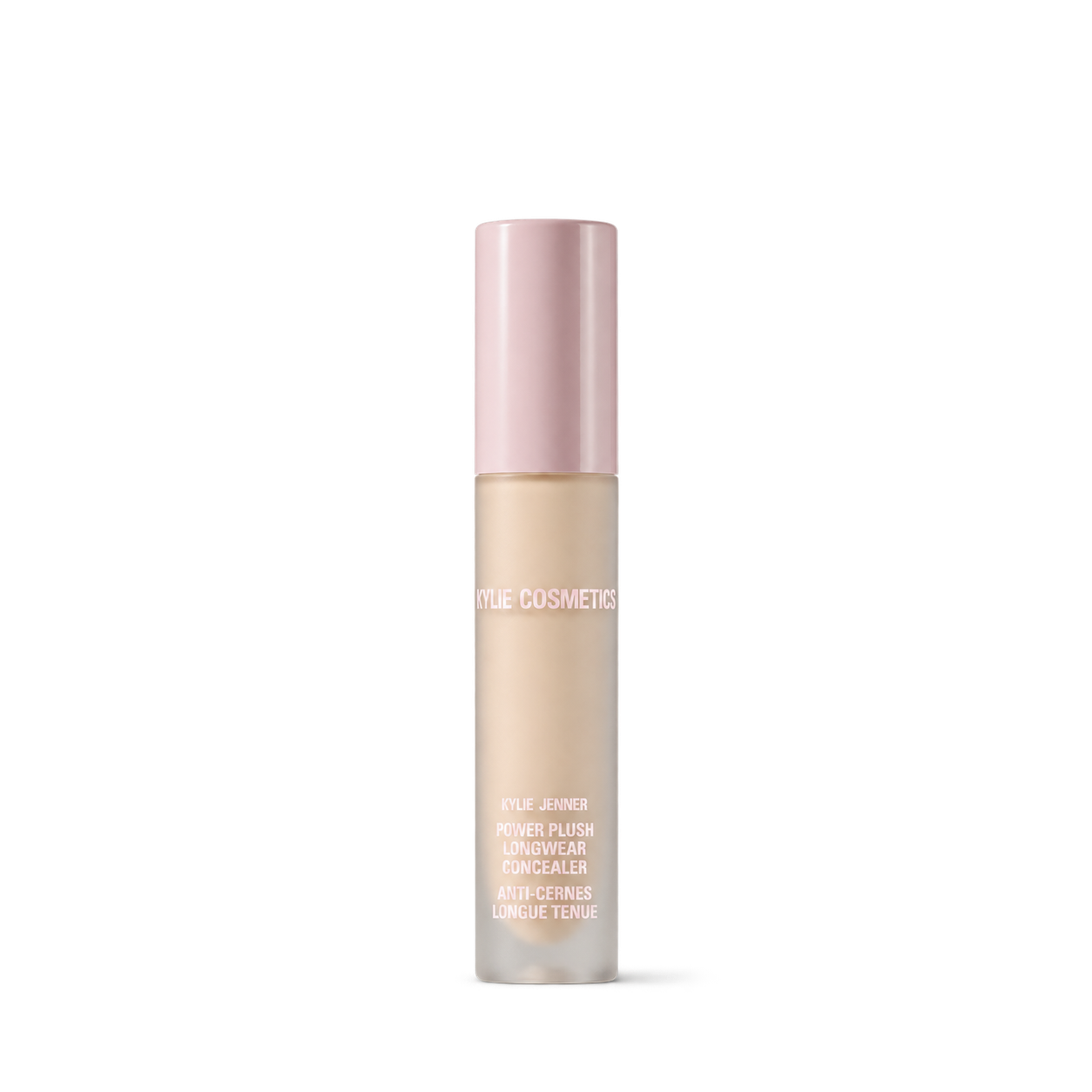
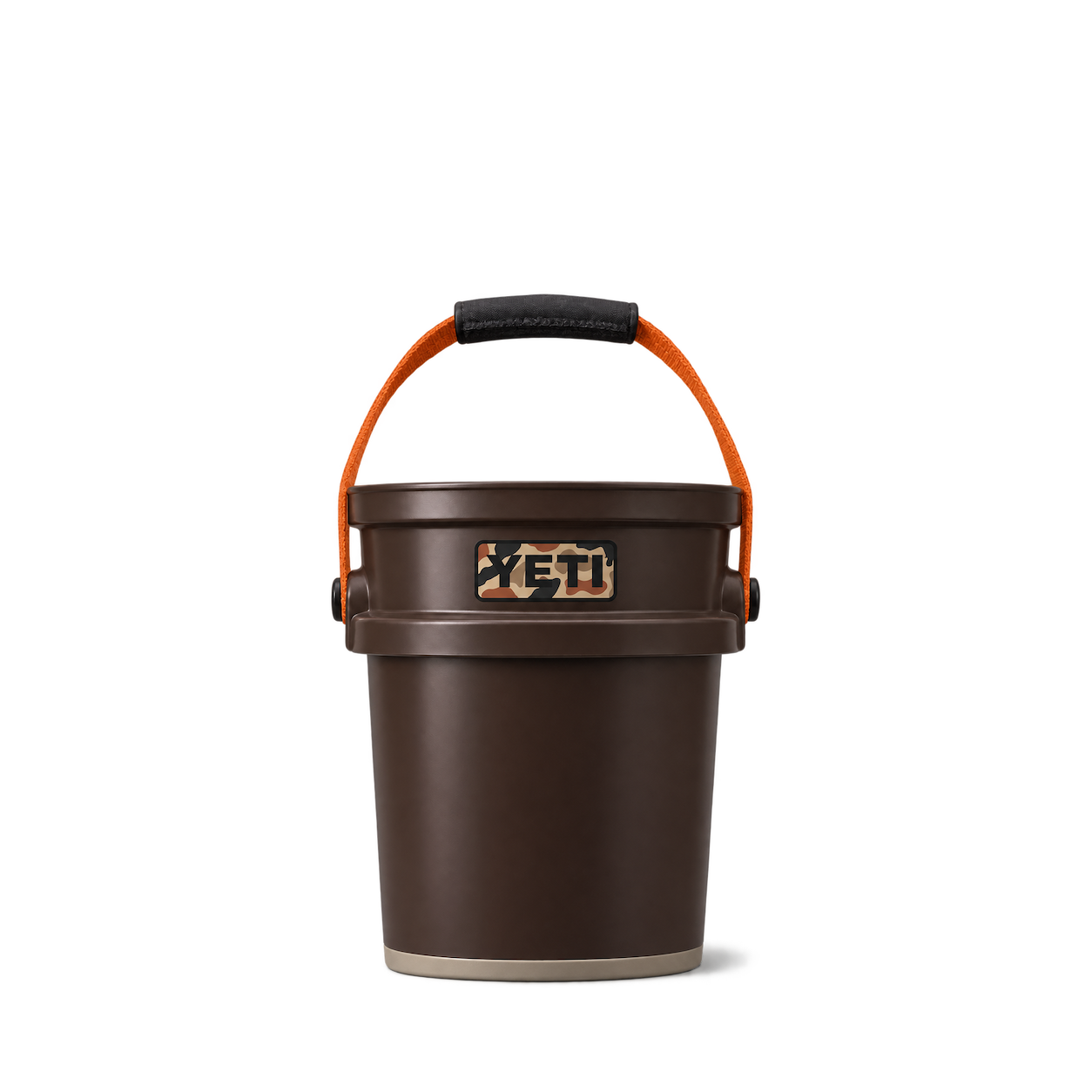
The Official MCP For Product Shots
12,572 free product images
For websites, apps, and AI tools.
Find an image
CollectionsTap an image to view details and get the free PNG.
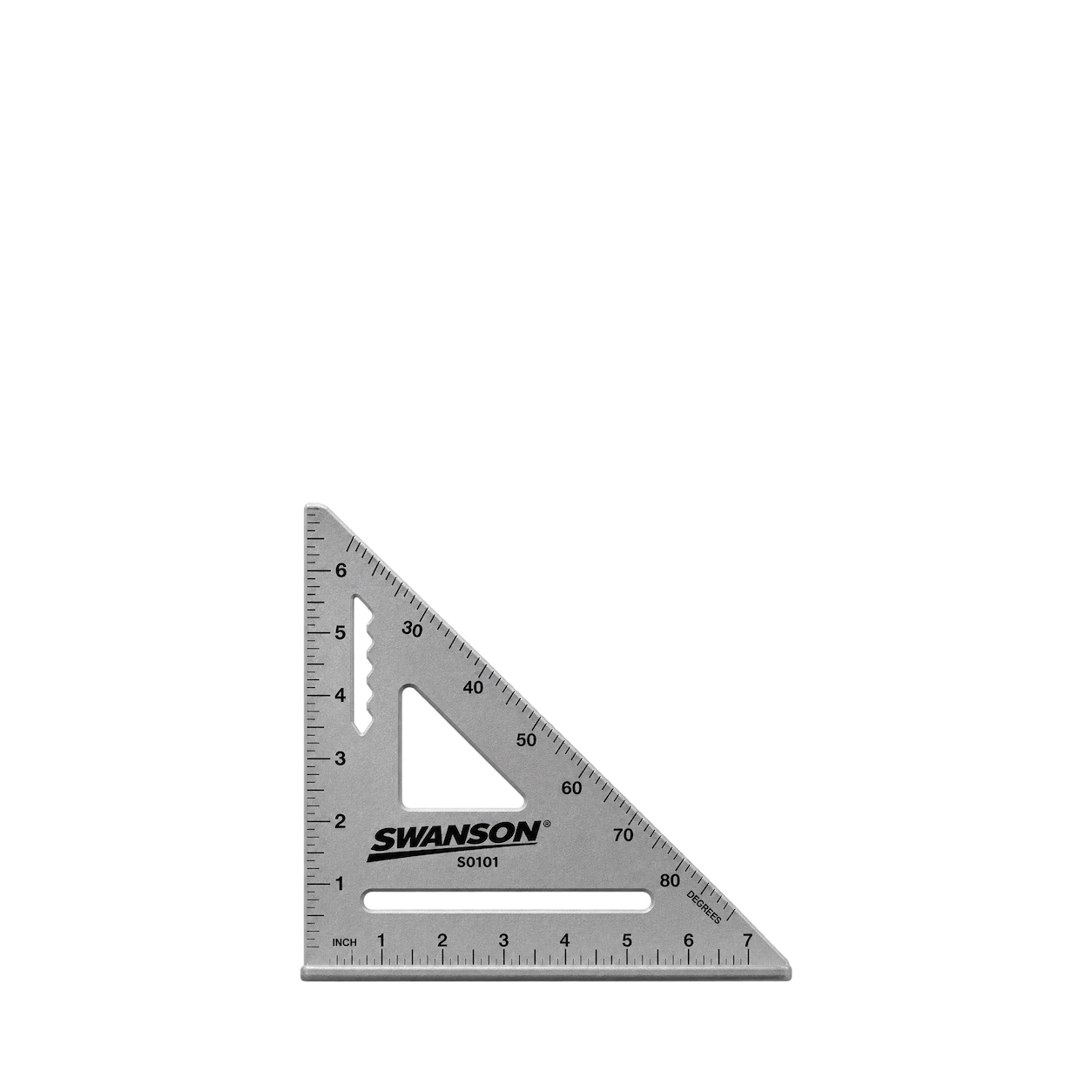
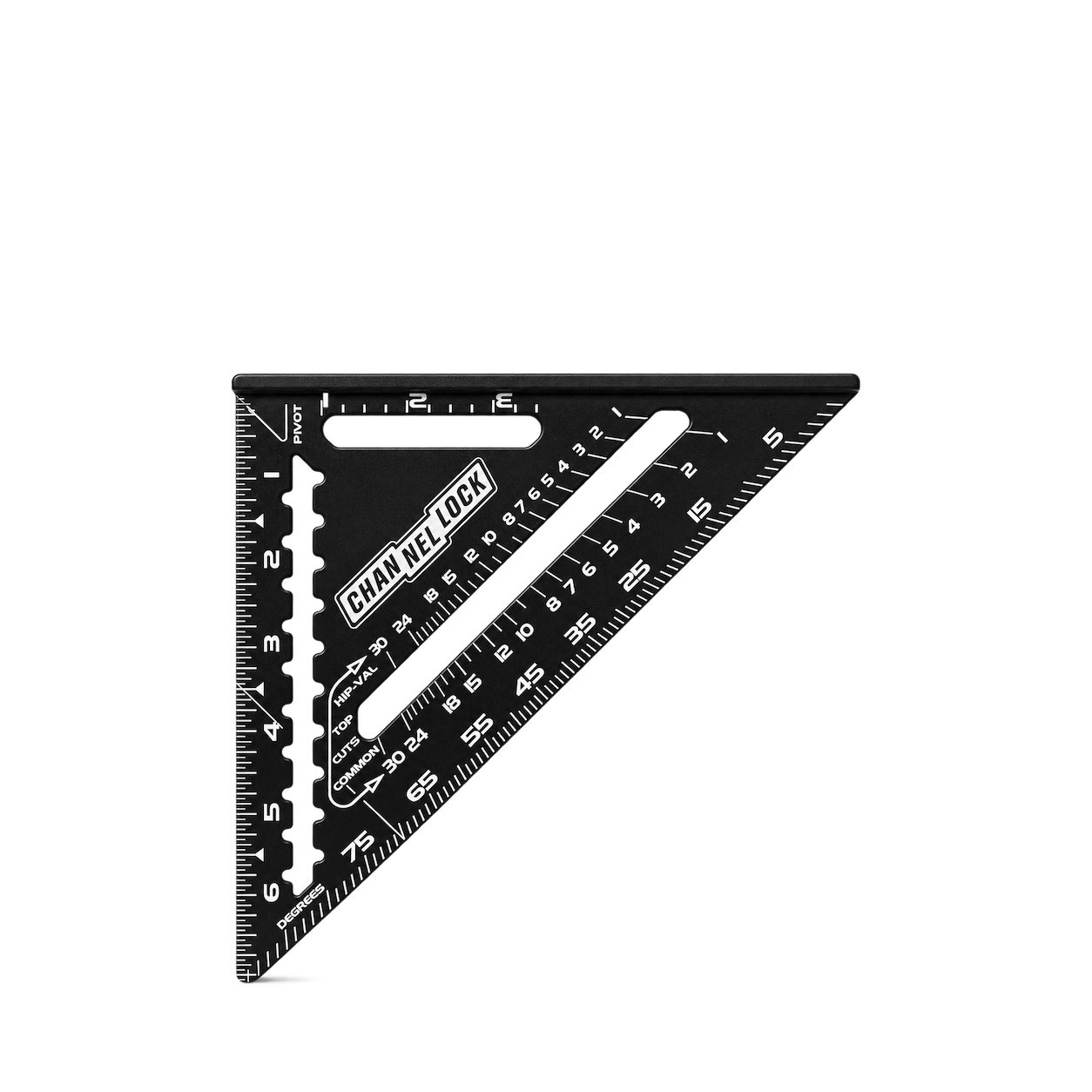
Swanson
7-Inch Speed Square S0101
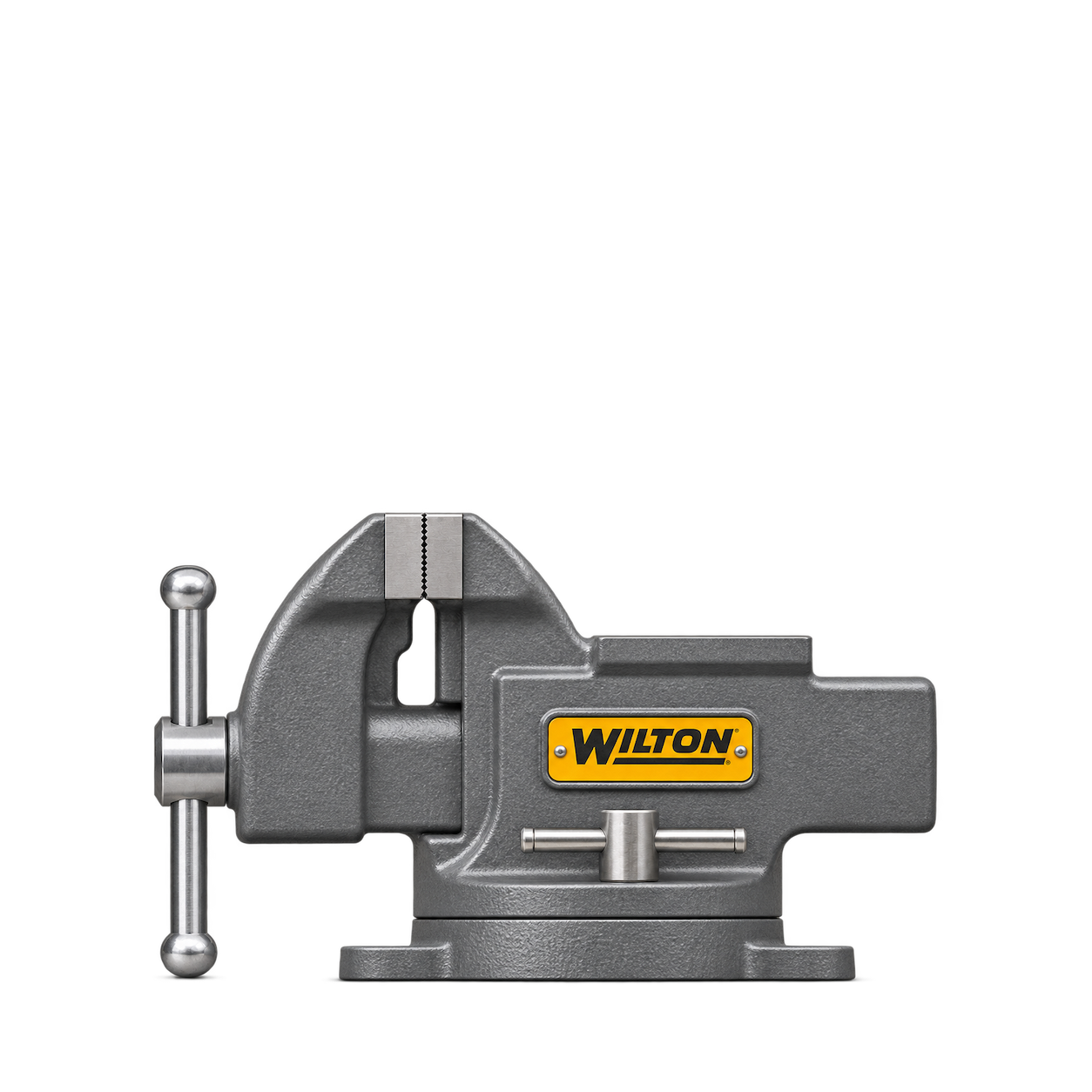
Wilton
11104 4-Inch Bench Vise


KNIPEX
TwinGrip 82 01 200
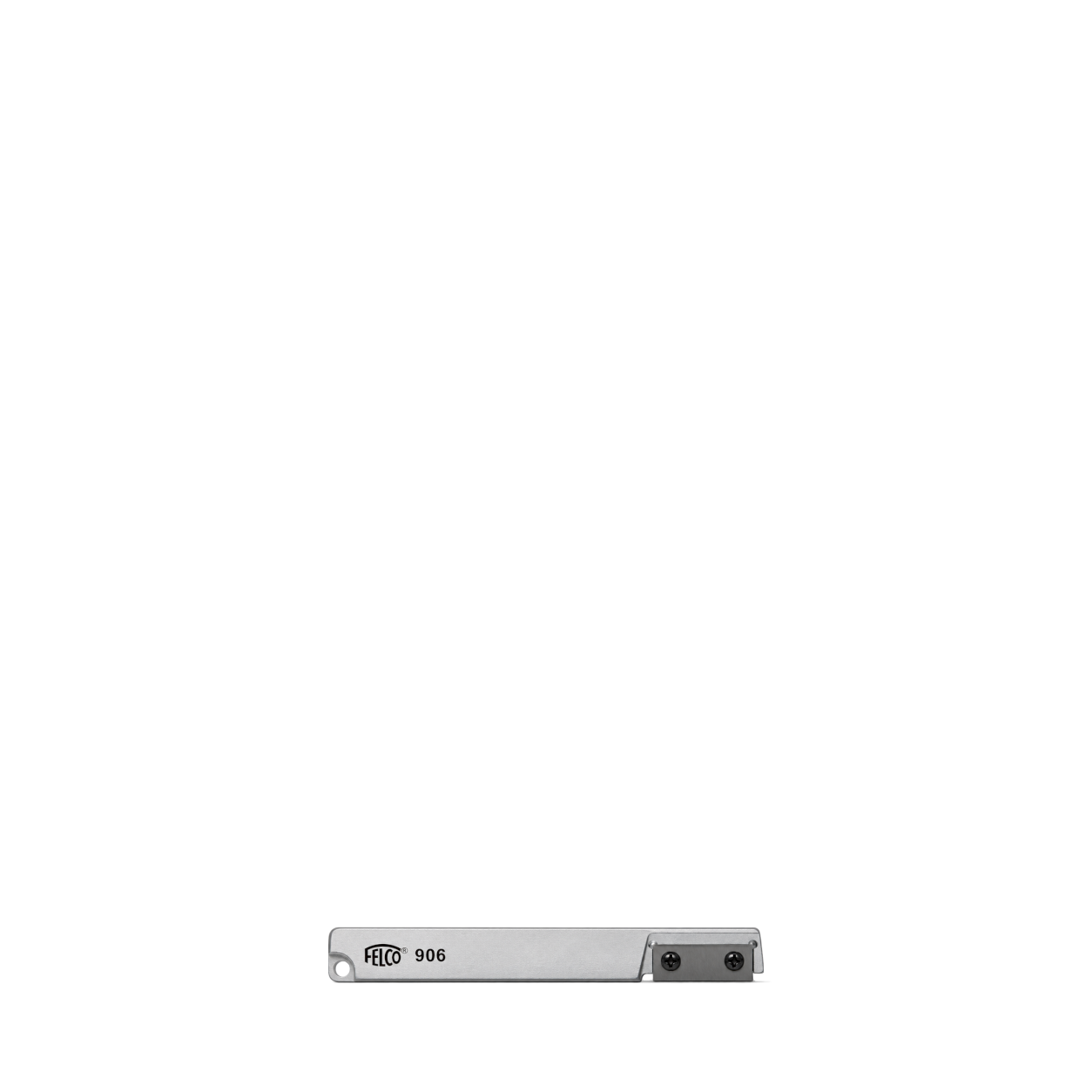
FELCO
906
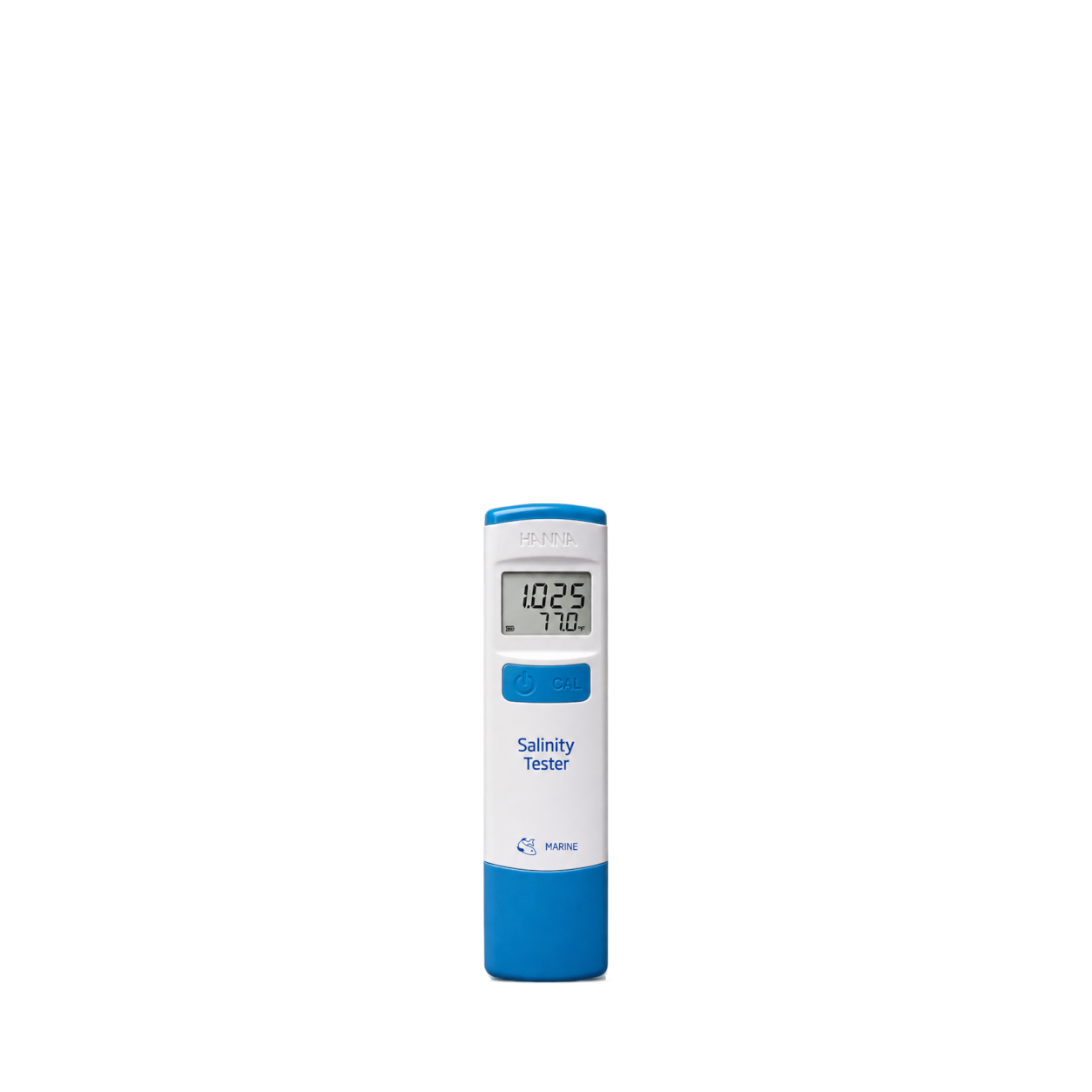
Hanna Instruments
Marine Salinity Tester · HI98319U
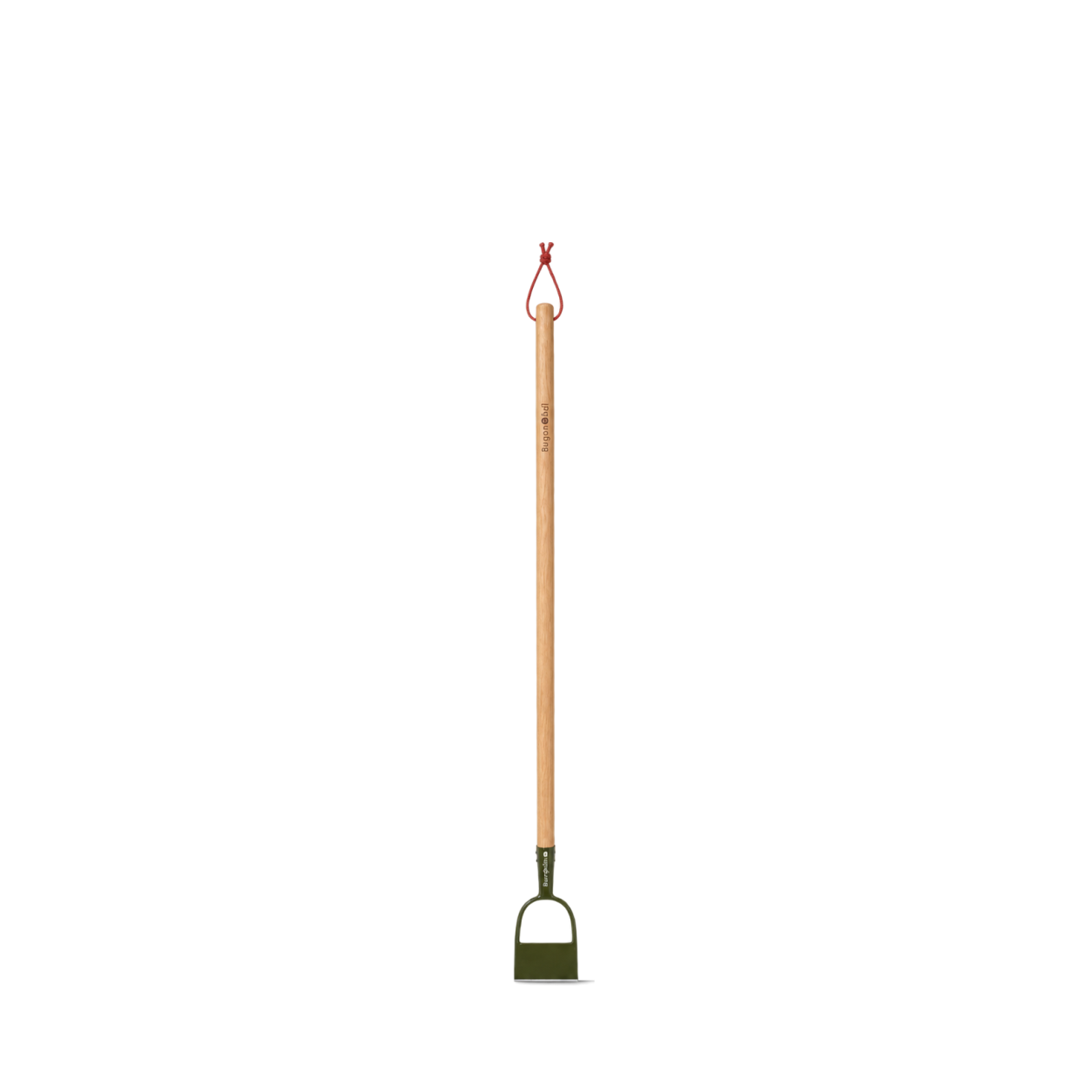
Burgon & Ball
BoronGreen Dutch Hoe - RHS Endorsed
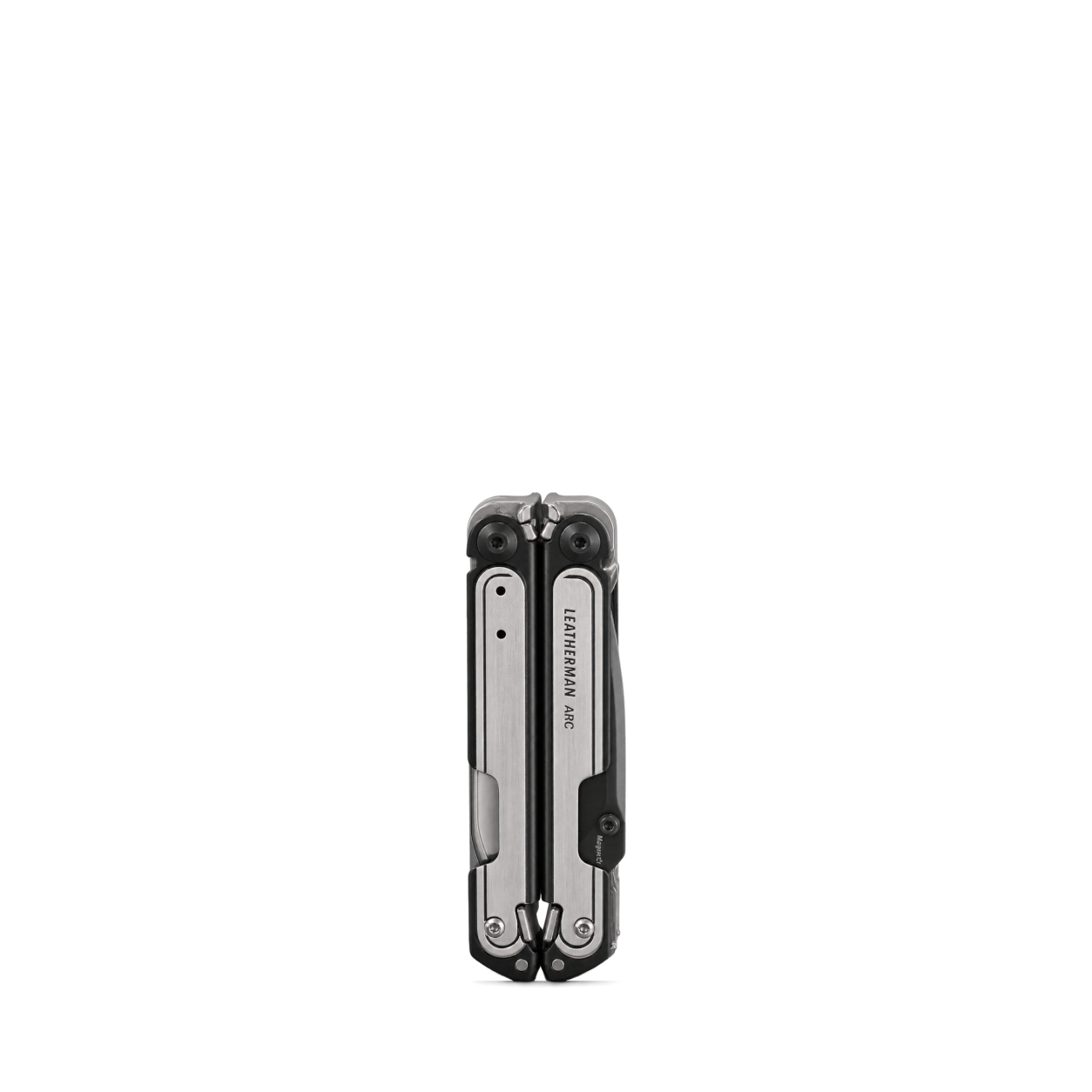
Leatherman
ARC® · Black DLC & Stainless Steel
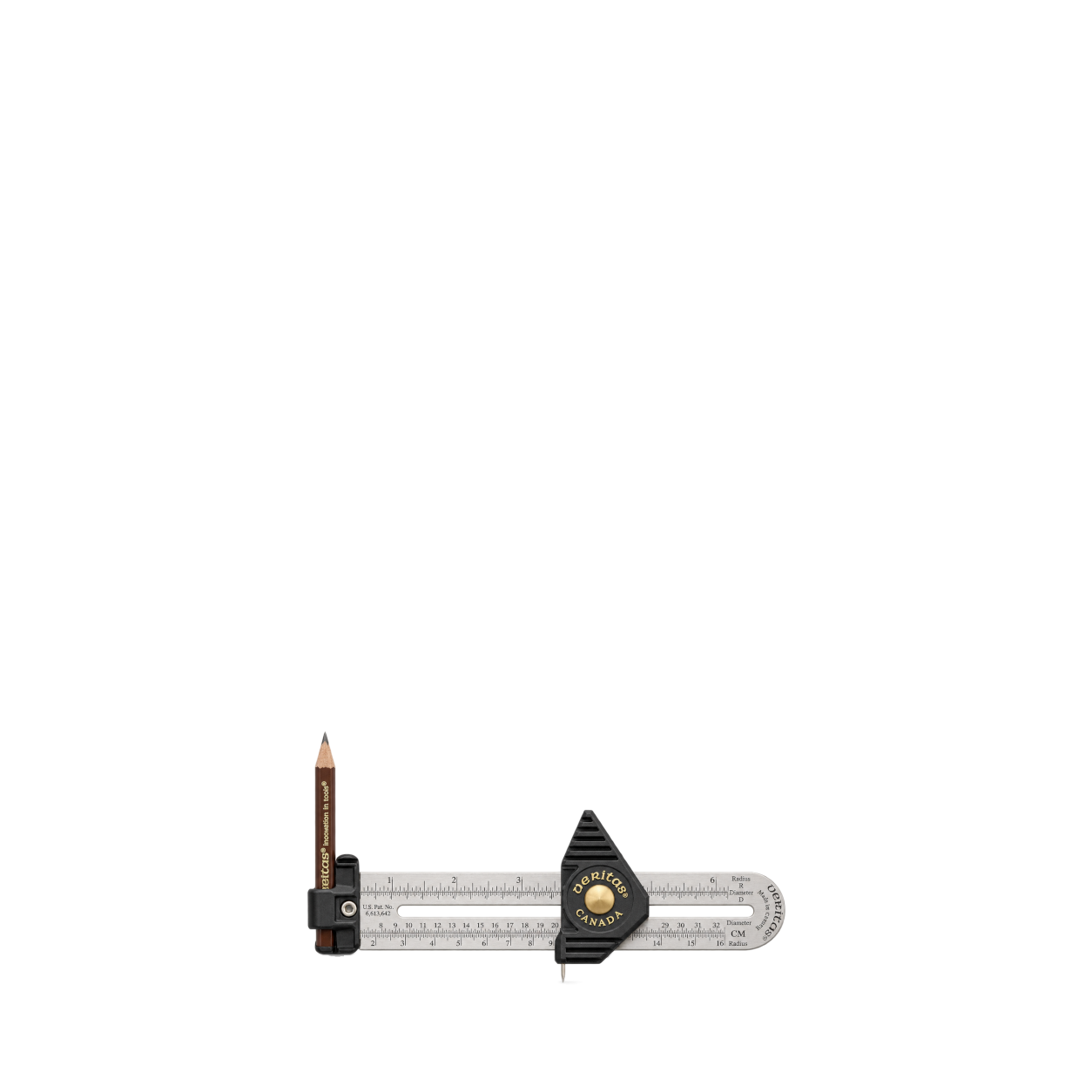
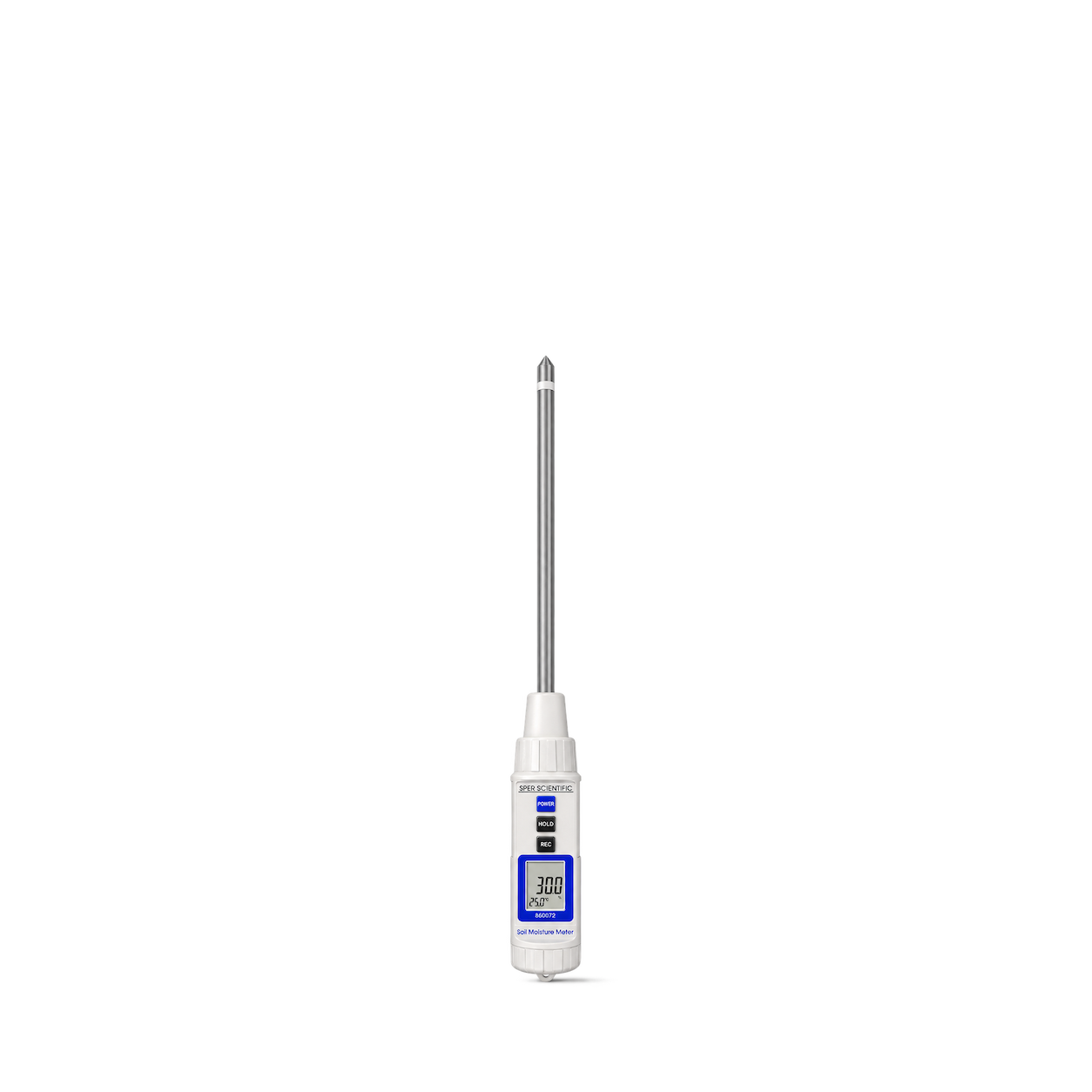
Sper Scientific
2 in 1 Soil Tester - Moisture and Temperature
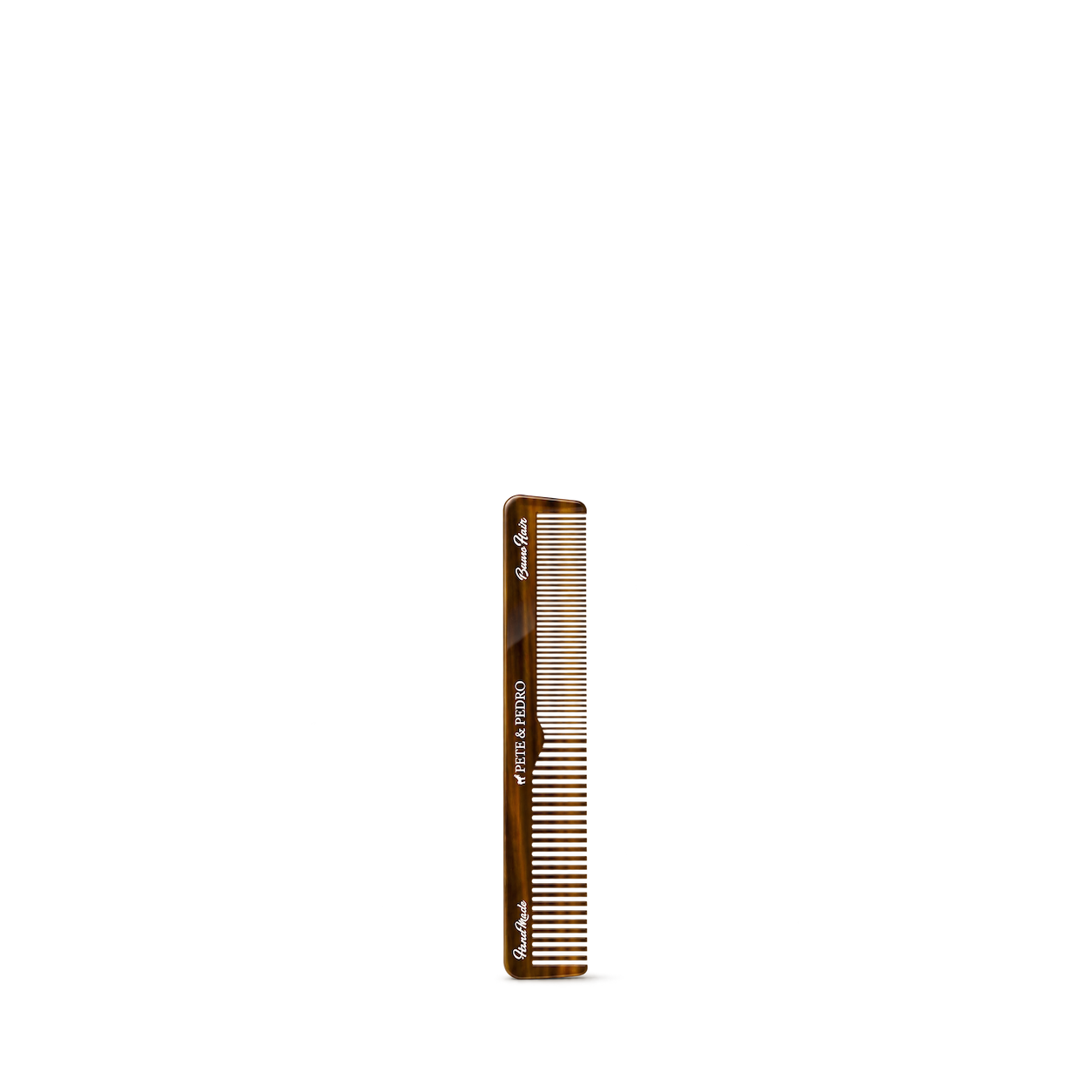
Pete & Pedro
7" Retro Hair Comb
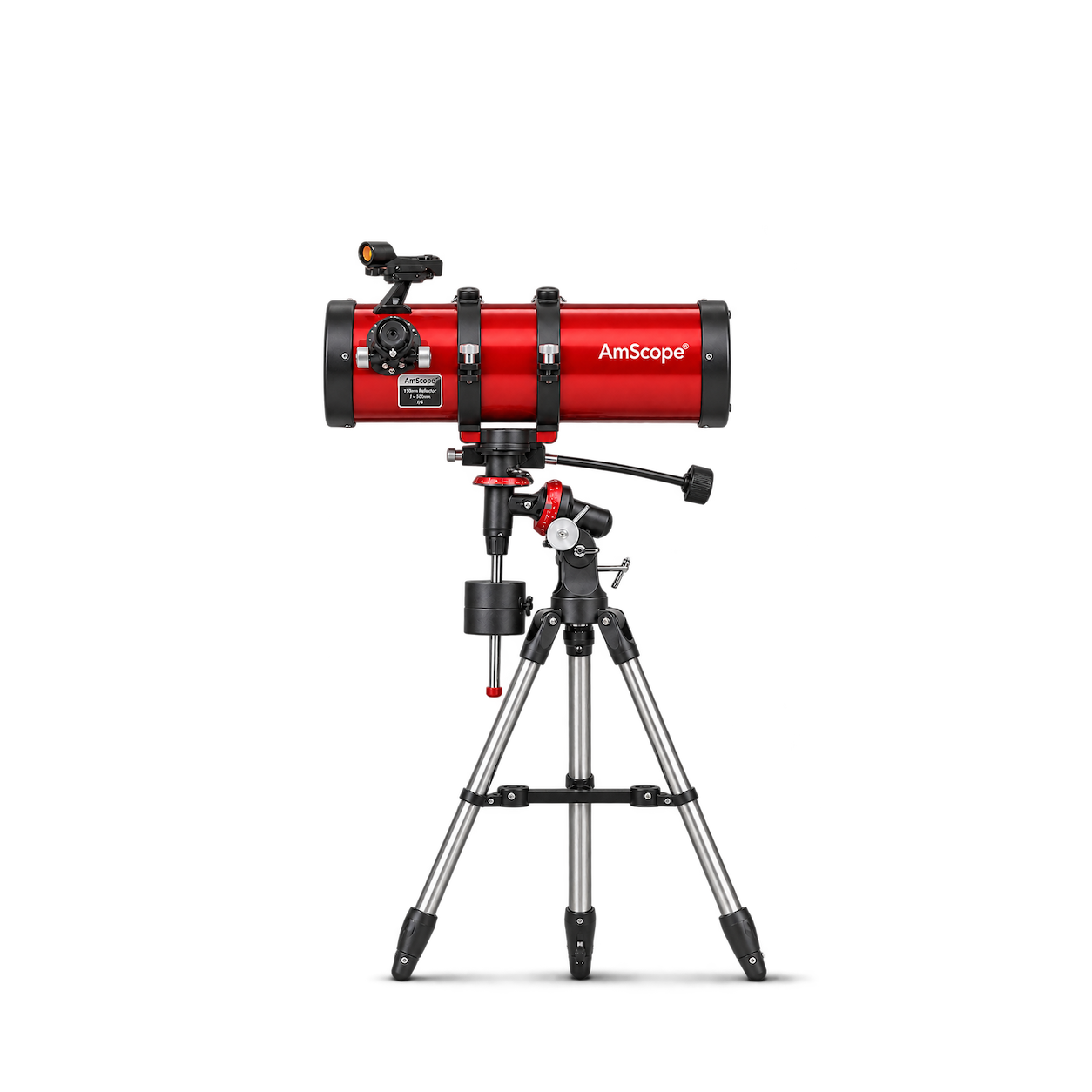
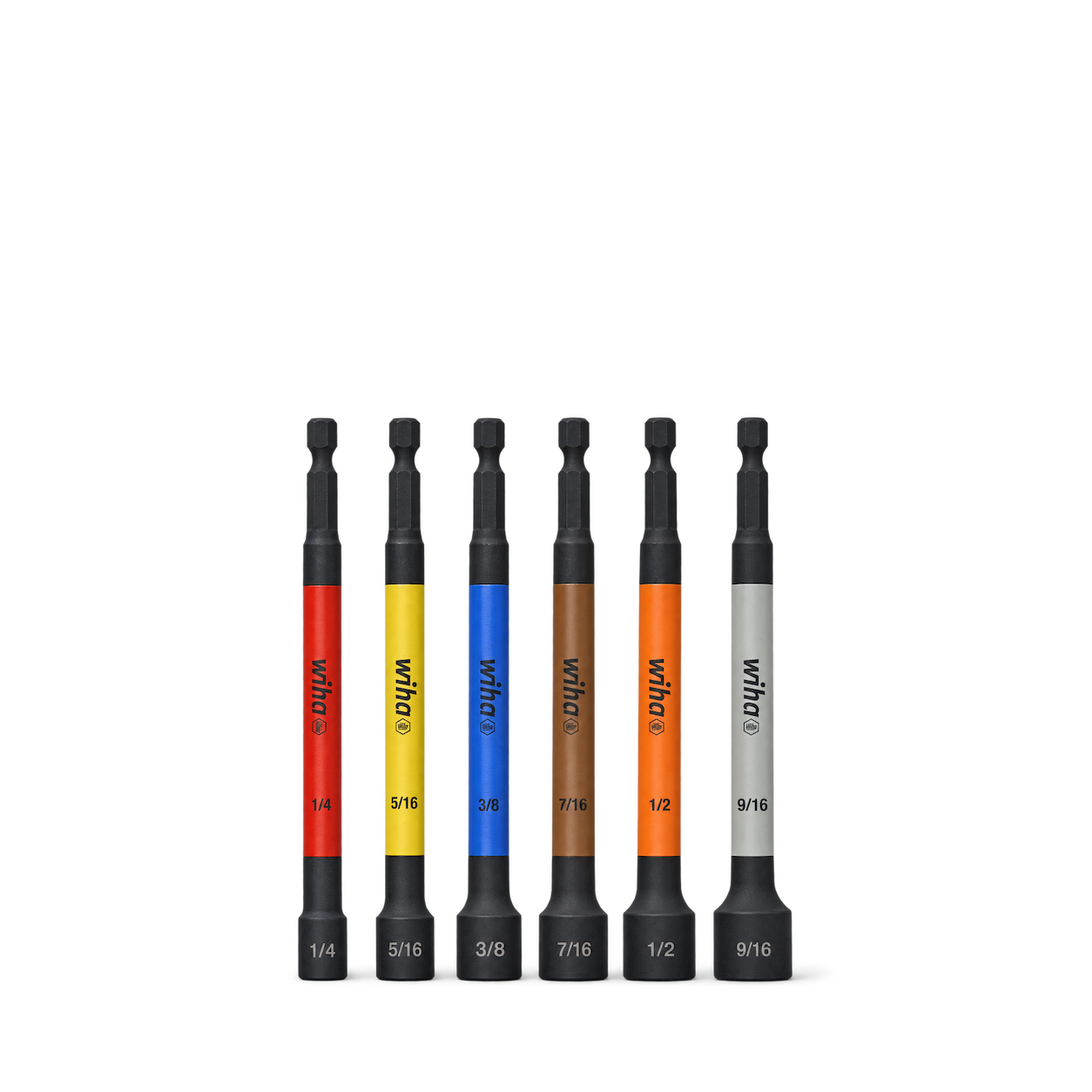
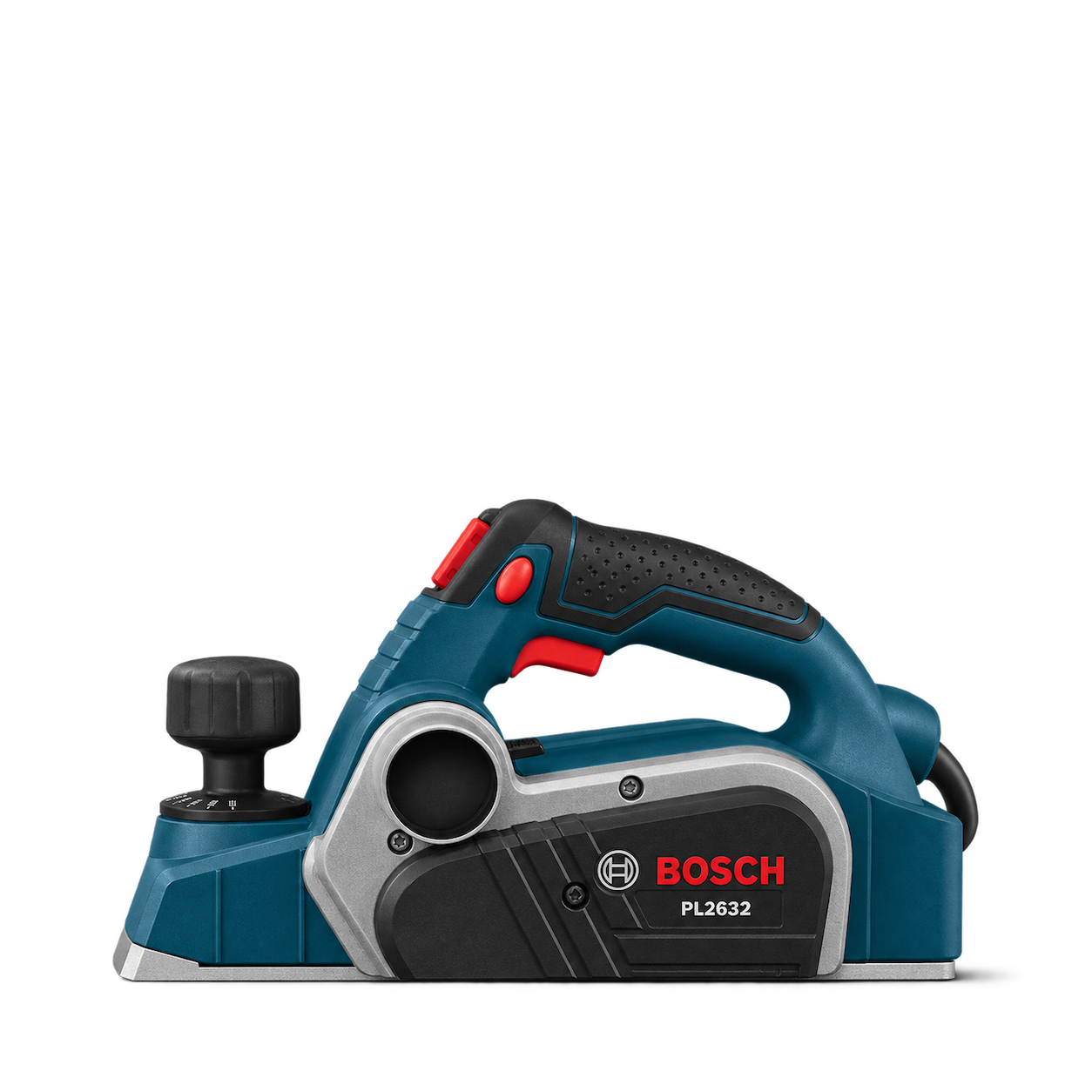
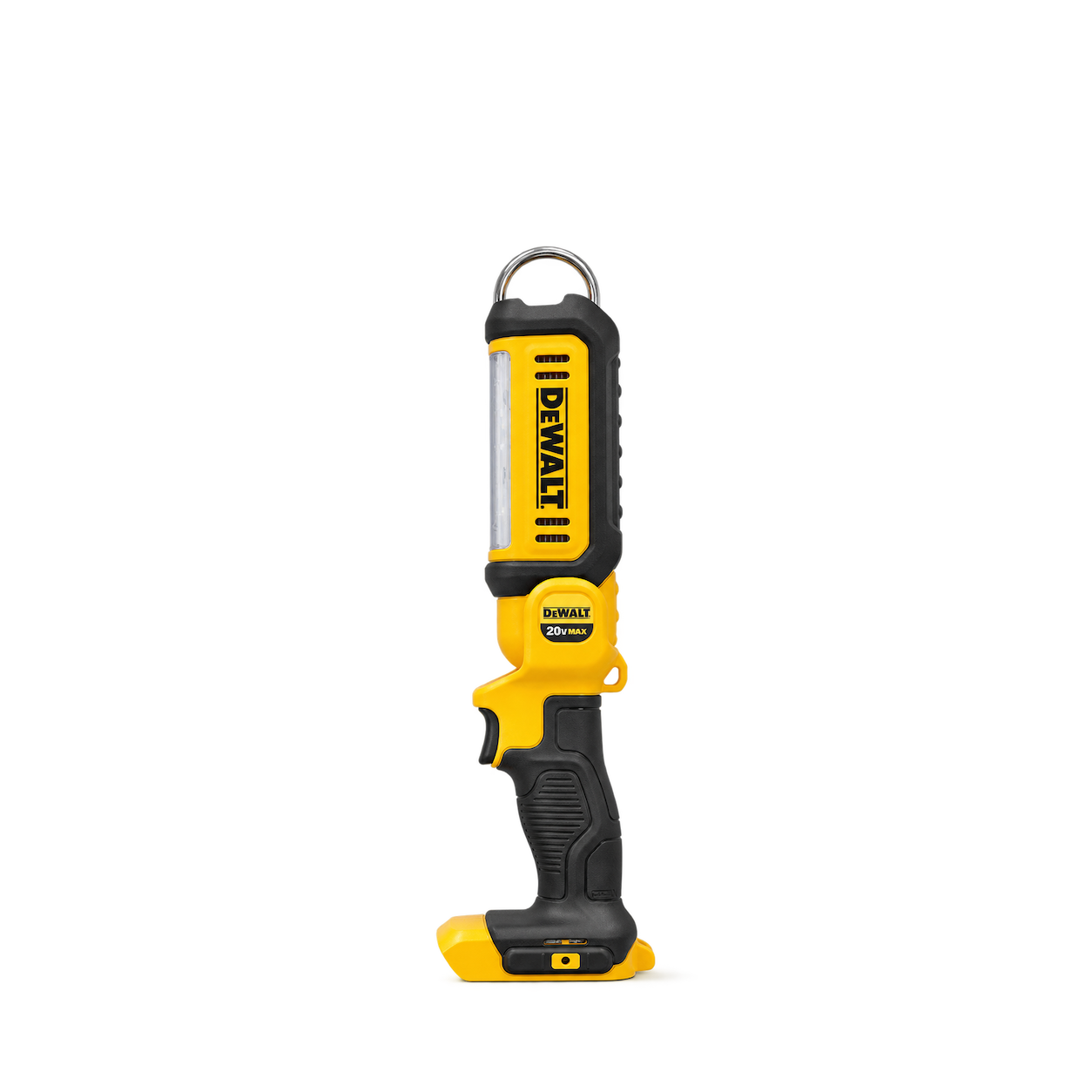
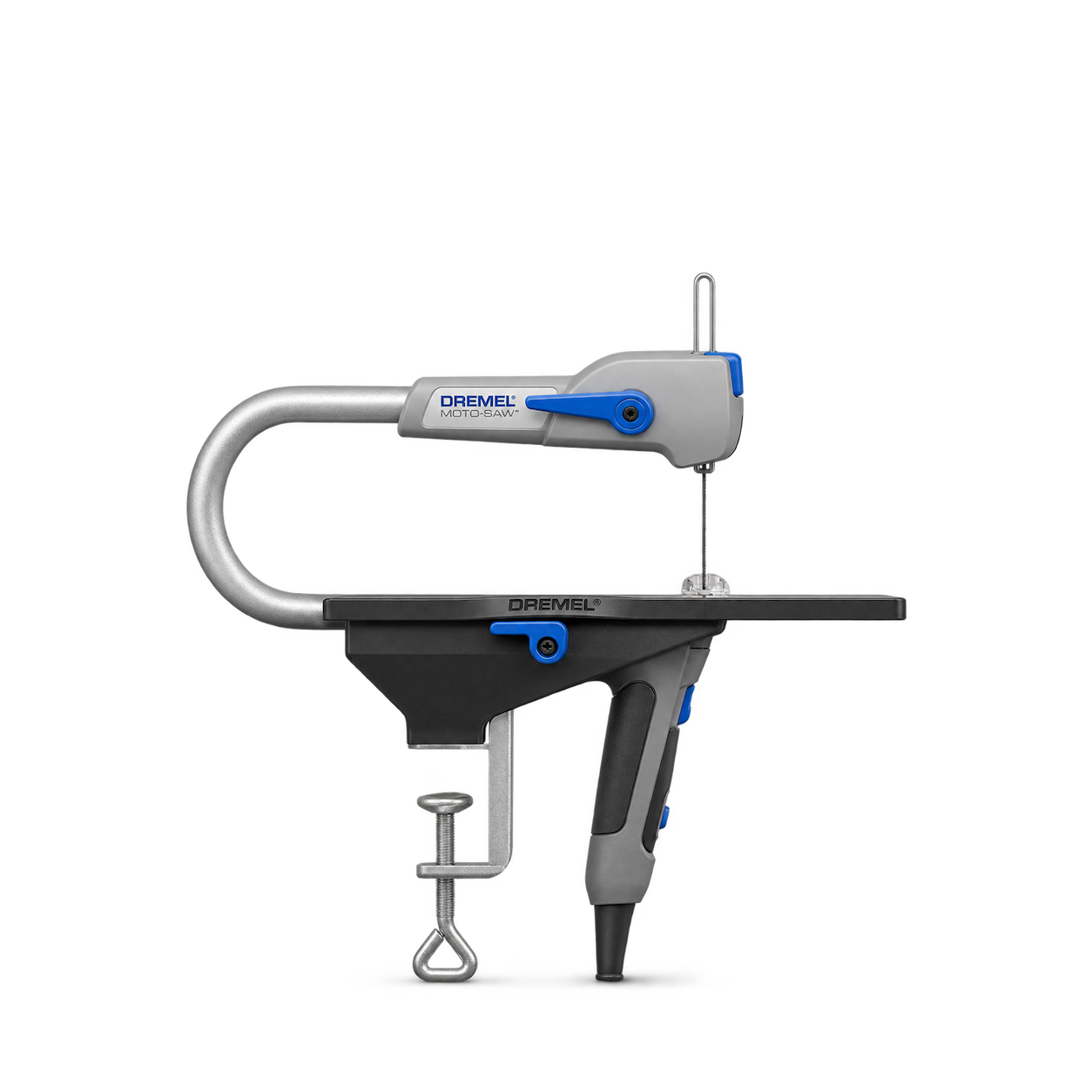
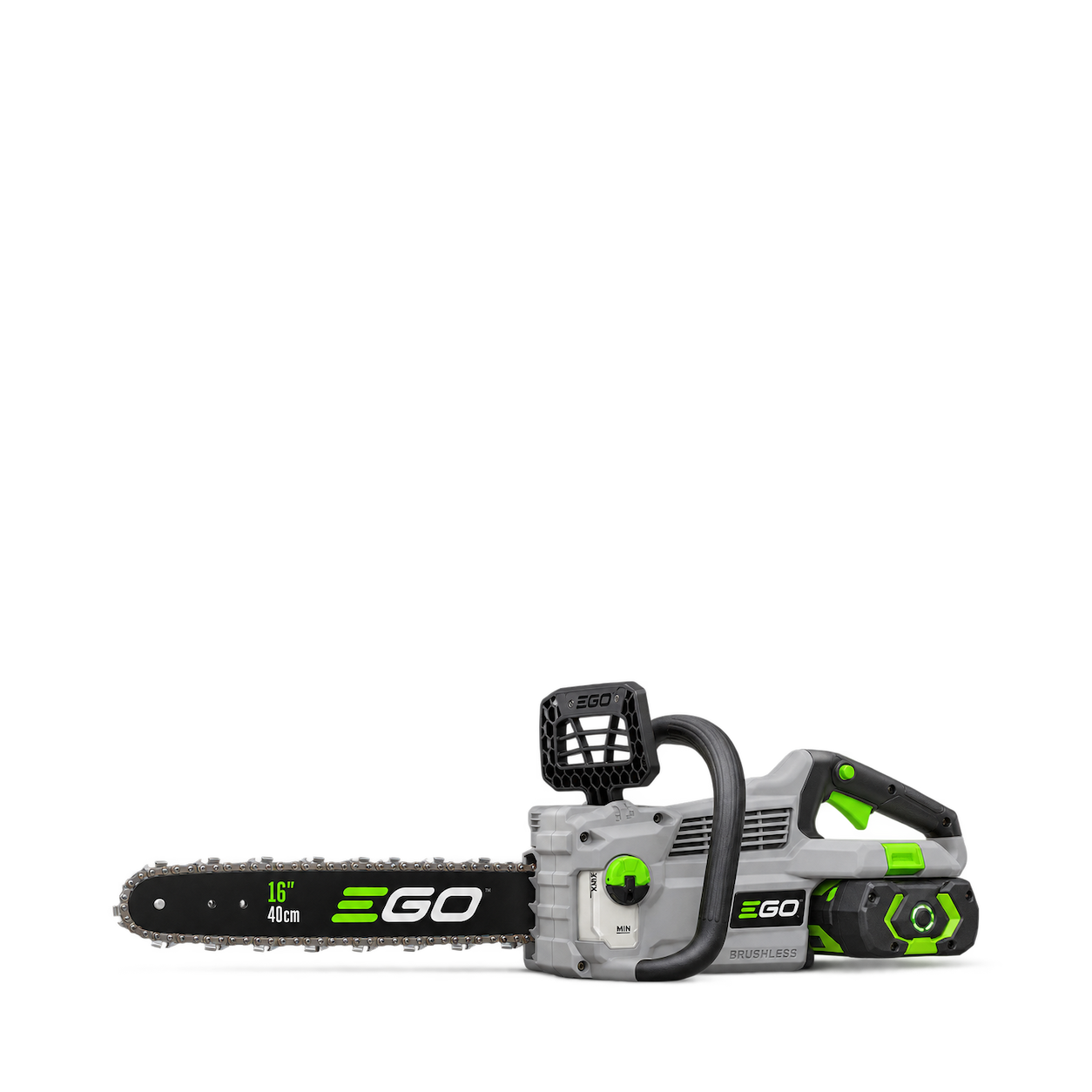
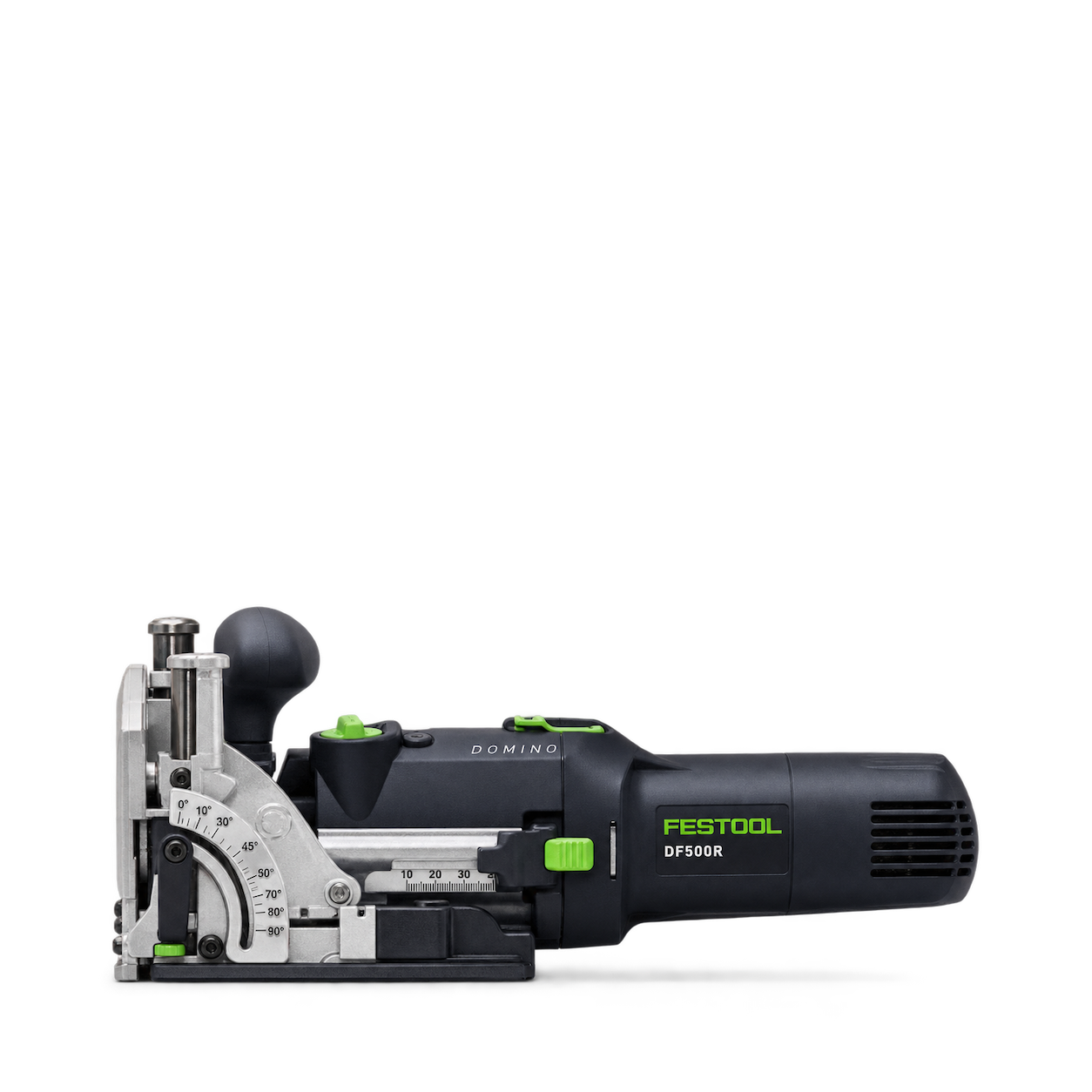
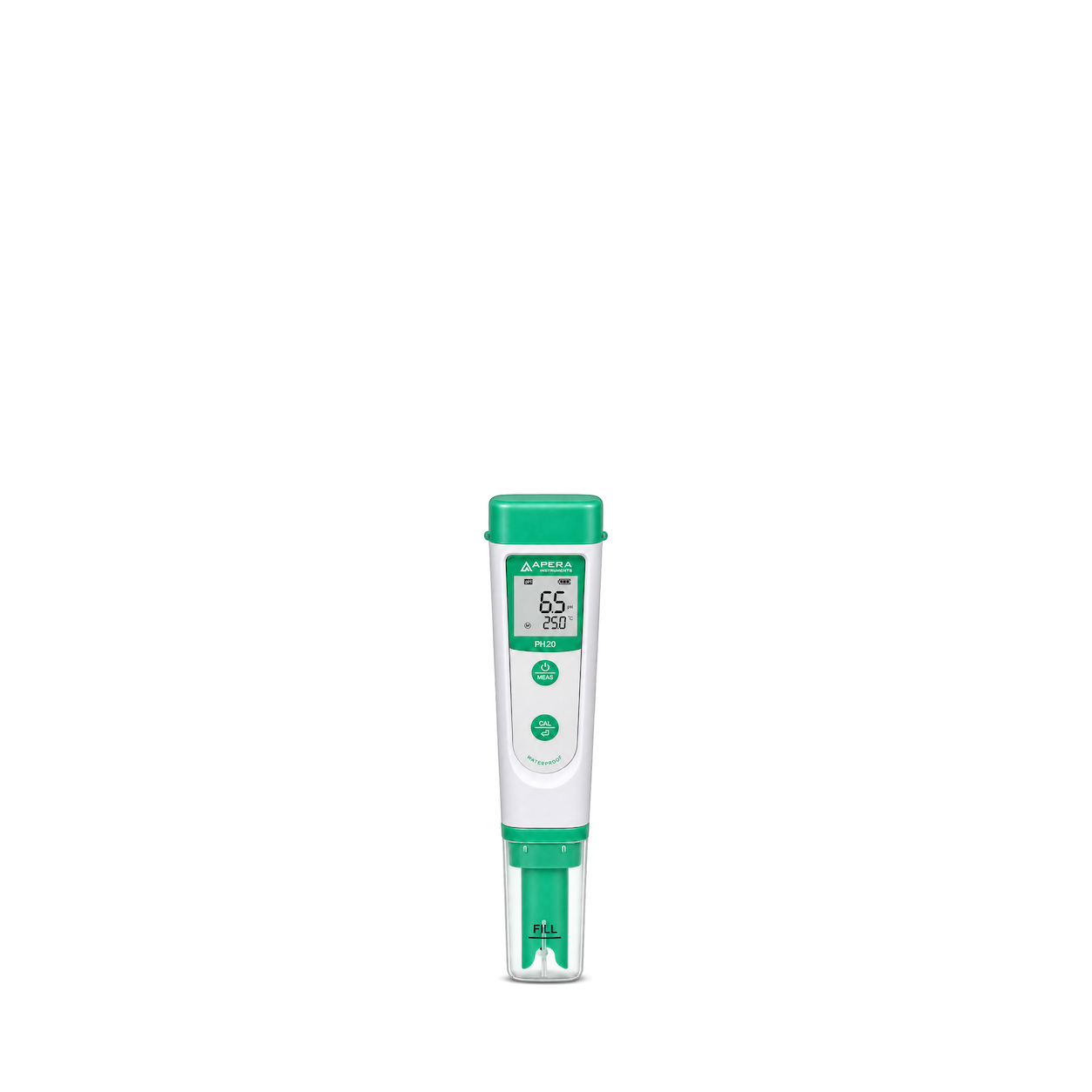
Apera Instruments
PH20 pH Tester
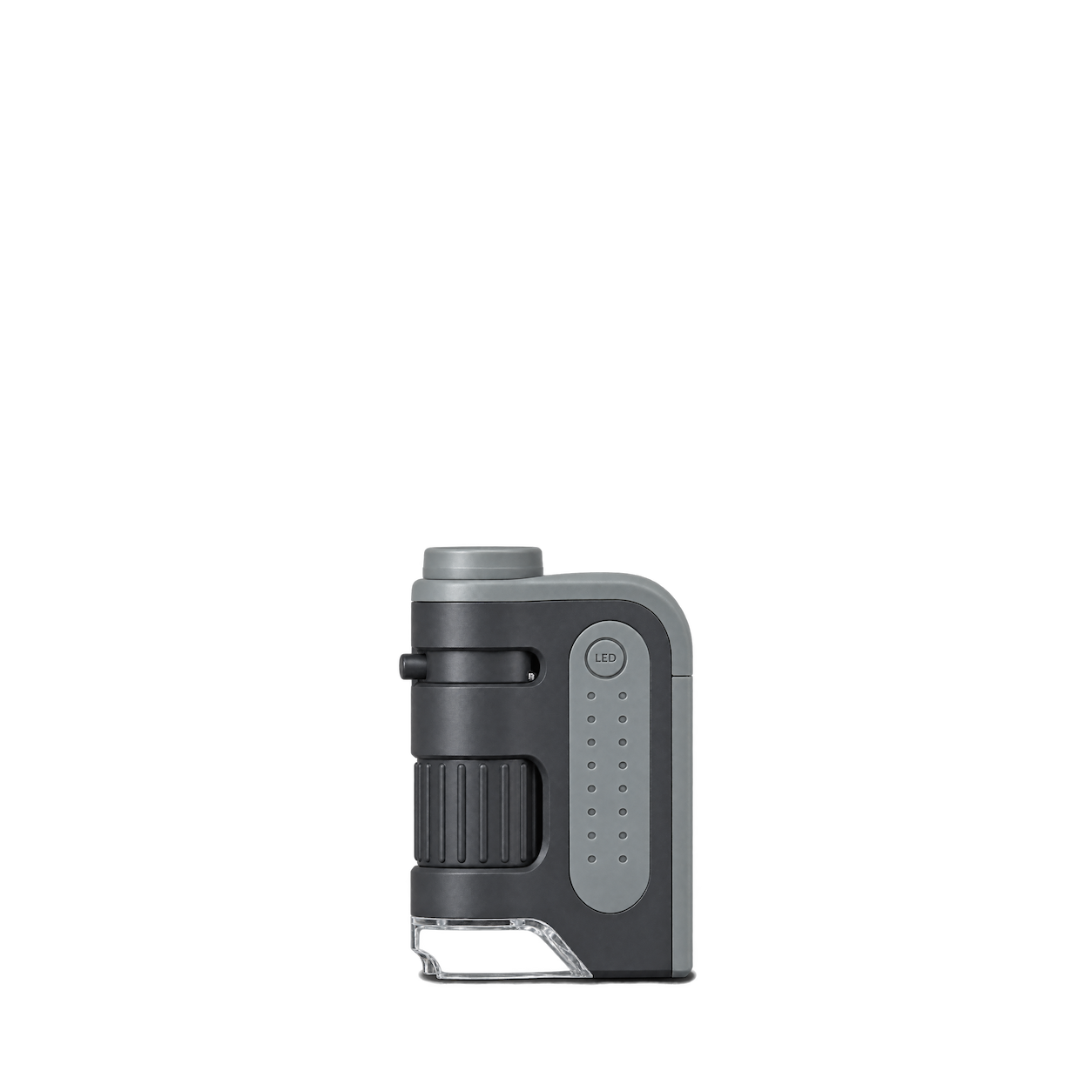
Carson
MicroBrite Plus MM-300
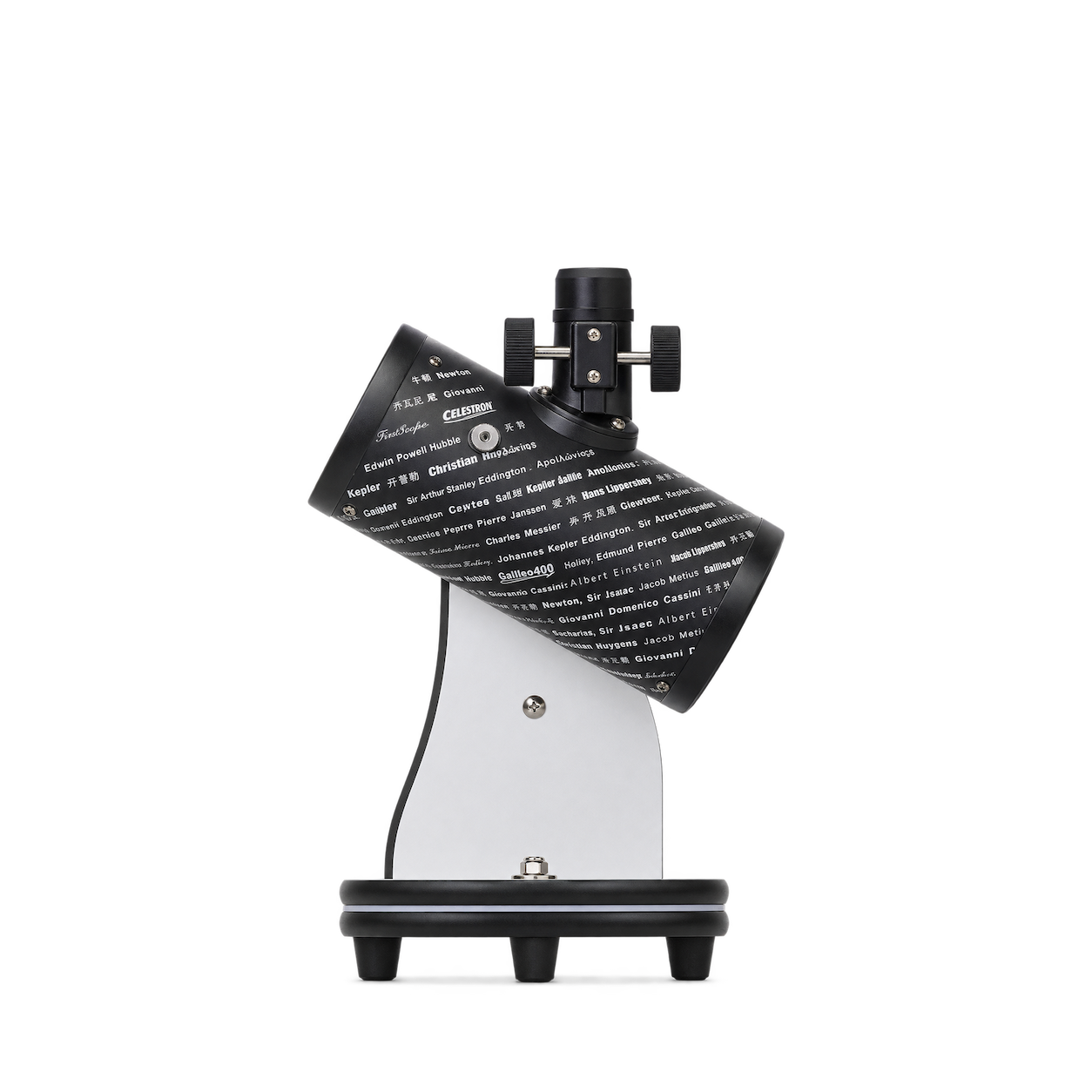
Celestron
FirstScope Telescope
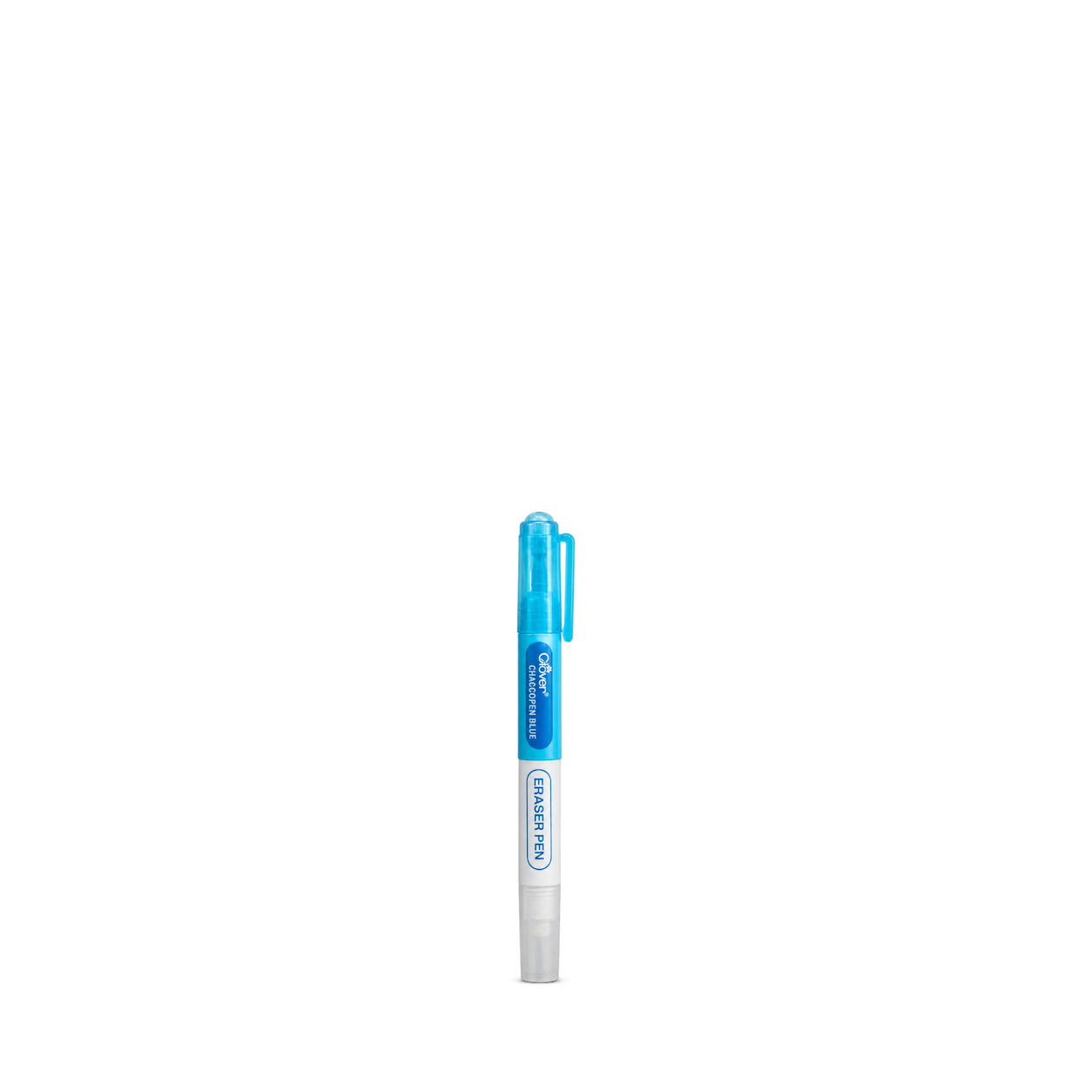
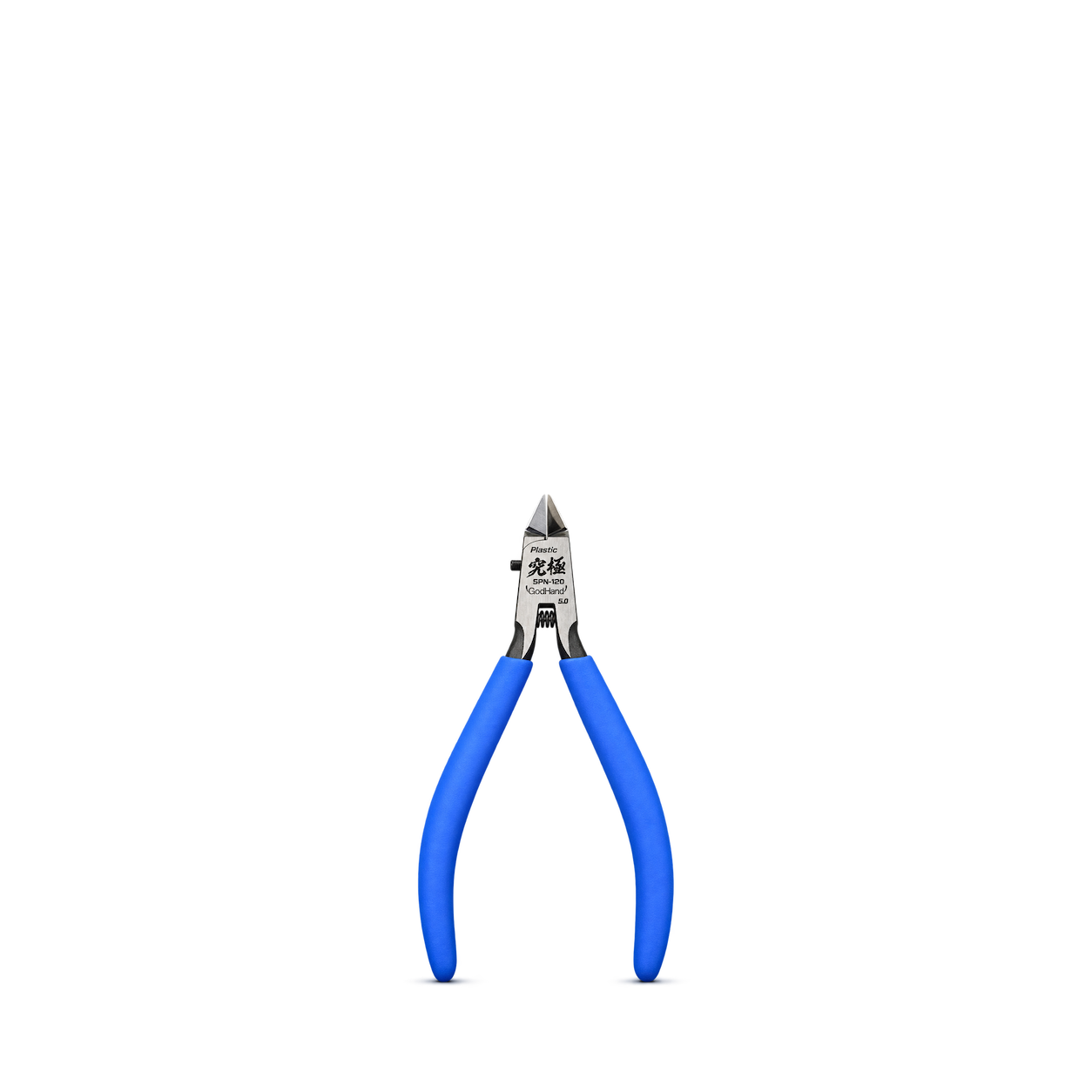
GodHand
SPN-120 Ultimate Nipper
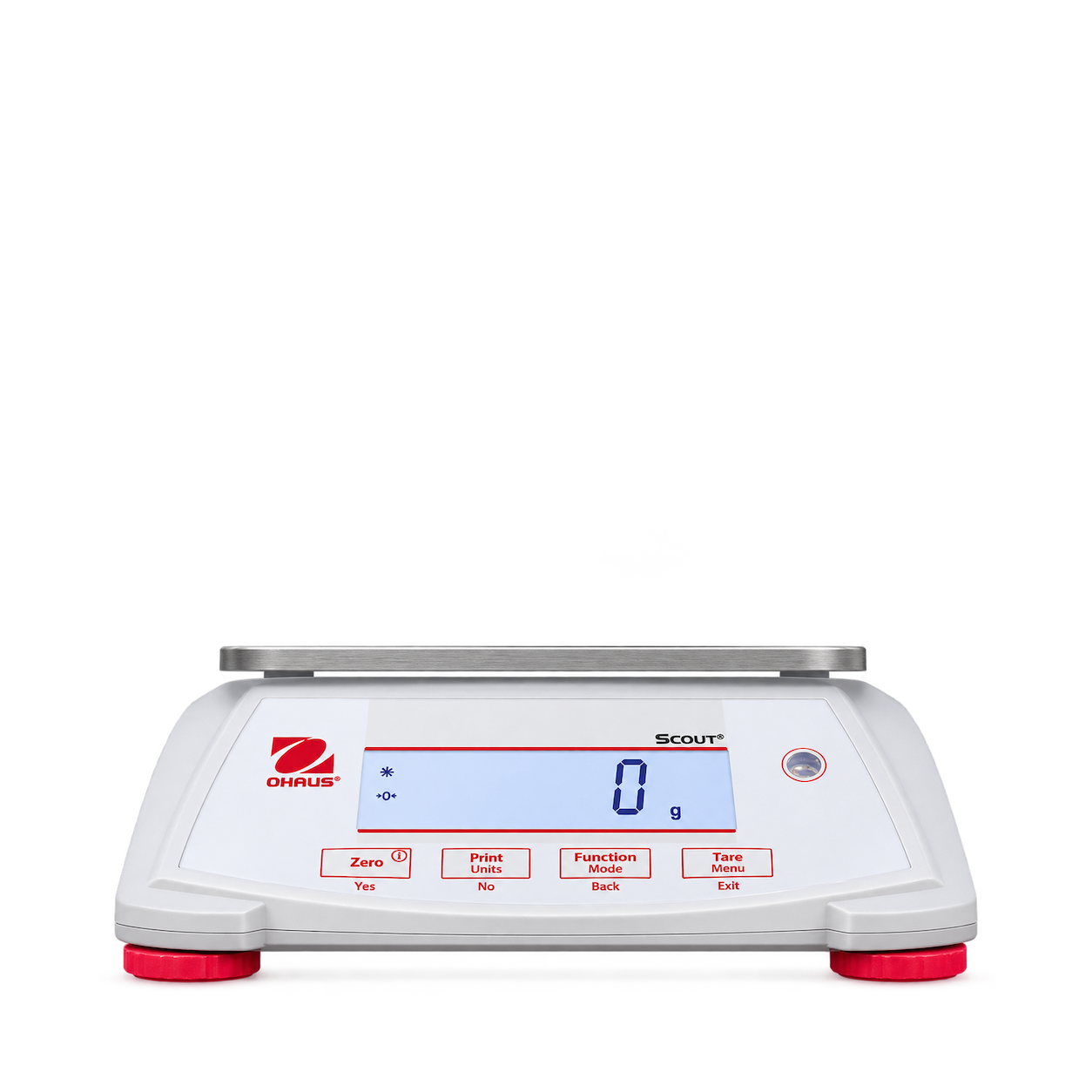
Ohaus
Scout SPX2201
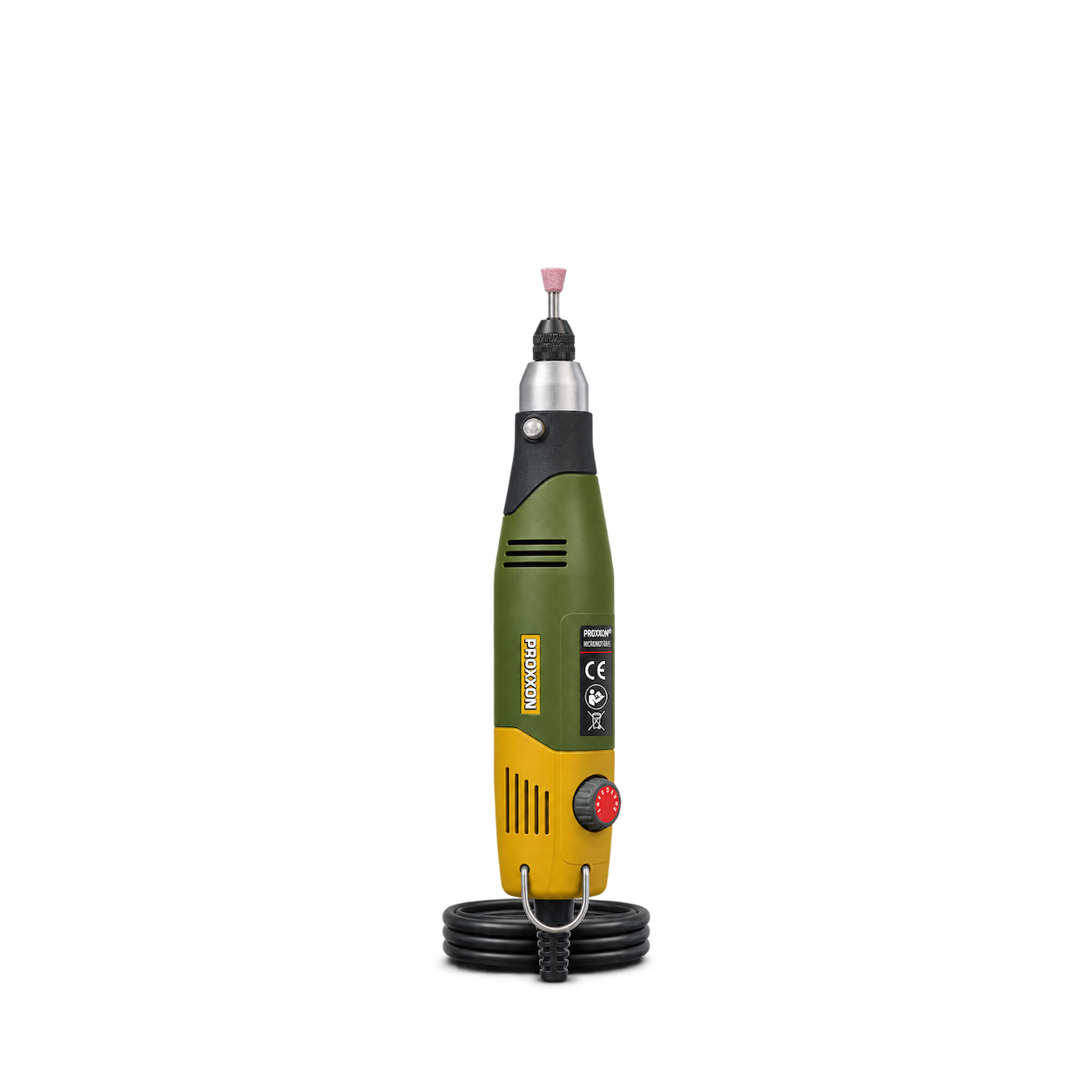
Proxxon
Micromot 60/E
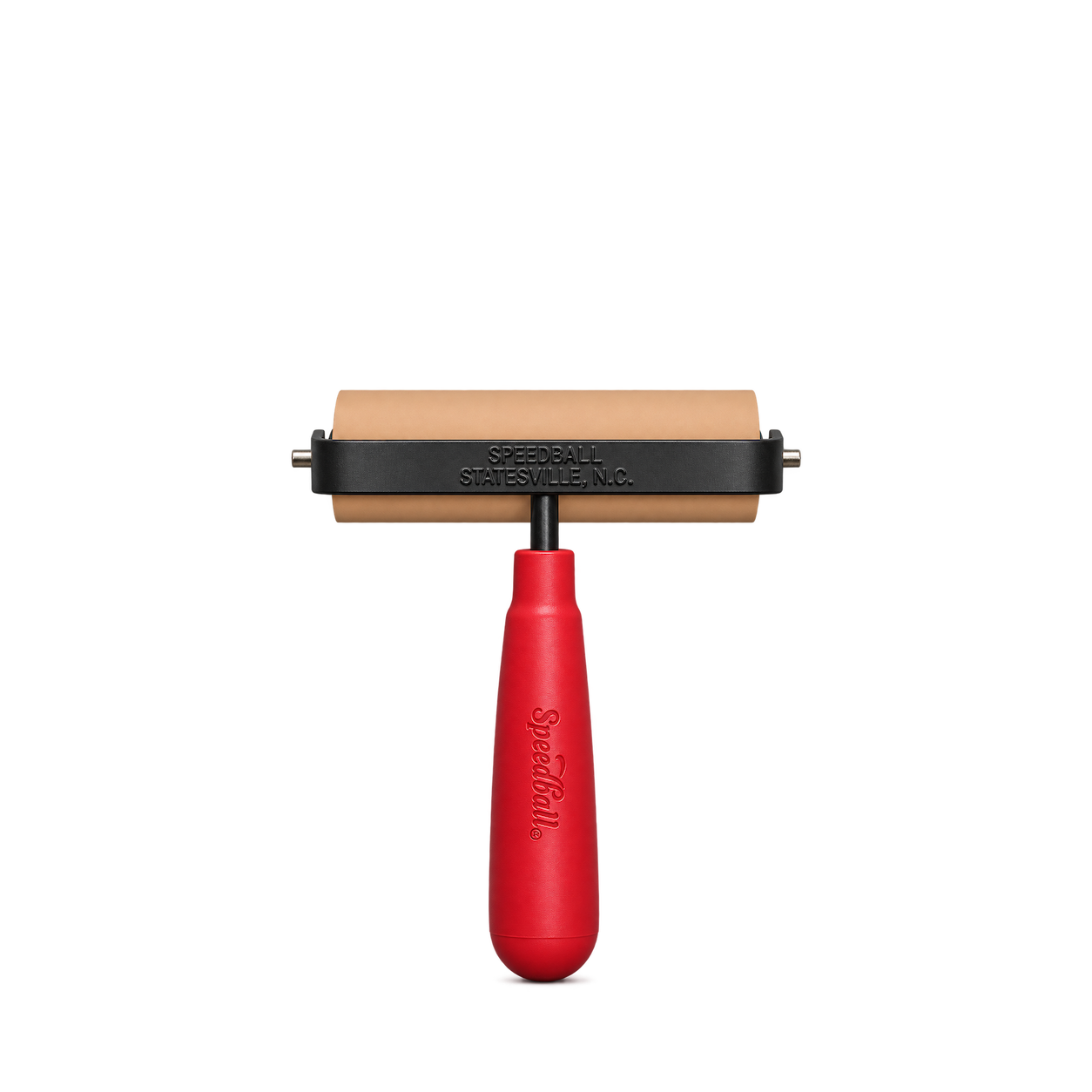
Speedball
4 Inch Soft Rubber Brayer
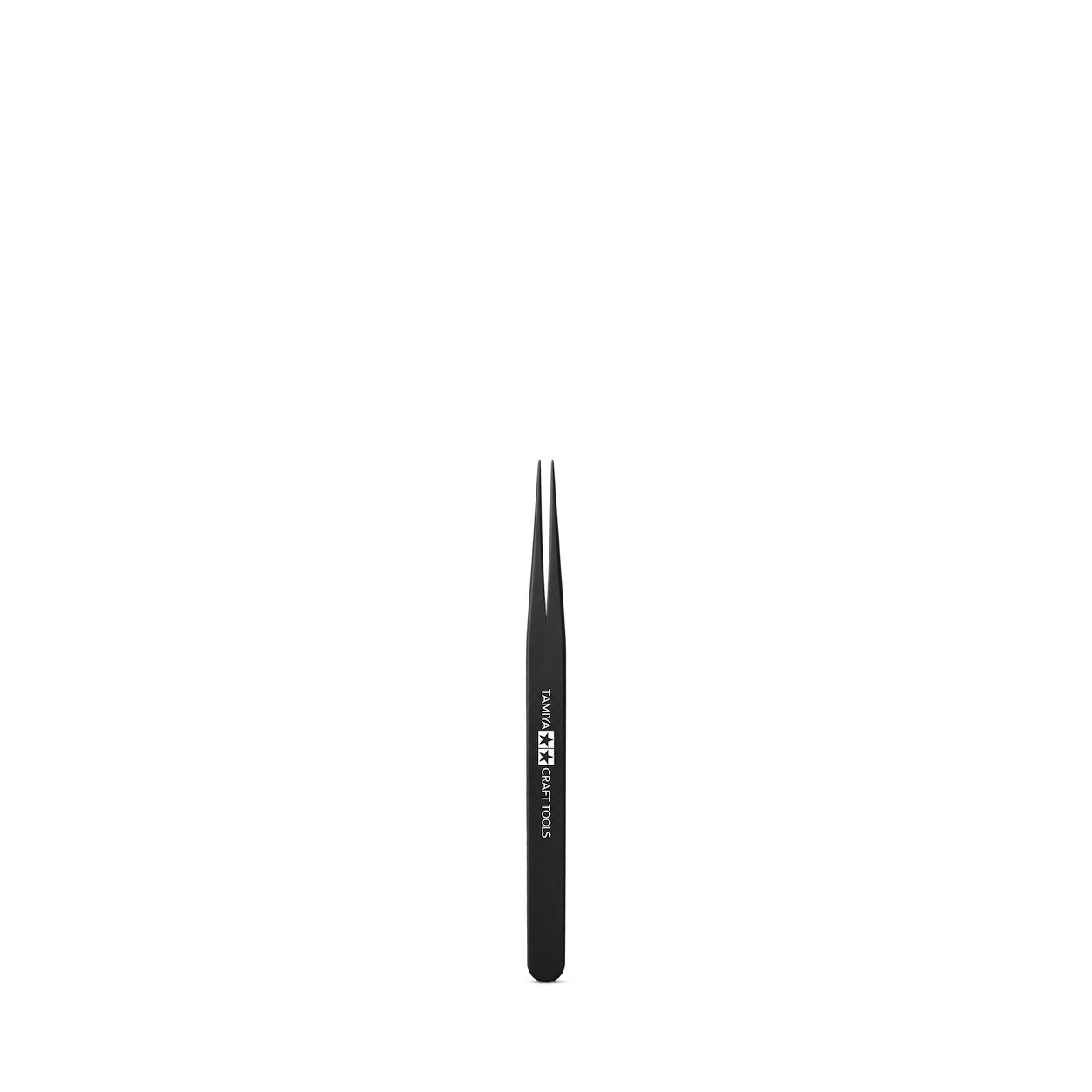
Tamiya
74004 Straight Tweezers
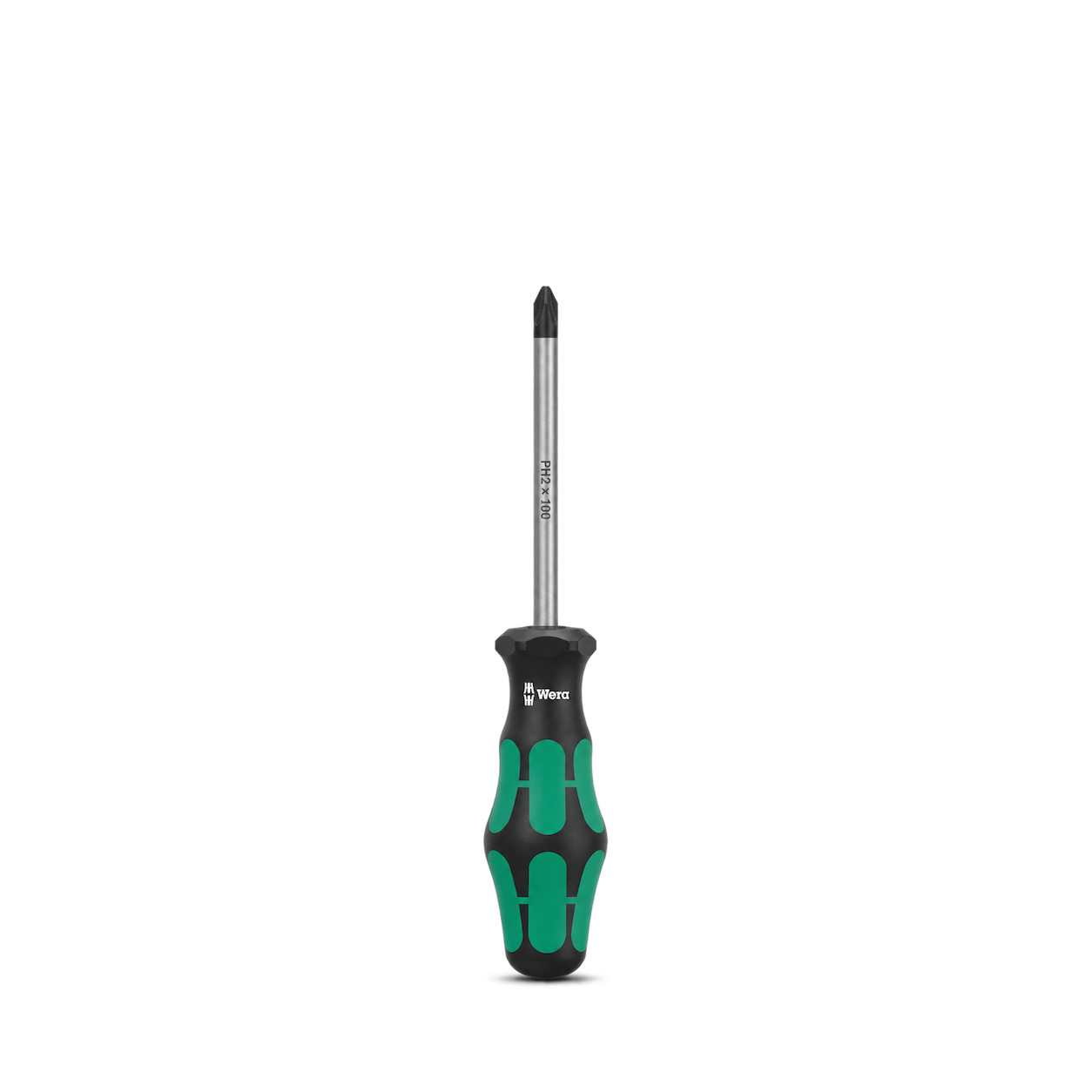
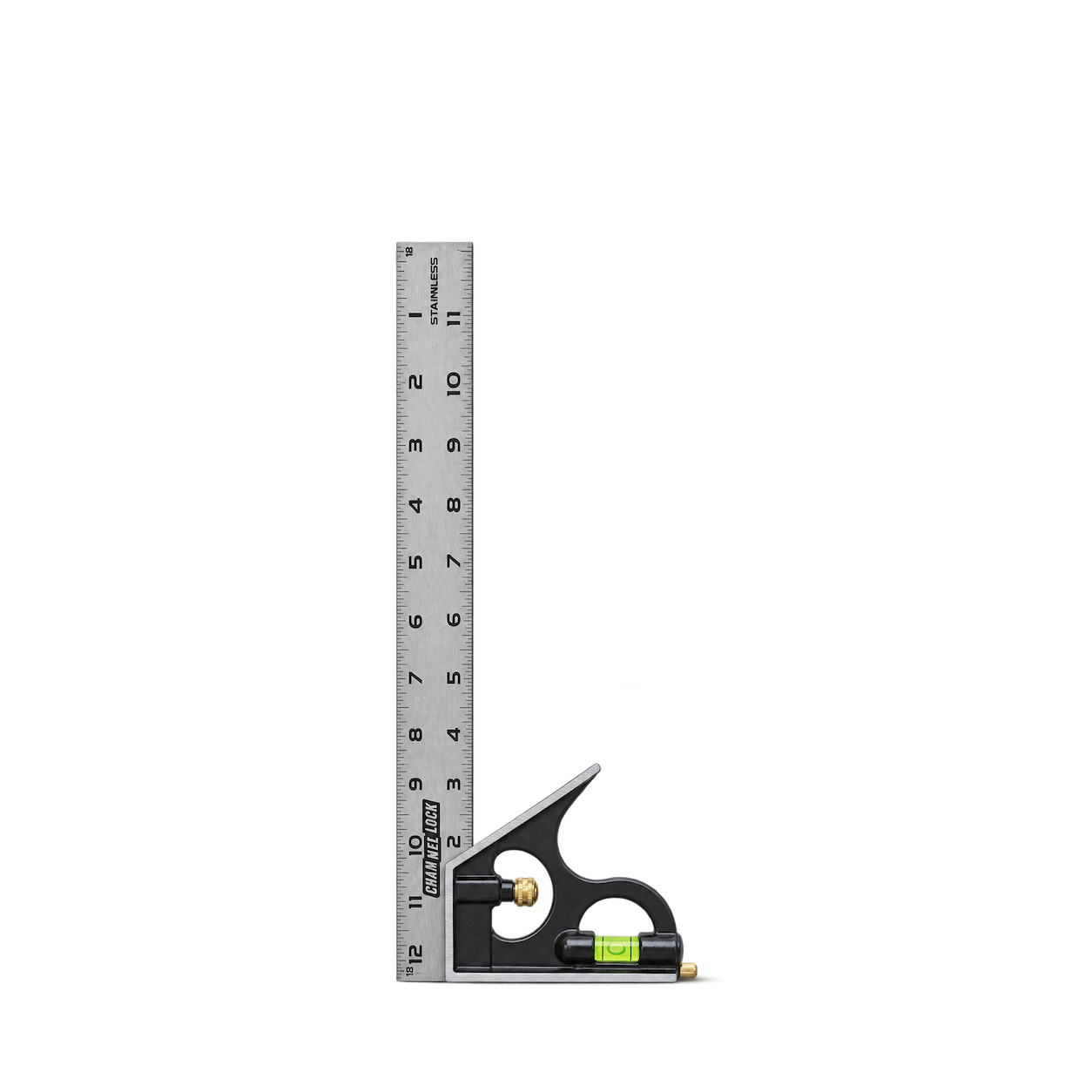
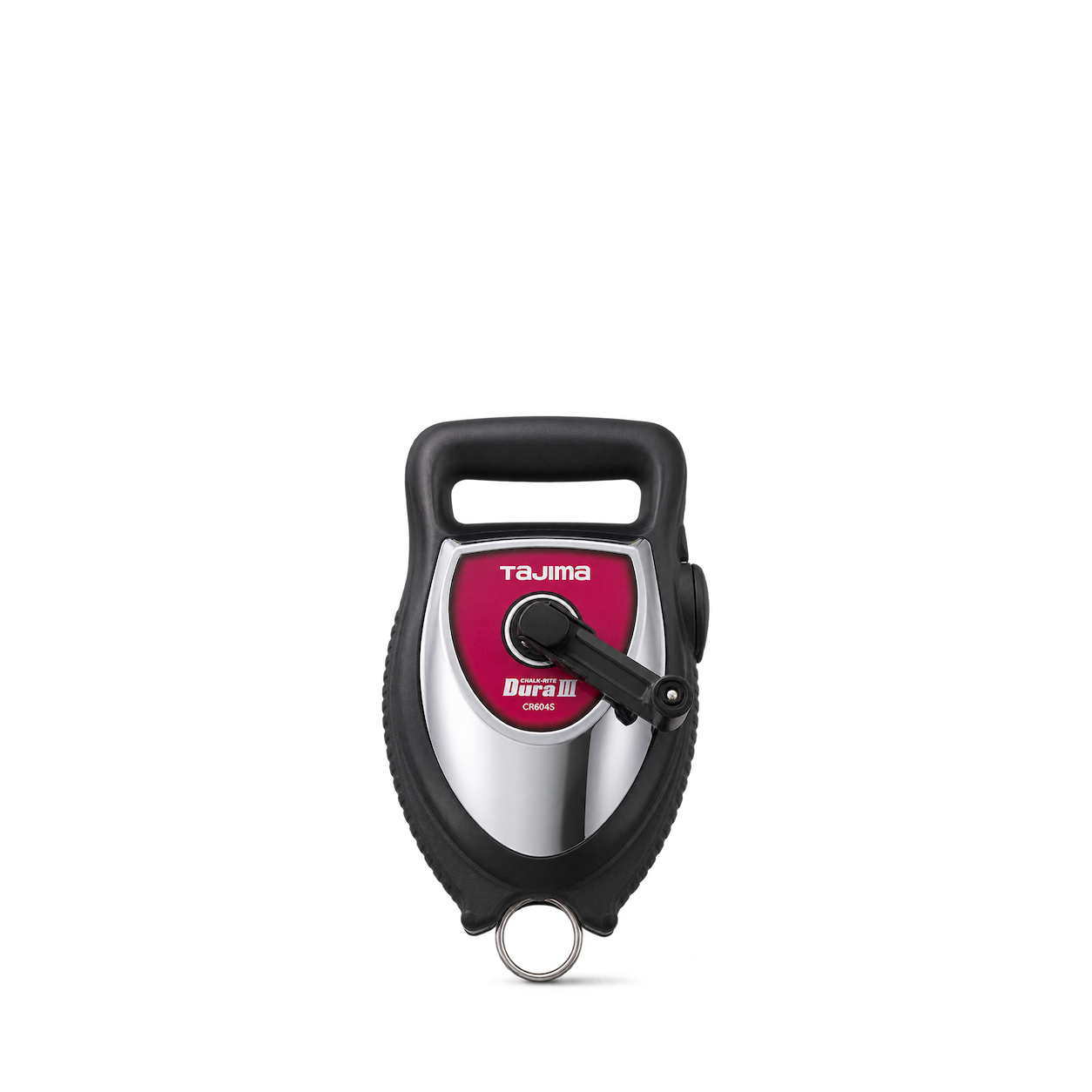
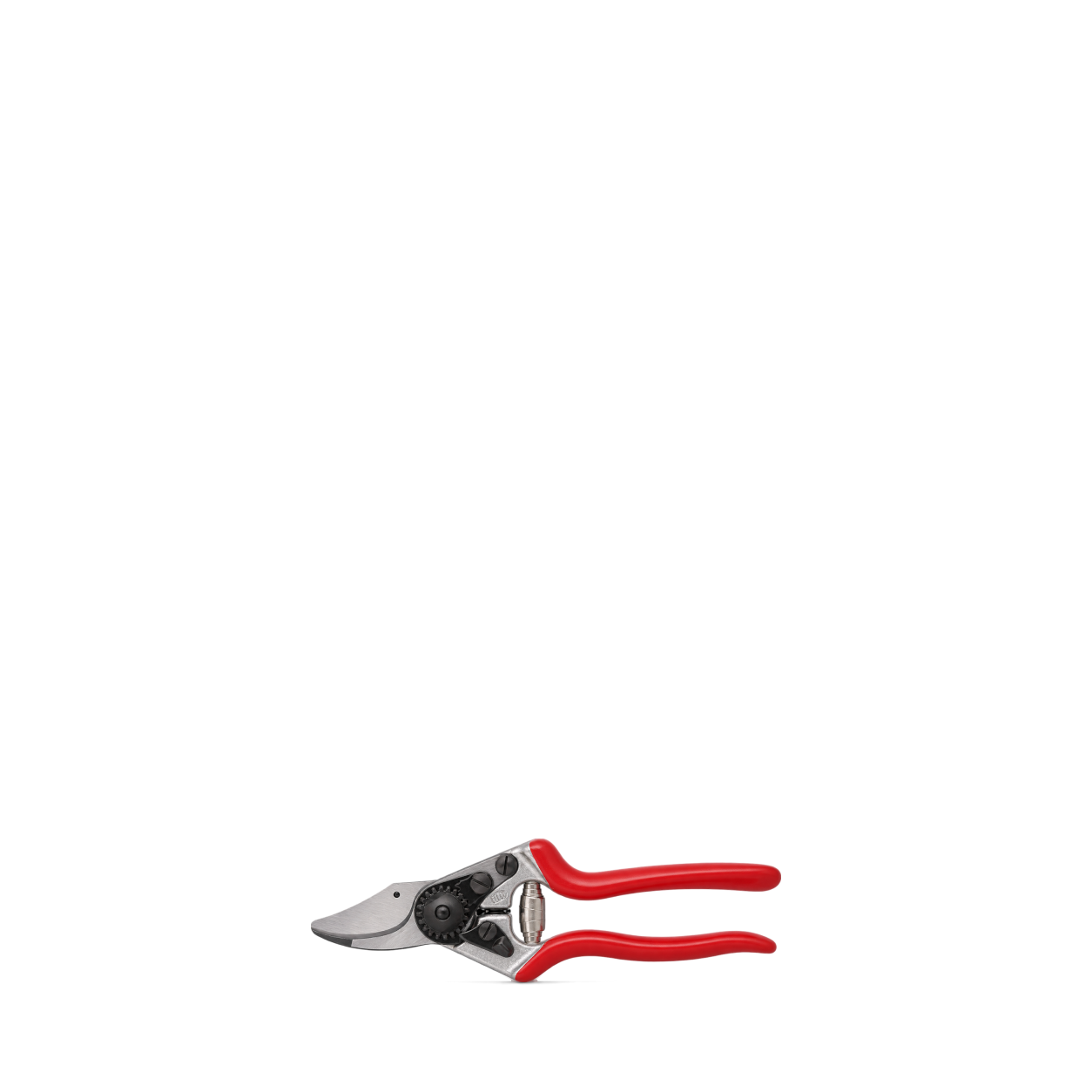
FELCO
6
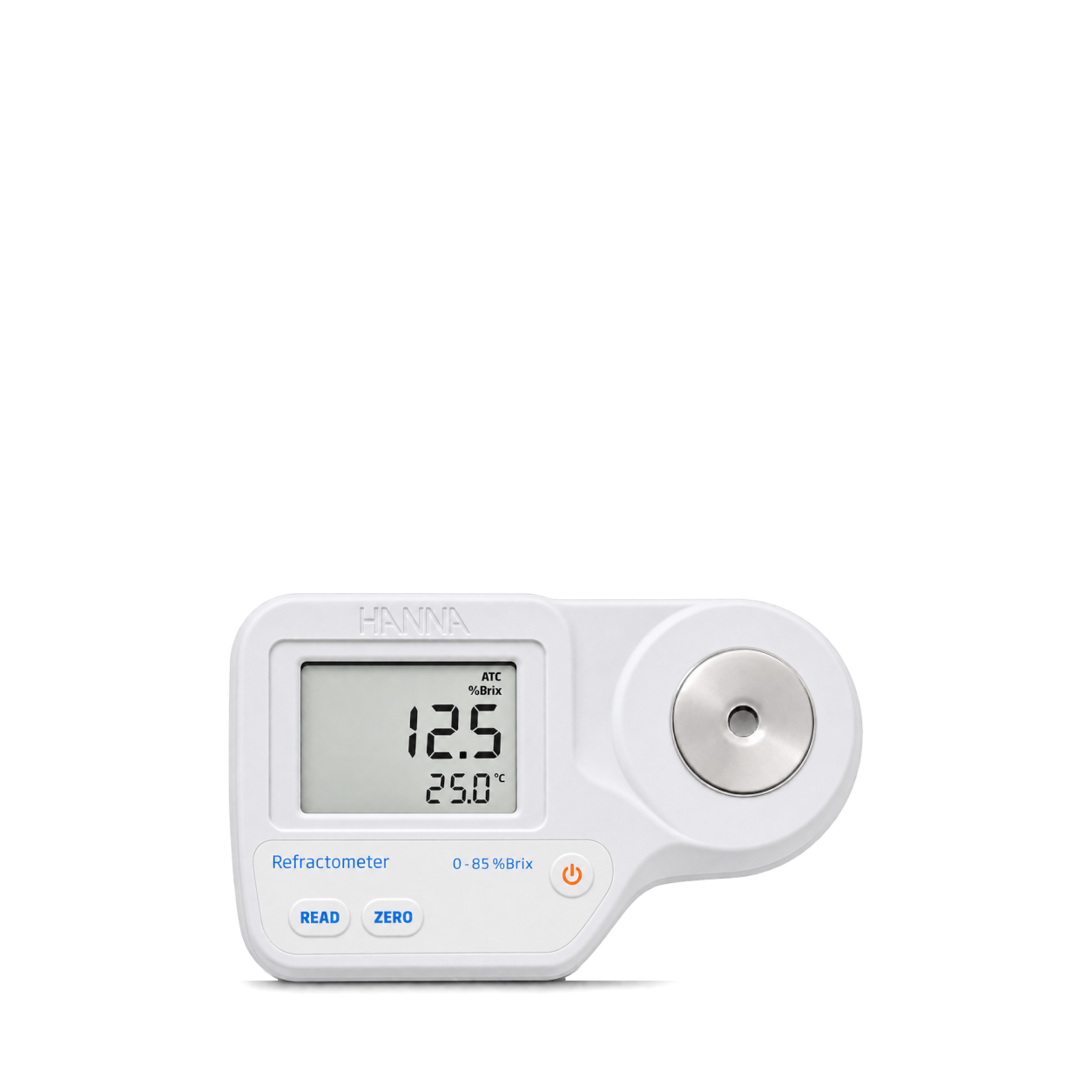
Hanna Instruments
Digital Refractometer for Brix Measurement in Food
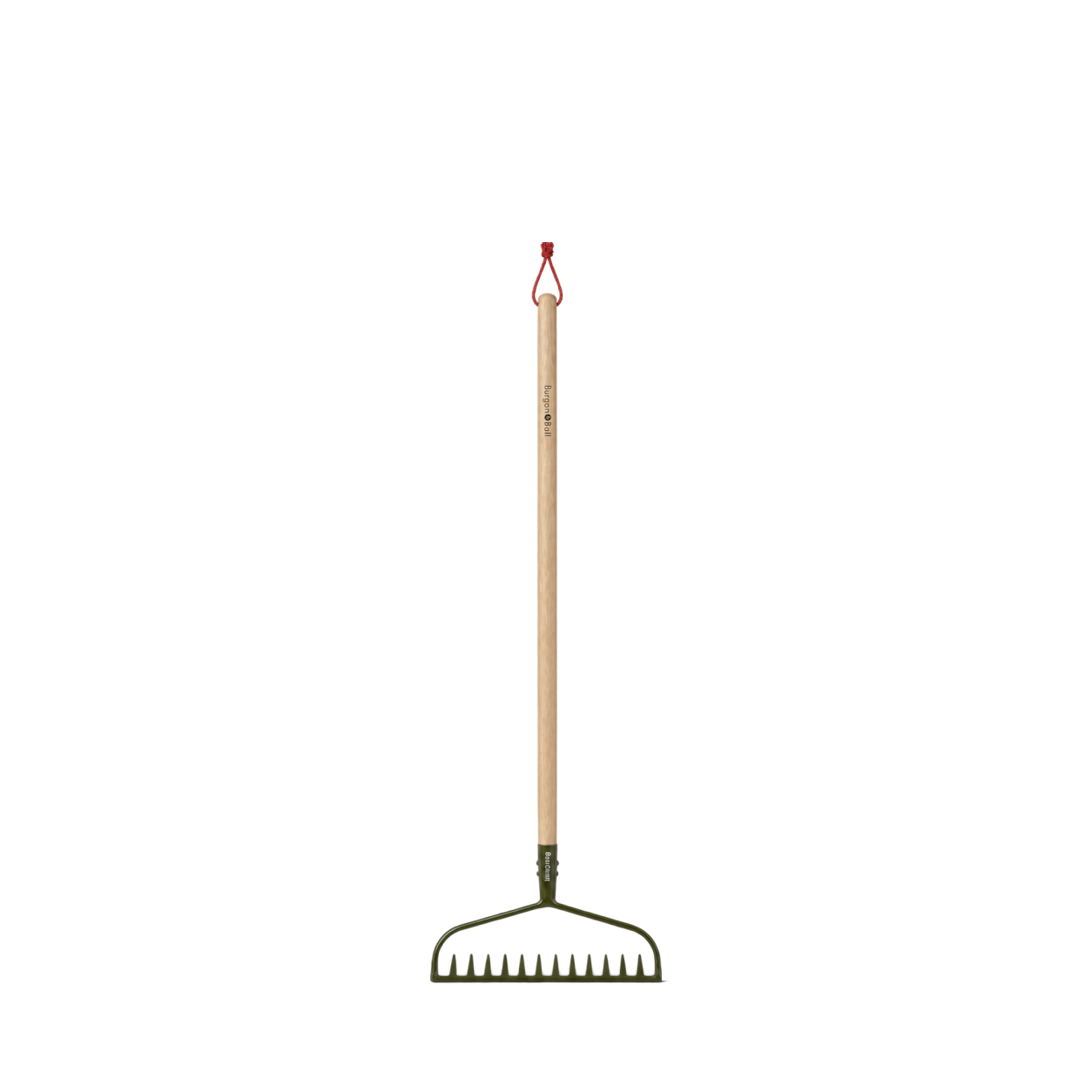
Burgon & Ball
BoronGreen Ground Rake - RHS Endorsed
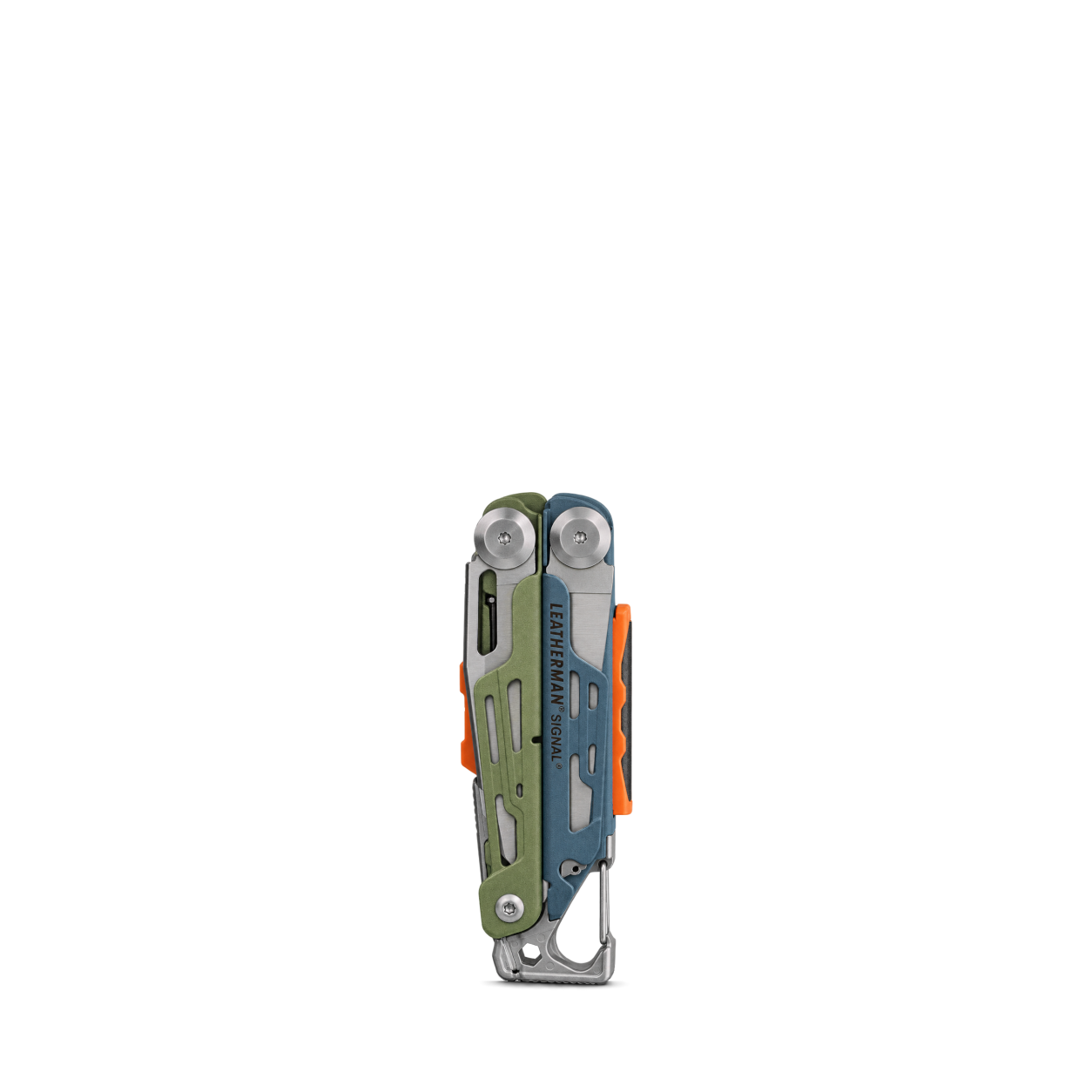
Leatherman
Signal® · Tundrascape

Sper Scientific
2-Pt. Acoustical Calibrator - Class 1
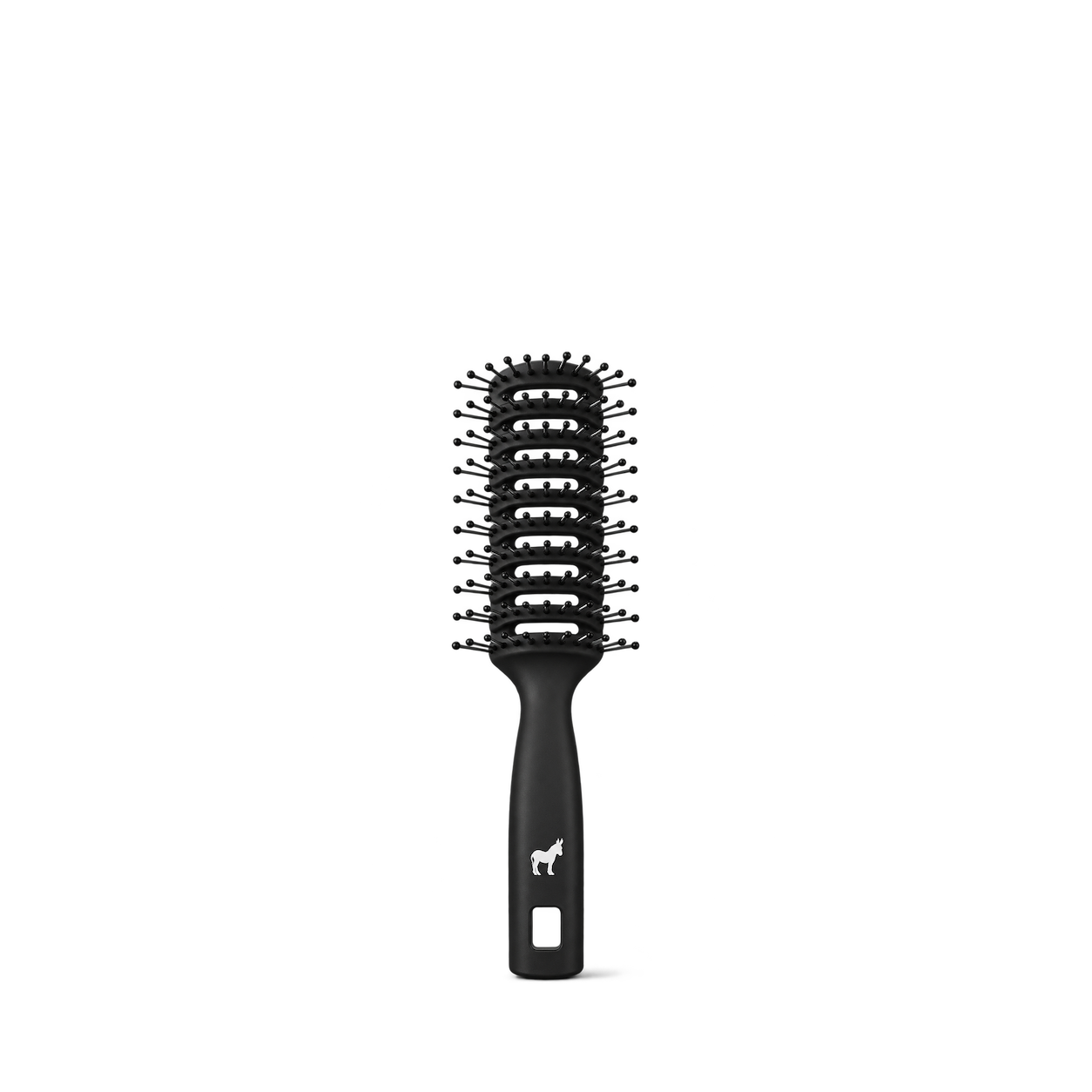
Pete & Pedro
Ball Tipped Vented Hair Brush
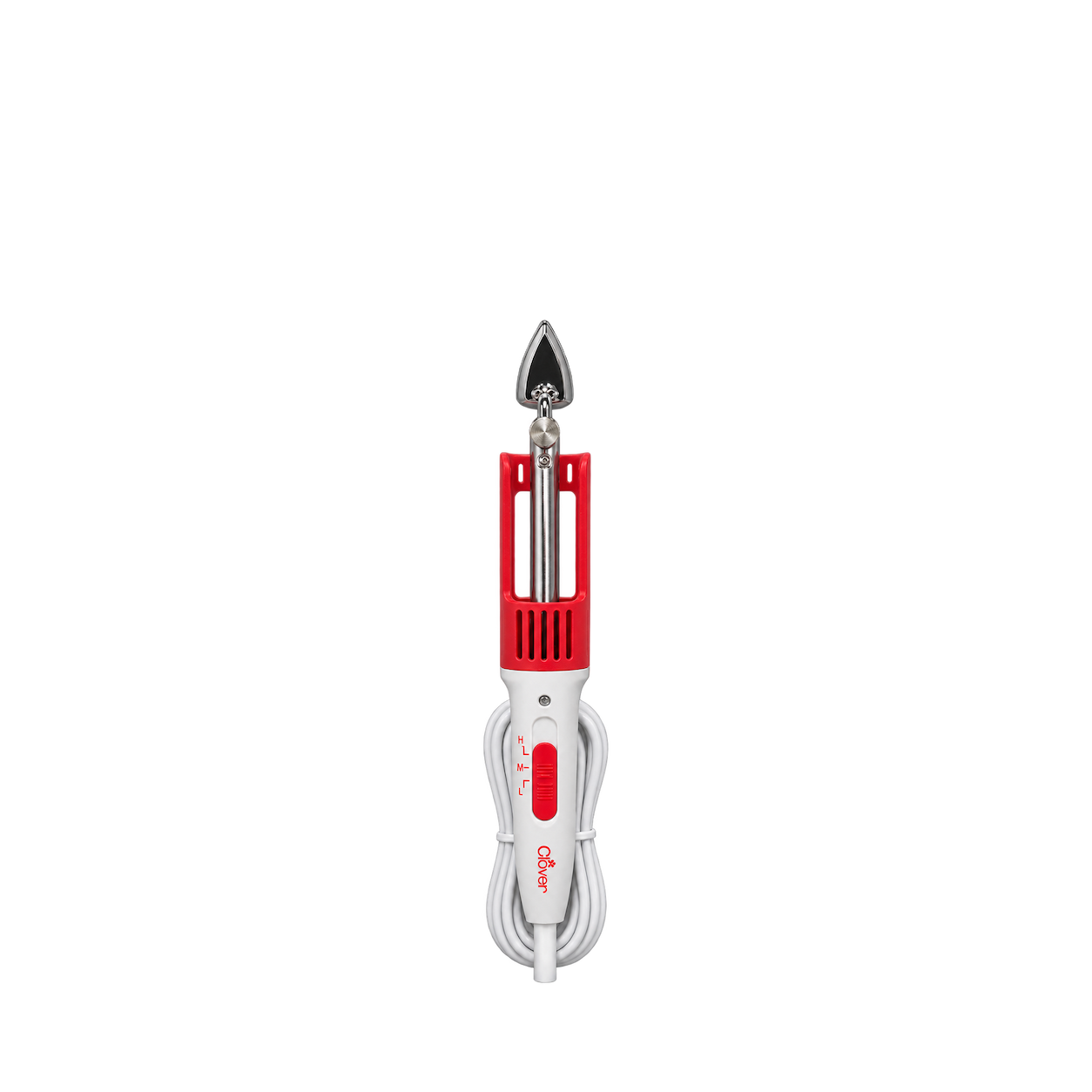
Clover
Mini Iron II
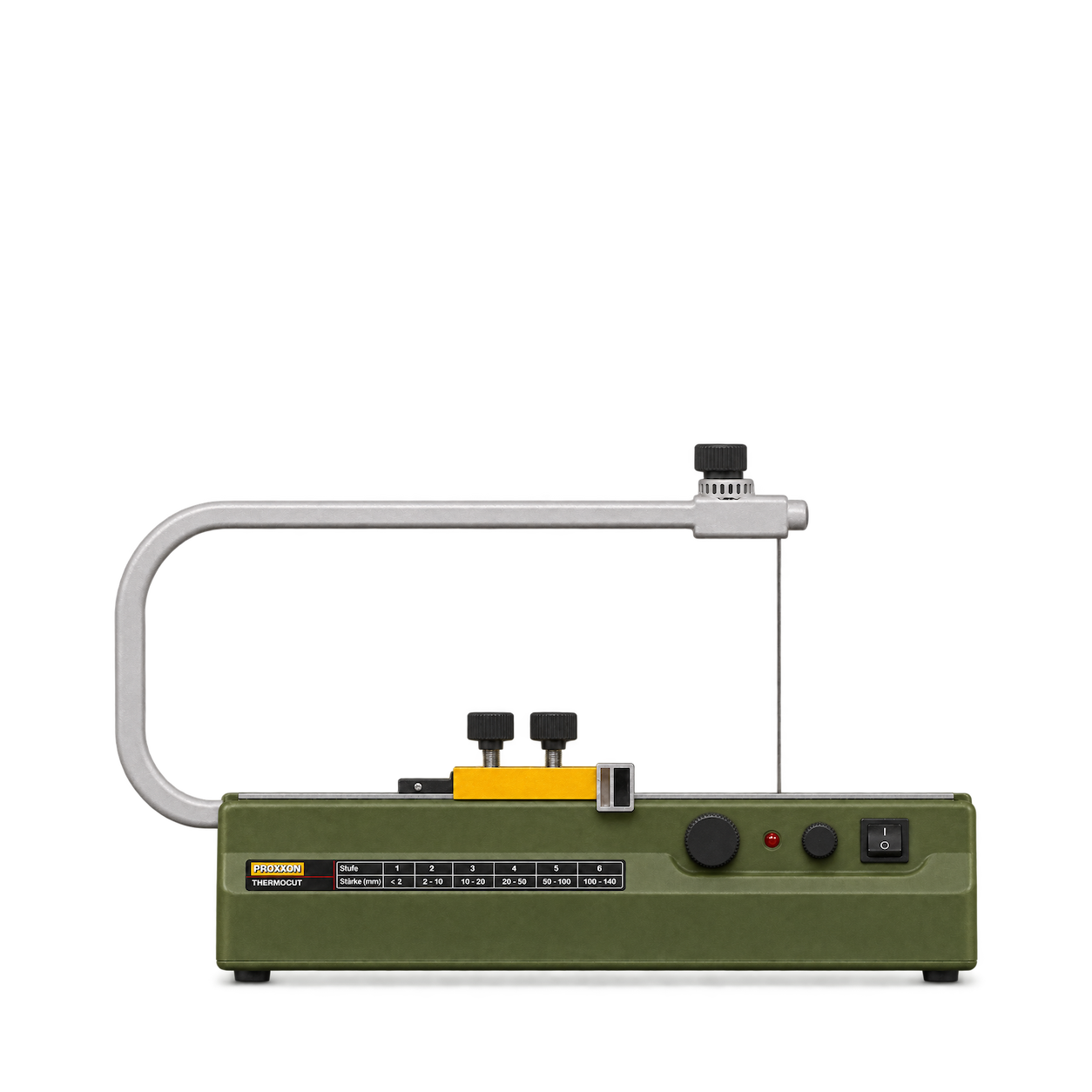
Proxxon
Thermocut 230/E
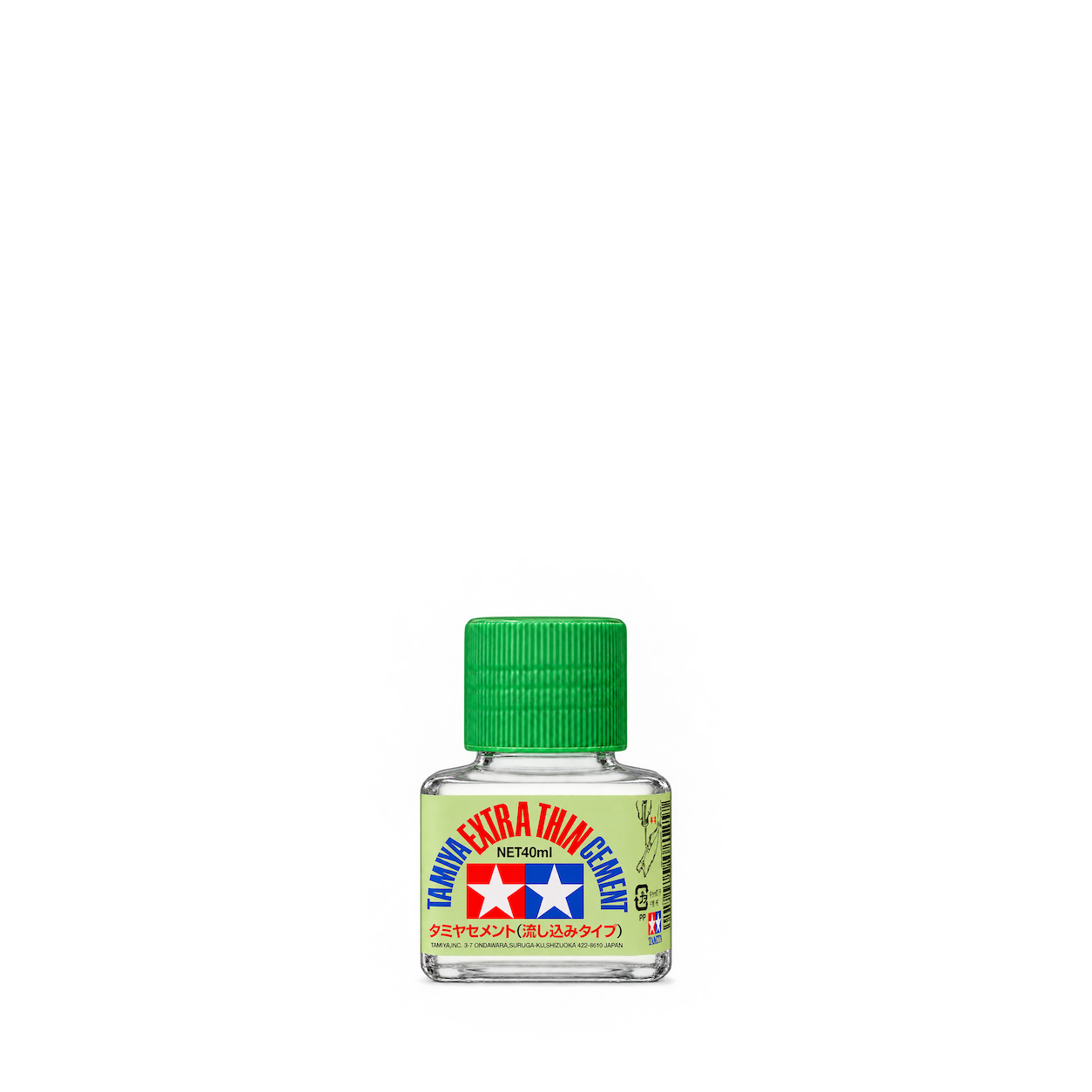
Tamiya
Extra Thin Cement 87038
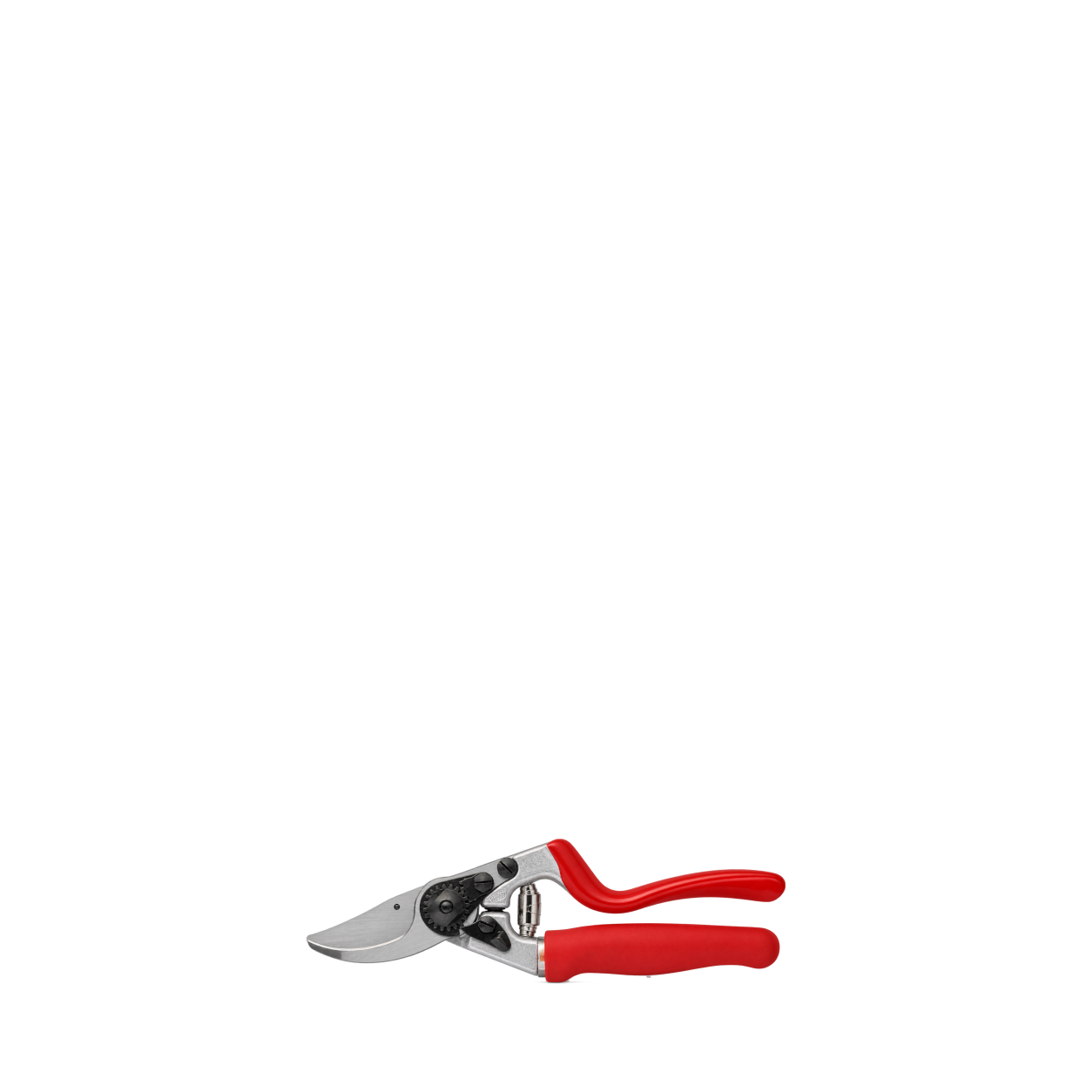
FELCO
7
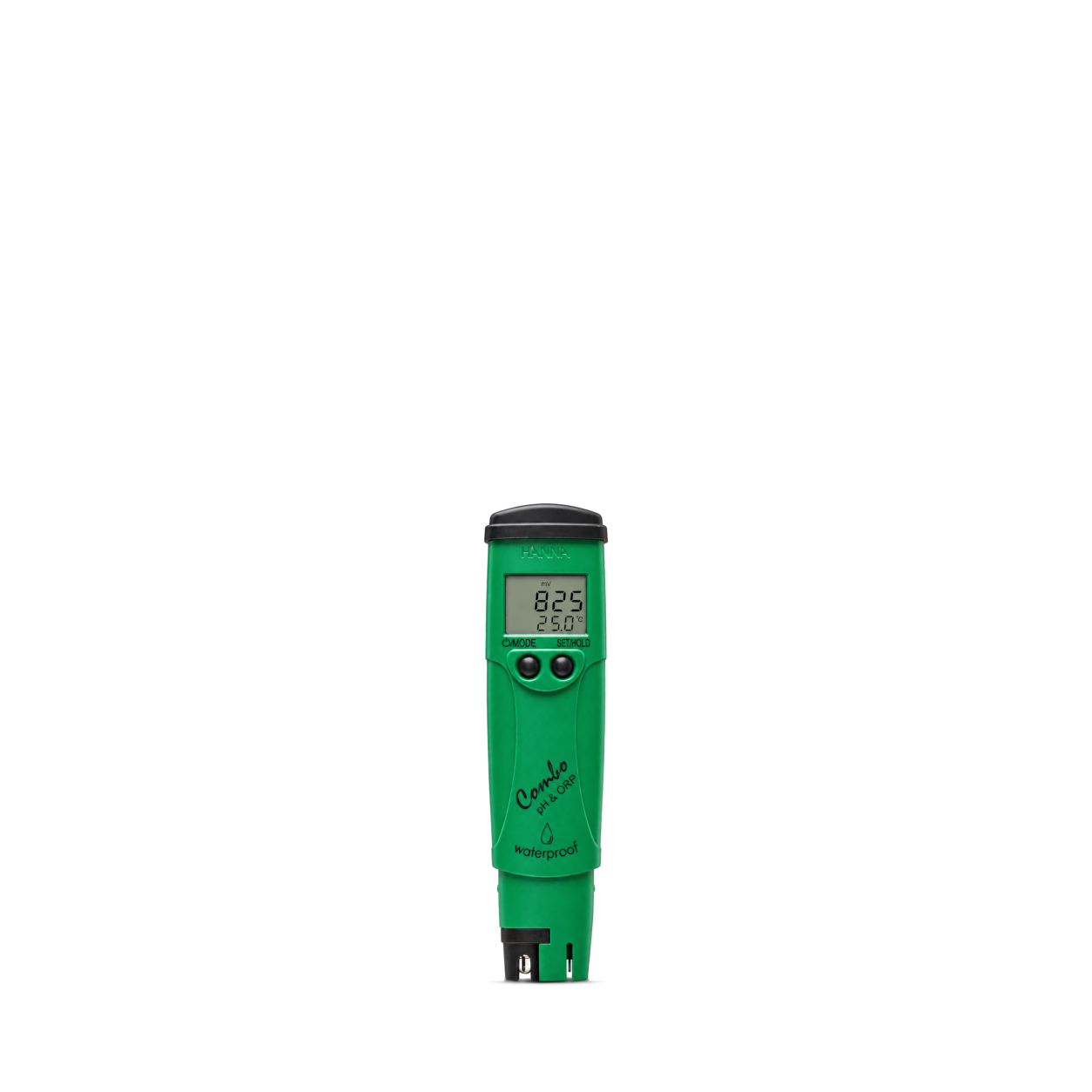
Hanna Instruments
pH/ORP/Temperature Combo Tester
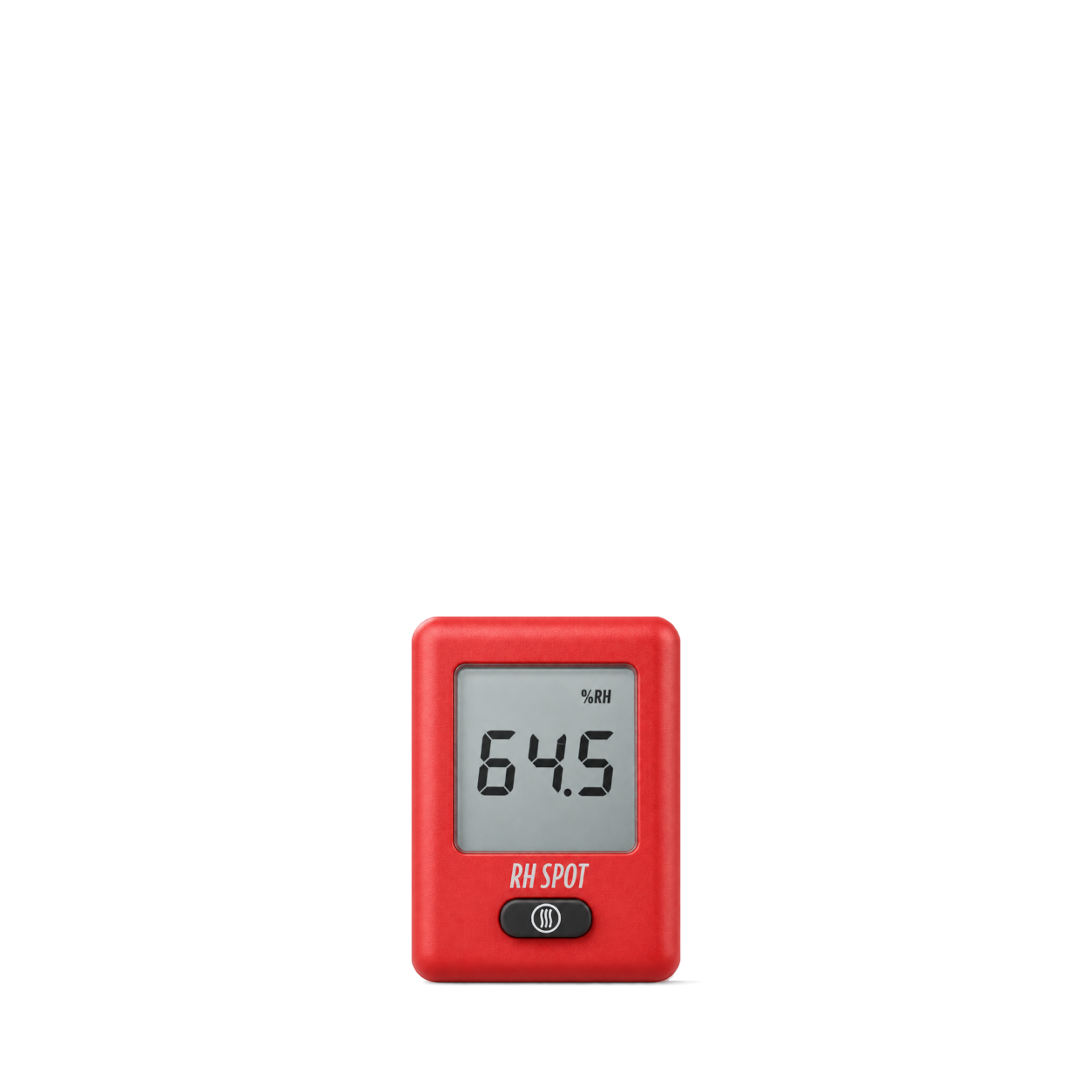
ThermoWorks
RH SPOT® - Temperature and Humidity · Red
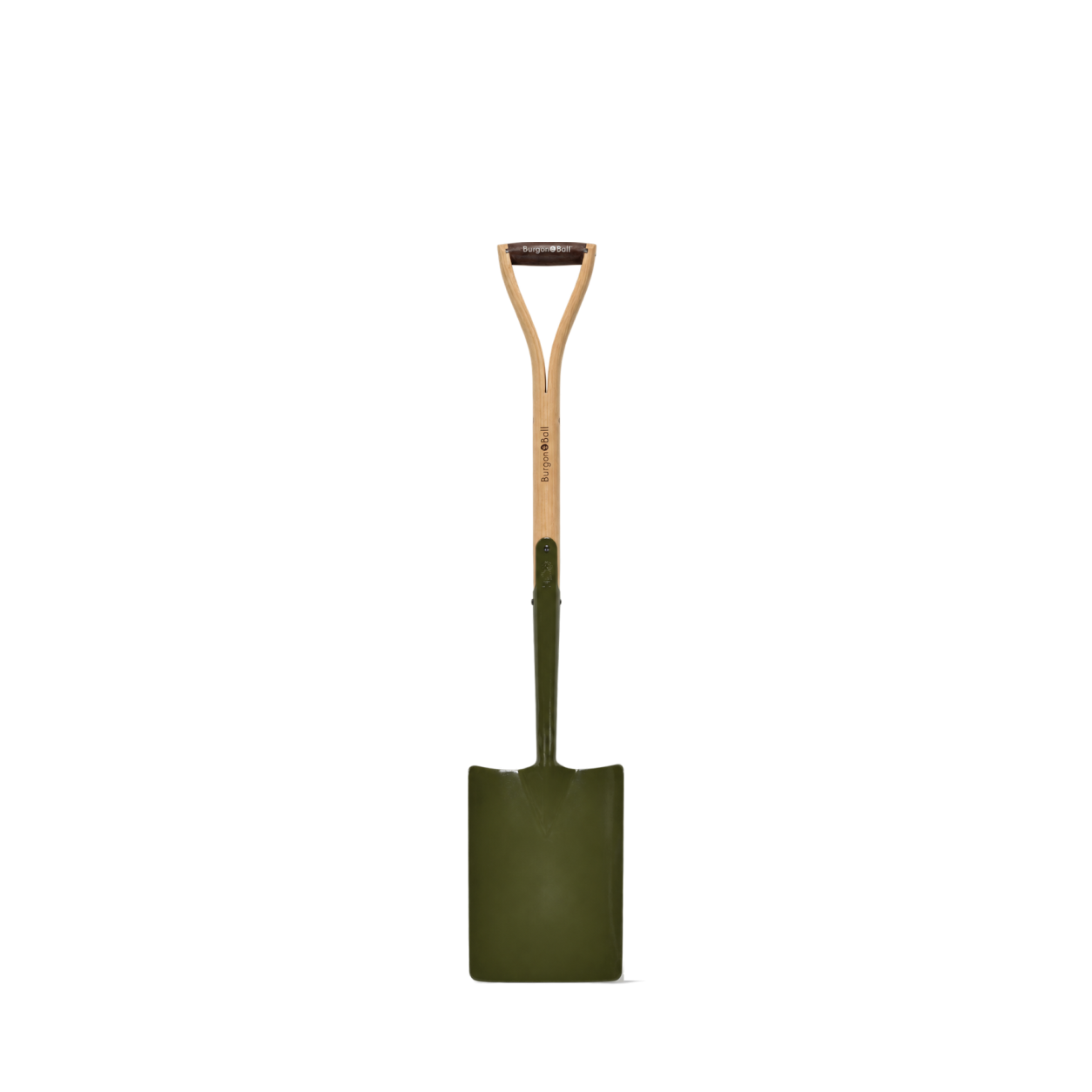
Burgon & Ball
BoronGreen Square Shovel - RHS Endorsed
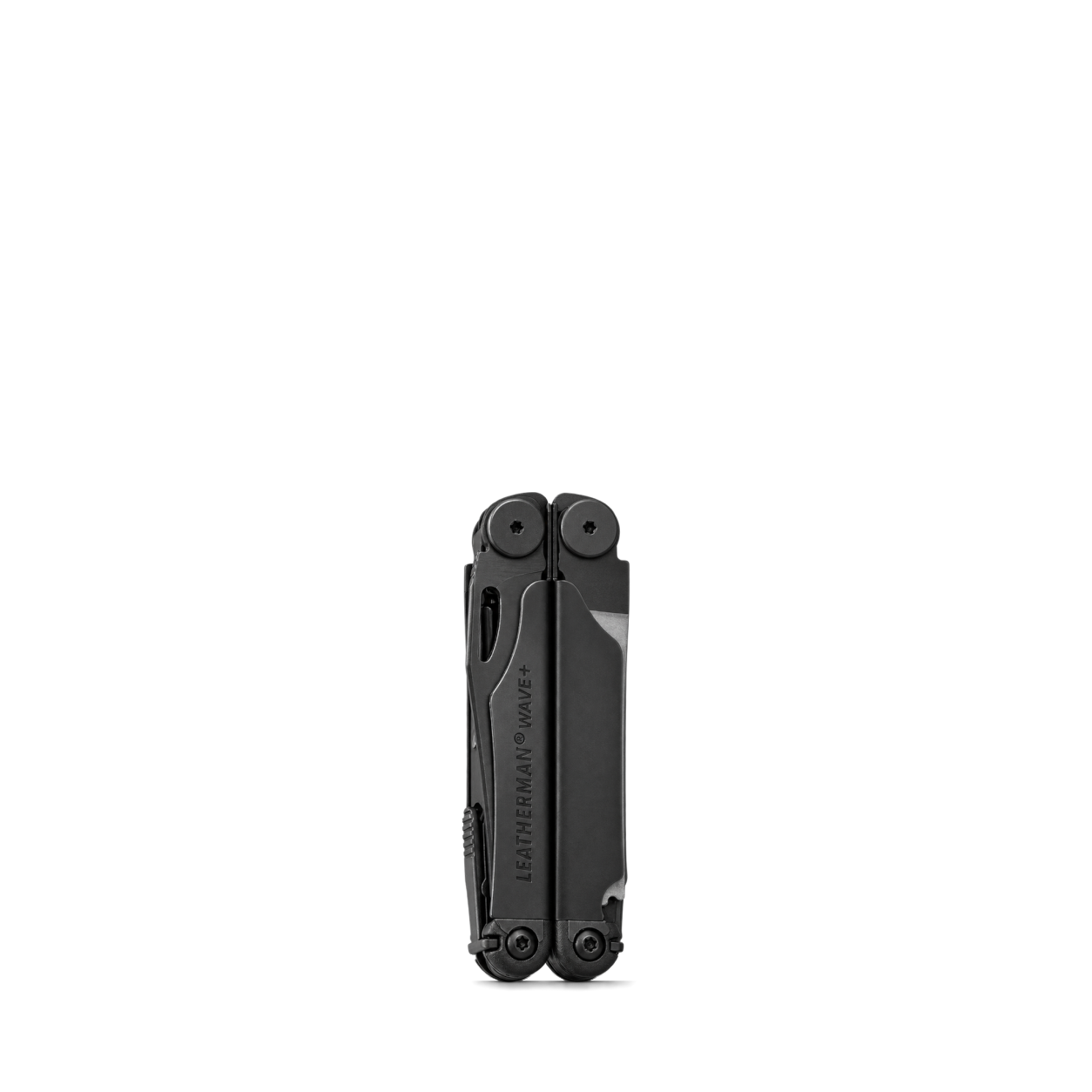
Leatherman
Wave® Plus · Black
Sper Scientific
6 In 1 Multi-Parameter Water Quality Pen
Pete & Pedro
Bath & Body Massaging Scrub Brush
AmScope
LED-96S Modular Ring Light
Dremel
Stylo+
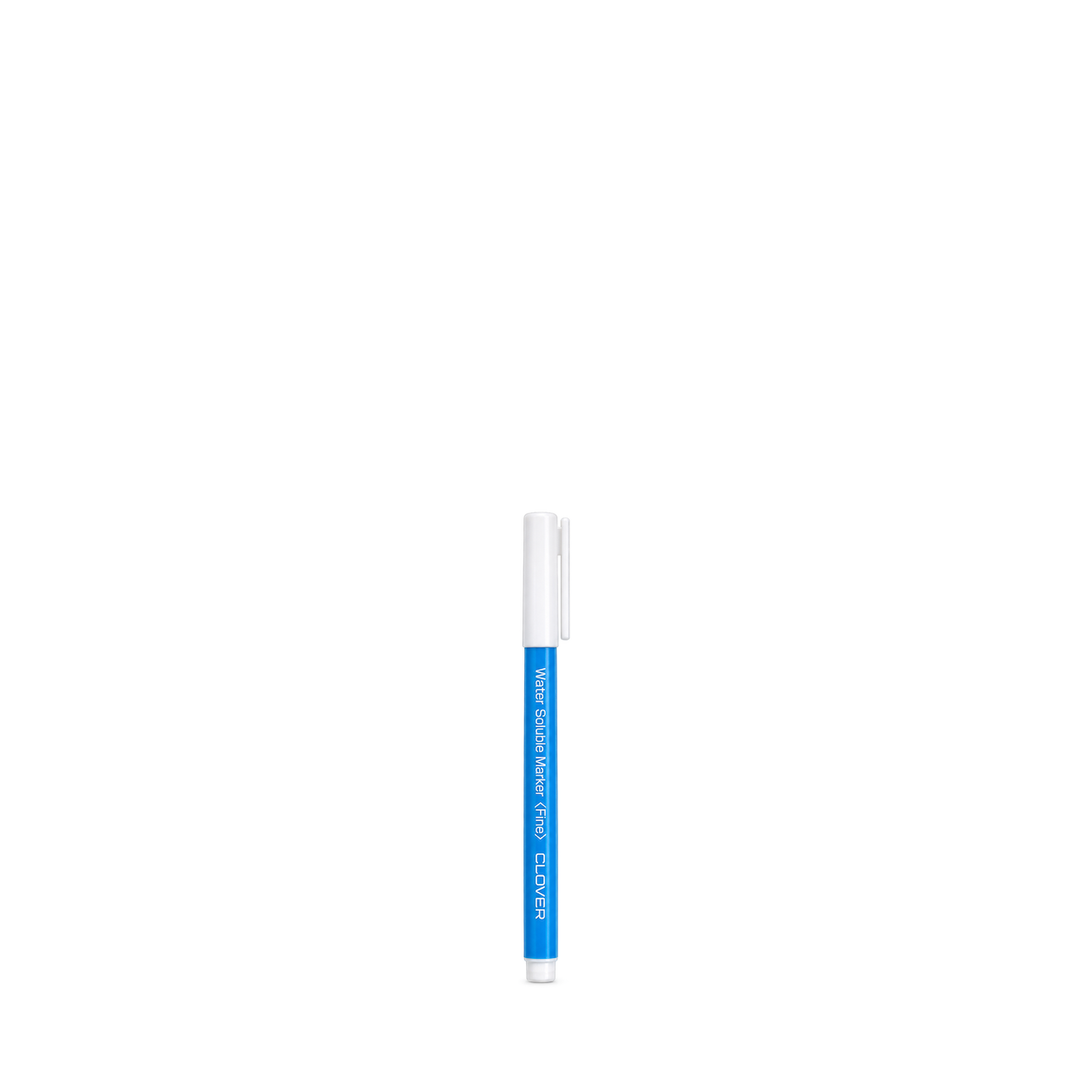
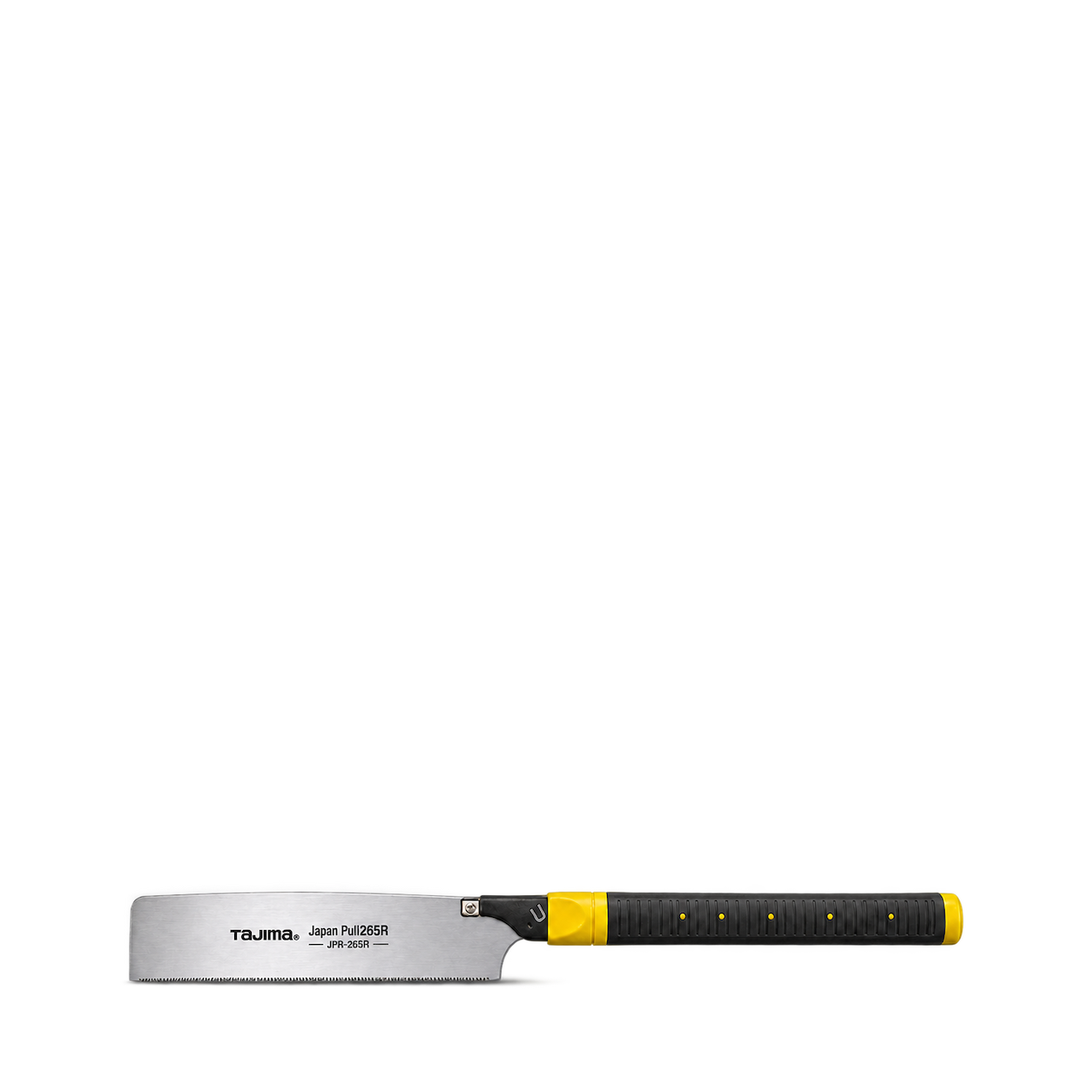
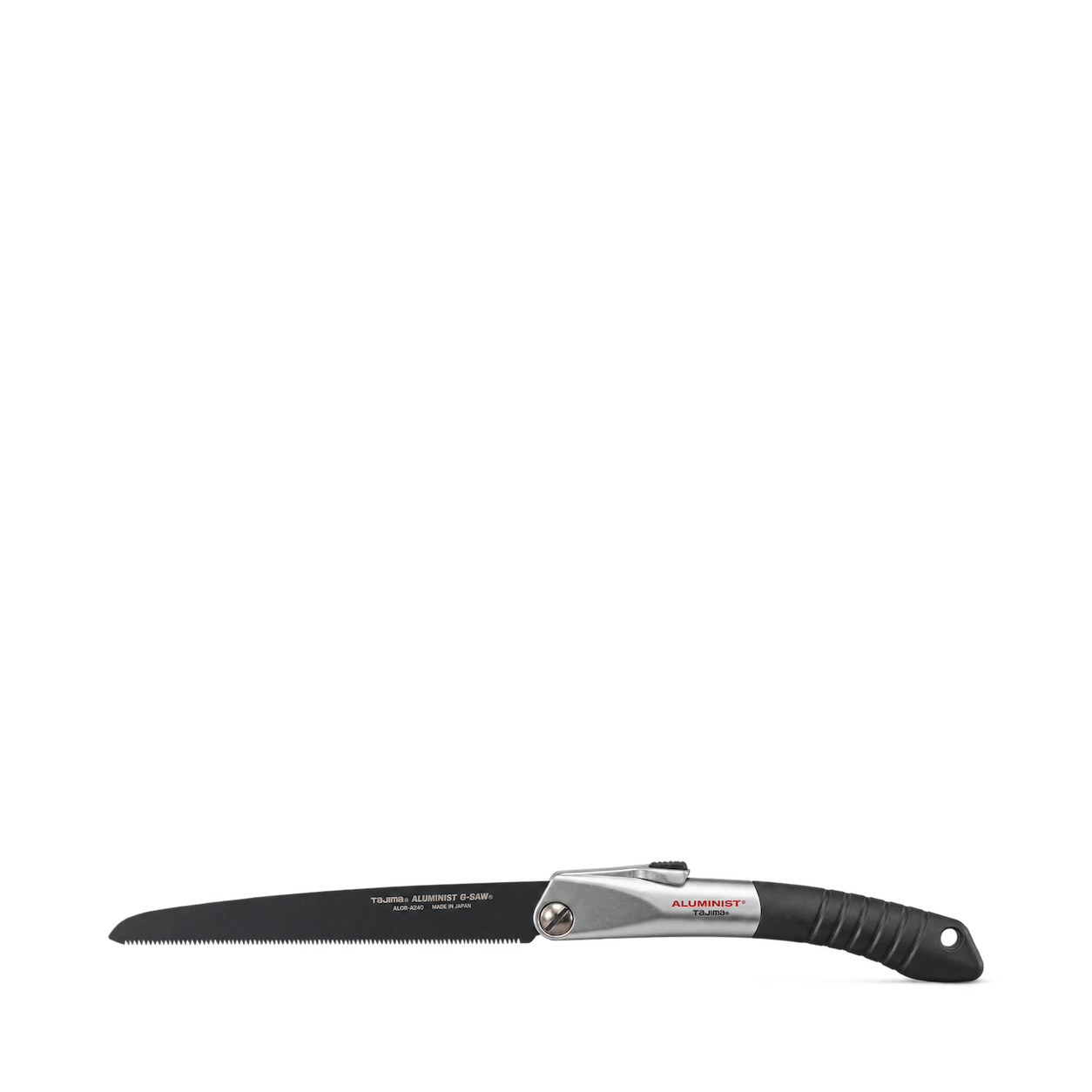
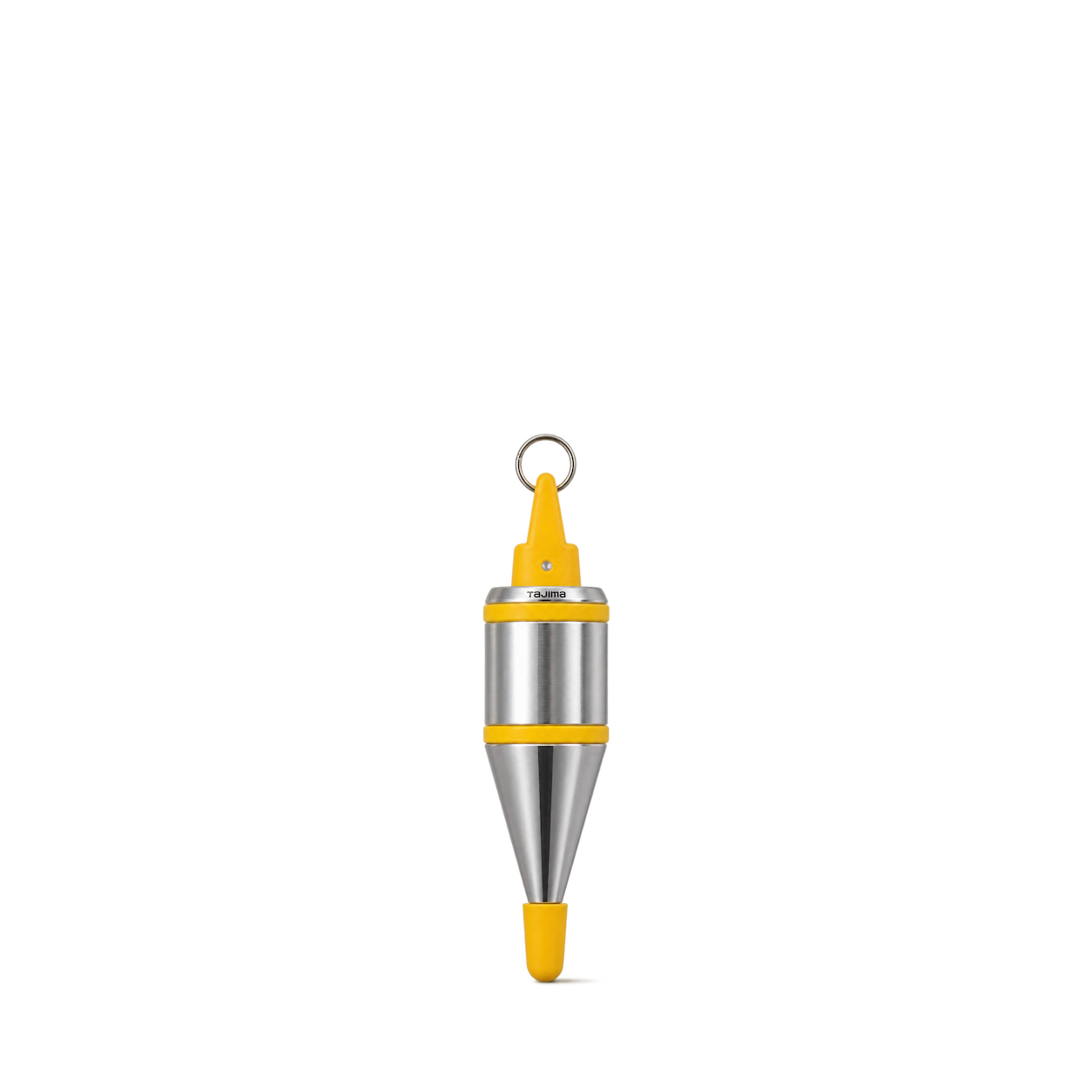
TAJIMA
Japan Pull 265R JPR-265R
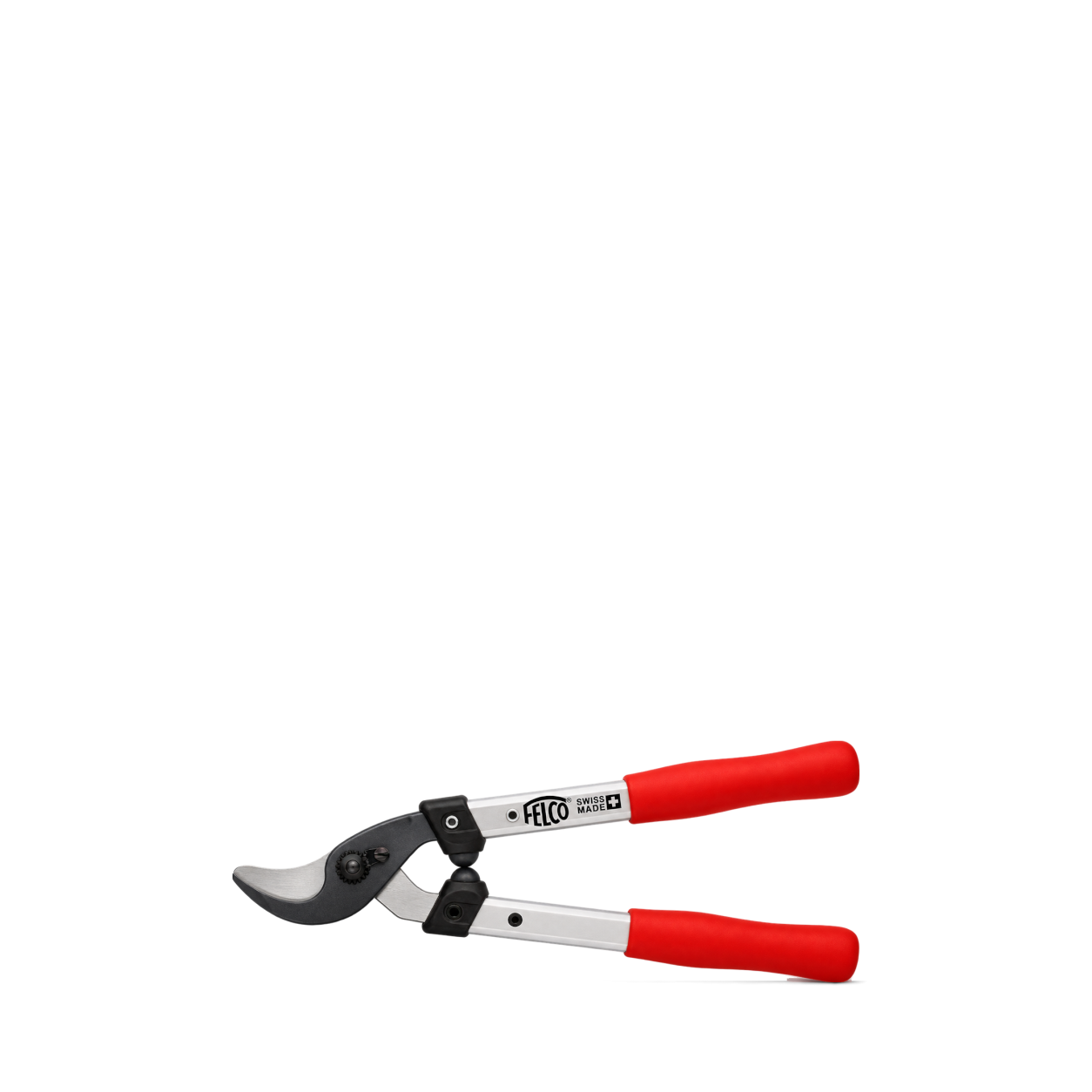
FELCO
211-40
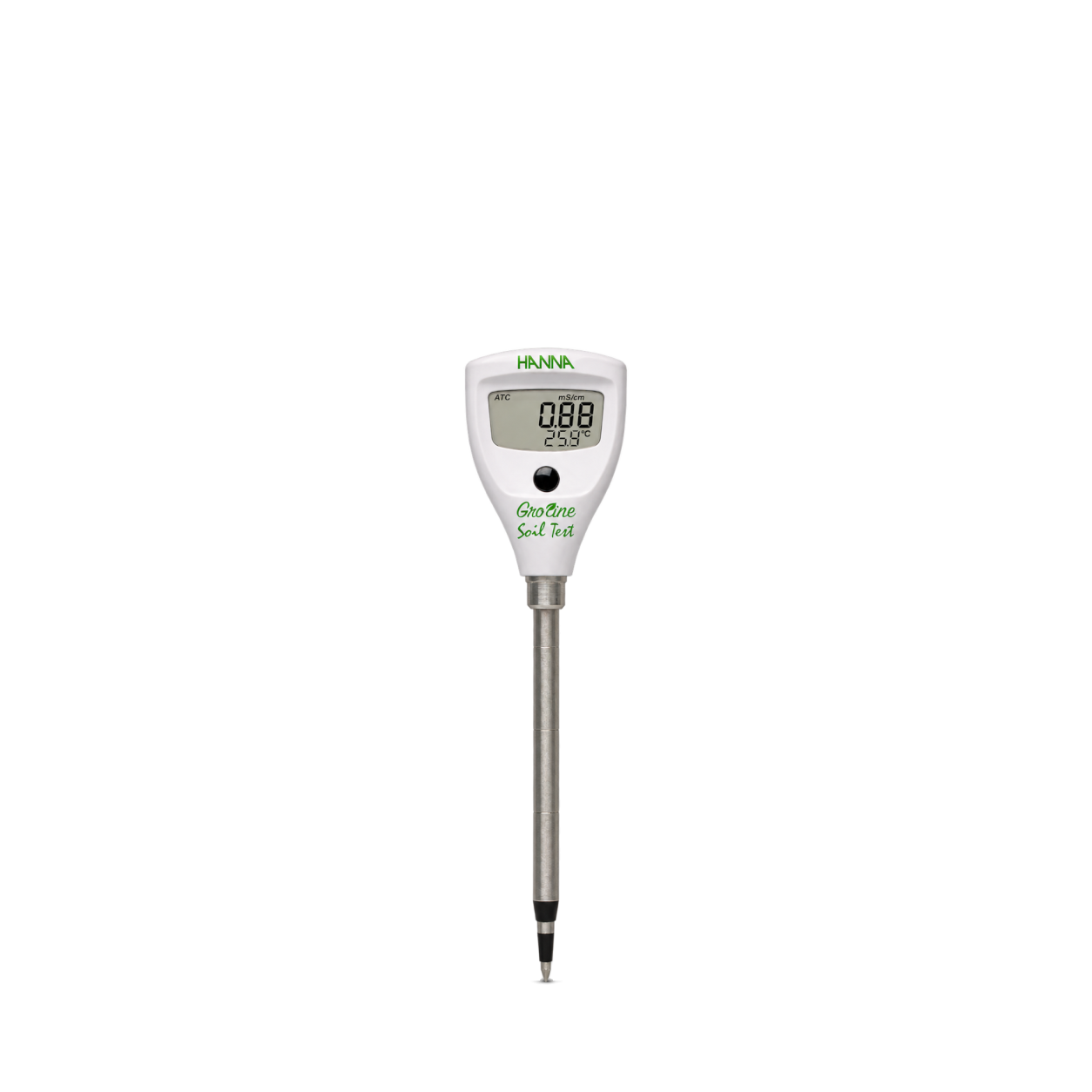
Hanna Instruments
Soil Test Direct Soil Conductivity Tester
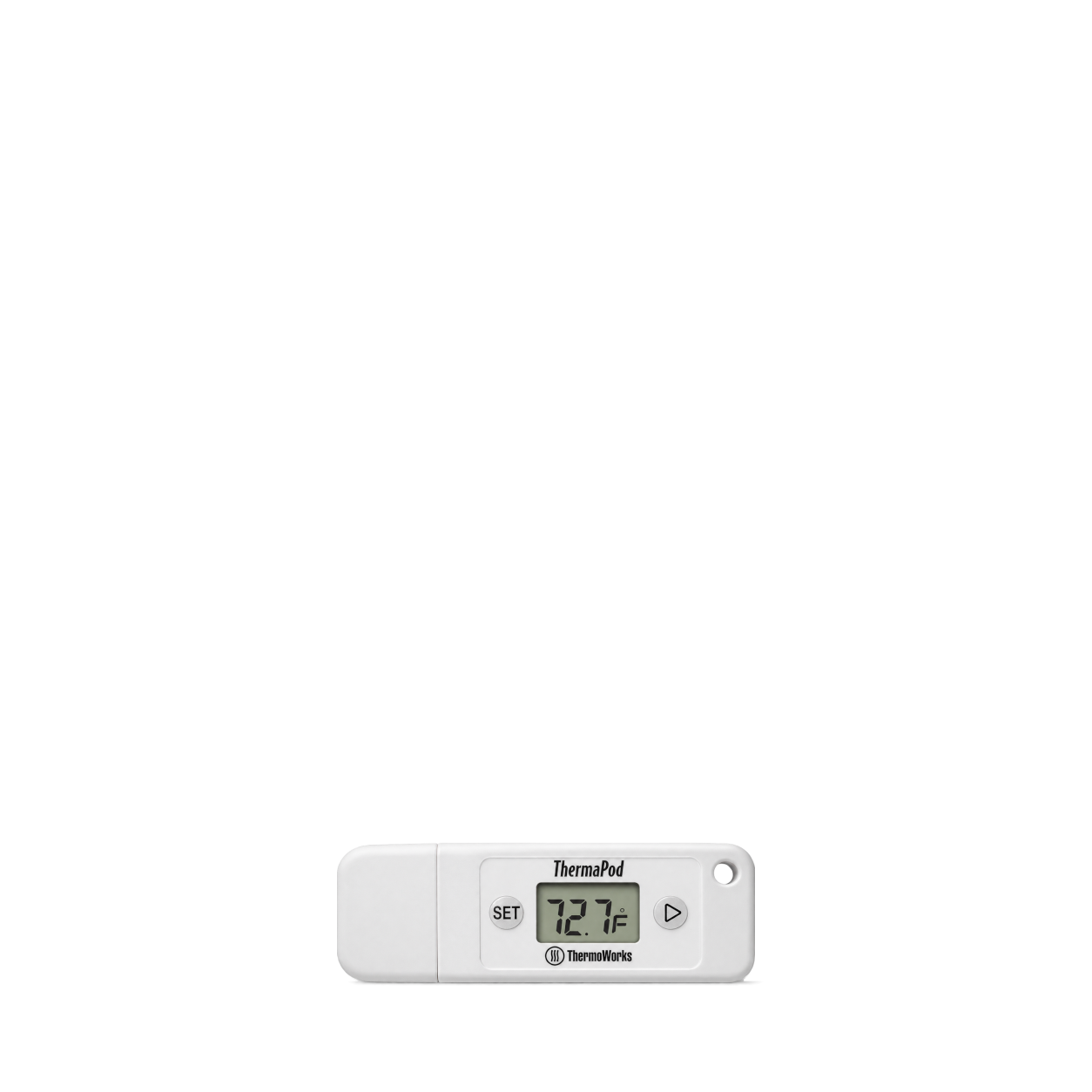
ThermoWorks
ThermaPod™
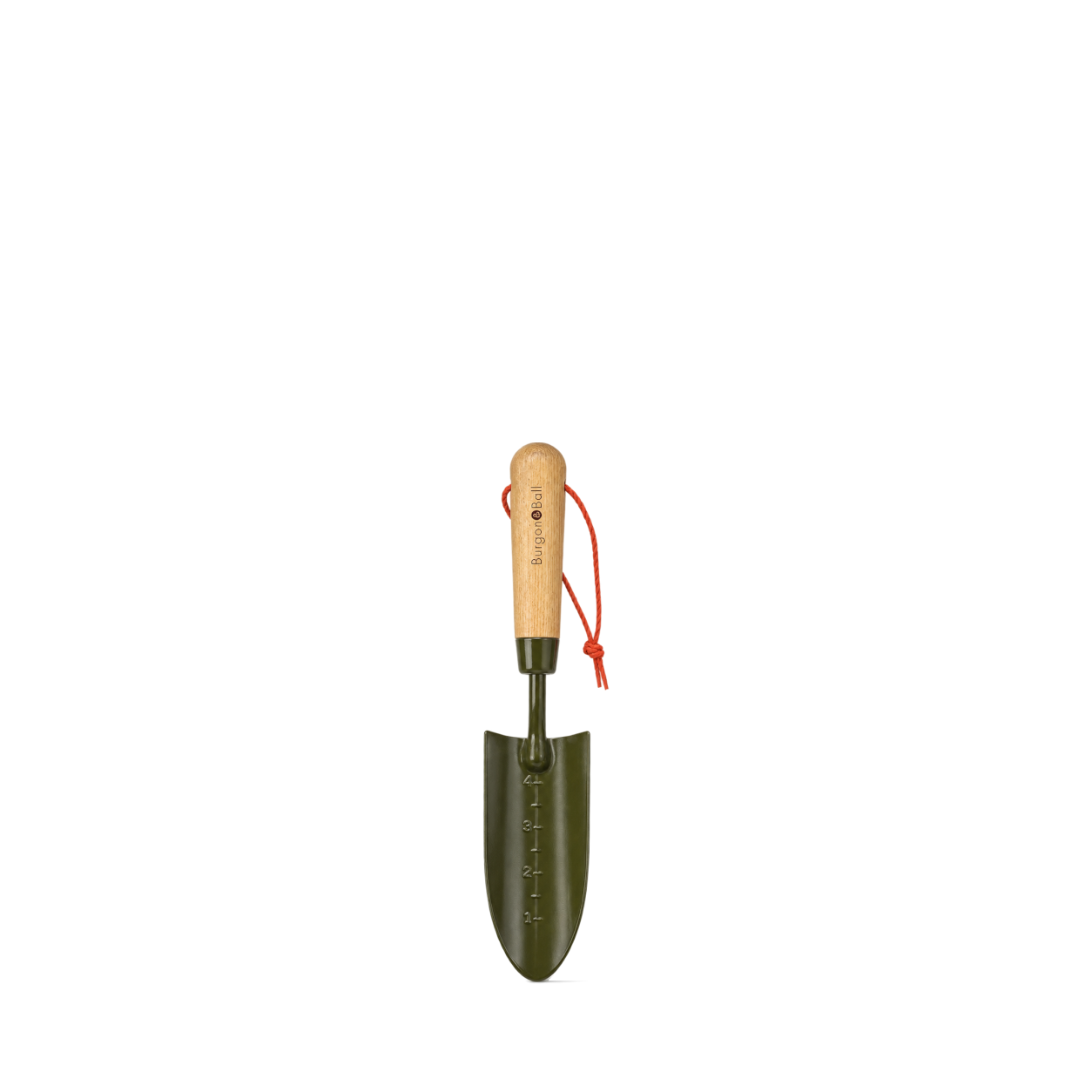
Burgon & Ball
BoronGreen Transplanter - RHS Endorsed
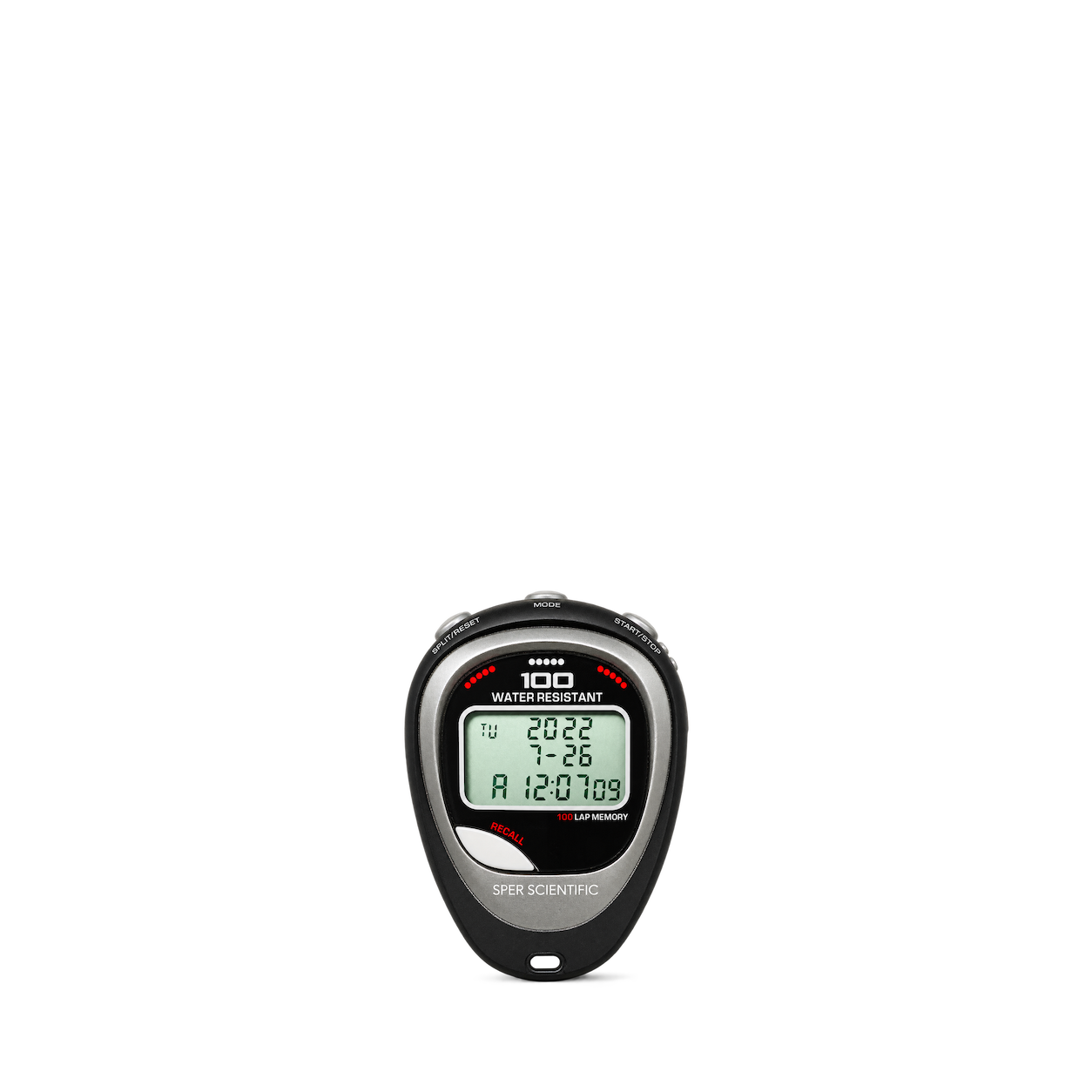
Sper Scientific
100 Memory Water and Shock Resistant Stopwatch
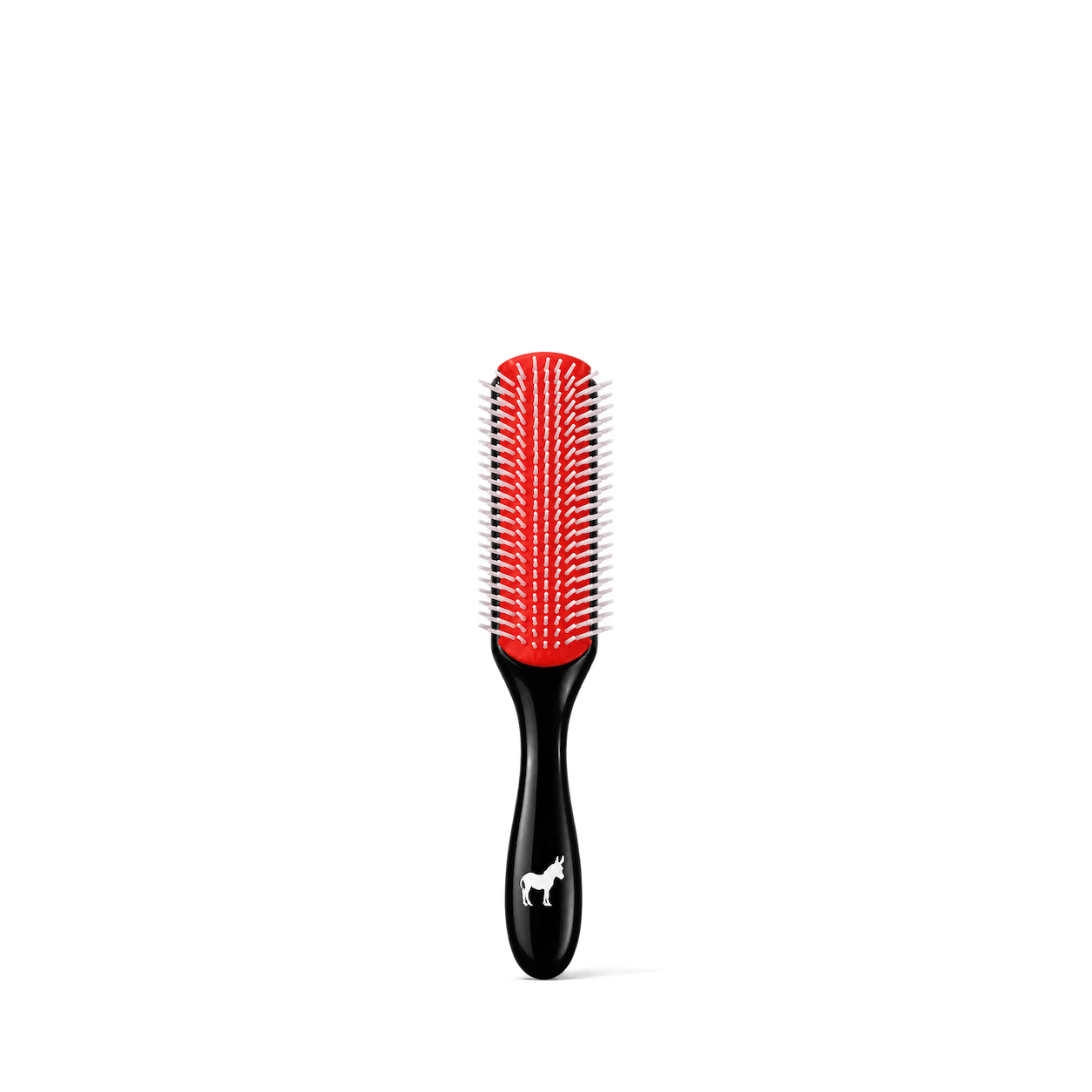
Pete & Pedro
Classic Cushion 9 Row Men's Hair Brush
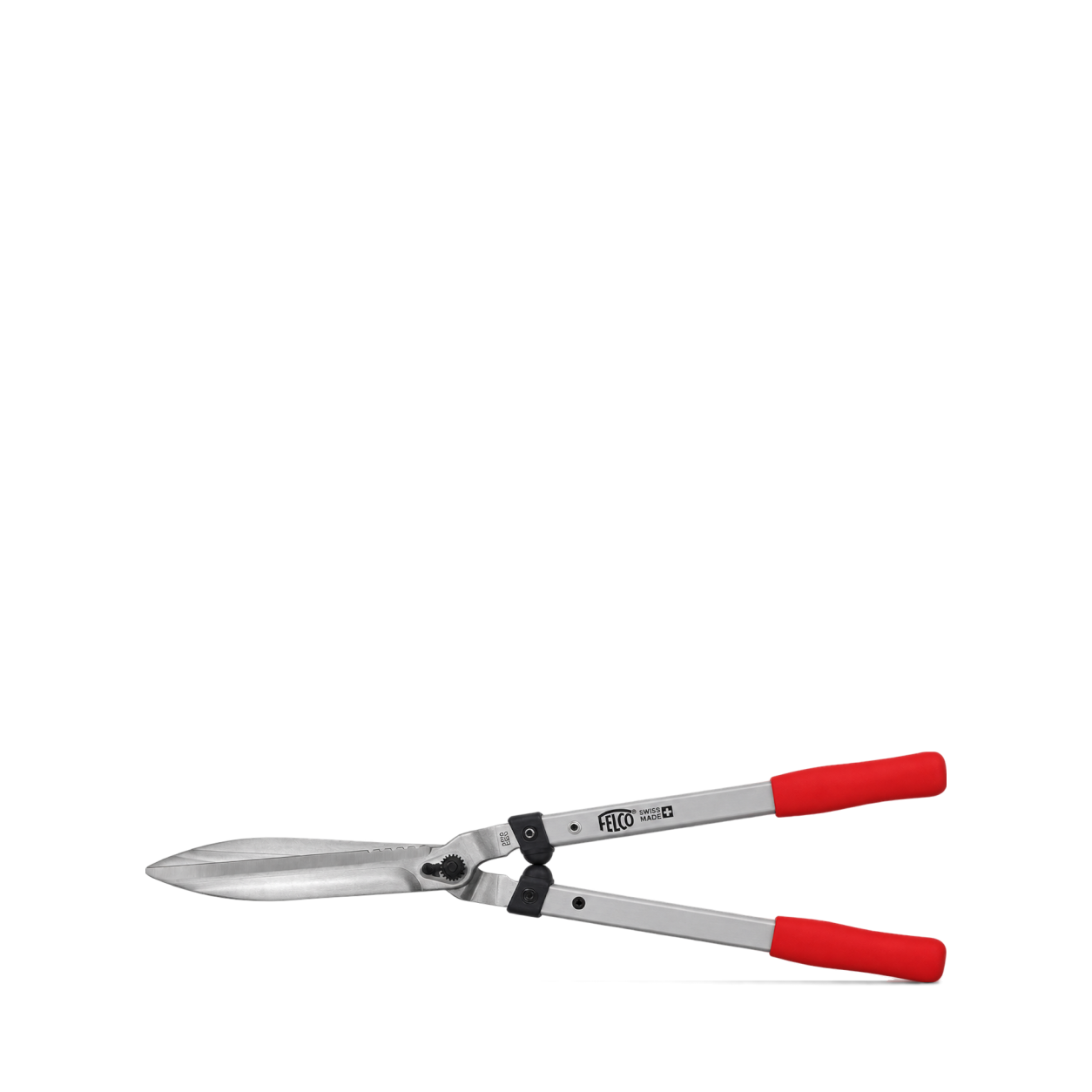
FELCO
250-63
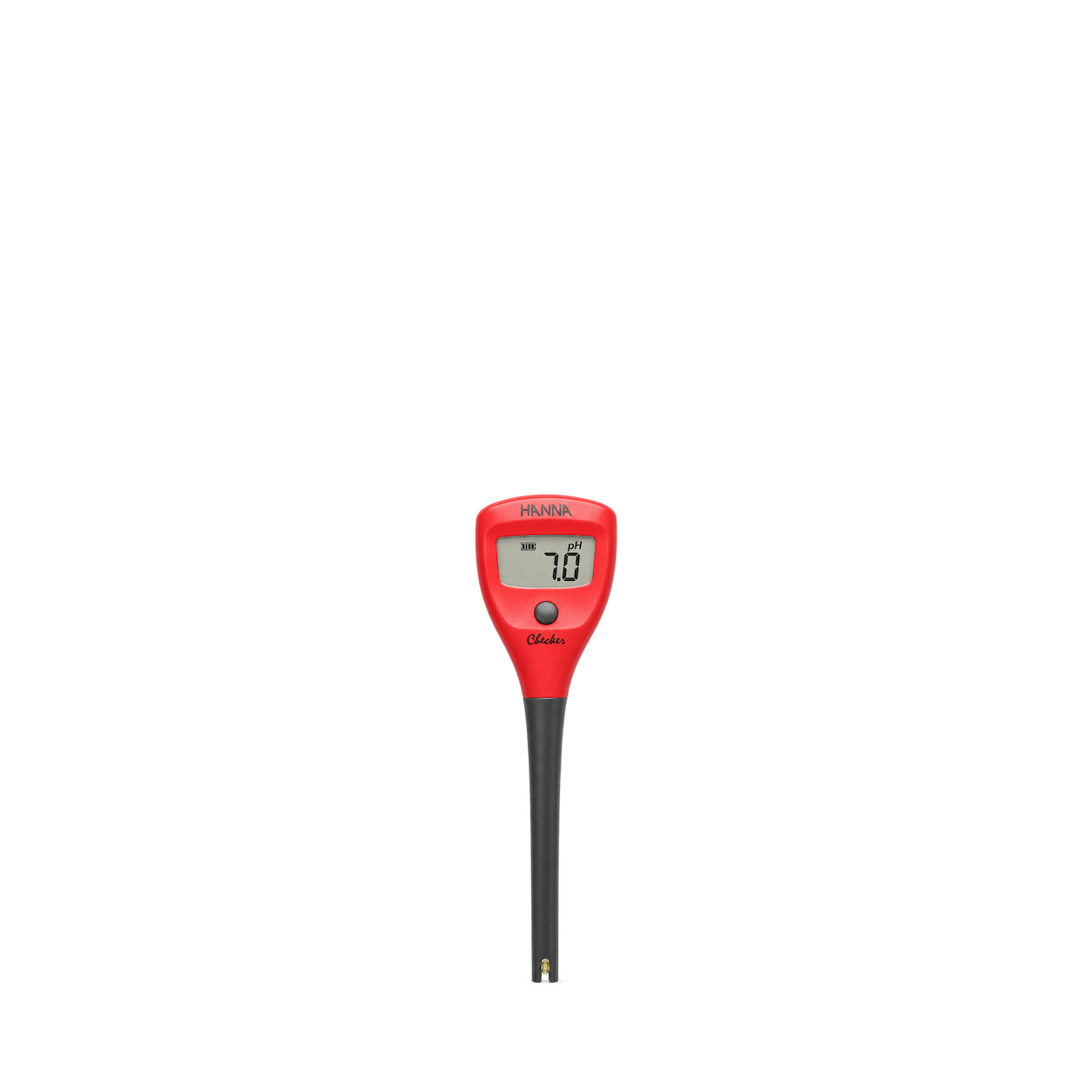
Hanna Instruments
HI98103 Checker pH Tester
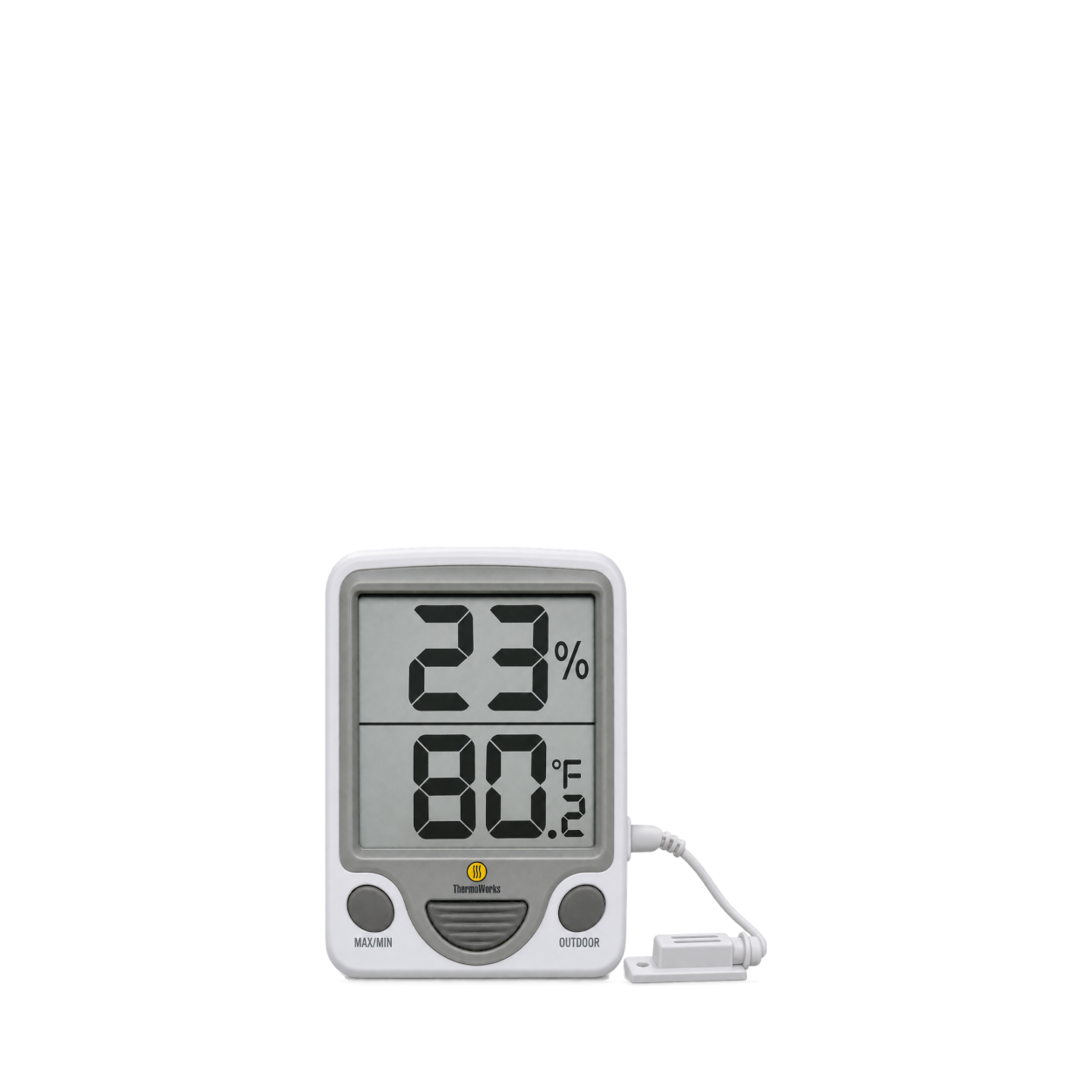
ThermoWorks
Thermo-Hygrometer (RT817E)
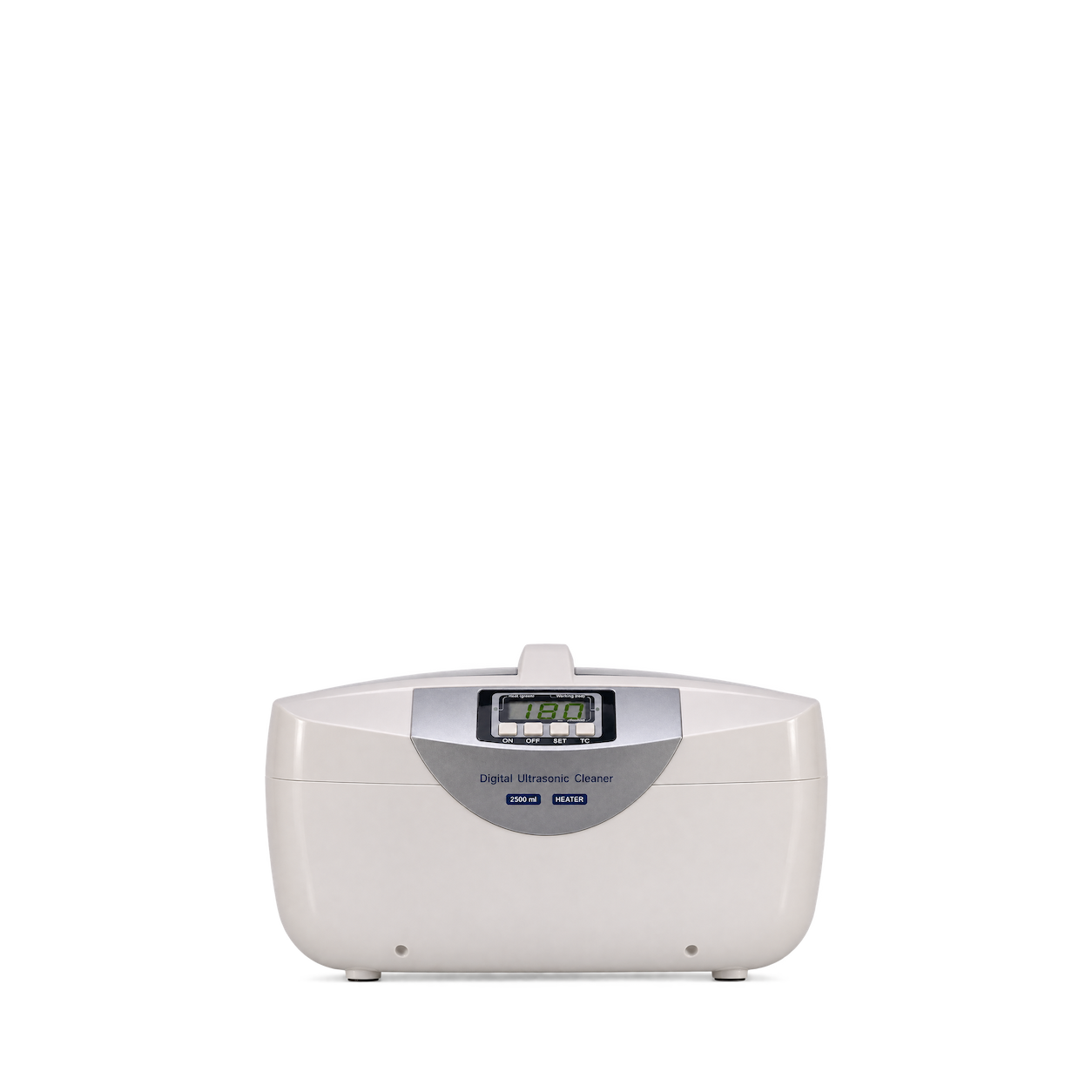
Sper Scientific
Advanced Ultrasonic Cleaner with Heater - 2.5 Liters
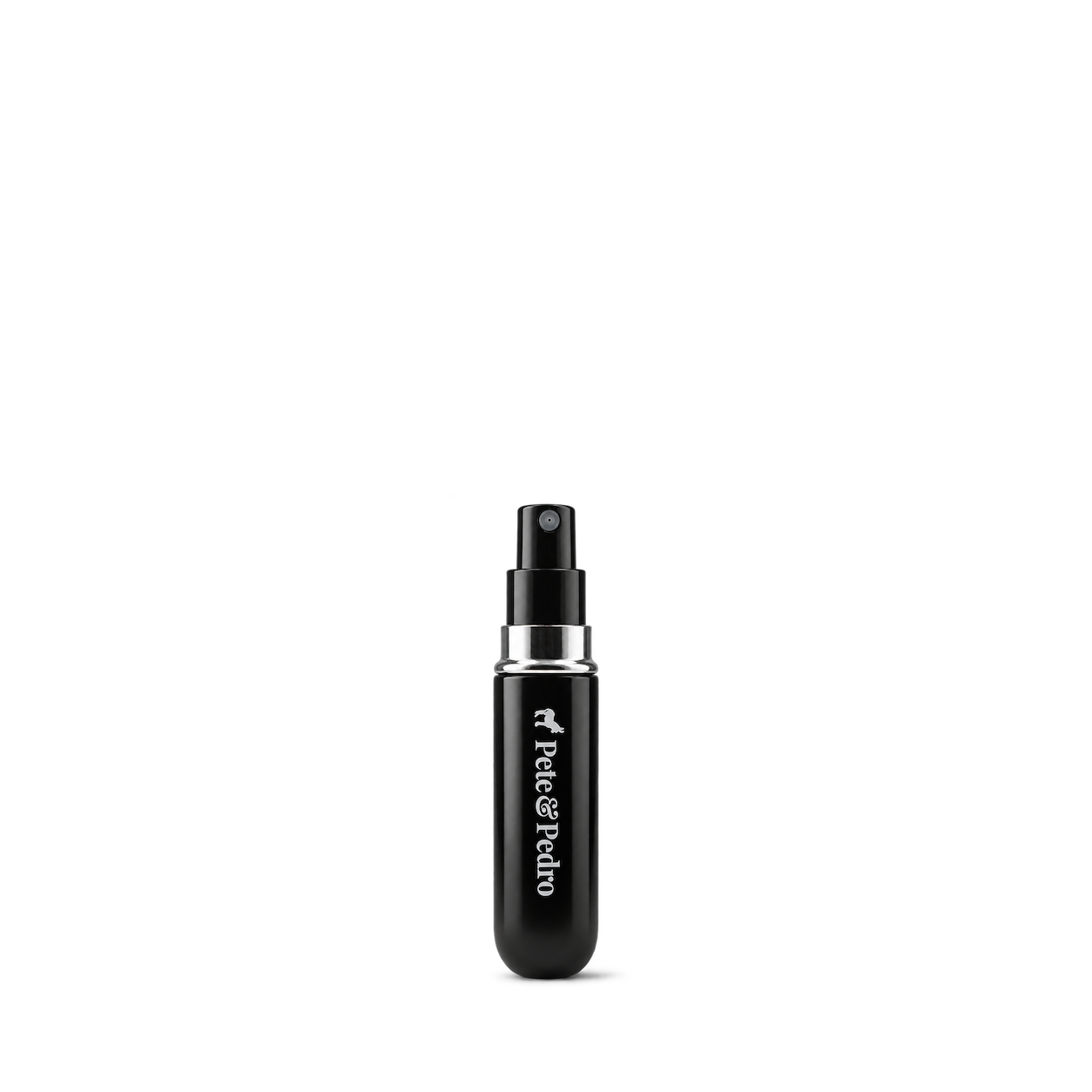
Pete & Pedro
Cologne Refillable Travel Sprayer
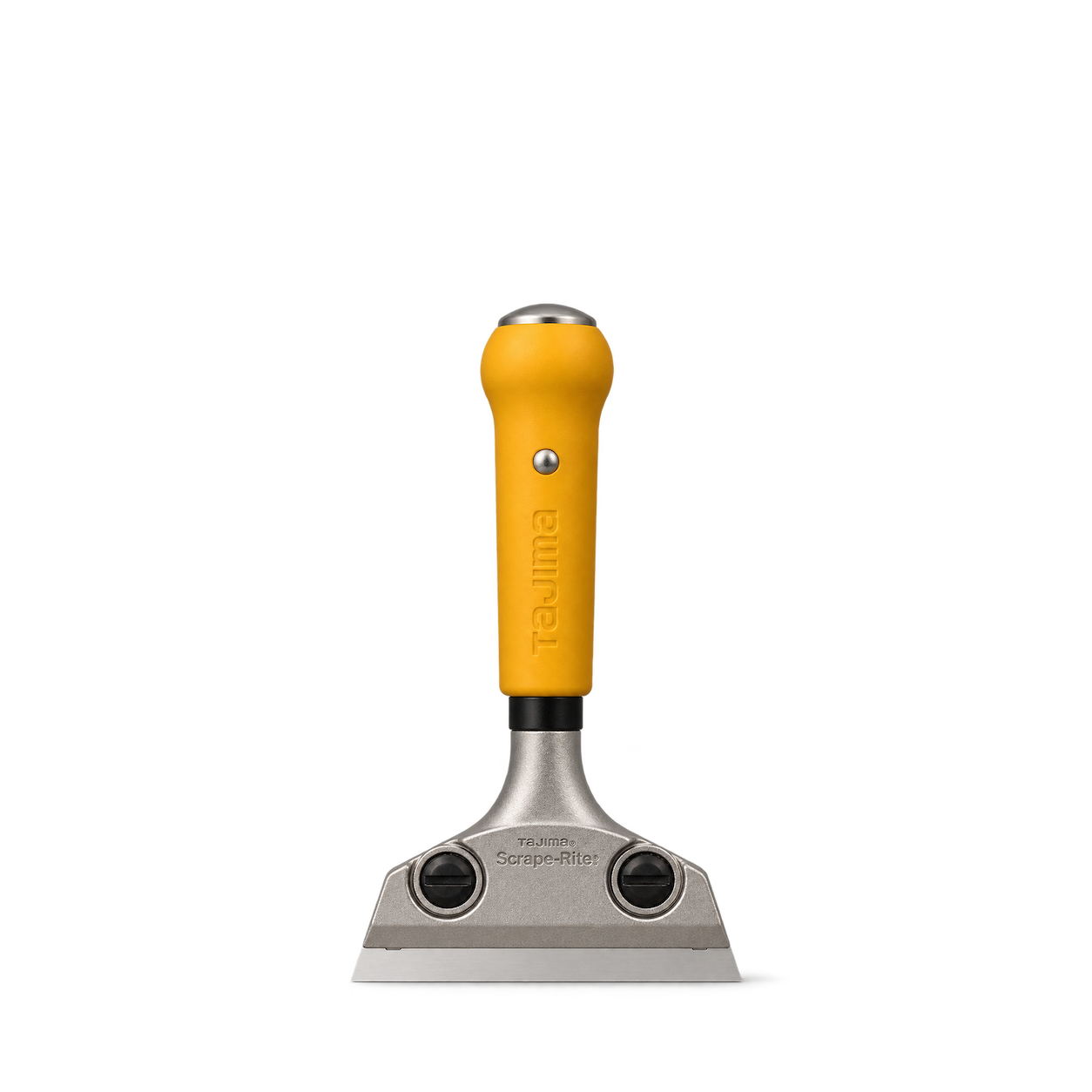
TAJIMA
Scrape-Rite SCR-L200
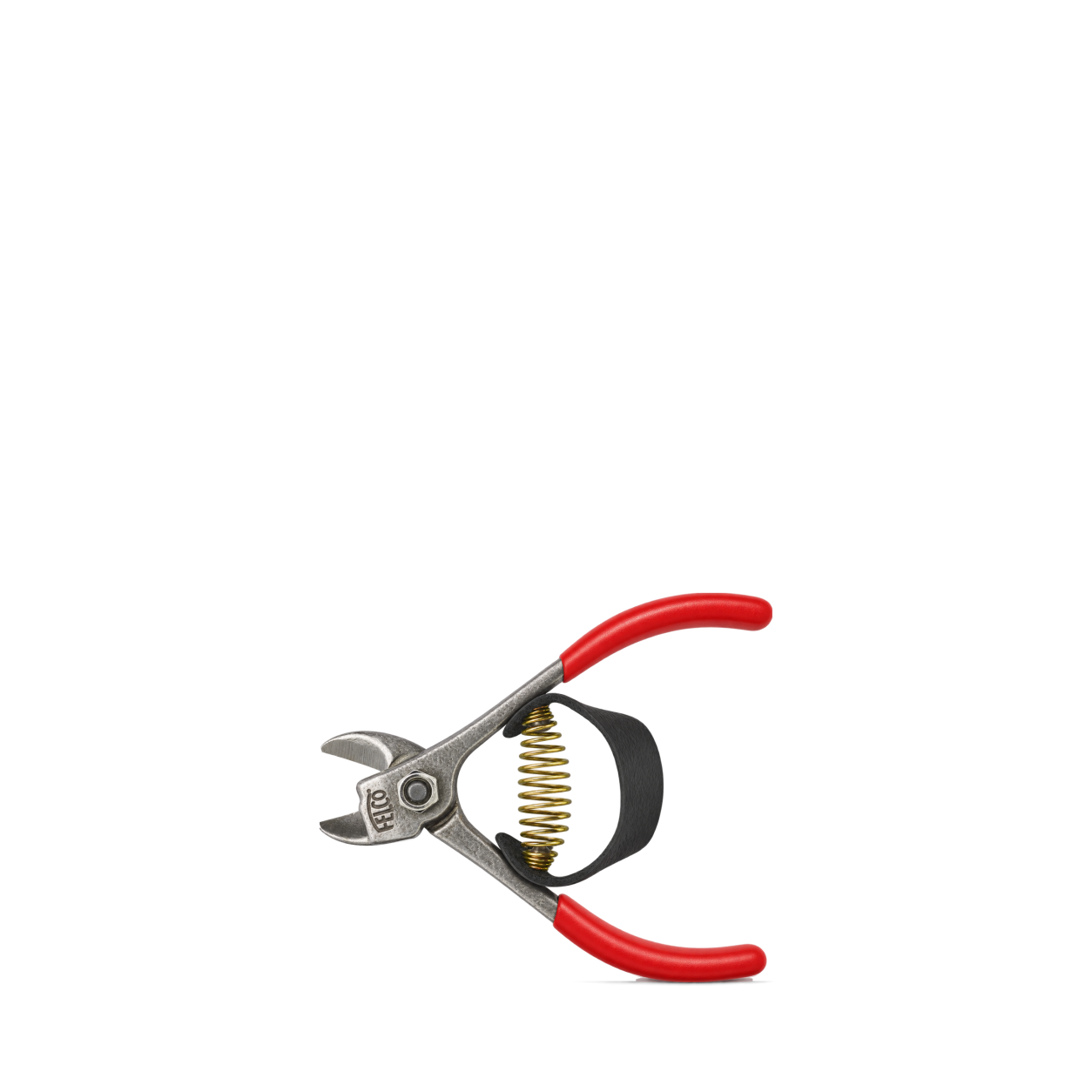
FELCO
330
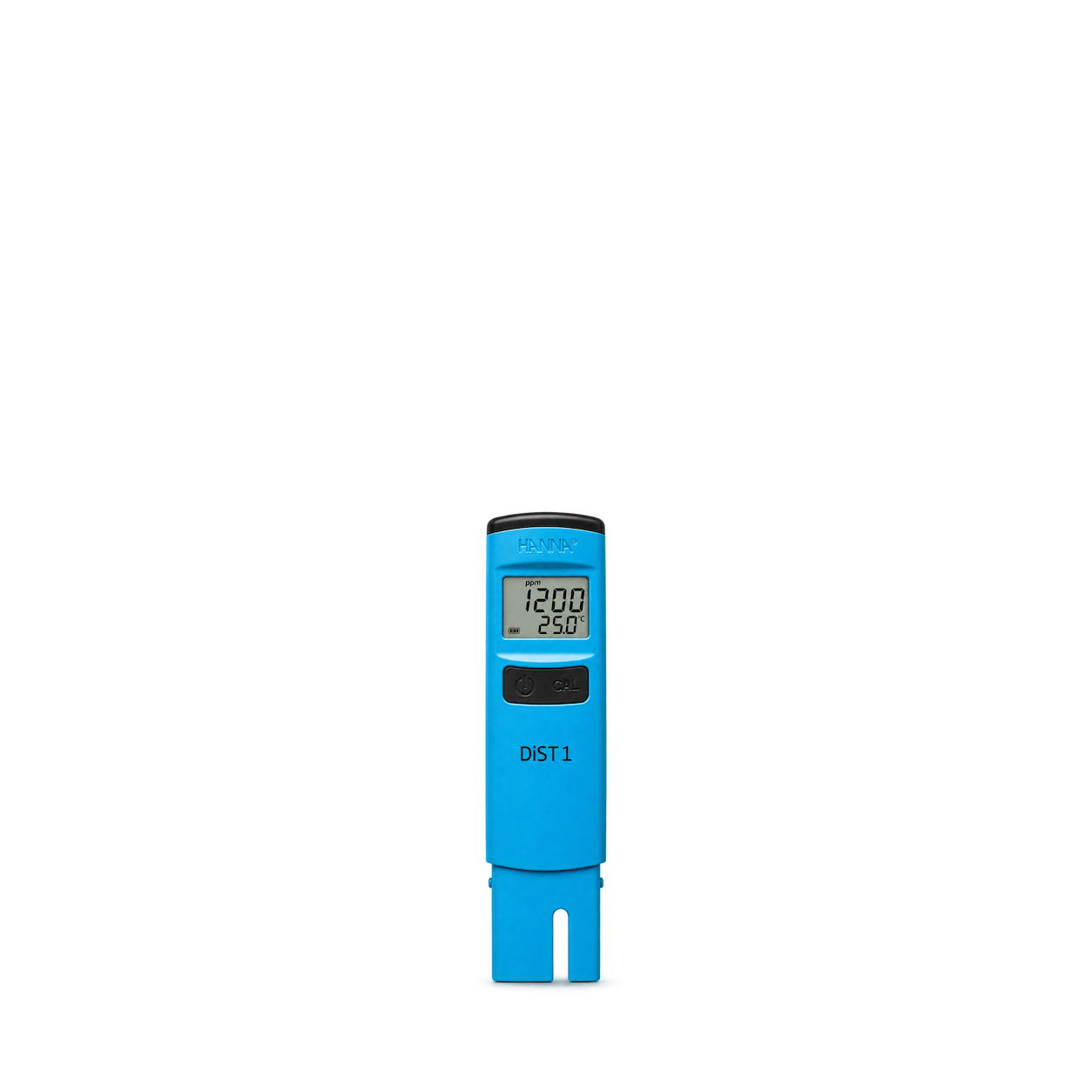
Hanna Instruments
HI98301 DiST1 TDS Tester
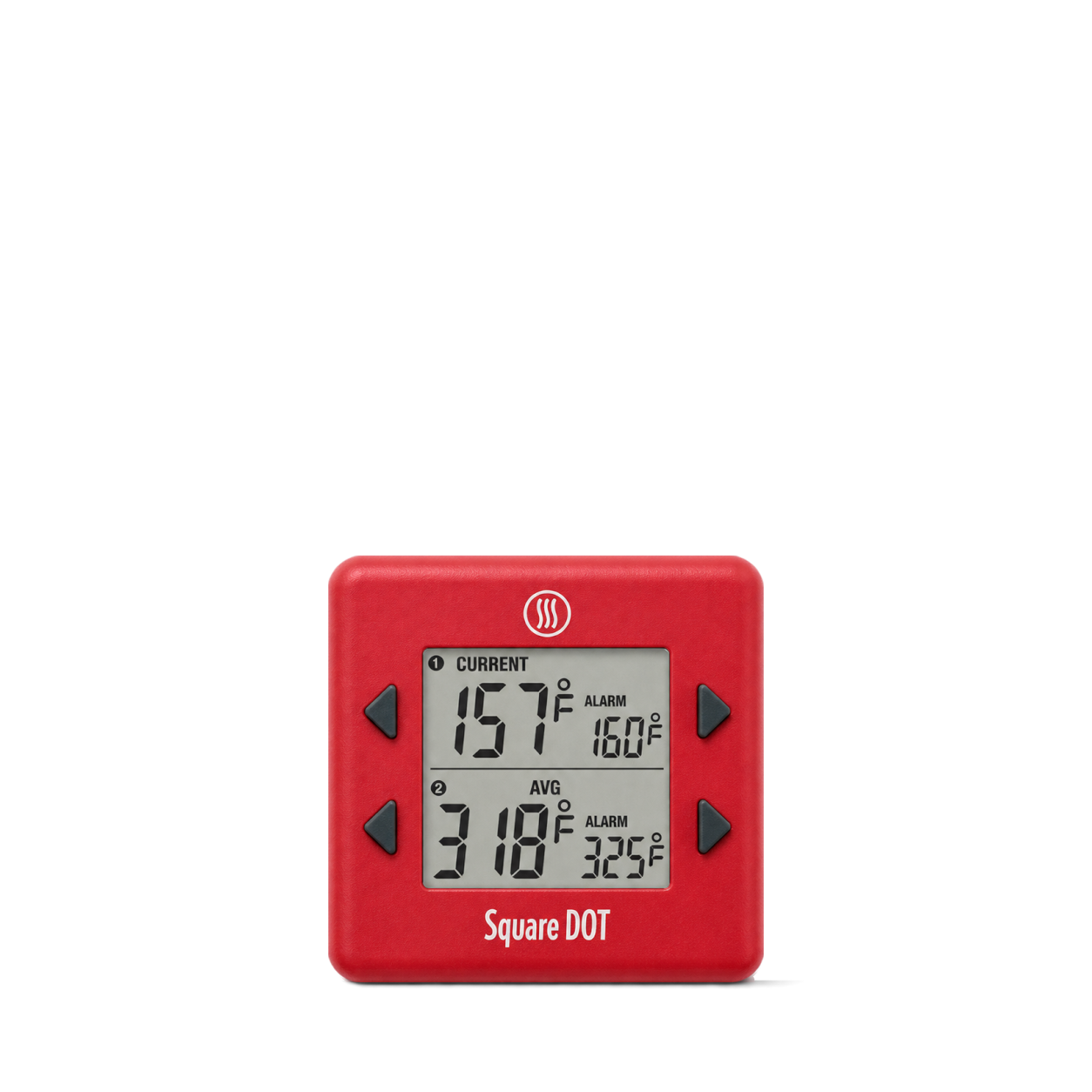
ThermoWorks
Square DOT® · Red
Sper Scientific
Dial Barometer
Pete & Pedro
Double-Sided Foot File
FELCO
600
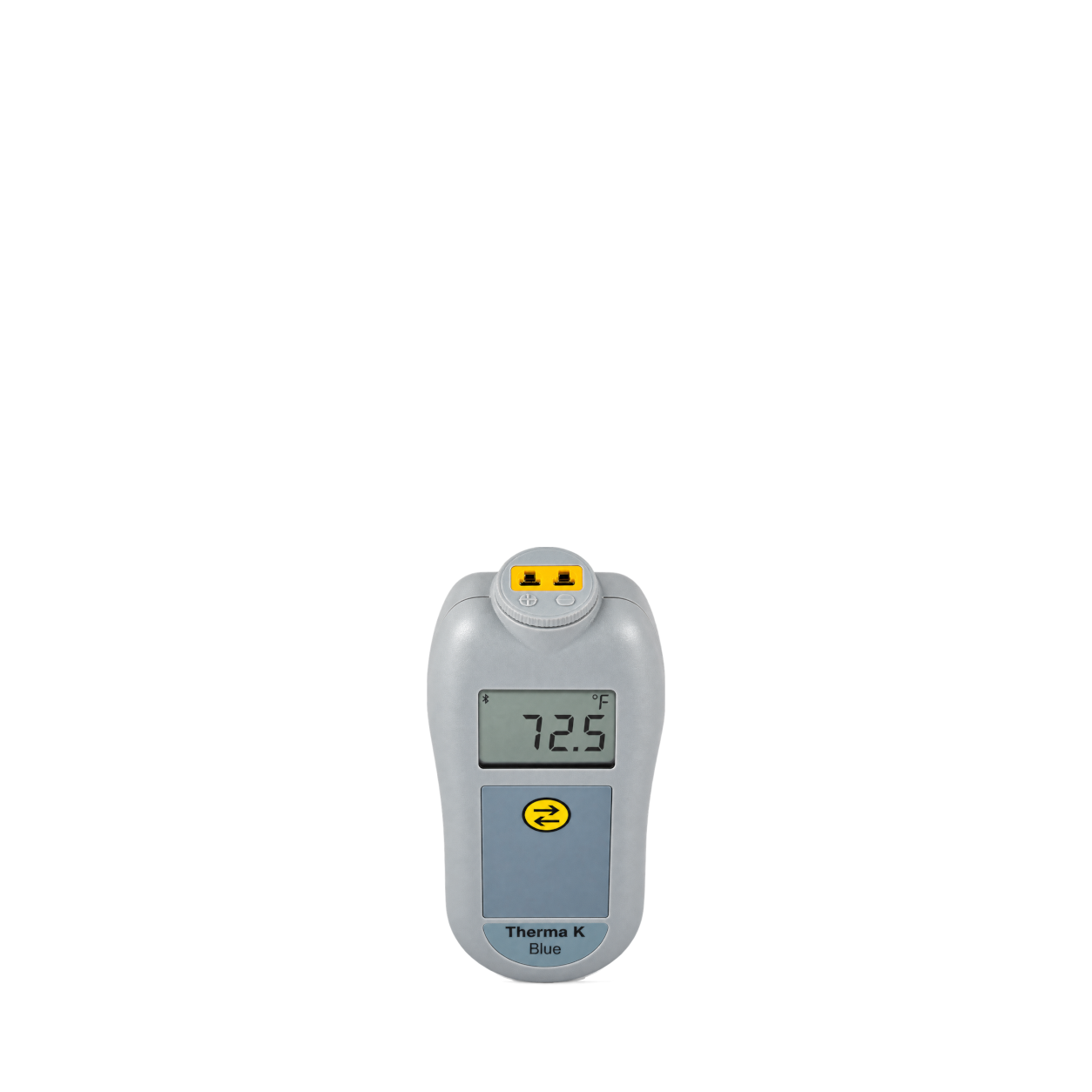
ThermoWorks
Therma K Blue
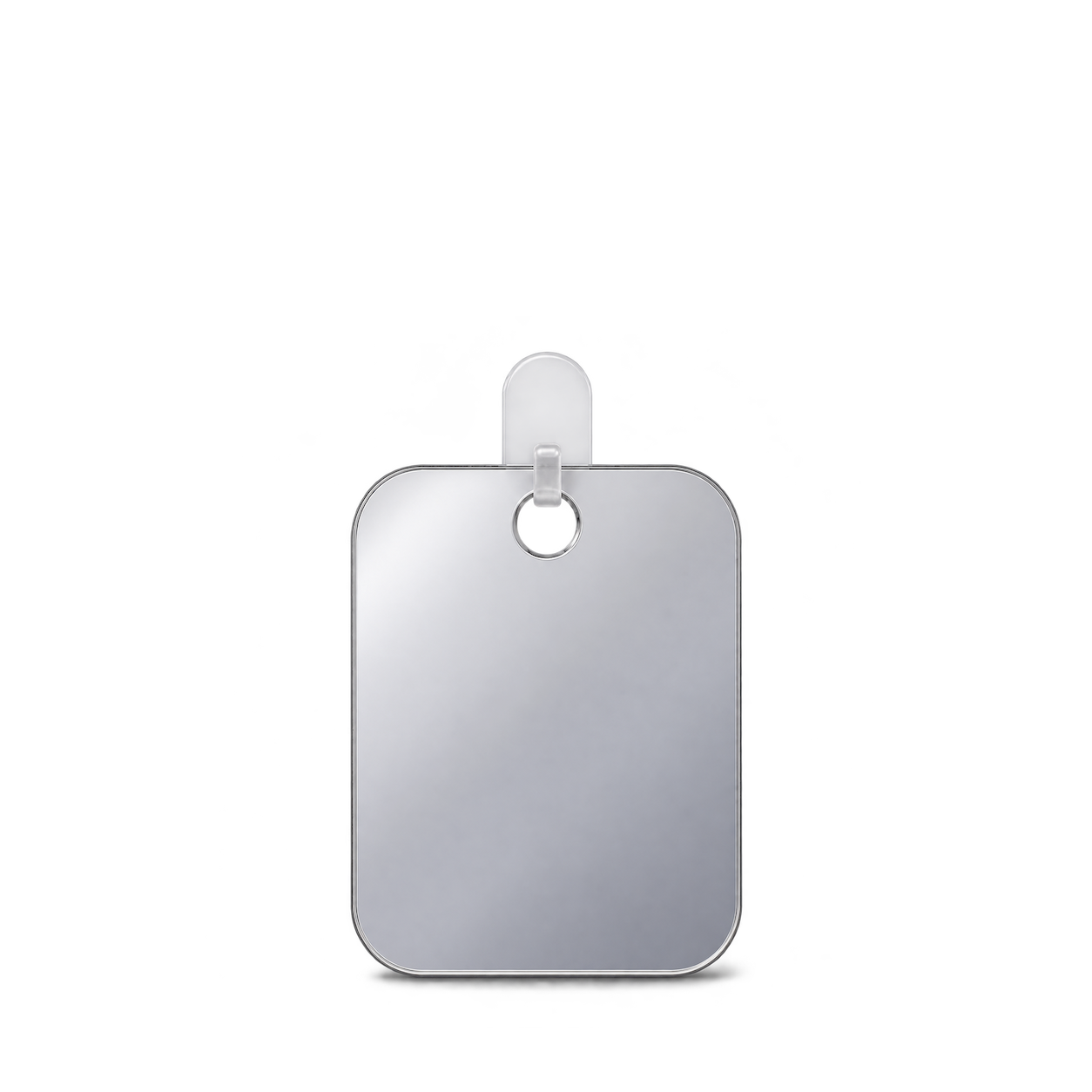
Pete & Pedro
Fogless Shower Mirror
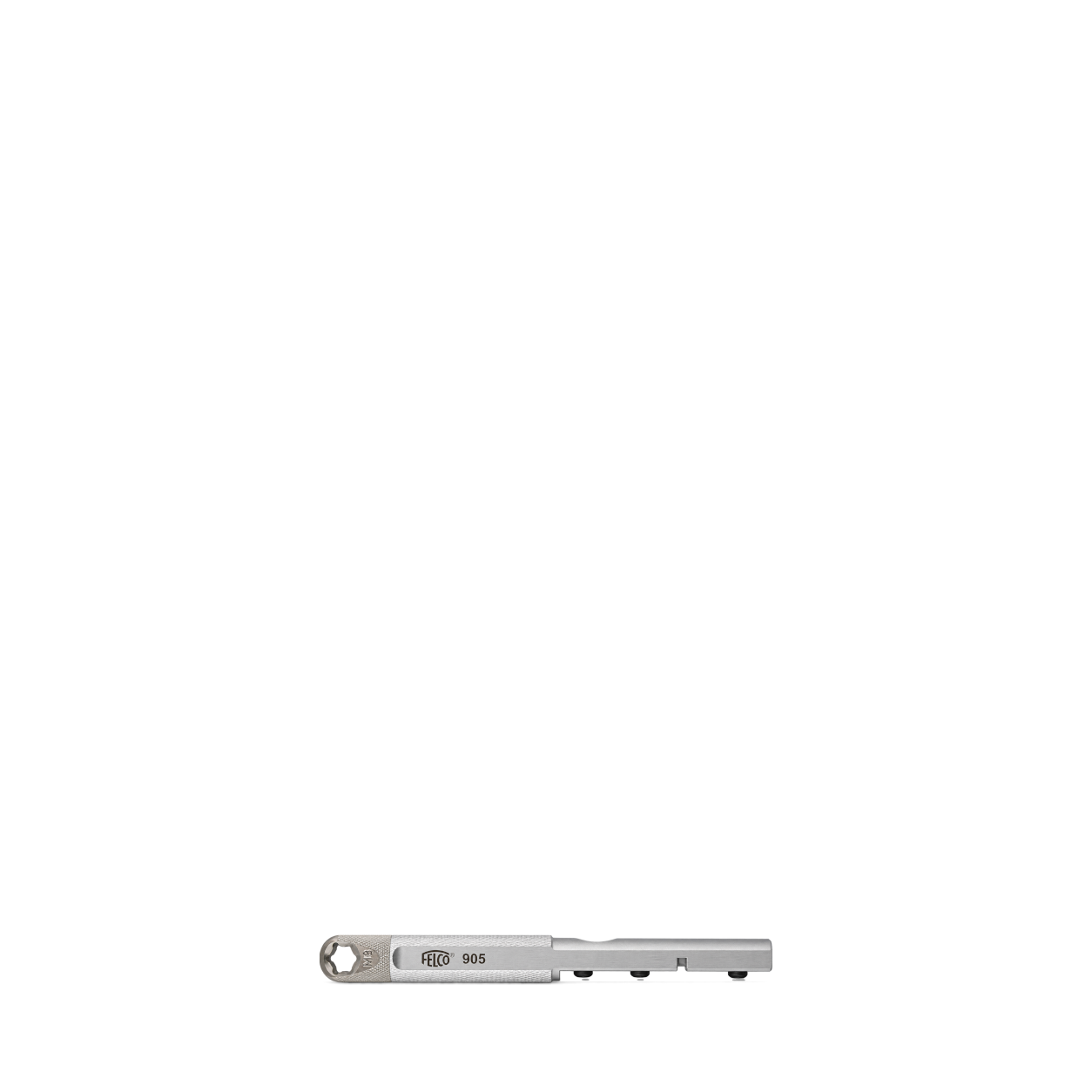
FELCO
905
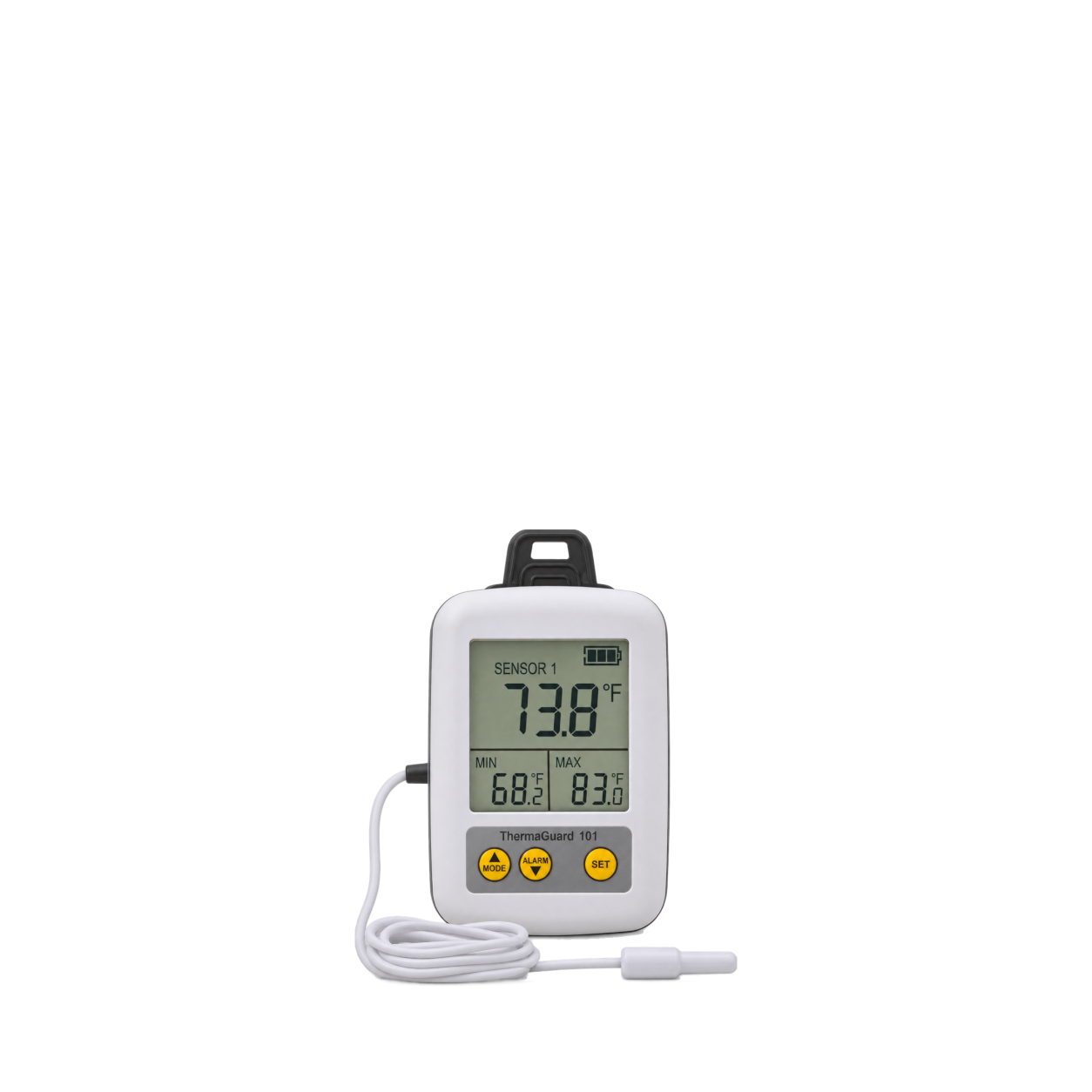
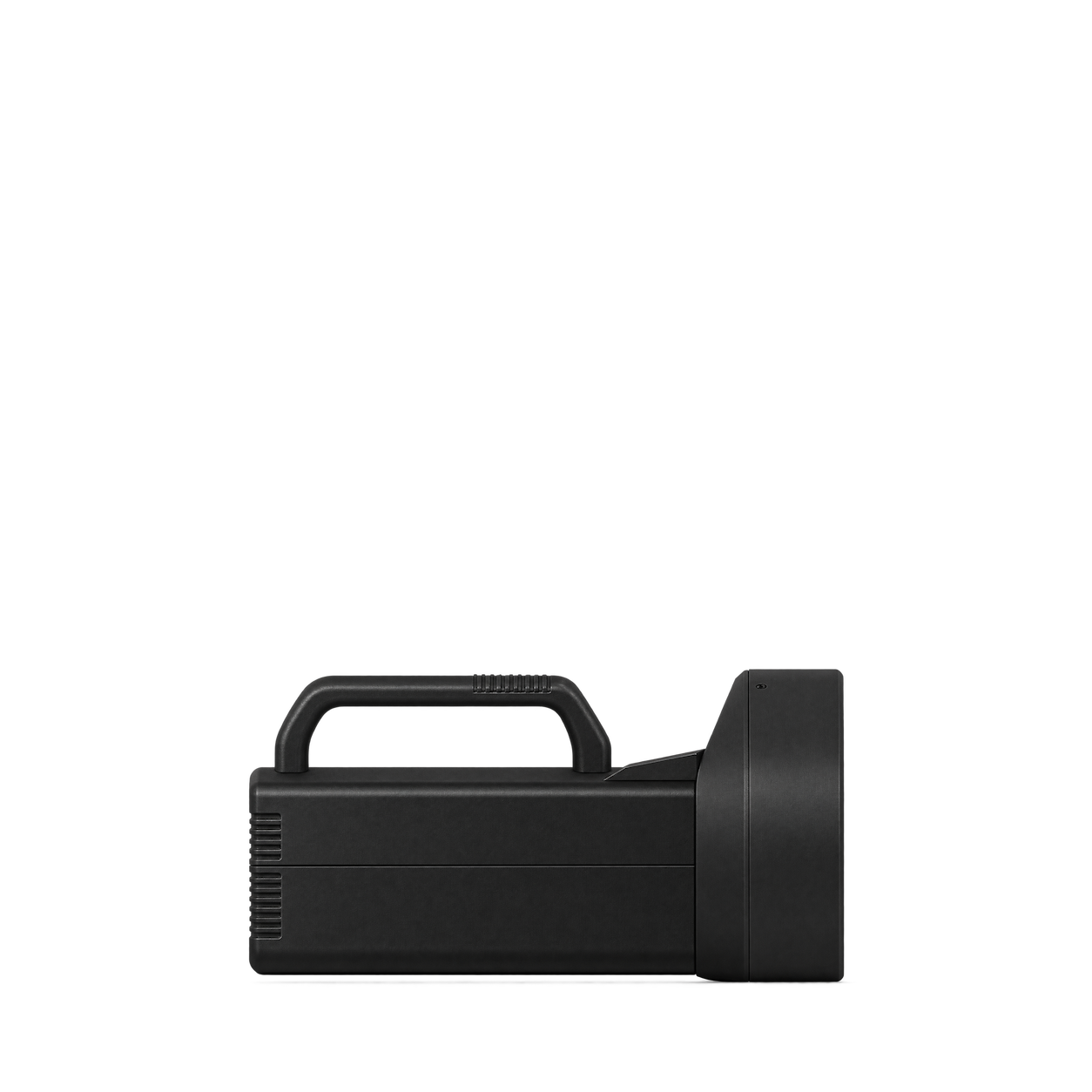
Sper Scientific
Digital Stroboscope
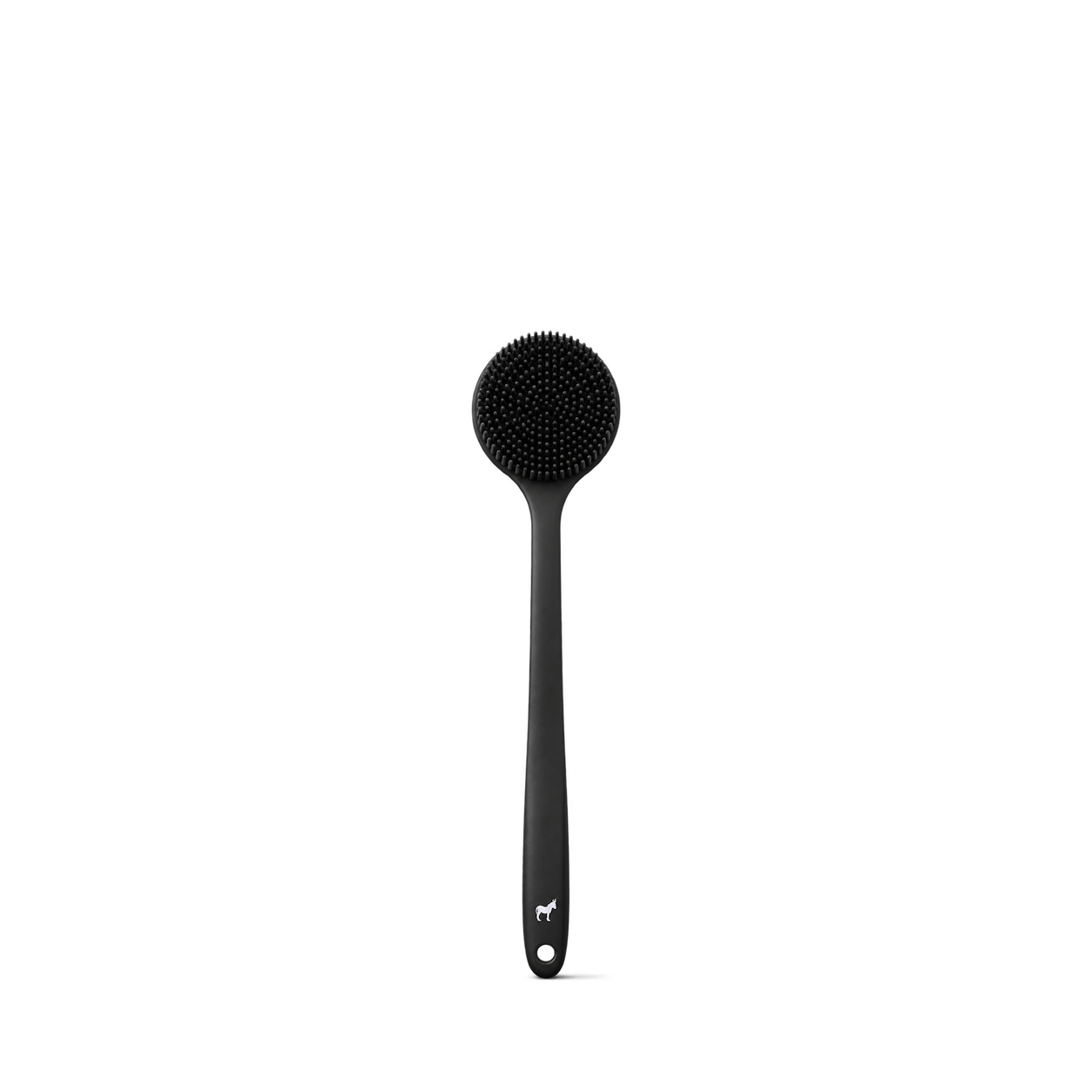
Pete & Pedro
Long Handle Back & Body Shower Scrub Brush
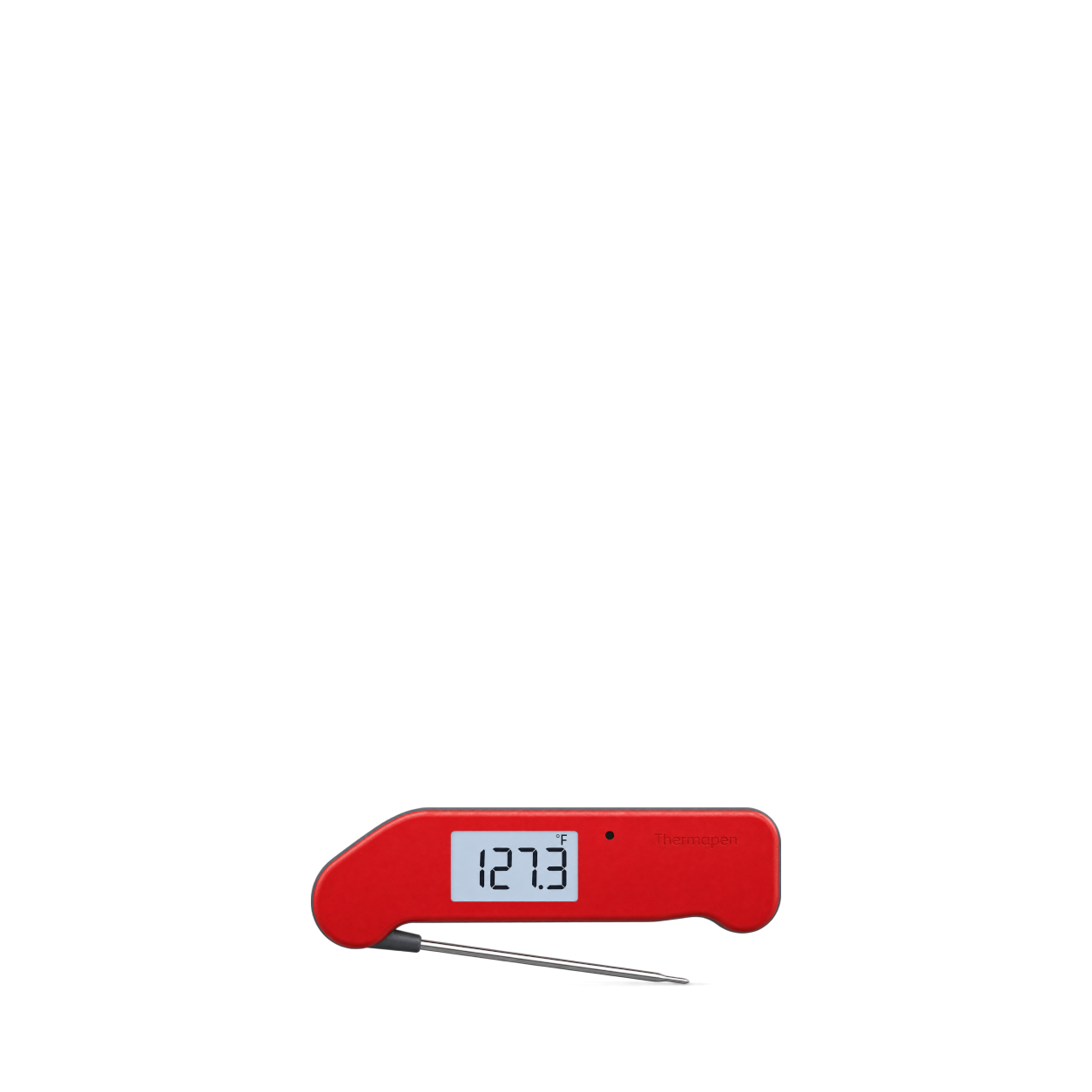
ThermoWorks
Thermapen® NANO · Red
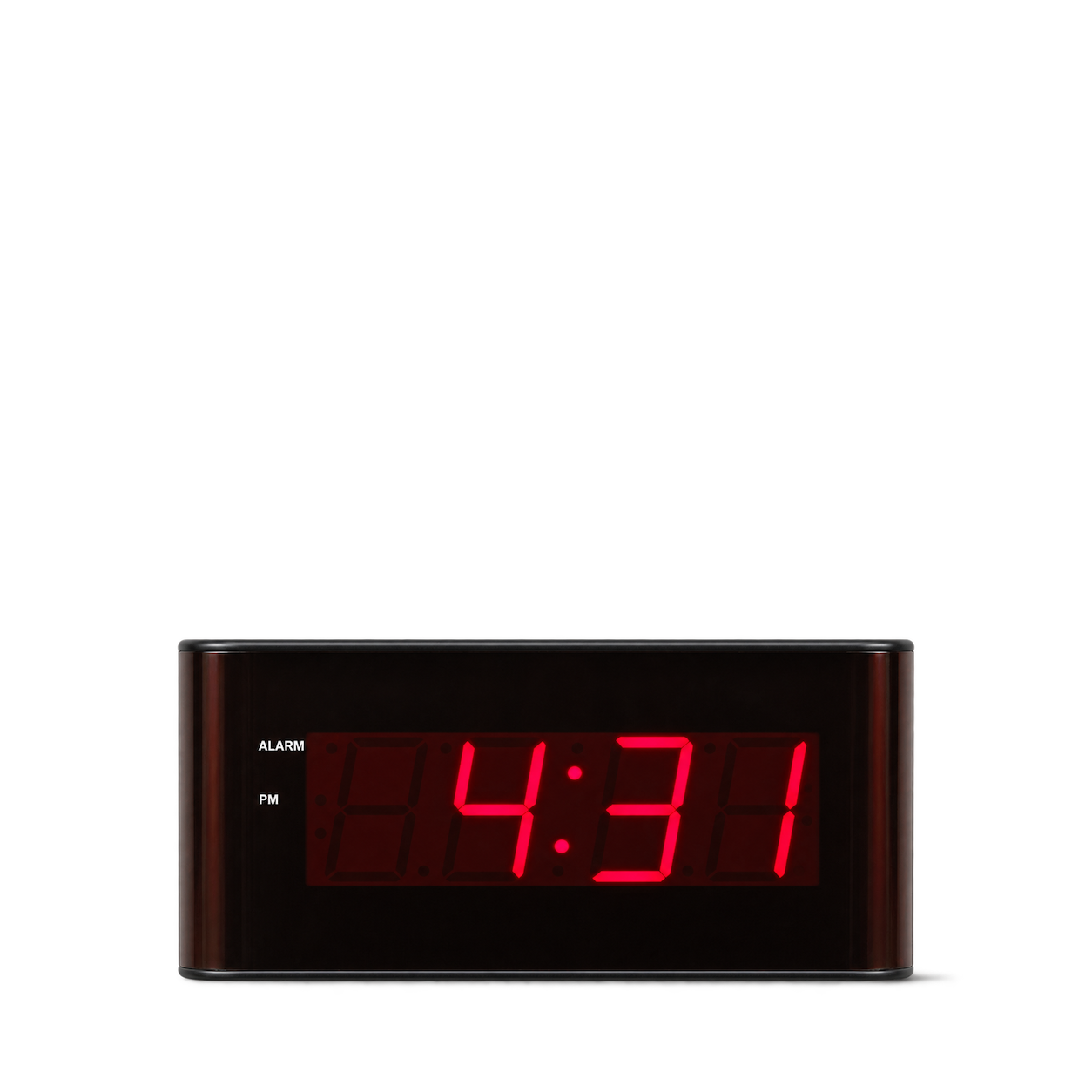
Sper Scientific
Digital Wall Clock with Large LED Display
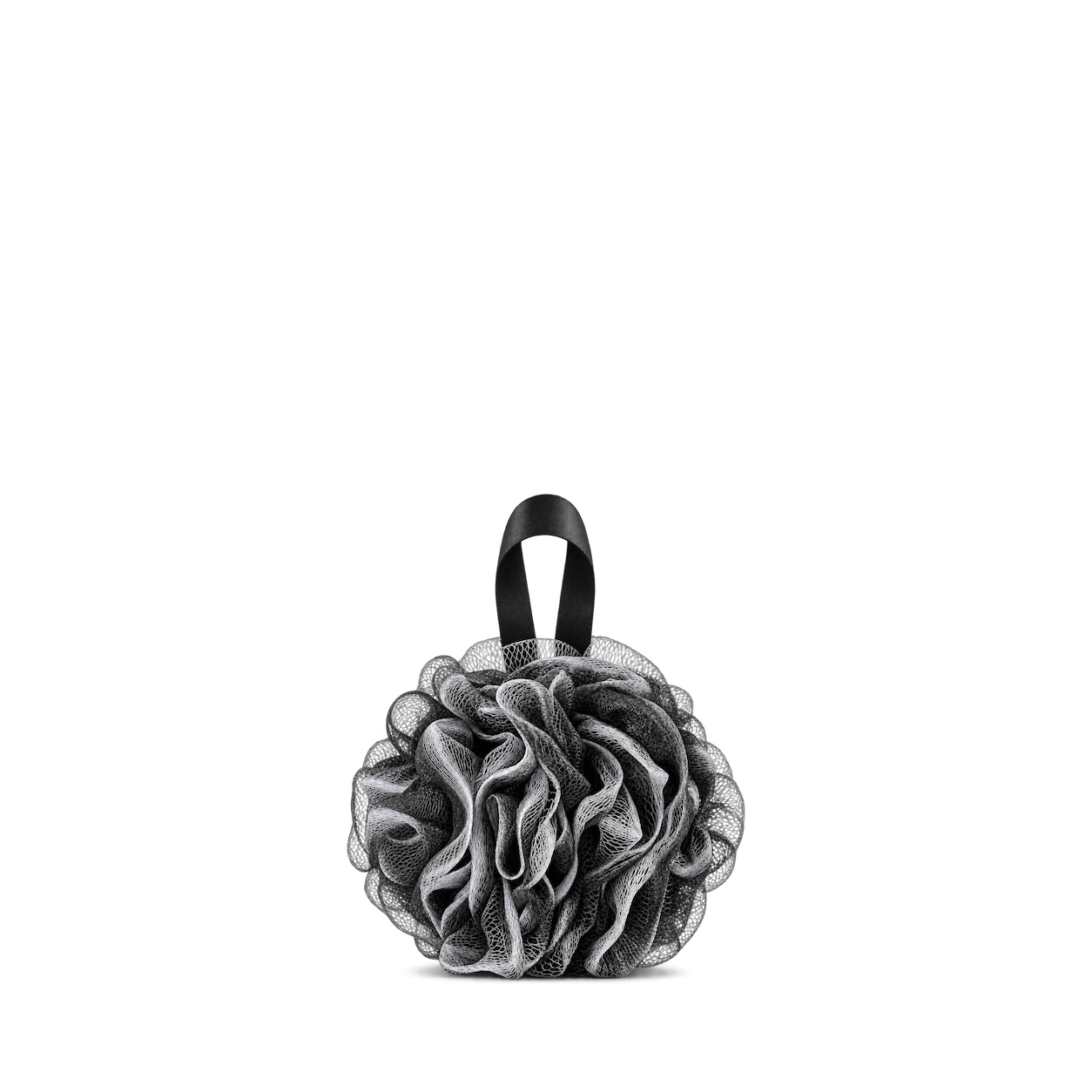
Pete & Pedro
Loofah
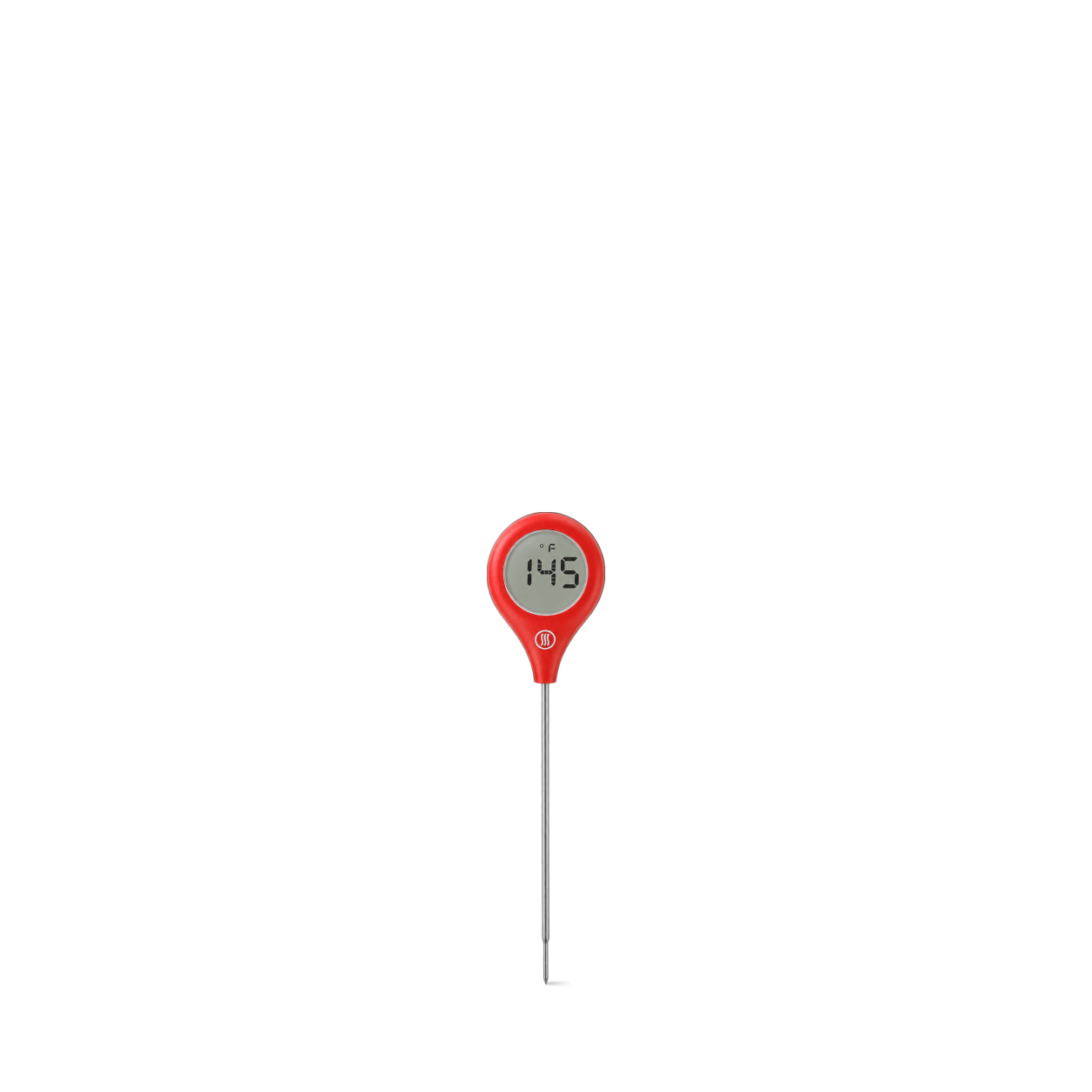
ThermoWorks
ThermoPop® 2 · 4.5in (11.44cm) / Red
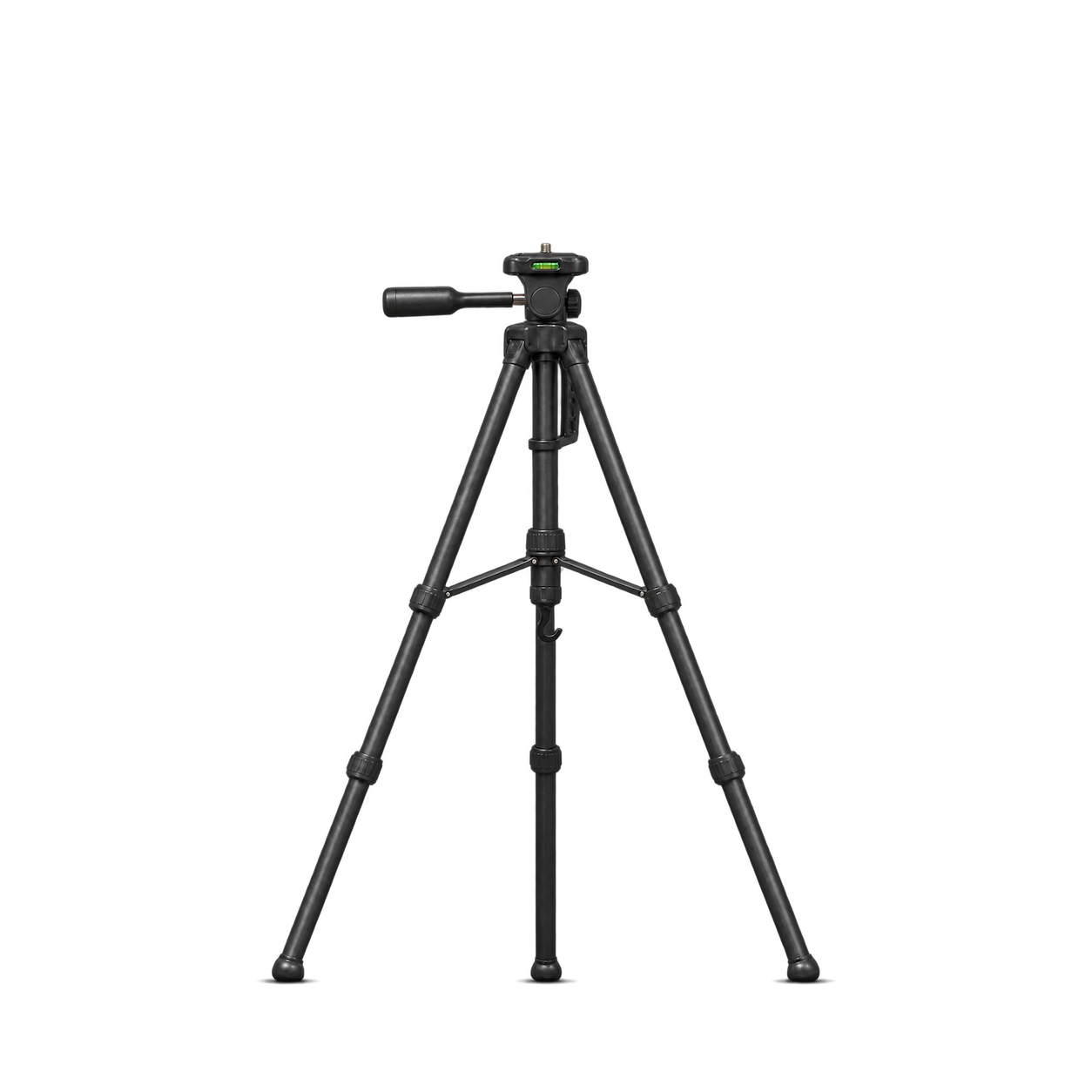
Sper Scientific
Field Tripod
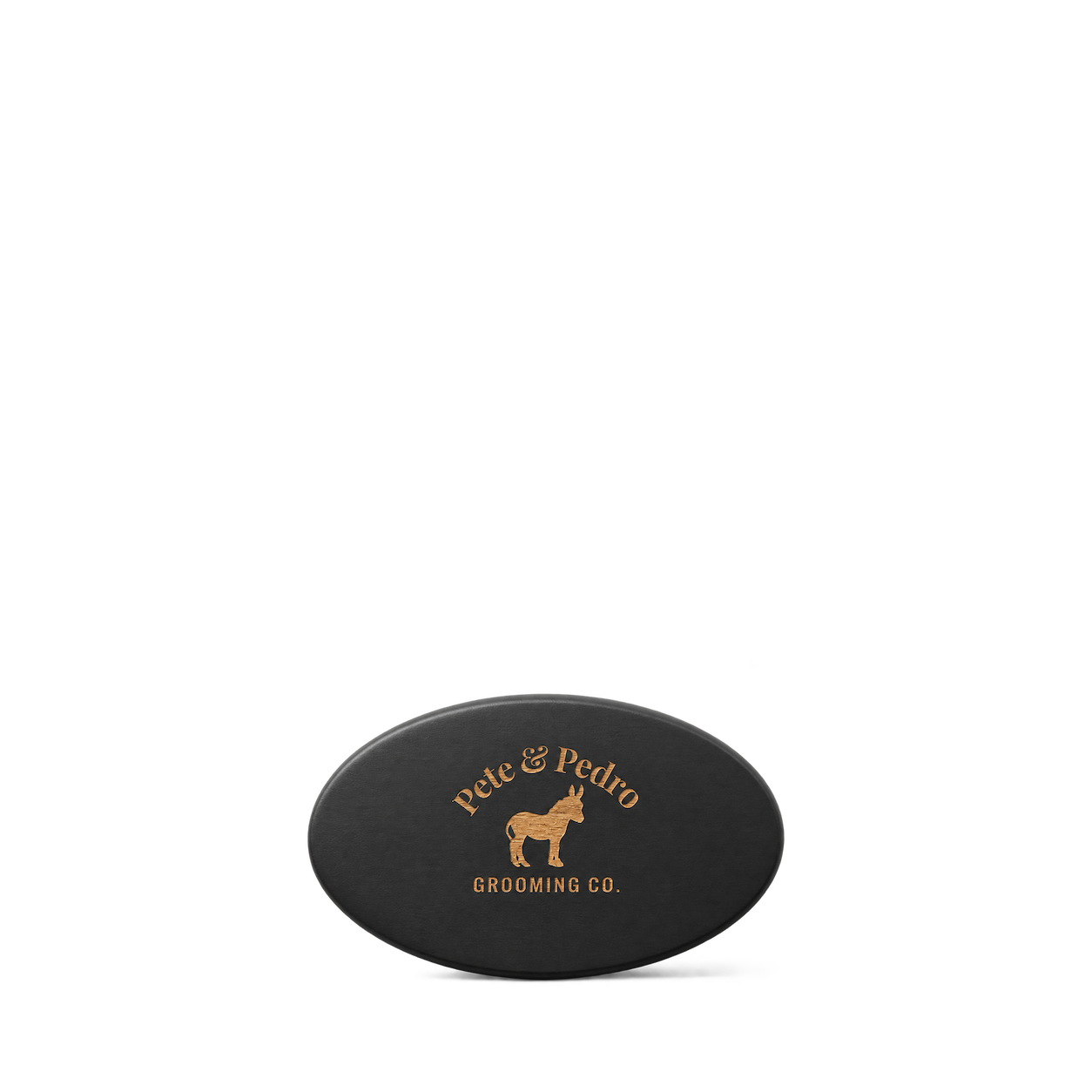
Pete & Pedro
Oval Military Men's Hair & Beard Brush
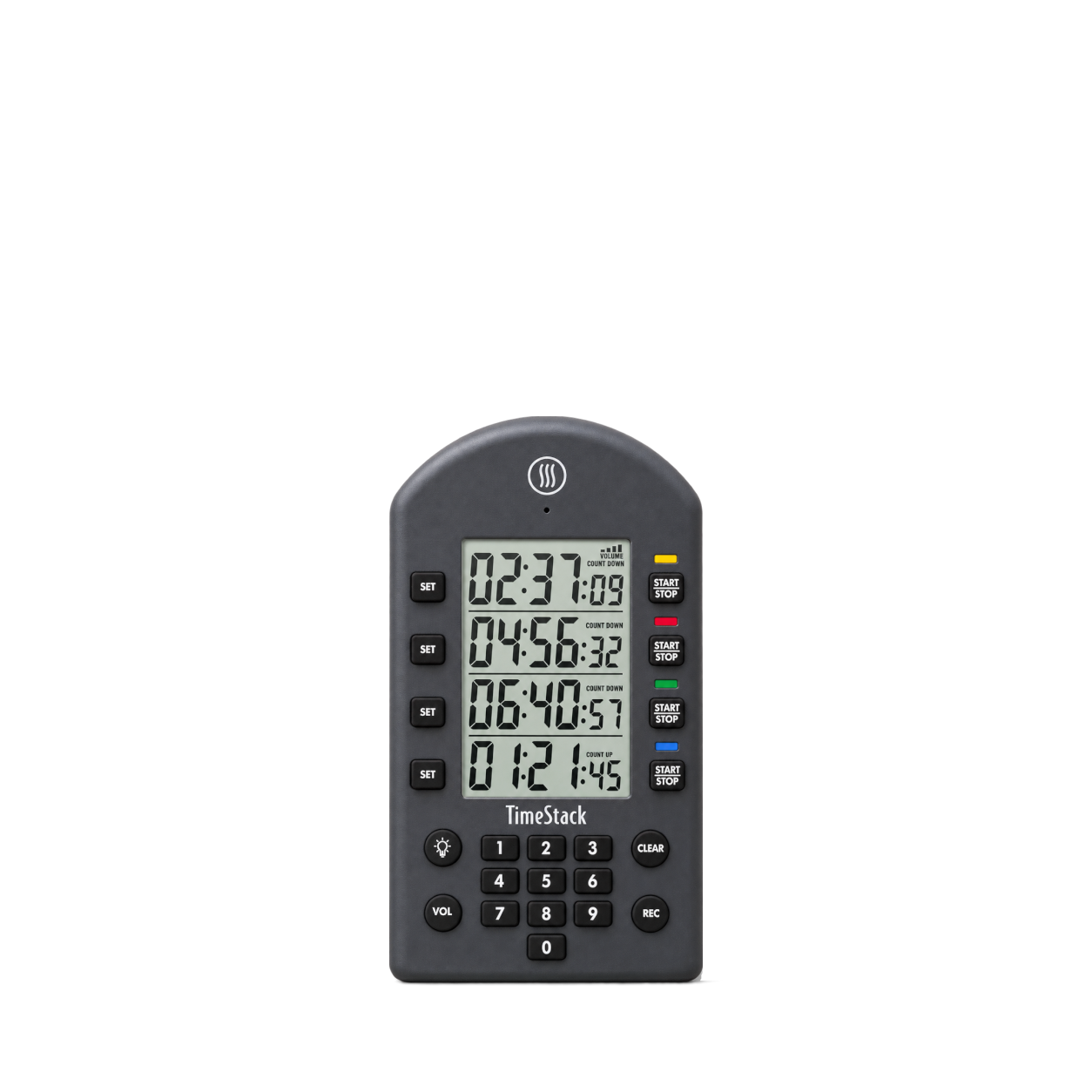
ThermoWorks
TimeStack® · Charcoal
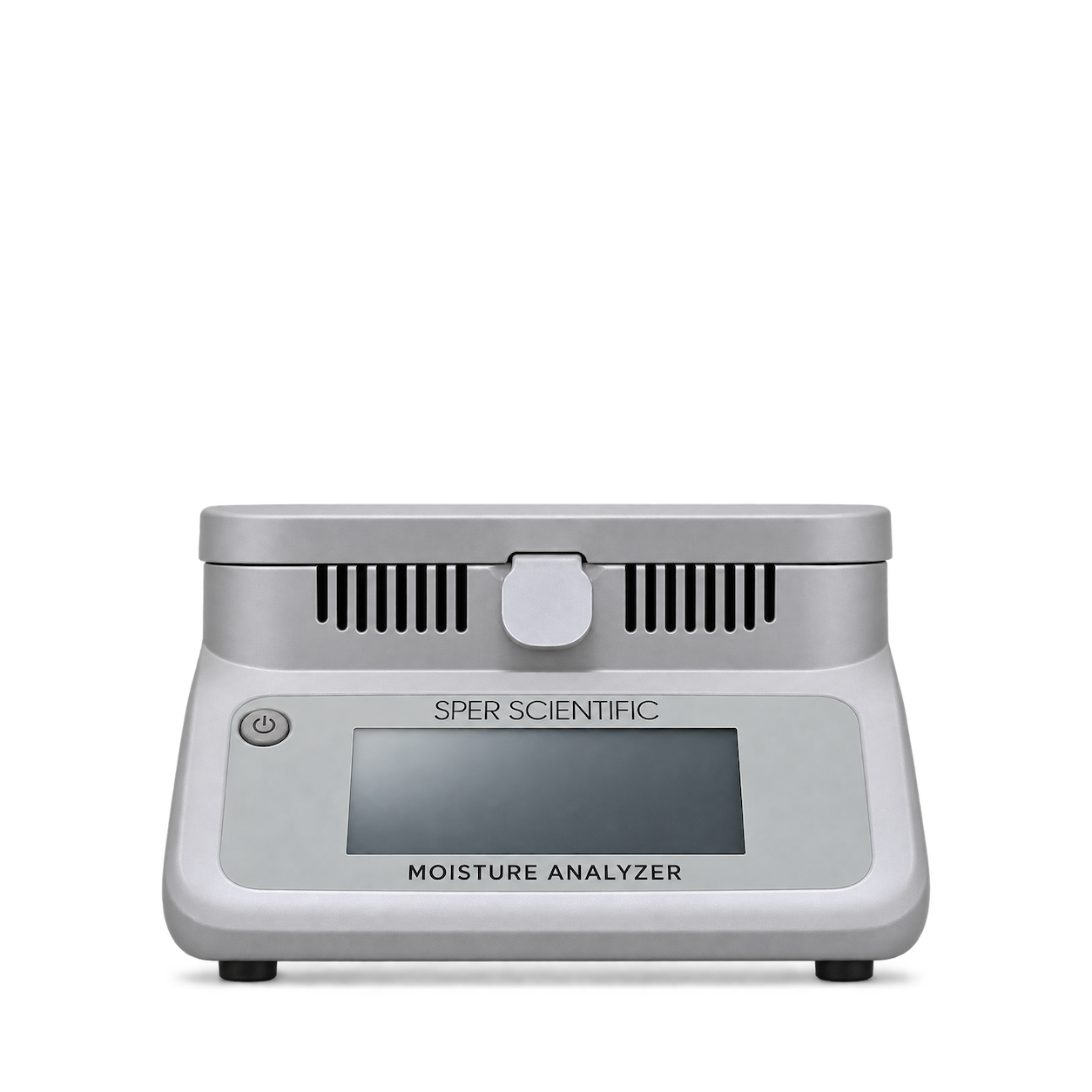
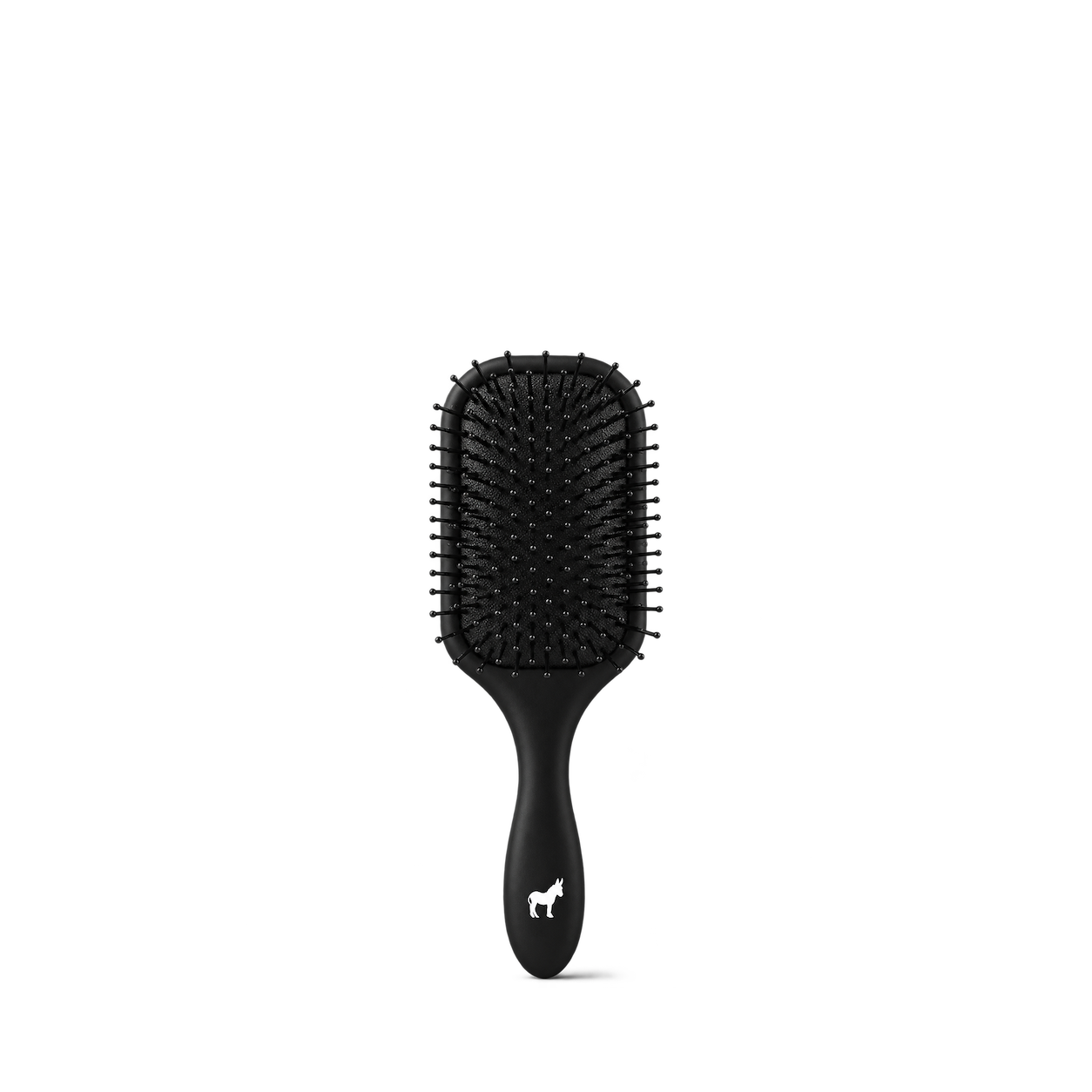
Pete & Pedro
Paddle Detangle Hair Brush
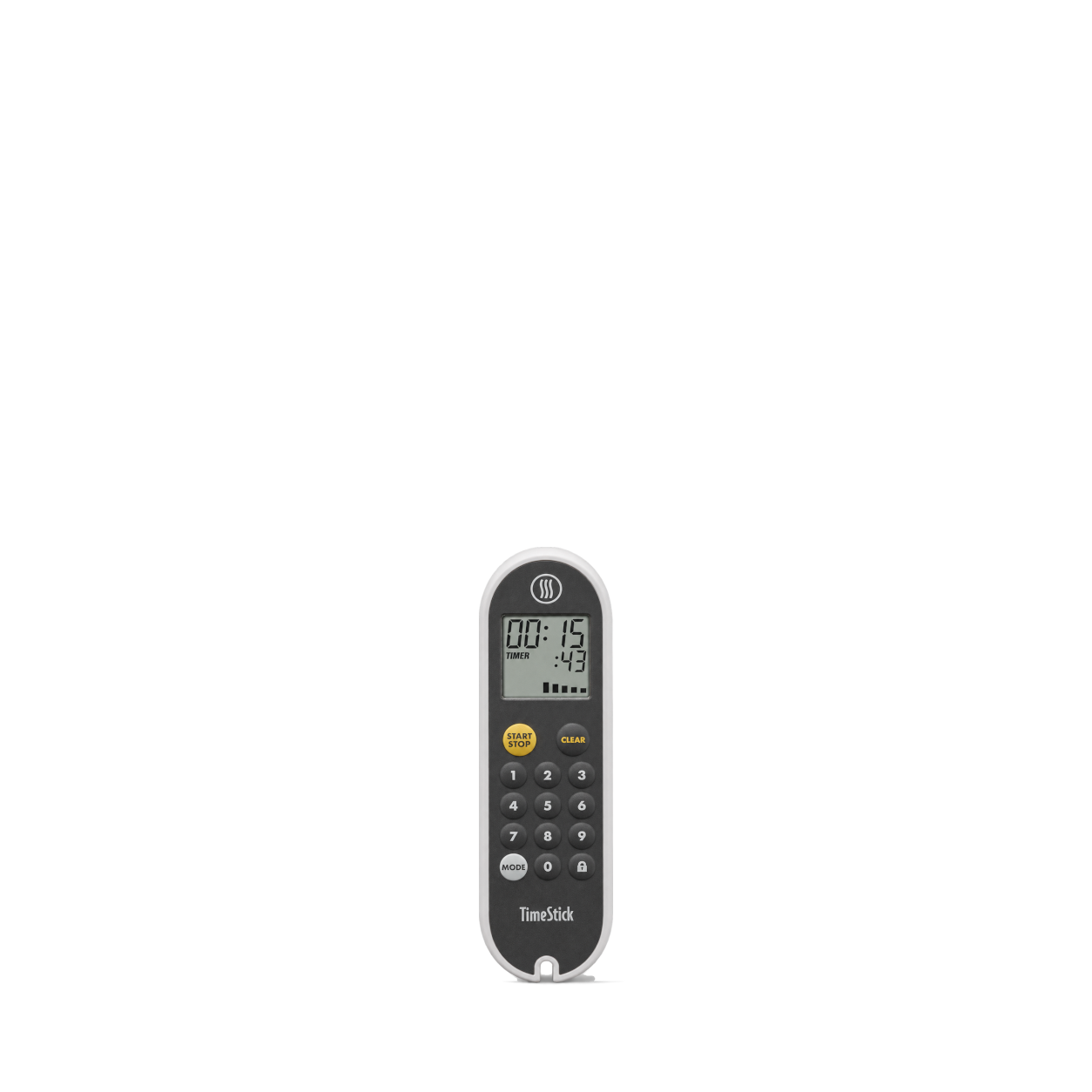
ThermoWorks
TimeStick® · White
No matches, yet.
Try another brand or product, or give your filters a little room.
Showing 128 of 142
Browse the archiveAll collections
Browse by category


Bring the catalog into your app.
Connect for free to search product shots and get image URLs, dimensions, and source links.
Developer guide
Use with


FAQs
A few things you might be wondering.
Start here. No technical background needed.
What is Shelfhelp?
Shelfhelp is a library of product images for websites, apps, and designs. Find an image yourself, or connect your AI building tool so it can find and use images while you work.
Am I buying the products shown here?
You’re getting images of the products. Shelfhelp doesn’t sell or ship the physical items. Product source links take you to the brand or retailer if you want to explore the actual product.
Is Shelfhelp free?
Yes. Browsing the library, downloading images, and connecting the MCP are free. You don’t need a Shelfhelp account or subscription. The building tool you use may have its own costs.
How do I download an image?
Open the product shot you want, choose Get free PNG, and enter your email. We’ll send you a link to download the original image file, which you can upload into your website builder or design tool.
Your download link is valid for seven days.
Why do you need my email?
We use your email to deliver the original image’s download link. Requesting an image does not subscribe you to marketing.
You don’t need to enter an email to browse the library or connect your builder through MCP.
What does “Connect the MCP” mean?
It means giving your AI building tool access to Shelfhelp’s image library. Once connected, you can ask it to find product shots and use them in your project.
MCP is simply the connection that lets the two tools work together.
How do I connect it to my builder?
Select Connect the MCP and copy the connection link. In your builder’s settings, look for an option to add an MCP server or custom connector, then paste the link.
The exact steps depend on your builder. Start with our connection guide.
Can I use Shelfhelp without MCP or coding?
Absolutely. You can browse the library, request an image by email, and upload the downloaded file into your project yourself.
The MCP connection is optional. To use it, your building tool needs to support connecting to a remote MCP server.
What should I ask my AI builder?
Start with something like:
“Find five skincare product shots from Shelfhelp and use them on my homepage.”
For a specific product, include the brand and product name. If the color, size, or flavor matters, include that too—and check that the selected image matches.
What will people see on my finished website?
They’ll see the product images your builder places in your design. Your builder controls the layout, colors, text, and interactions.
Connecting Shelfhelp alone doesn’t change your website. Your visitors don’t need to connect to Shelfhelp or understand MCP.
What if the image I want isn’t in the library?
Try searching by brand, product name, or a broader category. The MCP finds existing images; it doesn’t generate new ones.
If you need an exact product or version, check the result carefully before using it.
Can I use these images in a live store, client project, or ad?
Check the image’s usage rights and approval details first. Free access doesn’t automatically grant permission for every commercial use.
The library includes independent product studies, so a pictured brand doesn’t mean that brand approved the image. If permission is unclear, confirm it before publishing.