 Shelfhelp.ai
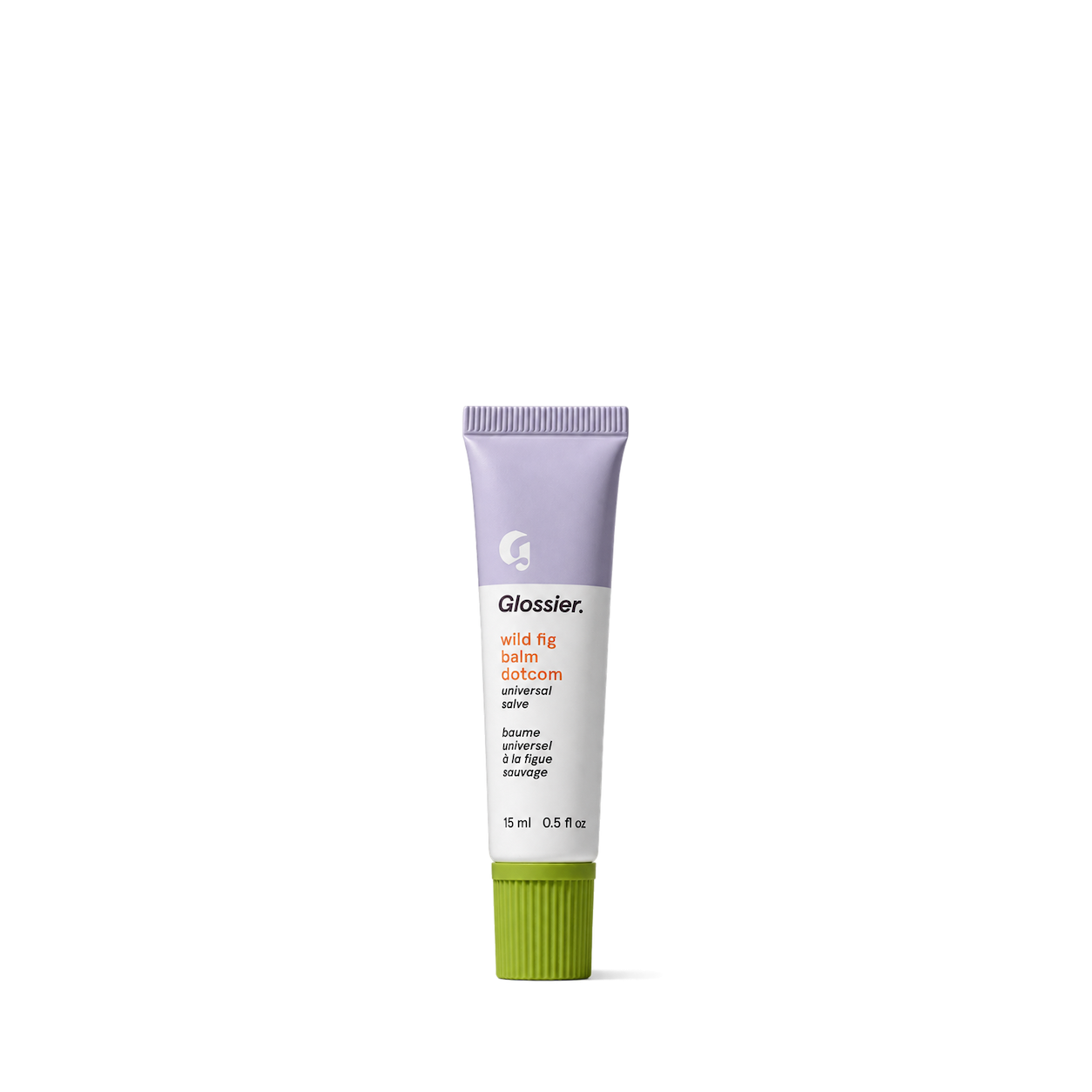
Glossier
Let your AI builder search and use
12,989 free product images.


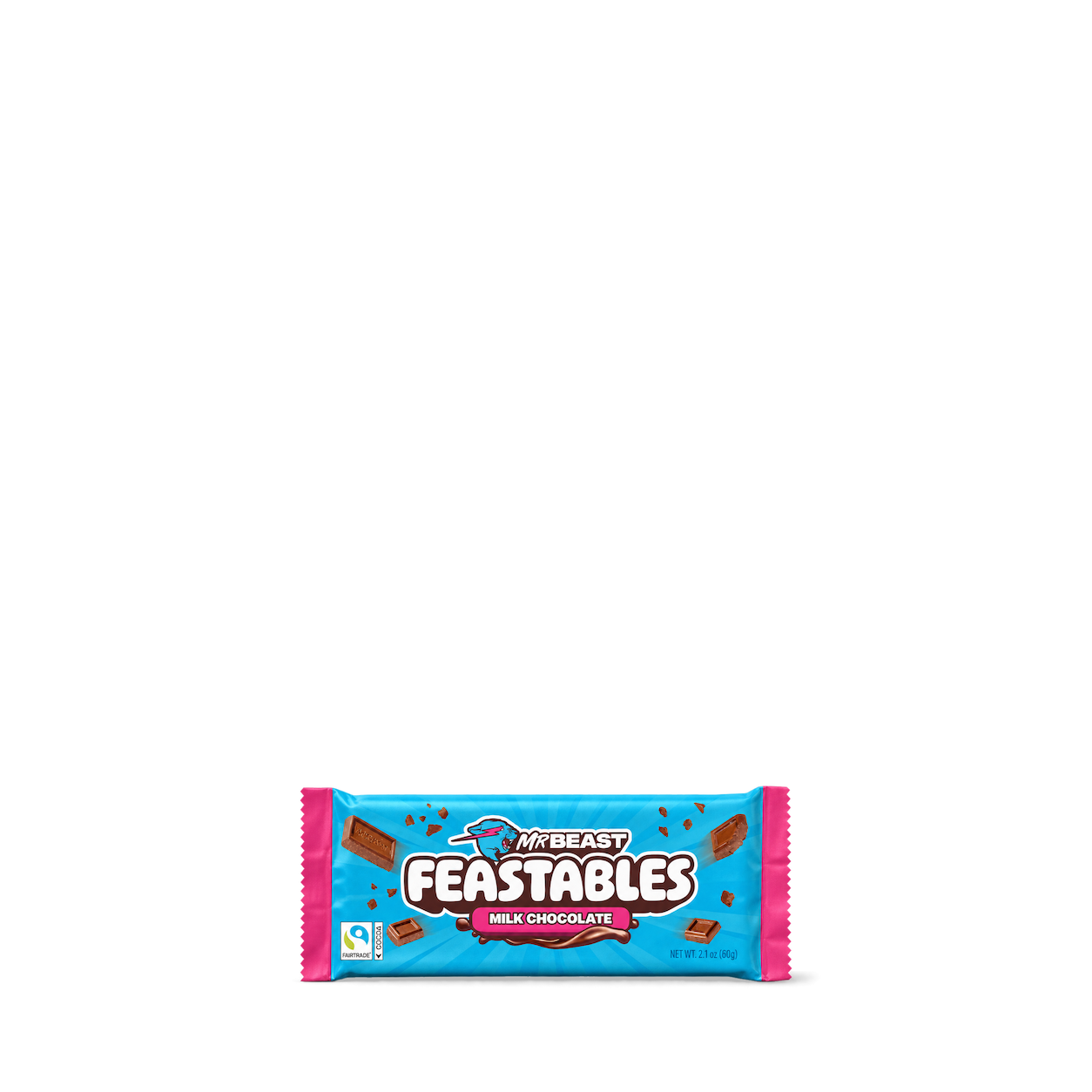

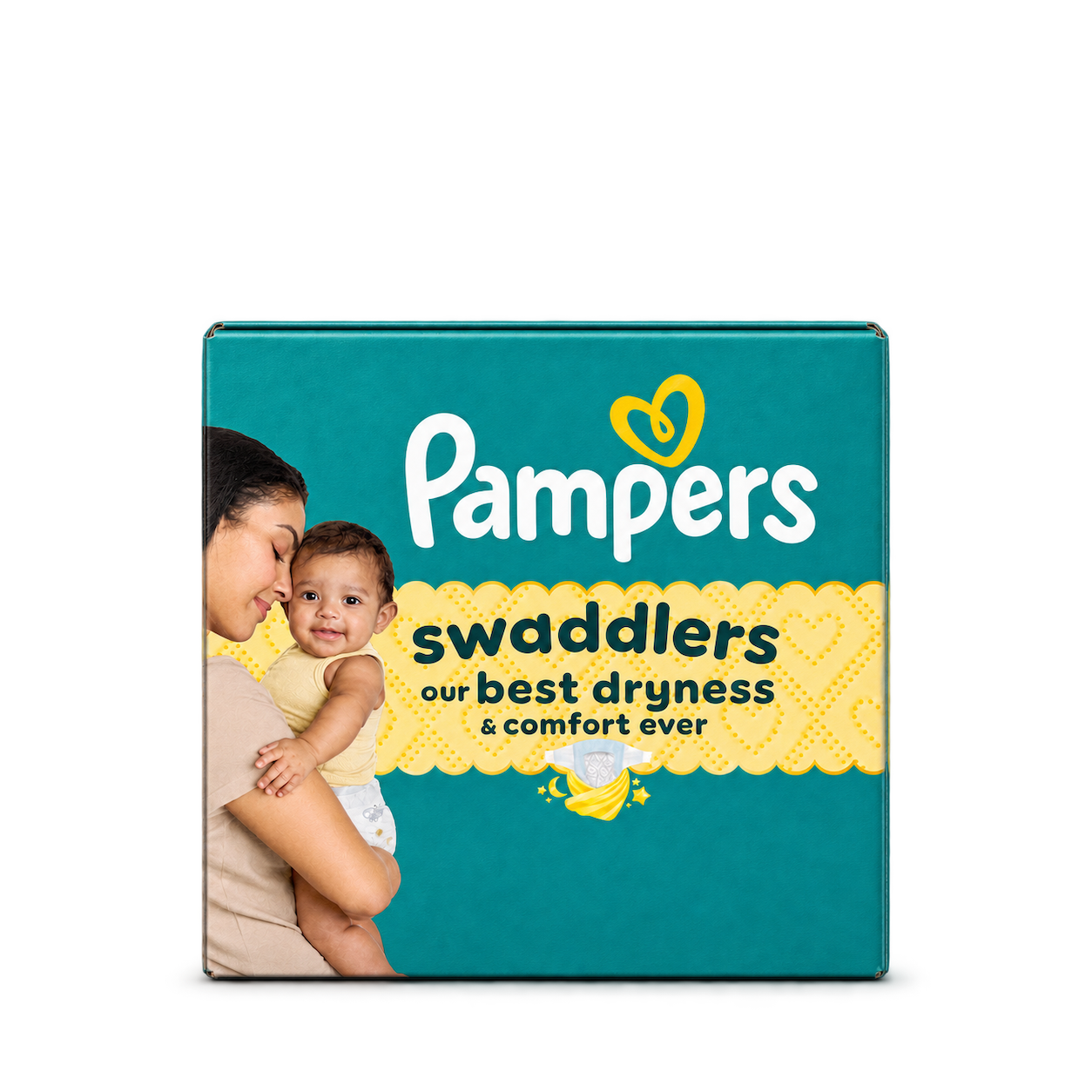
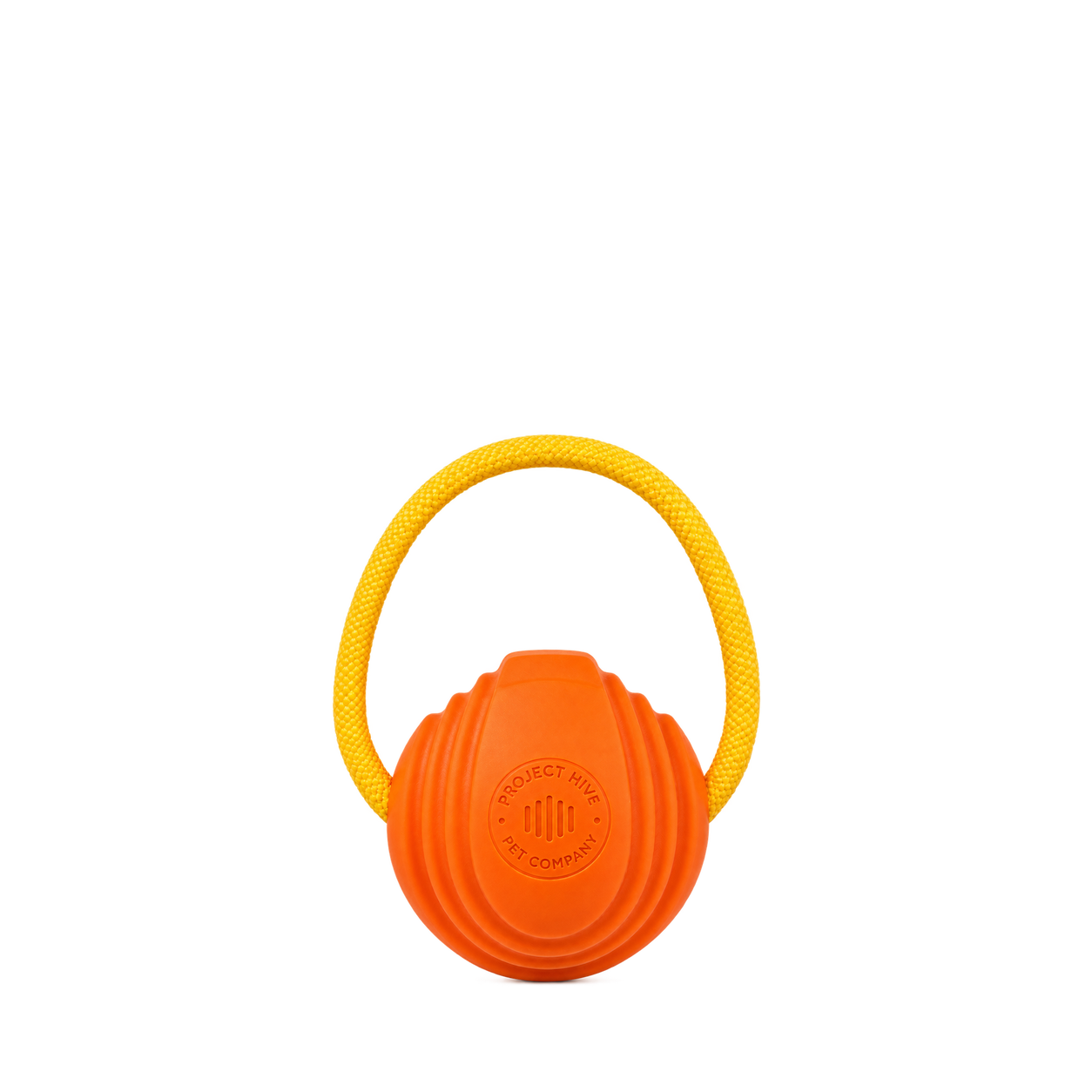

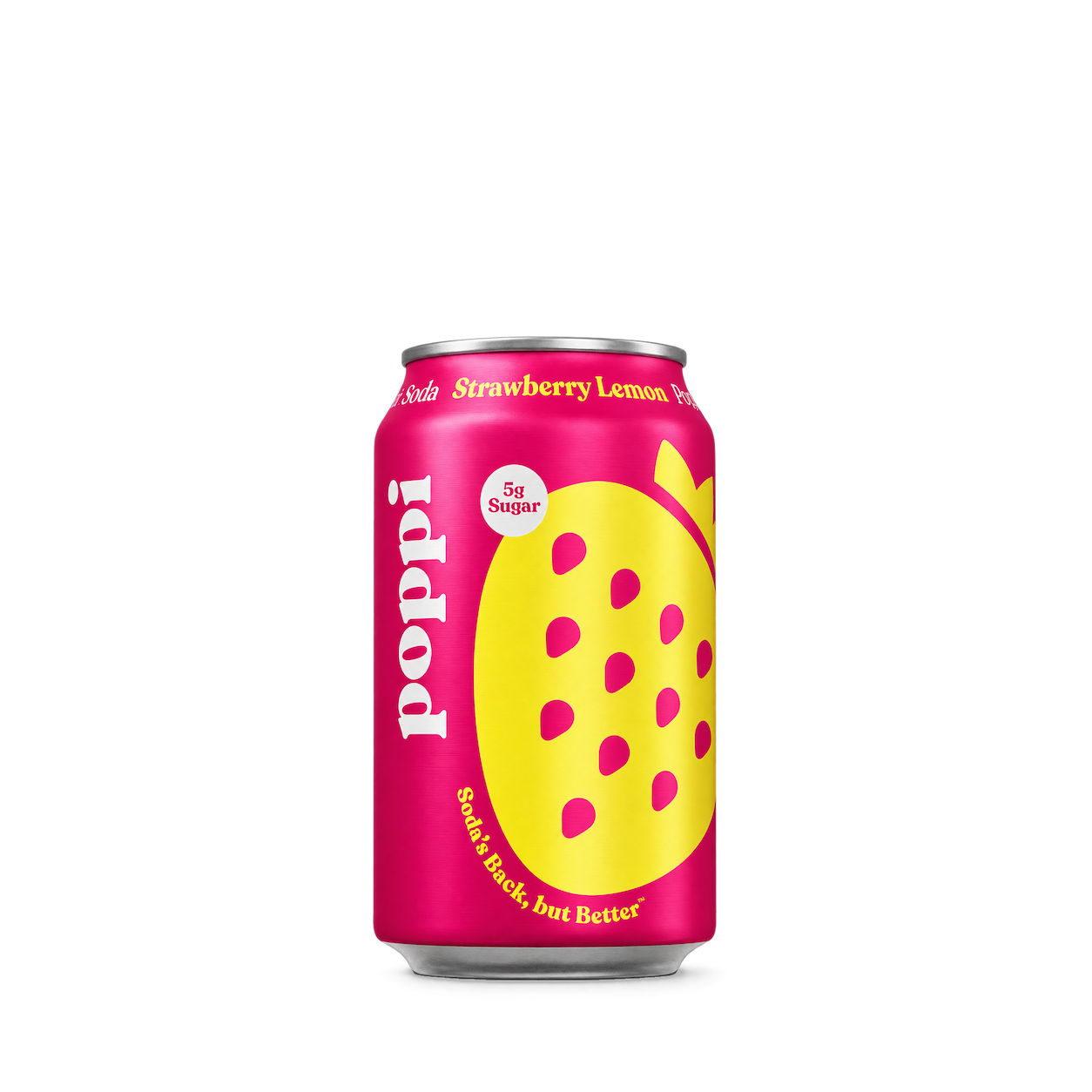
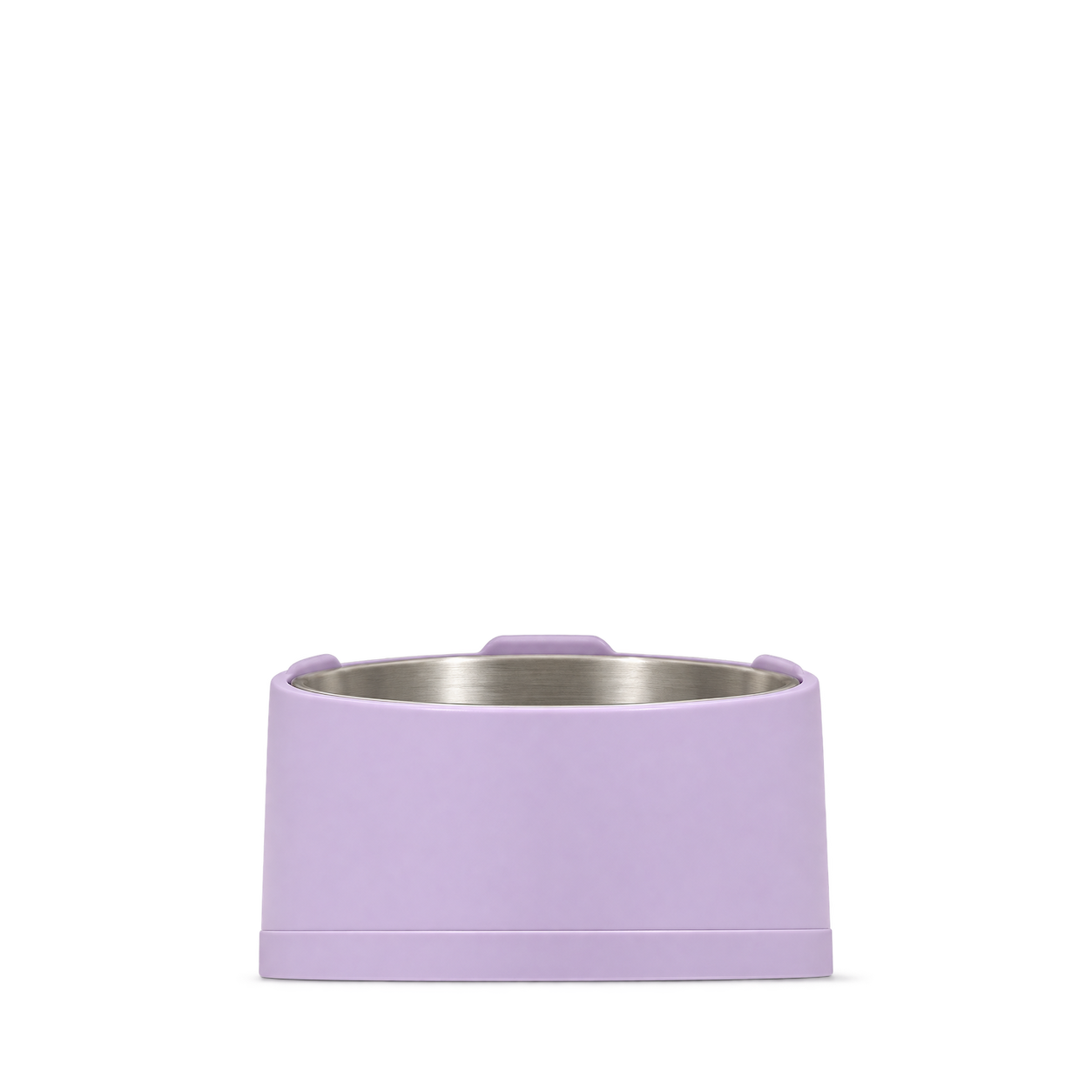



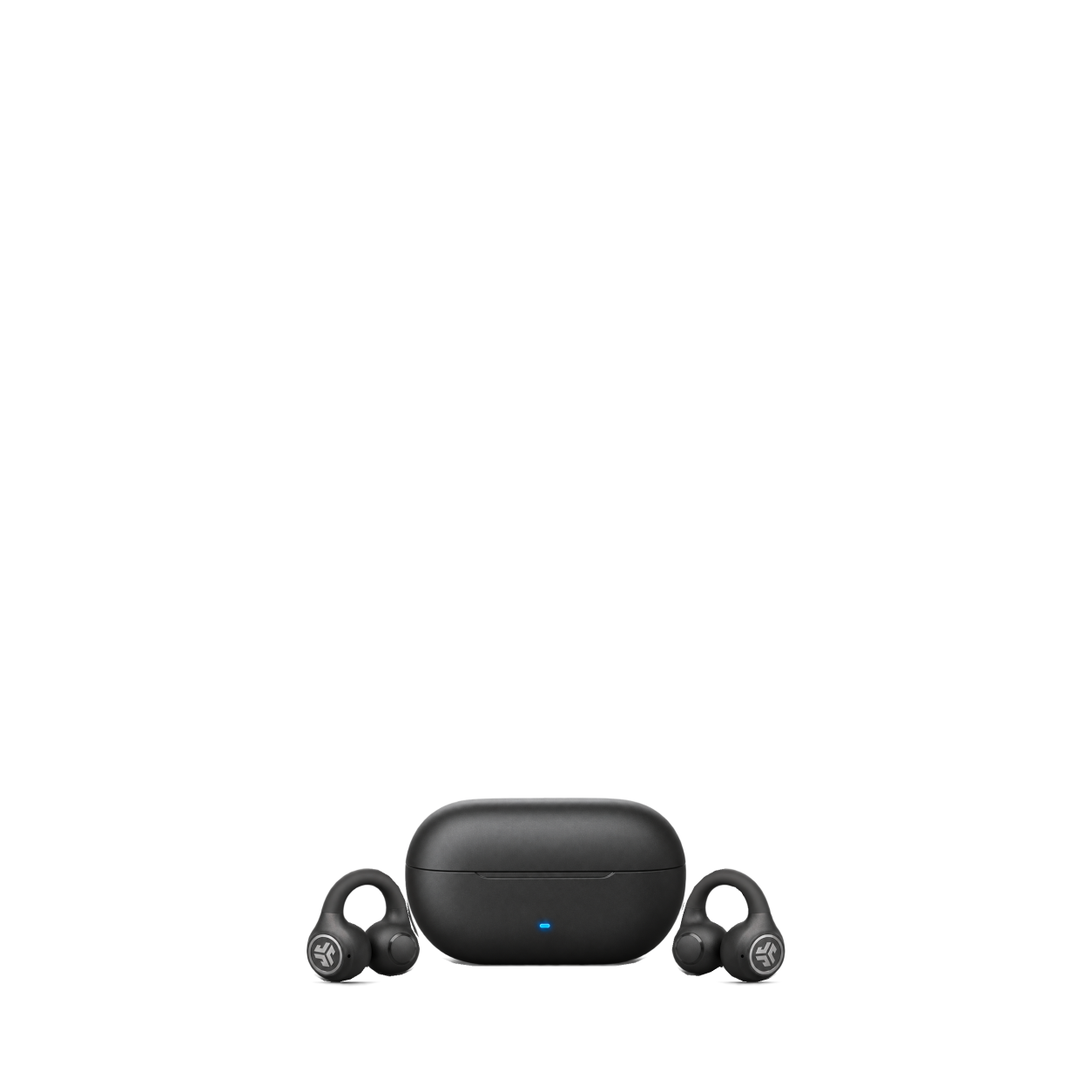


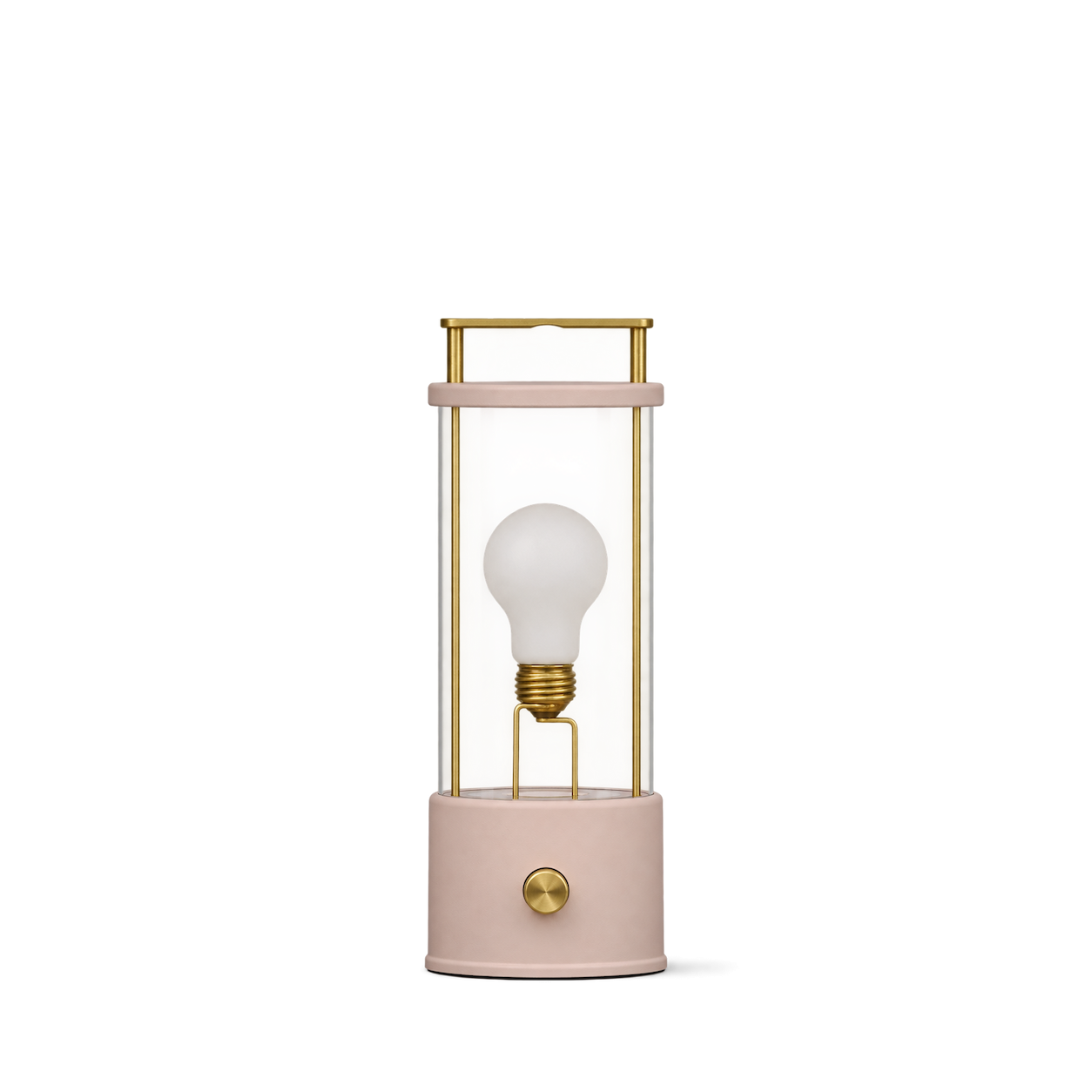

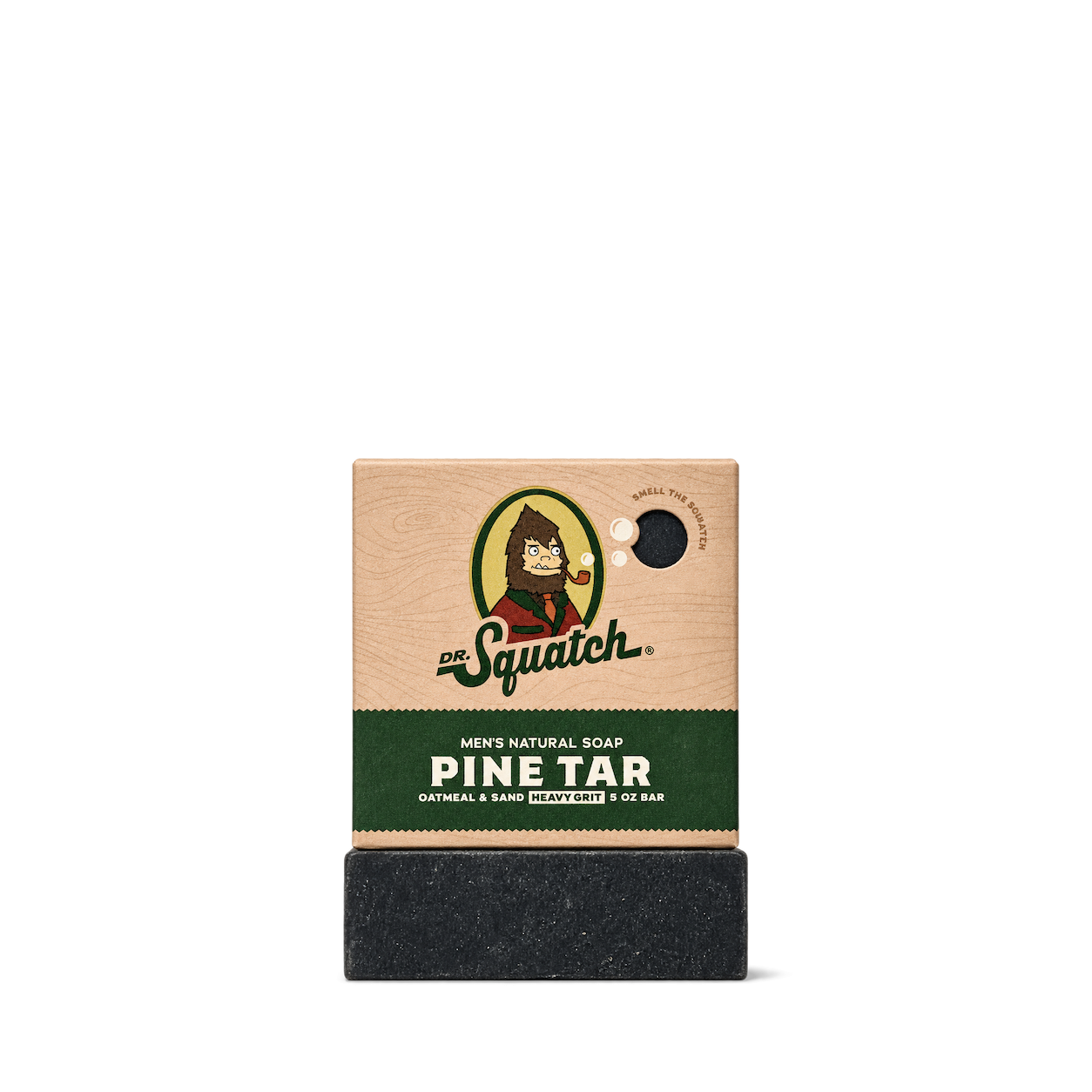


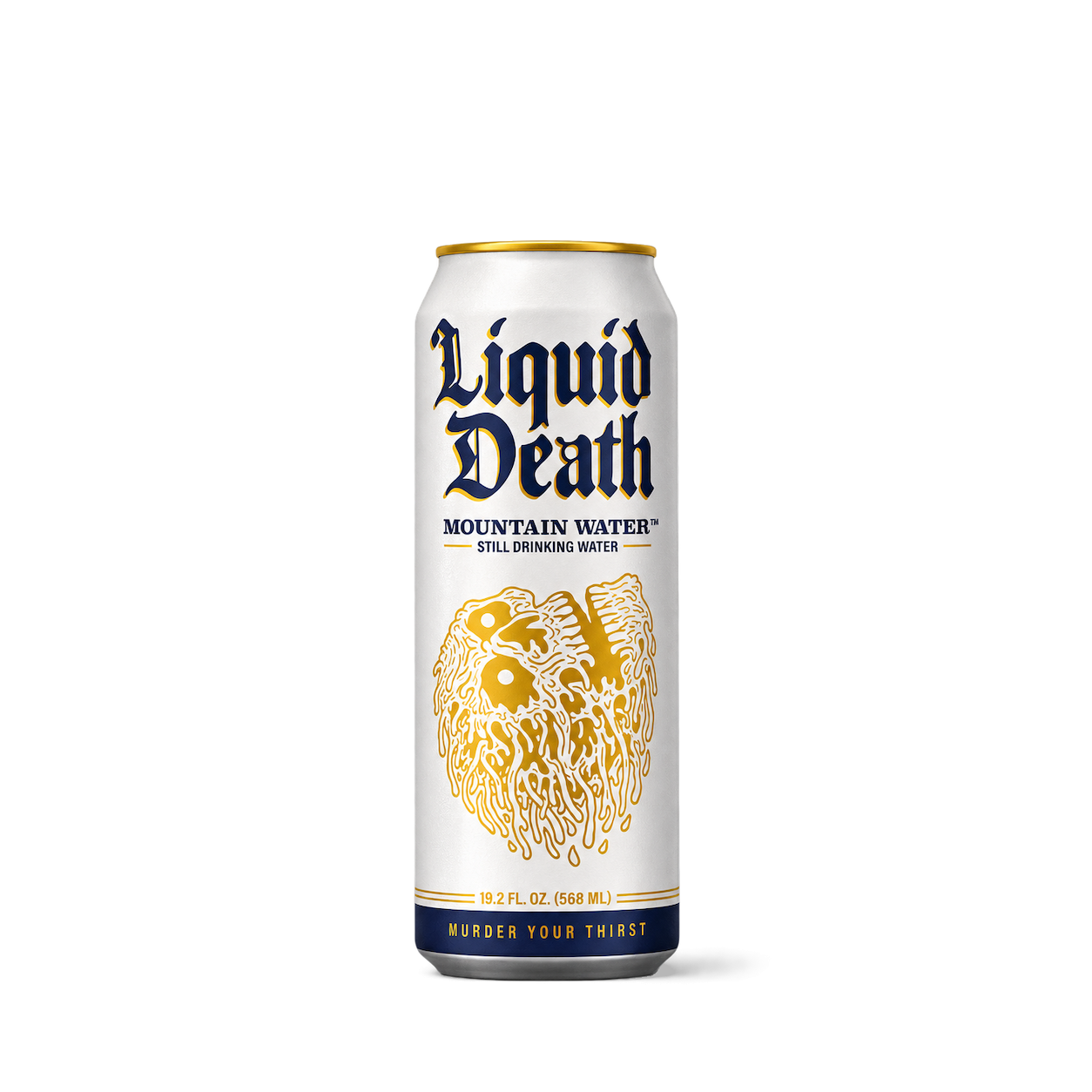

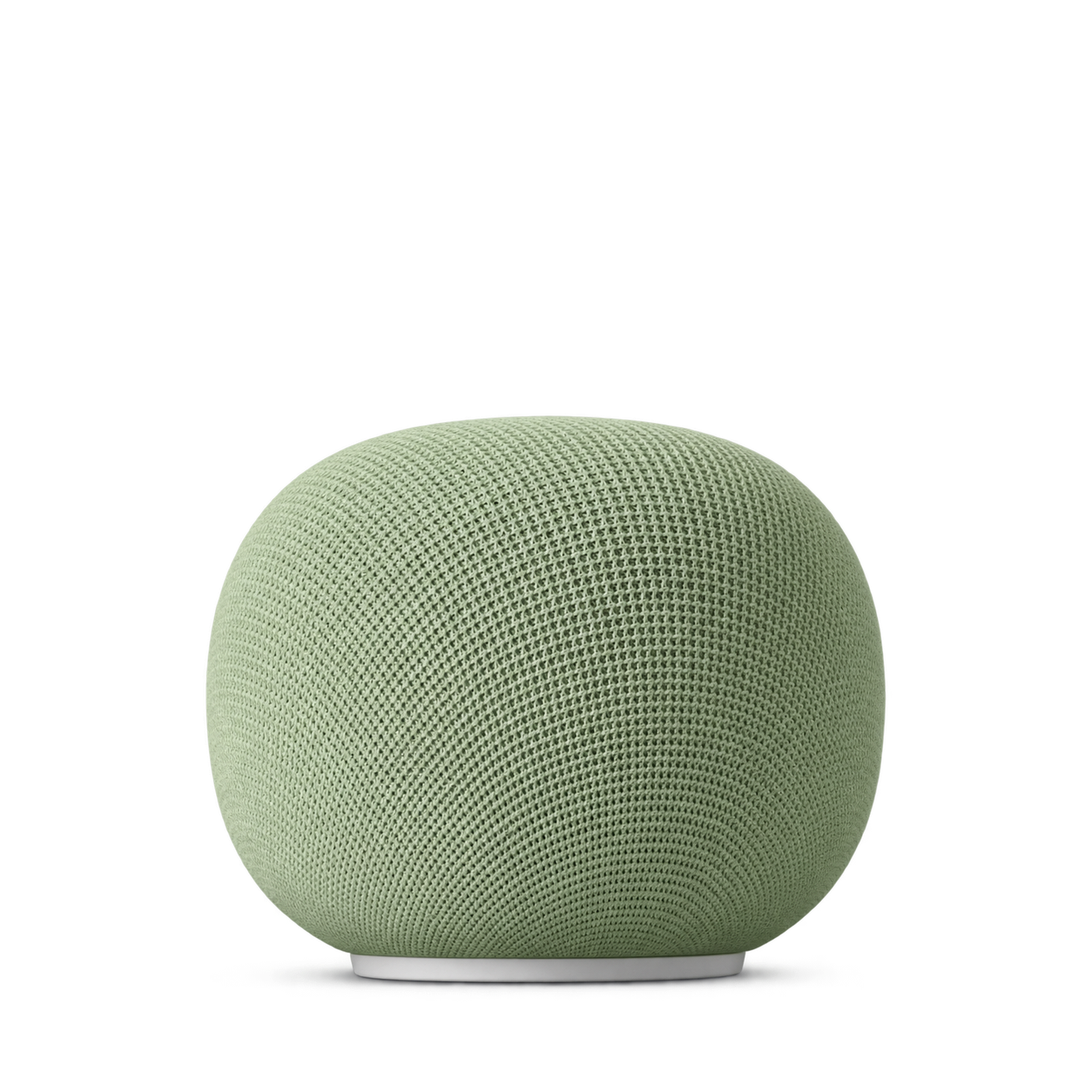
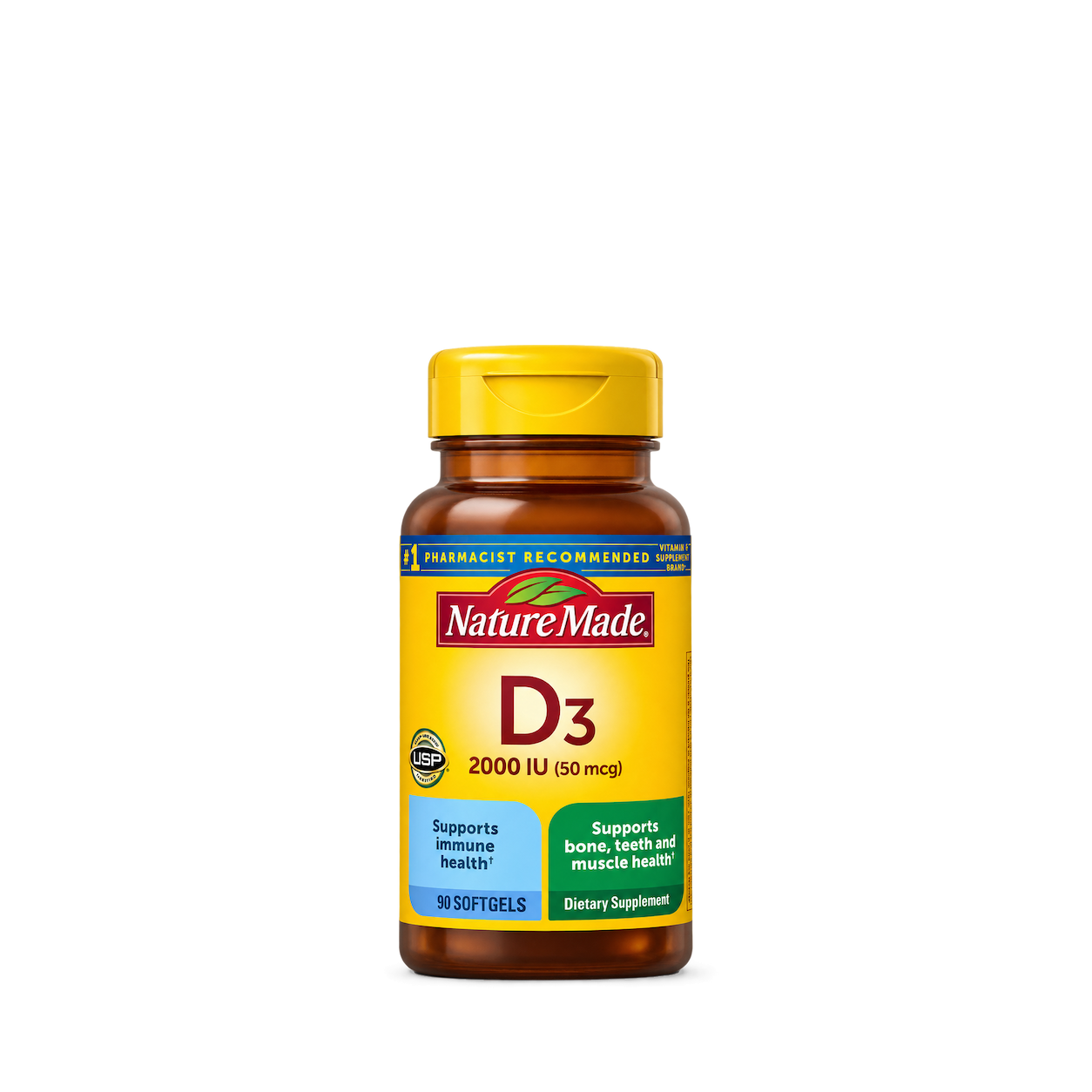
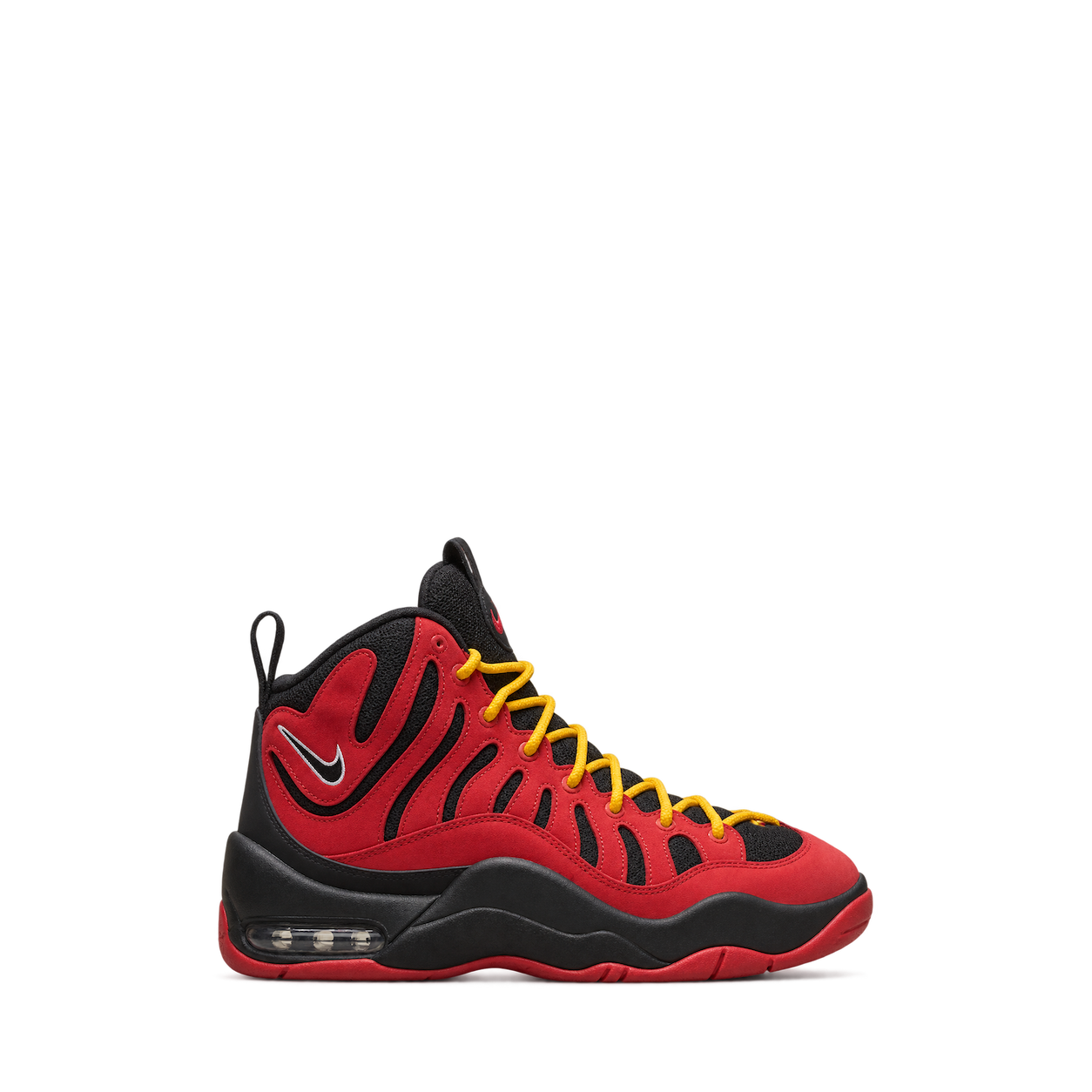

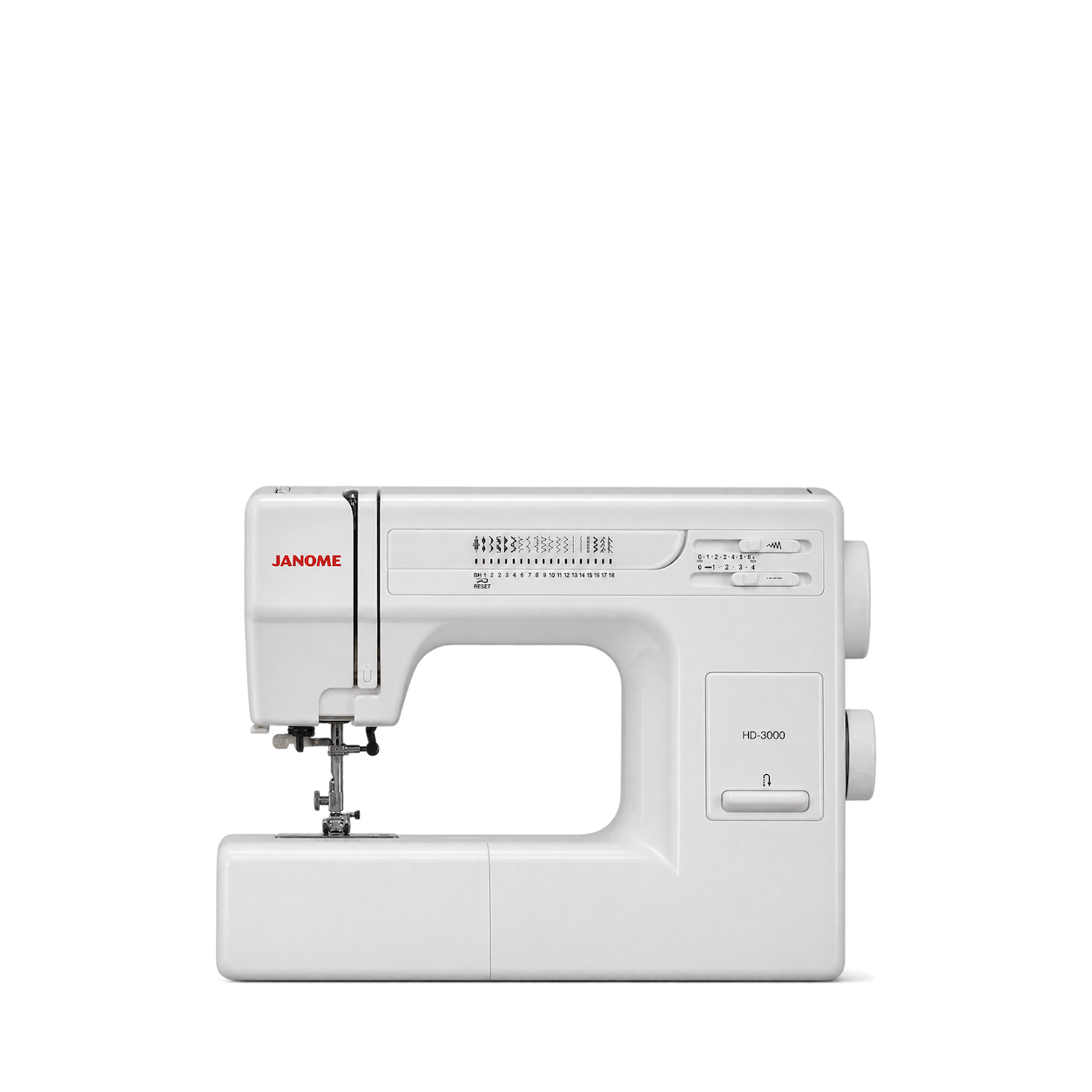


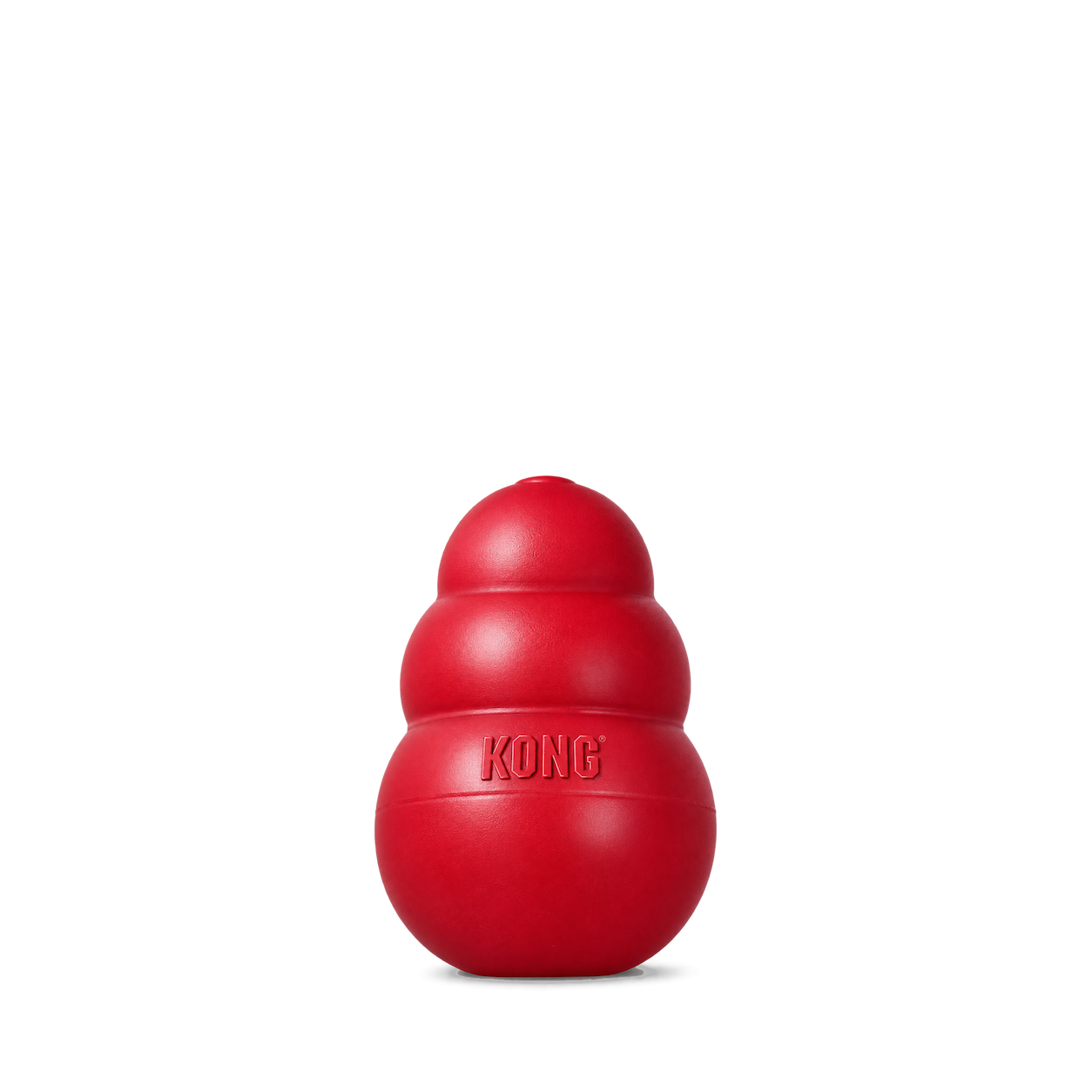
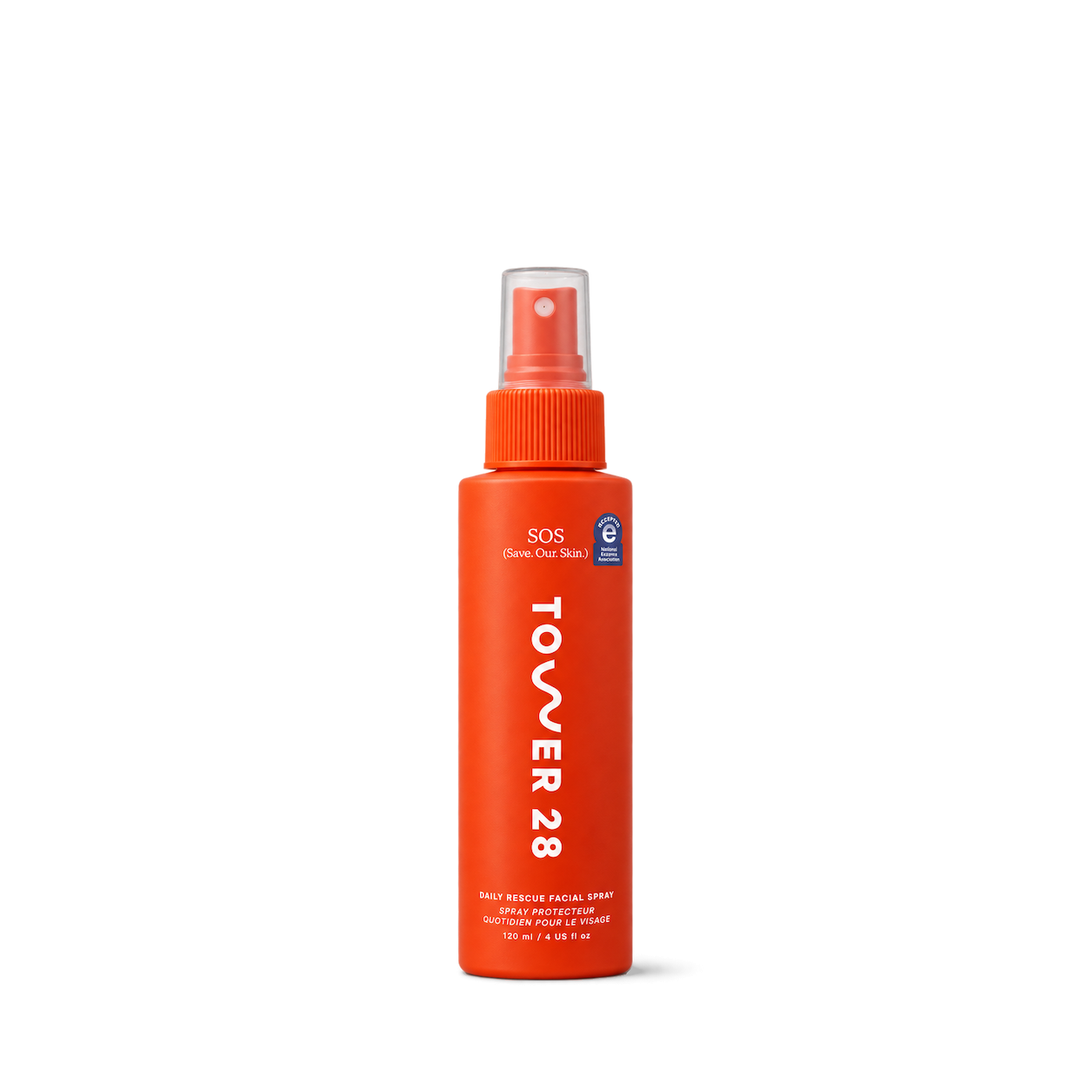
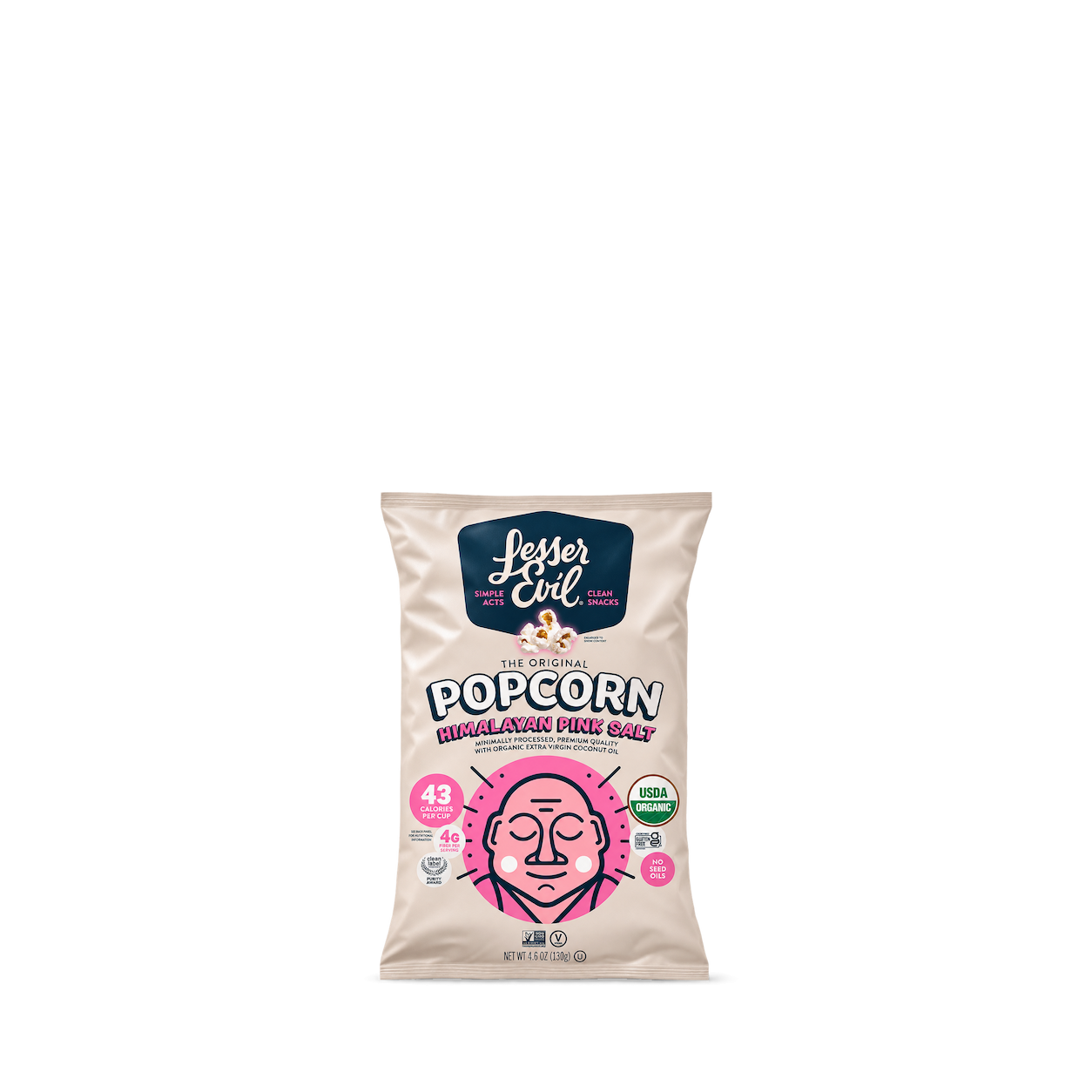

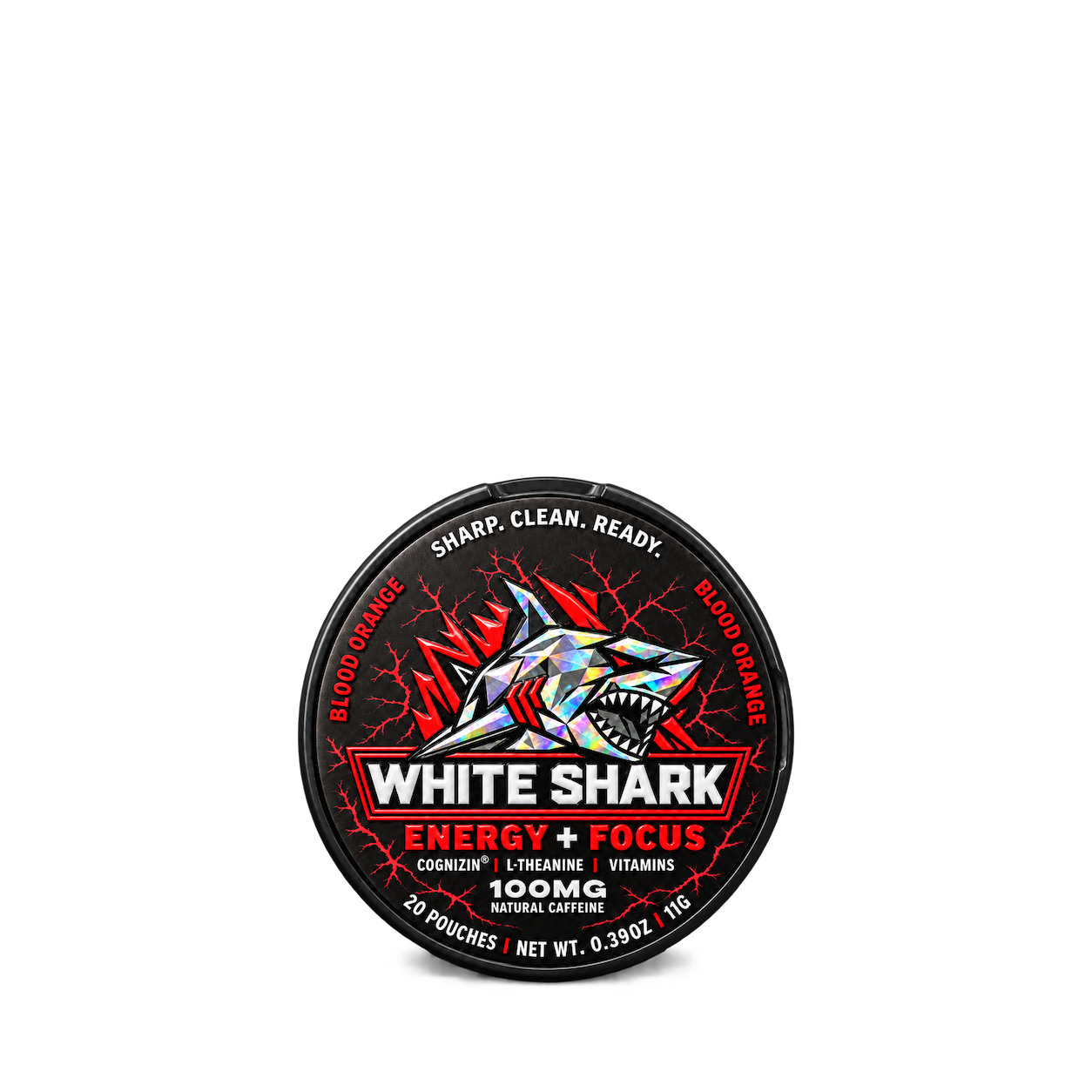

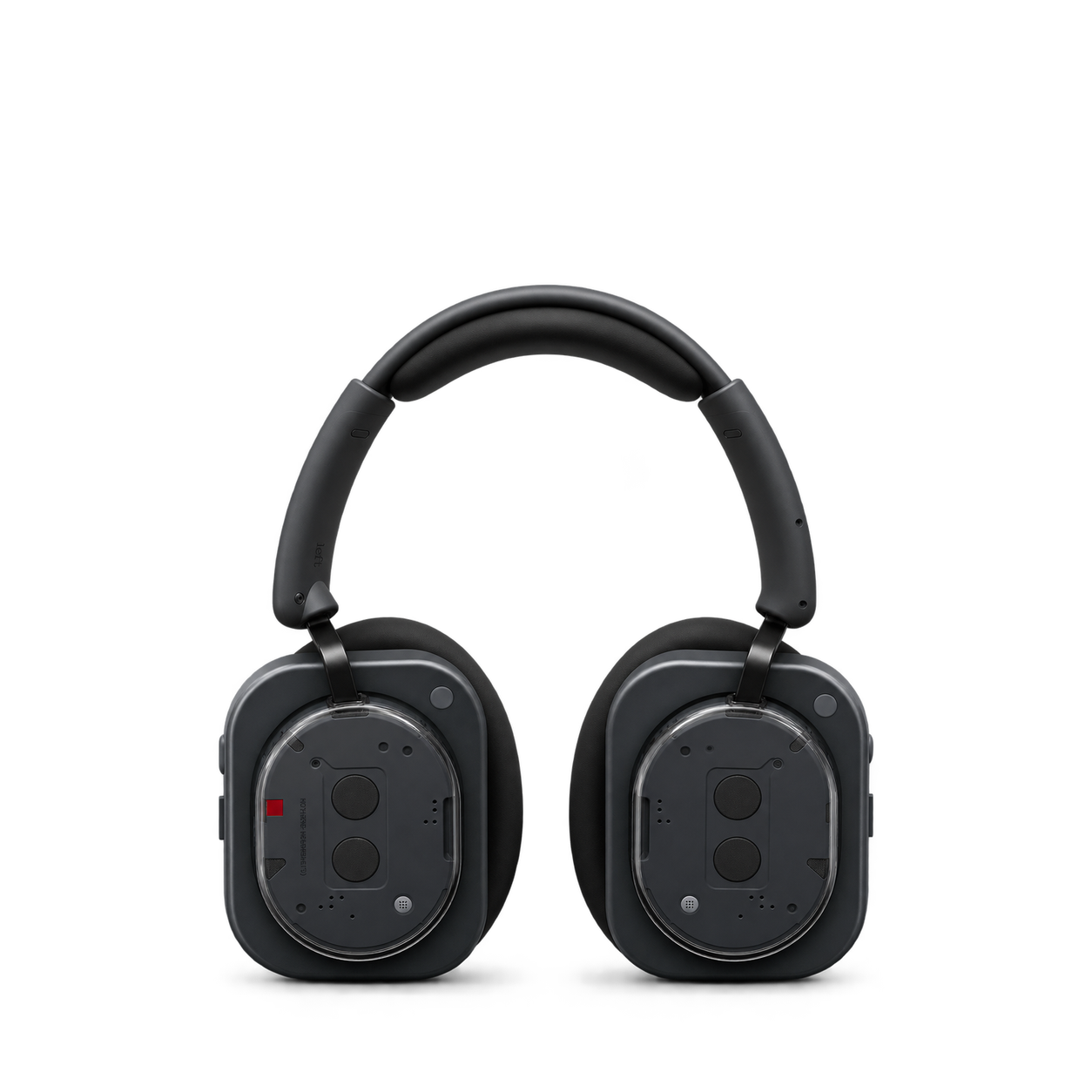
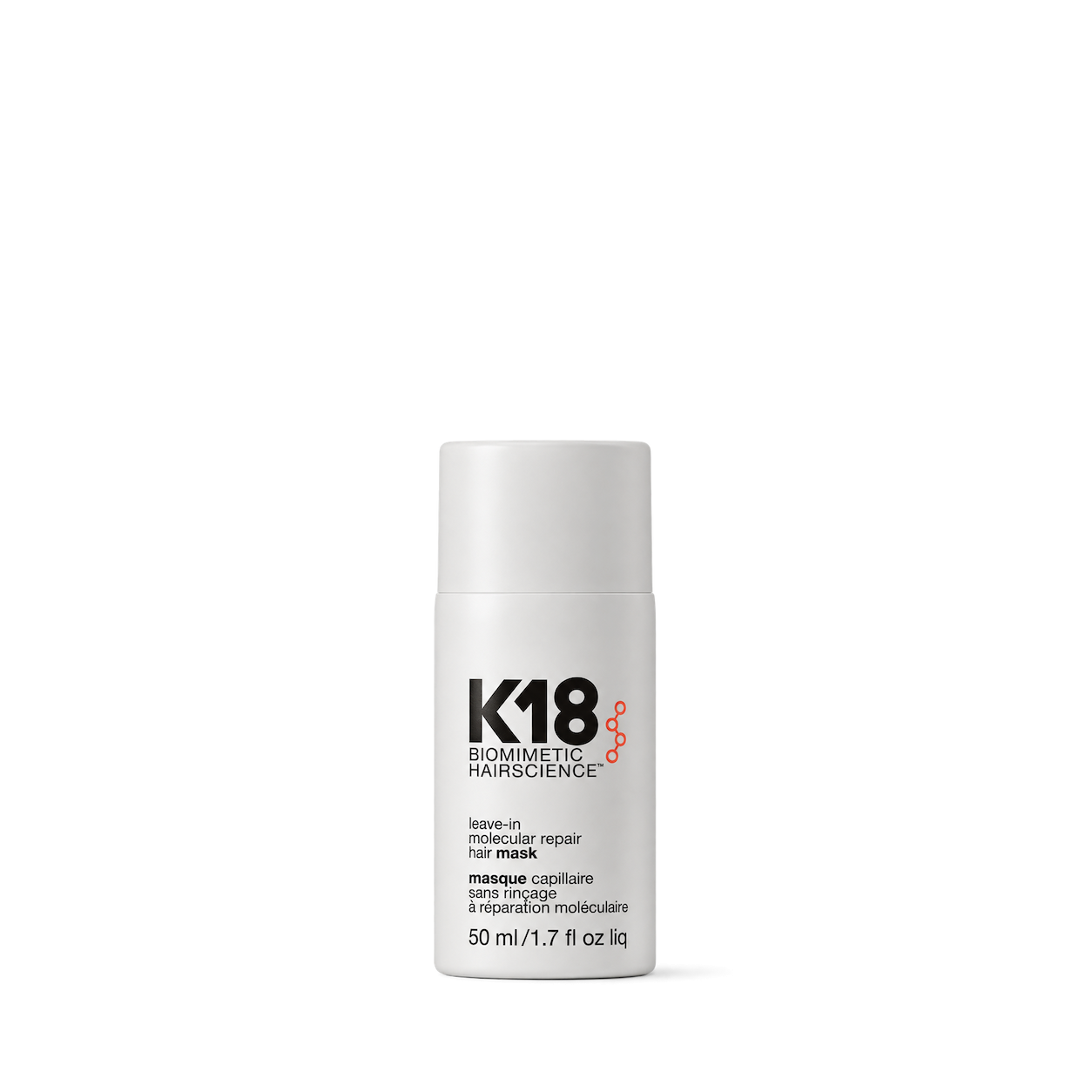
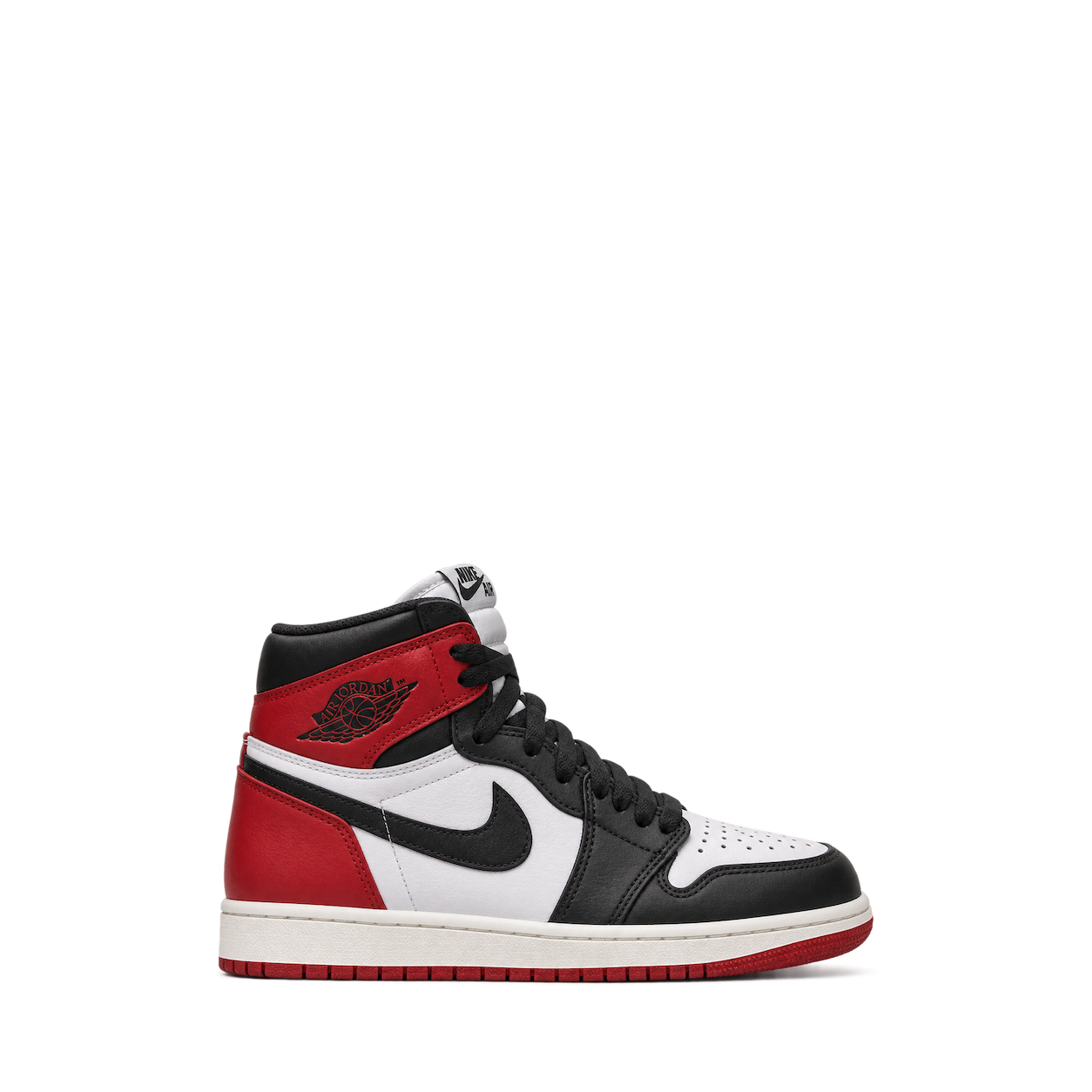
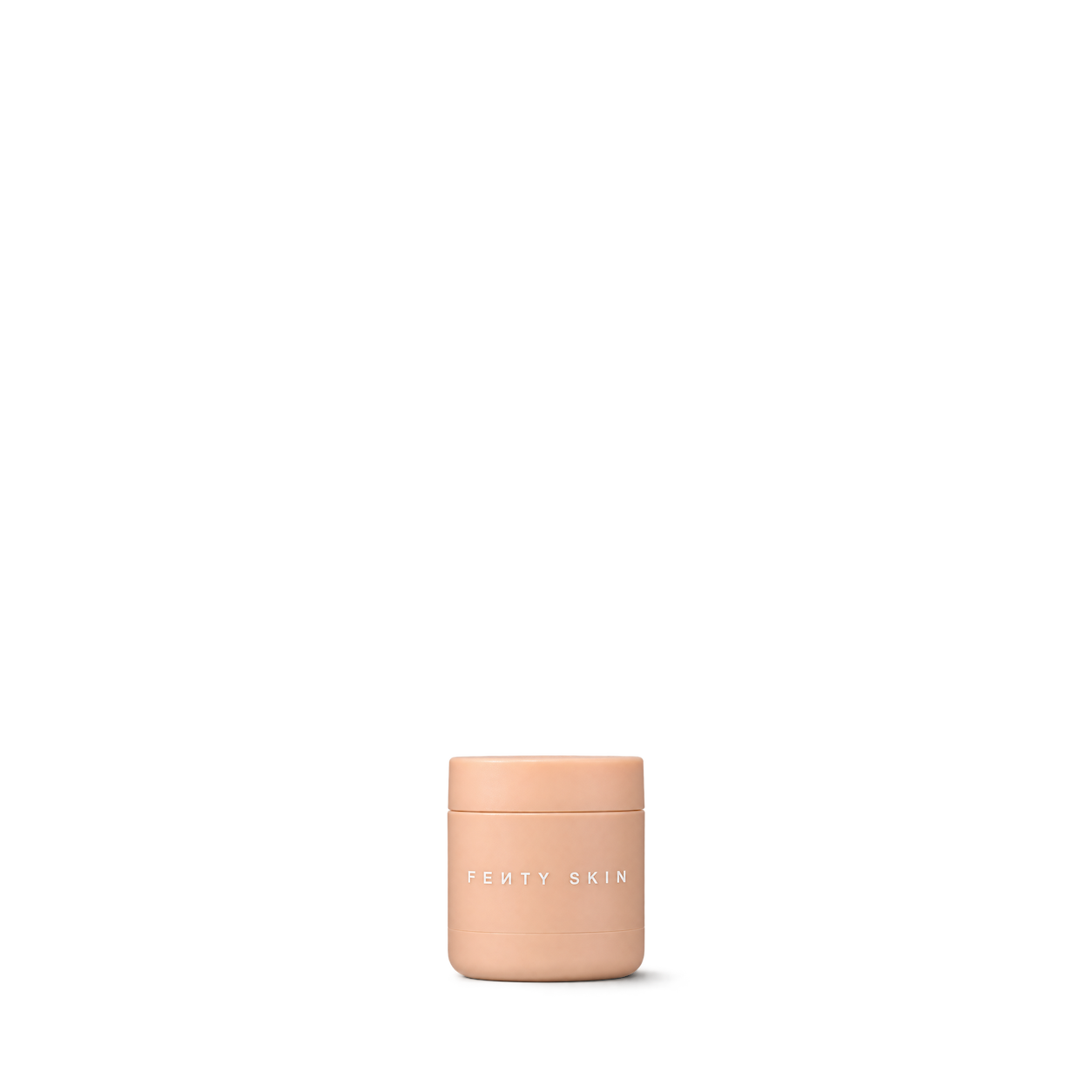








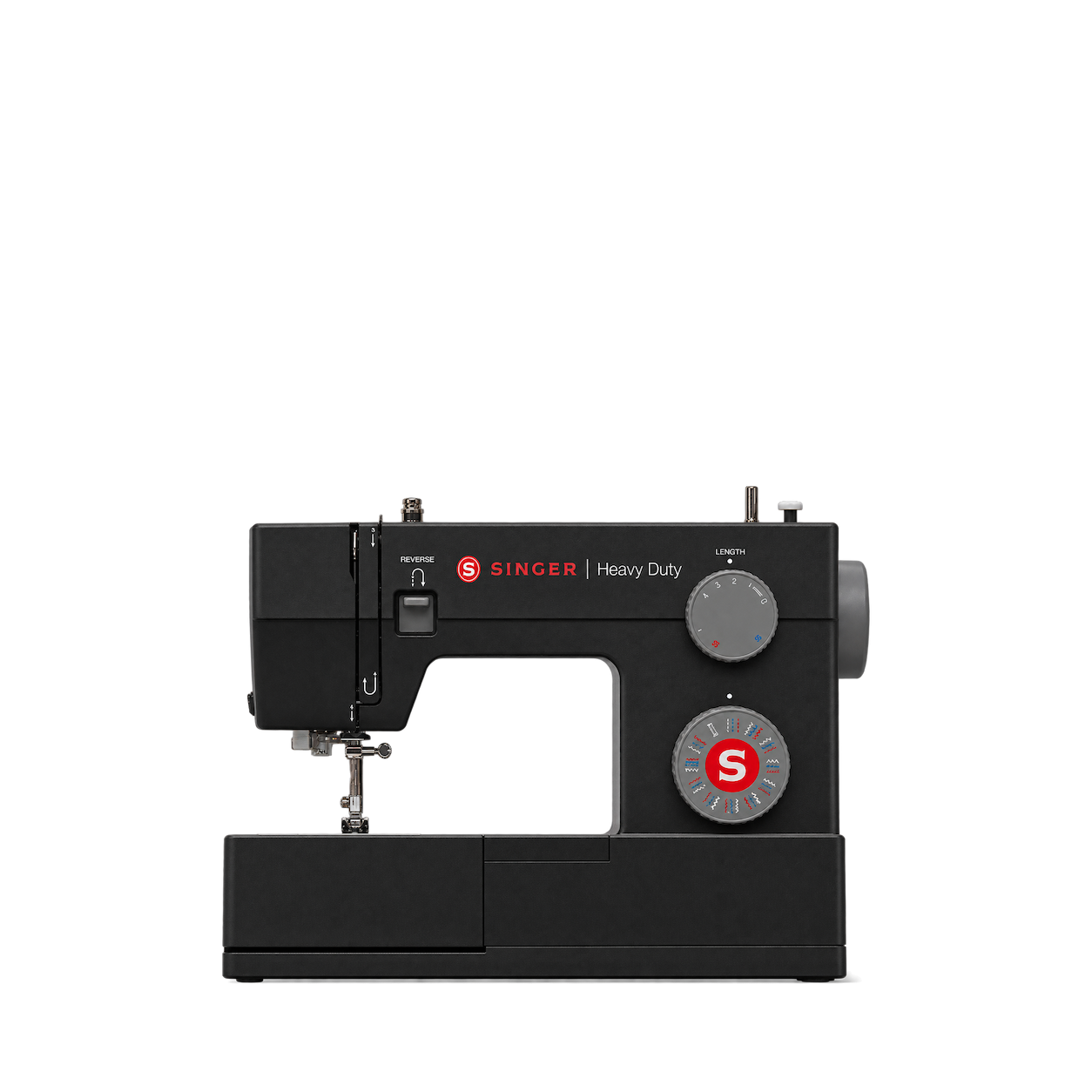
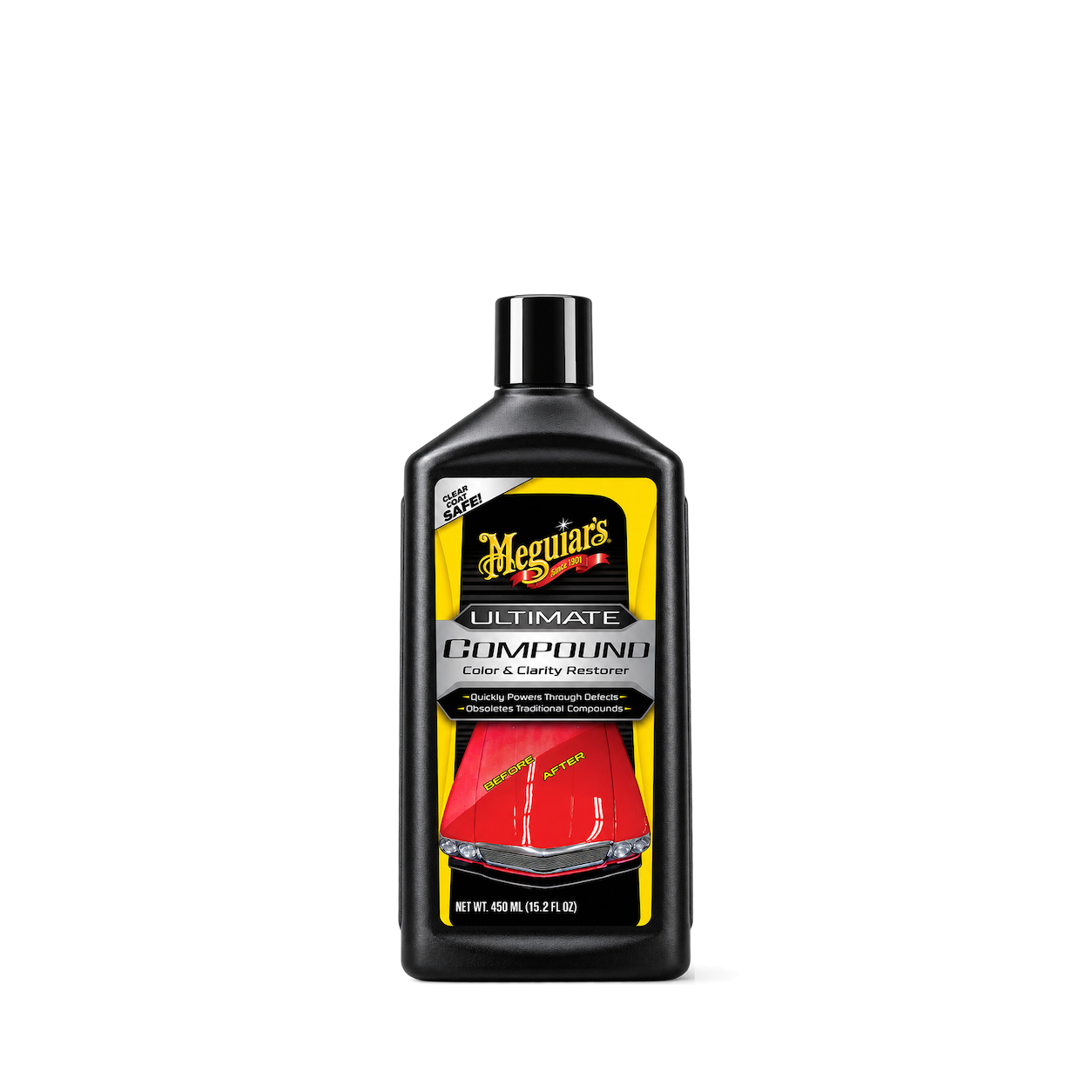

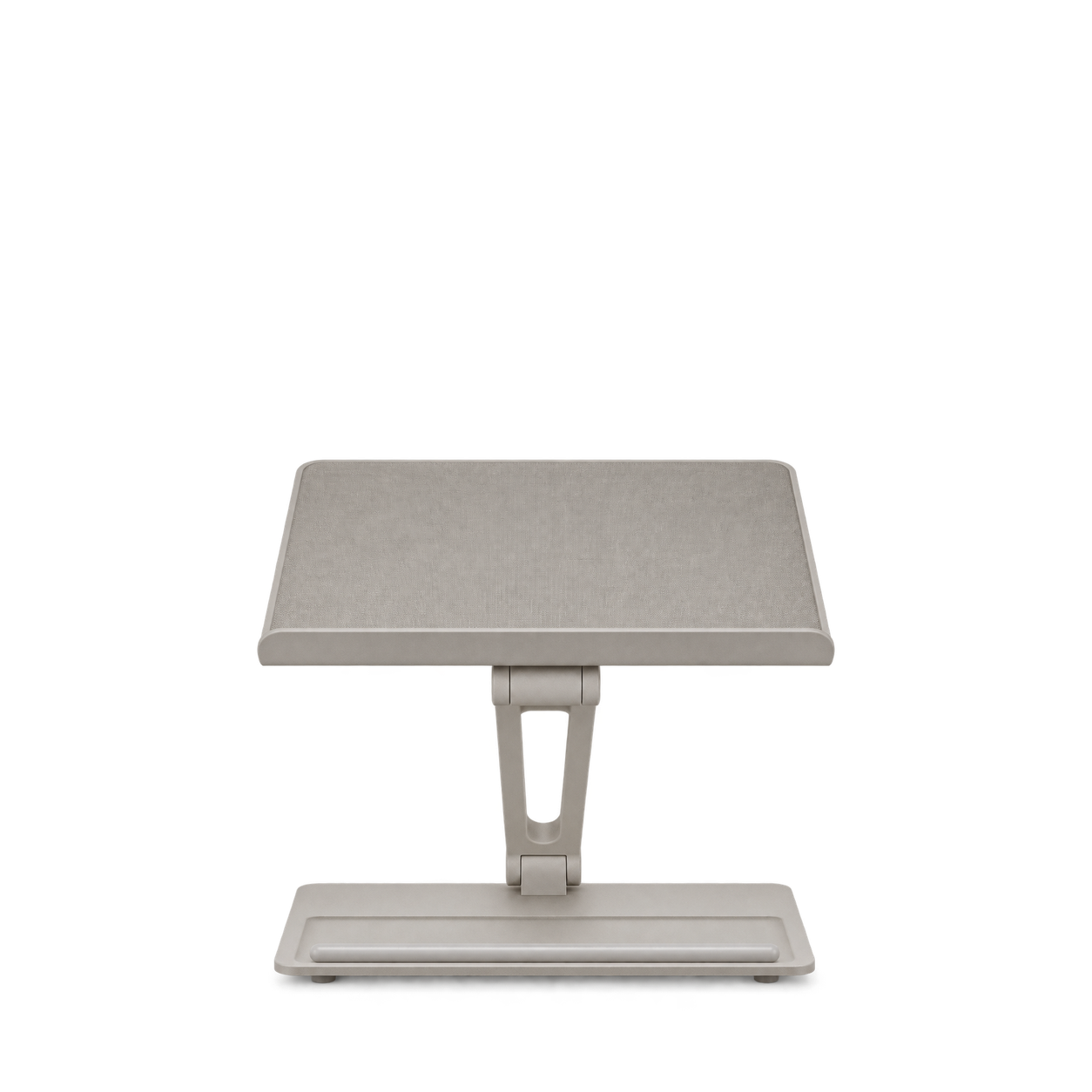
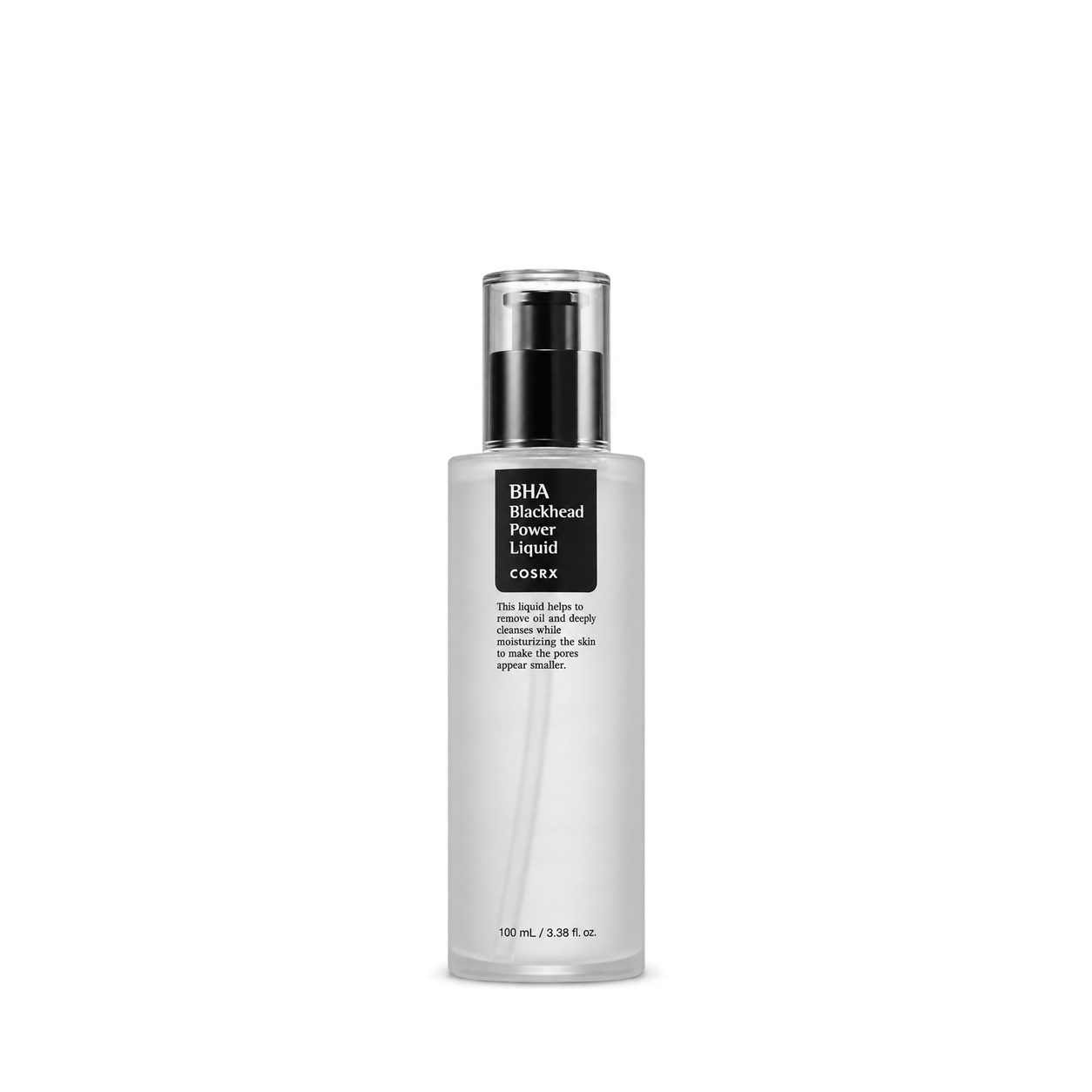









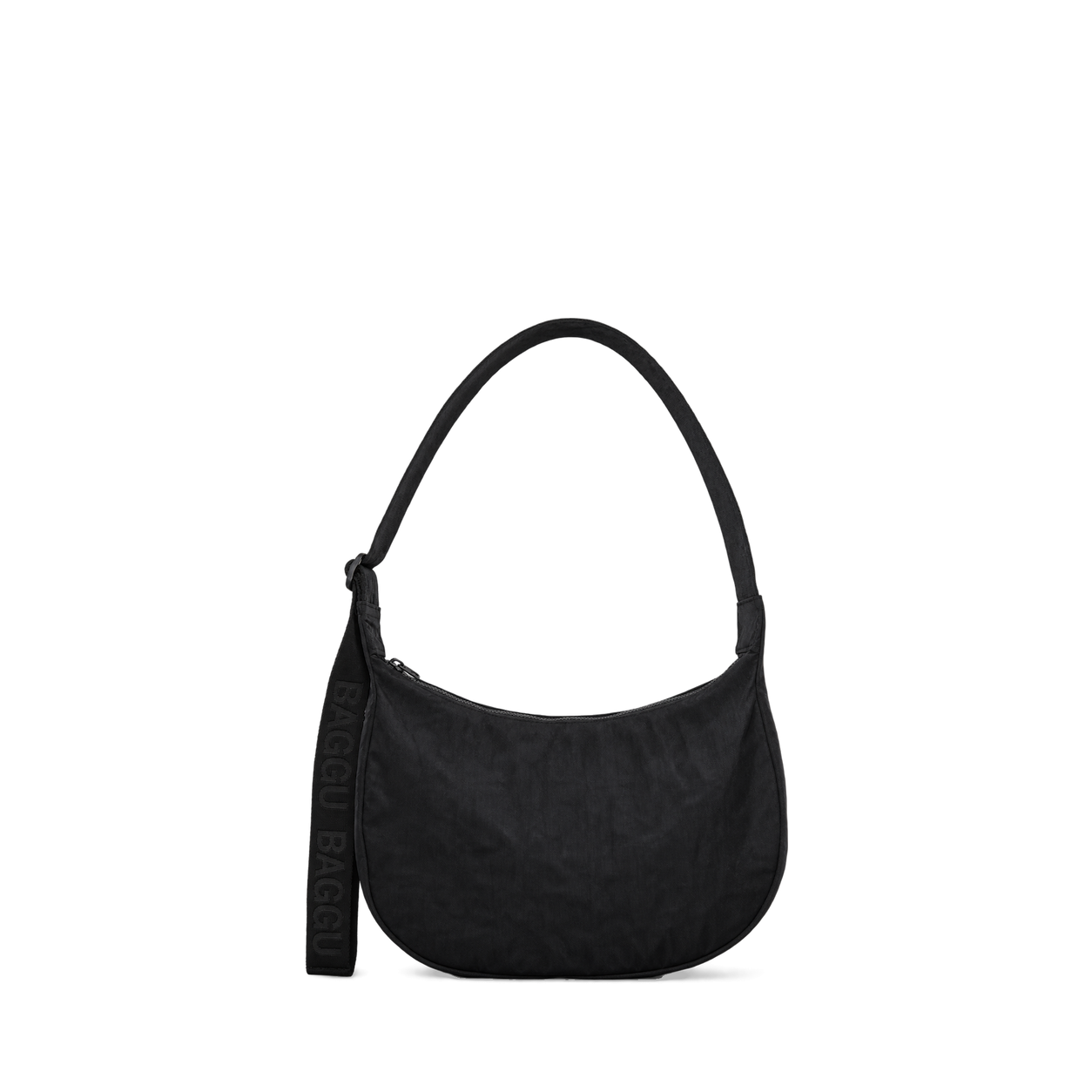

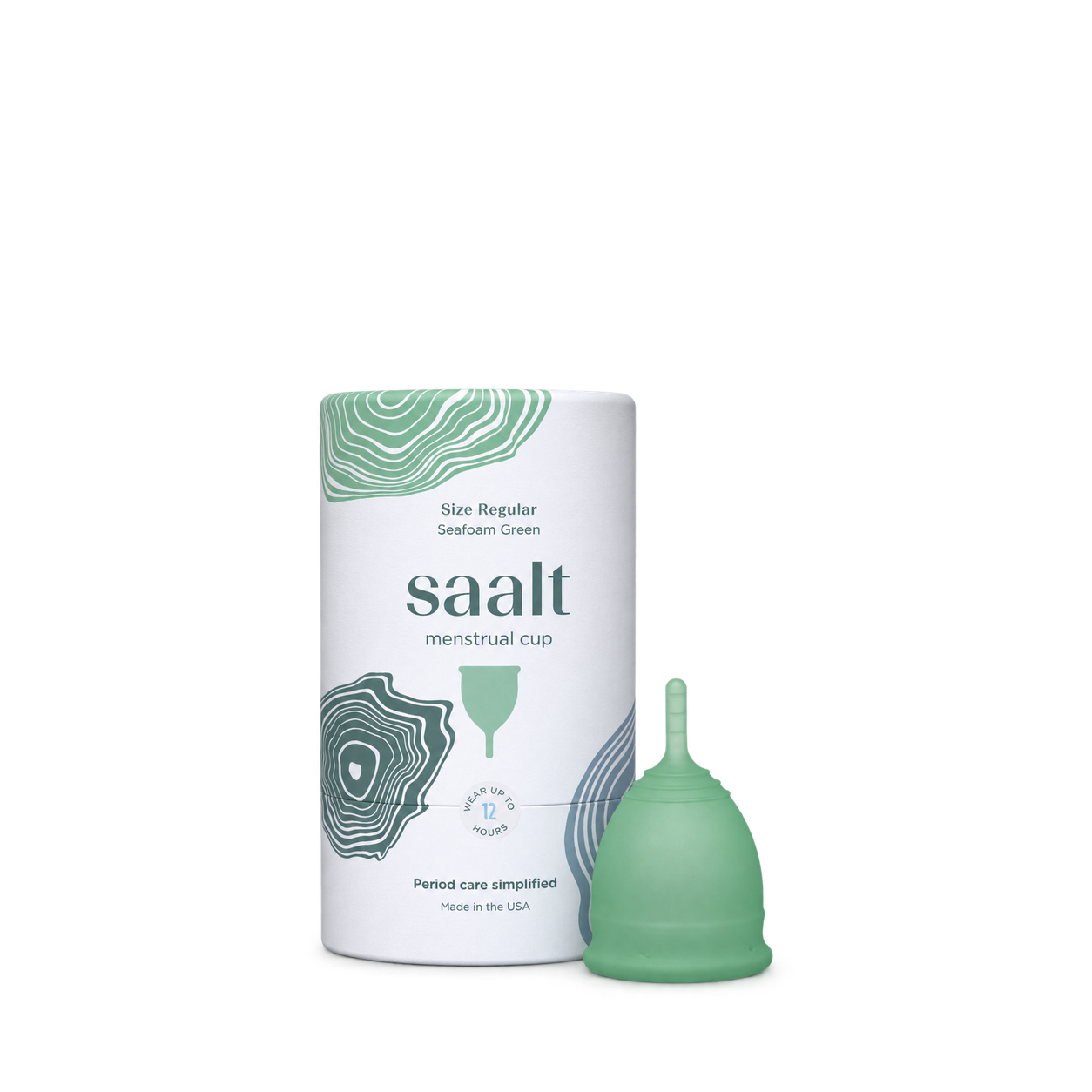
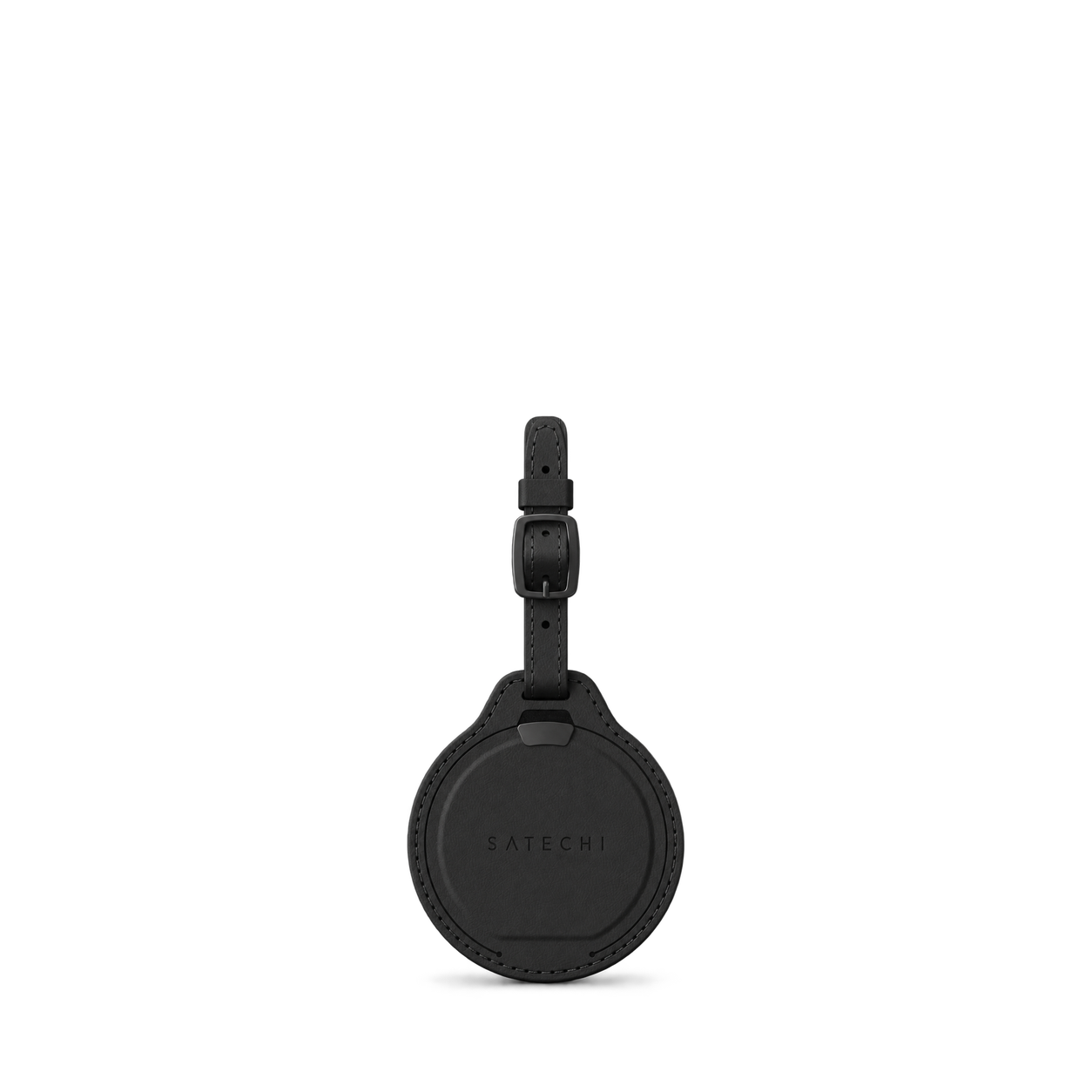


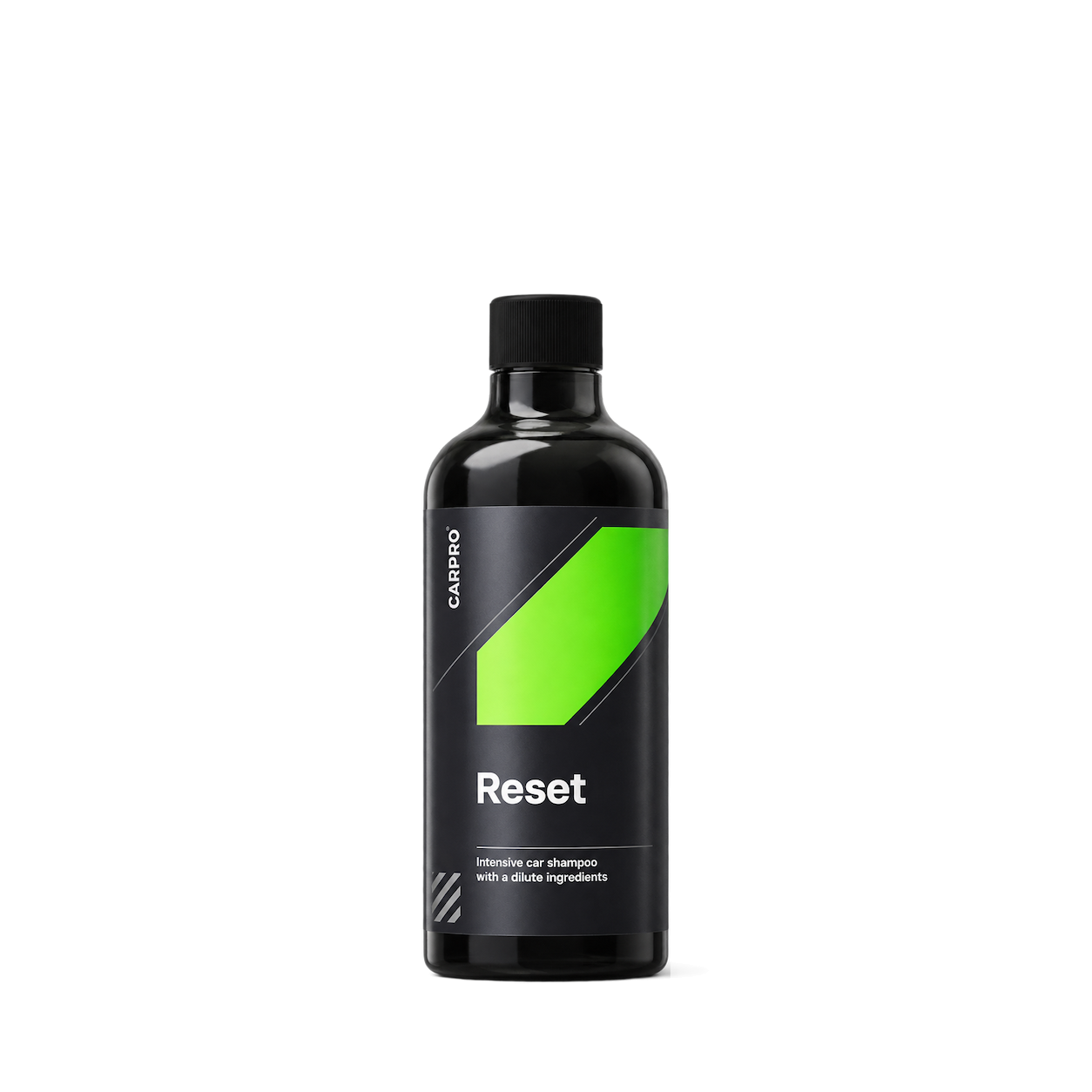
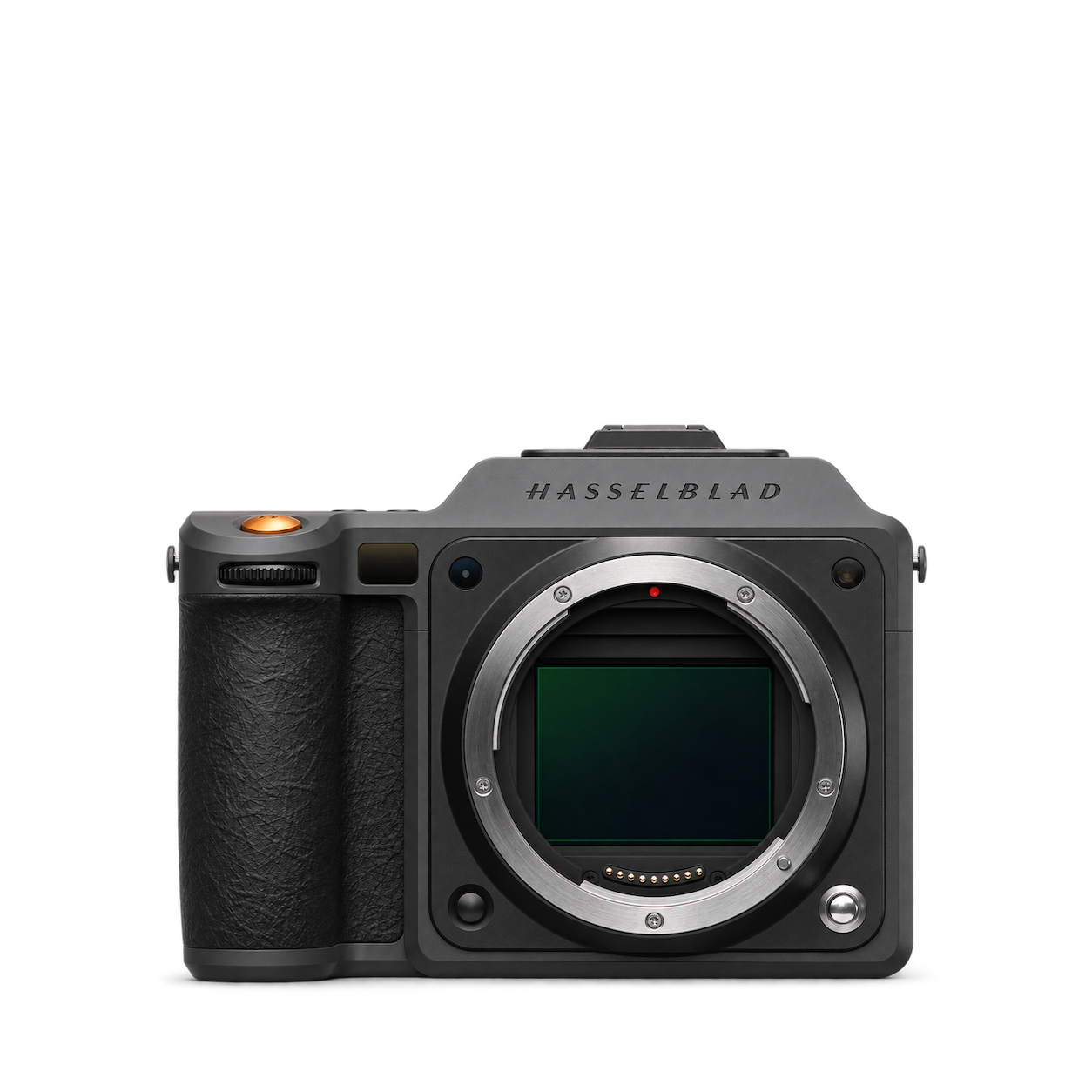
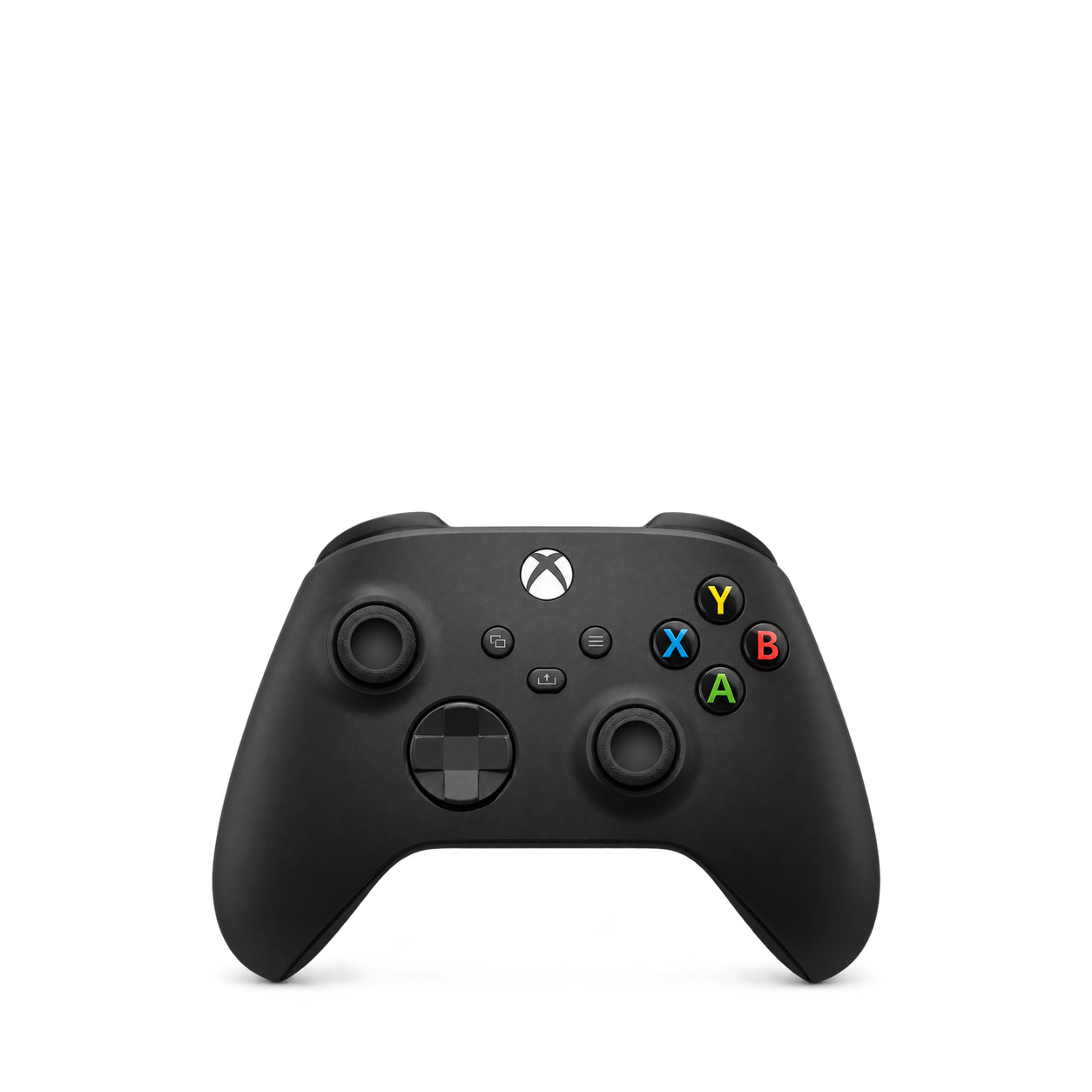
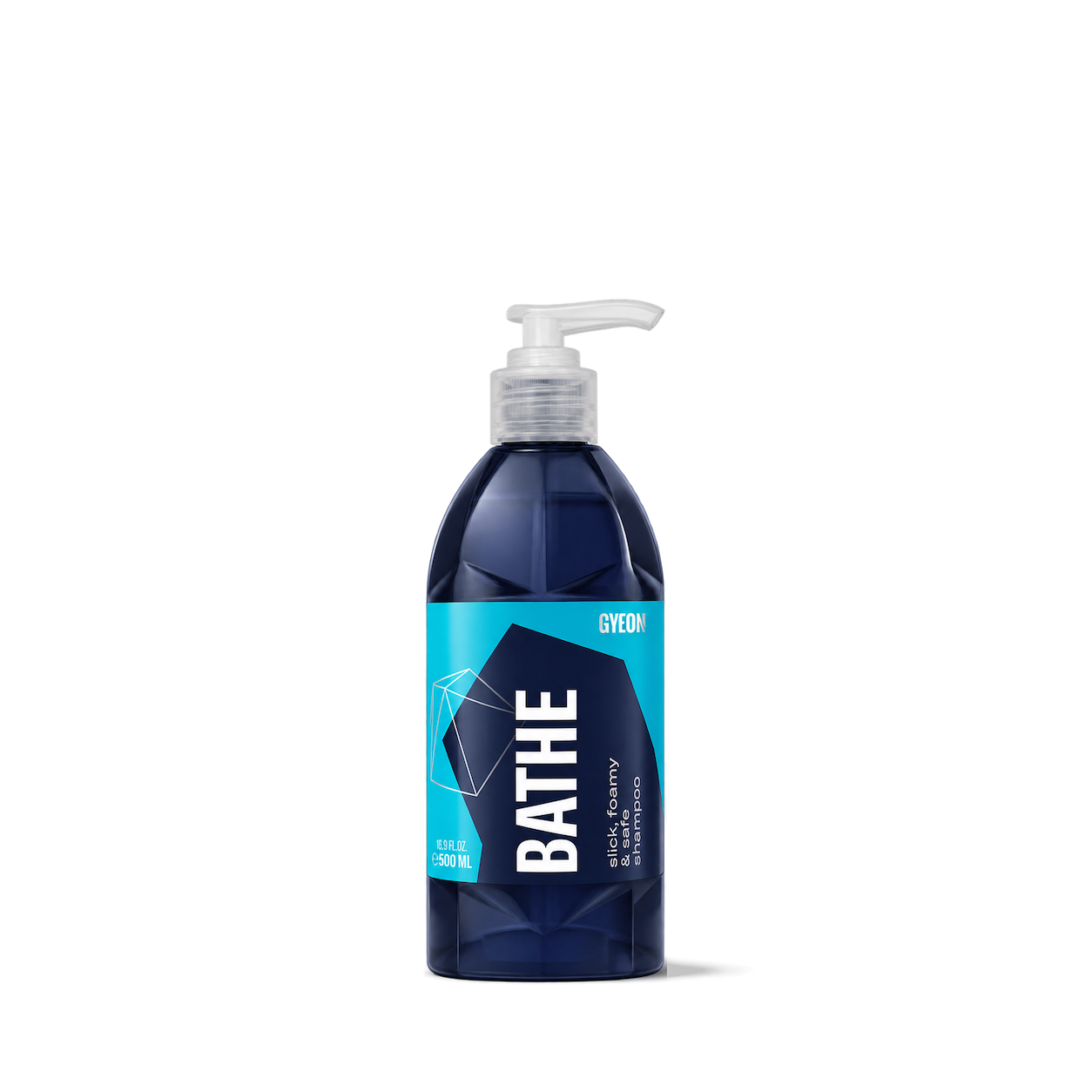

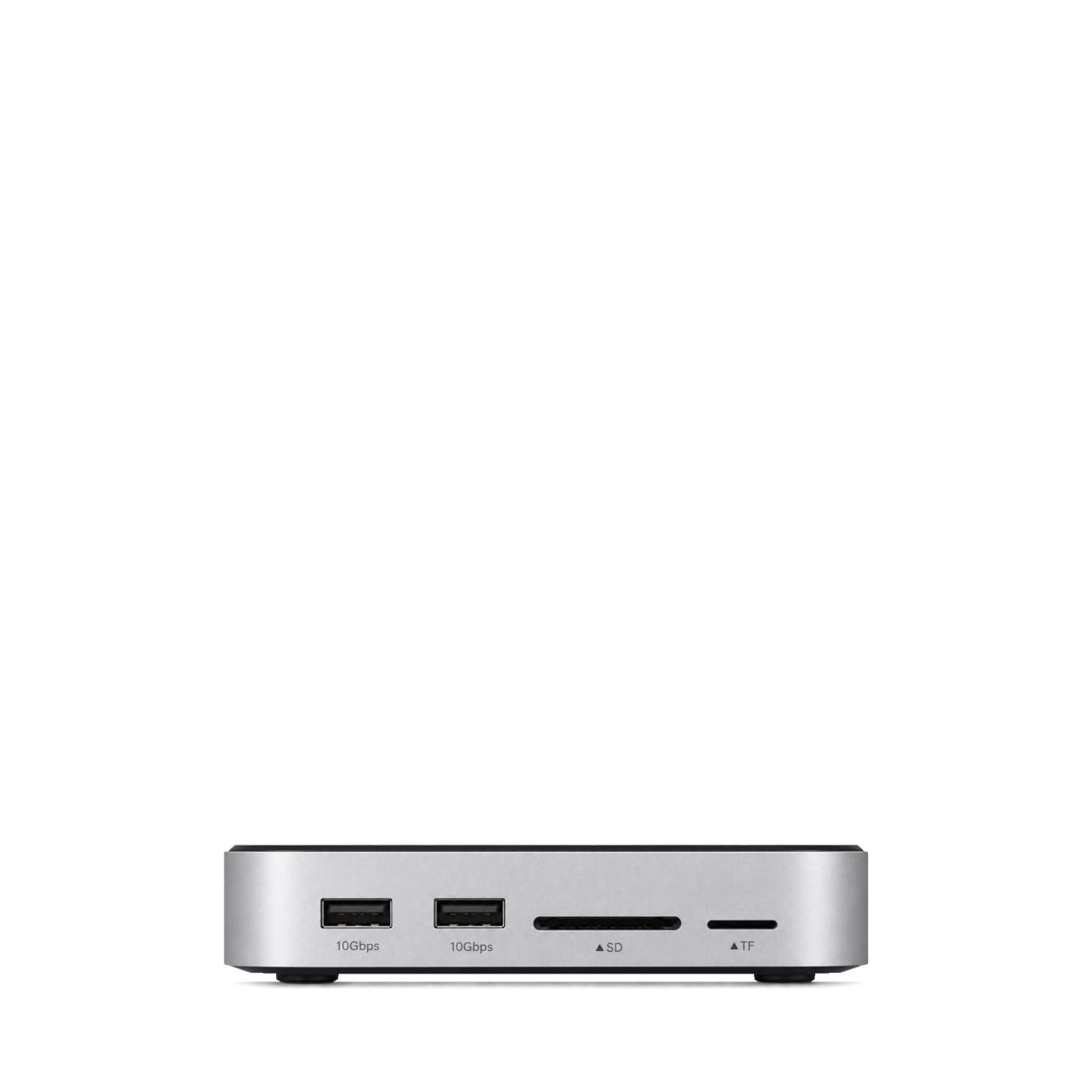
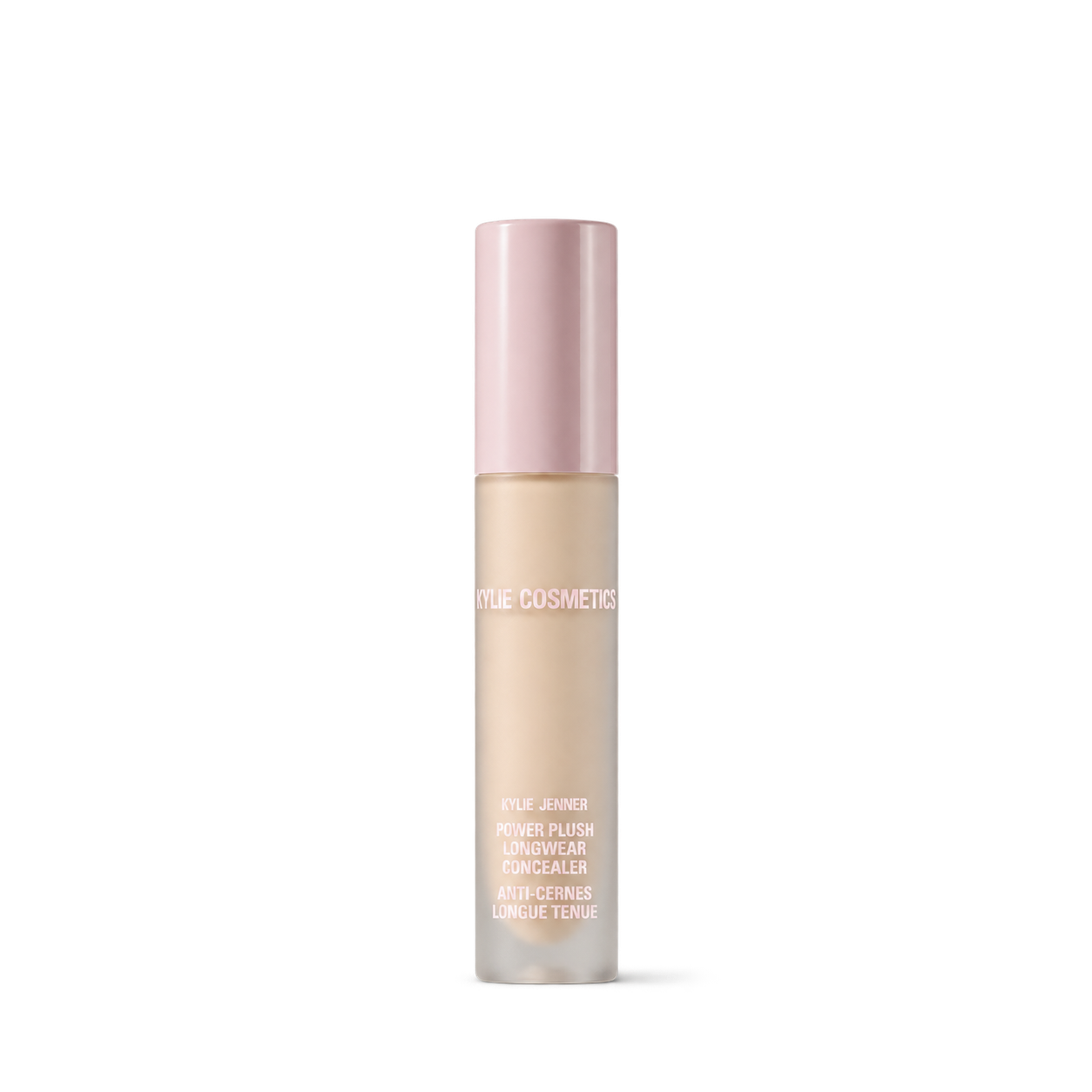
Tap an image to view details and get the free PNG.
Glossier
Stanley
Ritual
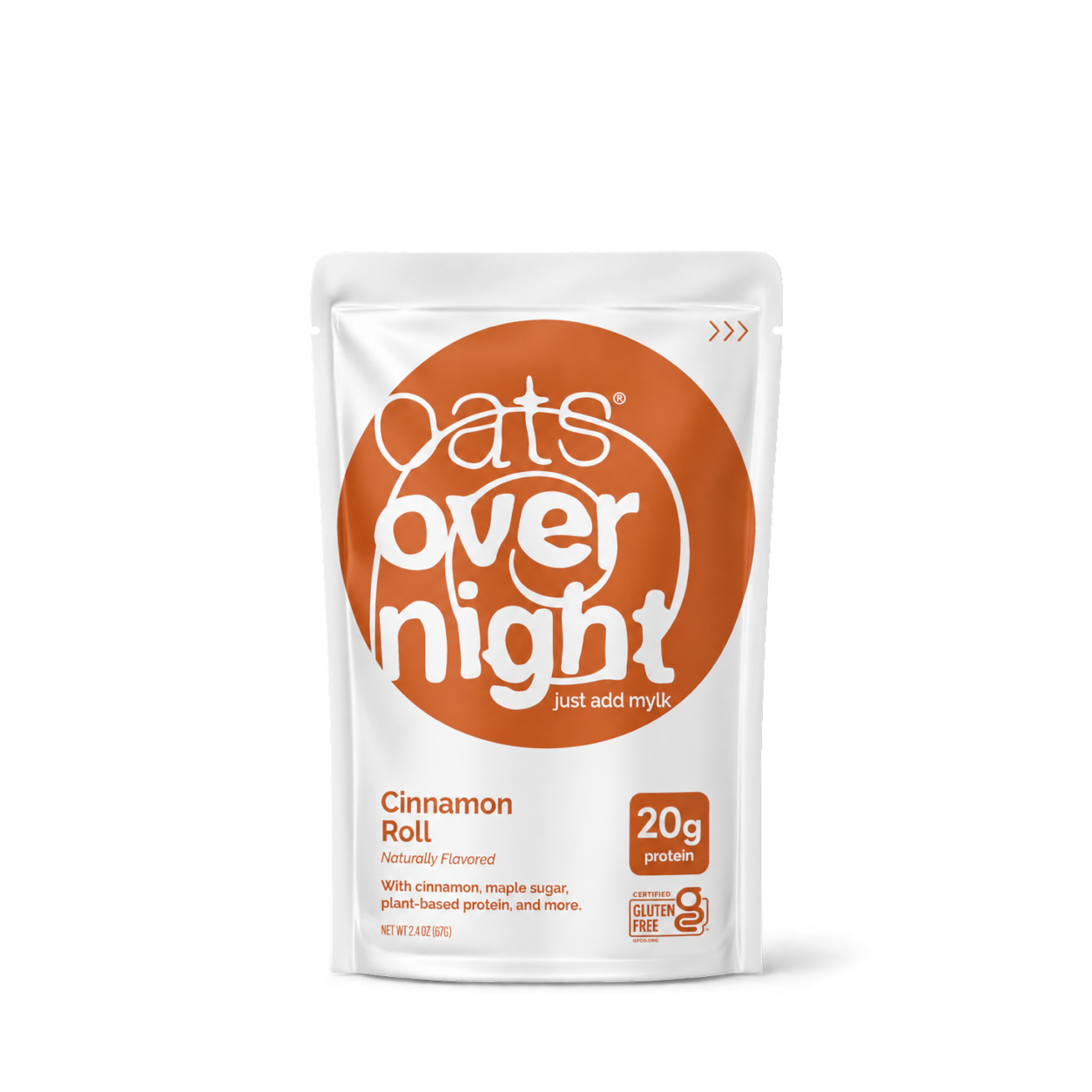
Oats Overnight
Graza
Owala
Liquid Death
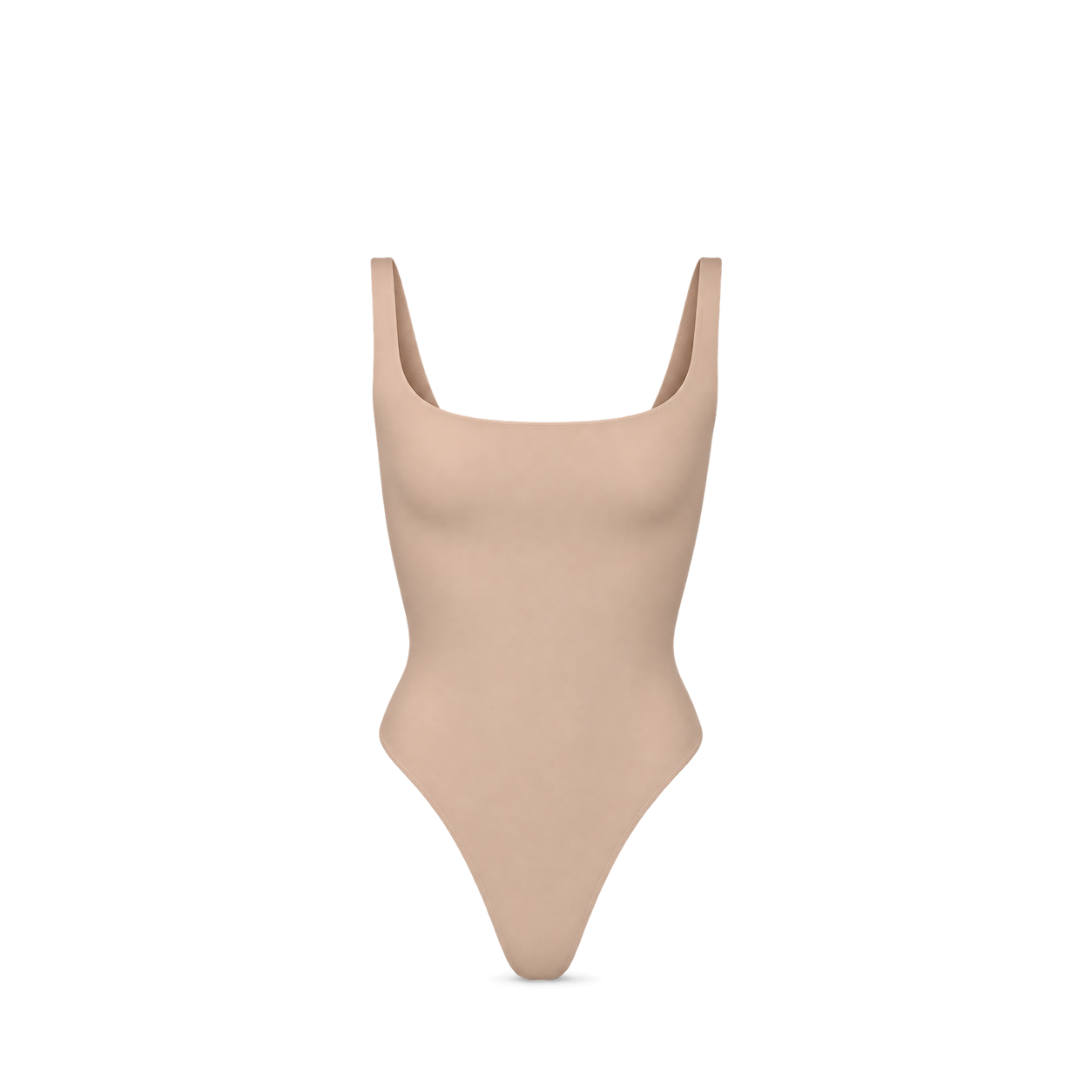
Vita Prima
Our Place
Magic Spoon

LevitatingX
Chomps

Oats Overnight
Fellow
Sol de Janeiro
OLIPOP
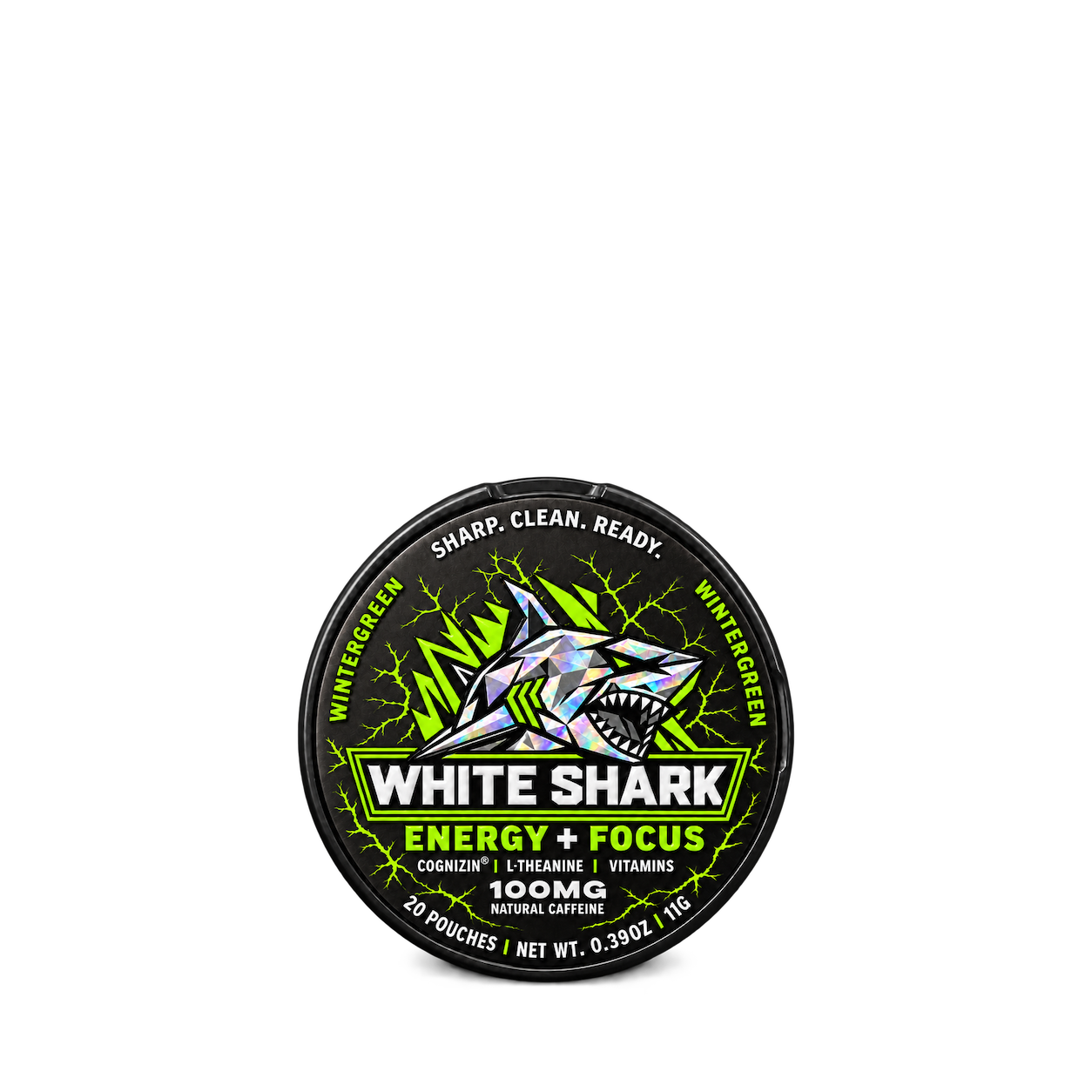
Allbirds
Therabody
LMNT

Vita Prima
Oats Overnight
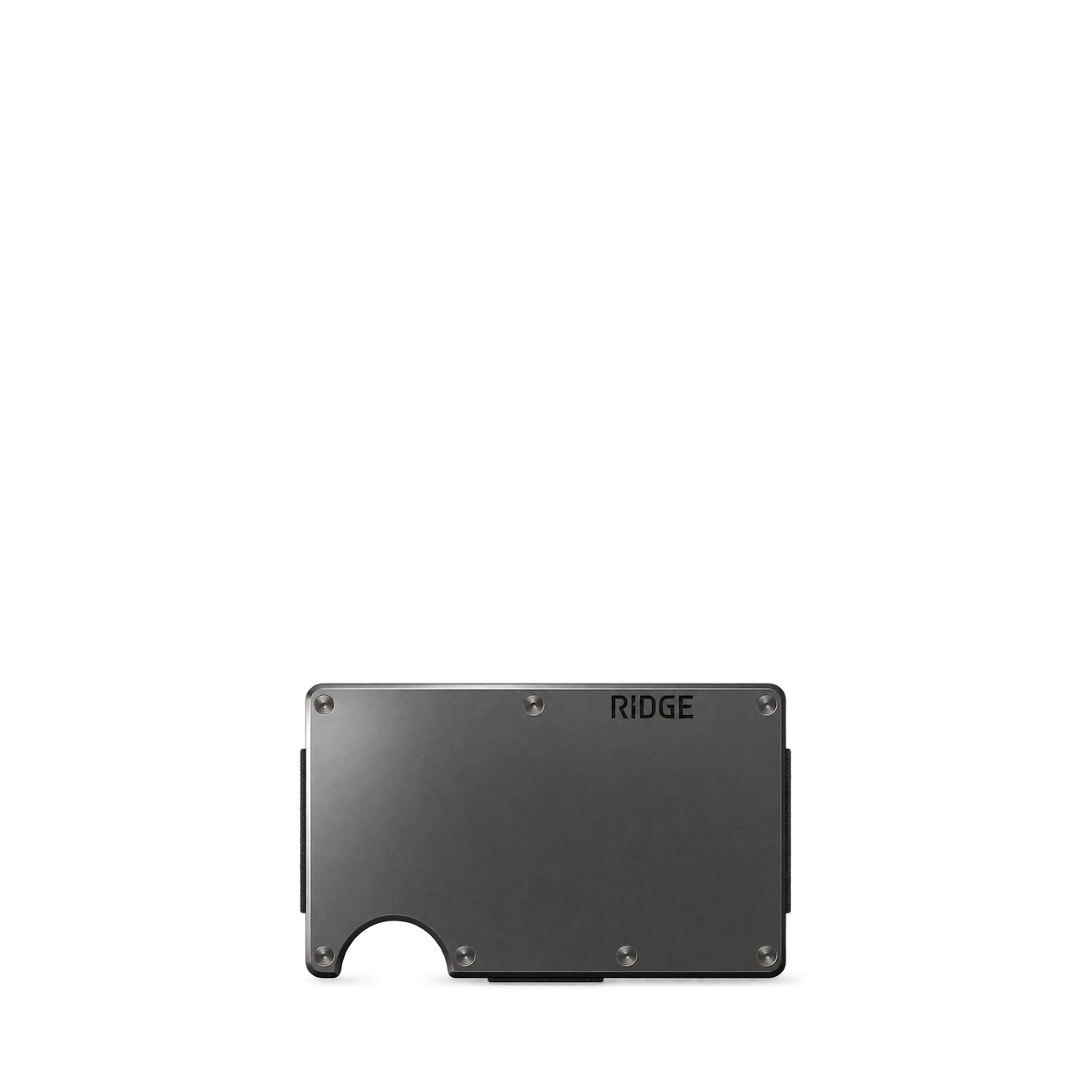
Ridge

LevitatingX
Supergoop!

Fenty

OLAPLEX
Glow Recipe
Fly By Jing
Feastables
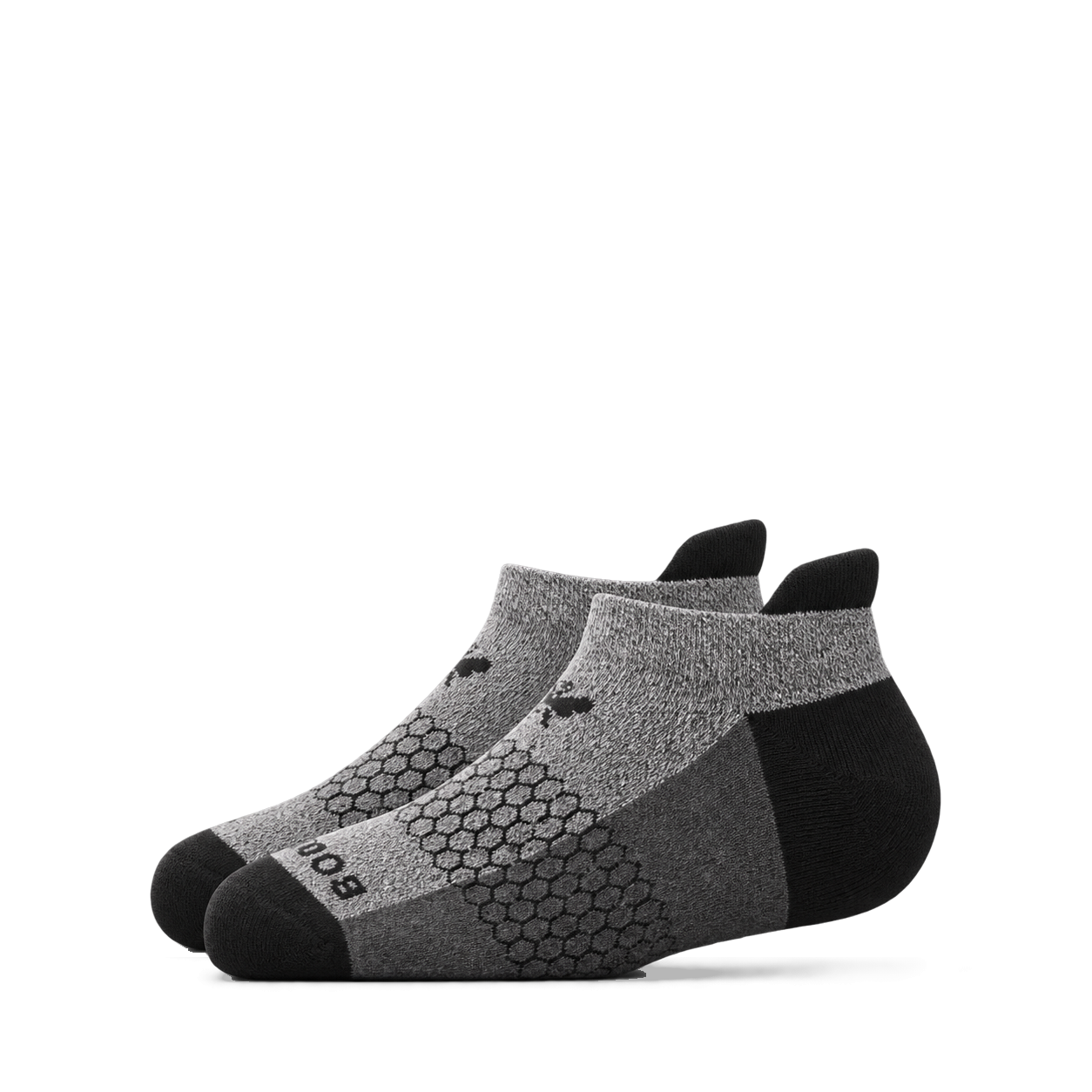
Bombas
HexClad
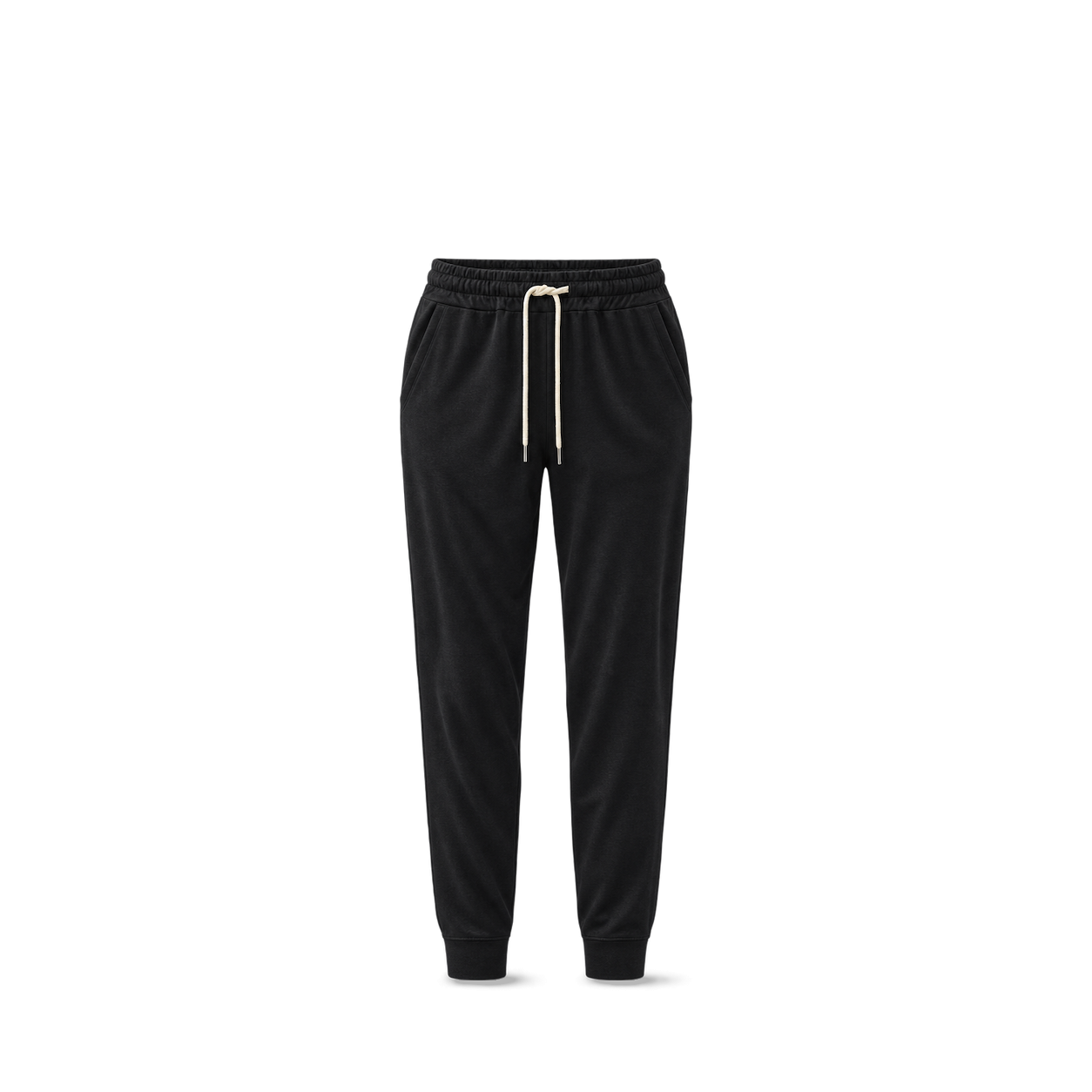
Vuori
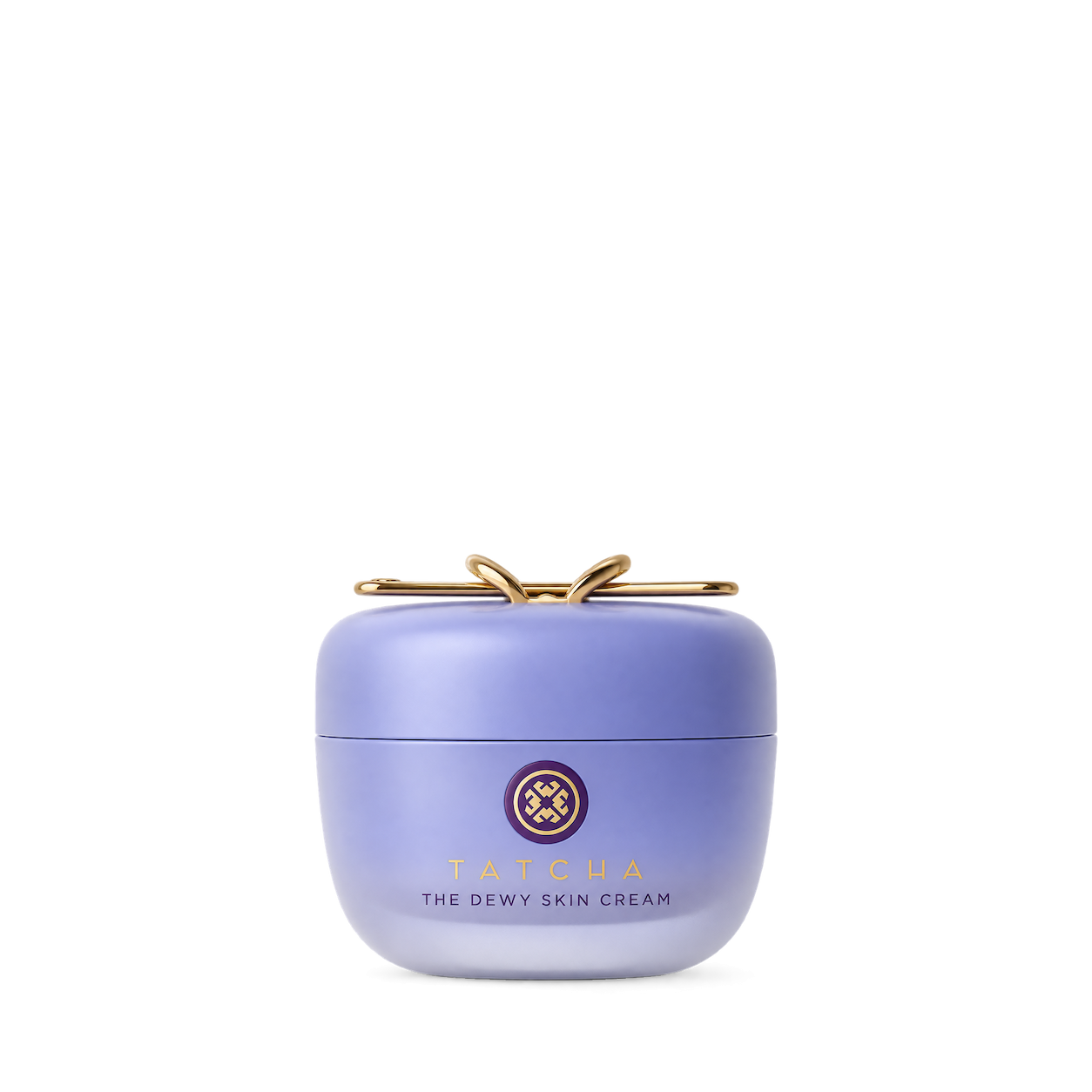
Chamberlain Coffee
Nature Made
Thorne
Vital Proteins
Monos
Spindrift
Mejuri
Fujifilm
Nintendo
Le Creuset

Lovevery
Coca-Cola




Diet Coke

Cheerios


Coca-Cola




Quaker


Cheerios

Pampers
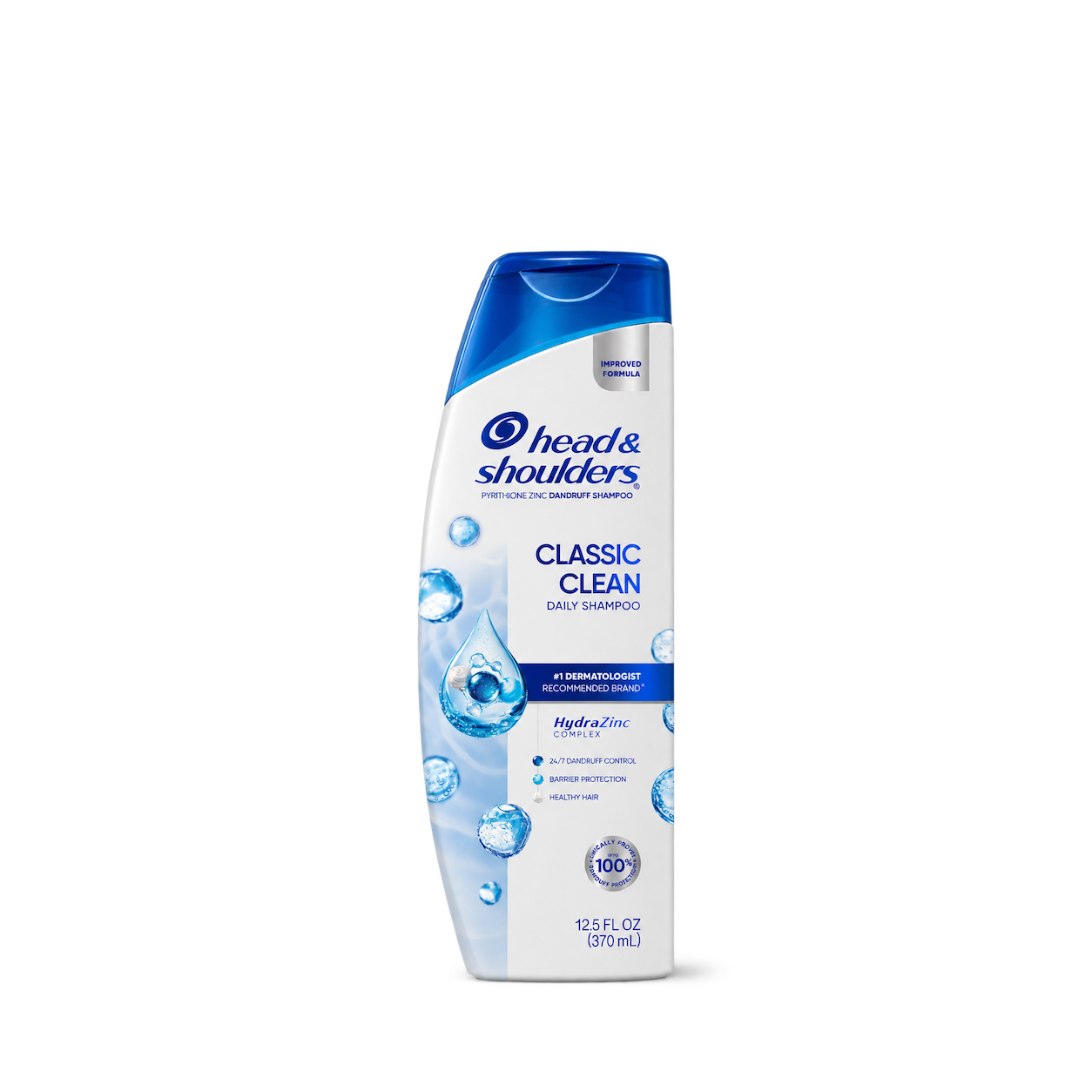
Head & Shoulders
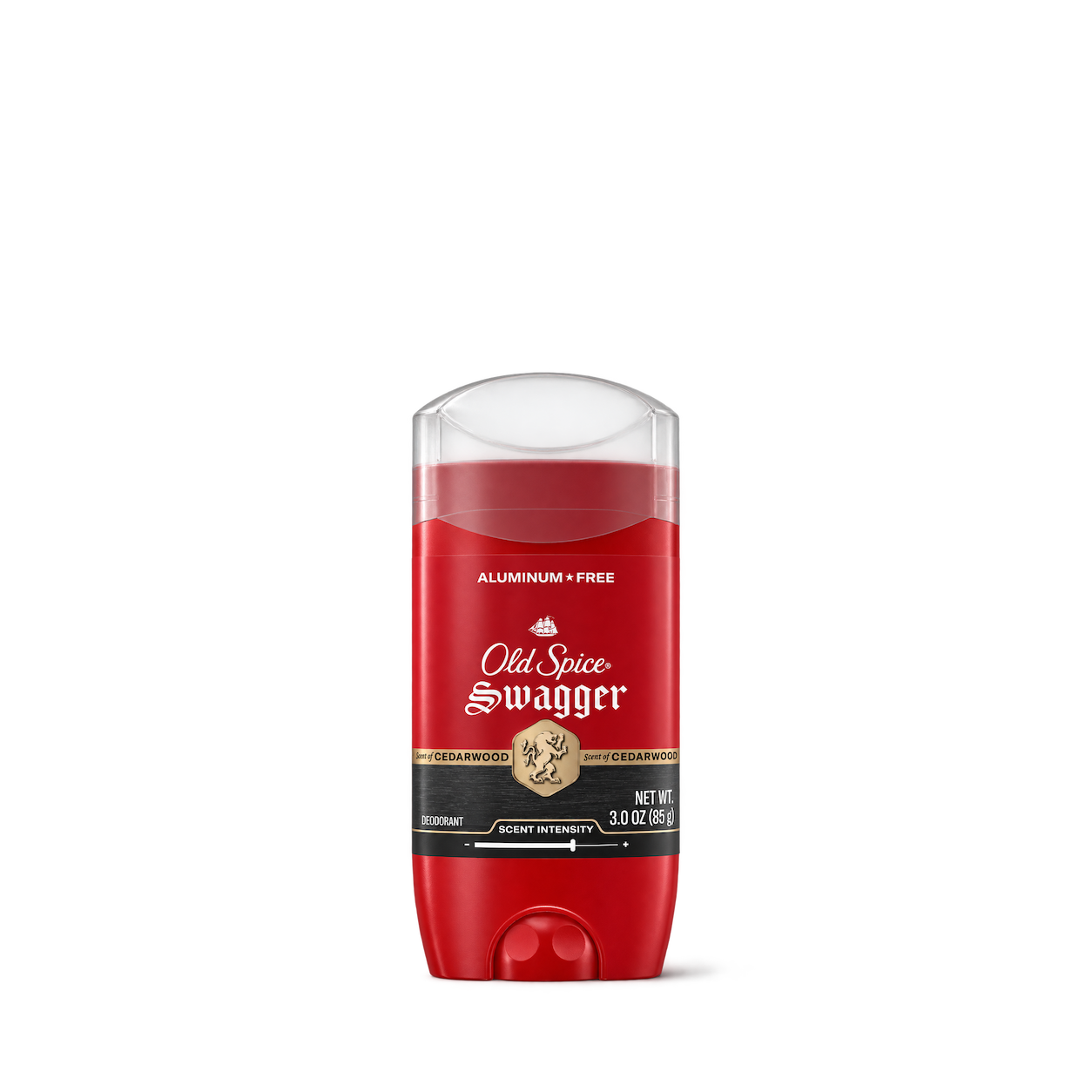
Old Spice




Windex


Ben’s Original

French’s

Hellmann’s
Hidden Valley

Philadelphia




SOUR PATCH KIDS

Kellogg’s Rice Krispies Treats

Pop-Tarts

Cinnamon Toast Crunch

Kellogg’s

Kellogg’s

Simply

Dasani

smartwater
Fanta
Try another brand or product, or give your filters a little room.
Showing 128 of 12,989
Magic Spoon · OLIPOP · Fly By Jing
Glow Recipe · Sol de Janeiro
Ask your connected builder for a product by name. It can place the image in your design and link back to the source.
Open the builder guide

Free product images for your website, app, or design. Download one yourself, or connect an AI builder and ask it to find the shots you need. To buy the physical product, follow the source link on its image page.
Open a shot and choose Get free PNG. Enter your email and we’ll send a download link for that image. The link works for seven days. You can request a fresh one from the same product. See the download guide.
Your email is the delivery address for the original PNG. Requesting a shot does not sign you up for marketing. You can browse the library or connect a builder without an email or a Shelfhelp account.
The MCP is a connection that lets an AI builder search Shelfhelp while you work. Use it if you want your builder to find and place images for you. If you design by hand, download the PNG and upload it to your design tool.
Choose Connect the MCP. Copy the server link into your builder’s MCP settings. Then ask, “Find Glossier Balm Dotcom Wild Fig and use its product shot on my page.” Your visitors see the image in the layout you chose. Open the setup guide.
Try the brand and product name first. For a specific shade, size, or flavor, check the details on the image page. Search a broader category to see alternatives. The library returns existing shots.
Check the usage rights and approval details on the image page. Many shots are independent product studies. If the rights for your intended use are unclear, confirm permission before publishing. Read the image standards.

