 Shelfhelp.ai





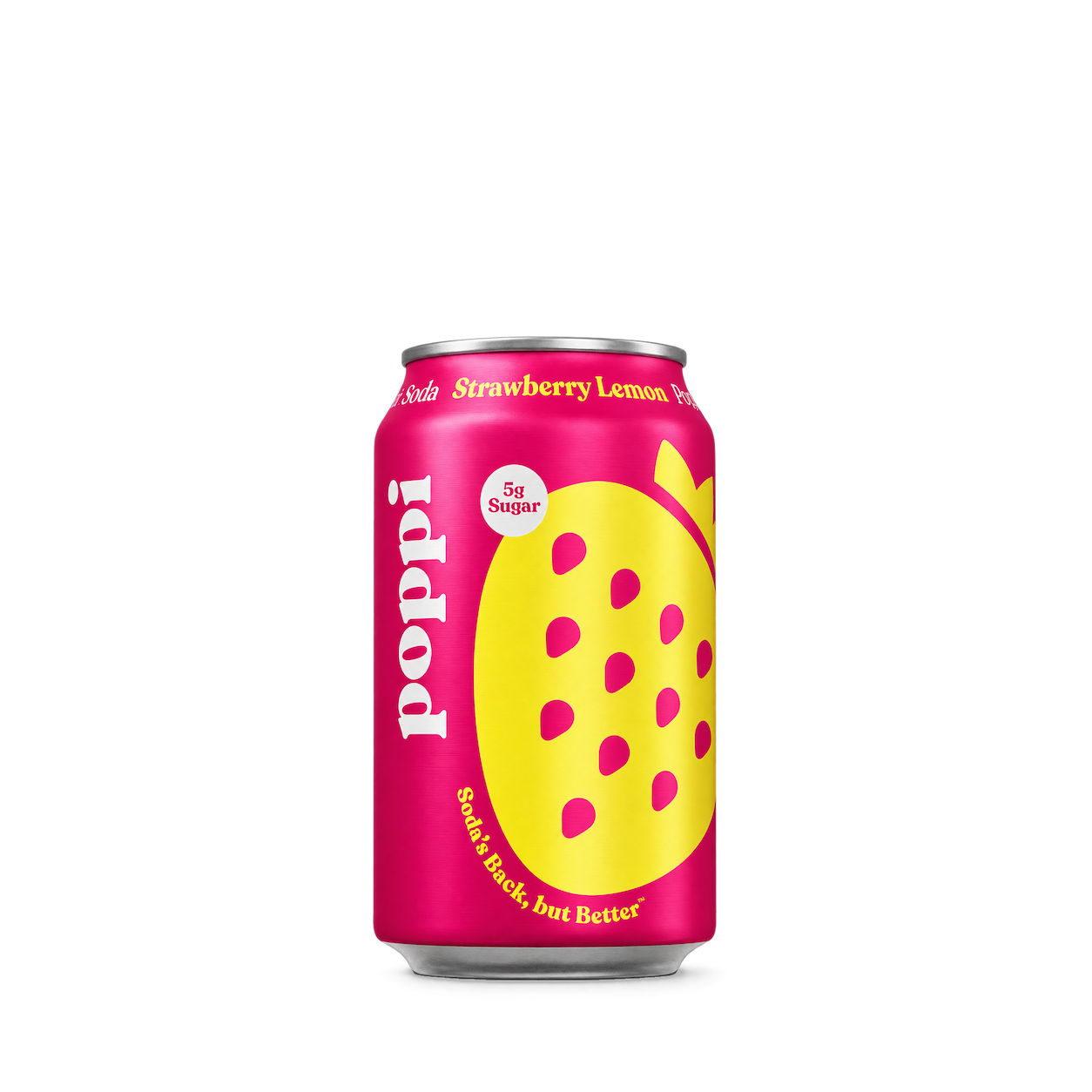
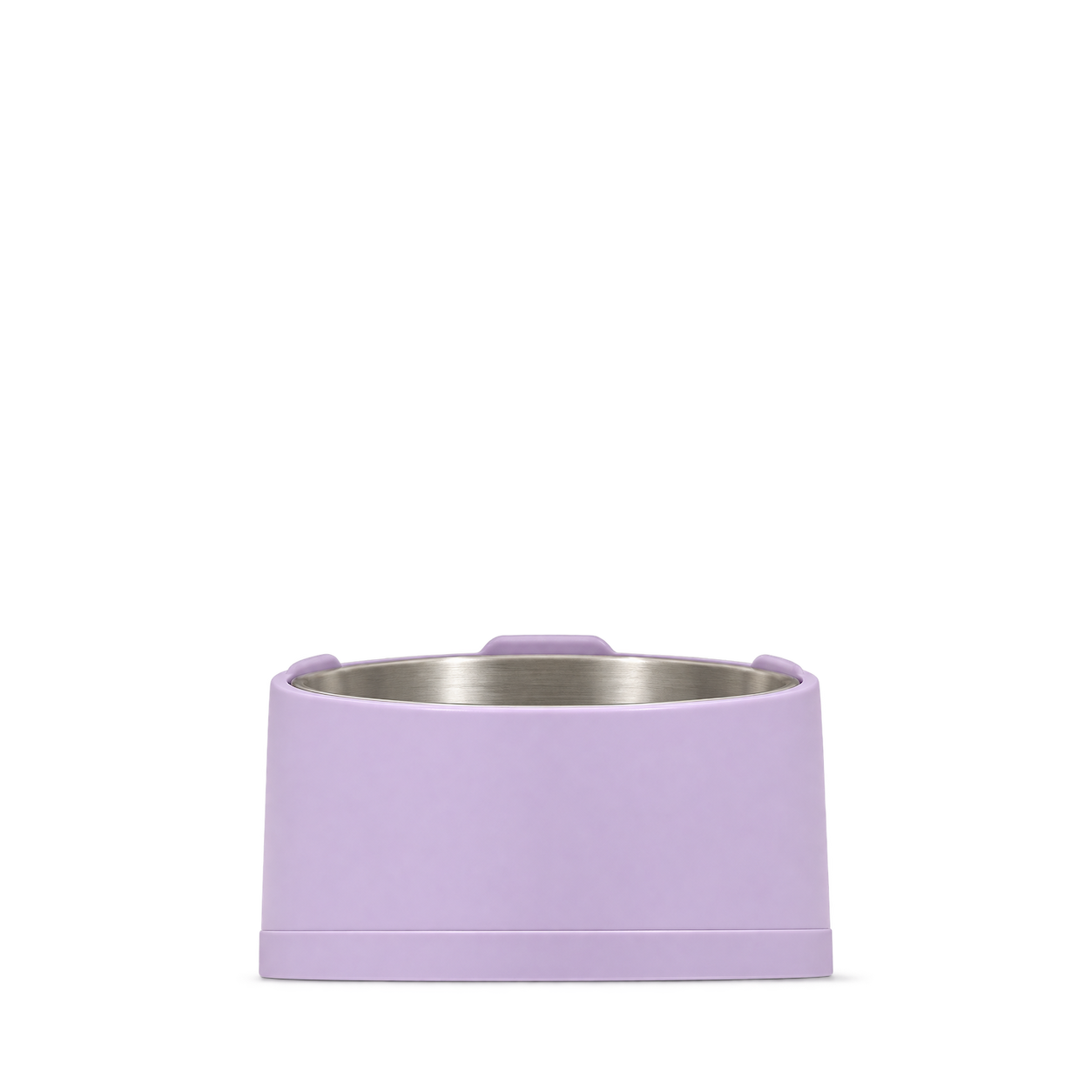
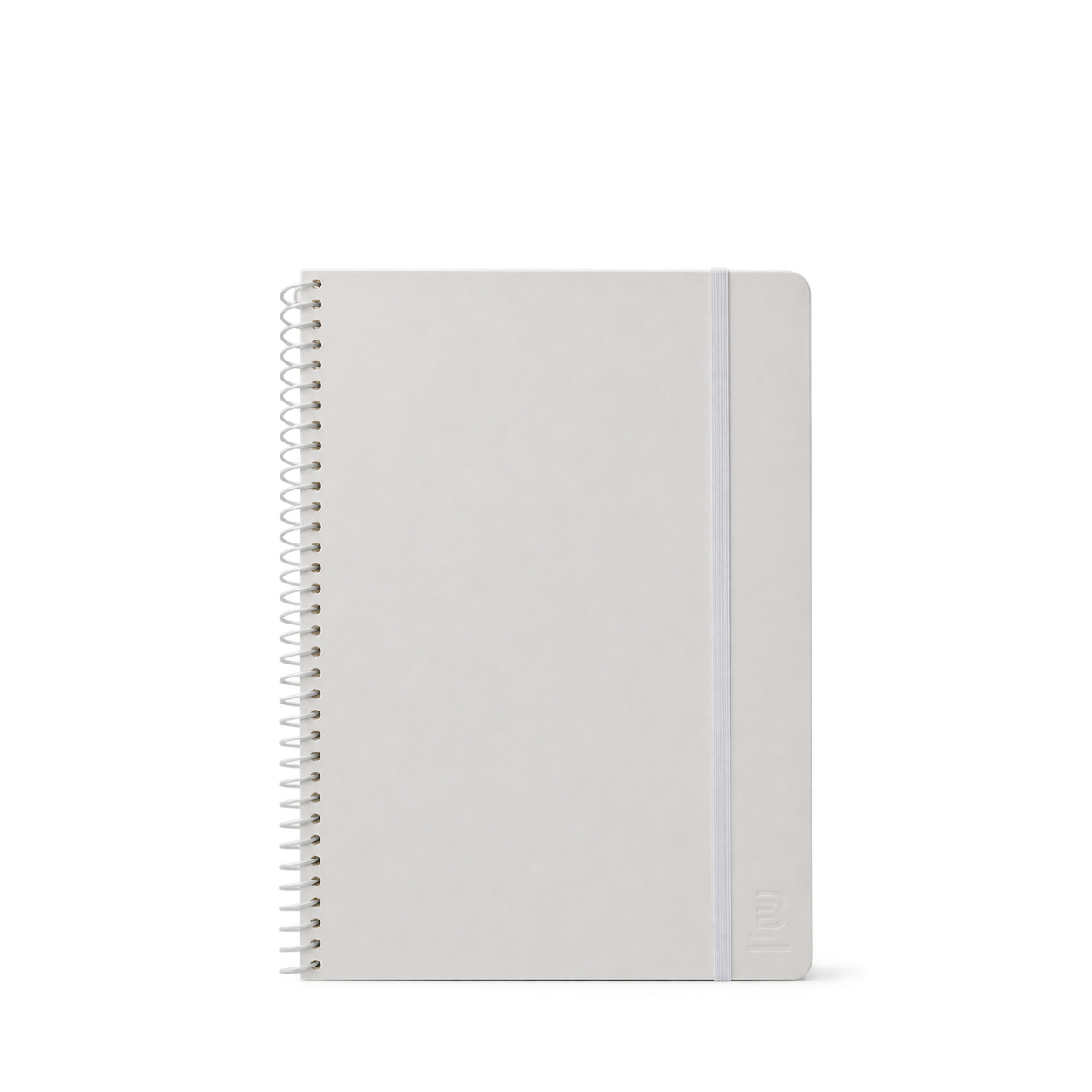

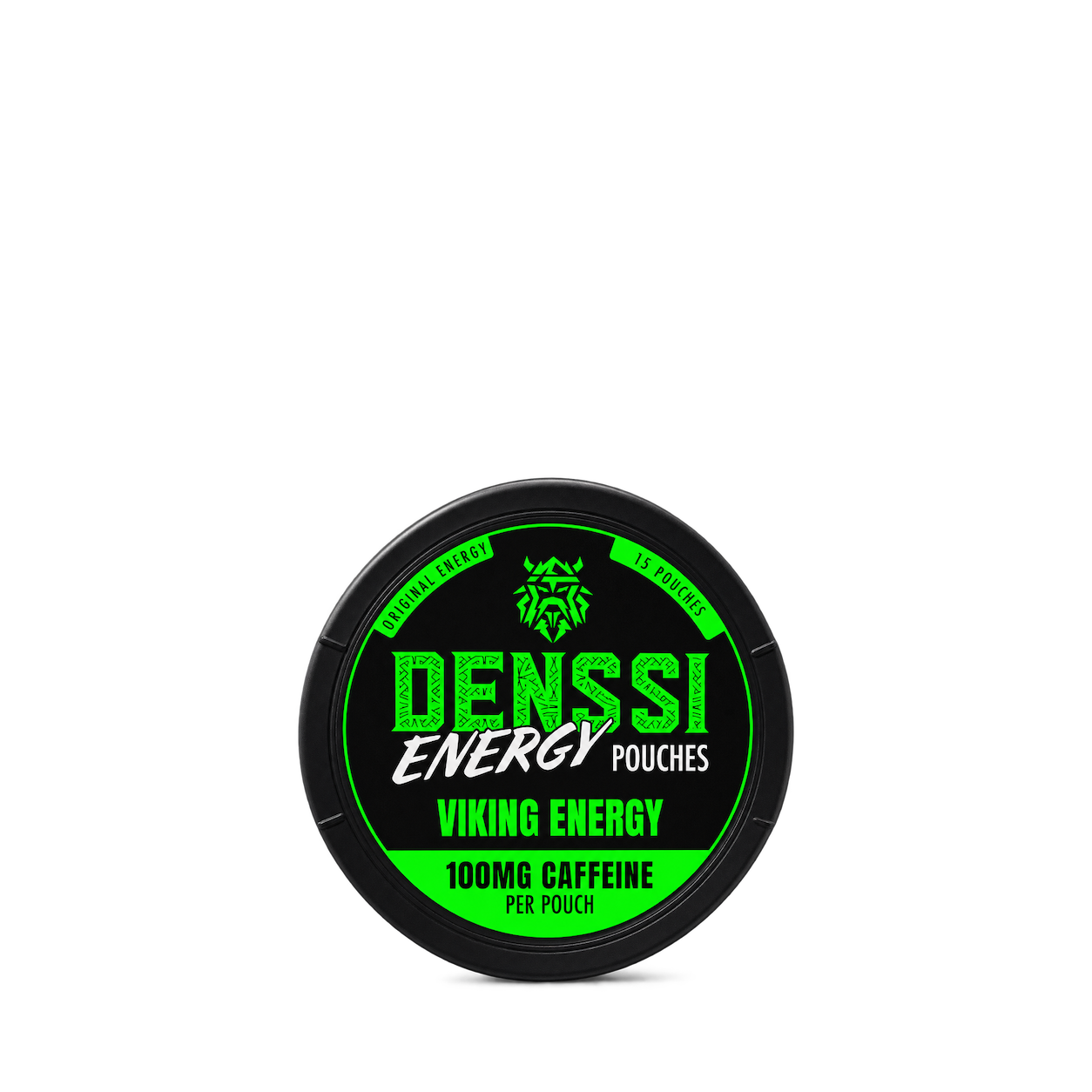















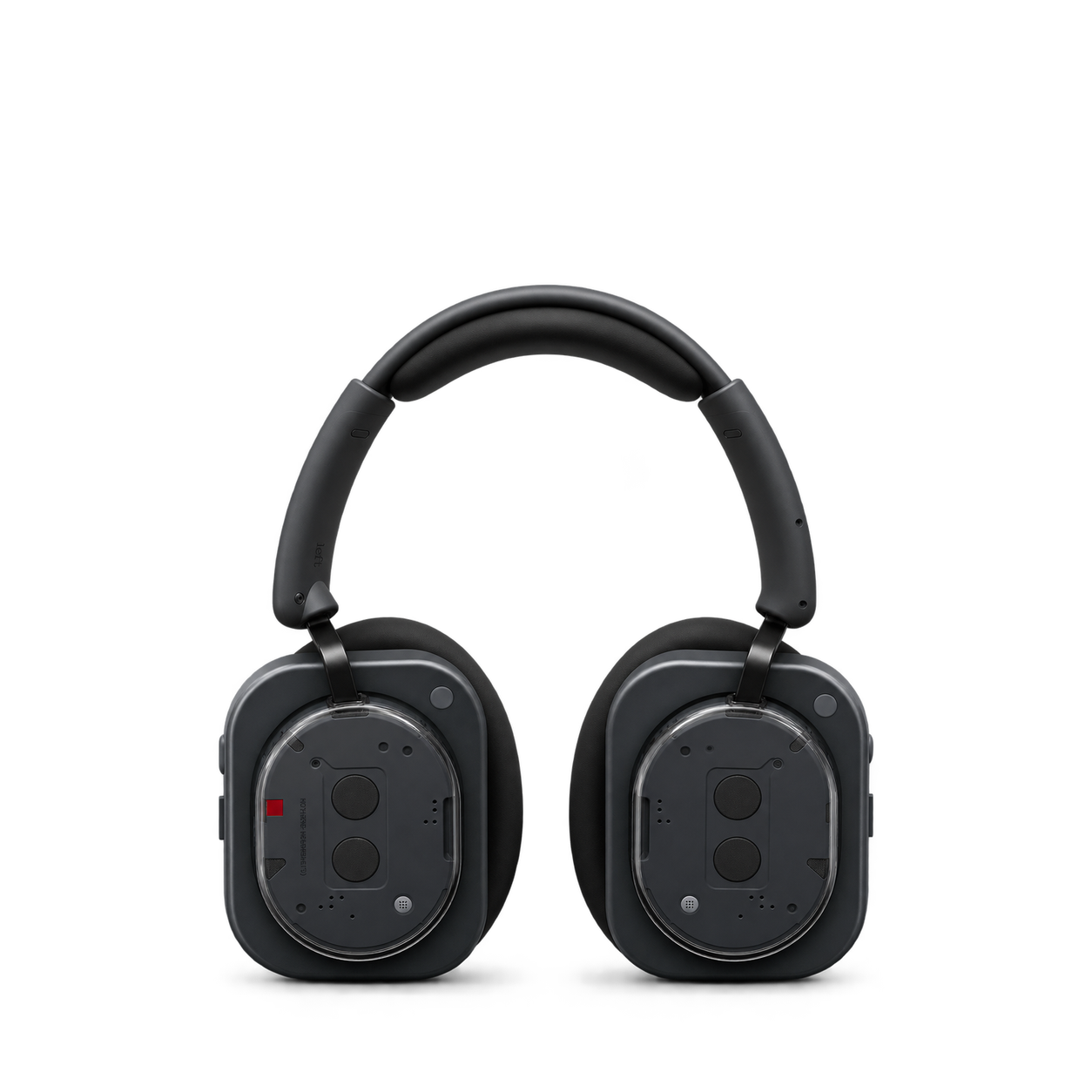
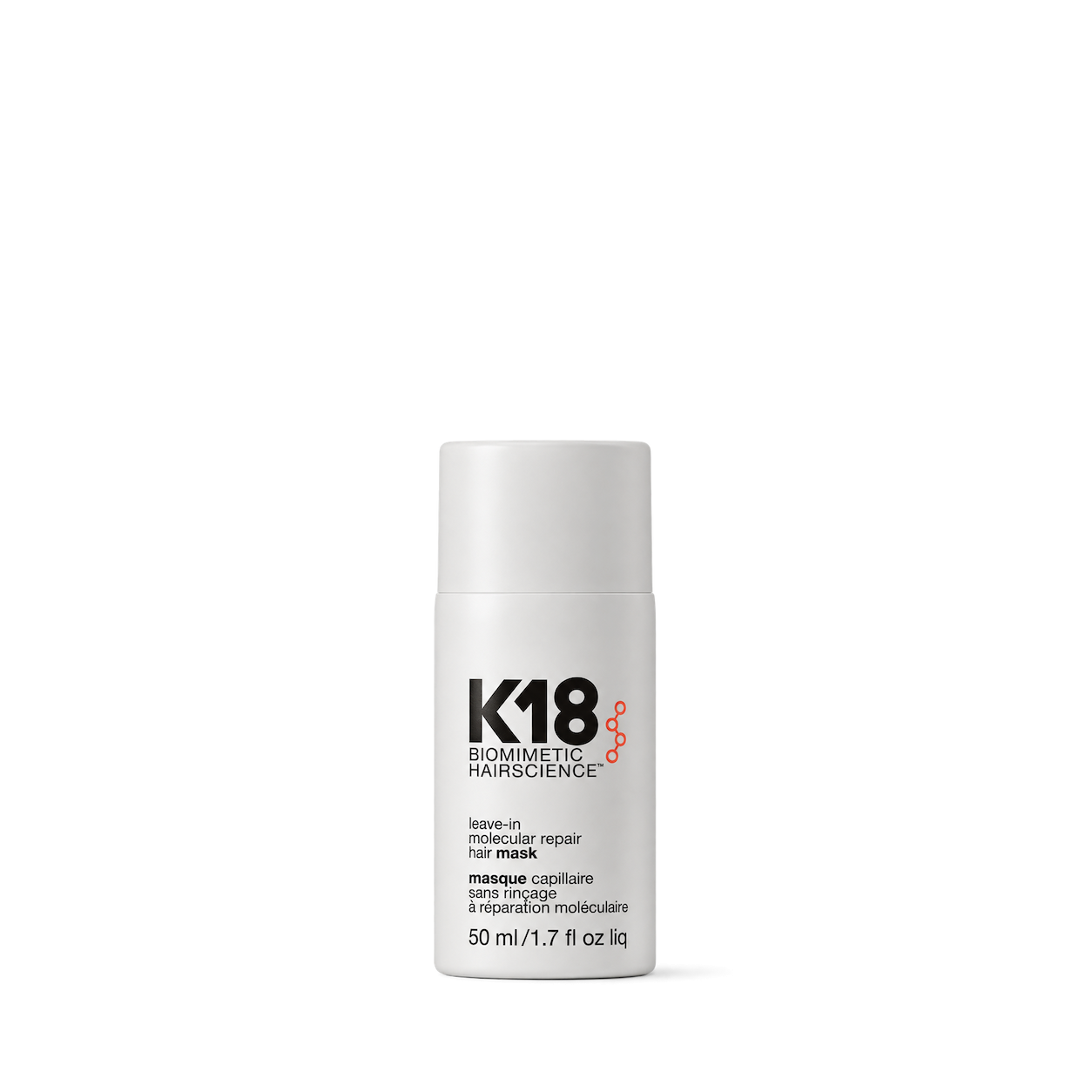
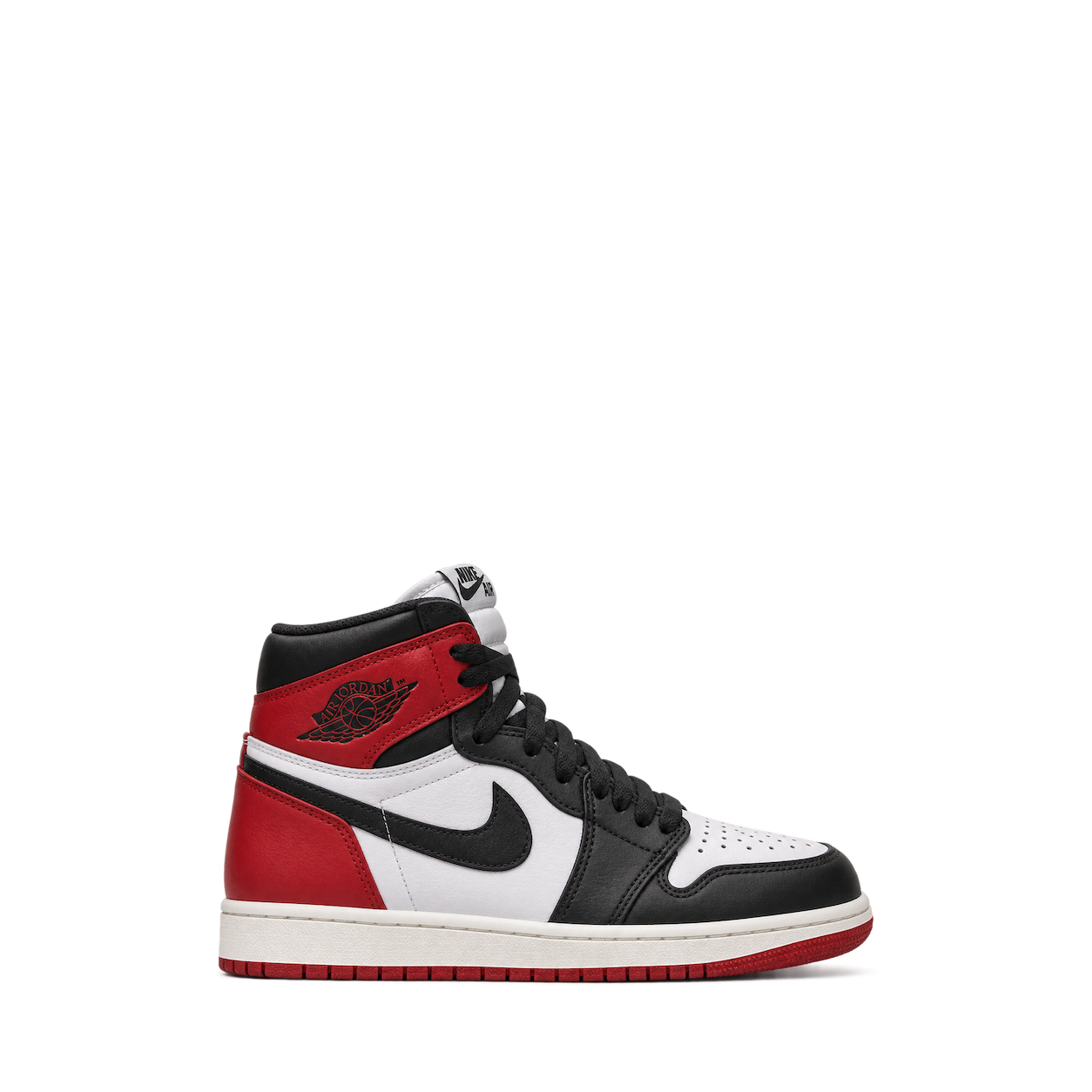
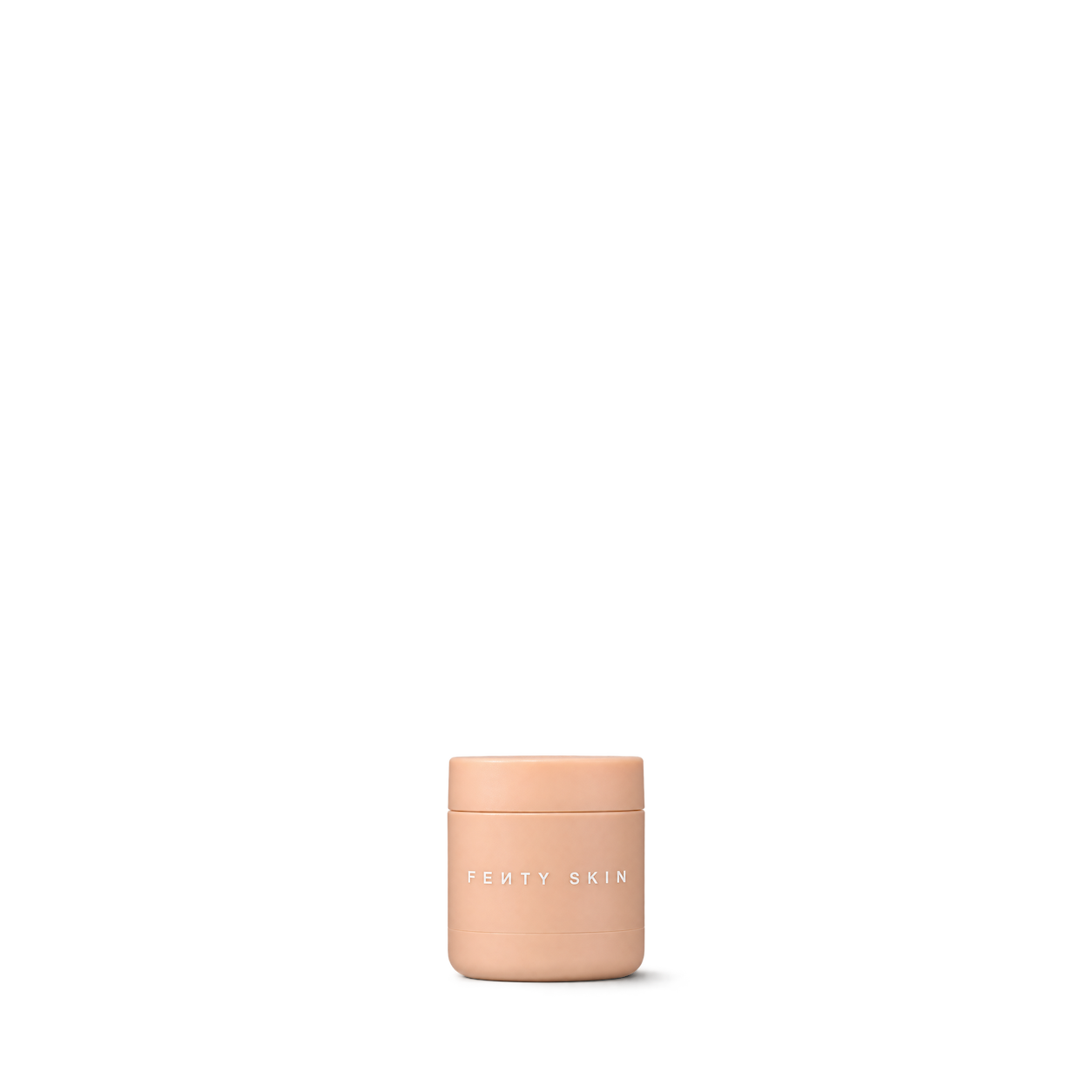
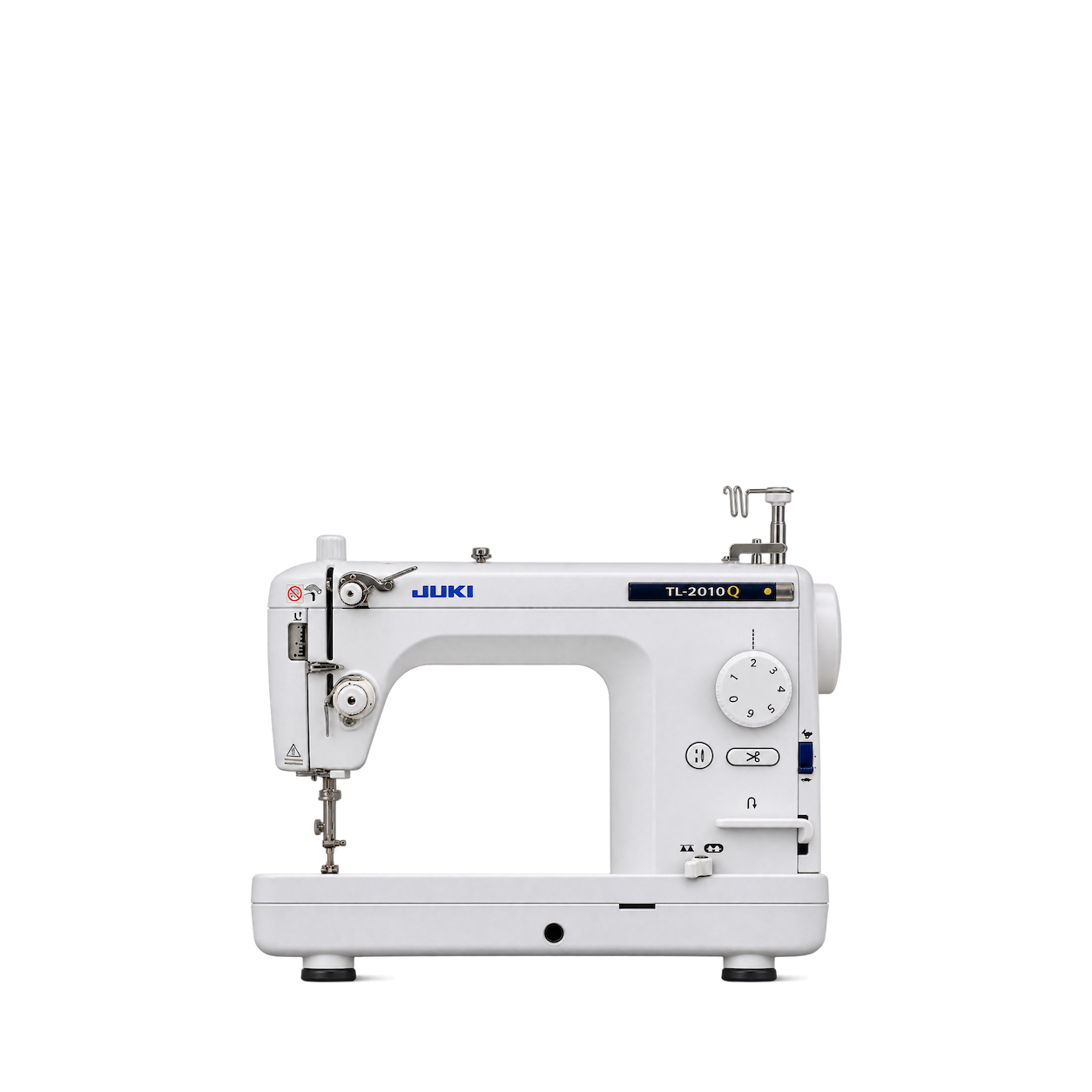
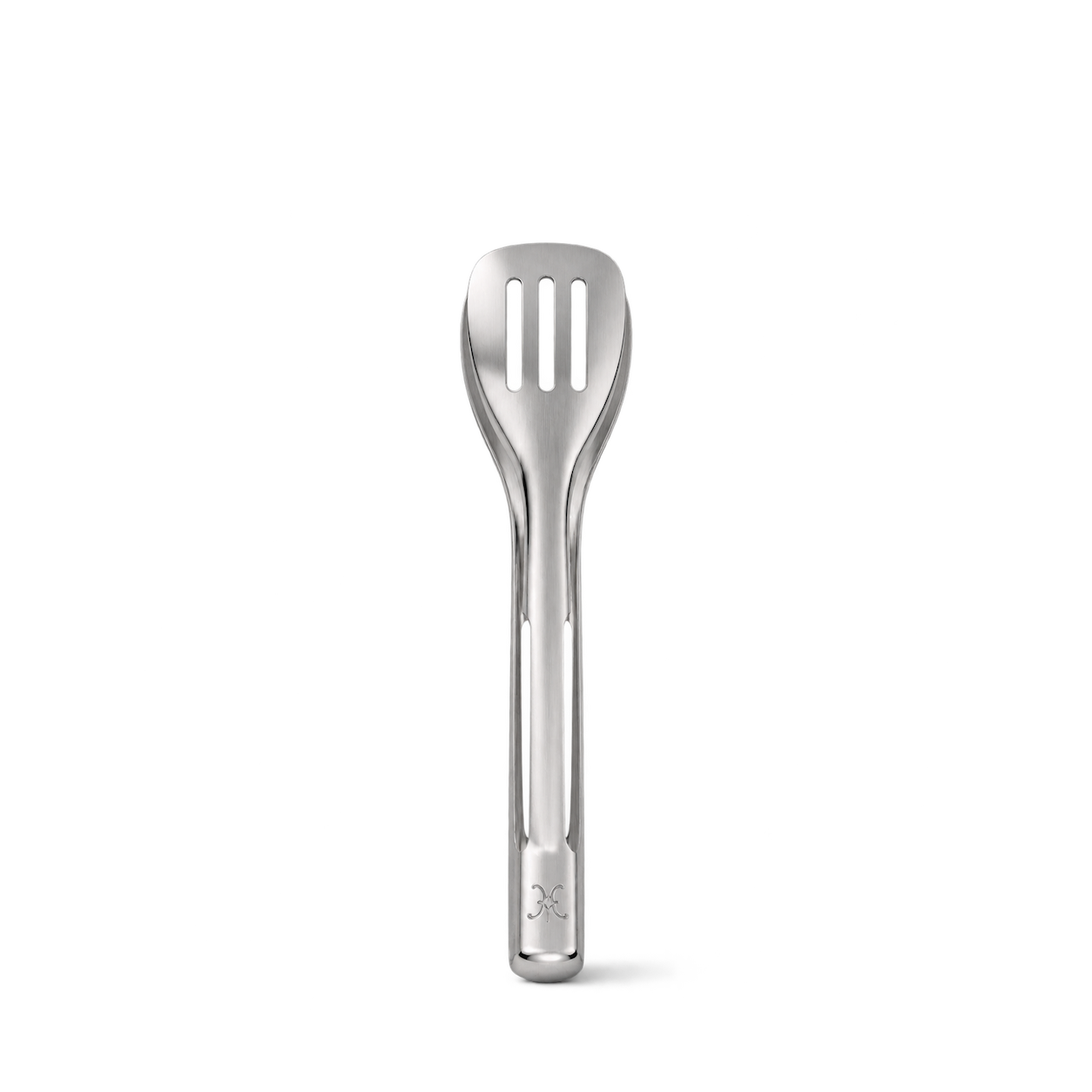

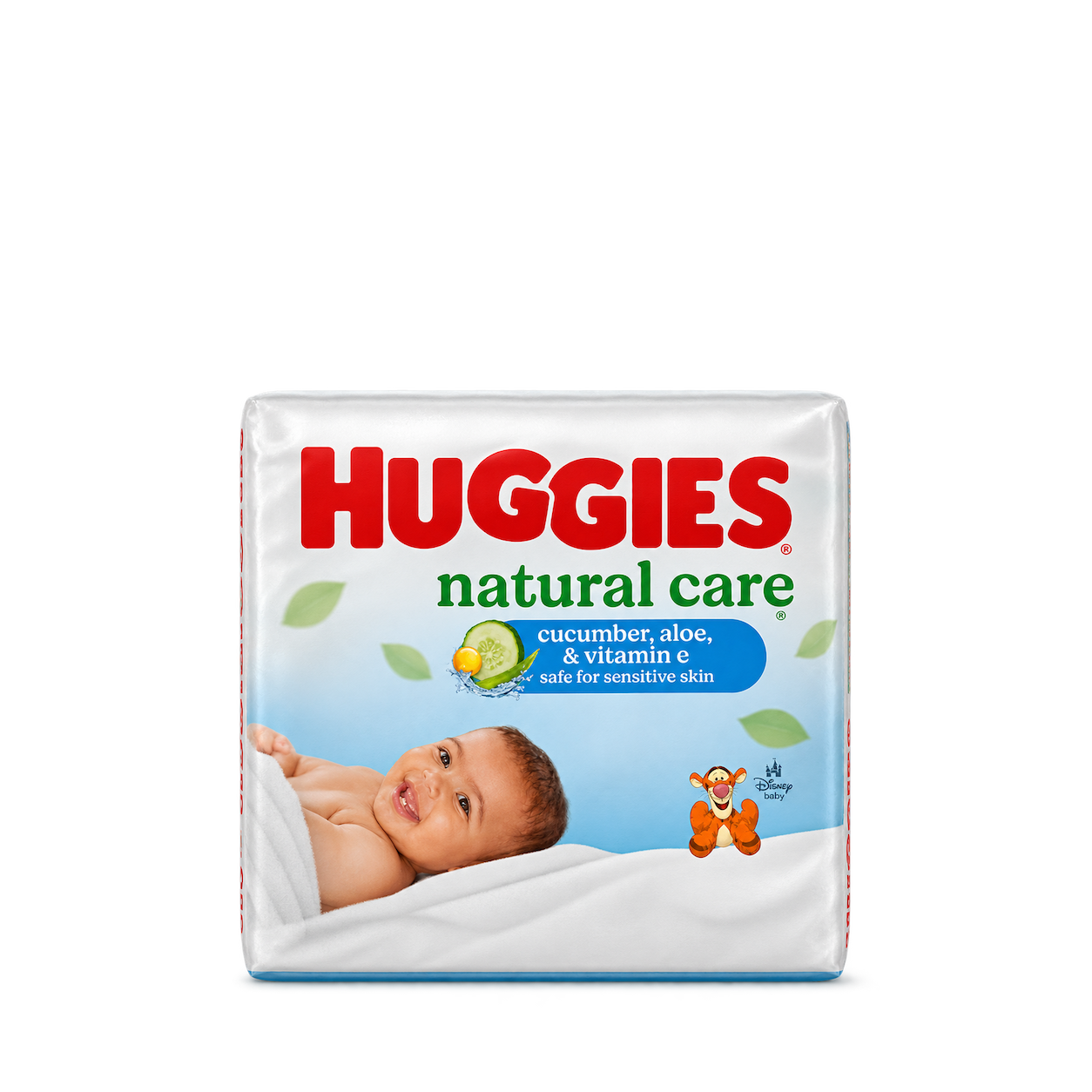


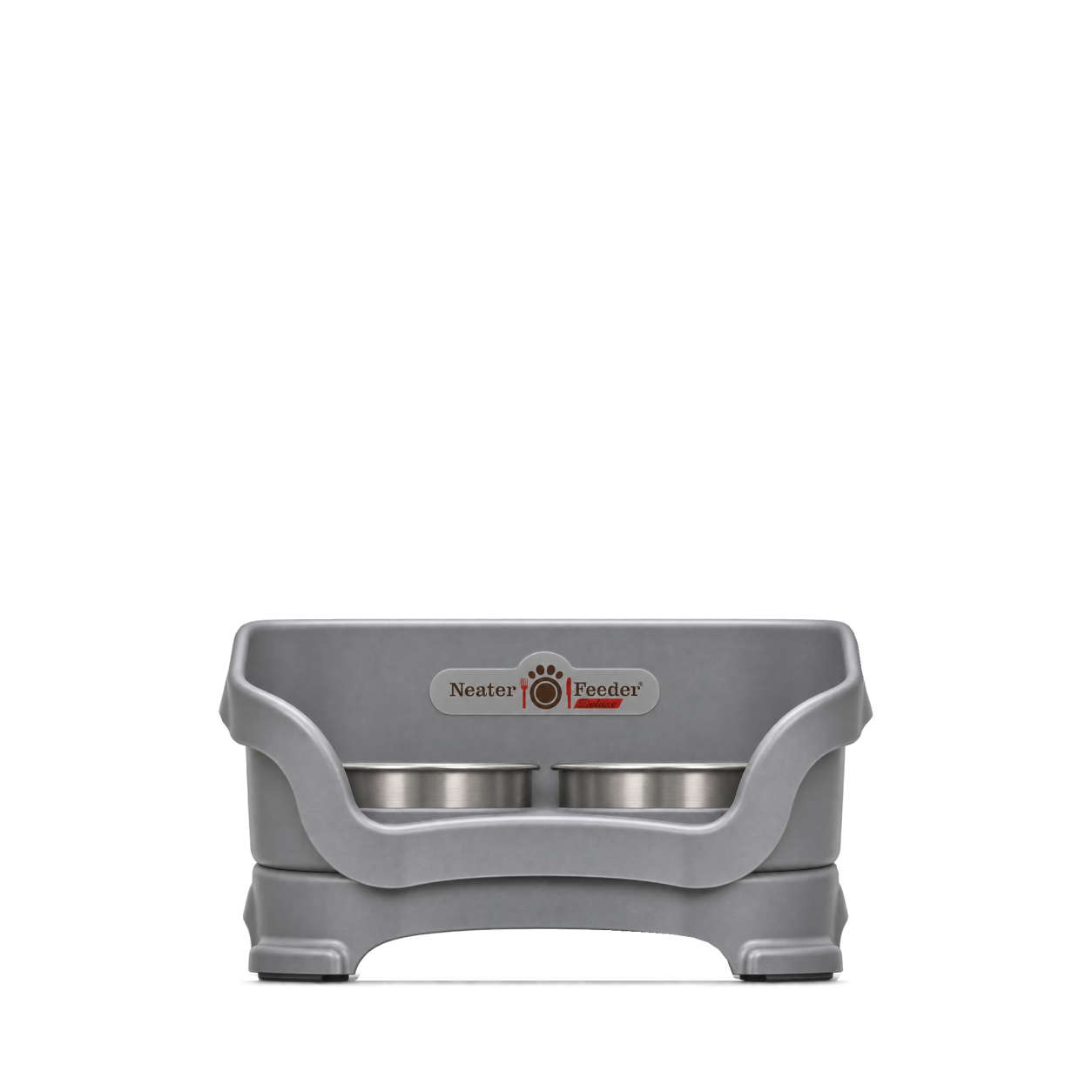



















The Official MCP For Product Shots
12,572 free product images
For websites, apps, and AI tools.
Find an image
CollectionsTap an image to view details and get the free PNG.
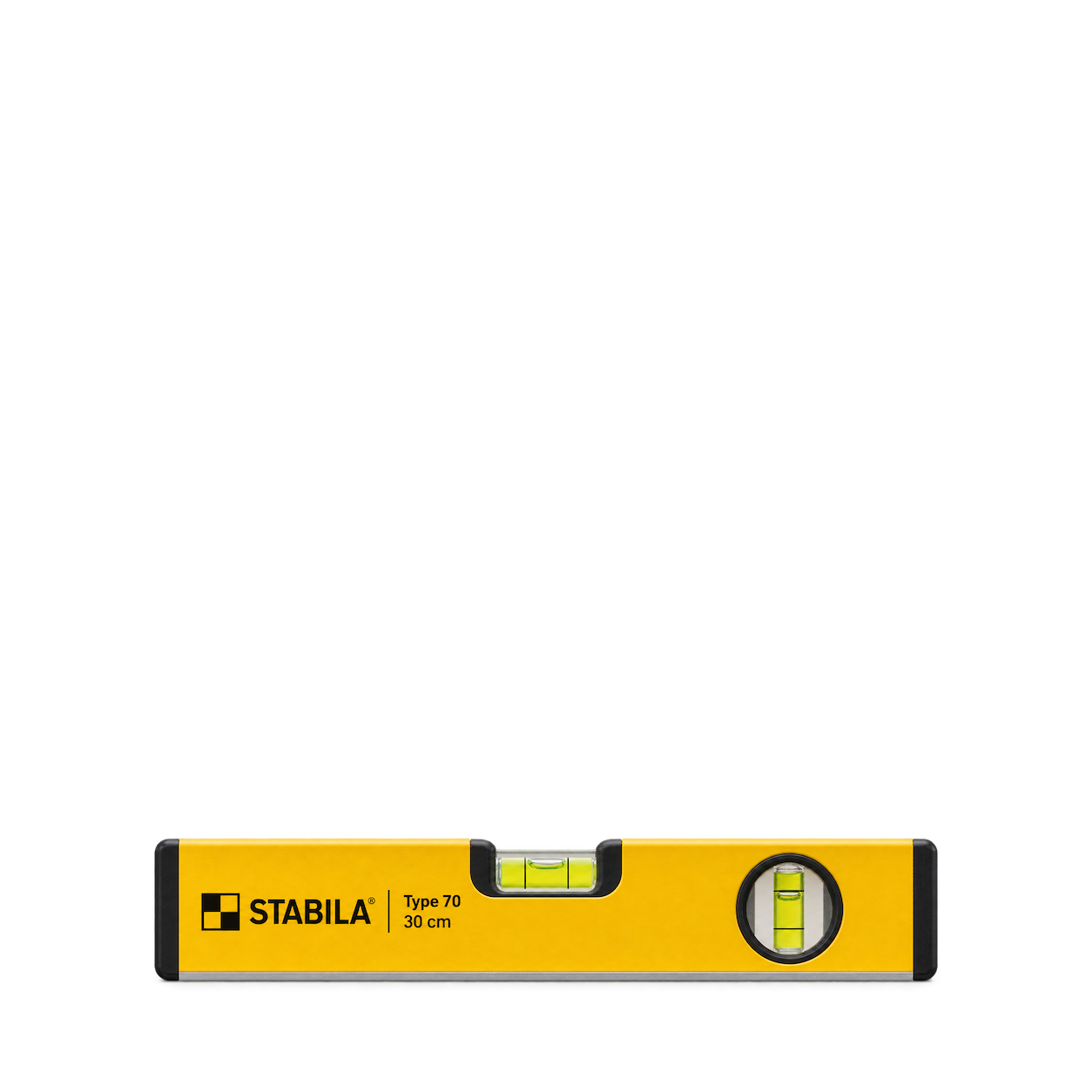
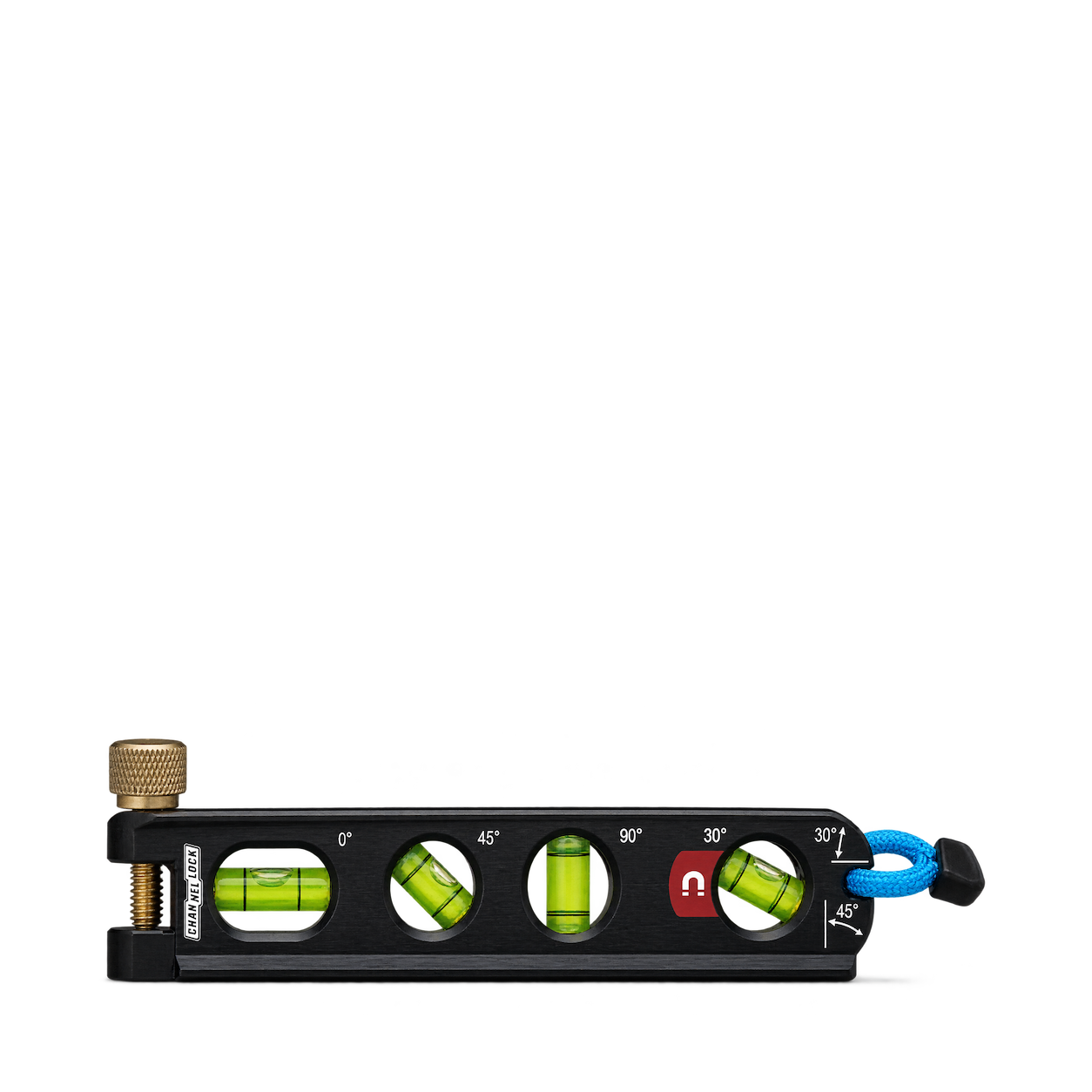
STABILA
Type 70 Spirit Level 30cm
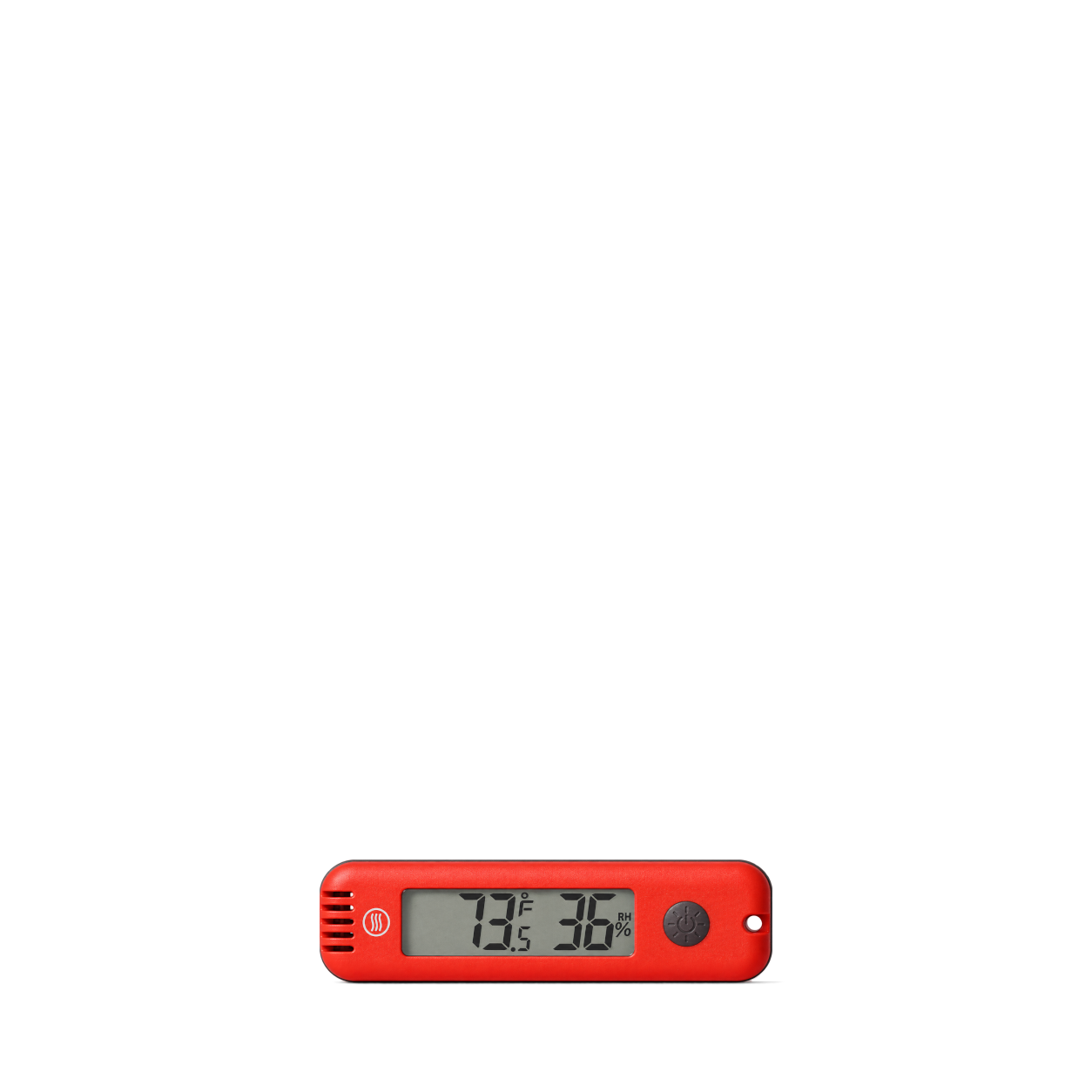
ThermoWorks
HygroBug™ Temperature & Humidity Meter · Red
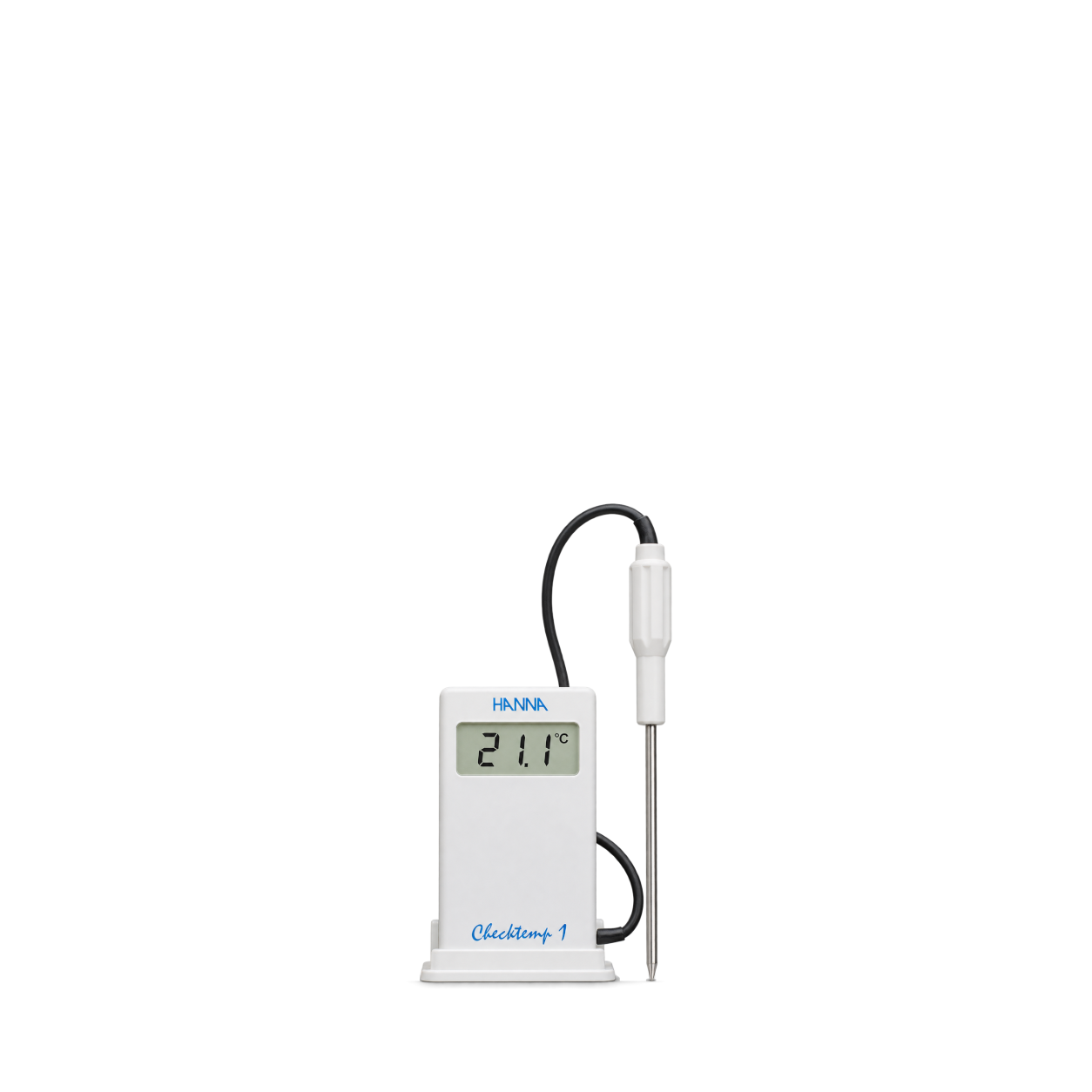
Hanna Instruments
Checktemp® 1 Digital Thermometer
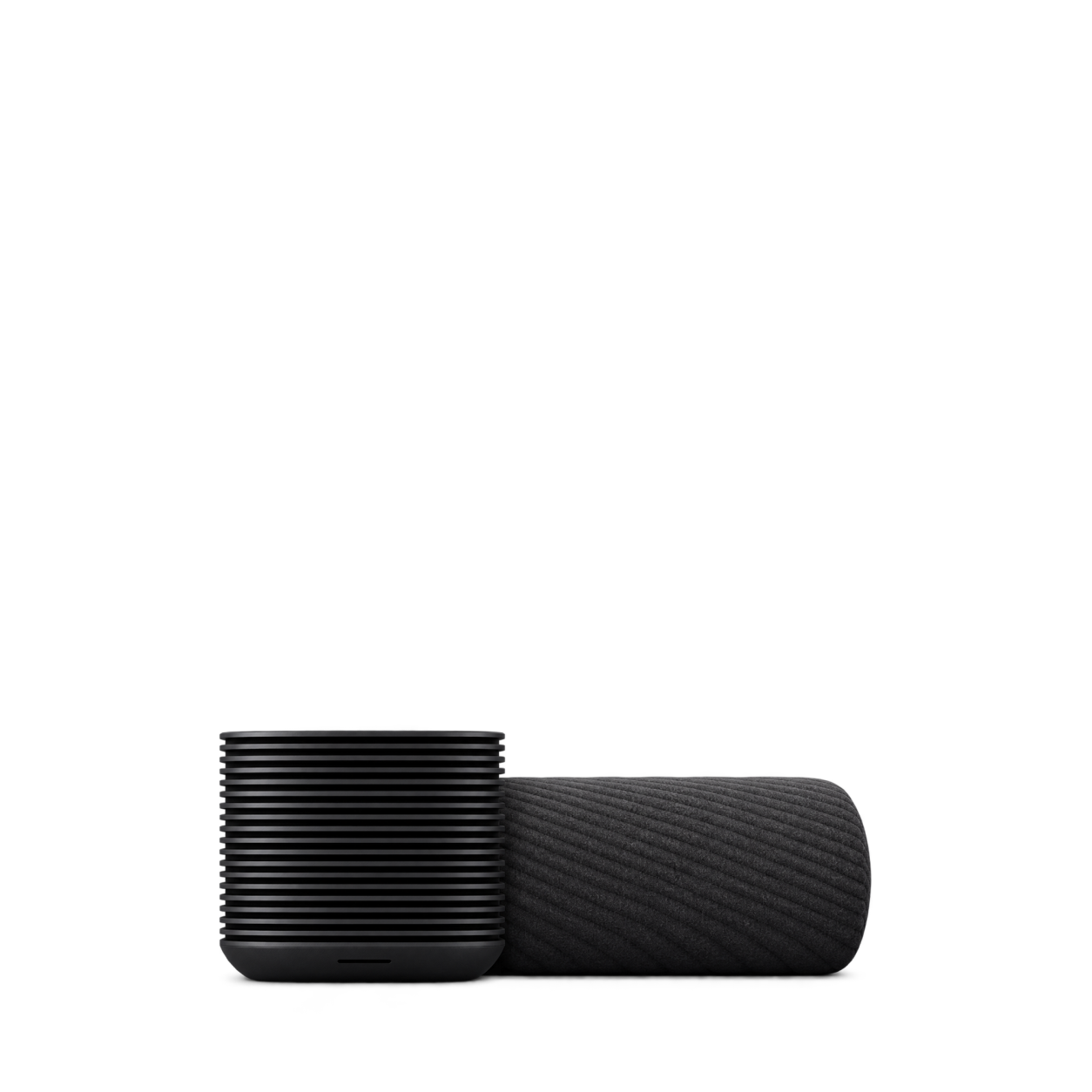
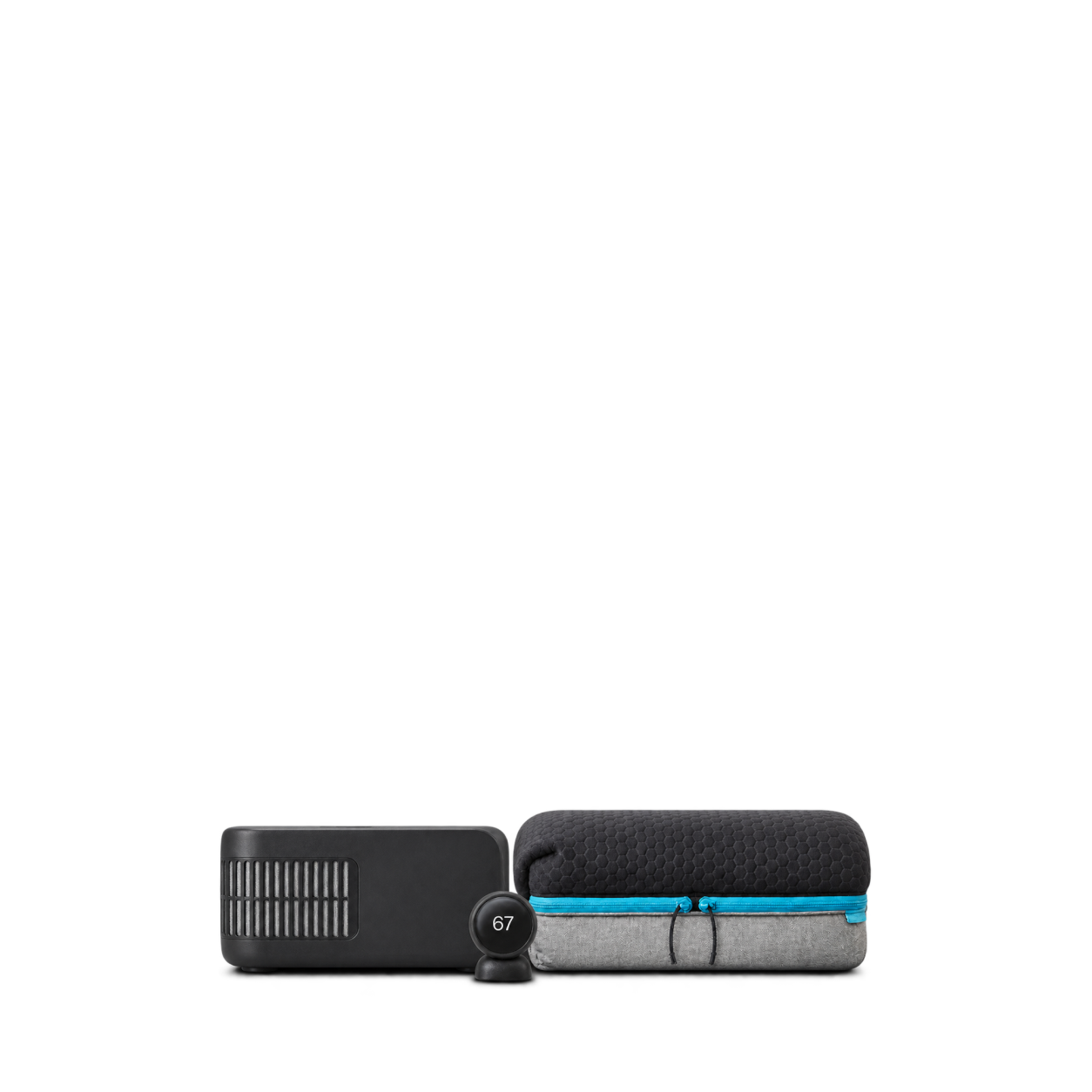
Eight Sleep
Pod 6 · Queen cover and hub
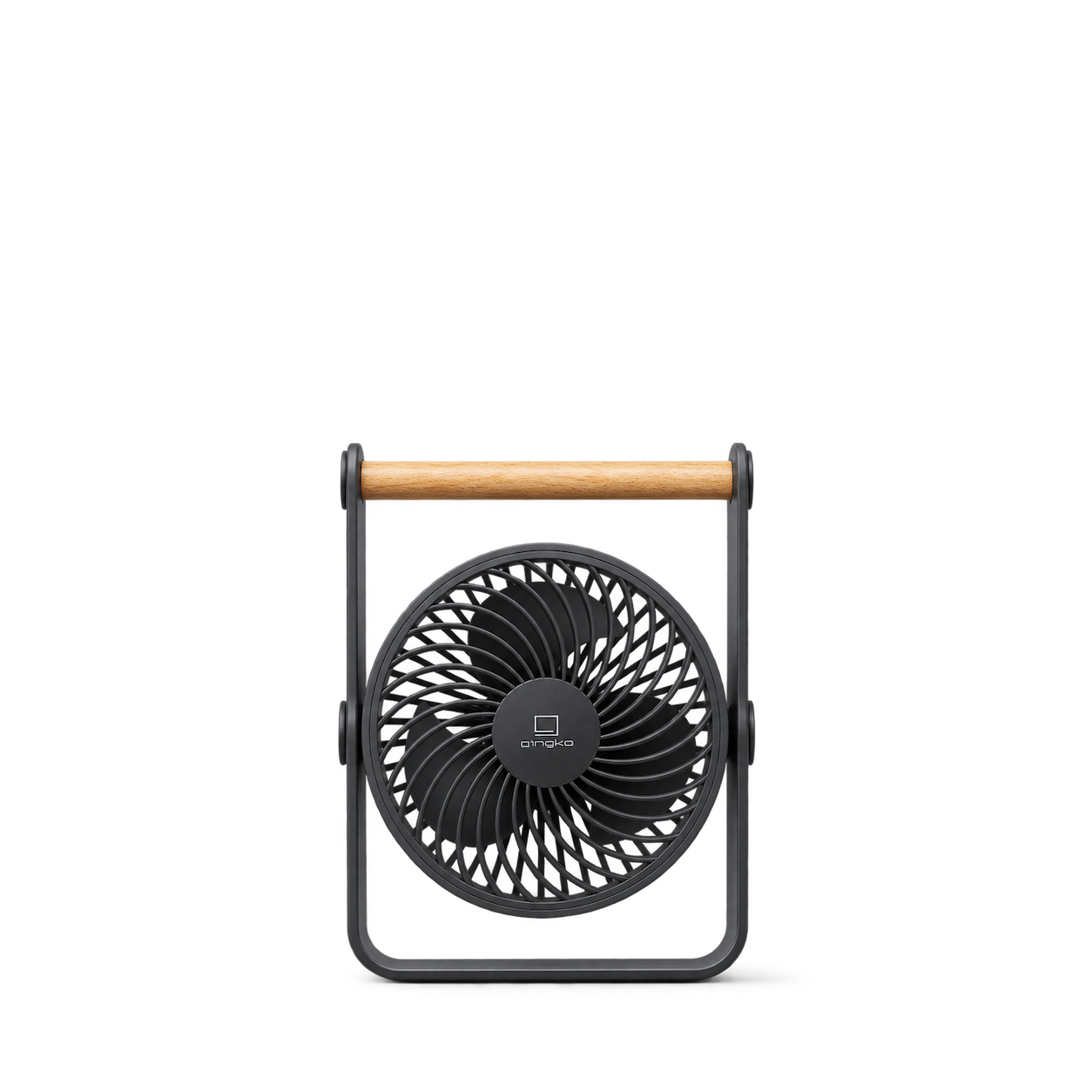
Gingko Design
Lyra Portable Fan · Space Grey
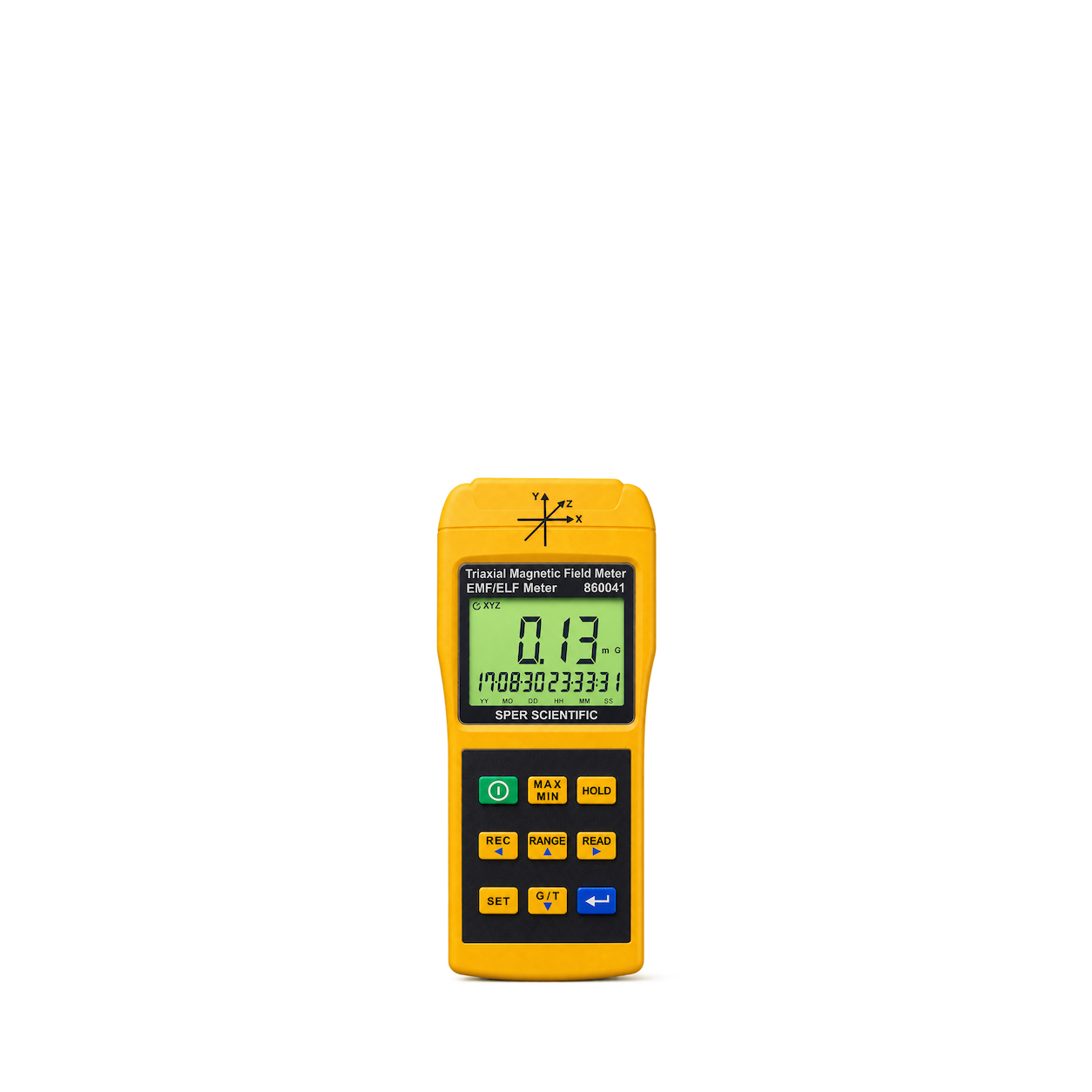
Sper Scientific
3 Axis EMF Meter
Brunton
Geo™ Transit - Green
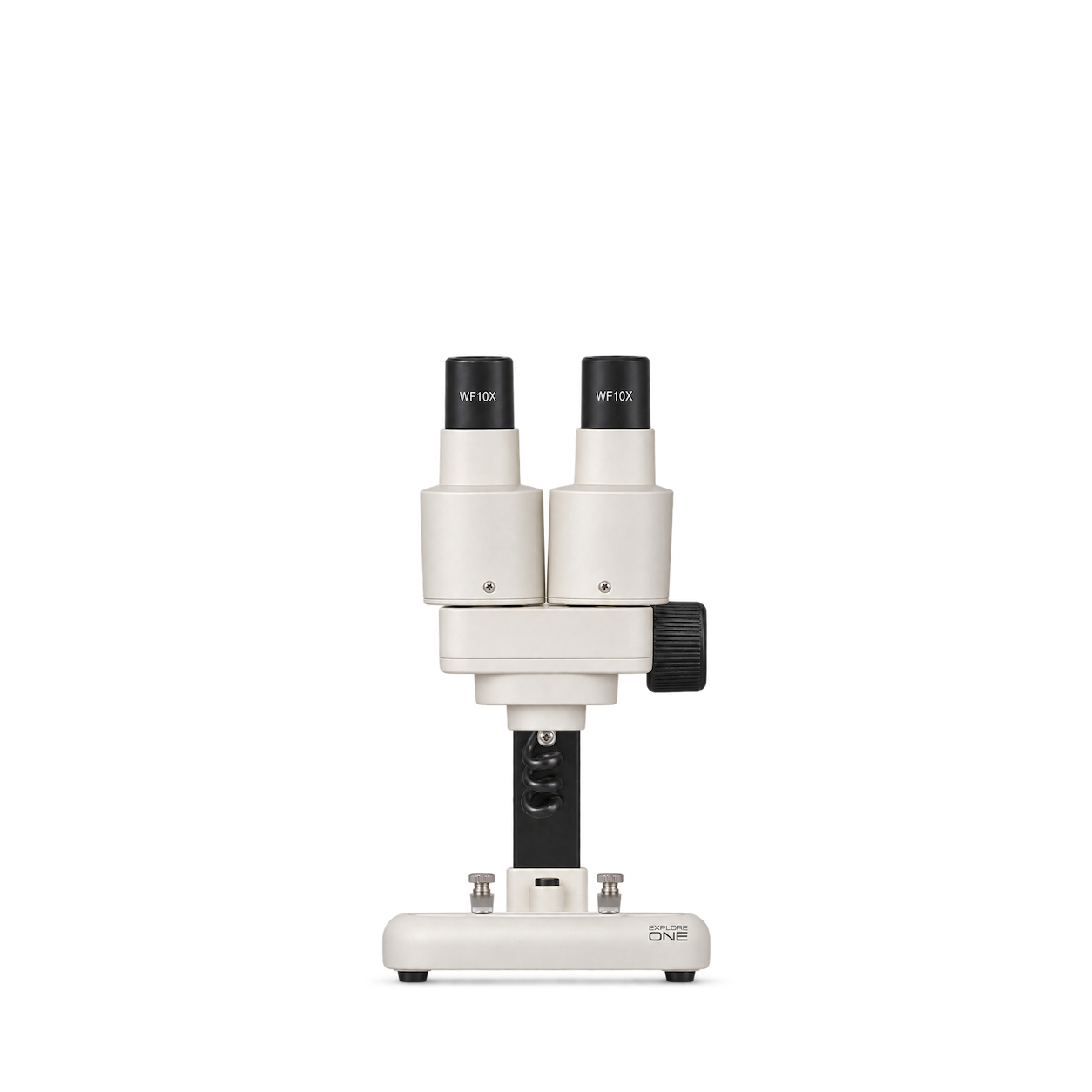
Explore One
20x Stereo Microscope
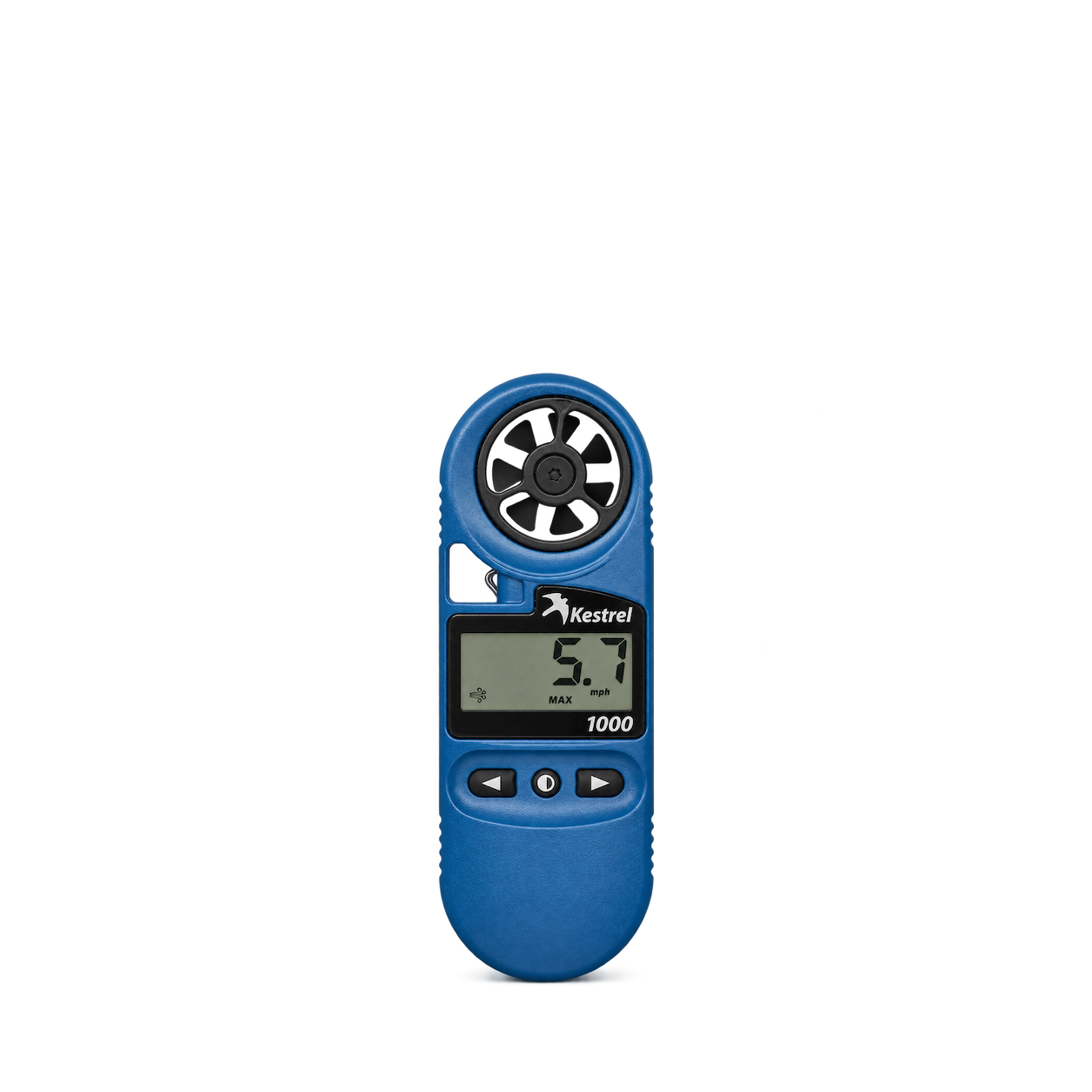
Kestrel
1000 Wind Meter
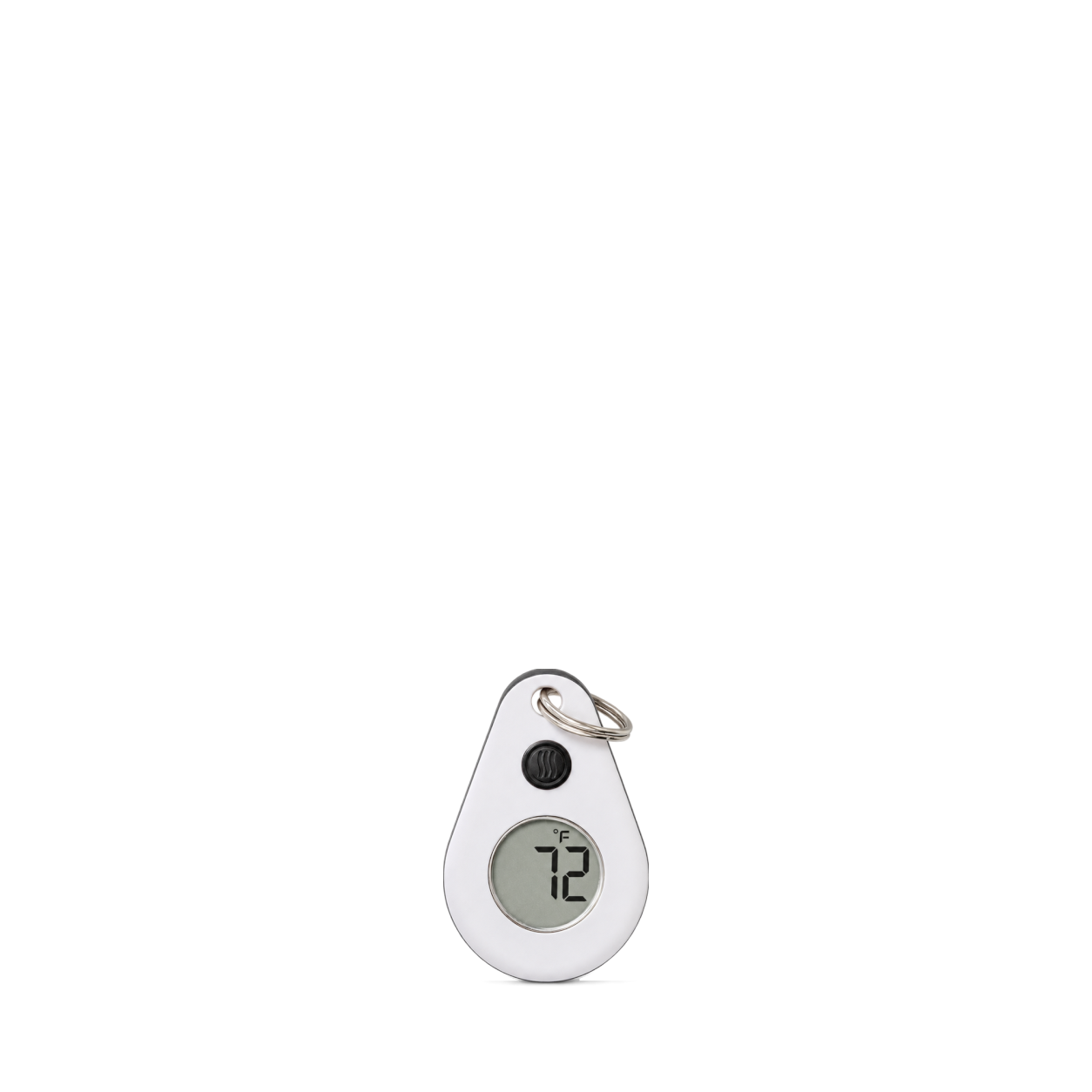
ThermoWorks
ThermoDrop® Zipper-Pull Thermometer · White
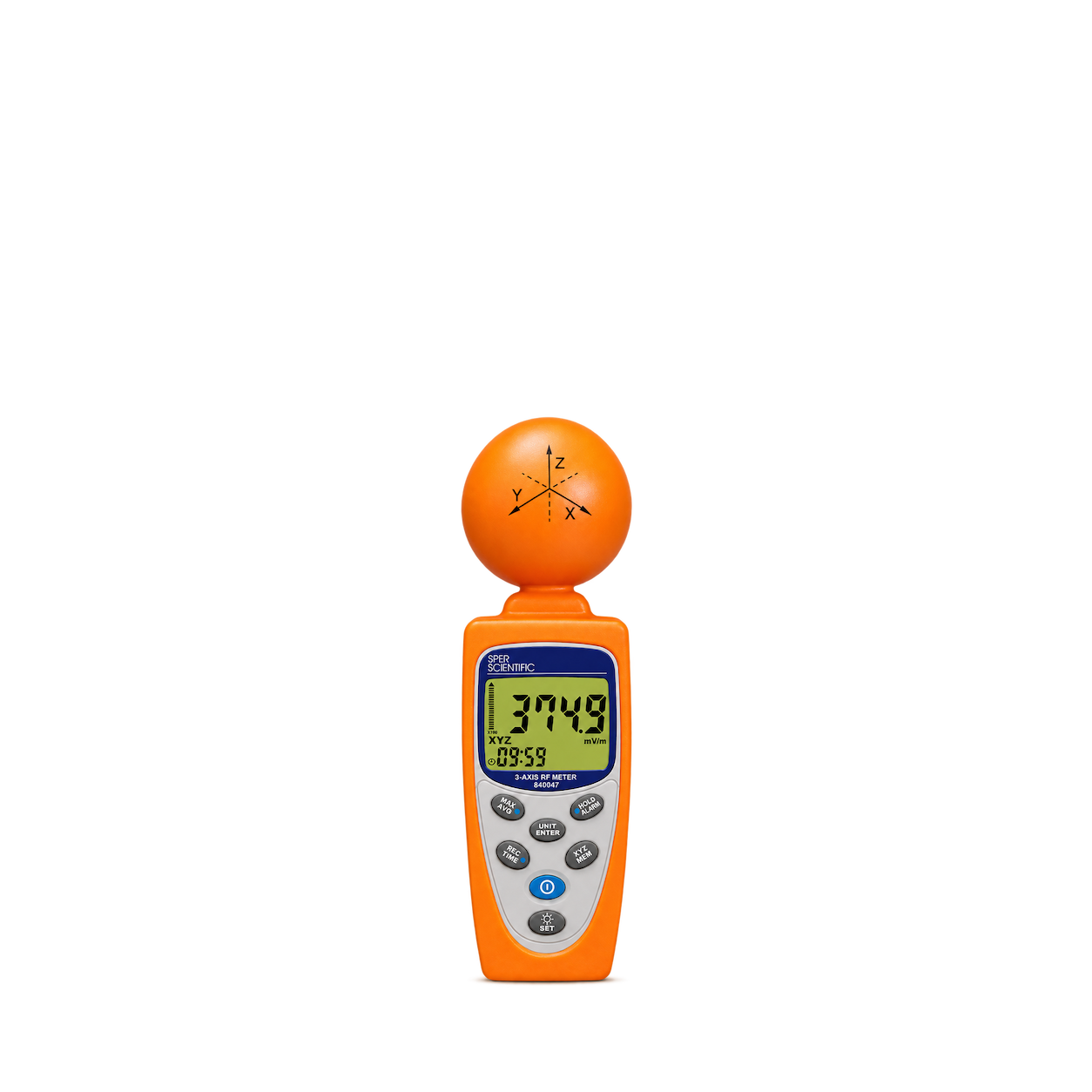
Sper Scientific
3 Axis RF Meter
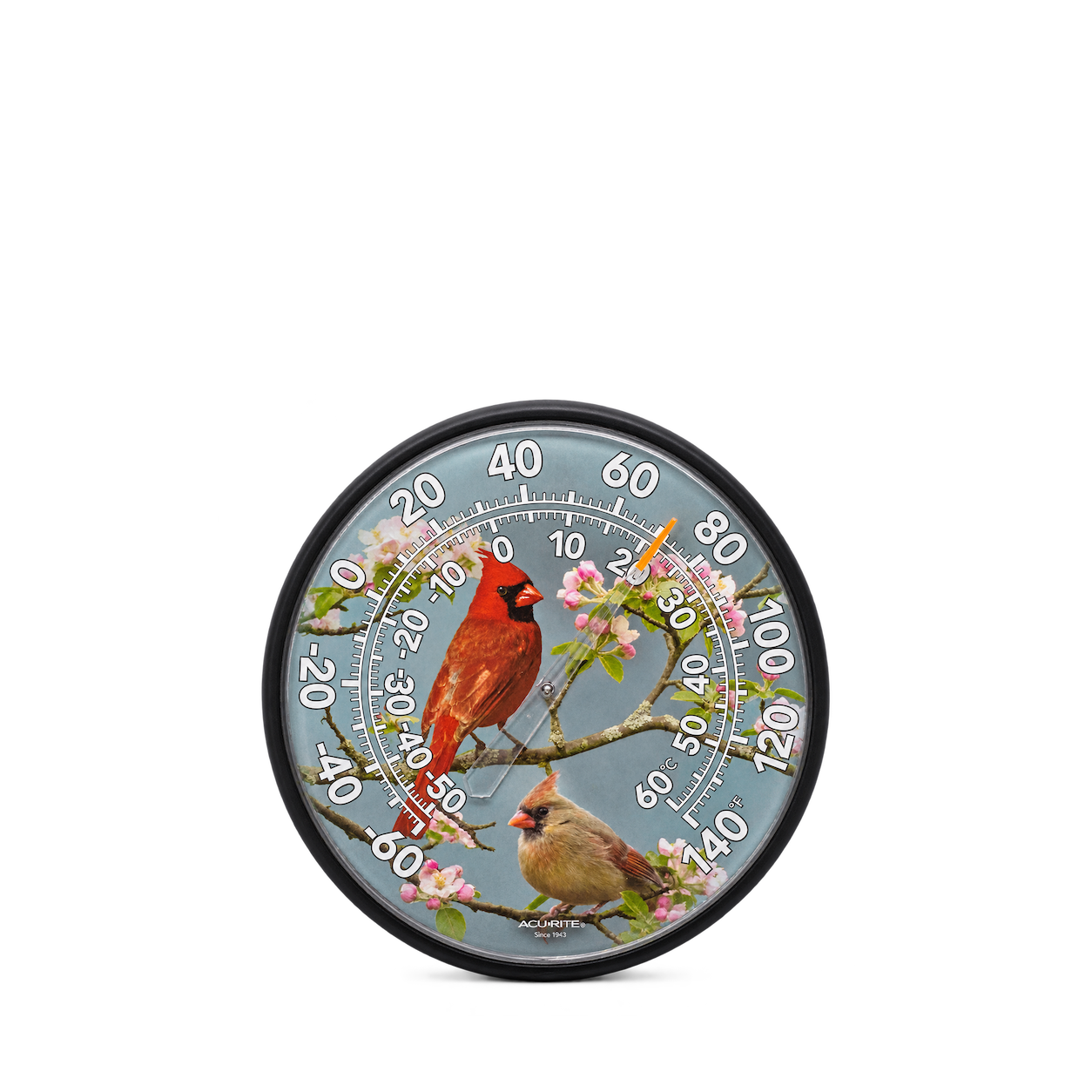
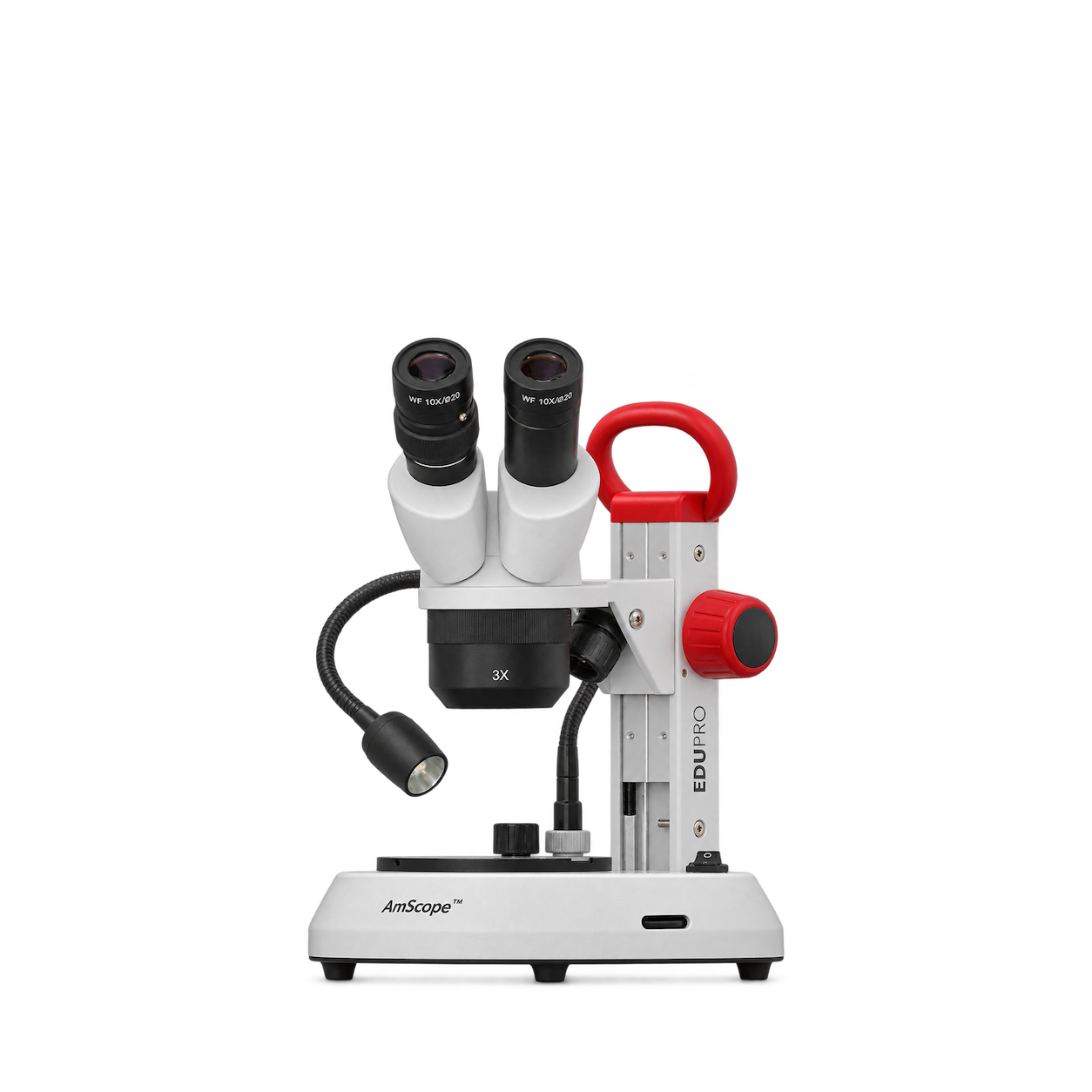
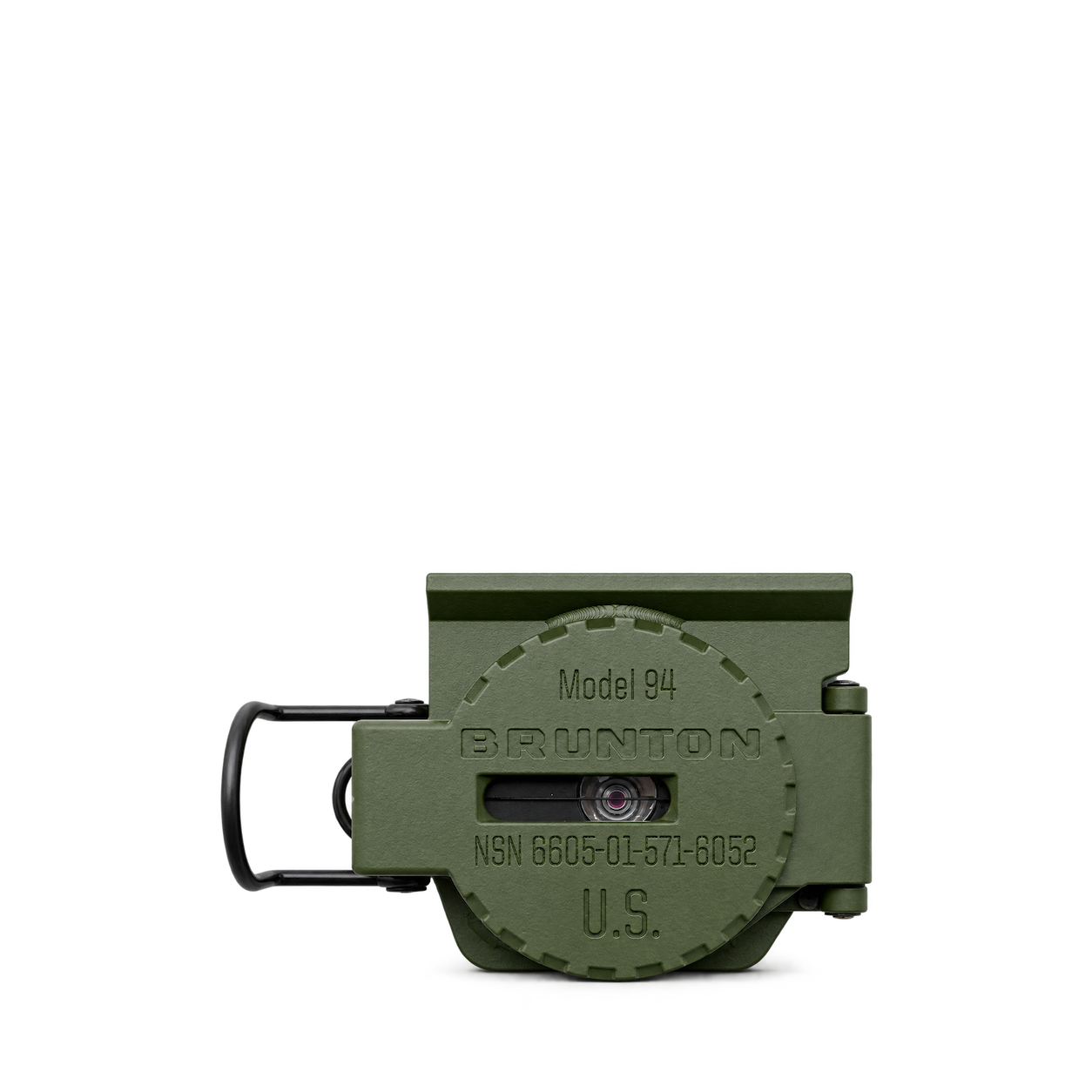
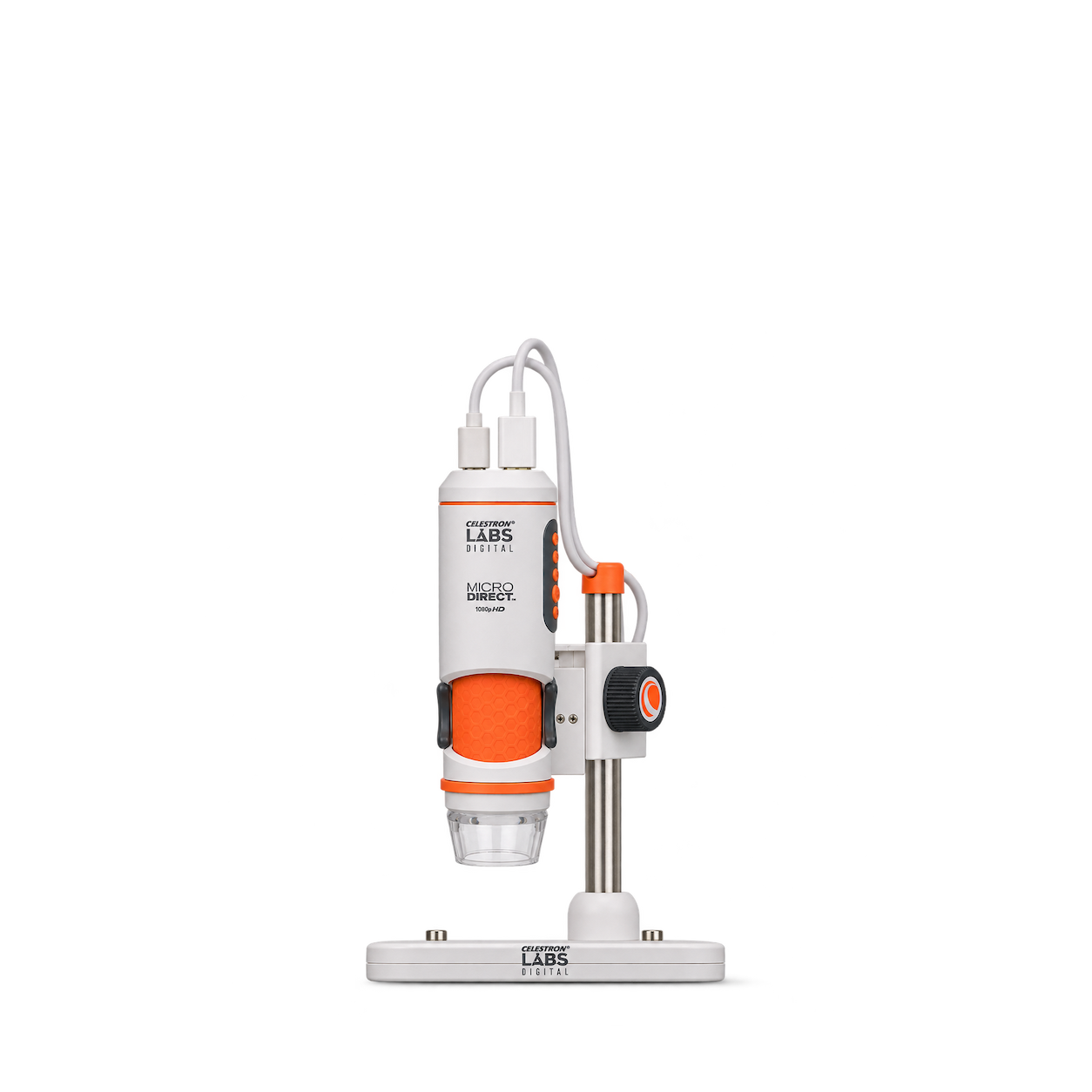
Celestron
Labs Digital MicroDirect Microscope
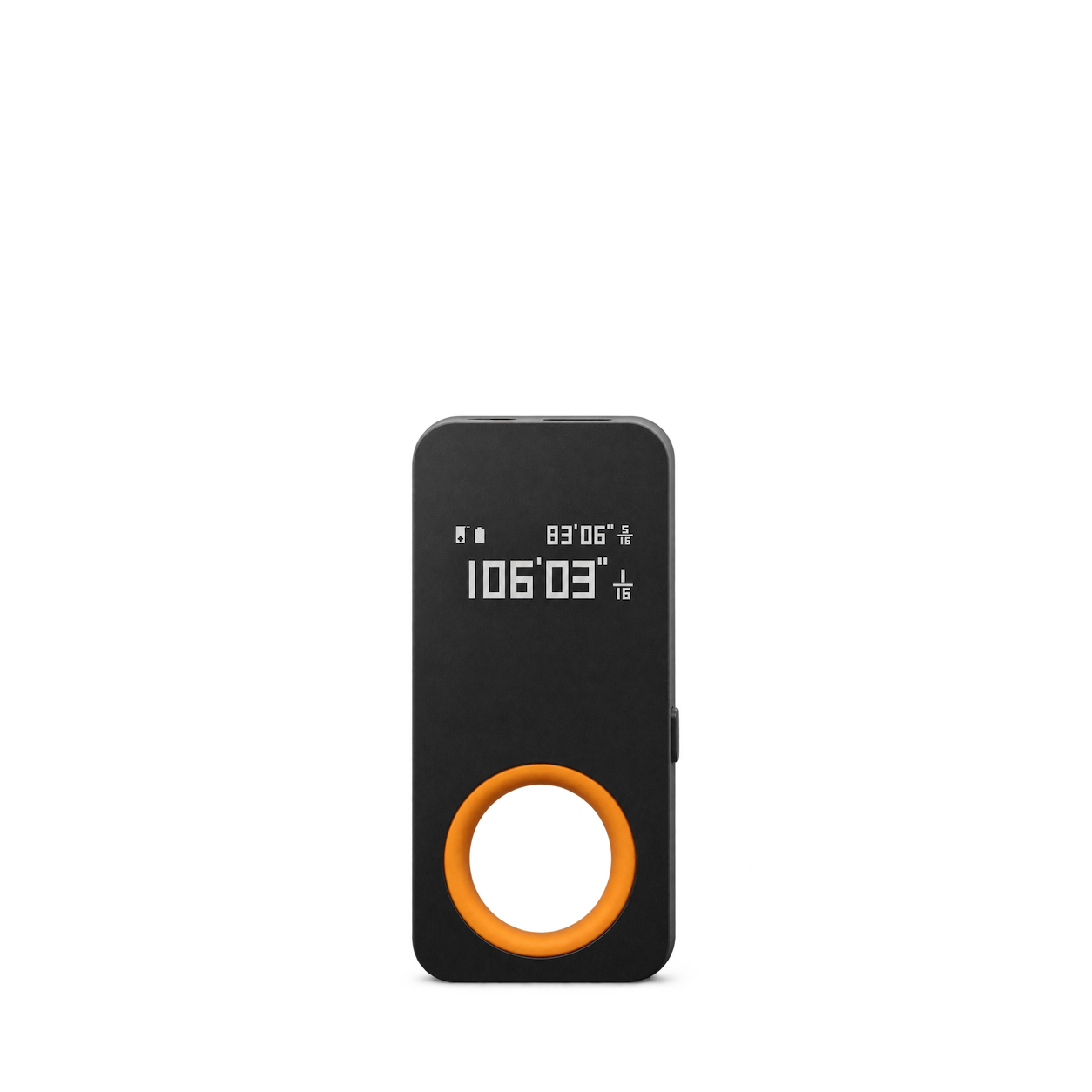
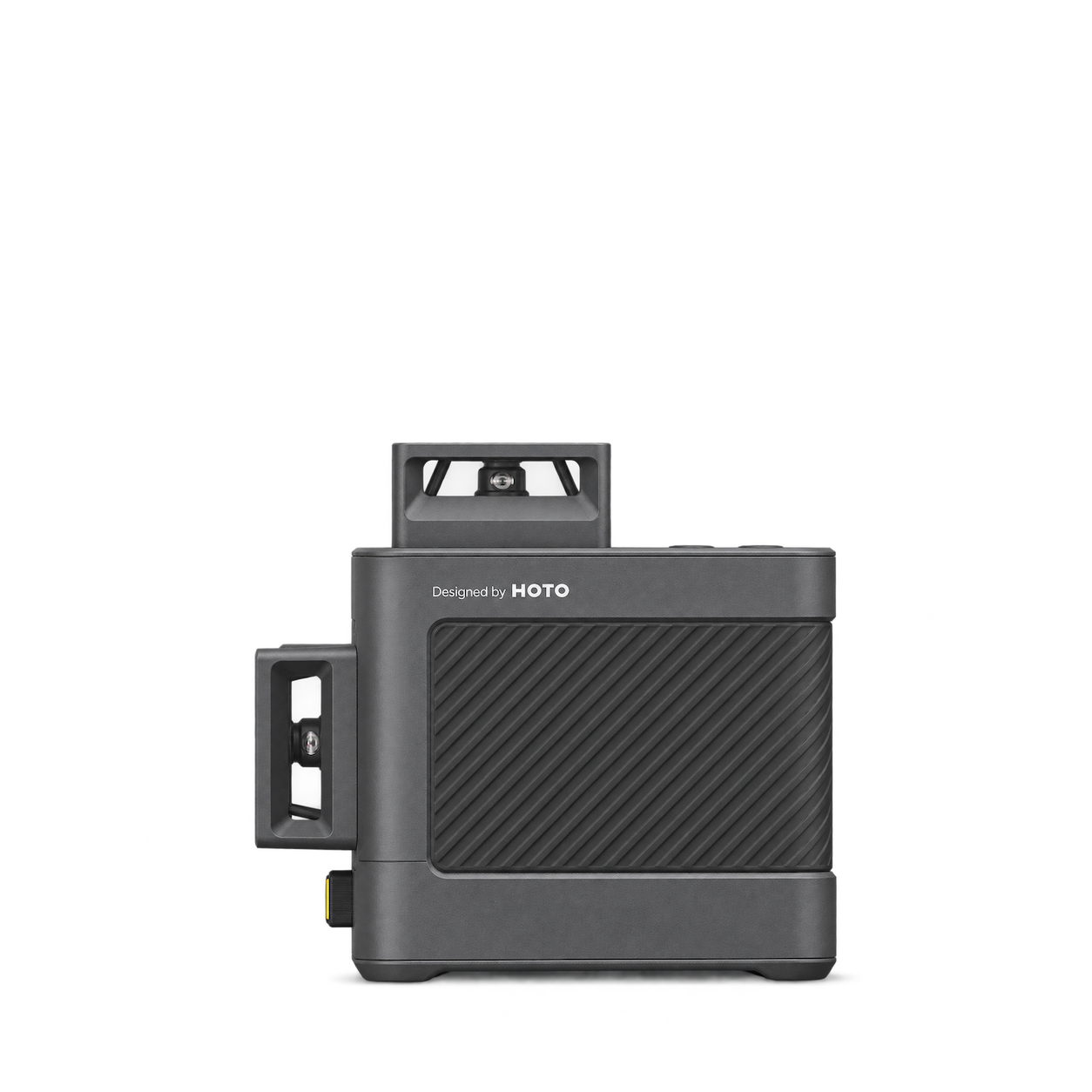
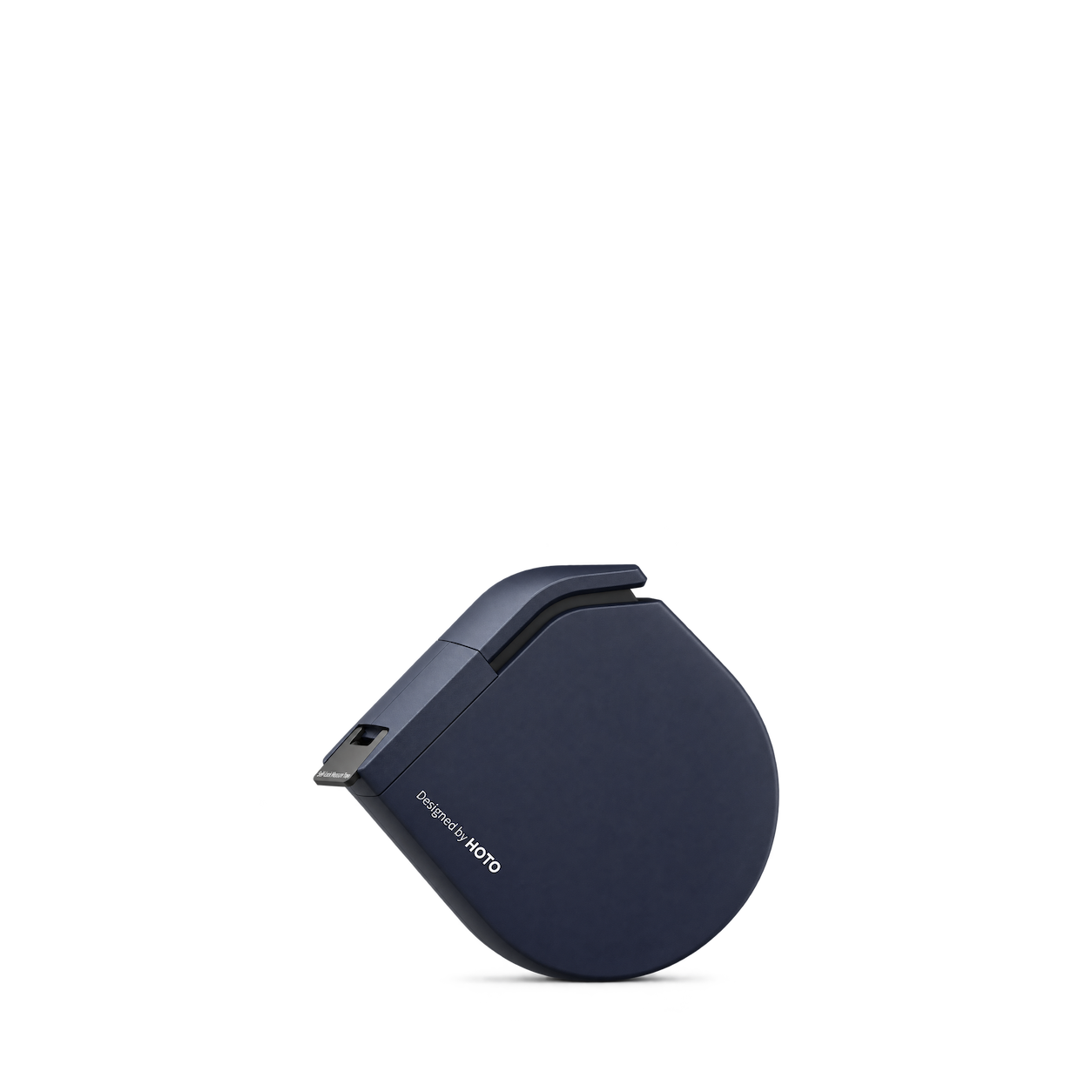
HOTO
Laser Measure
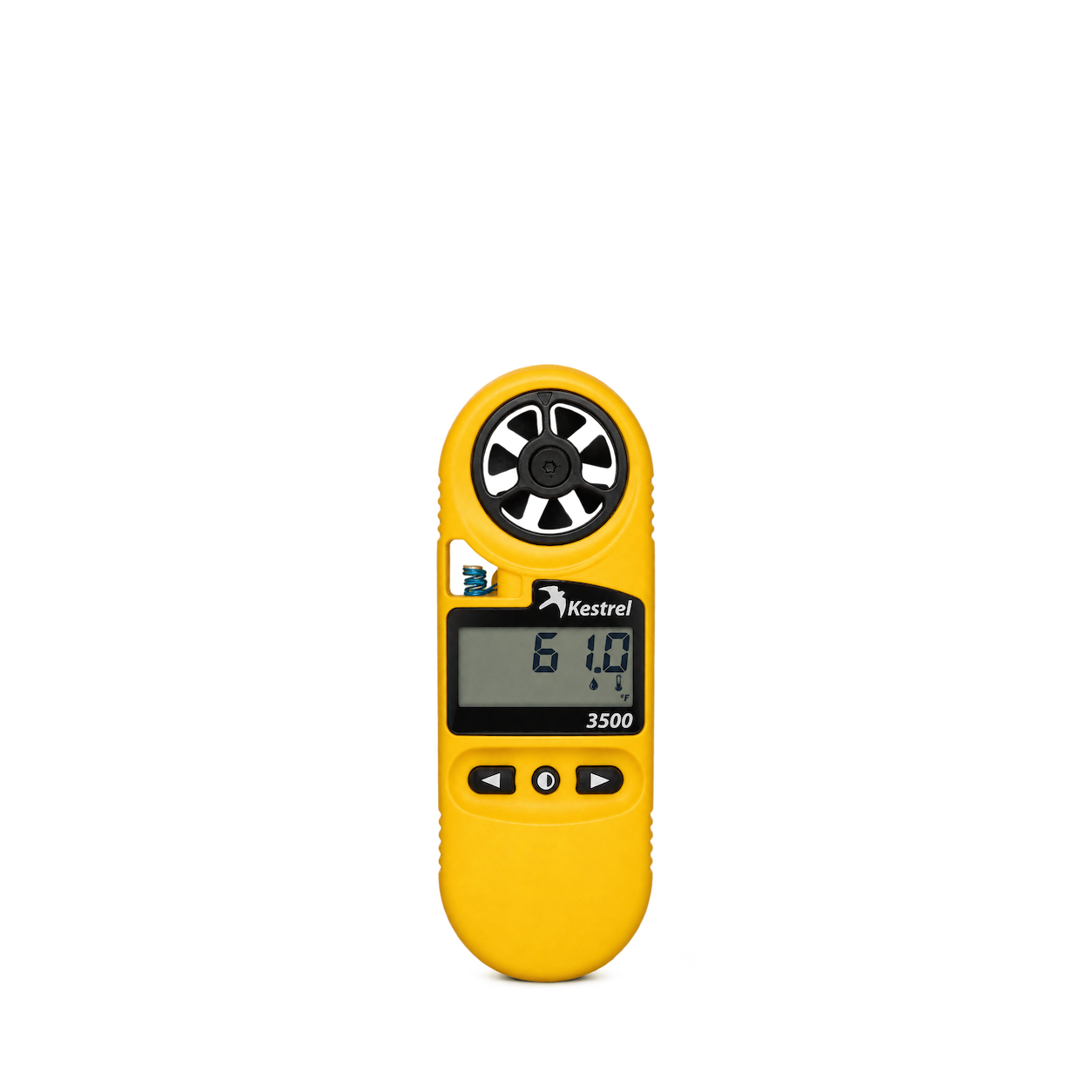
Kestrel
3500 Weather Meter
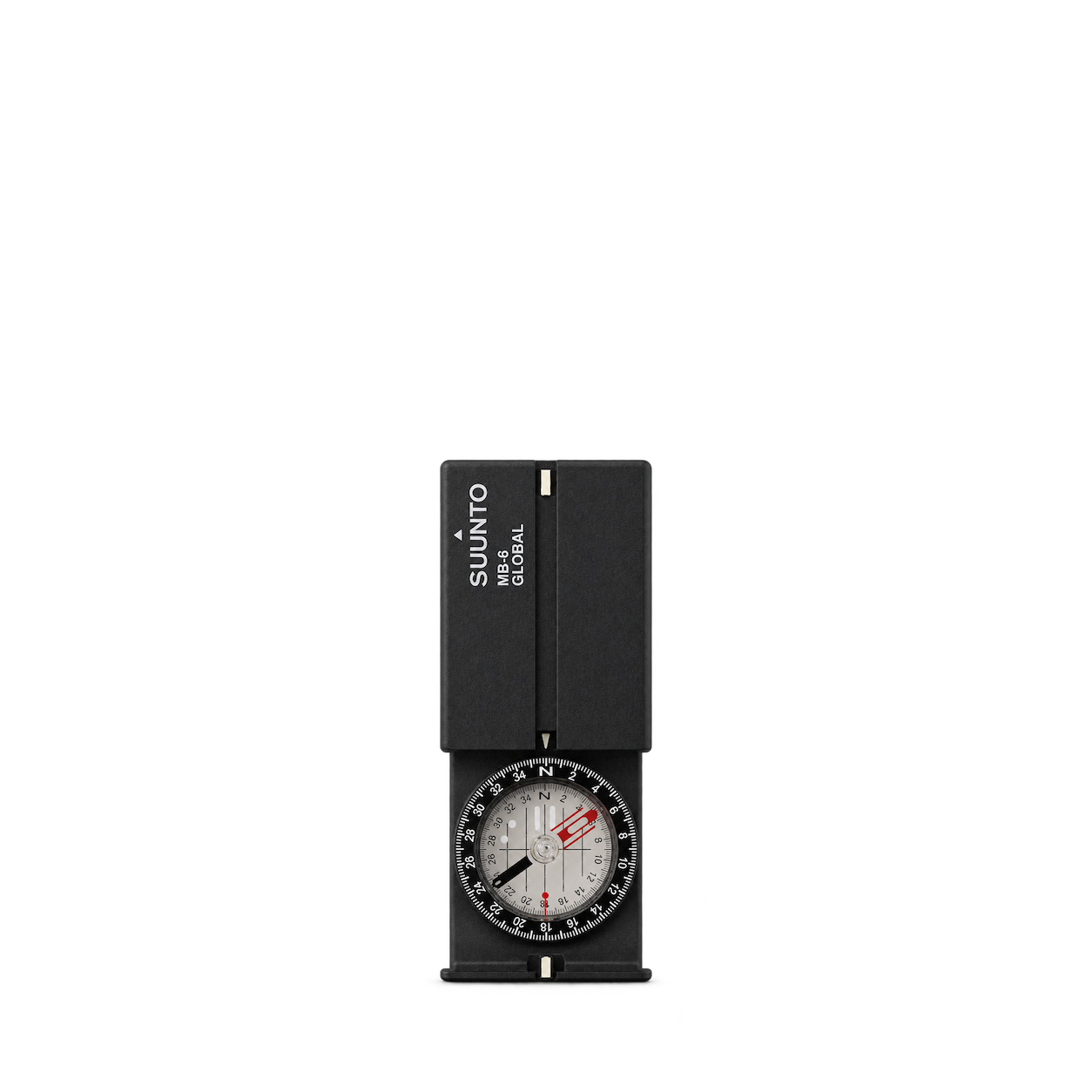
Suunto
MB-6 Global
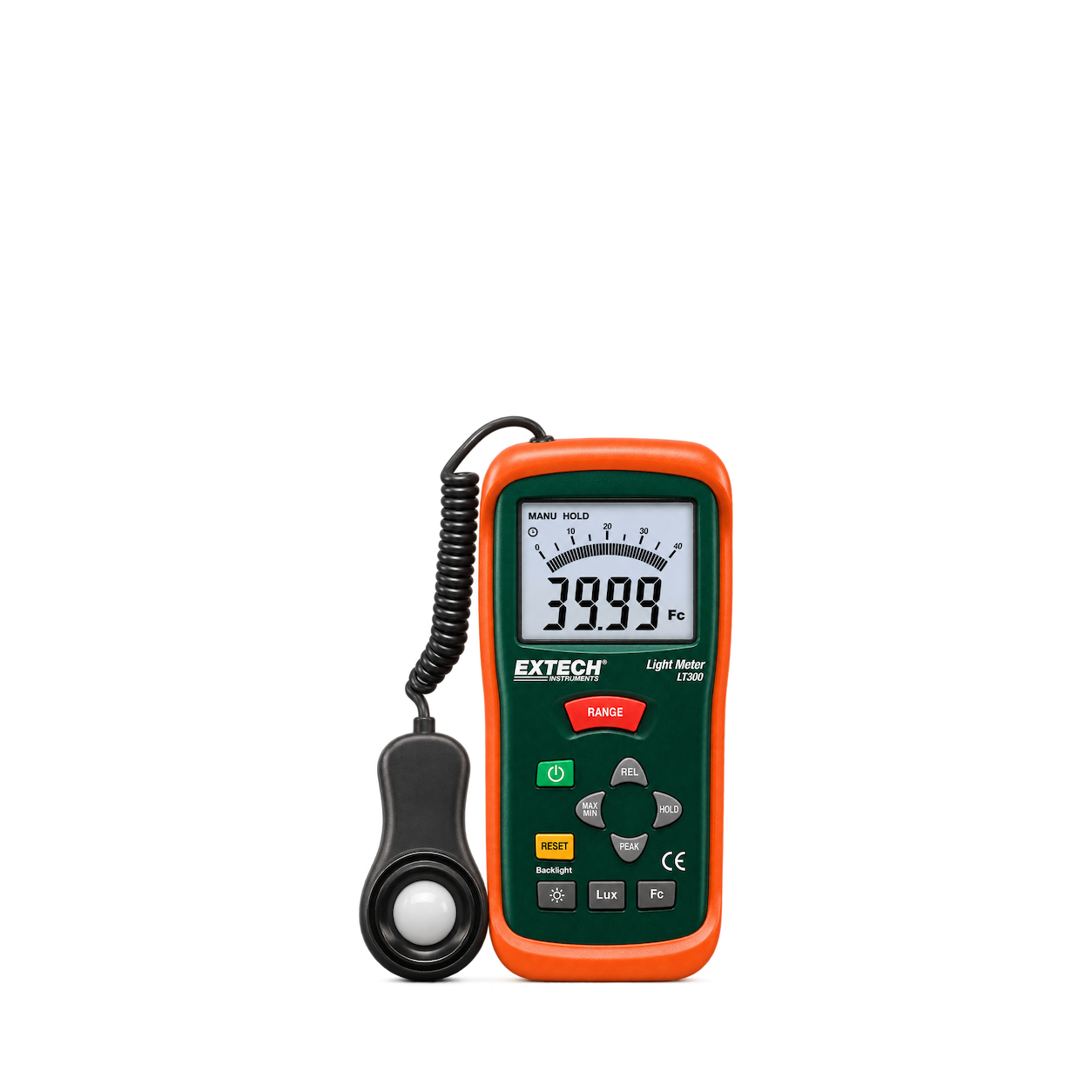
Extech
LT300 Light Meter
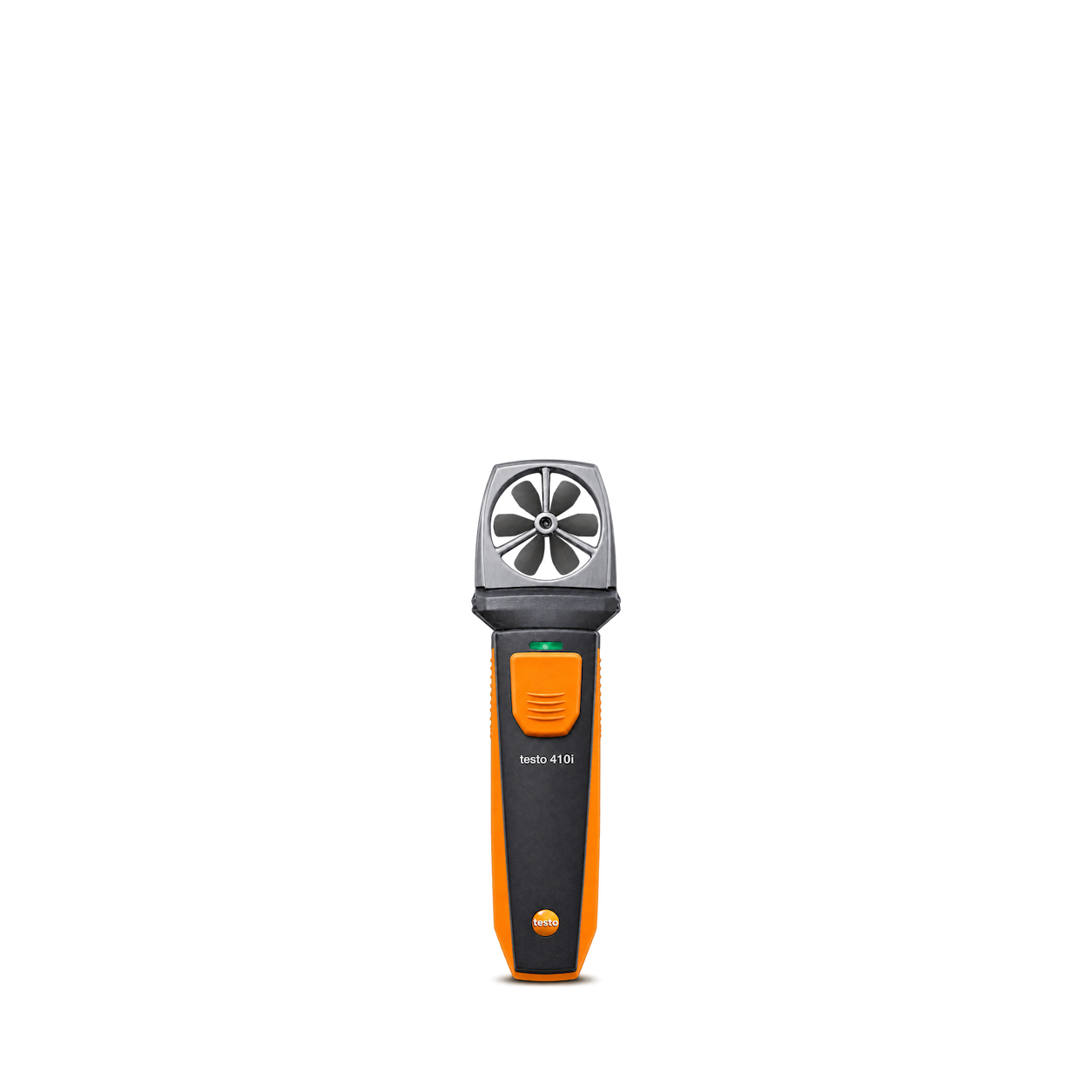
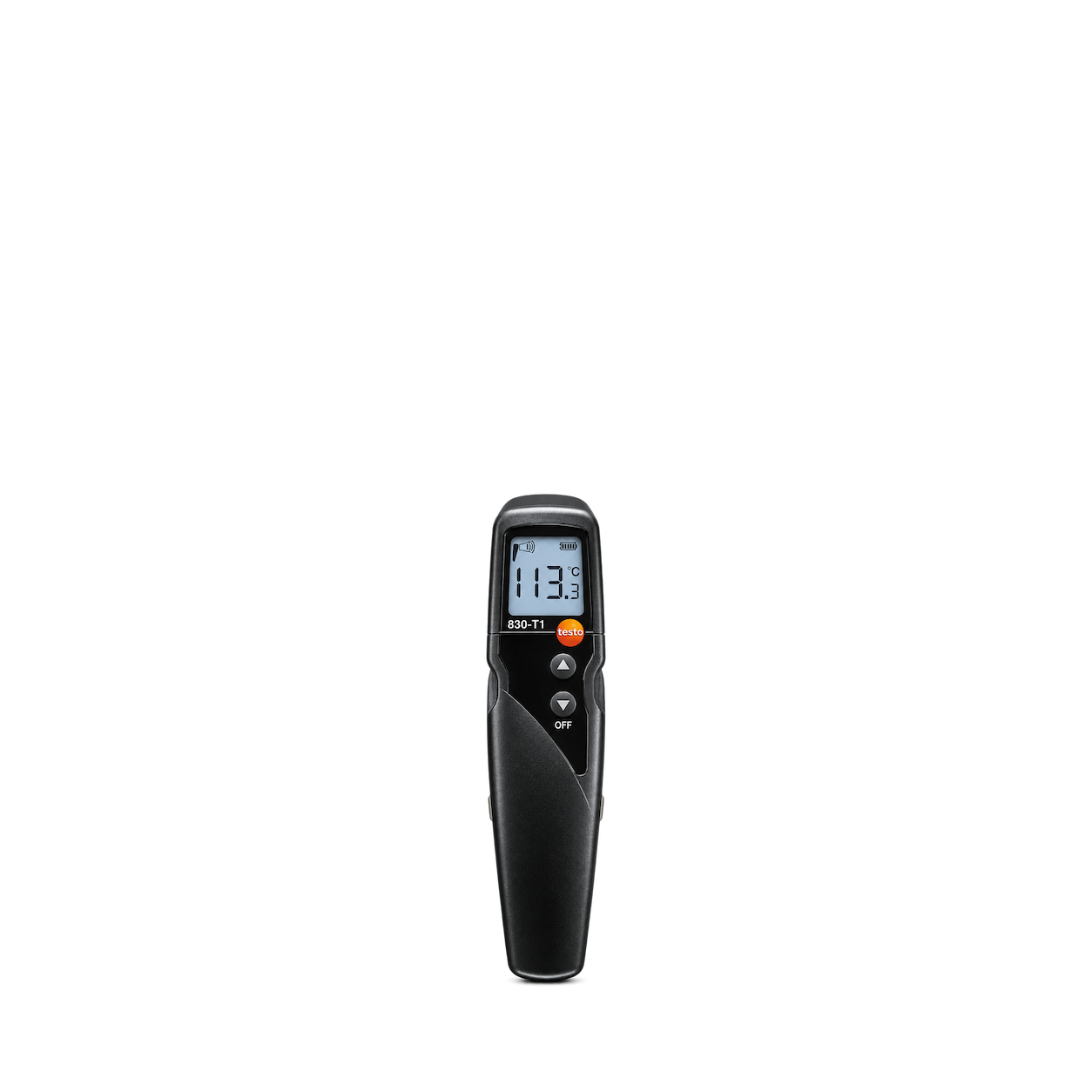
Testo
410i Vane Anemometer
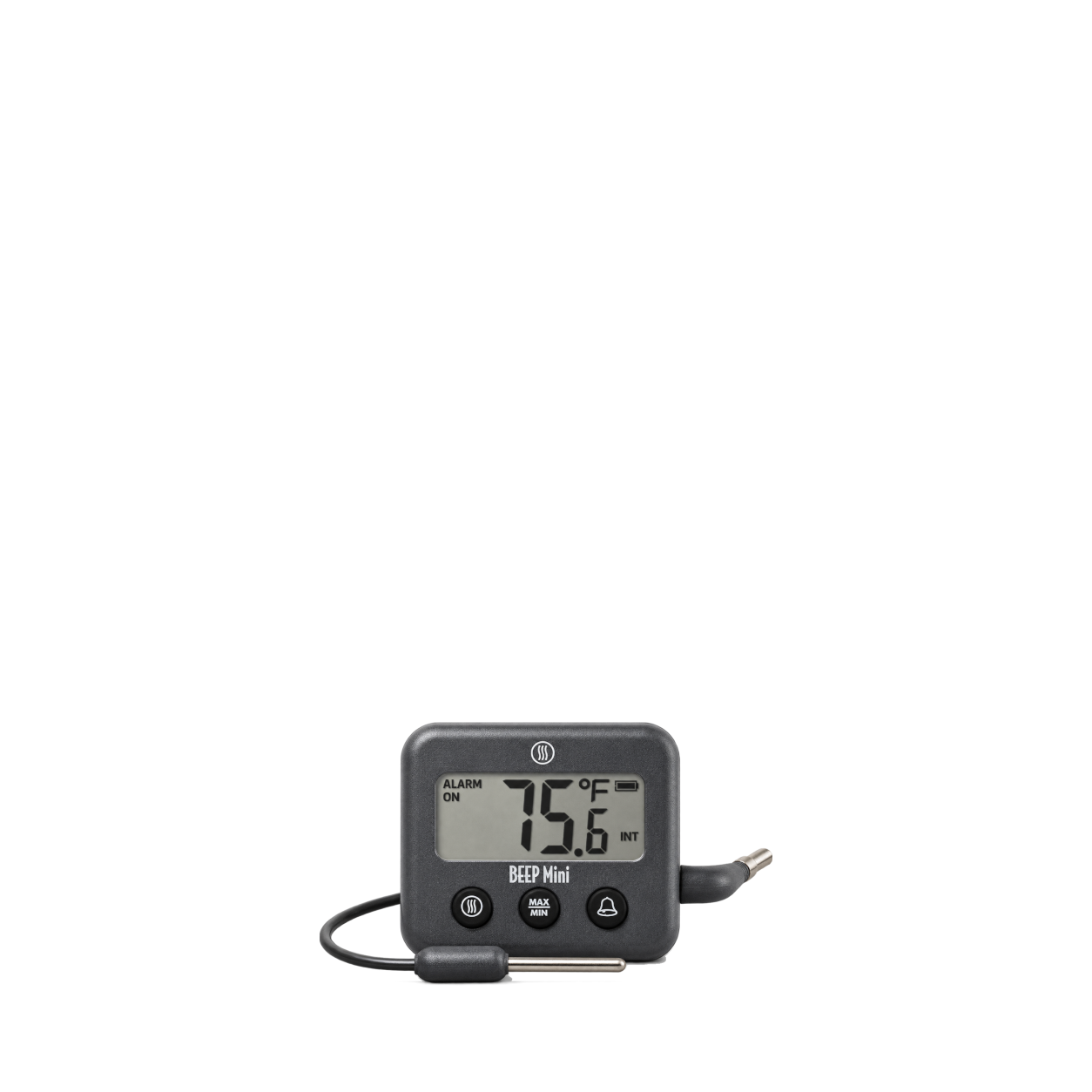
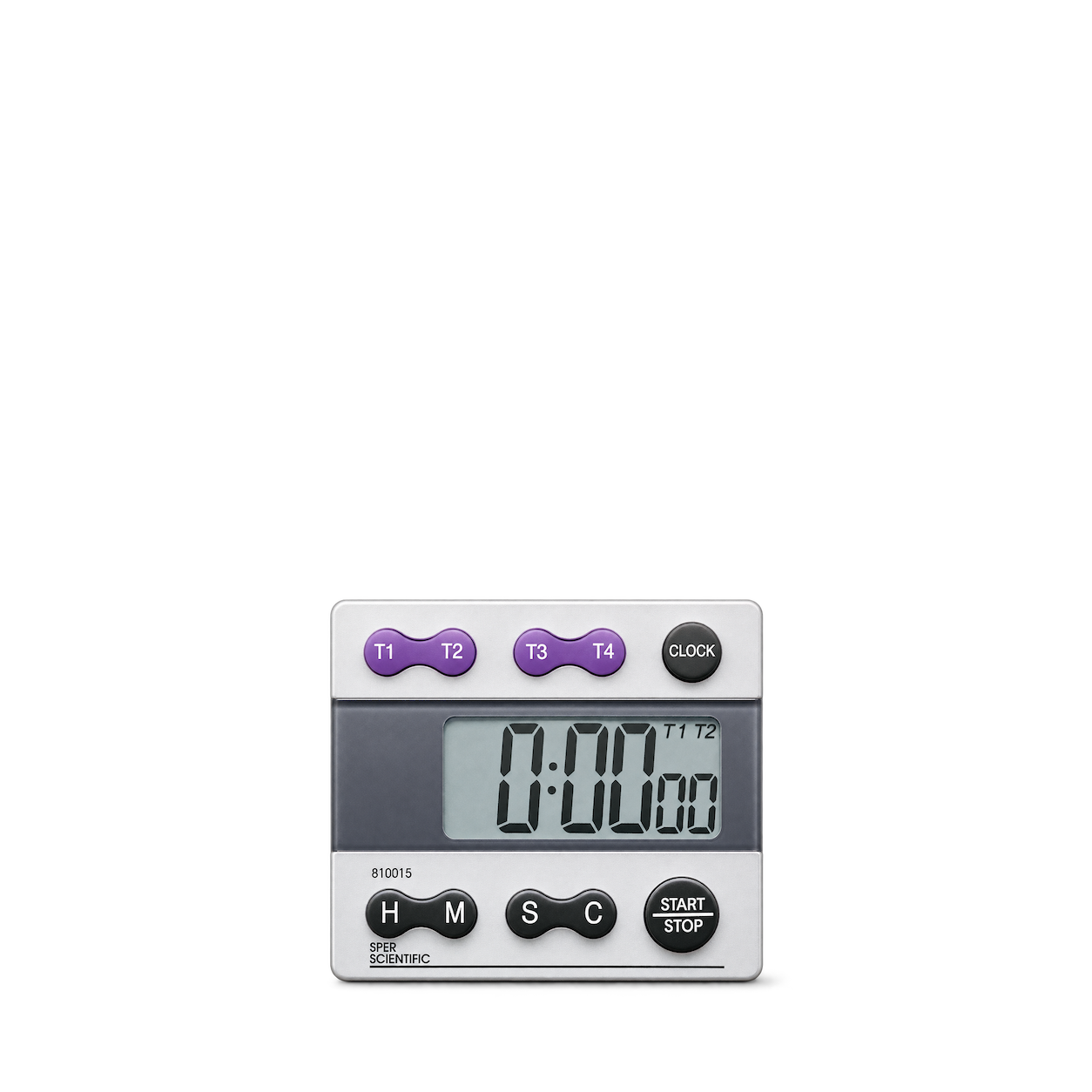
Sper Scientific
5-Channel Timer
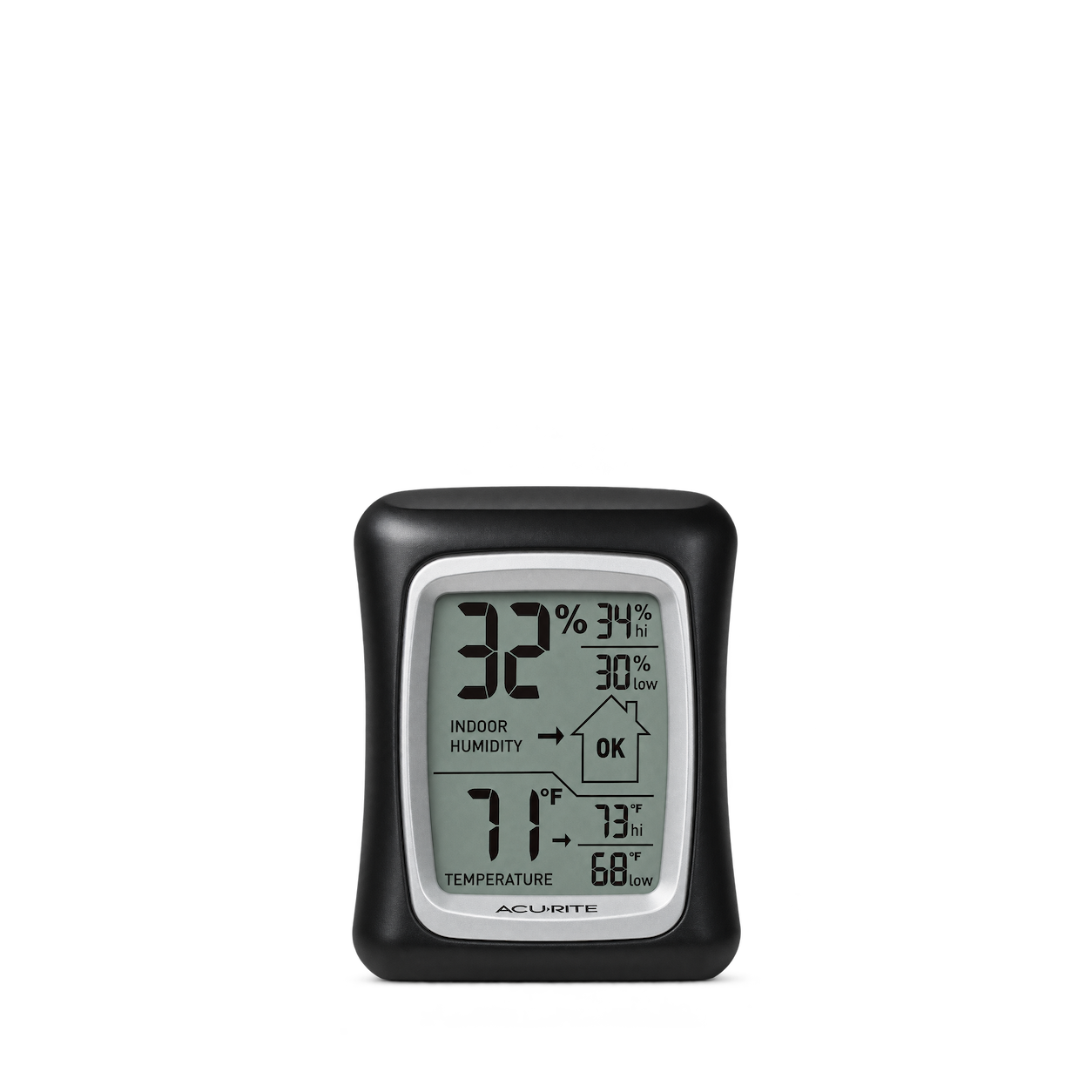
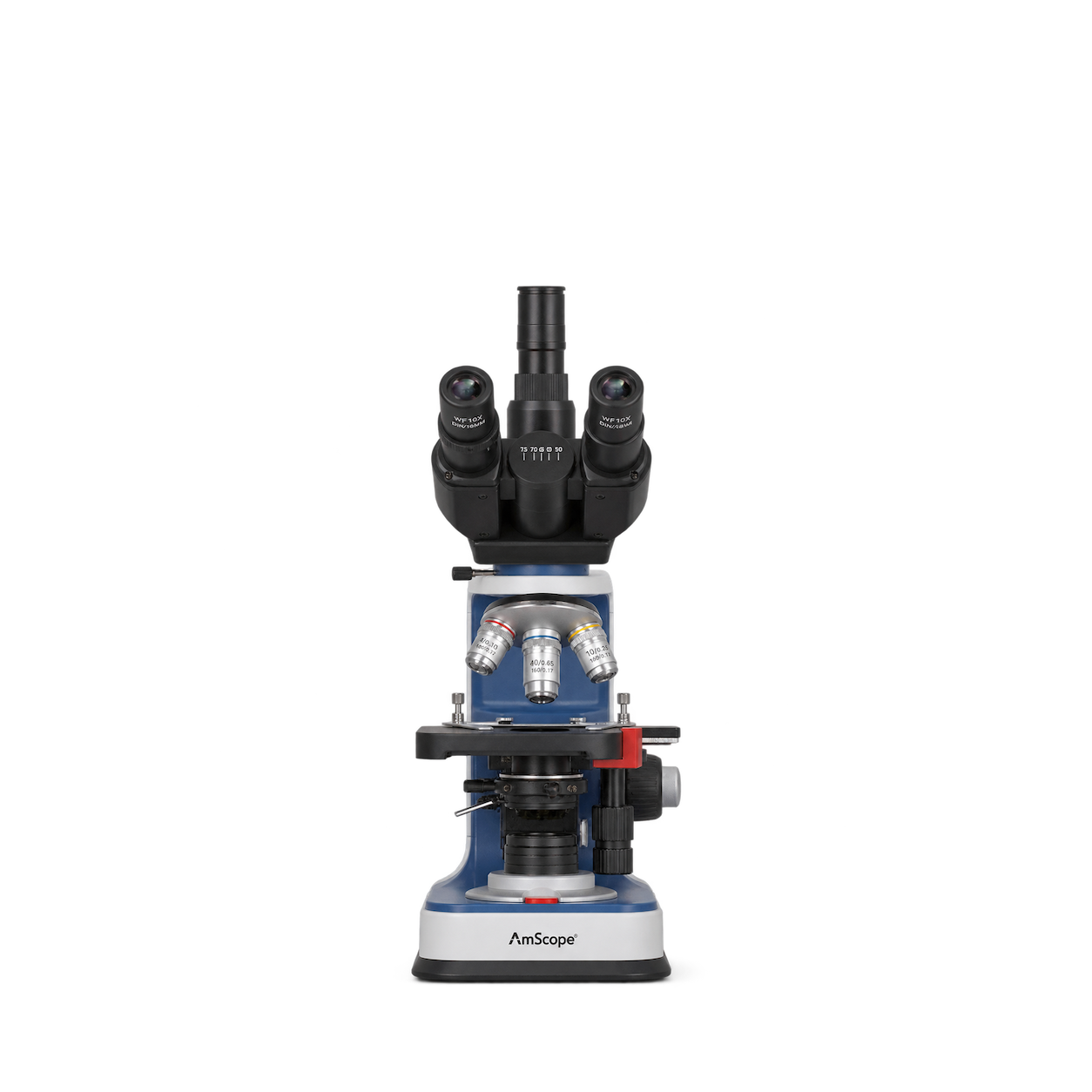
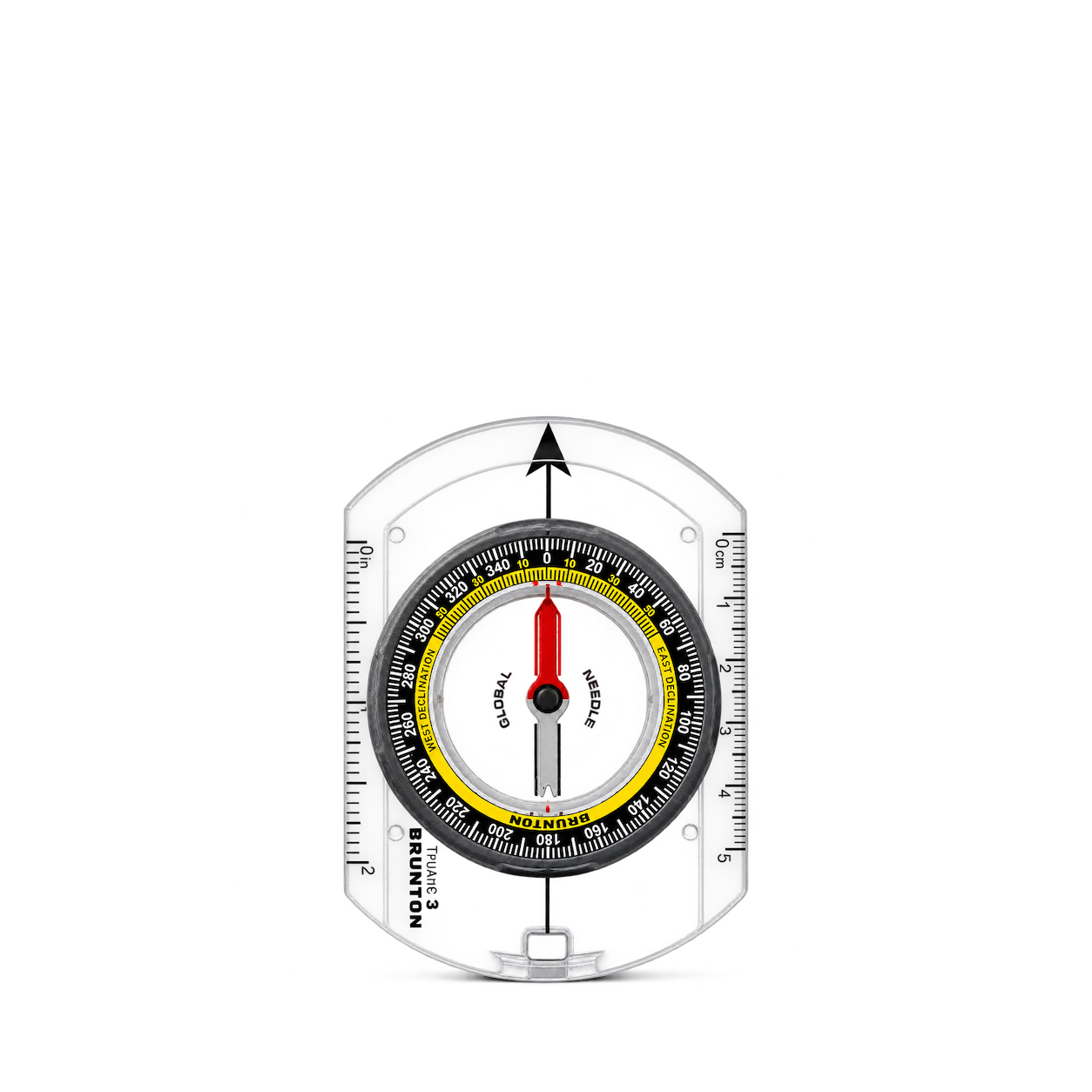
Brunton
TruArc™ 3 Compass
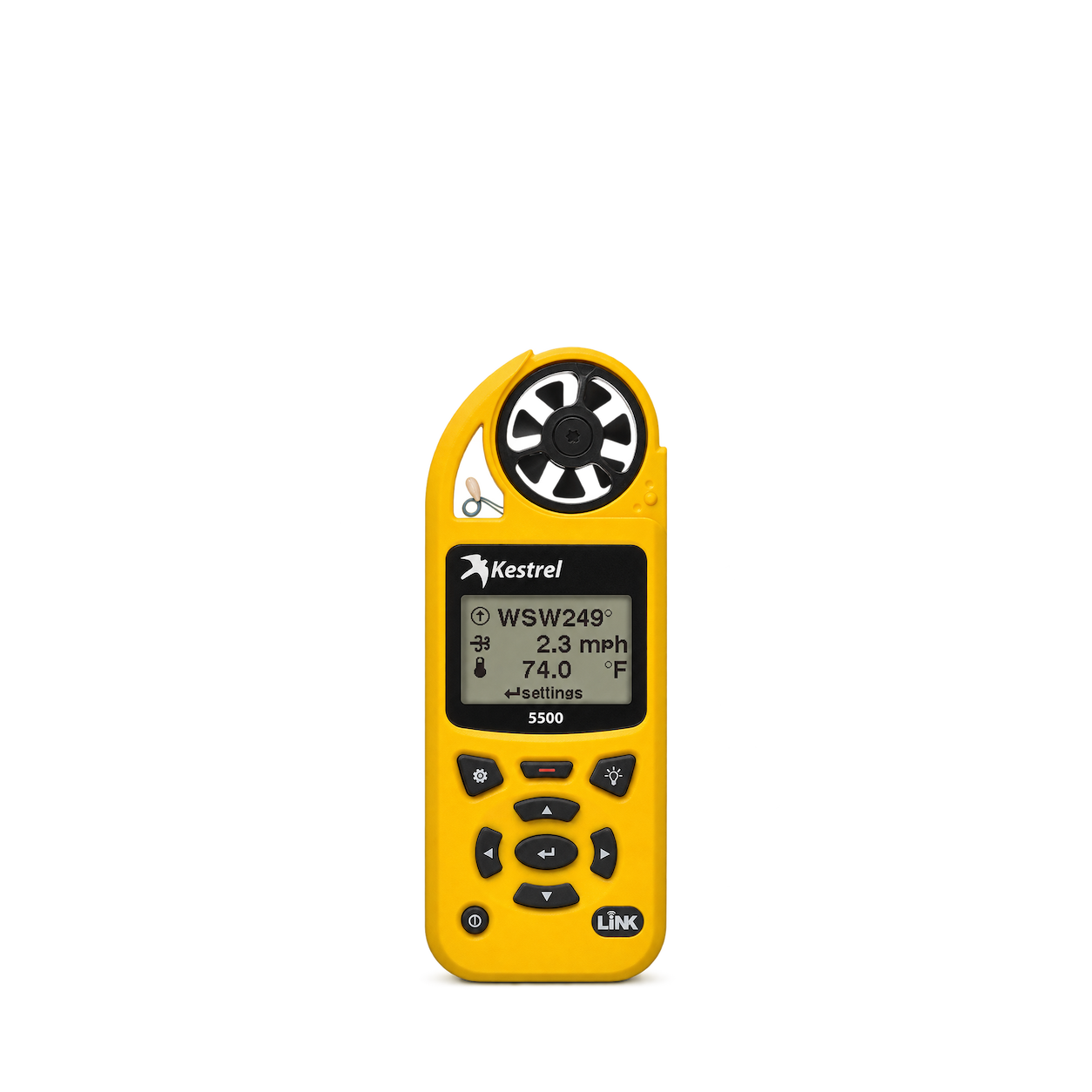
Kestrel
5500 Weather Meter
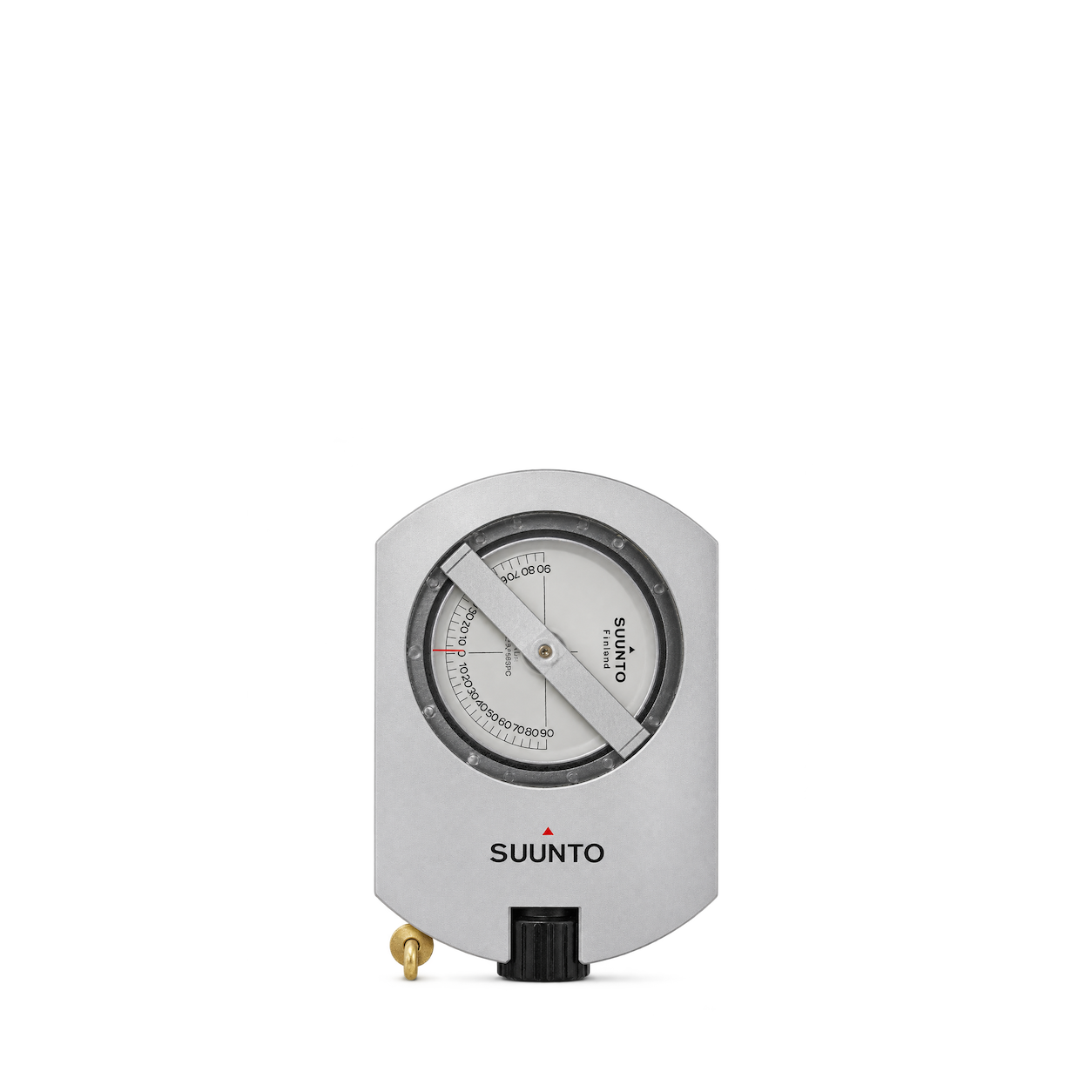
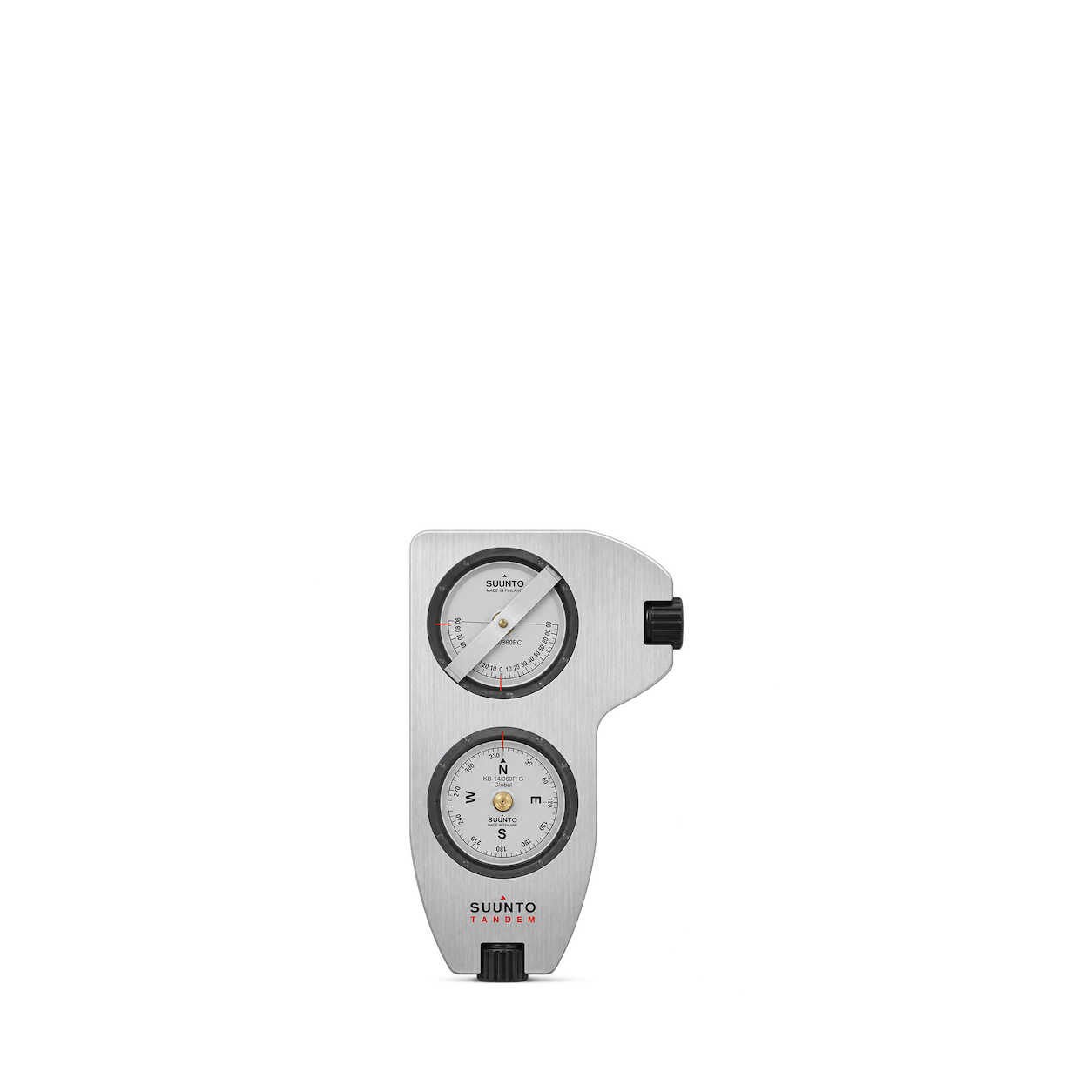
Suunto
PM-5 /360 PC CLINOMETER
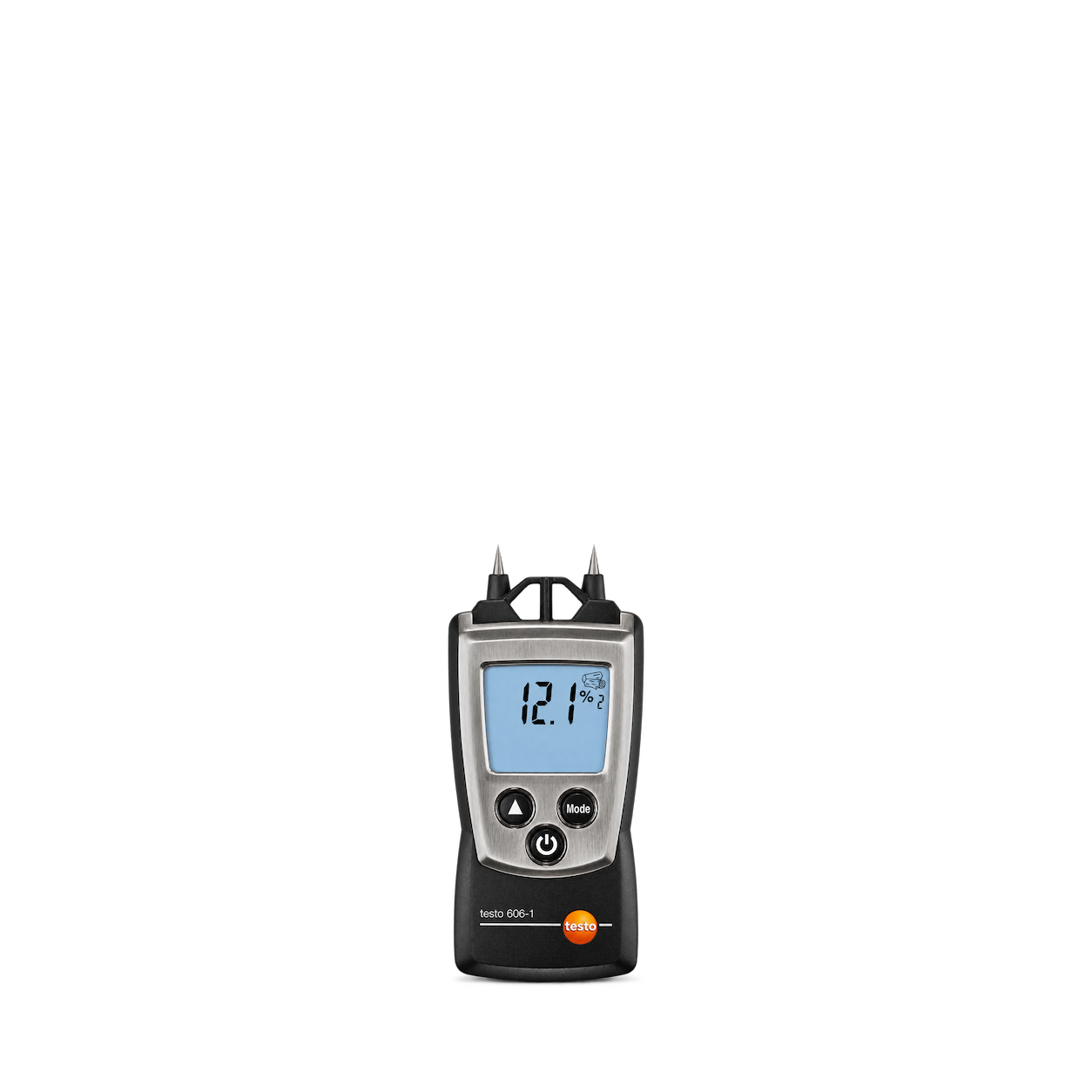
Testo
606-1 Moisture Meter
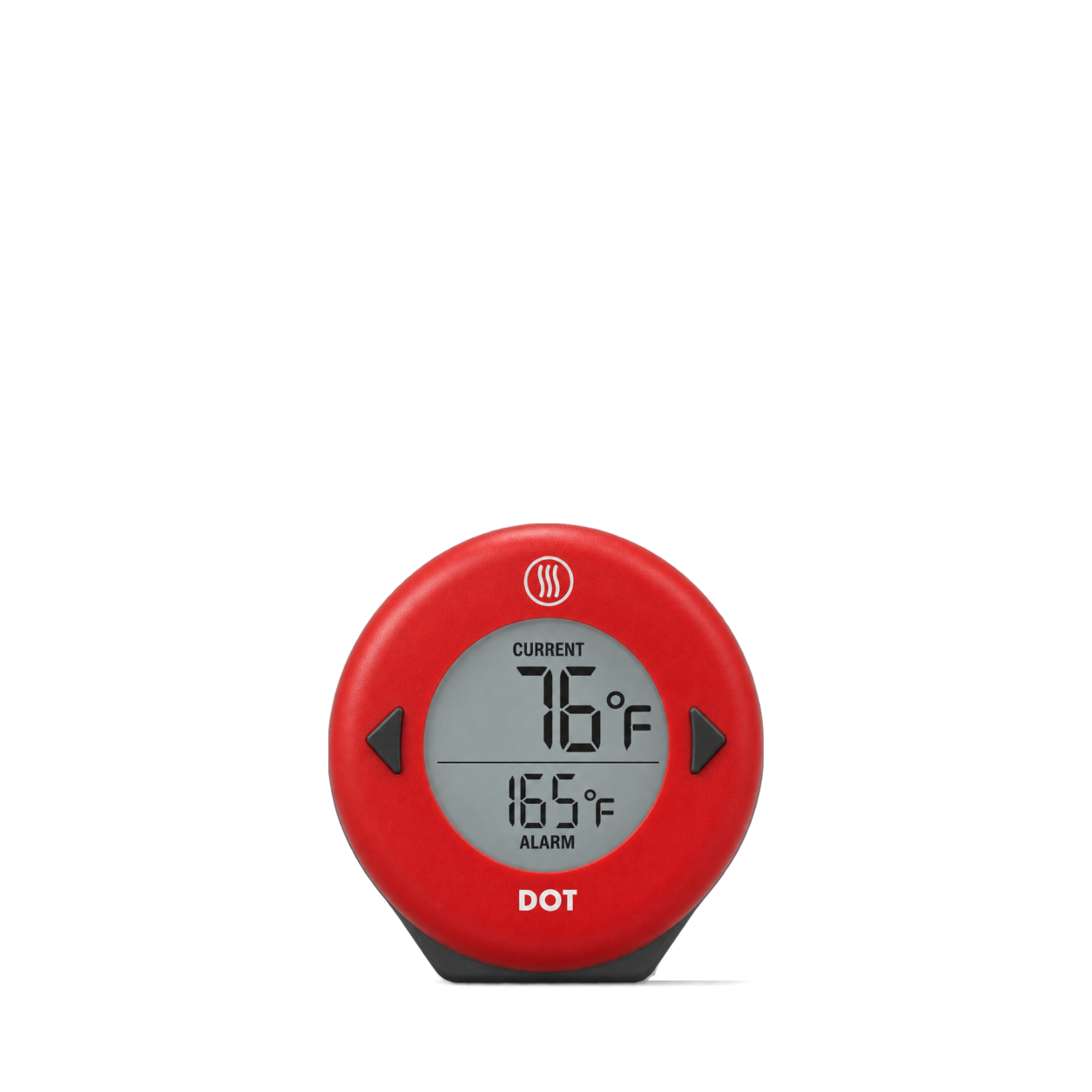
ThermoWorks
DOT® Simple Alarm Thermometer · Red
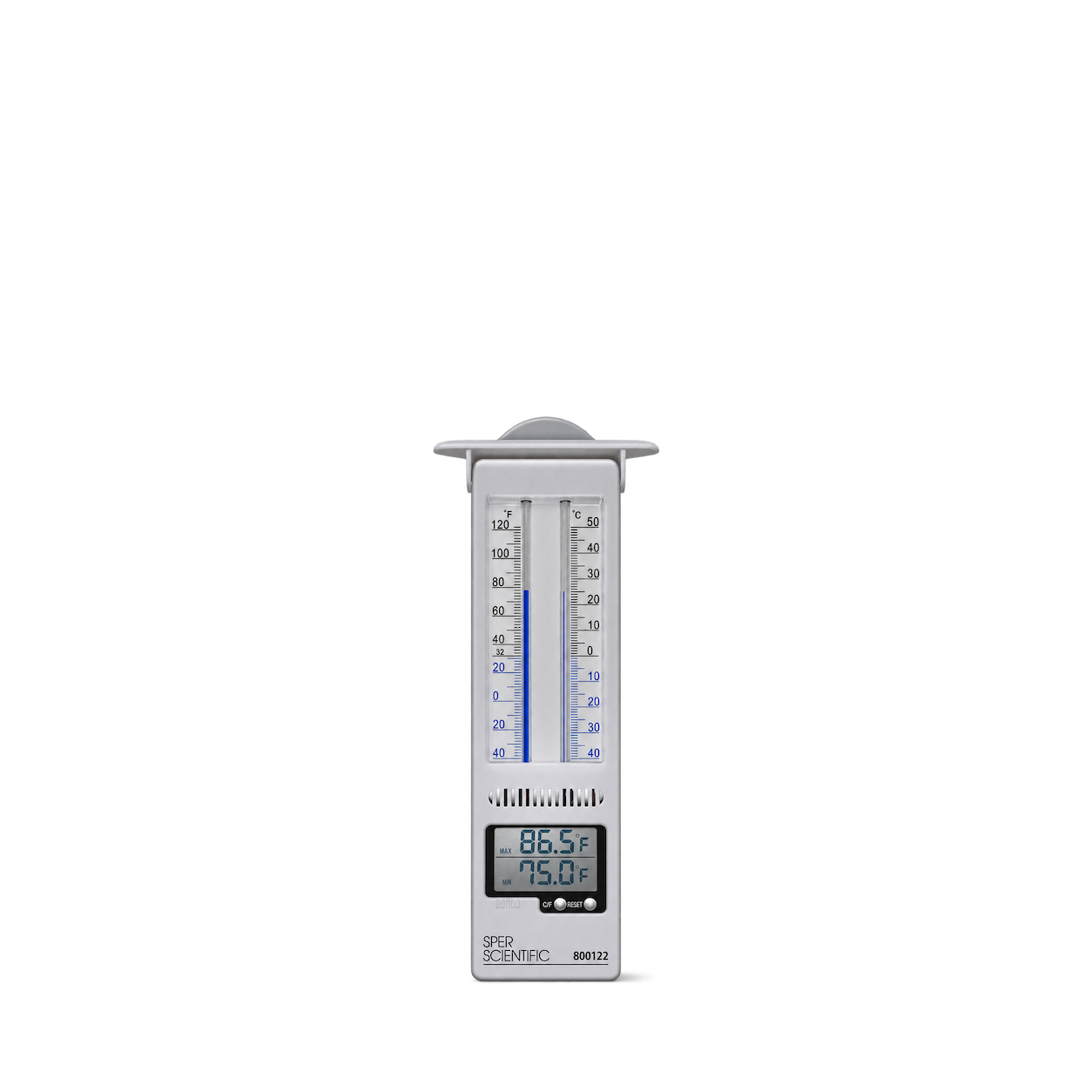
Sper Scientific
Analog + Digital Mercury-Free Min/Max Thermometer
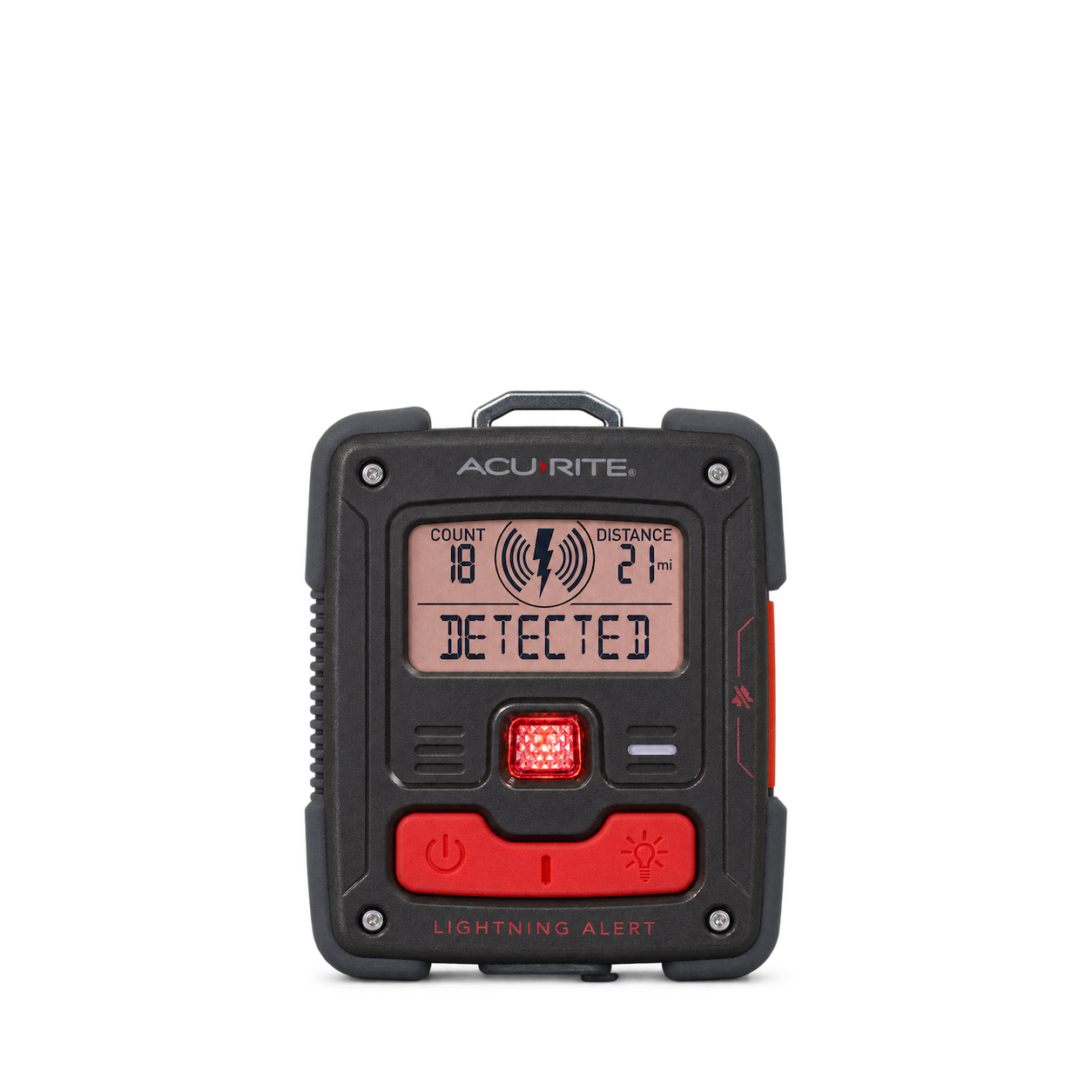
AcuRite
Portable Lightning Detector
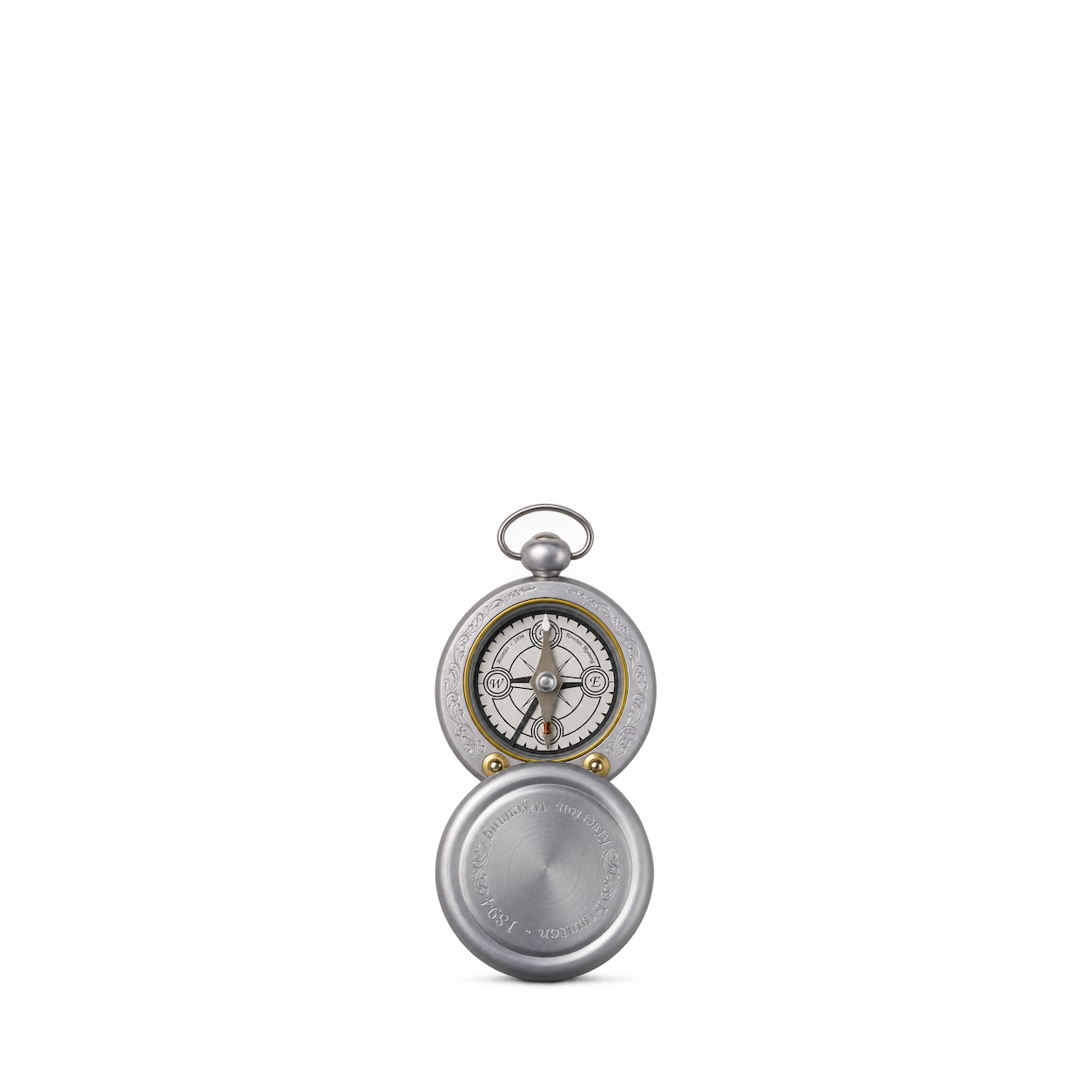
Brunton
Vintage Pocket Compass
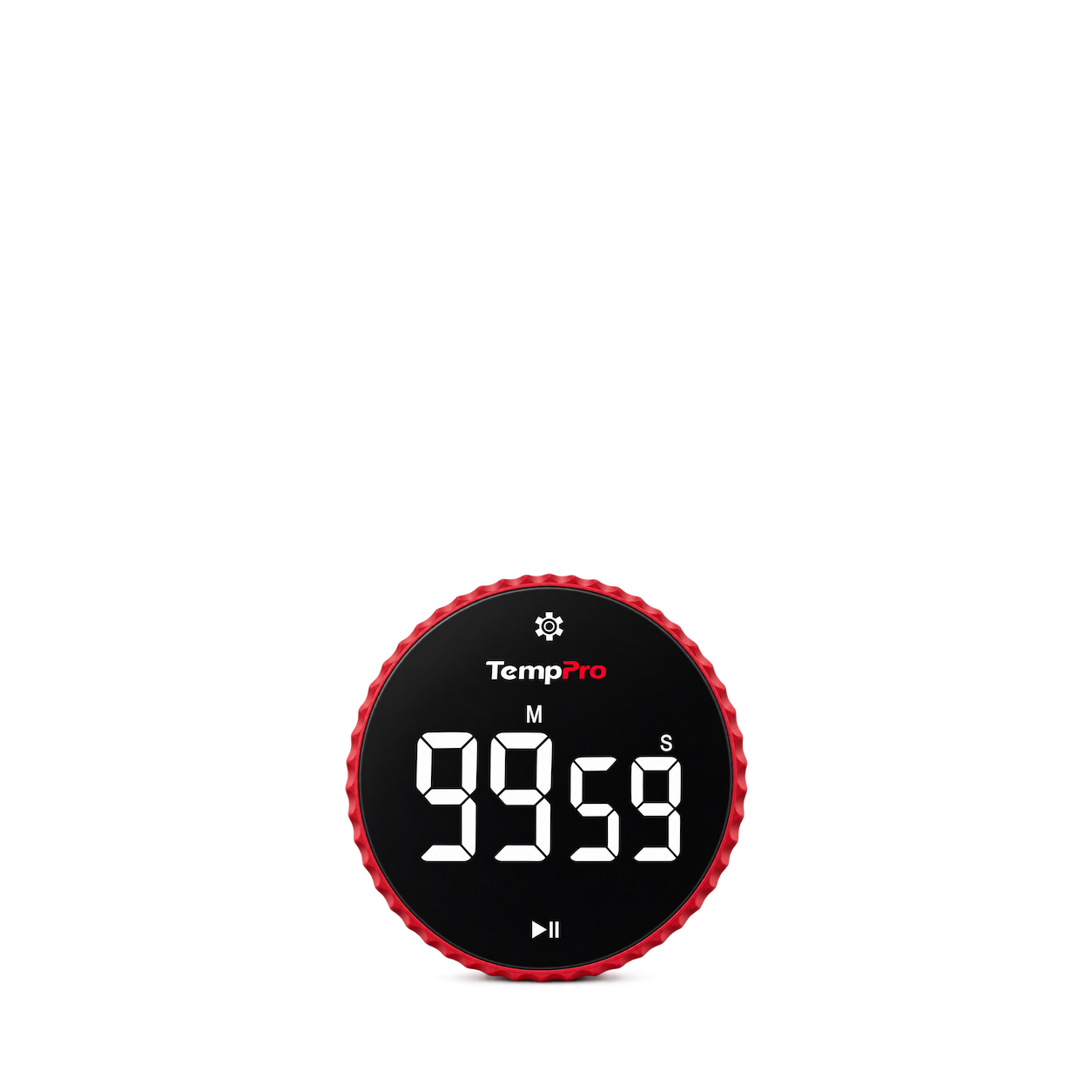
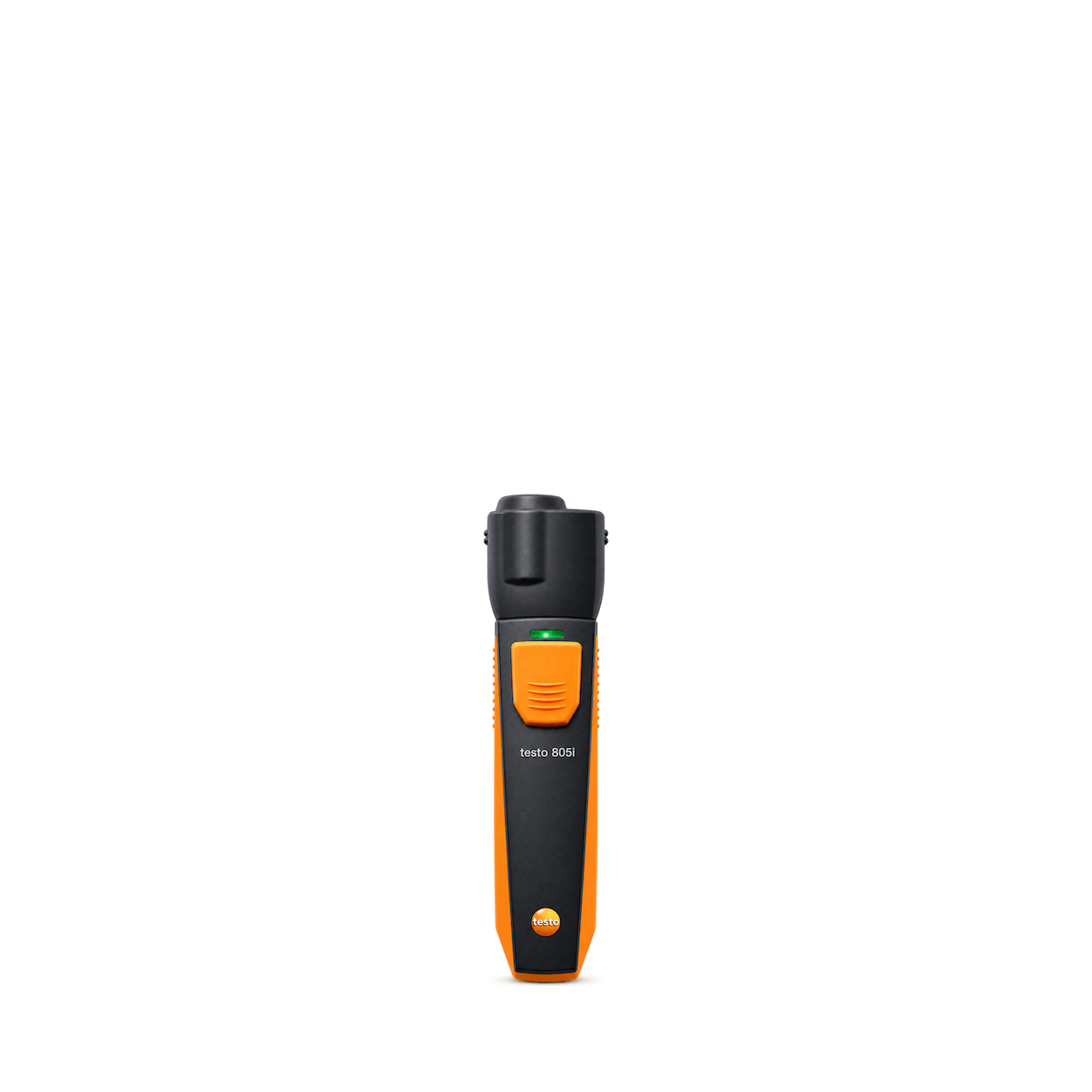
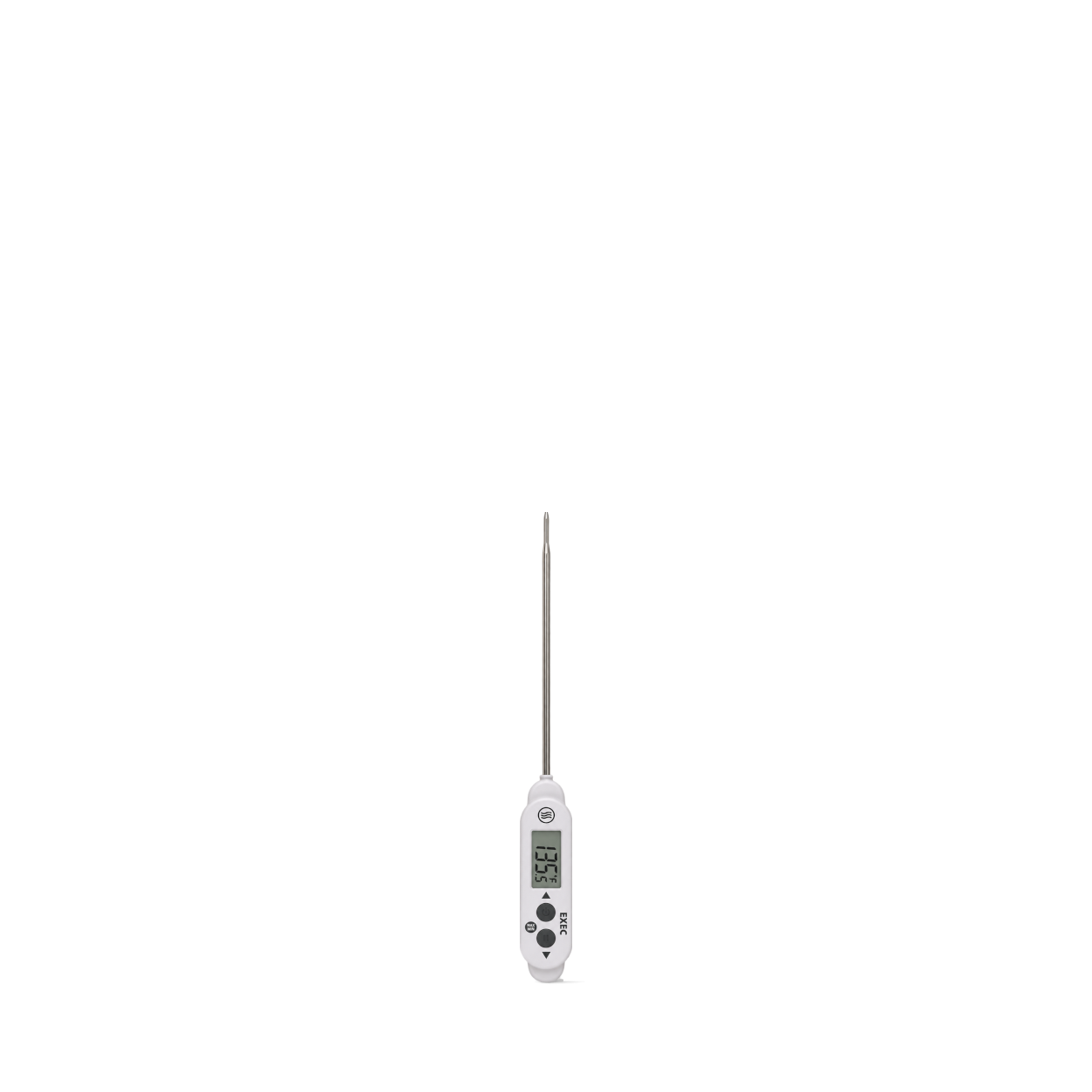
ThermoWorks
Executive Series® Thermometer · White / EXEC
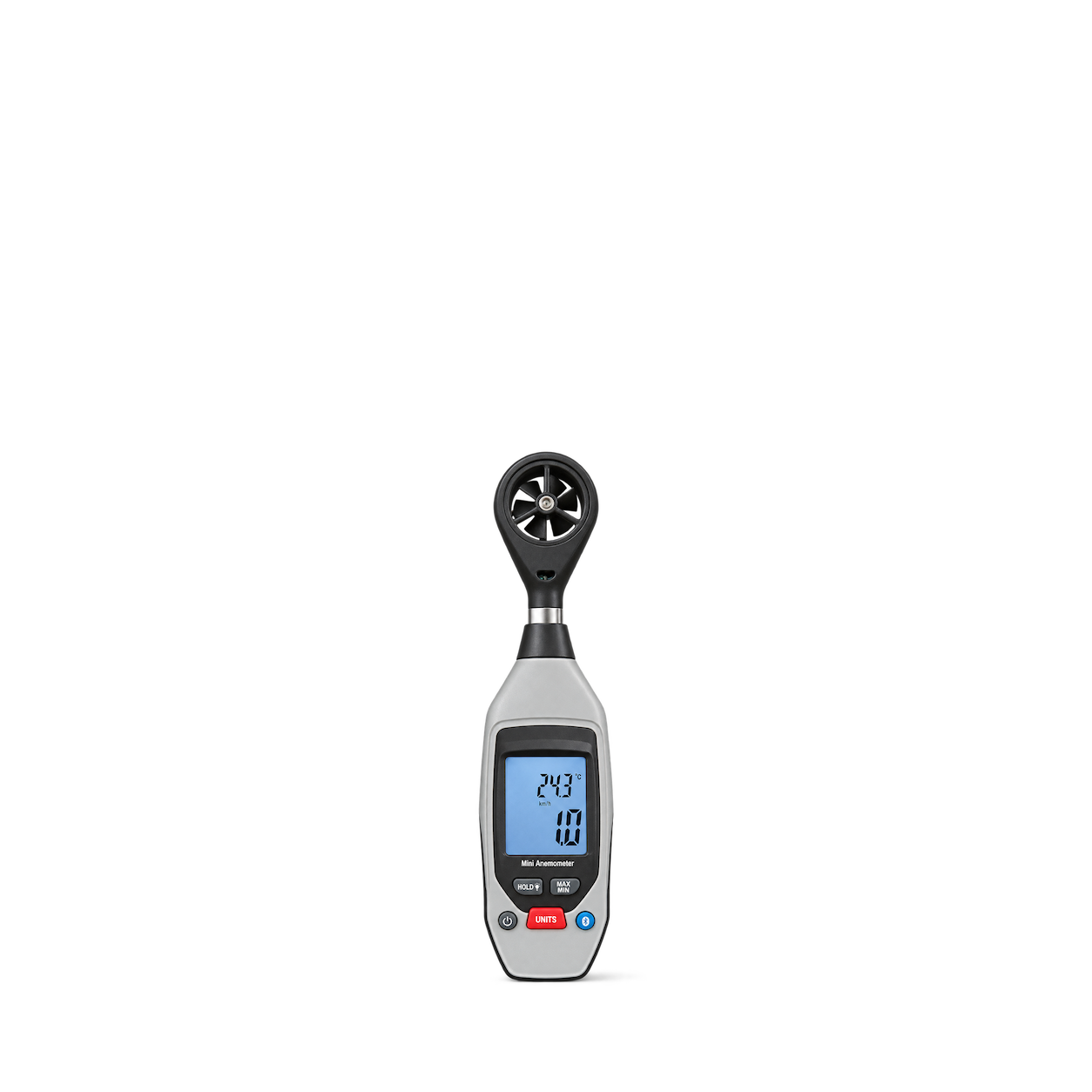
Sper Scientific
Bluetooth Anemometer
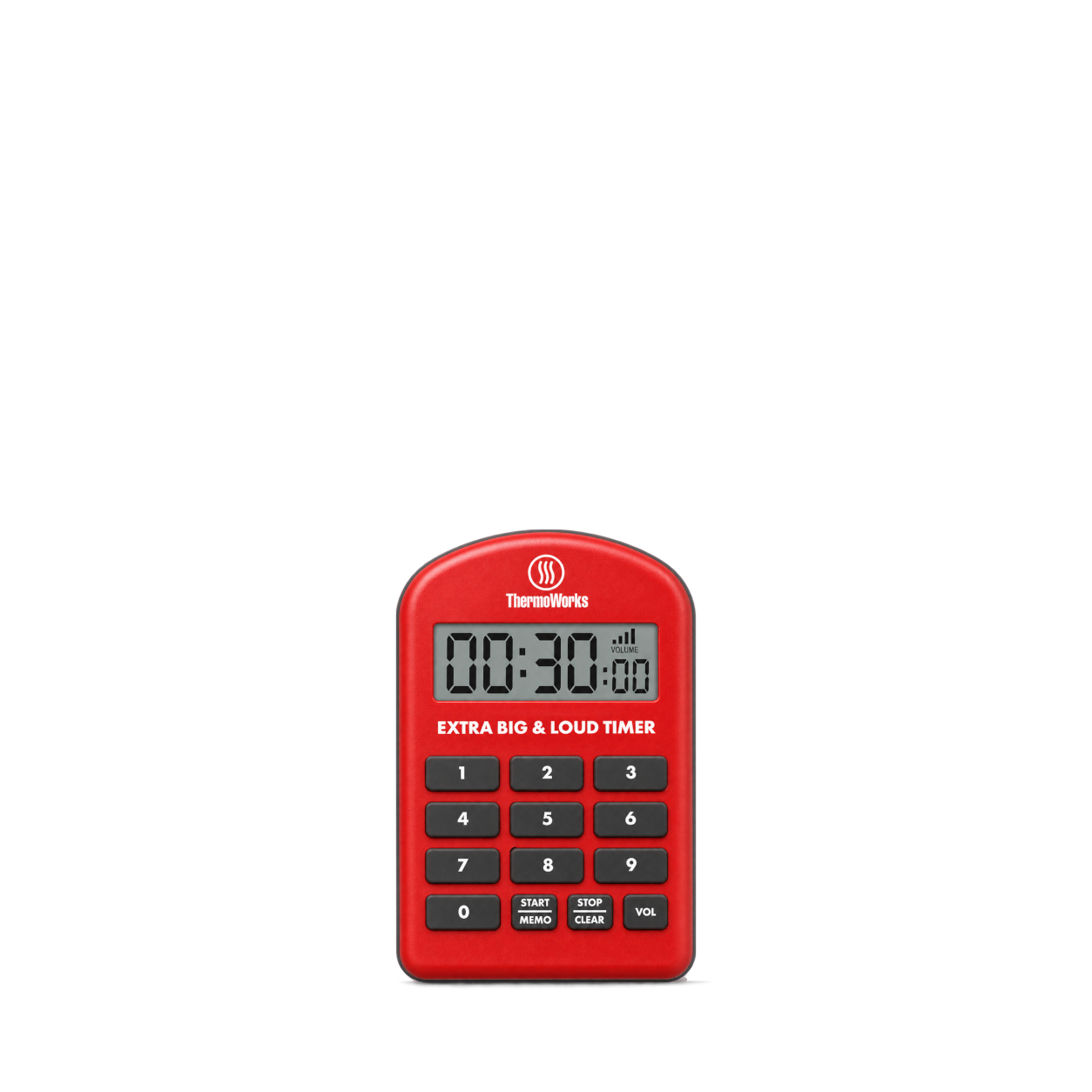
ThermoWorks
Extra Big & Loud Timer · Red
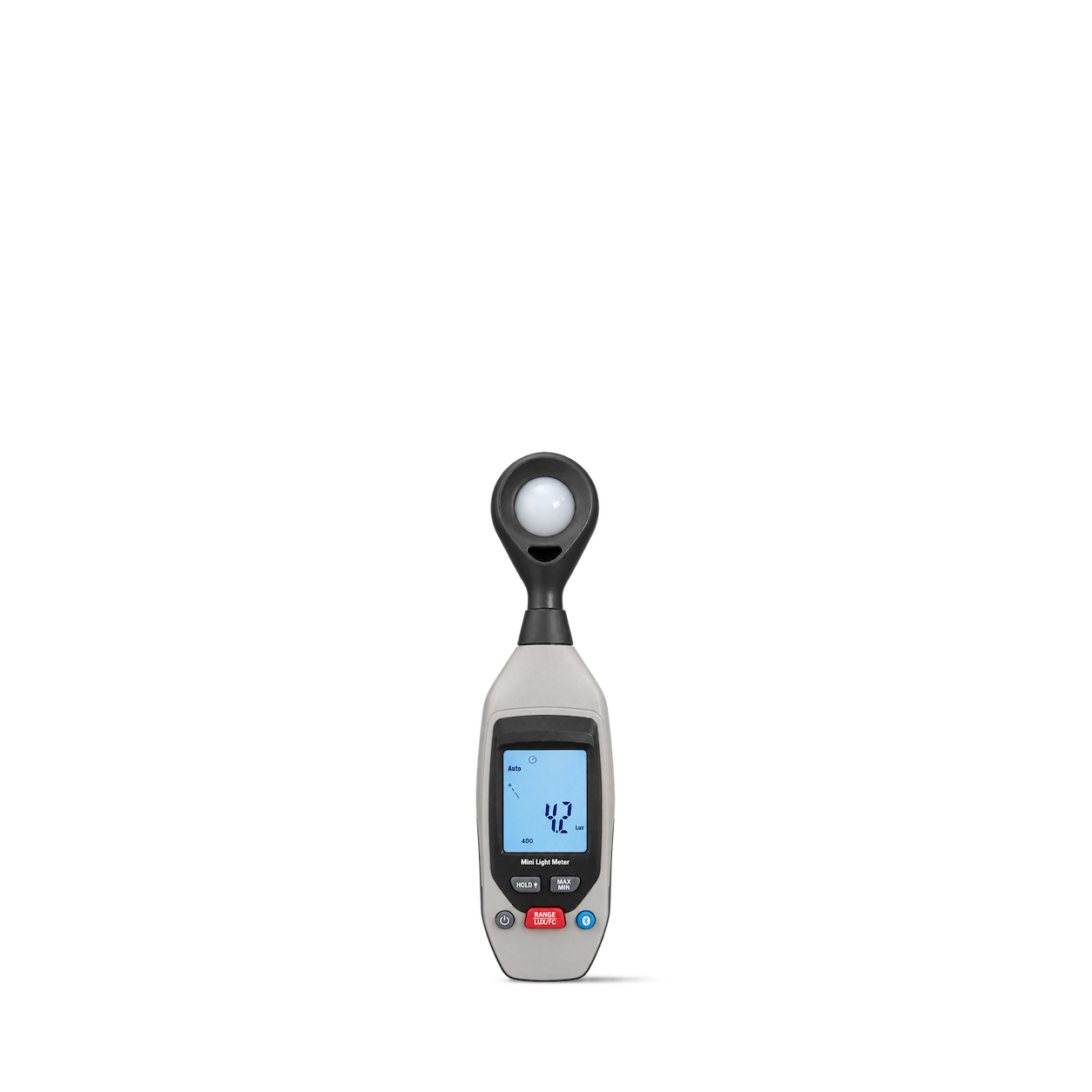
Sper Scientific
Bluetooth Light Meter
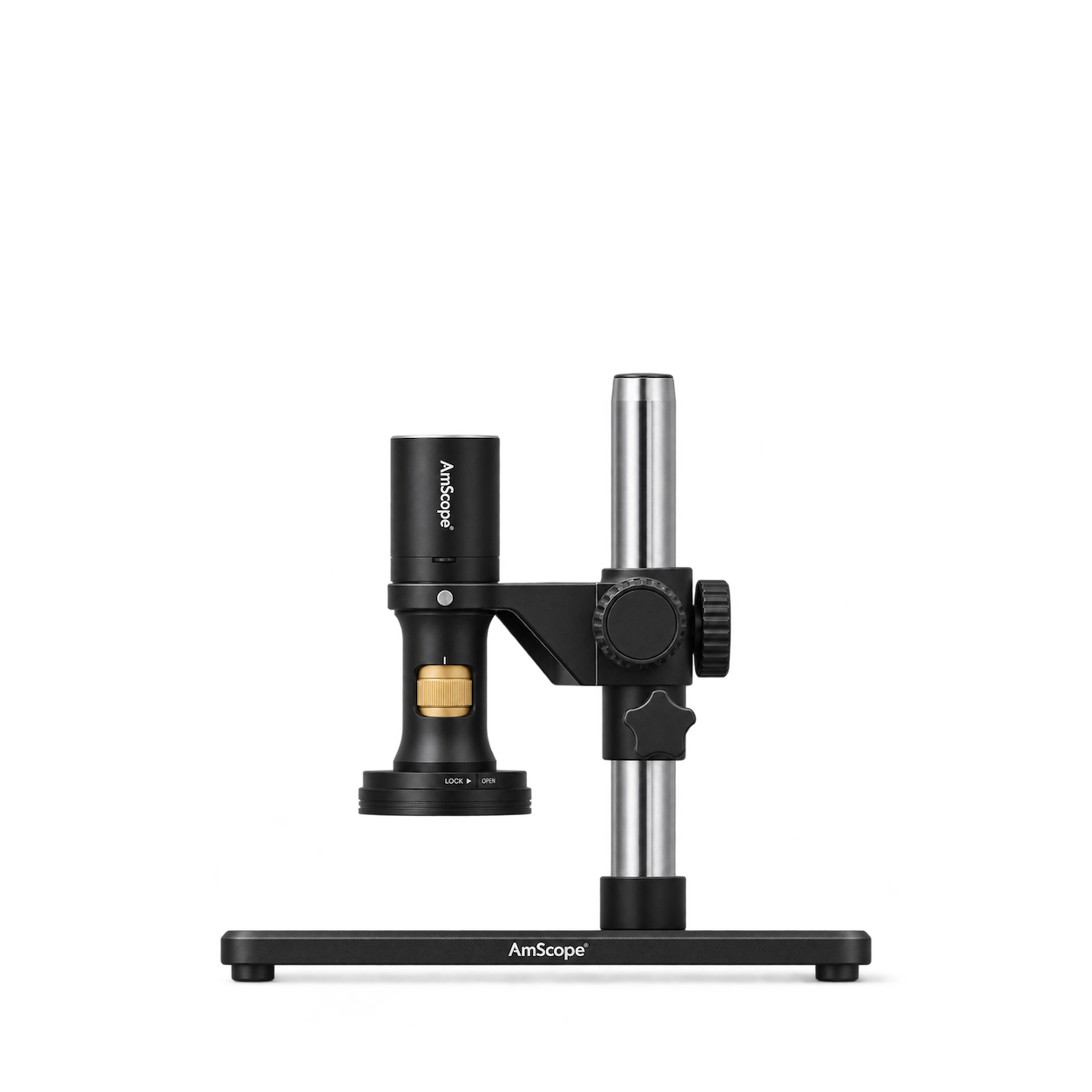
Sper Scientific
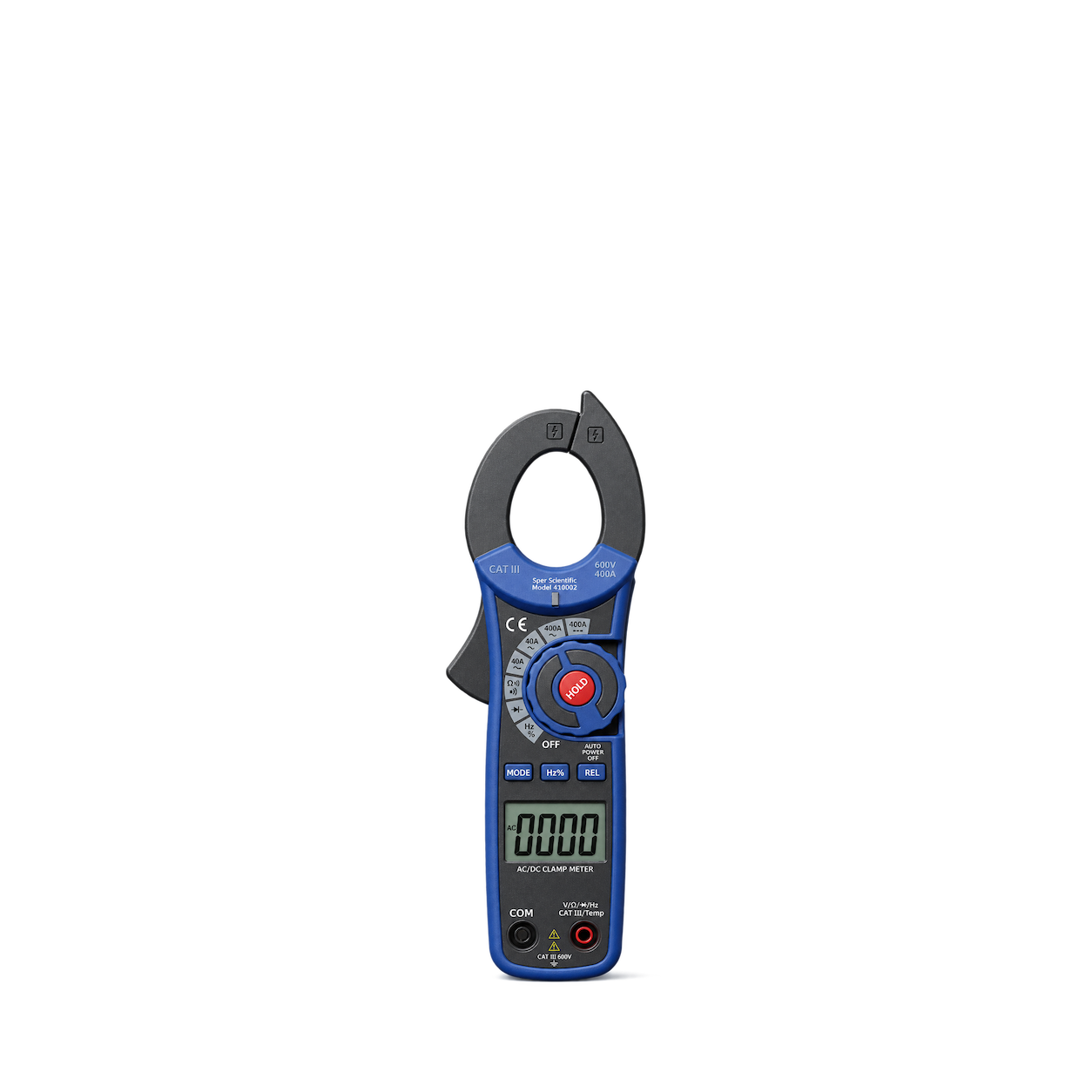
Compact AC/DC Auto Ranging Clamp Meter
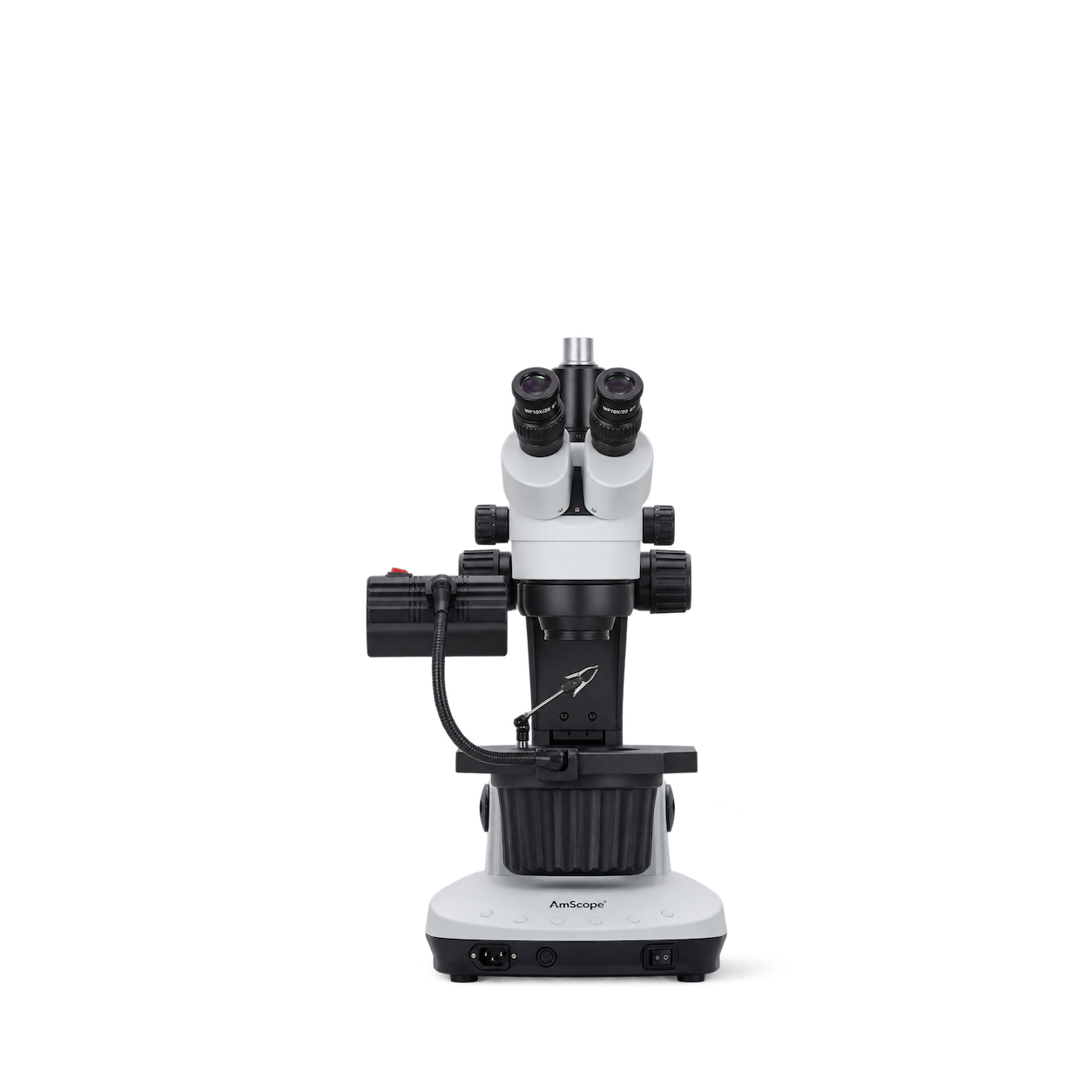
Sper Scientific
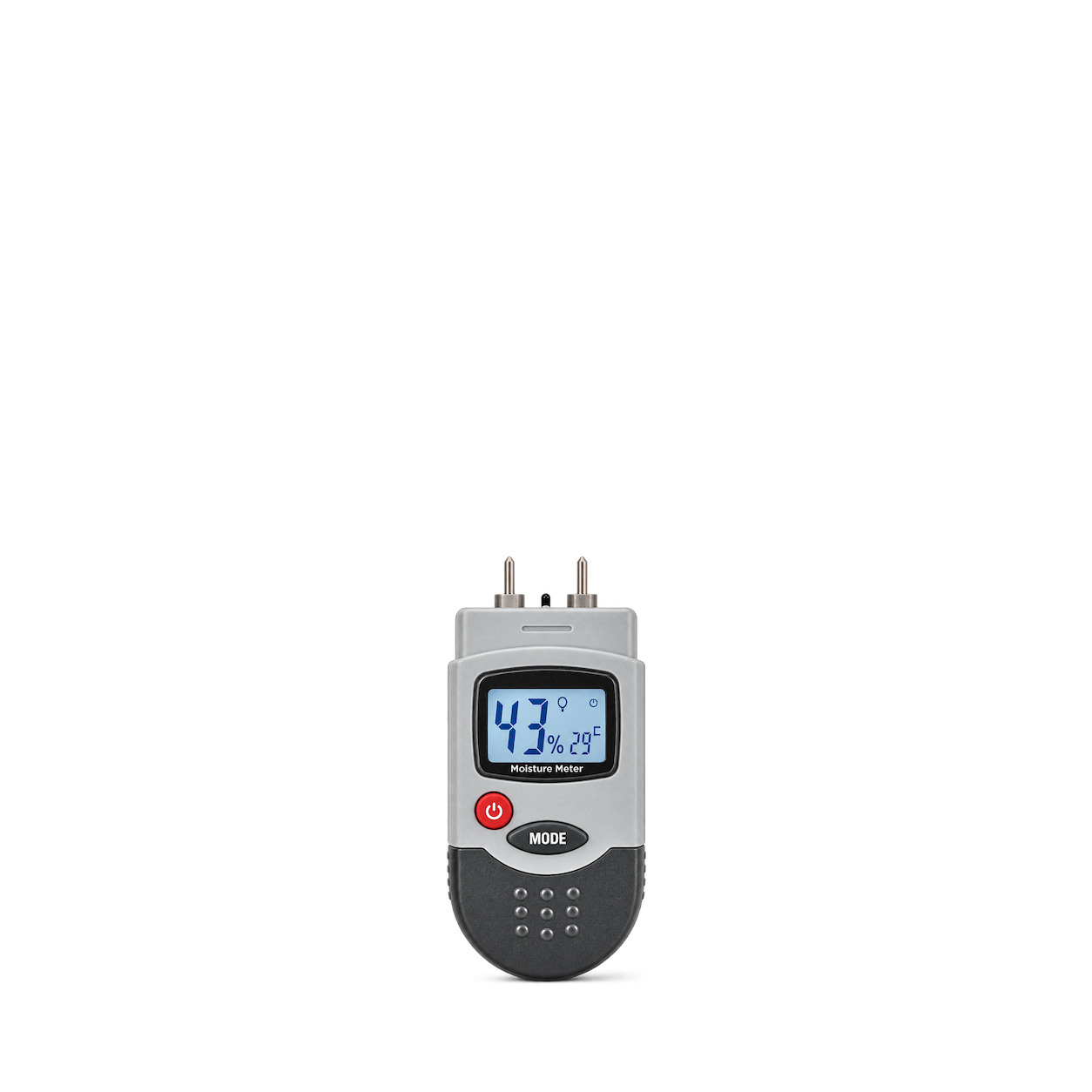
Compact Moisture Meter
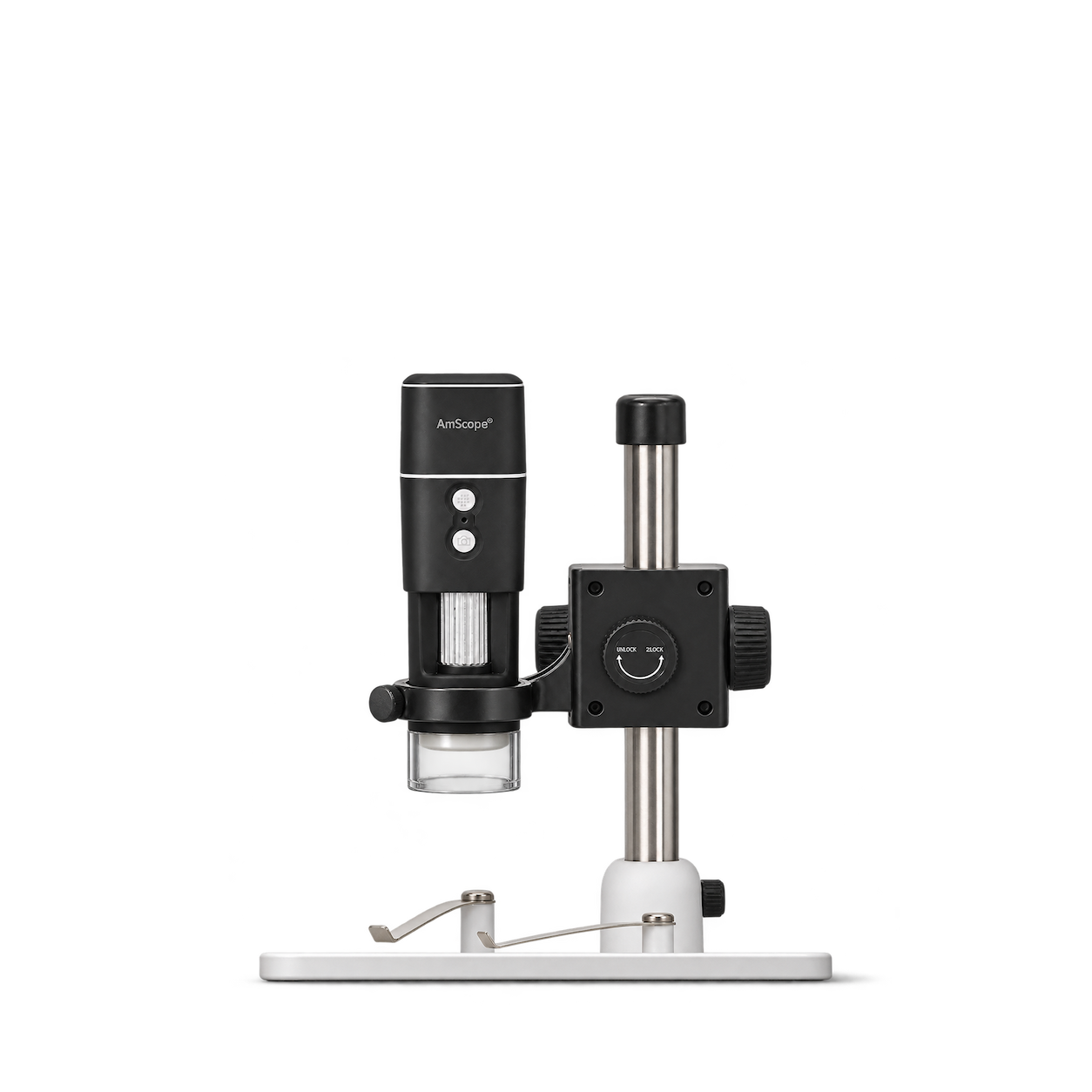
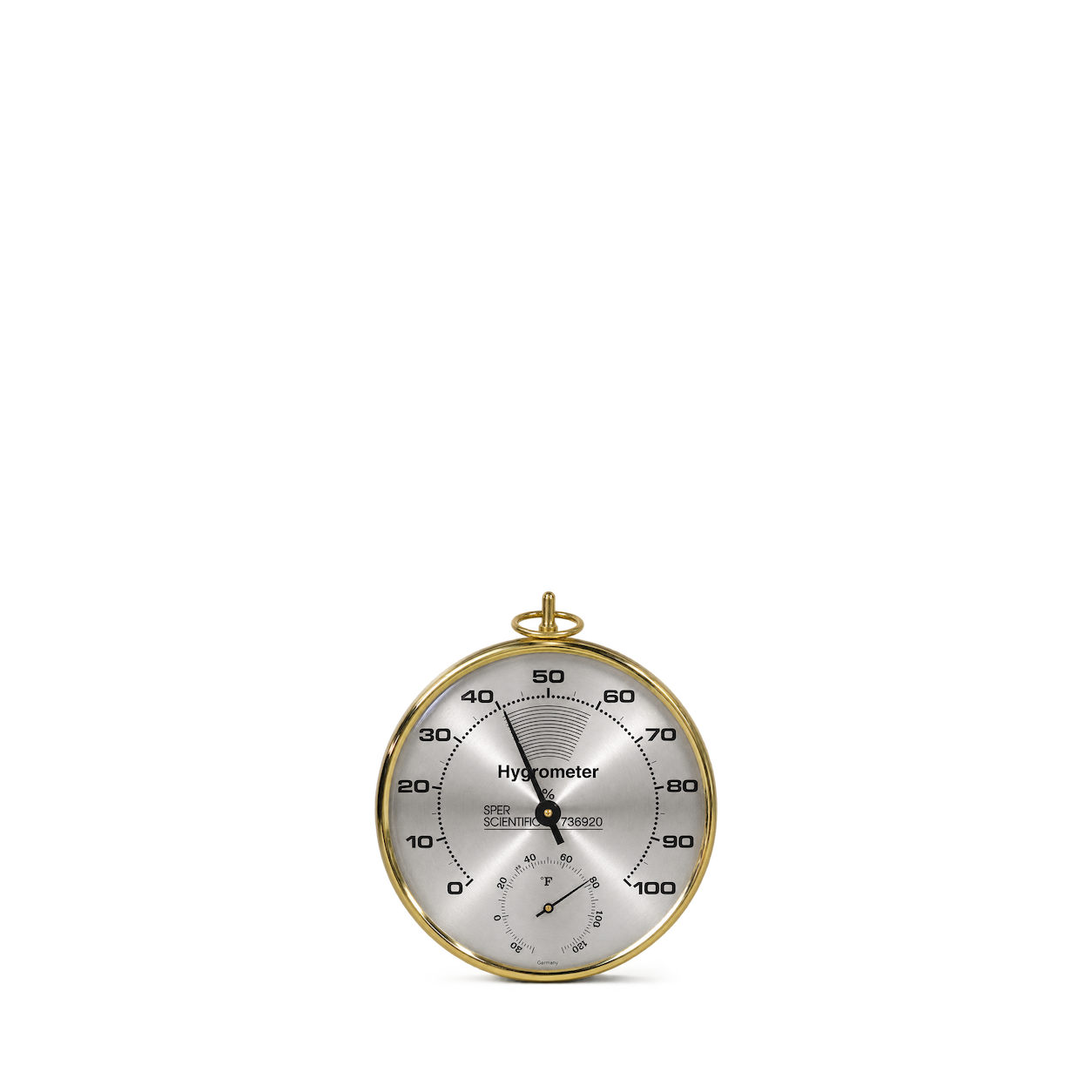
Sper Scientific
Dial Hygrometer / Thermometer
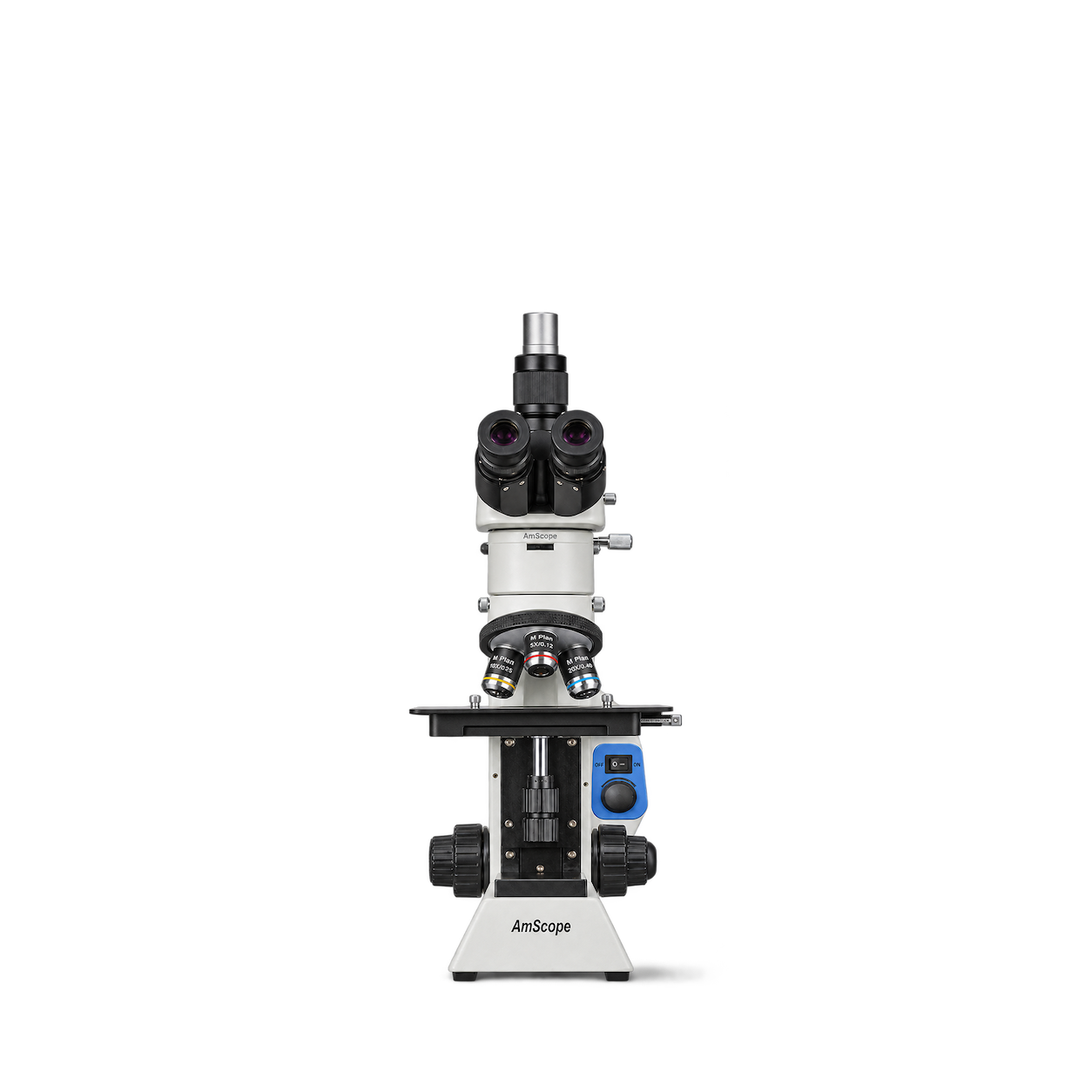
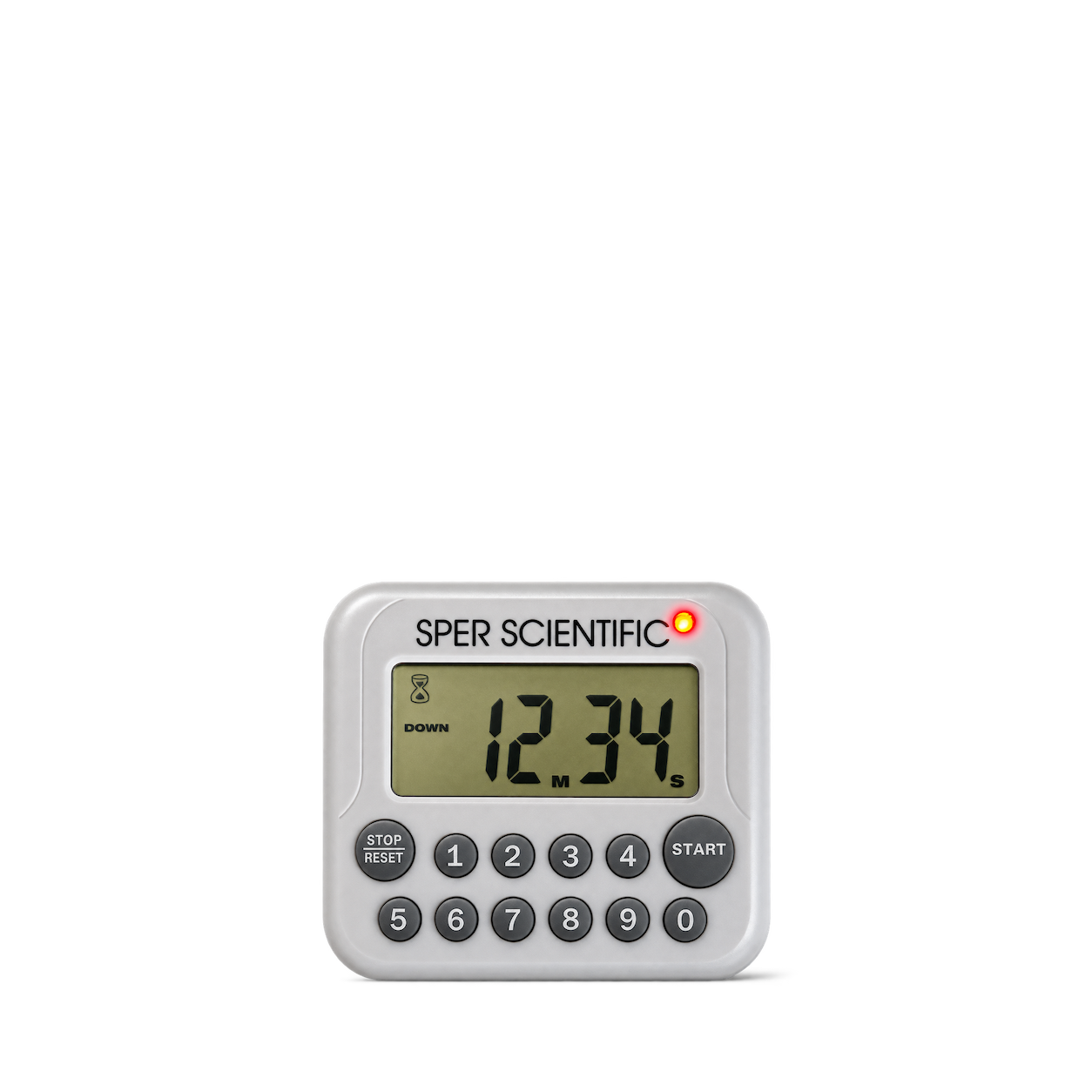
Sper Scientific
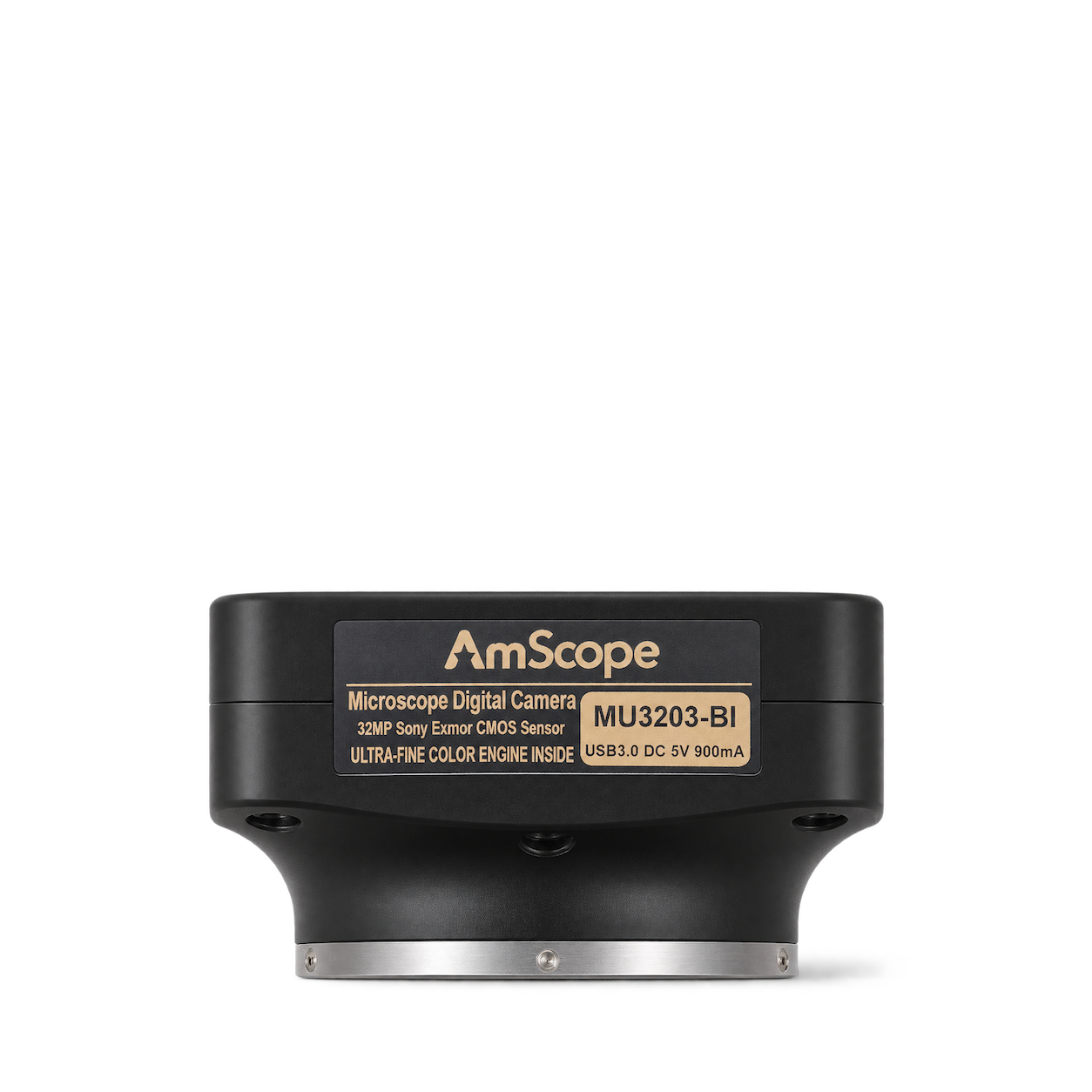
Digital Count Up/Down Timer with Audible & Visual Alarm
Sper Scientific
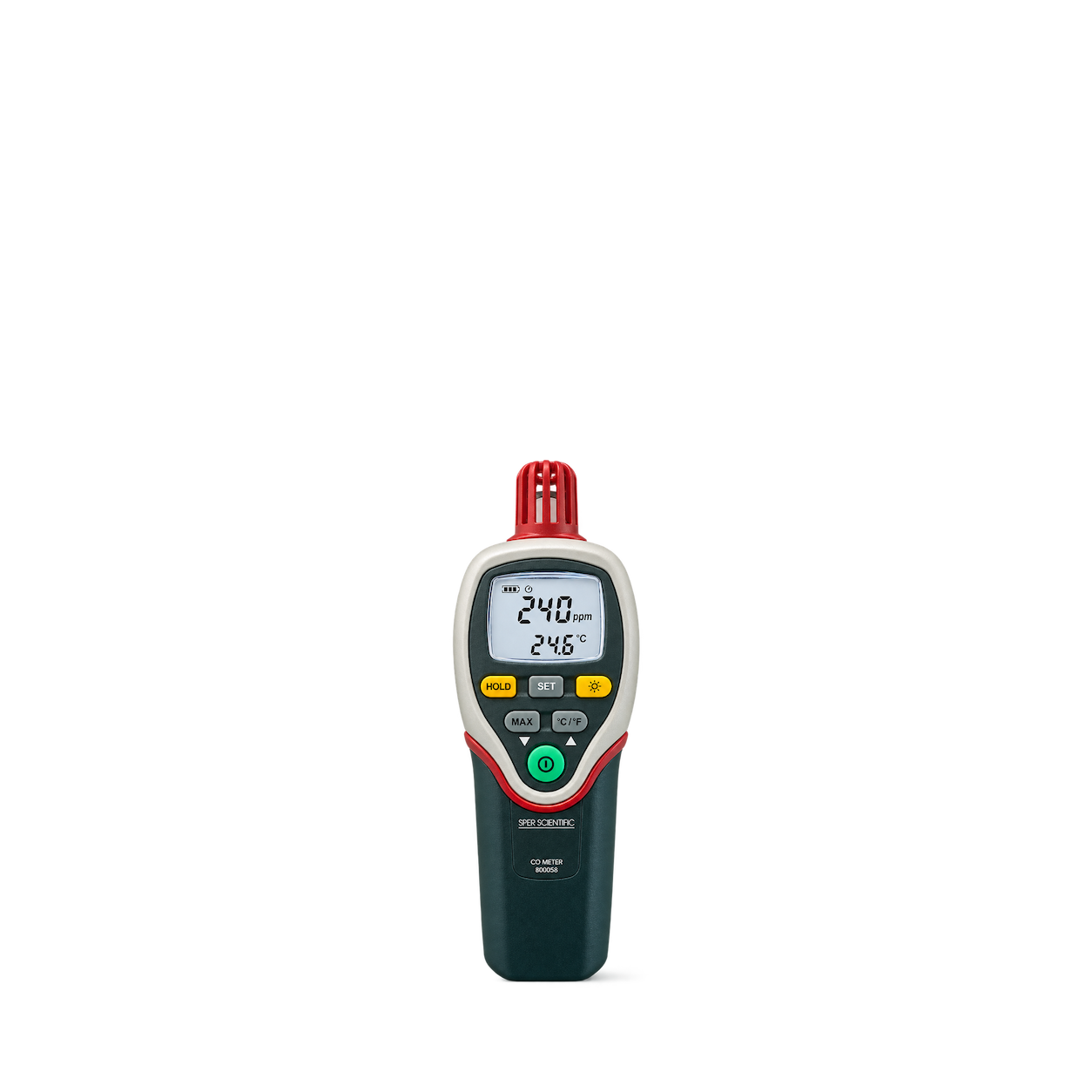
Handheld Carbon Monoxide Meter
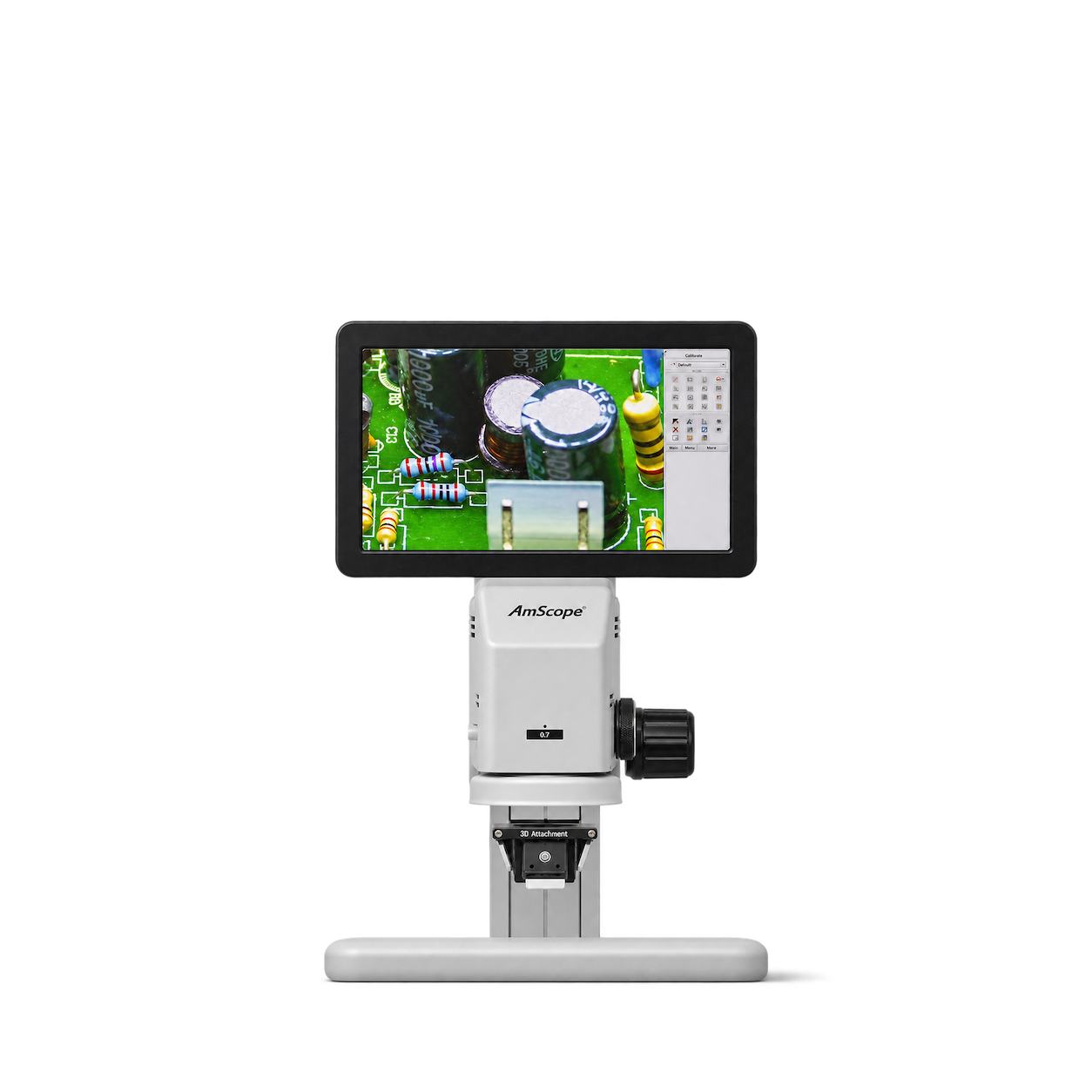
AmScope
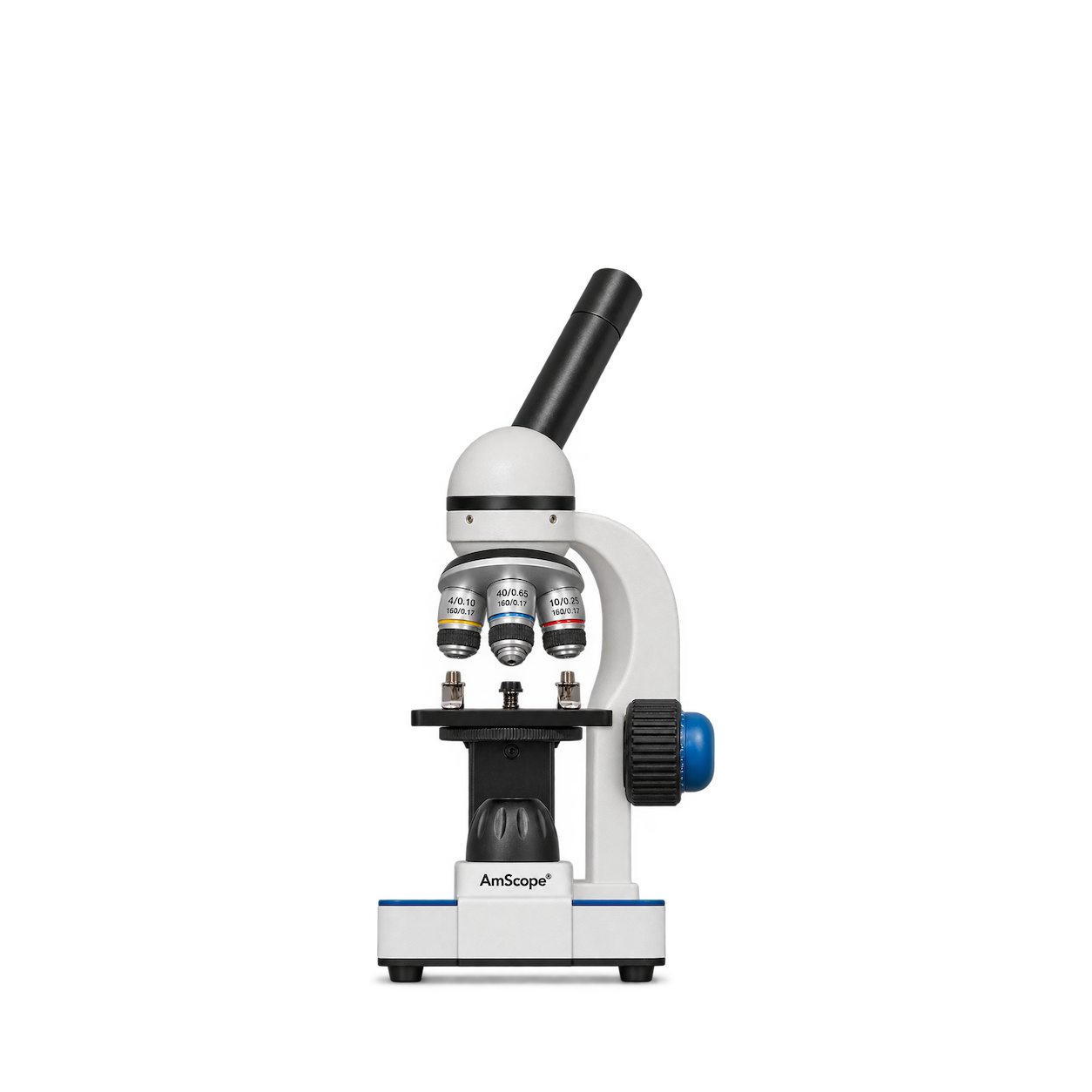
M150C-I Monocular Microscope
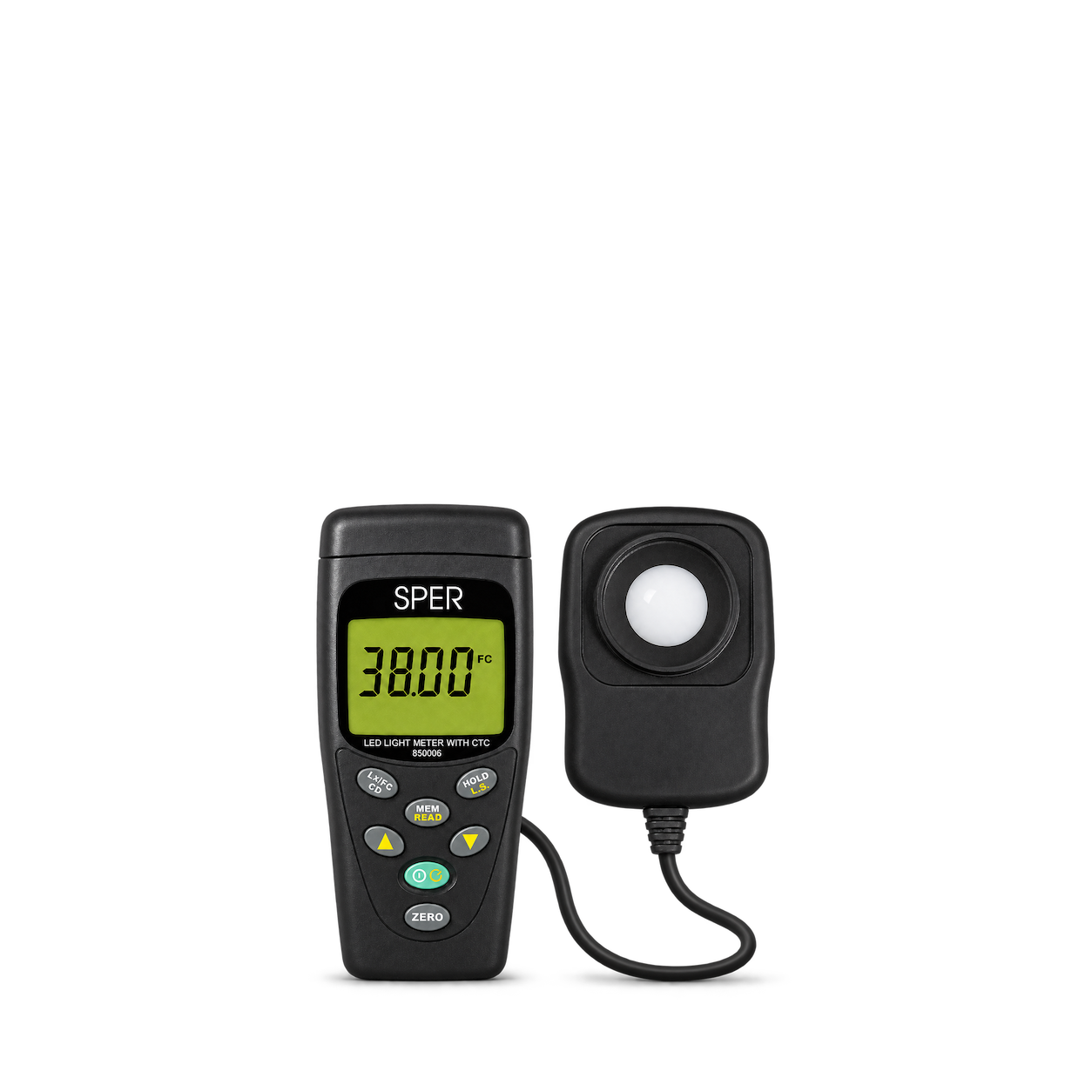
Sper Scientific
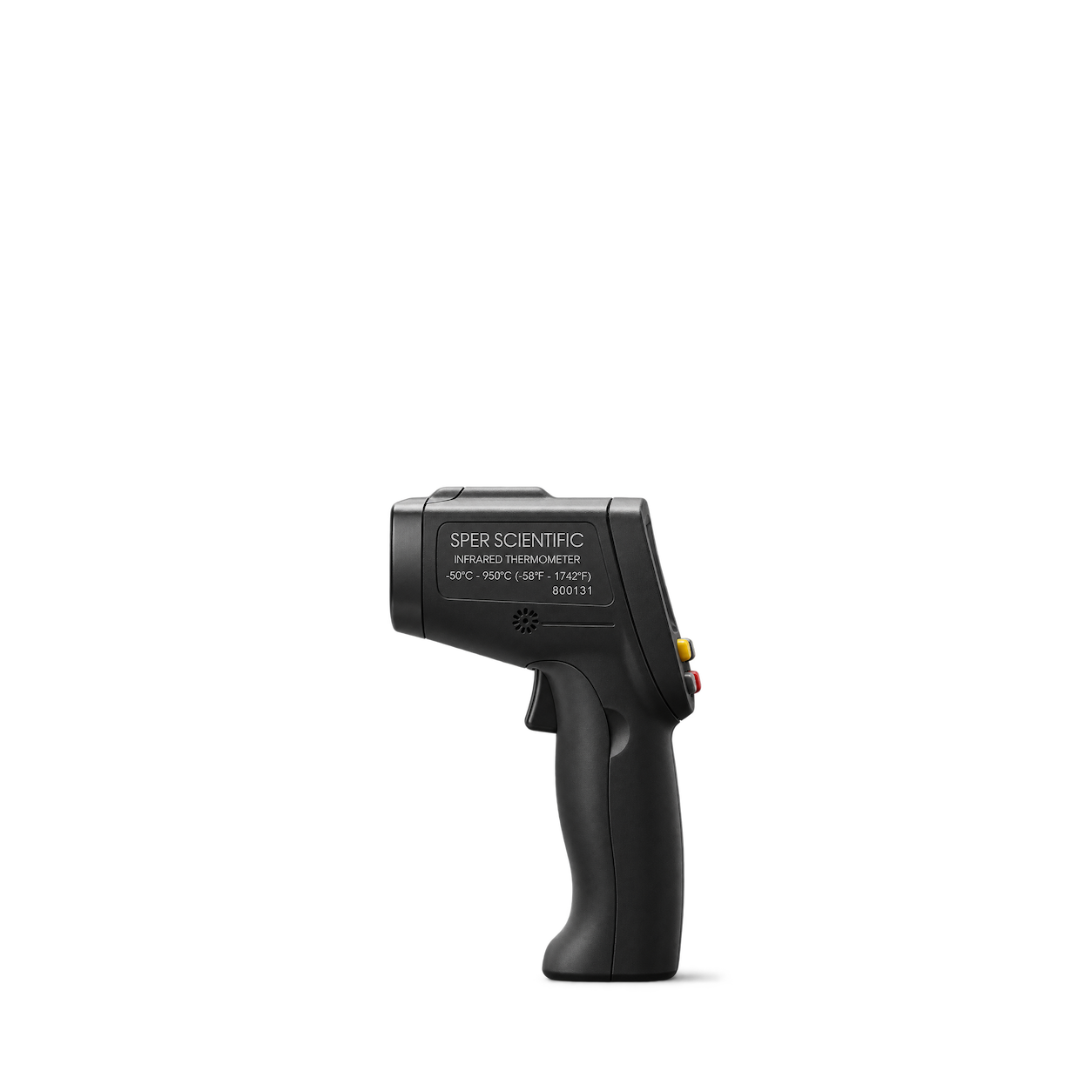
LED Light Meter with Color Temperature Compensation
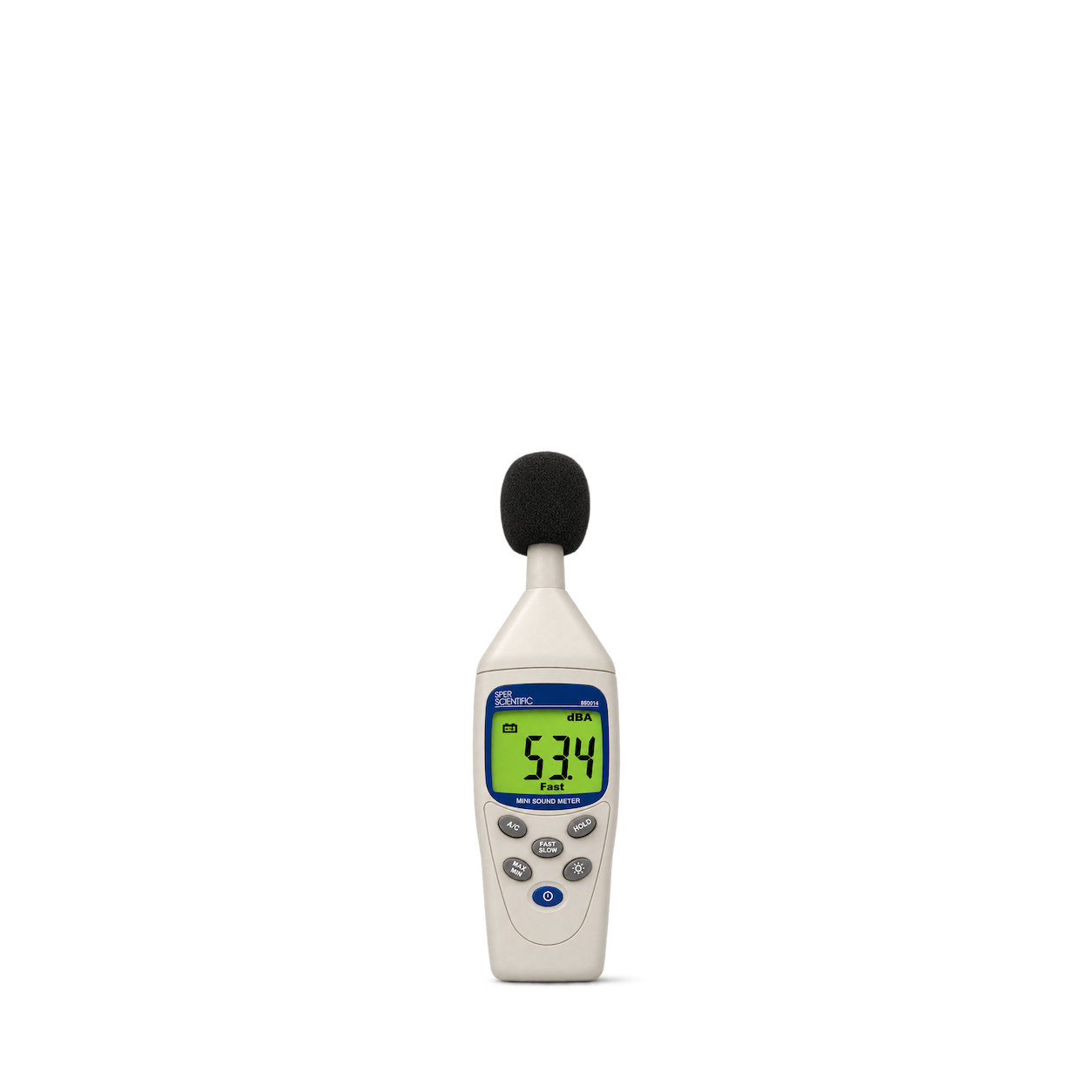
Sper Scientific
Mini Sound Meter
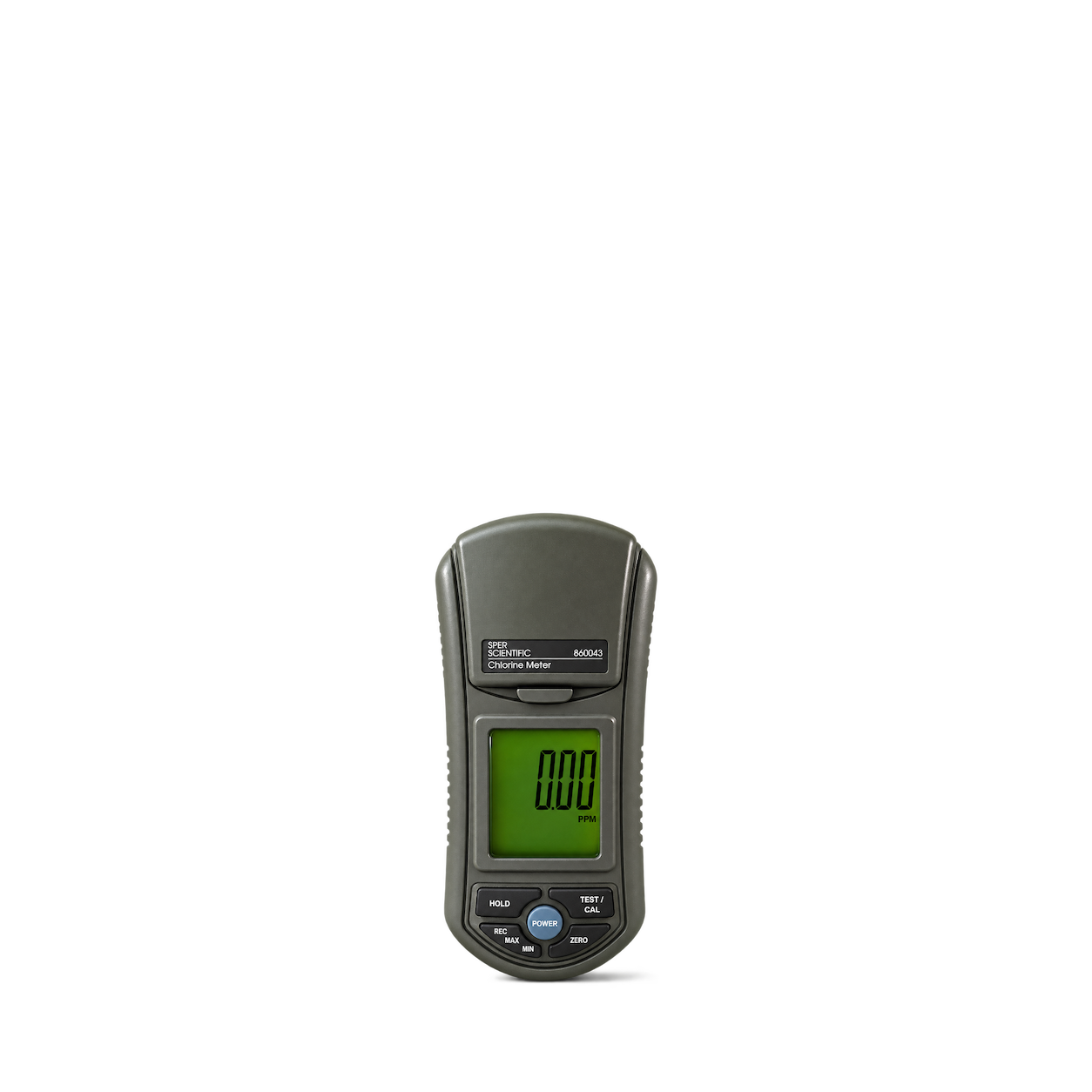
Sper Scientific
Portable Digital Chlorine Meter with Large LCD Display
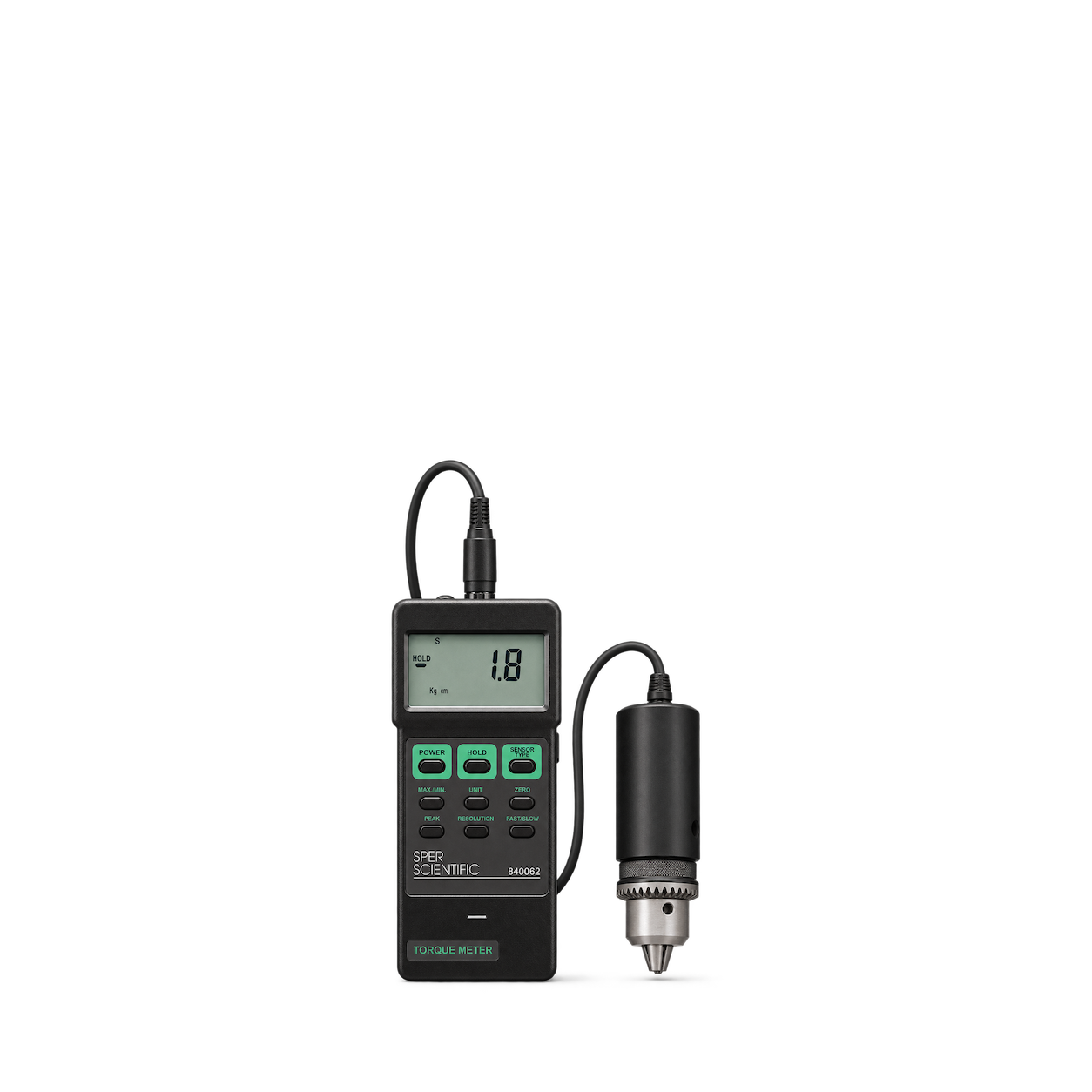
Sper Scientific
Portable Handheld Torque Meter
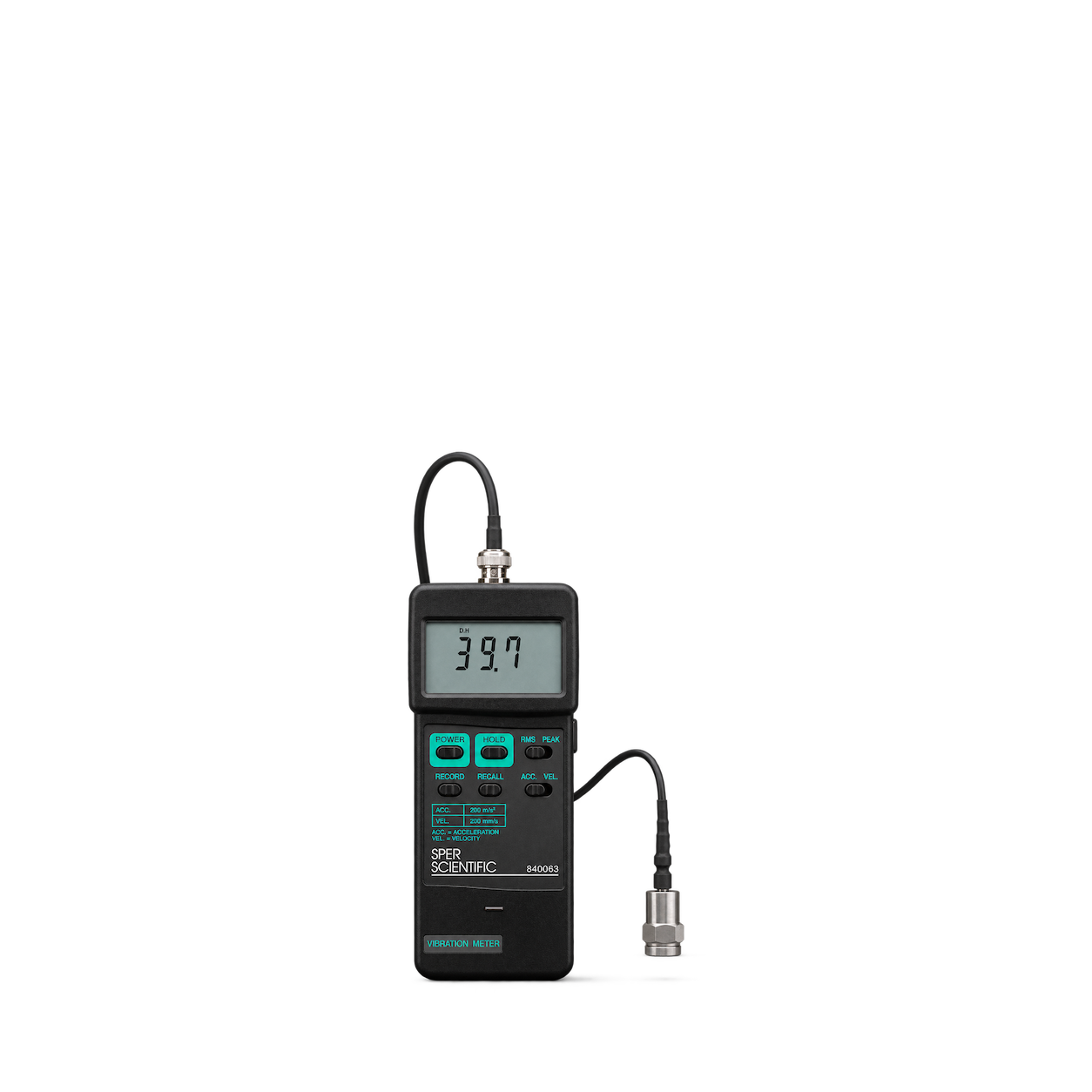
Sper Scientific
Portable Handheld Vibration Meter
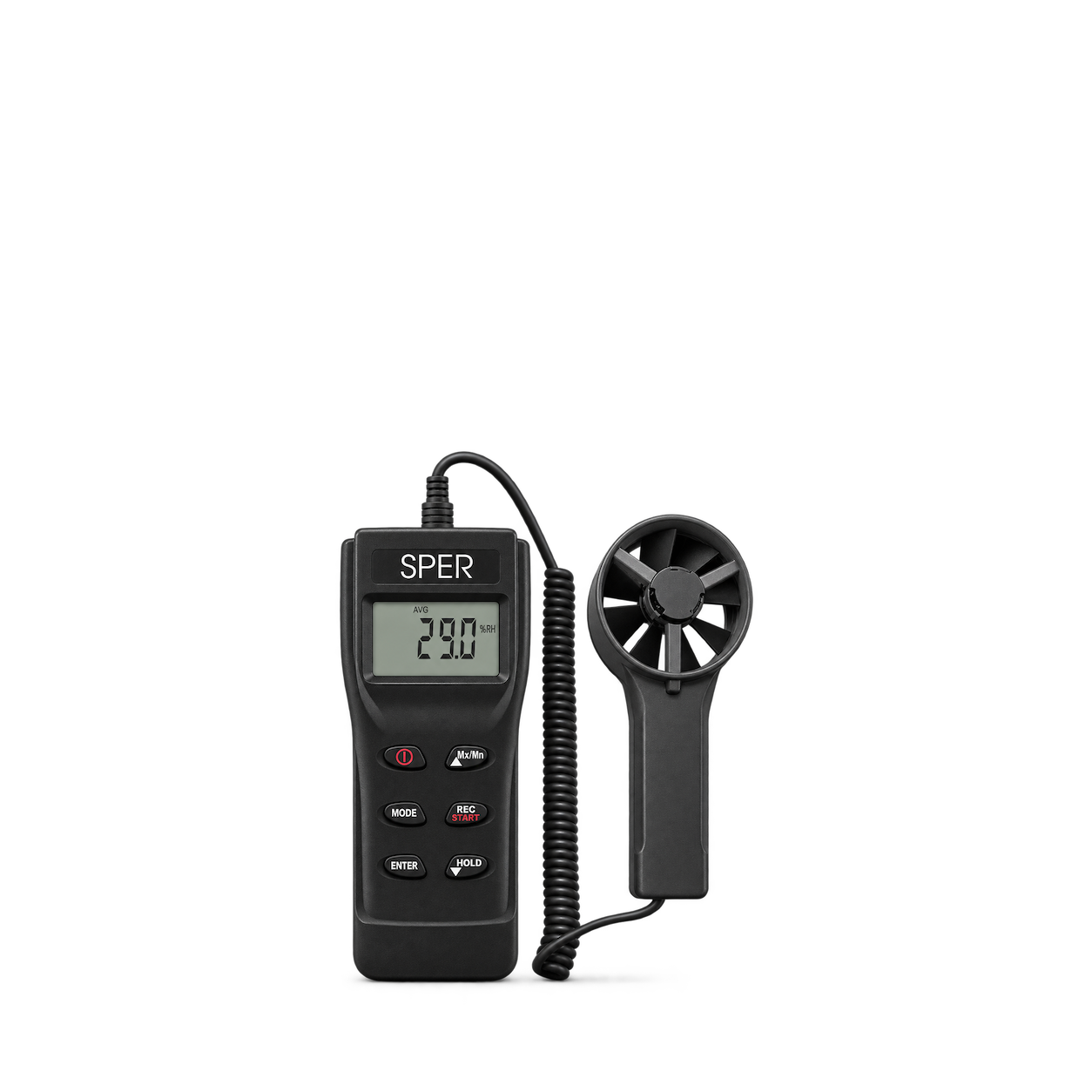
Sper Scientific
Psychrometer / Anemometer
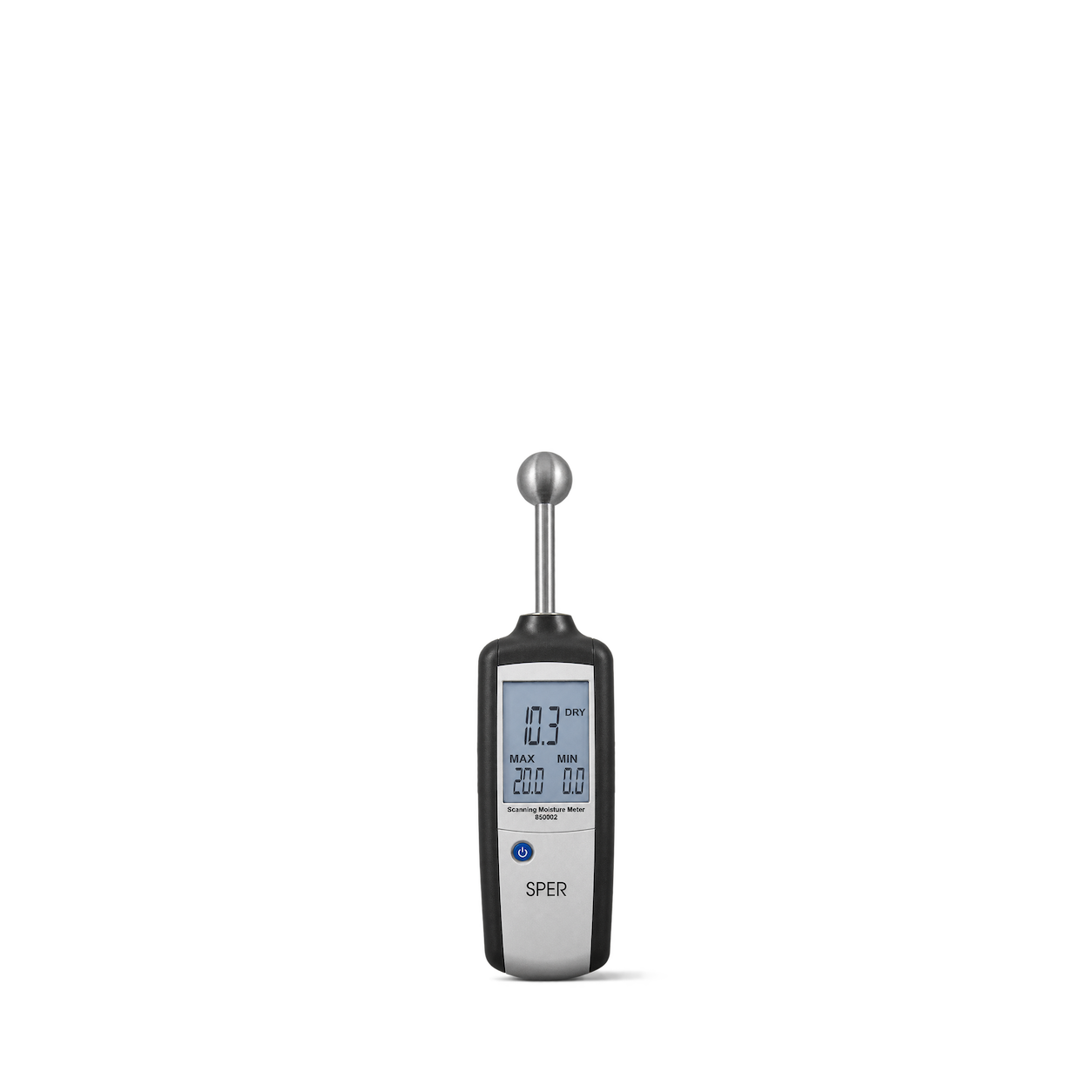
Sper Scientific
Scanning Moisture Meter
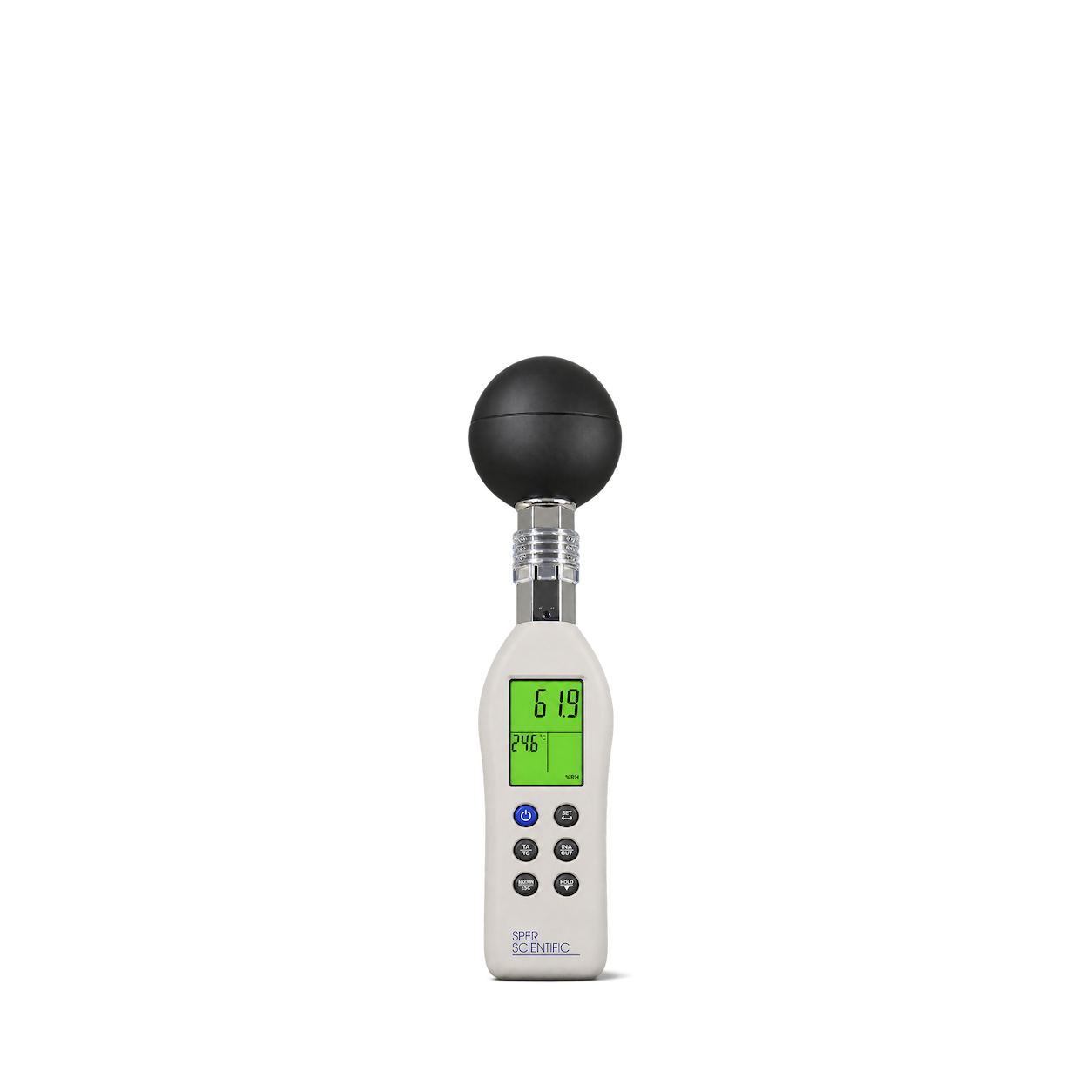
Sper Scientific
Wet Bulb Globe Heat Stress Meter with Color Coded Display
No matches, yet.
Try another brand or product, or give your filters a little room.
Showing 87 of 87
Browse the archiveAll collections
Browse by category


Bring the catalog into your app.
Connect for free to search product shots and get image URLs, dimensions, and source links.
Developer guide
Use with


FAQs
A few things you might be wondering.
Start here. No technical background needed.
What is Shelfhelp?
Shelfhelp is a library of product images for websites, apps, and designs. Find an image yourself, or connect your AI building tool so it can find and use images while you work.
Am I buying the products shown here?
You’re getting images of the products. Shelfhelp doesn’t sell or ship the physical items. Product source links take you to the brand or retailer if you want to explore the actual product.
Is Shelfhelp free?
Yes. Browsing the library, downloading images, and connecting the MCP are free. You don’t need a Shelfhelp account or subscription. The building tool you use may have its own costs.
How do I download an image?
Open the product shot you want, choose Get free PNG, and enter your email. We’ll send you a link to download the original image file, which you can upload into your website builder or design tool.
Your download link is valid for seven days.
Why do you need my email?
We use your email to deliver the original image’s download link. Requesting an image does not subscribe you to marketing.
You don’t need to enter an email to browse the library or connect your builder through MCP.
What does “Connect the MCP” mean?
It means giving your AI building tool access to Shelfhelp’s image library. Once connected, you can ask it to find product shots and use them in your project.
MCP is simply the connection that lets the two tools work together.
How do I connect it to my builder?
Select Connect the MCP and copy the connection link. In your builder’s settings, look for an option to add an MCP server or custom connector, then paste the link.
The exact steps depend on your builder. Start with our connection guide.
Can I use Shelfhelp without MCP or coding?
Absolutely. You can browse the library, request an image by email, and upload the downloaded file into your project yourself.
The MCP connection is optional. To use it, your building tool needs to support connecting to a remote MCP server.
What should I ask my AI builder?
Start with something like:
“Find five skincare product shots from Shelfhelp and use them on my homepage.”
For a specific product, include the brand and product name. If the color, size, or flavor matters, include that too—and check that the selected image matches.
What will people see on my finished website?
They’ll see the product images your builder places in your design. Your builder controls the layout, colors, text, and interactions.
Connecting Shelfhelp alone doesn’t change your website. Your visitors don’t need to connect to Shelfhelp or understand MCP.
What if the image I want isn’t in the library?
Try searching by brand, product name, or a broader category. The MCP finds existing images; it doesn’t generate new ones.
If you need an exact product or version, check the result carefully before using it.
Can I use these images in a live store, client project, or ad?
Check the image’s usage rights and approval details first. Free access doesn’t automatically grant permission for every commercial use.
The library includes independent product studies, so a pictured brand doesn’t mean that brand approved the image. If permission is unclear, confirm it before publishing.