 Shelfhelp.ai





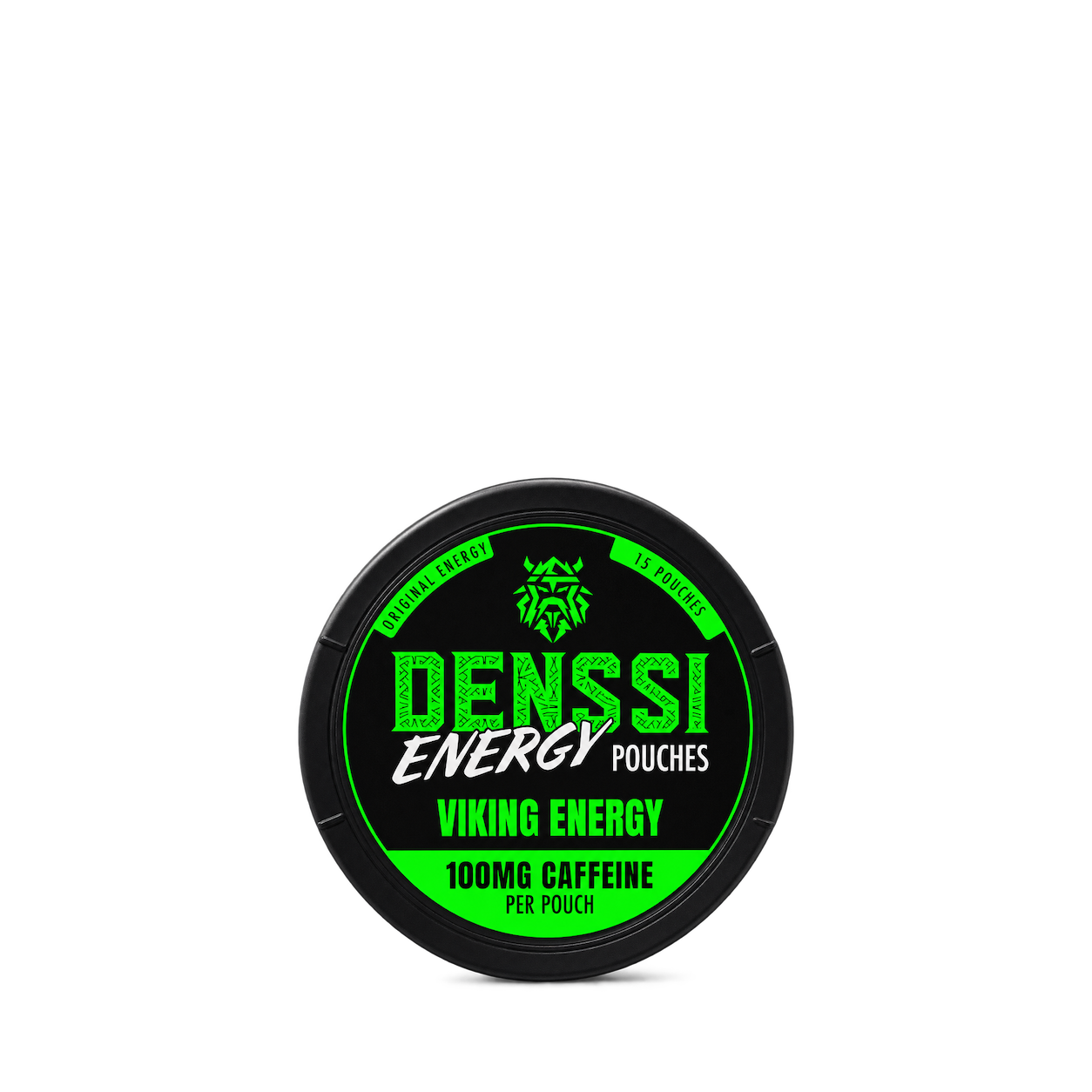


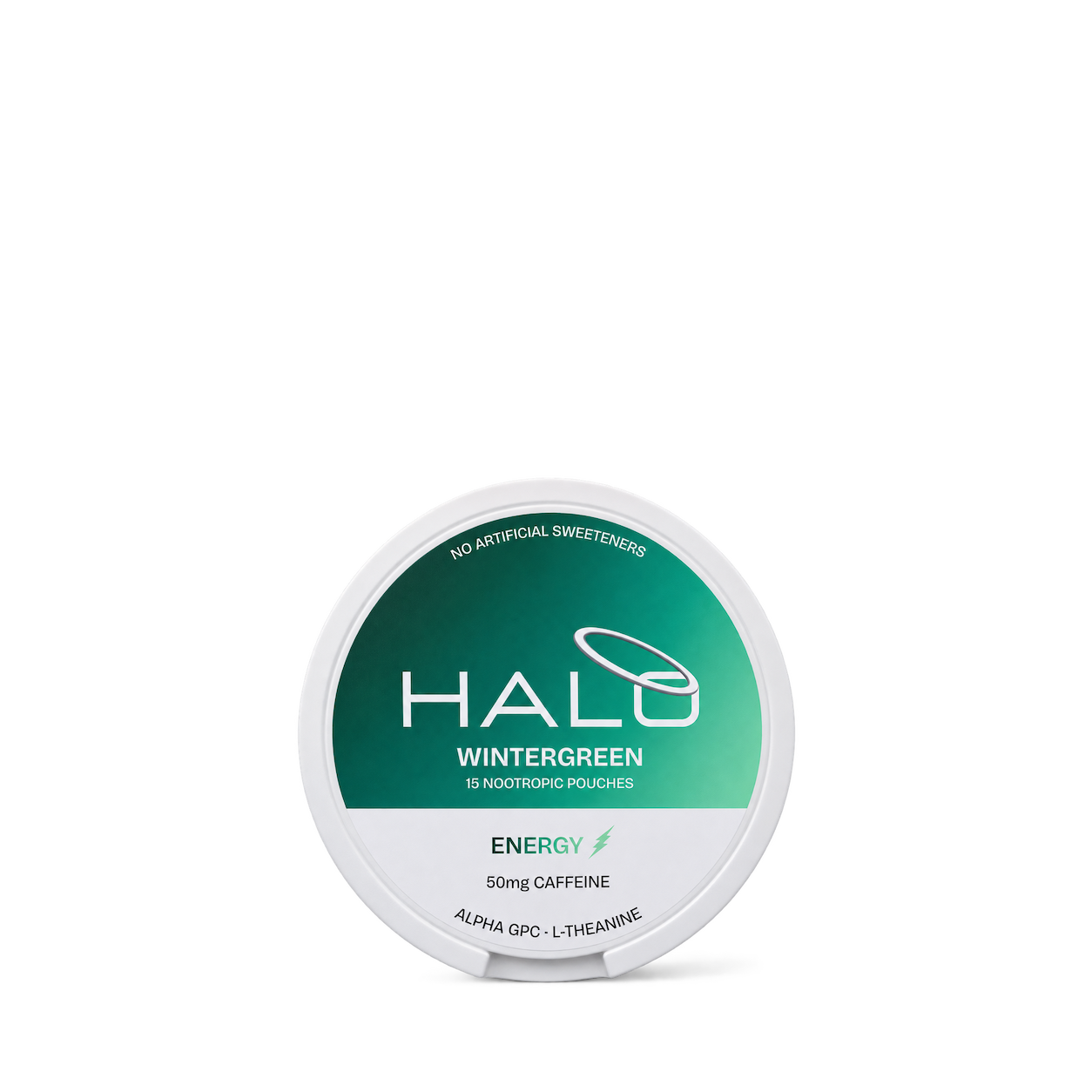
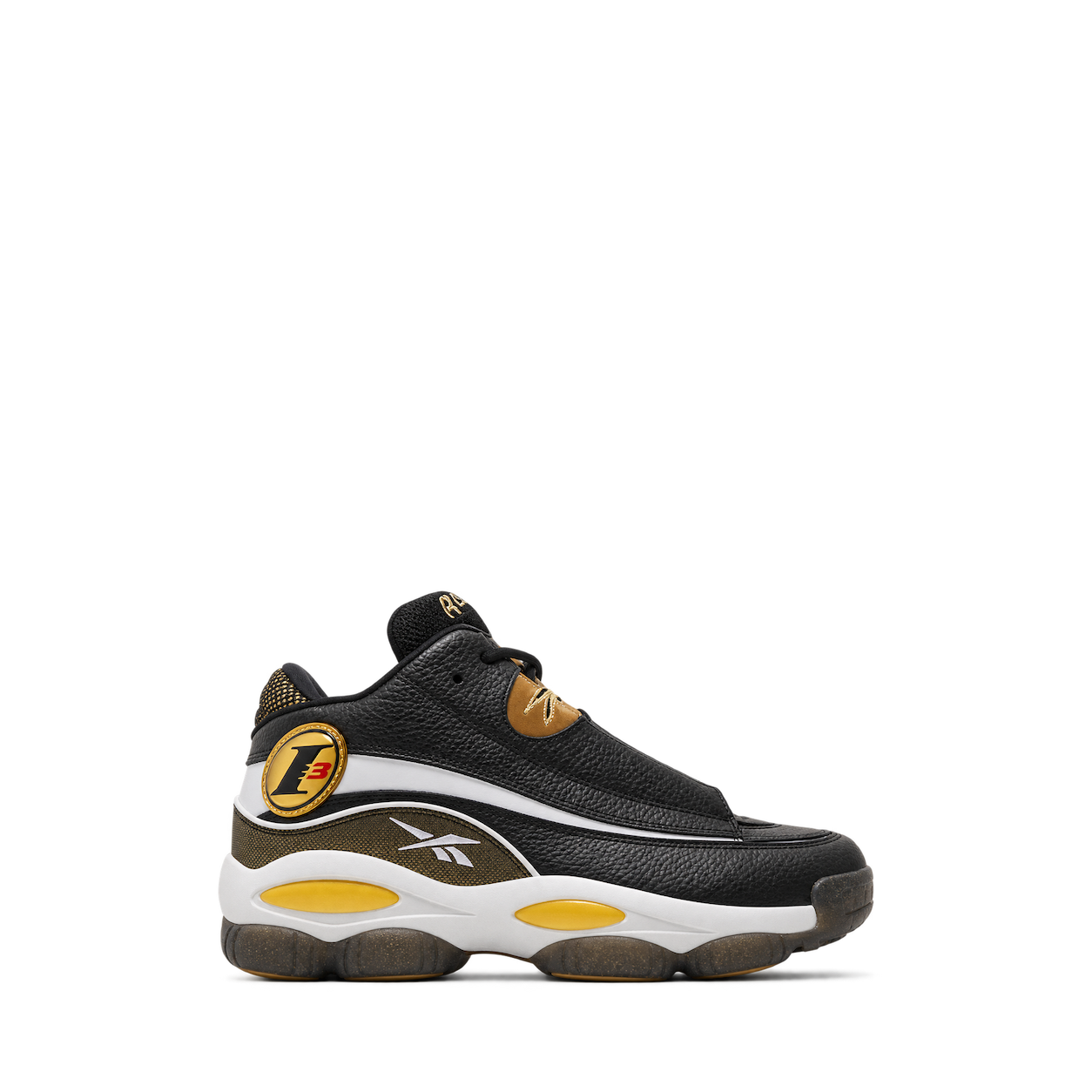
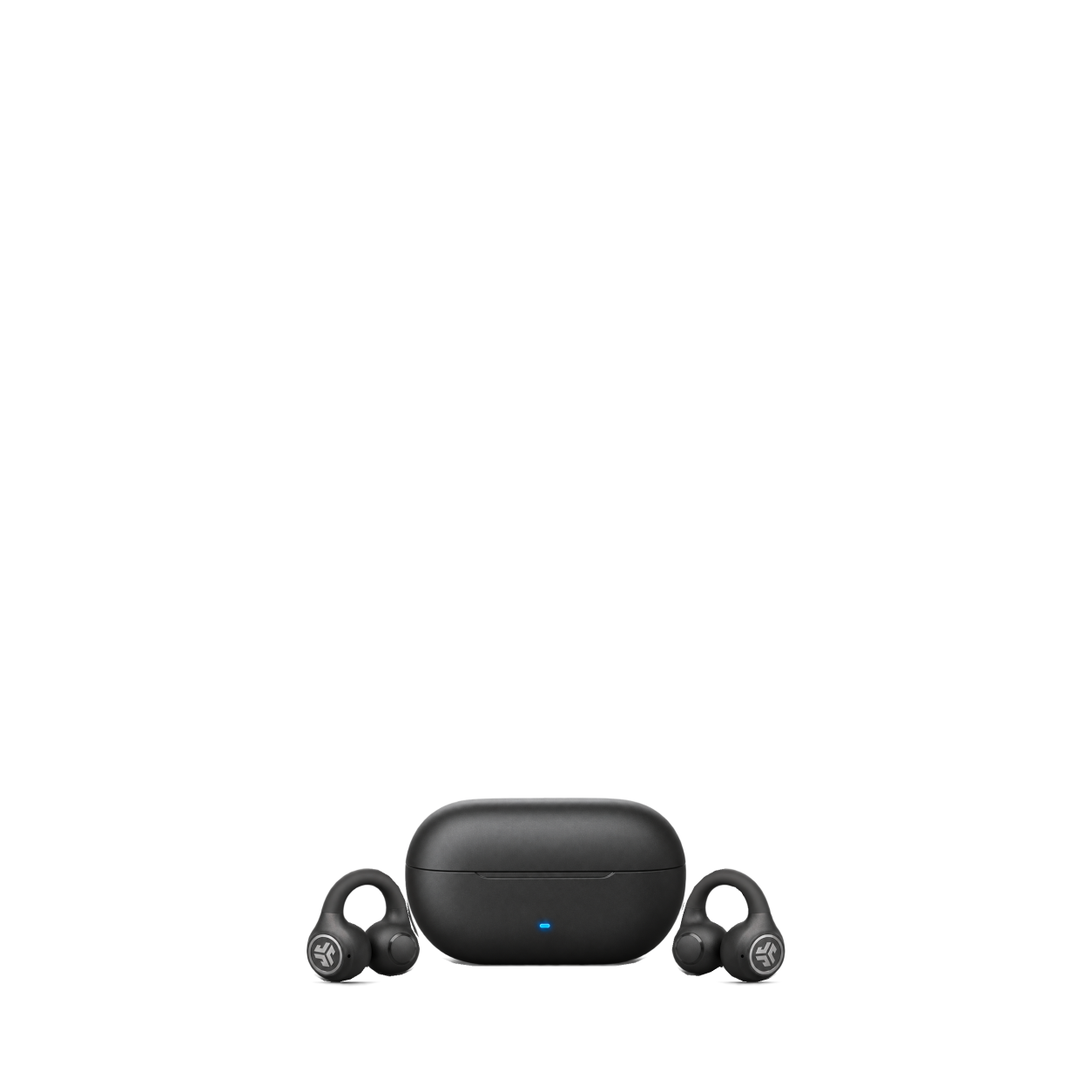


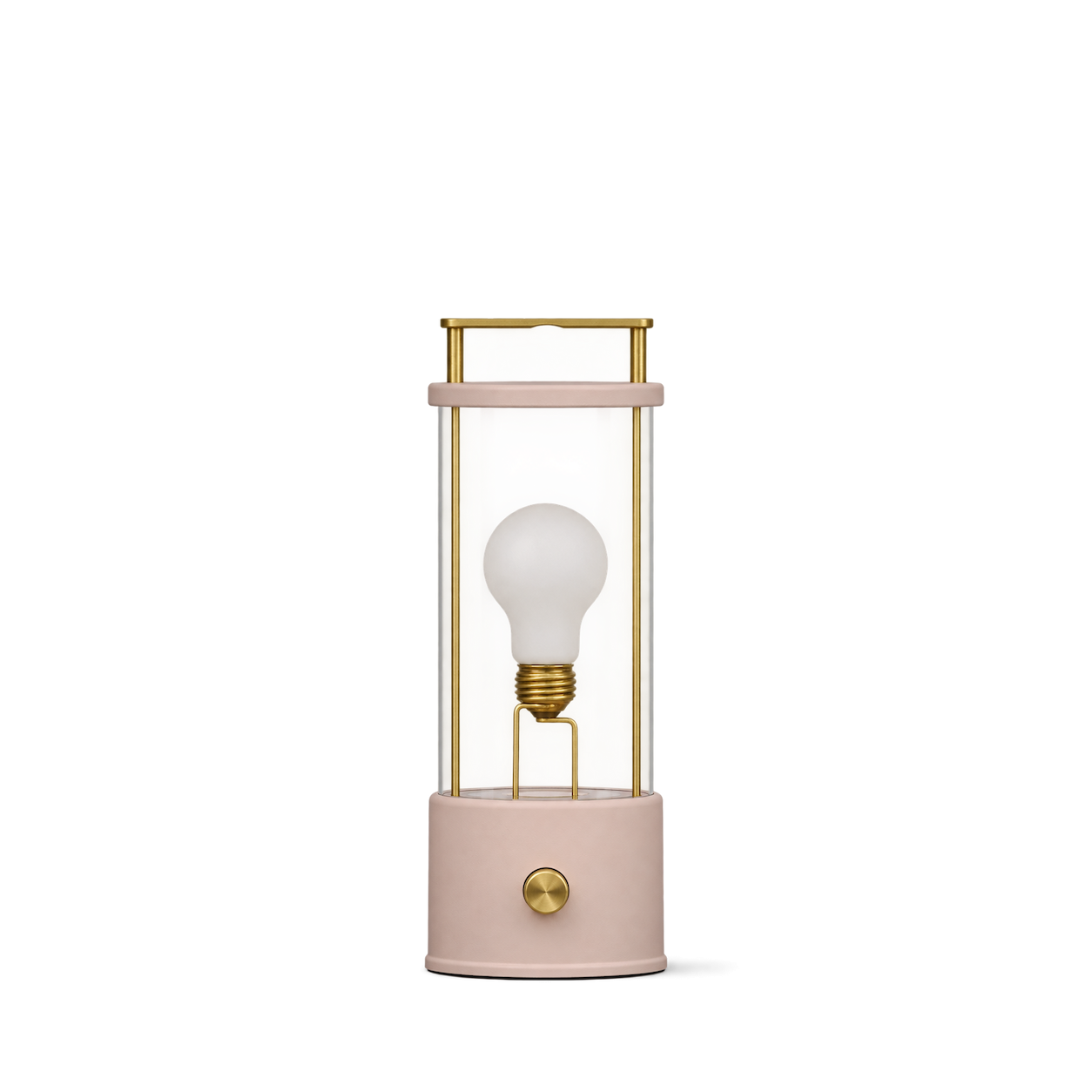

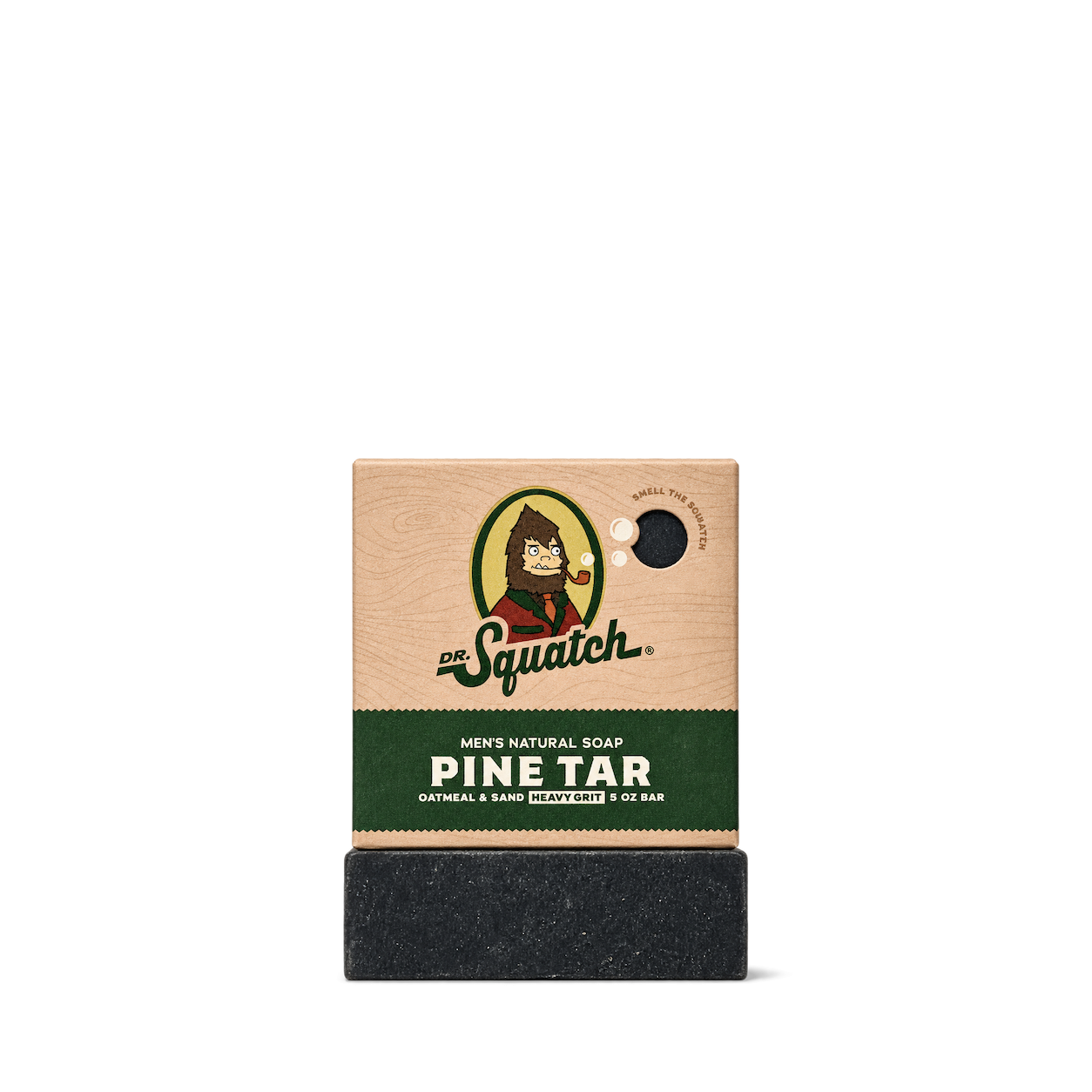


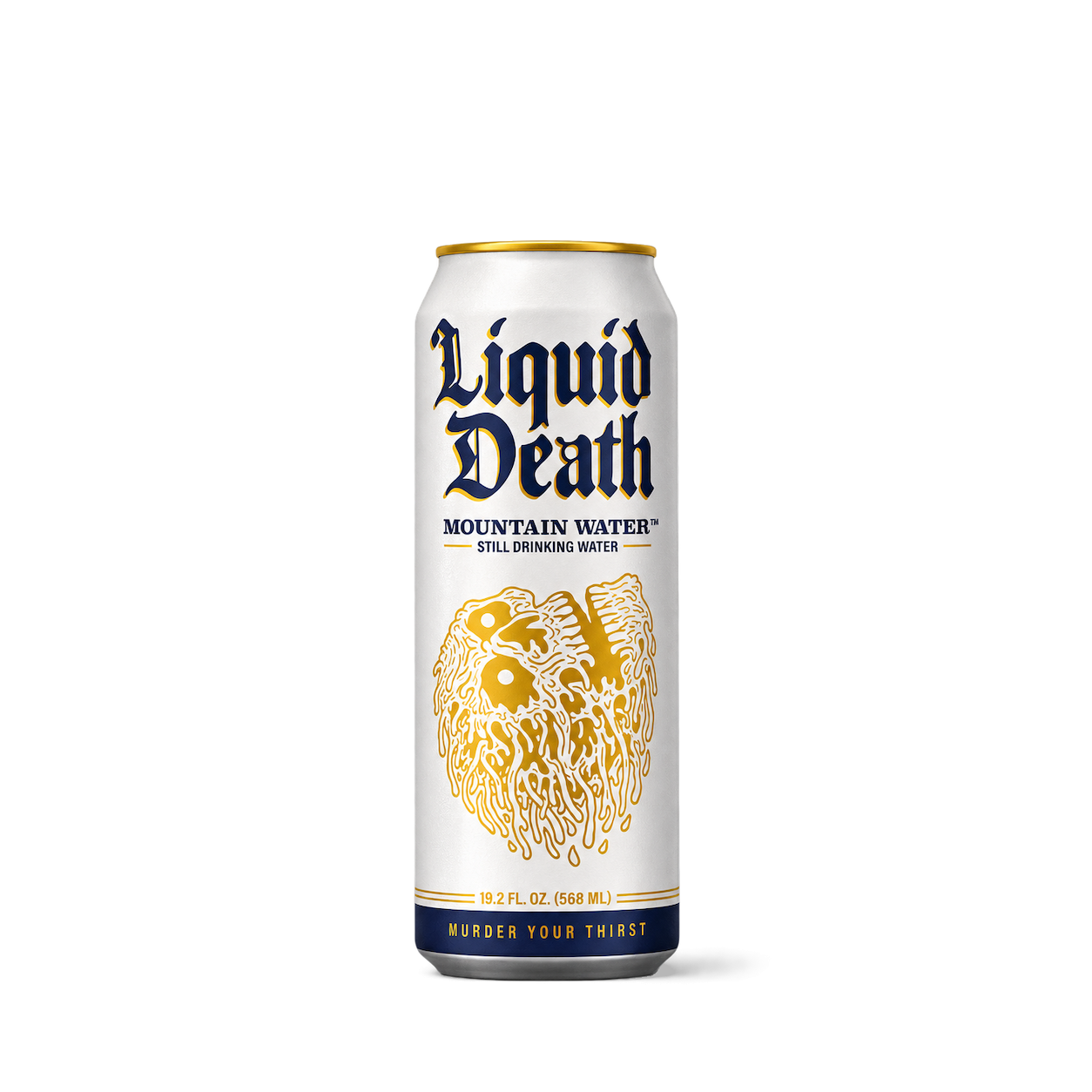
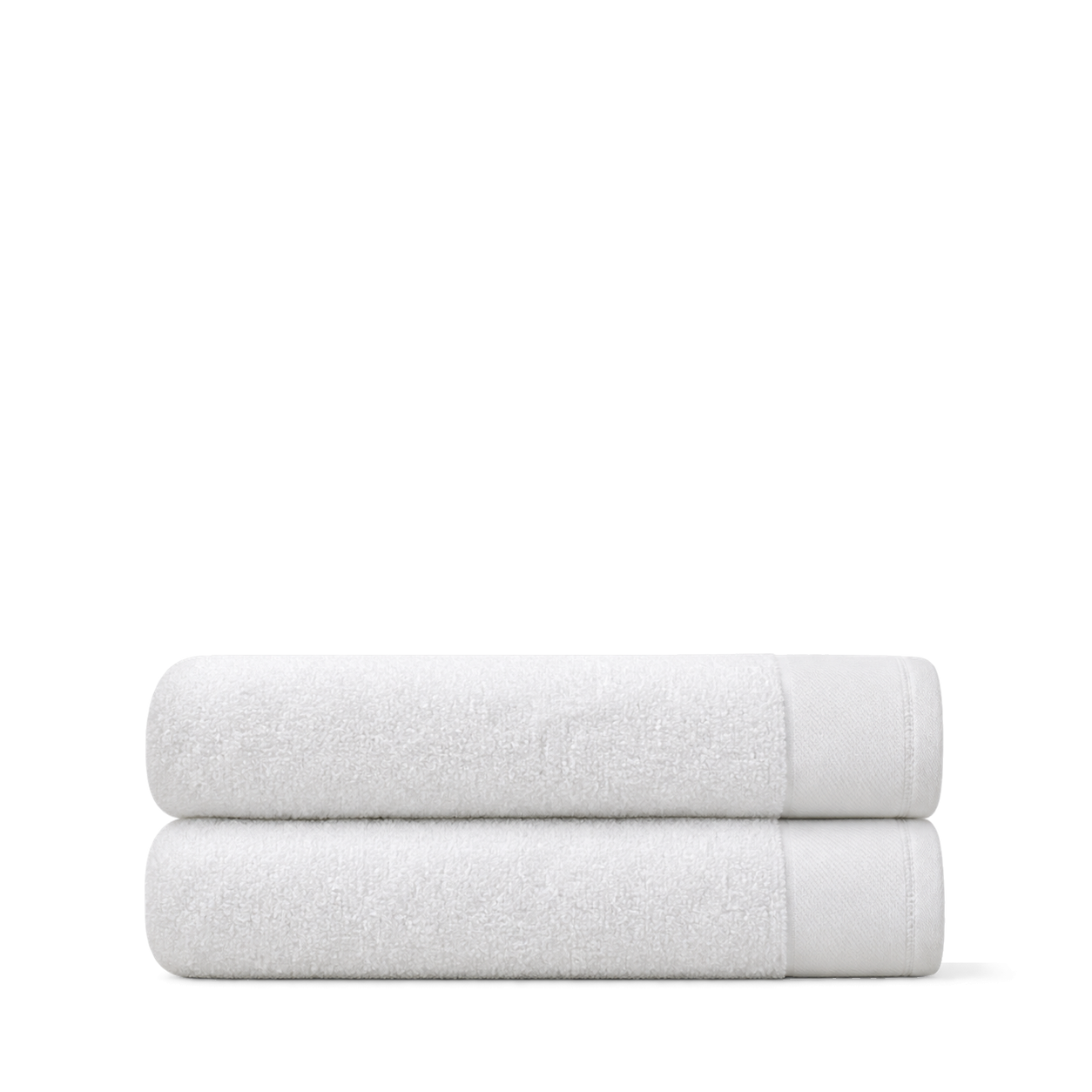


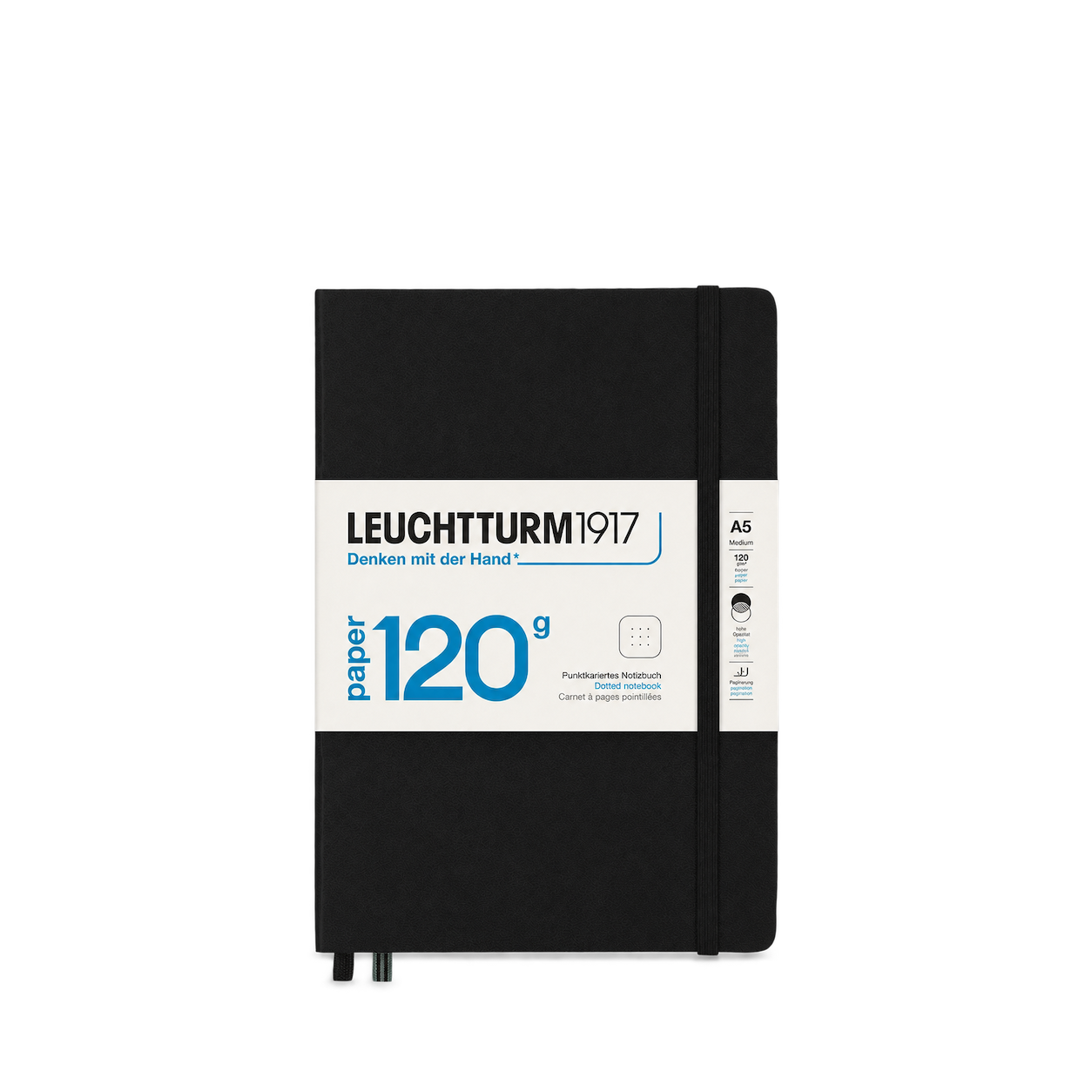


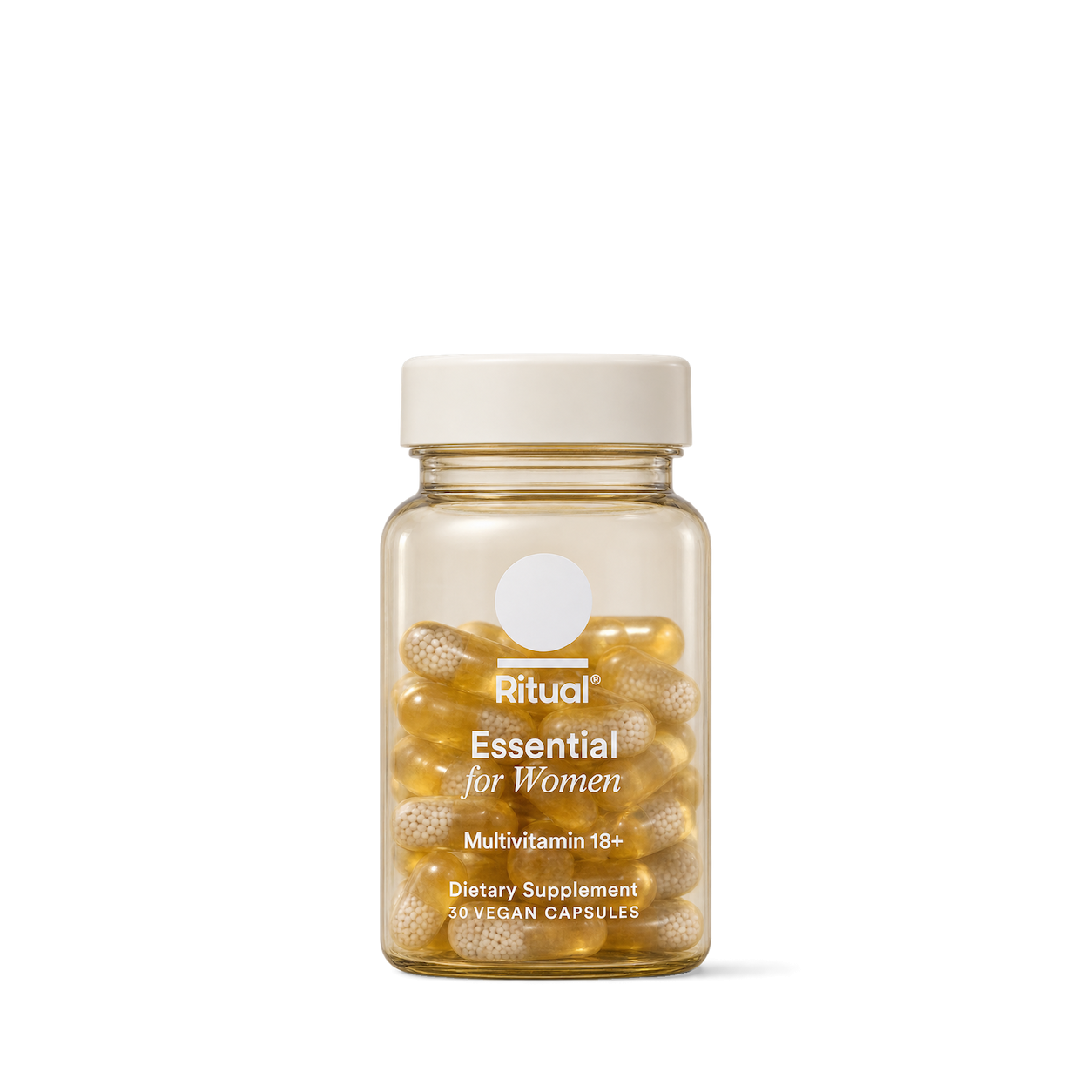
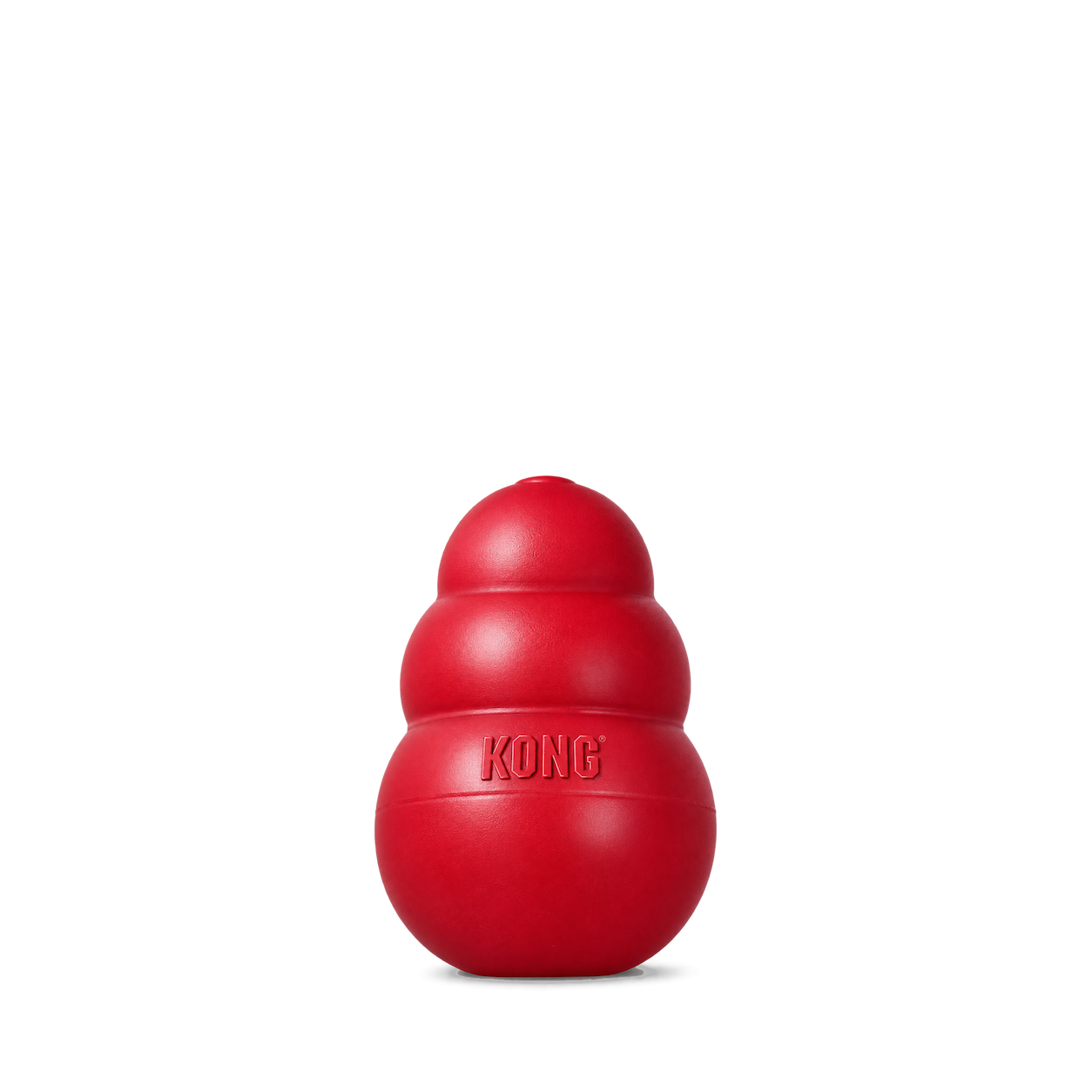
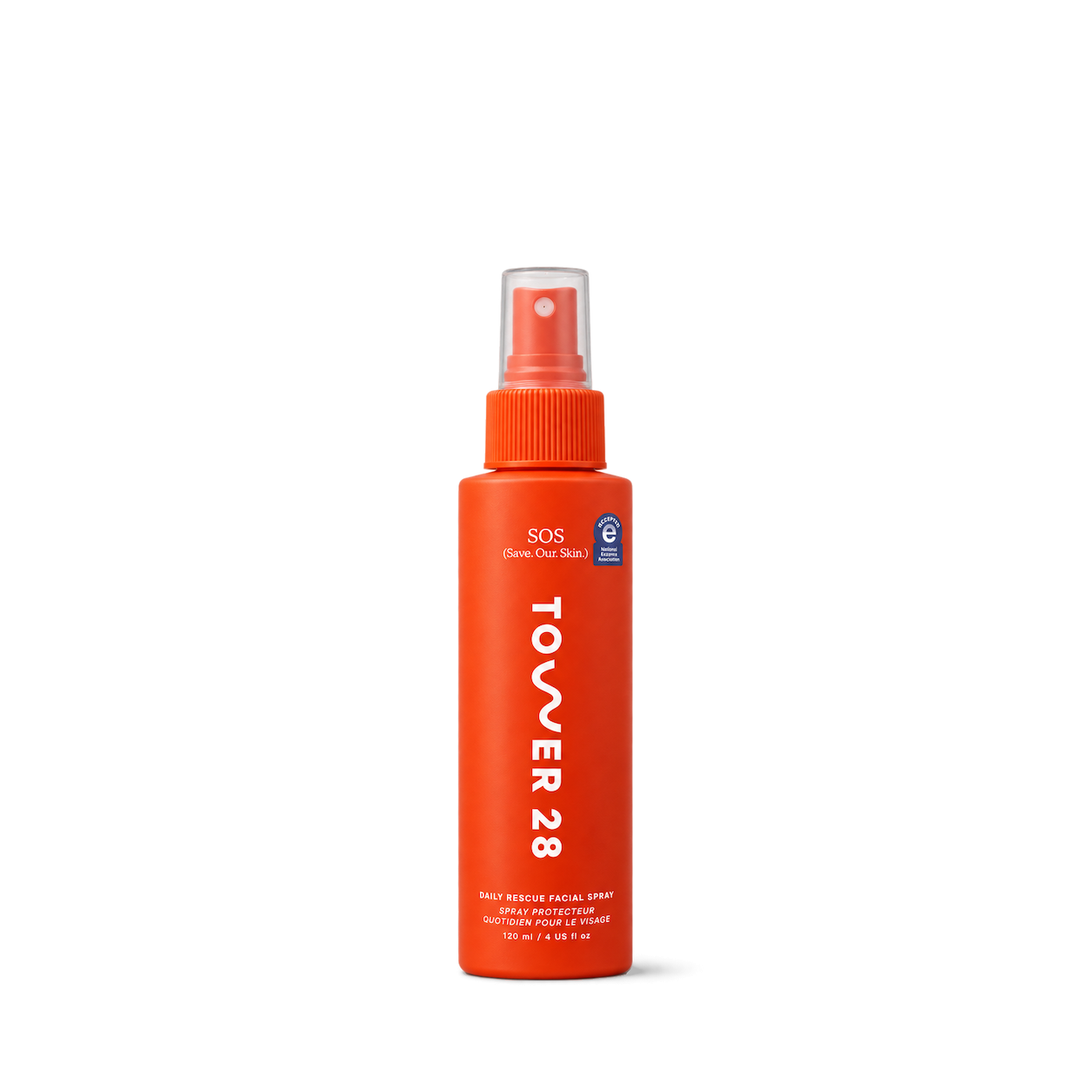
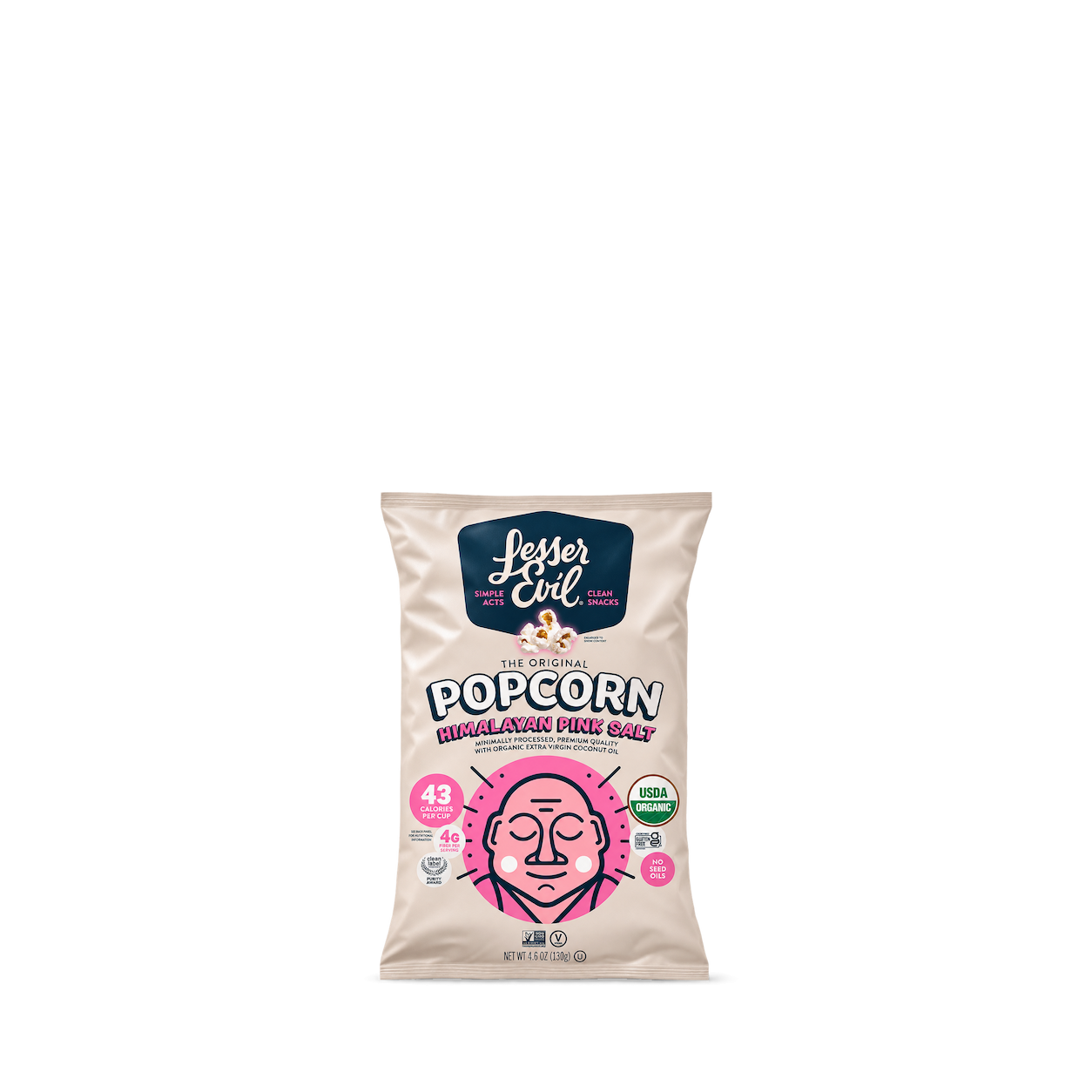

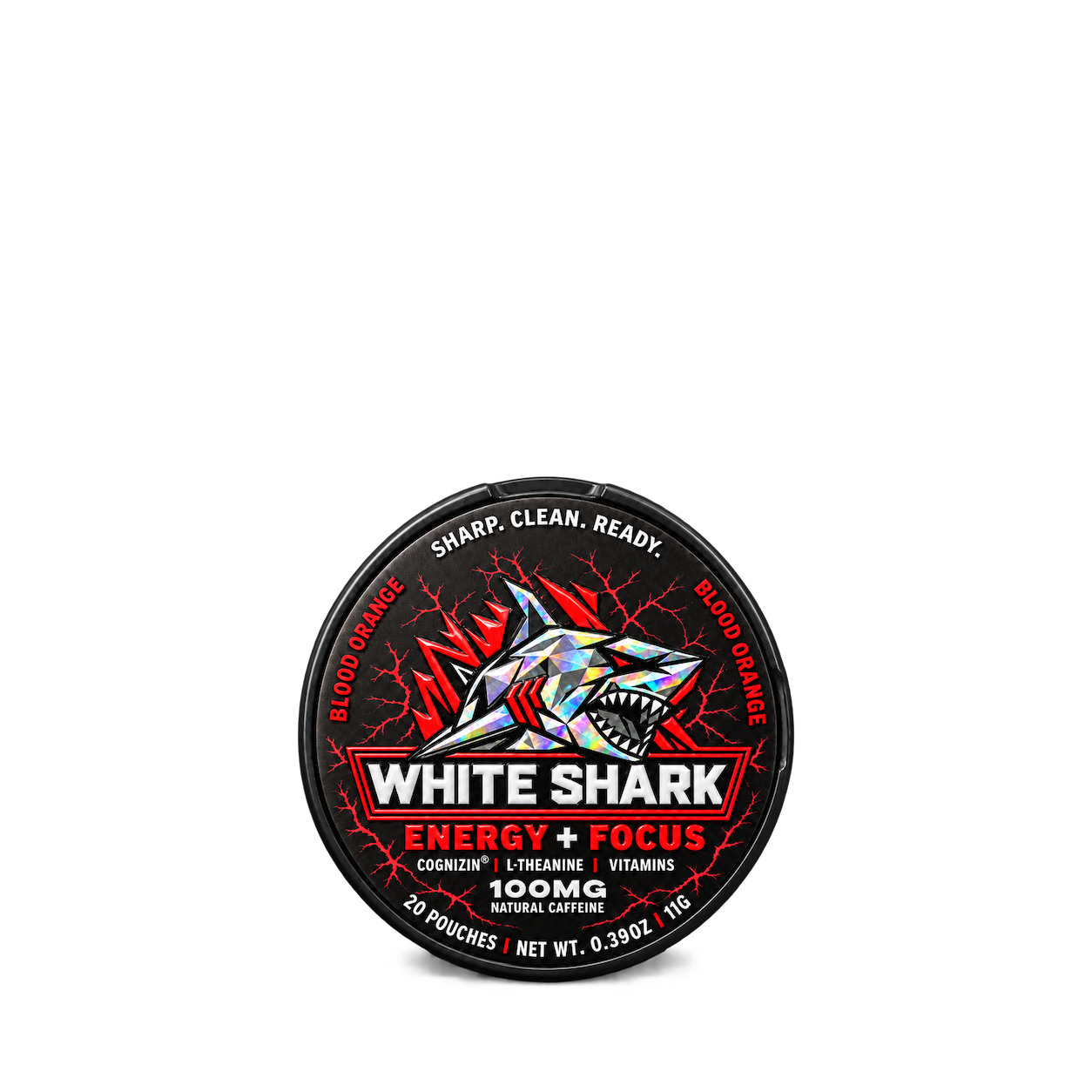

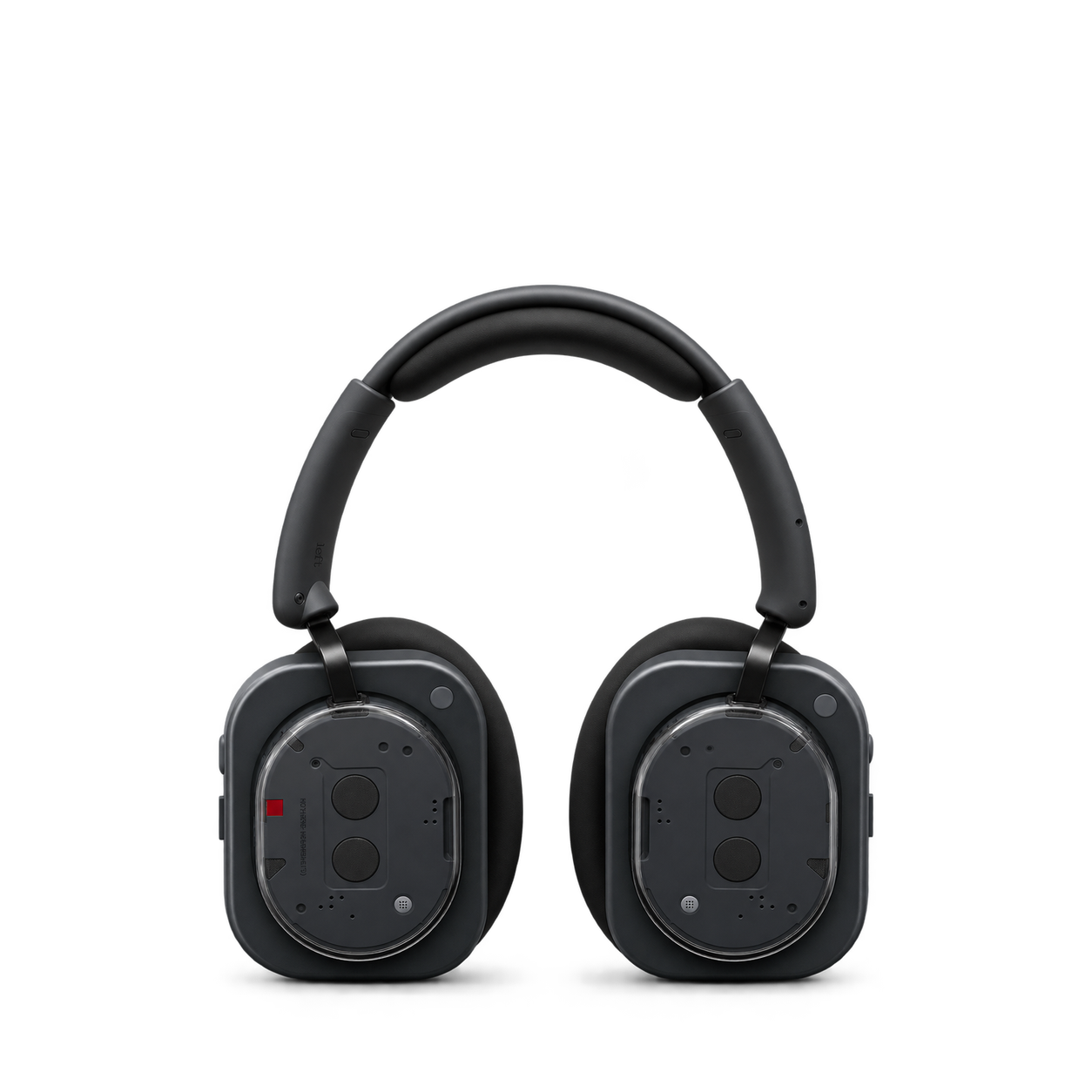
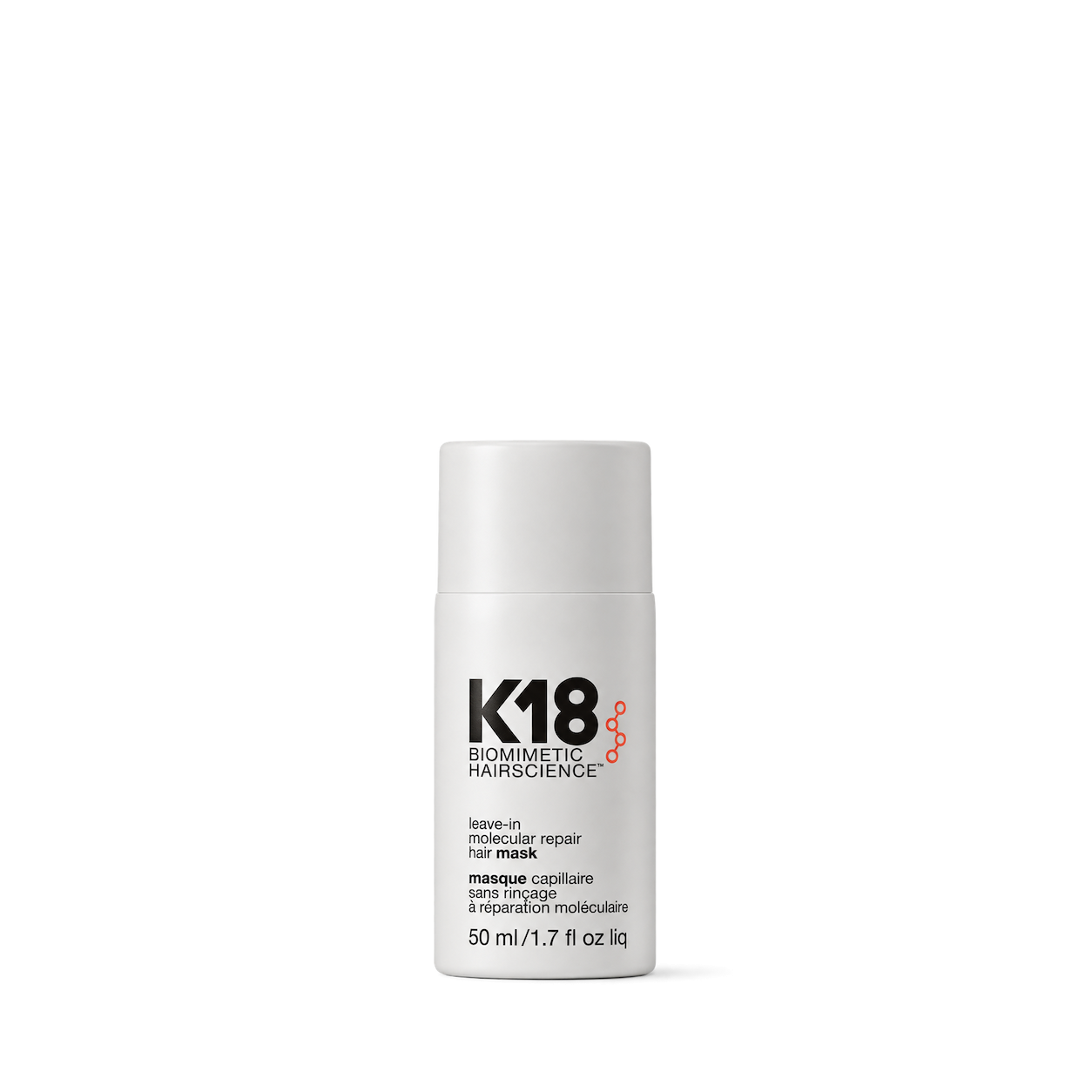
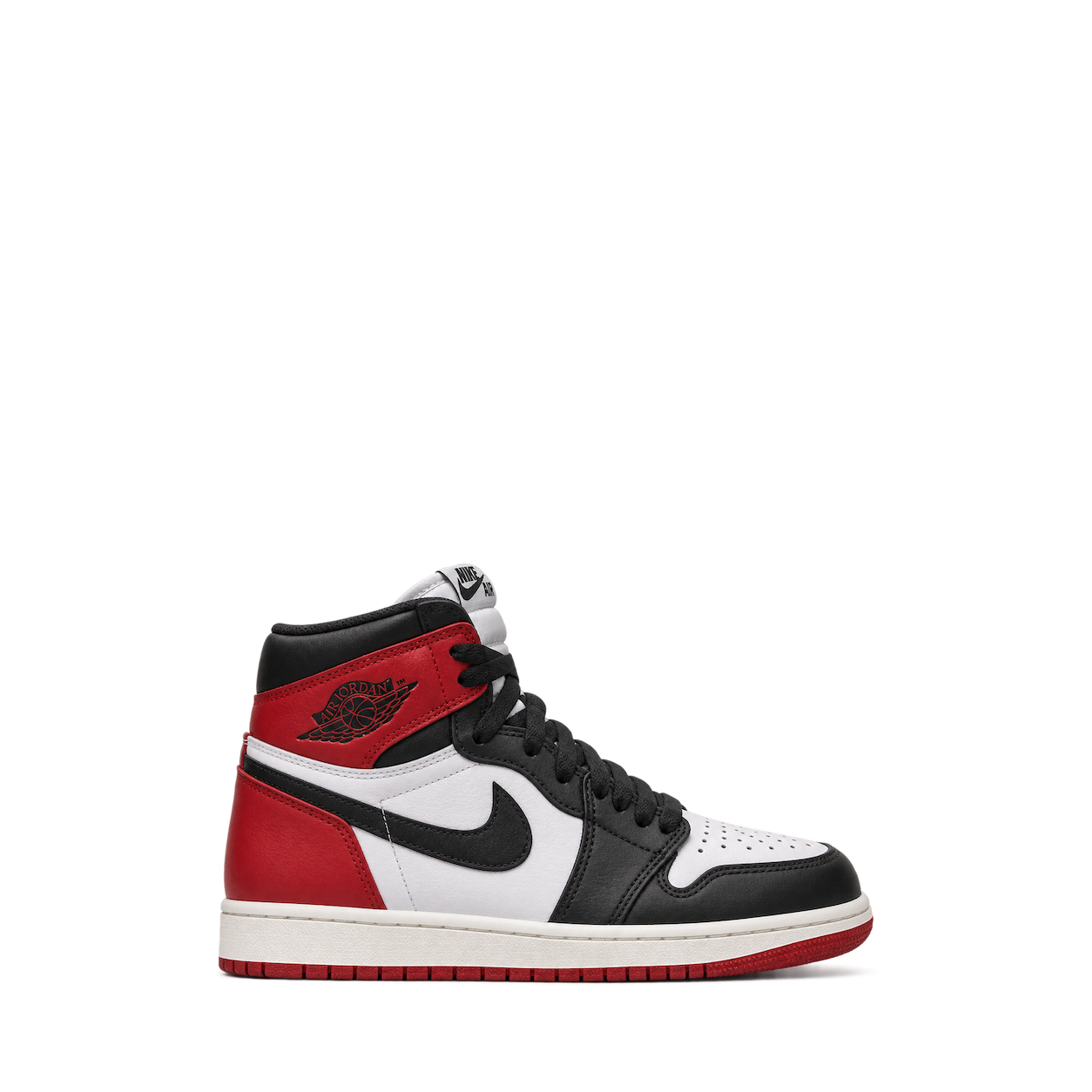
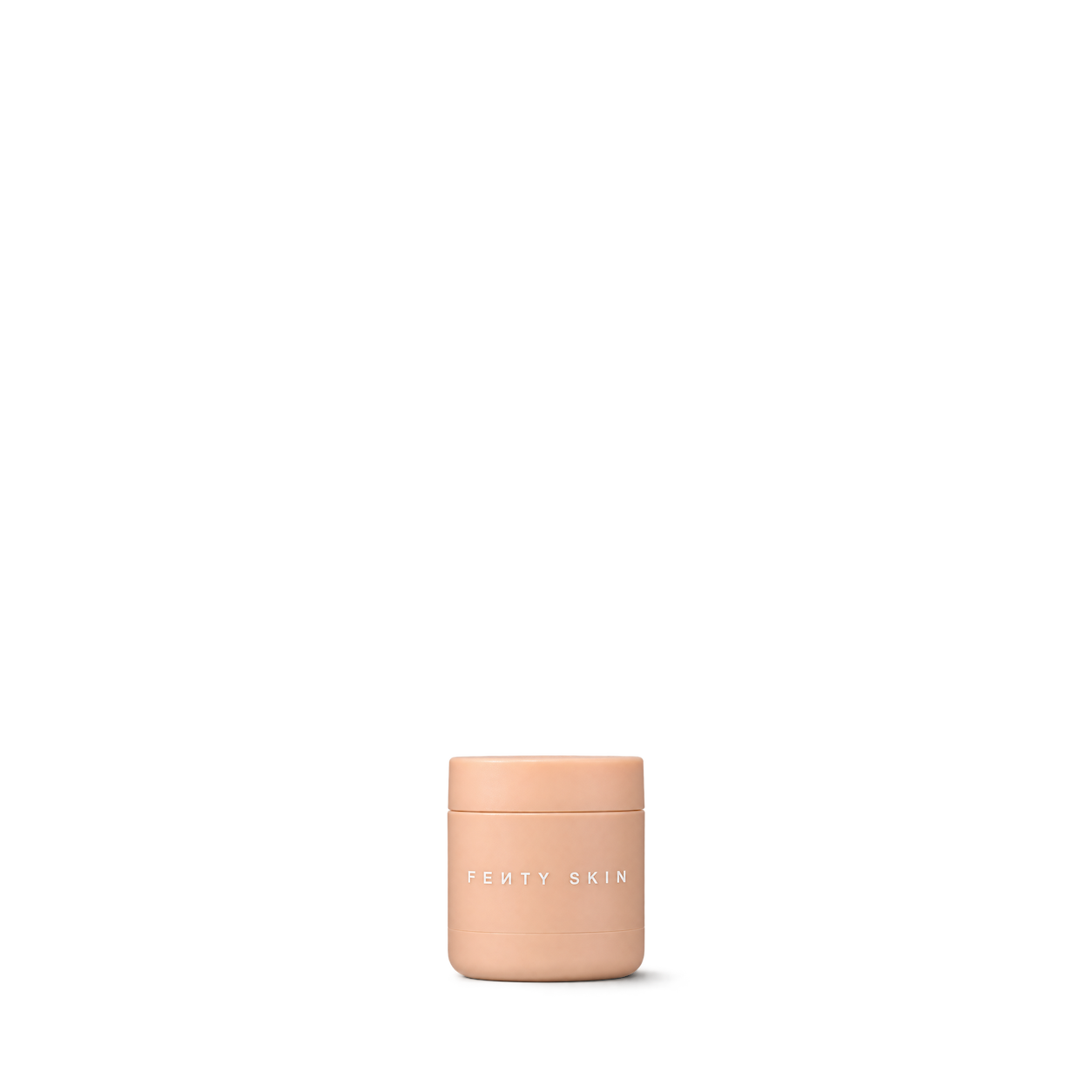
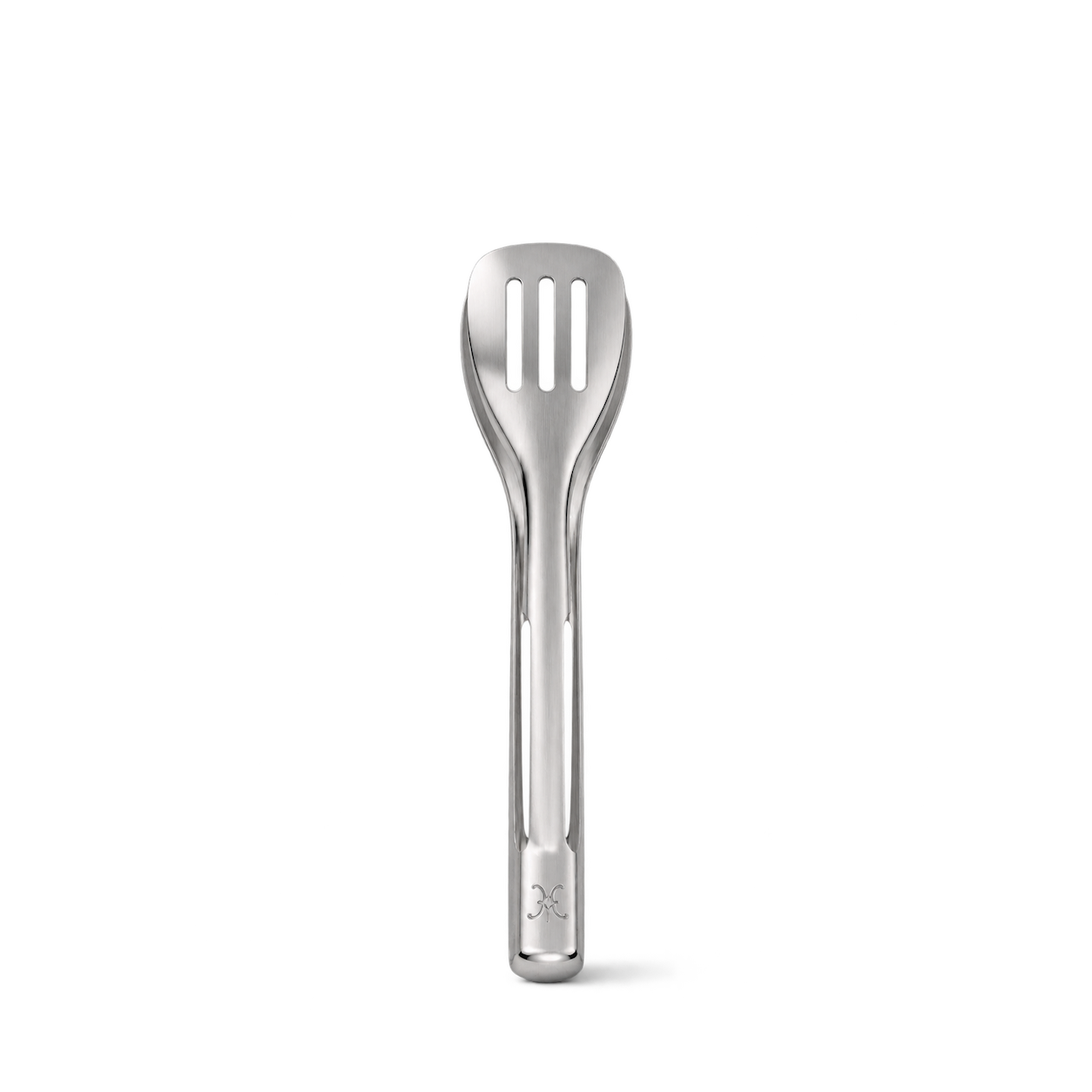

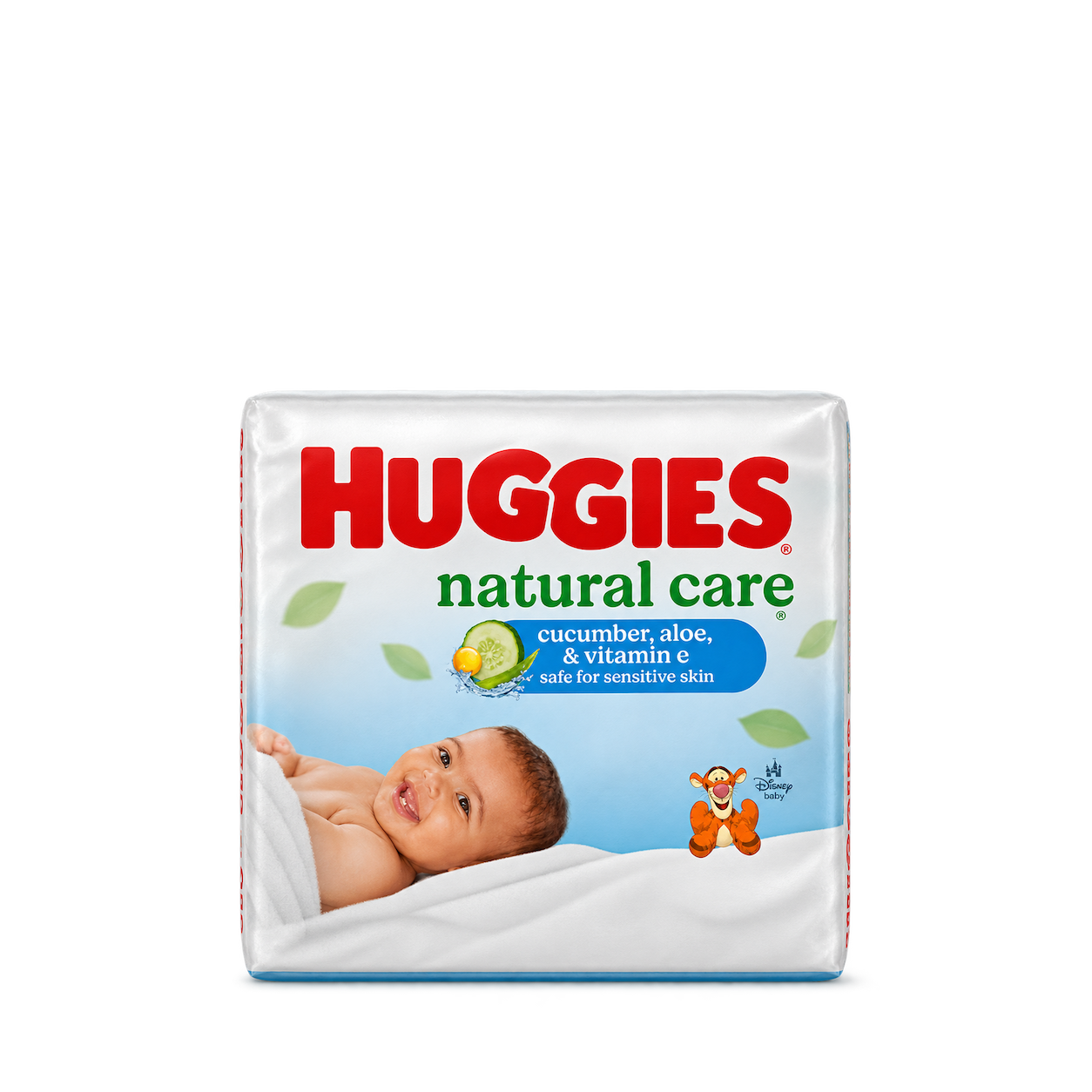


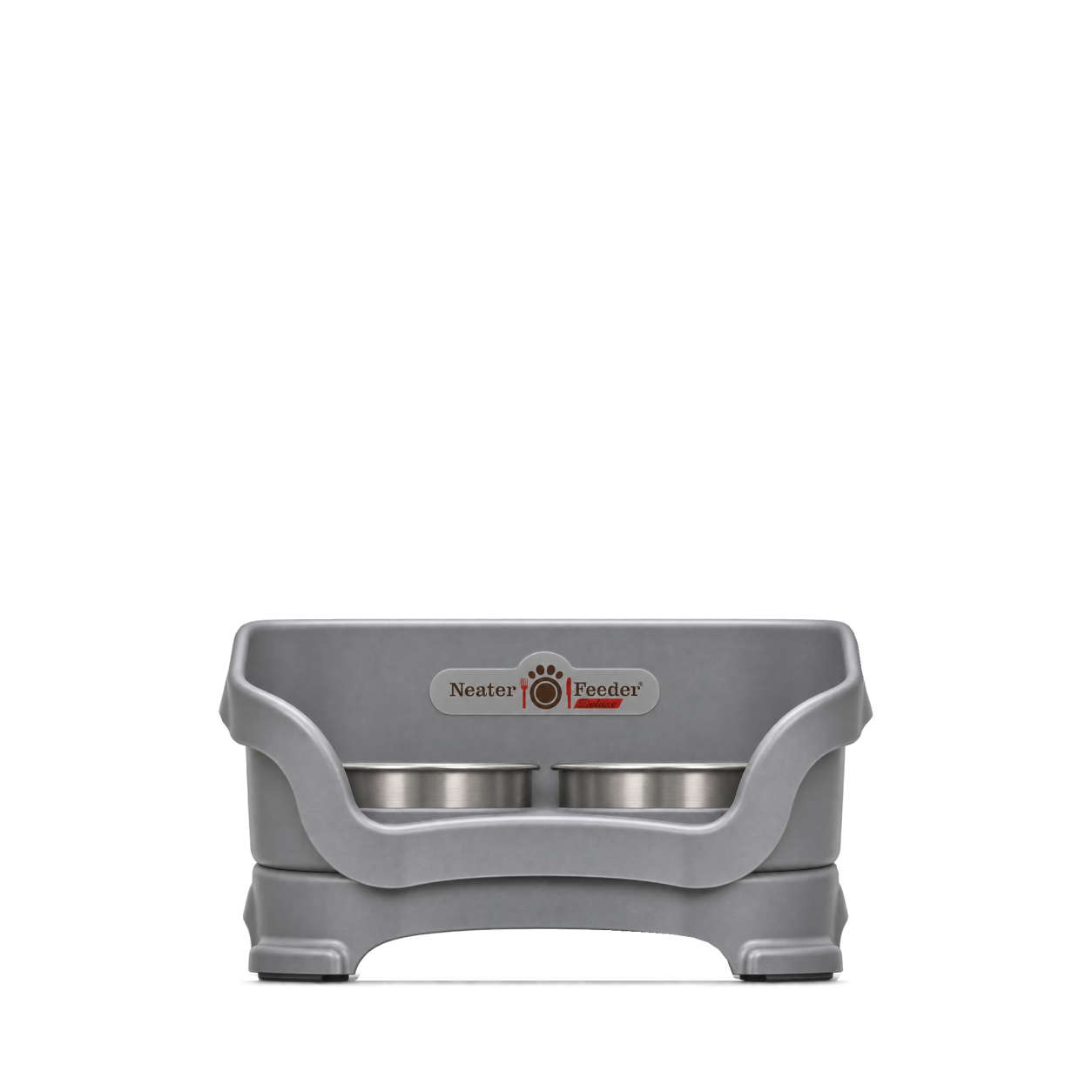


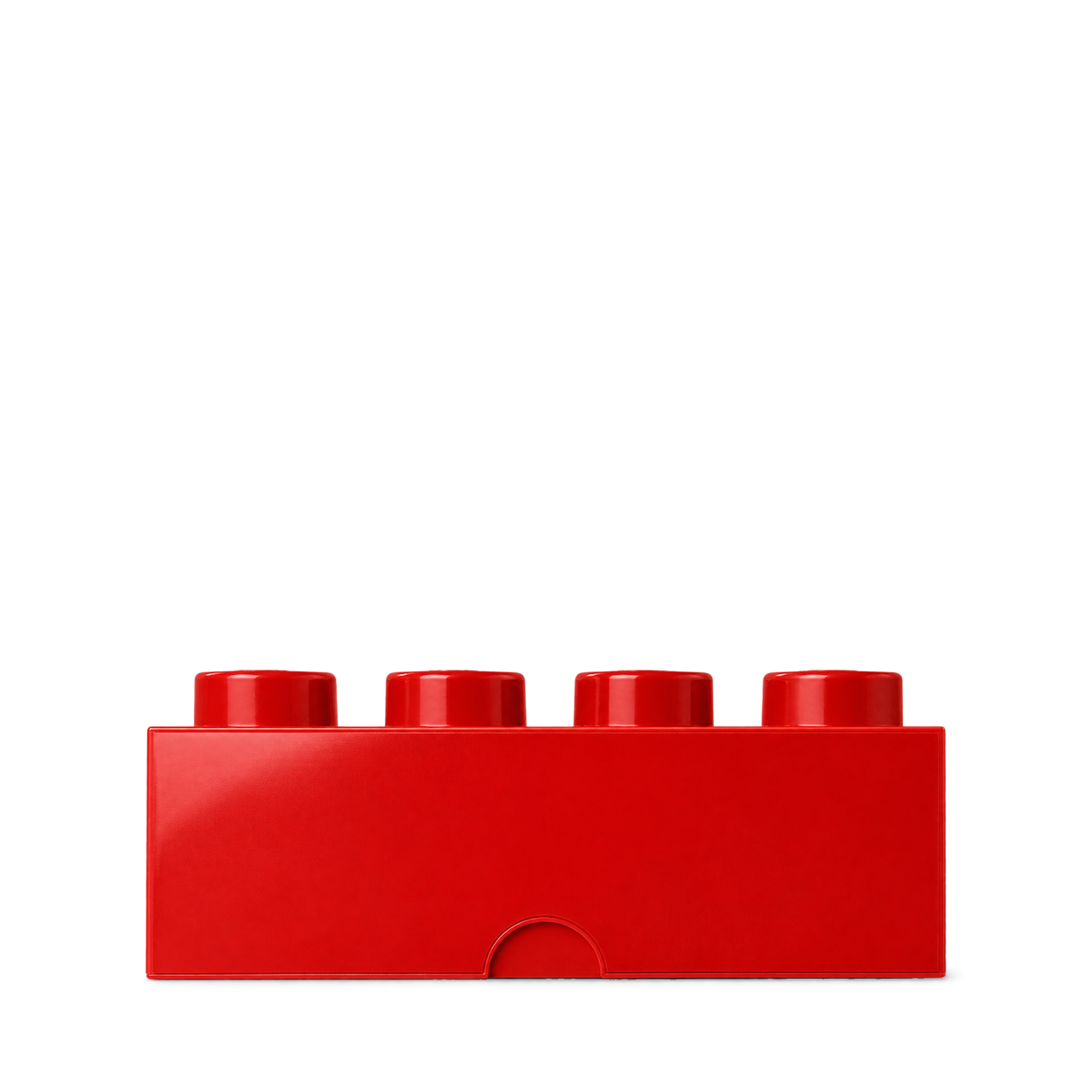

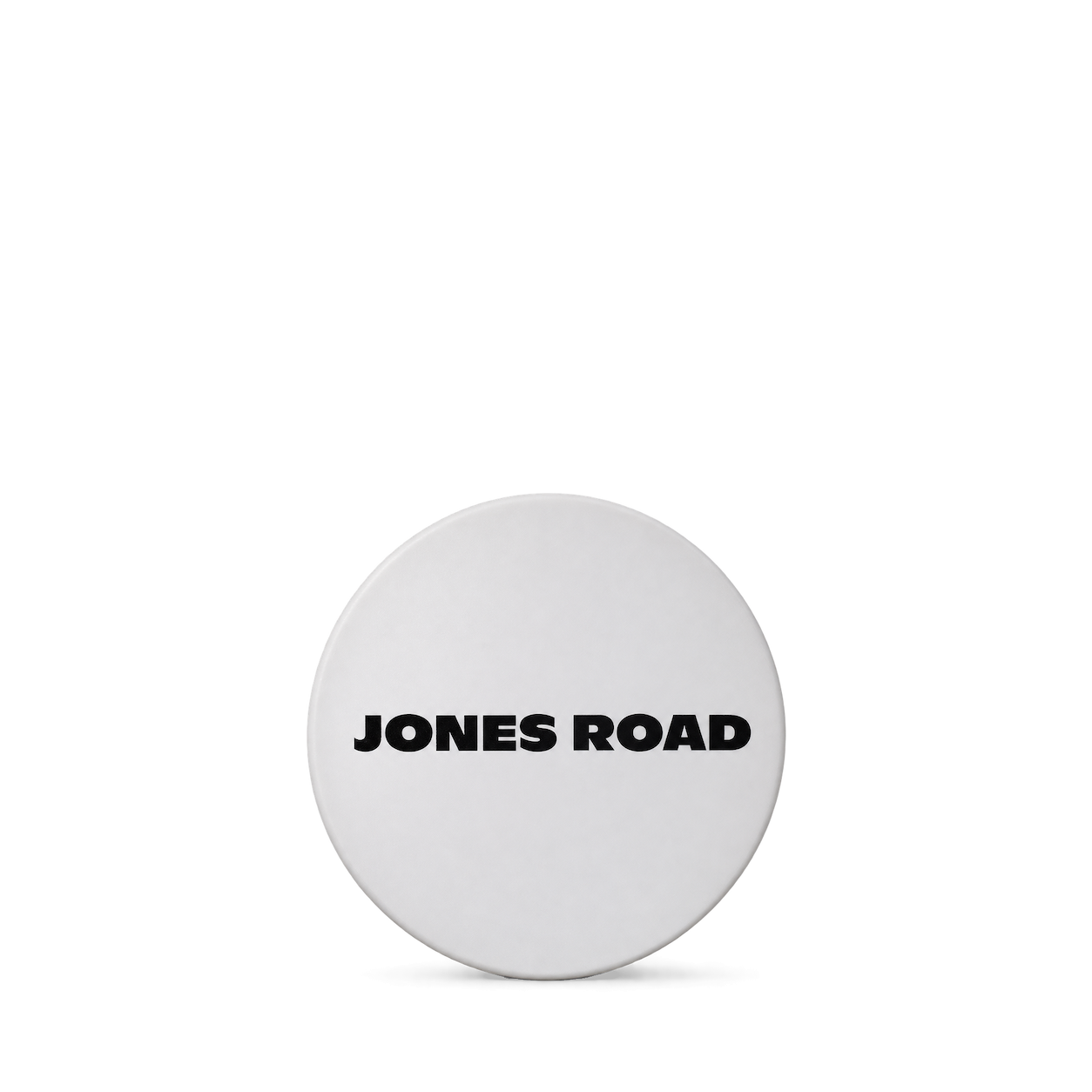
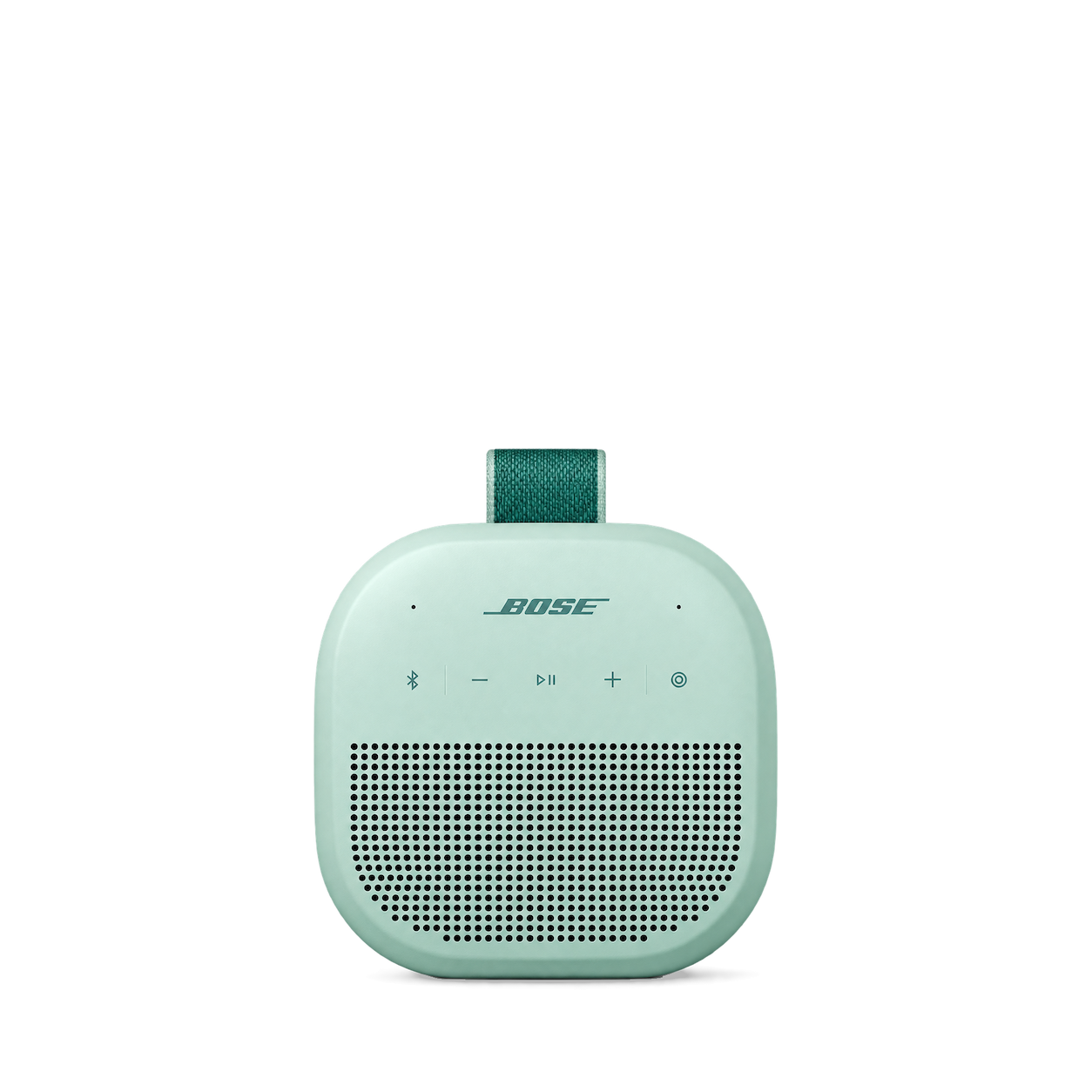

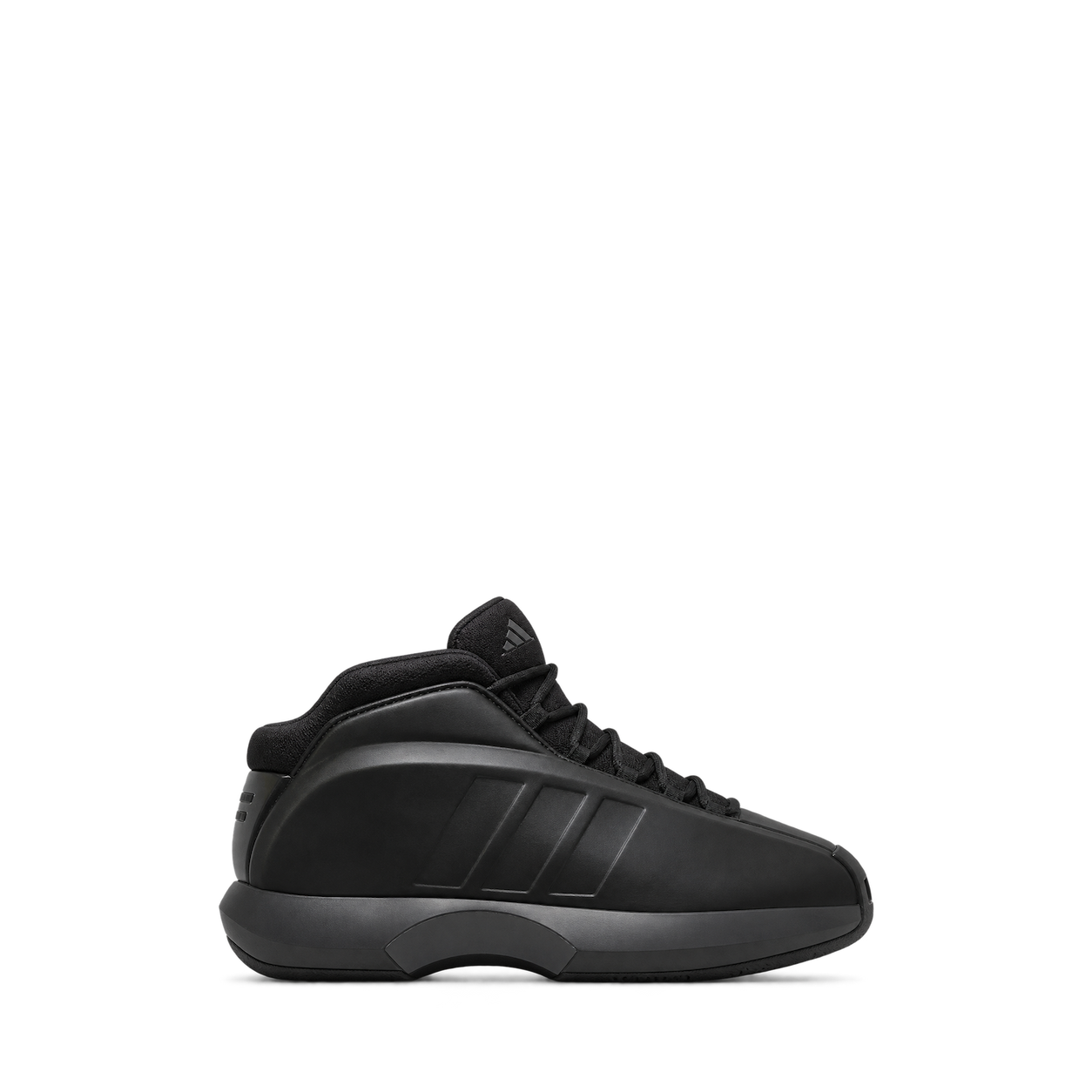

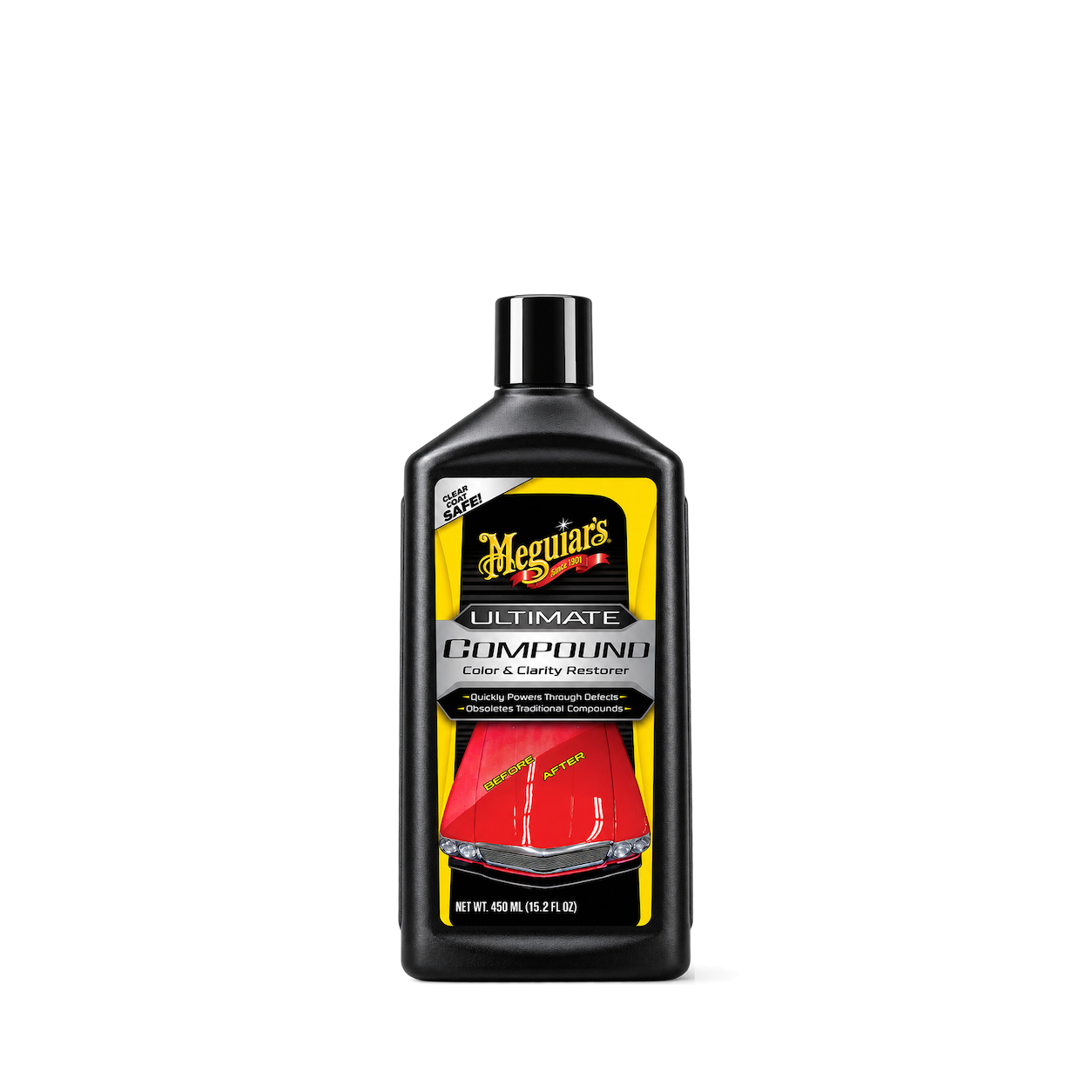

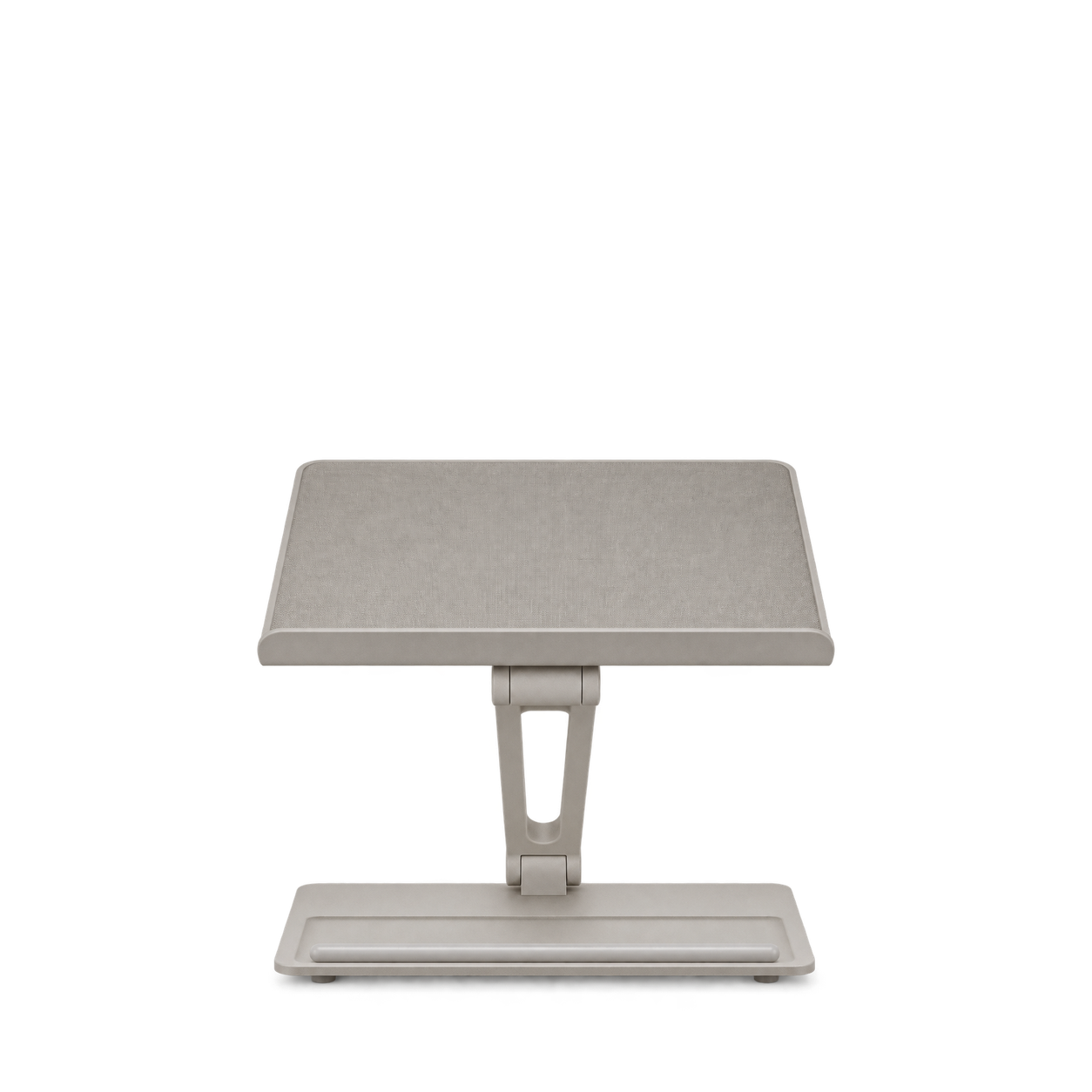
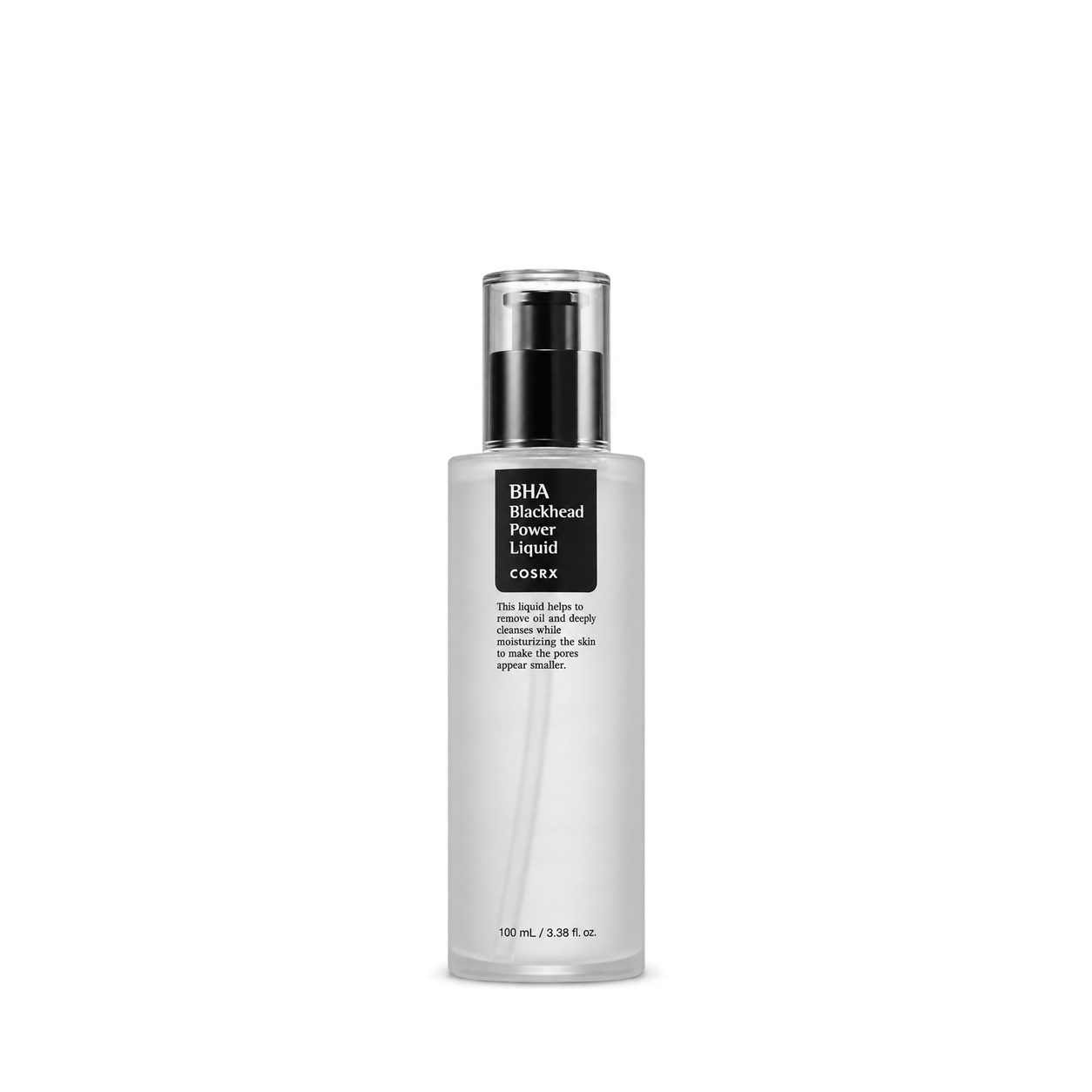


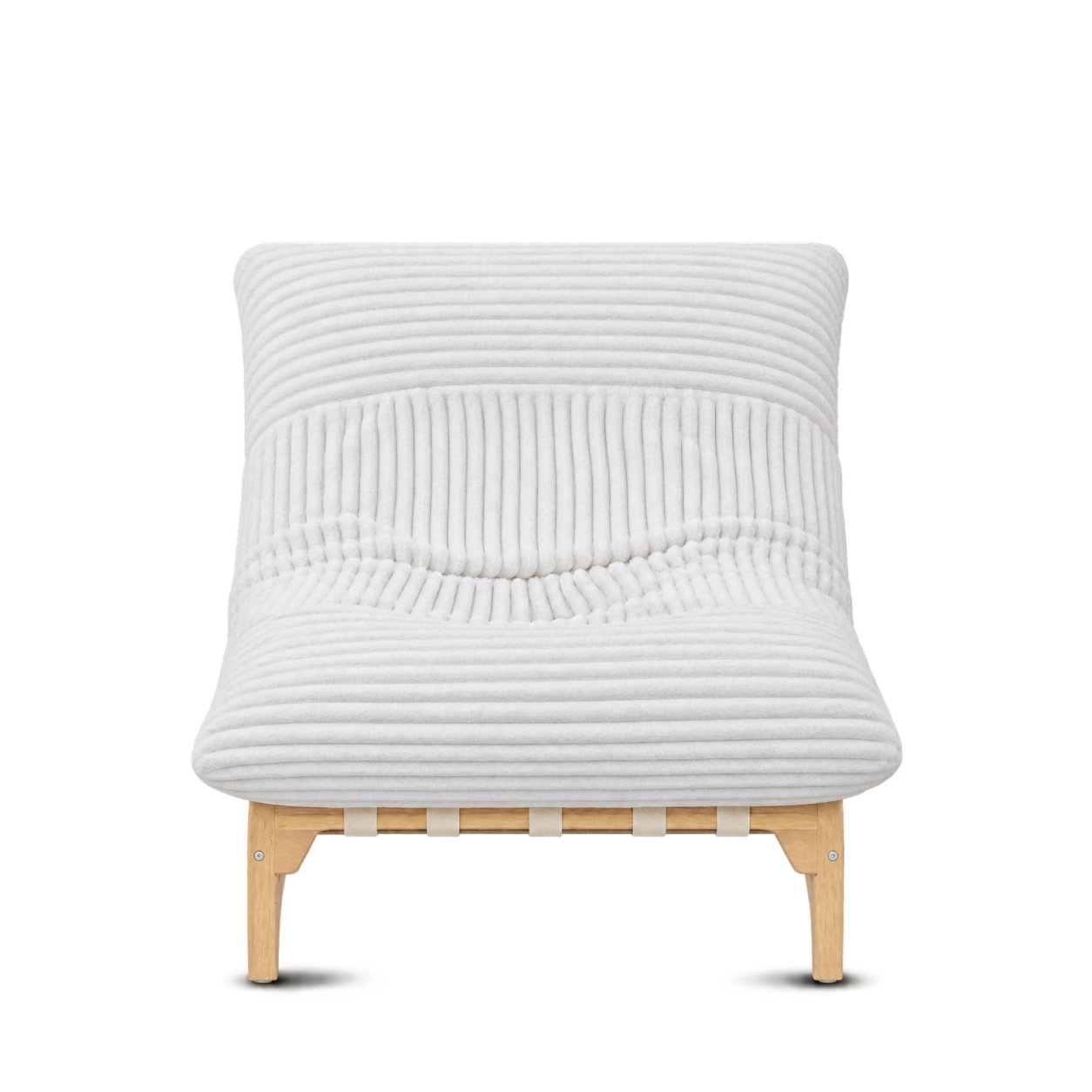


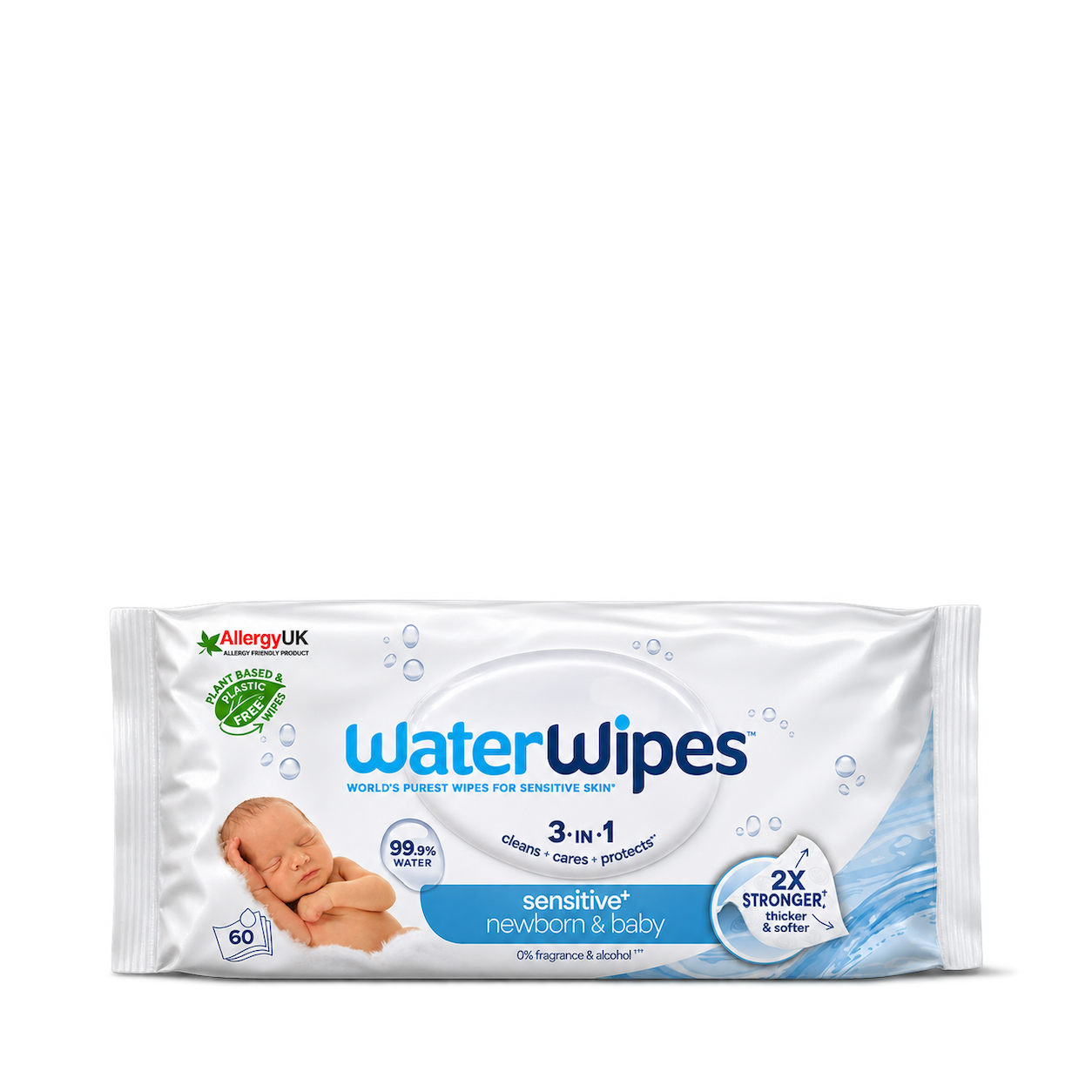


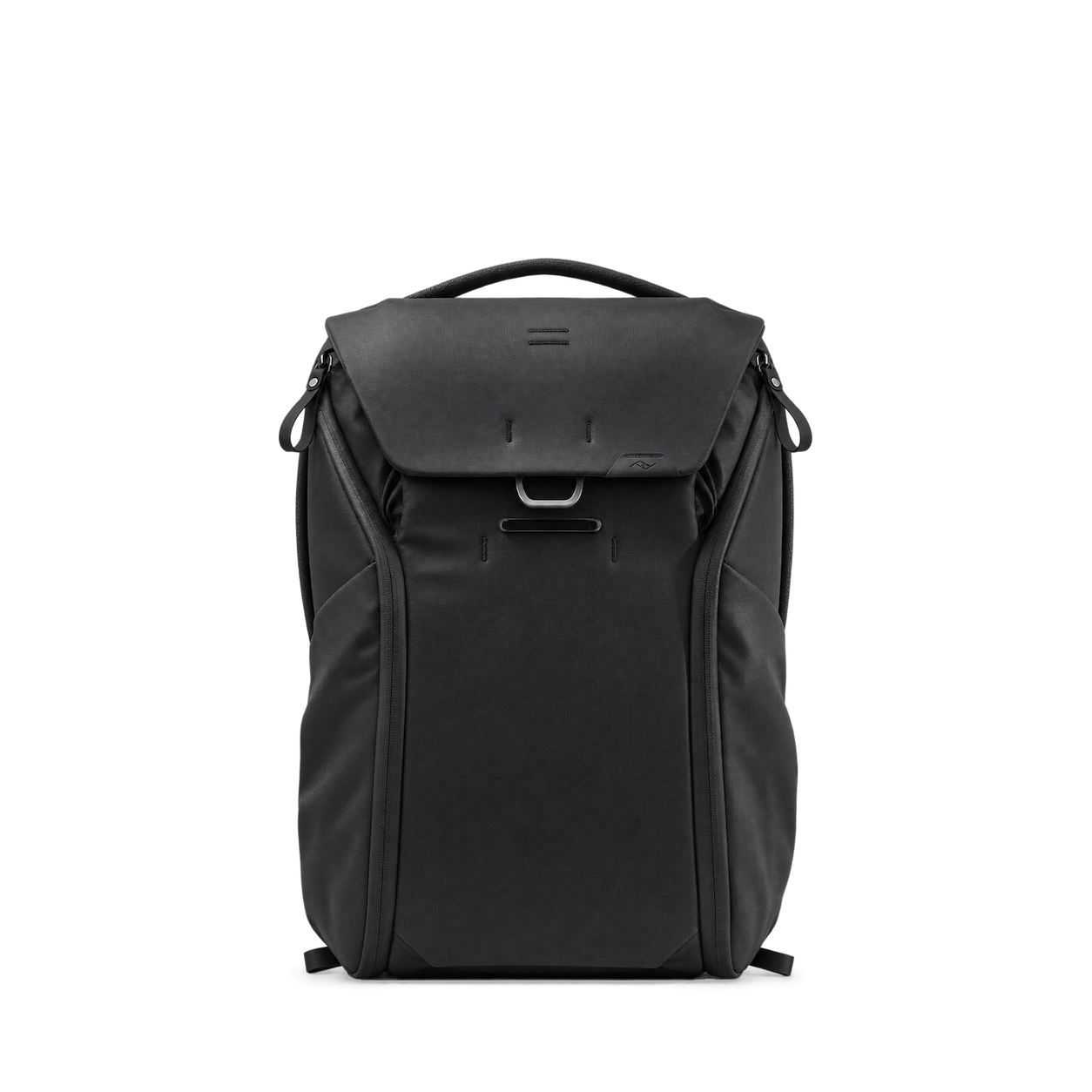

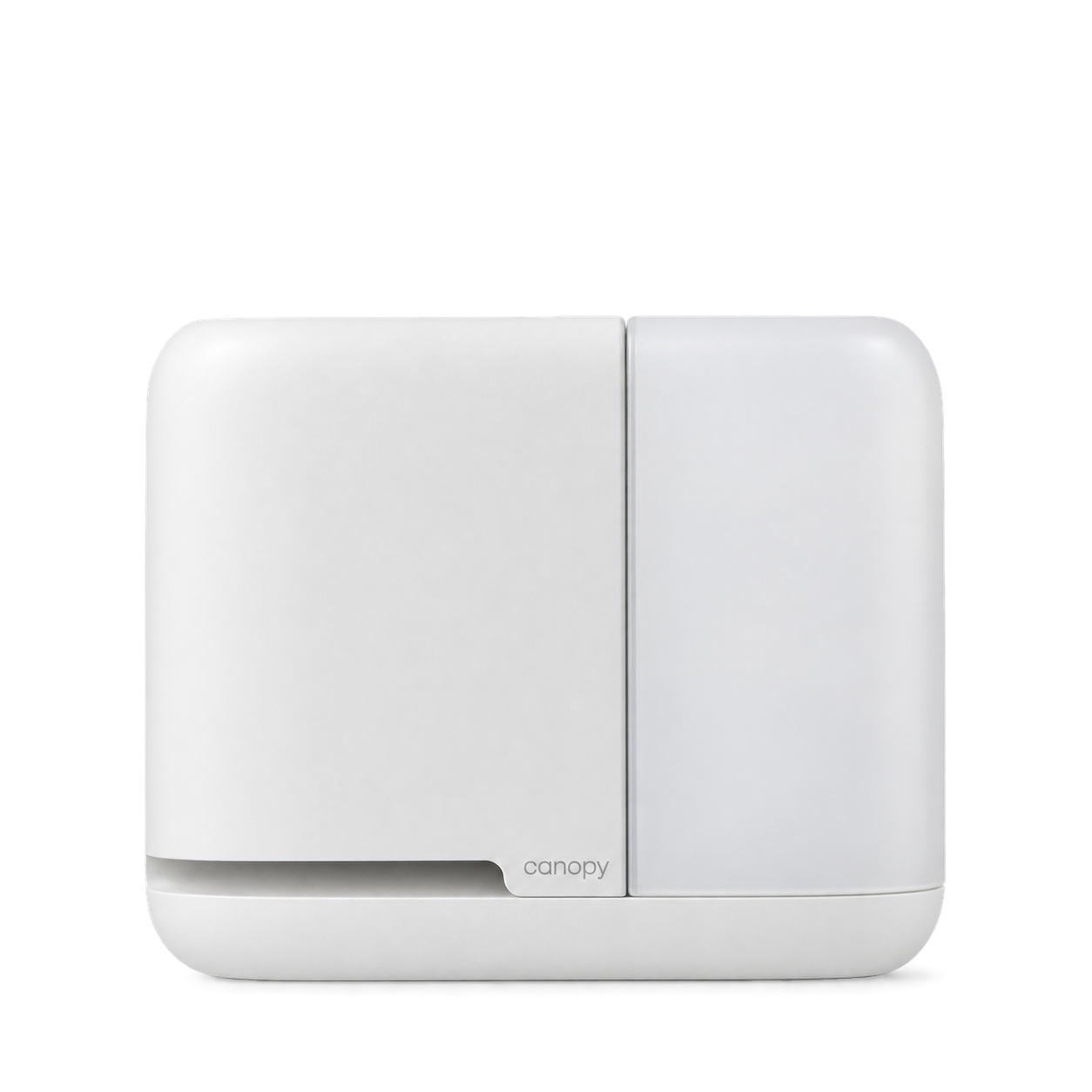


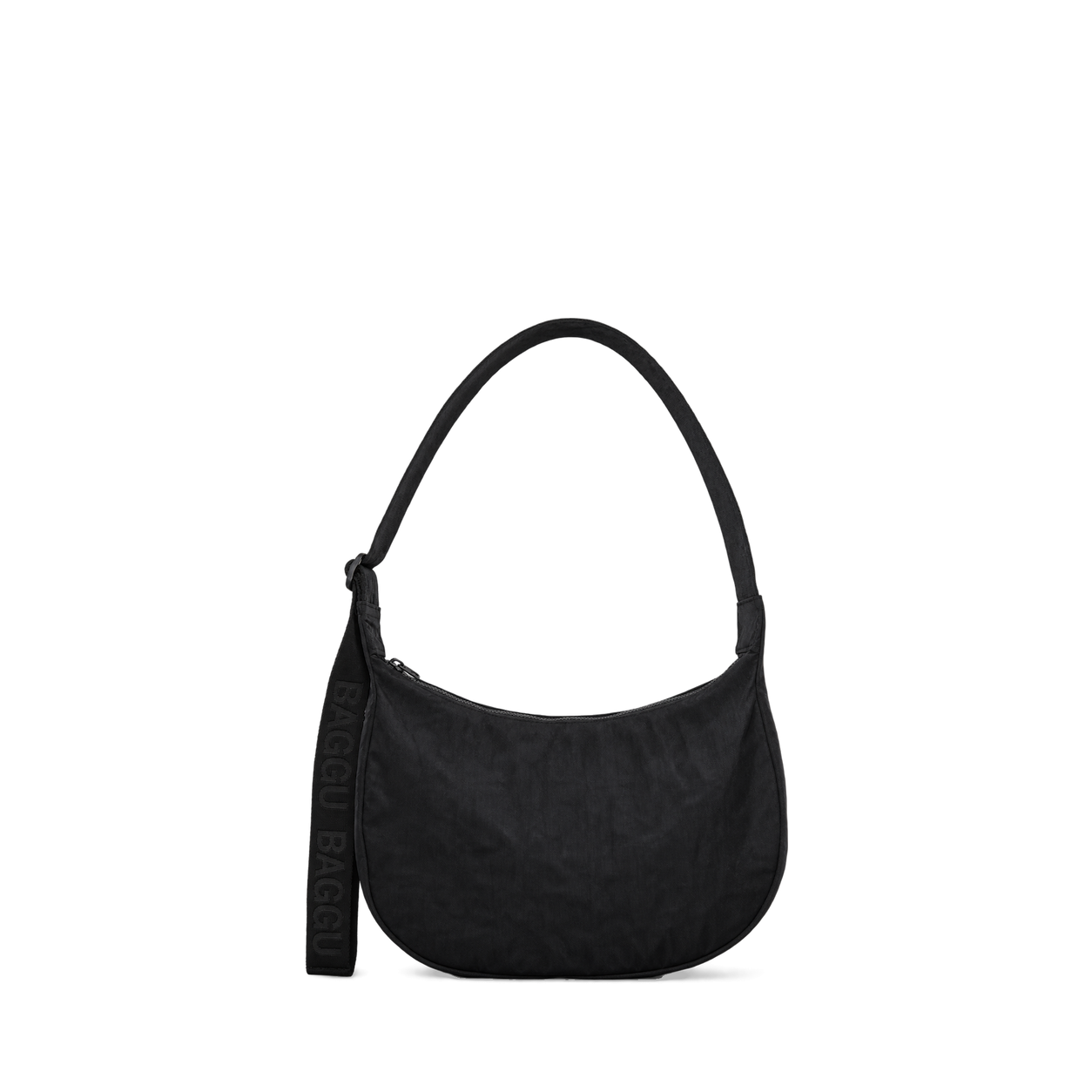

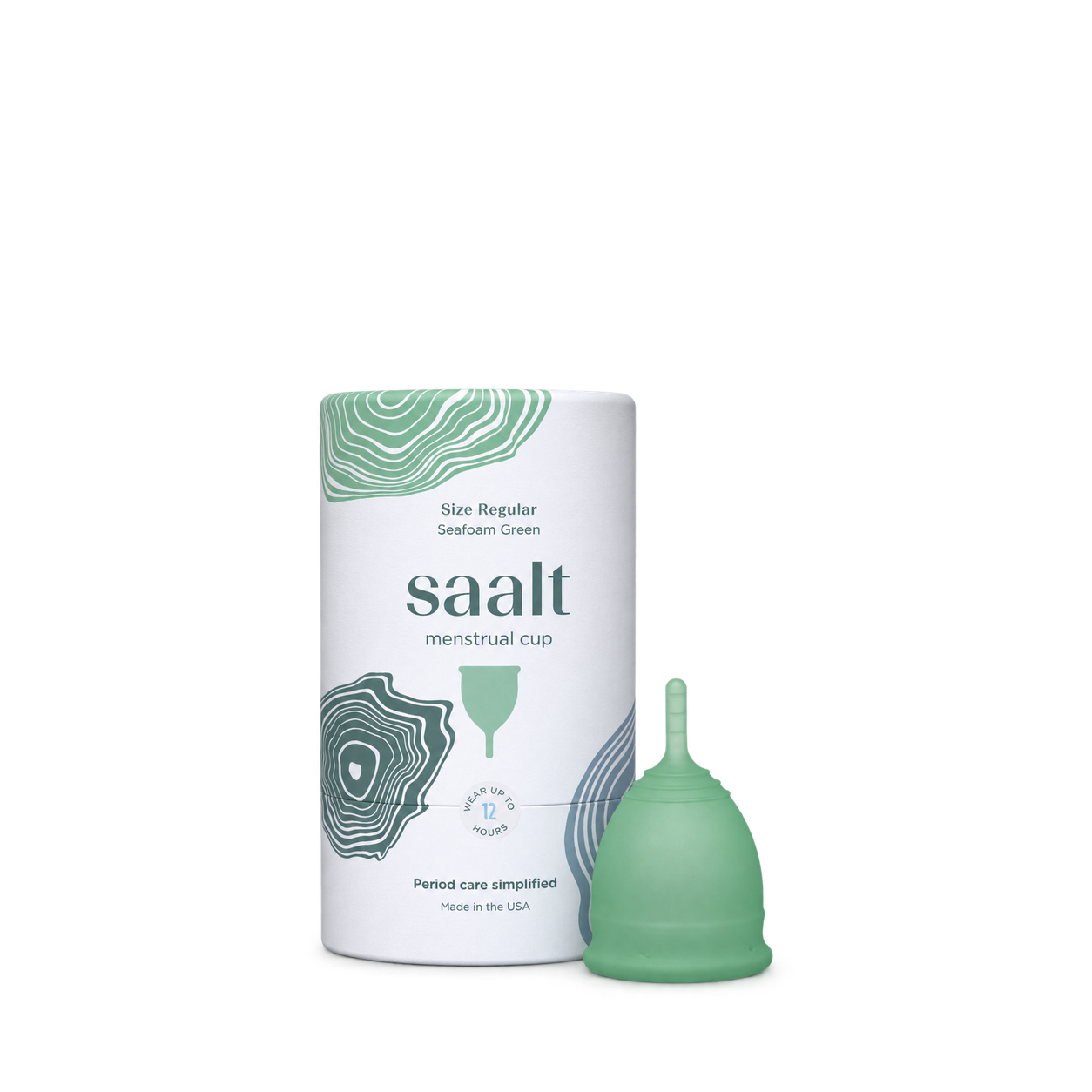
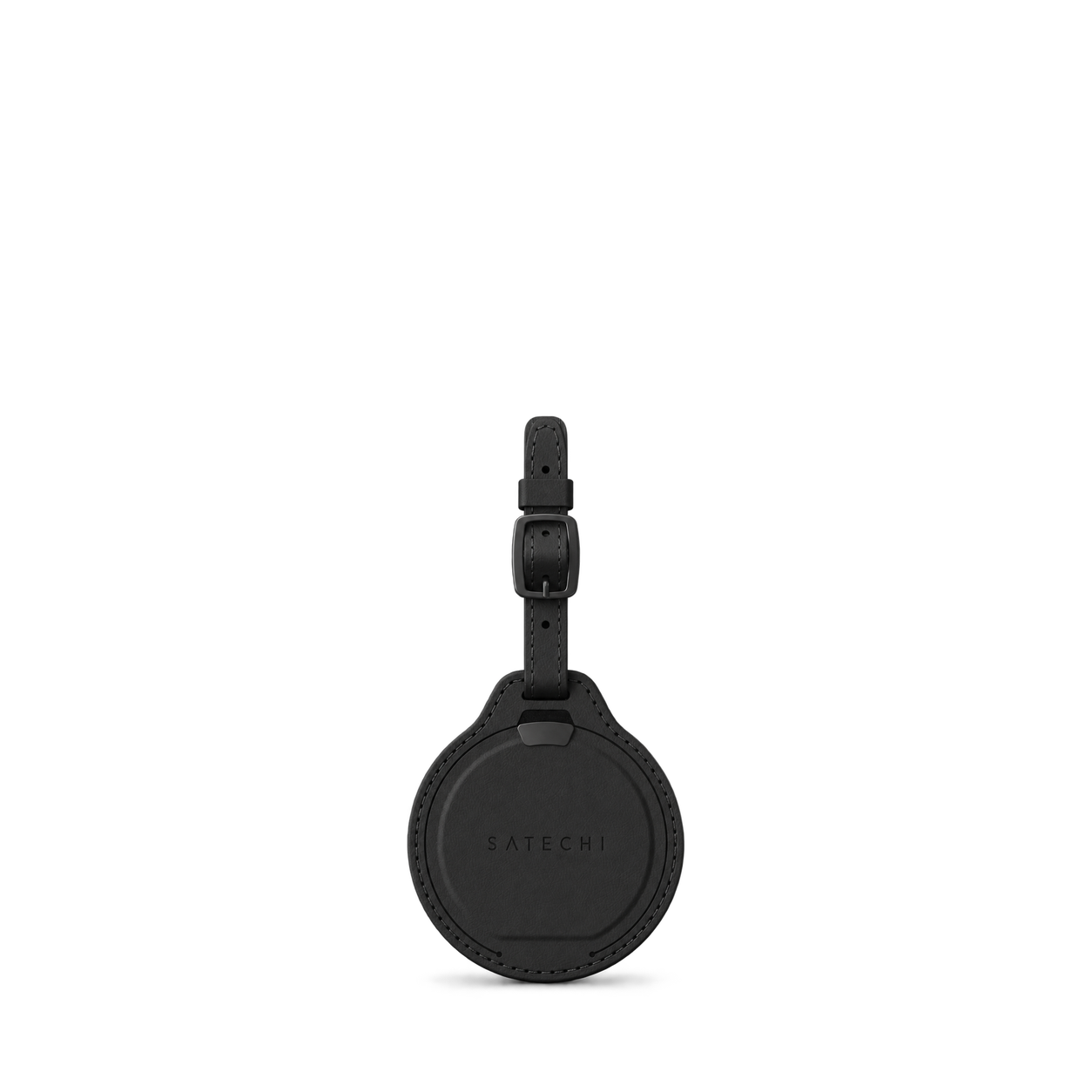


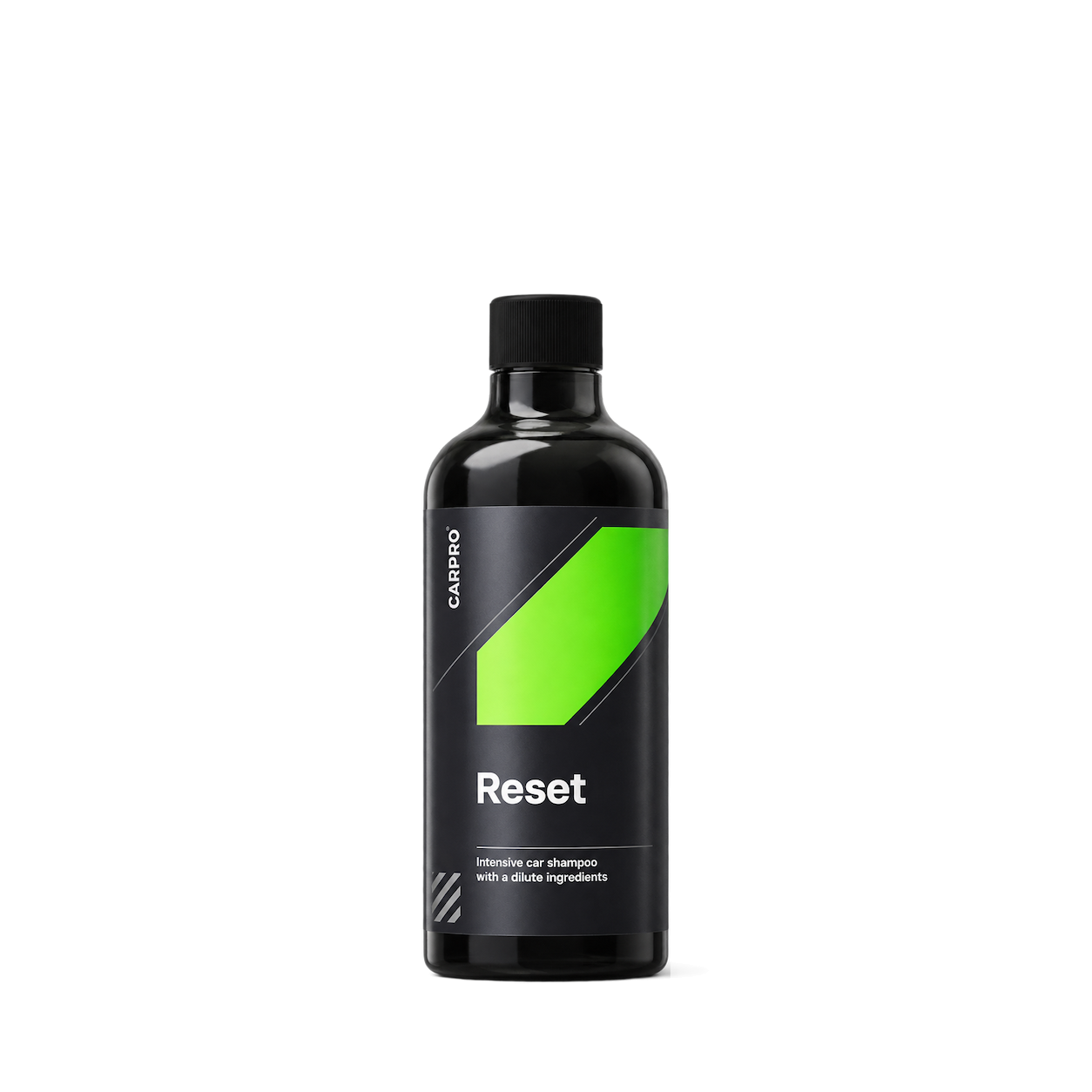
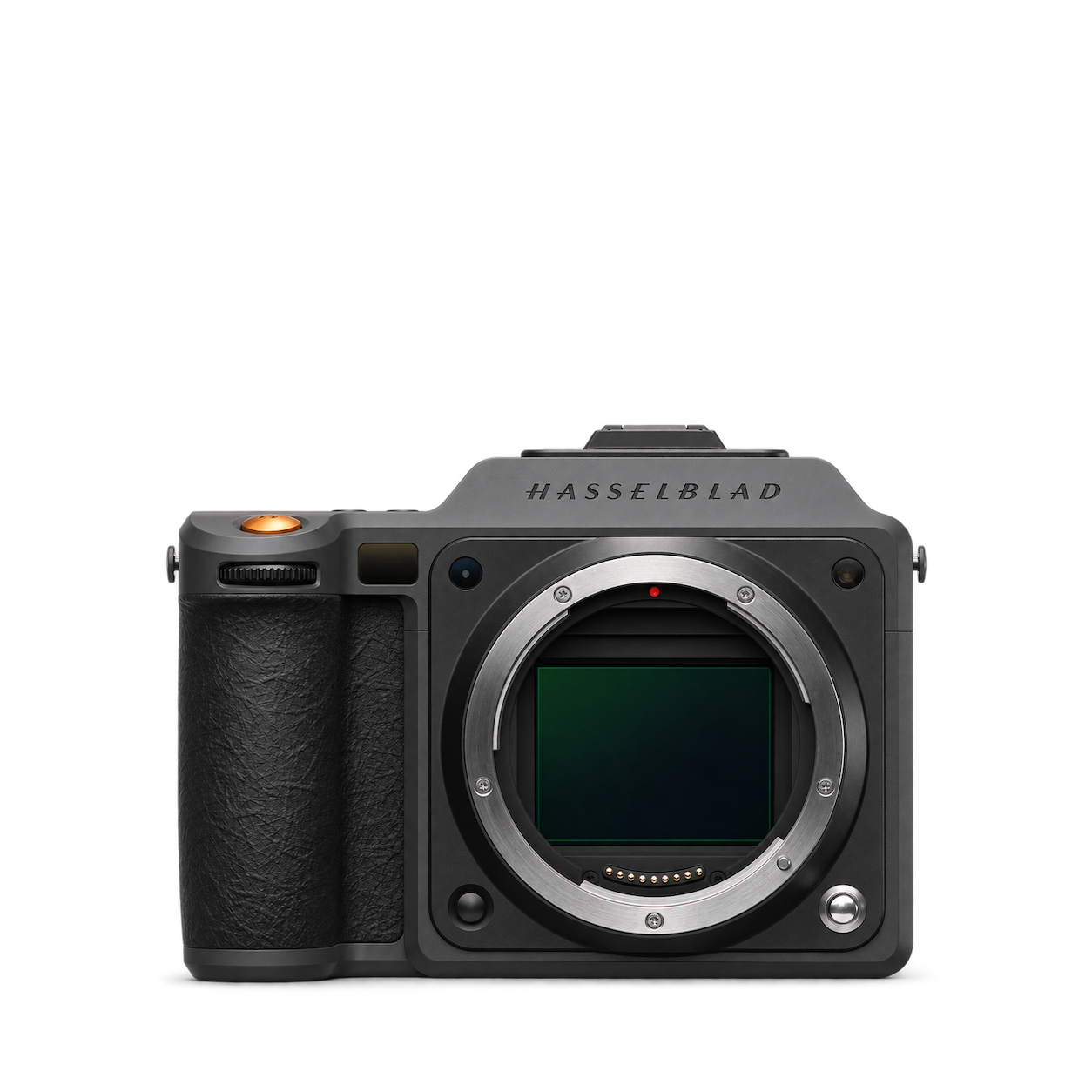
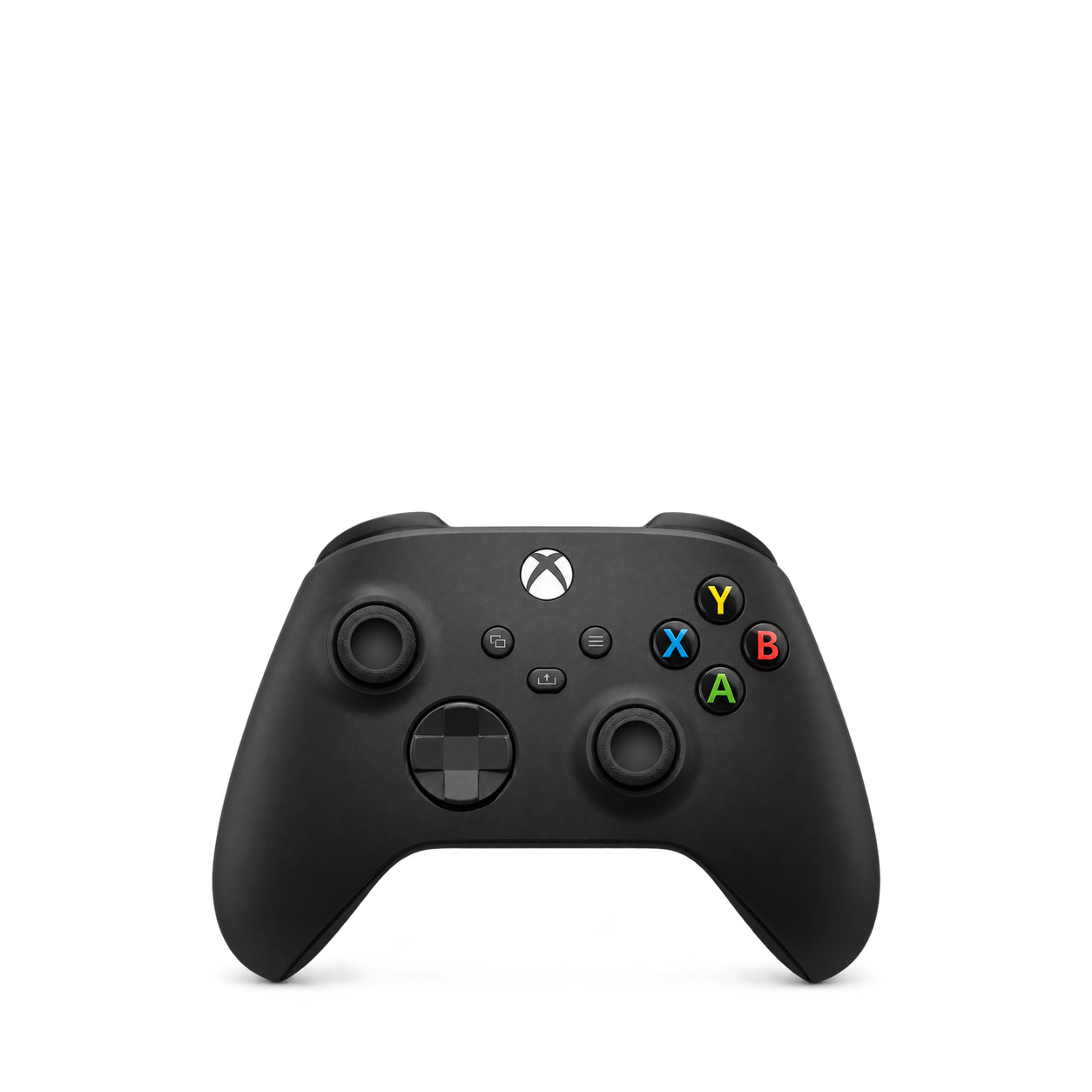
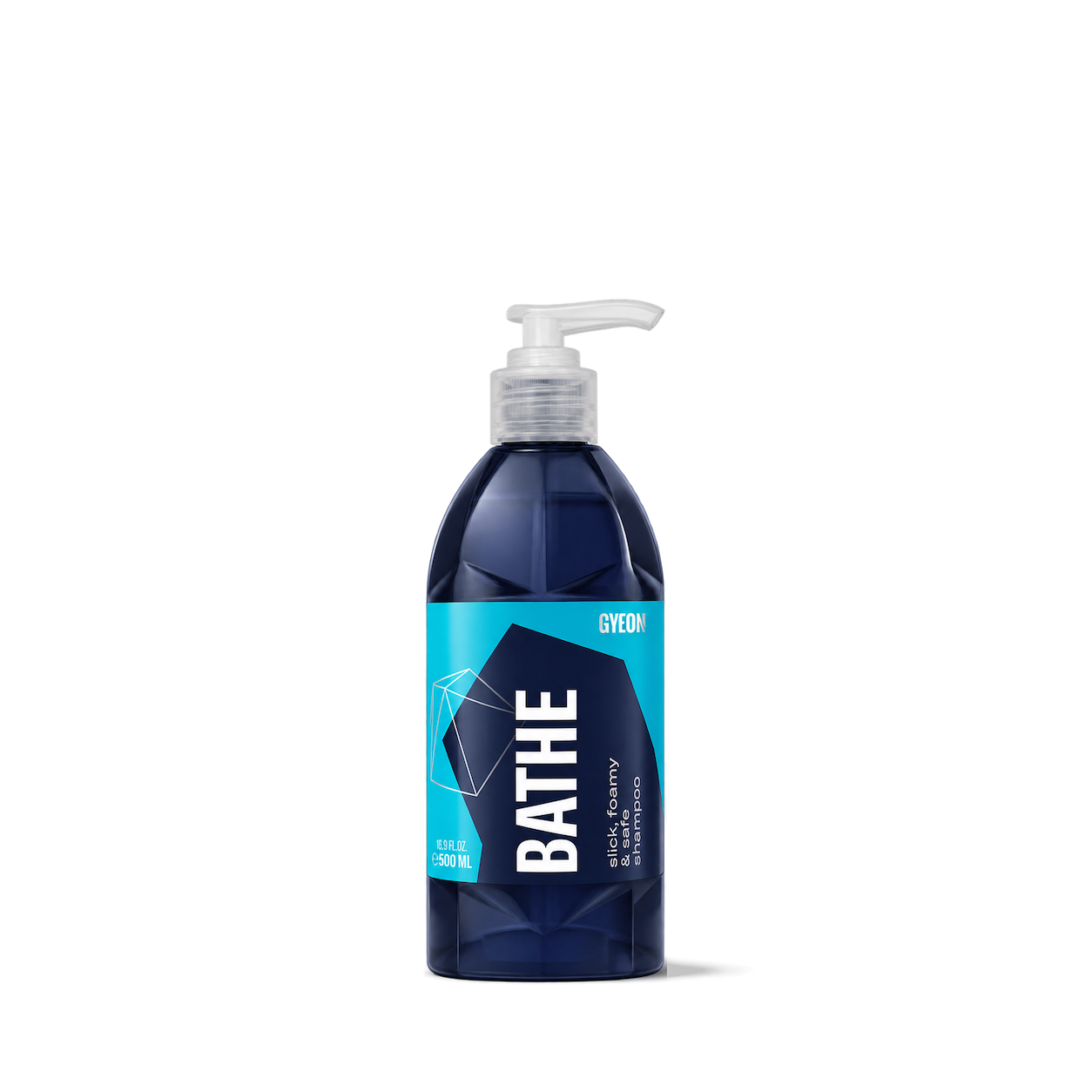

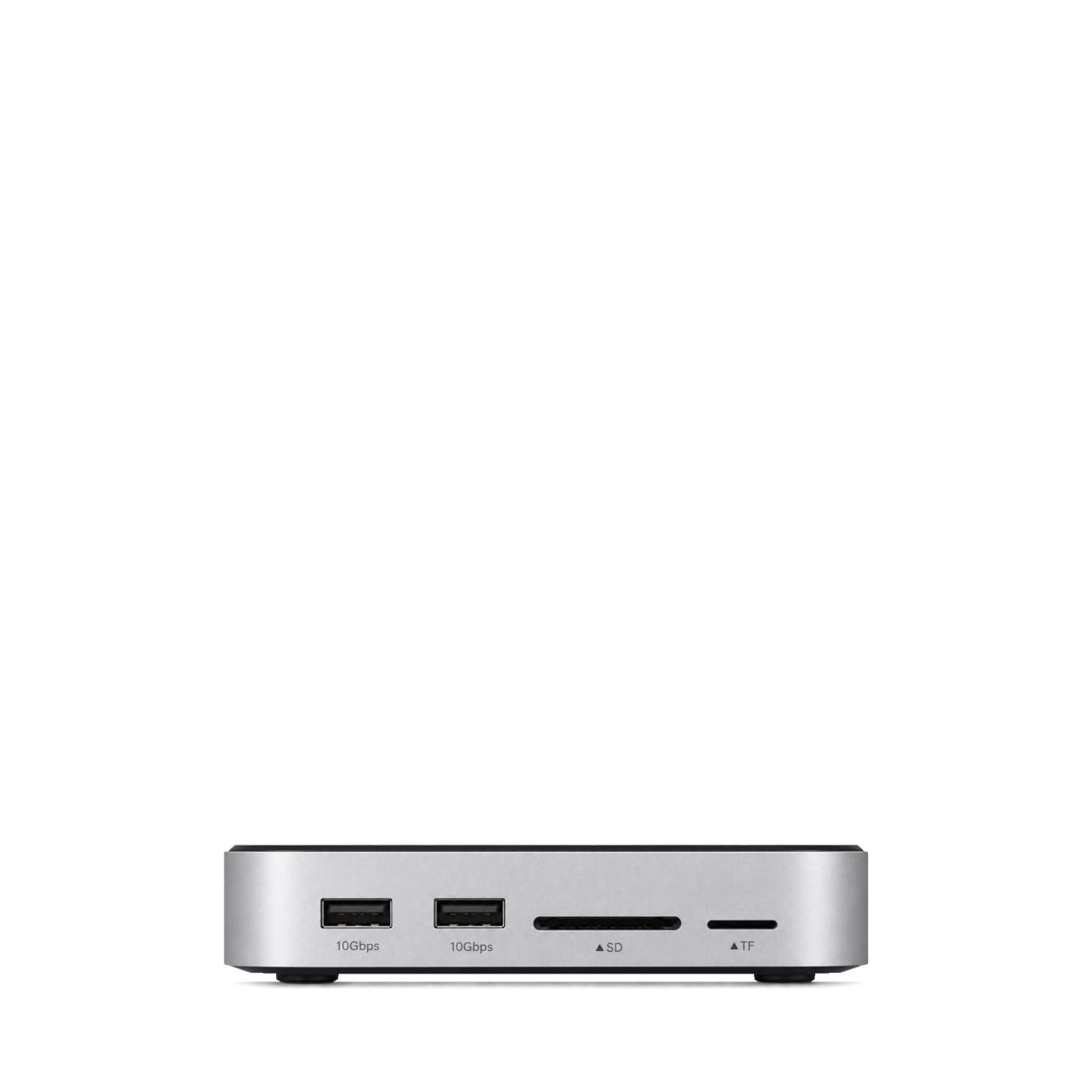
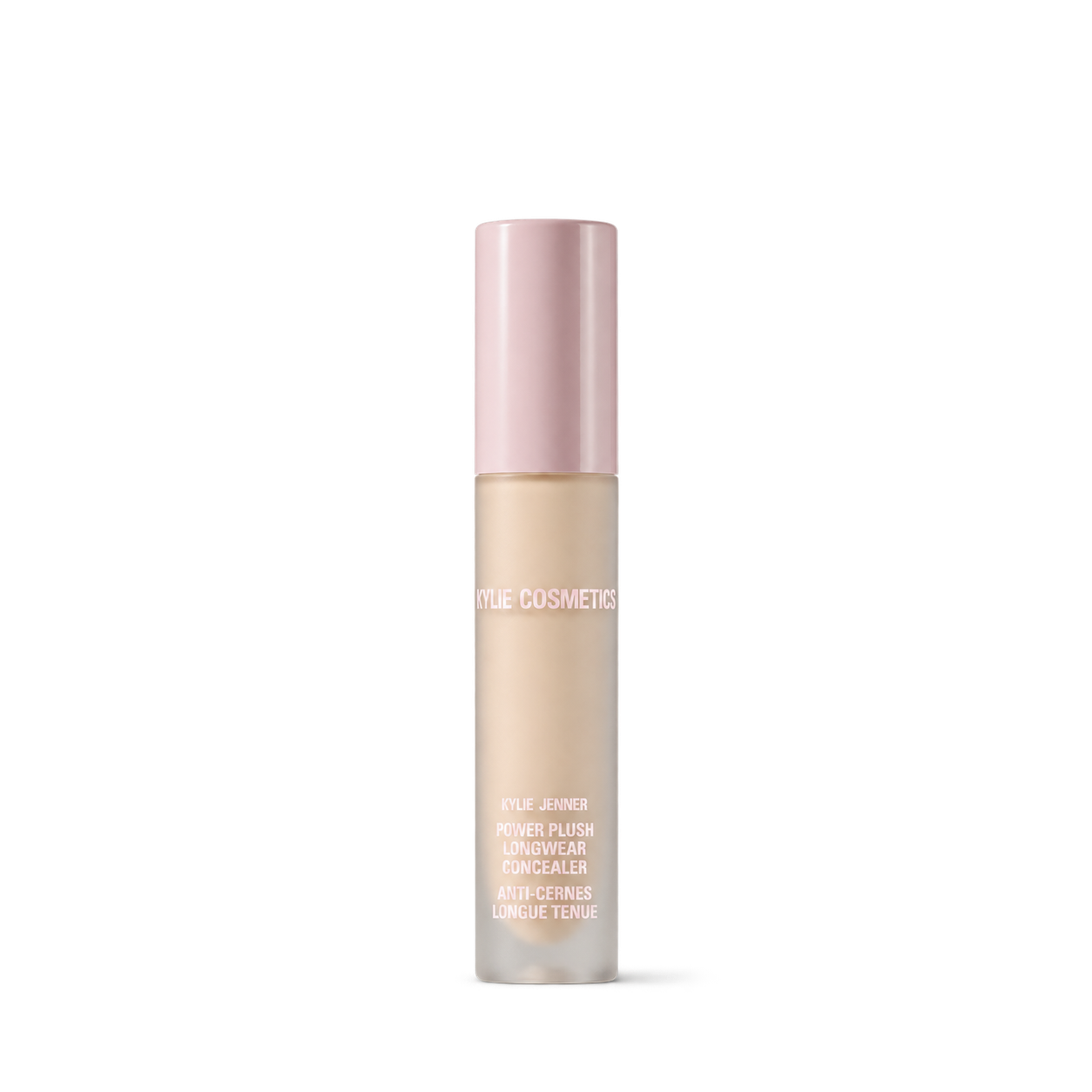
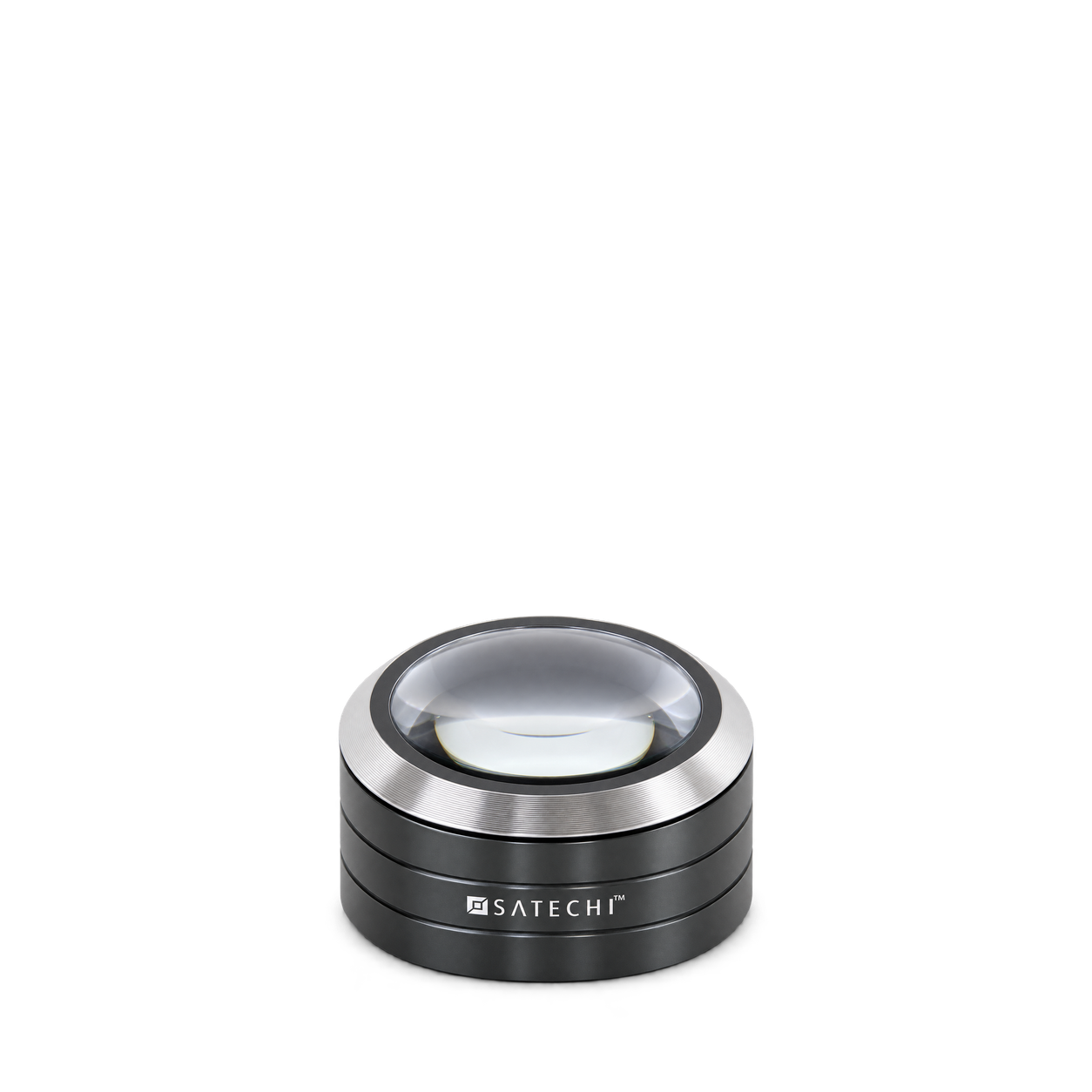
The Official MCP For Product Shots
12,572 free product images
For websites, apps, and AI tools.
Find an image
CollectionsTap an image to view details and get the free PNG.
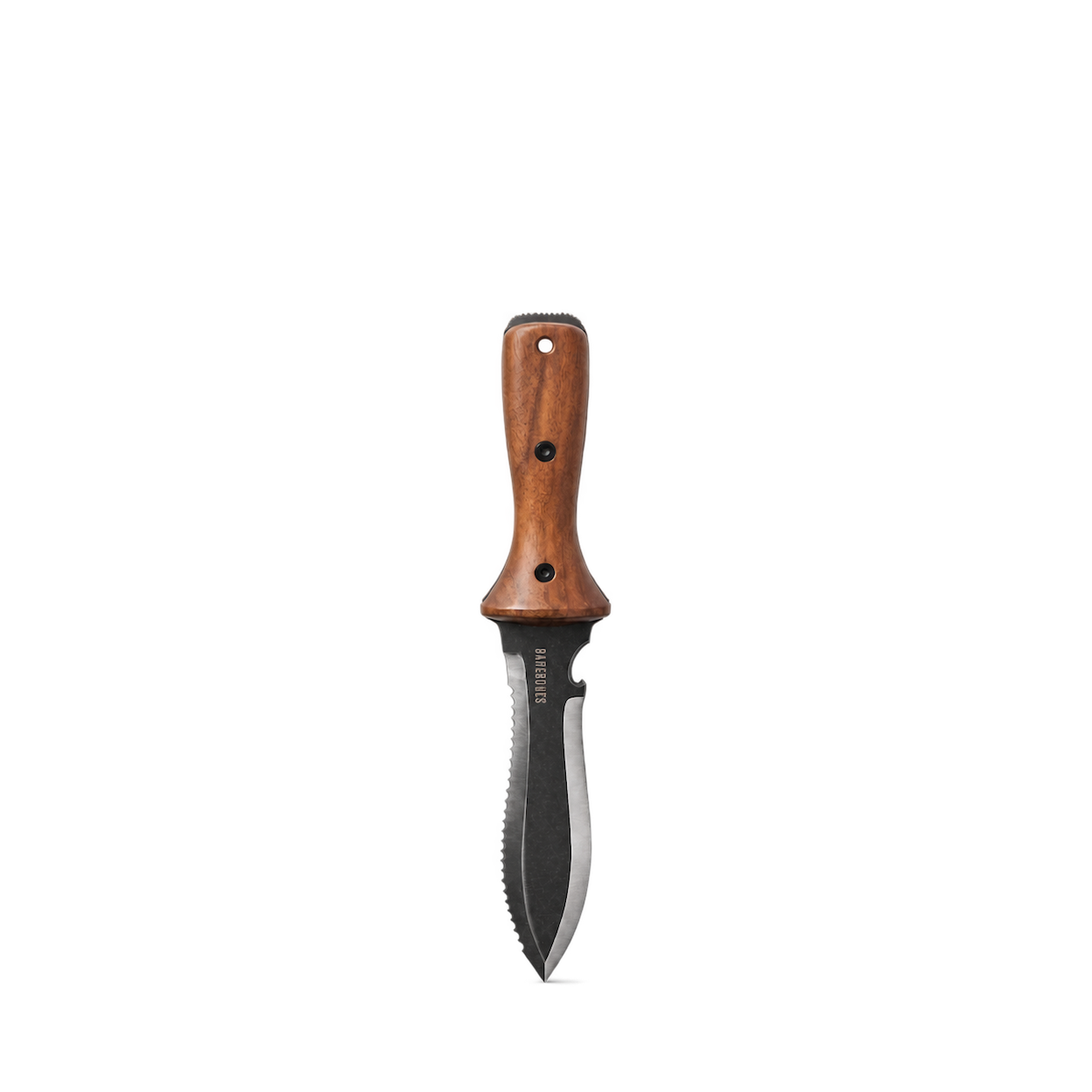
Barebones
Hori Hori Ultimate II
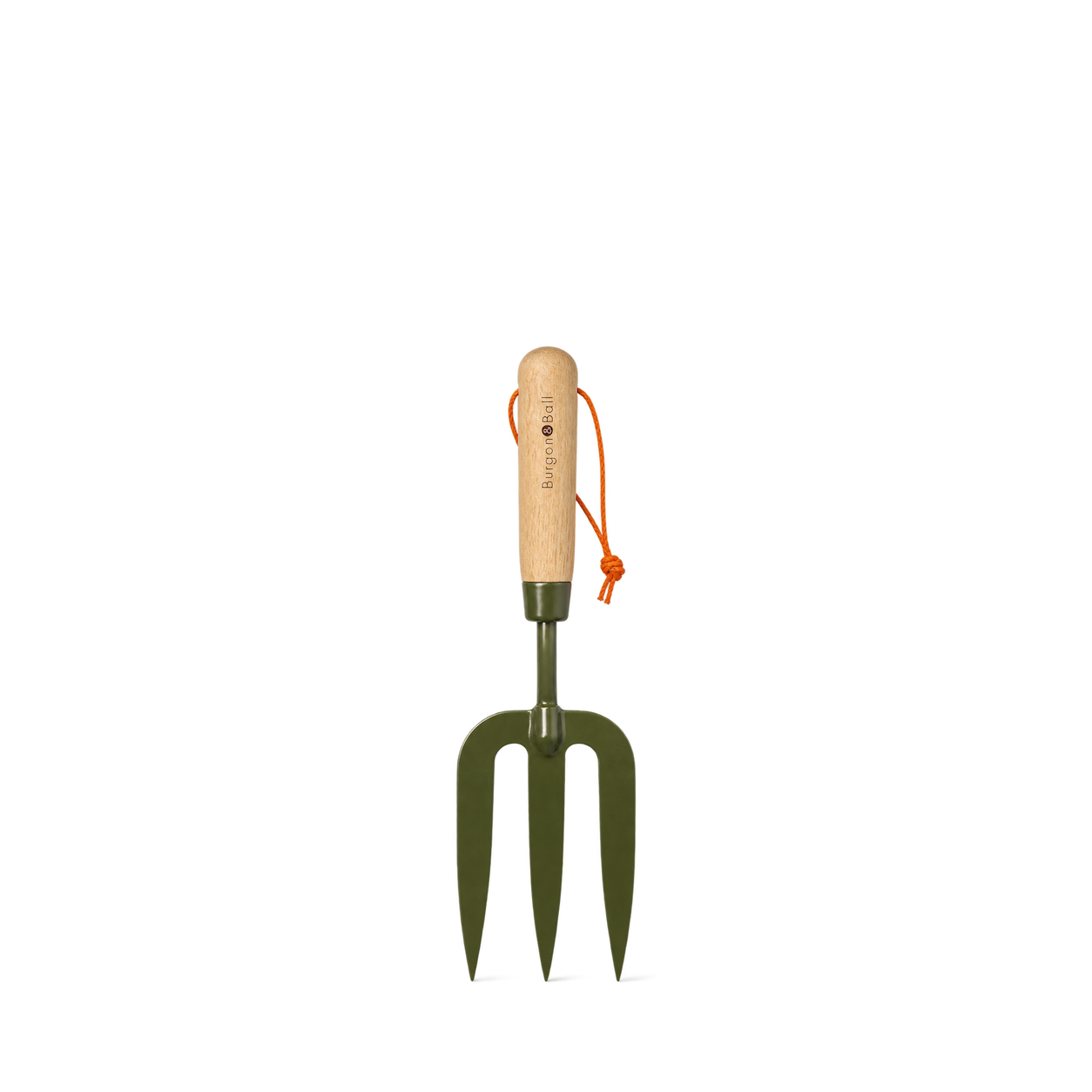
Burgon & Ball
BoronGreen Hand Fork - RHS Endorsed
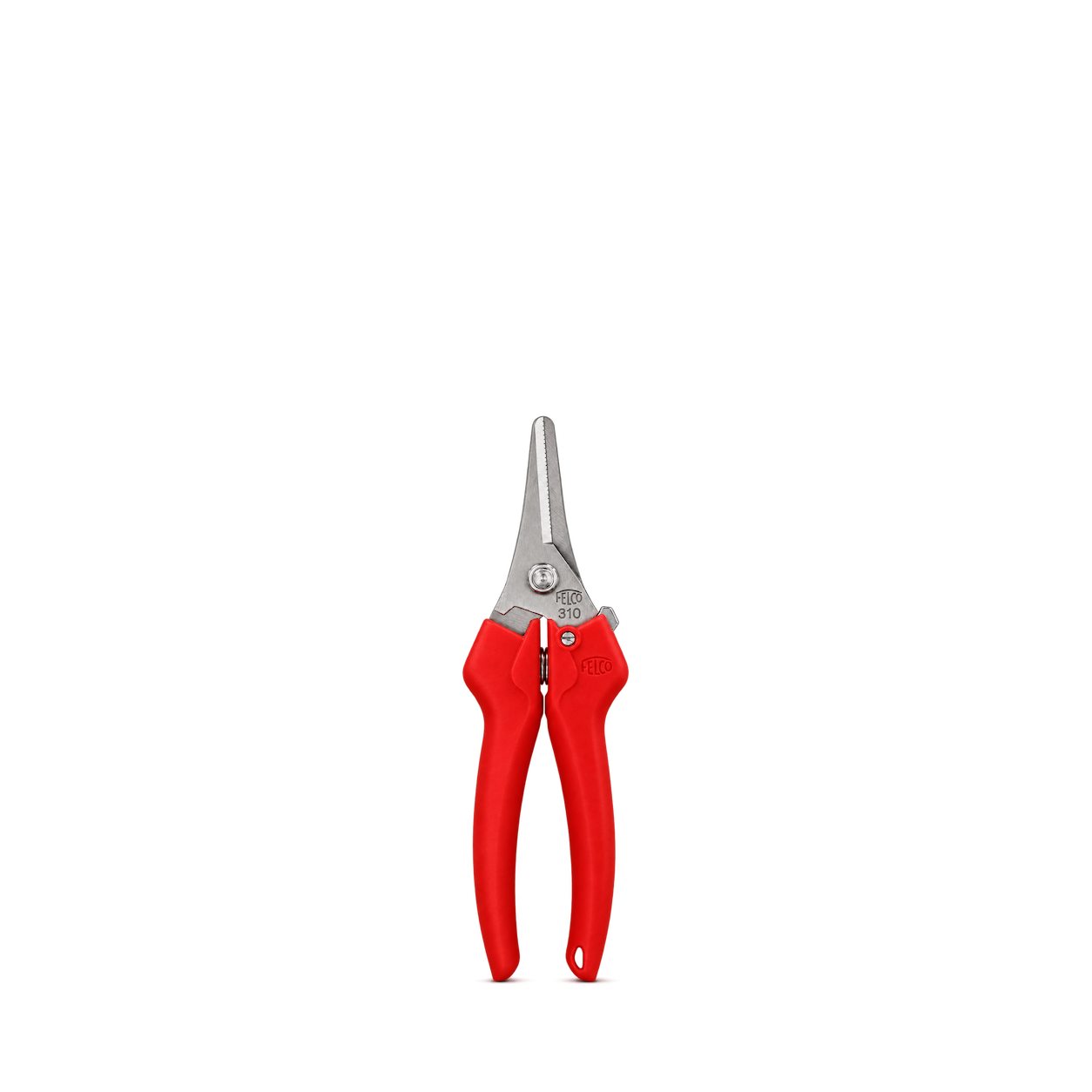
FELCO
310
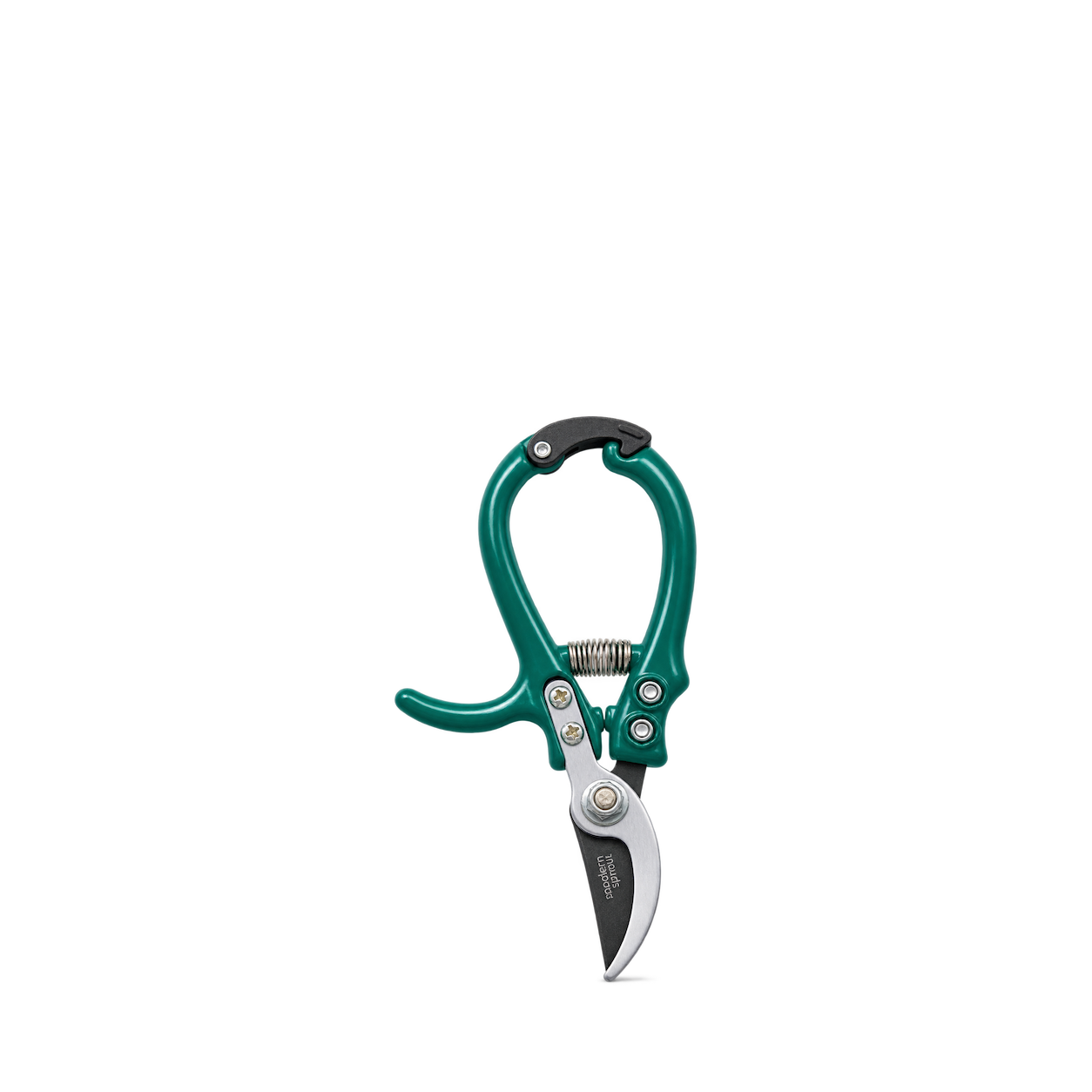
Modern Sprout
Gardening Pruners — Ocean
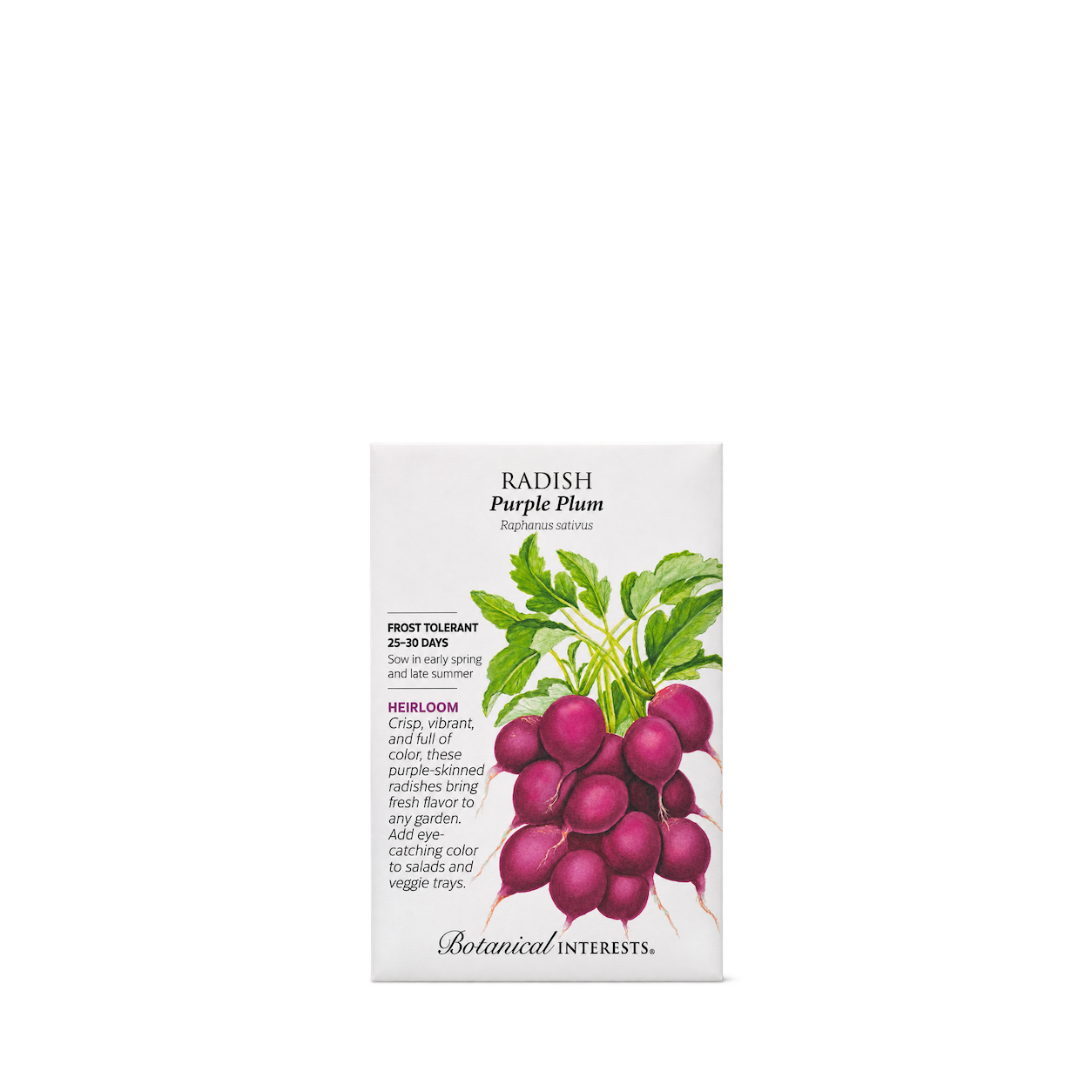
Botanical Interests
Purple Plum Radish Seeds
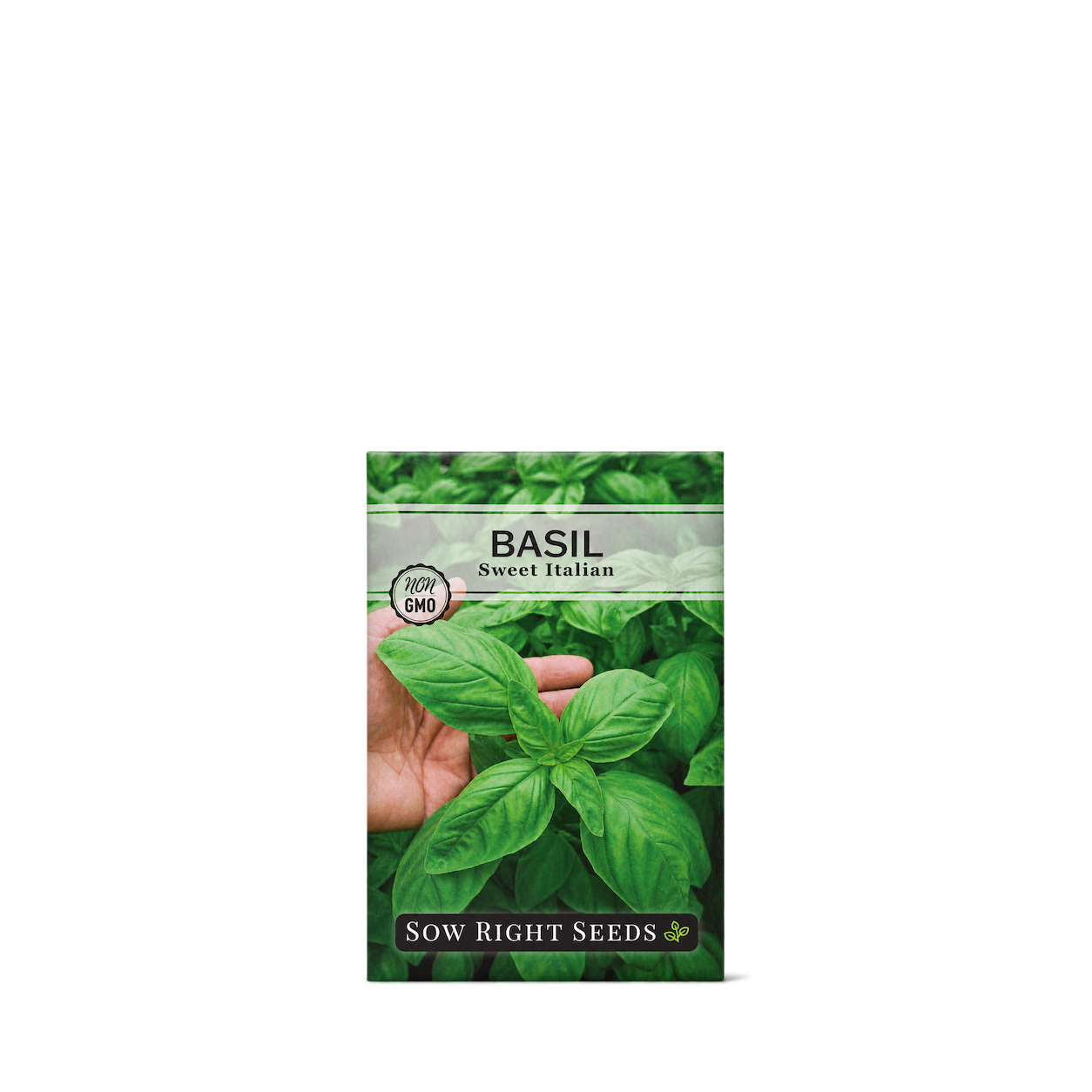
Sow Right Seeds
Sweet Italian Basil Seeds
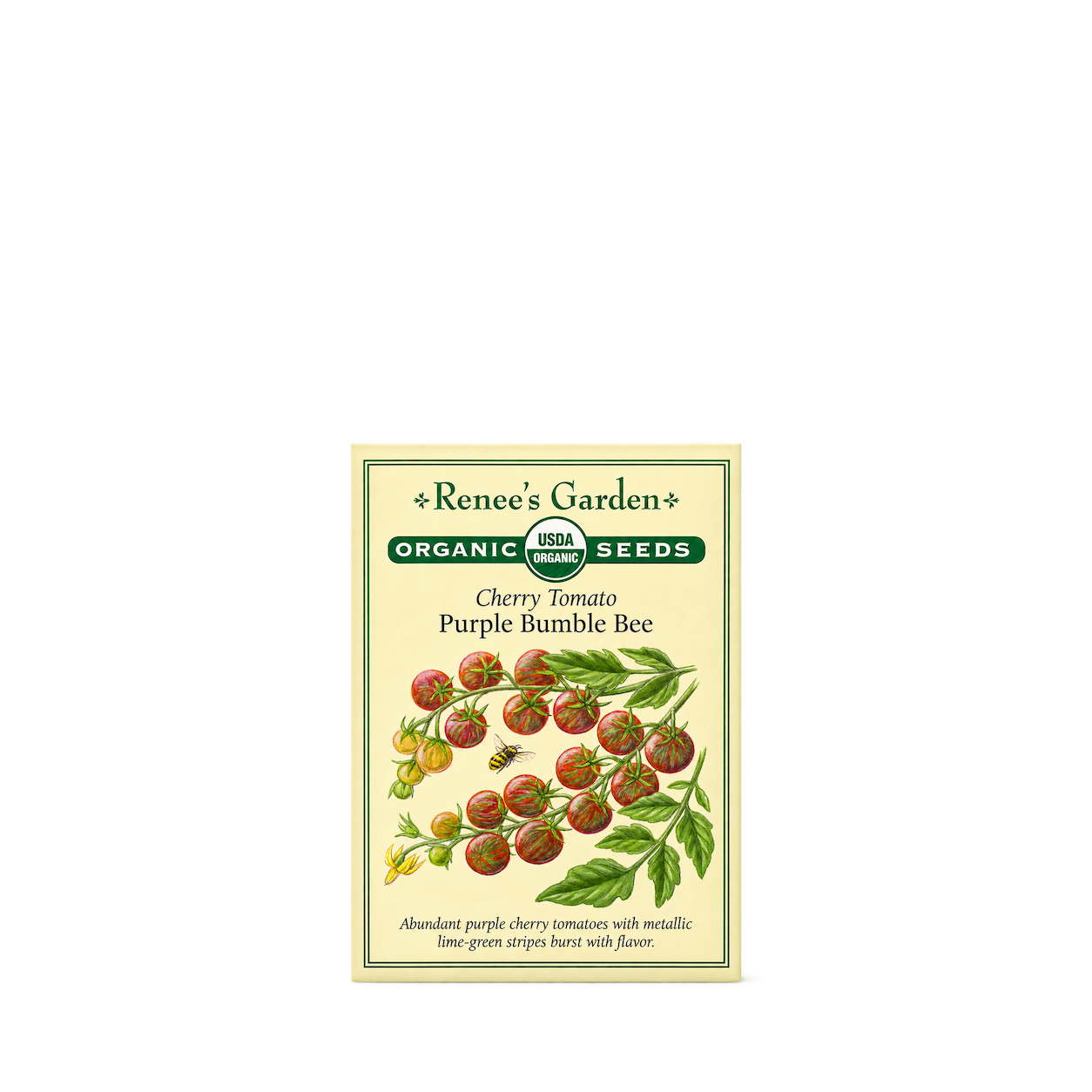
Renee's Garden
Cherry Tomato - Purple Bumble Bee Organic
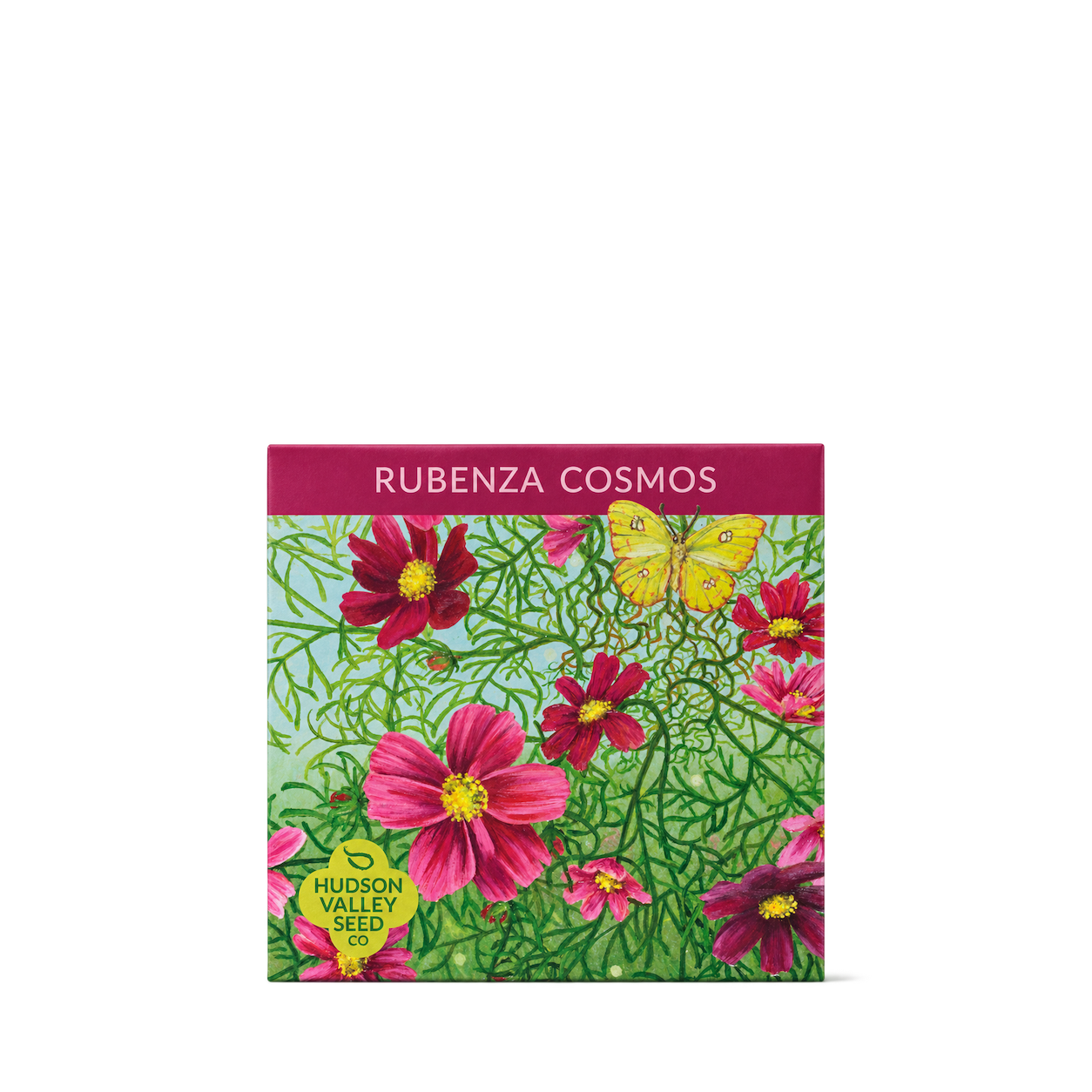
Hudson Valley Seed Company
Rubenza Cosmos
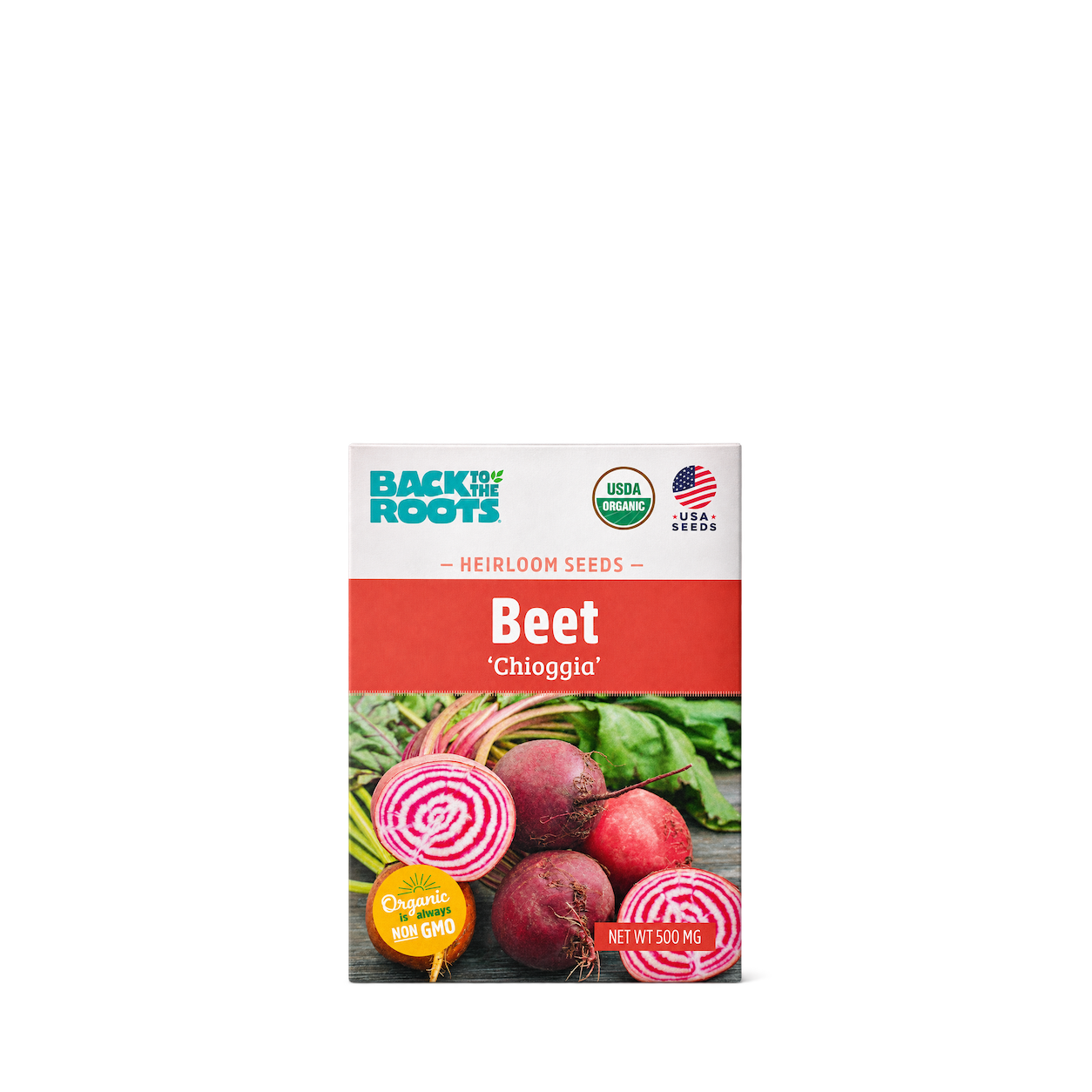
Back to the Roots
Organic Beet Seeds — Chioggia
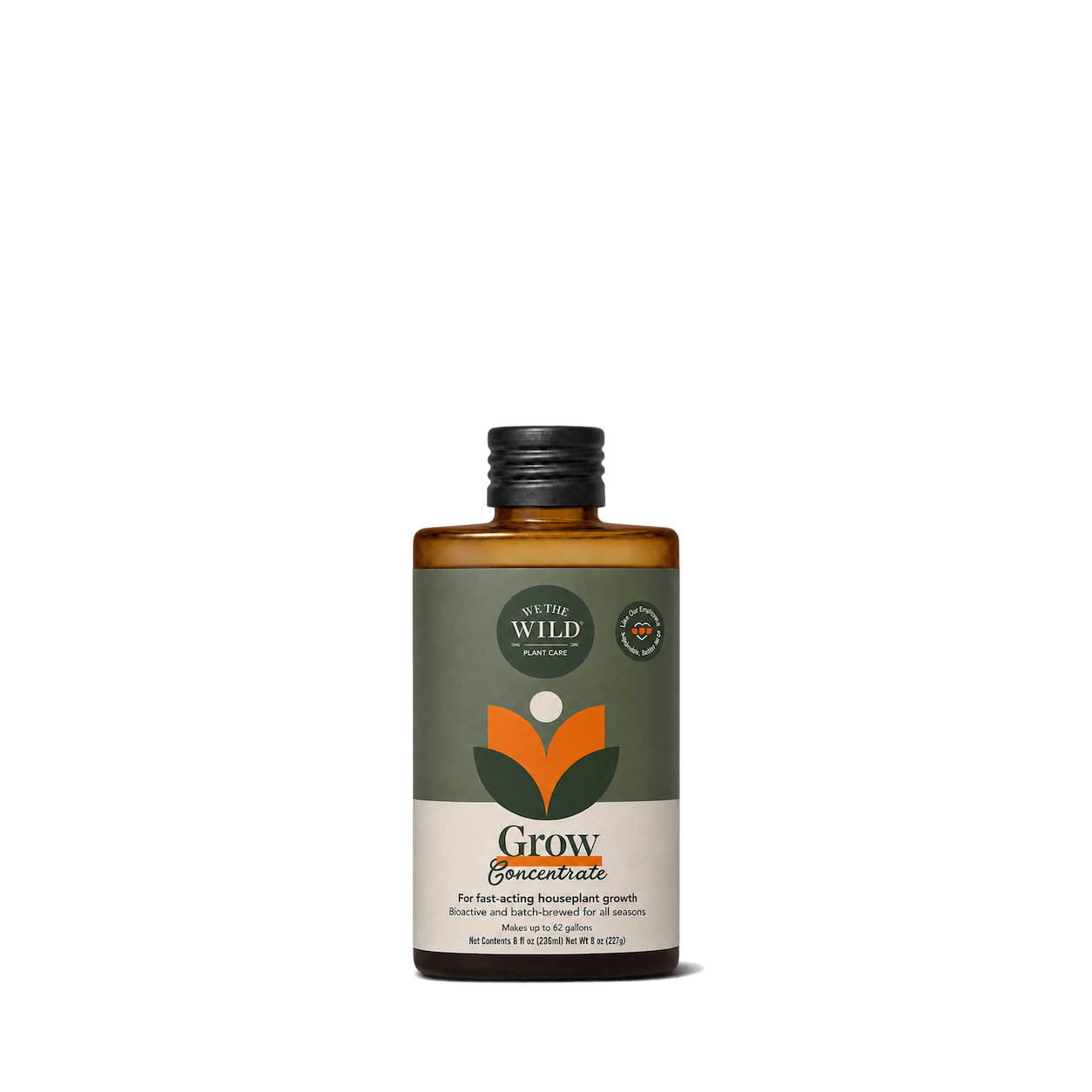
We the Wild
Grow Fast Acting Houseplant Food
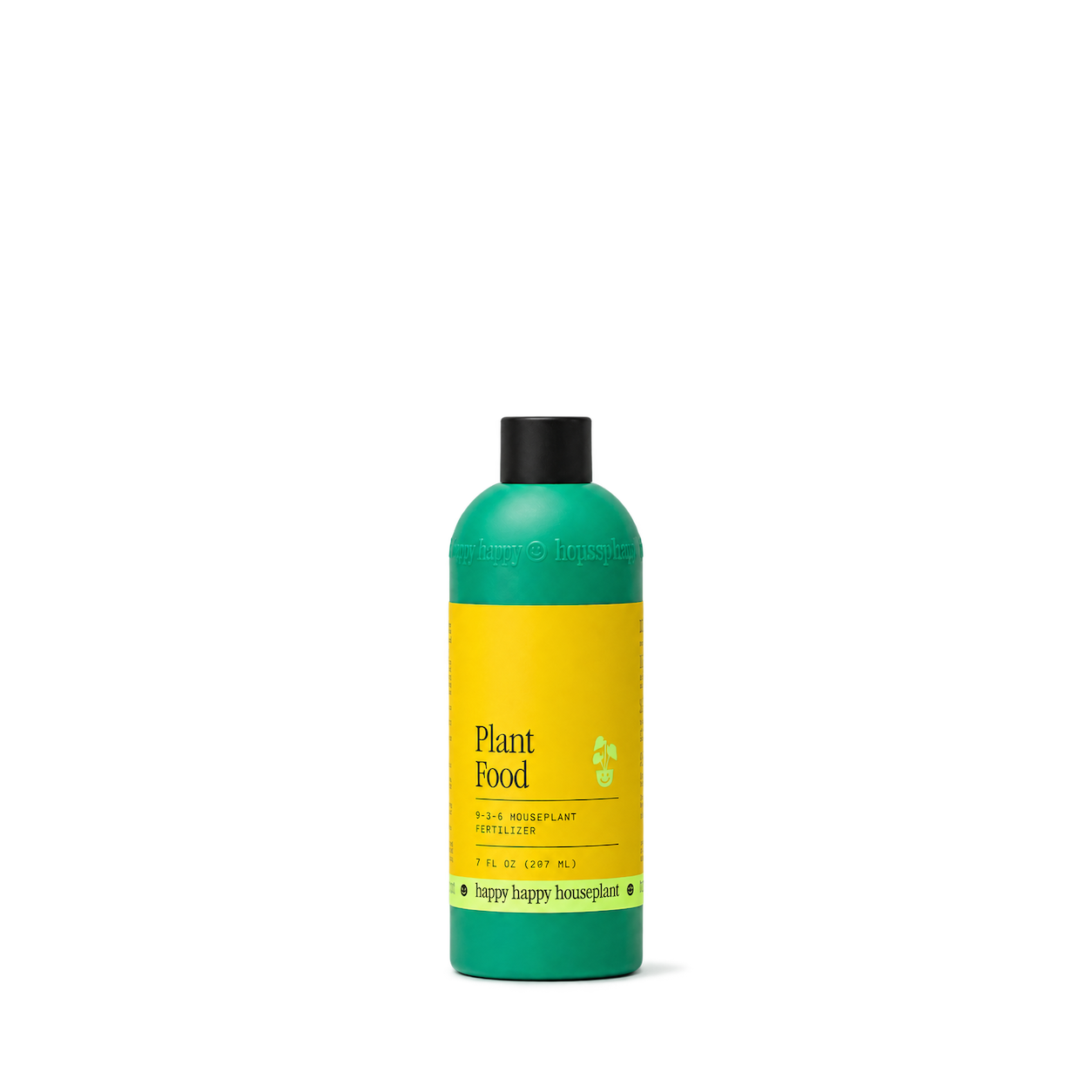
Happy Happy Houseplant
Plant Food Concentrate — Refill
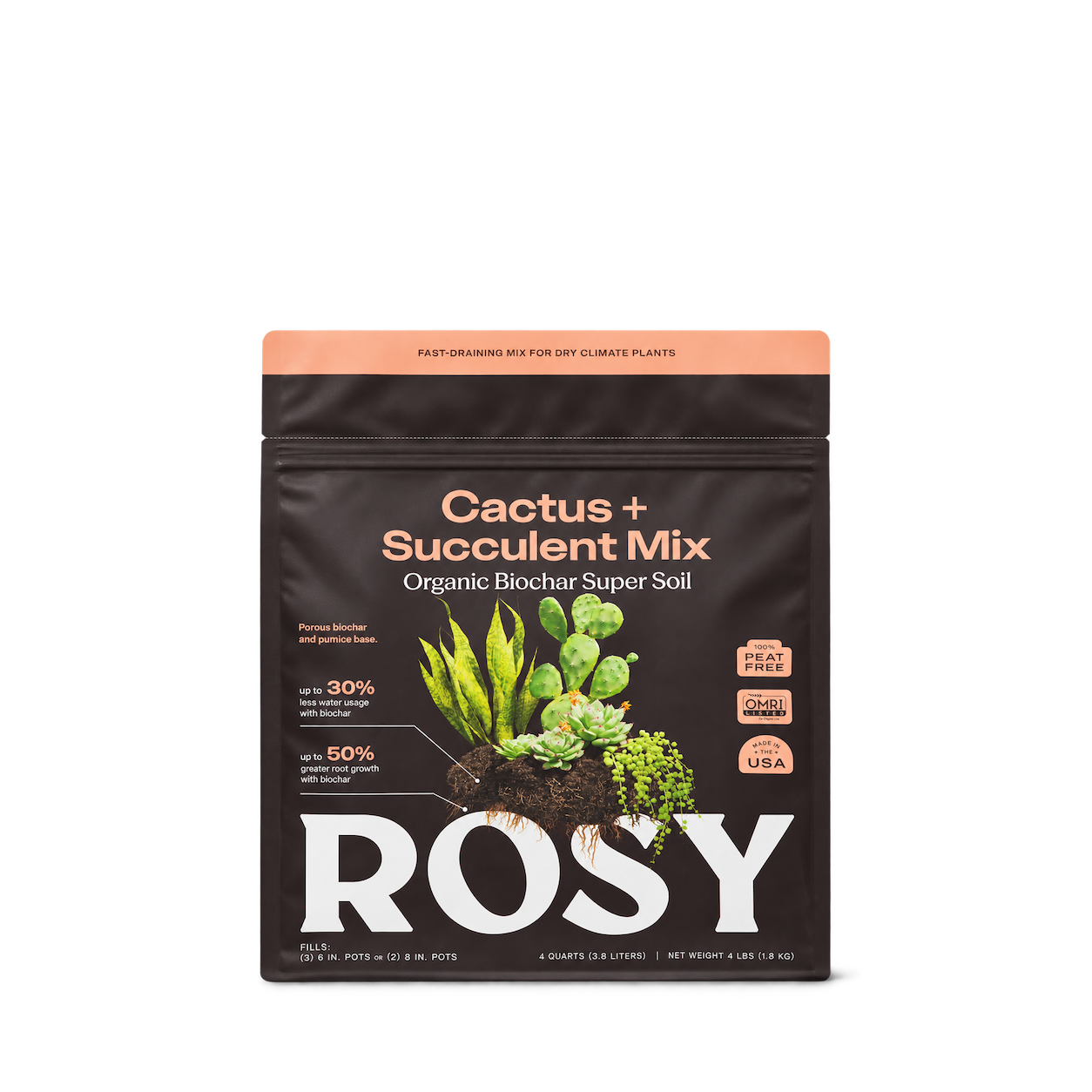
Rosy Soil
Cactus & Succulent Soil
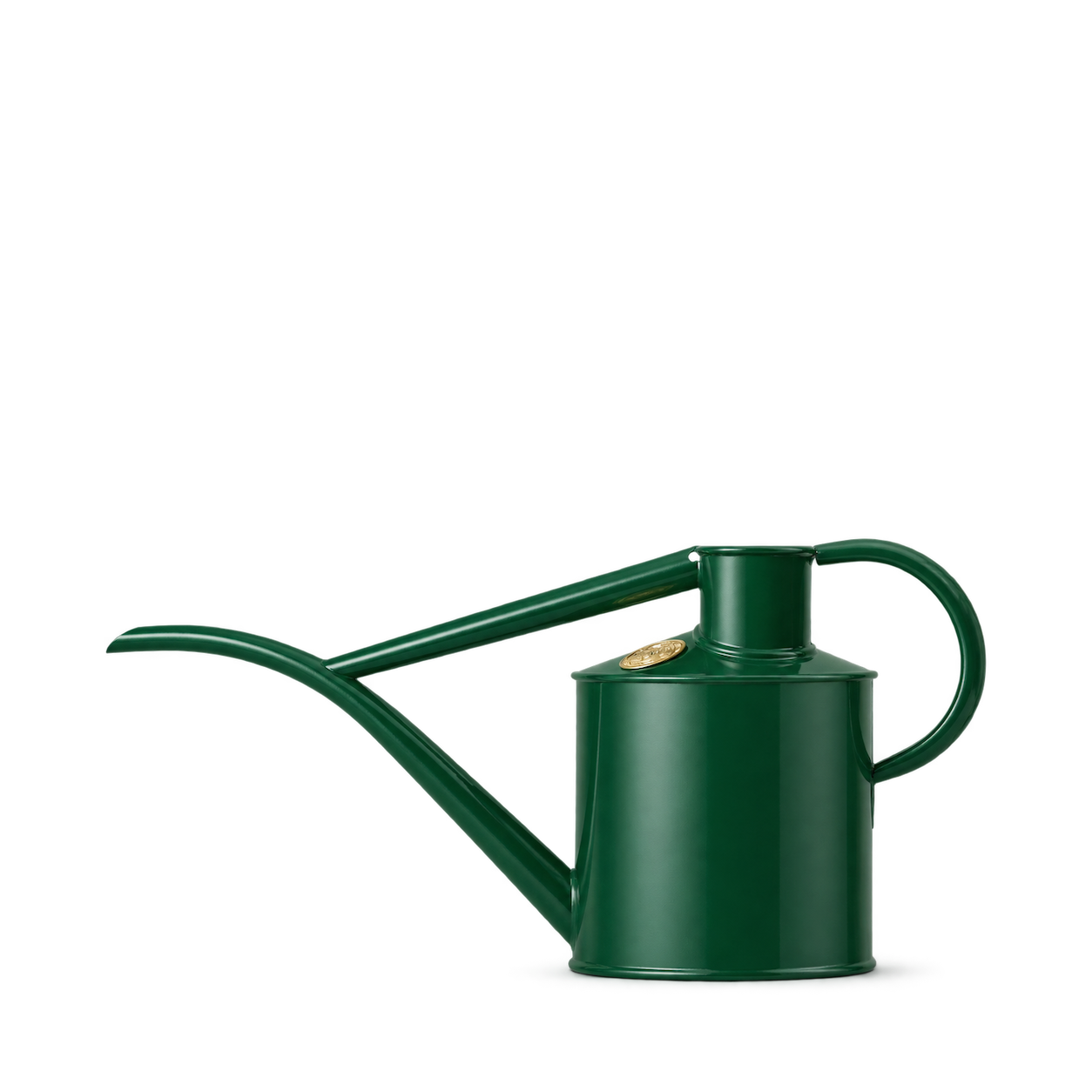
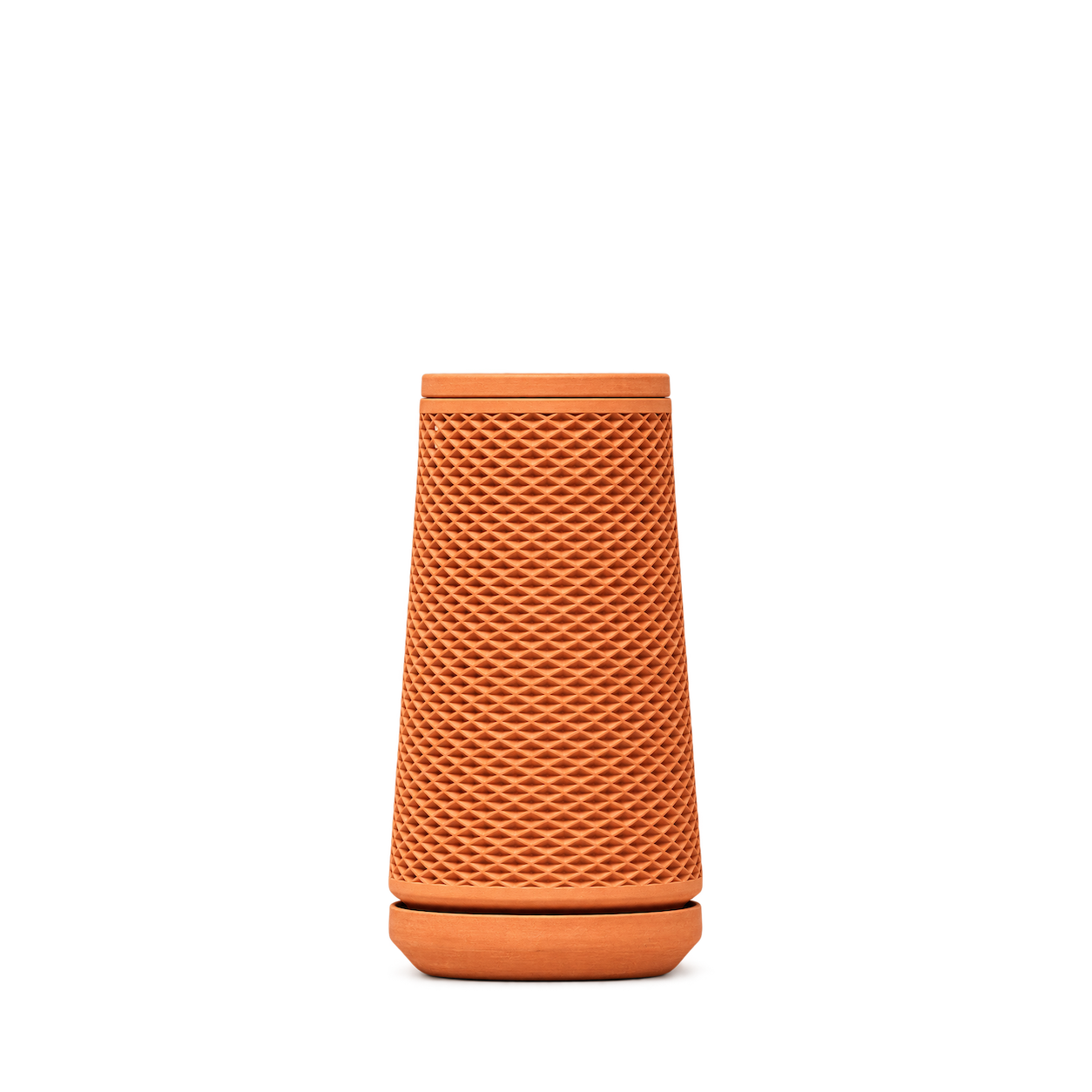
Tevaplanter
Terracotta
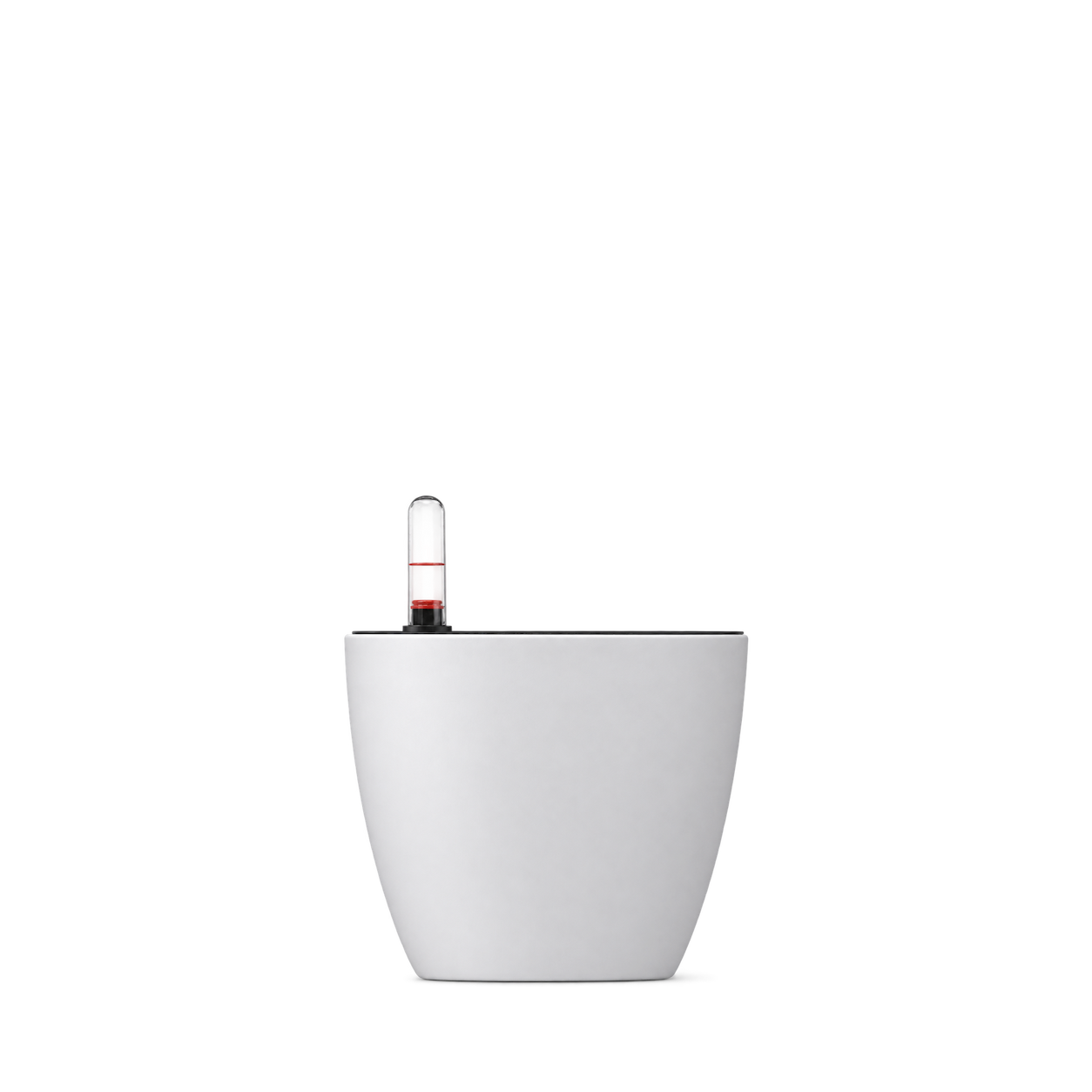
Click & Grow
Self Watering Pot

Rosebud Home Goods
Plant Stem Support — Green X-Large
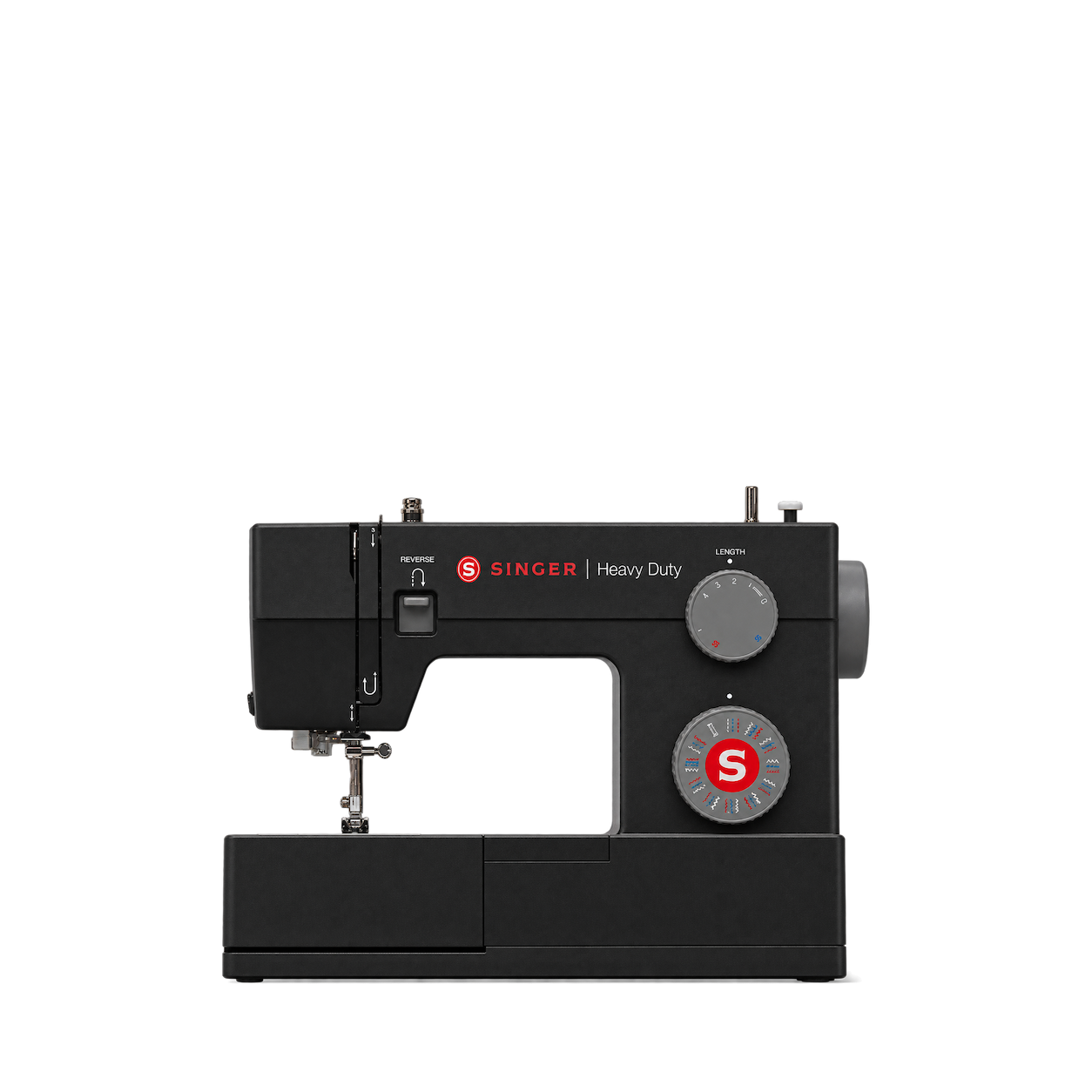
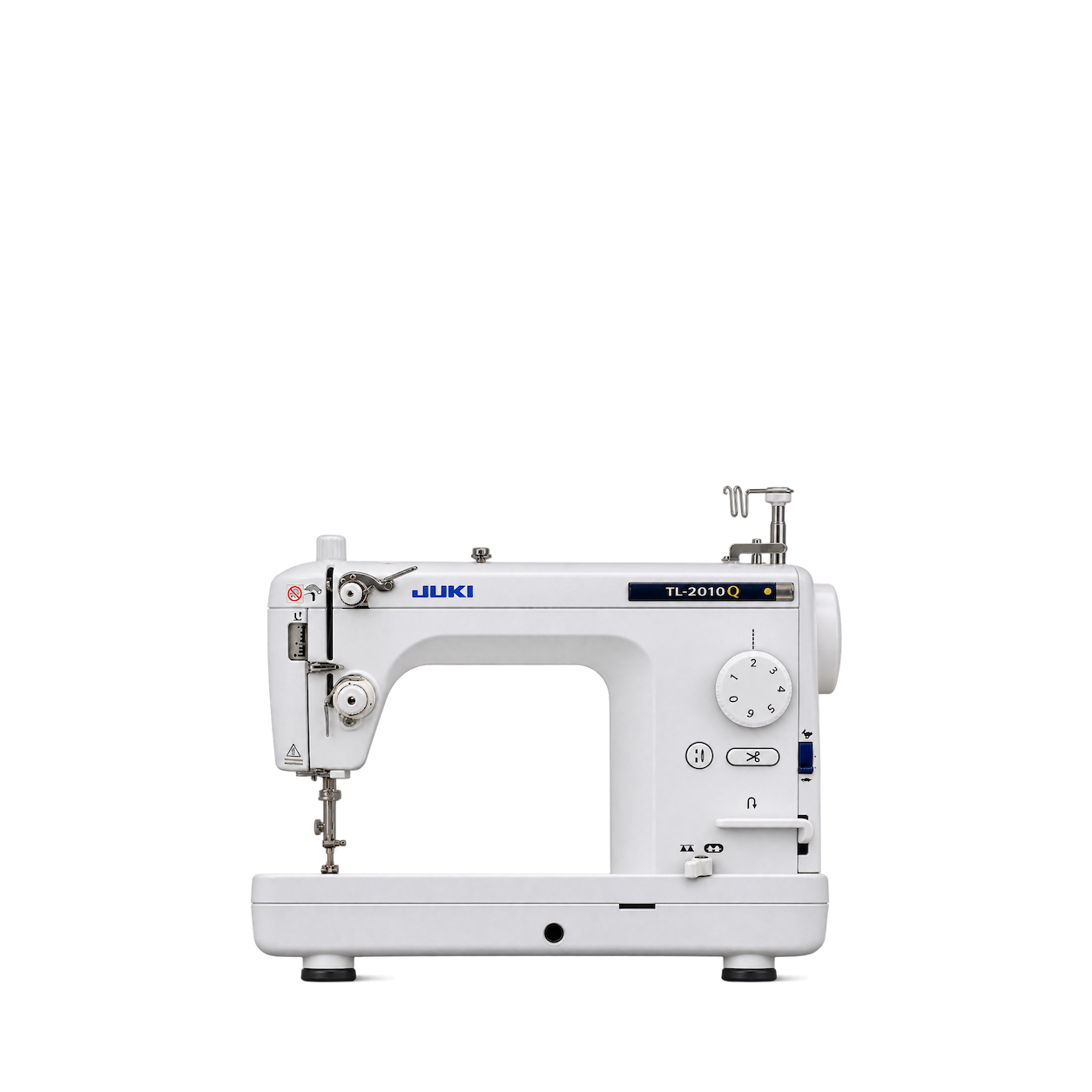
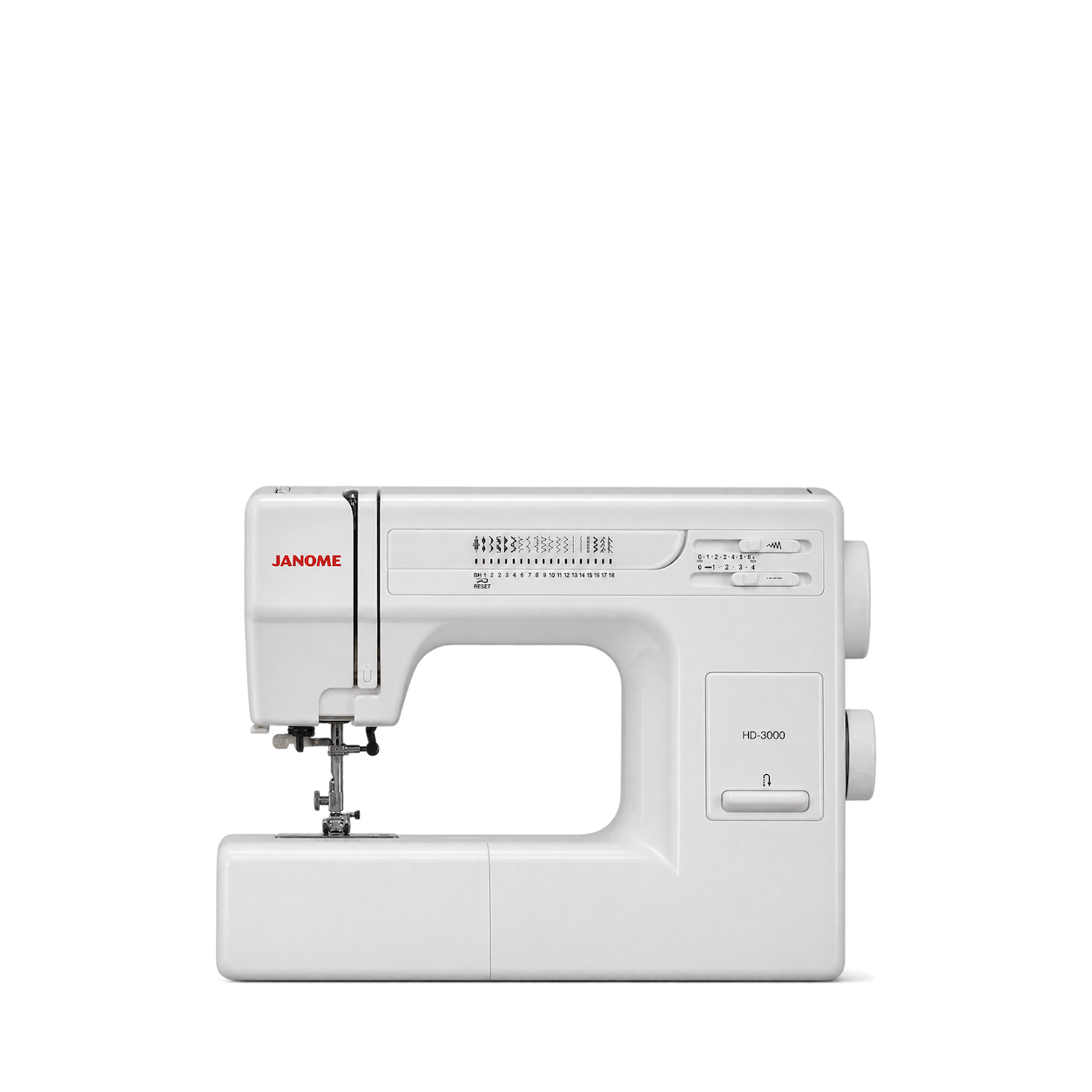
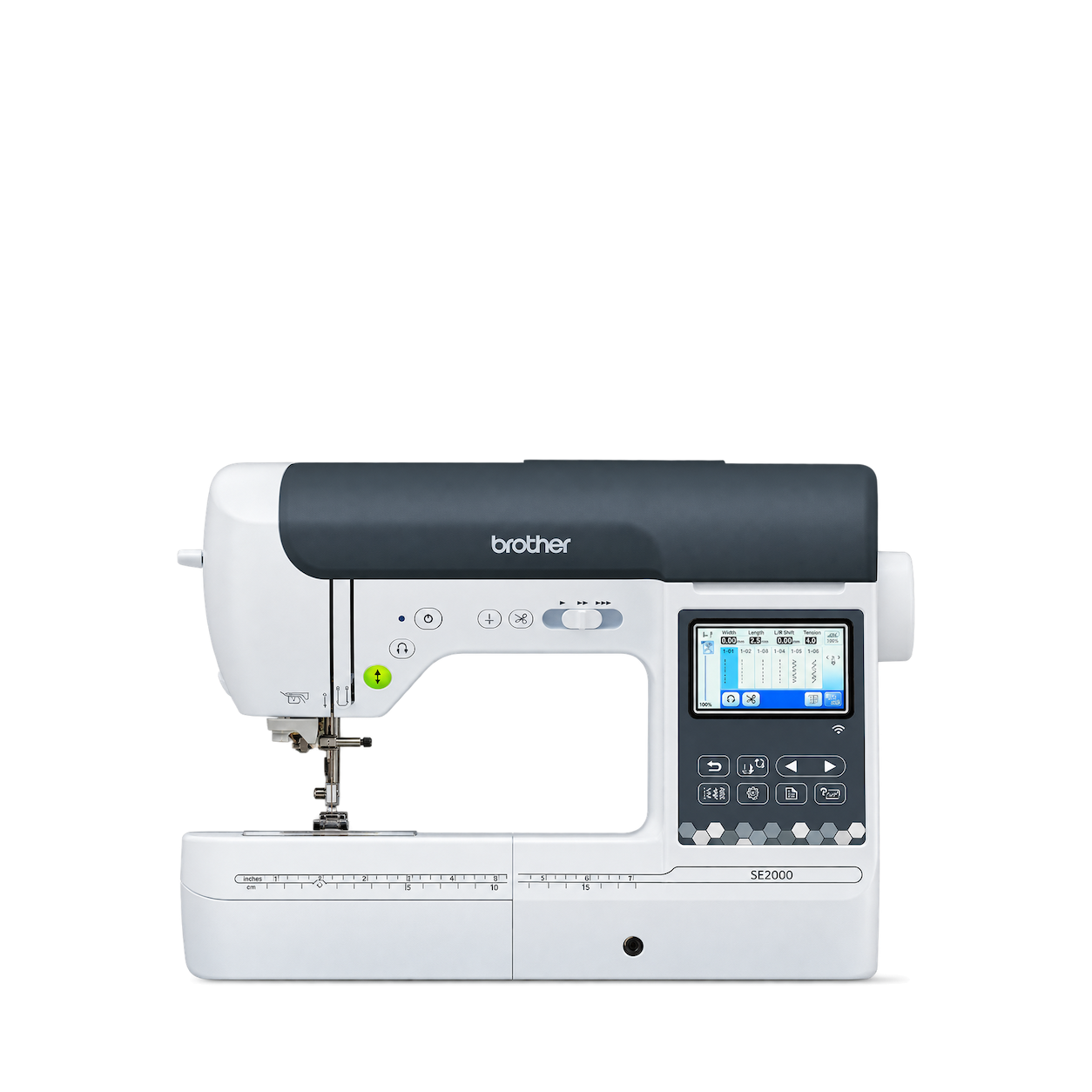
Janome
HD-3000 Sewing Machine
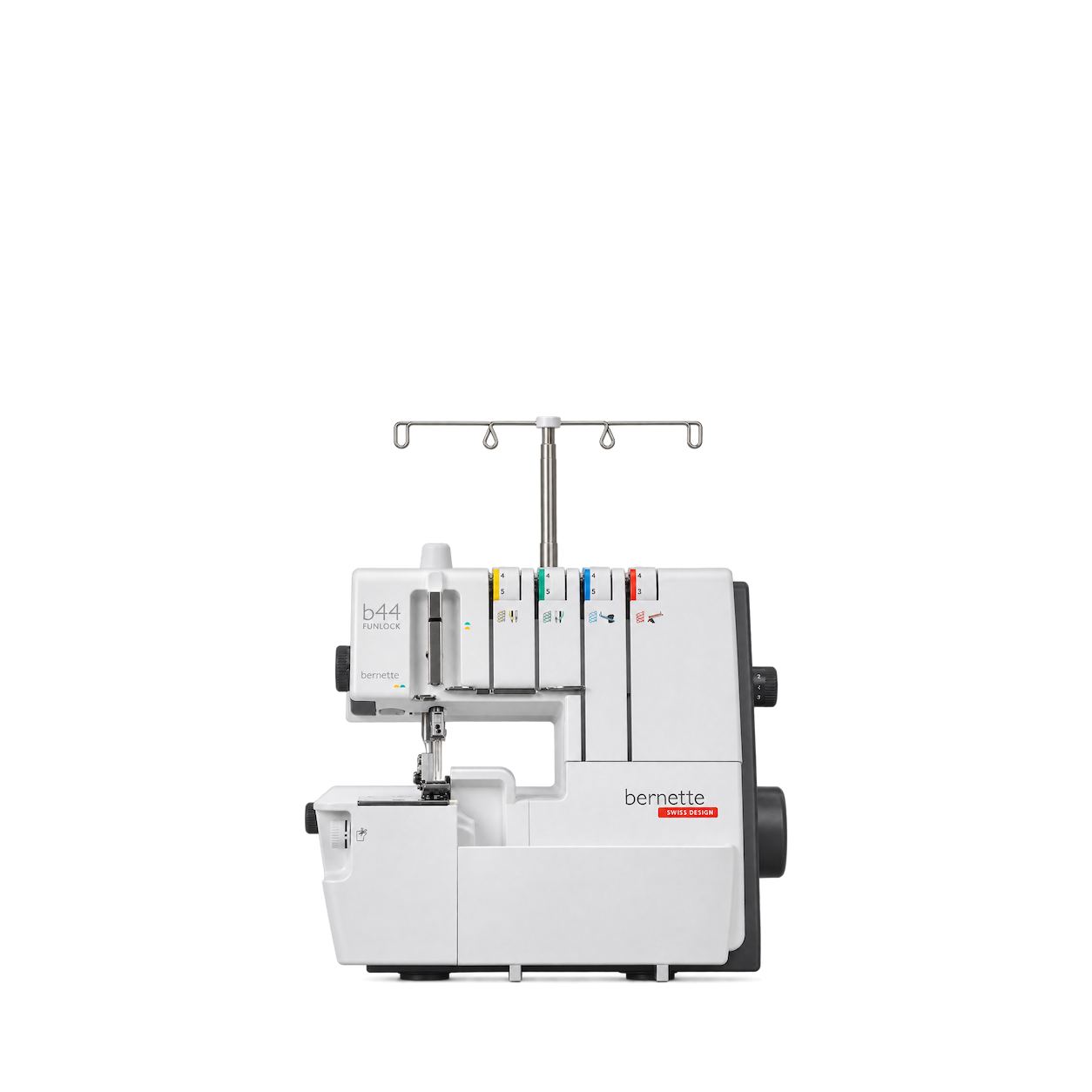
bernette
44 FUNLOCK Overlocker
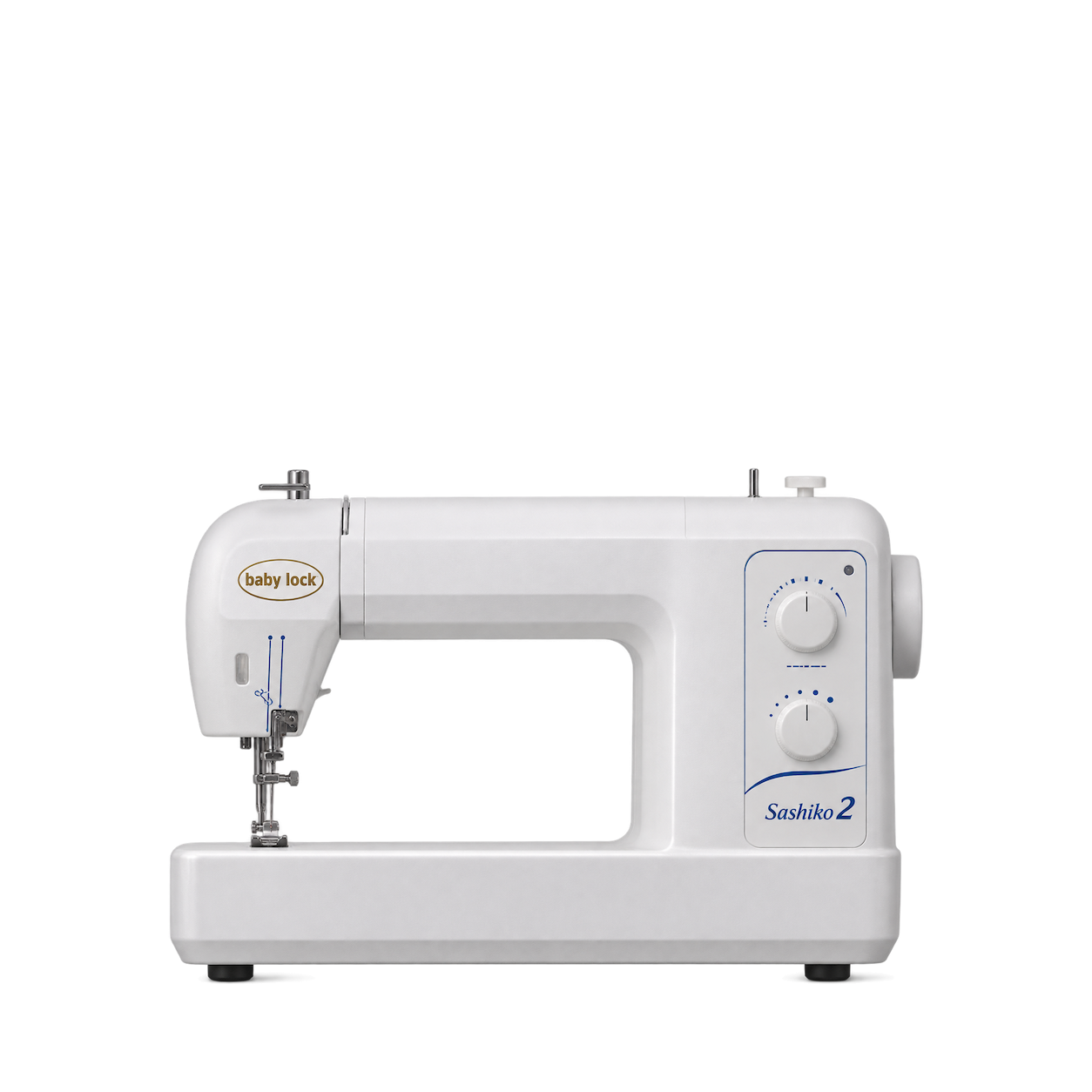
Baby Lock
Sashiko 2 BLQK2
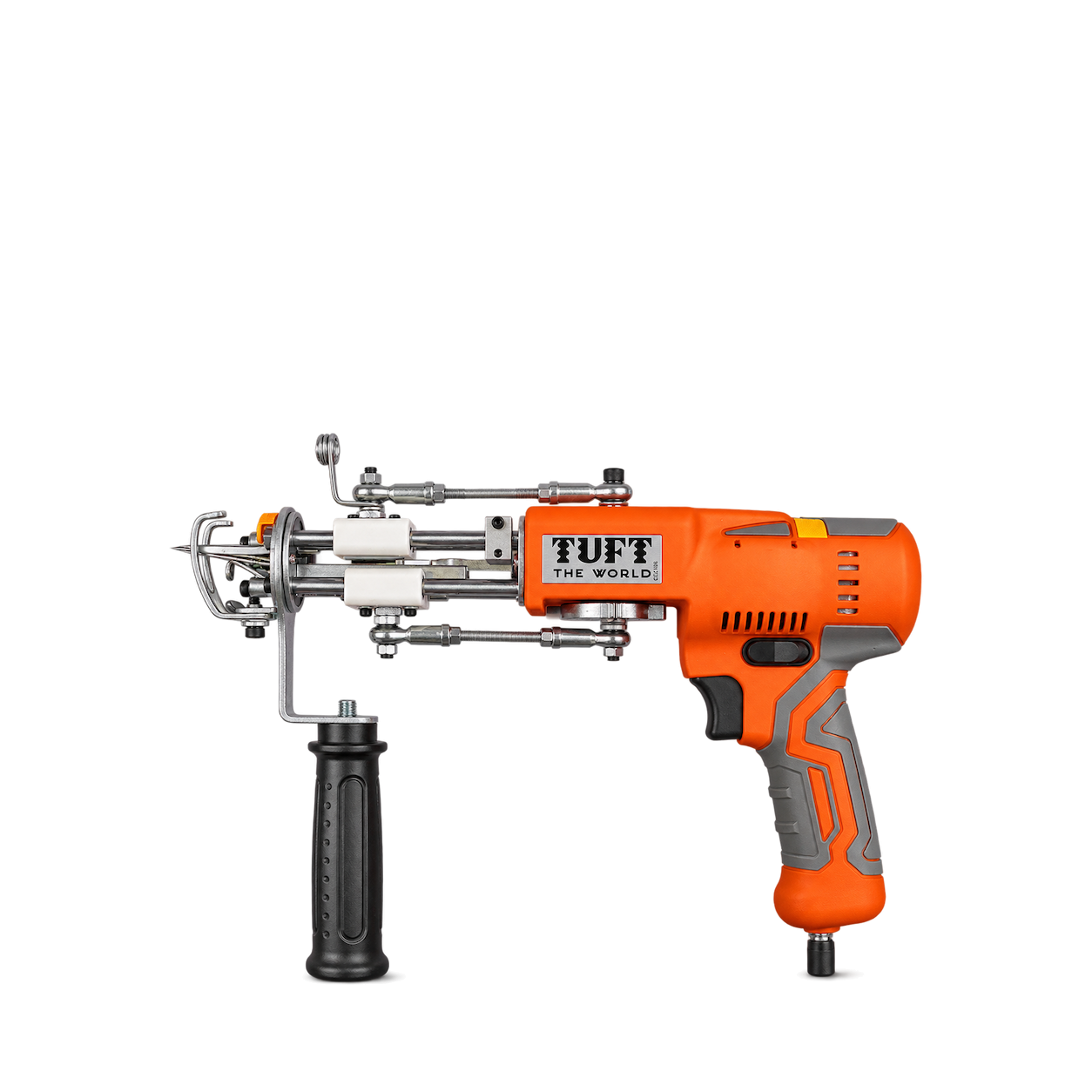
Tuft the World
AK5 Cut and Loop Tufting Machine
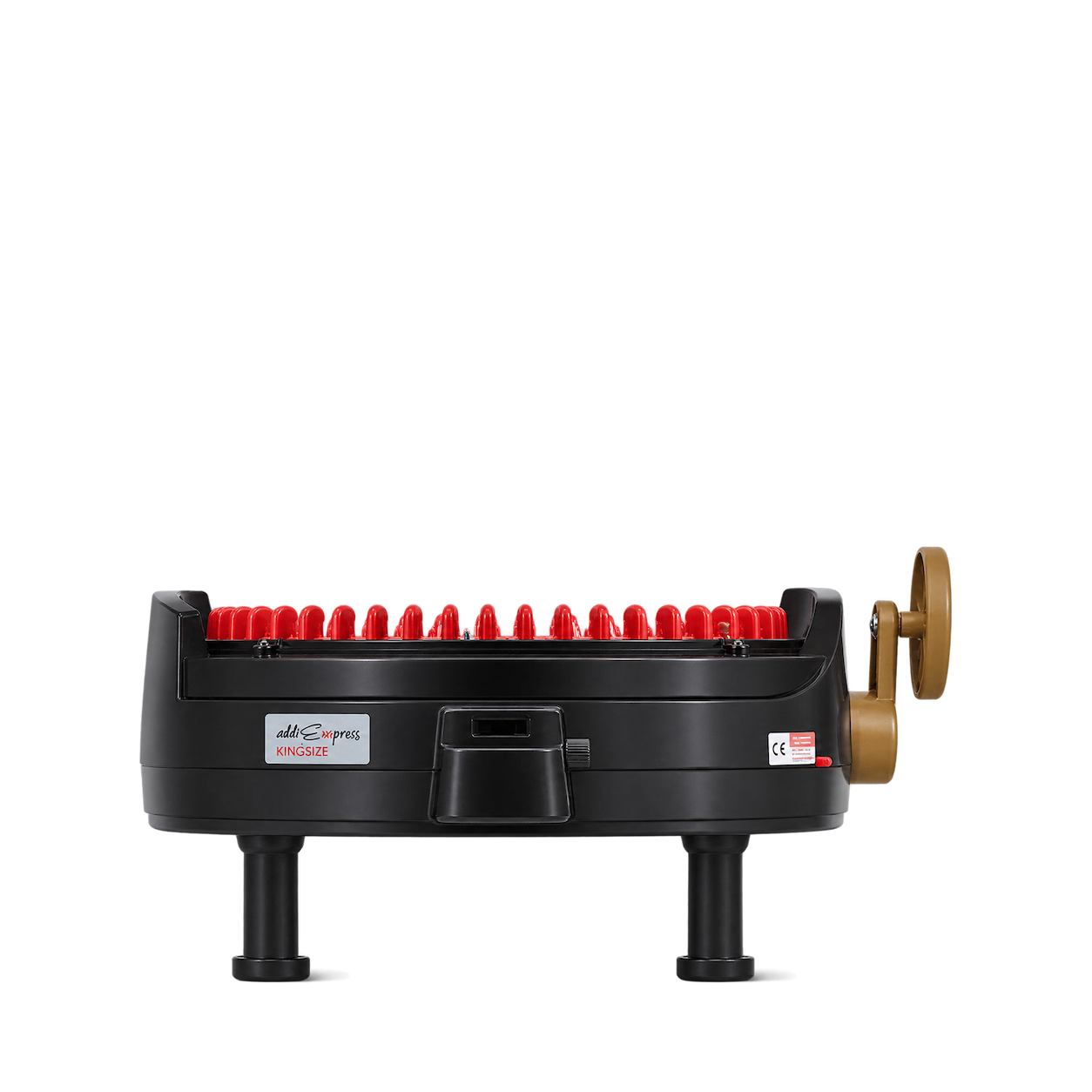
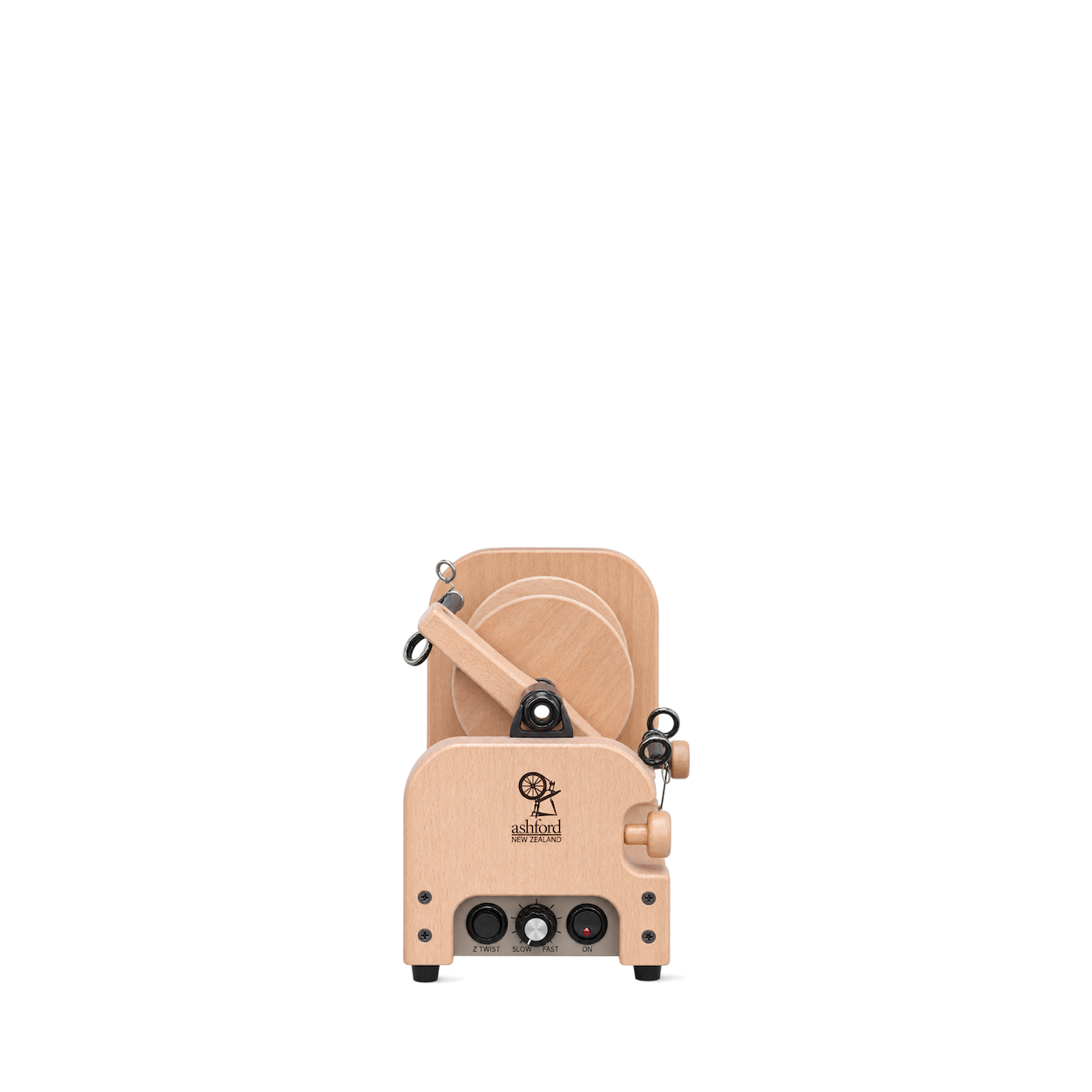
Ashford
e-Spinner 3
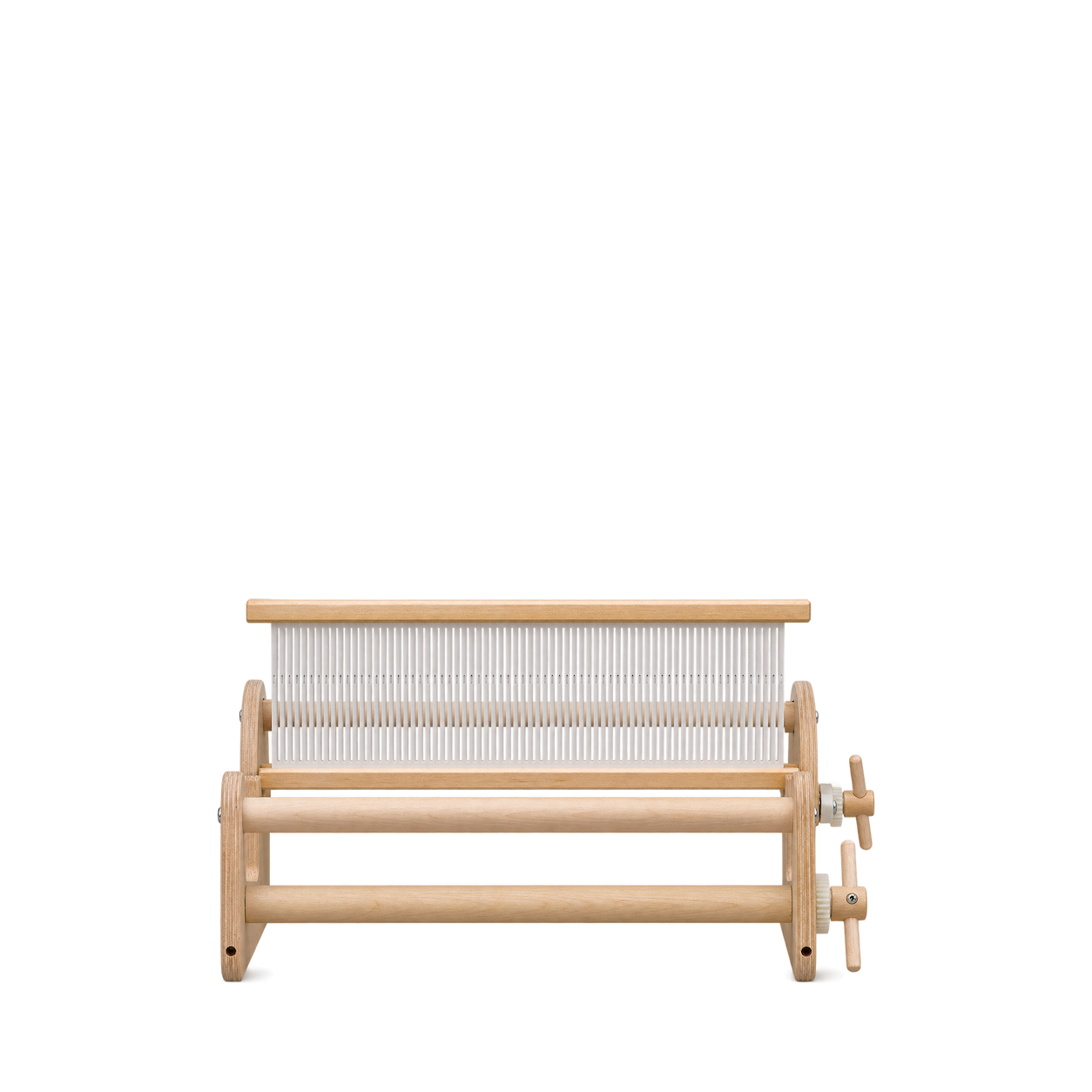
Schacht
Cricket Loom 15 inch
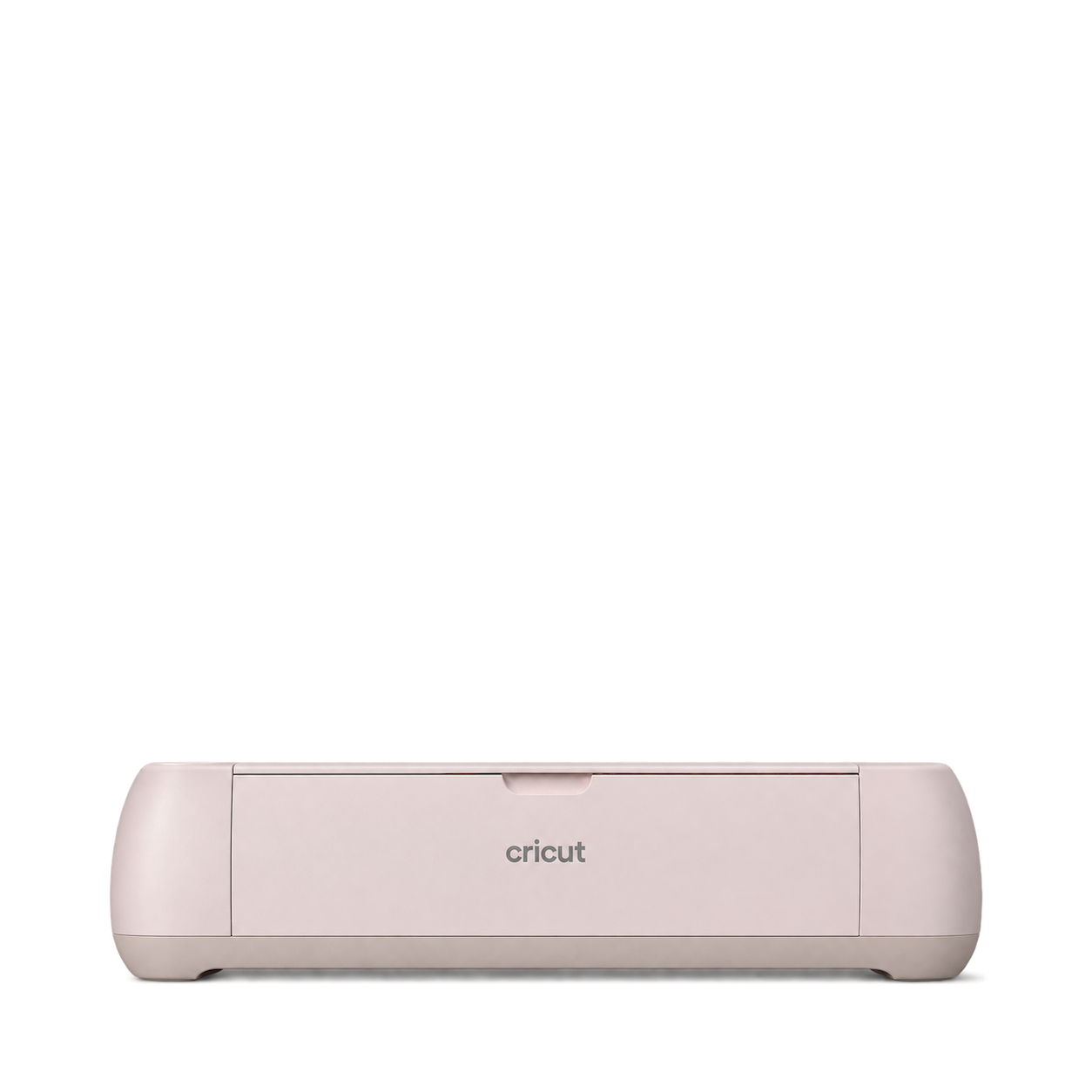
Cricut
Maker 4 Seashell
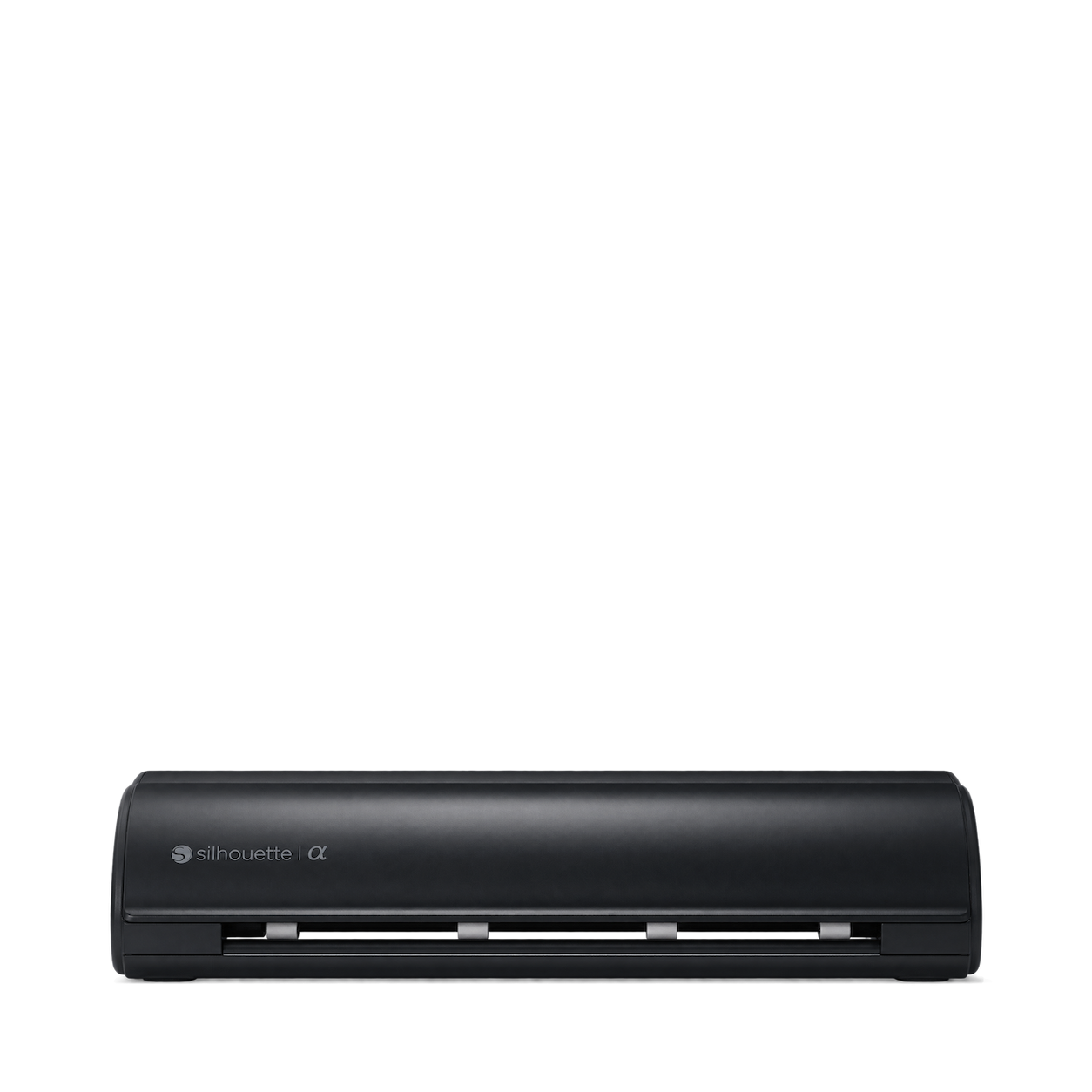
Silhouette
CAMEO 5 Alpha Matte Black
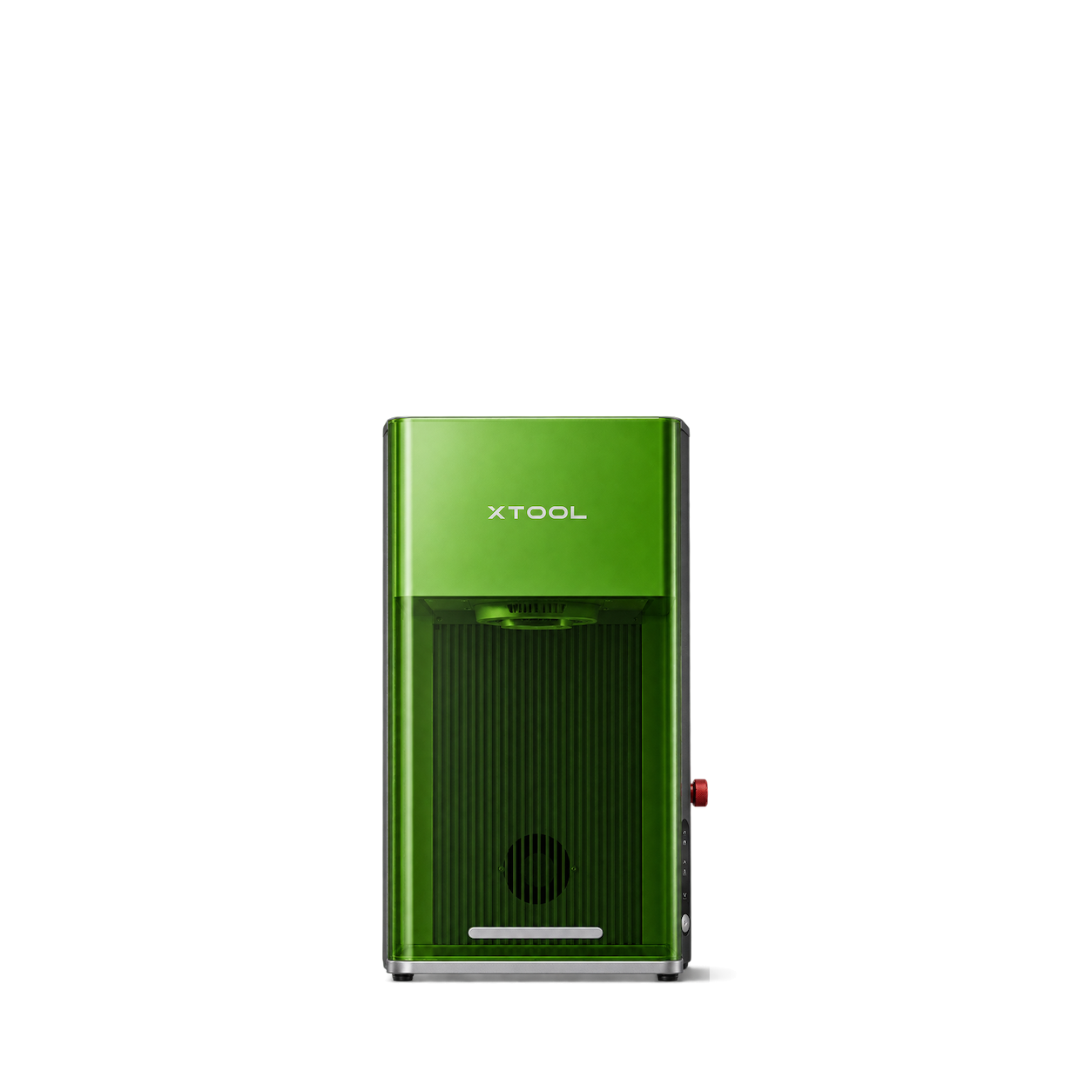
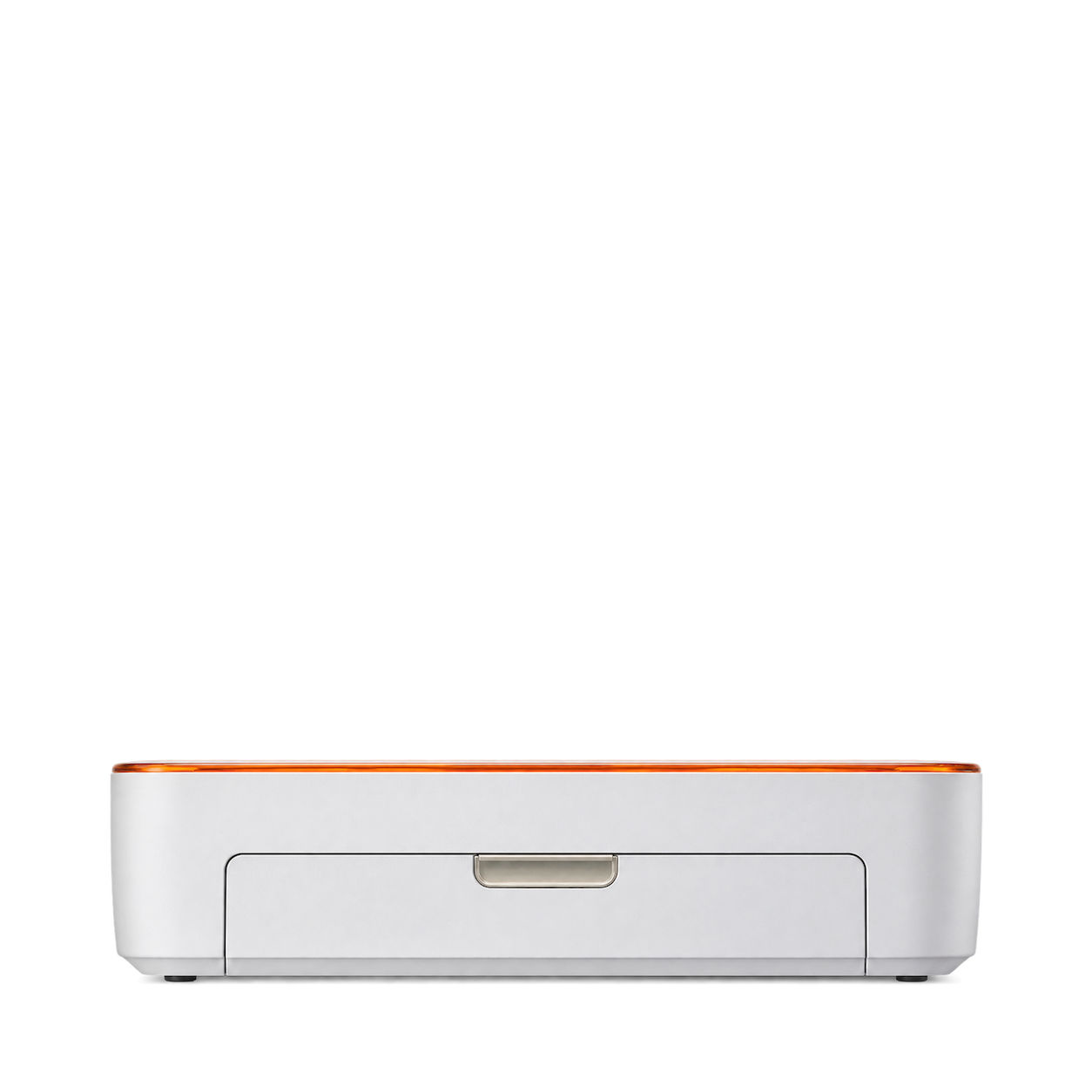
Glowforge
Aura Craft Laser
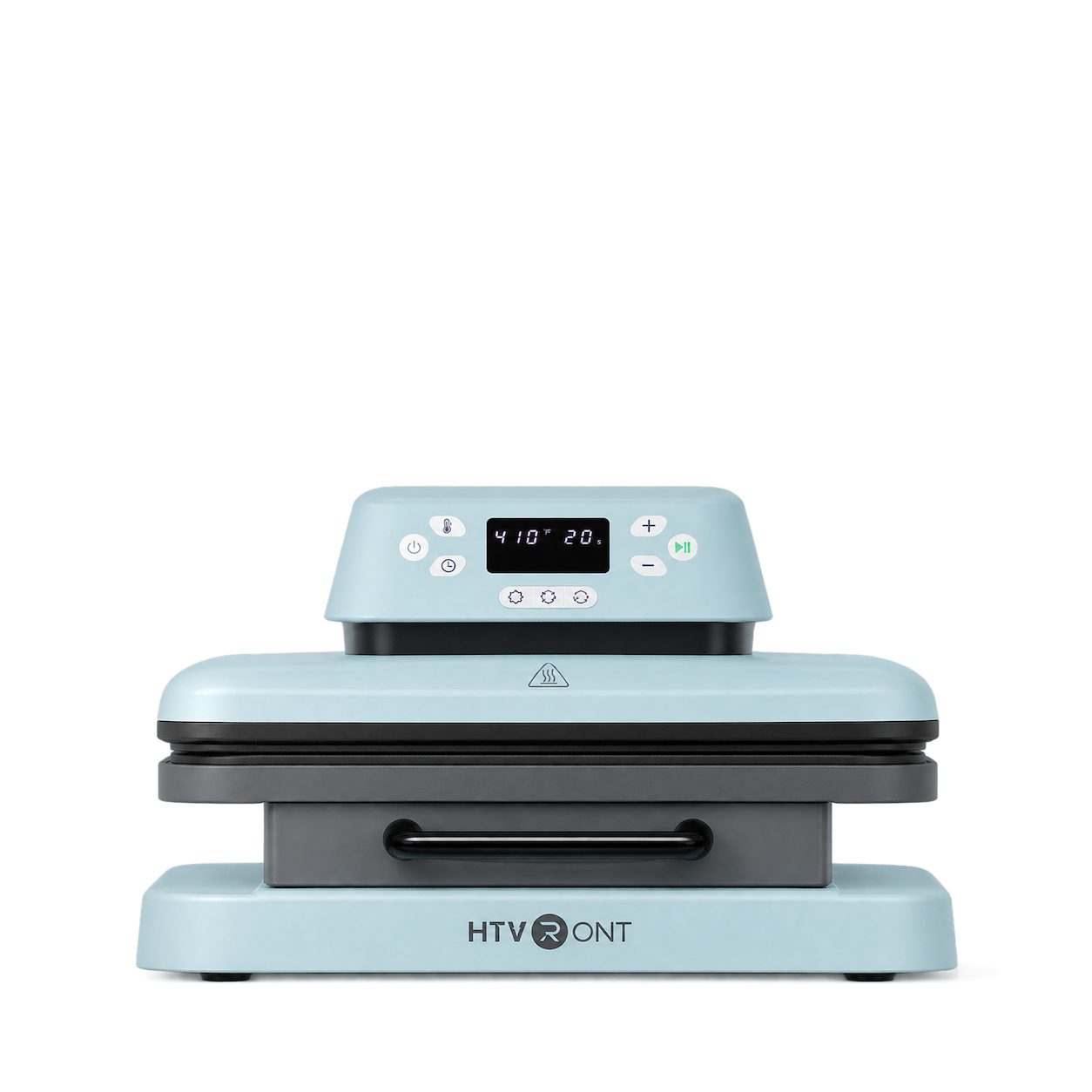
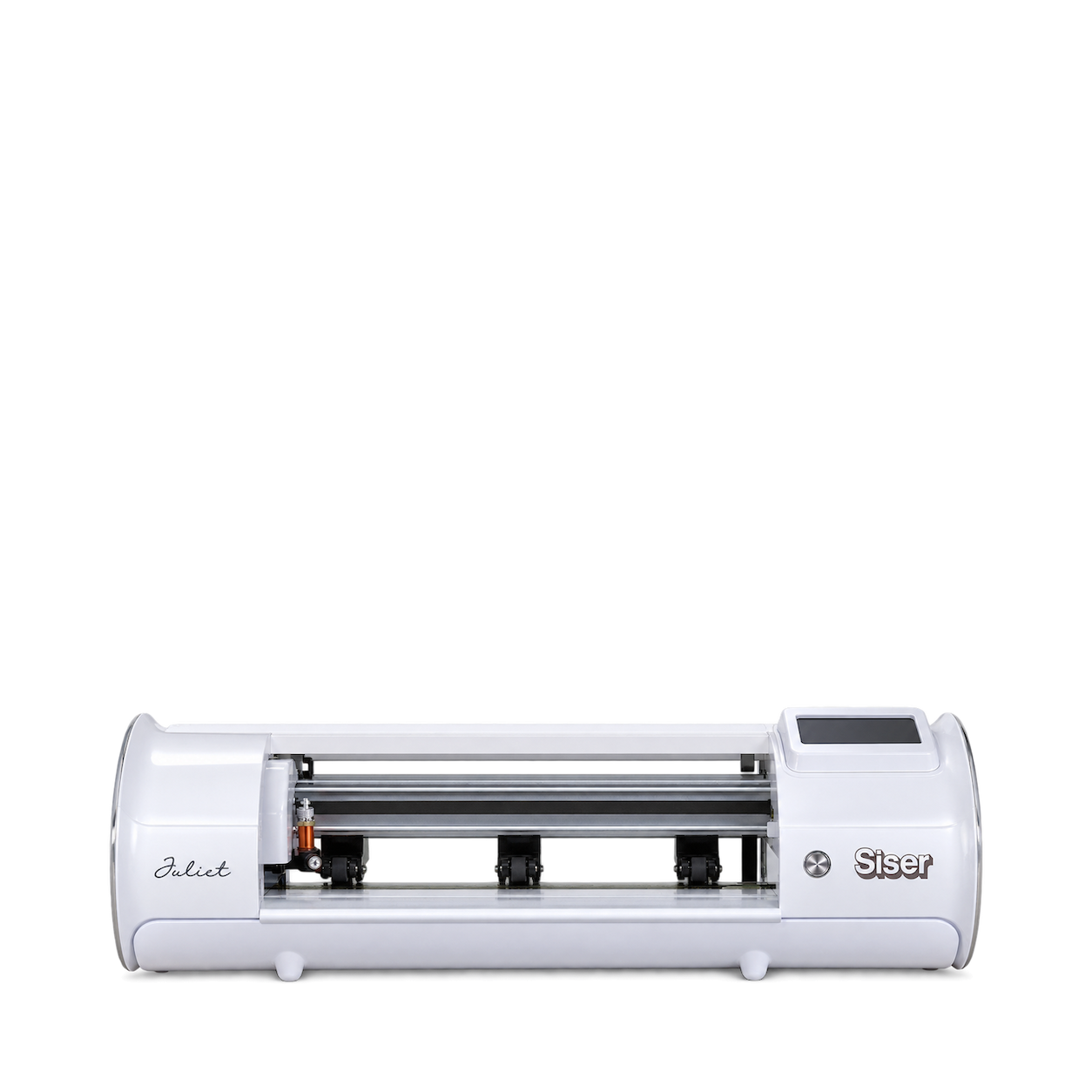
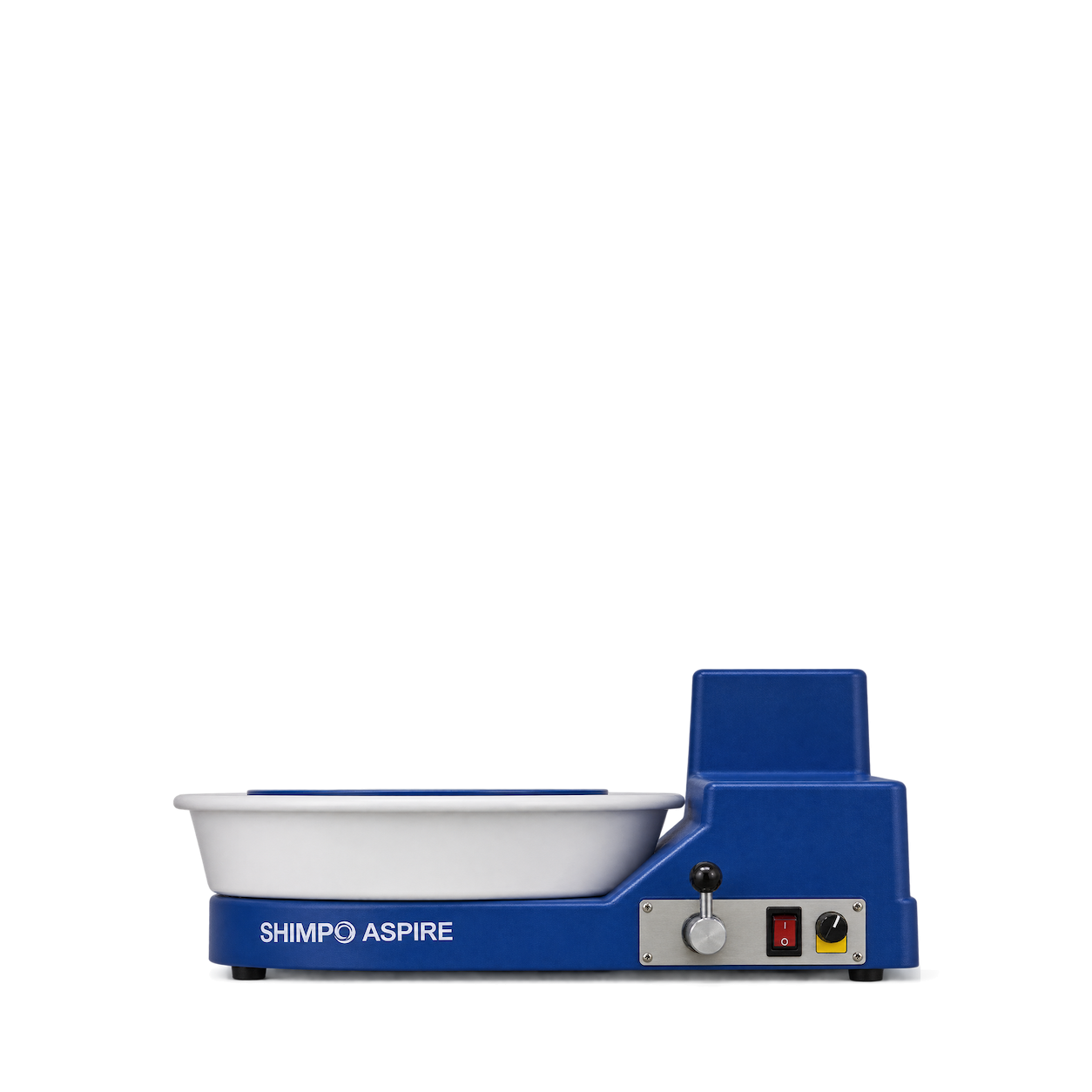
Nidec-SHIMPO
ASPIRE Tabletop Pottery Wheel
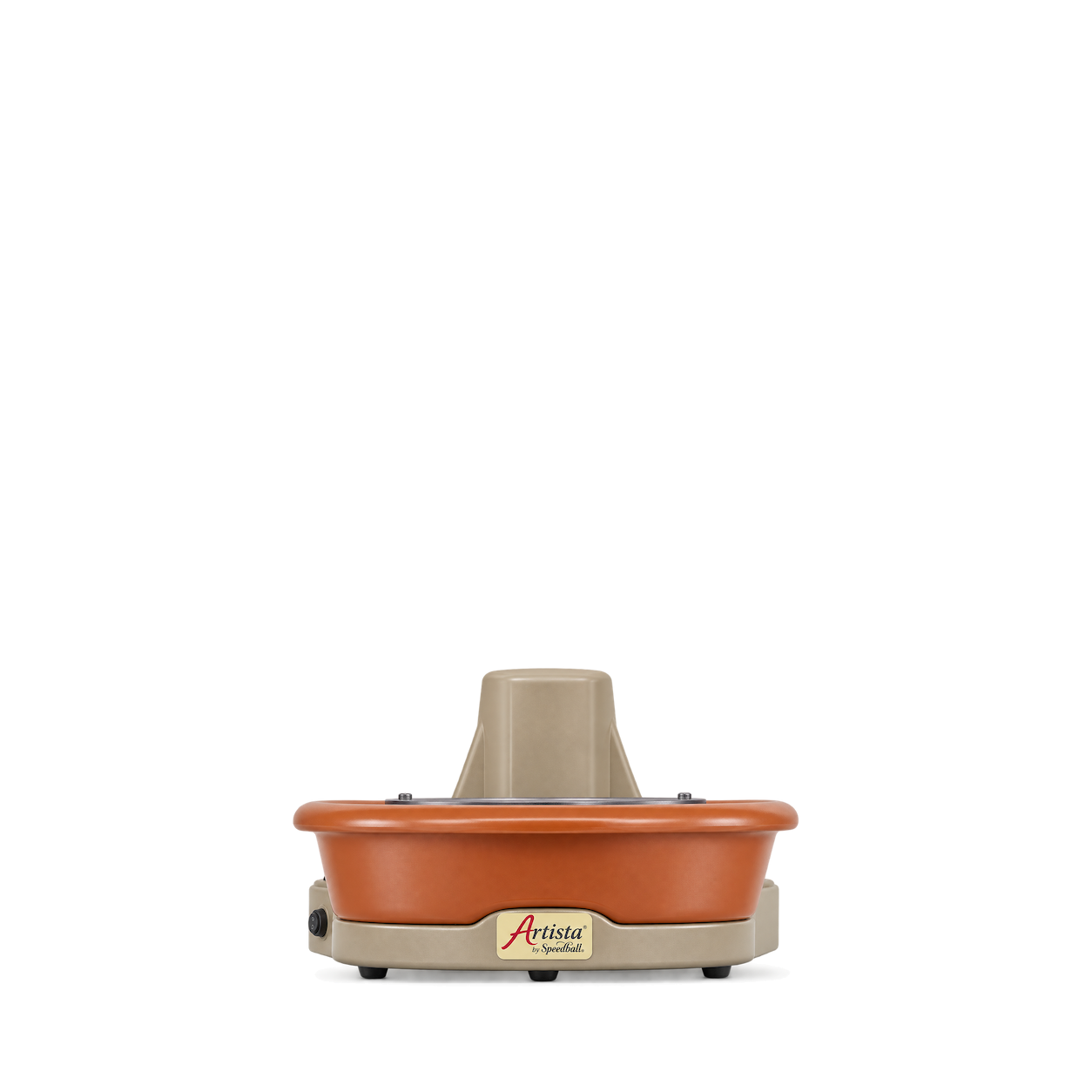
Speedball
Artista Pottery Wheel
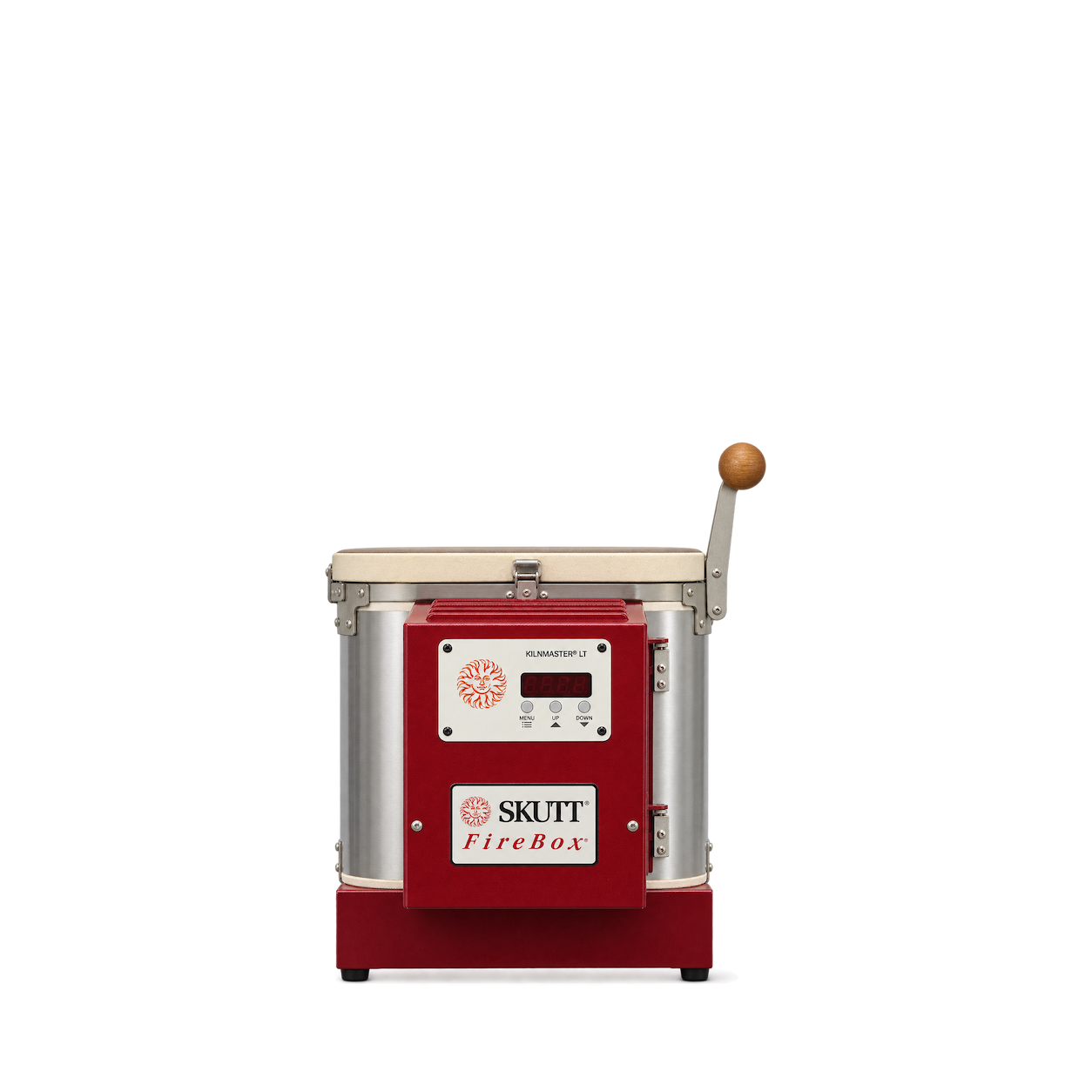
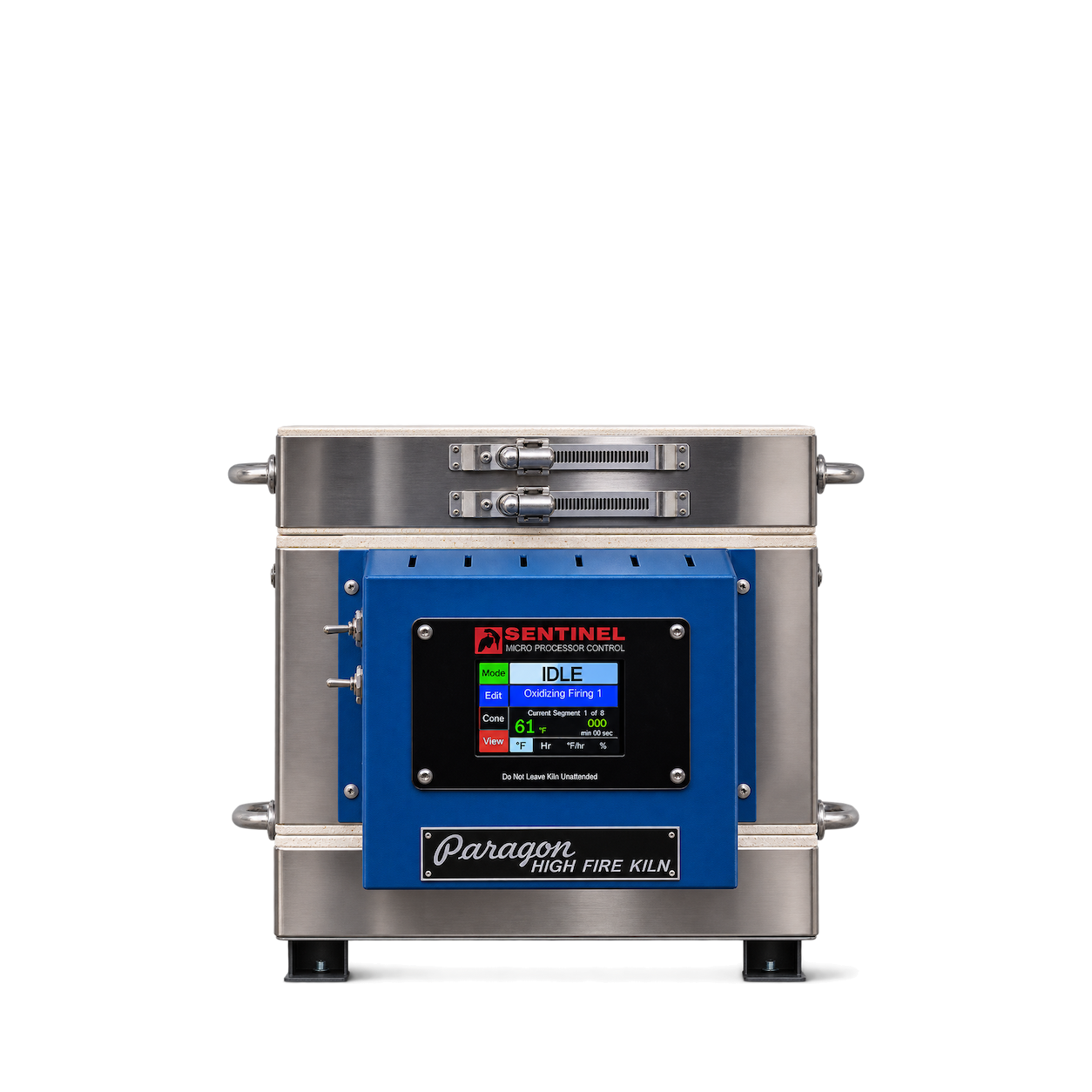
Paragon
Caldera Multipurpose Kiln
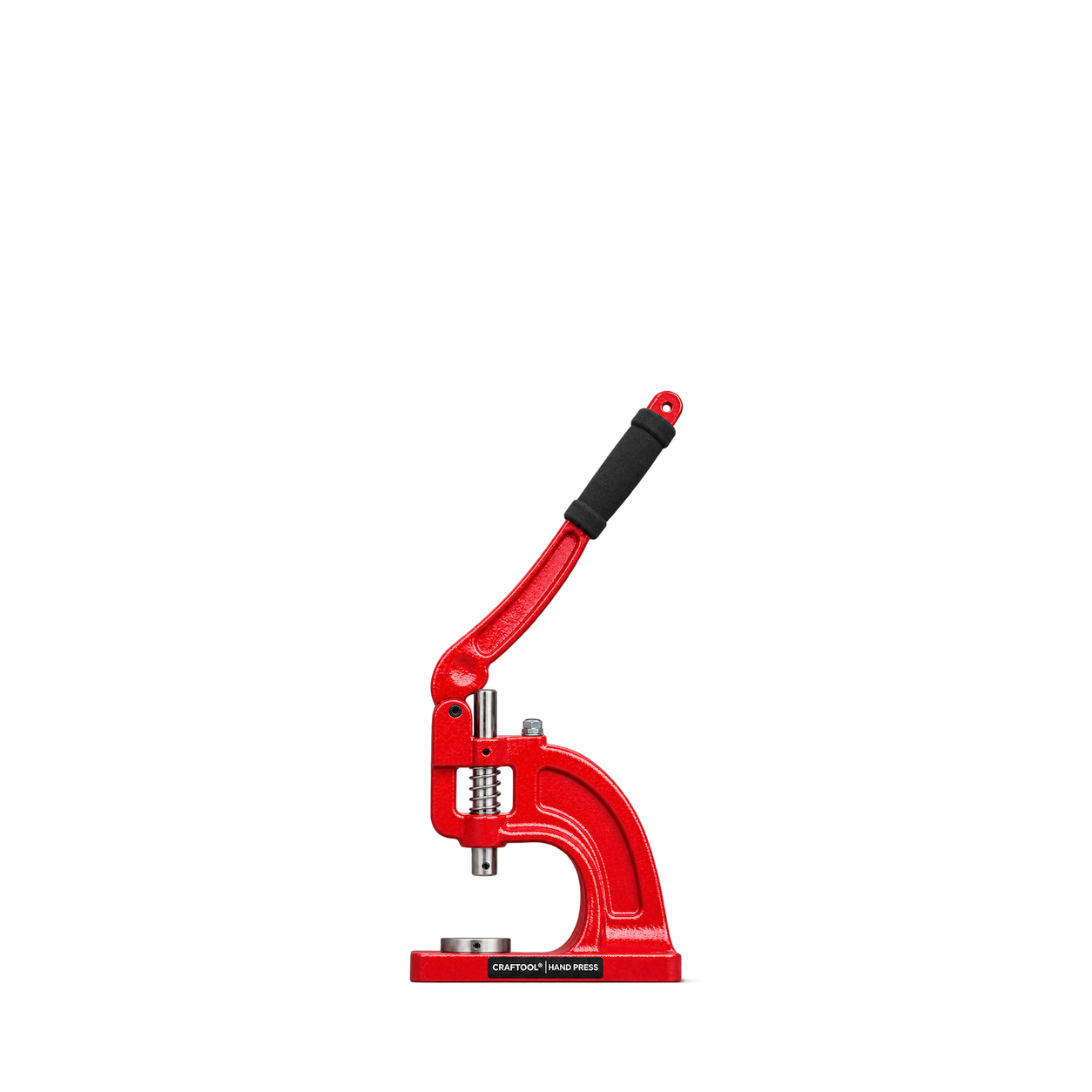
Tandy Leather
Craftool Hand Press
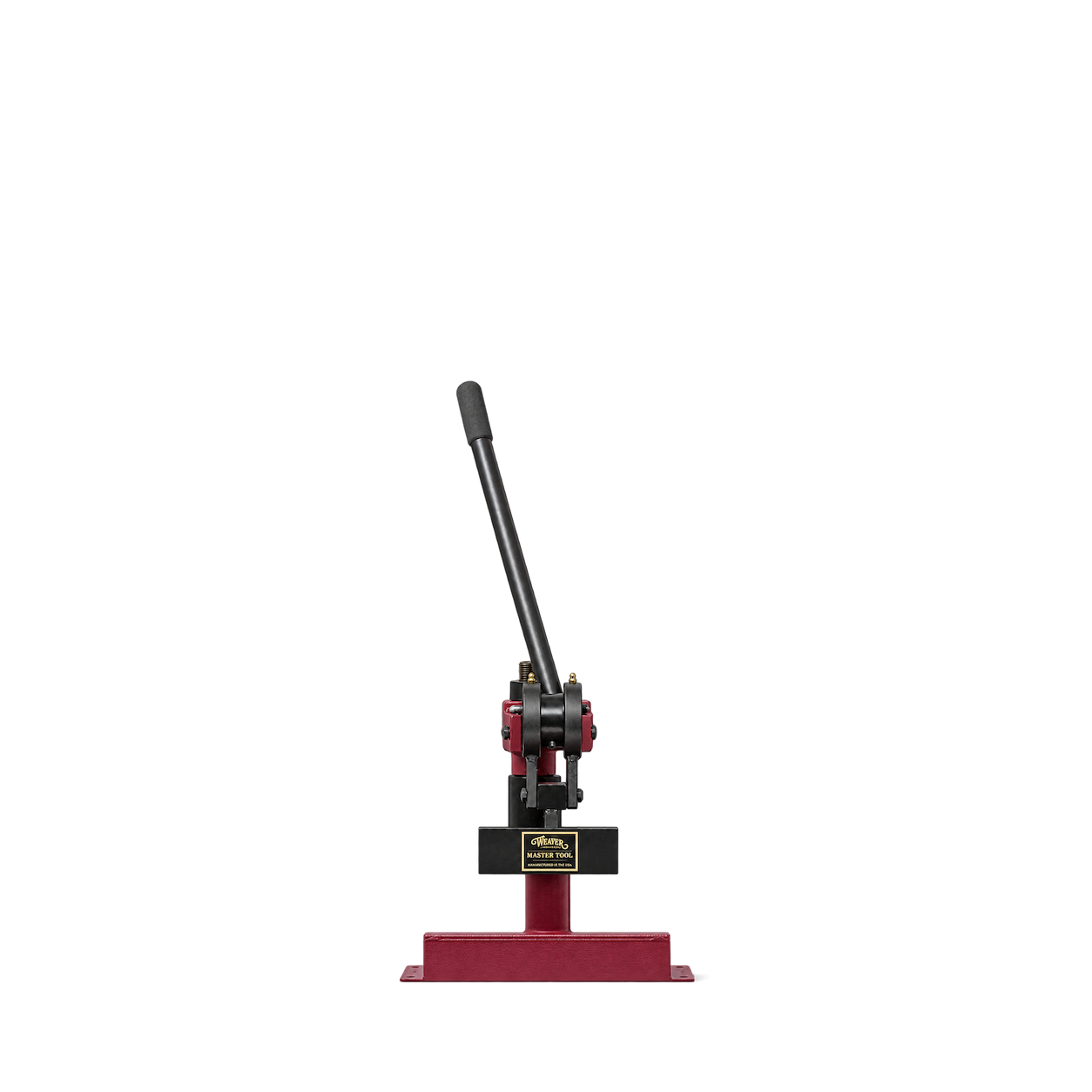
Weaver Leather Supply
Master Tool Mighty Wonder 4 Ton Clicker
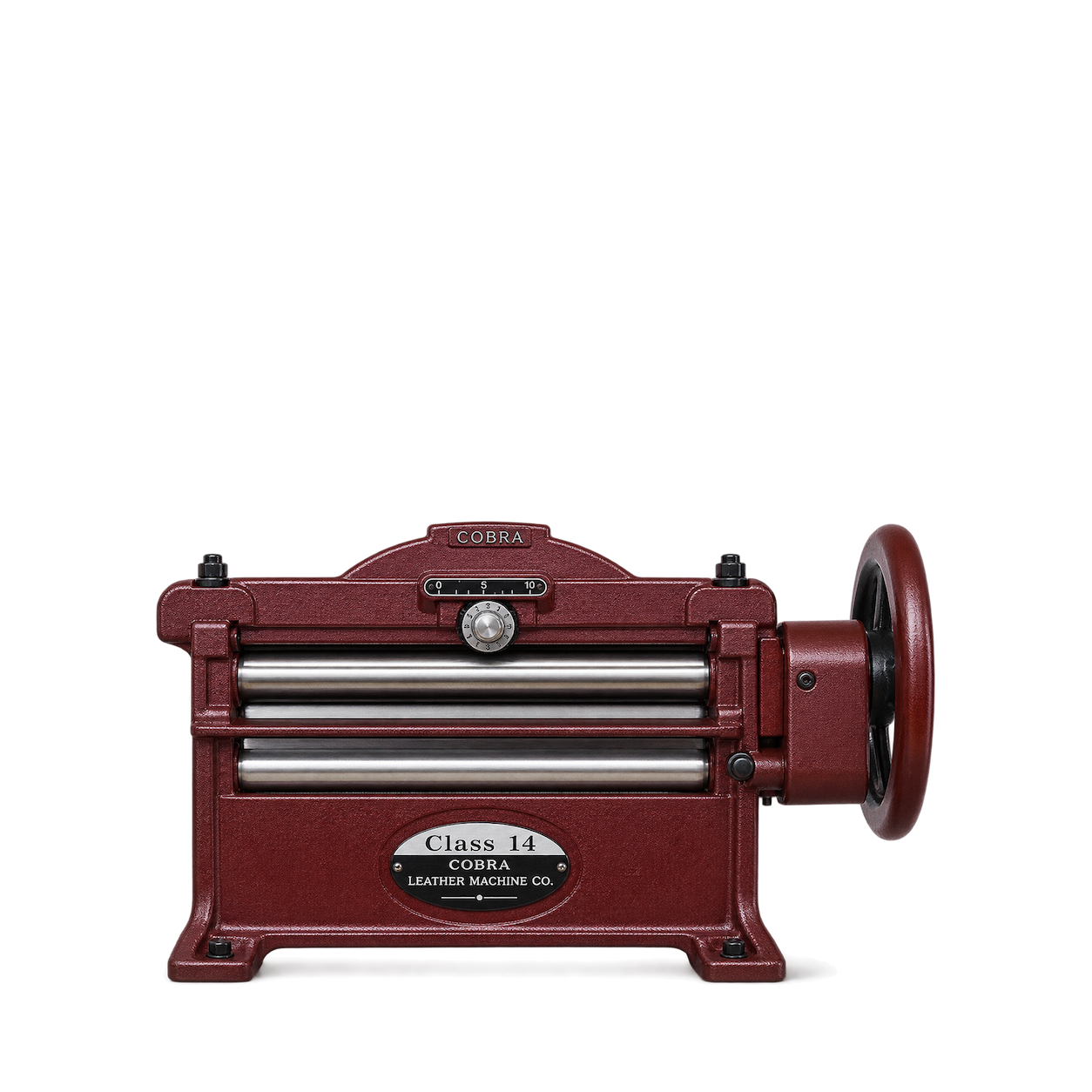
Leather Machine Co.
COBRA Class 14 Leather Splitter
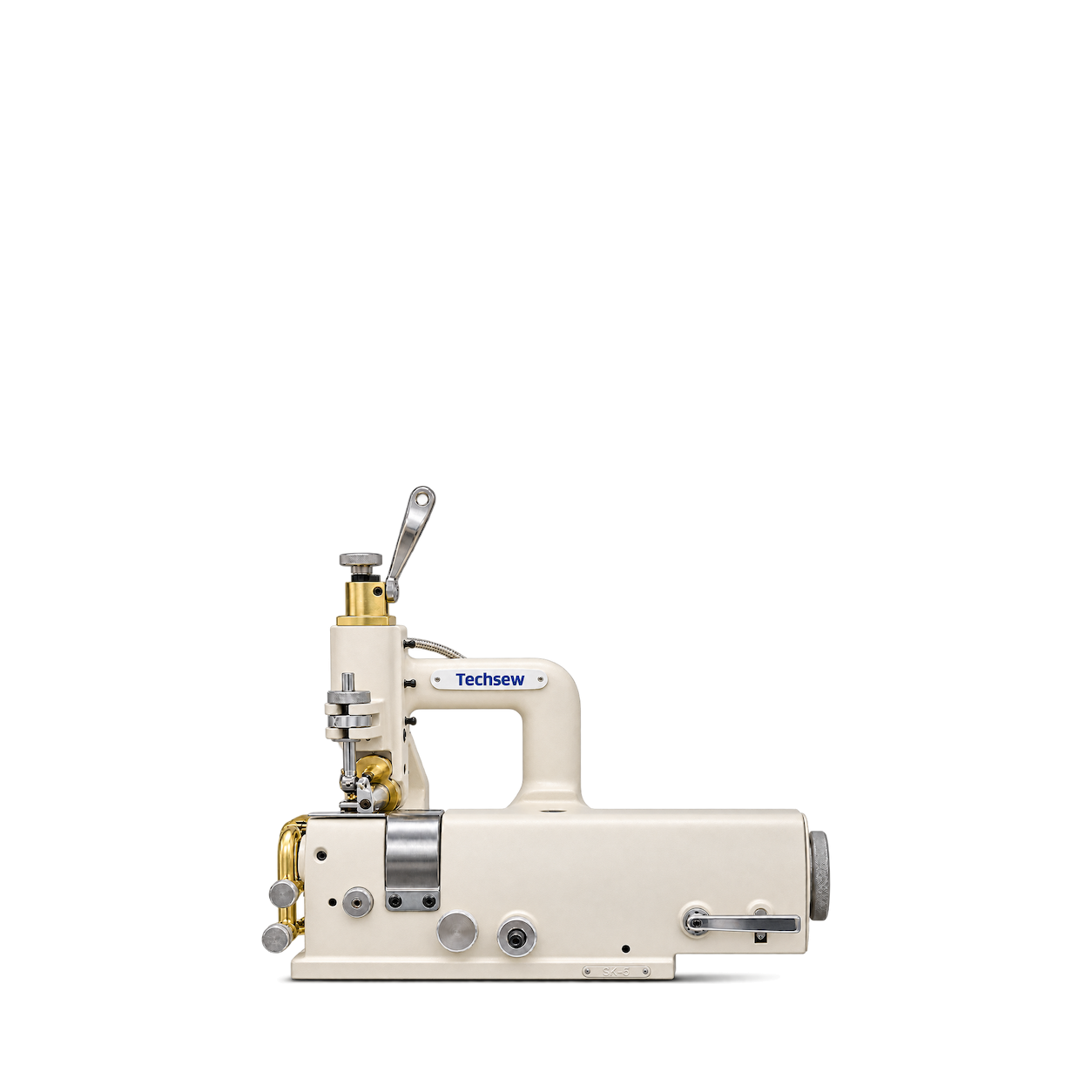
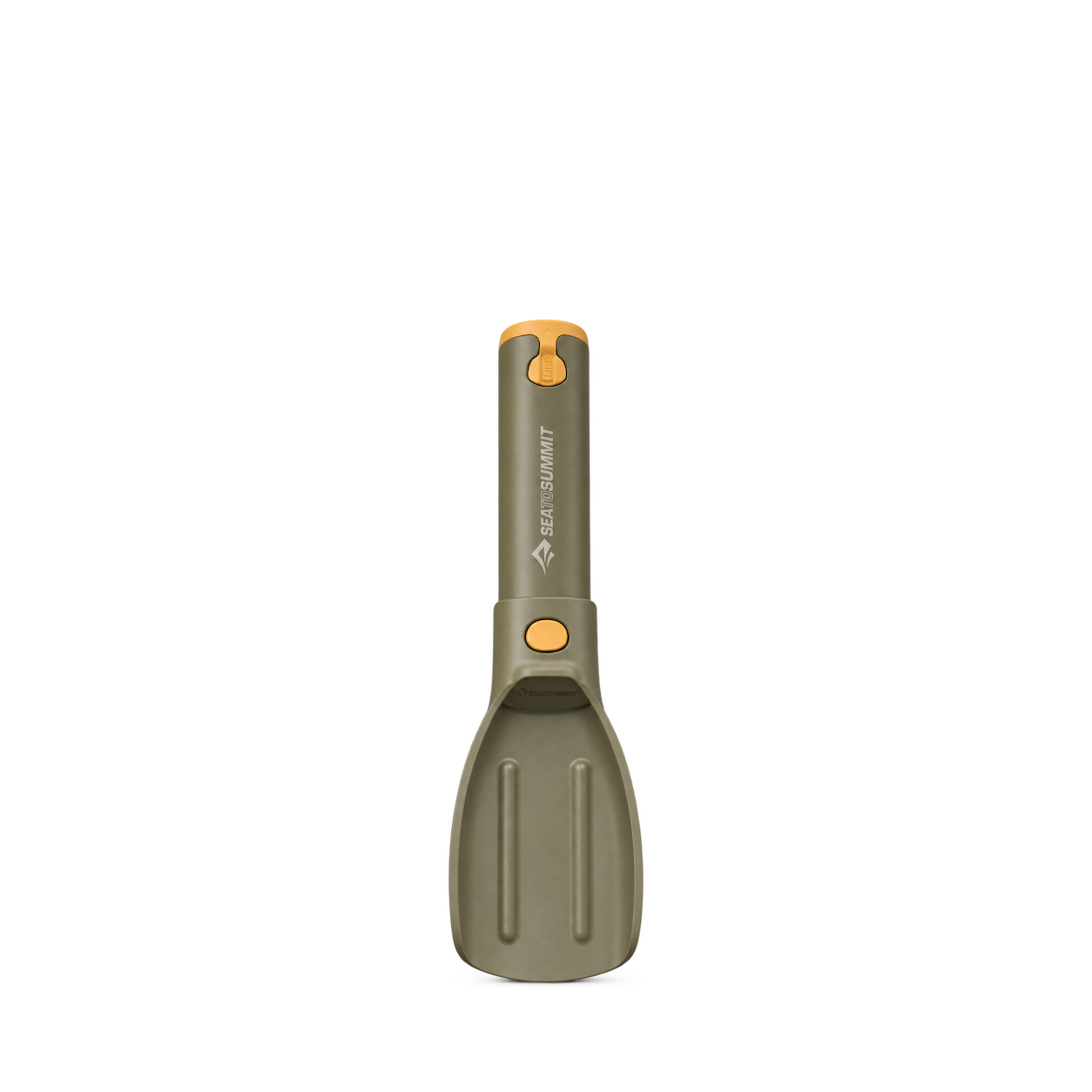
Sea to Summit
Pocket Trowel · One Size
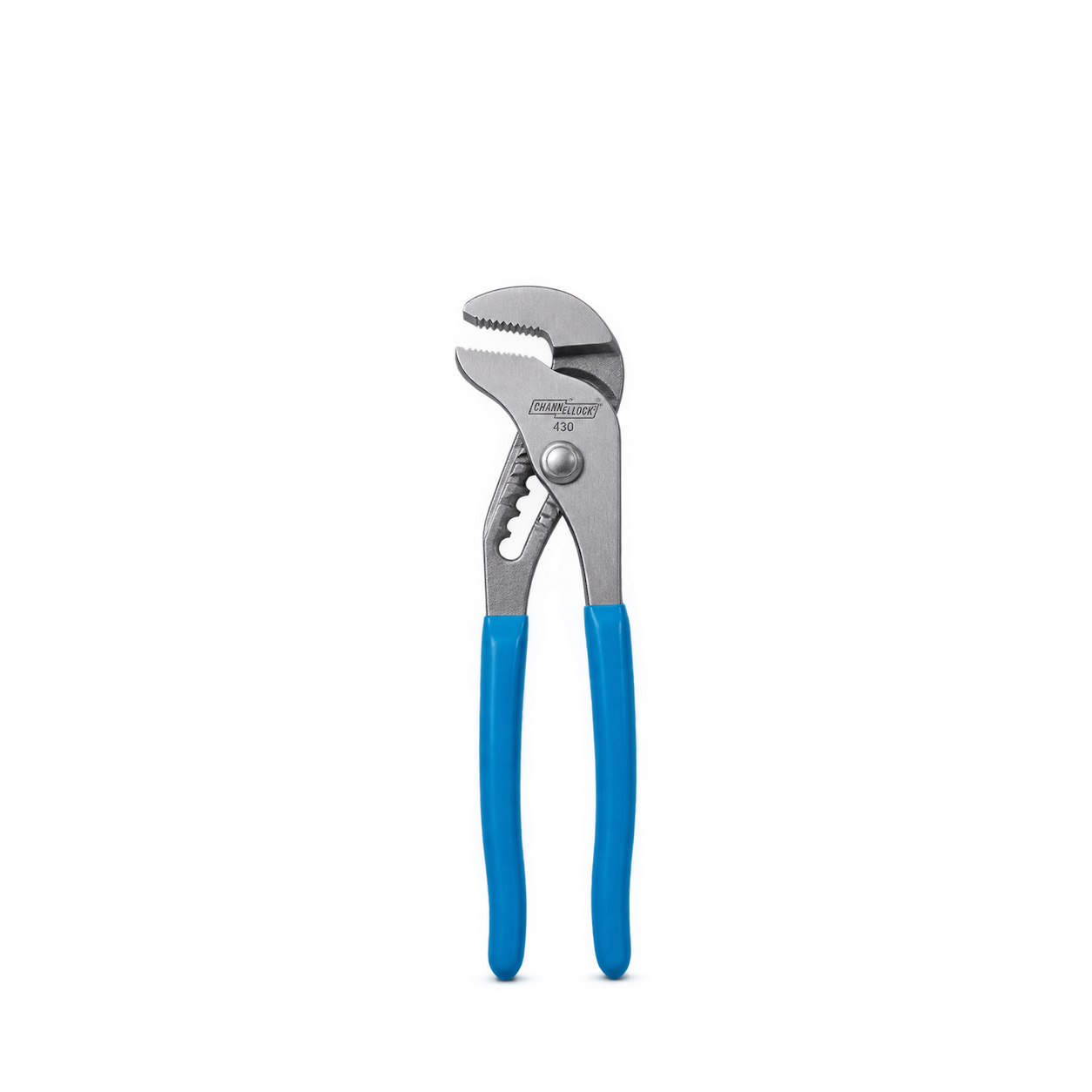
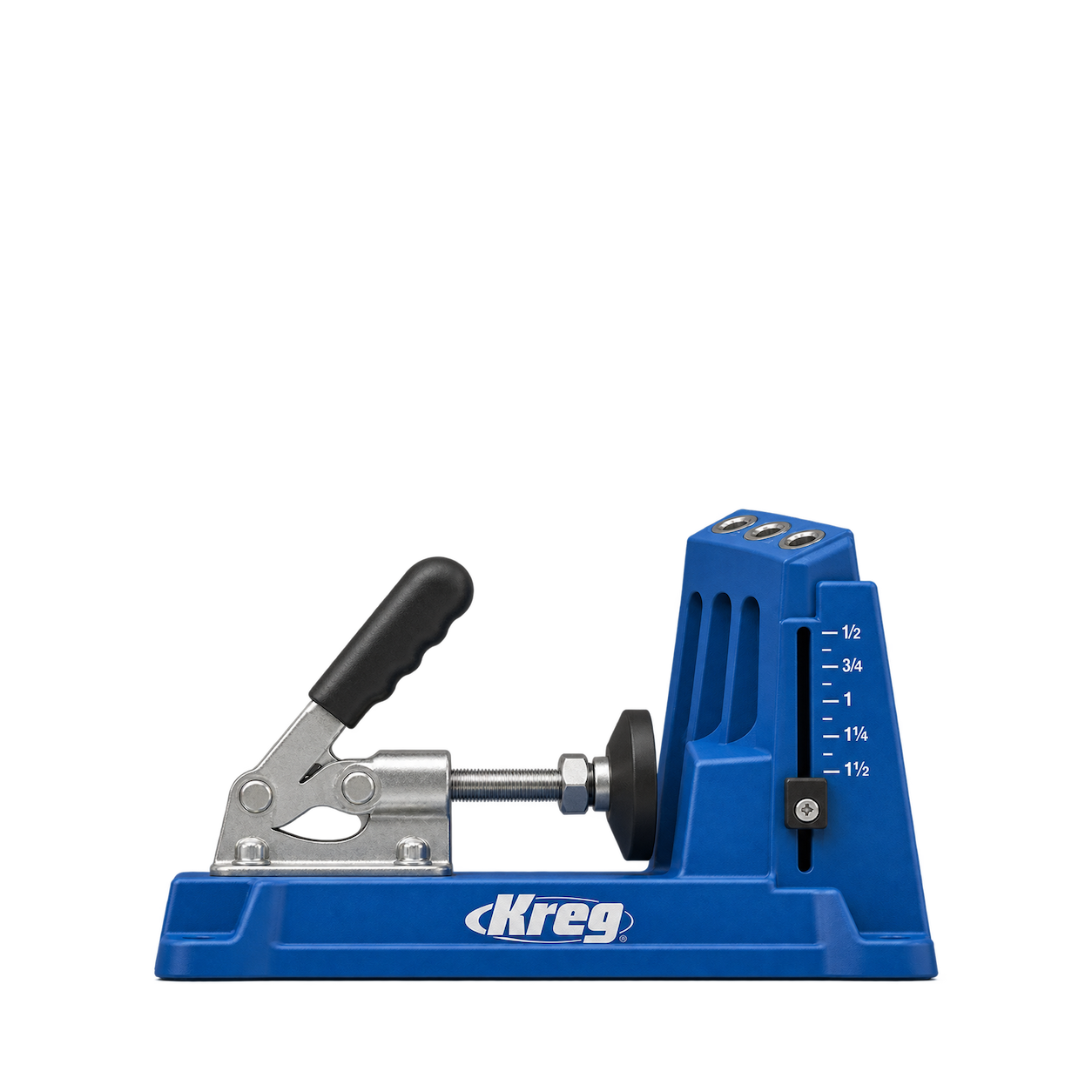
CHANNELLOCK
430 Tongue and Groove Pliers
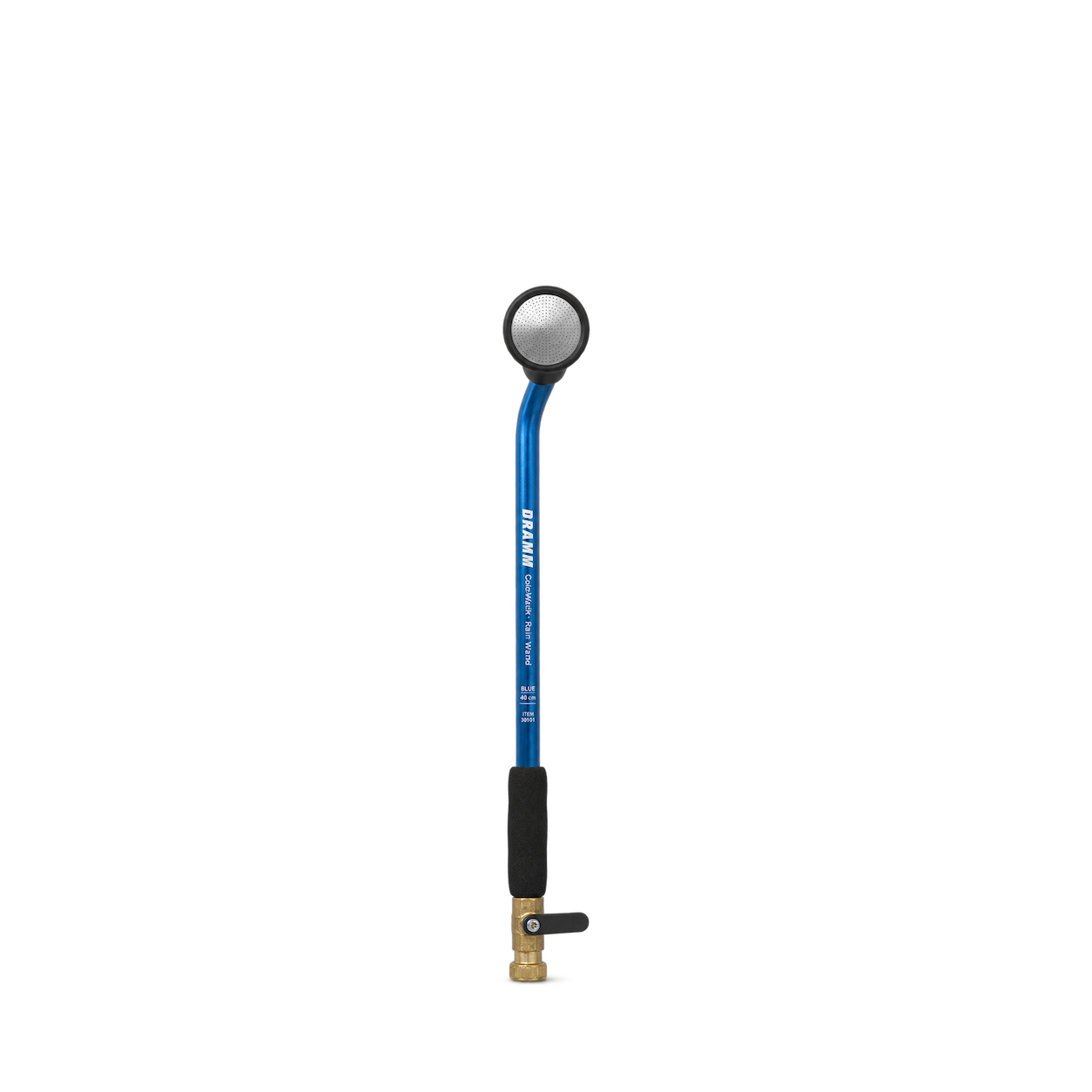
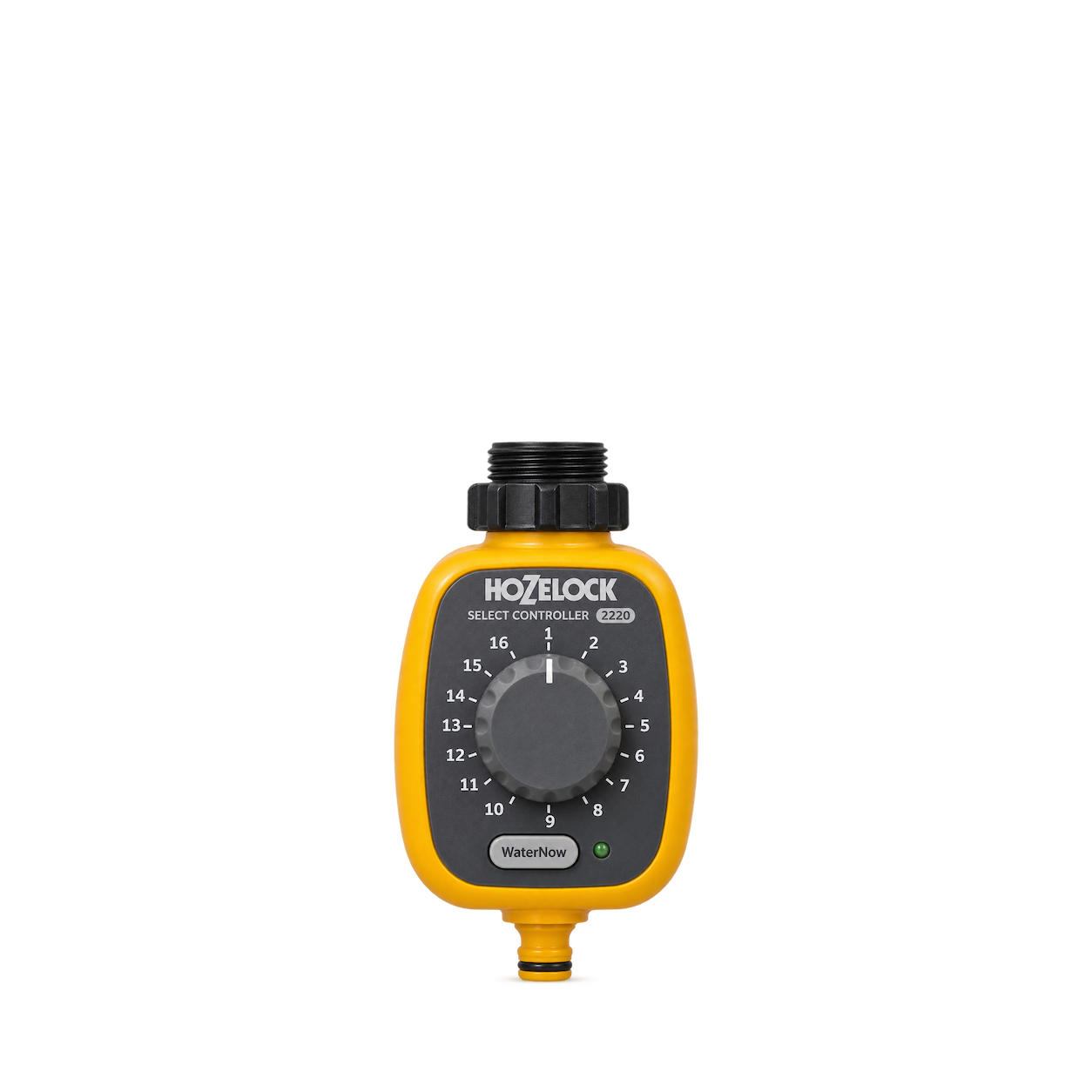
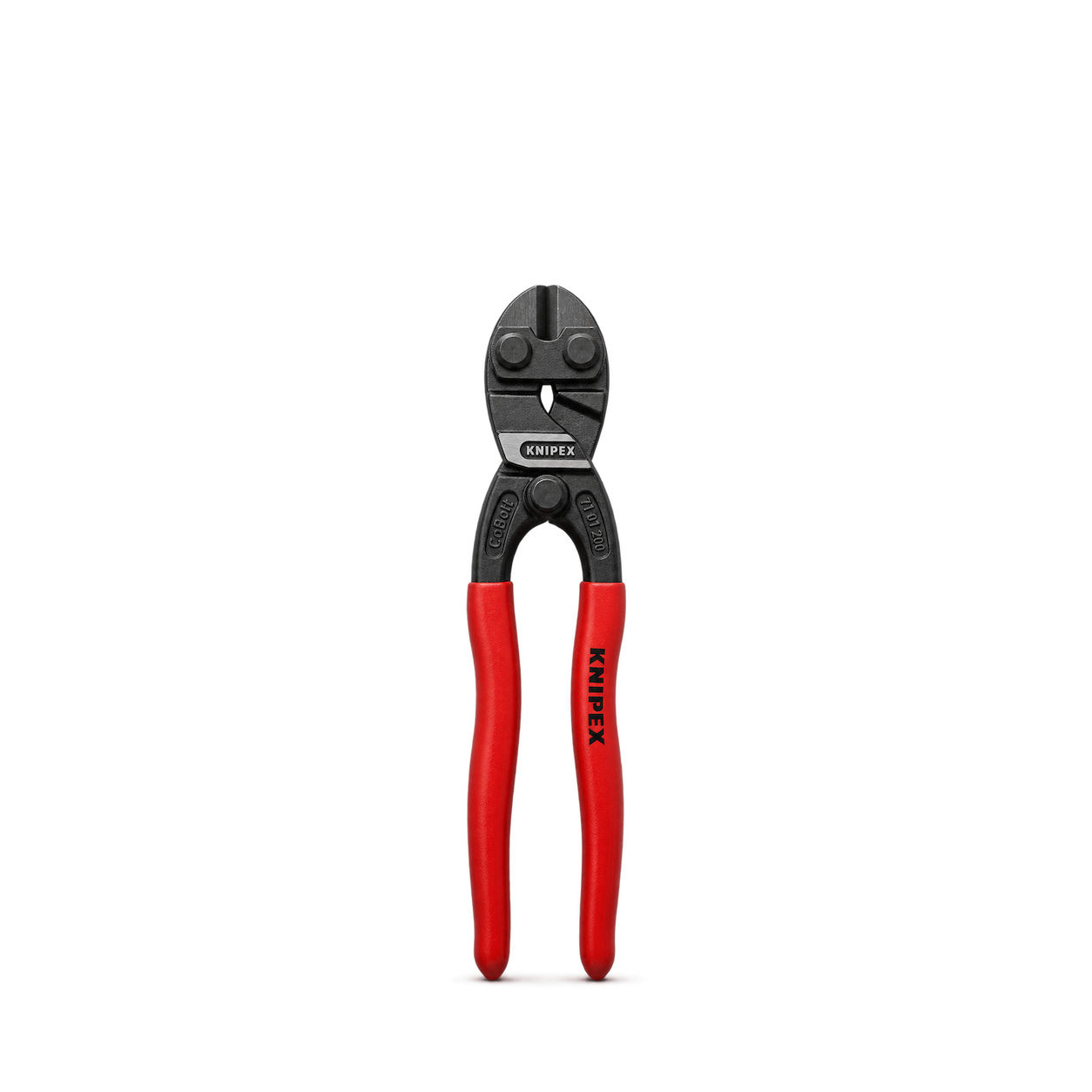
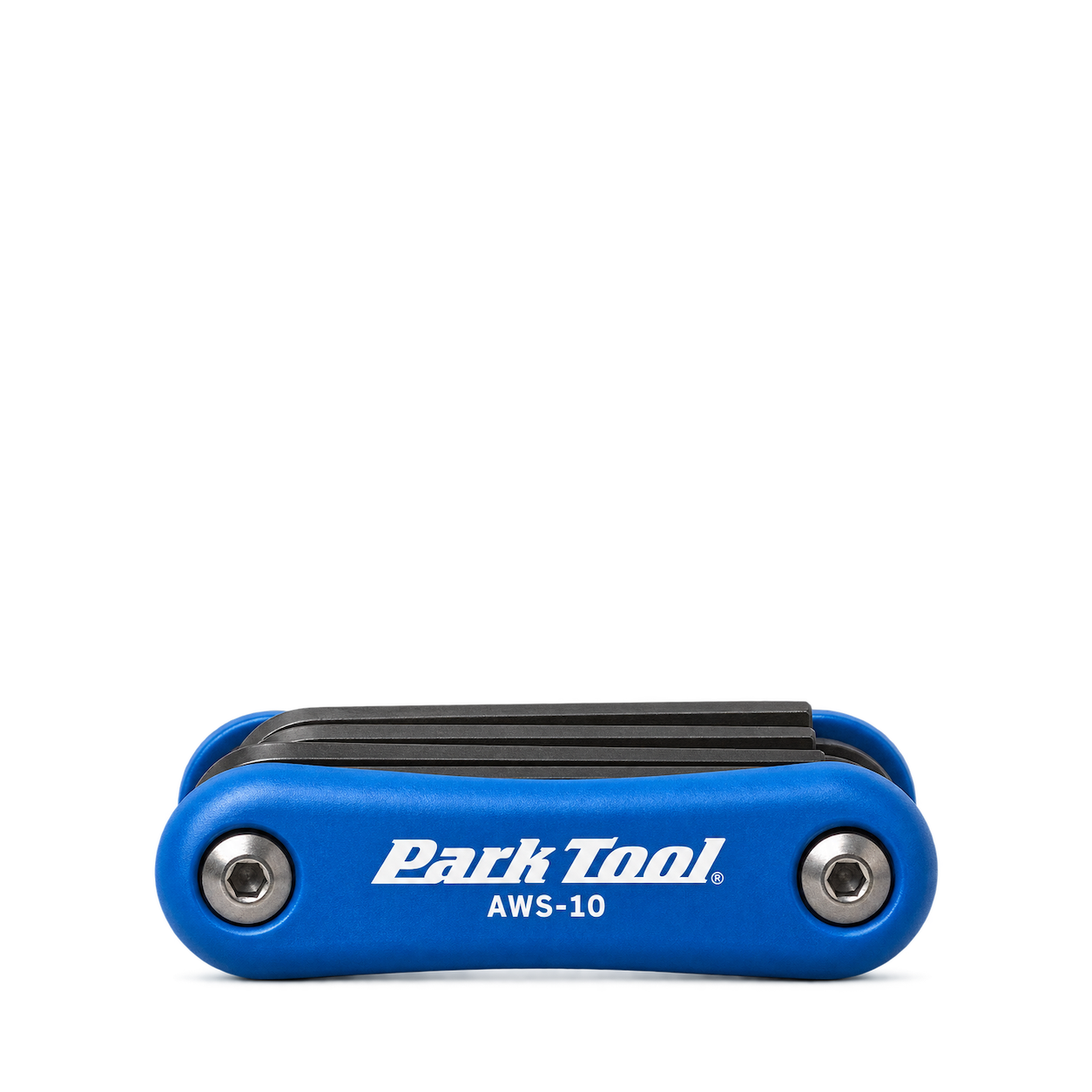
Park Tool
Fold-Up Hex Wrench Set AWS-10
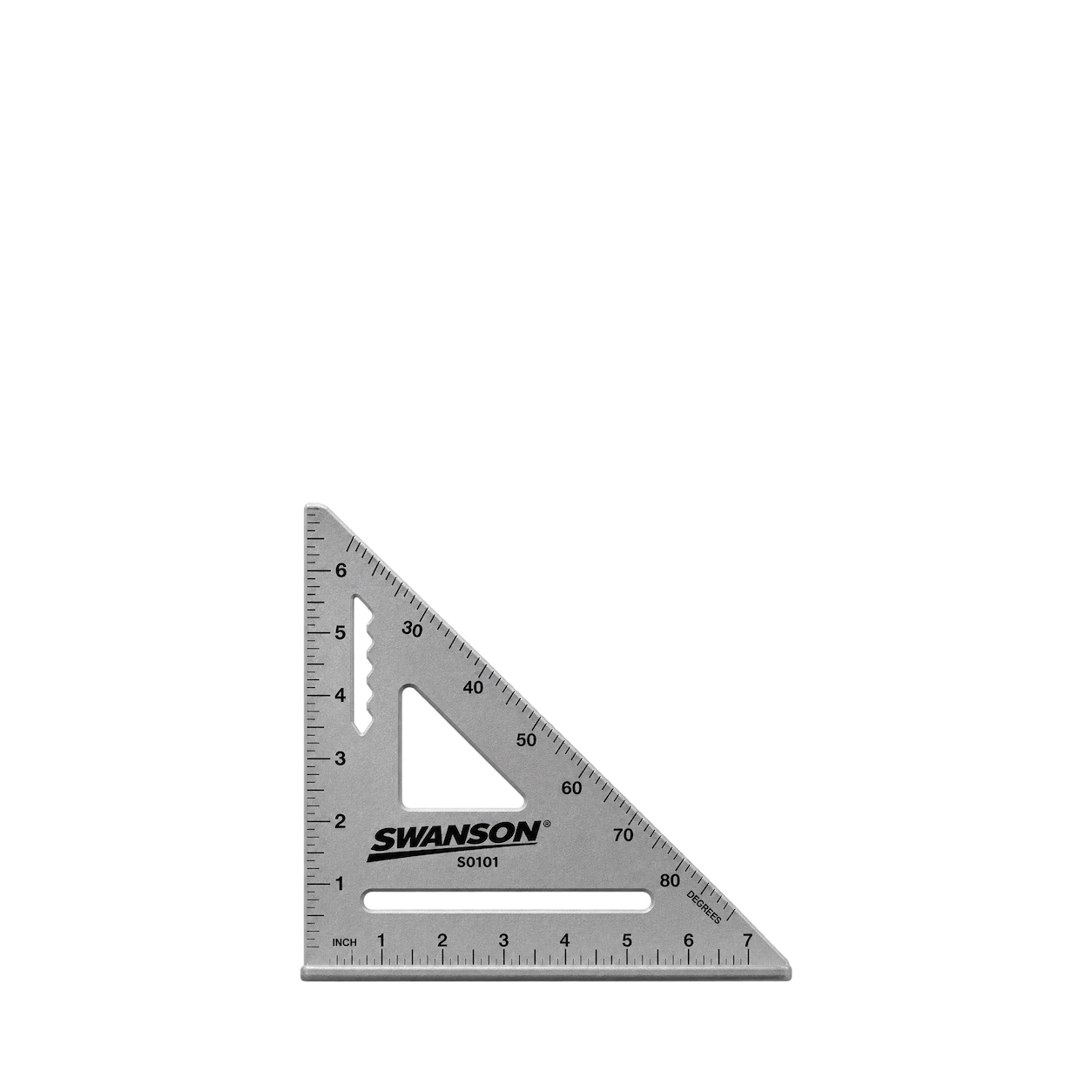
Swanson
7-Inch Speed Square S0101
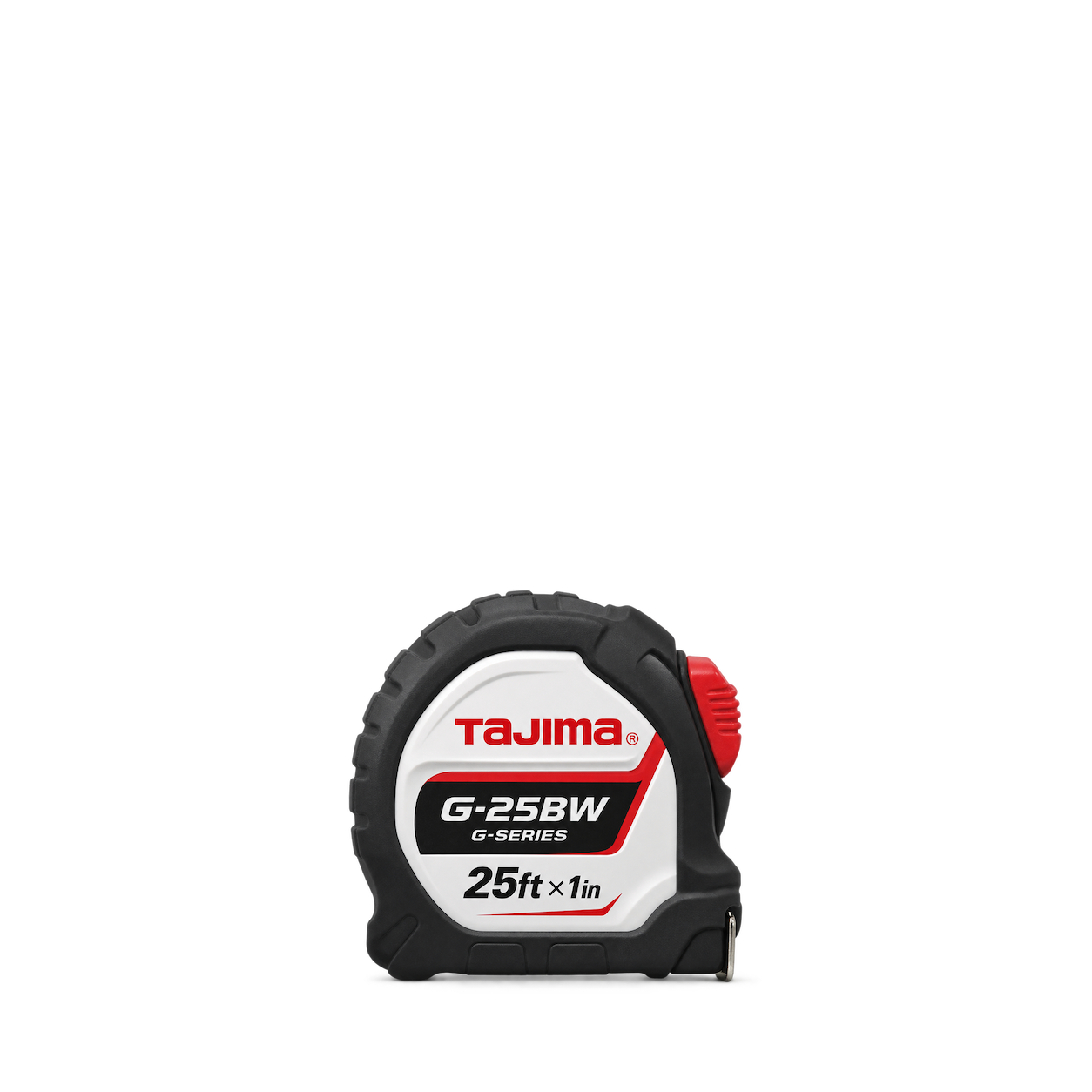
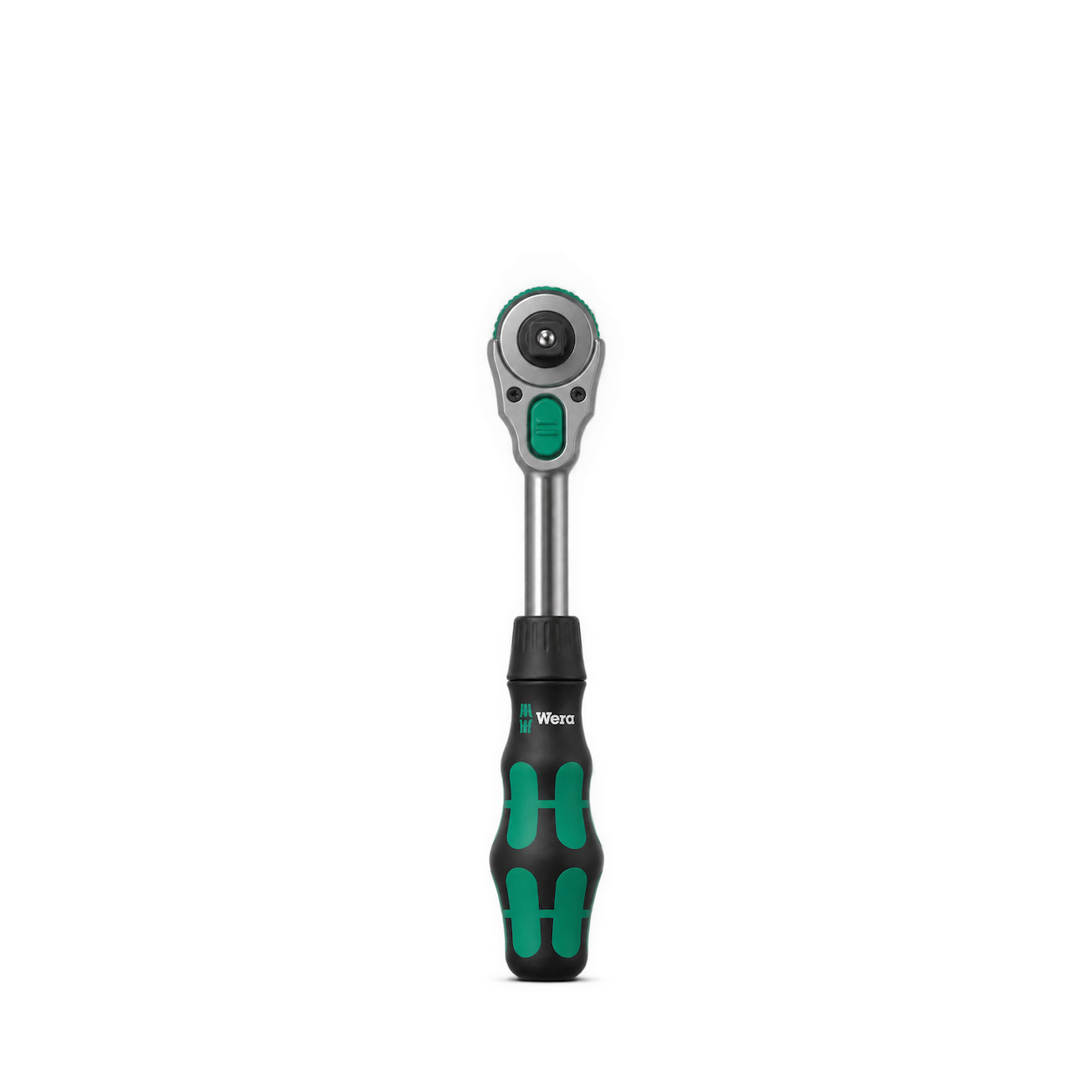
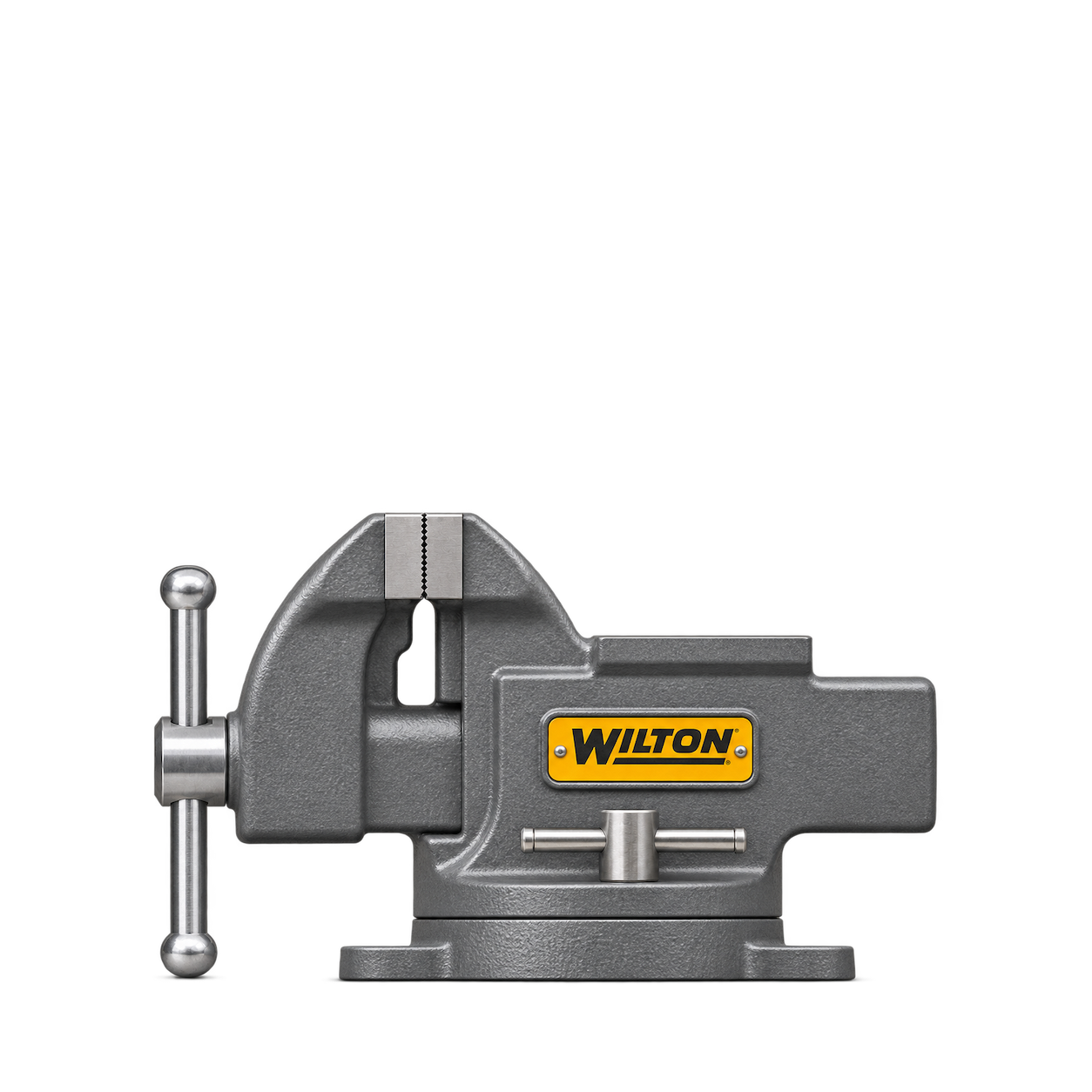
Wilton
11104 4-Inch Bench Vise
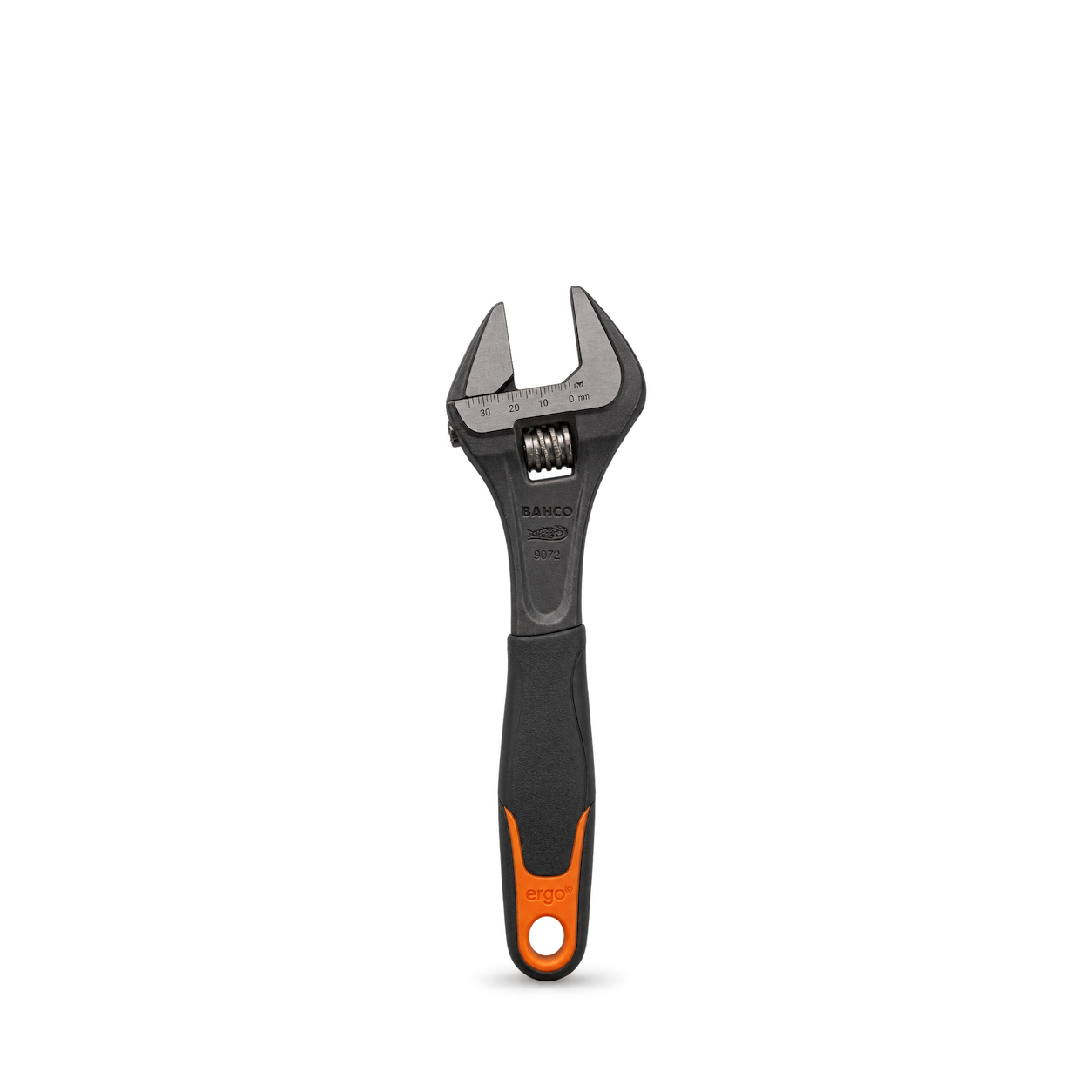

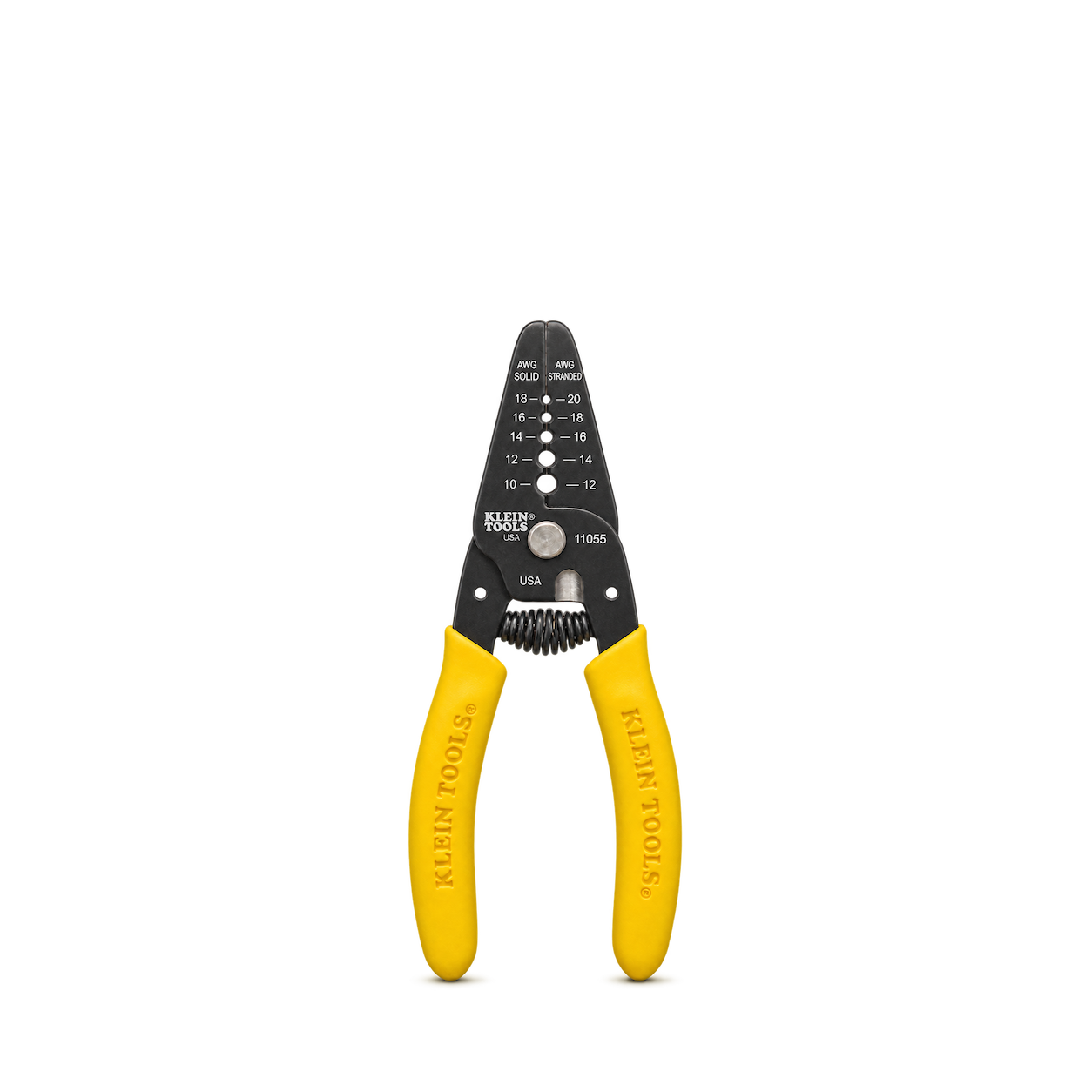
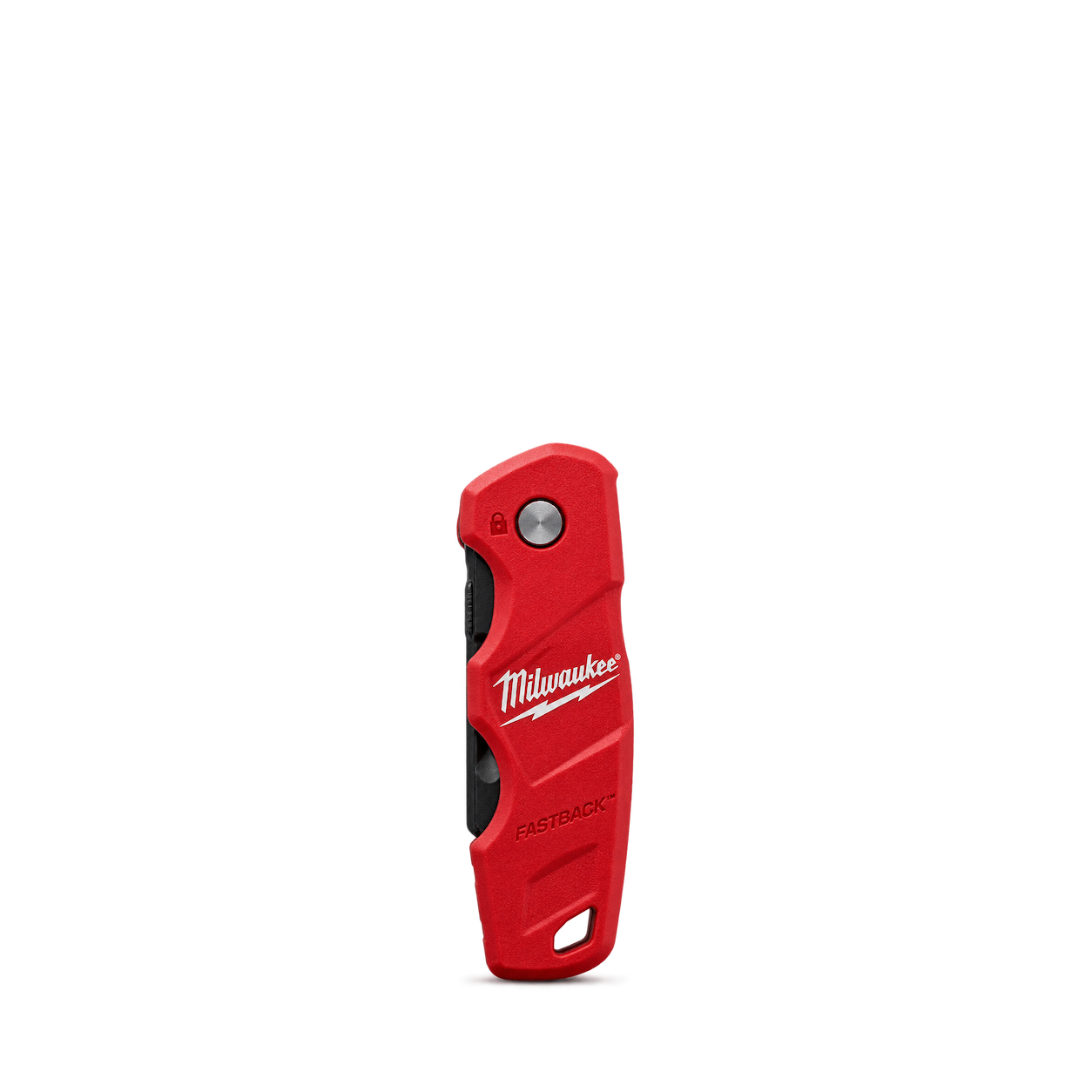
Klein Tools
11055 Wire Stripper and Cutter
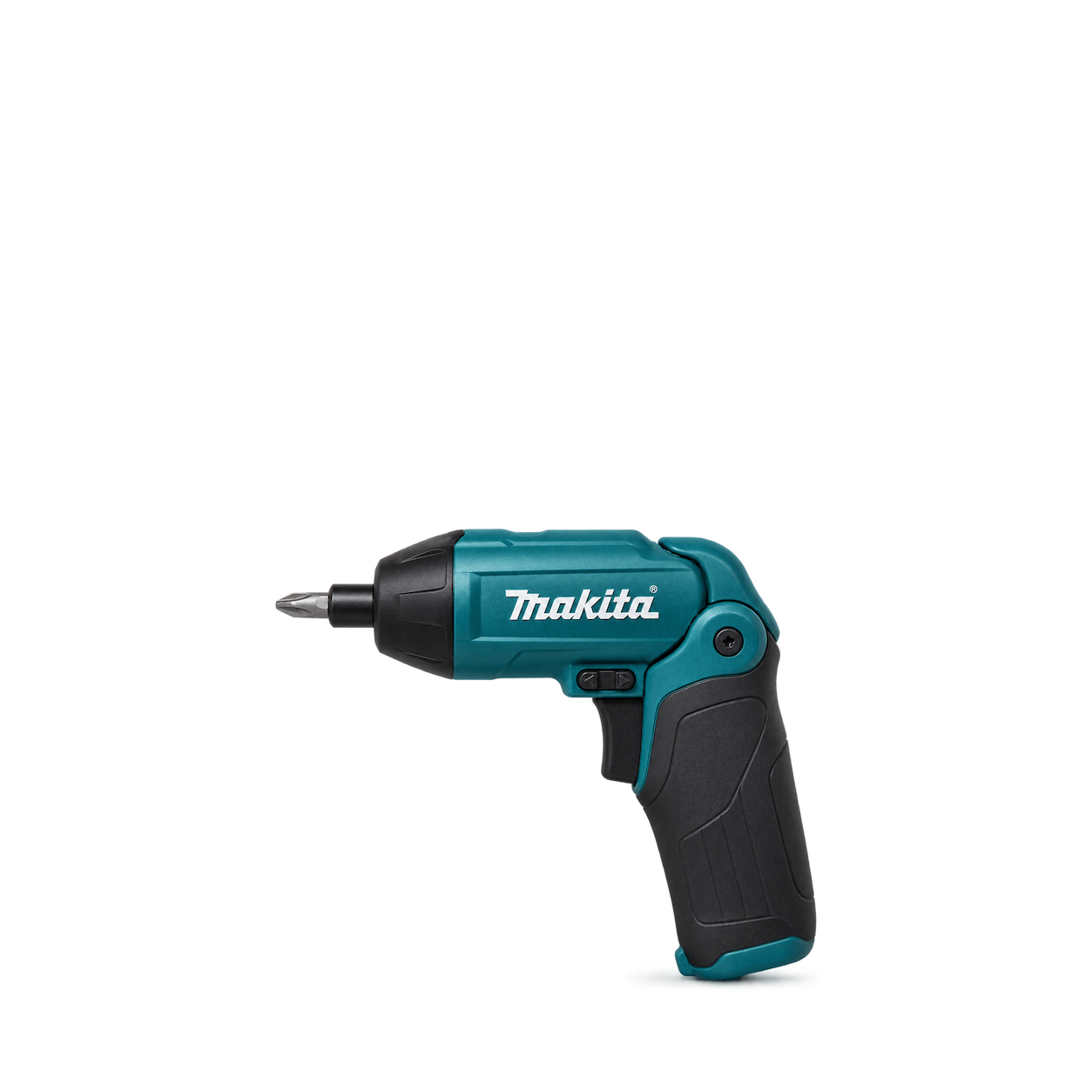
Makita
DF001DW 3.6V Screwdriver
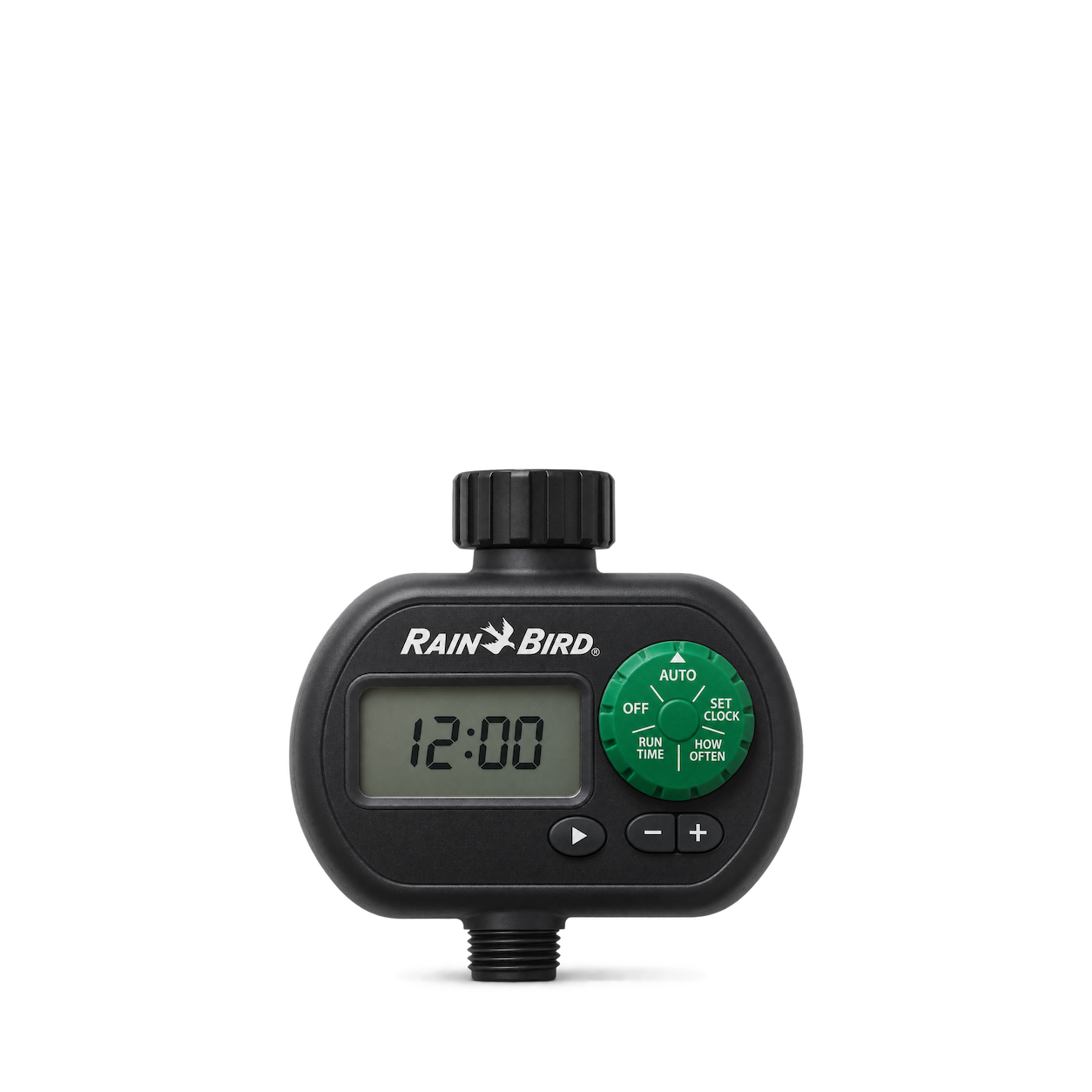
Rain Bird
1ZEHTMR Digital Hose End Timer
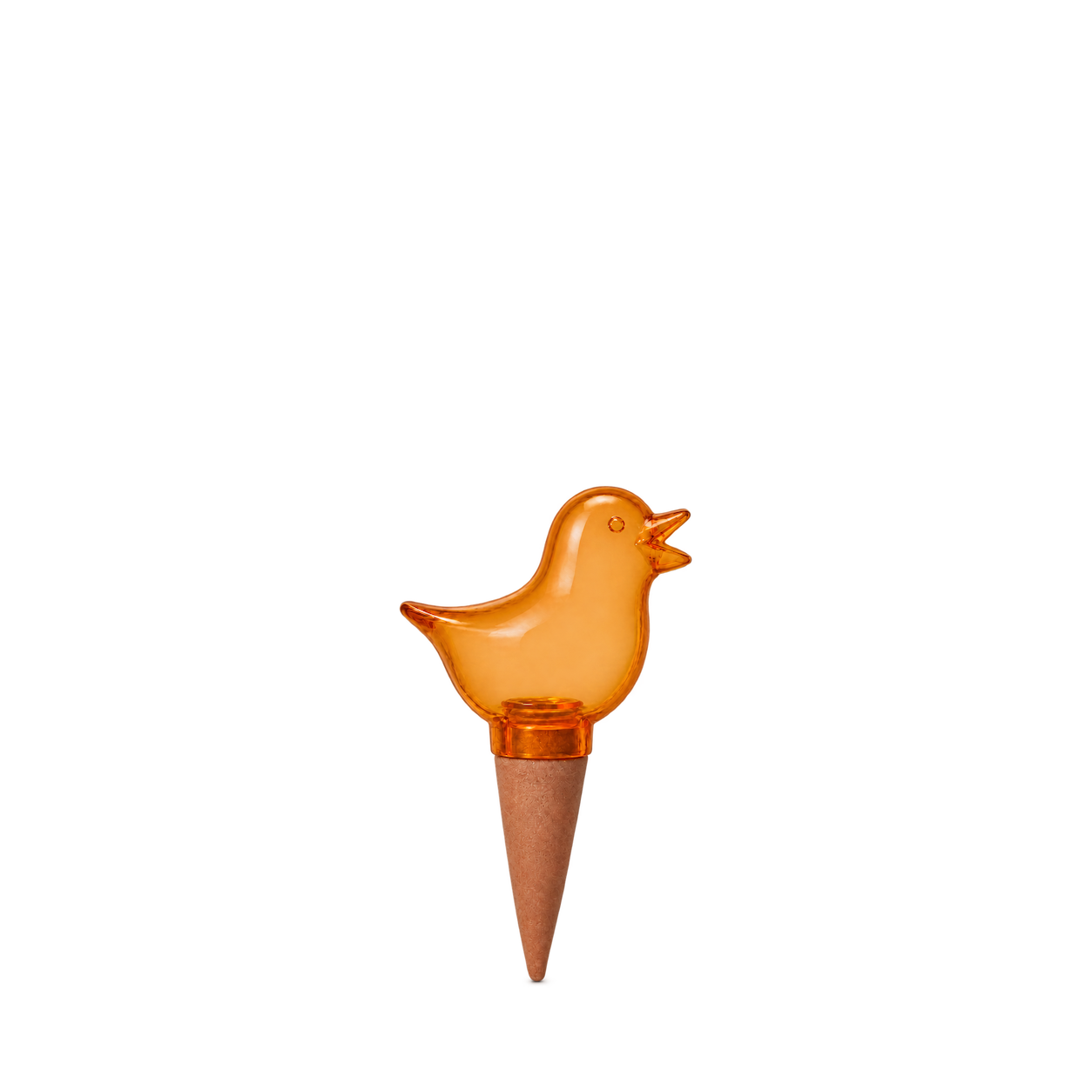
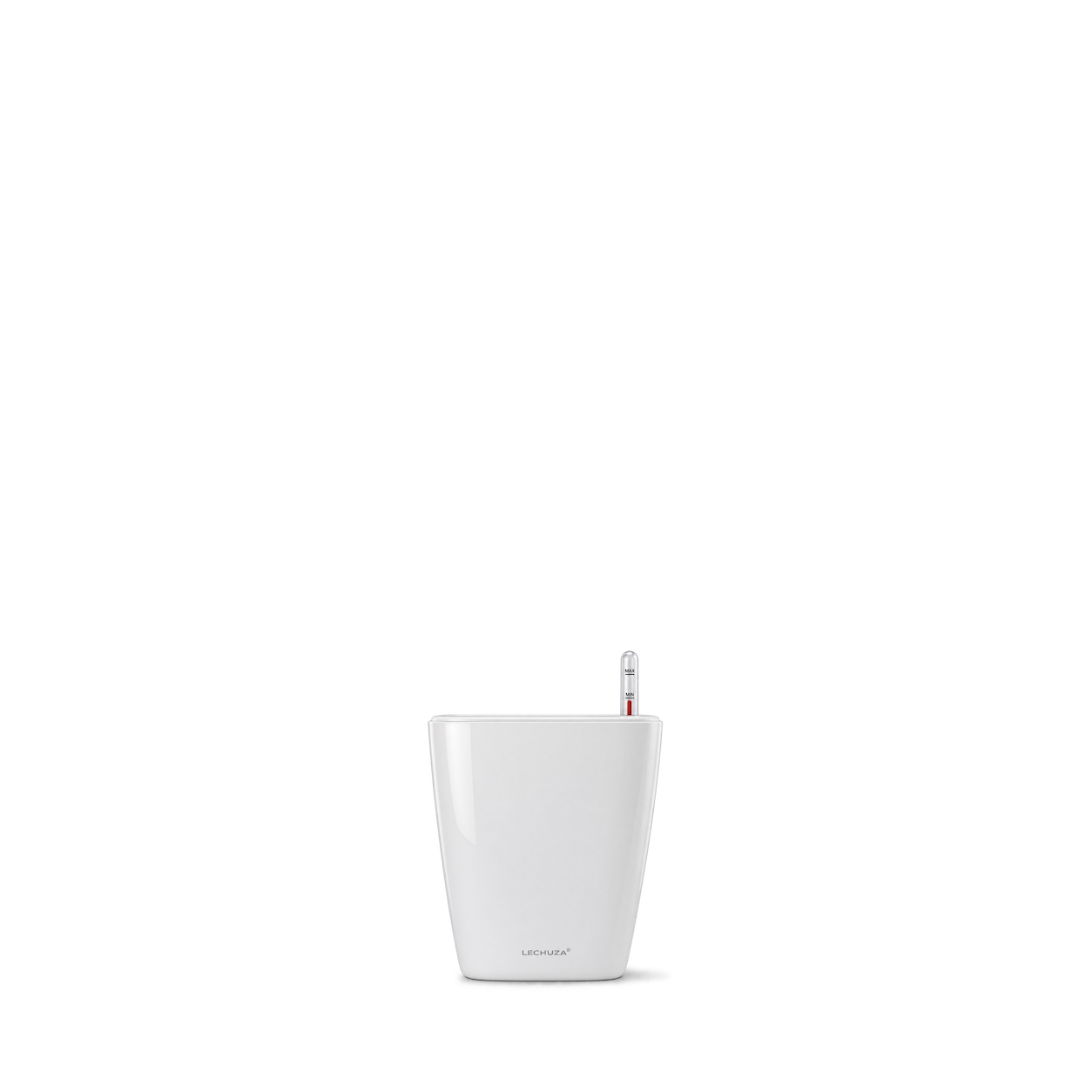
Scheurich
Bördy S Water Reservoir Orange 90 mL
STABILA
Type 70 Spirit Level 30cm
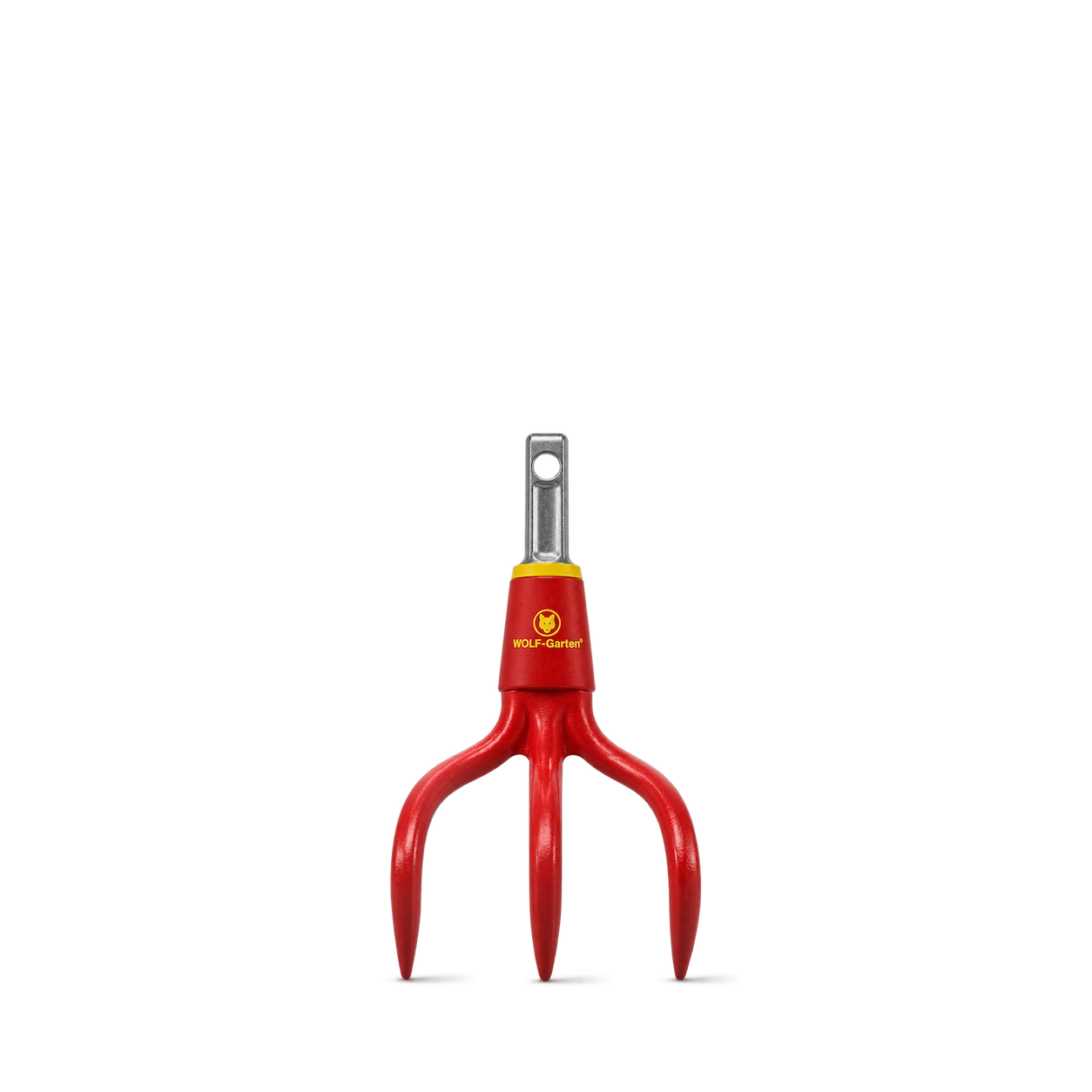
WOLF-Garten
multi-star BA-M Cultivator Attachment 9 cm
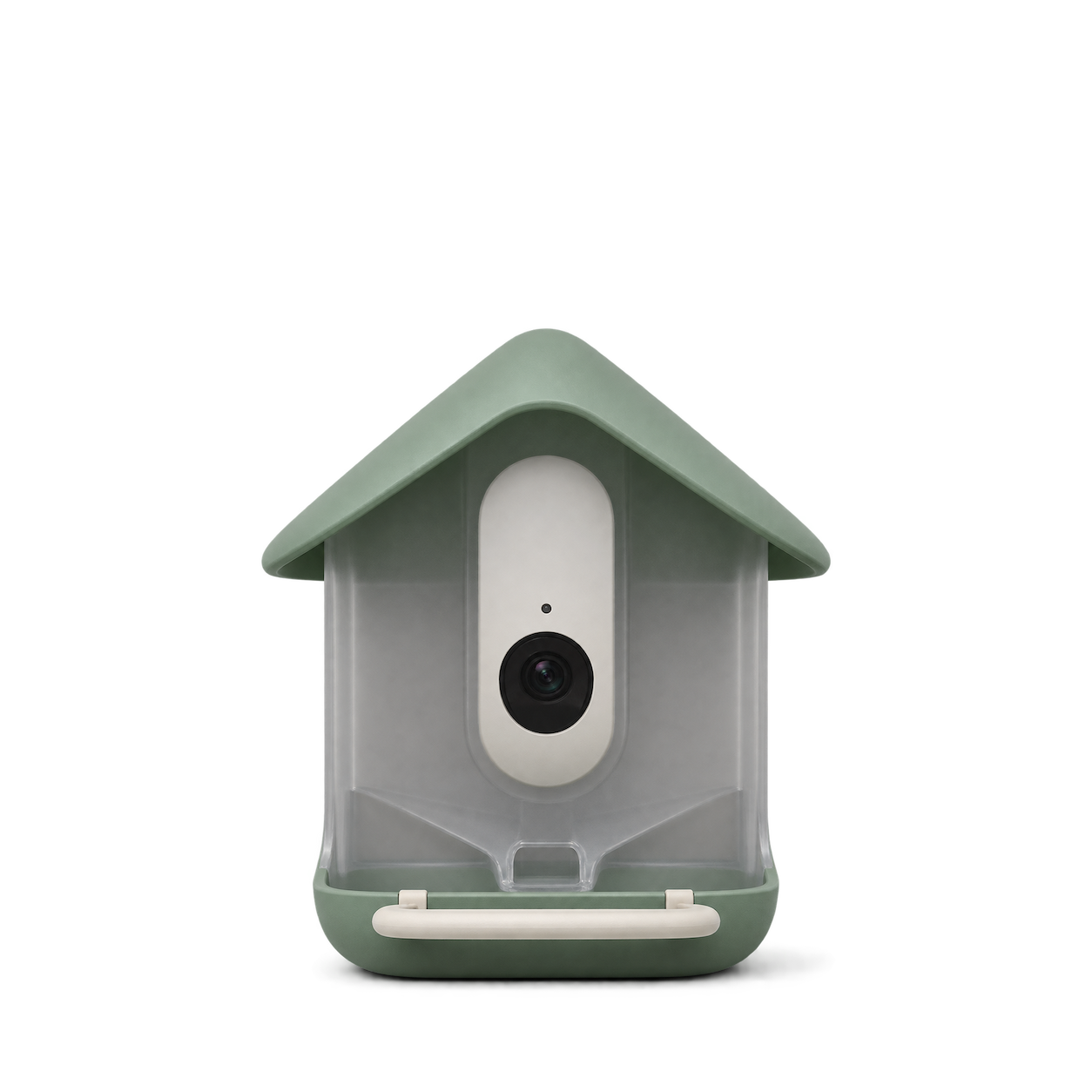
Birdbuddy
Nook Smart Bird Feeder Standard
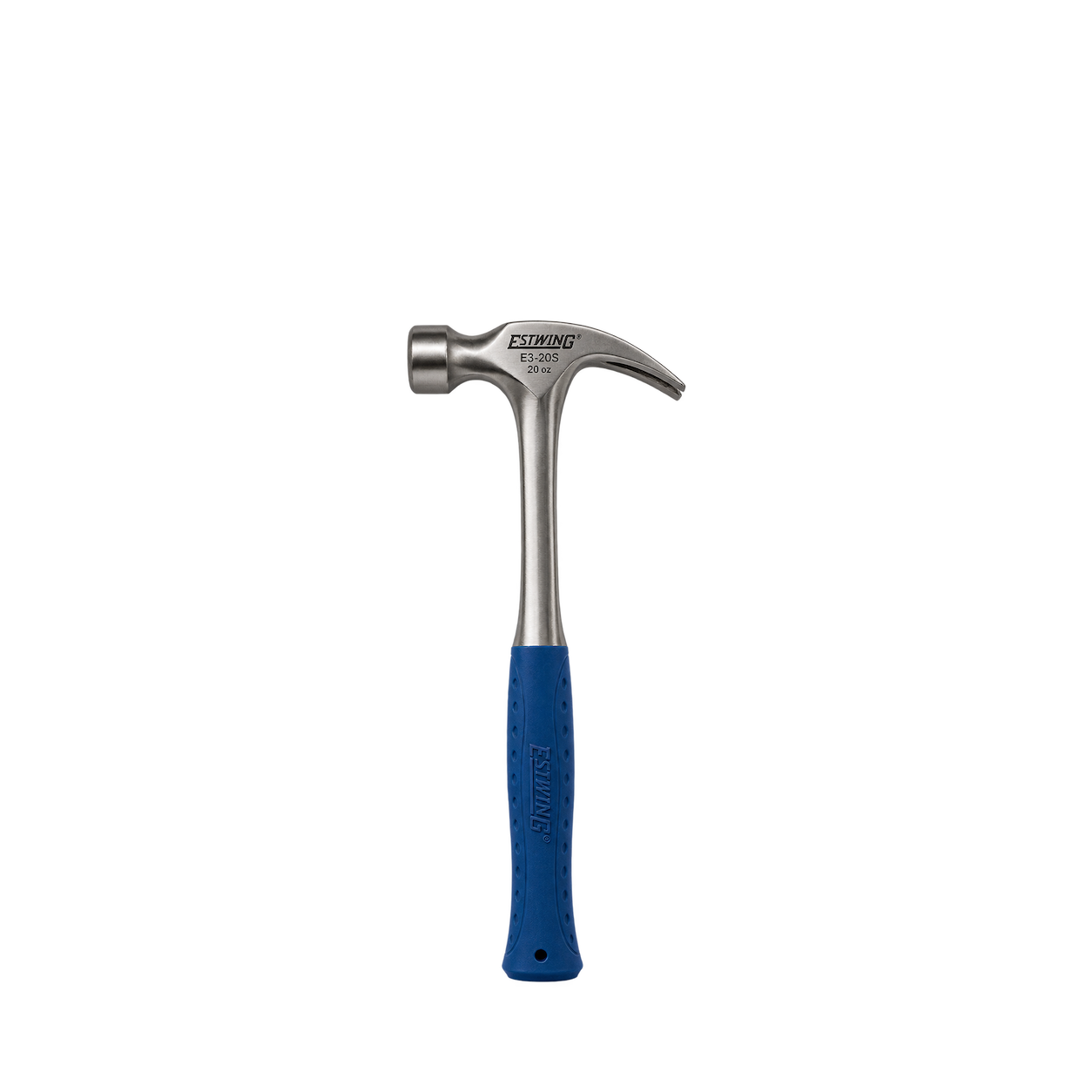
Estwing
Rip Claw Hammer E3-20S
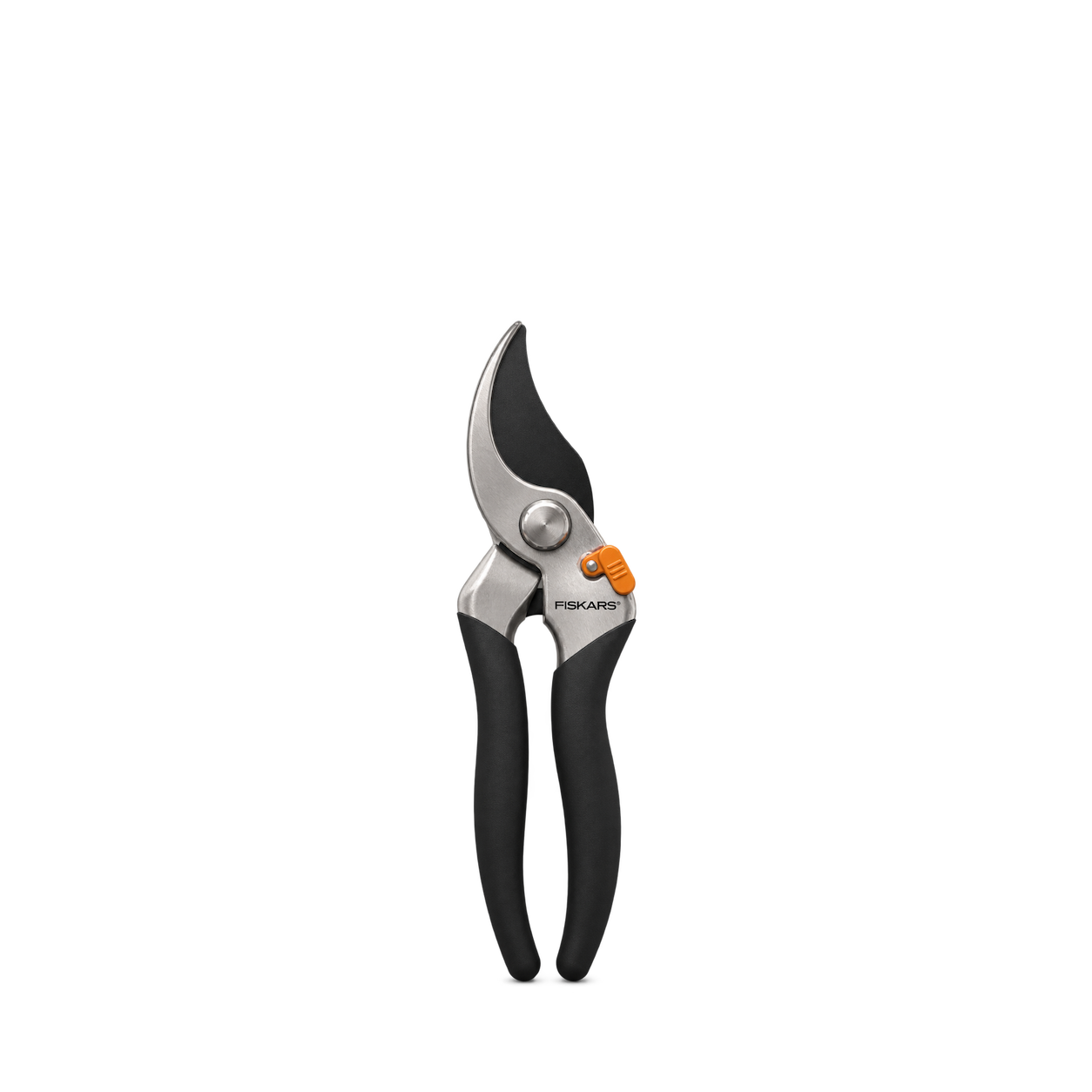
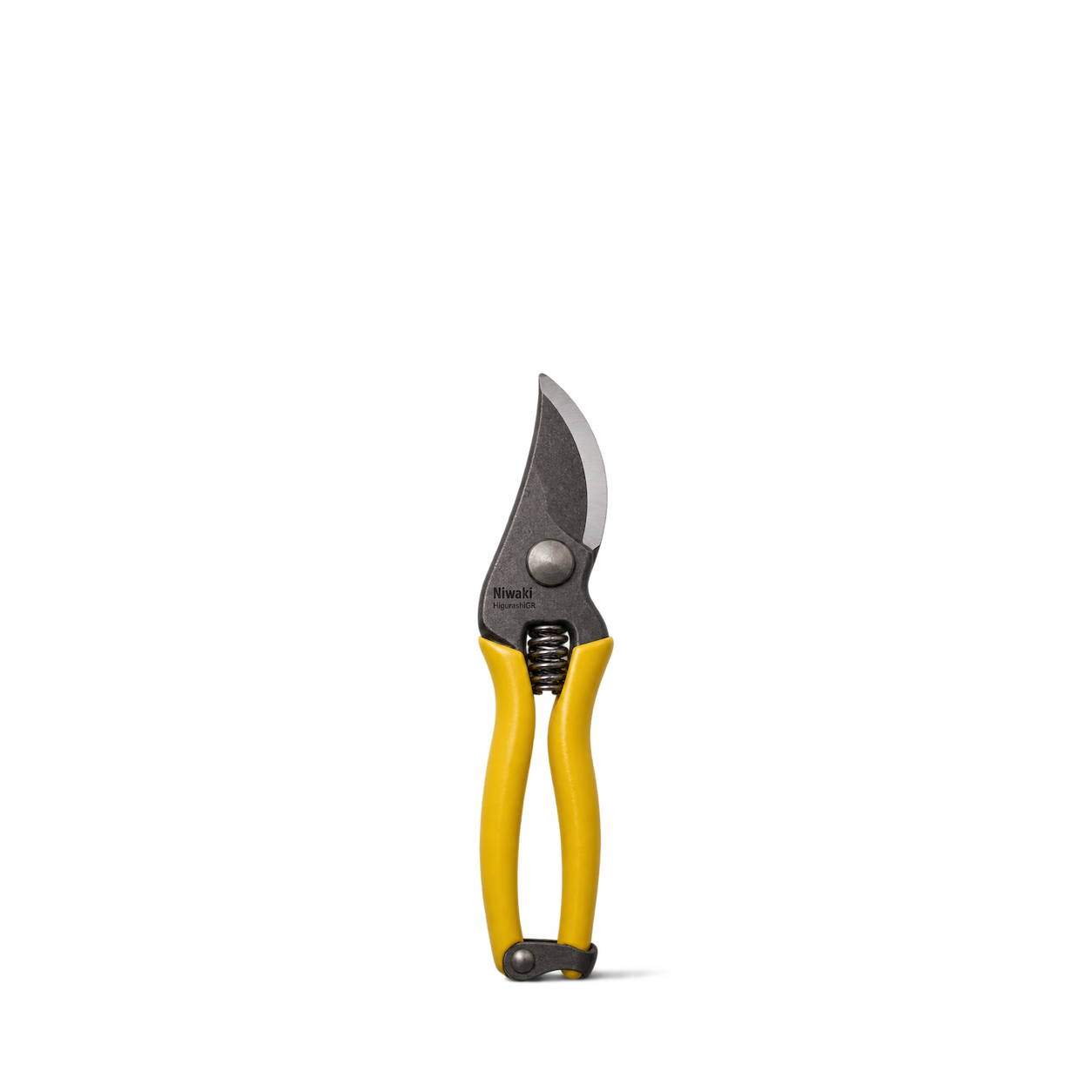
Fiskars
Bypass Pruner 391091-1013
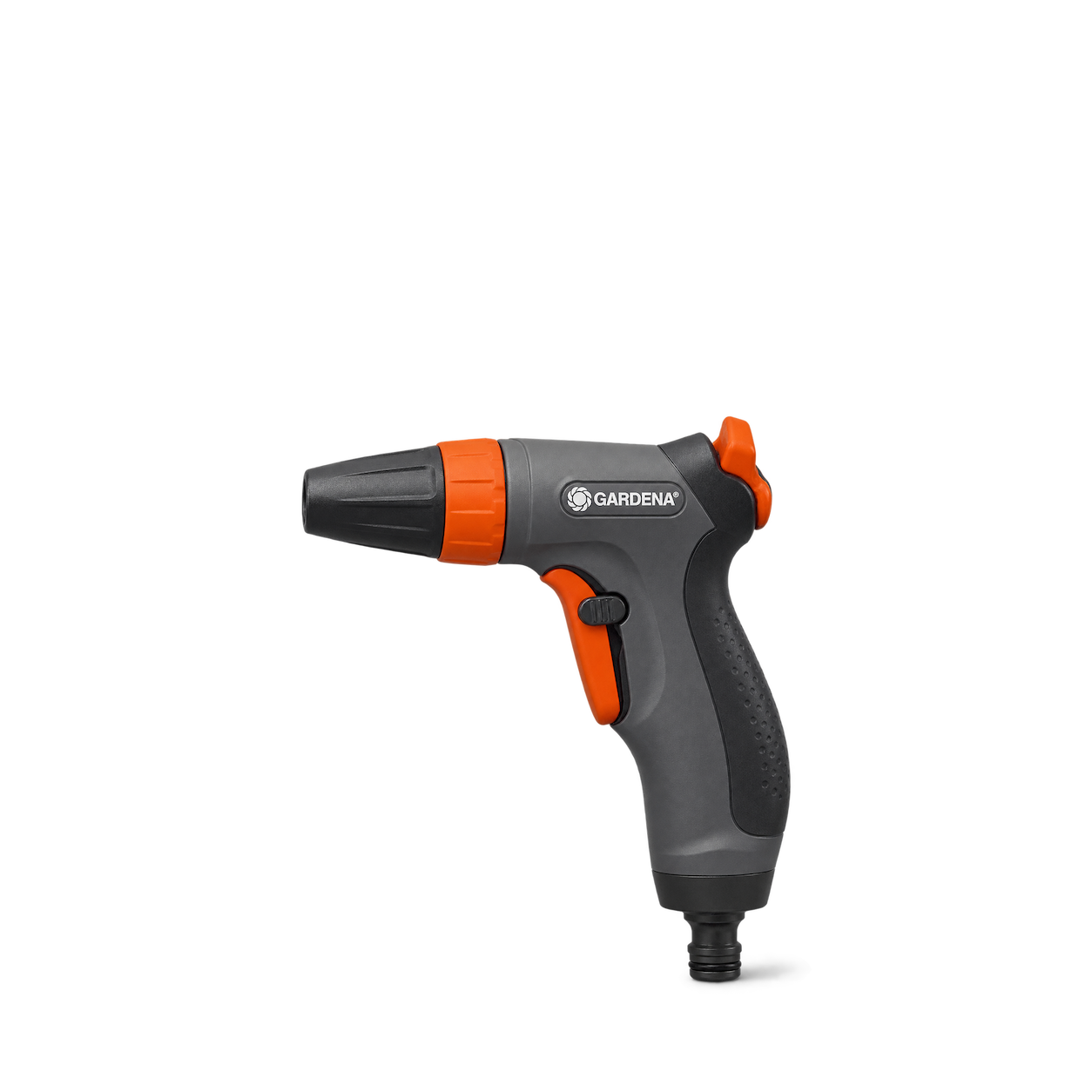
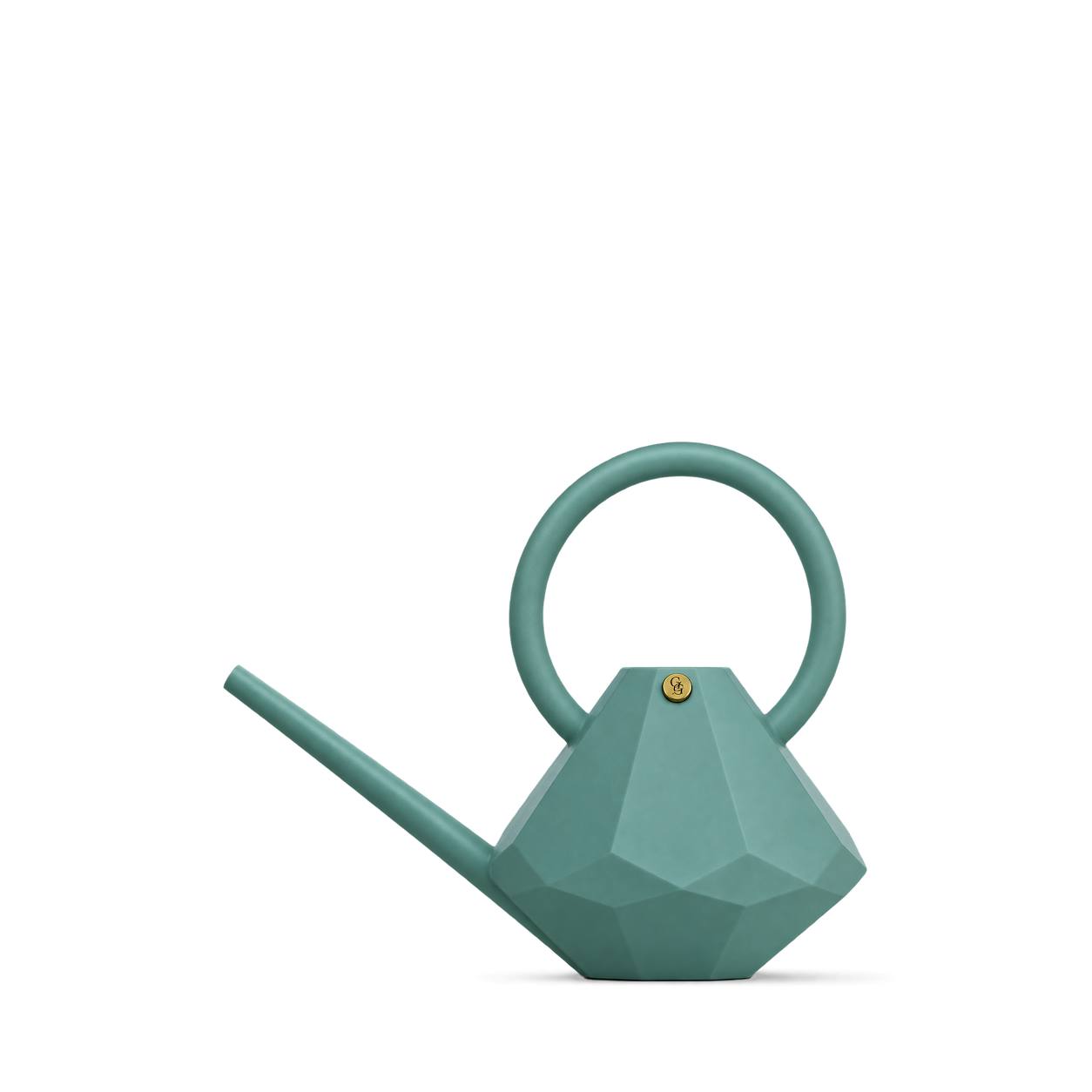
Garden Glory
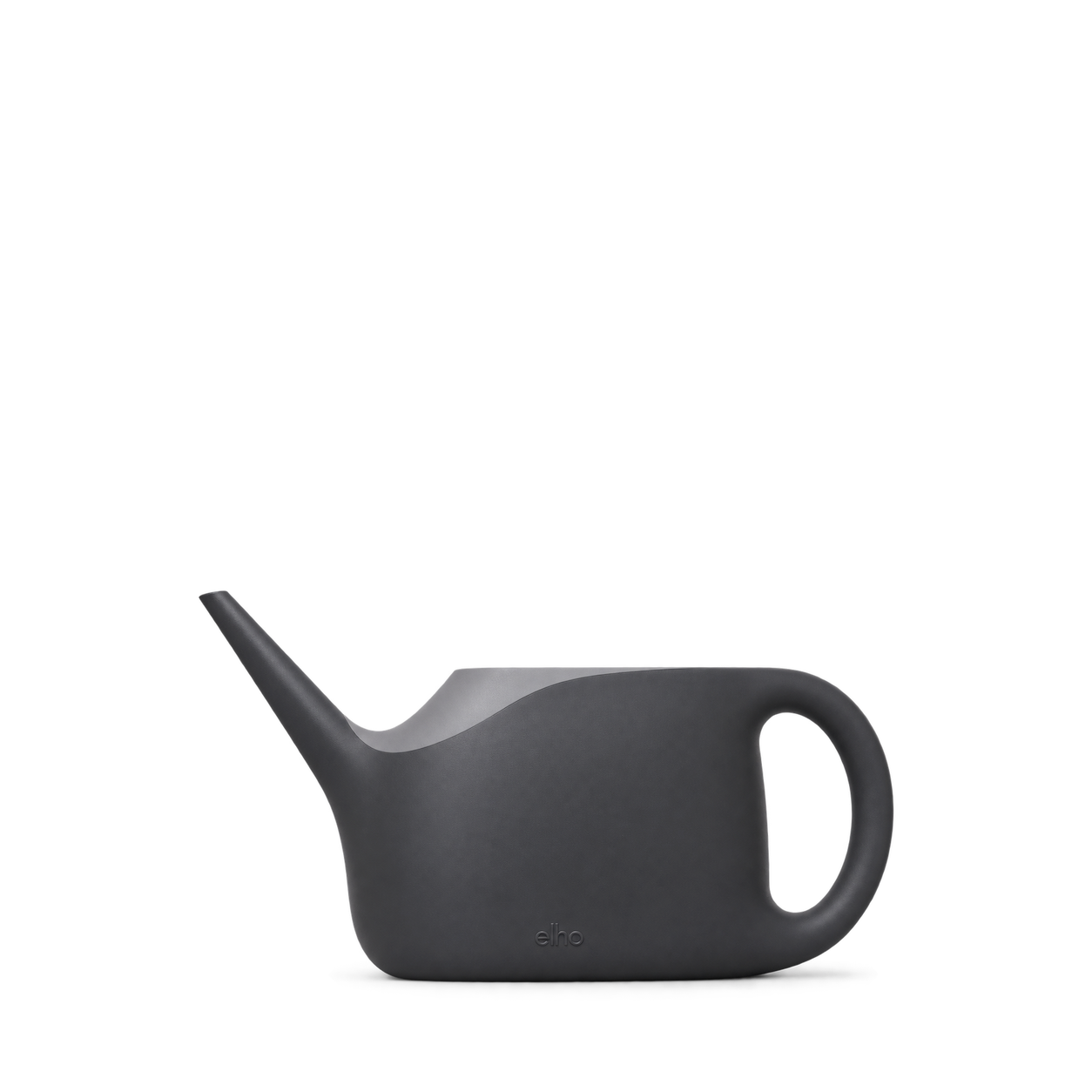
Watering Can Jade 8 L
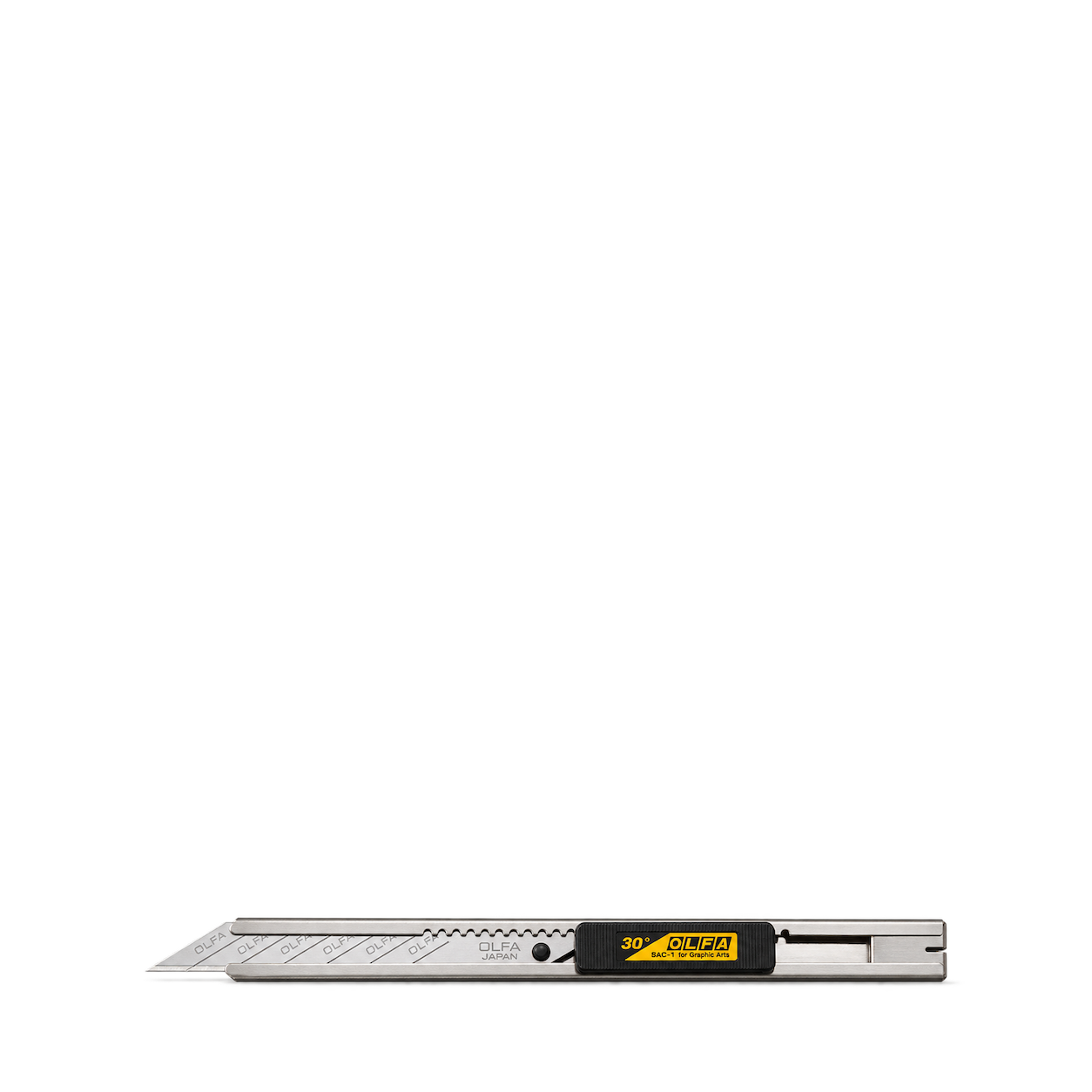
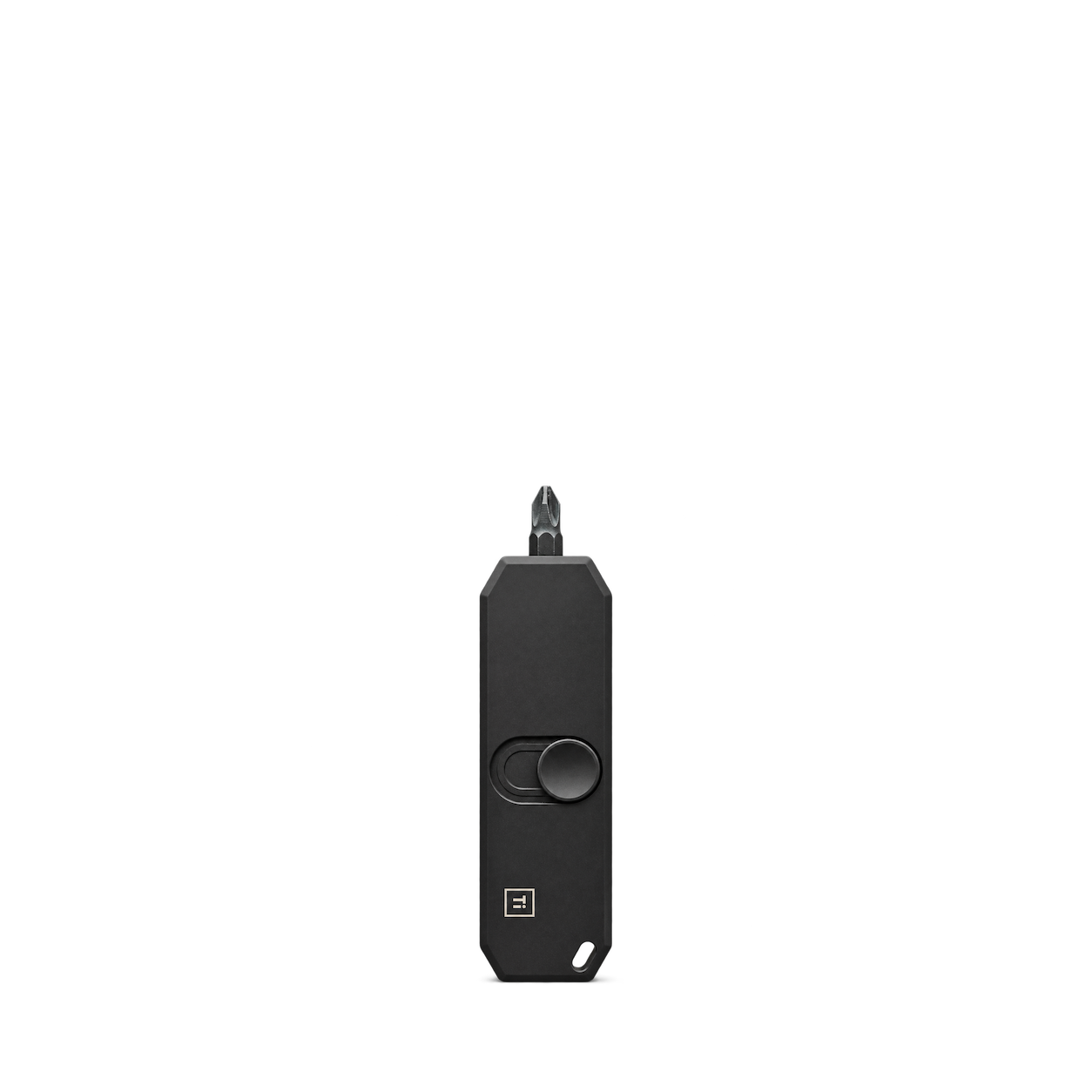
Big Idea Design
Bit Bar II · DLC Black
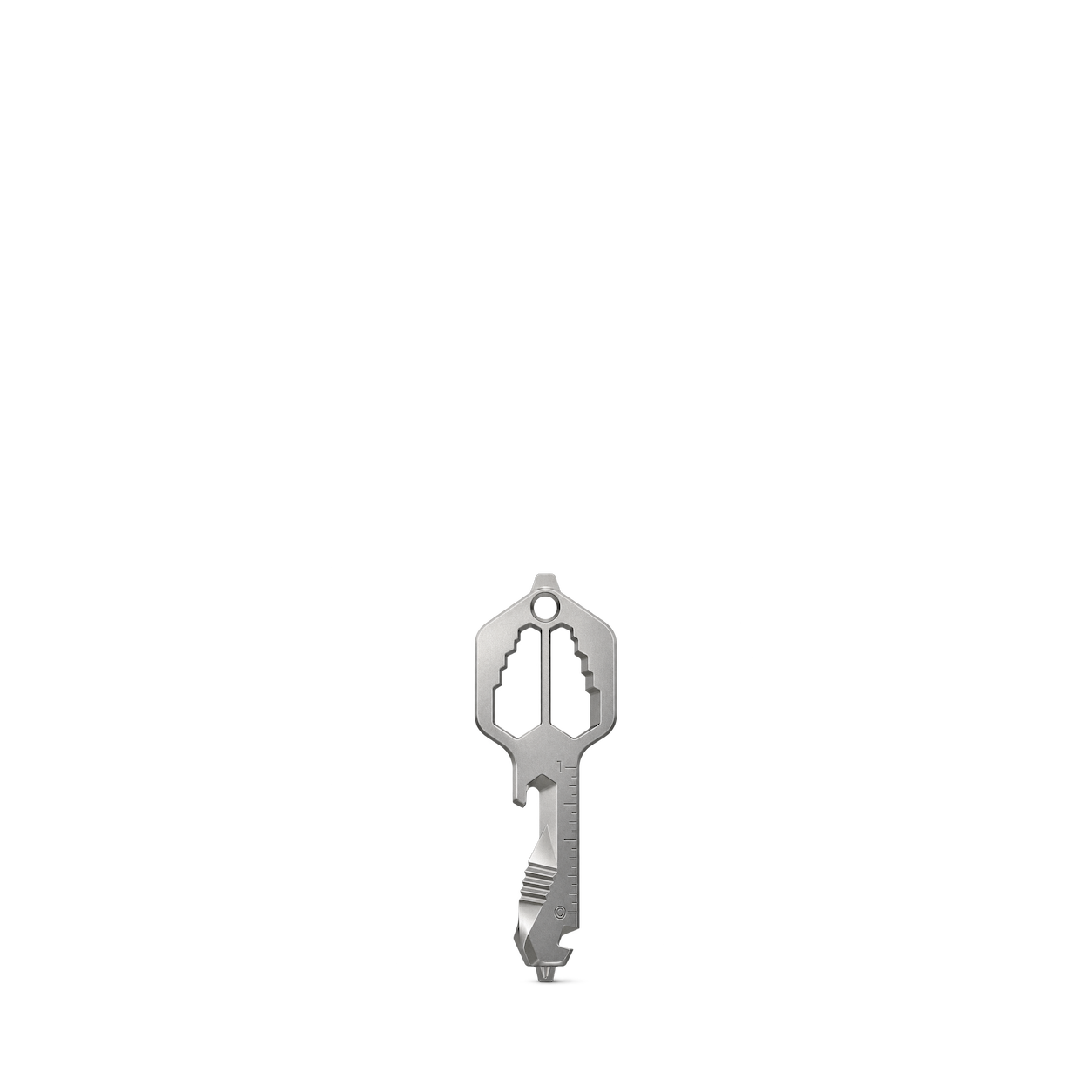
KeySmart
MultiTool Pro · Stainless Steel
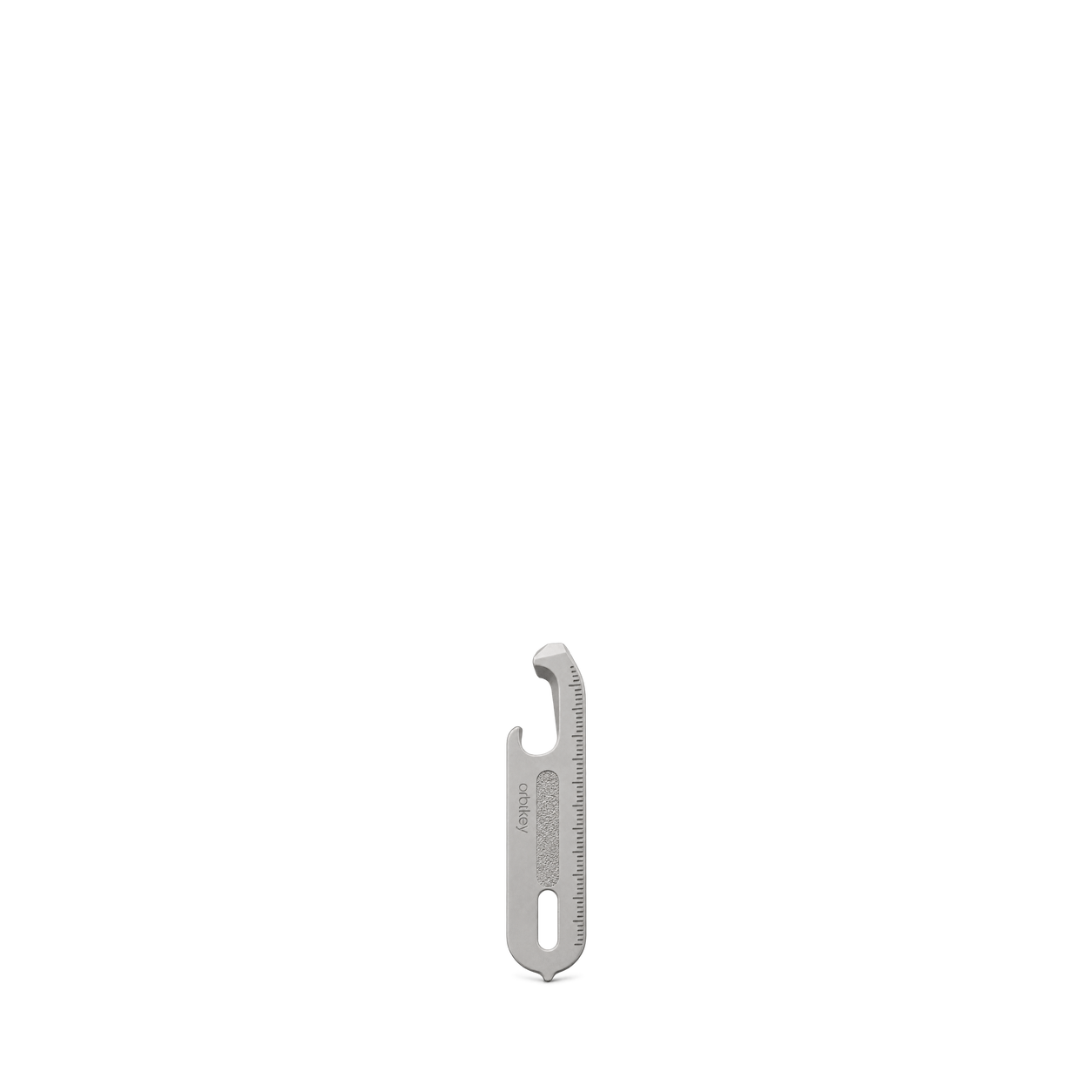
Orbitkey
Multi-Tool v2 · Silver
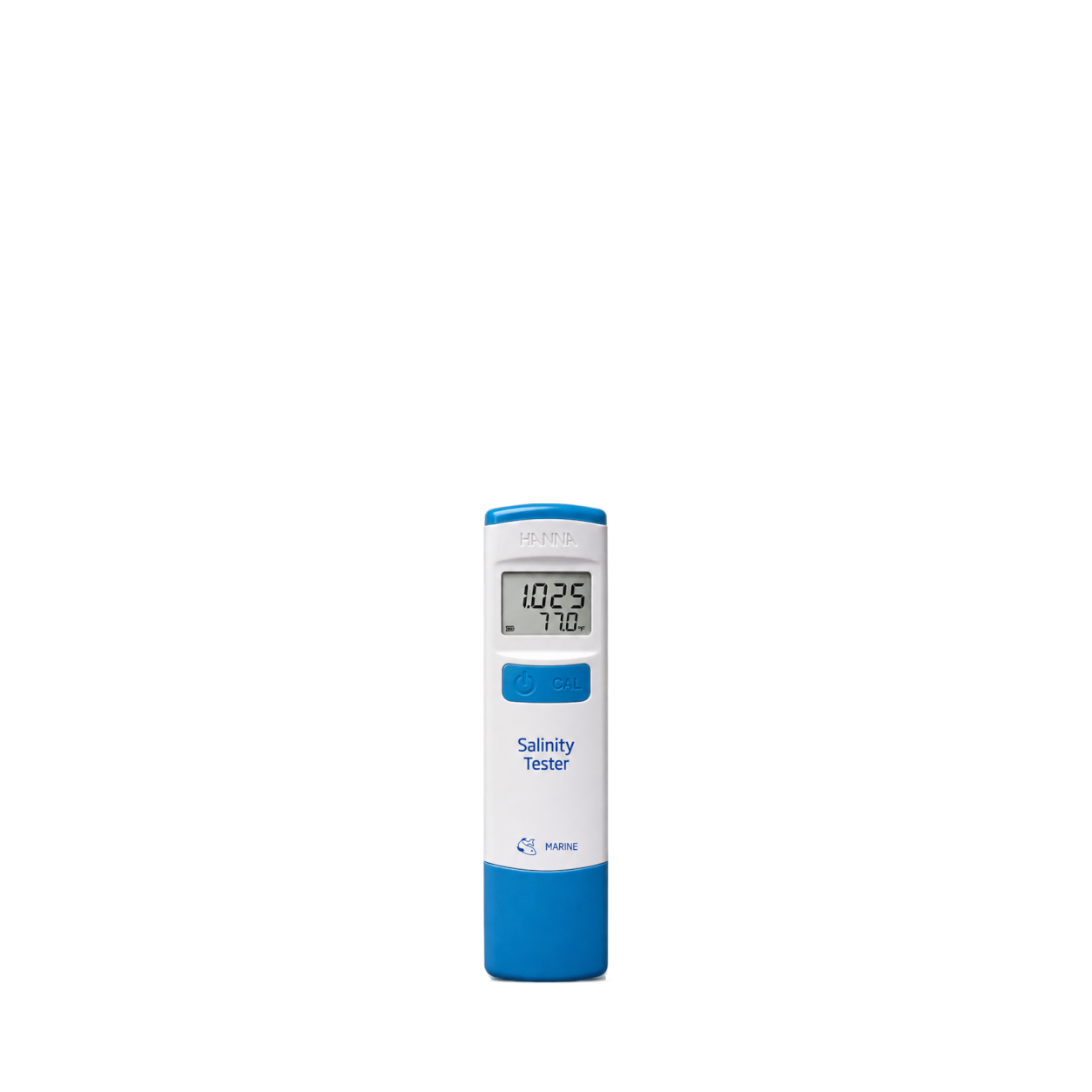
Hanna Instruments
Marine Salinity Tester · HI98319U
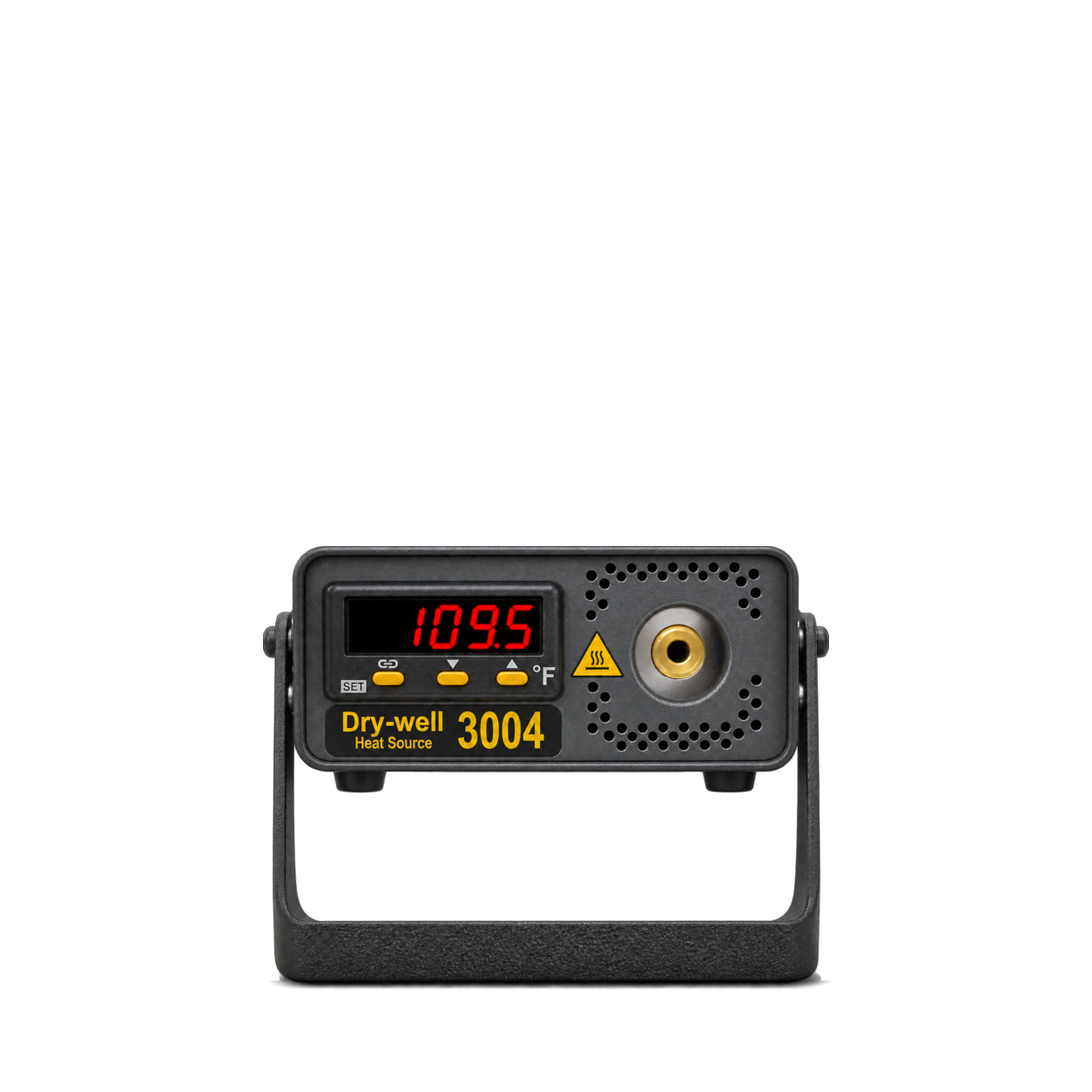
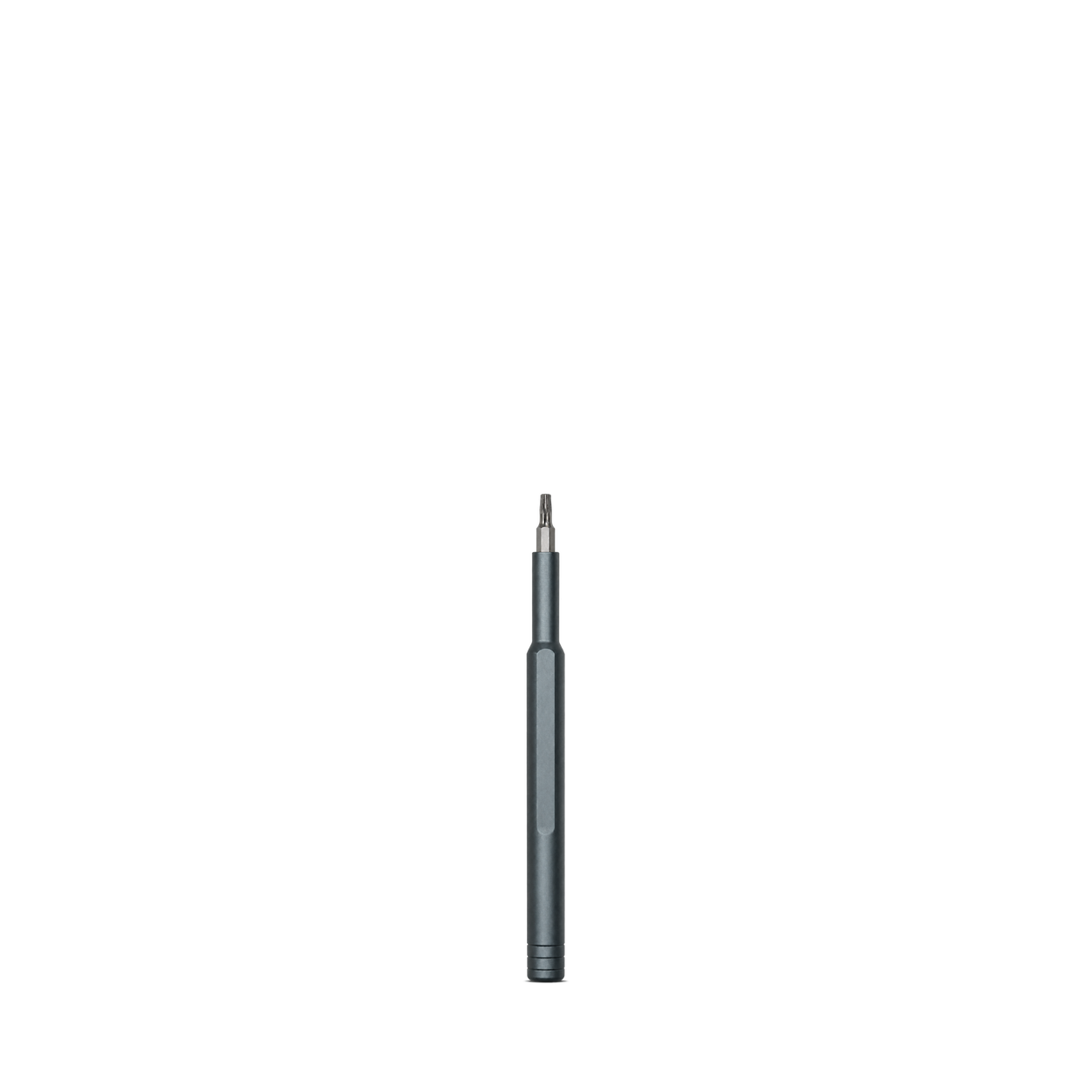
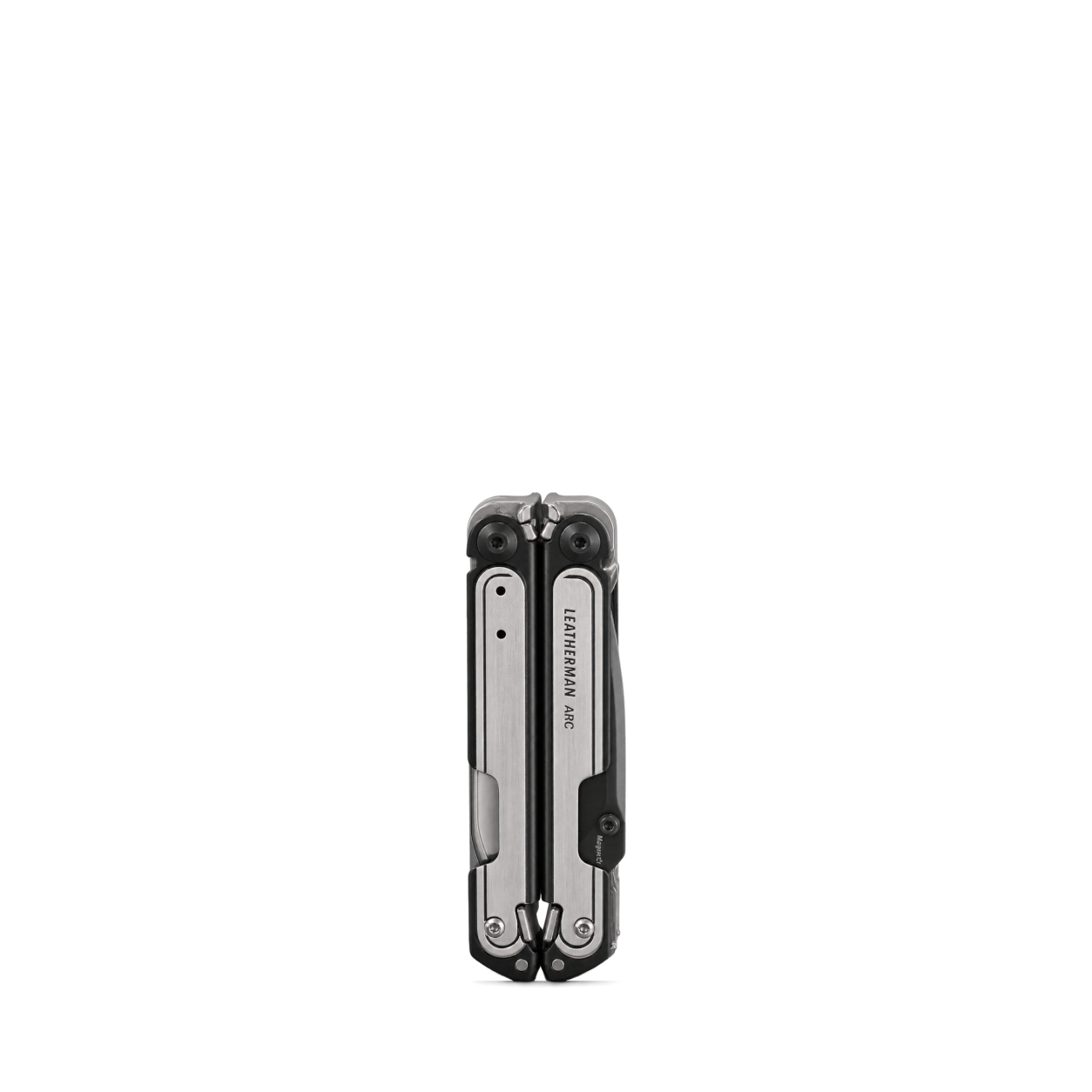
Leatherman
ARC® · Black DLC & Stainless Steel
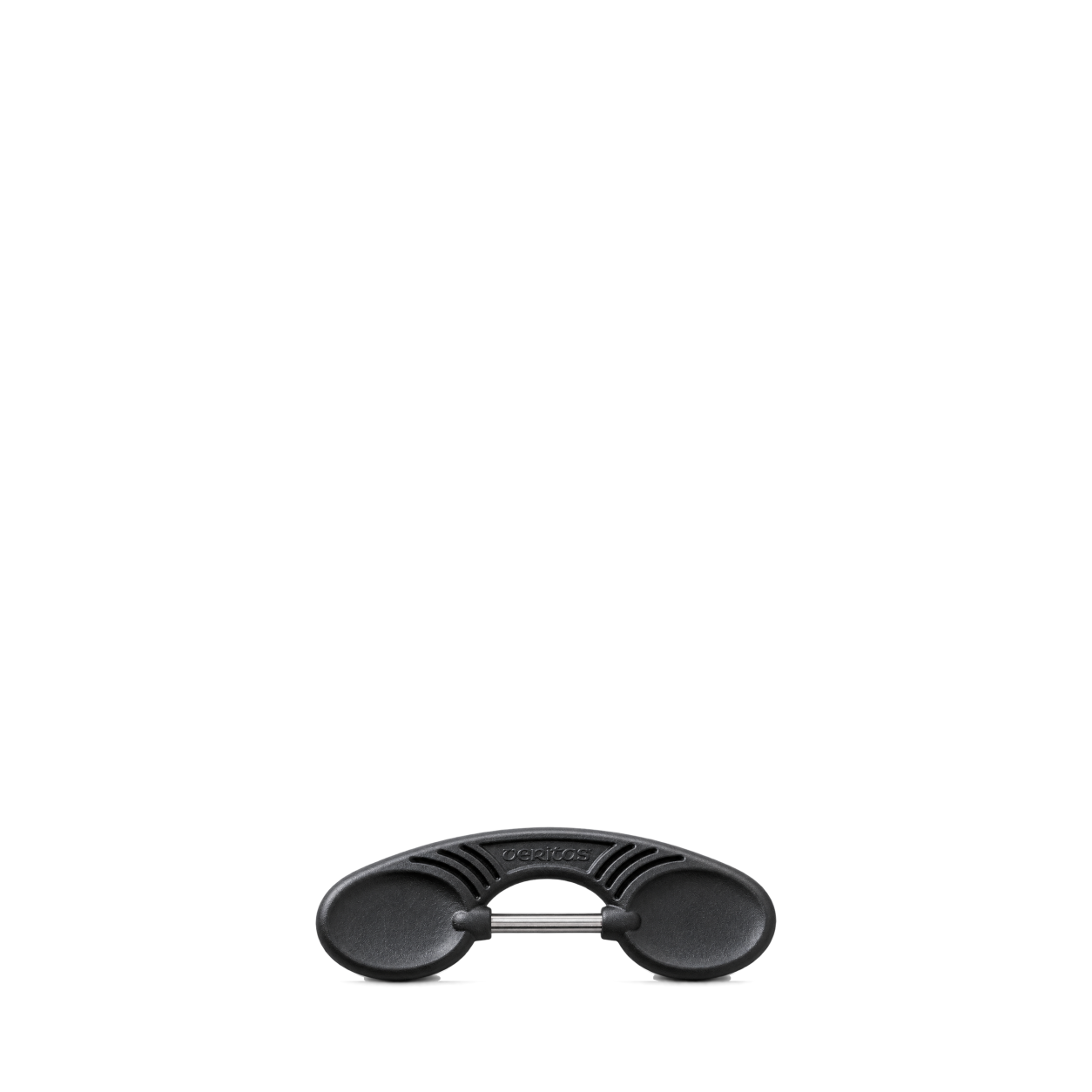
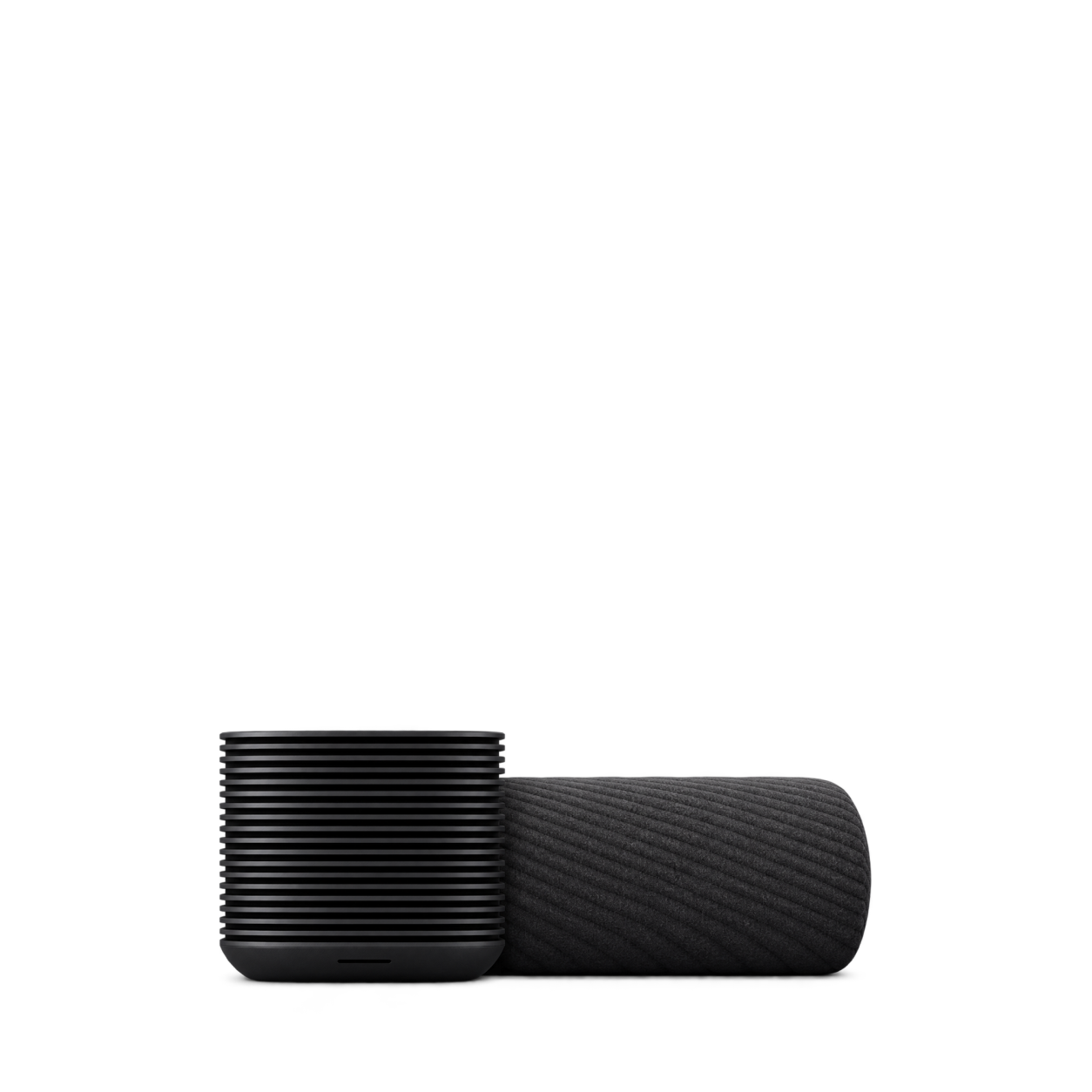
Eight Sleep
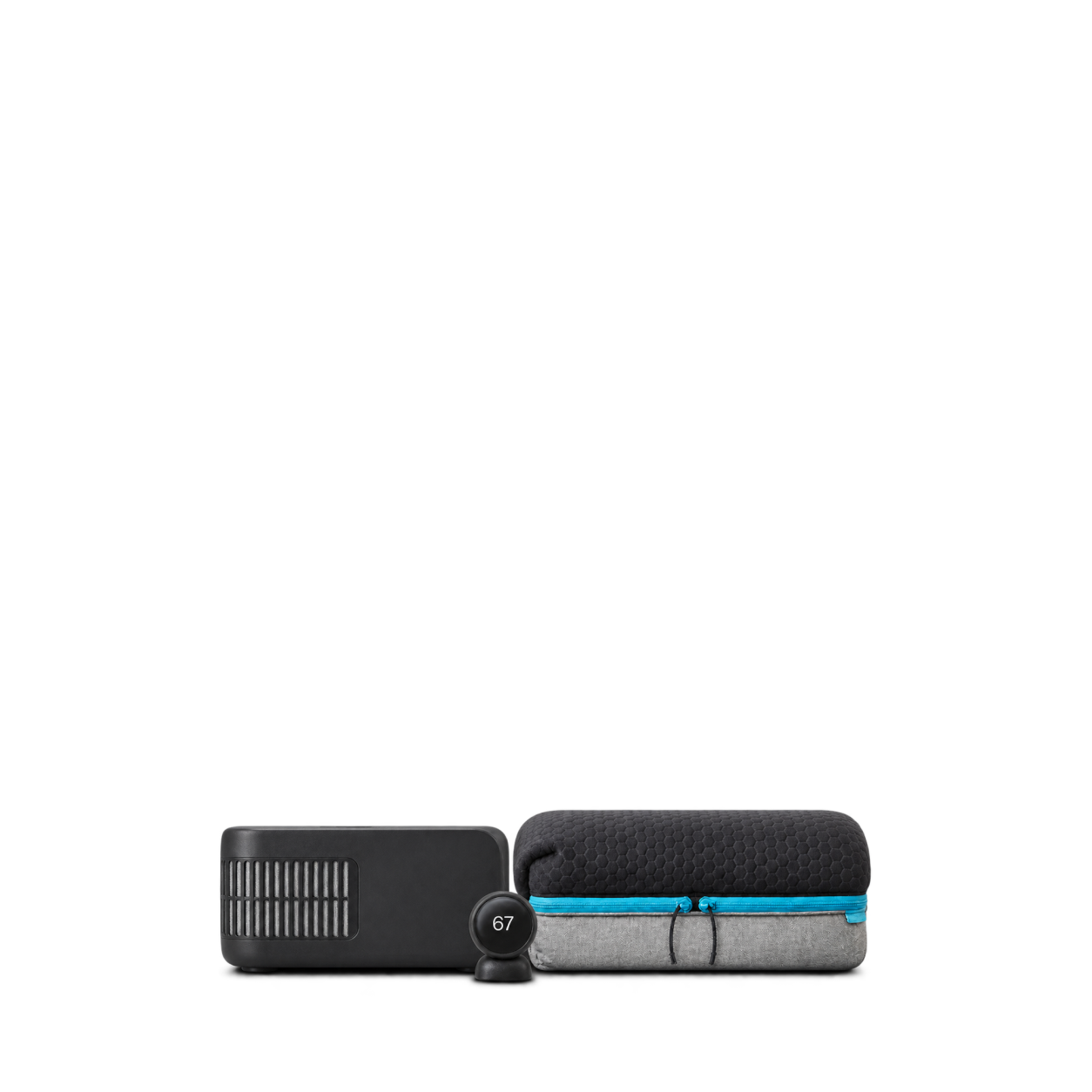
Pod 6 · Queen cover and hub
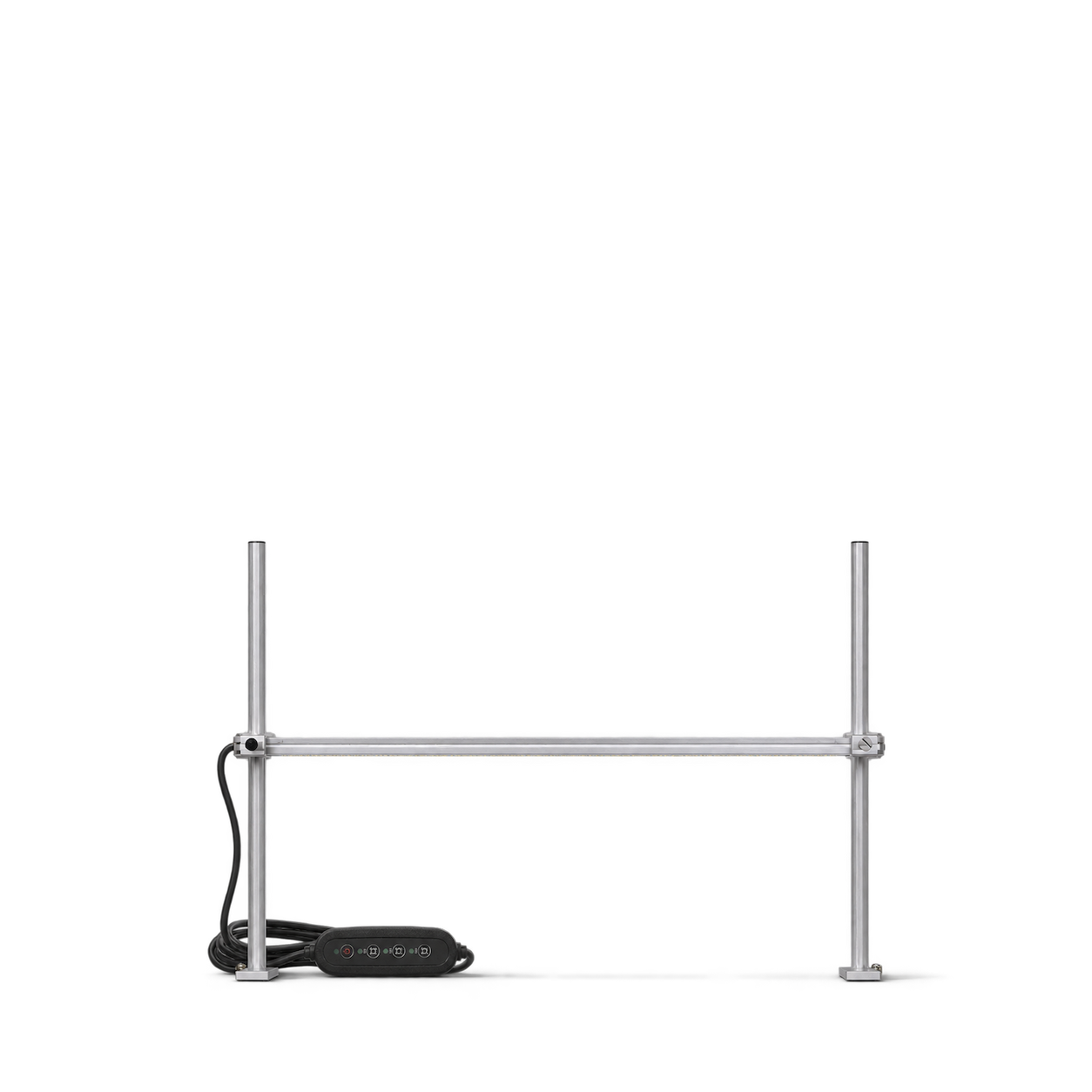
Bootstrap Farmer
2 FT LED Grow Light with Stand

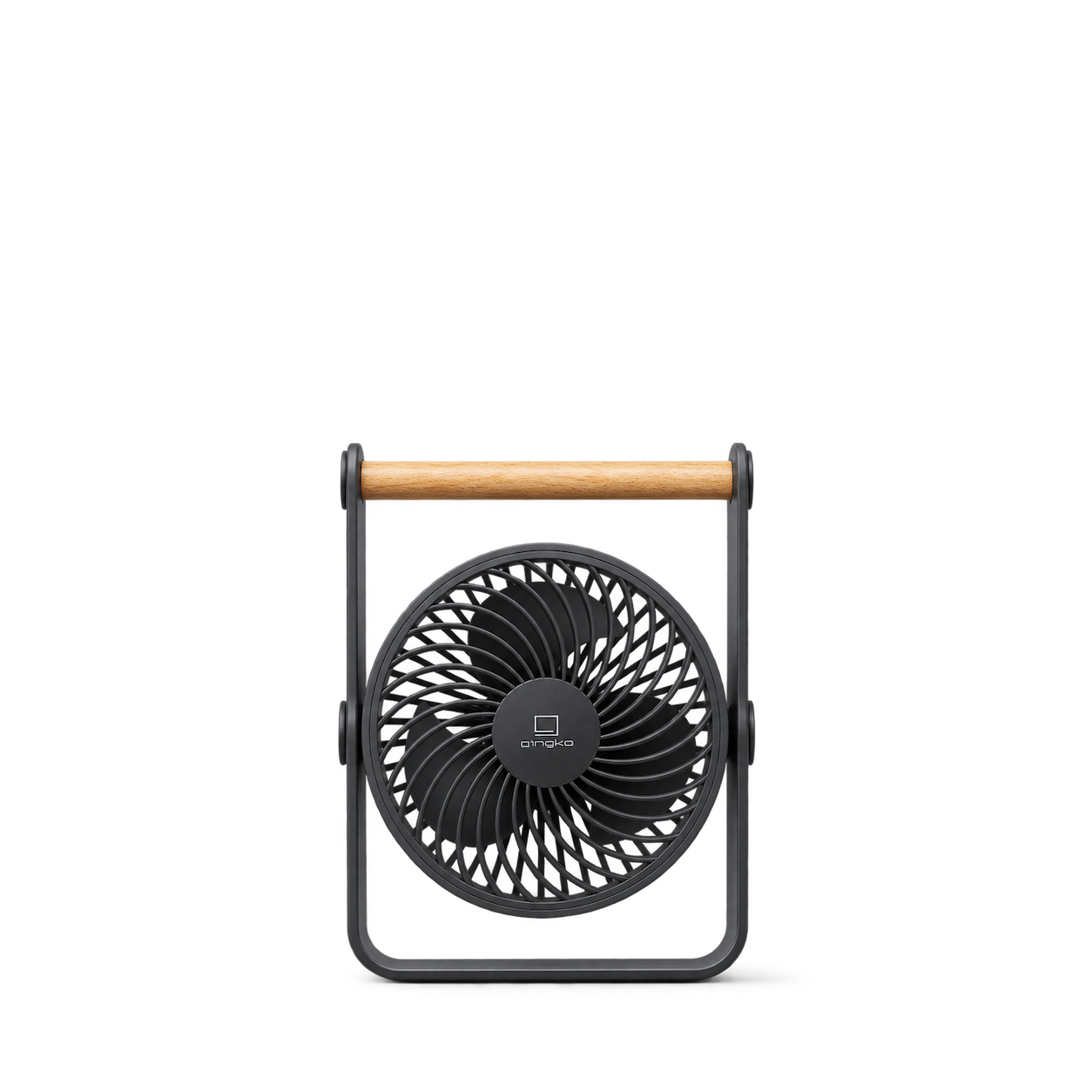
Gingko Design
Lyra Portable Fan · Space Grey
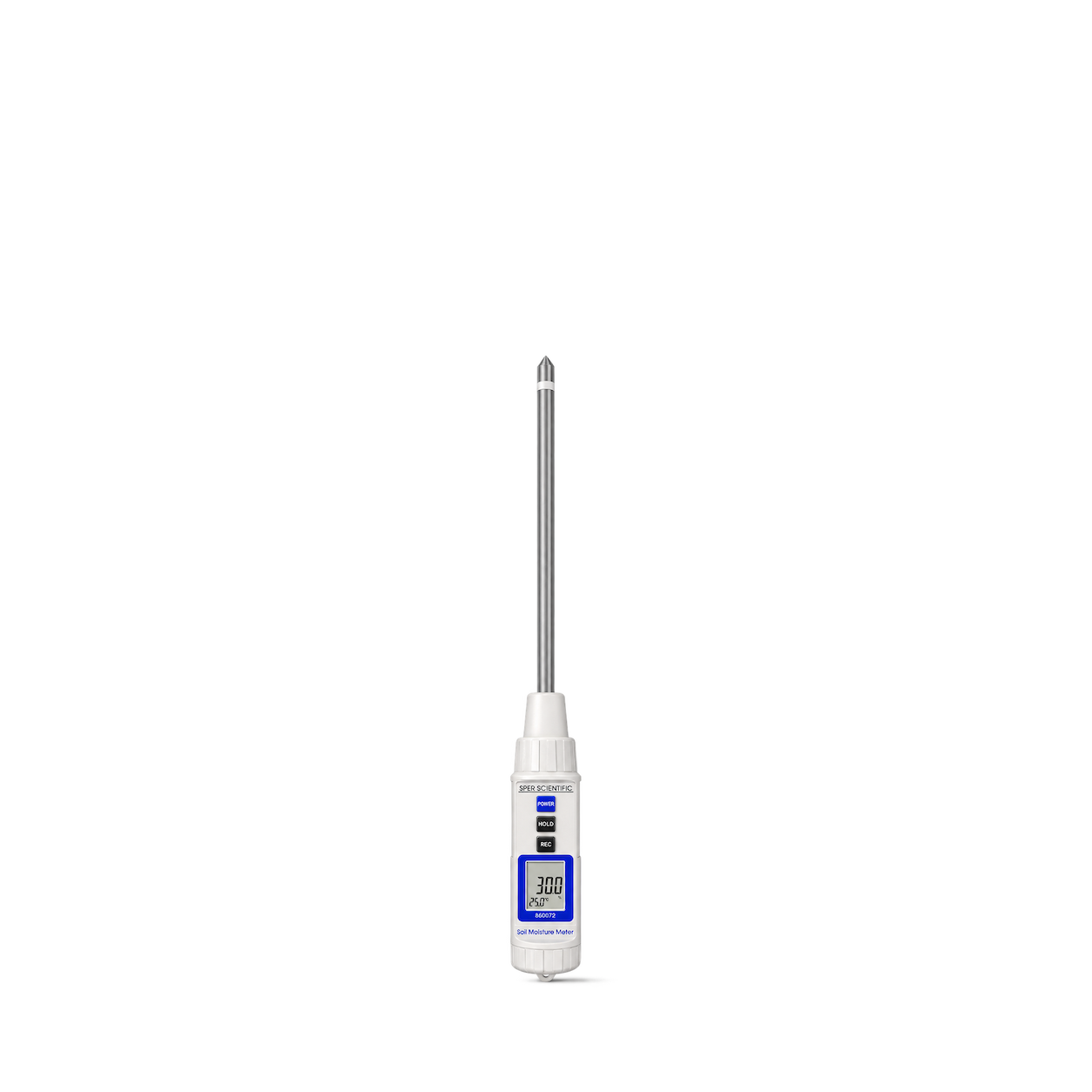
Sper Scientific
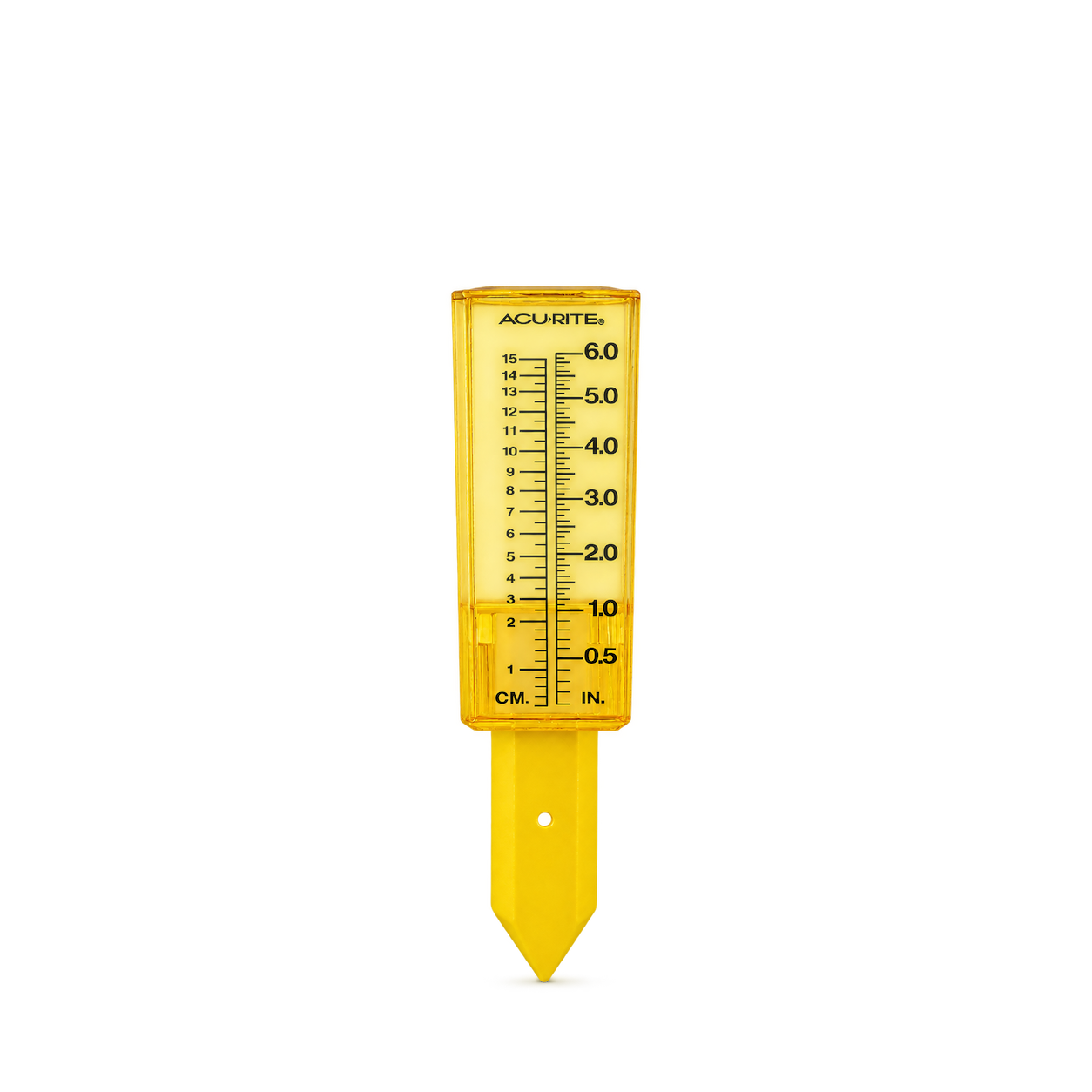
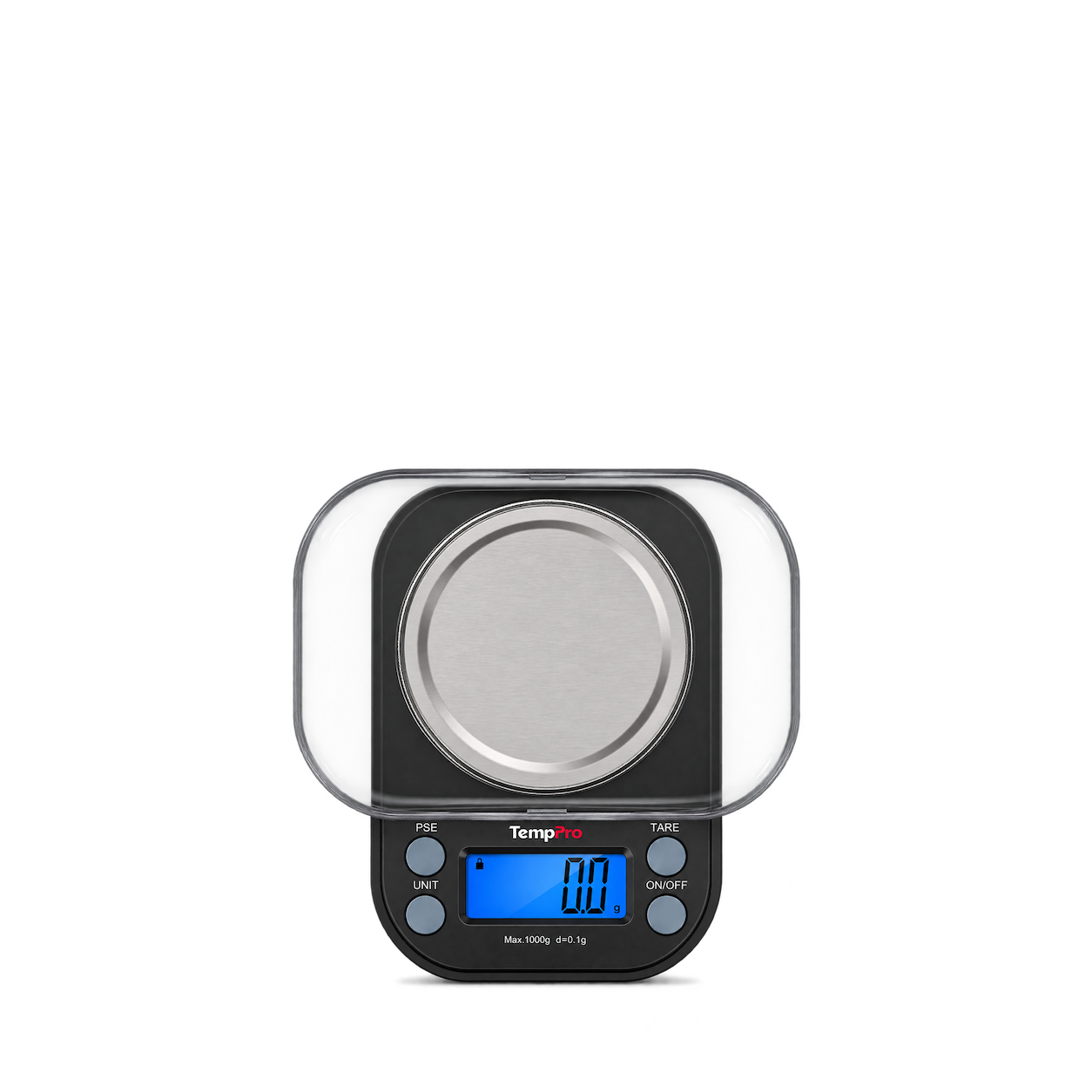
2 in 1 Soil Tester - Moisture and Temperature
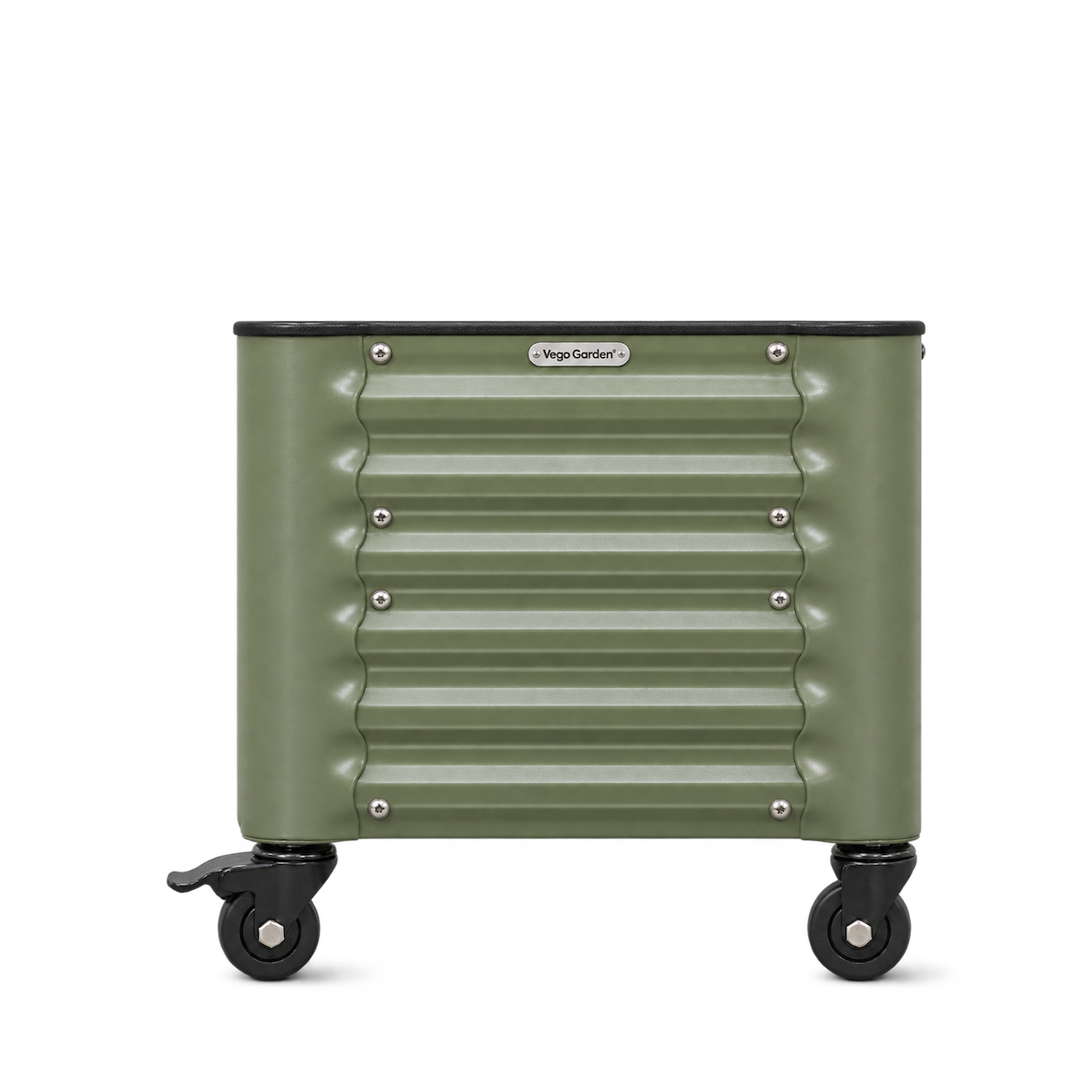
Brunton
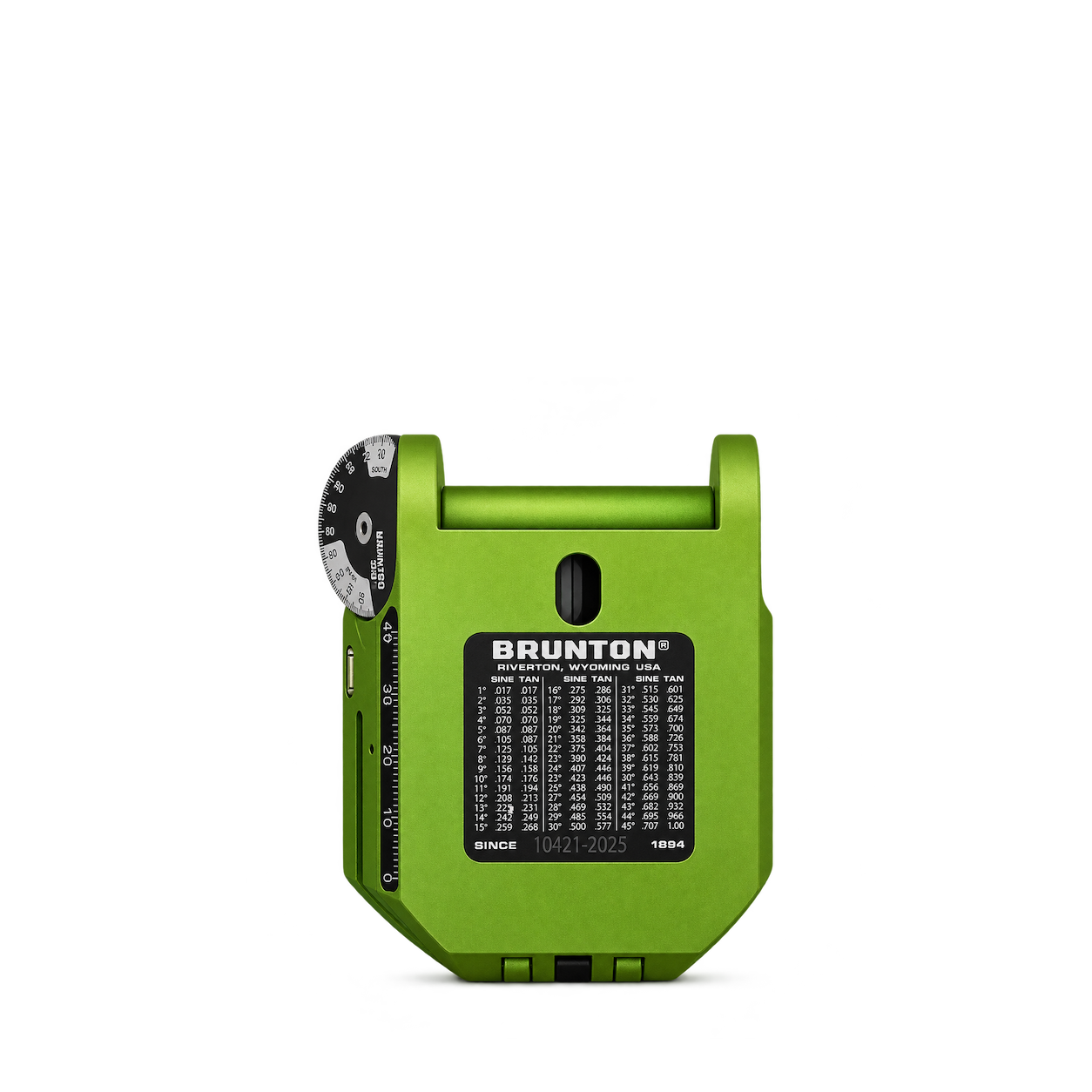
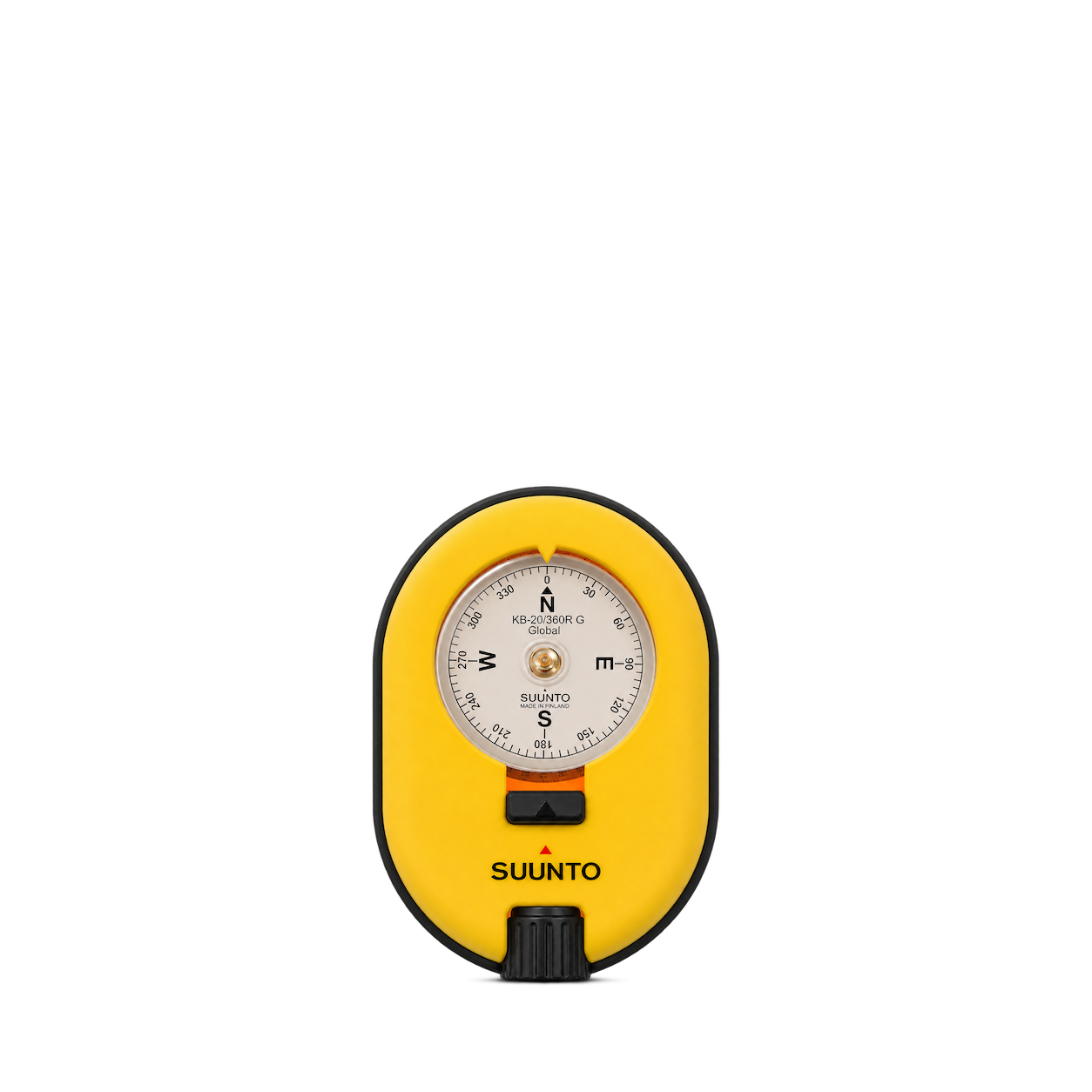
Geo™ Transit - Green
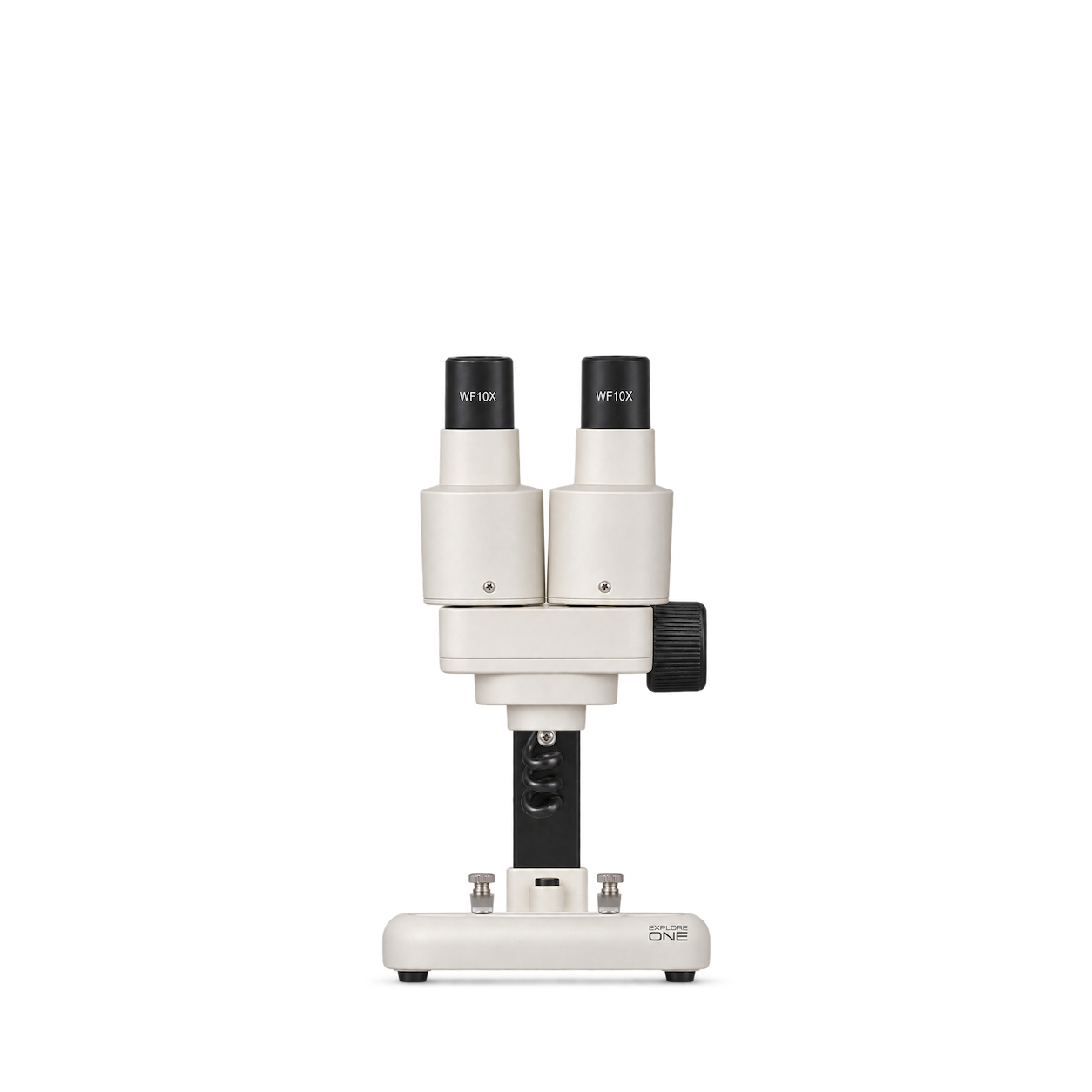
Explore One
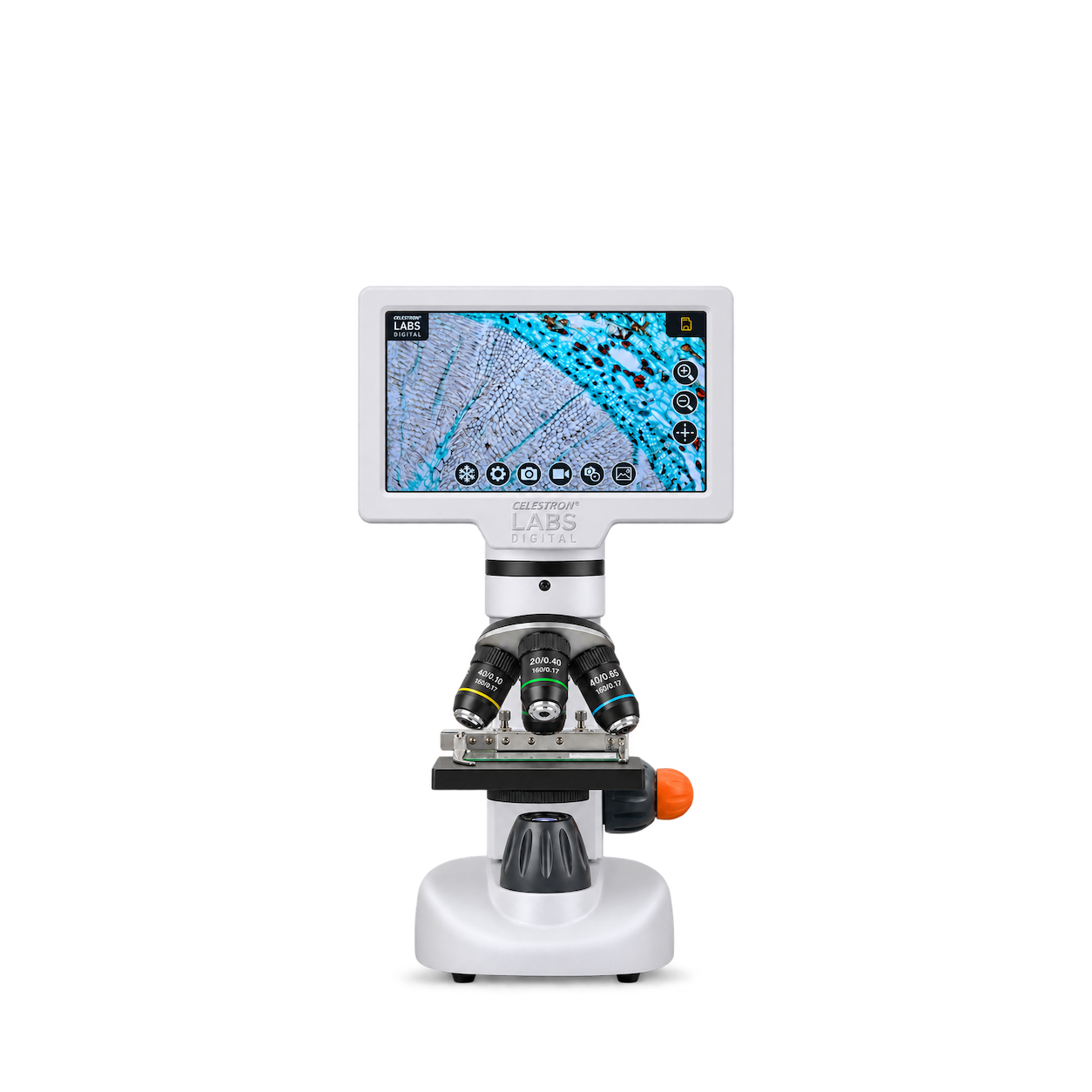
20x Stereo Microscope
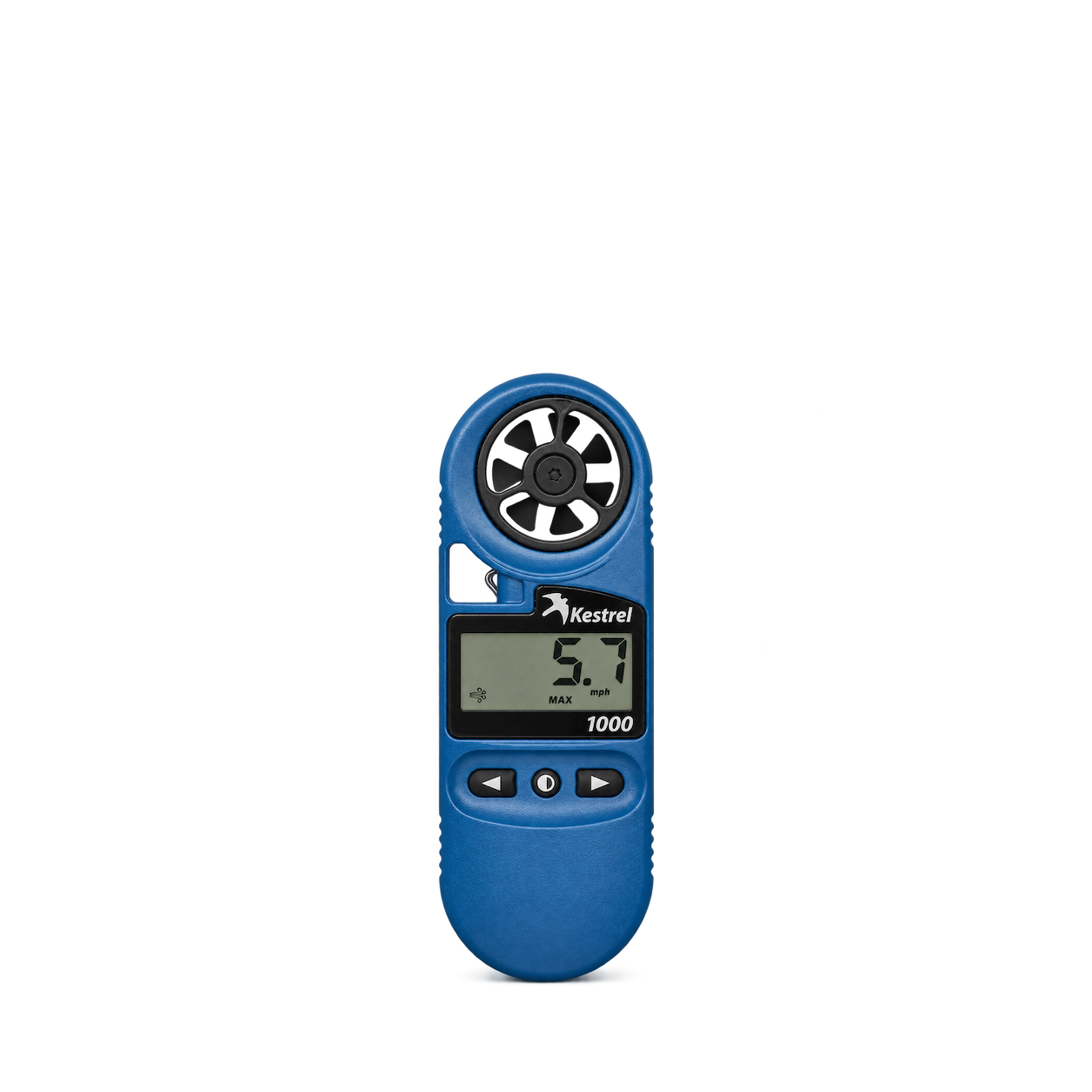
Kestrel
1000 Wind Meter
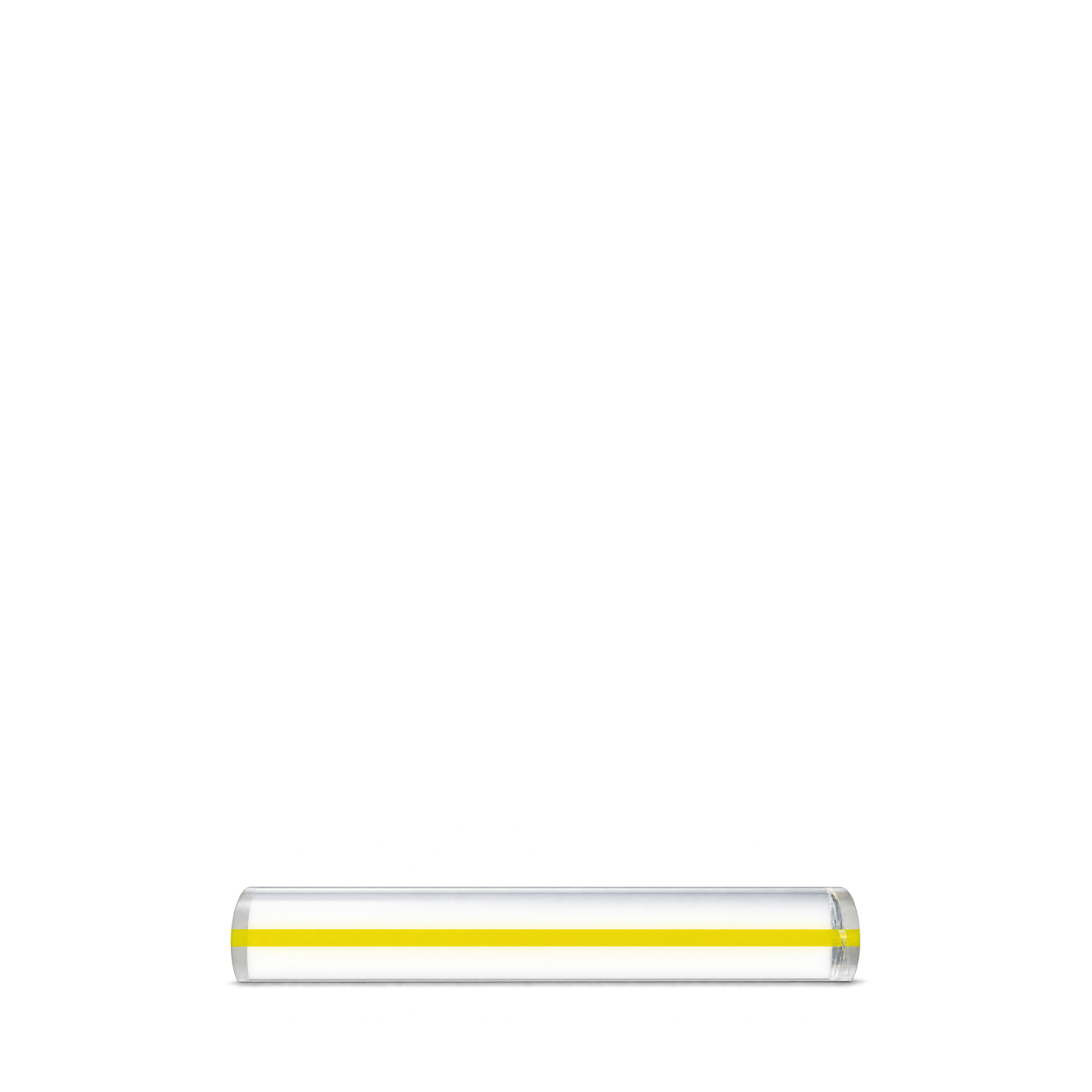
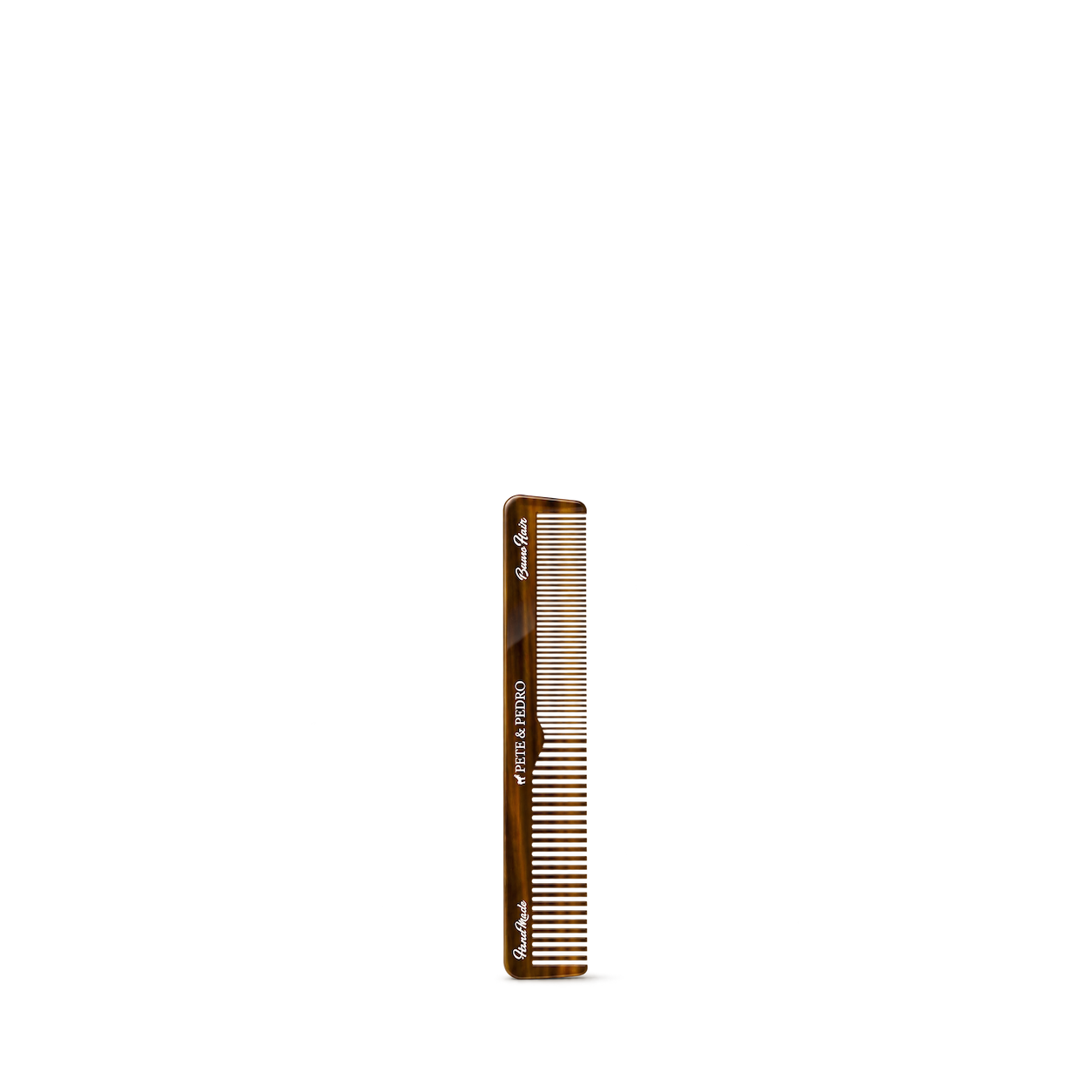
Pete & Pedro
7" Retro Hair Comb
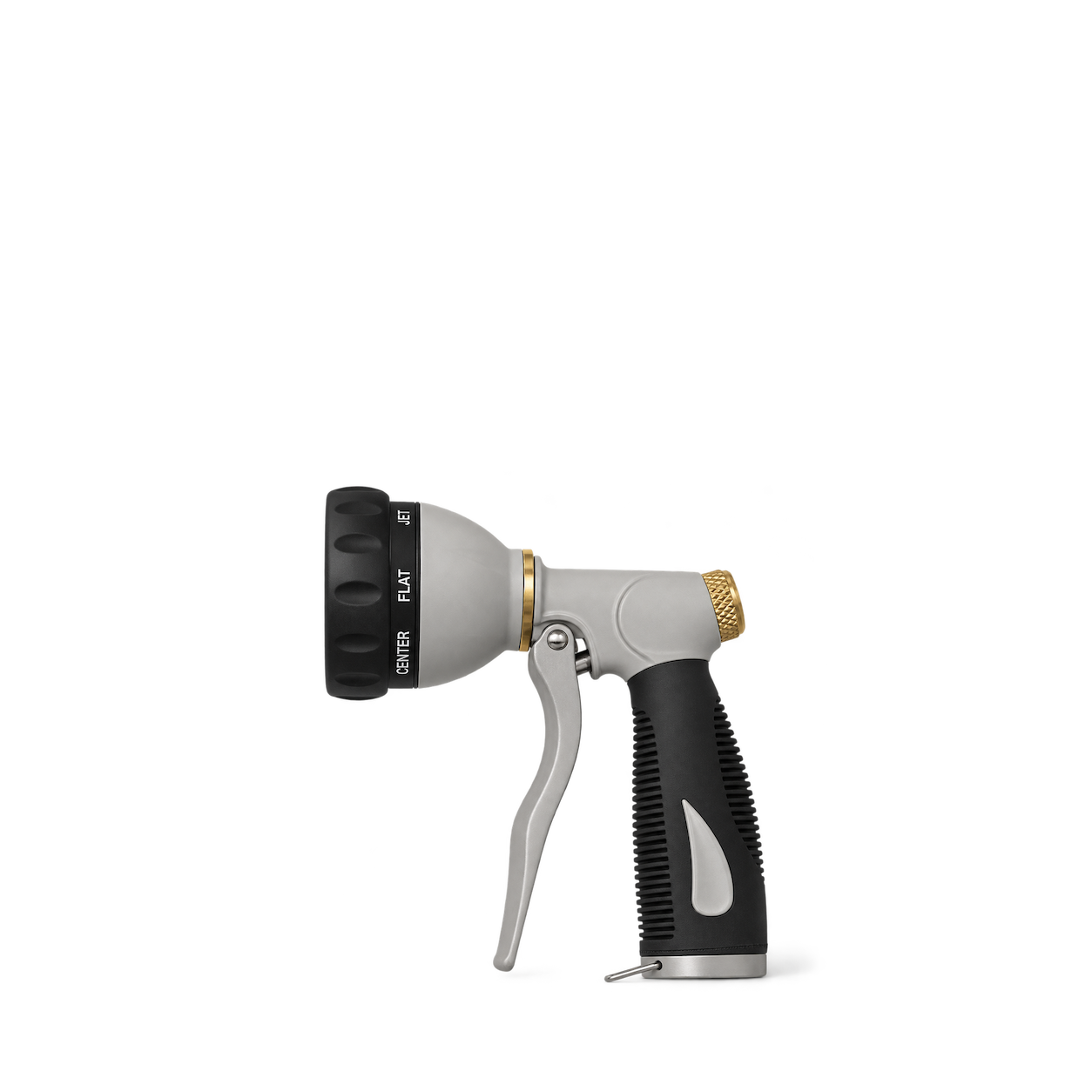
Hoselink
7-Function Spray Gun
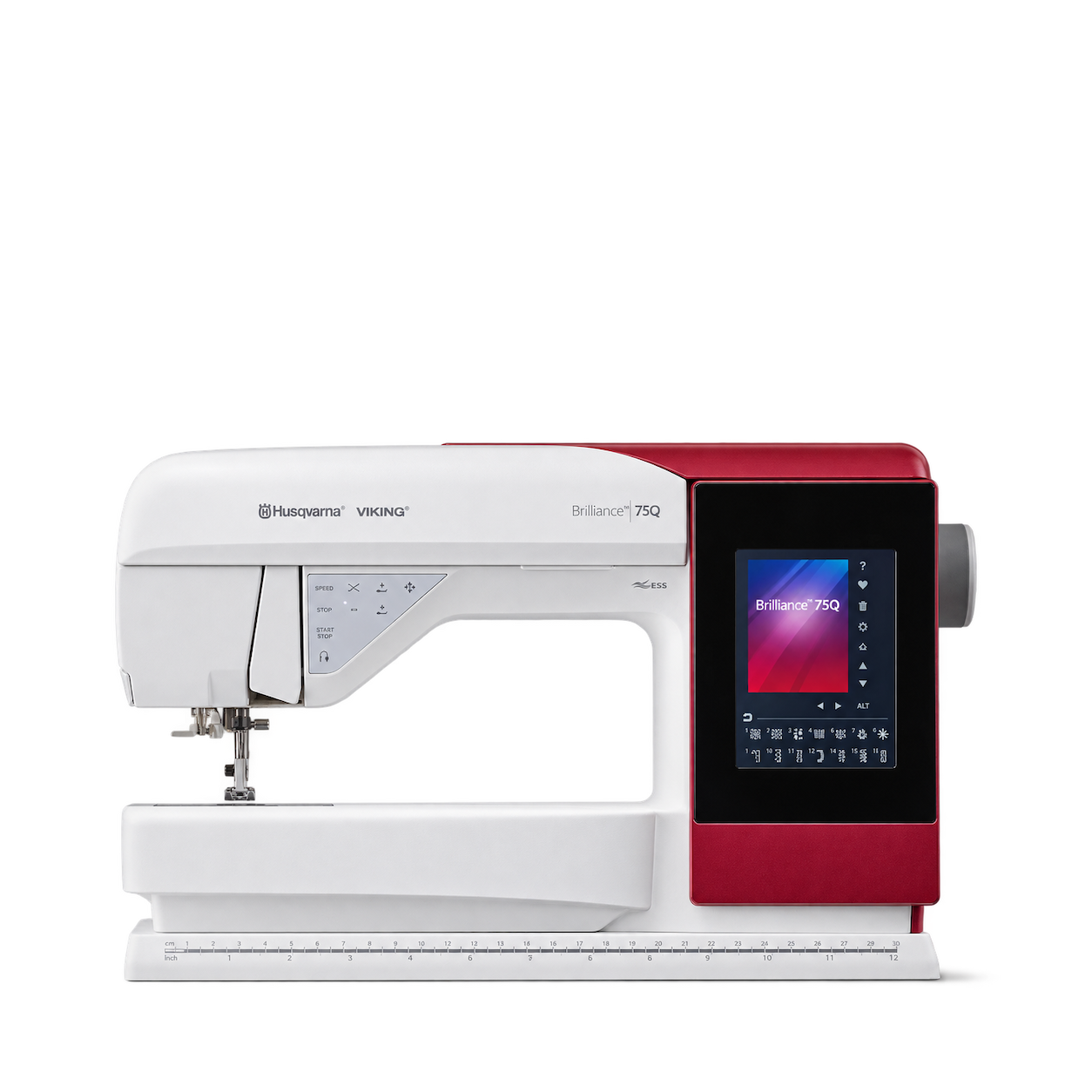
HUSQVARNA VIKING
HUSQVARNA® VIKING® BRILLIANCE™ 75Q Sewing Machine
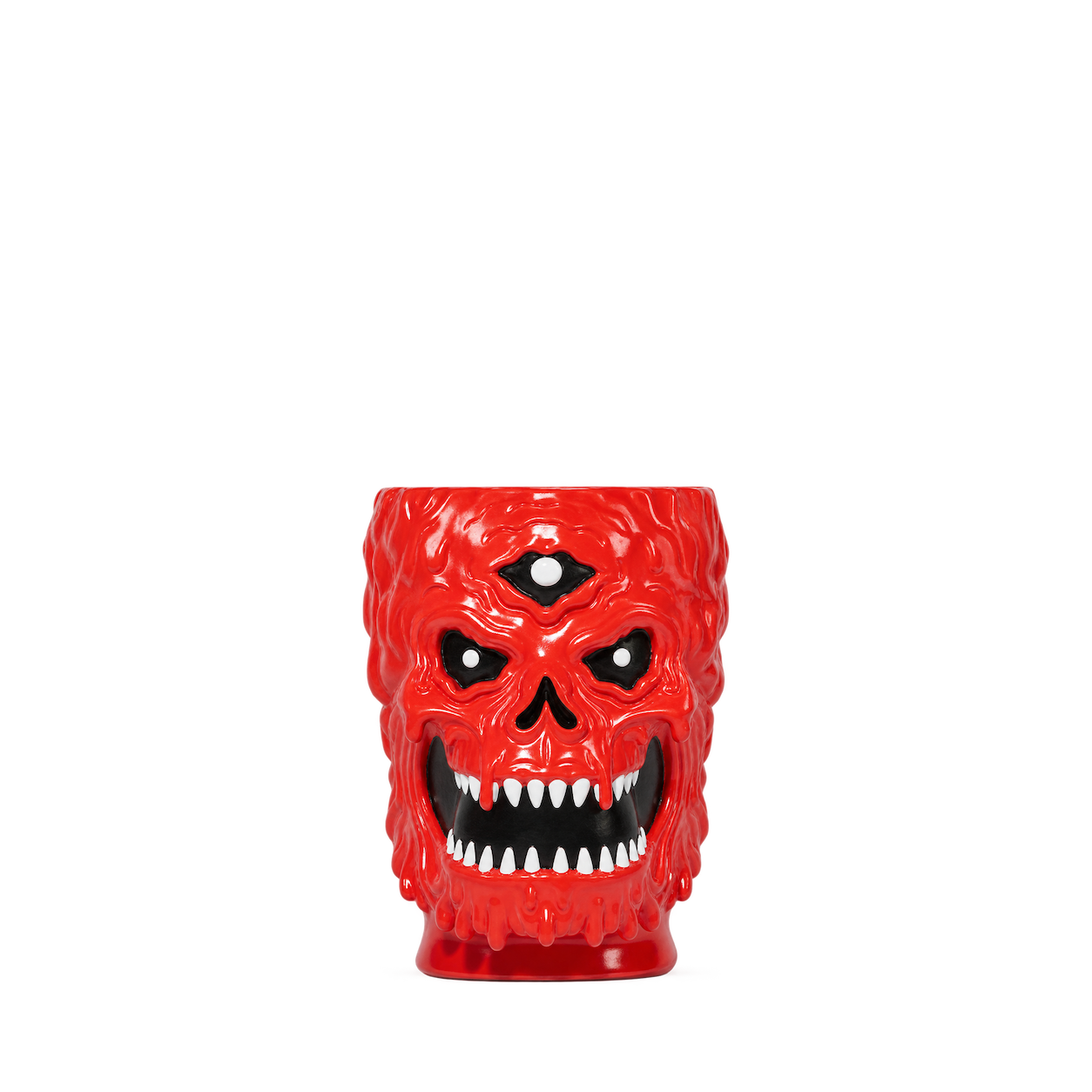
Liquid Death
Pot Head Planter · Red
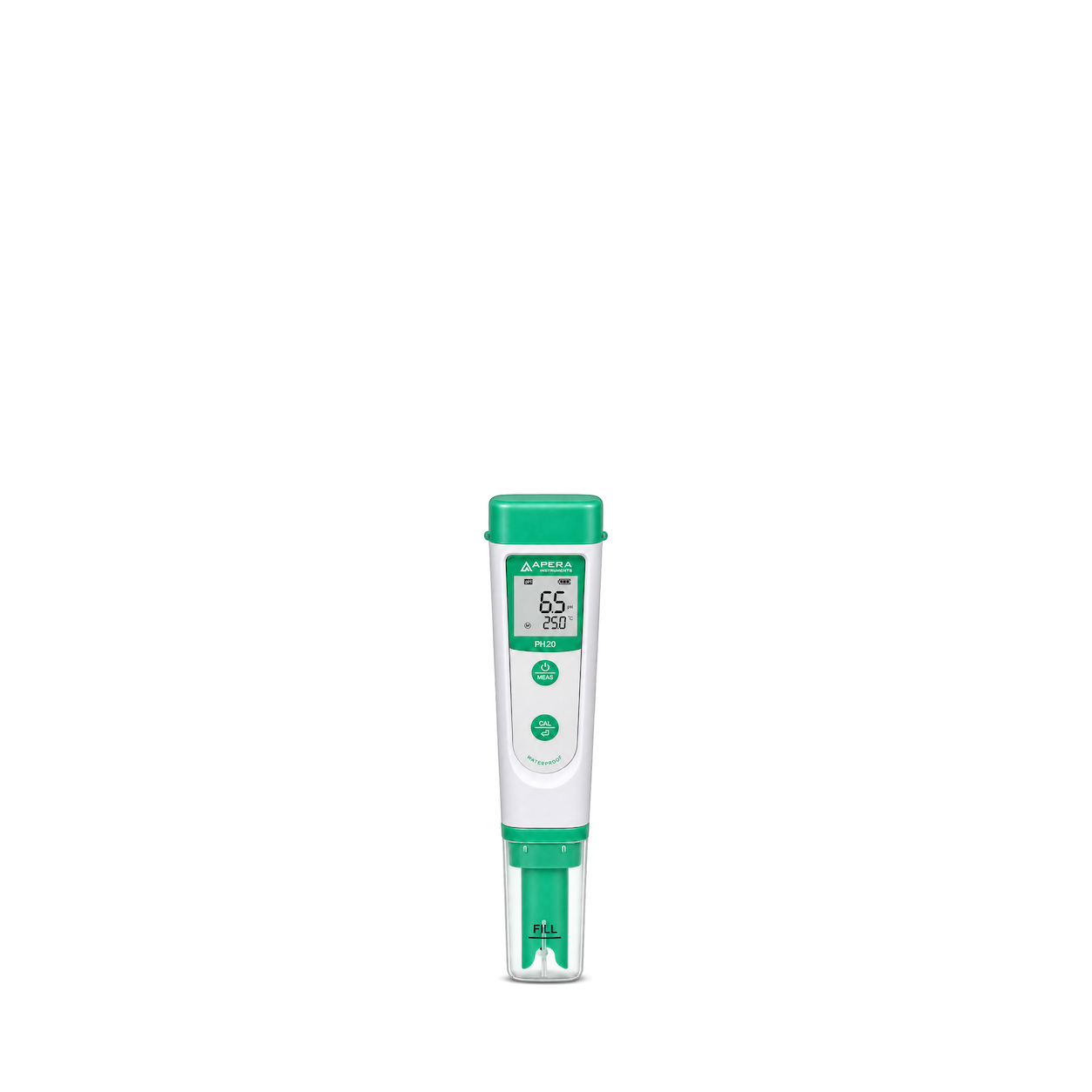
Apera Instruments
PH20 pH Tester
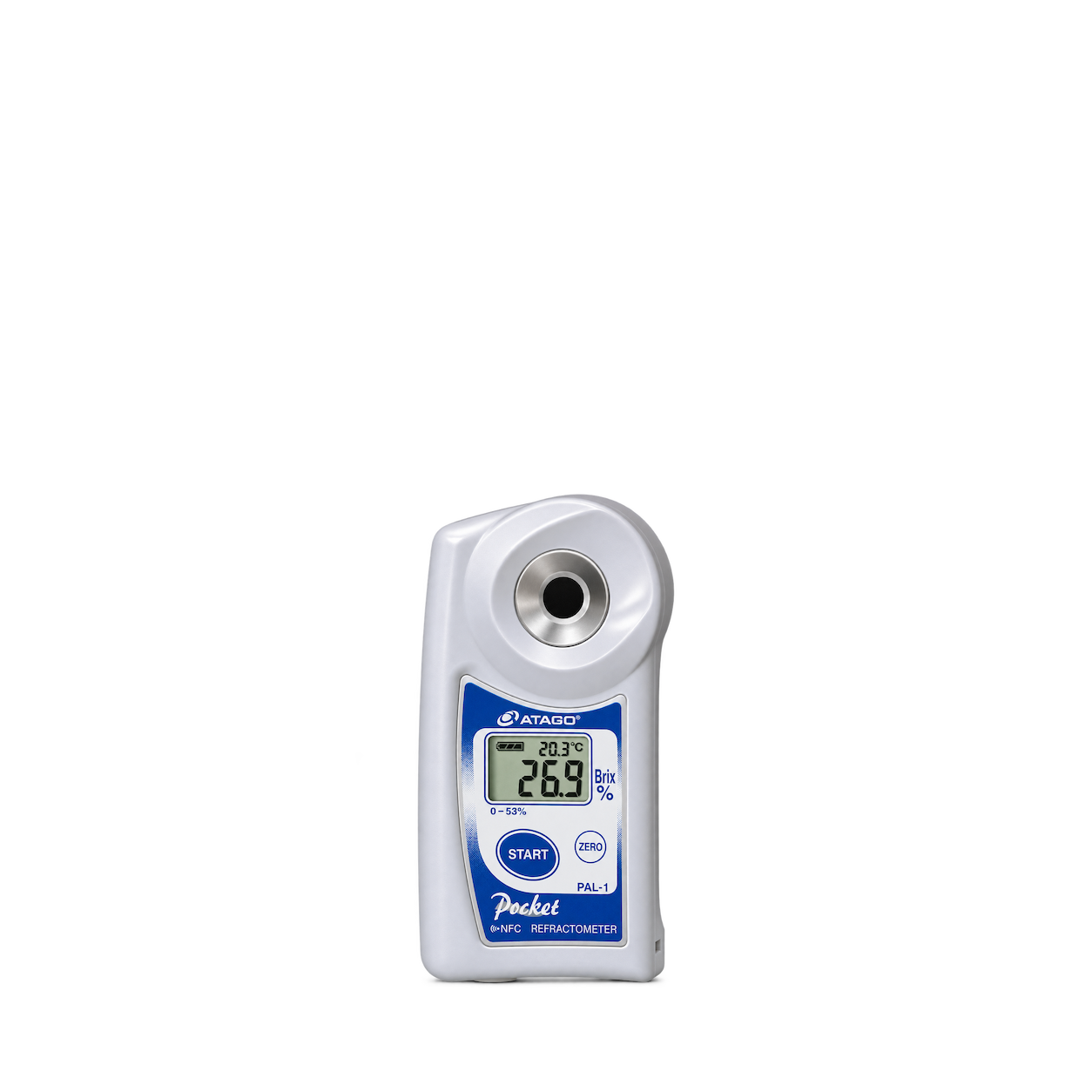
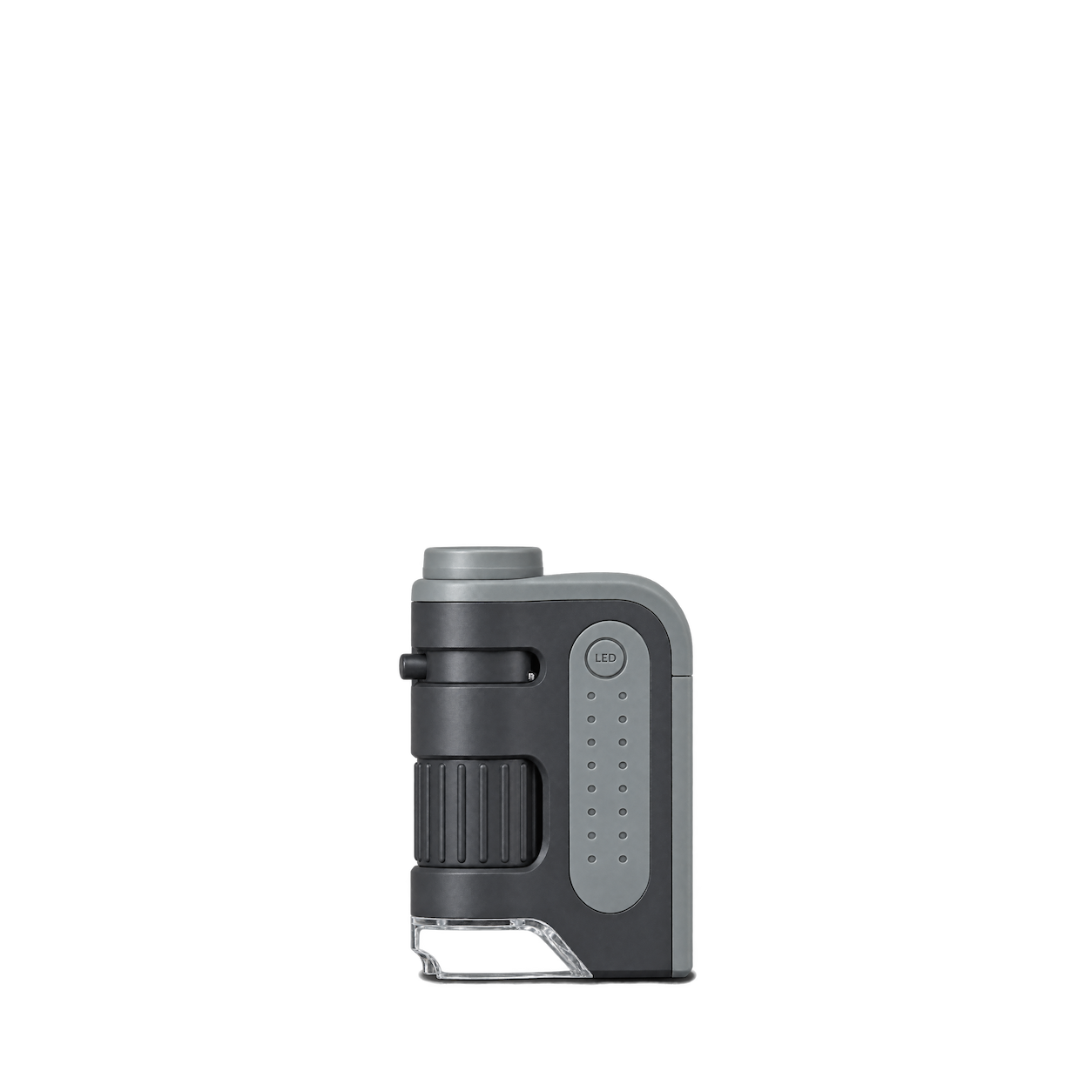
Carson
MicroBrite Plus MM-300
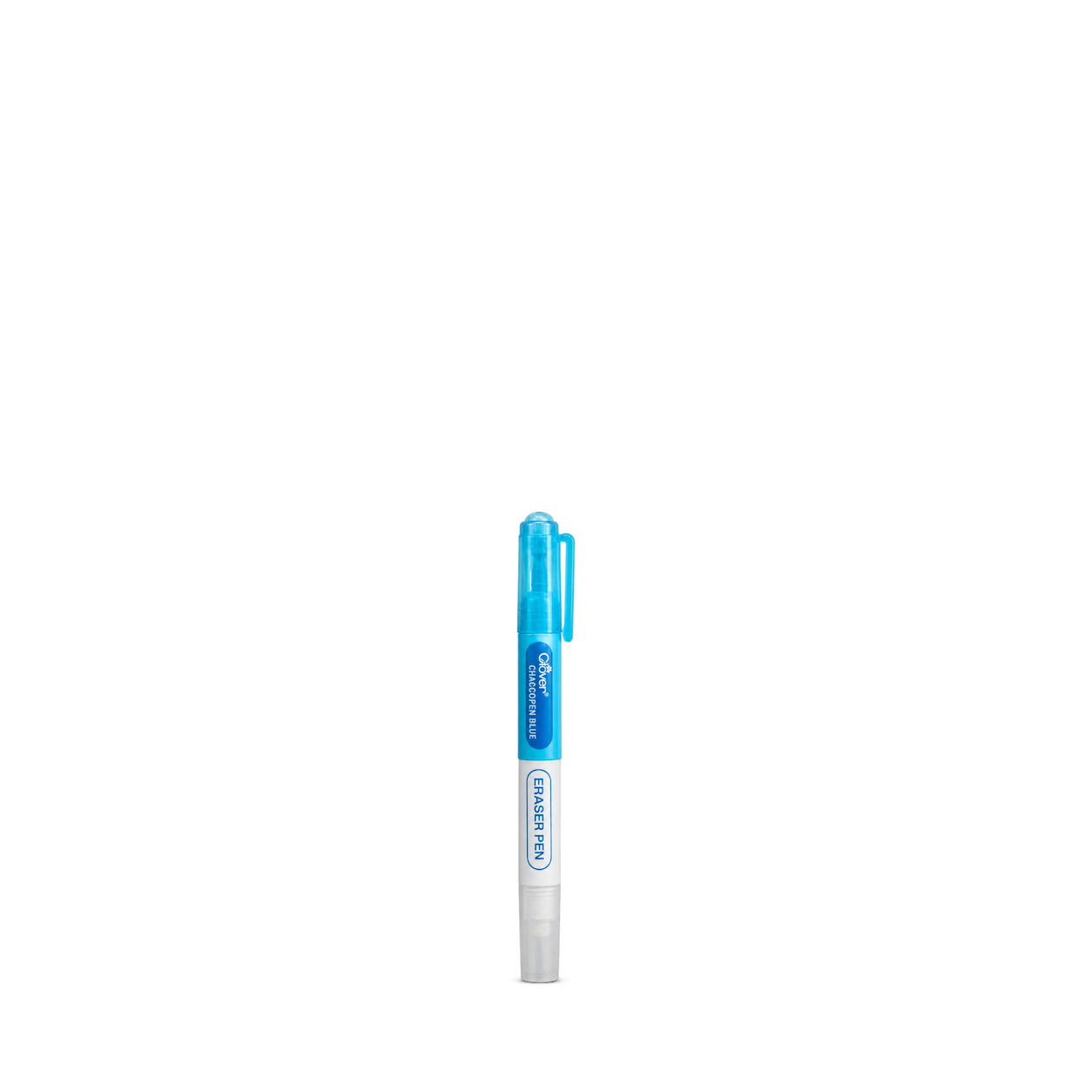
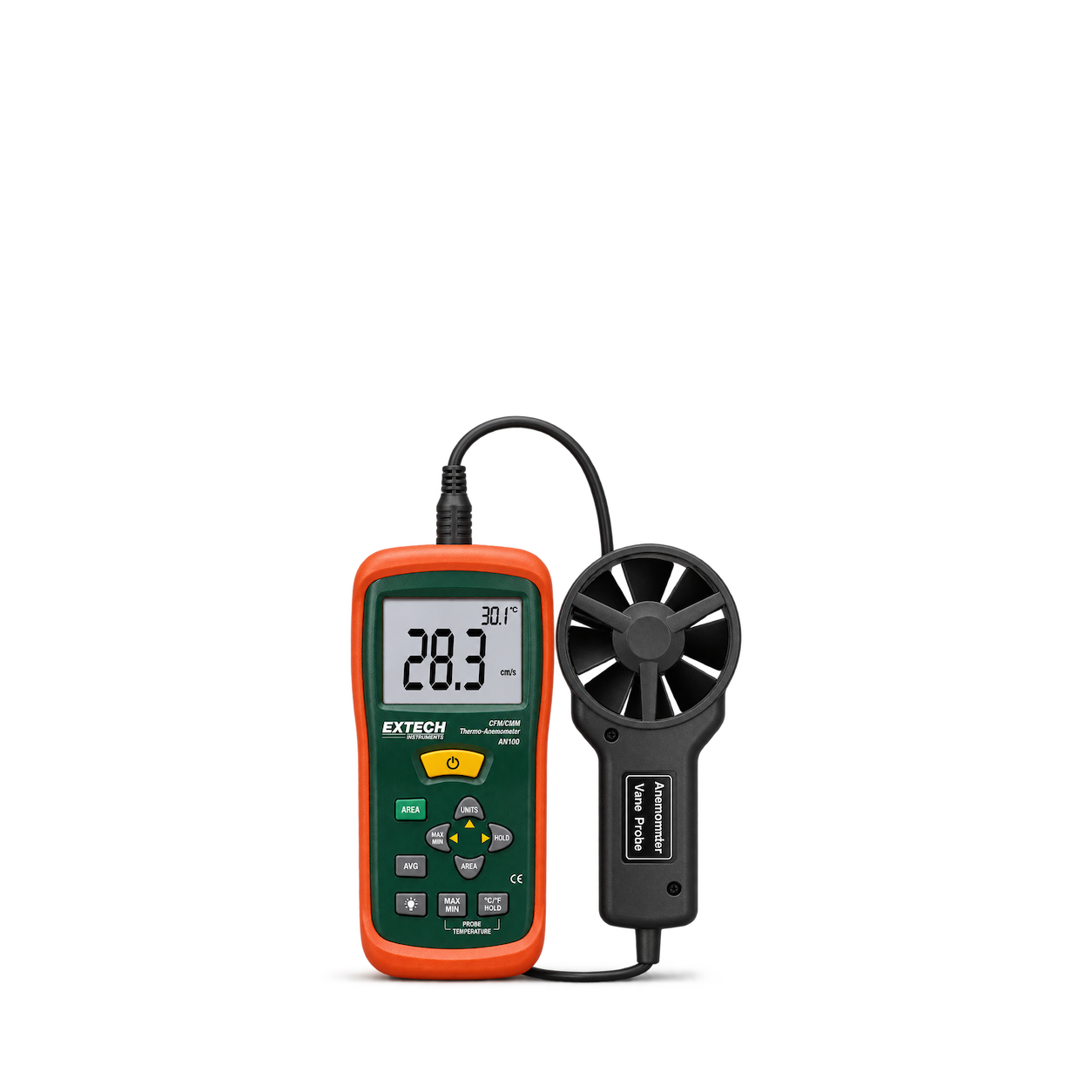
No matches, yet.
Try another brand or product, or give your filters a little room.
Showing 128 of 623
Browse the archiveAll collections
Browse by category


Bring the catalog into your app.
Connect for free to search product shots and get image URLs, dimensions, and source links.
Developer guide
Use with


FAQs
A few things you might be wondering.
Start here. No technical background needed.
What is Shelfhelp?
Shelfhelp is a library of product images for websites, apps, and designs. Find an image yourself, or connect your AI building tool so it can find and use images while you work.
Am I buying the products shown here?
You’re getting images of the products. Shelfhelp doesn’t sell or ship the physical items. Product source links take you to the brand or retailer if you want to explore the actual product.
Is Shelfhelp free?
Yes. Browsing the library, downloading images, and connecting the MCP are free. You don’t need a Shelfhelp account or subscription. The building tool you use may have its own costs.
How do I download an image?
Open the product shot you want, choose Get free PNG, and enter your email. We’ll send you a link to download the original image file, which you can upload into your website builder or design tool.
Your download link is valid for seven days.
Why do you need my email?
We use your email to deliver the original image’s download link. Requesting an image does not subscribe you to marketing.
You don’t need to enter an email to browse the library or connect your builder through MCP.
What does “Connect the MCP” mean?
It means giving your AI building tool access to Shelfhelp’s image library. Once connected, you can ask it to find product shots and use them in your project.
MCP is simply the connection that lets the two tools work together.
How do I connect it to my builder?
Select Connect the MCP and copy the connection link. In your builder’s settings, look for an option to add an MCP server or custom connector, then paste the link.
The exact steps depend on your builder. Start with our connection guide.
Can I use Shelfhelp without MCP or coding?
Absolutely. You can browse the library, request an image by email, and upload the downloaded file into your project yourself.
The MCP connection is optional. To use it, your building tool needs to support connecting to a remote MCP server.
What should I ask my AI builder?
Start with something like:
“Find five skincare product shots from Shelfhelp and use them on my homepage.”
For a specific product, include the brand and product name. If the color, size, or flavor matters, include that too—and check that the selected image matches.
What will people see on my finished website?
They’ll see the product images your builder places in your design. Your builder controls the layout, colors, text, and interactions.
Connecting Shelfhelp alone doesn’t change your website. Your visitors don’t need to connect to Shelfhelp or understand MCP.
What if the image I want isn’t in the library?
Try searching by brand, product name, or a broader category. The MCP finds existing images; it doesn’t generate new ones.
If you need an exact product or version, check the result carefully before using it.
Can I use these images in a live store, client project, or ad?
Check the image’s usage rights and approval details first. Free access doesn’t automatically grant permission for every commercial use.
The library includes independent product studies, so a pictured brand doesn’t mean that brand approved the image. If permission is unclear, confirm it before publishing.