 Shelfhelp.ai




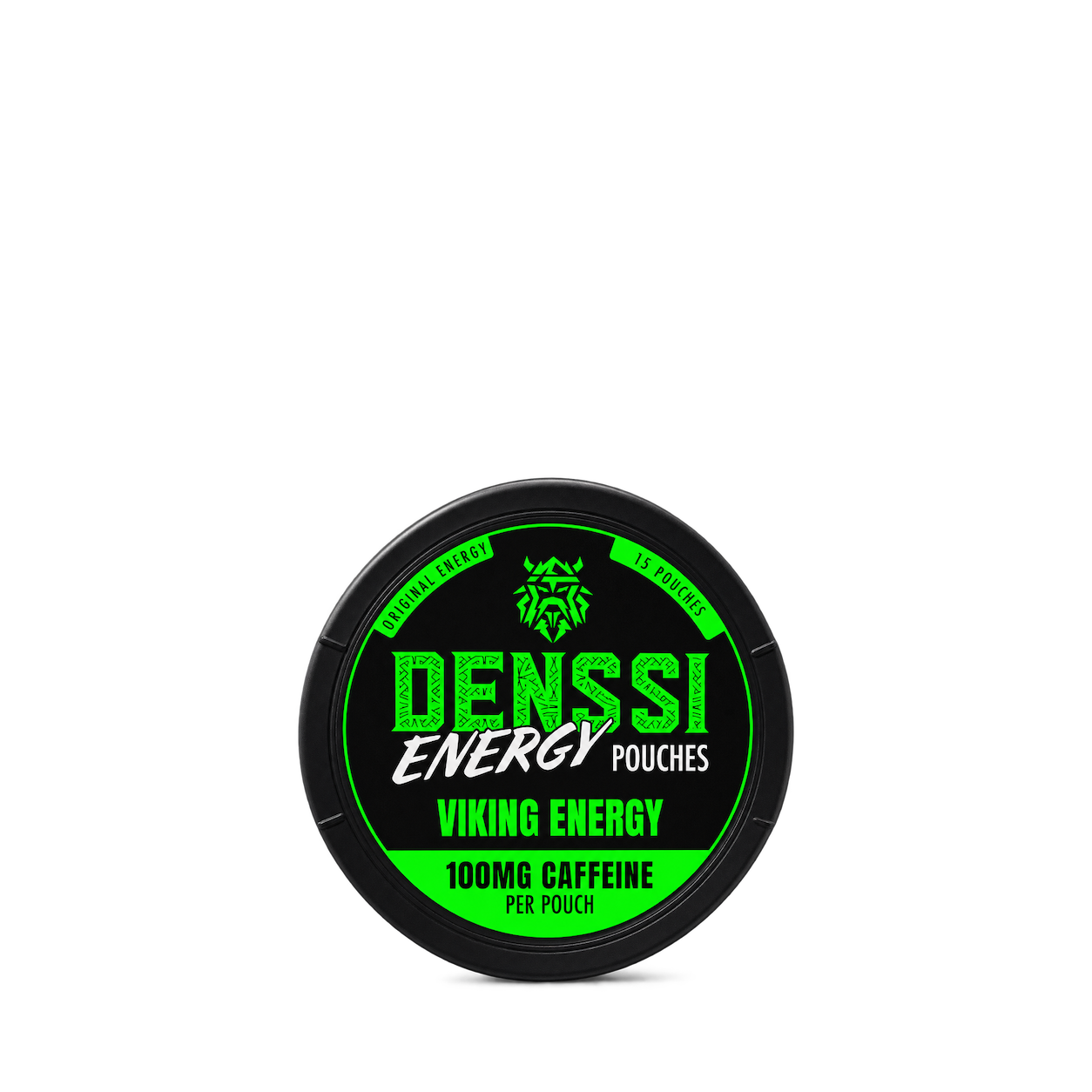


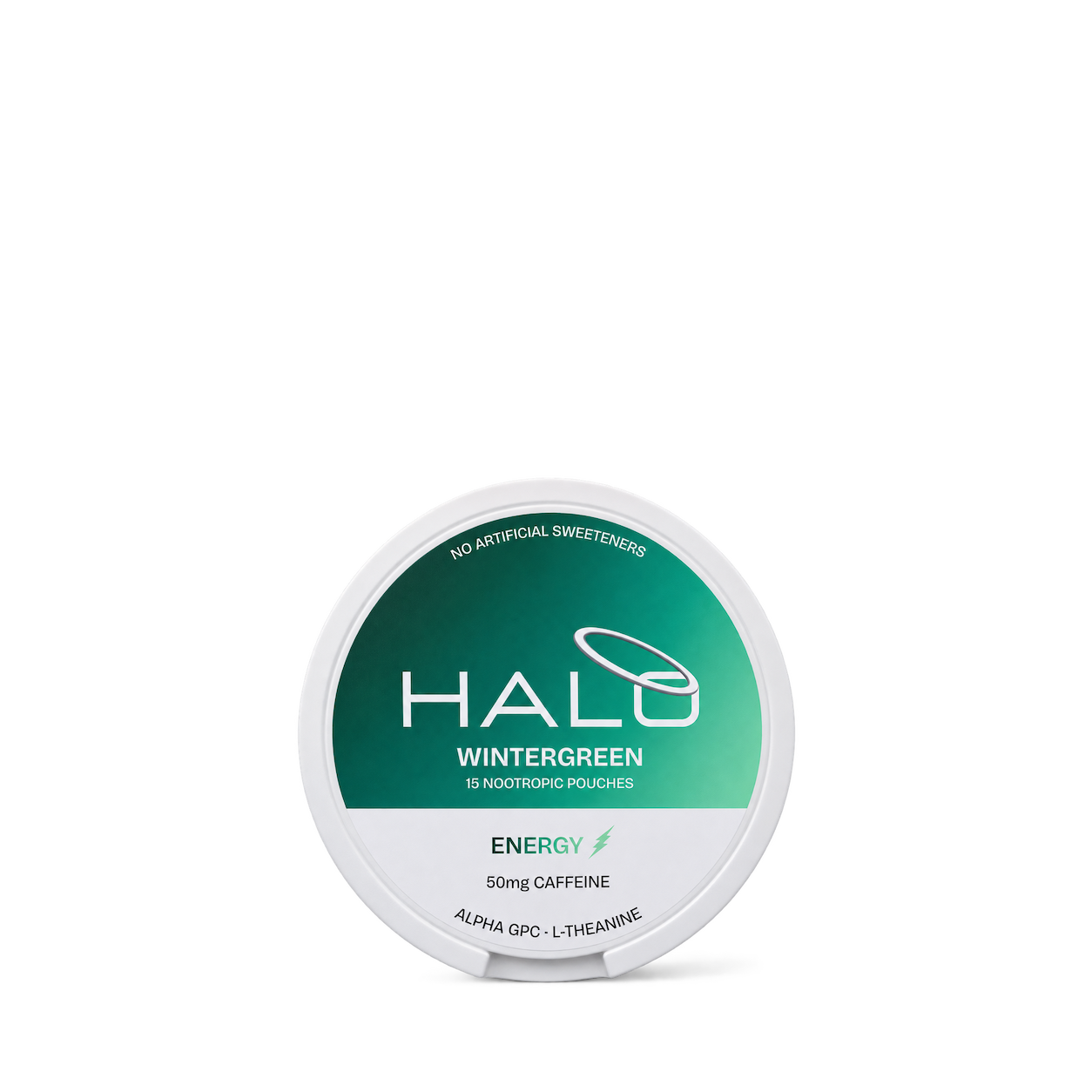
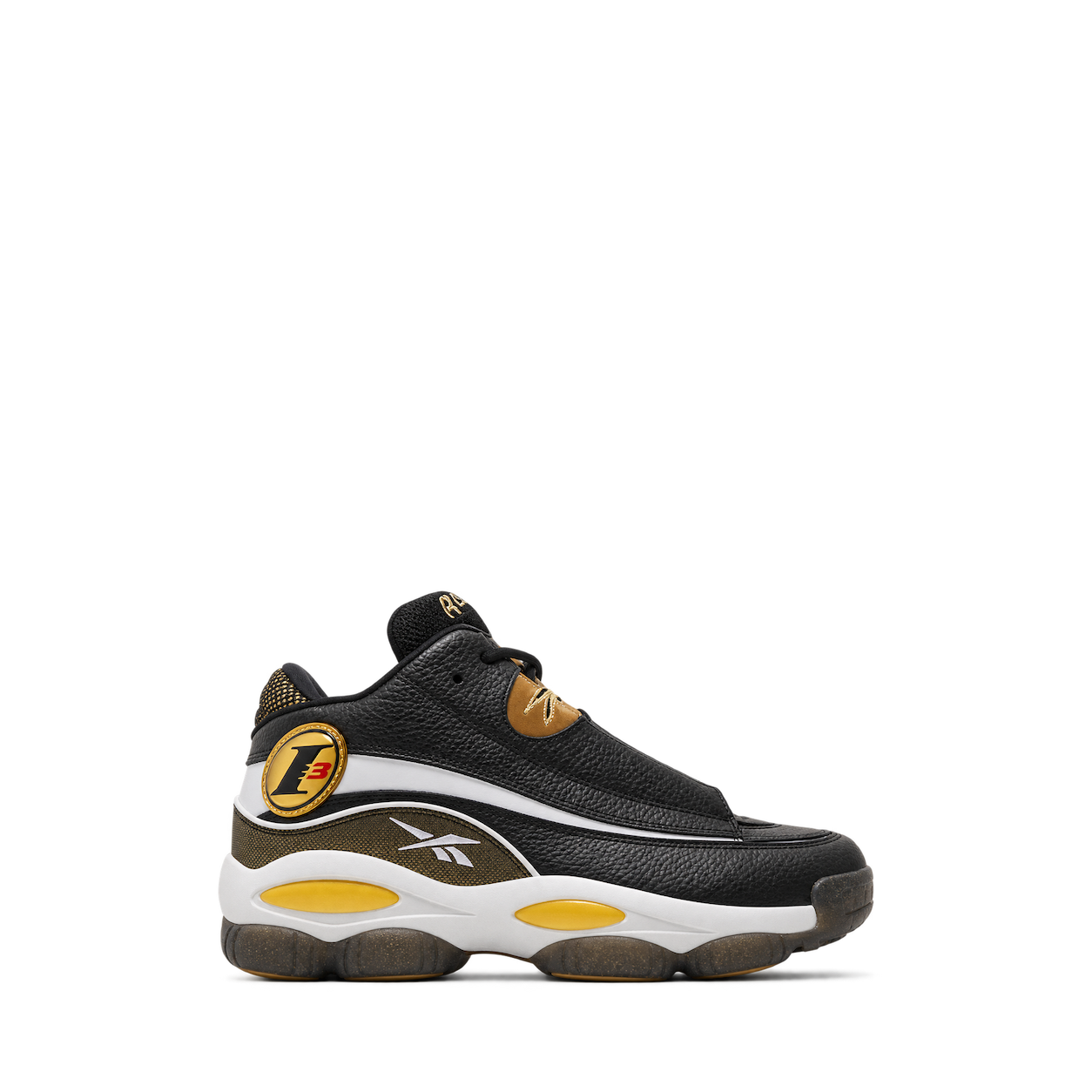
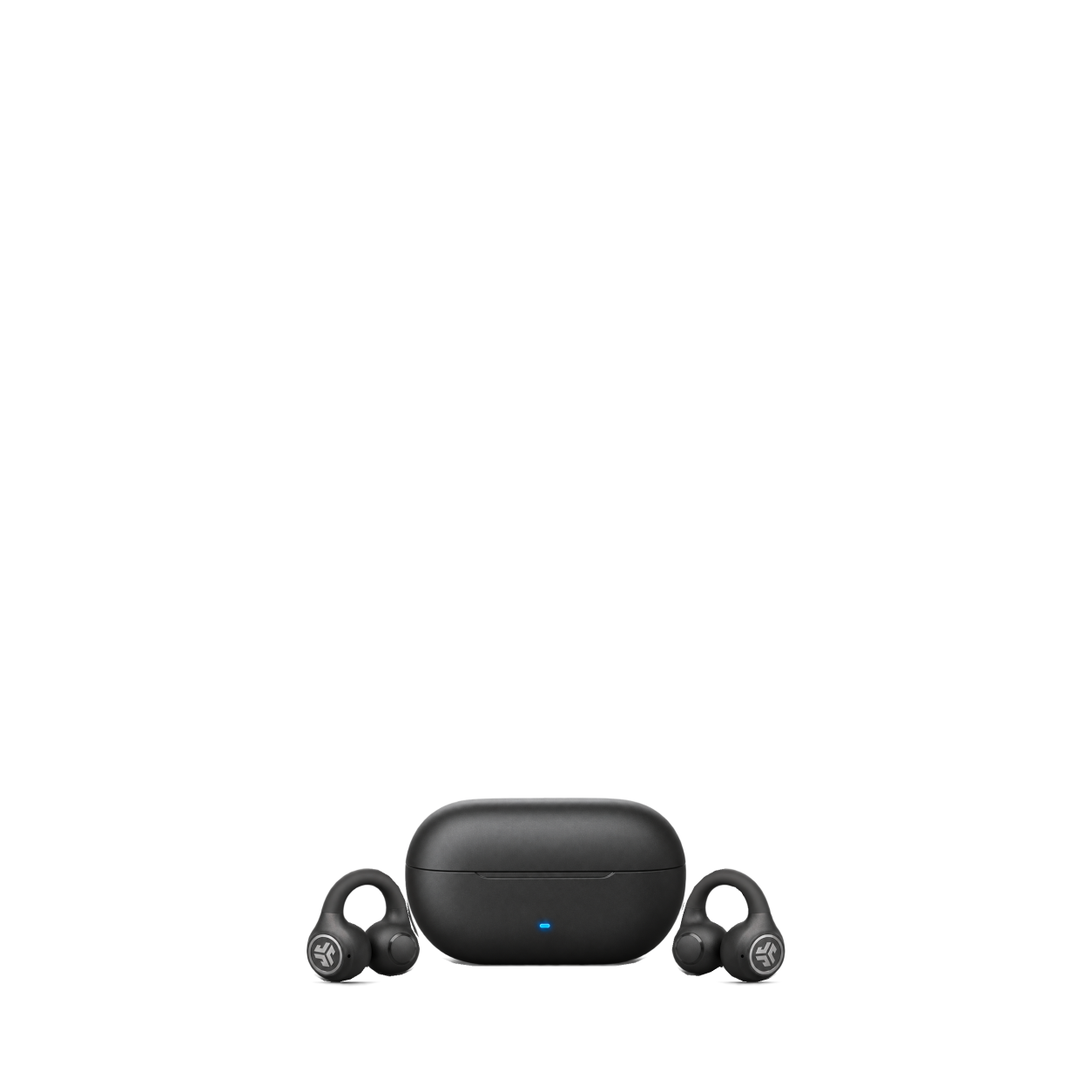






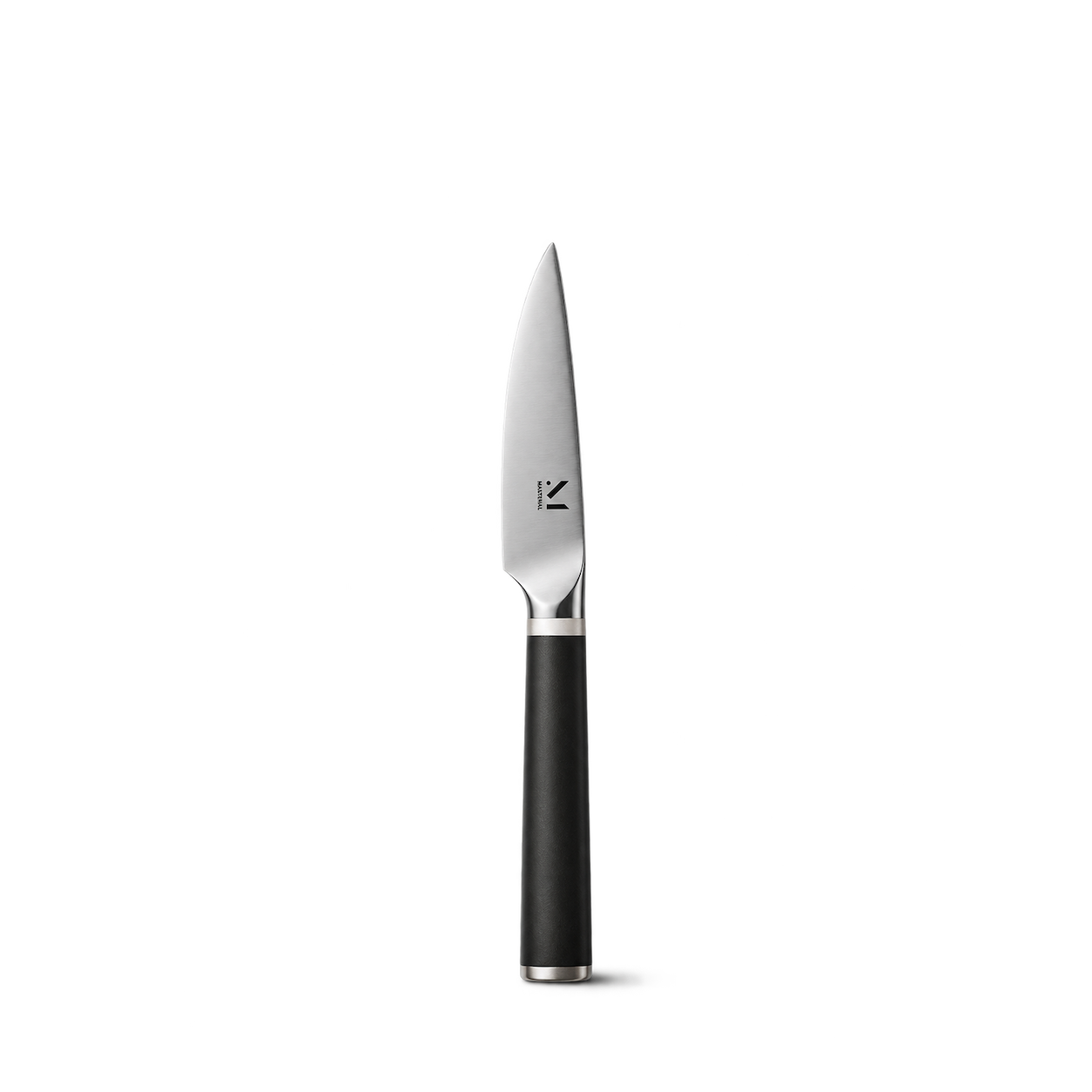
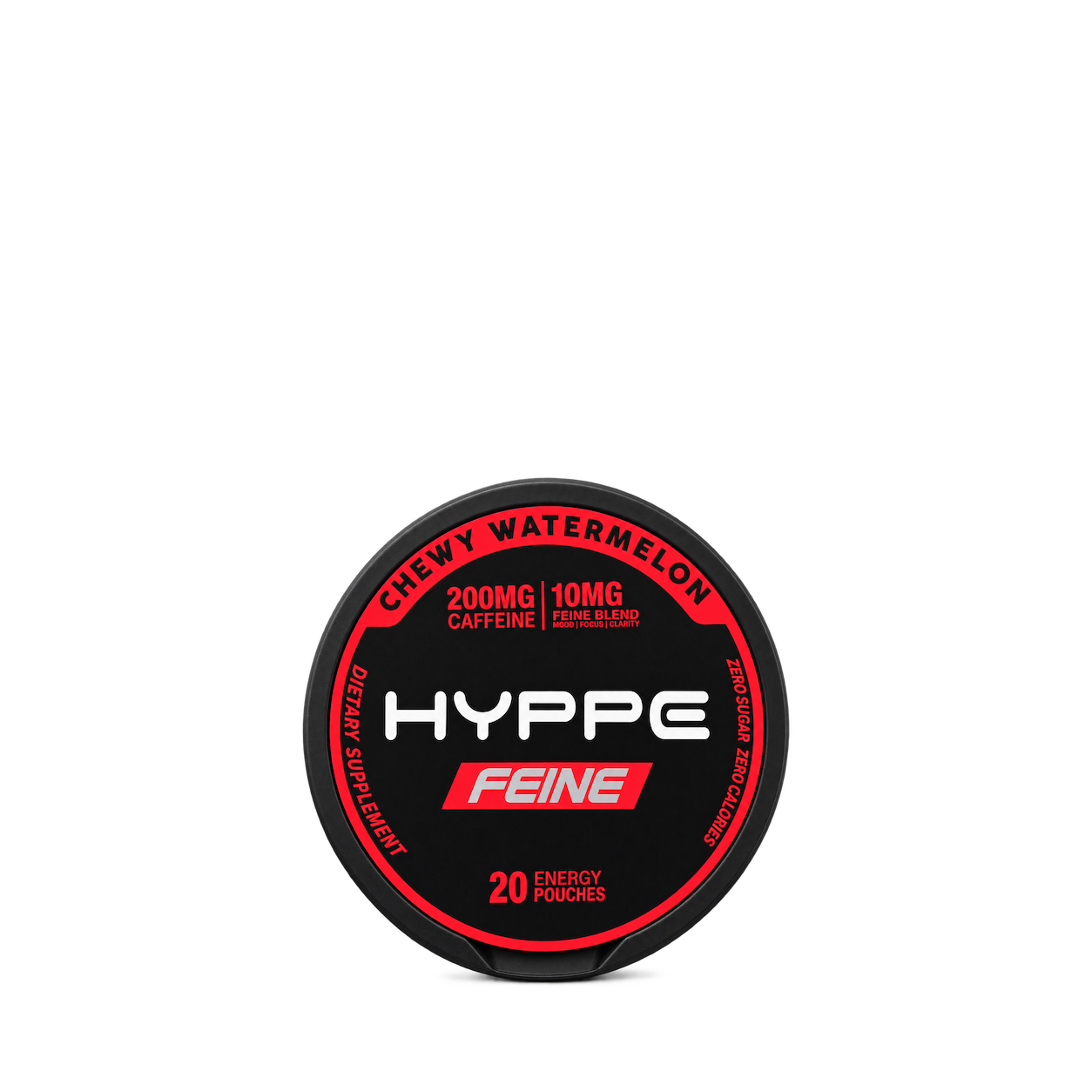
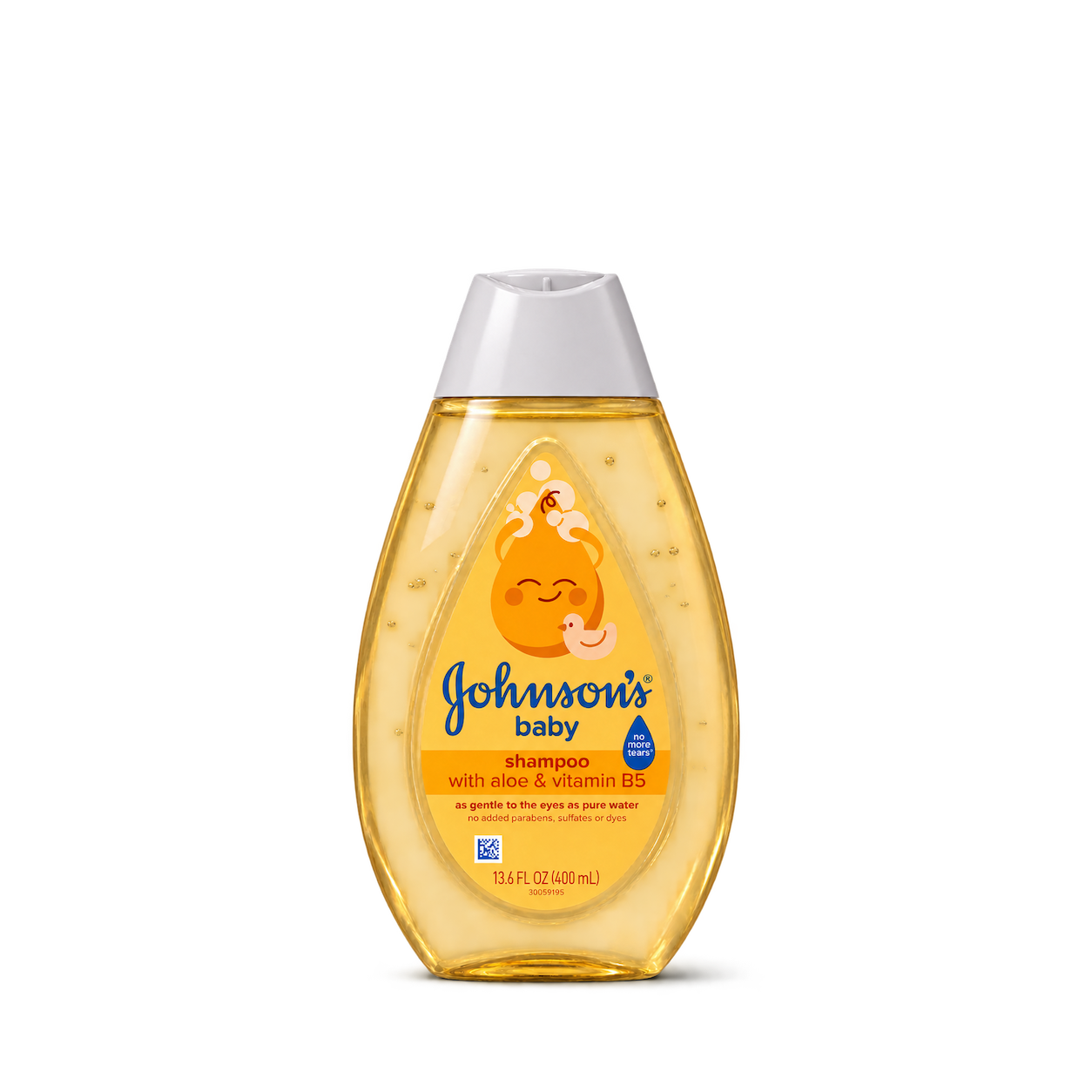
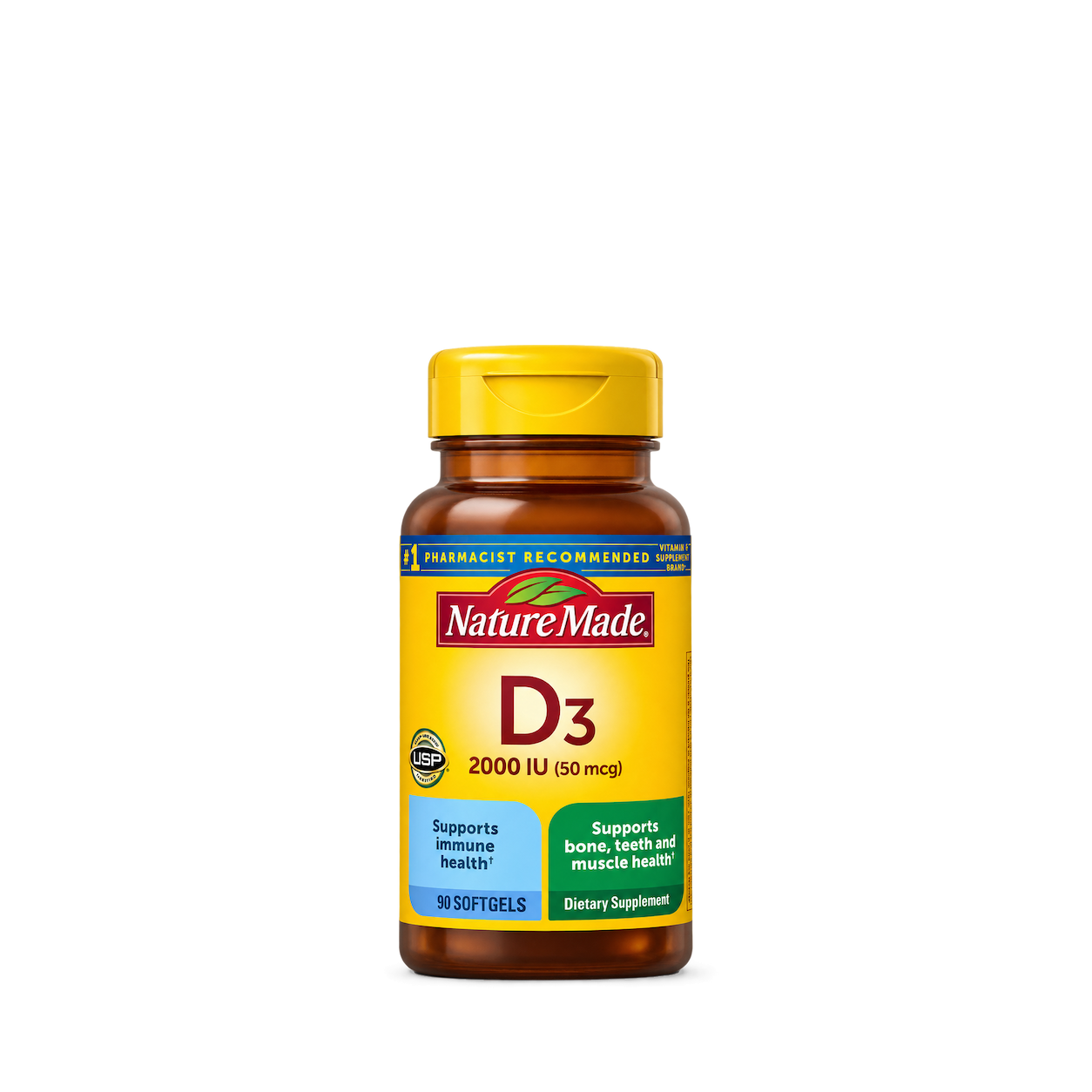
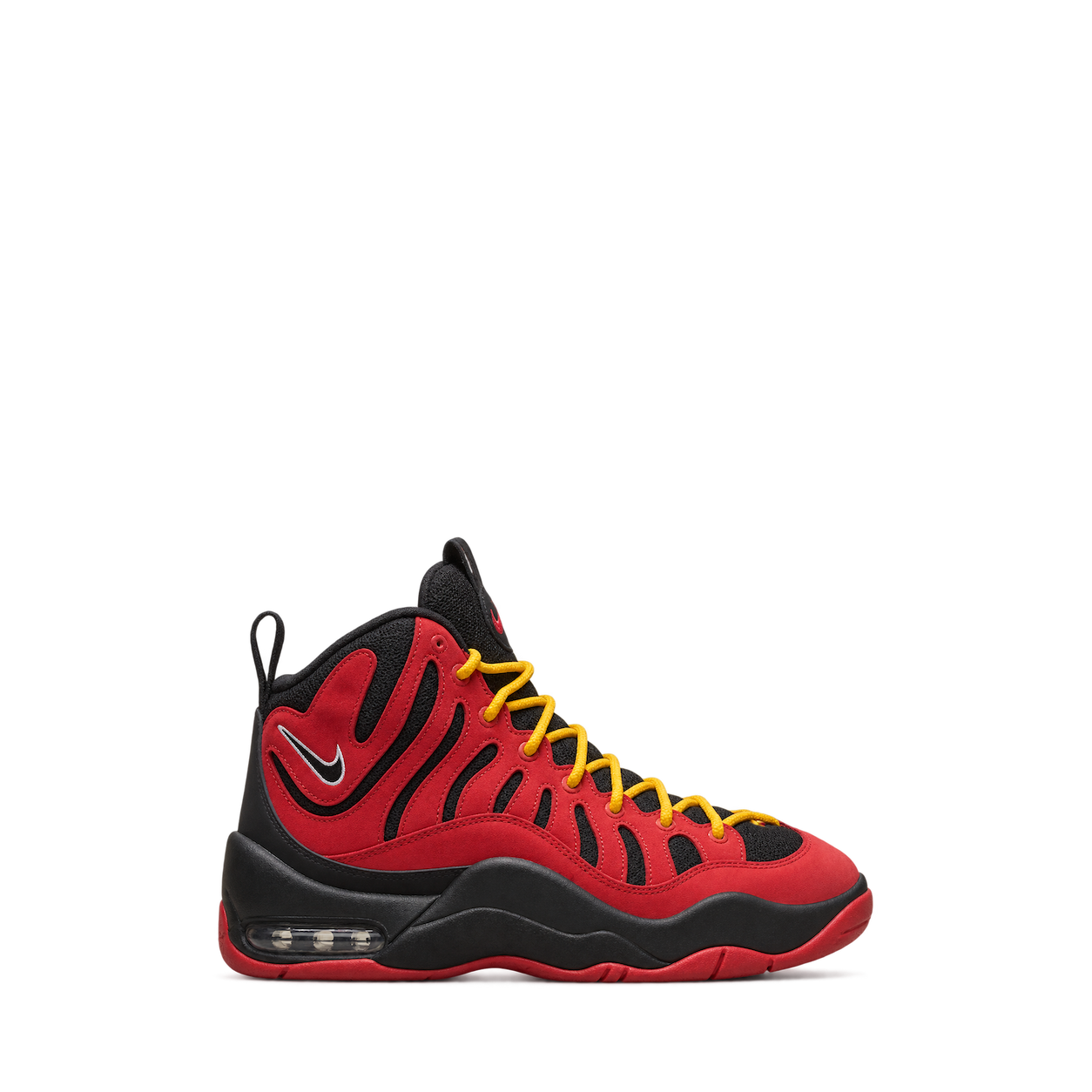

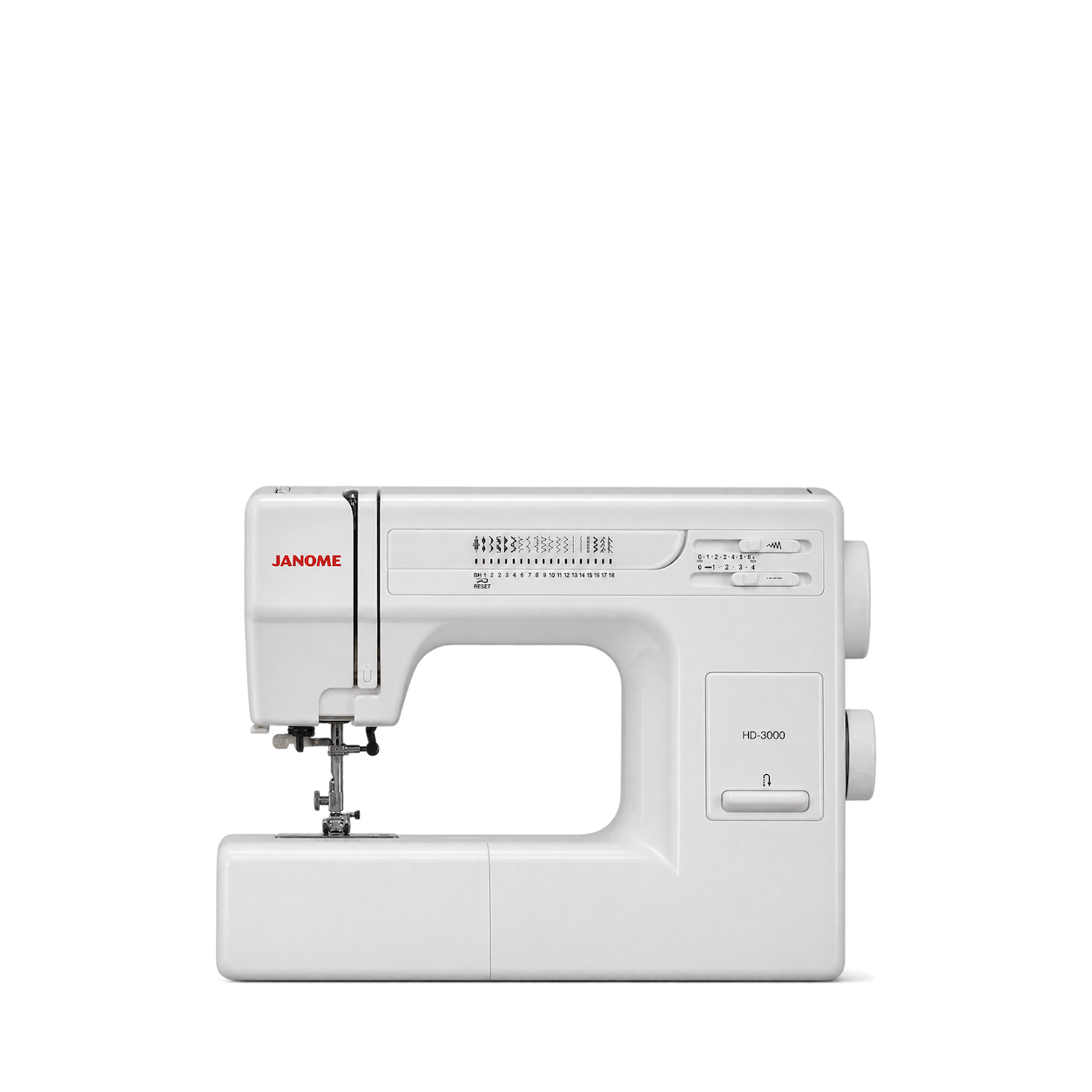
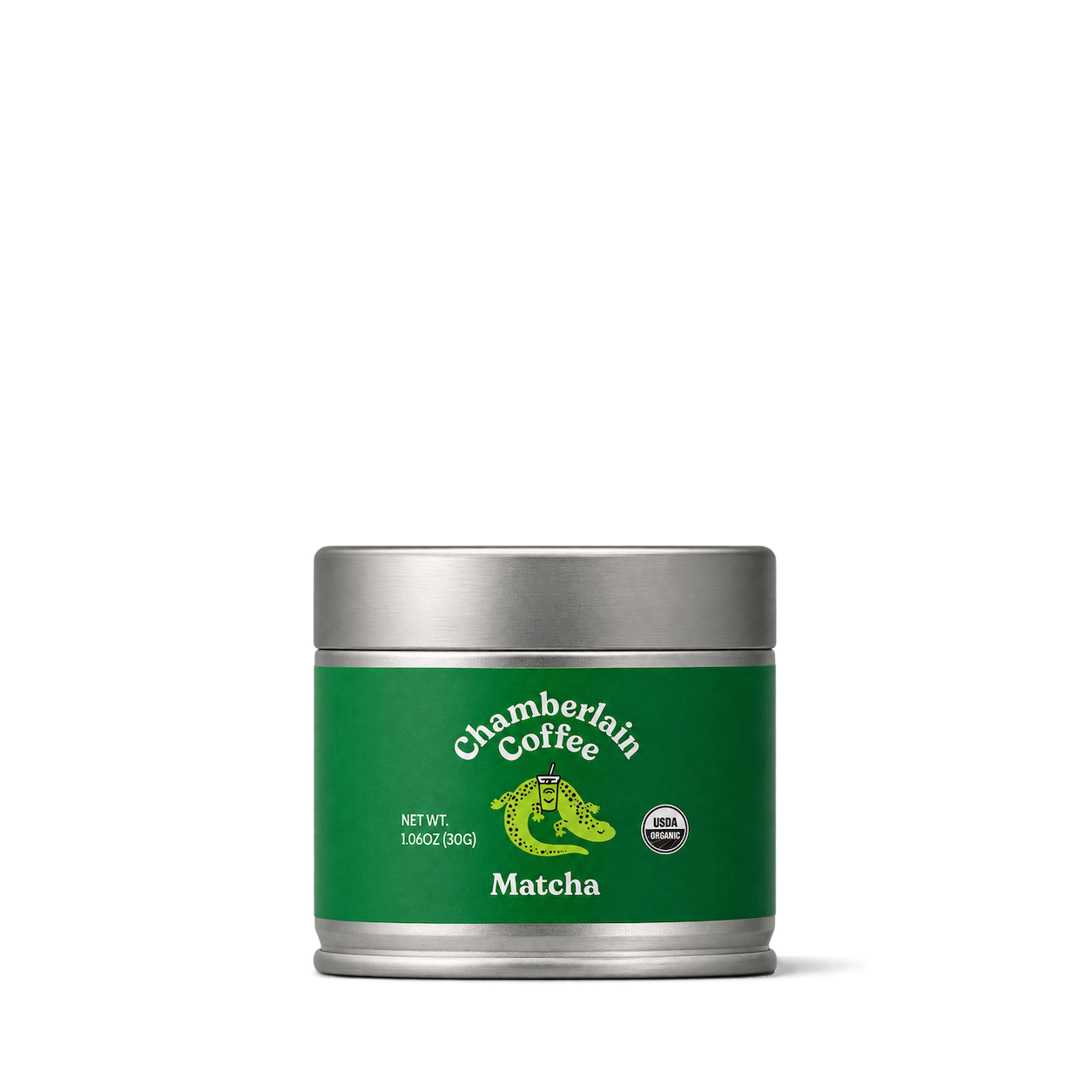


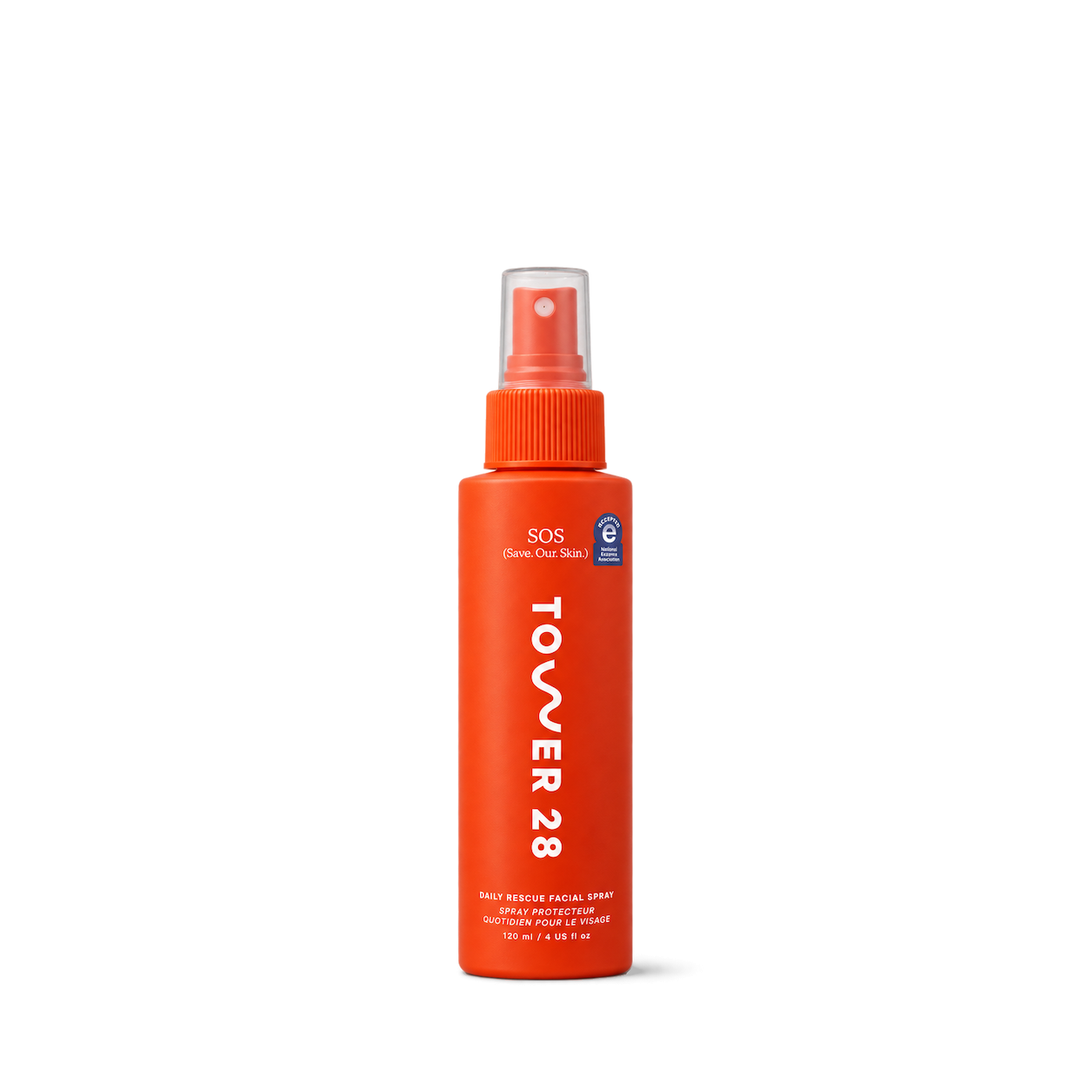
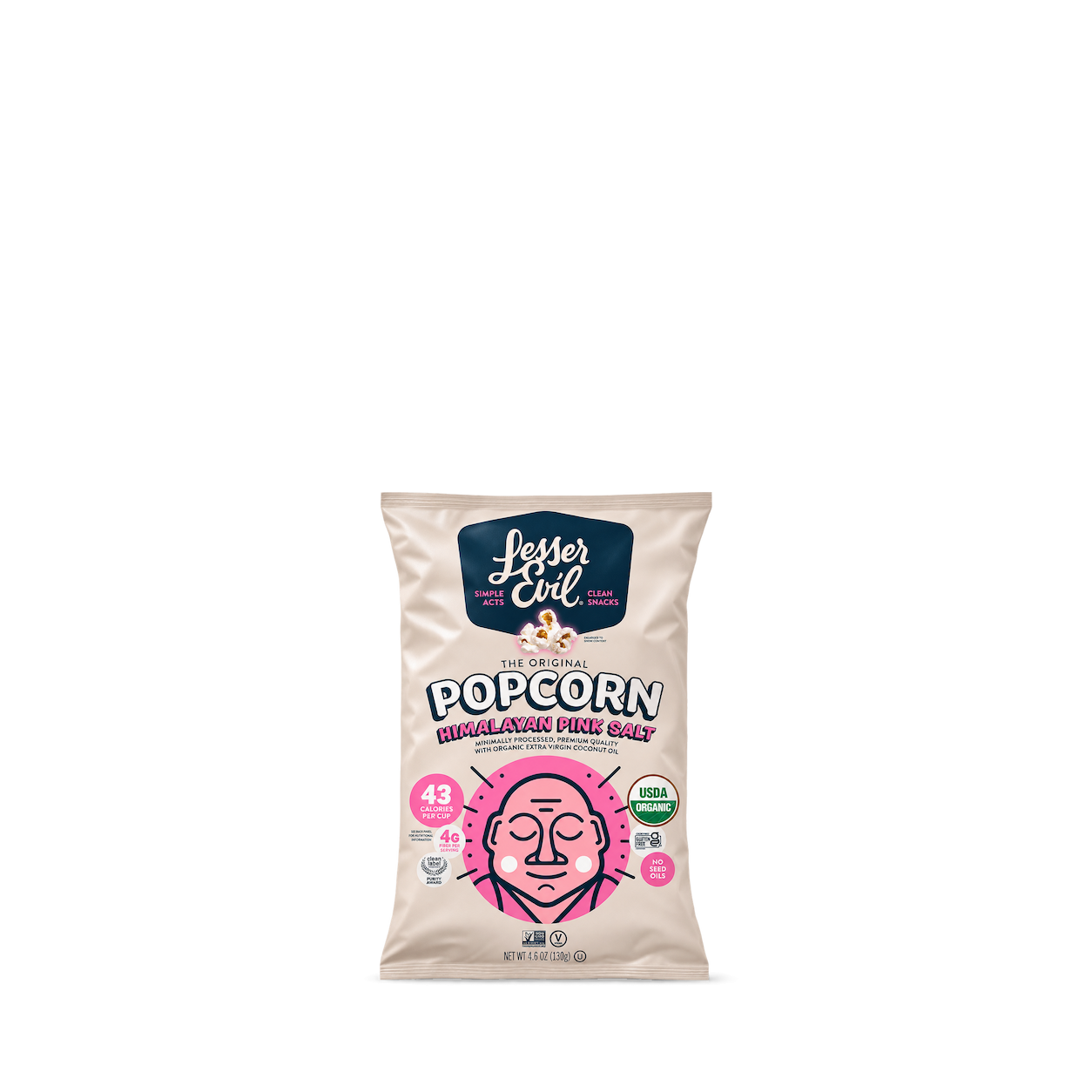

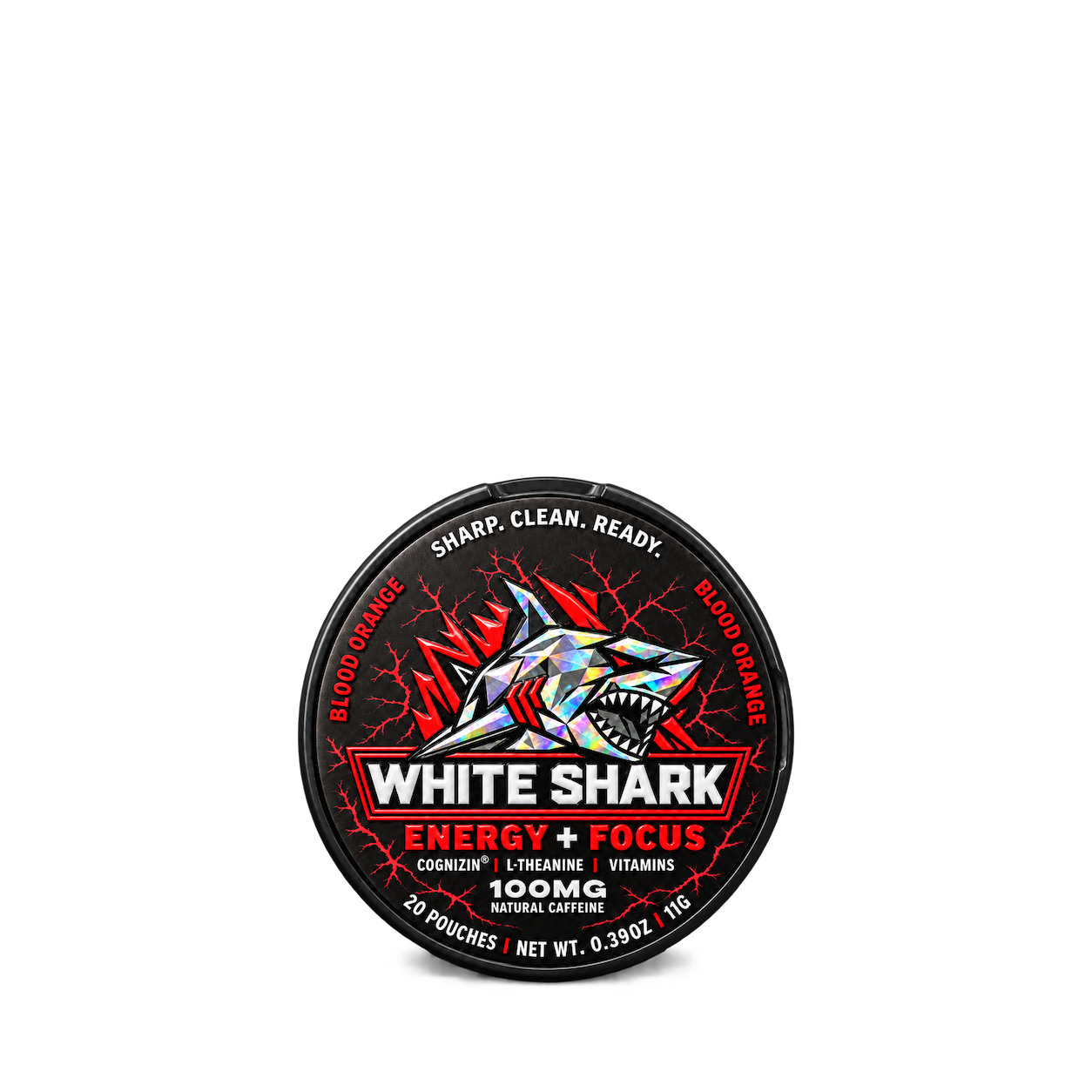

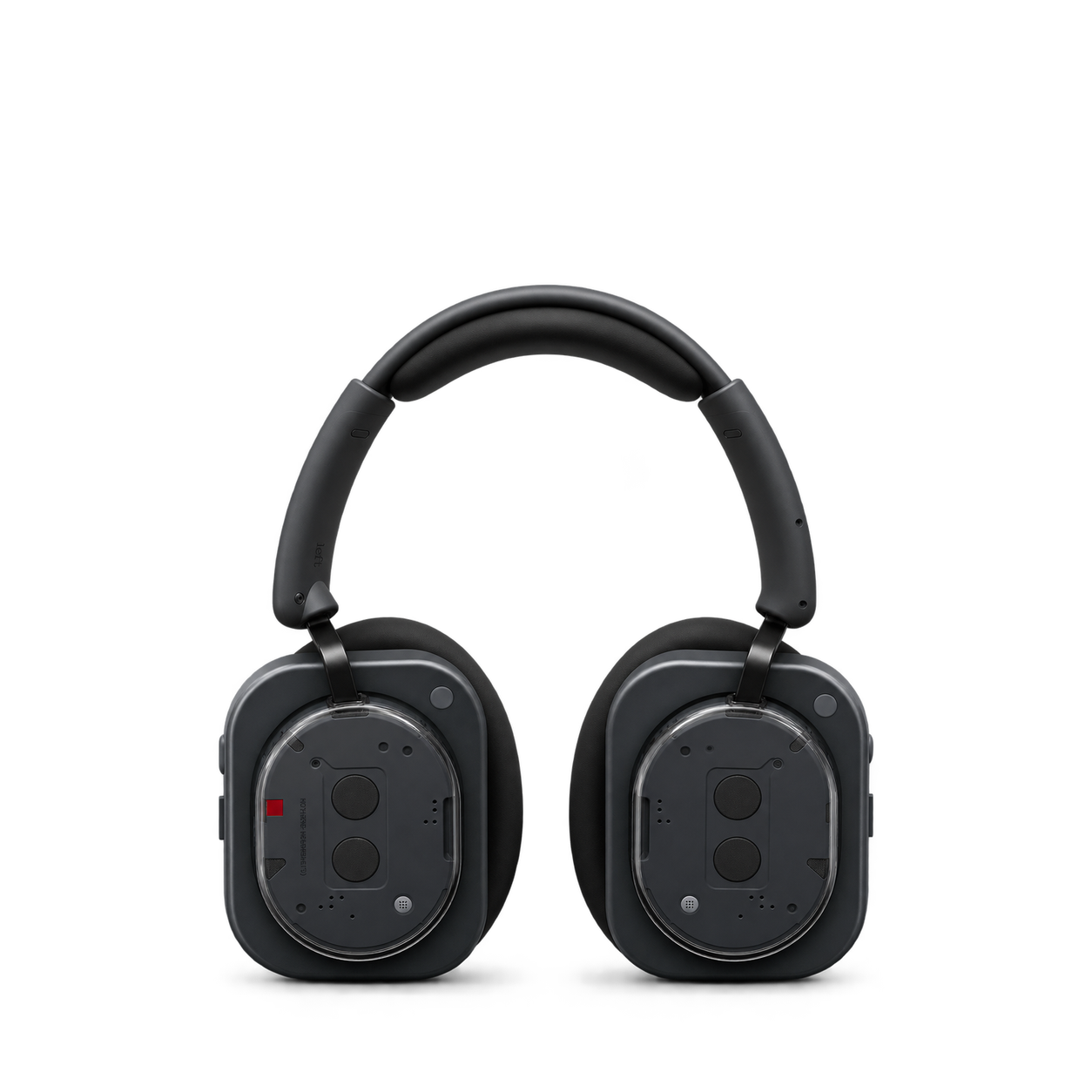
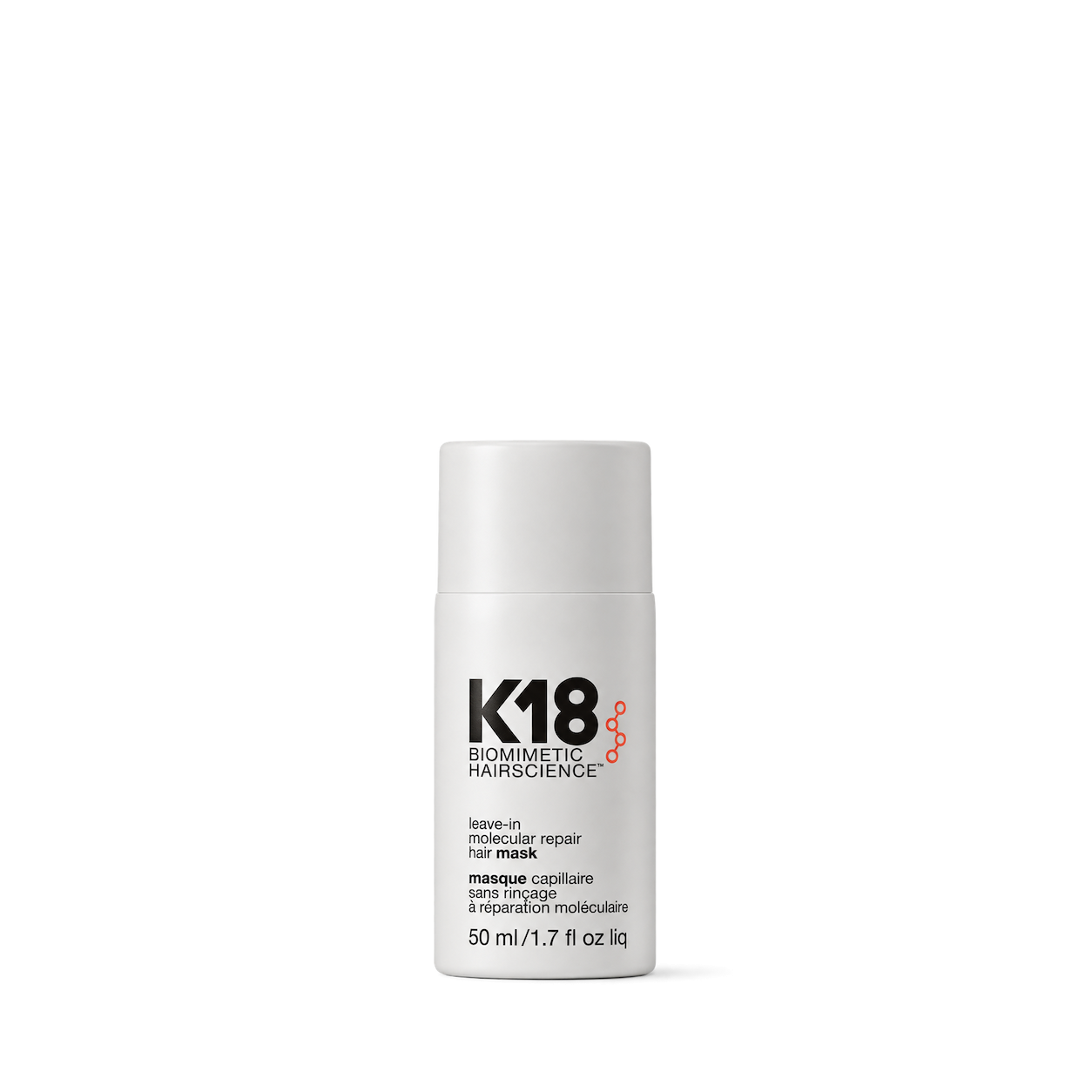
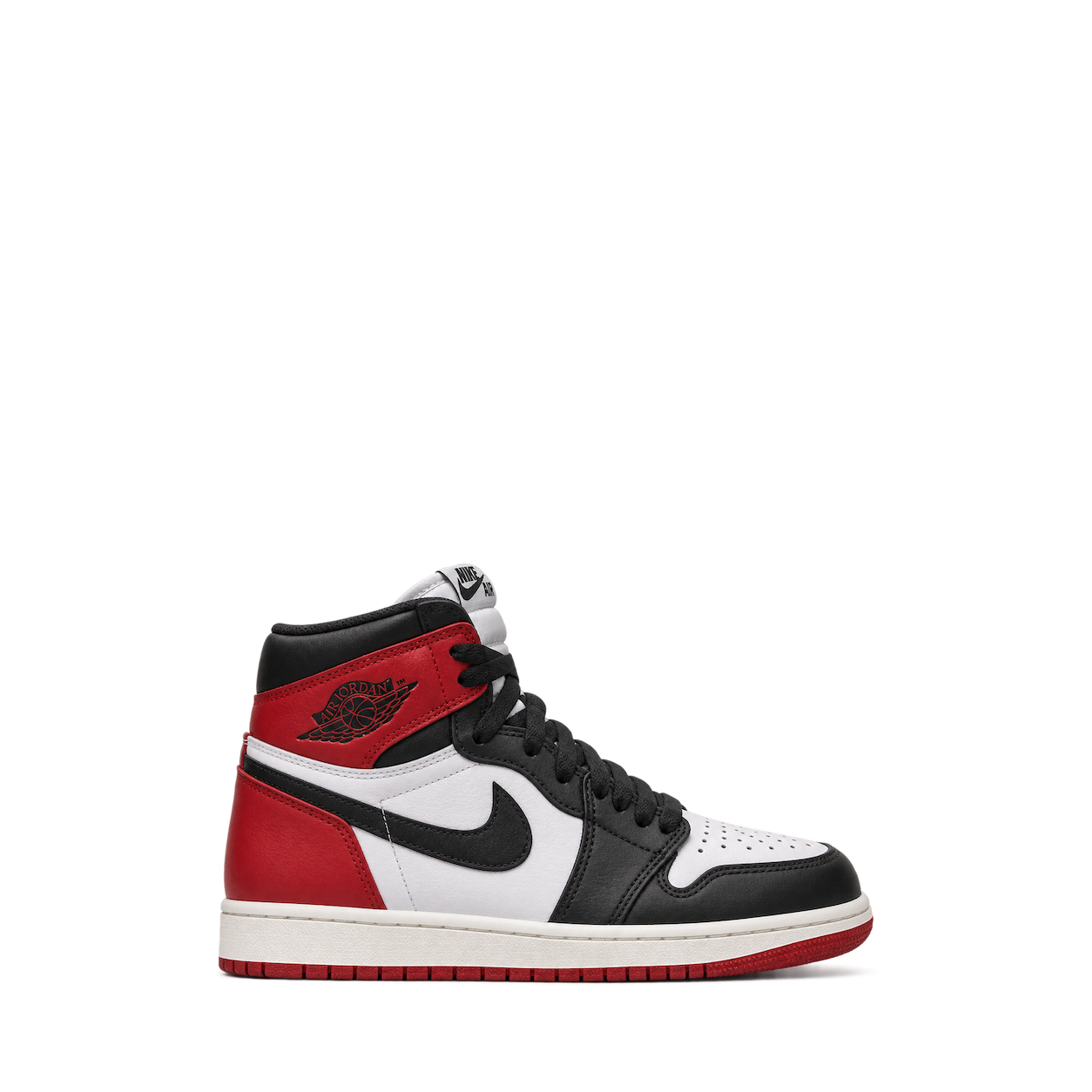
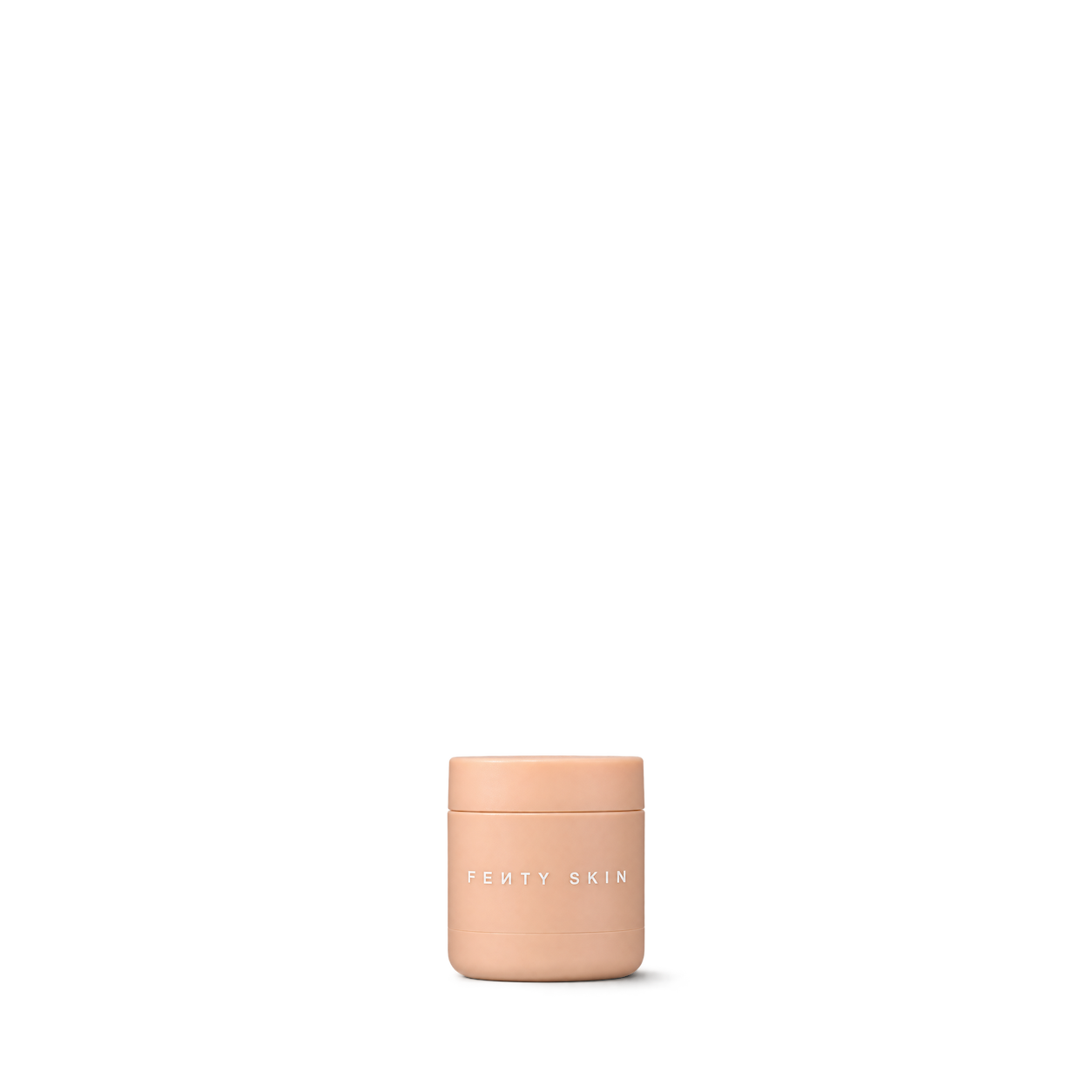
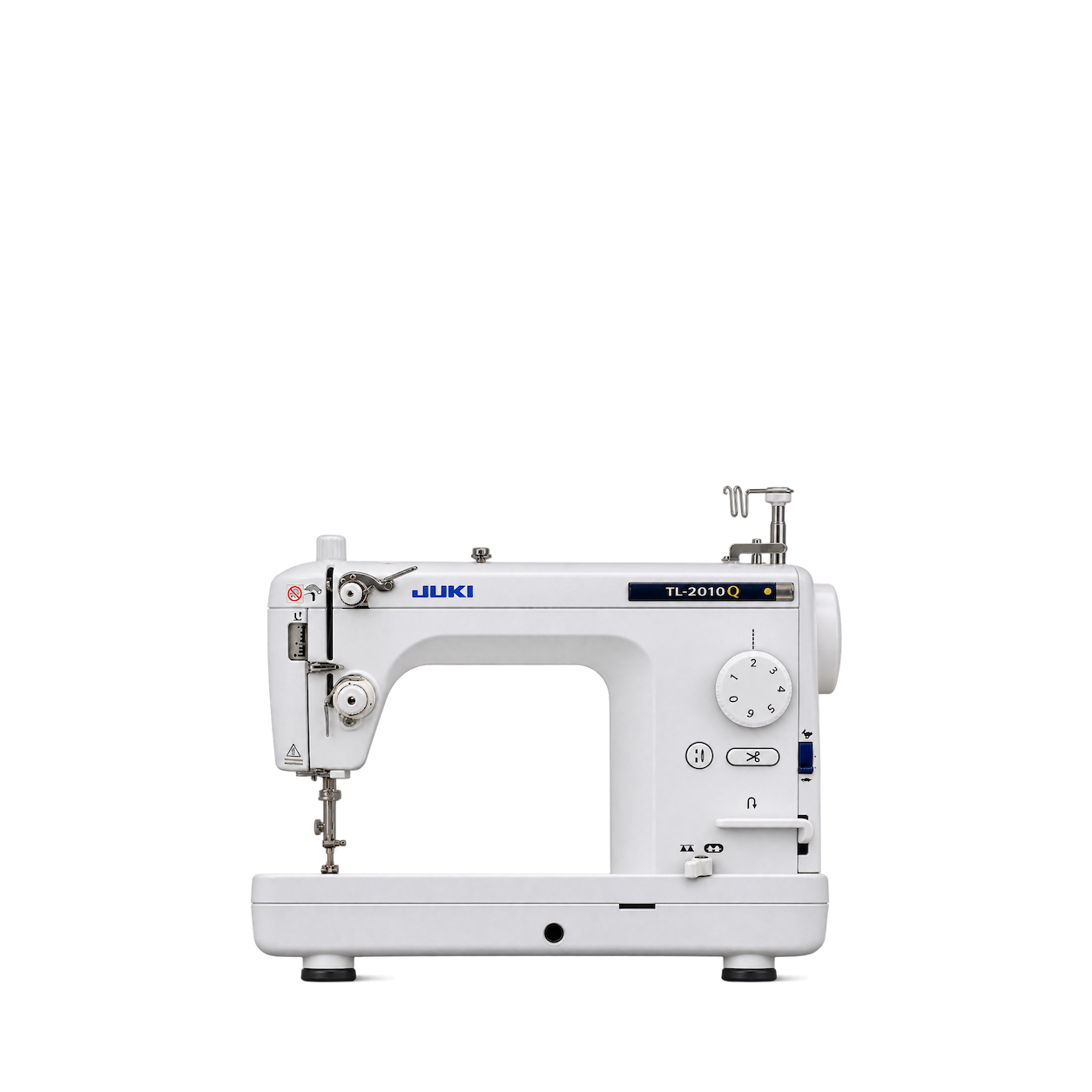



















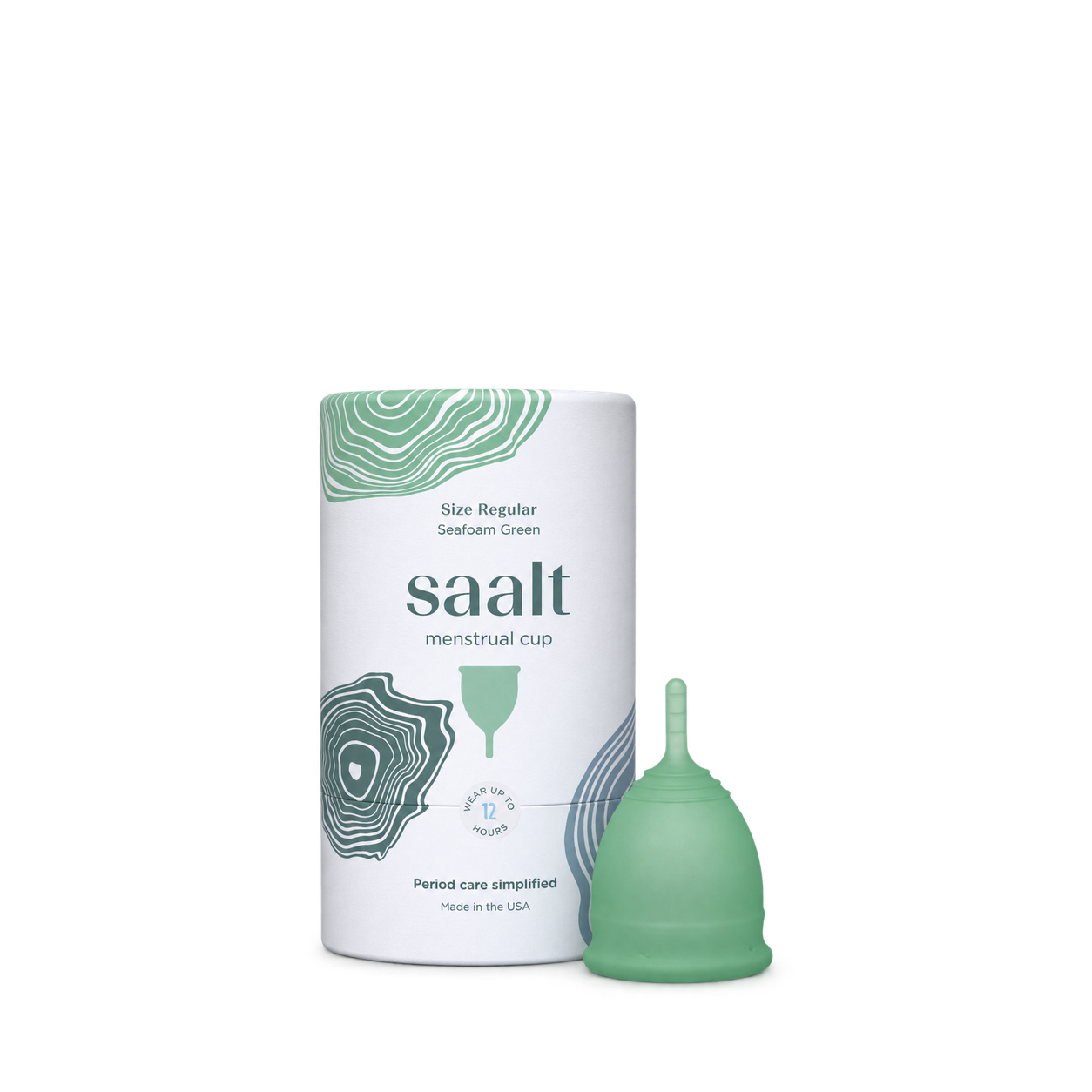
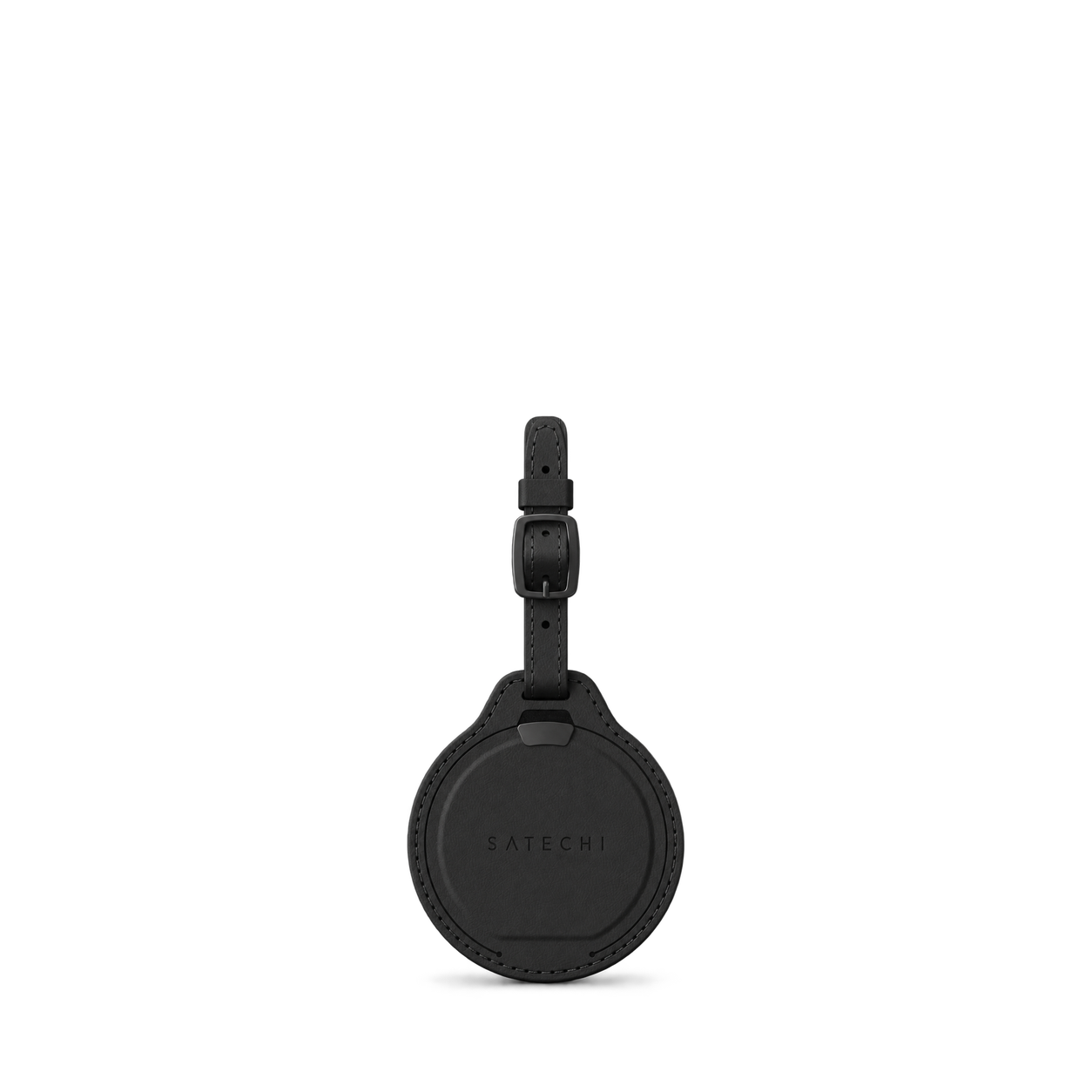


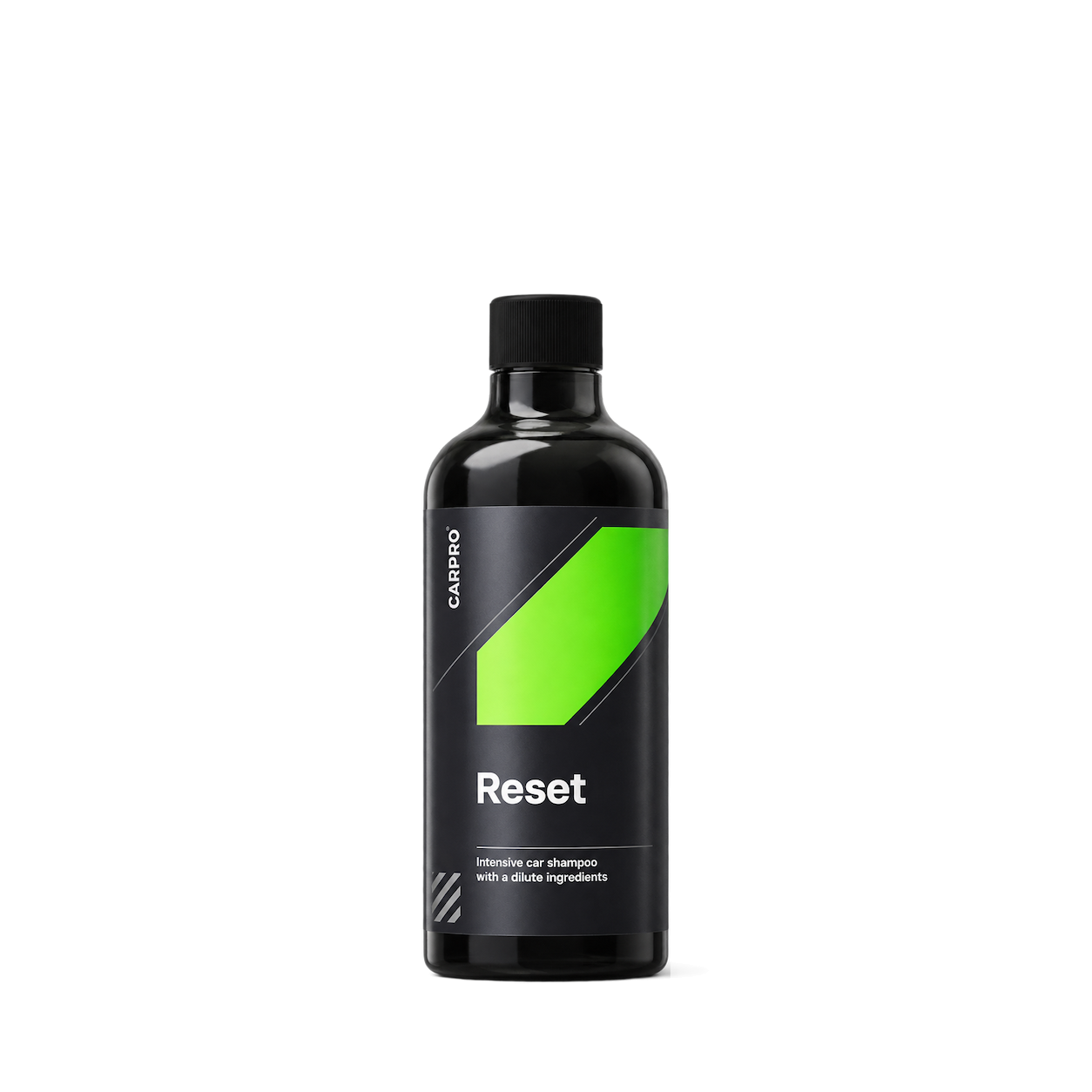
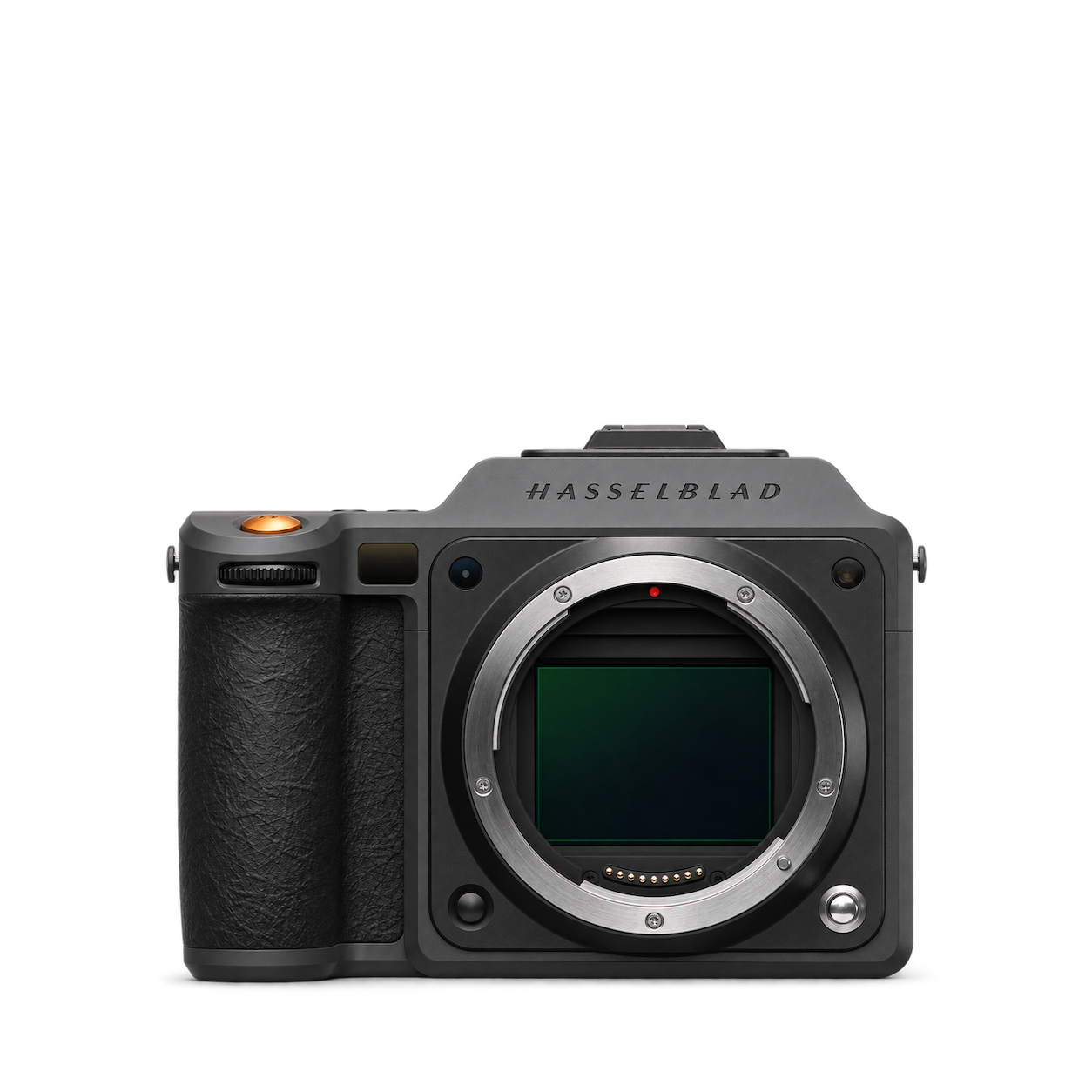
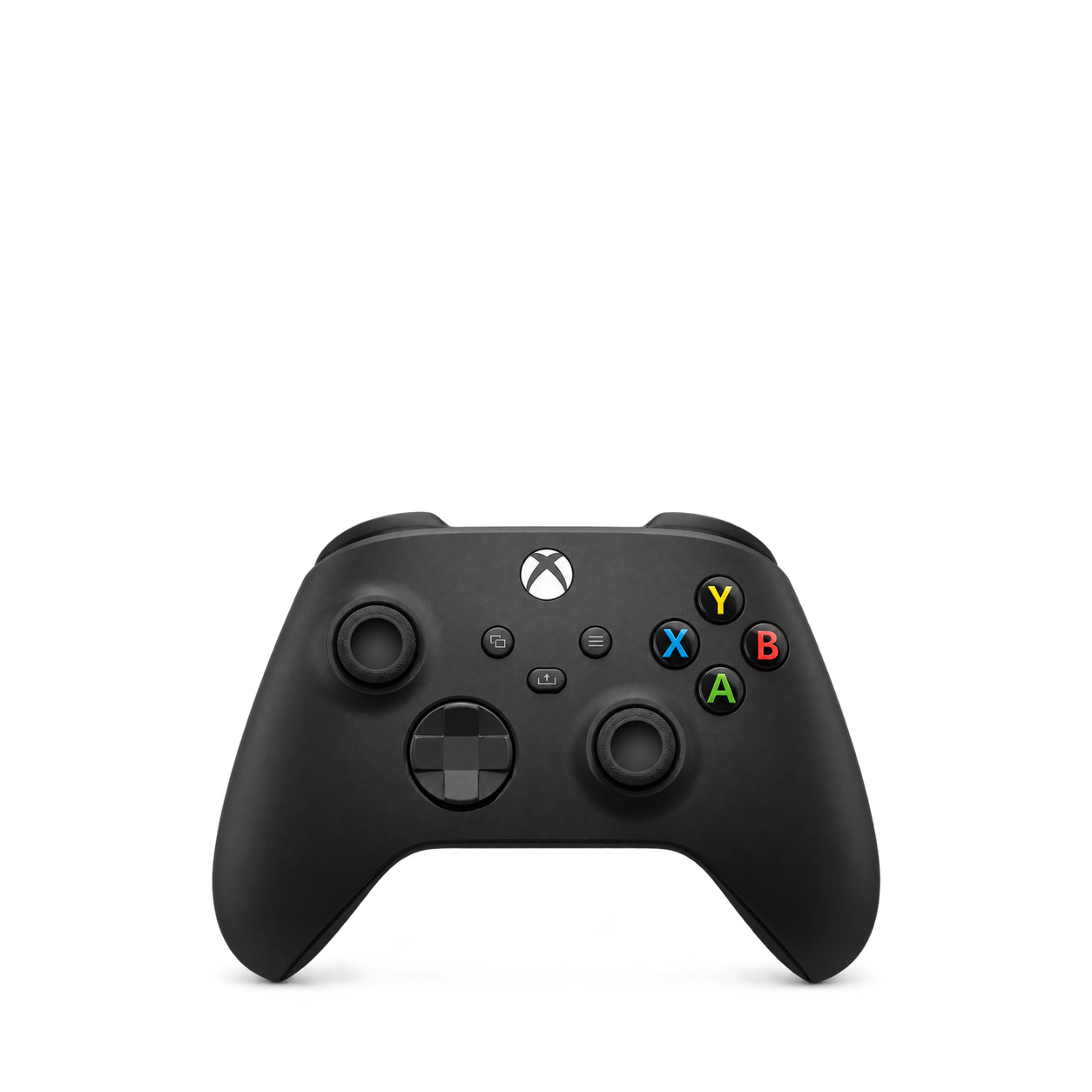
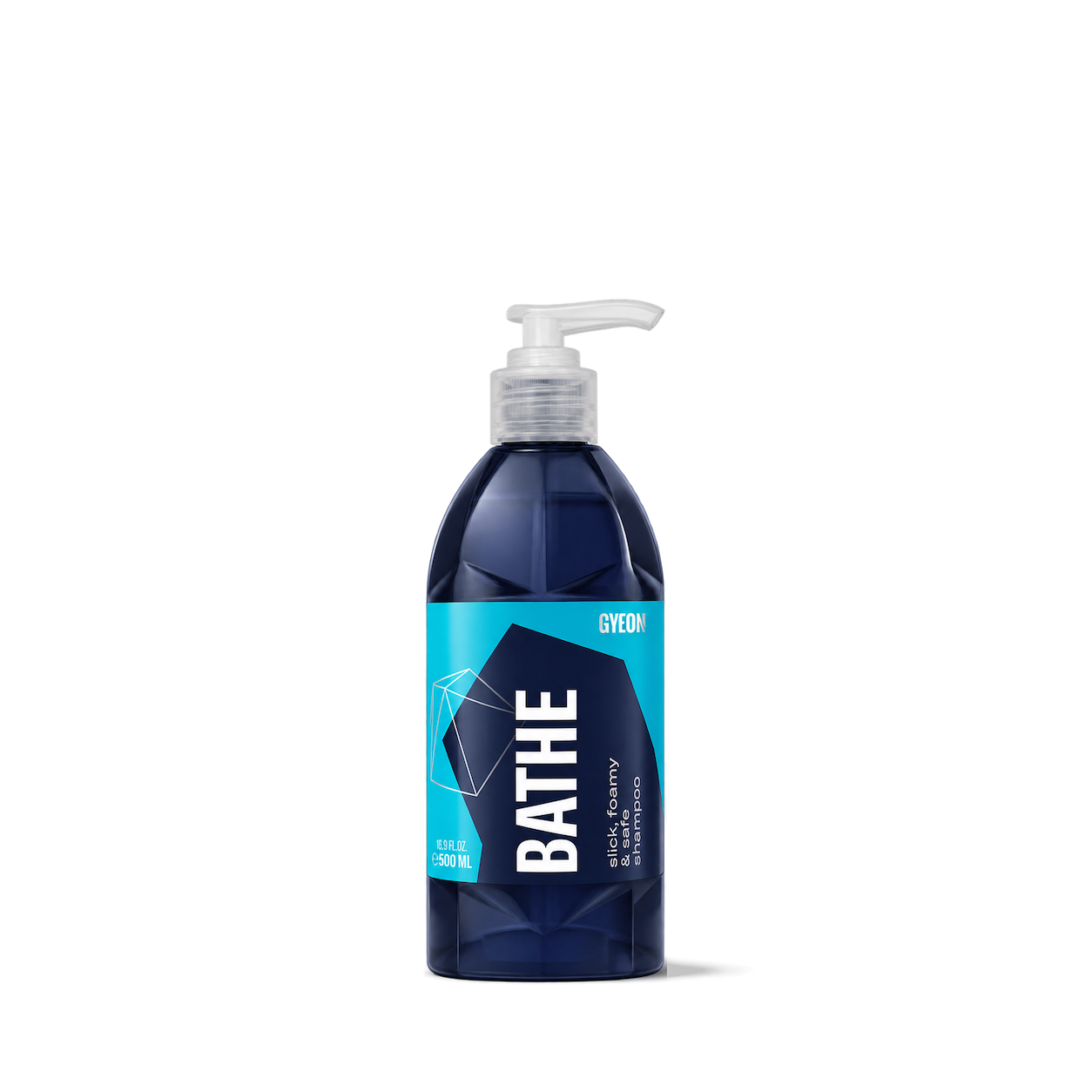

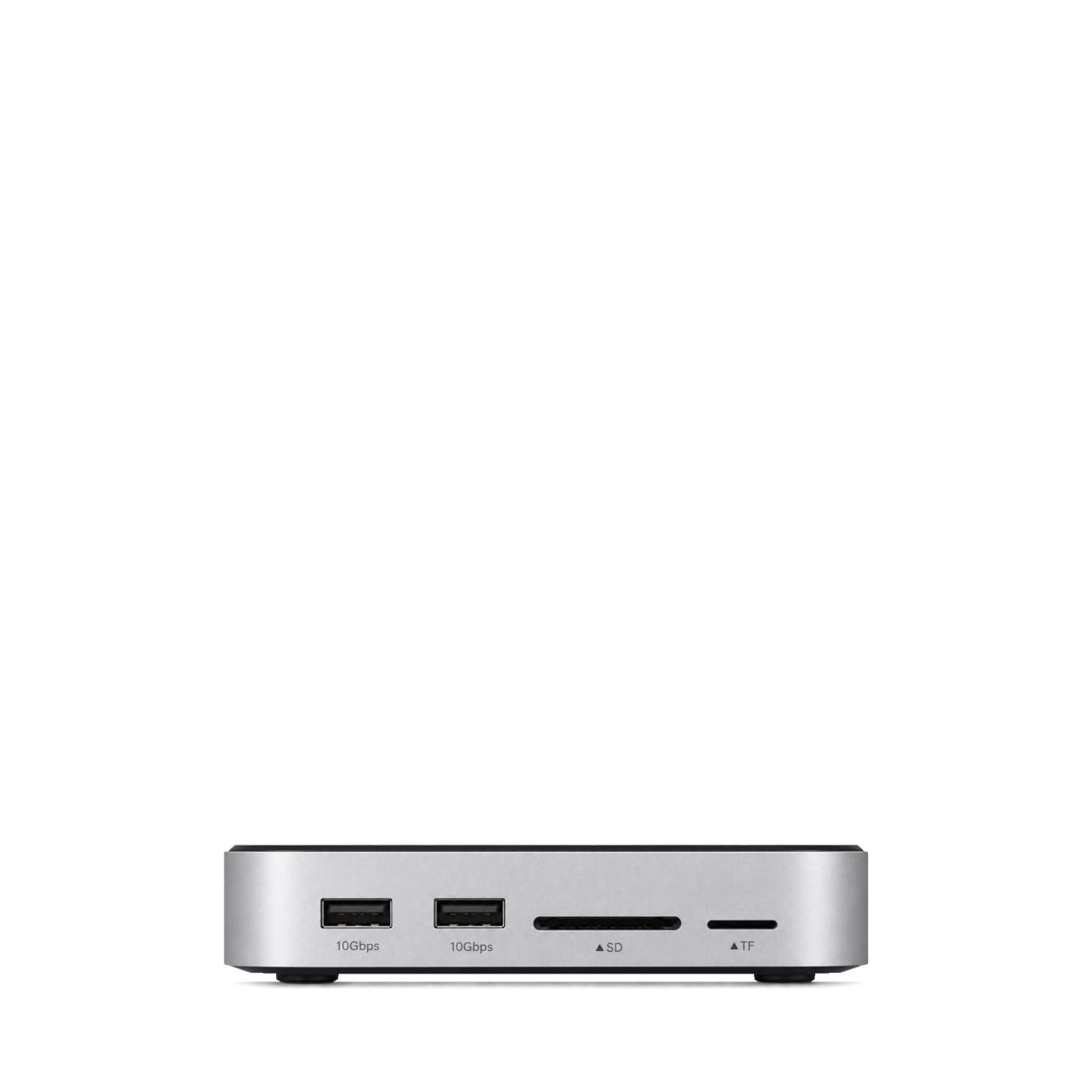
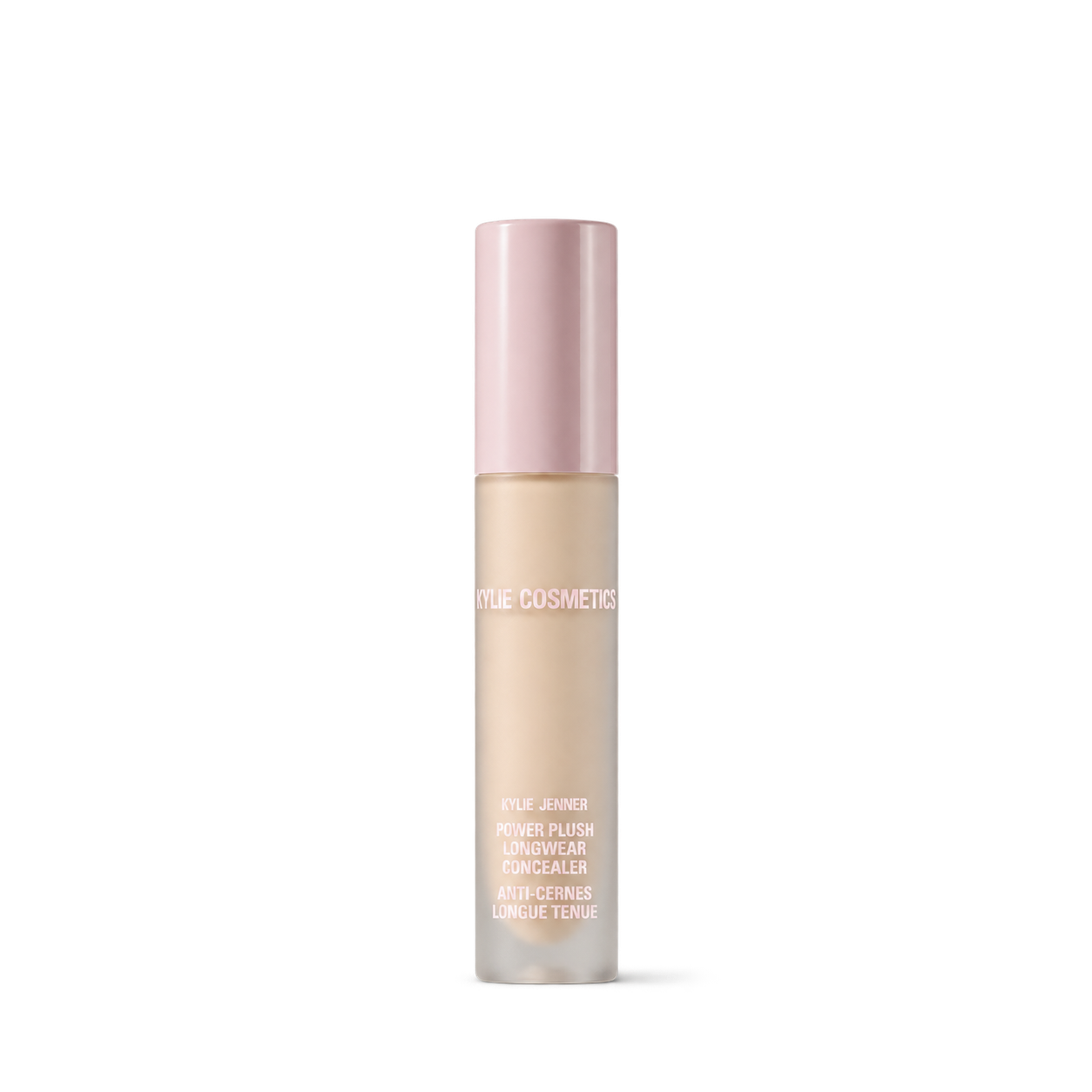

LMNT
12,572 free product images
For websites, apps, and AI tools.
Tap an image to view details and get the free PNG.
LMNT
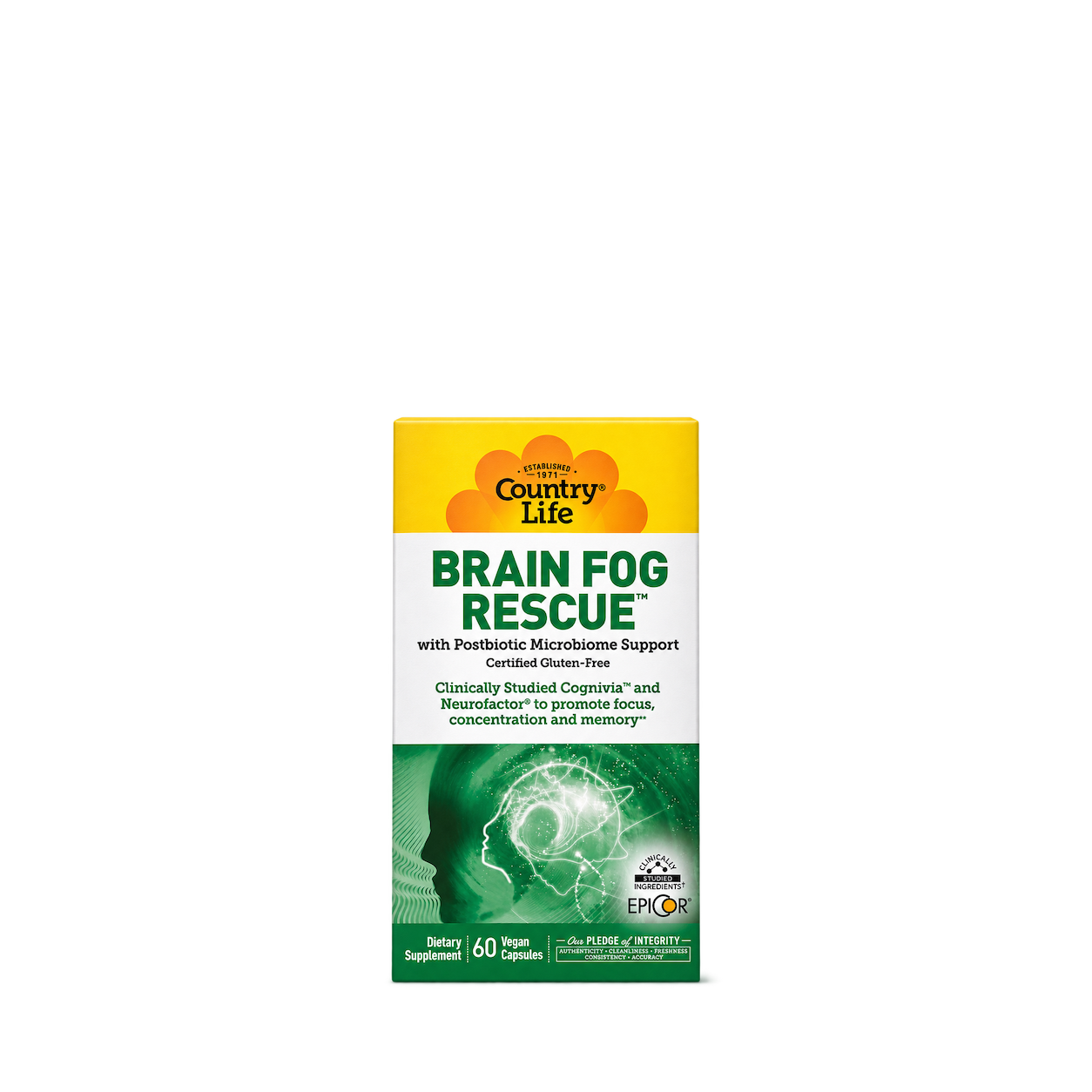
Country Life
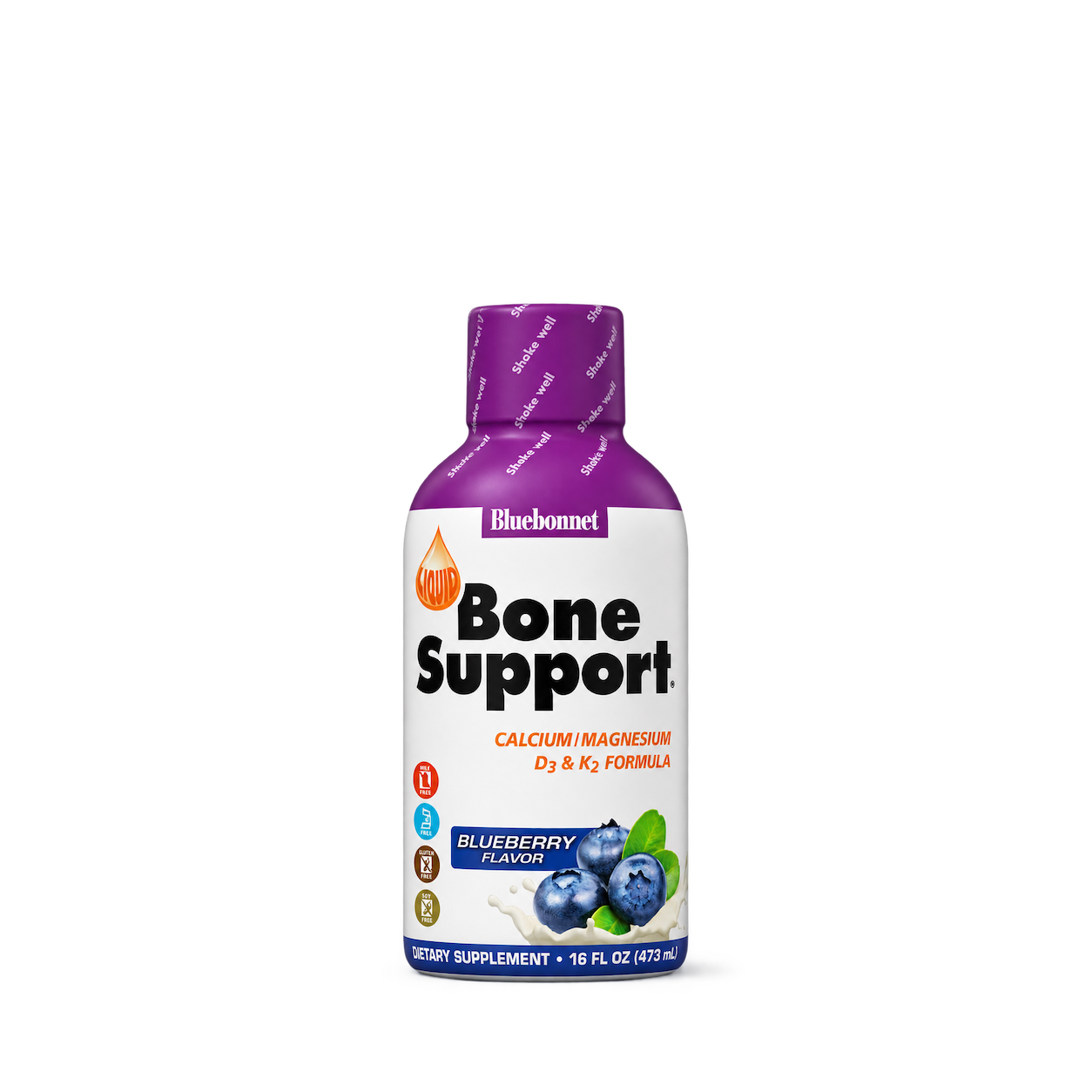
Bluebonnet
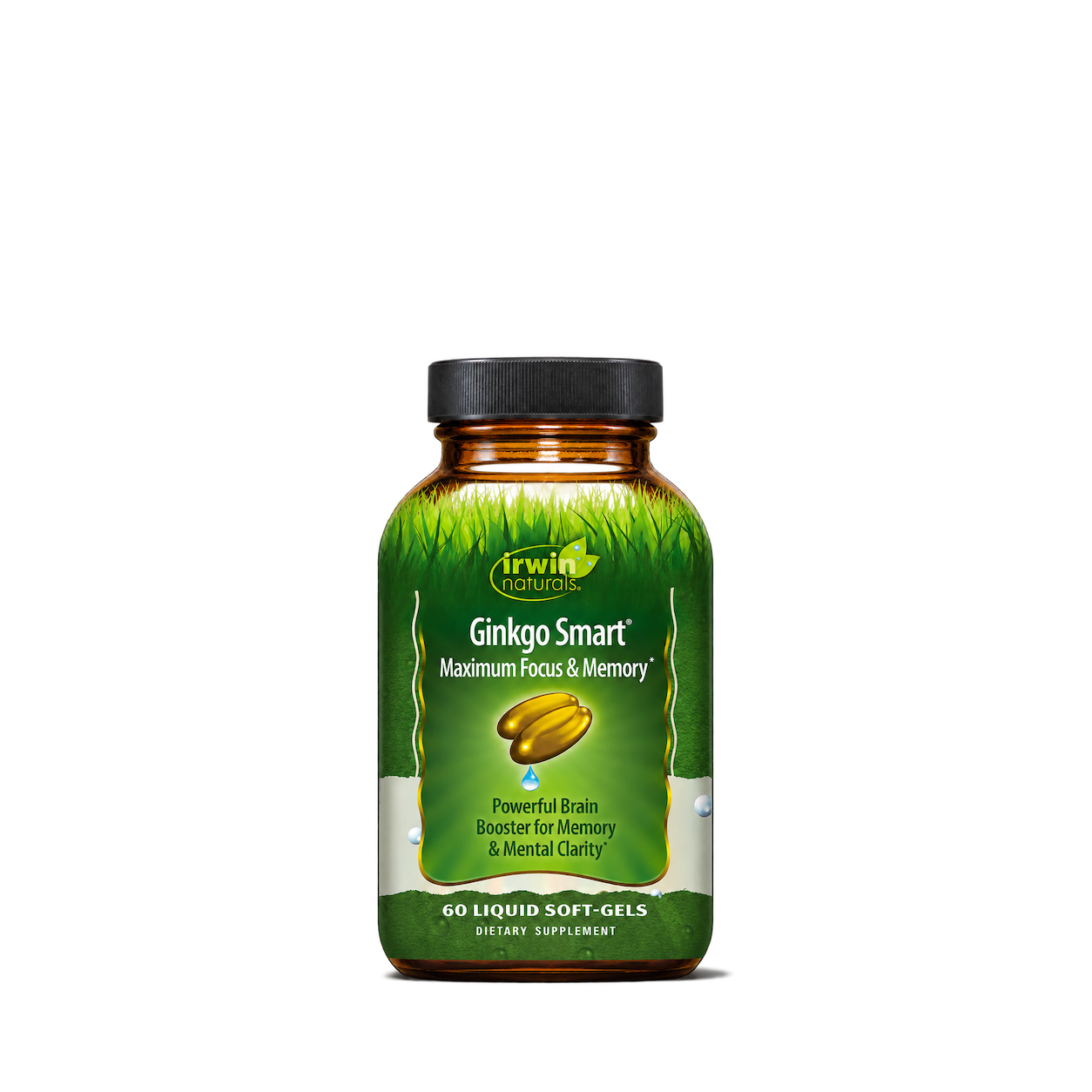
Irwin Naturals
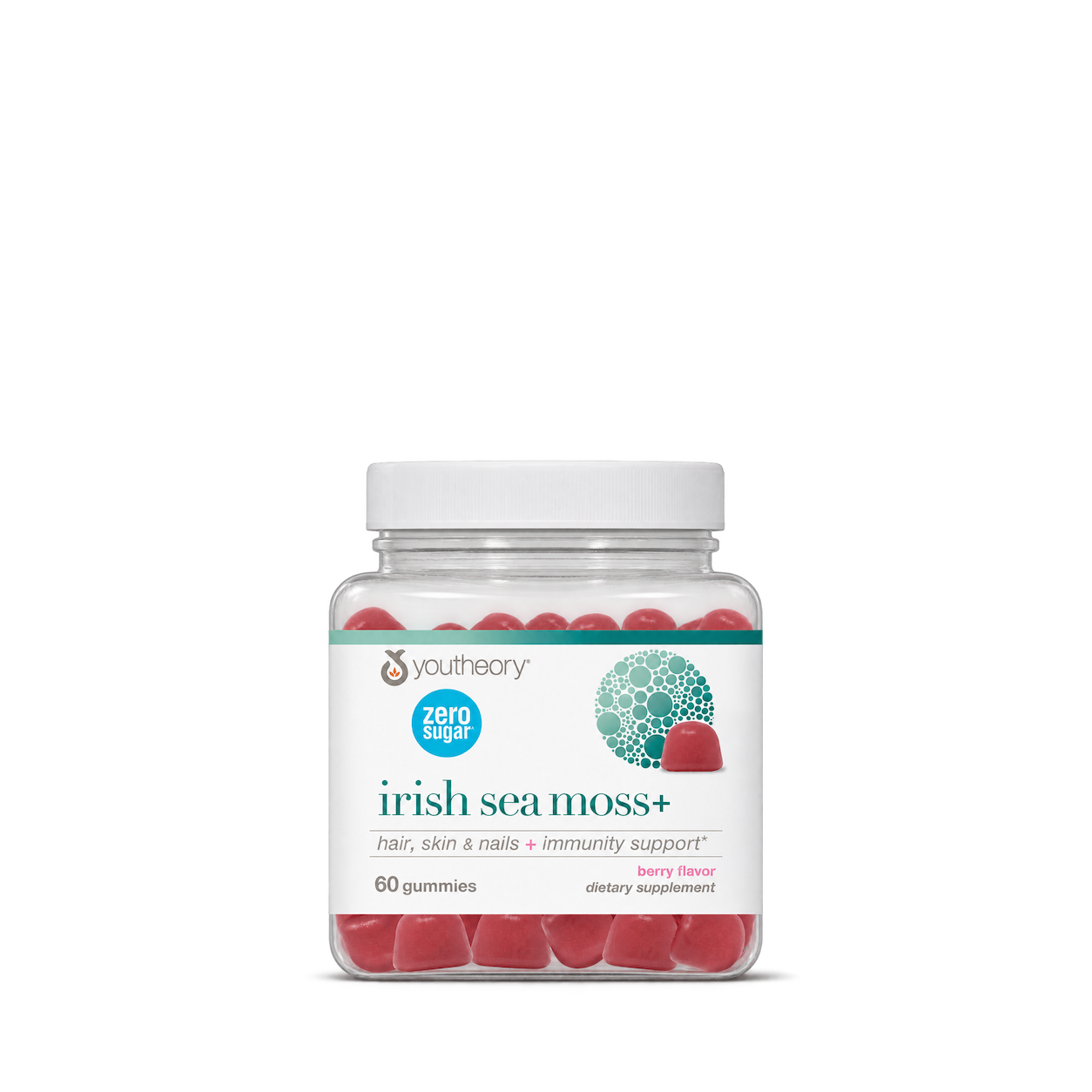
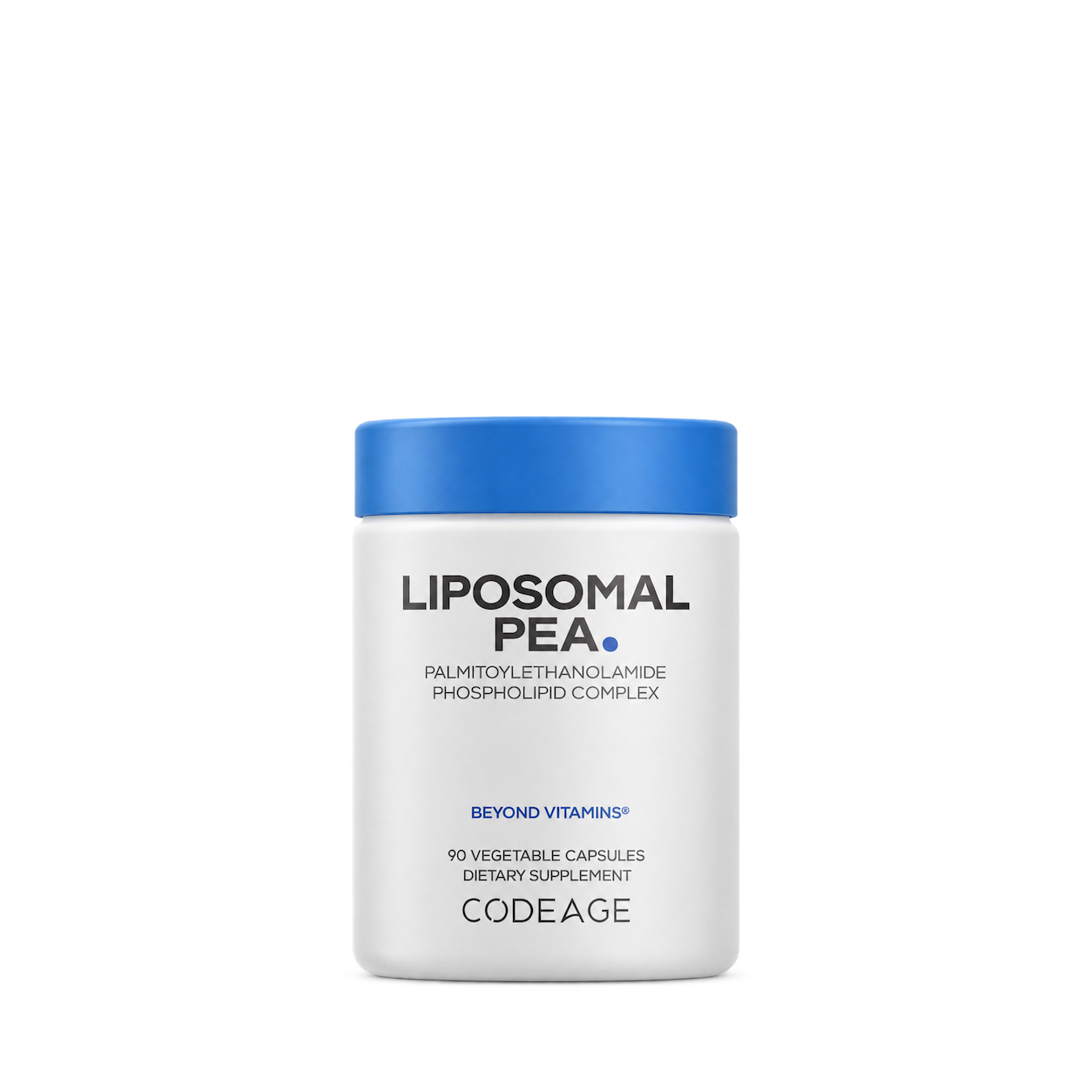
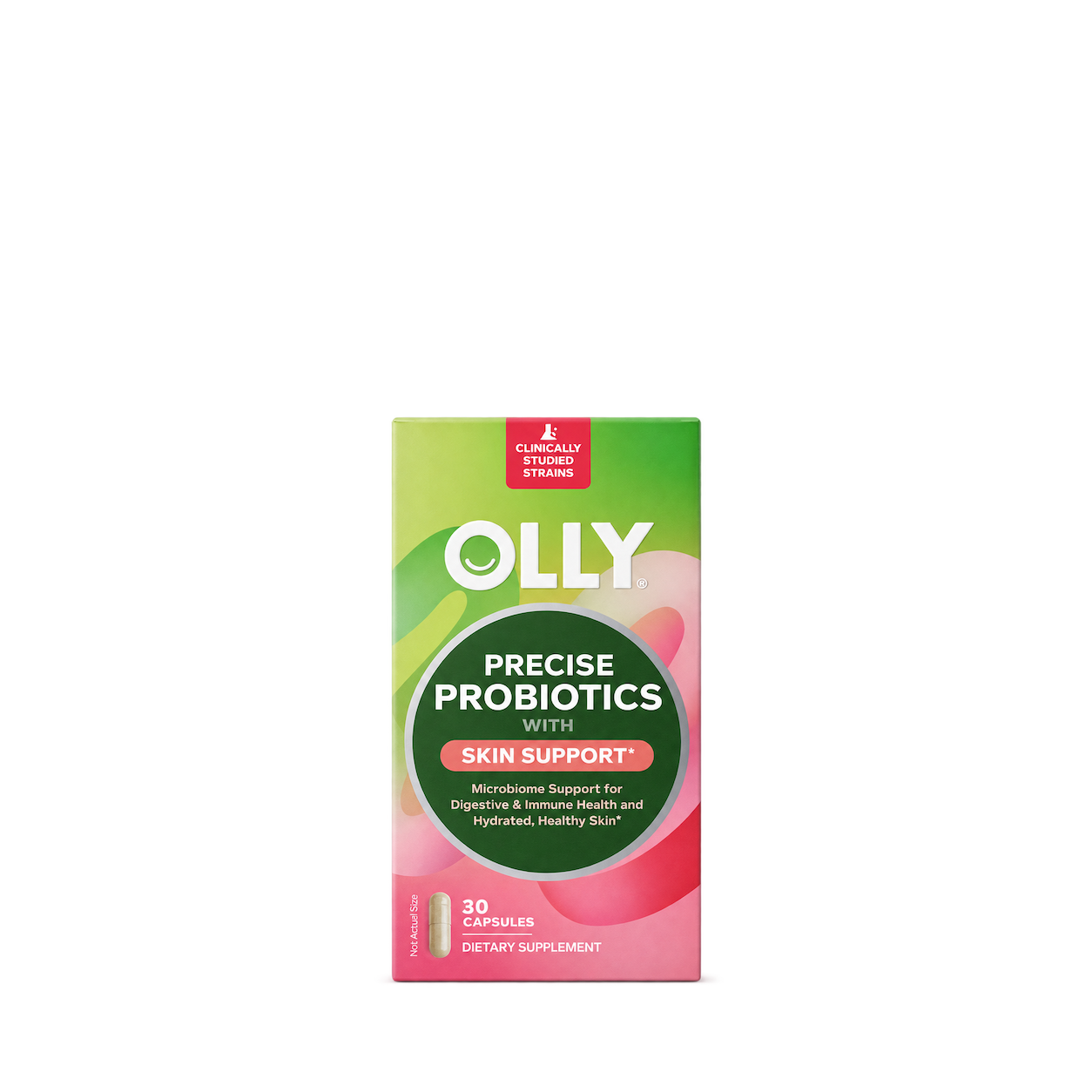
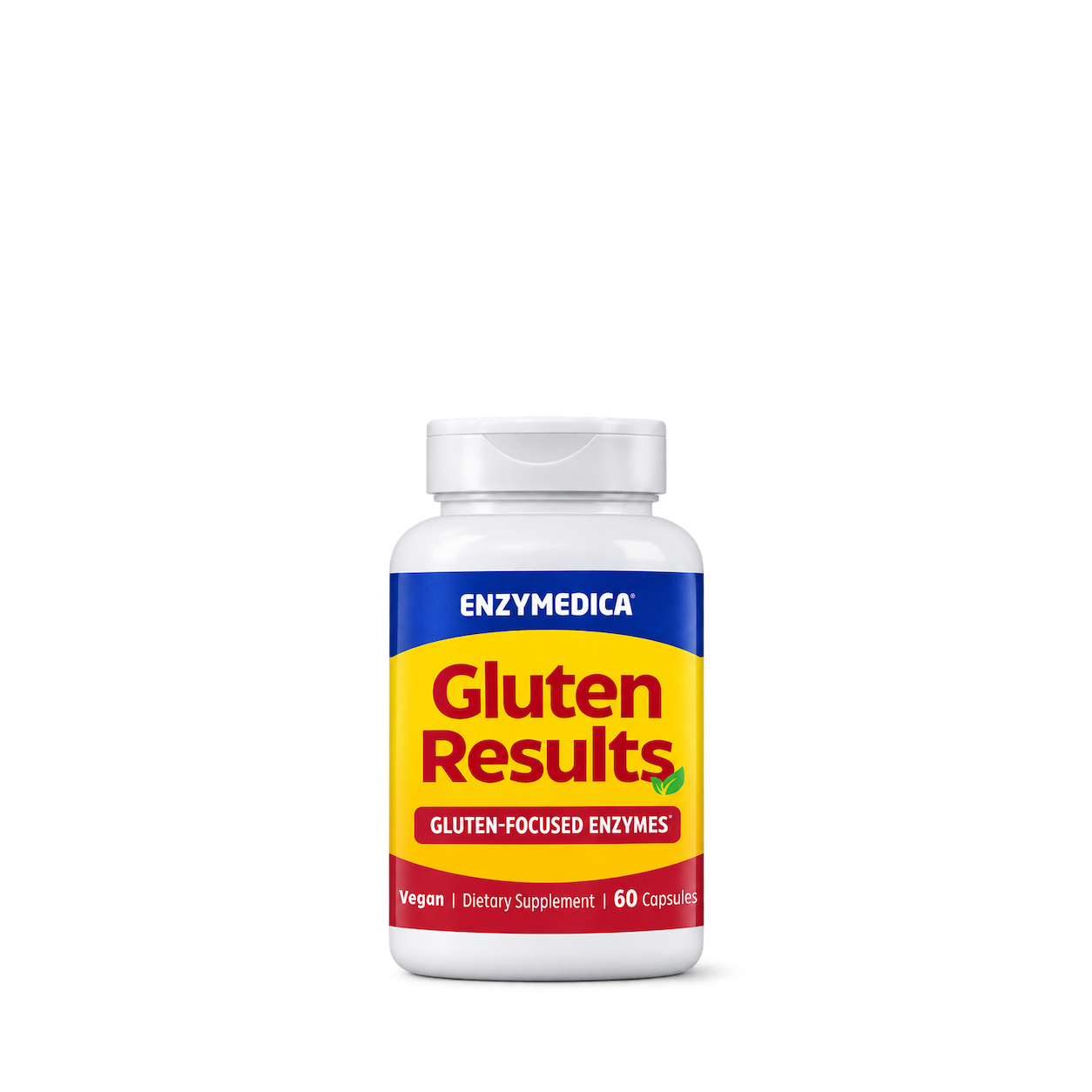
Enzymedica
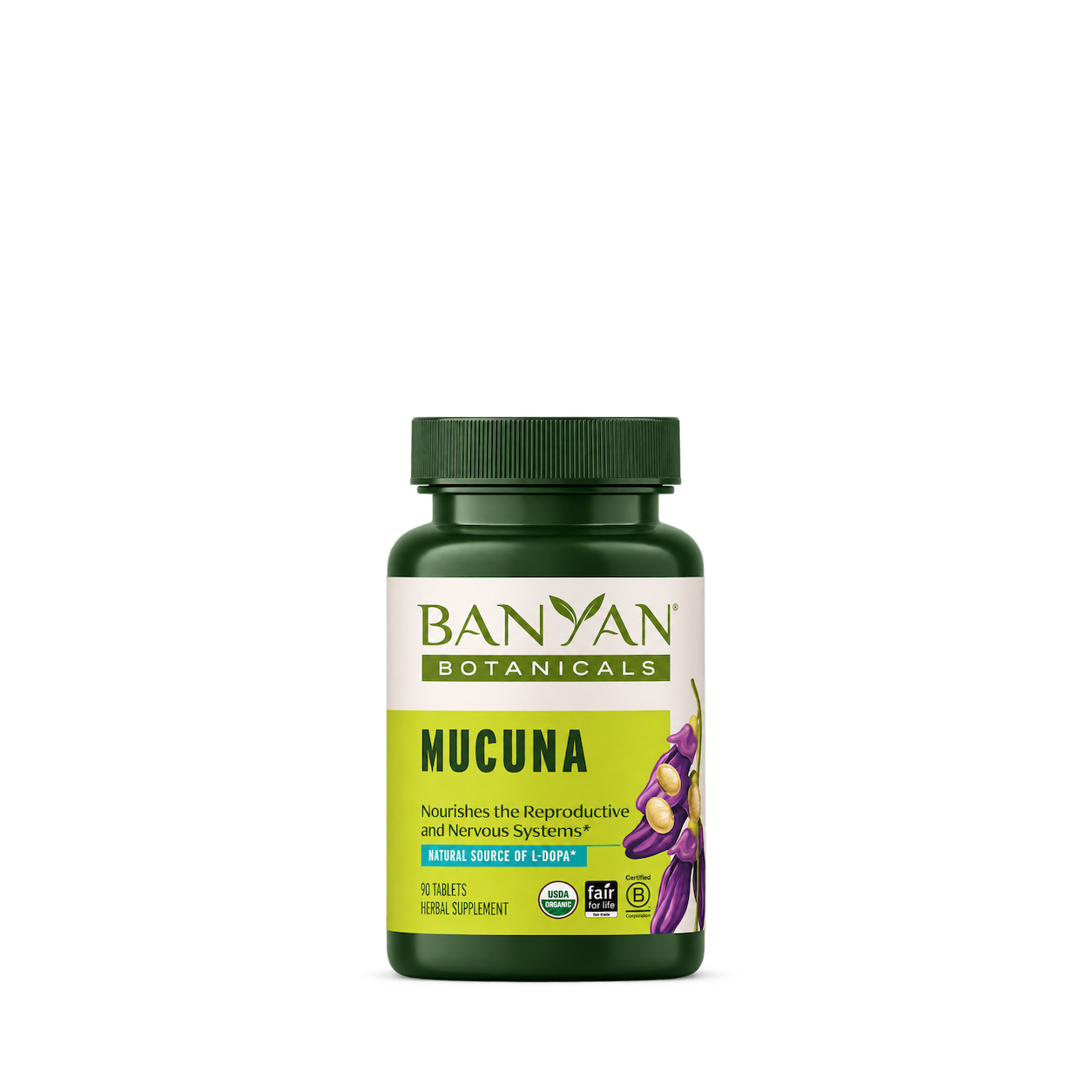
Banyan Botanicals
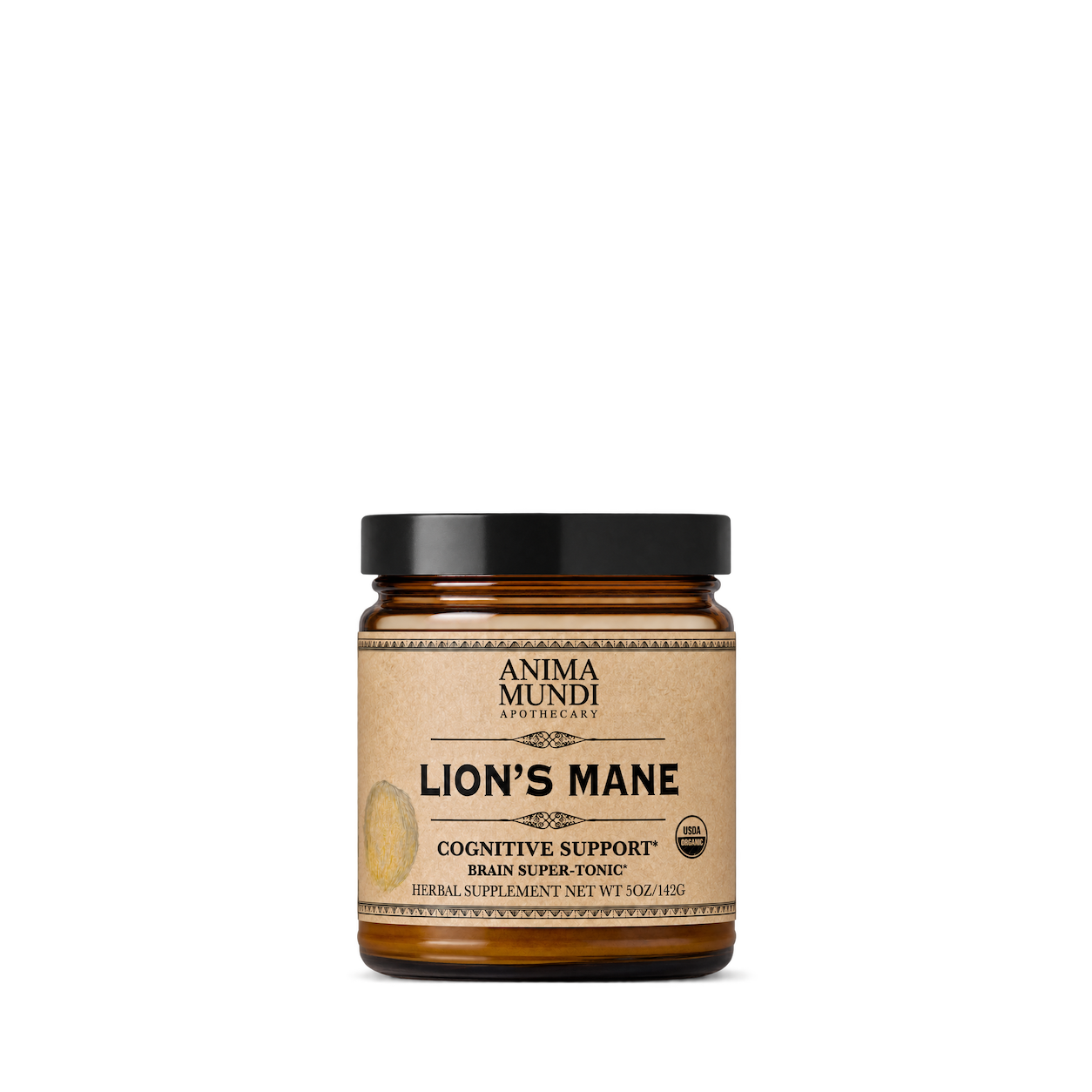
Anima Mundi
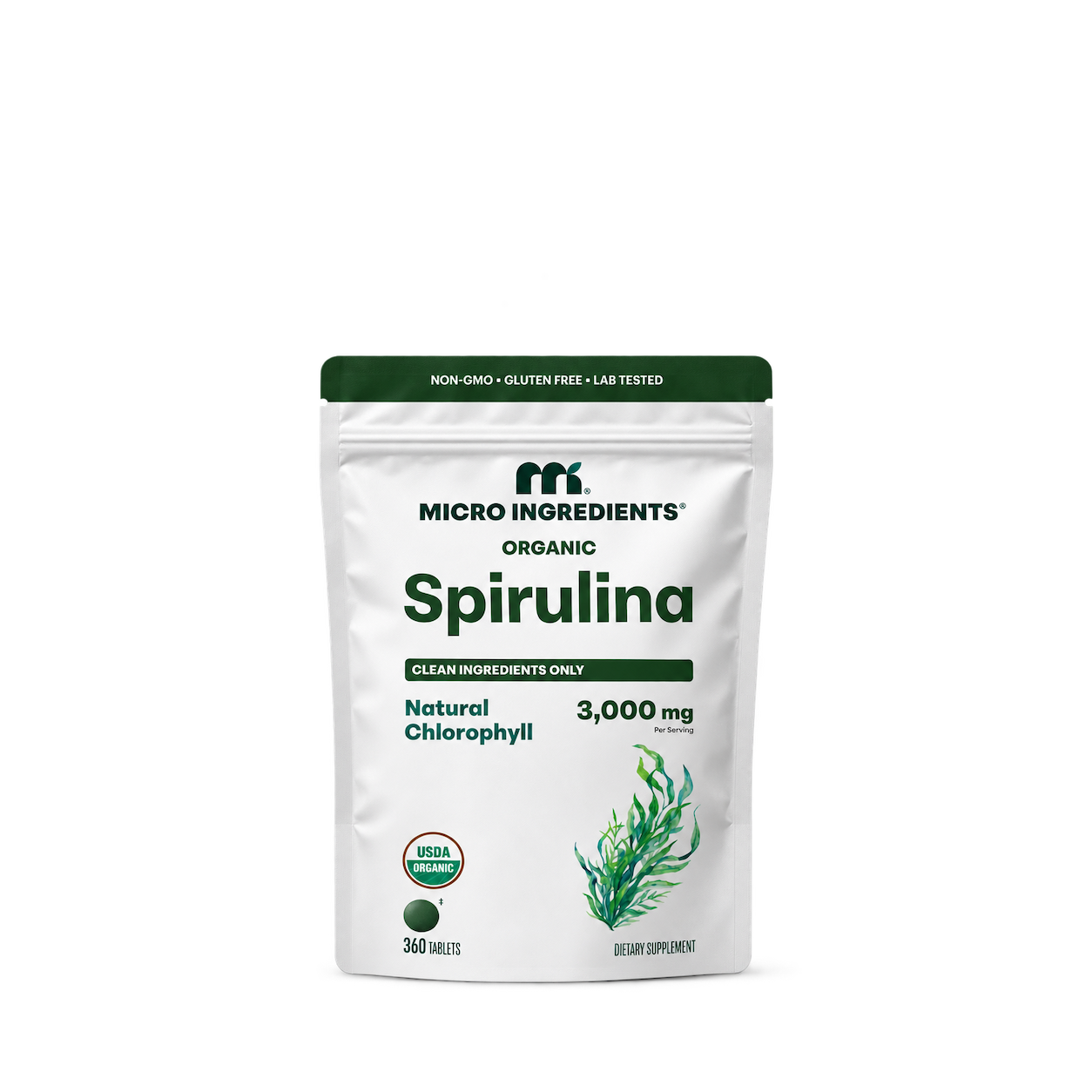
Micro Ingredients
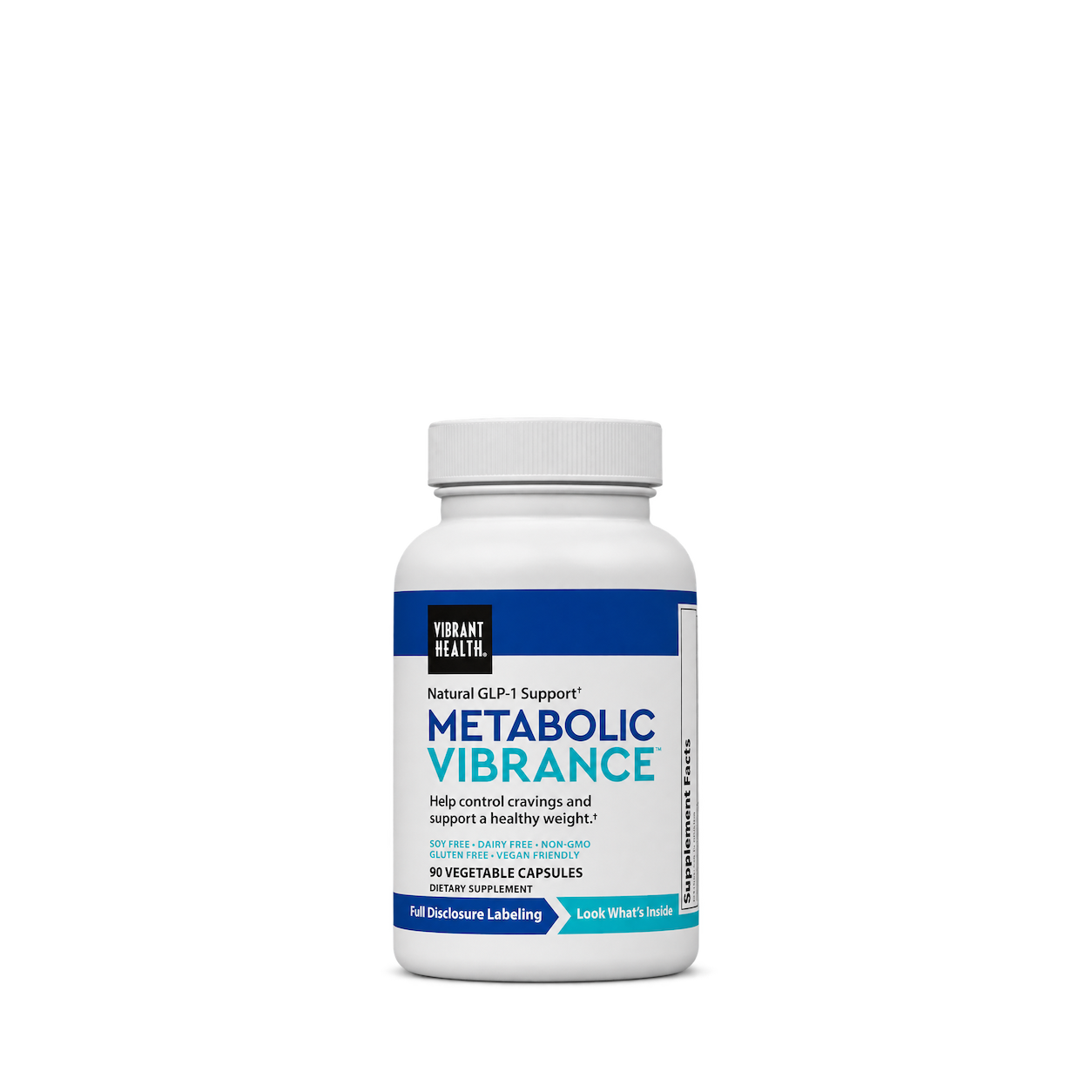
Vibrant Health
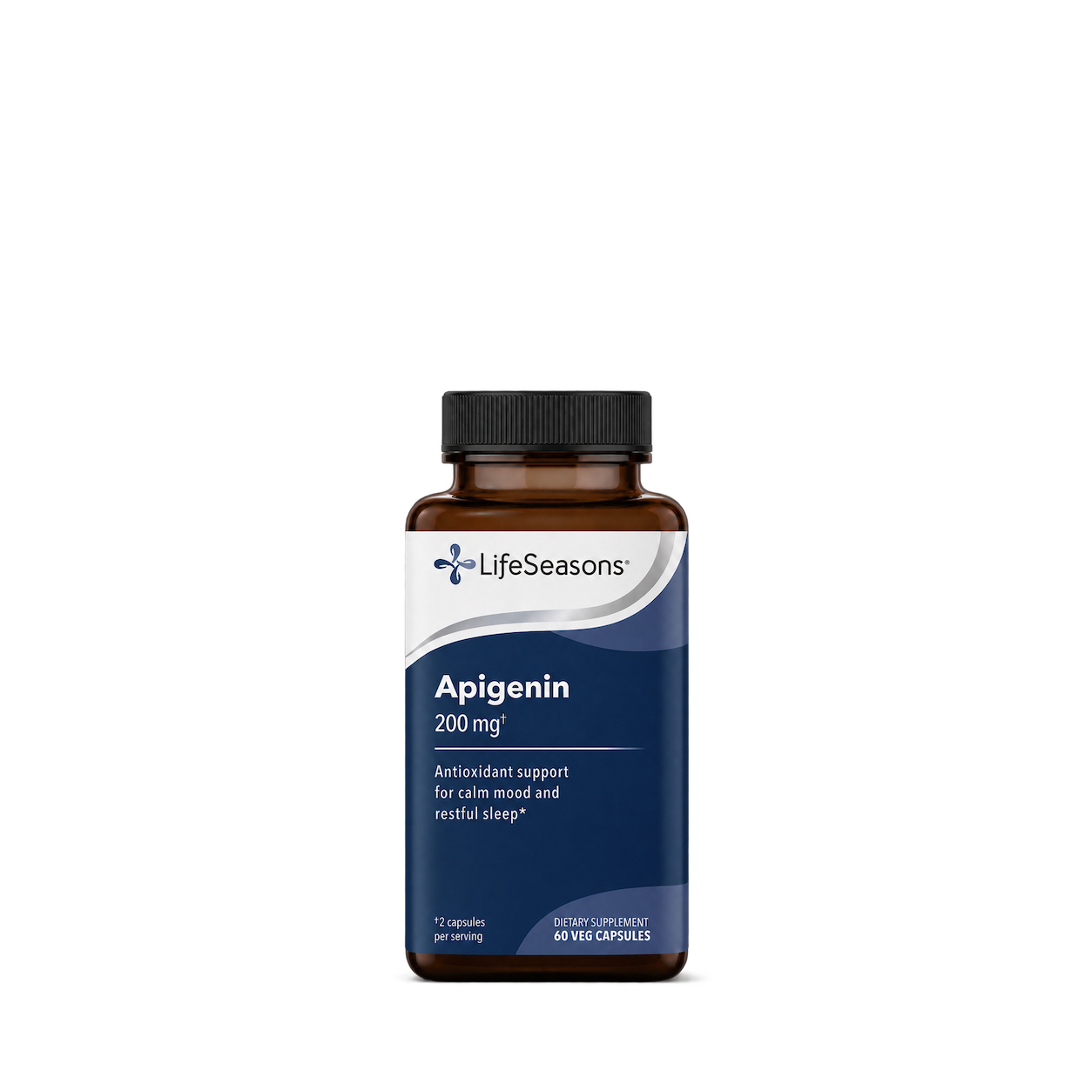
LifeSeasons
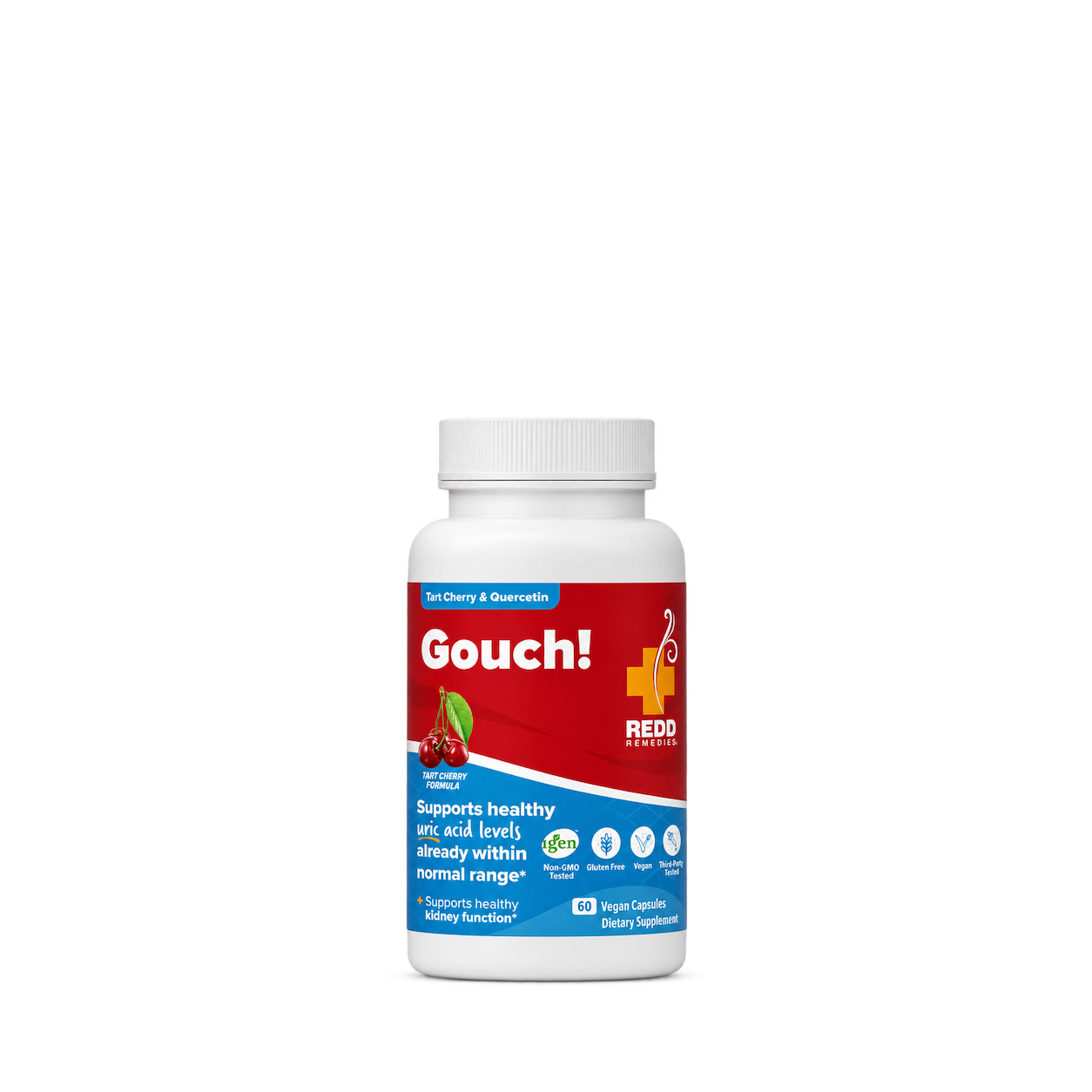
Redd Remedies
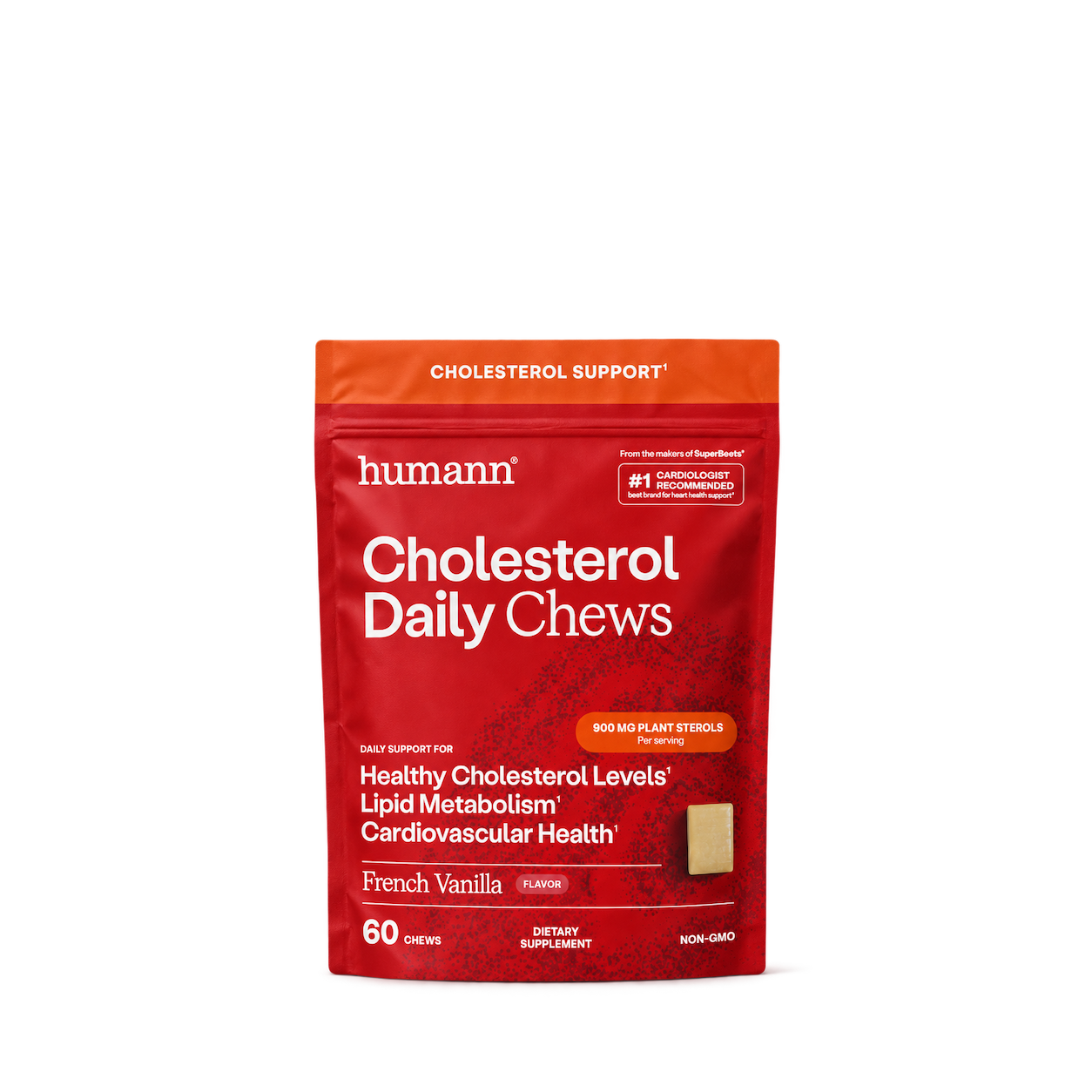
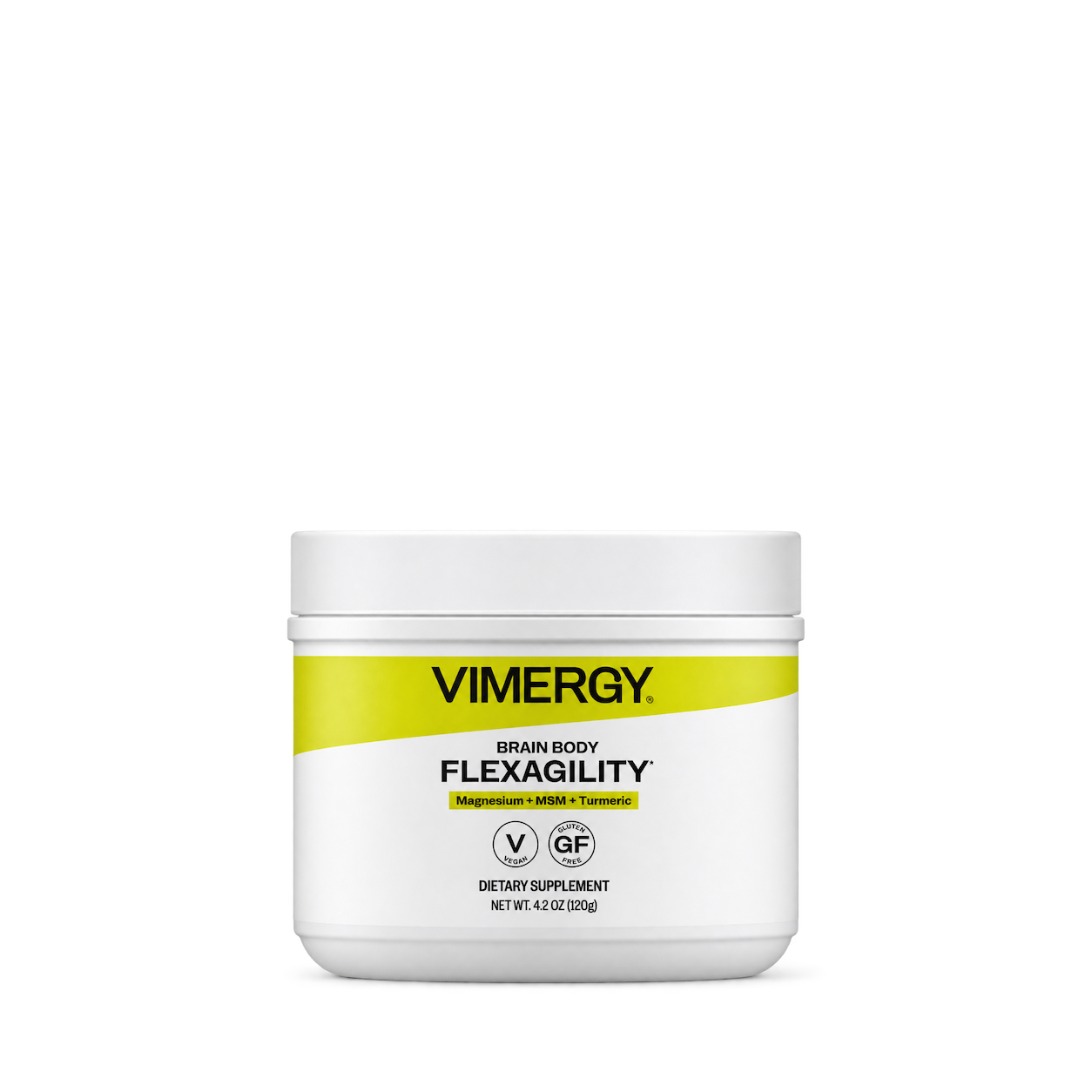
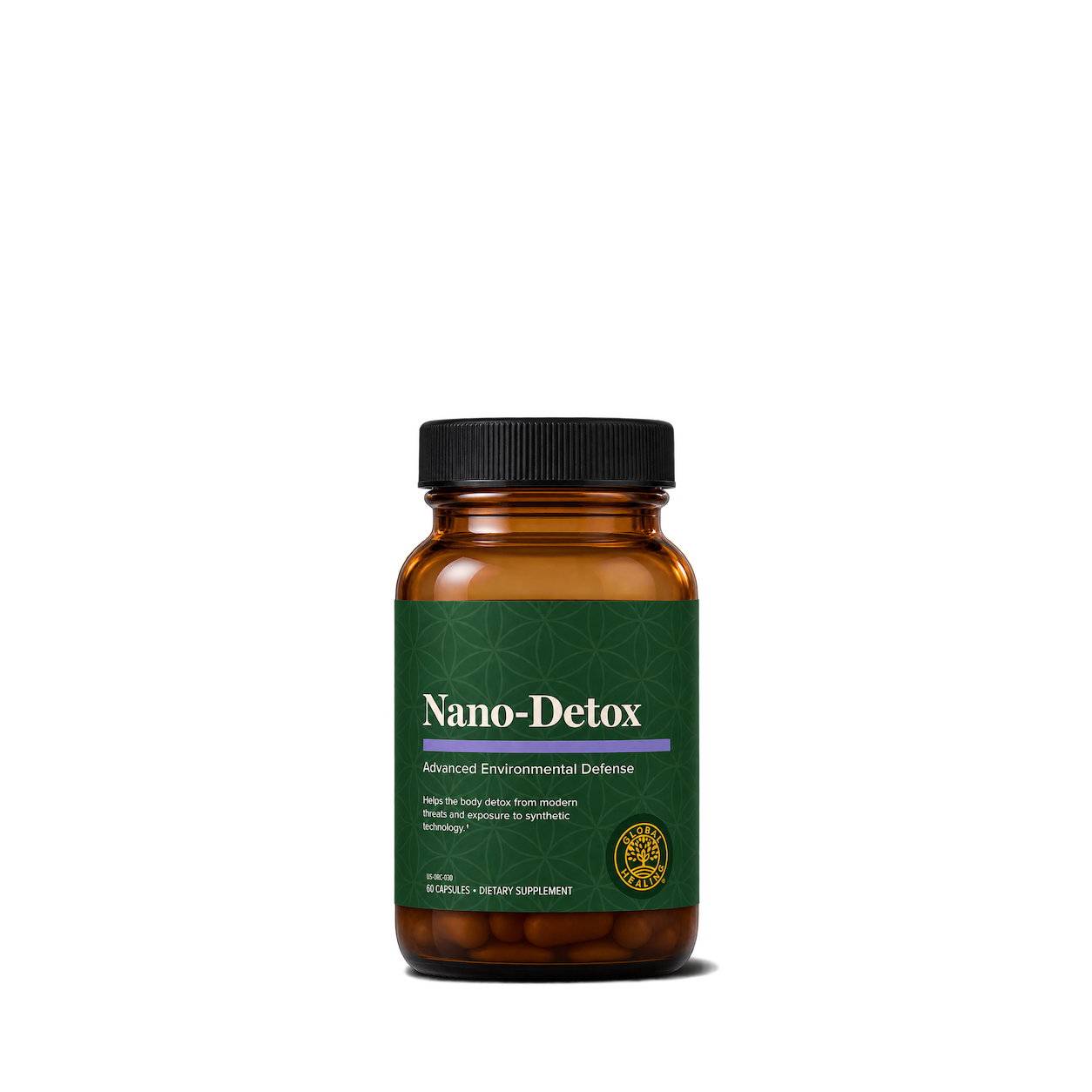
Global Healing
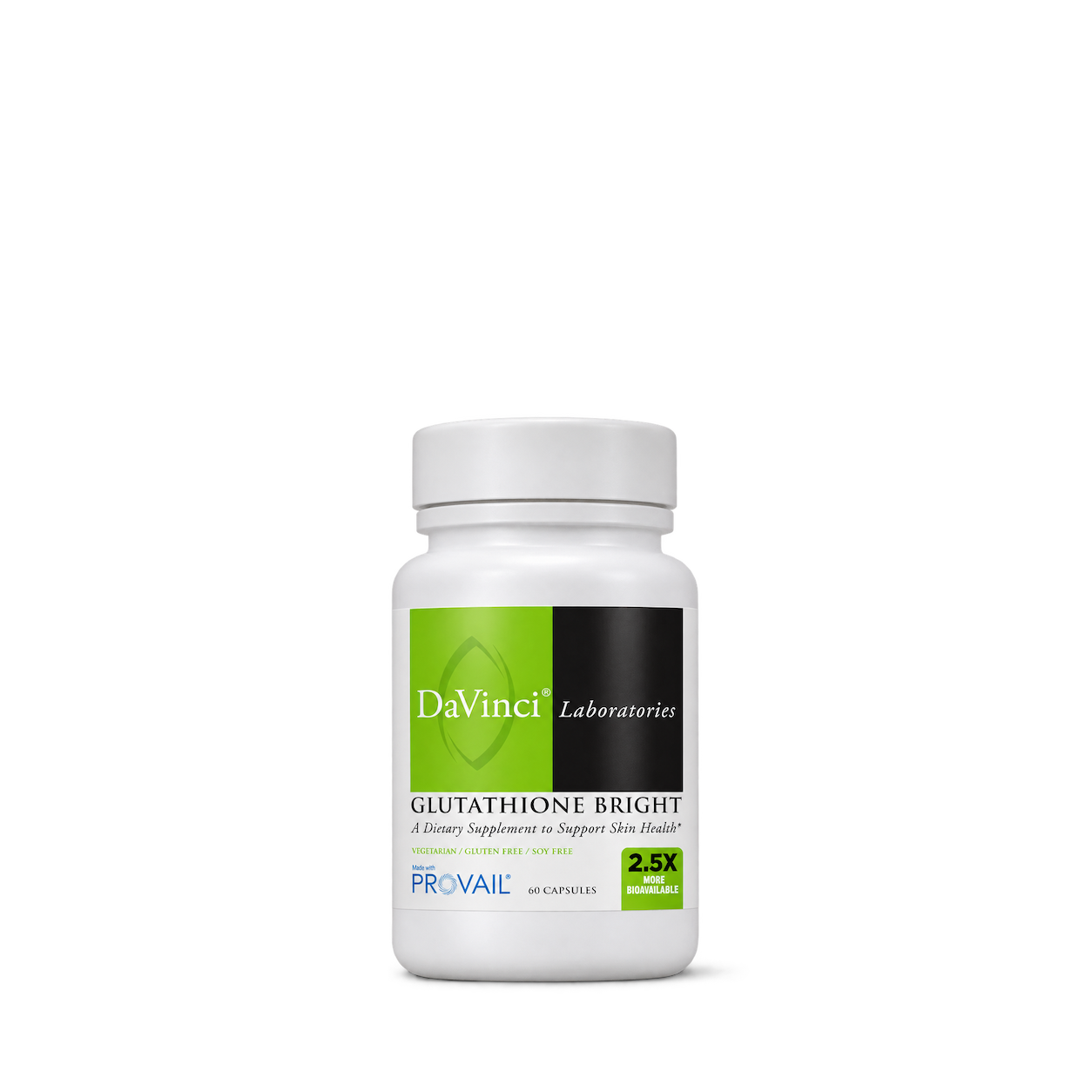
DaVinci Laboratories
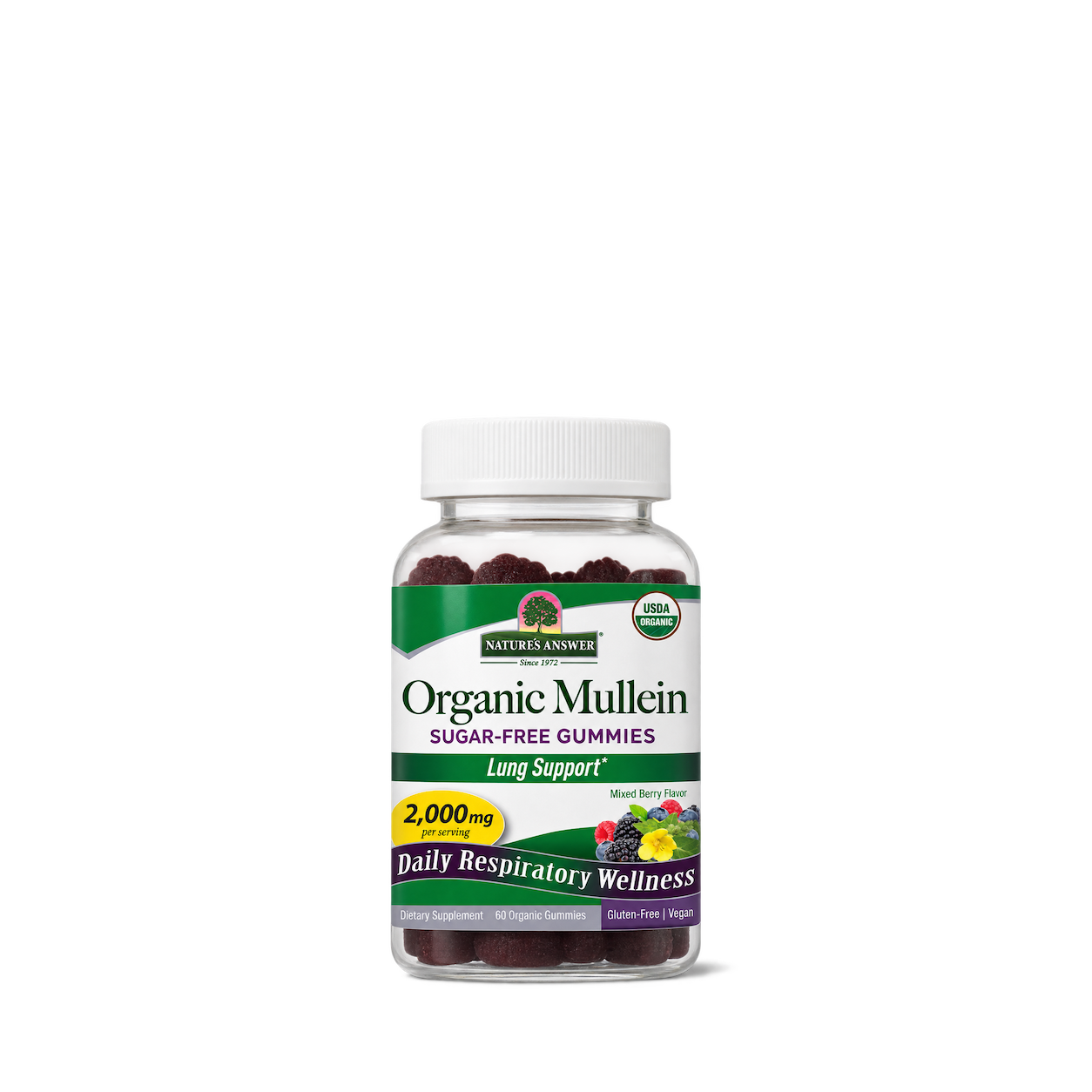
Nature's Answer
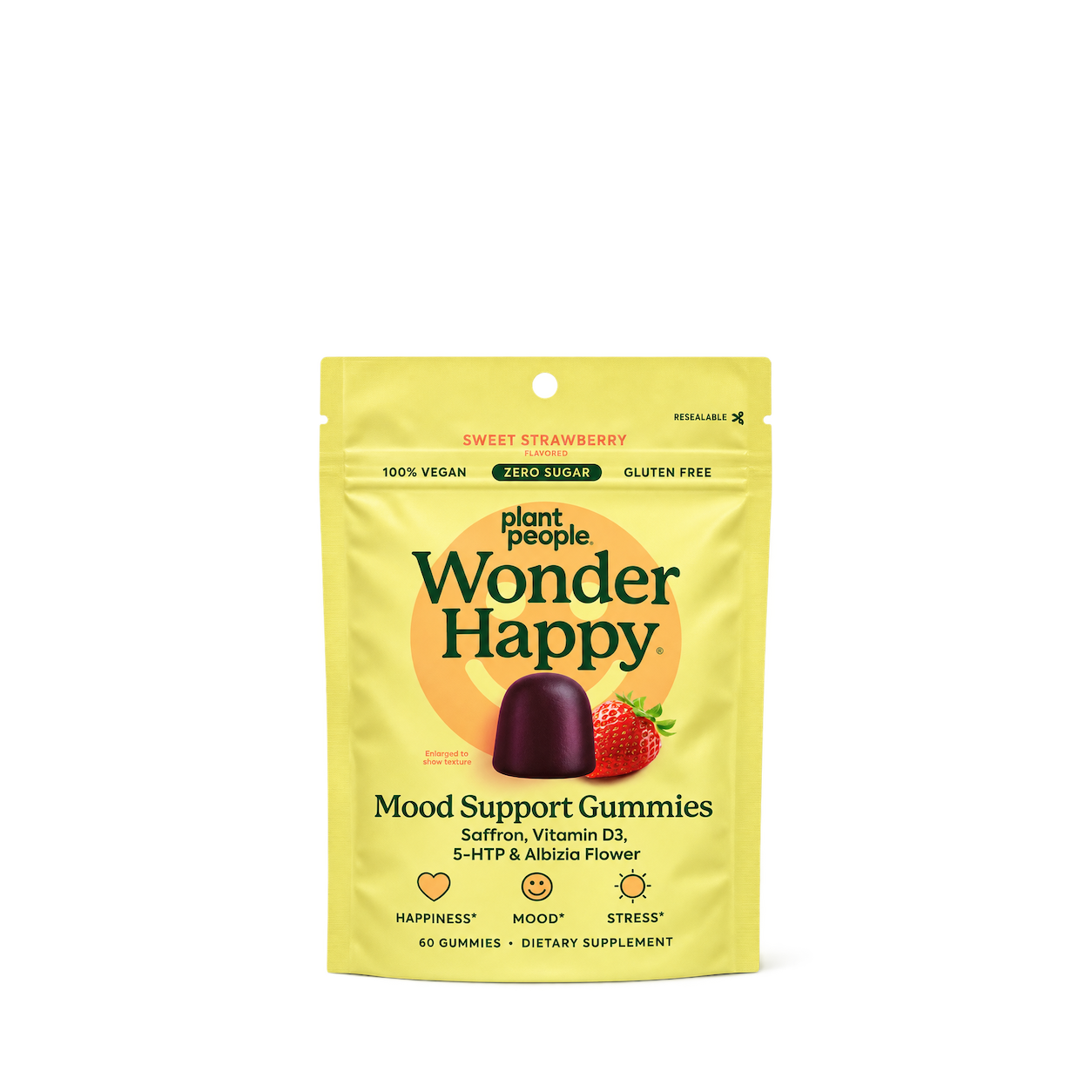
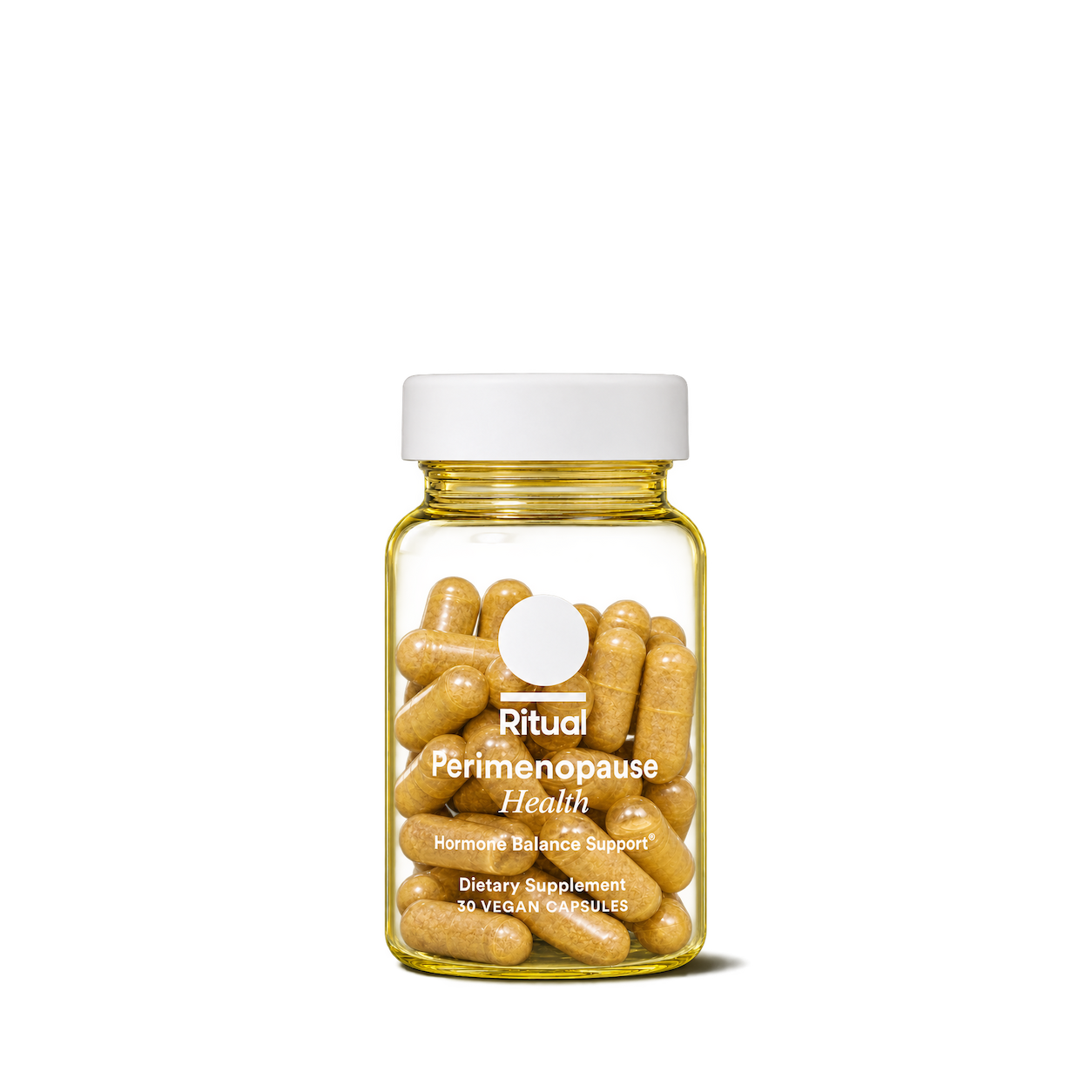
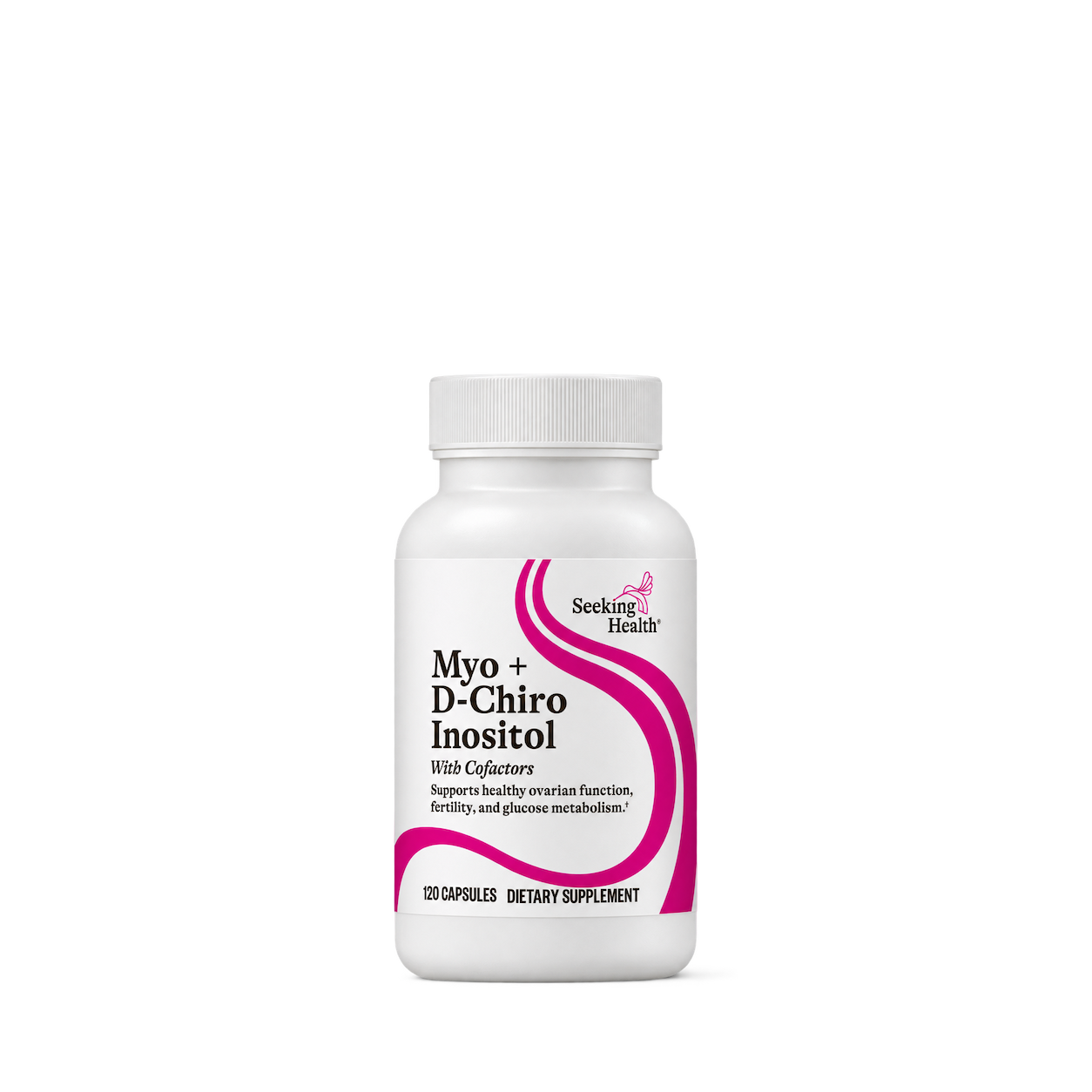
Seeking Health
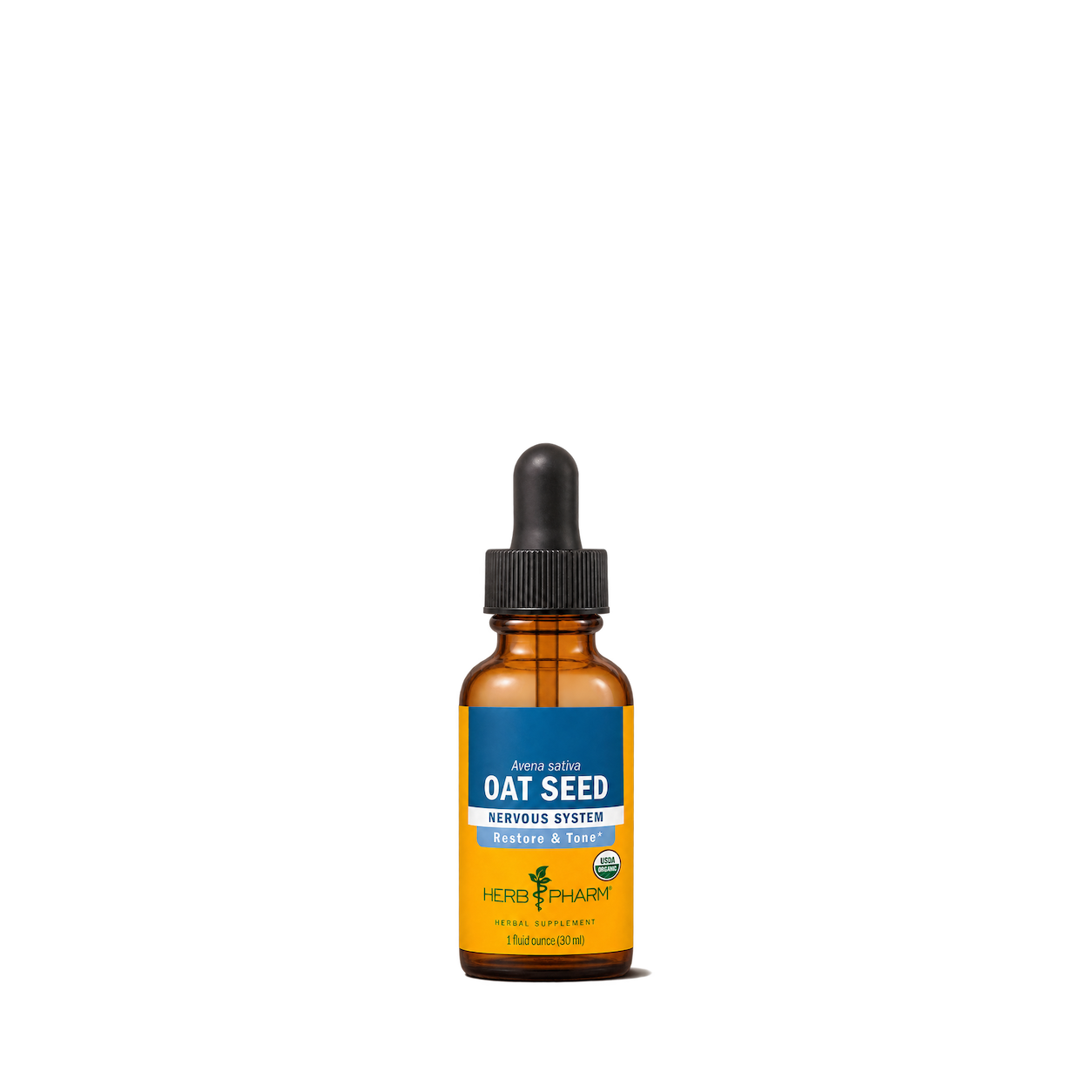
Herb Pharm
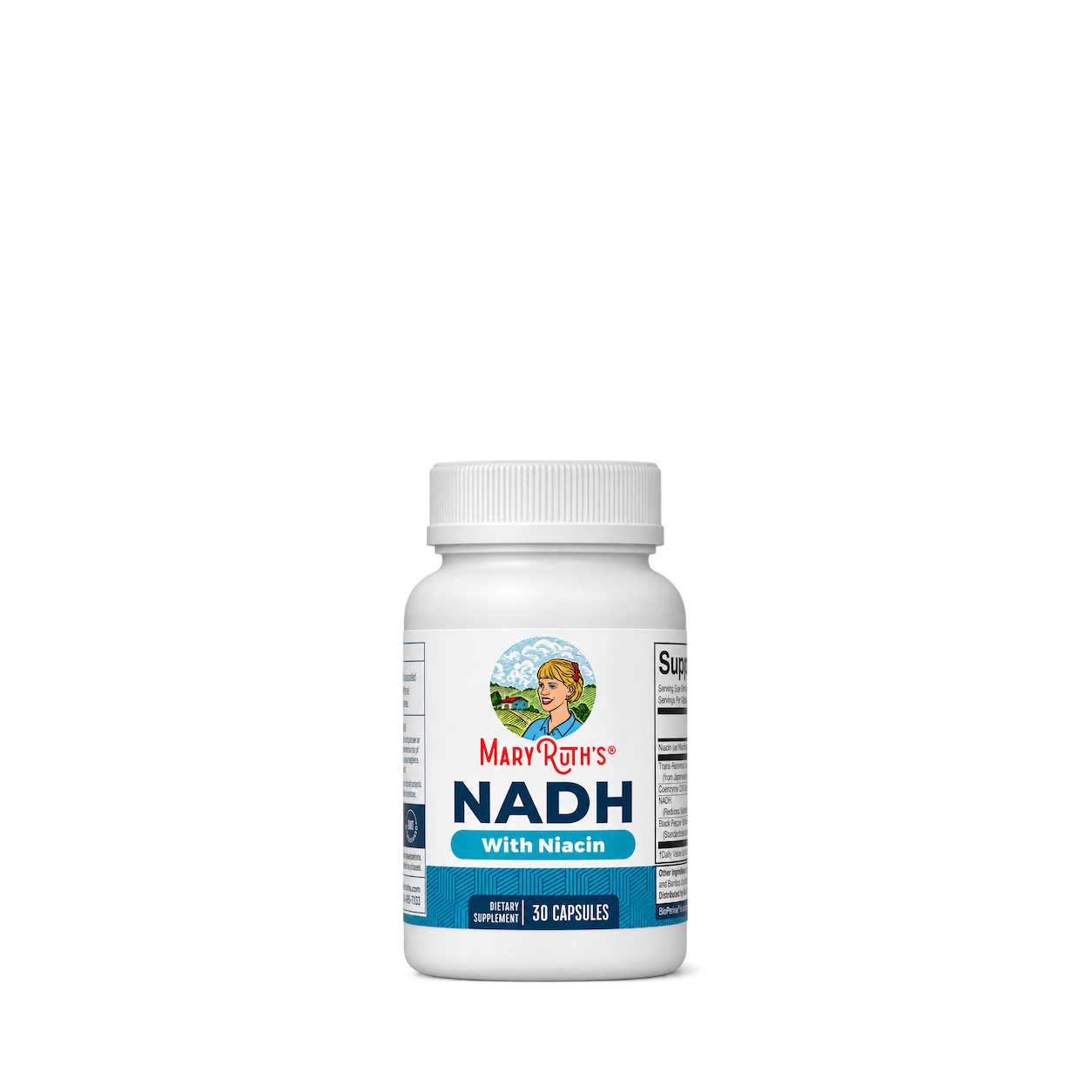
MaryRuth's
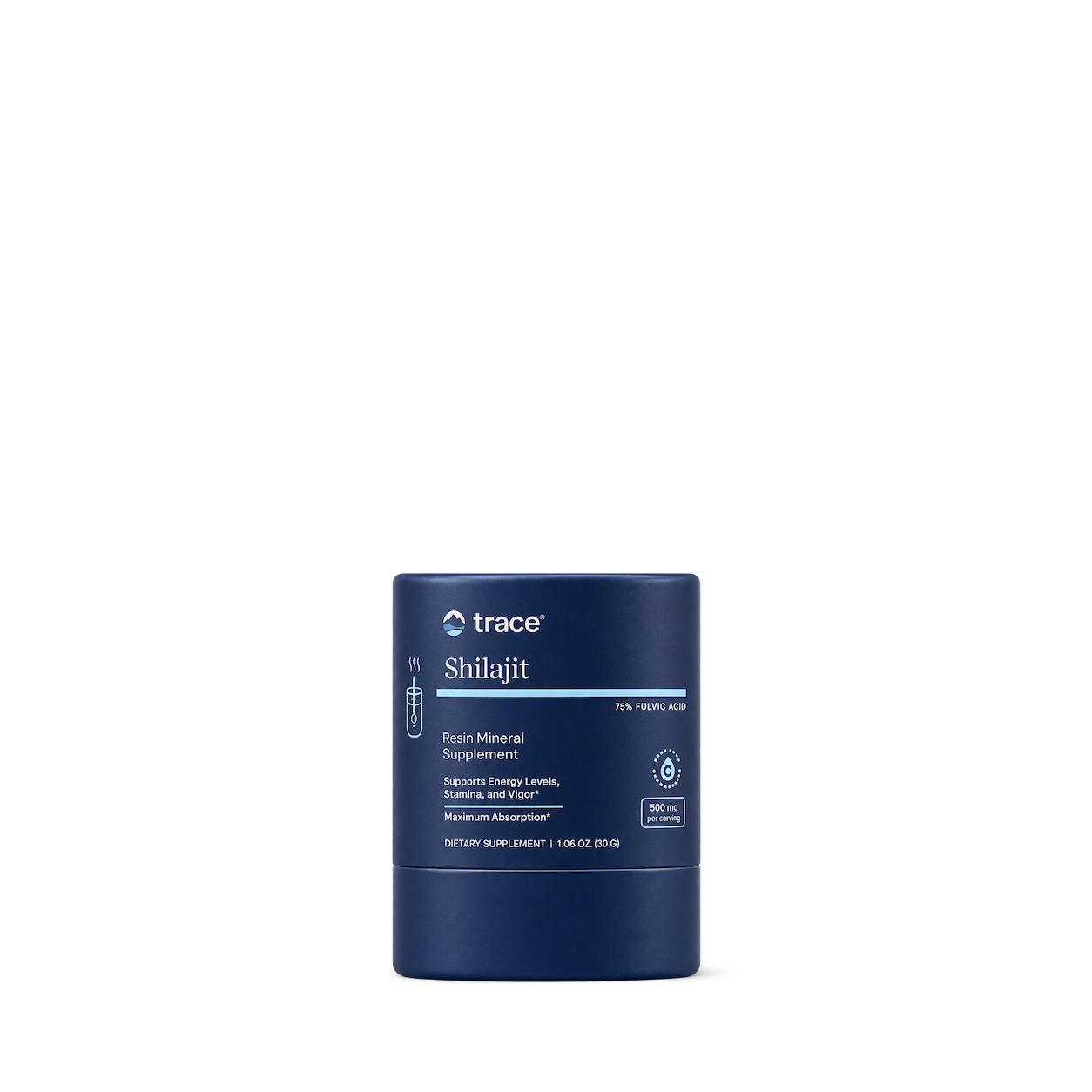
Trace Minerals
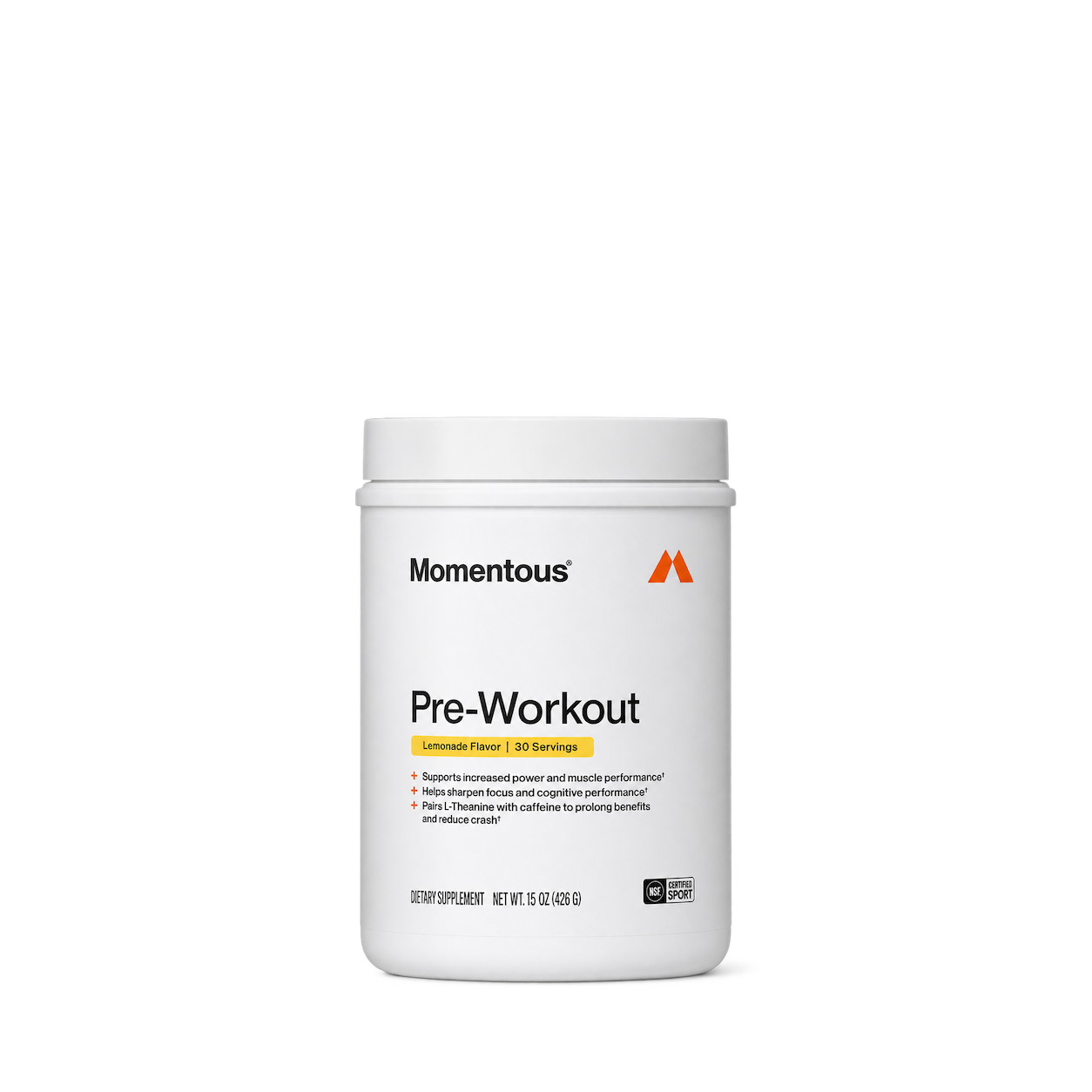
Momentous
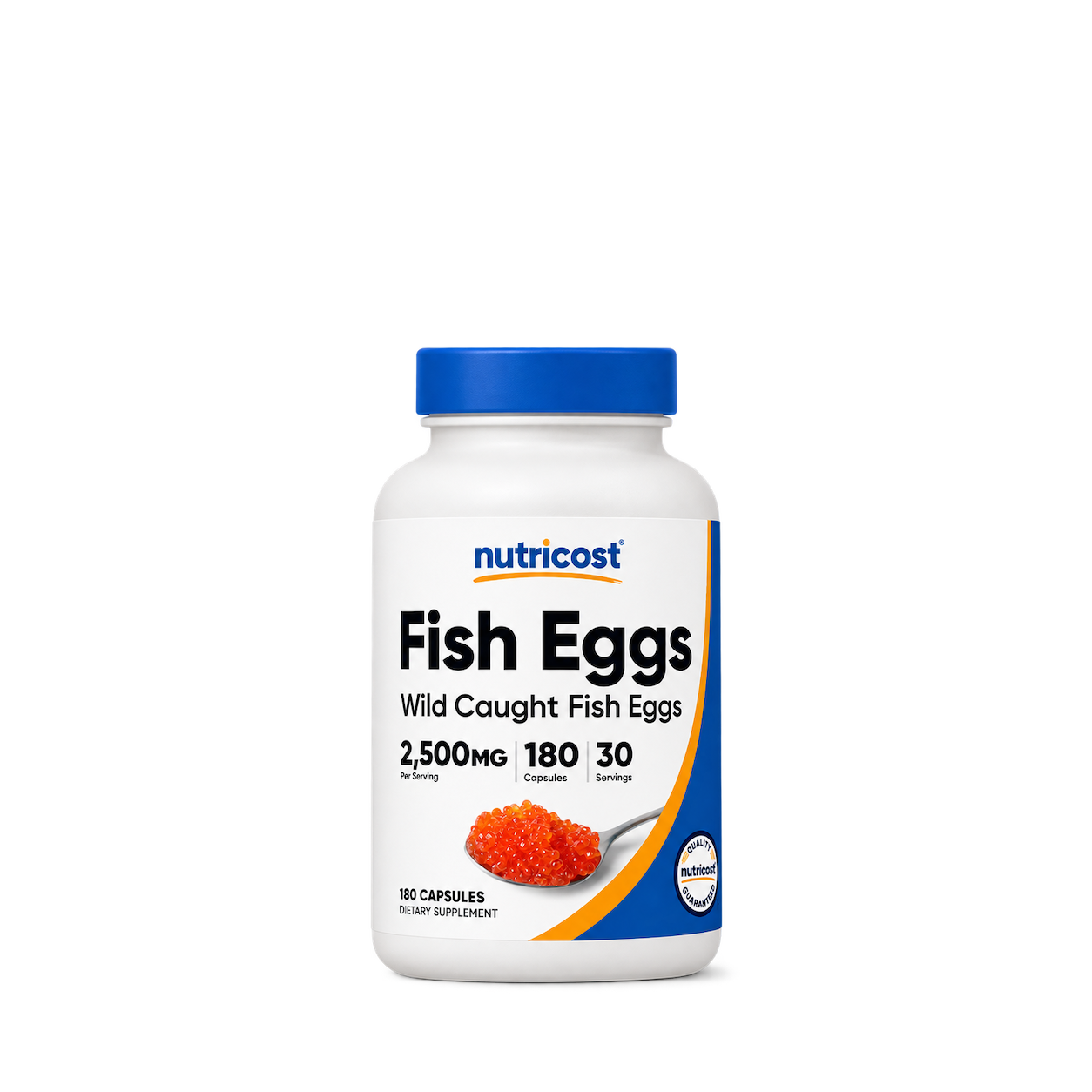
Nutricost
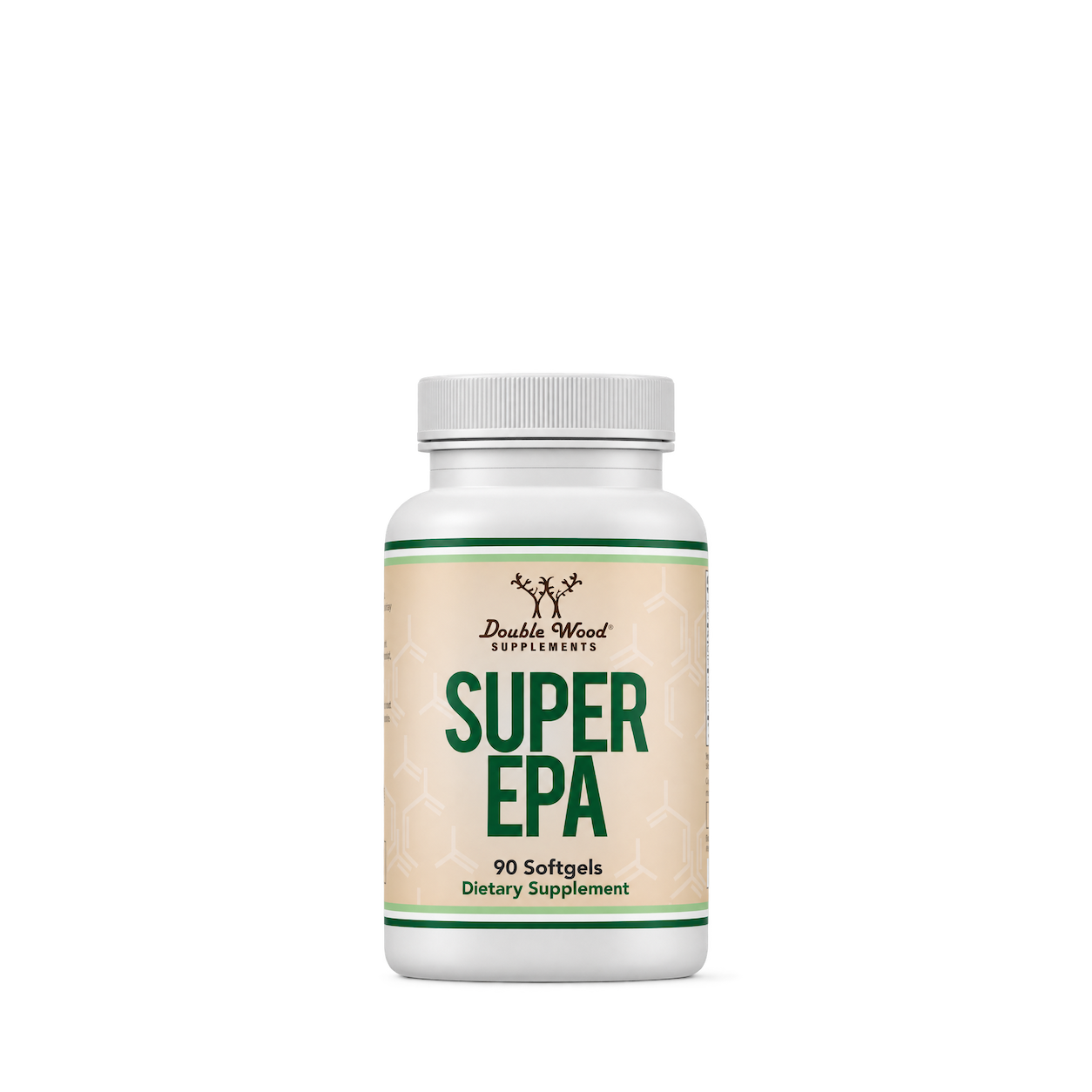
Double Wood
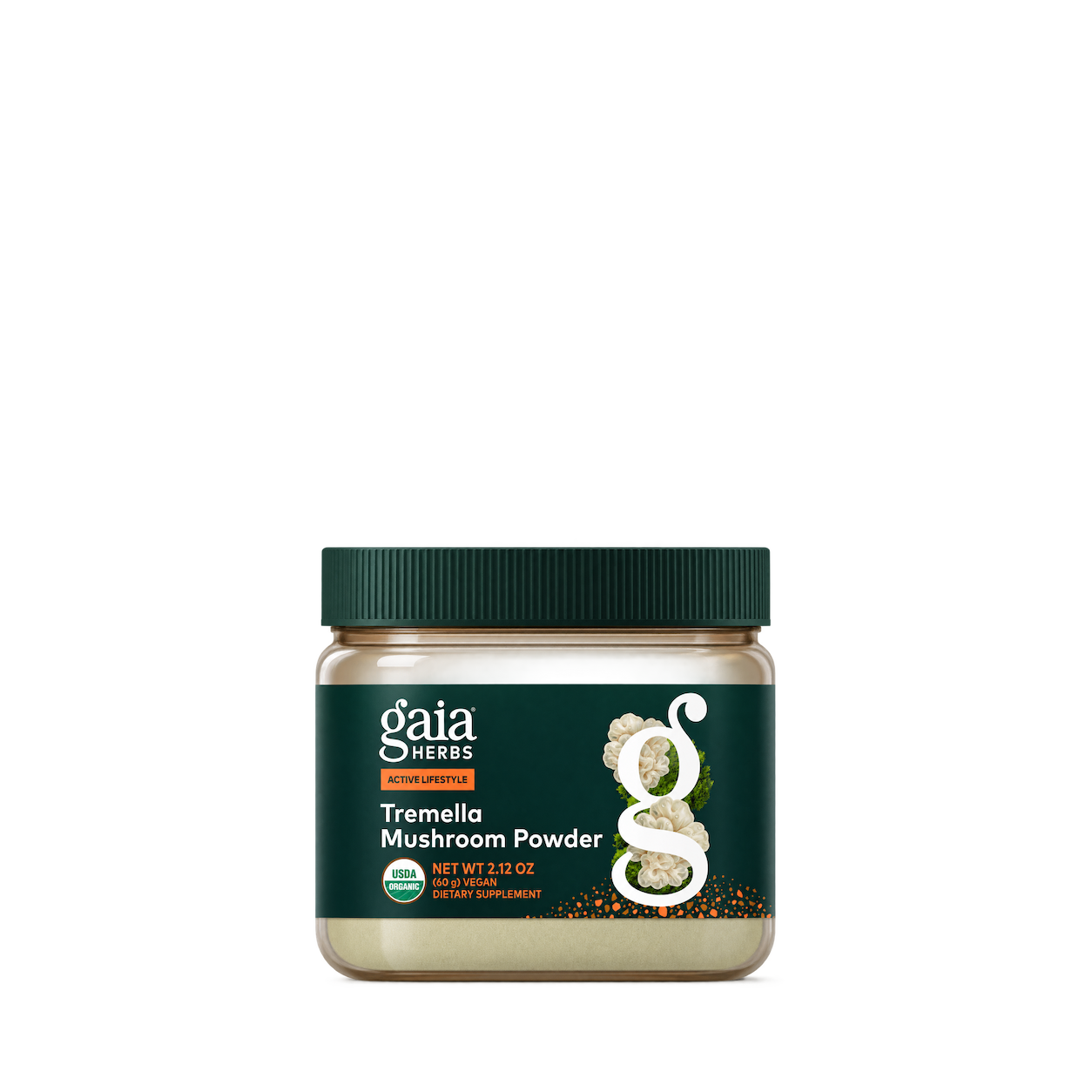
Gaia Herbs
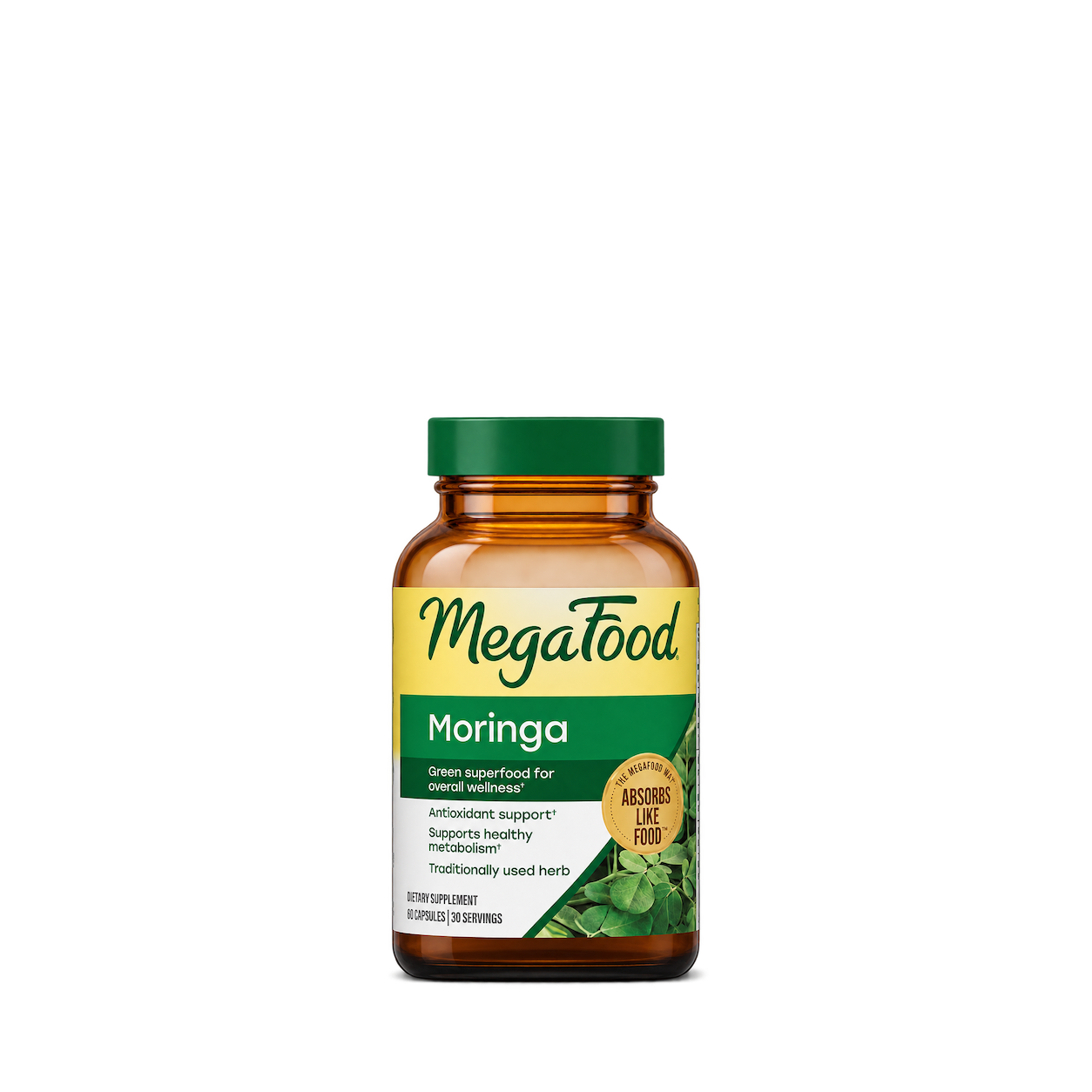
MegaFood
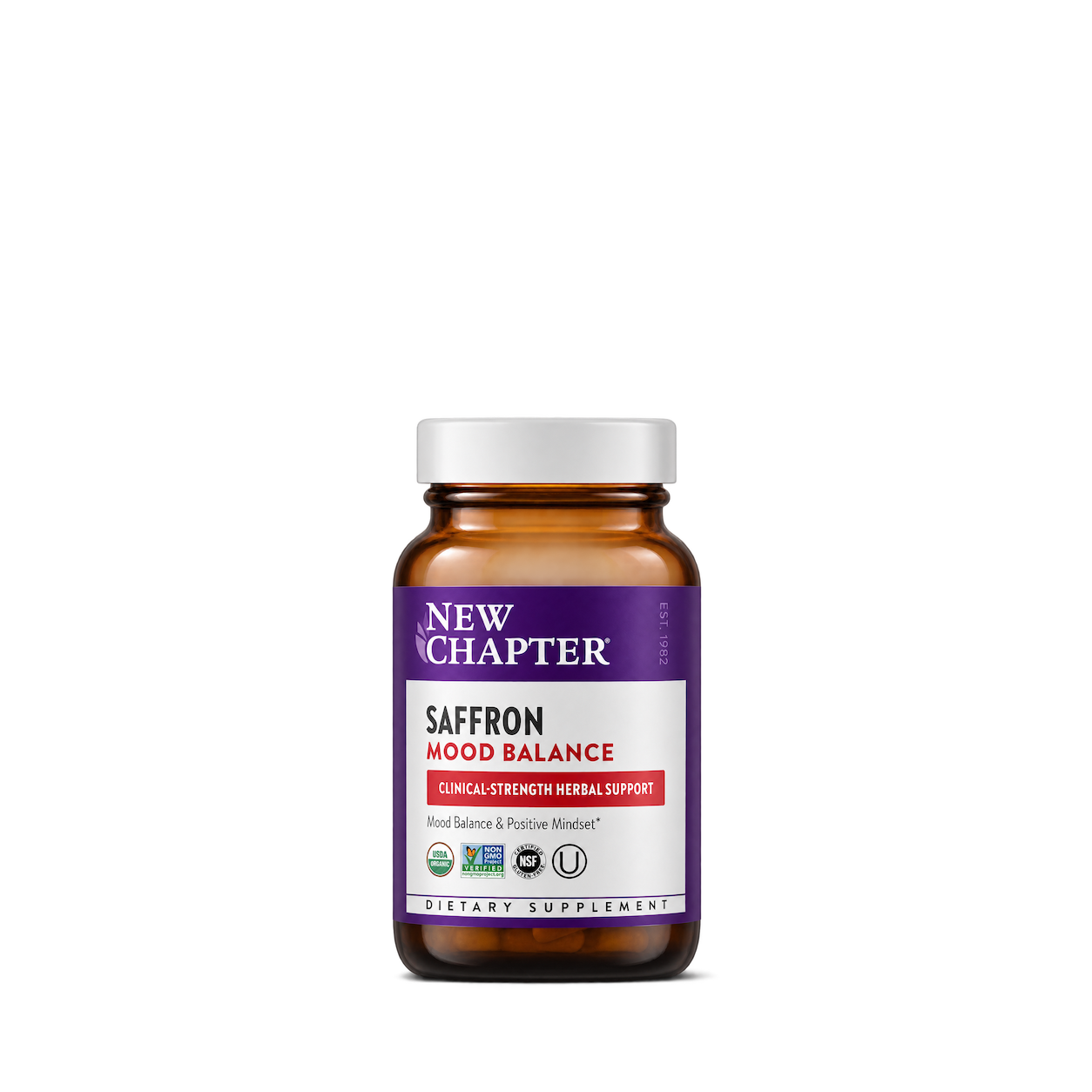
New Chapter
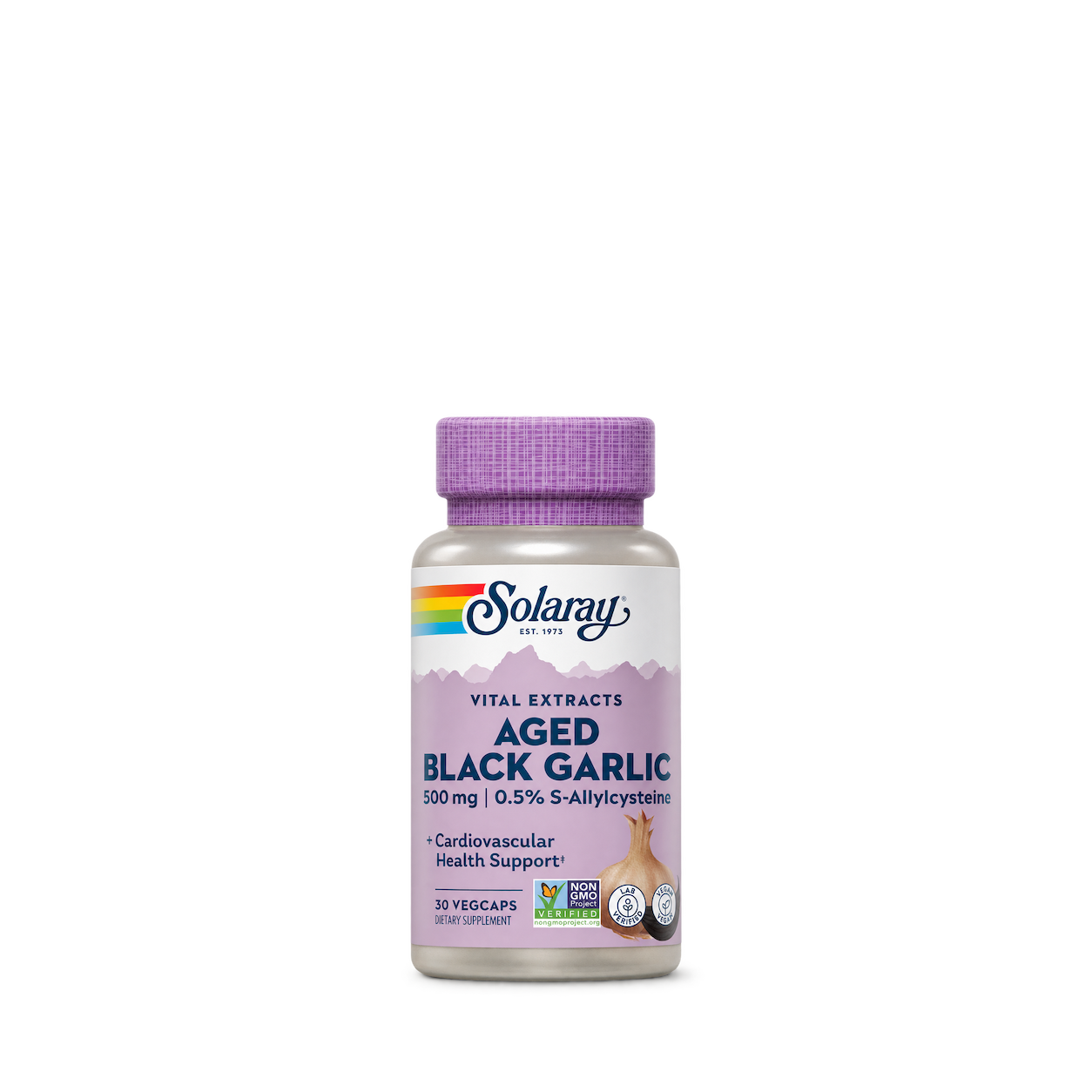
Solaray
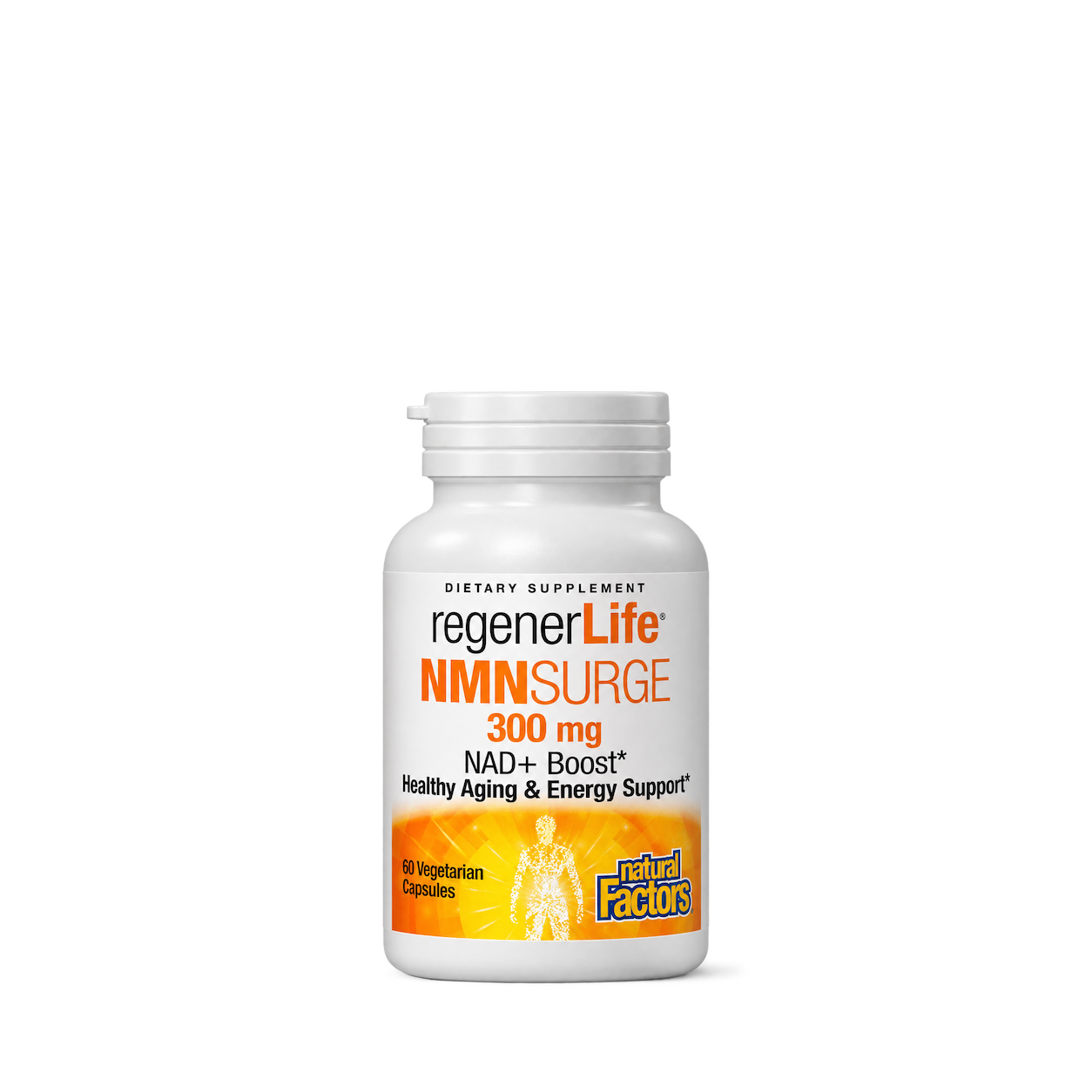
Natural Factors
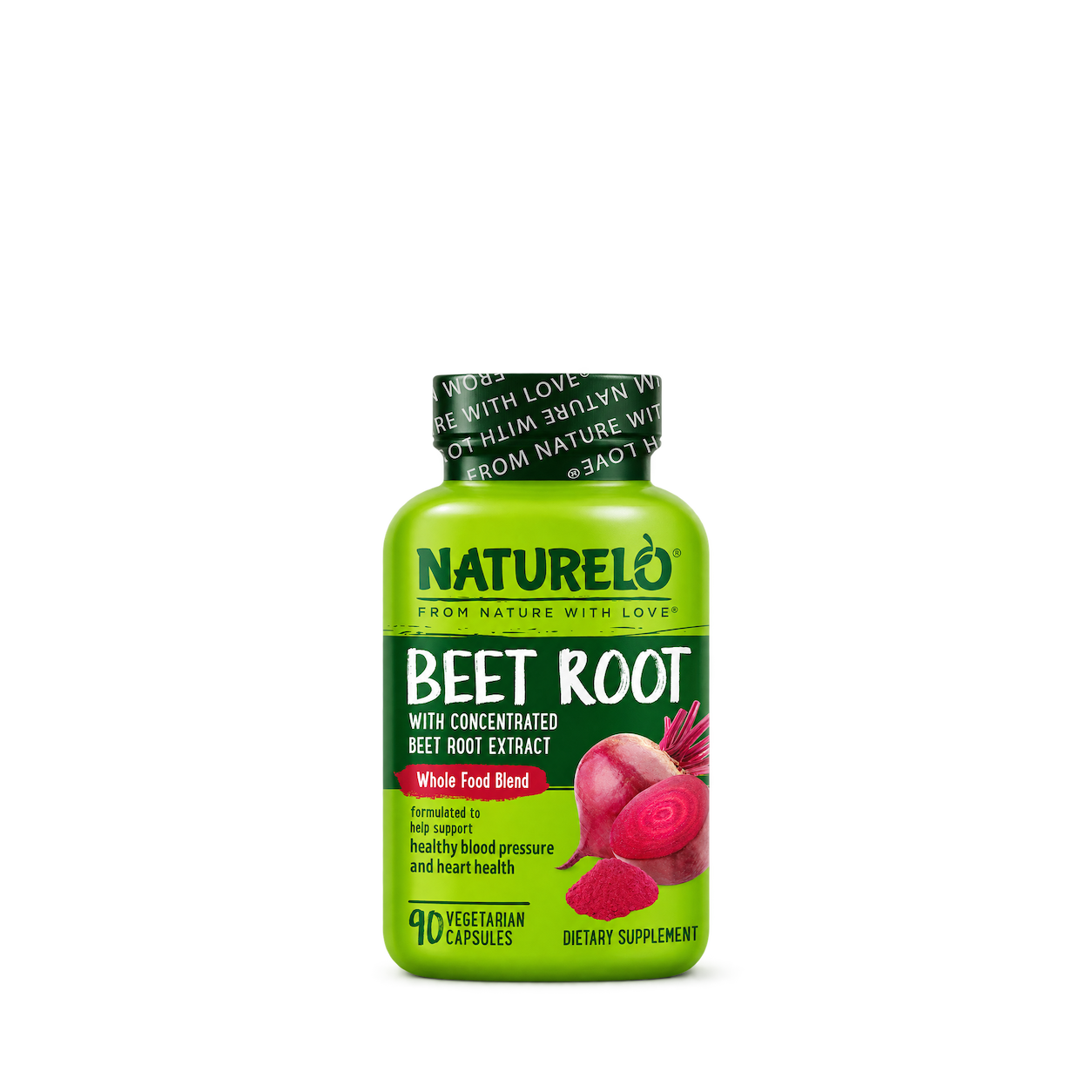
NATURELO
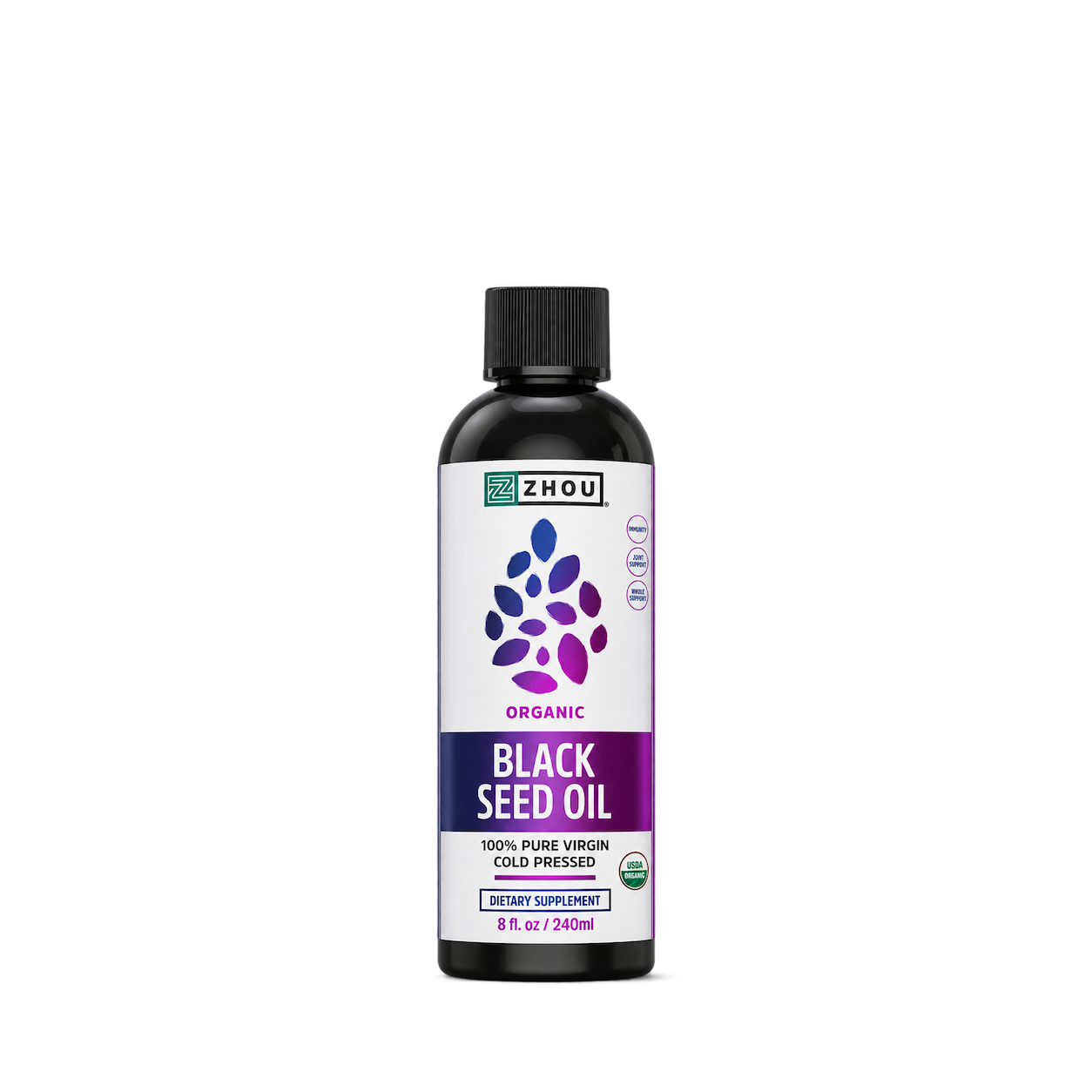
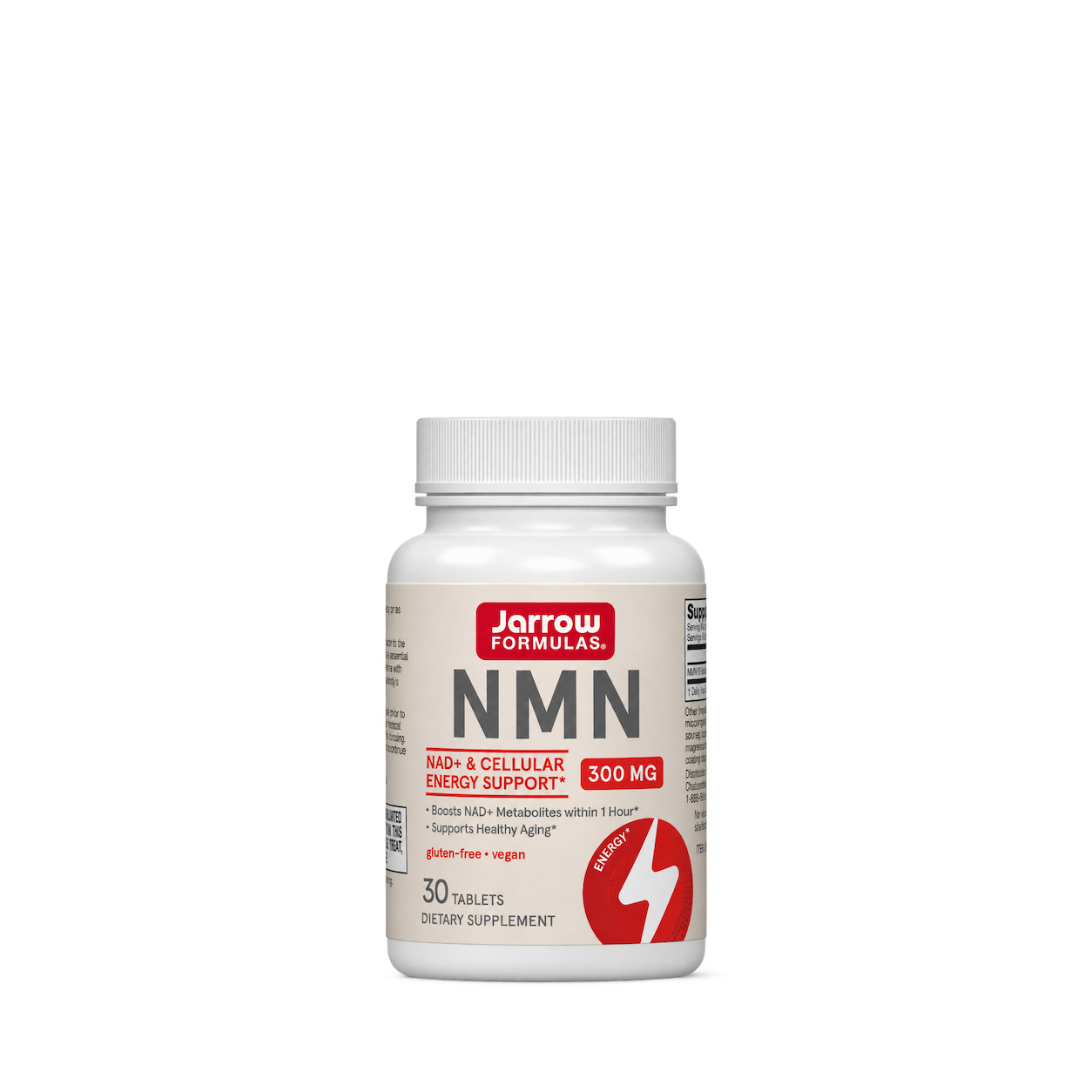
Jarrow Formulas
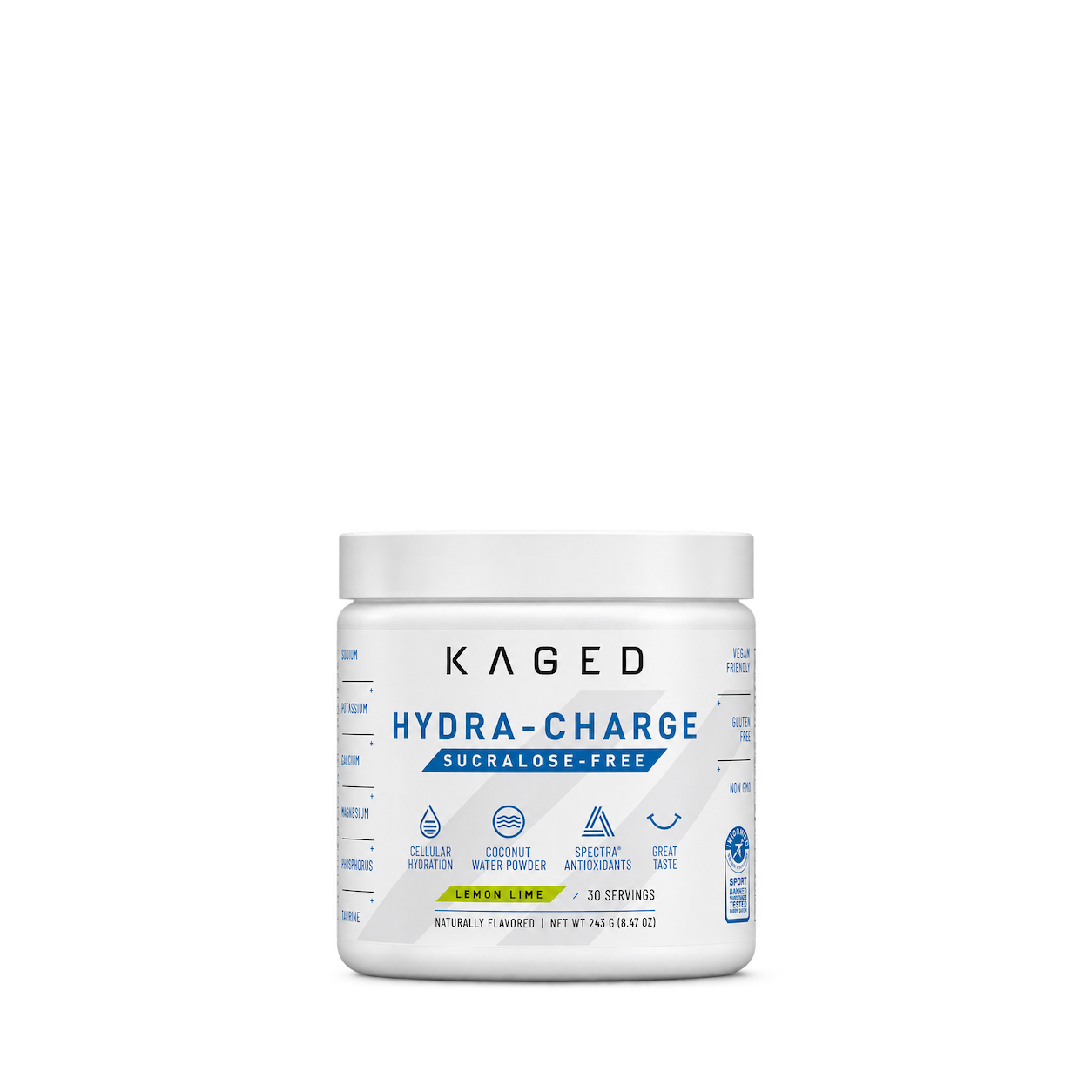
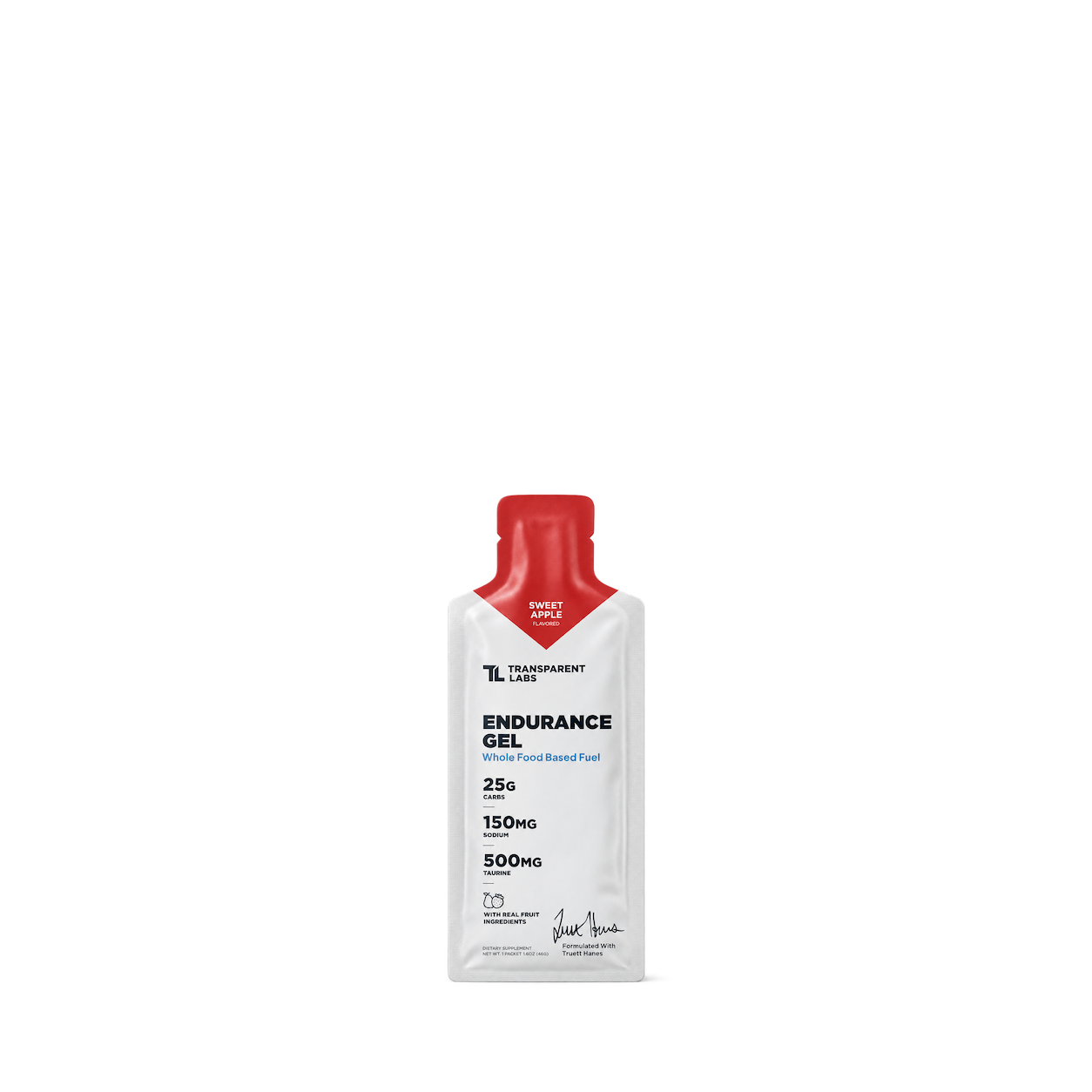
Transparent Labs
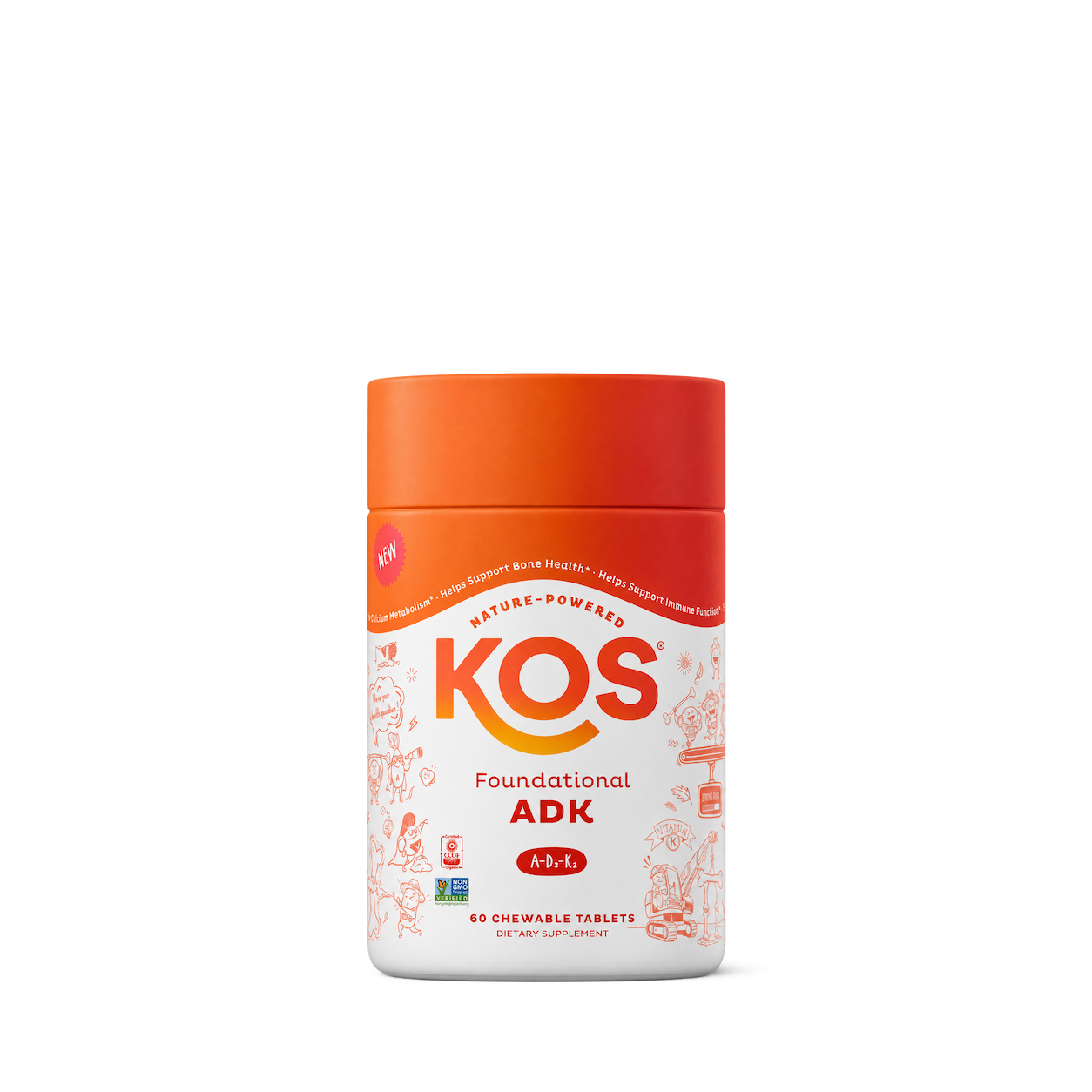
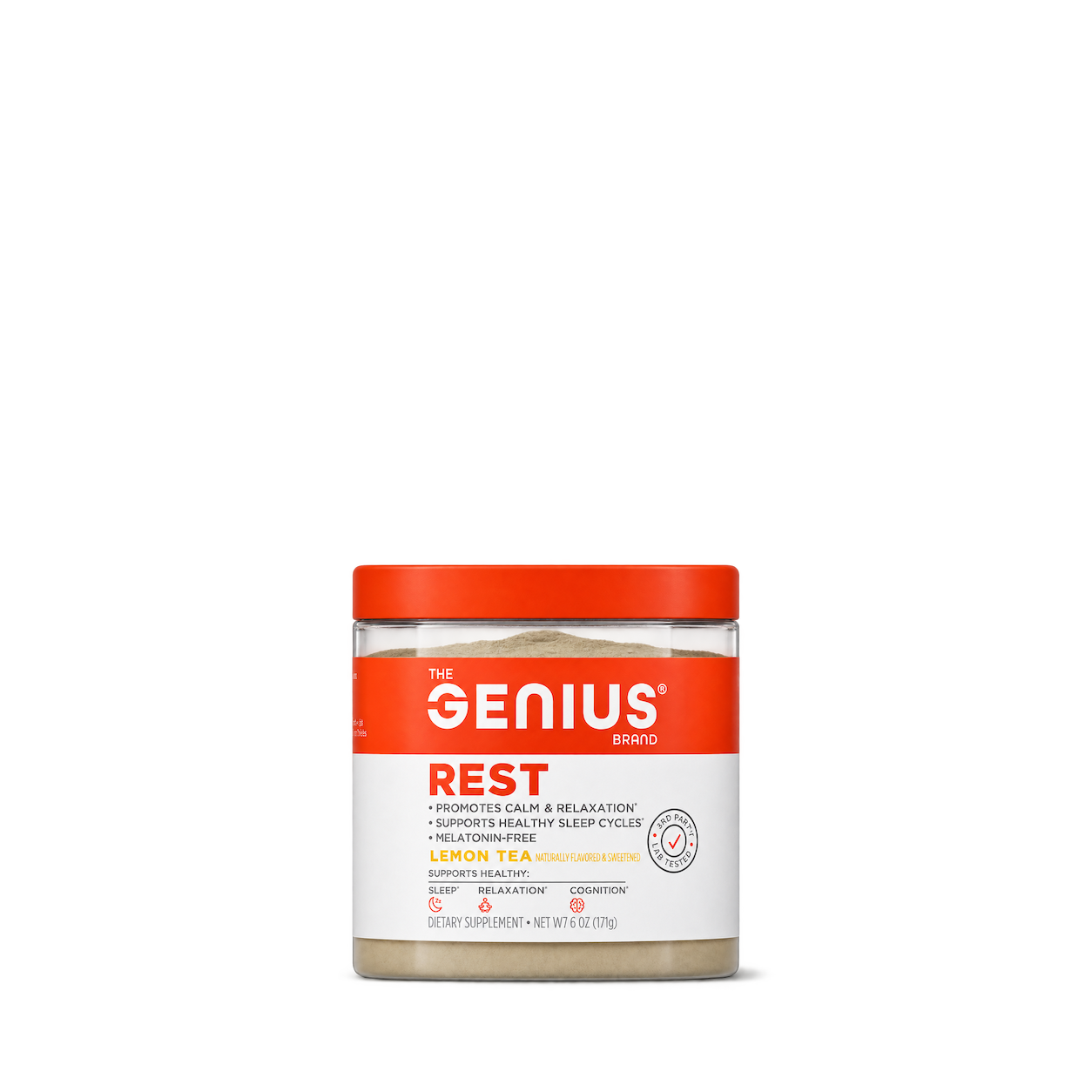
The Genius Brand
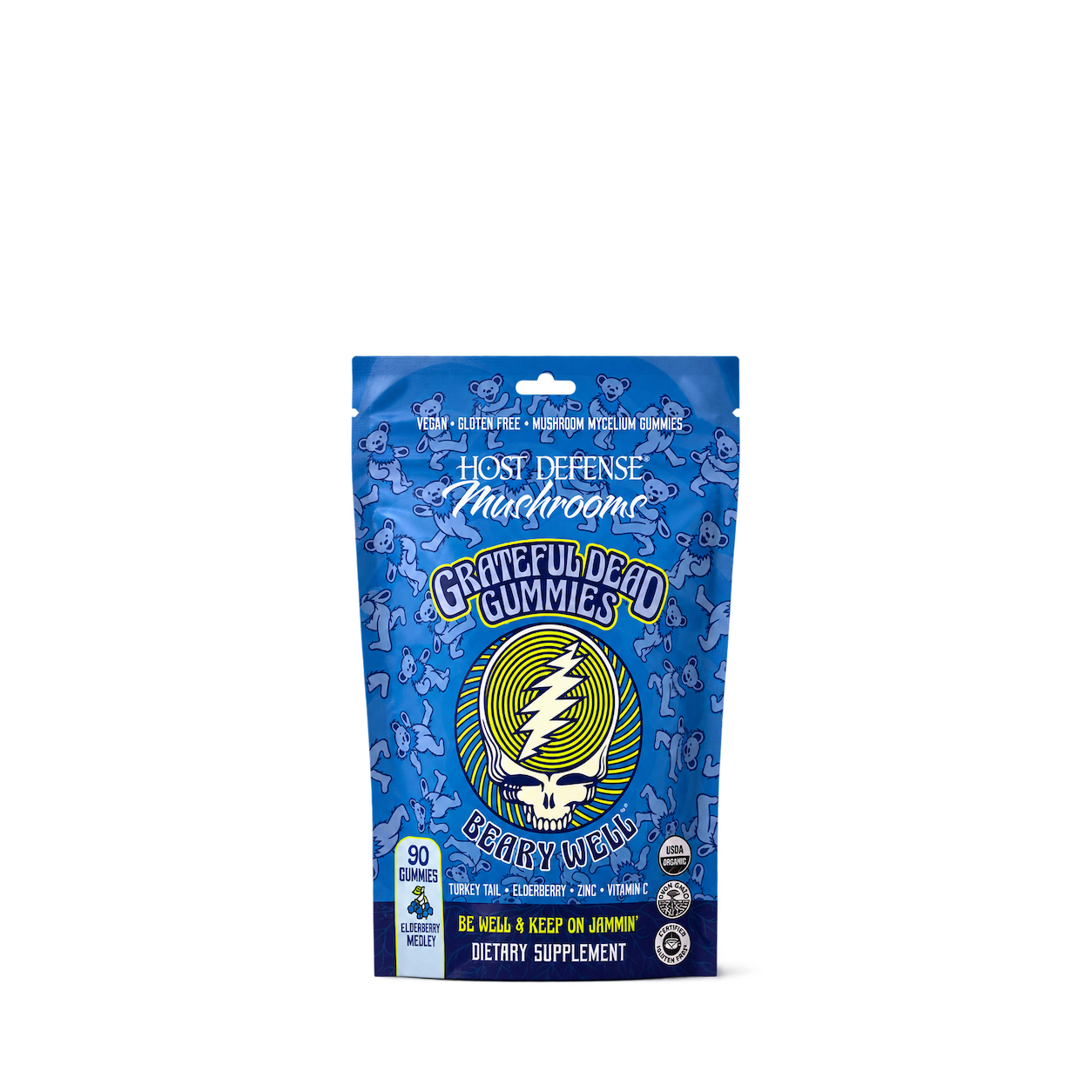
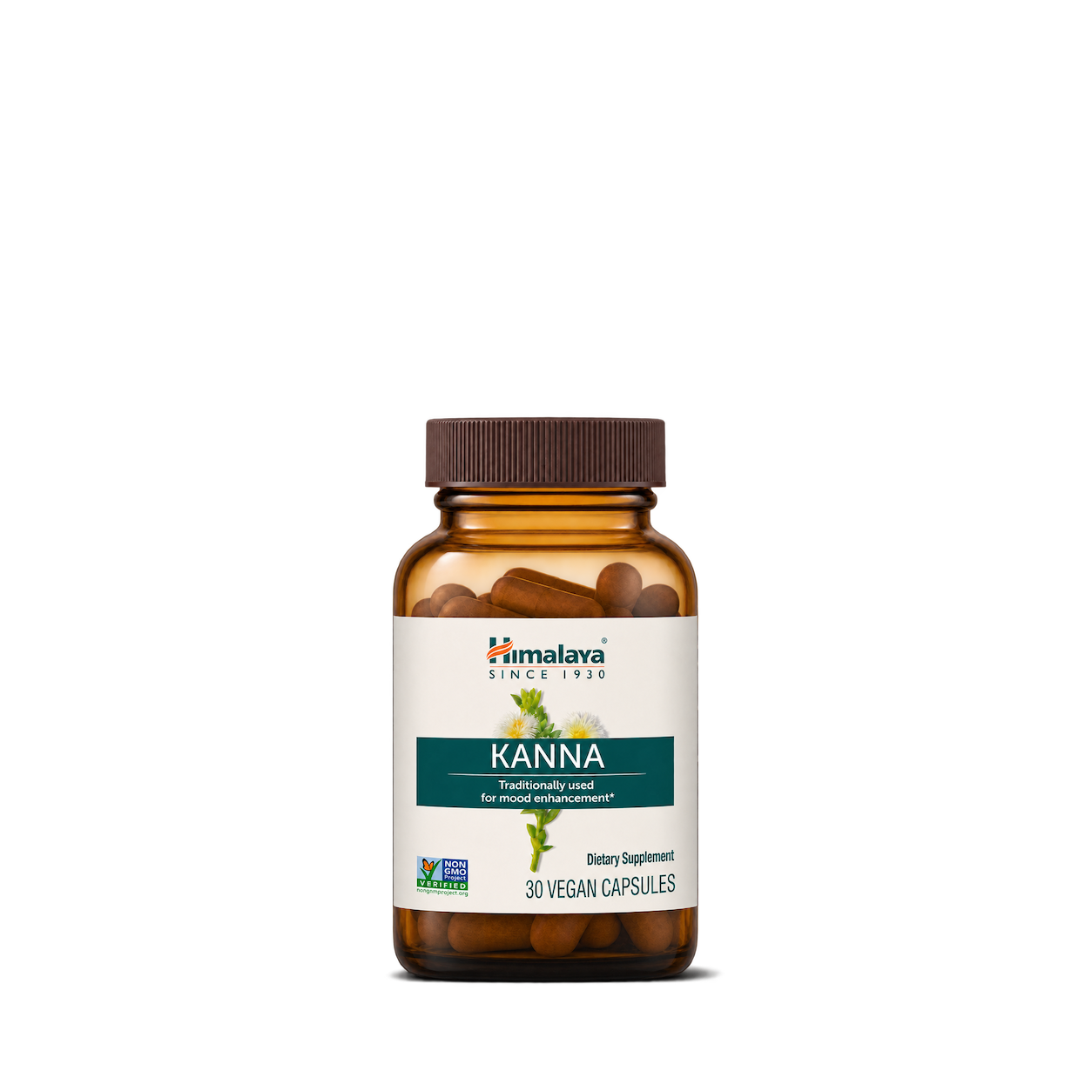
Himalaya

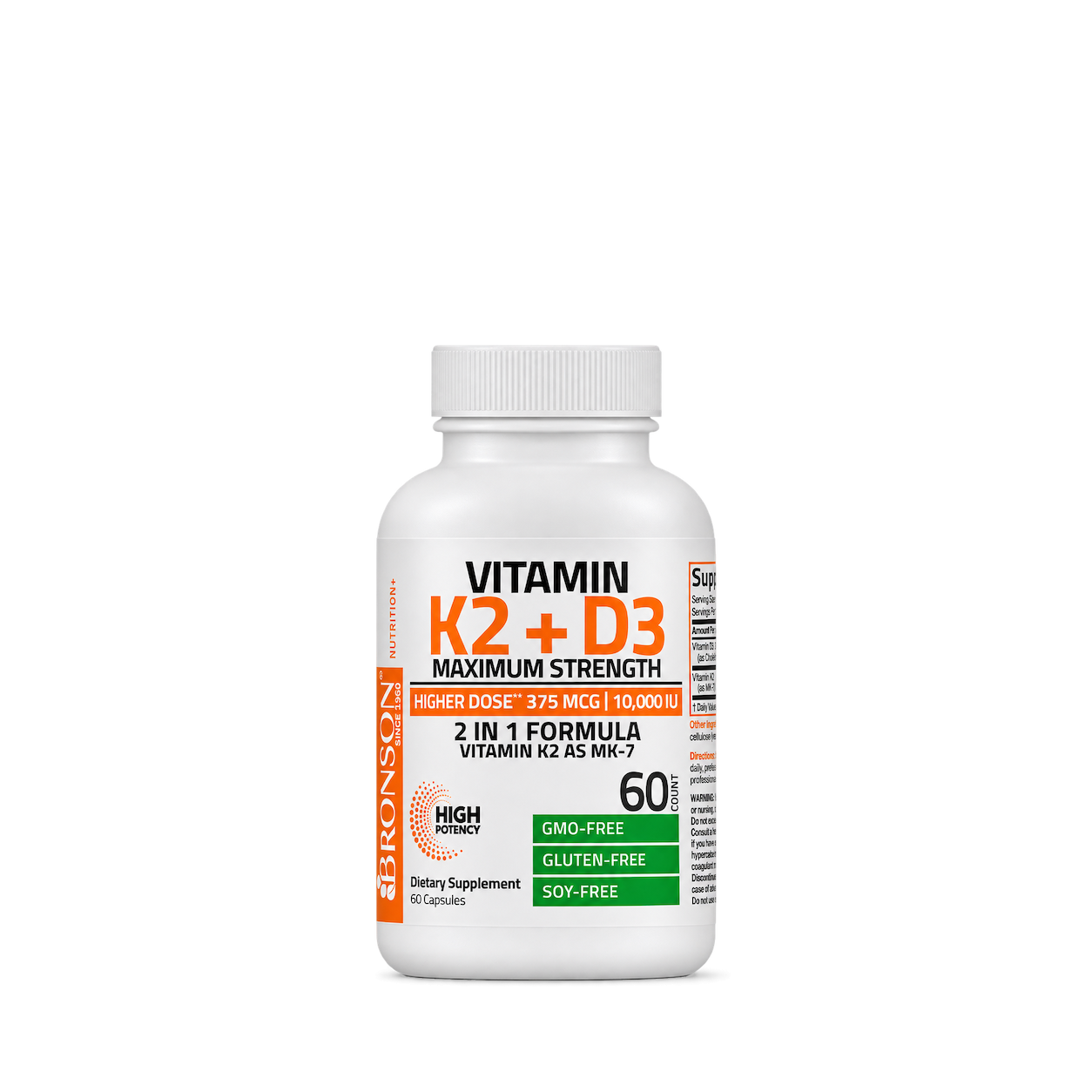
Bronson
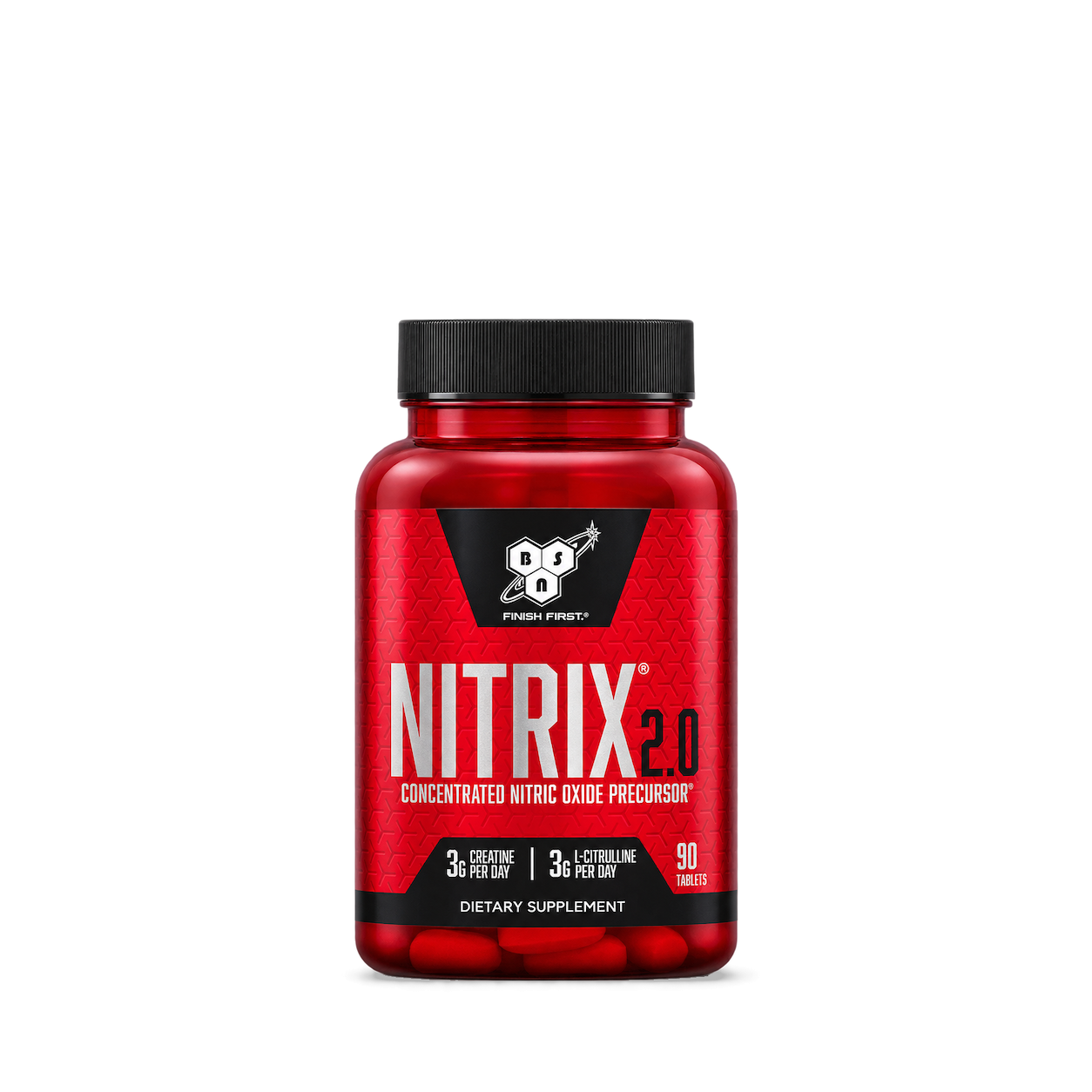
BSN
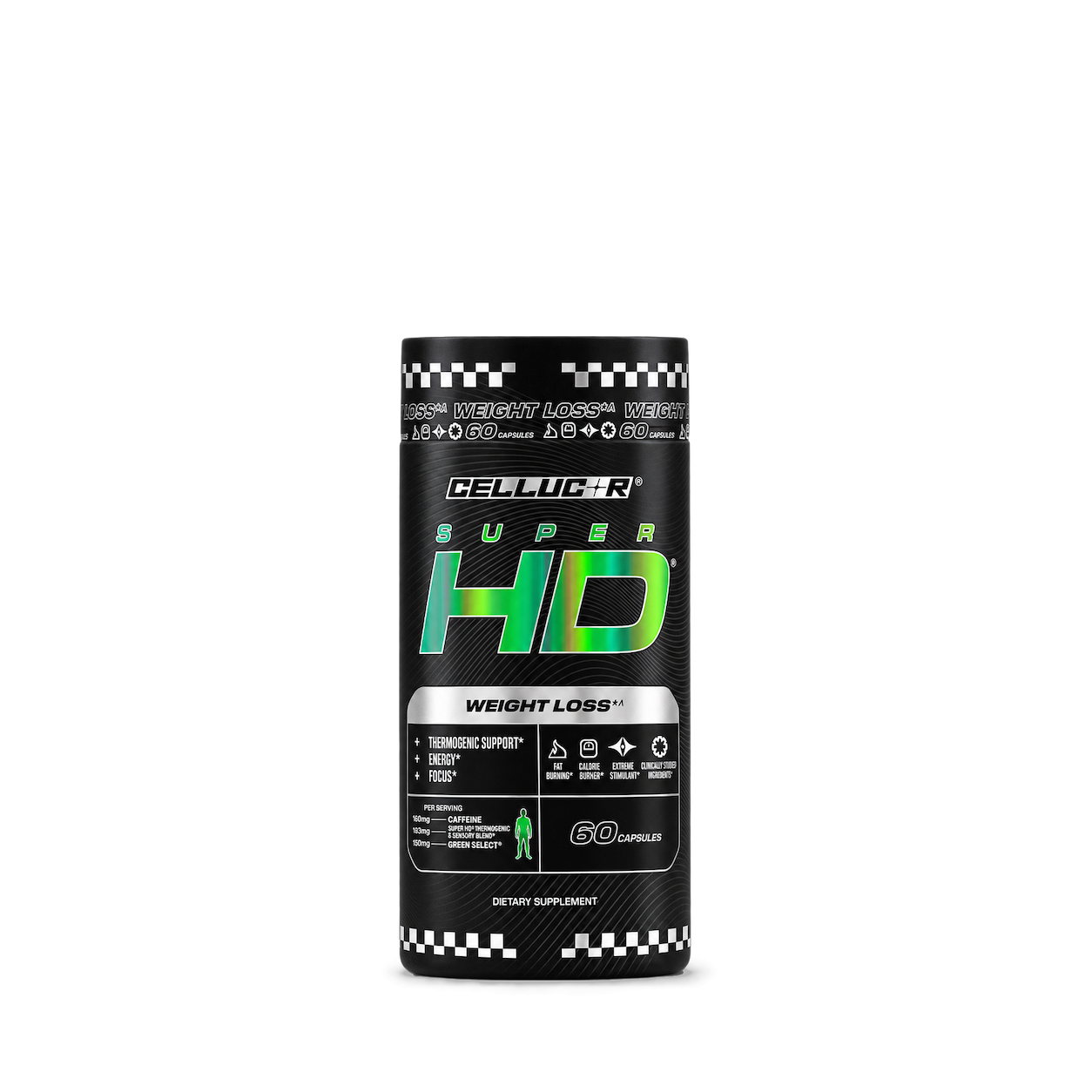
Cellucor
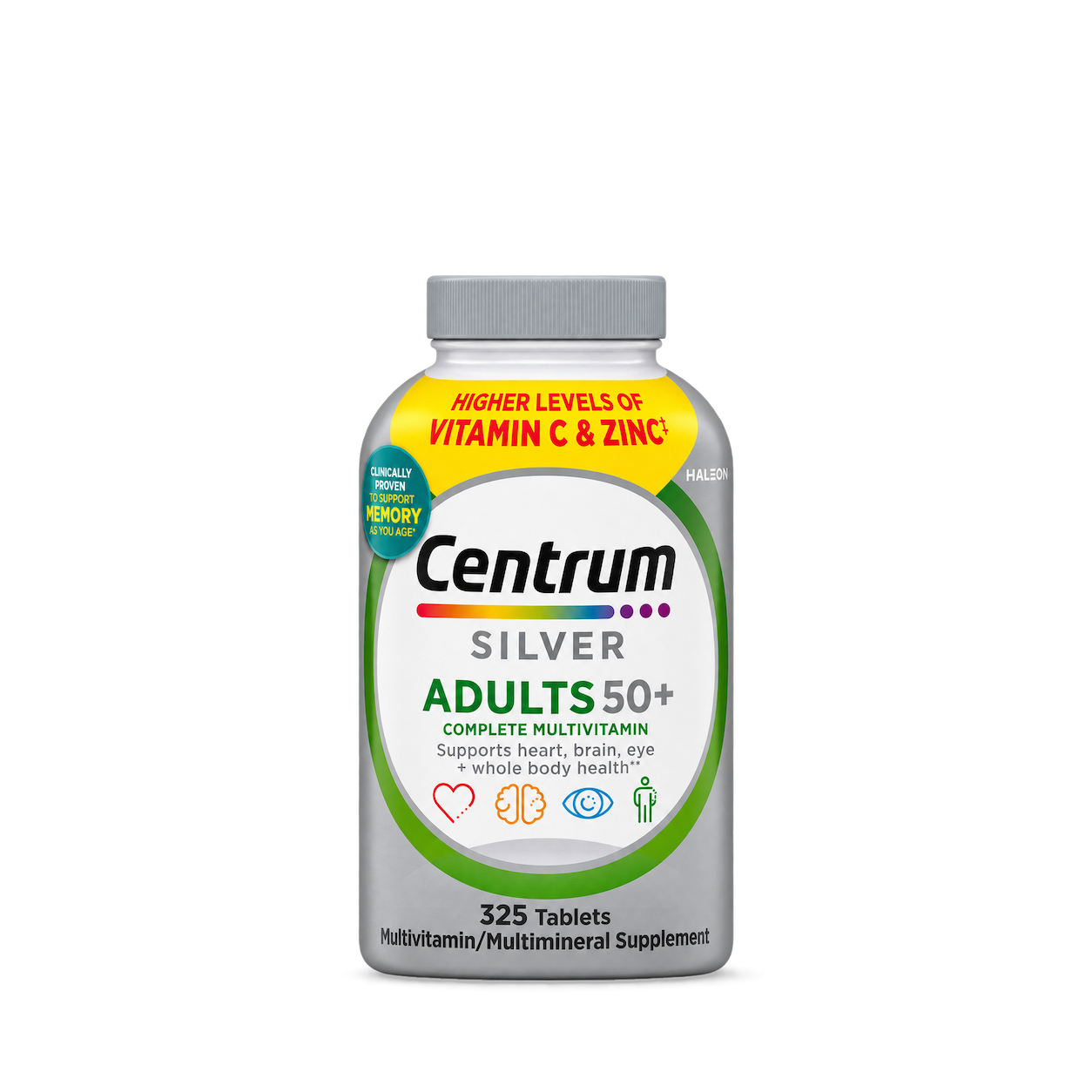
Centrum
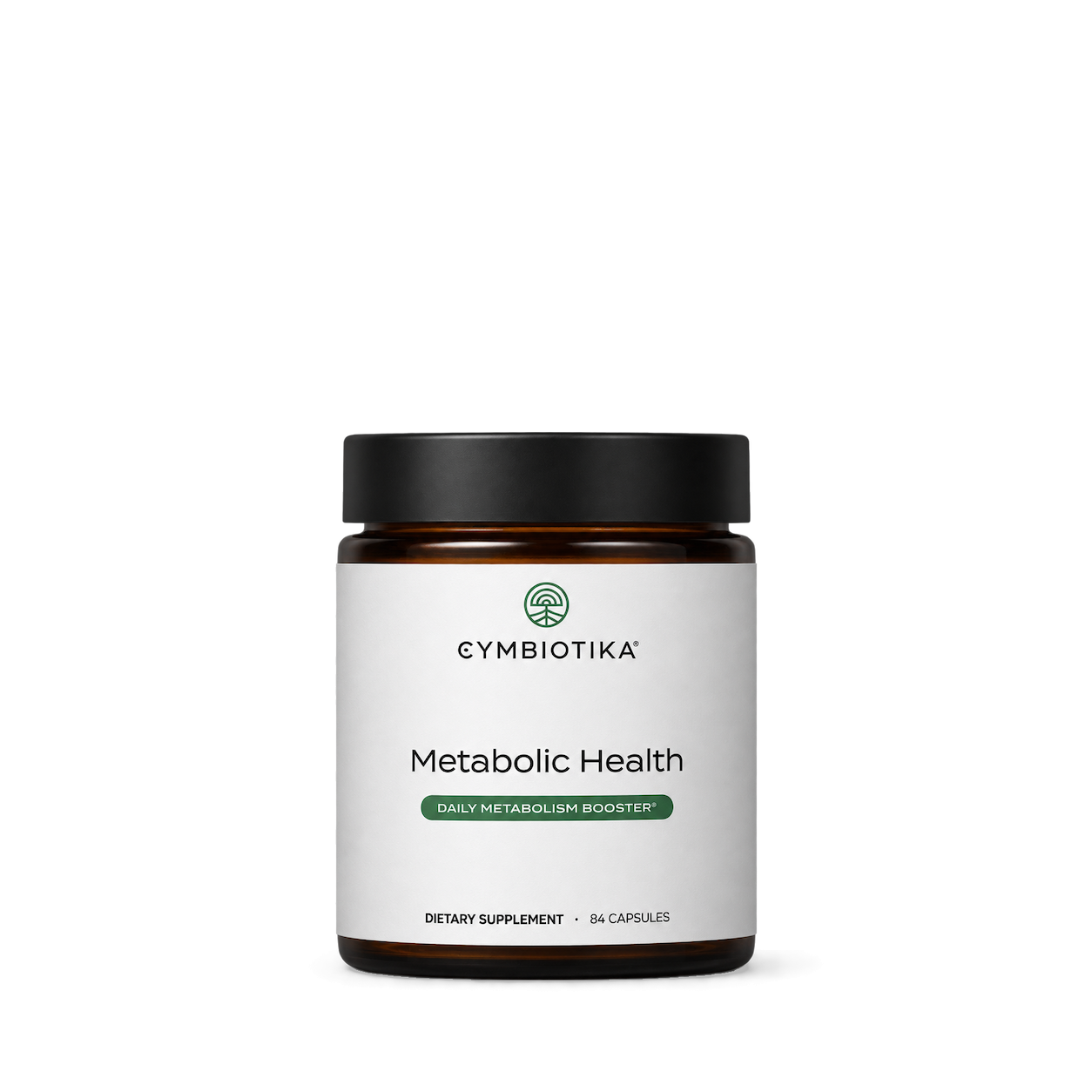
Cymbiotika

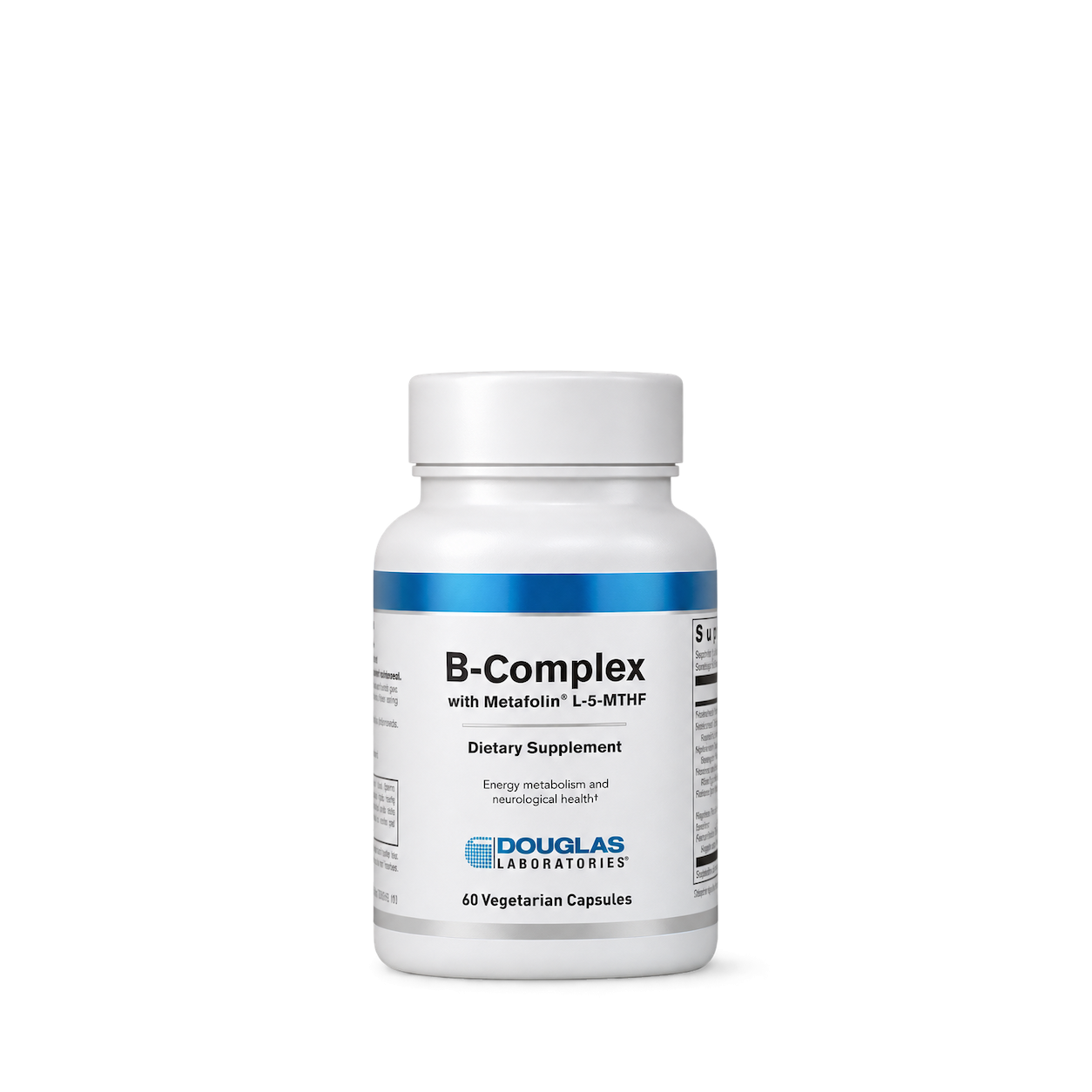
Douglas Laboratories

EVLution Nutrition
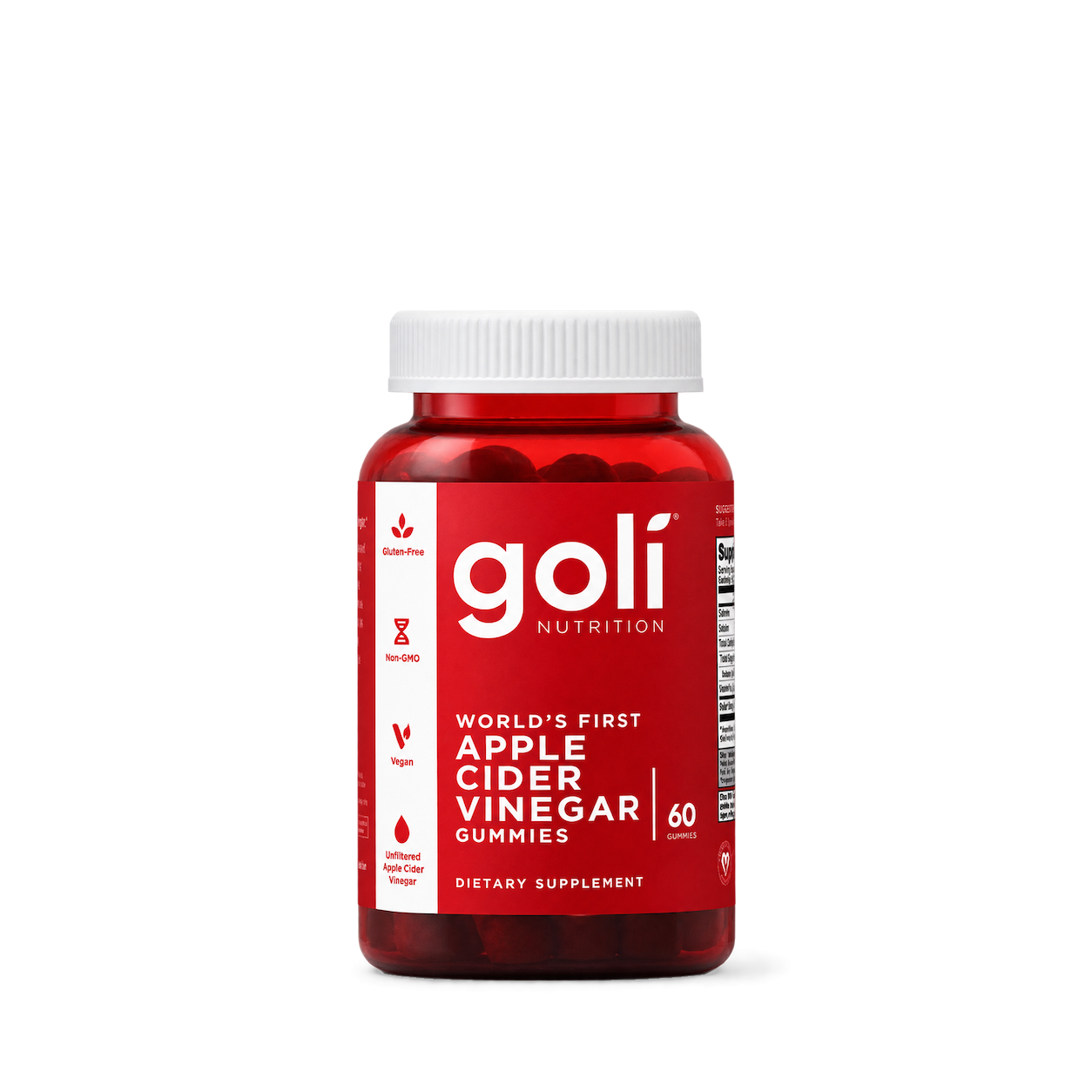

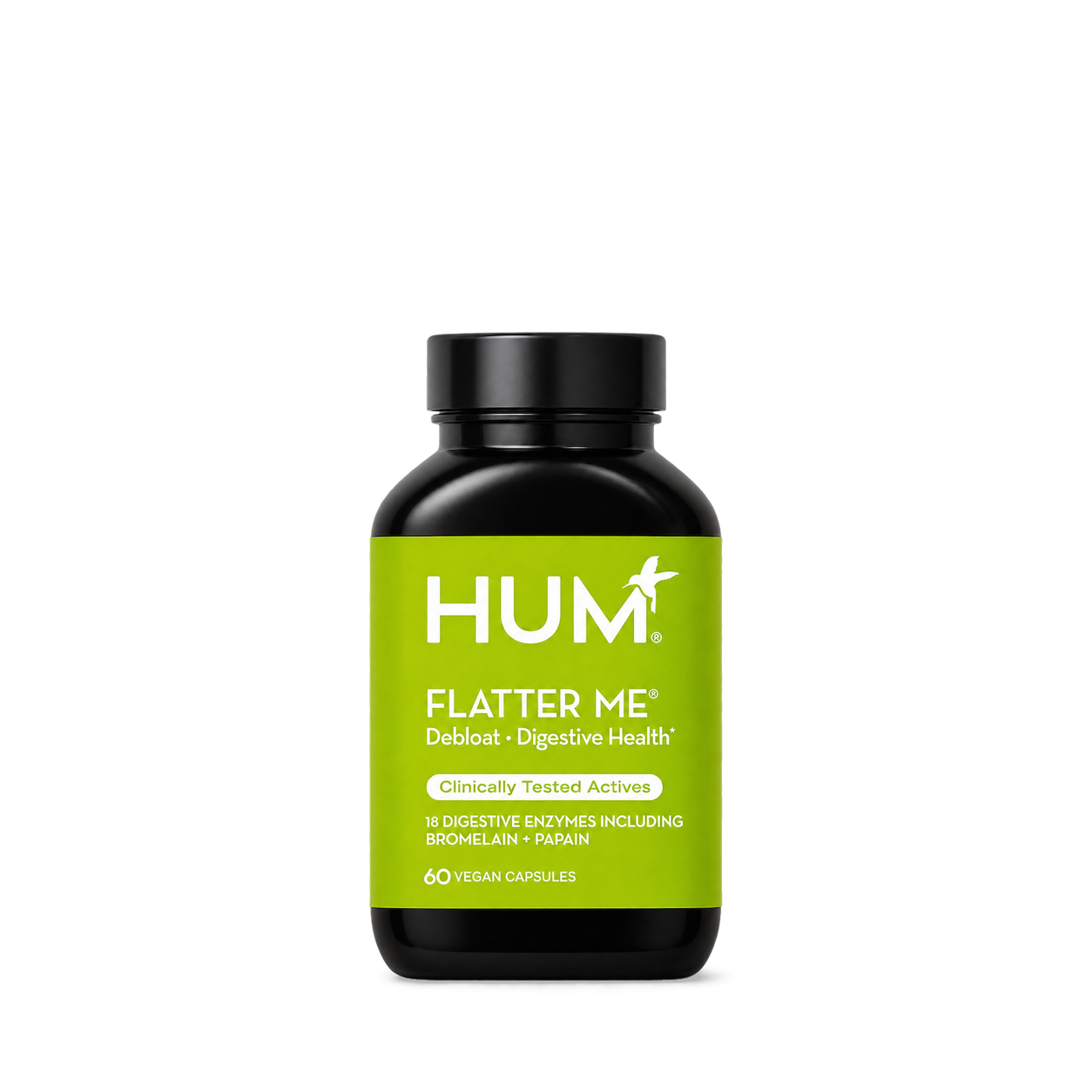
HUM
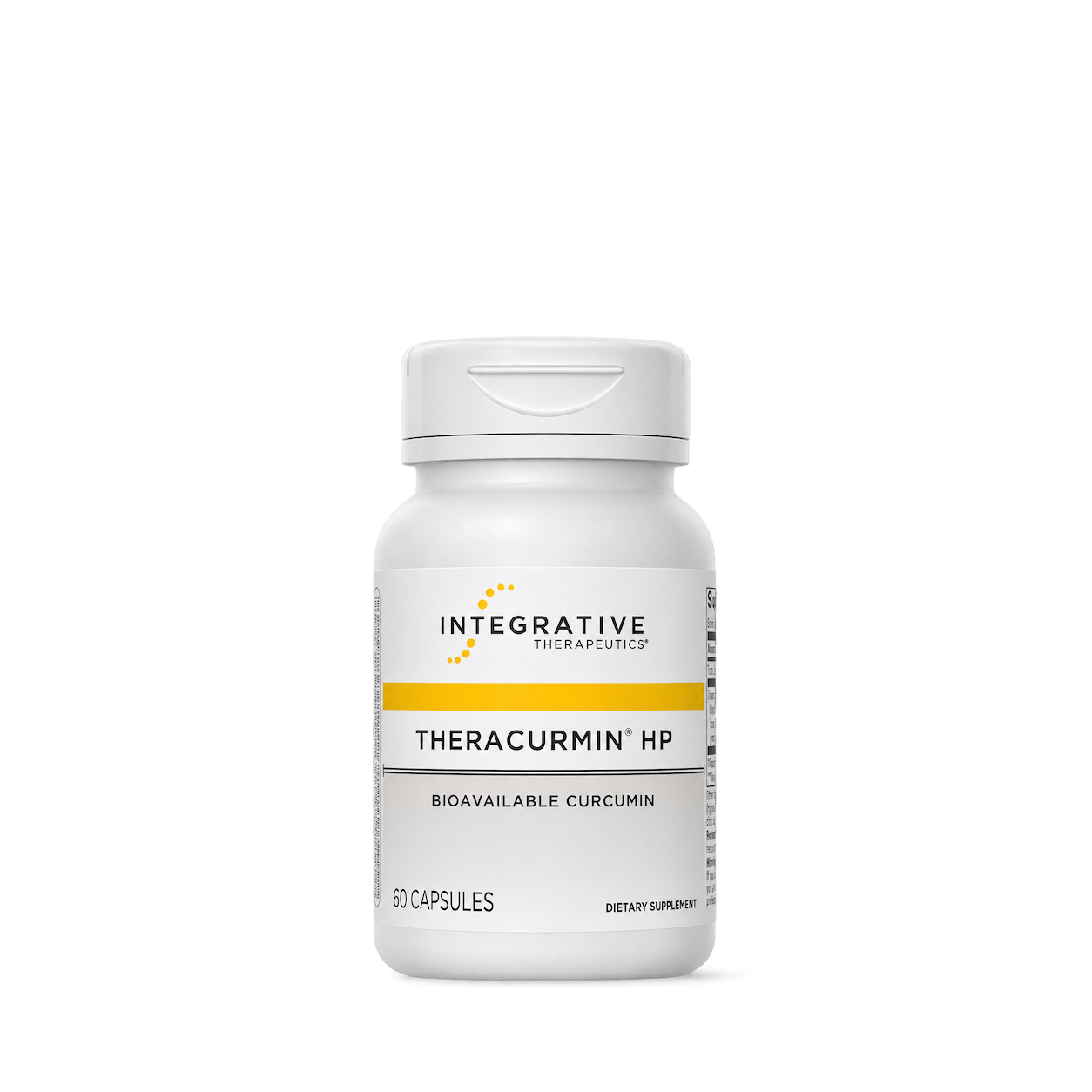
Integrative Therapeutics
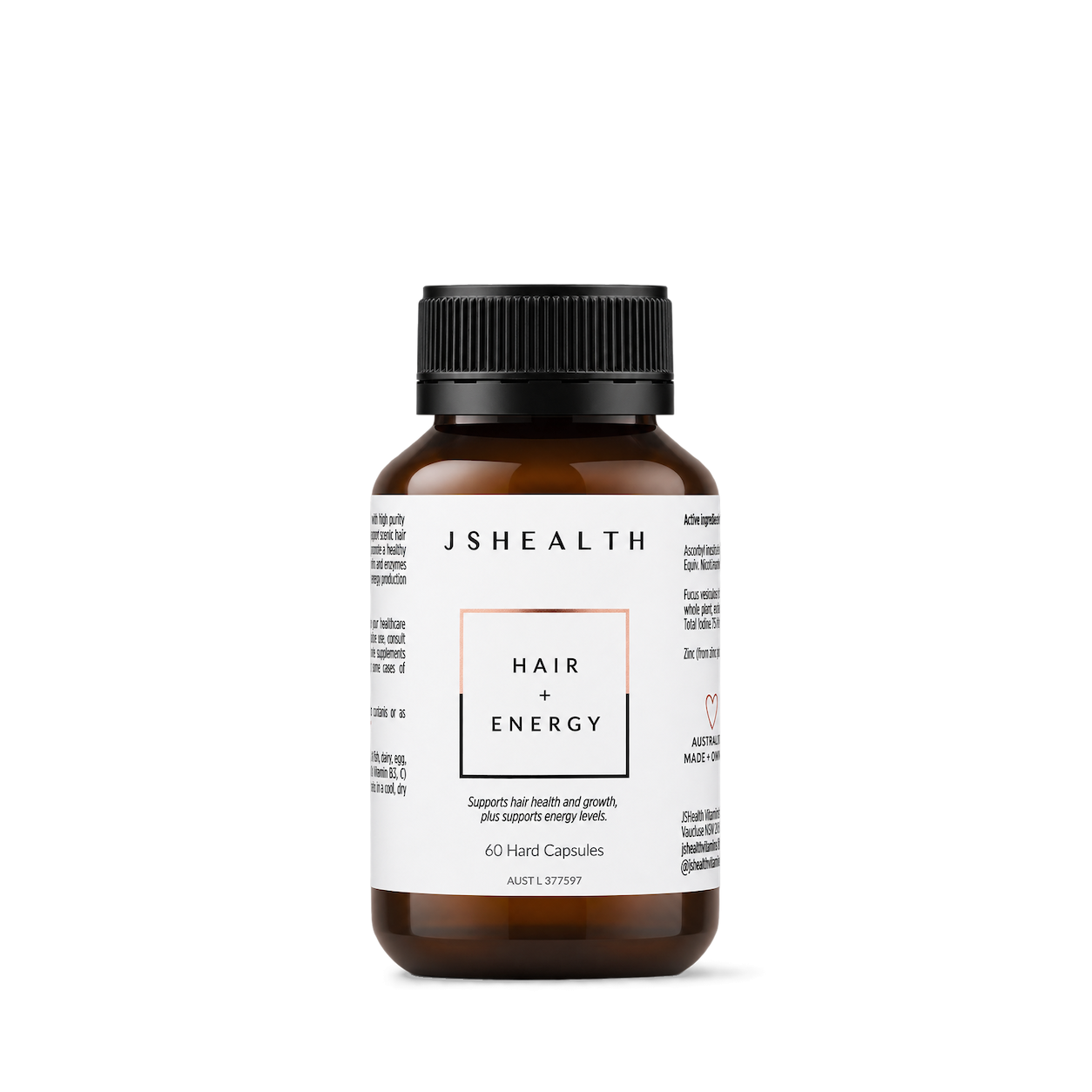
JSHealth
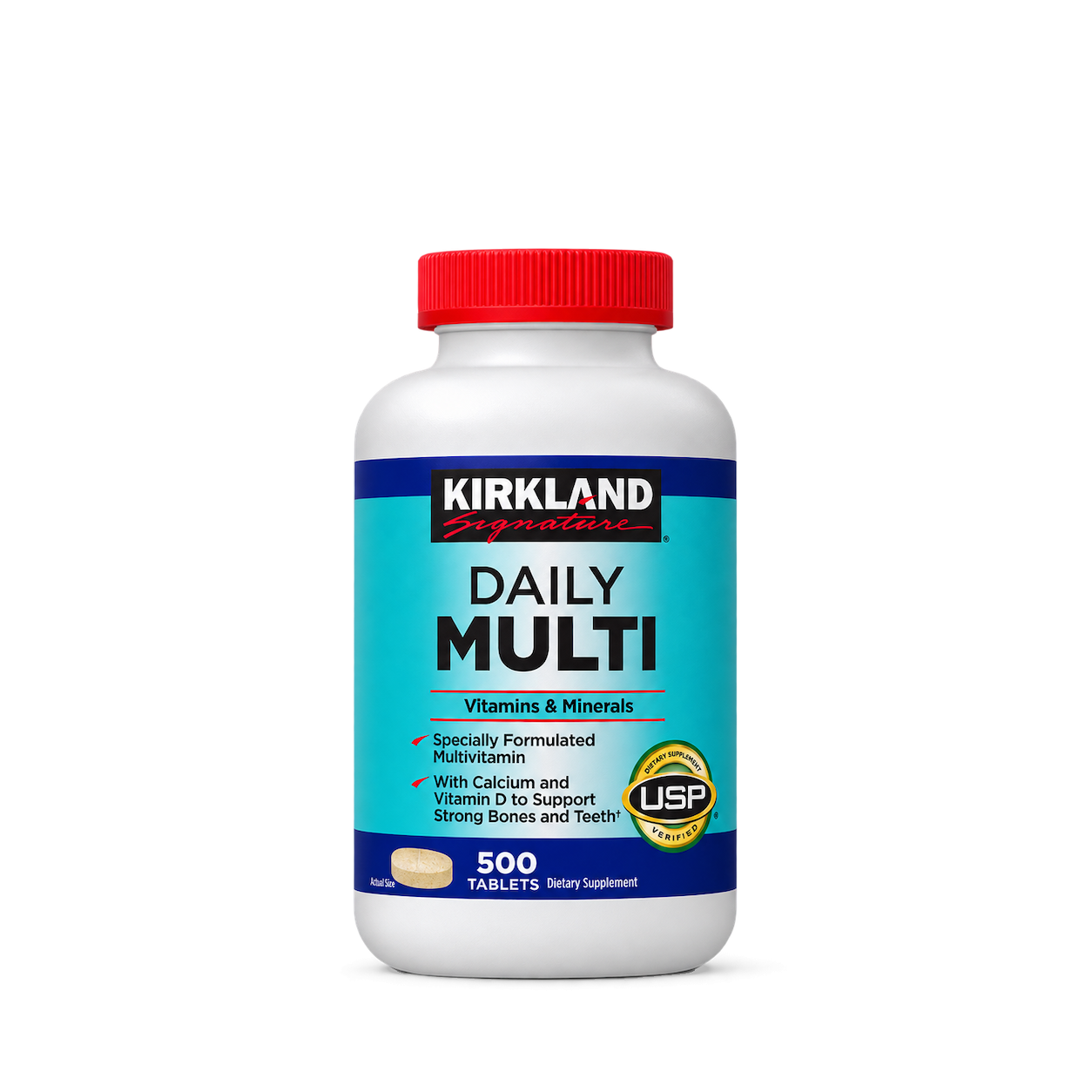
Kirkland Signature

Klean Athlete
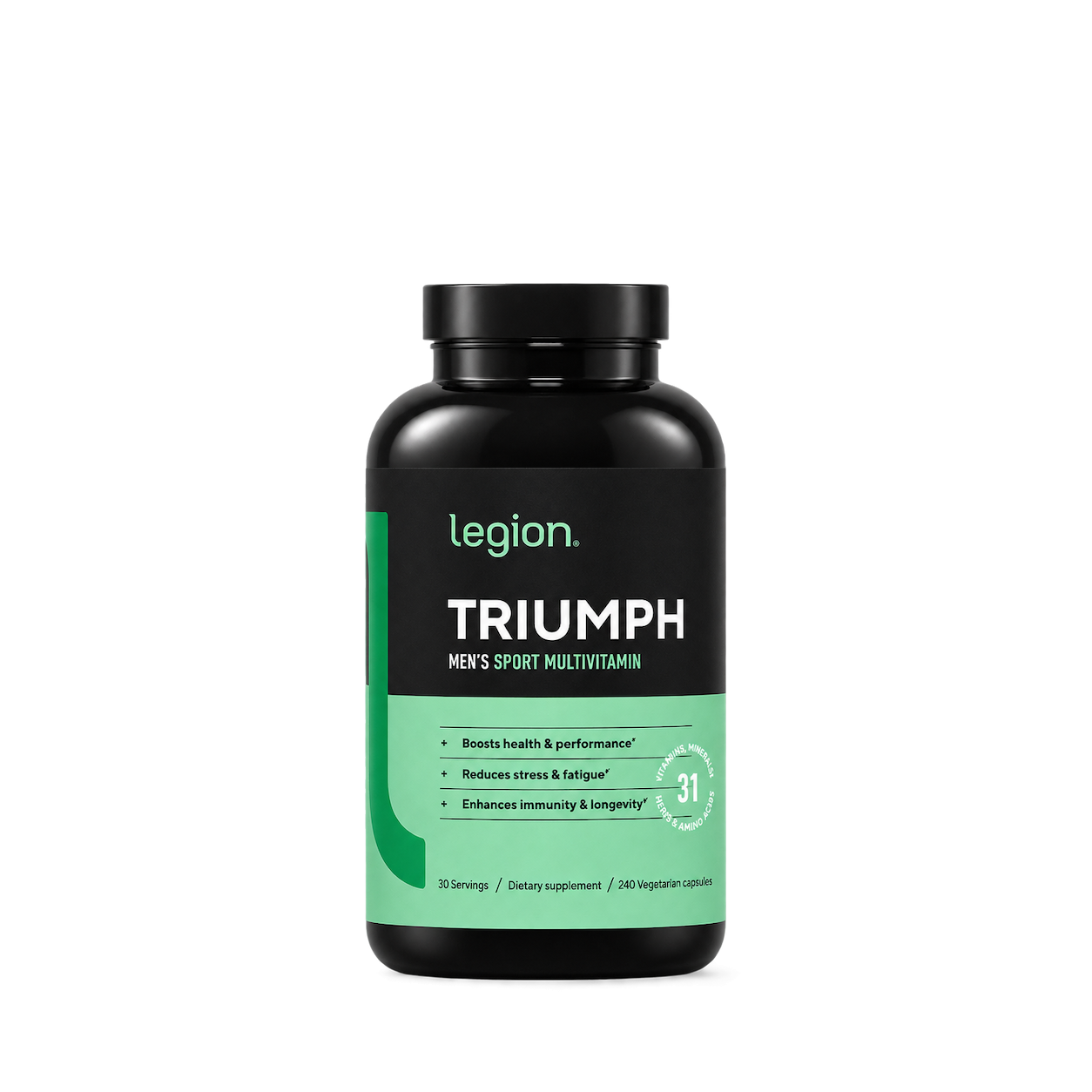
Legion
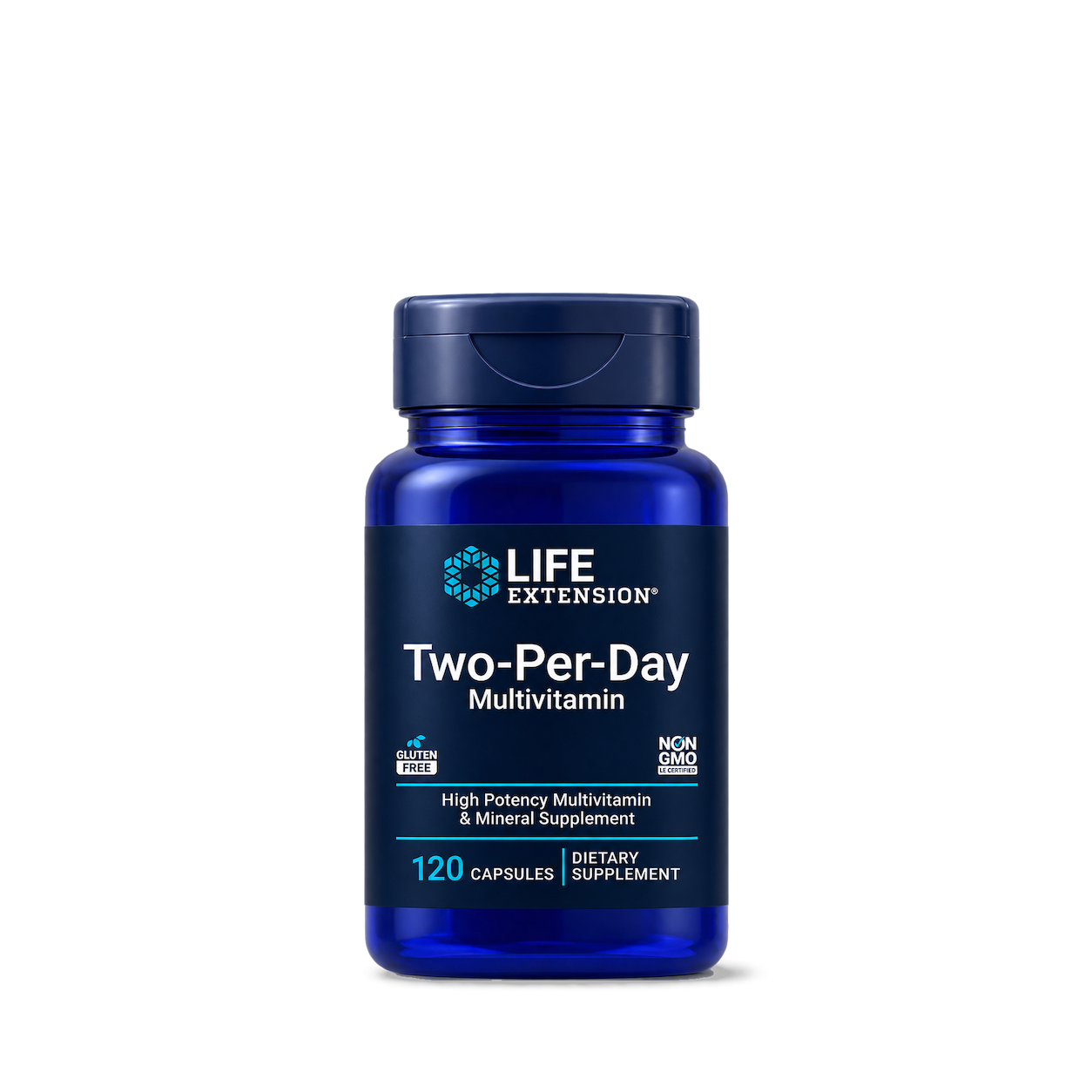
Life Extension
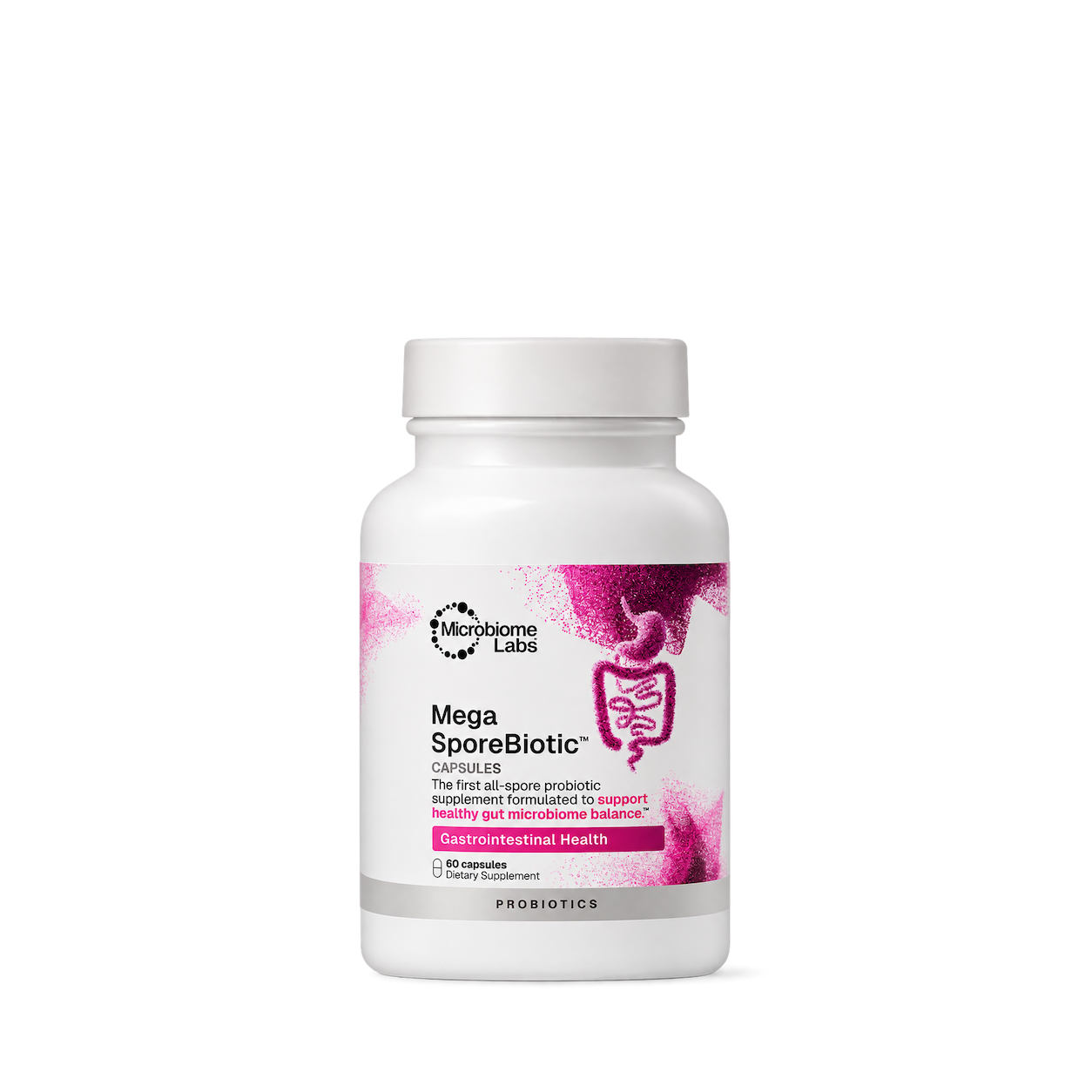
Microbiome Labs

Moon Juice

Nature's Bounty

Nature's Truth

Nature's Way

NaturesPlus
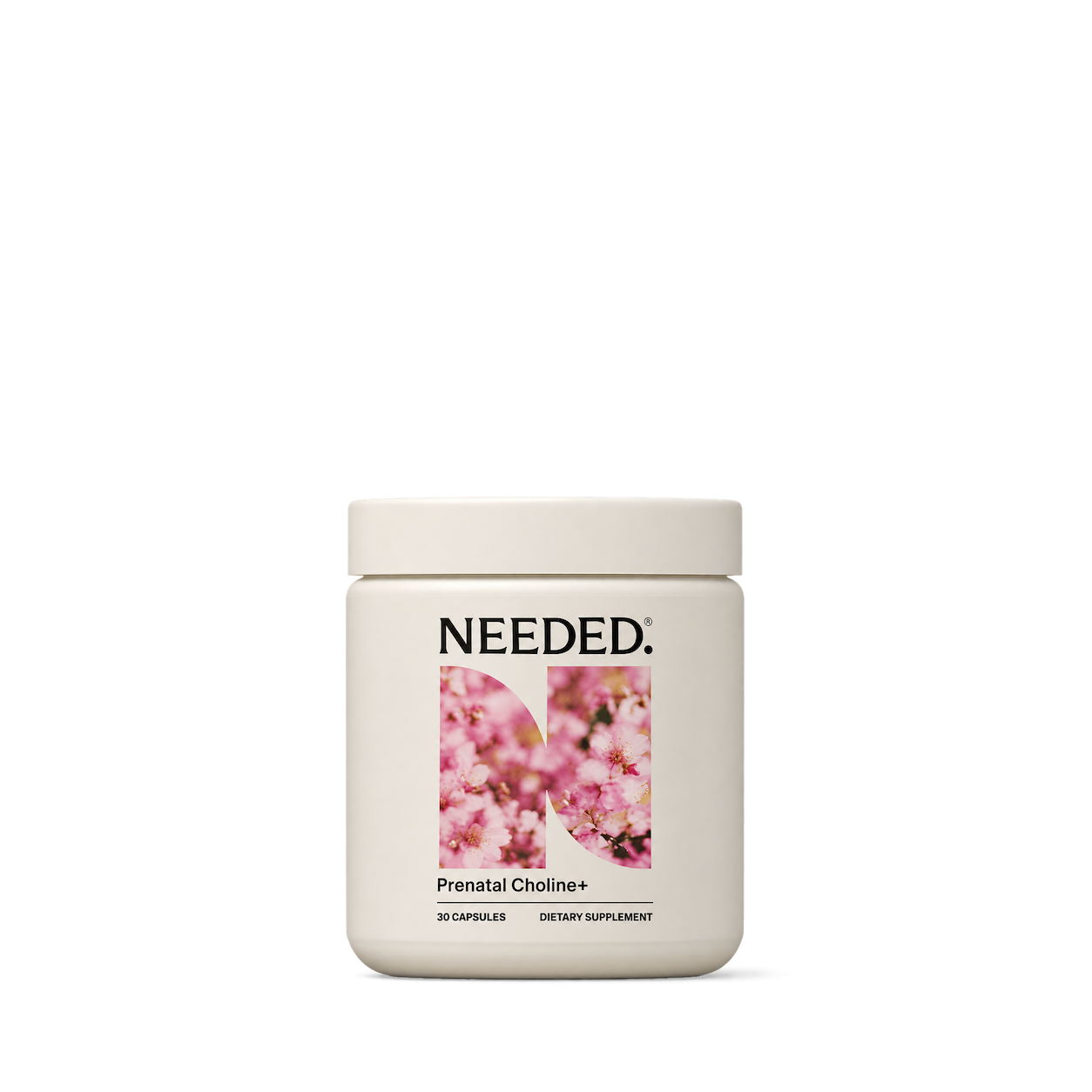
Needed

Nootropics Depot
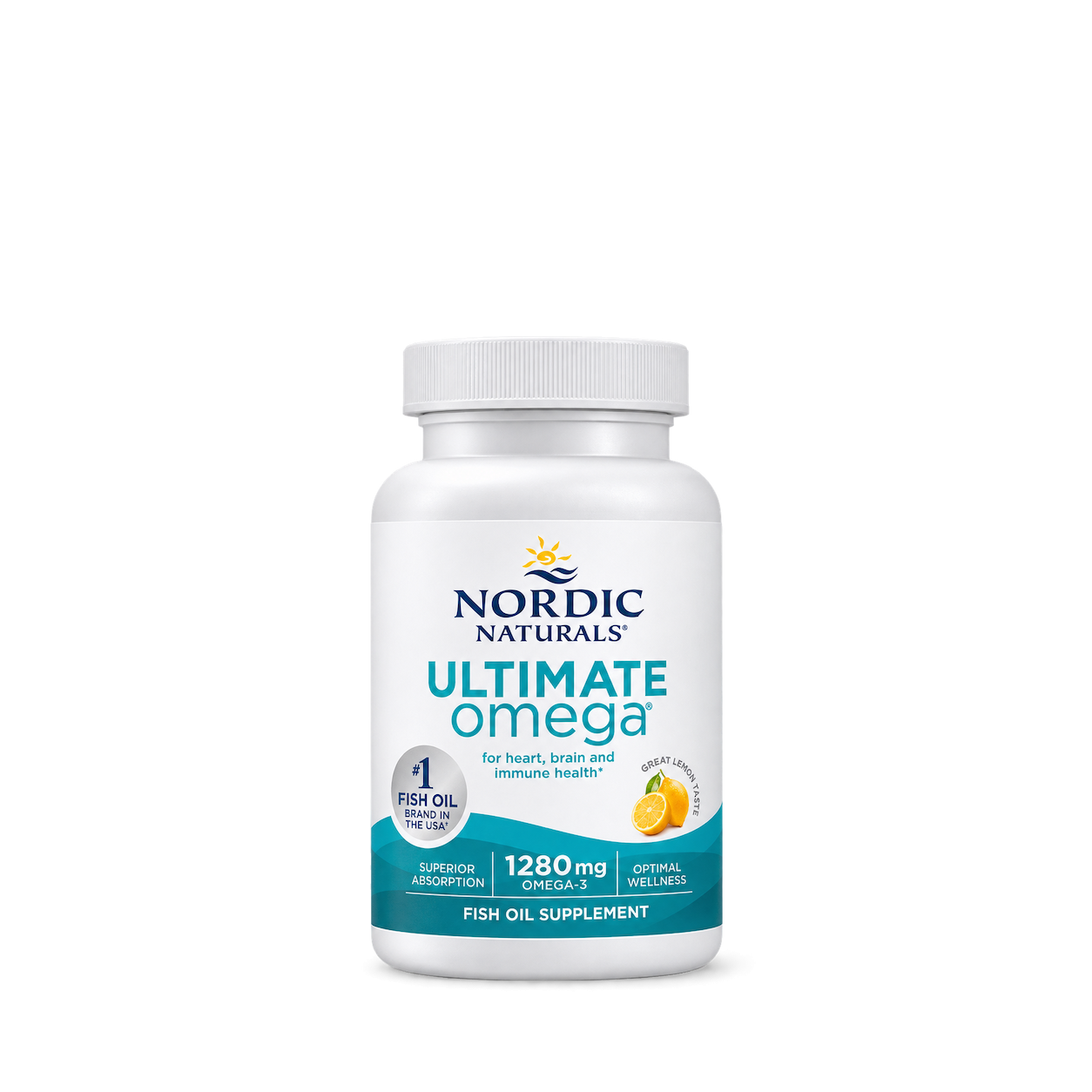
Nordic Naturals

Nutrafol
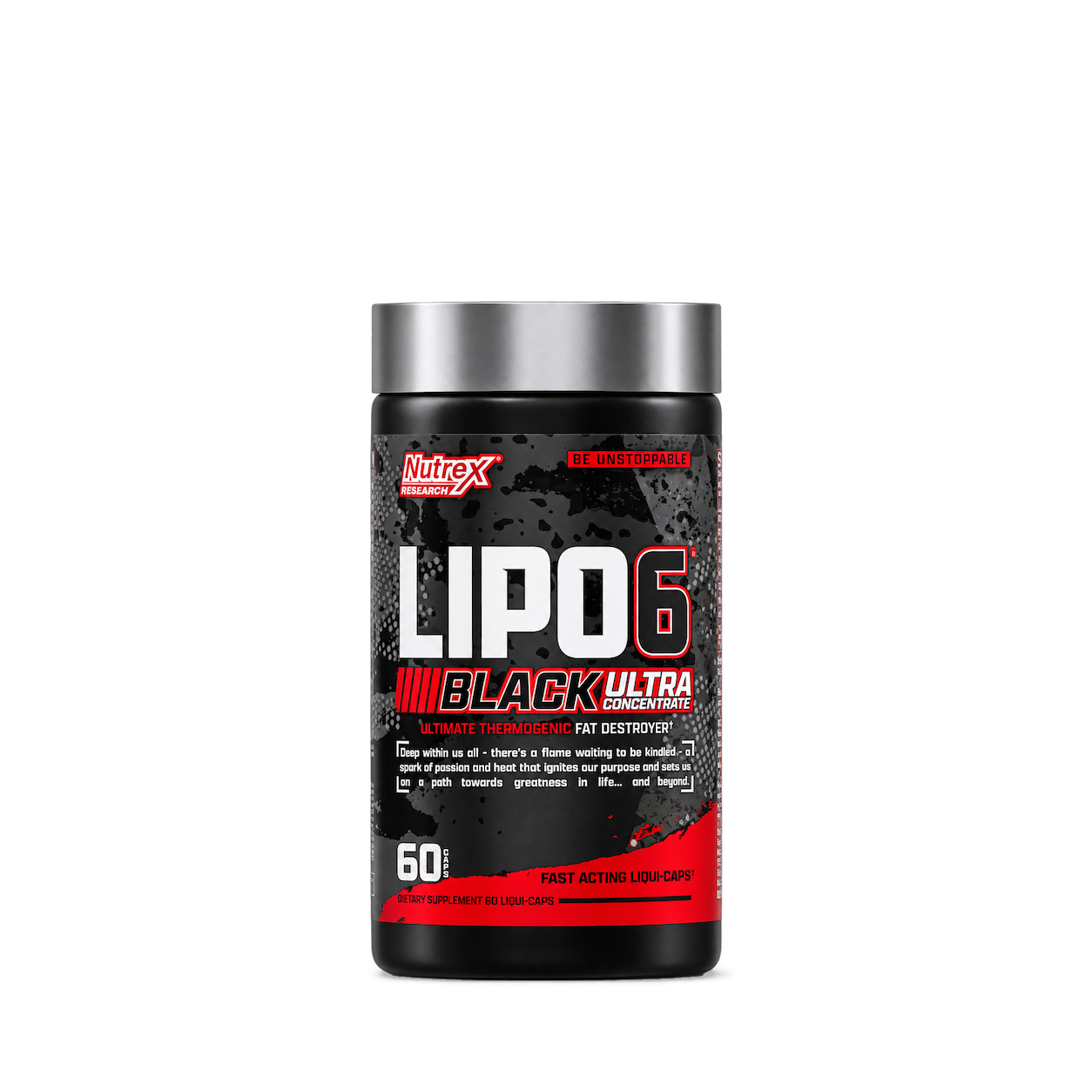
Nutrex
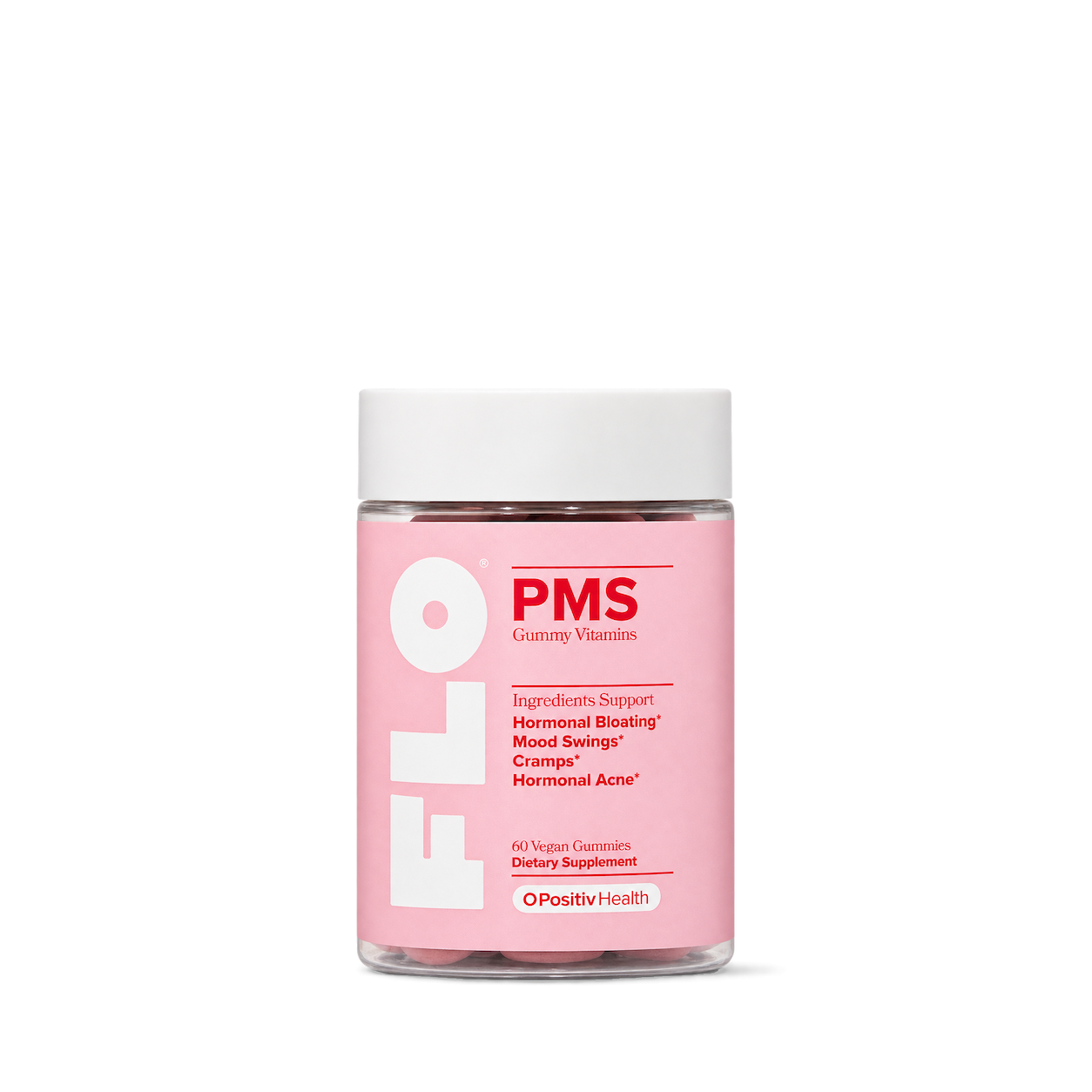
O Positiv

One A Day
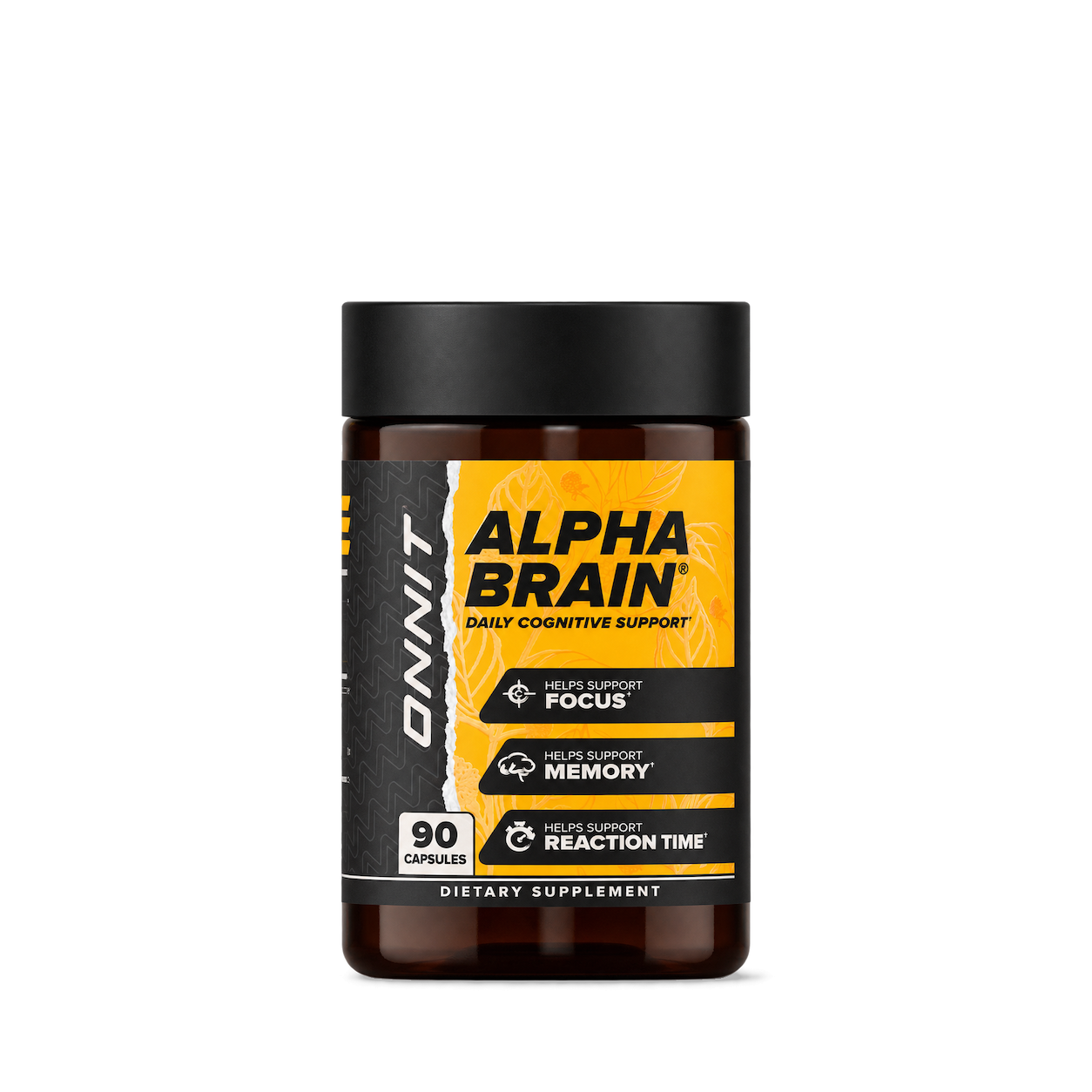
Onnit

Optimum Nutrition

Ortho Molecular Products
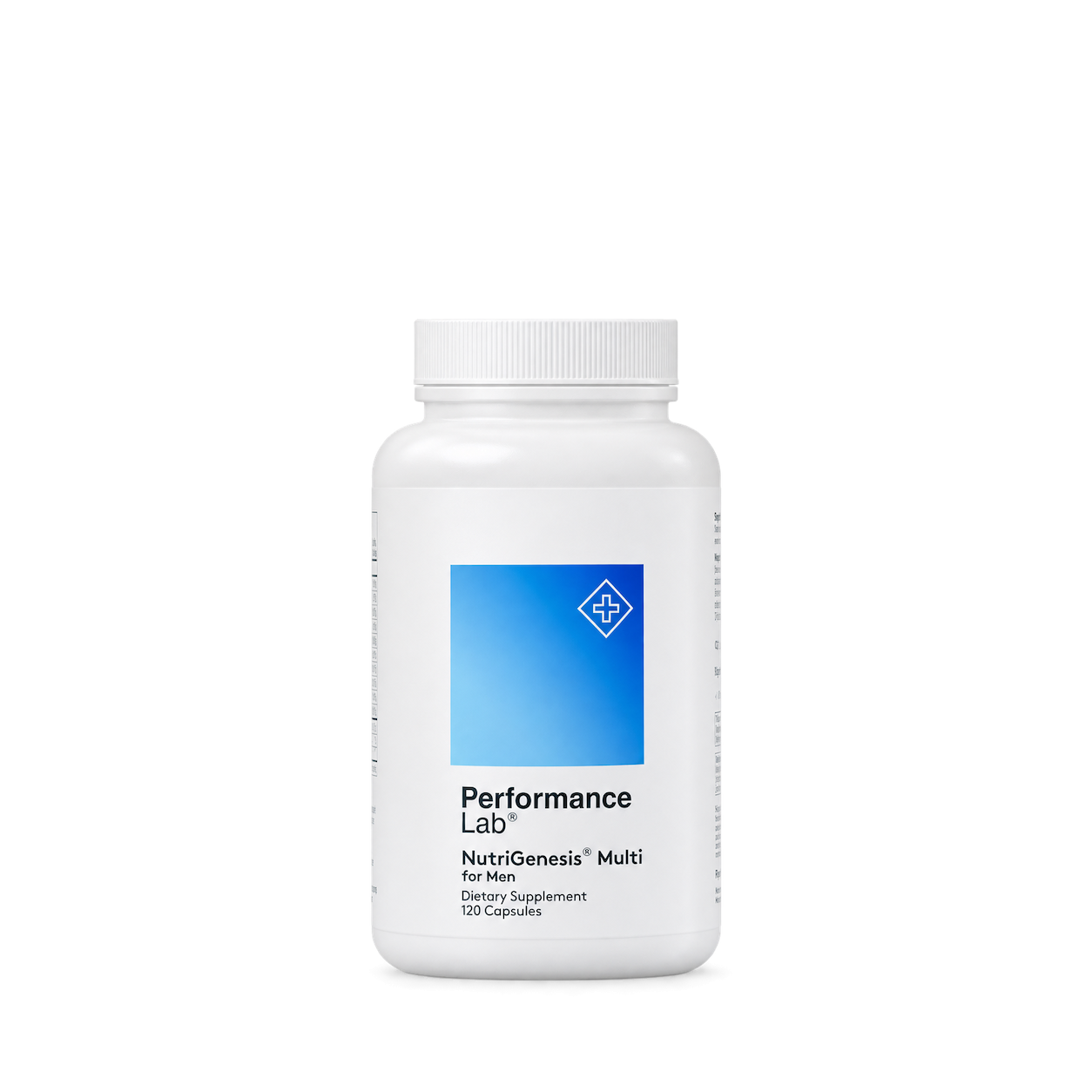
Performance Lab

Protocol for Life Balance

Puritan's Pride
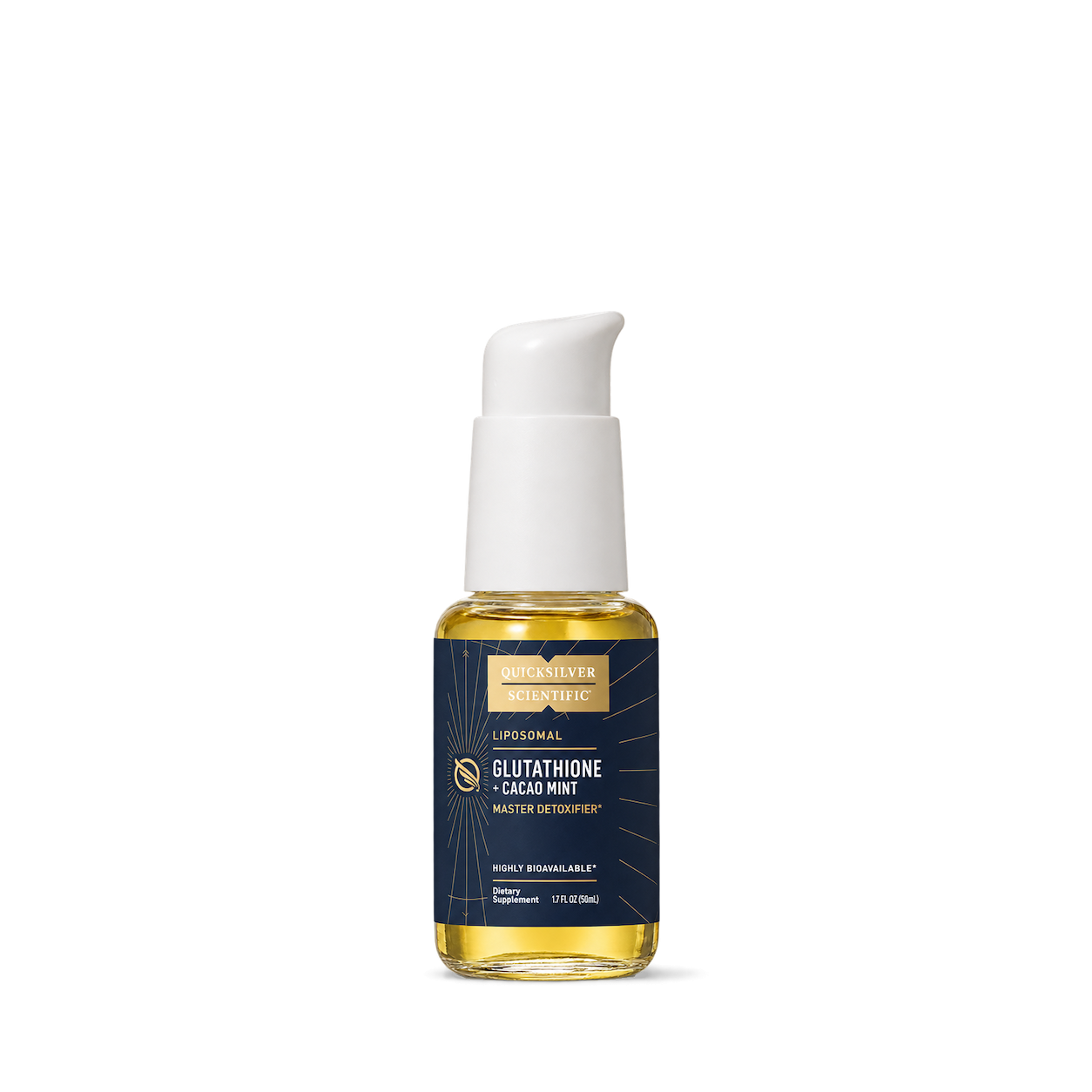
Quicksilver Scientific

Rainbow Light
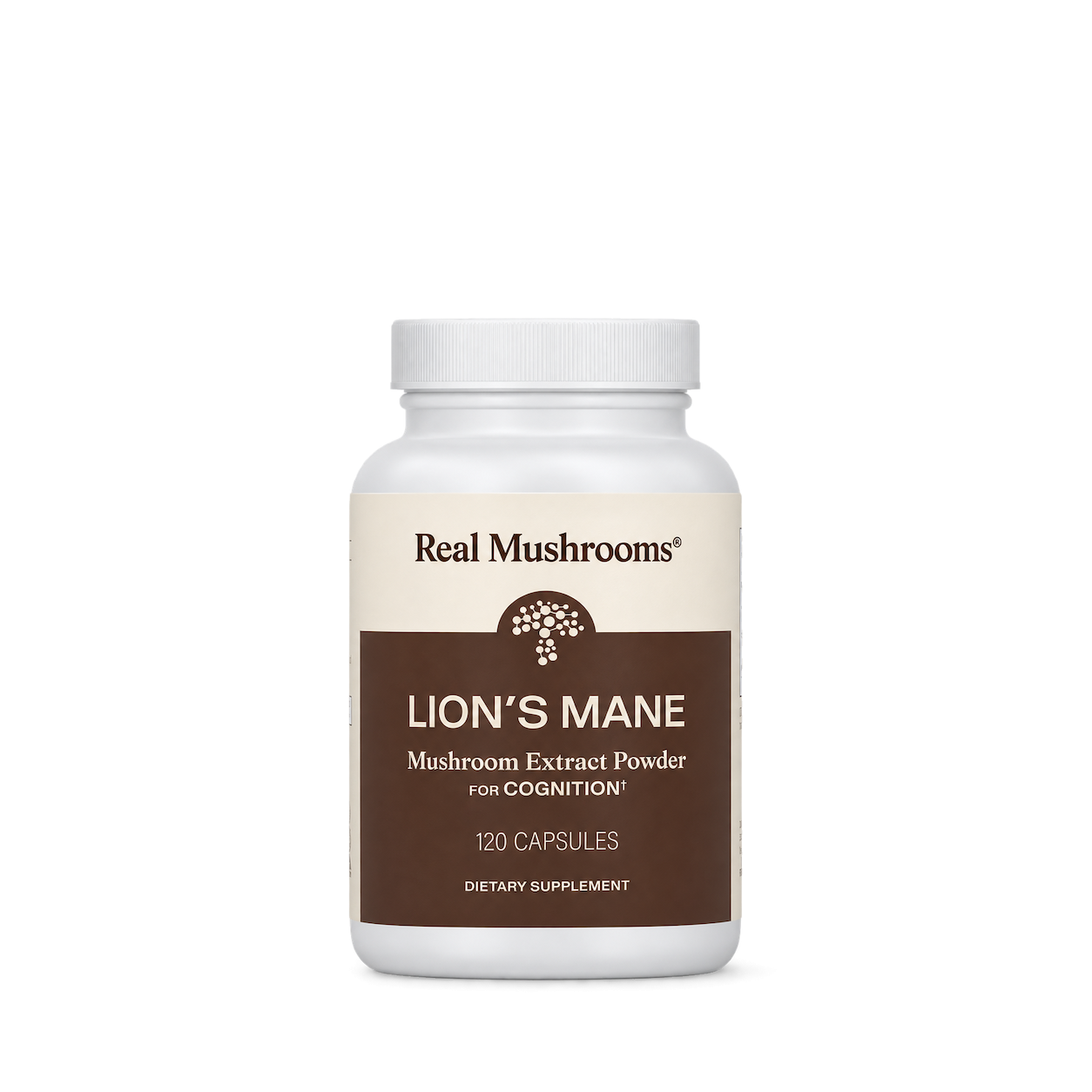
Real Mushrooms

Sakara

SFI Health / Klaire Labs

SmartyPants

Source Naturals

Swisse
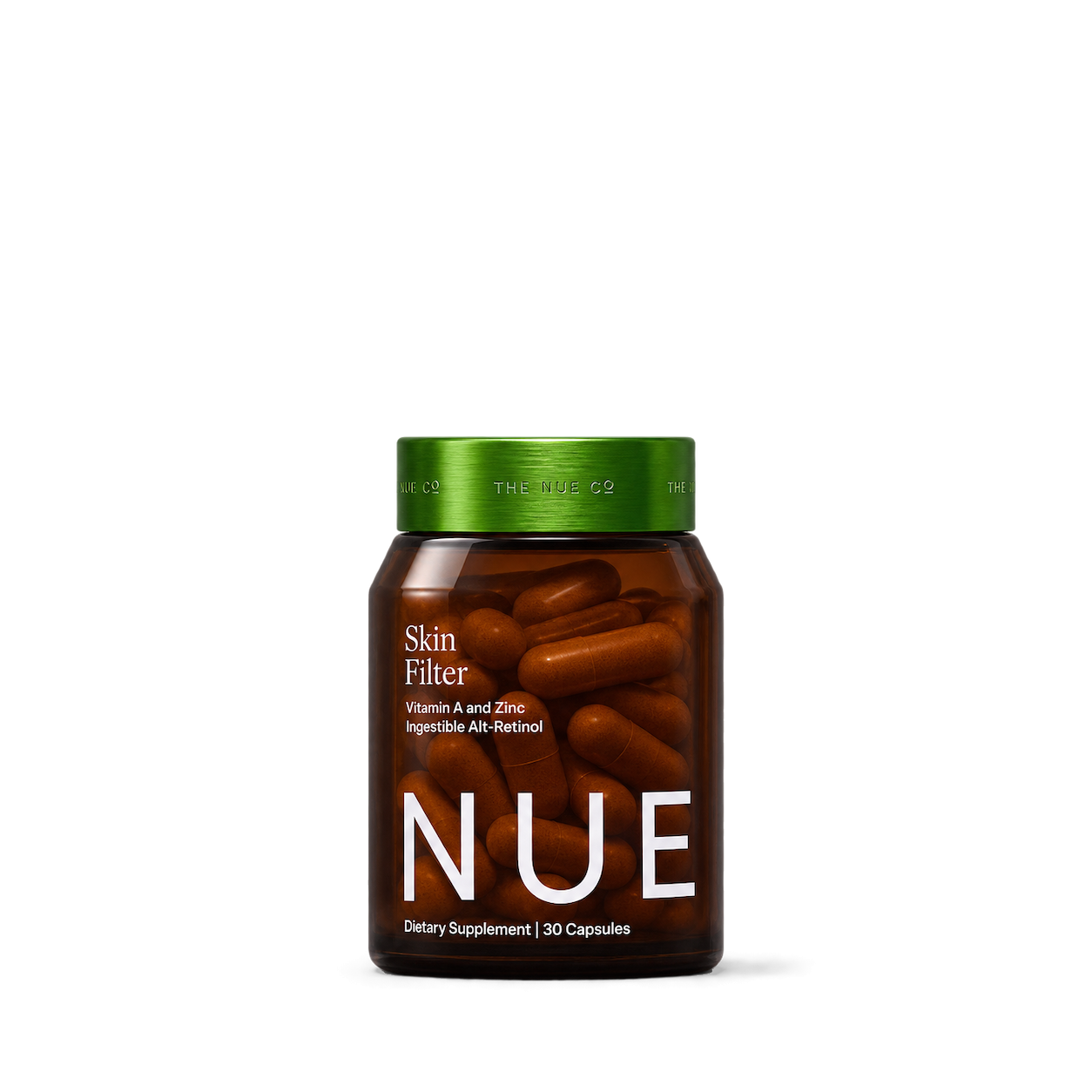
The Nue Co.
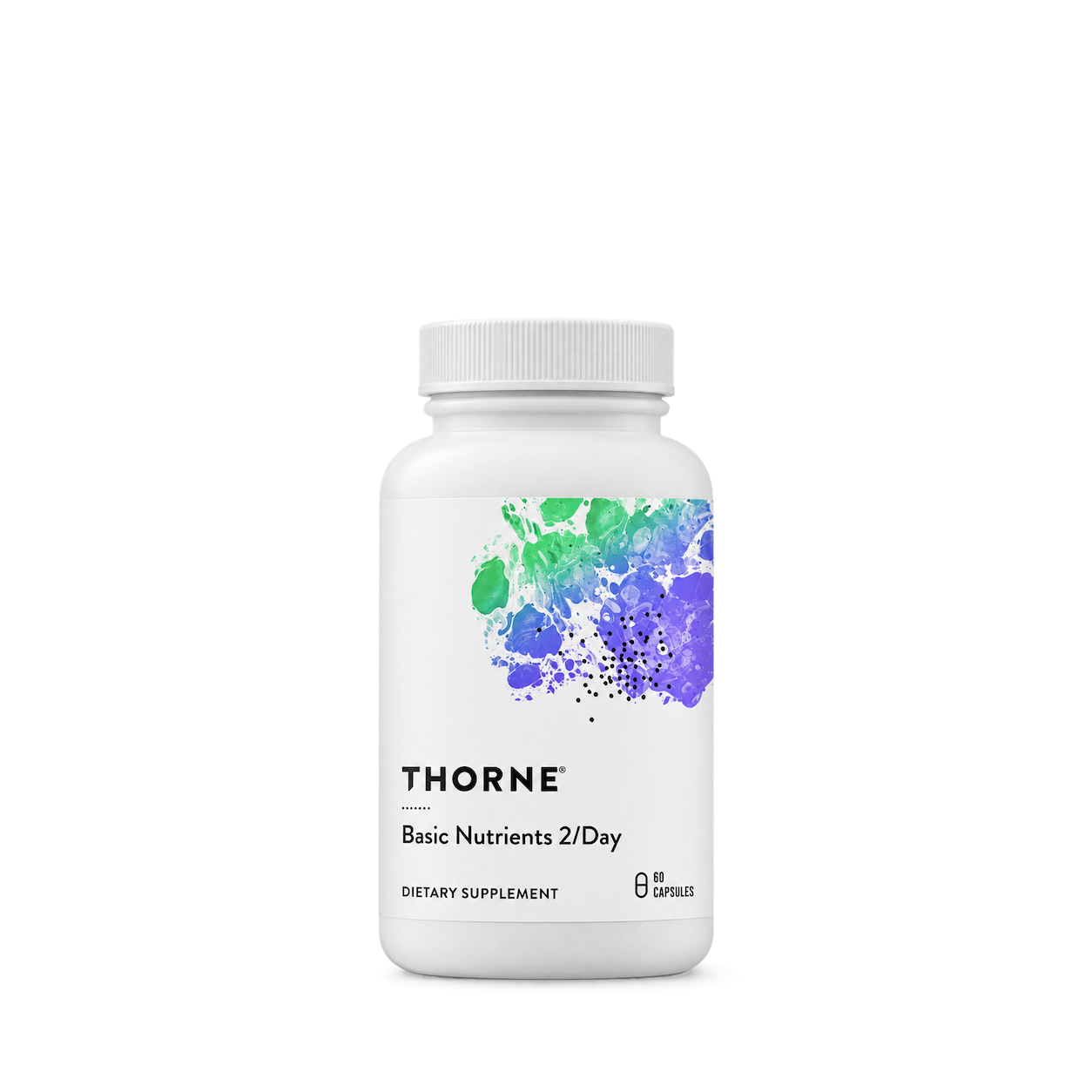

Vitabiotics

vitafusion
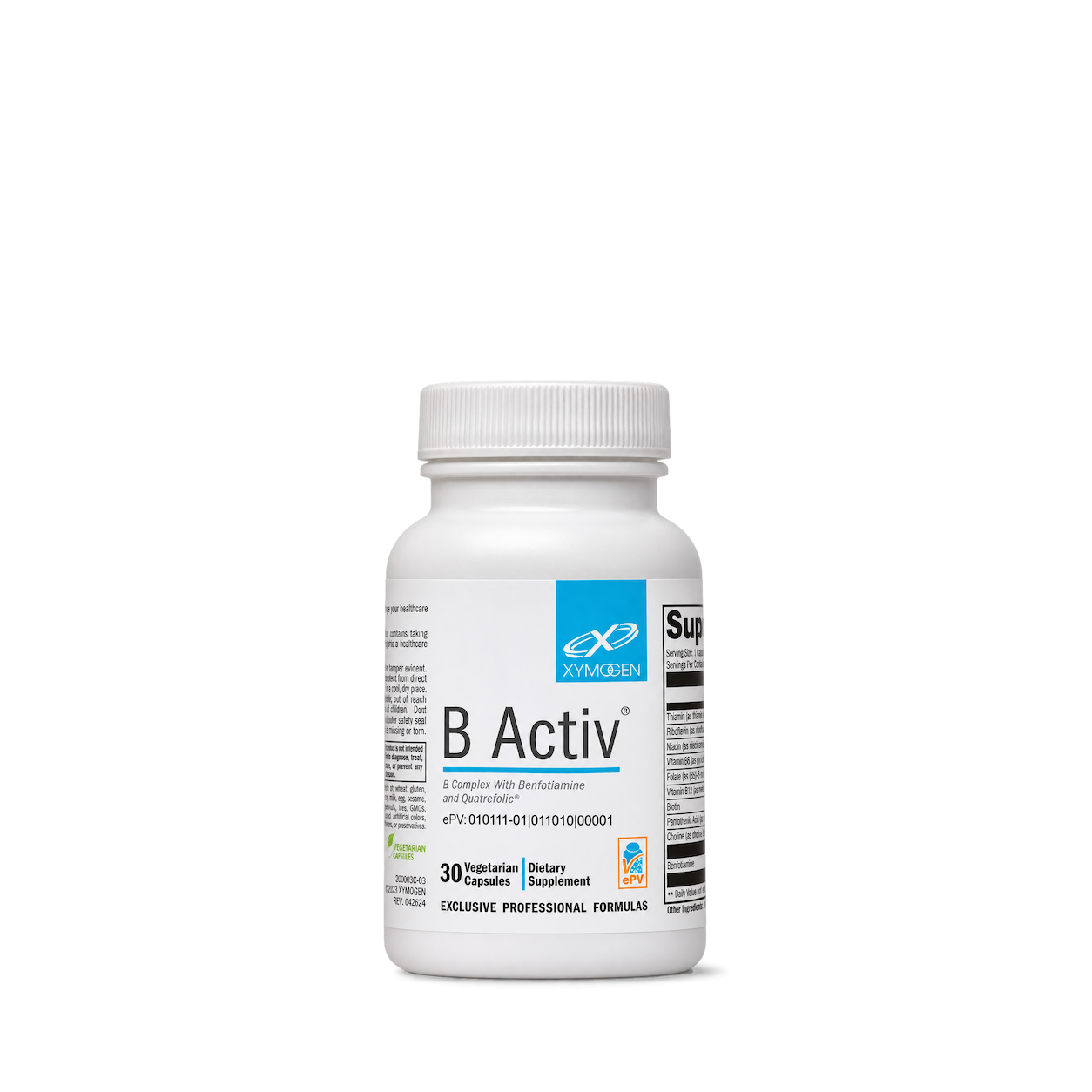
XYMOGEN

Alani Nu
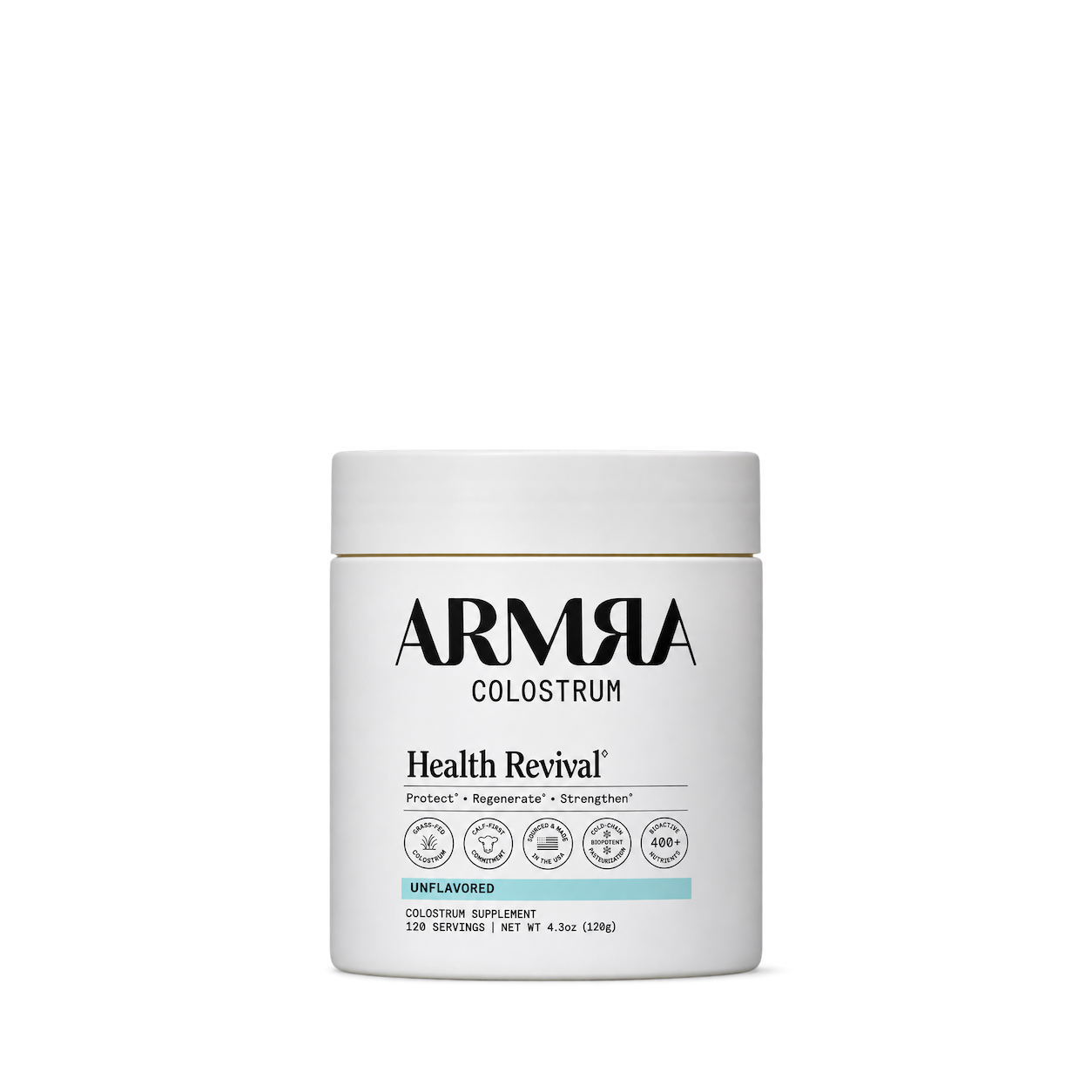
ARMRA
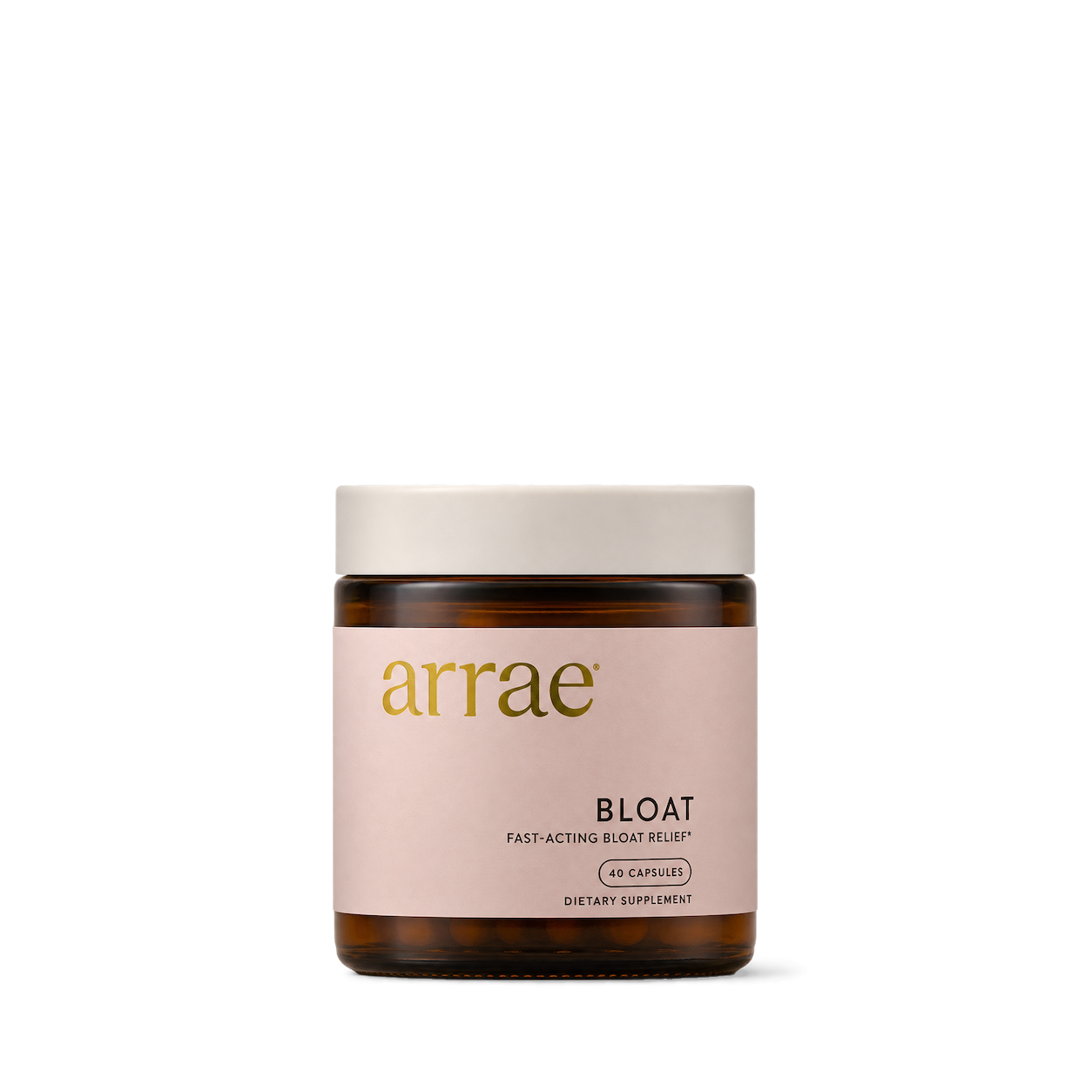
Arrae


GHOST


Hydrant
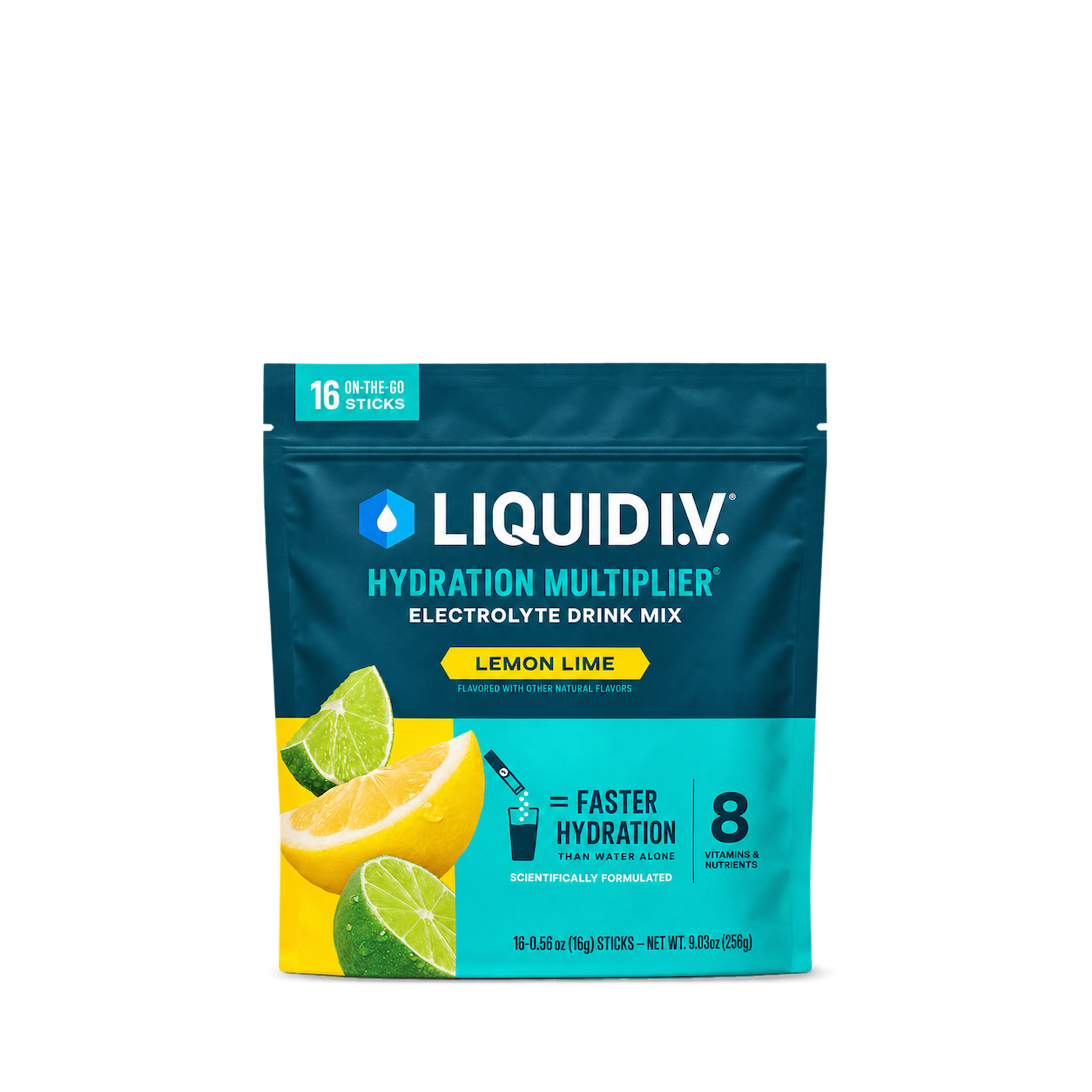
Liquid I.V.
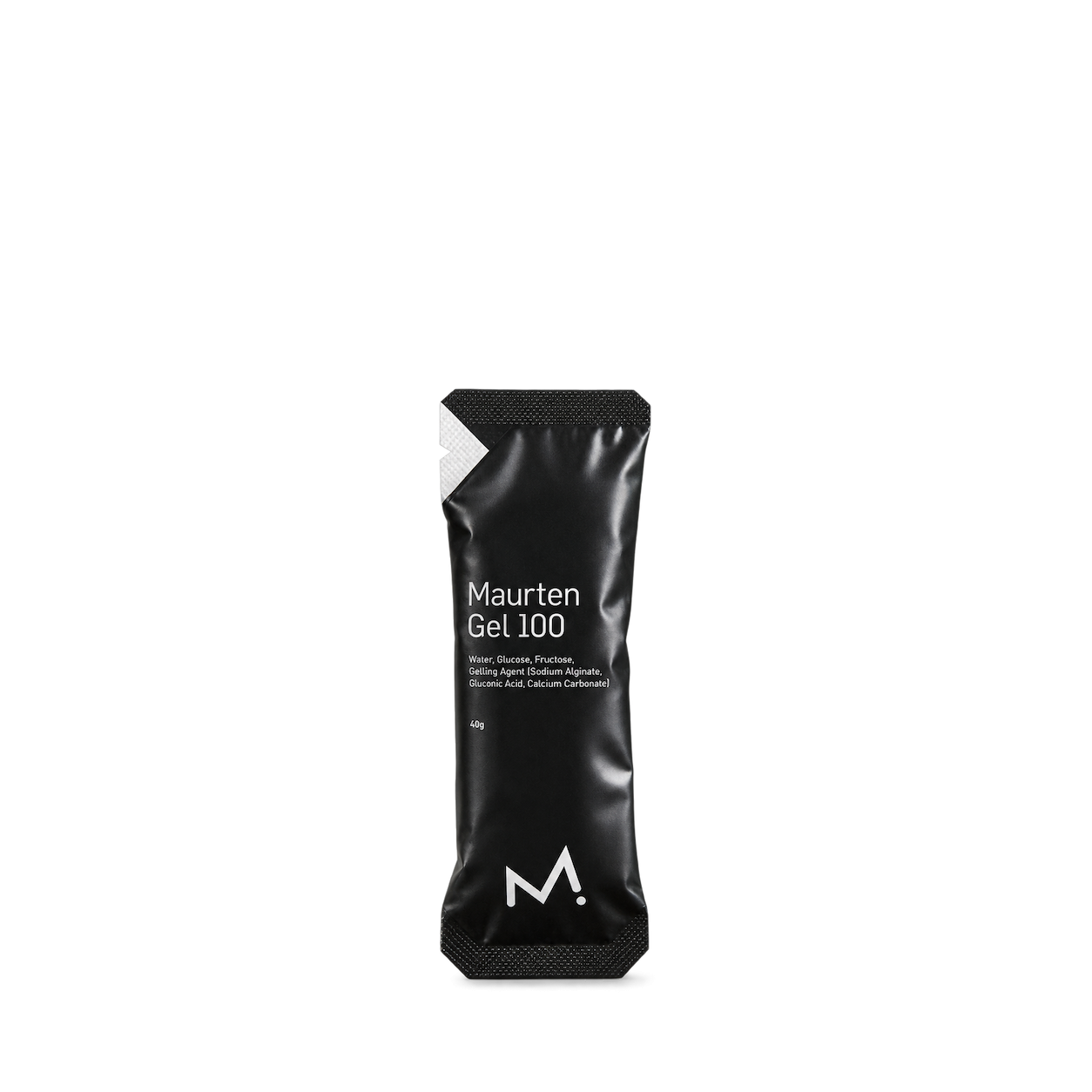
Maurten
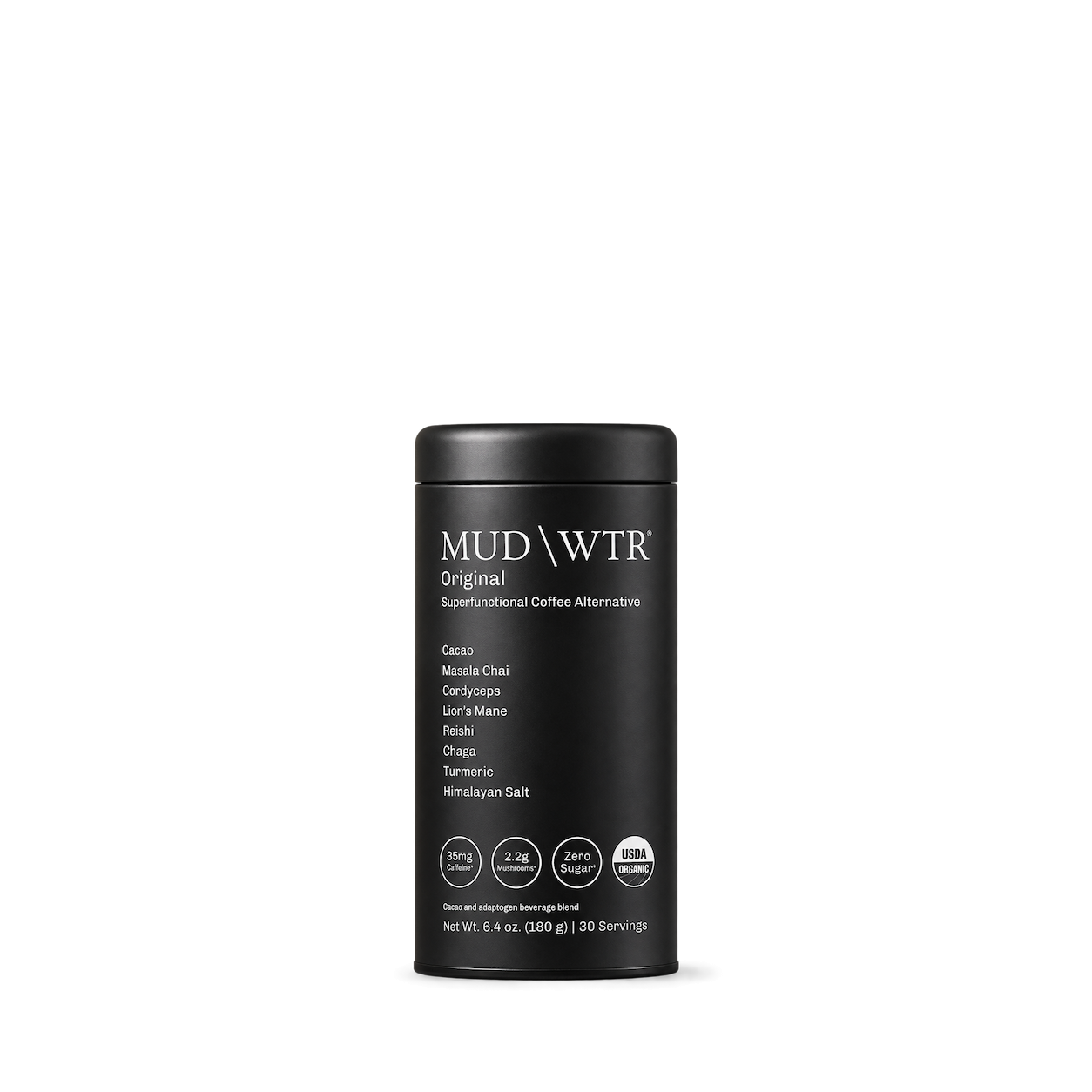
MUD\WTR

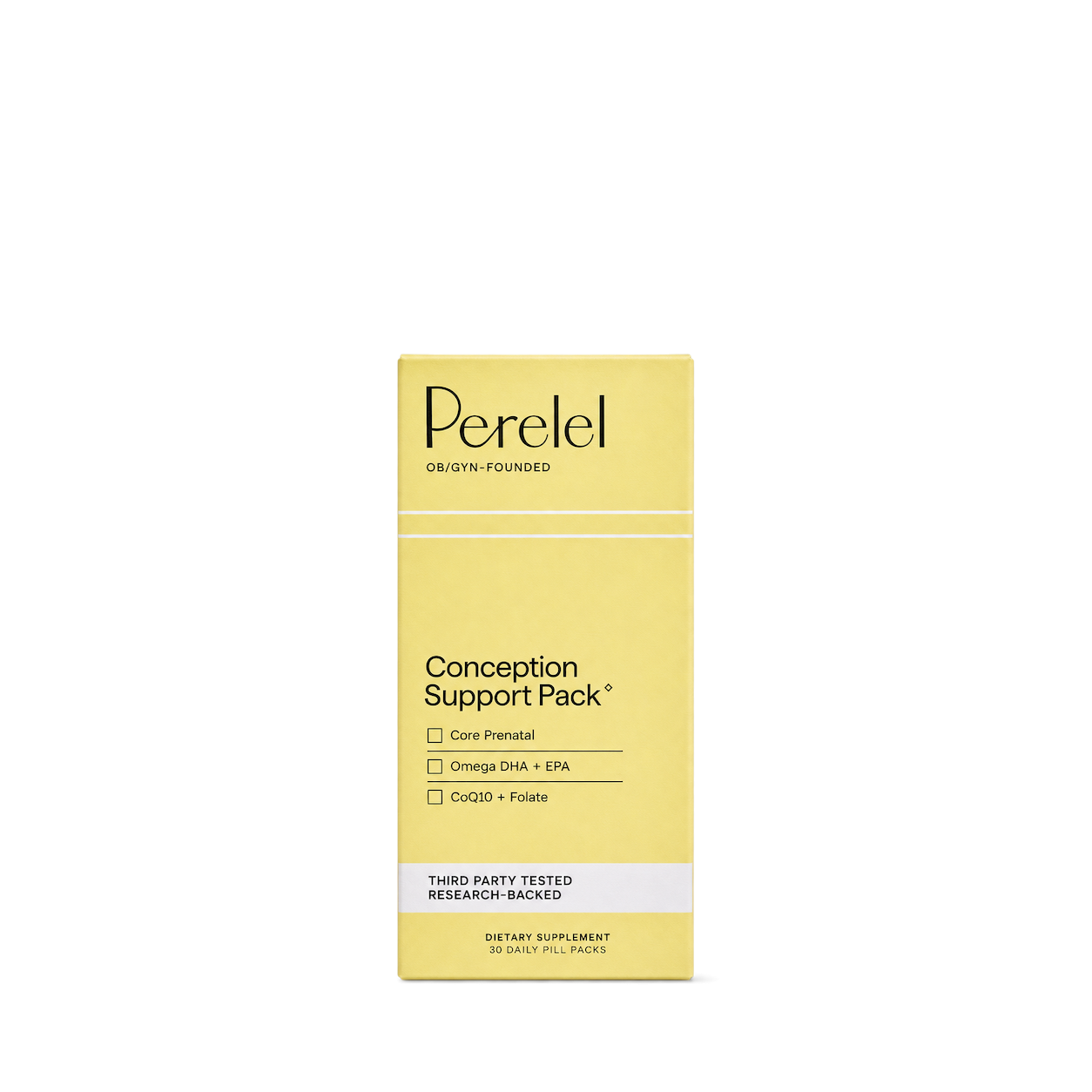
Perelel

The Beauty Chef

Waterboy
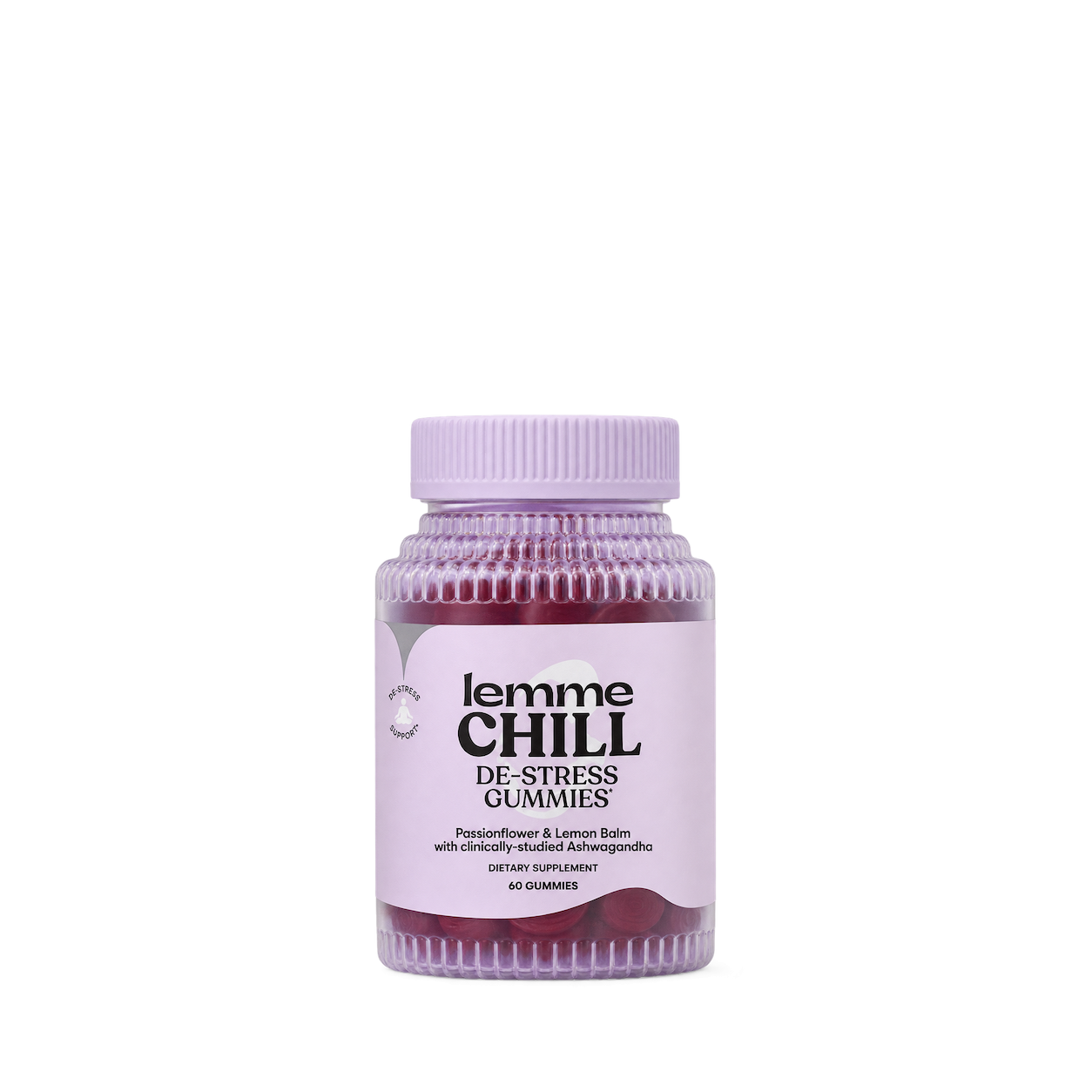
Lemme
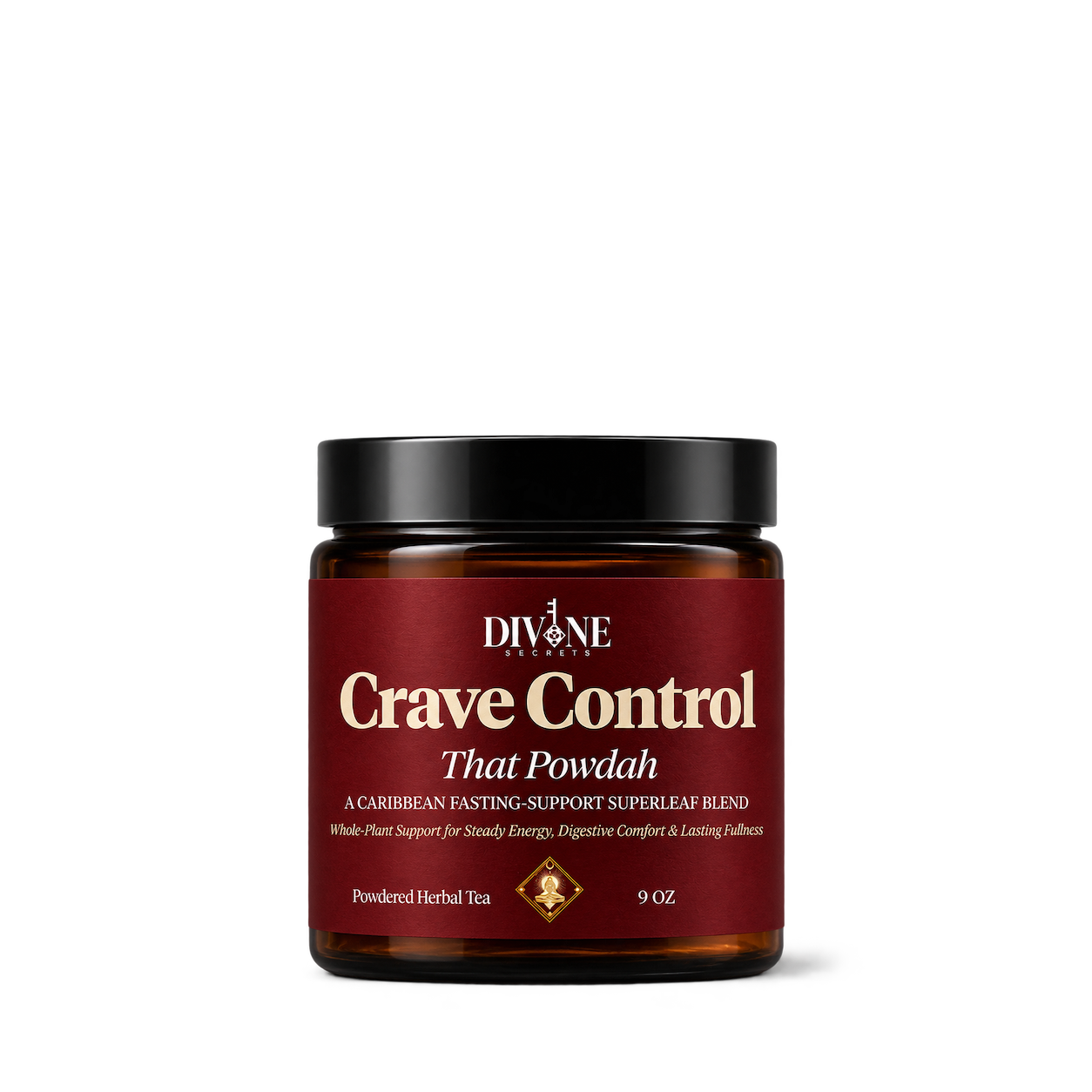
Divine Secrets xoxo
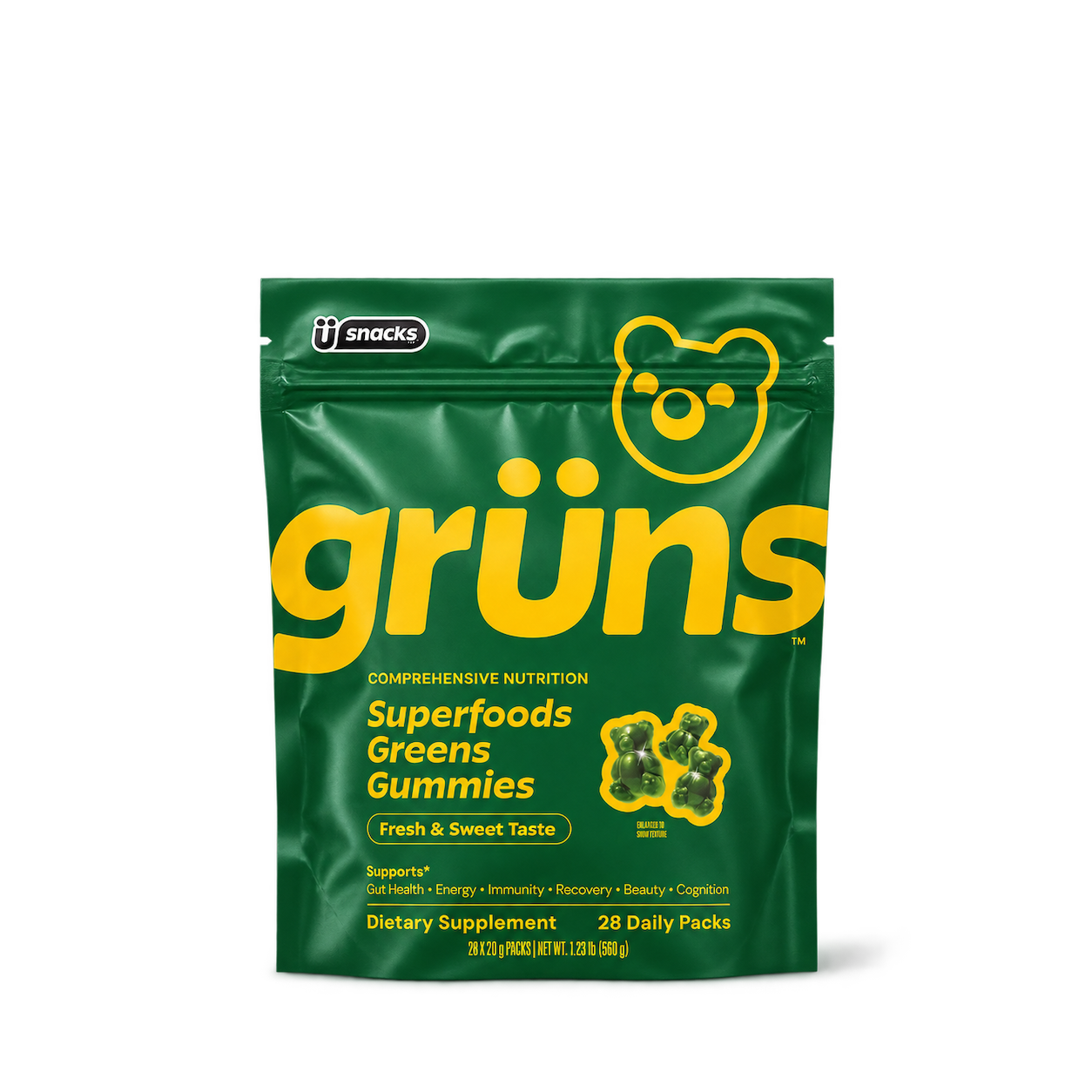
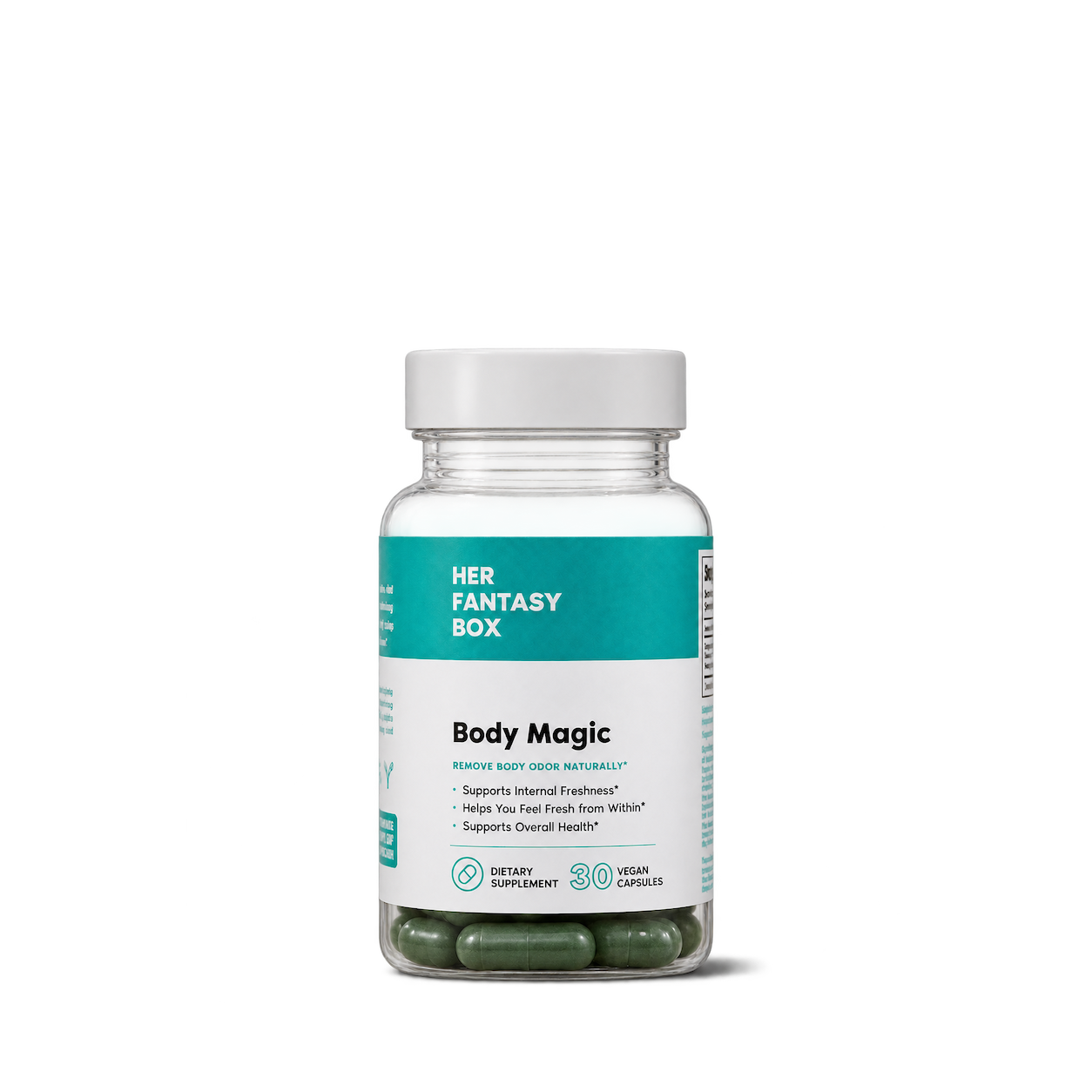
Her Fantasy Box
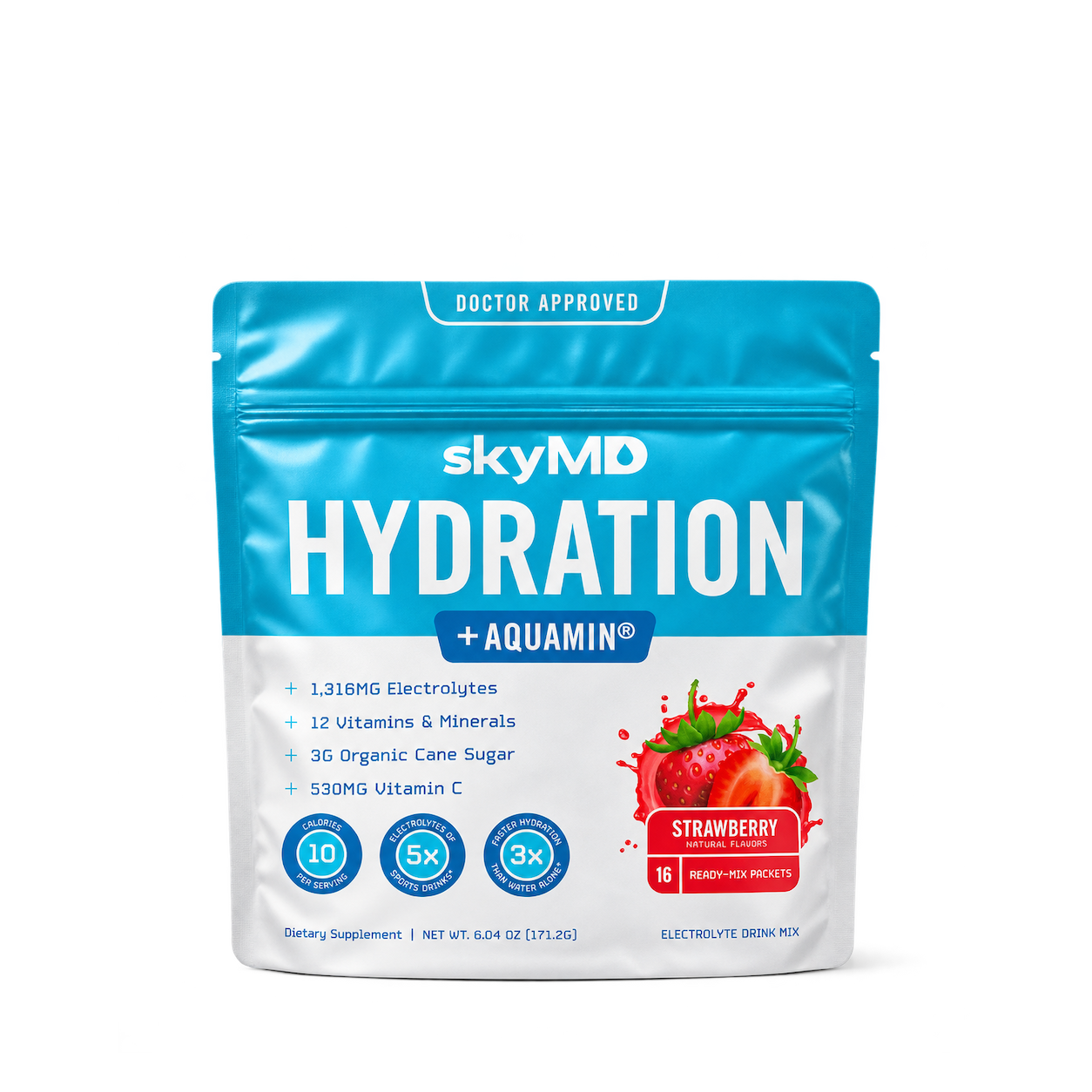
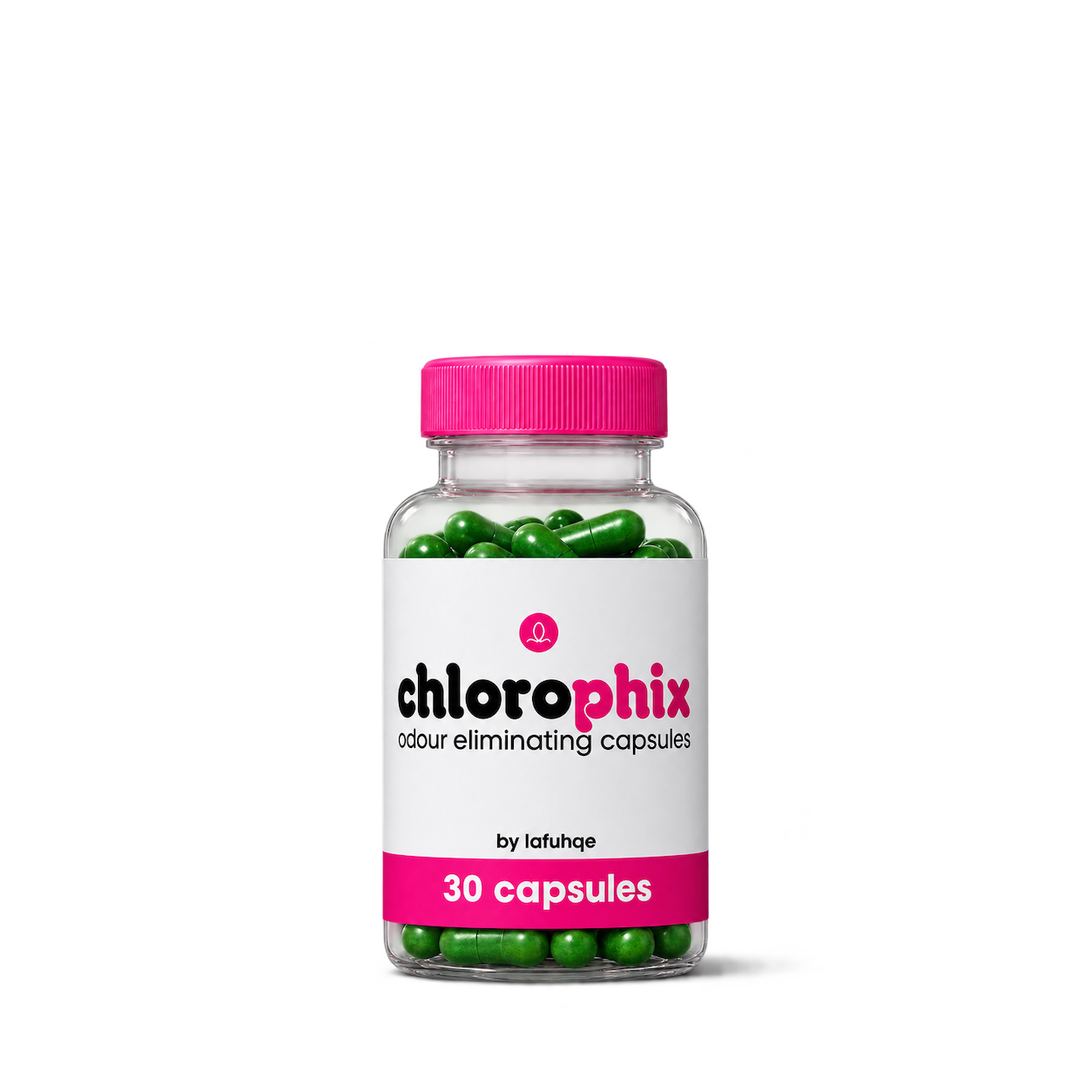
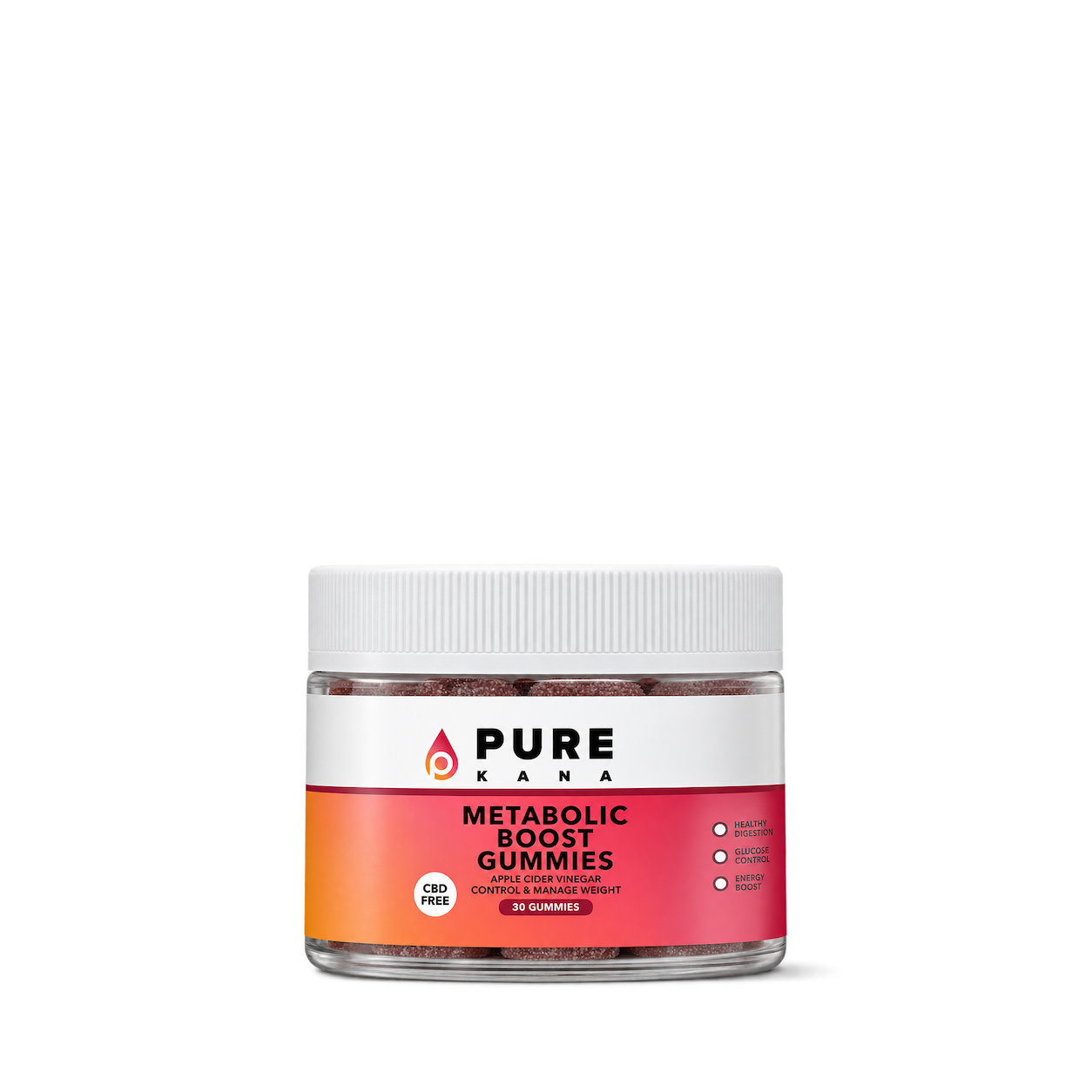
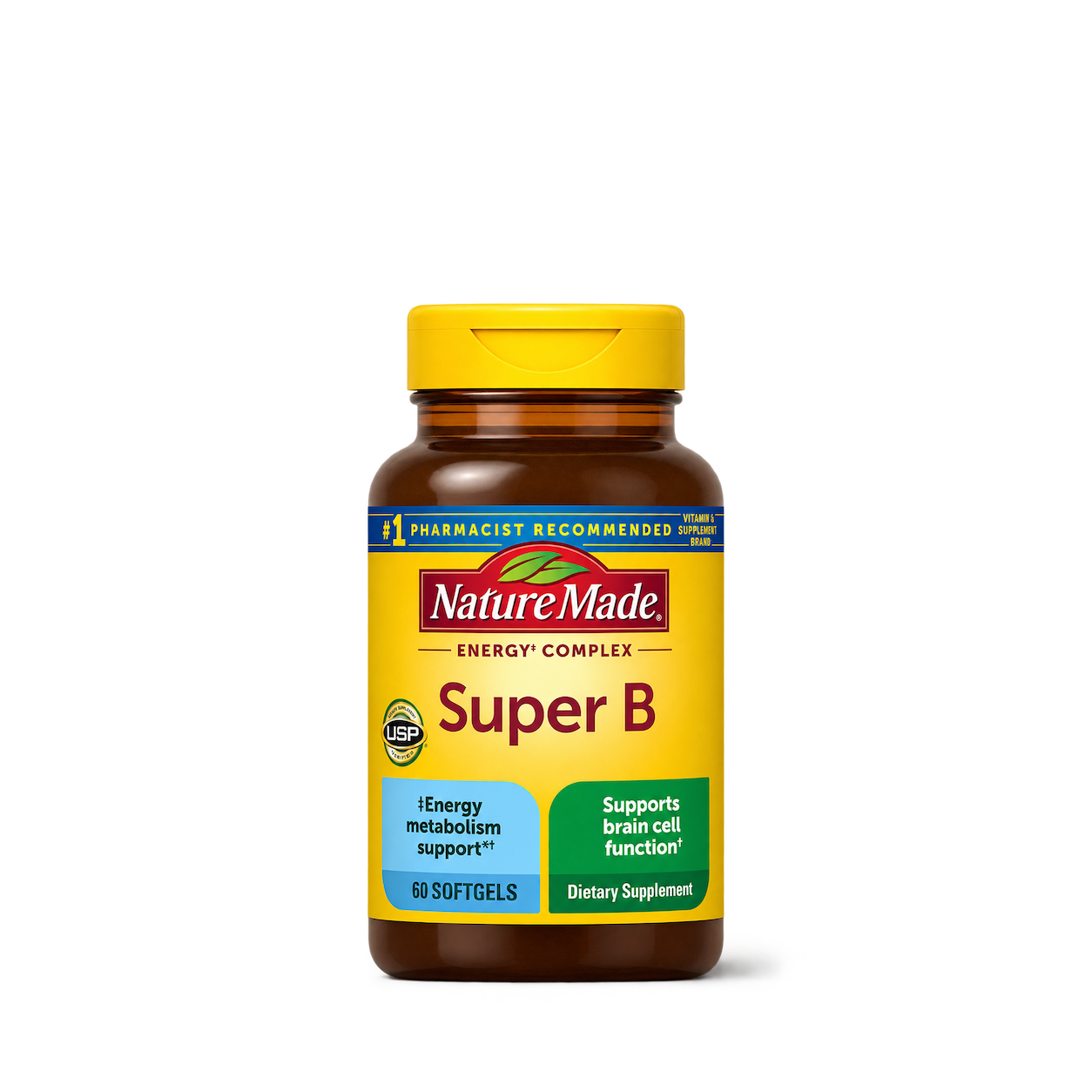
Nature Made
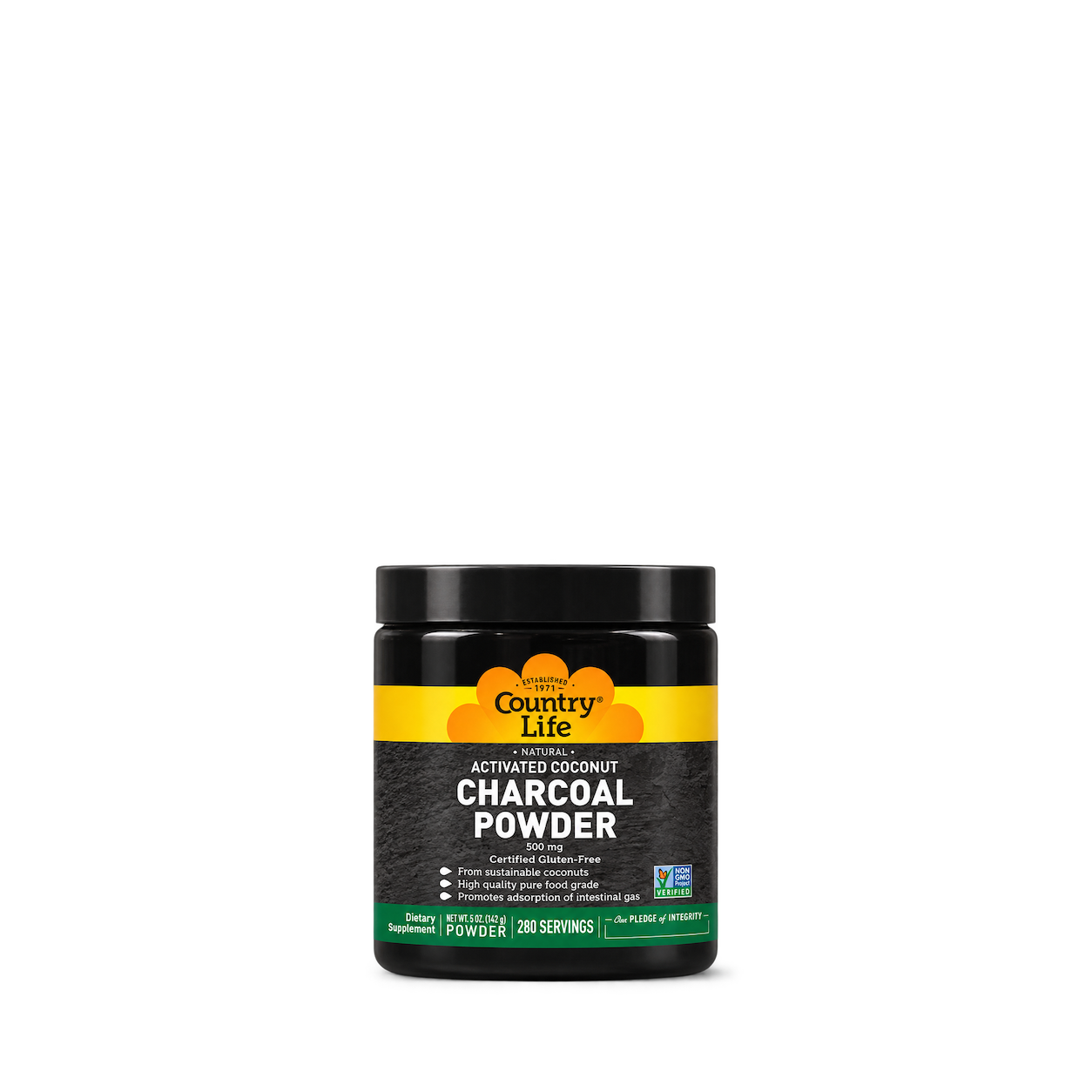
Country Life
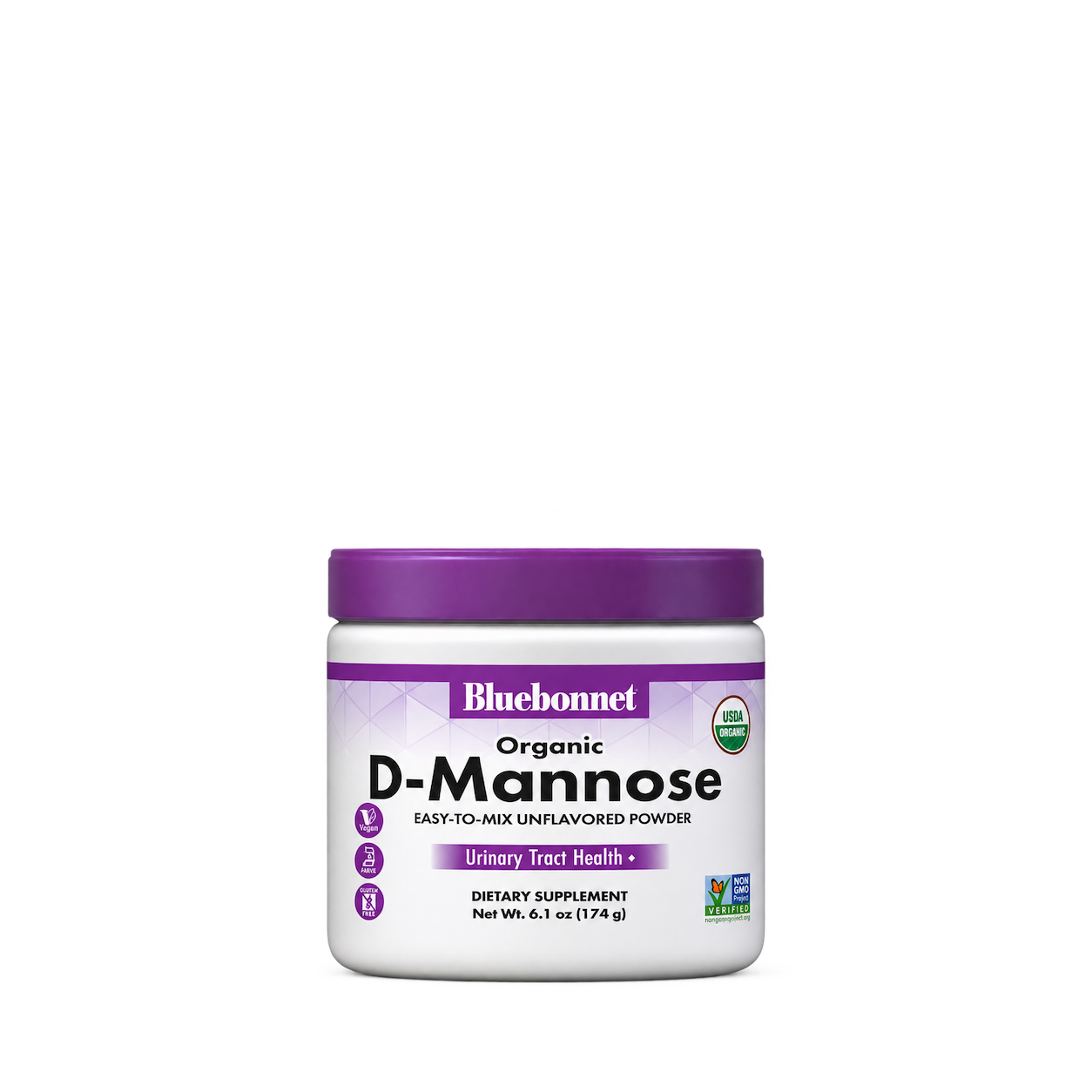
Bluebonnet
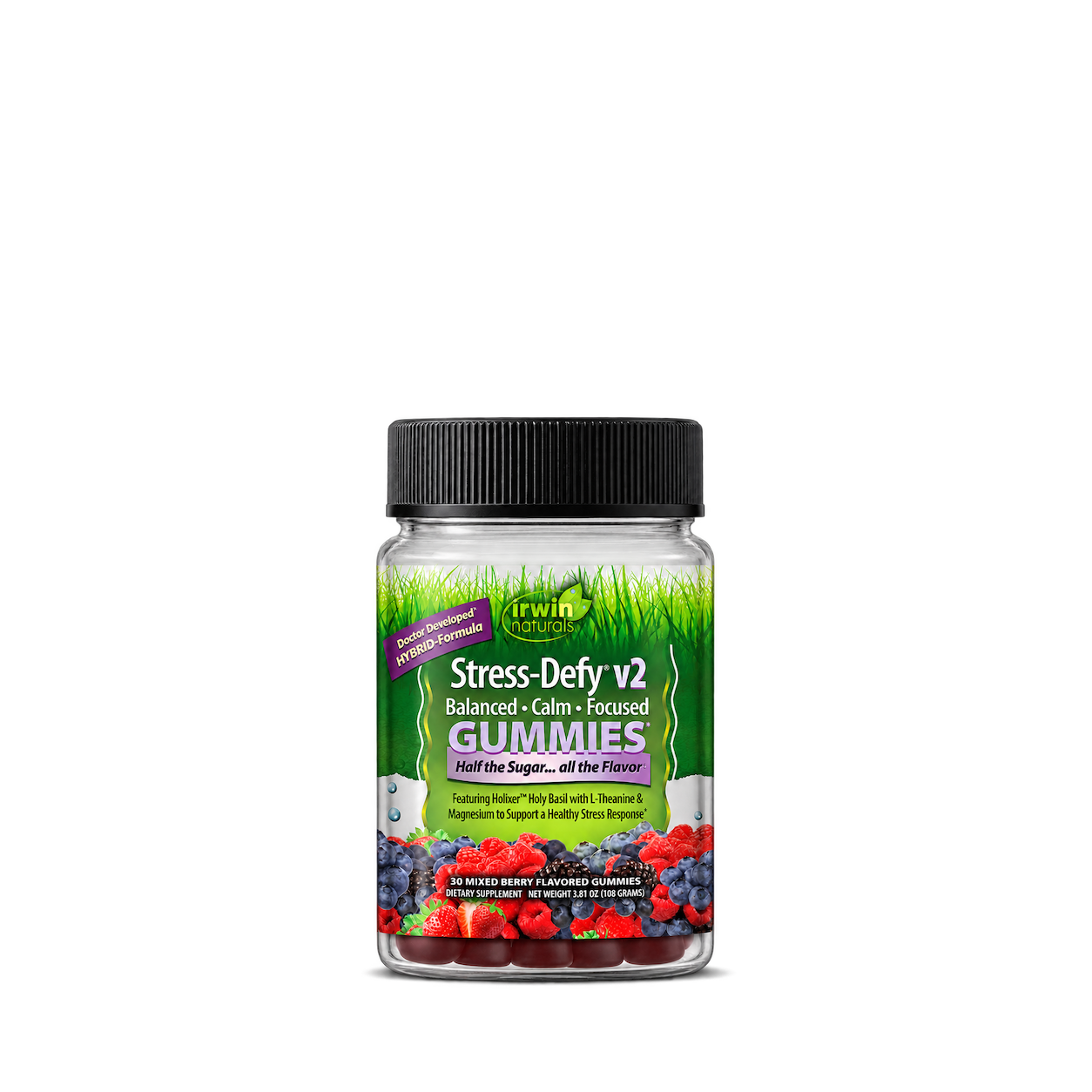
Irwin Naturals
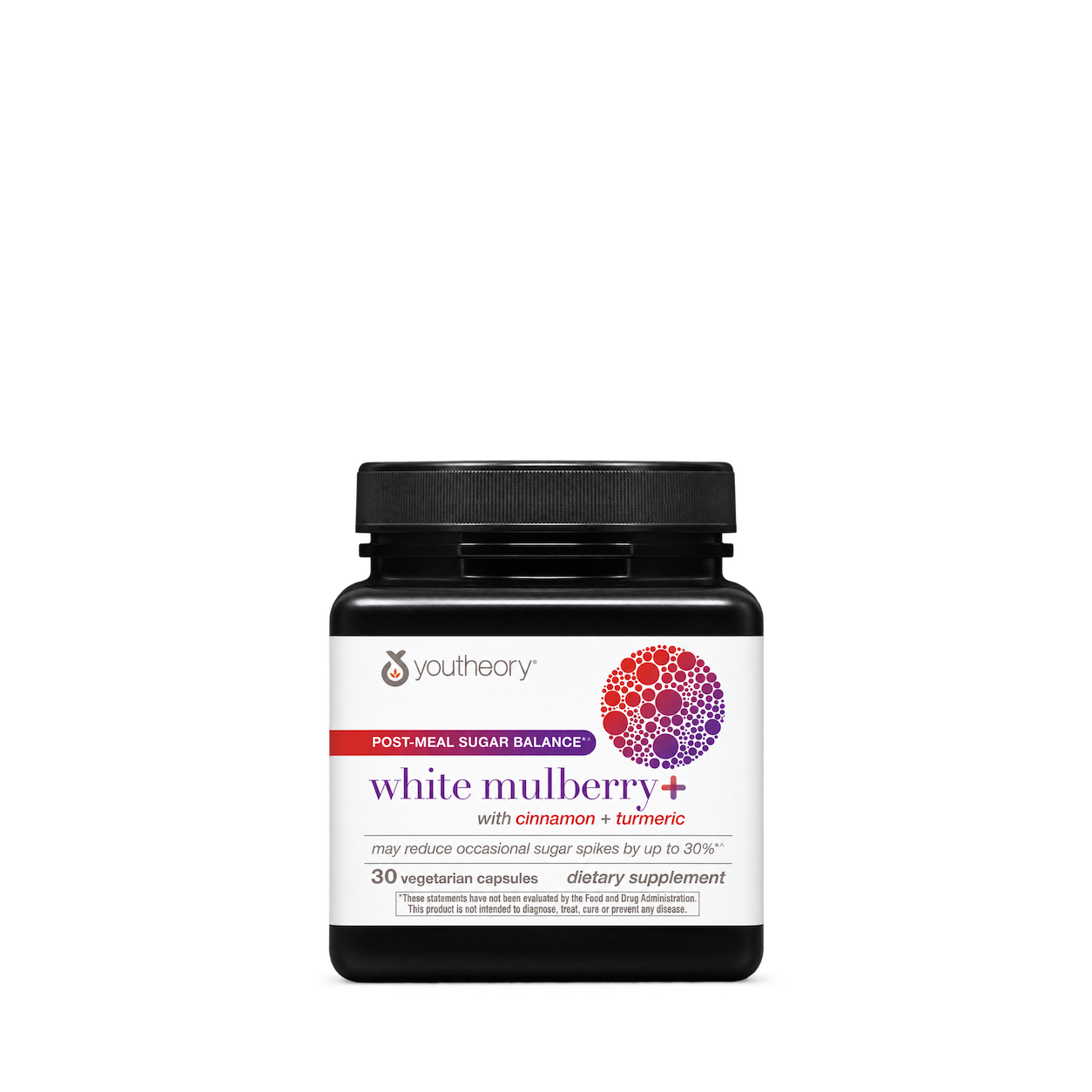
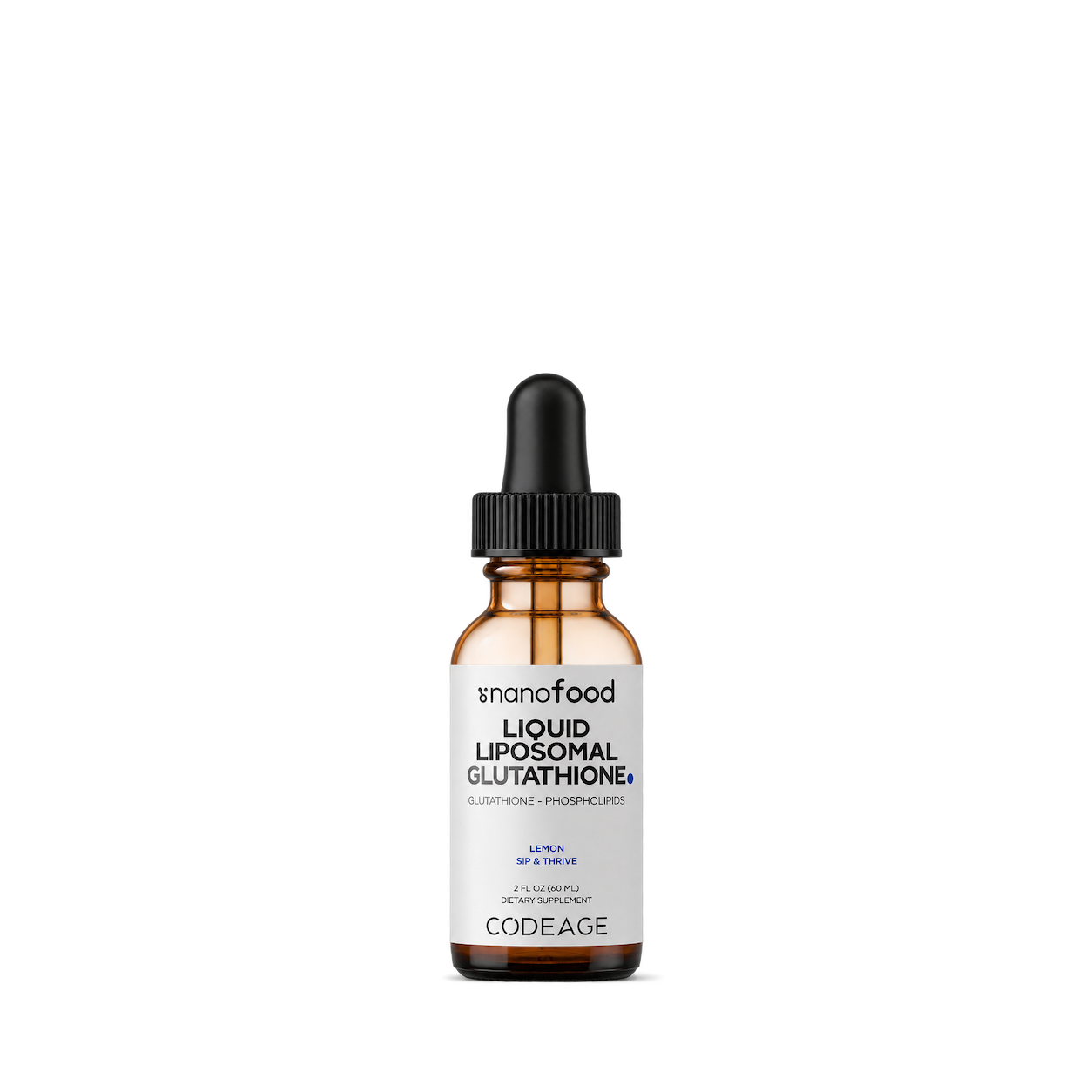
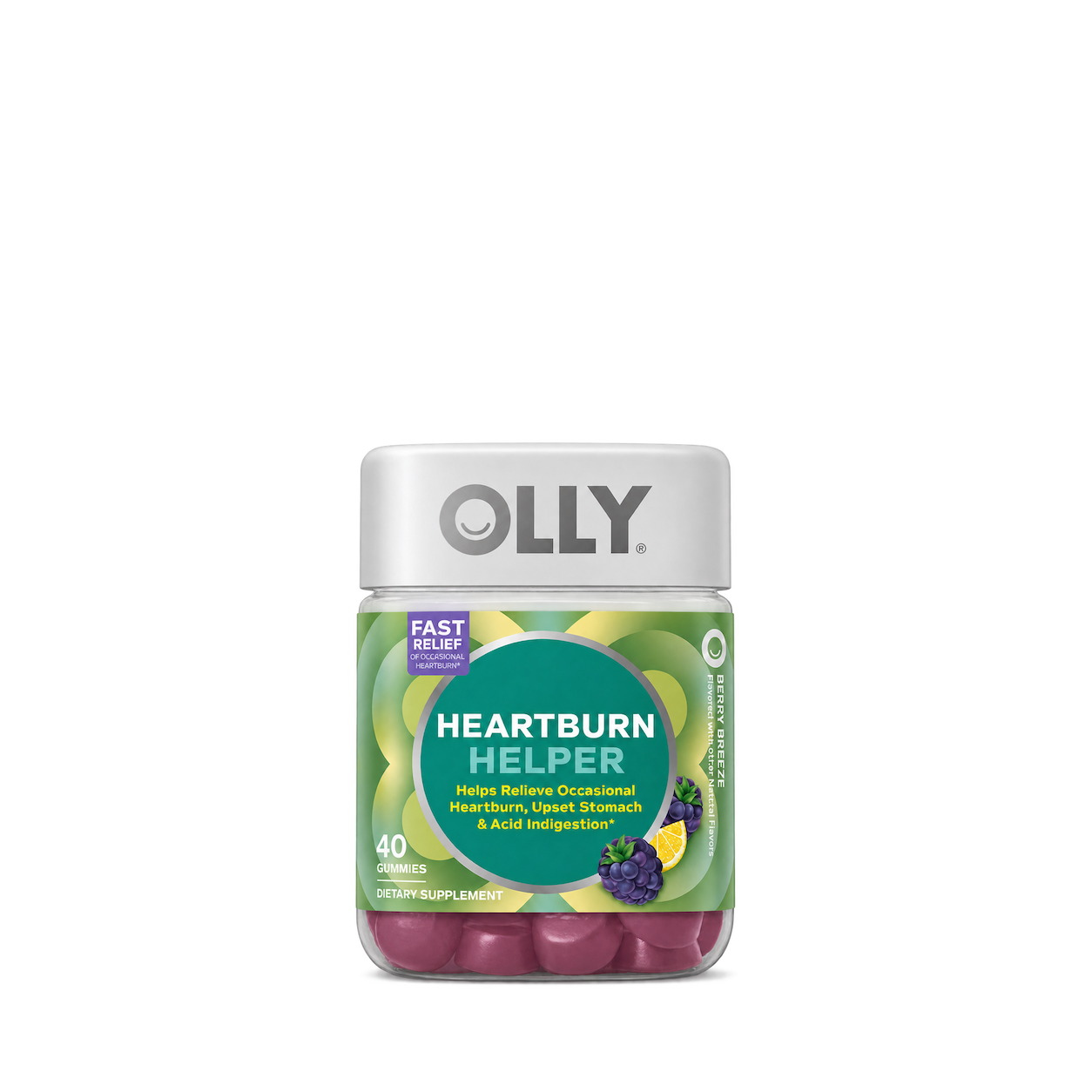
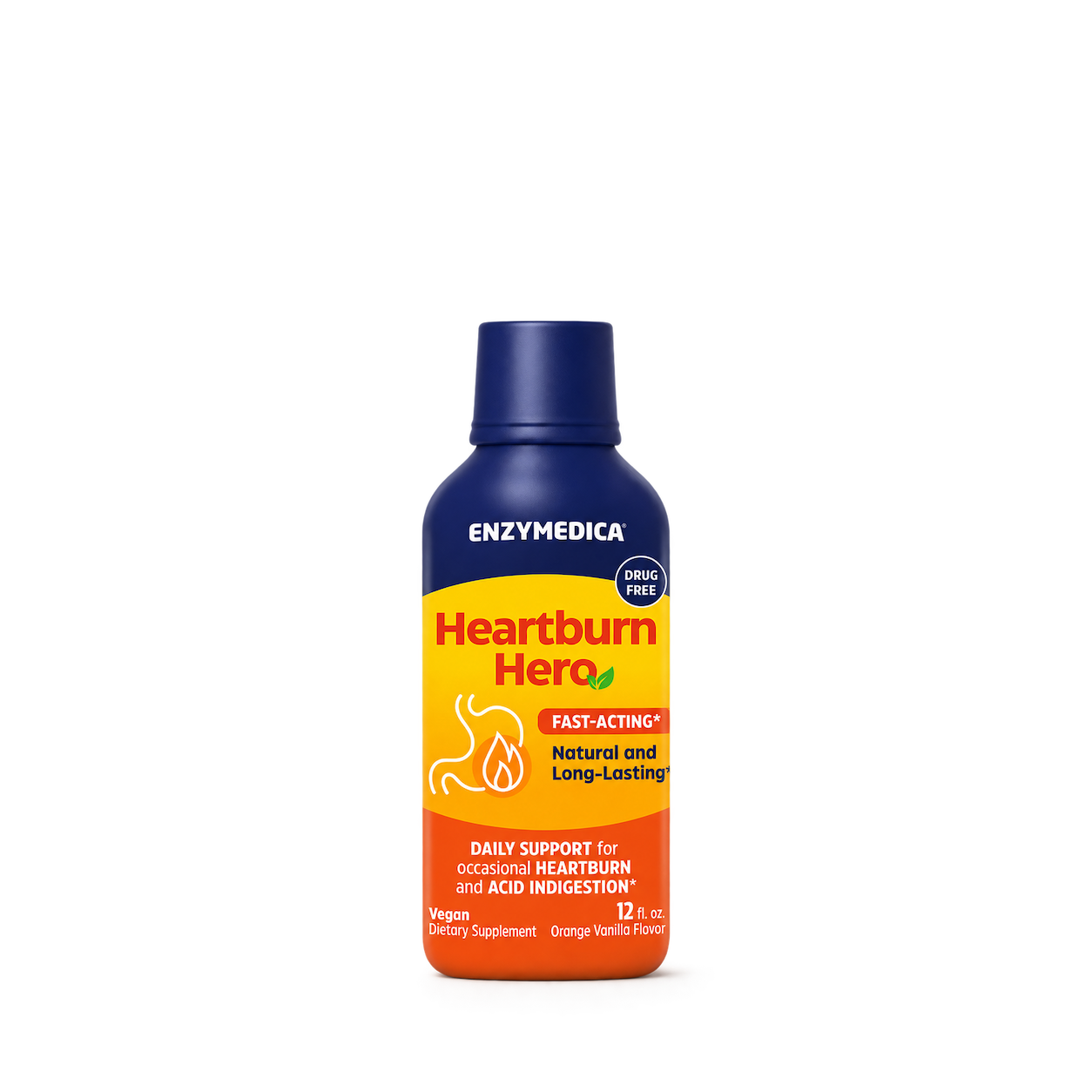
Enzymedica
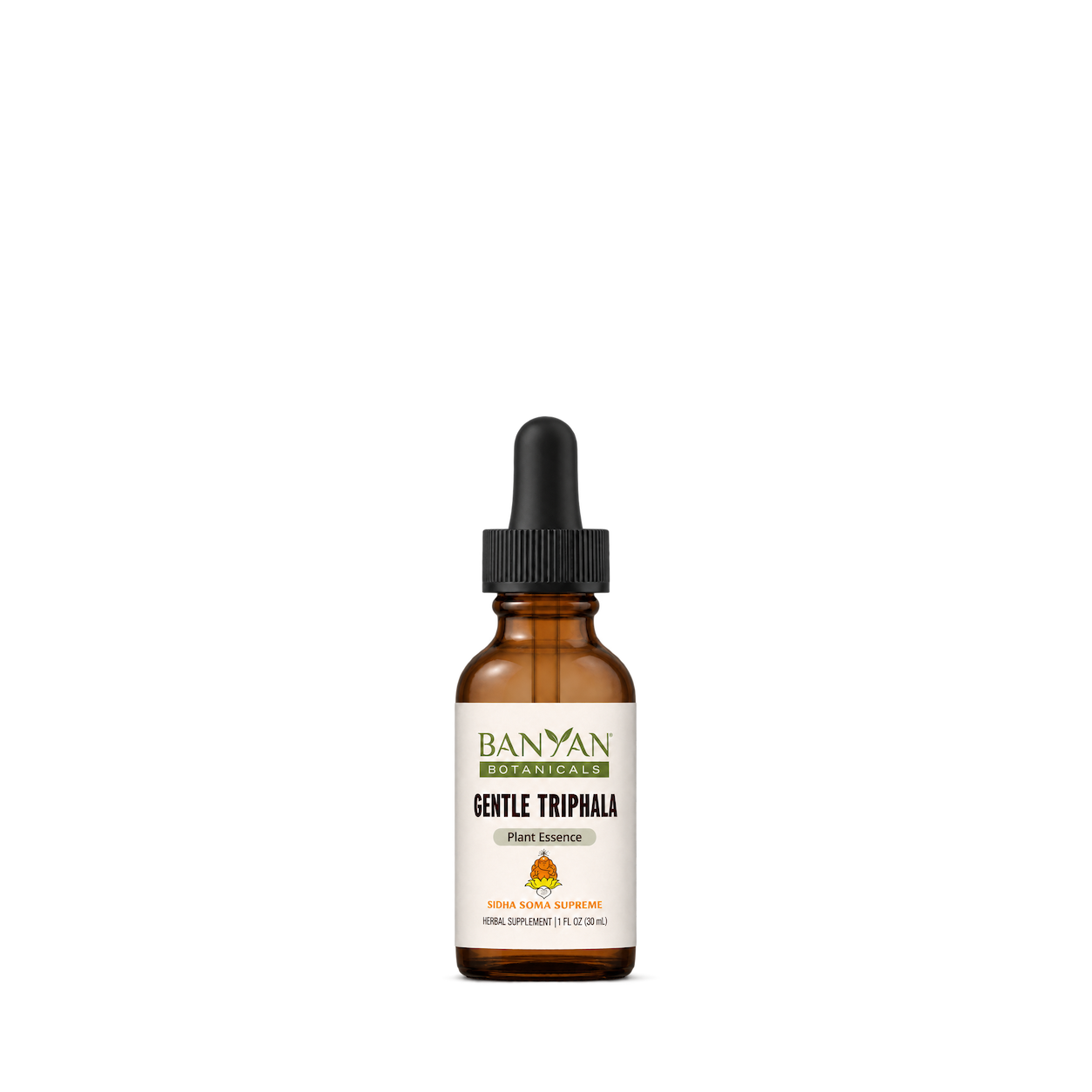
Banyan Botanicals
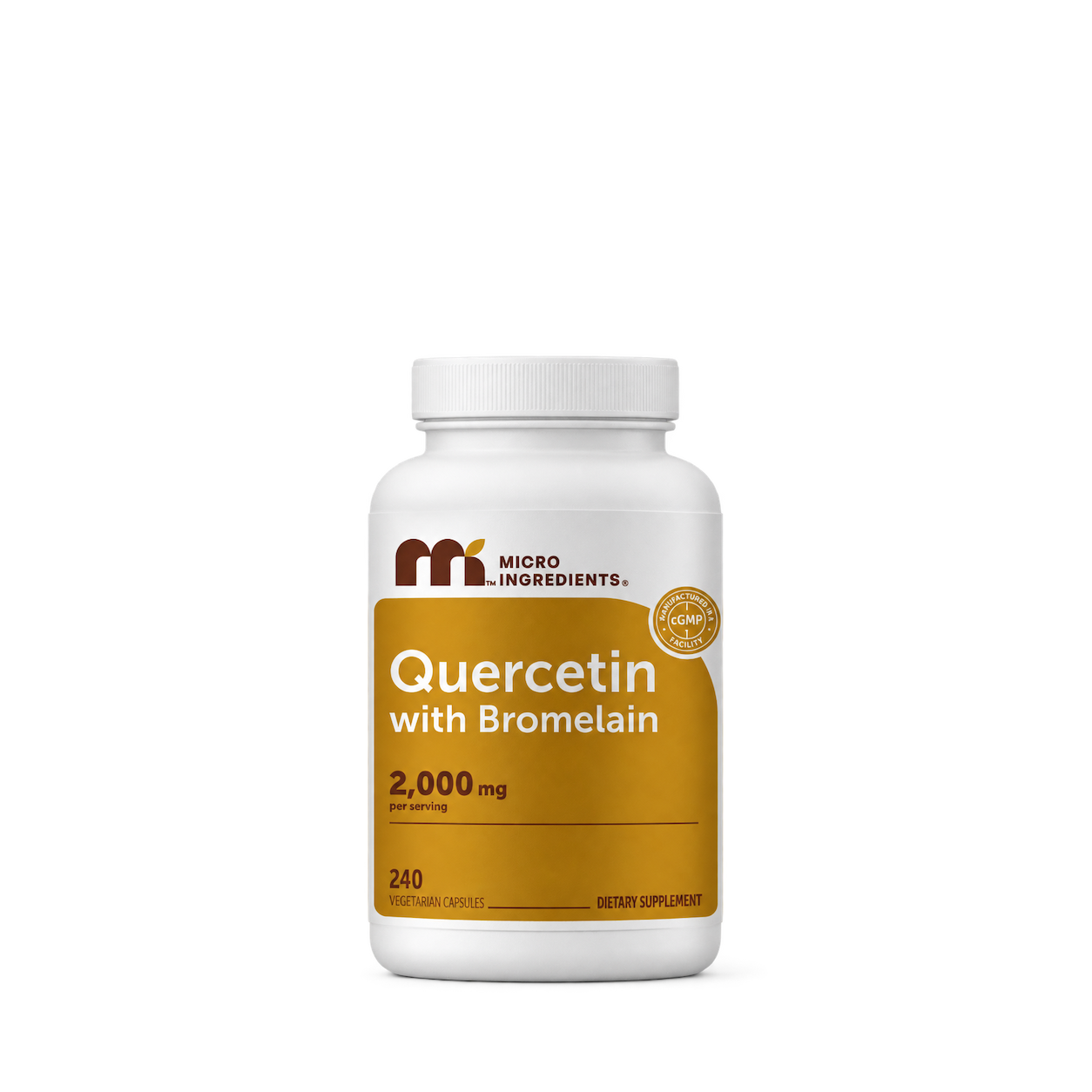
Micro Ingredients
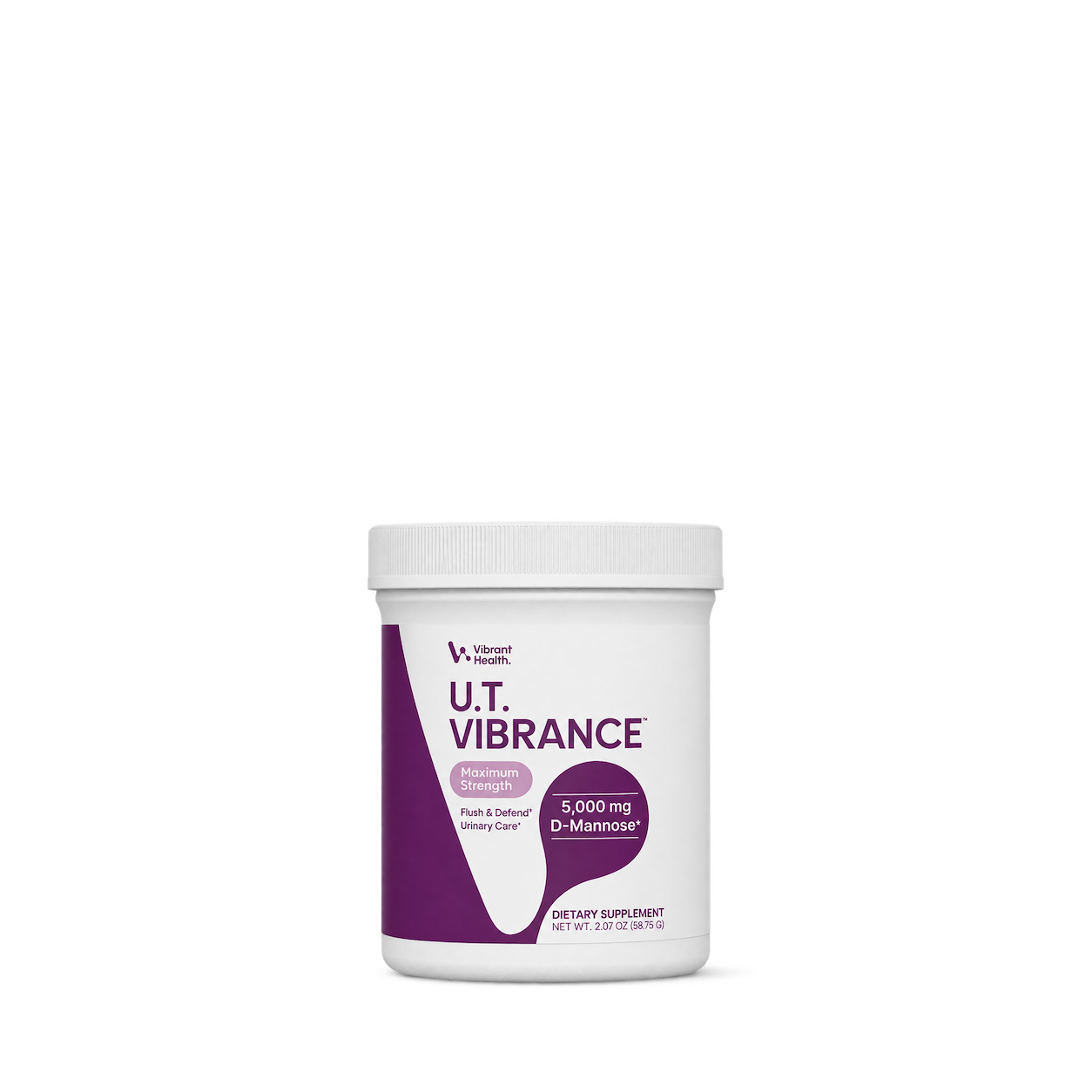
Vibrant Health
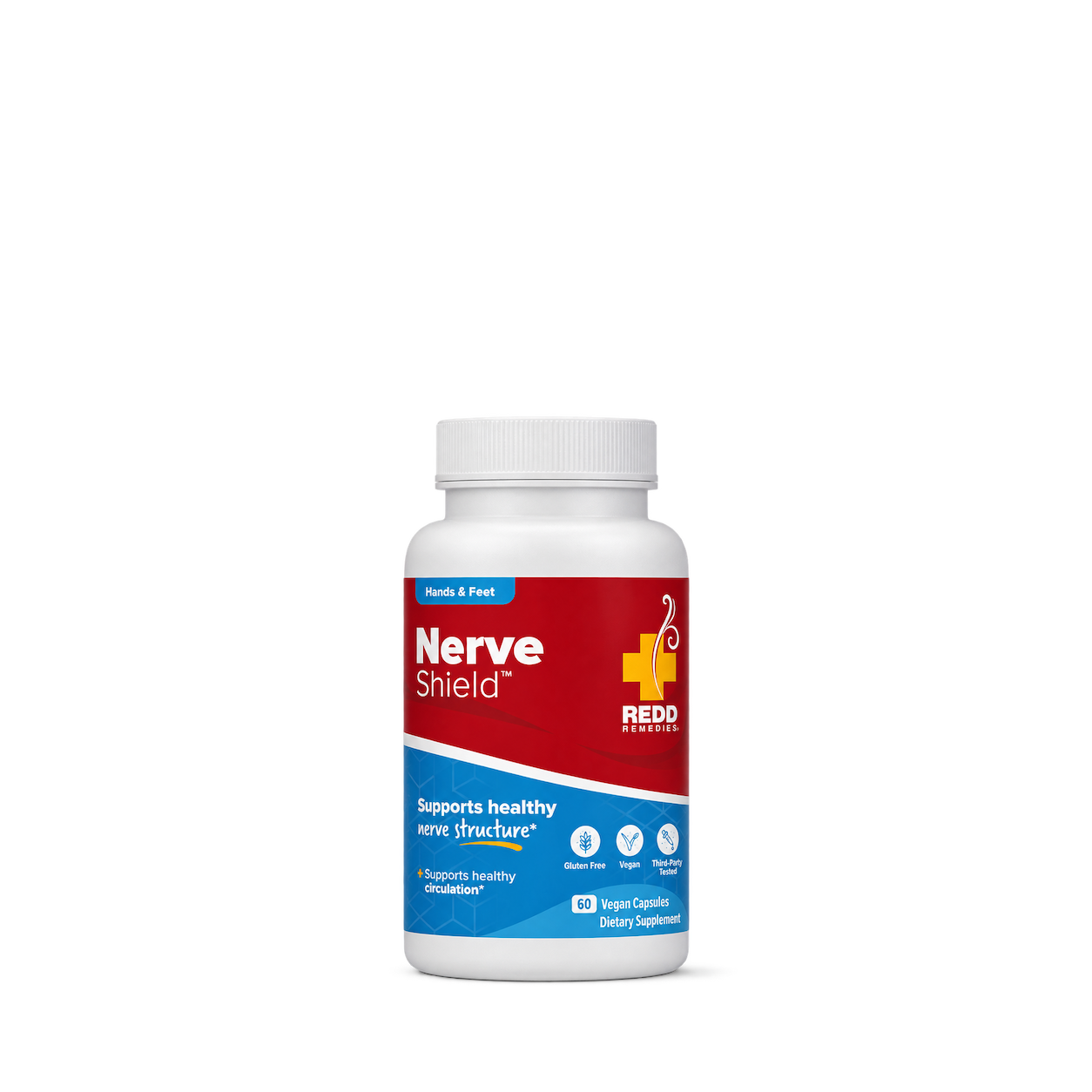
Redd Remedies
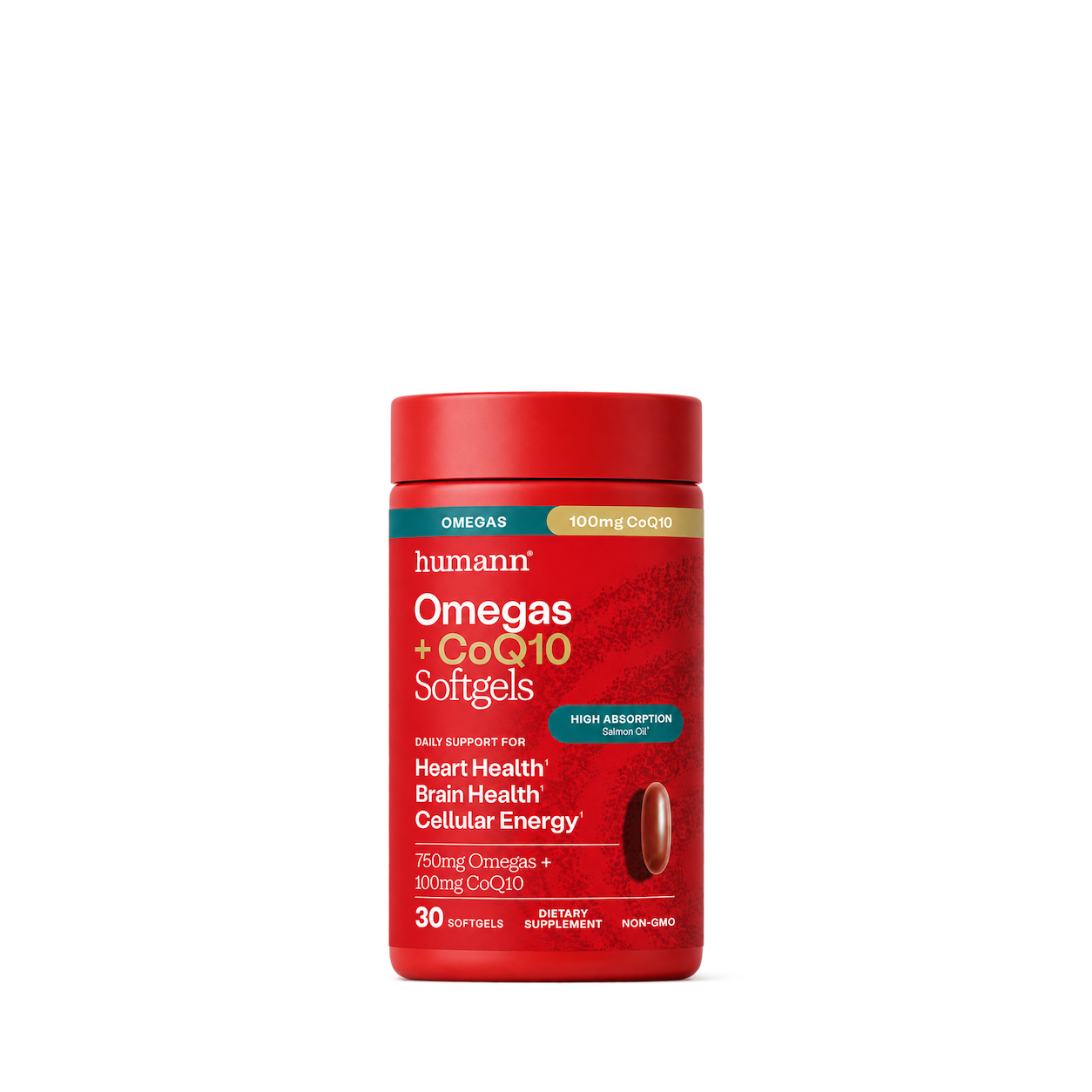
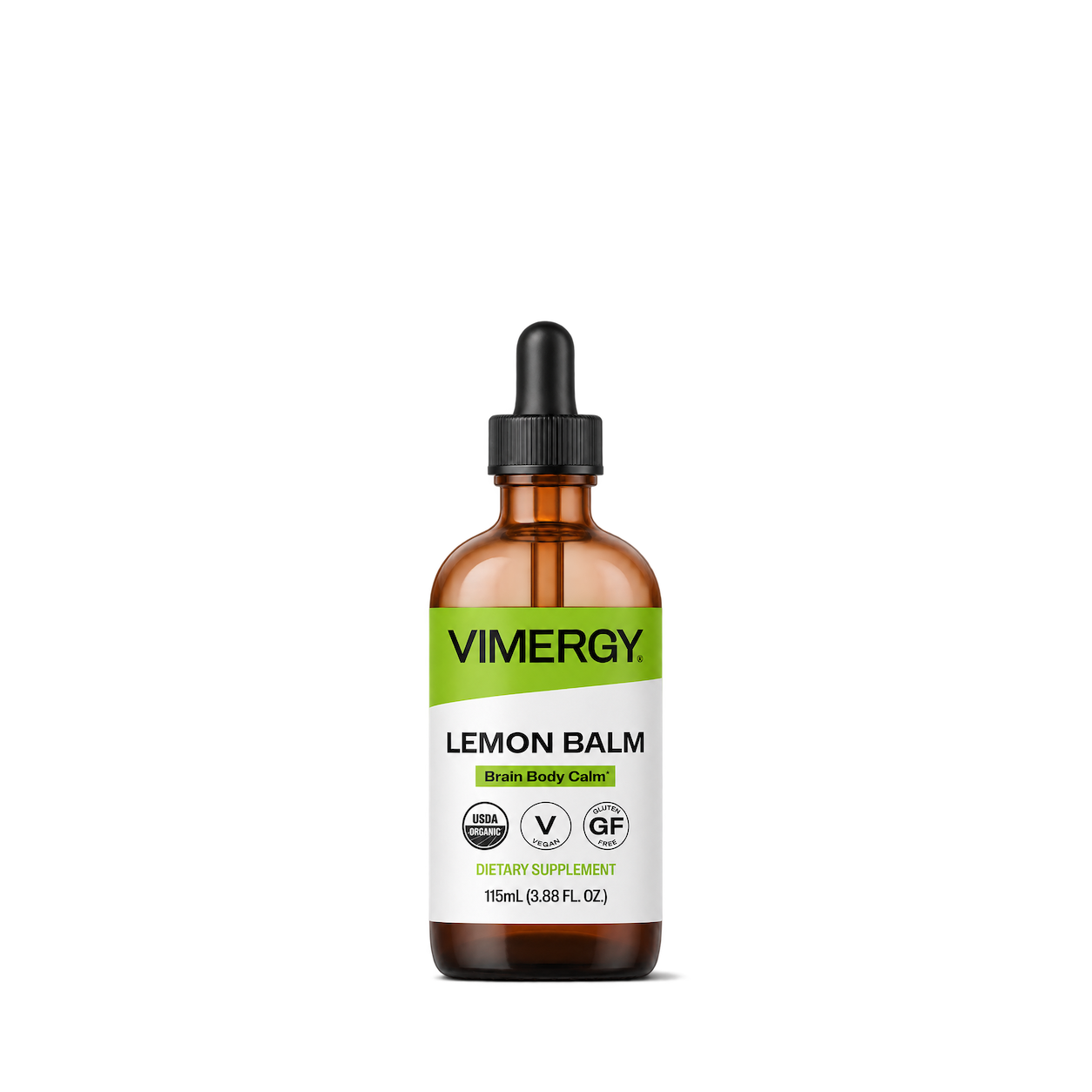
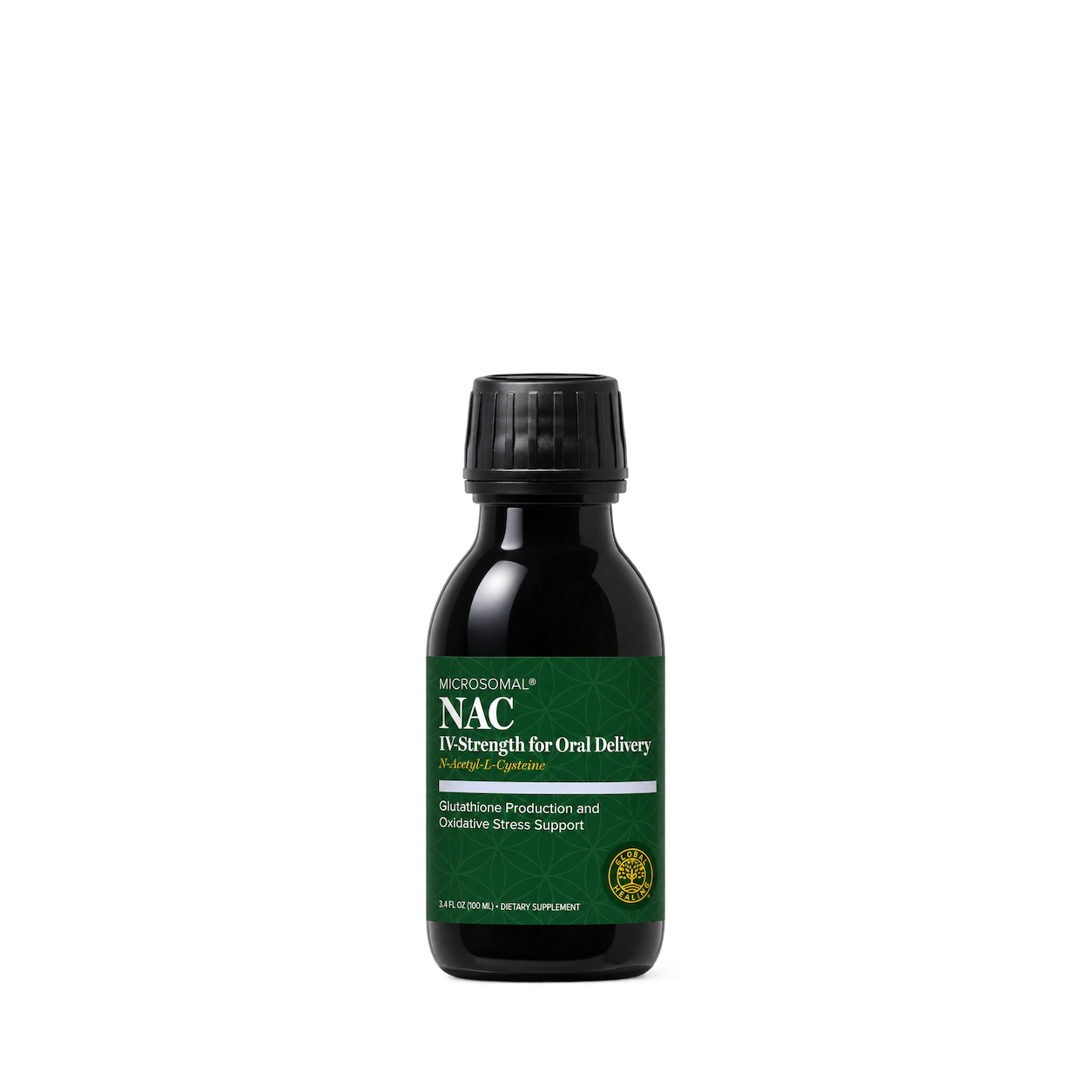
Global Healing
Try another brand or product, or give your filters a little room.
Showing 128 of 182
Connect for free to search product shots and get image URLs, dimensions, and source links.
Developer guide

FAQs
Start here. No technical background needed.
Shelfhelp is a library of product images for websites, apps, and designs. Find an image yourself, or connect your AI building tool so it can find and use images while you work.
You’re getting images of the products. Shelfhelp doesn’t sell or ship the physical items. Product source links take you to the brand or retailer if you want to explore the actual product.
Yes. Browsing the library, downloading images, and connecting the MCP are free. You don’t need a Shelfhelp account or subscription. The building tool you use may have its own costs.
Open the product shot you want, choose Get free PNG, and enter your email. We’ll send you a link to download the original image file, which you can upload into your website builder or design tool.
Your download link is valid for seven days.
We use your email to deliver the original image’s download link. Requesting an image does not subscribe you to marketing.
You don’t need to enter an email to browse the library or connect your builder through MCP.
It means giving your AI building tool access to Shelfhelp’s image library. Once connected, you can ask it to find product shots and use them in your project.
MCP is simply the connection that lets the two tools work together.
Select Connect the MCP and copy the connection link. In your builder’s settings, look for an option to add an MCP server or custom connector, then paste the link.
The exact steps depend on your builder. Start with our connection guide.
Absolutely. You can browse the library, request an image by email, and upload the downloaded file into your project yourself.
The MCP connection is optional. To use it, your building tool needs to support connecting to a remote MCP server.
Start with something like:
“Find five skincare product shots from Shelfhelp and use them on my homepage.”
For a specific product, include the brand and product name. If the color, size, or flavor matters, include that too—and check that the selected image matches.
They’ll see the product images your builder places in your design. Your builder controls the layout, colors, text, and interactions.
Connecting Shelfhelp alone doesn’t change your website. Your visitors don’t need to connect to Shelfhelp or understand MCP.
Try searching by brand, product name, or a broader category. The MCP finds existing images; it doesn’t generate new ones.
If you need an exact product or version, check the result carefully before using it.
Check the image’s usage rights and approval details first. Free access doesn’t automatically grant permission for every commercial use.
The library includes independent product studies, so a pictured brand doesn’t mean that brand approved the image. If permission is unclear, confirm it before publishing.

