 Shelfhelp.ai













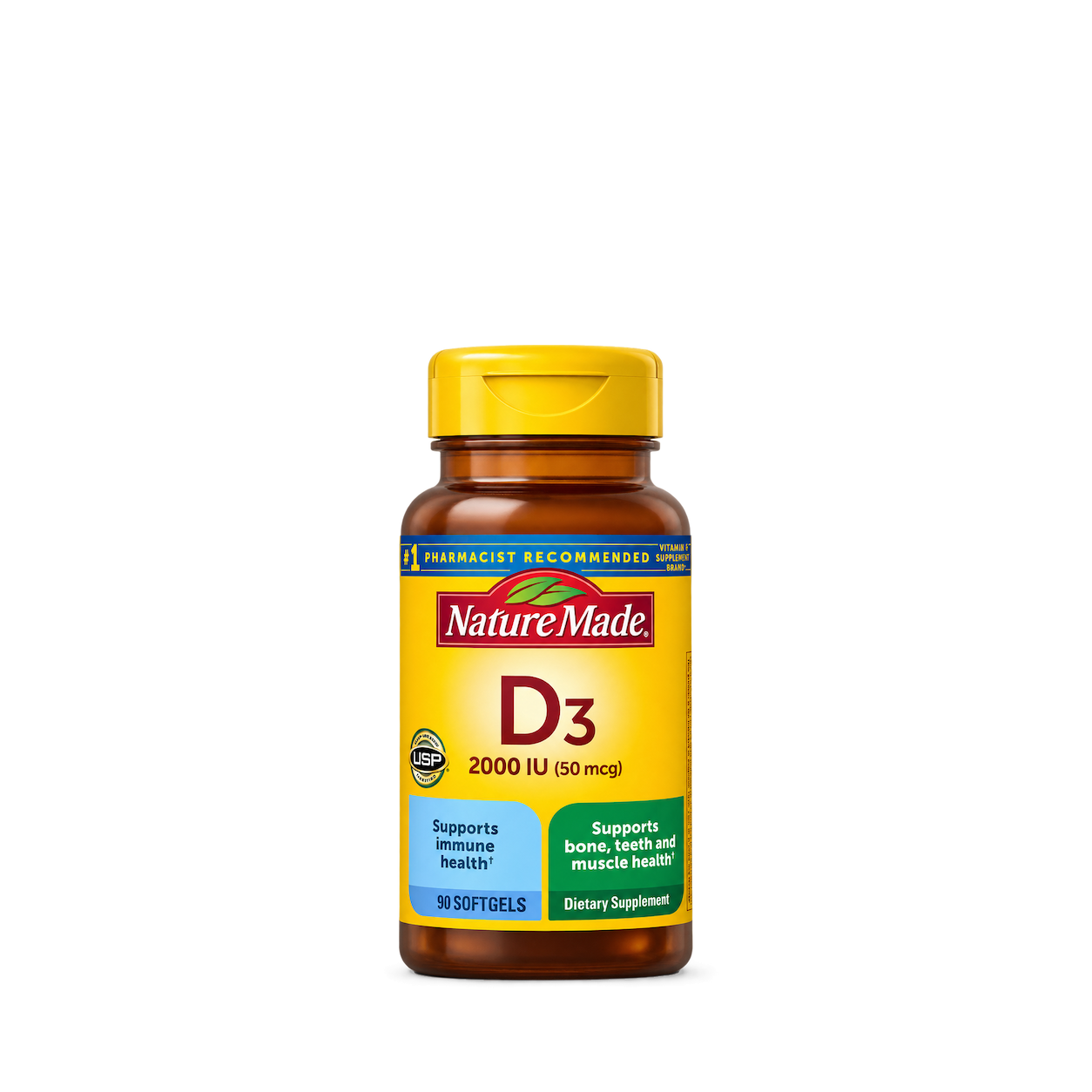
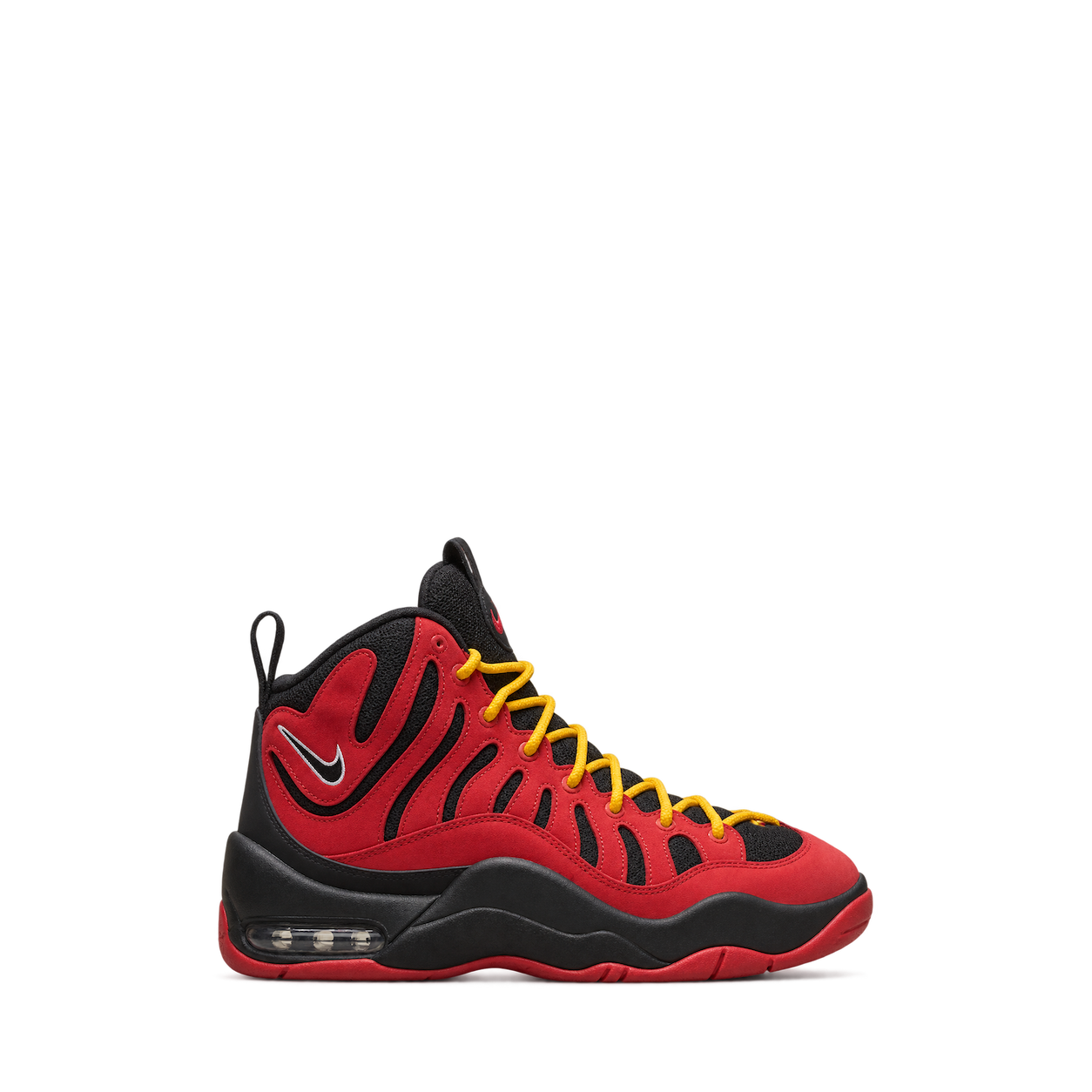

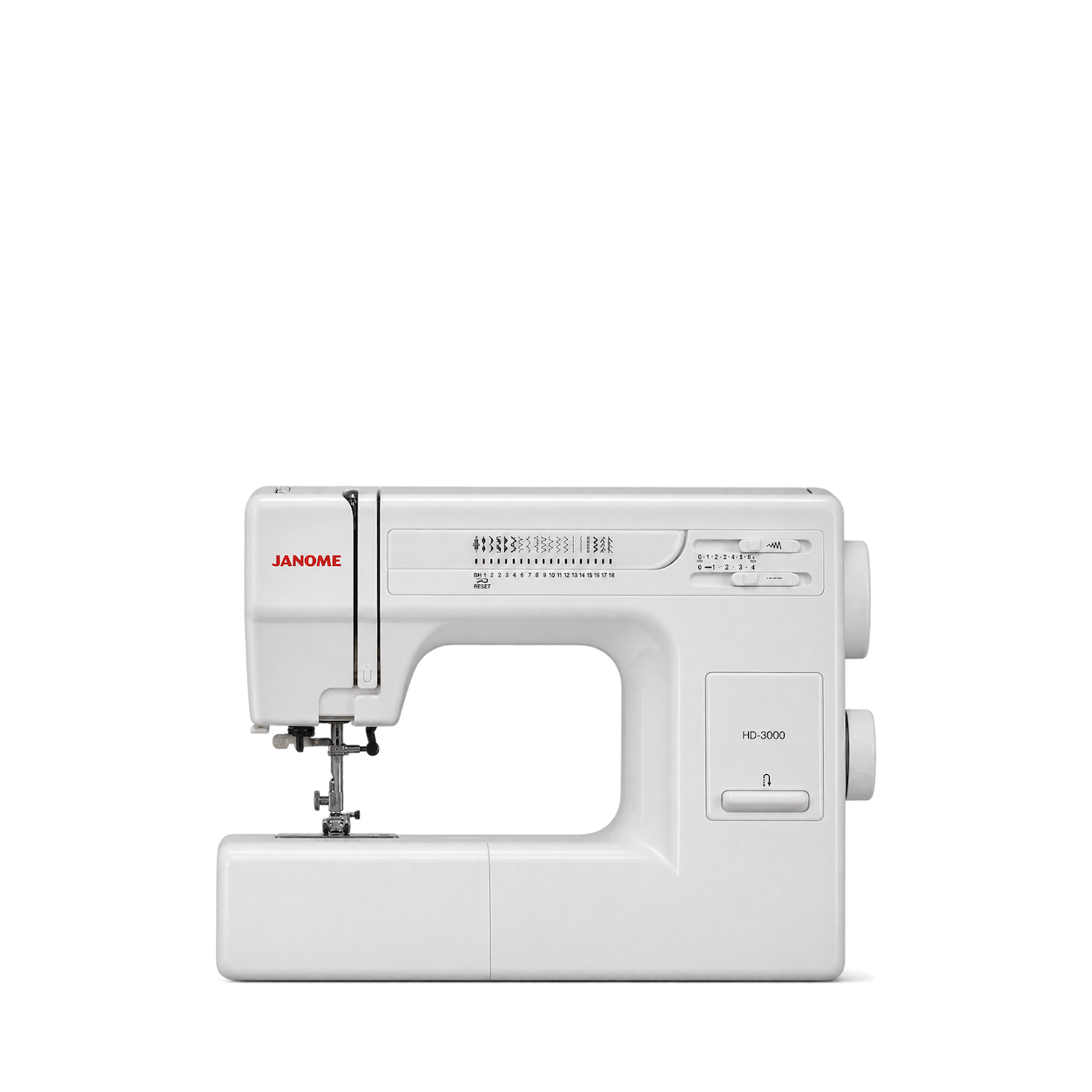
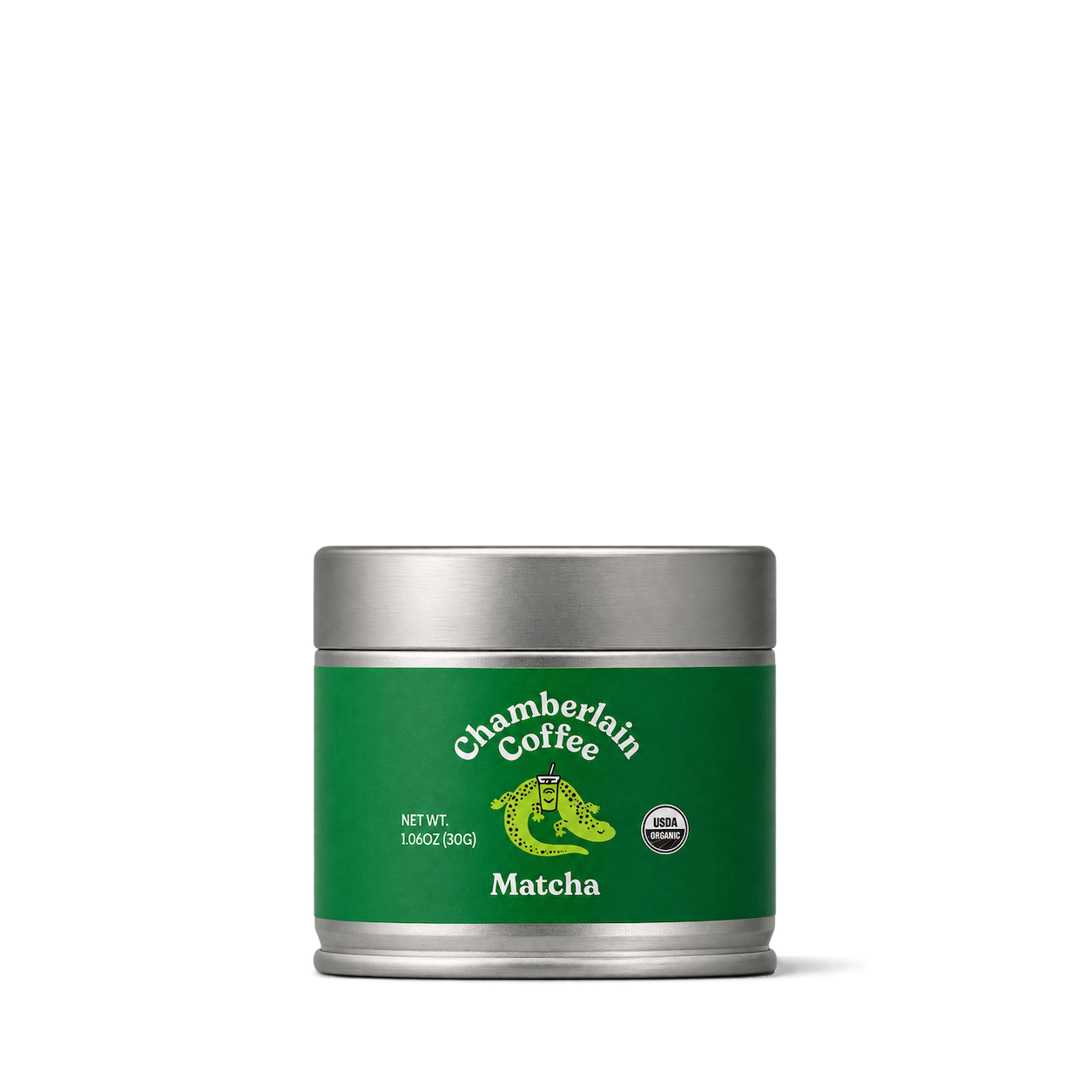


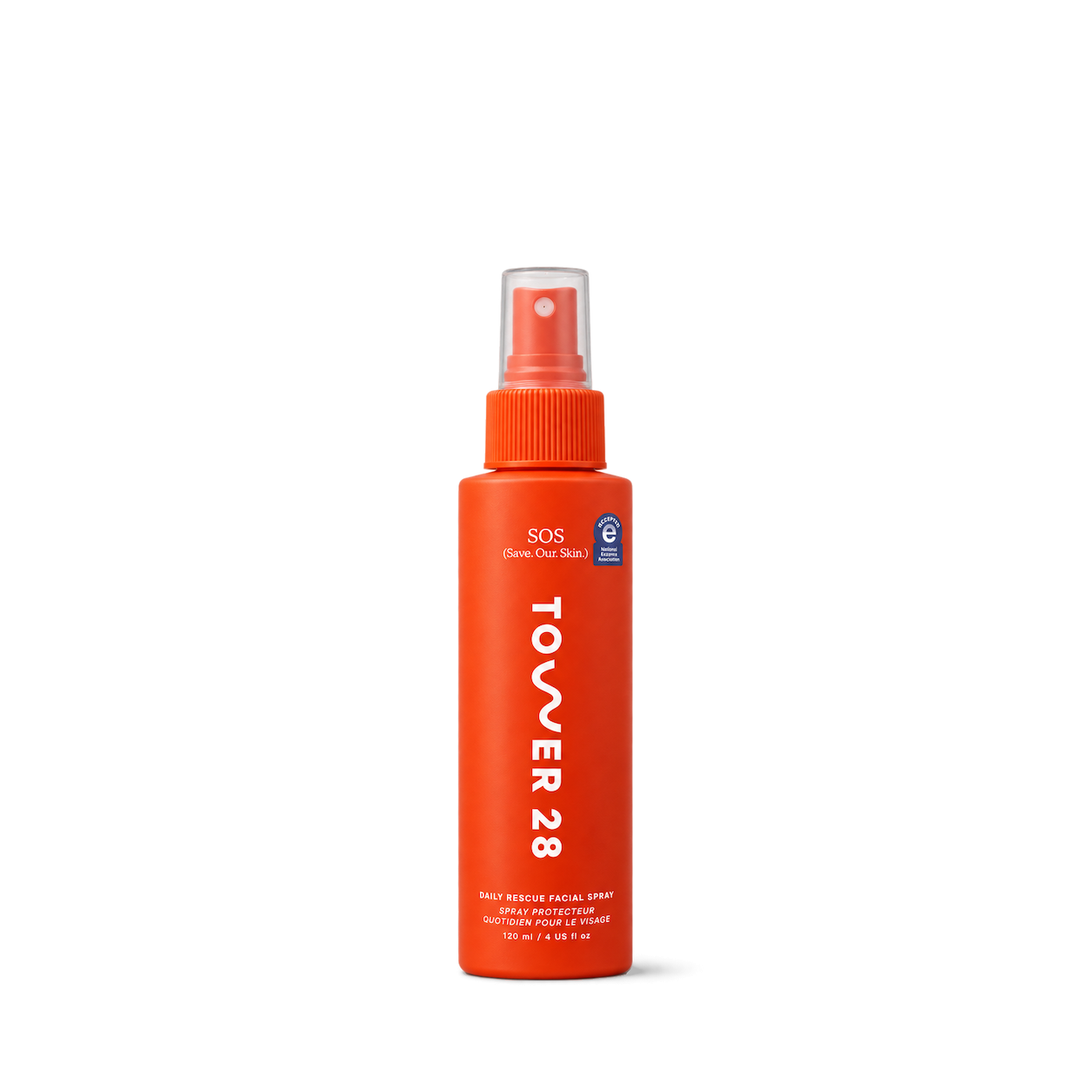
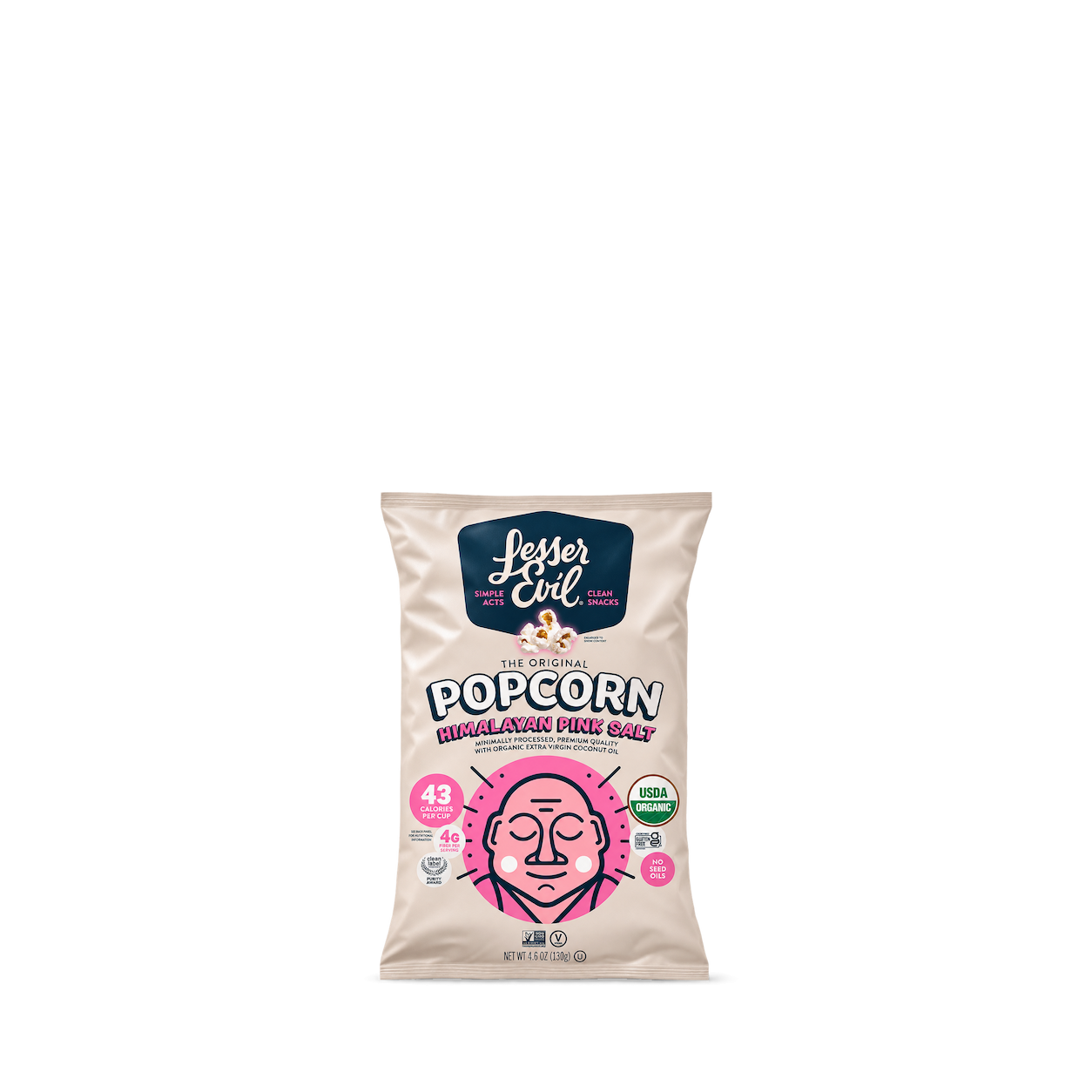

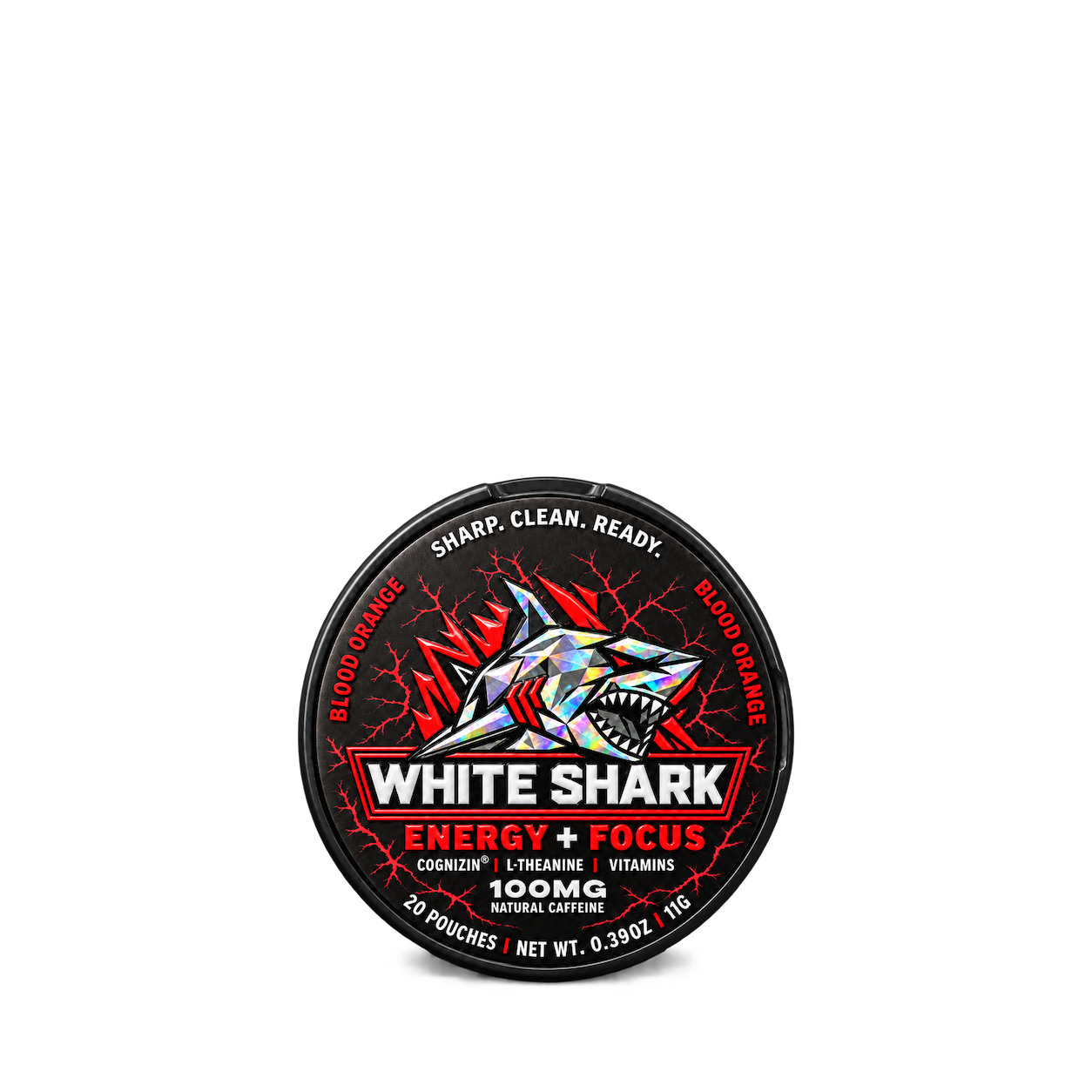

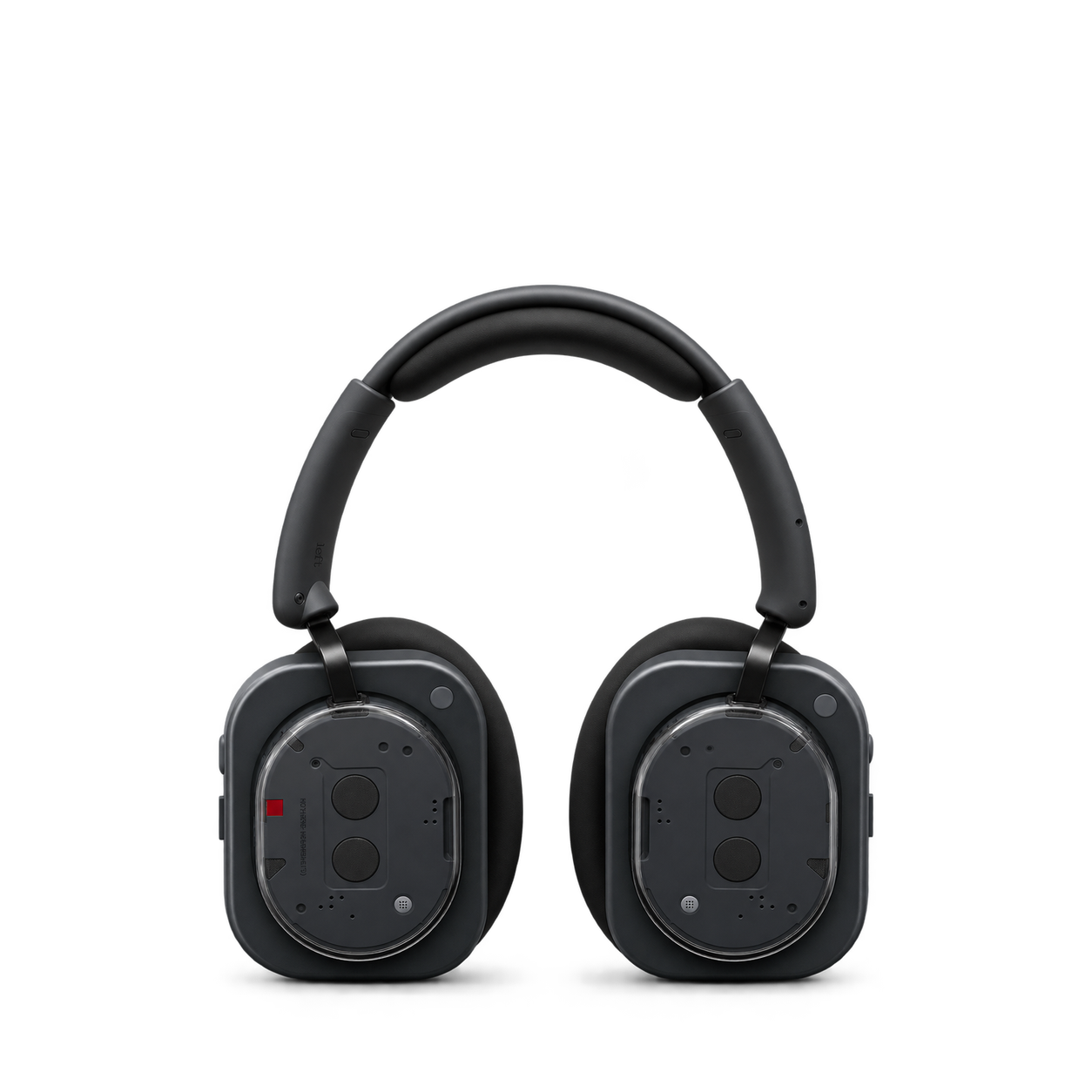








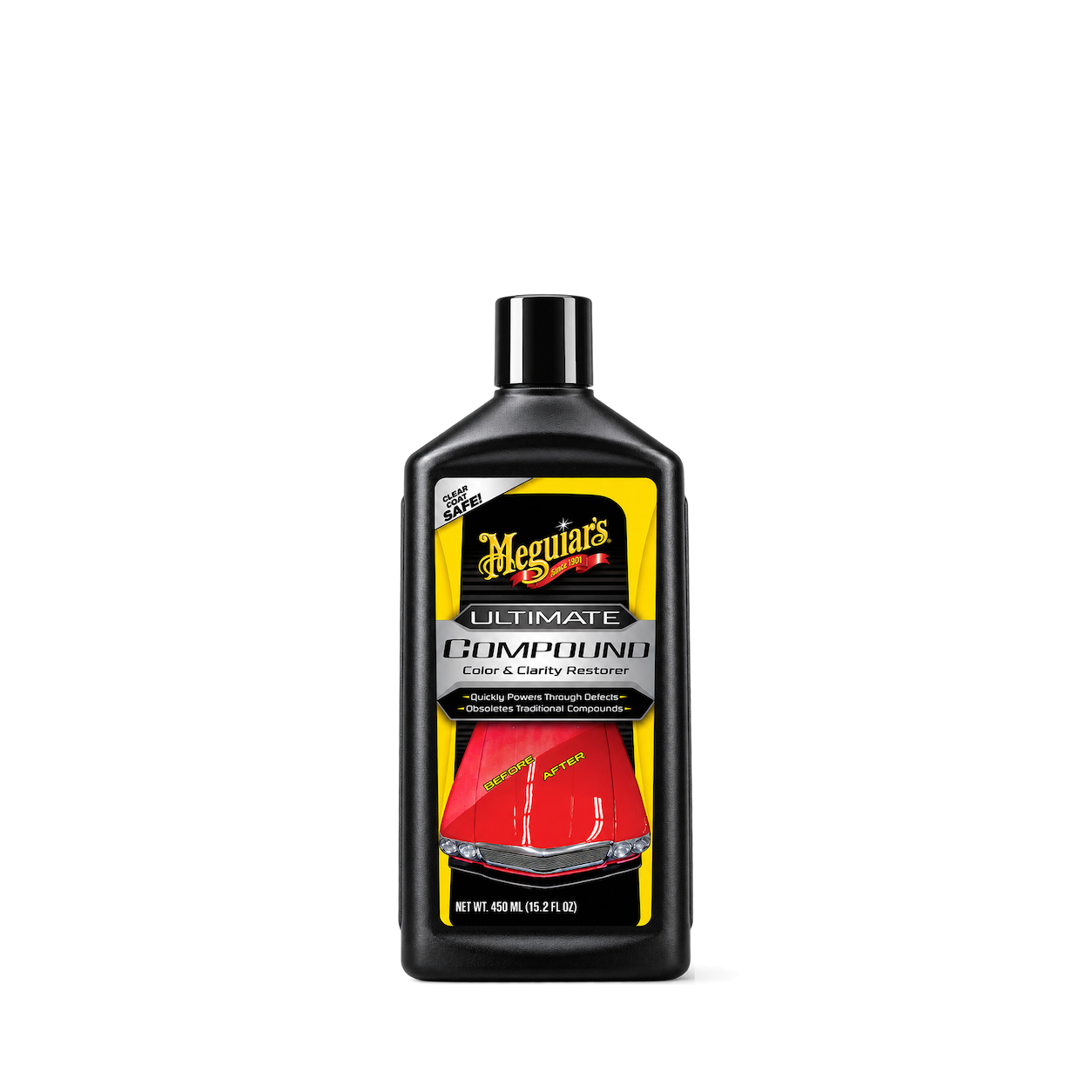

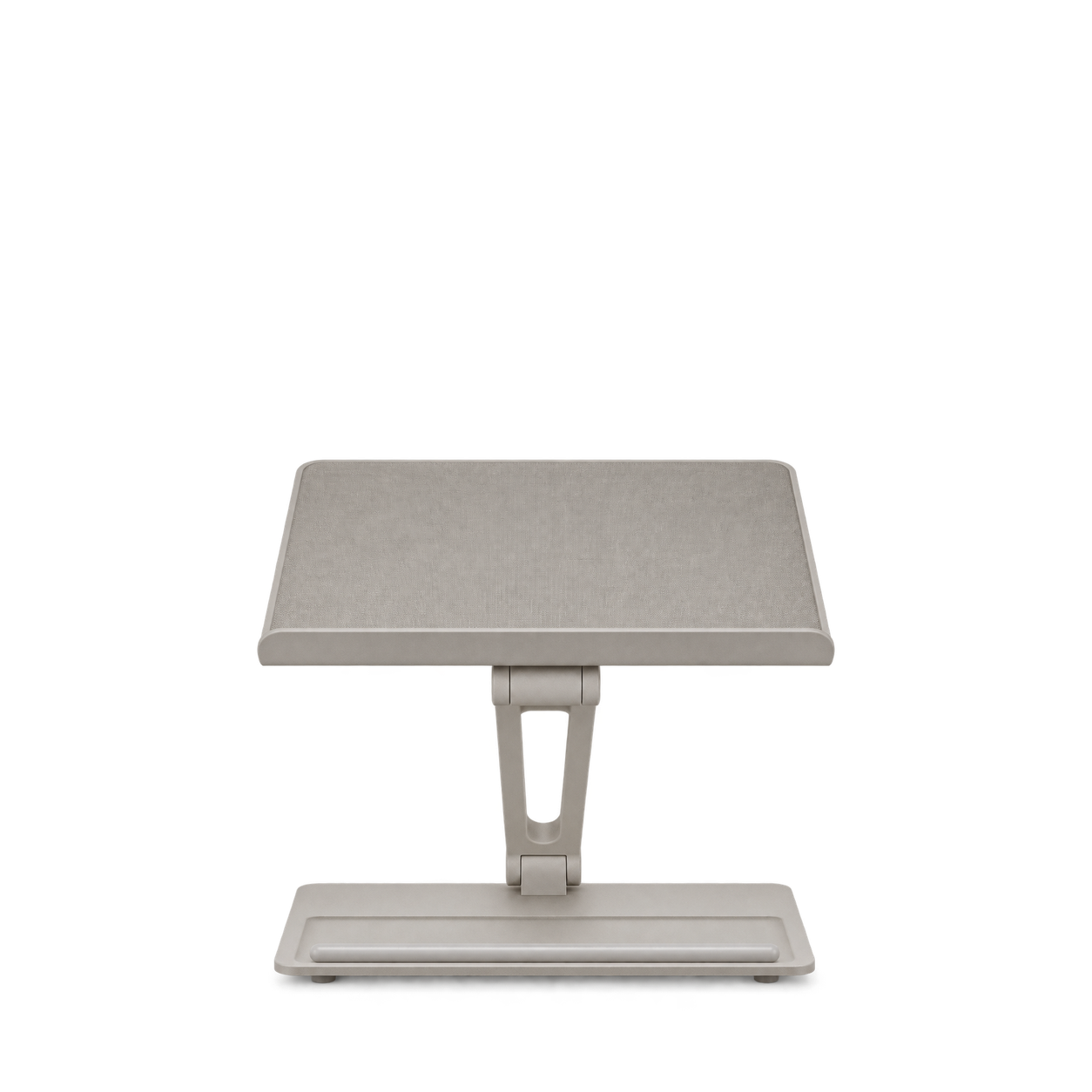
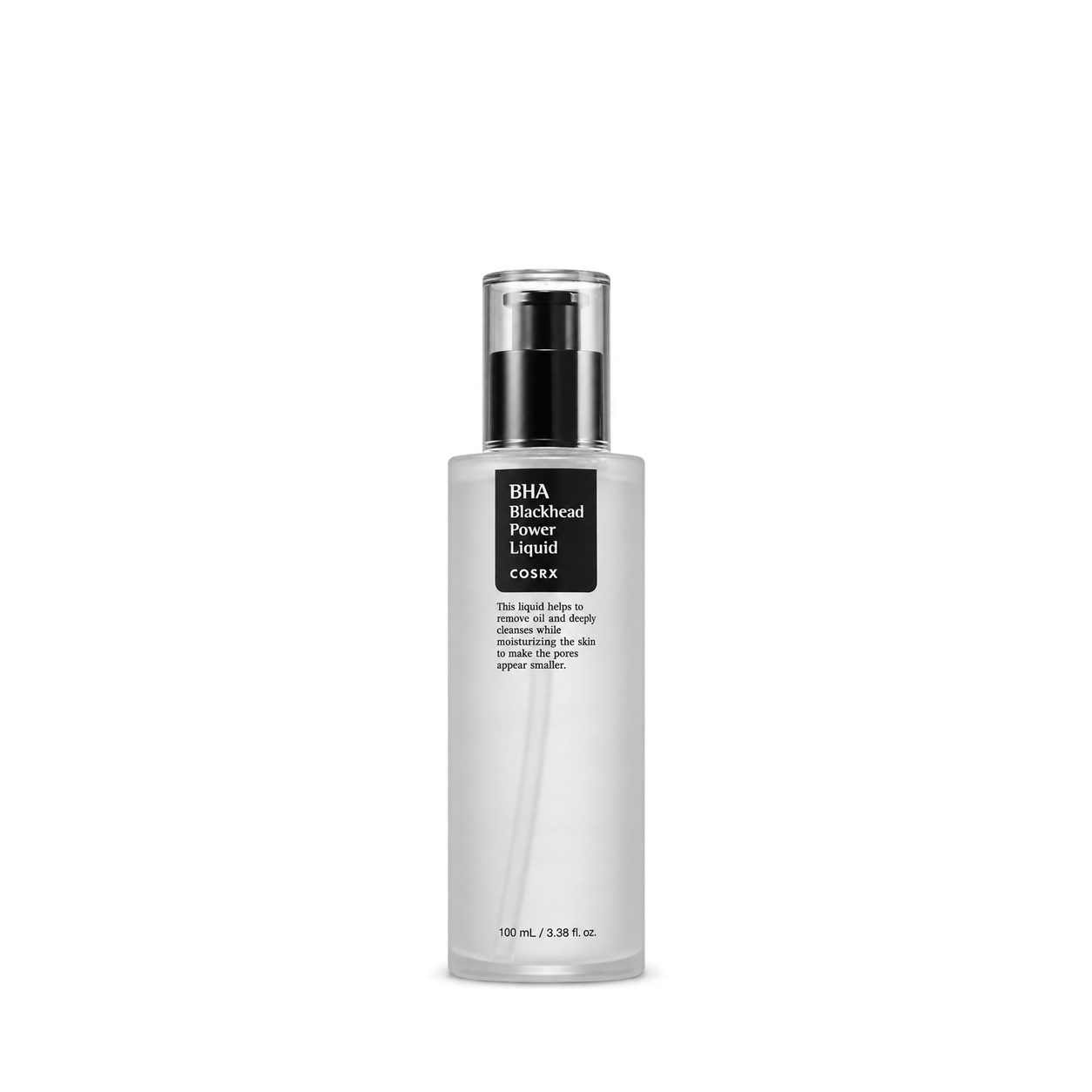


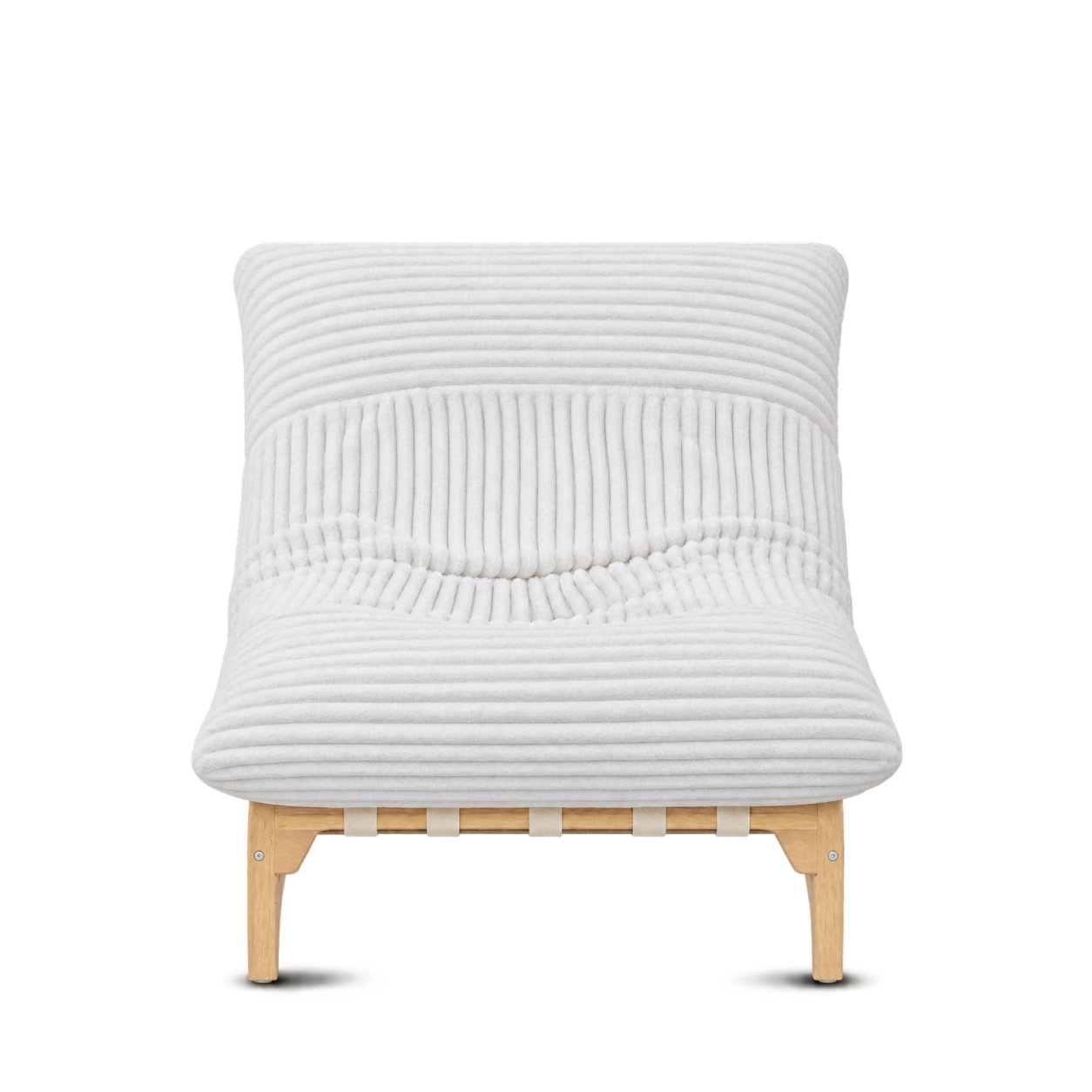


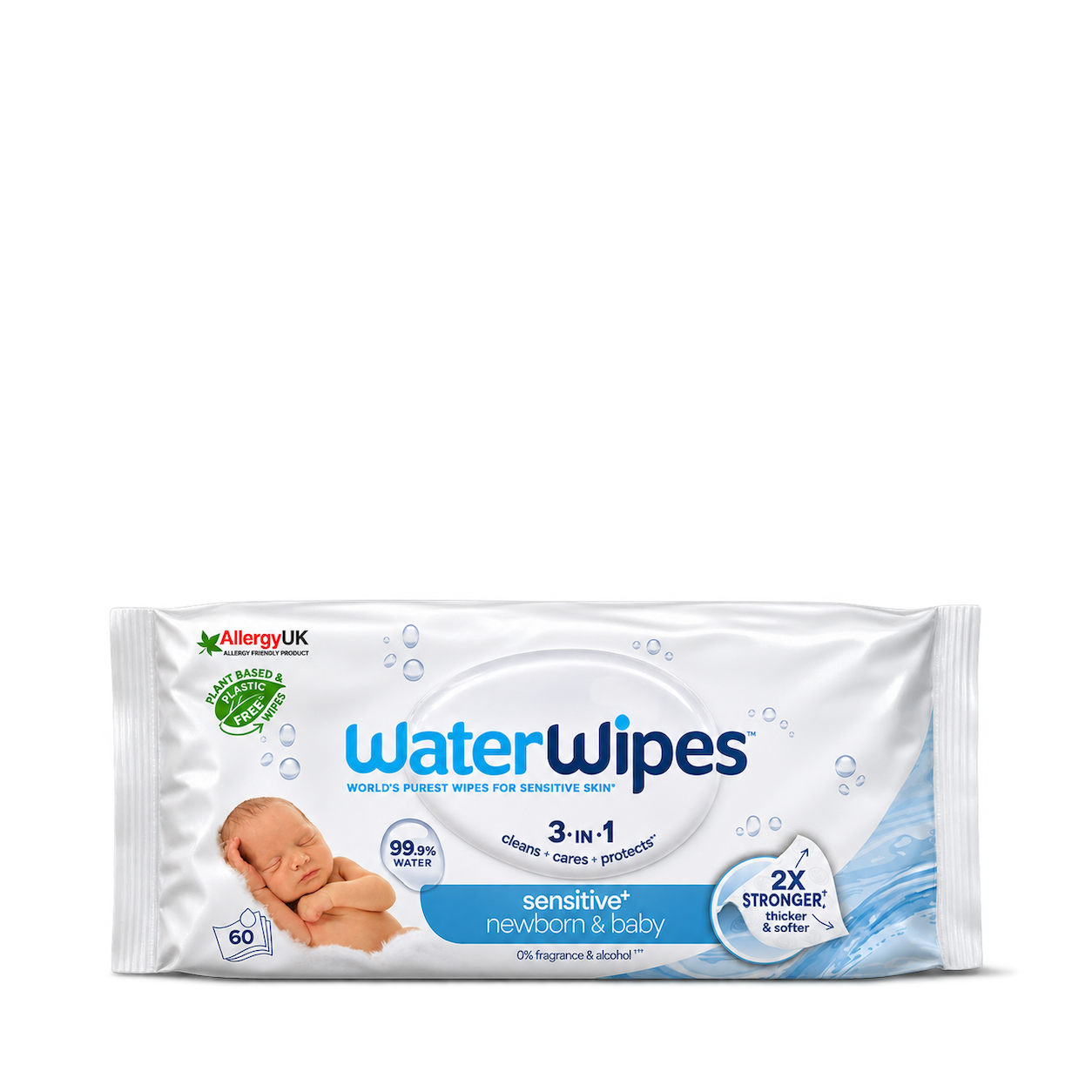


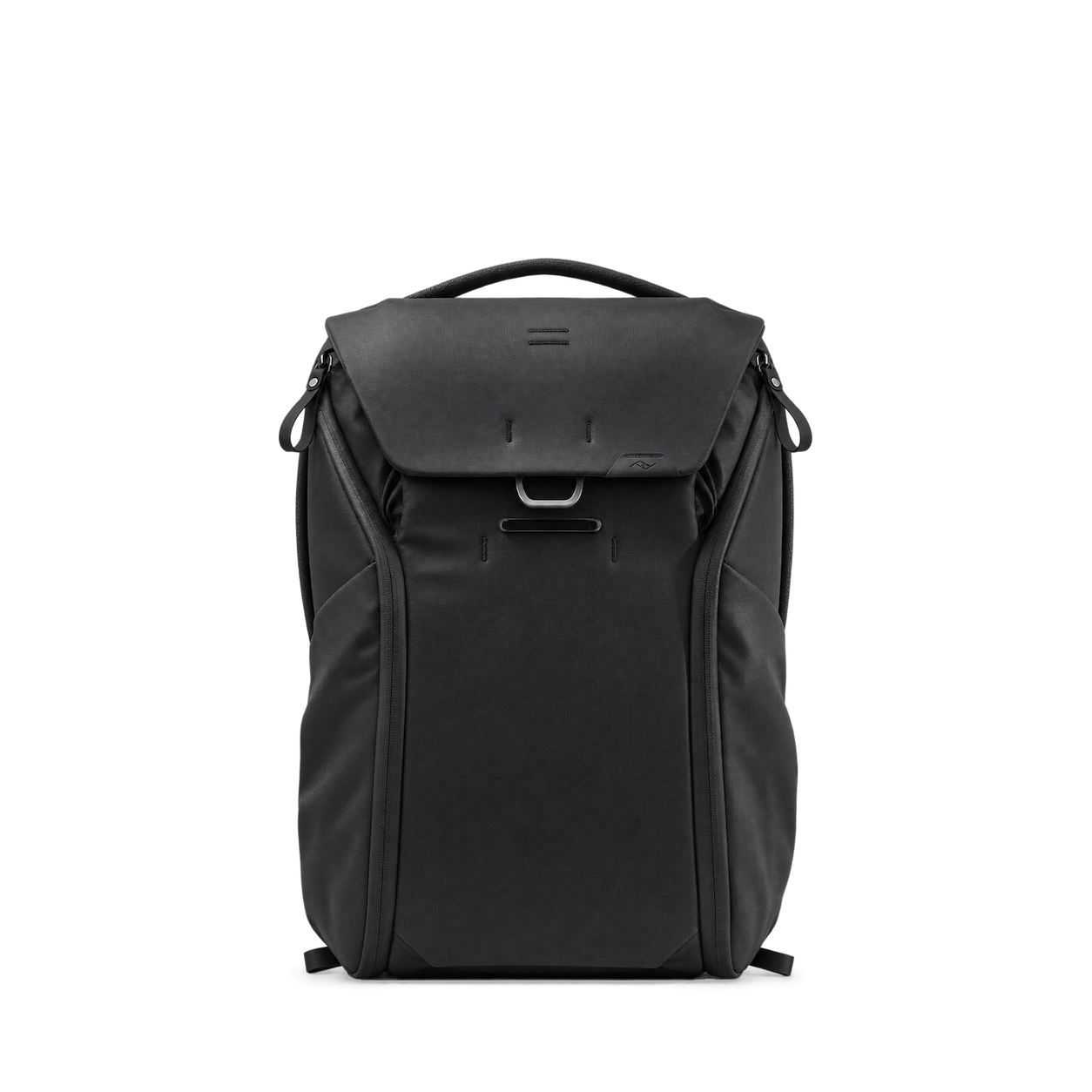

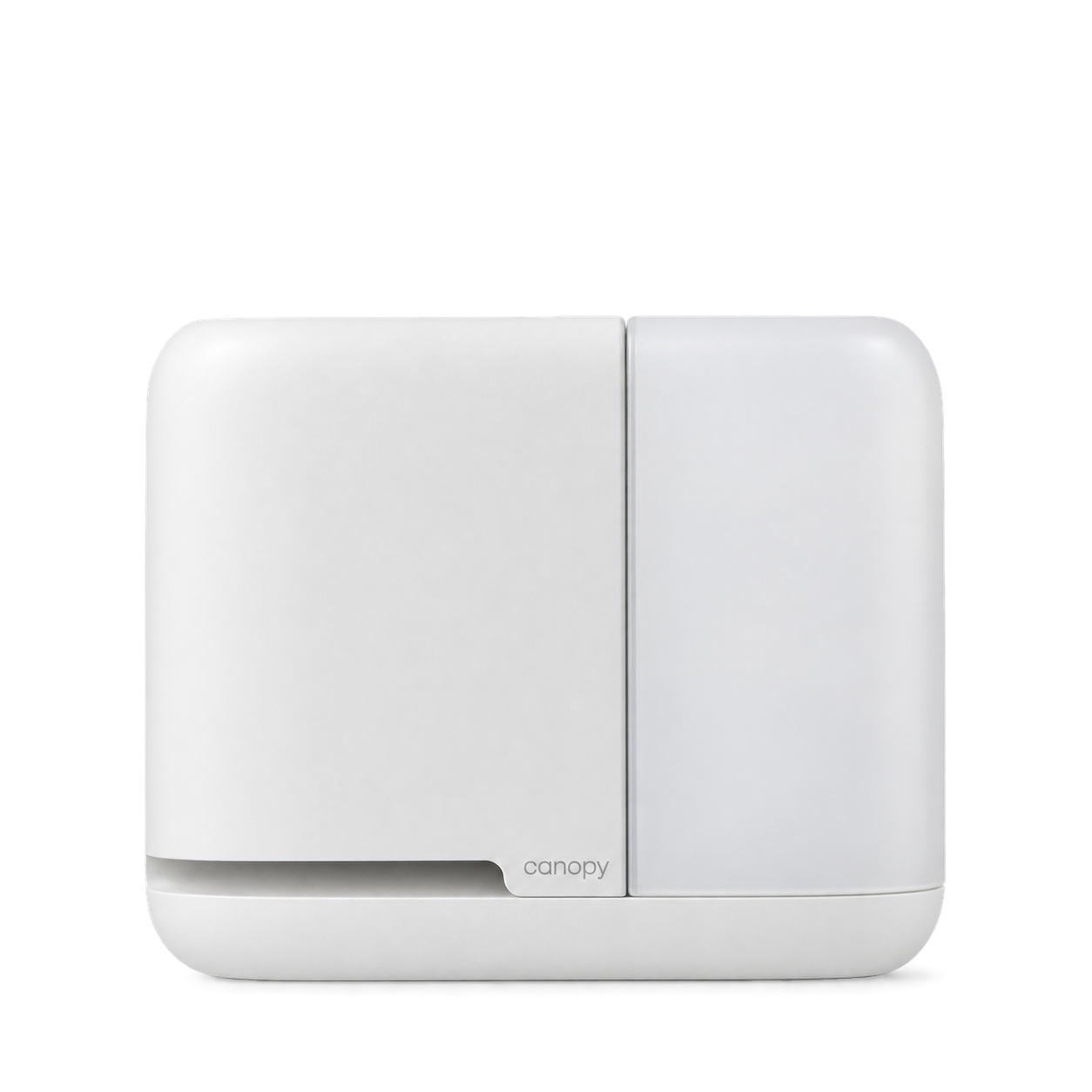


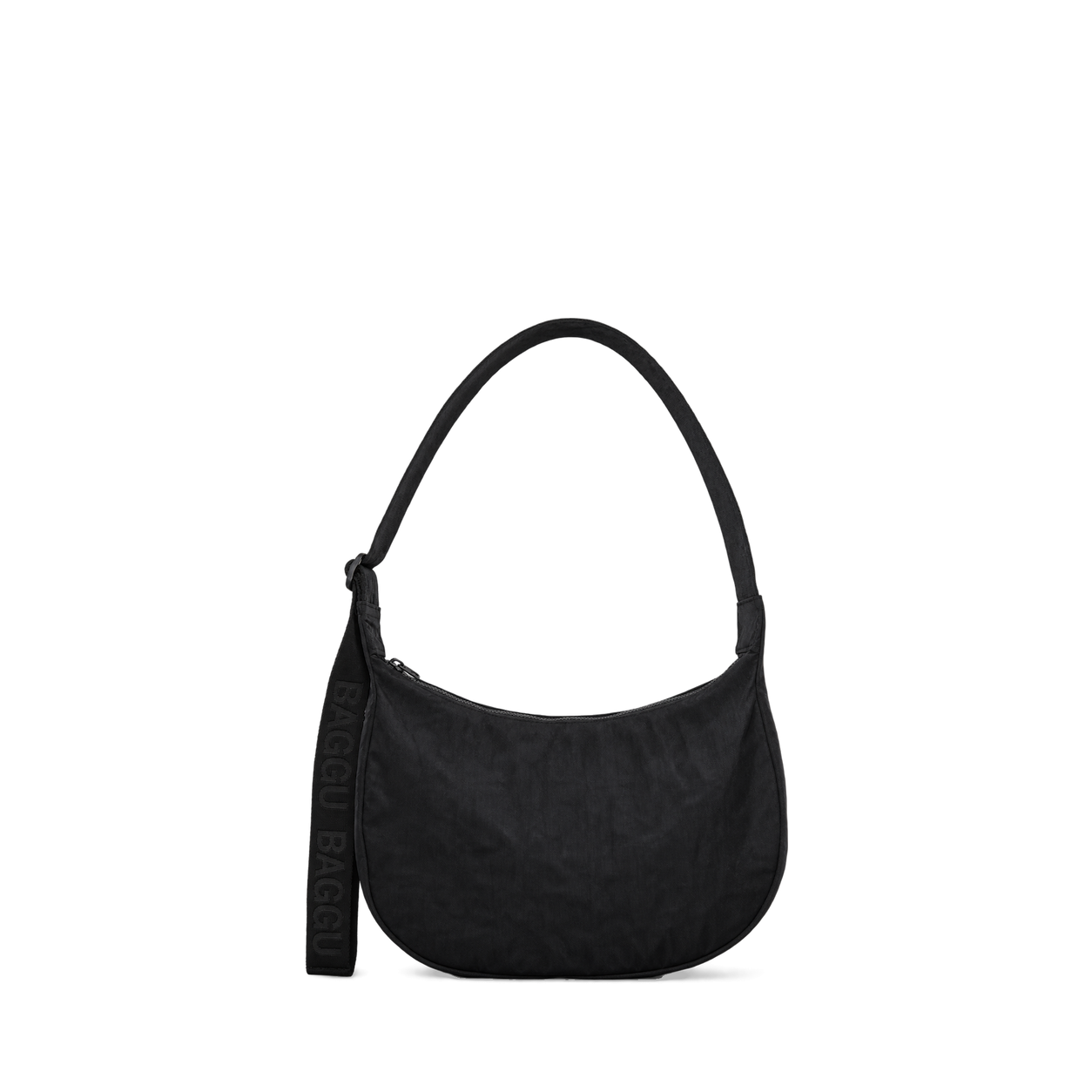

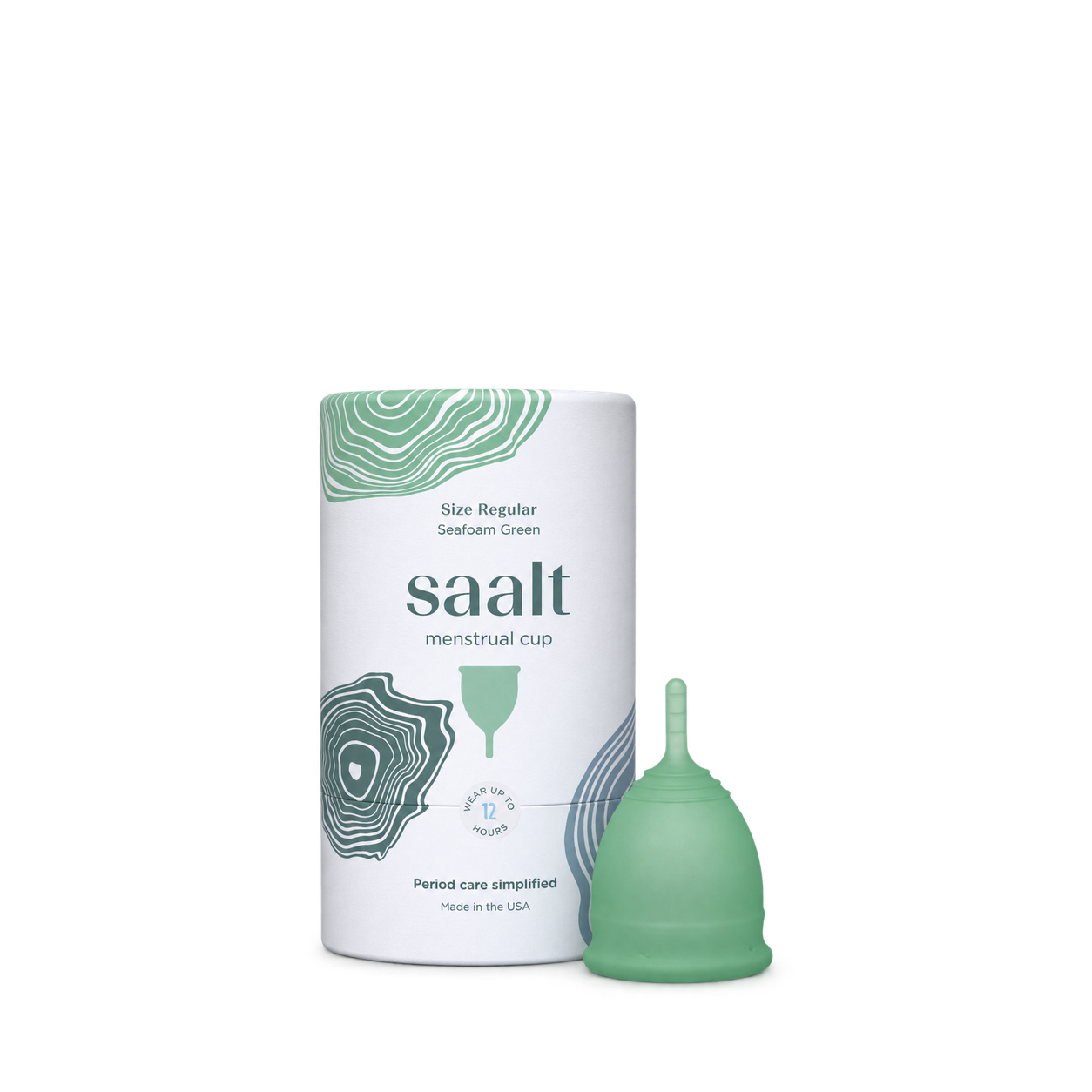
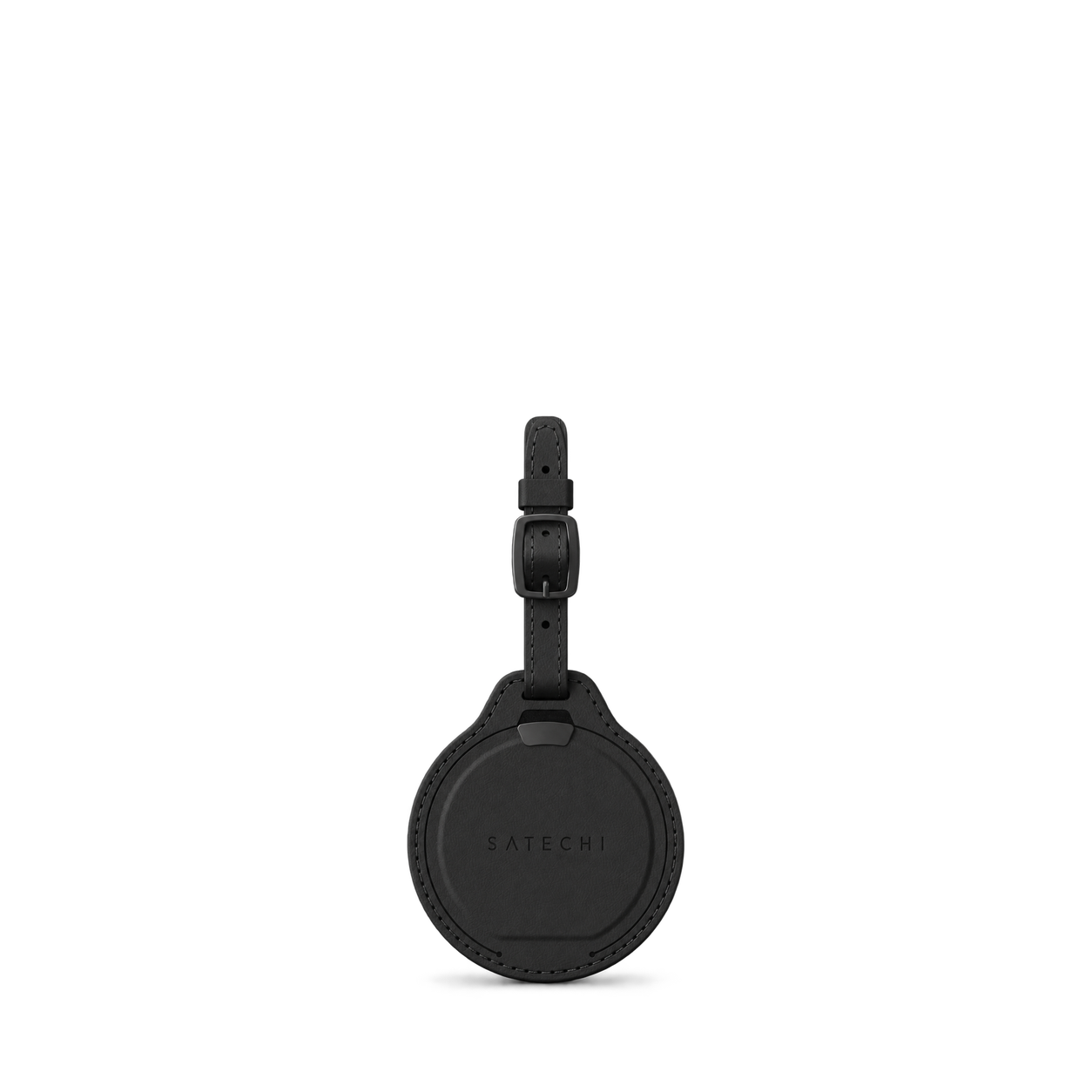


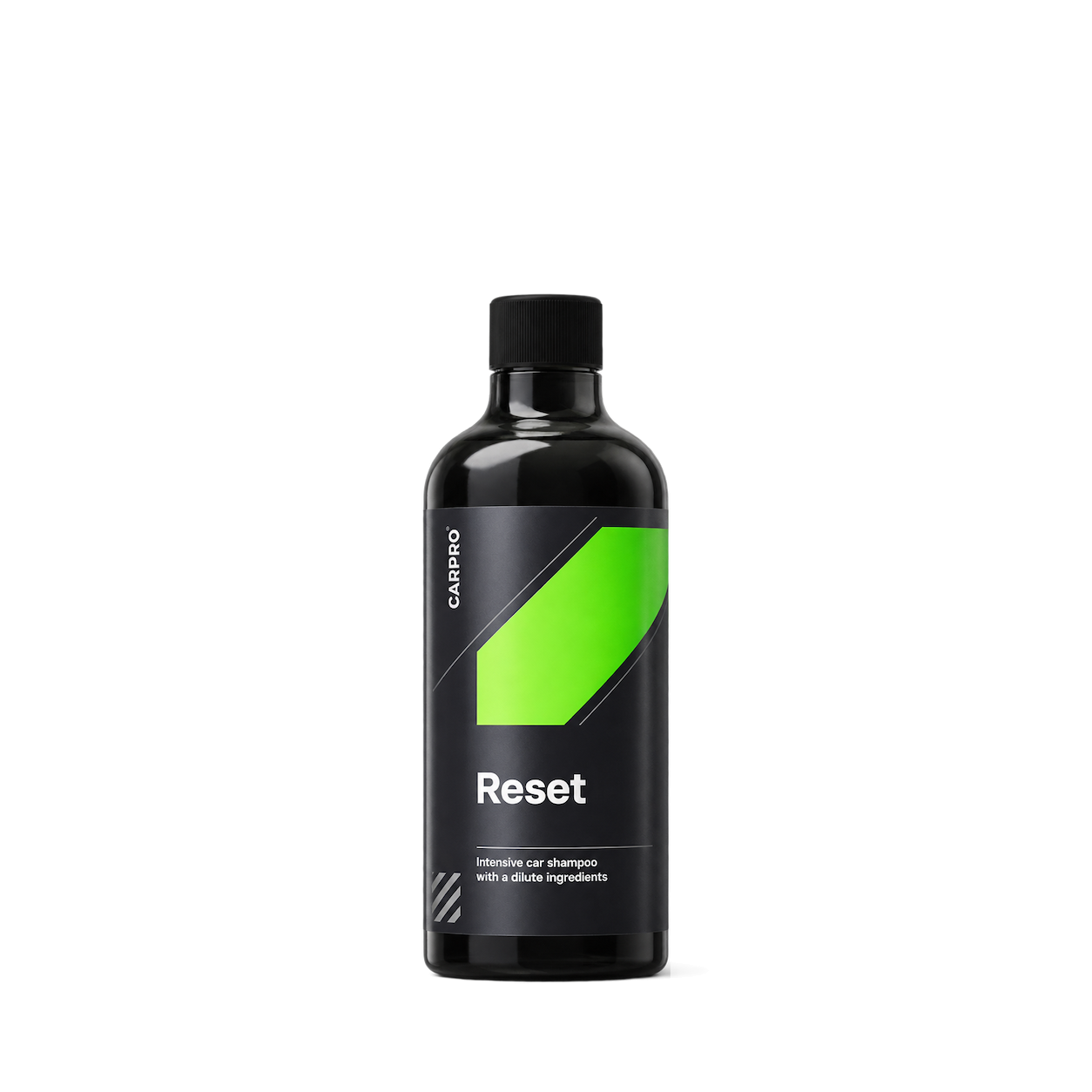
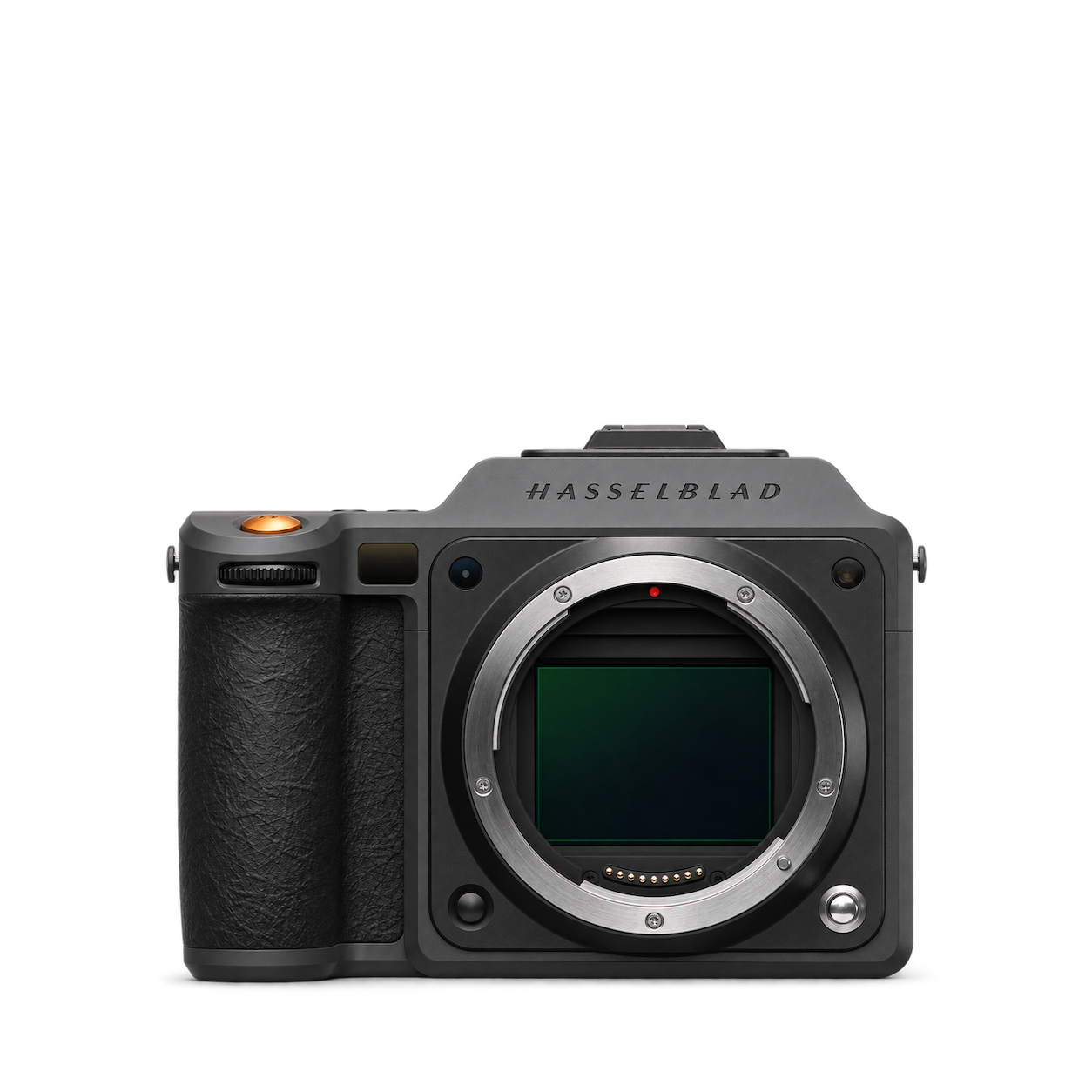
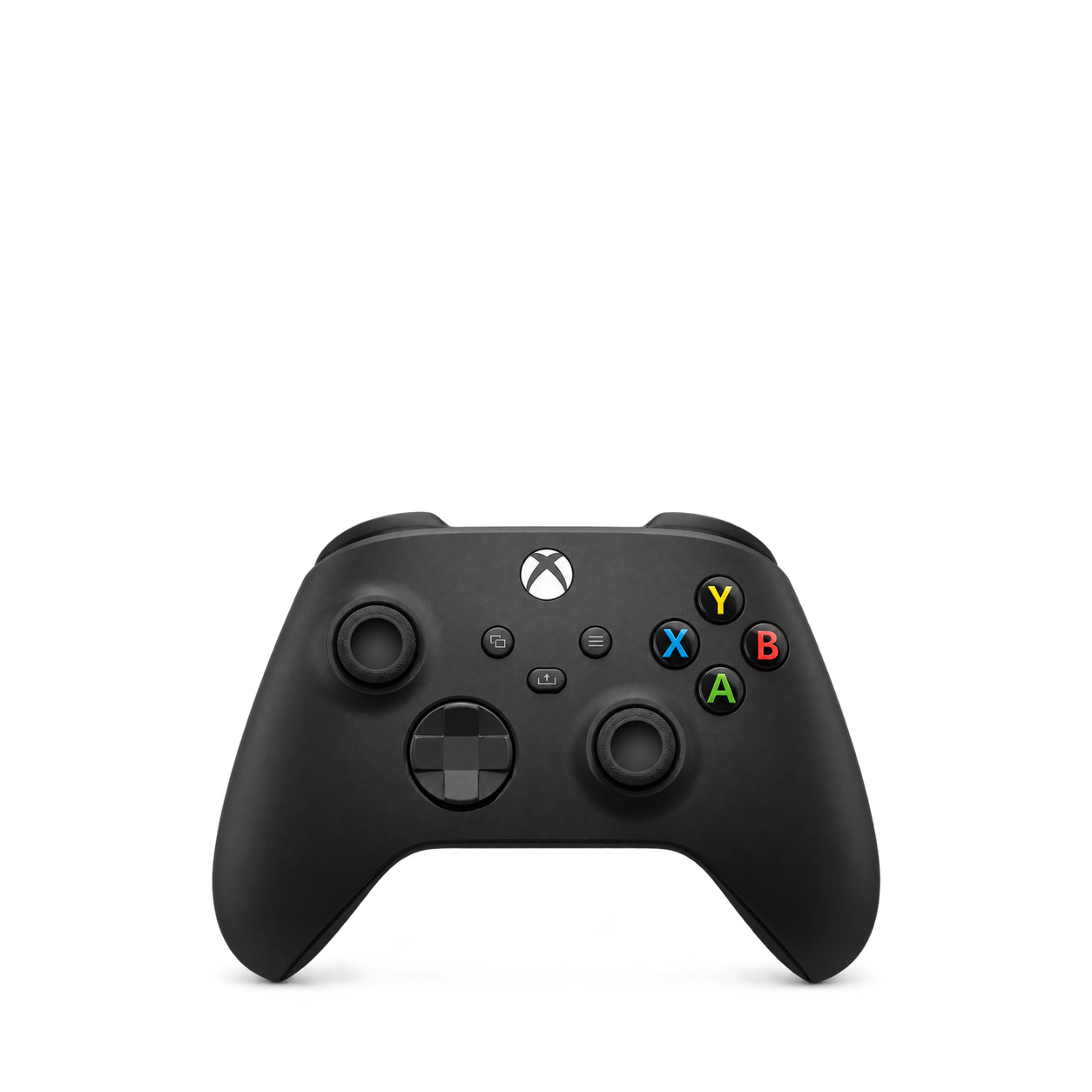
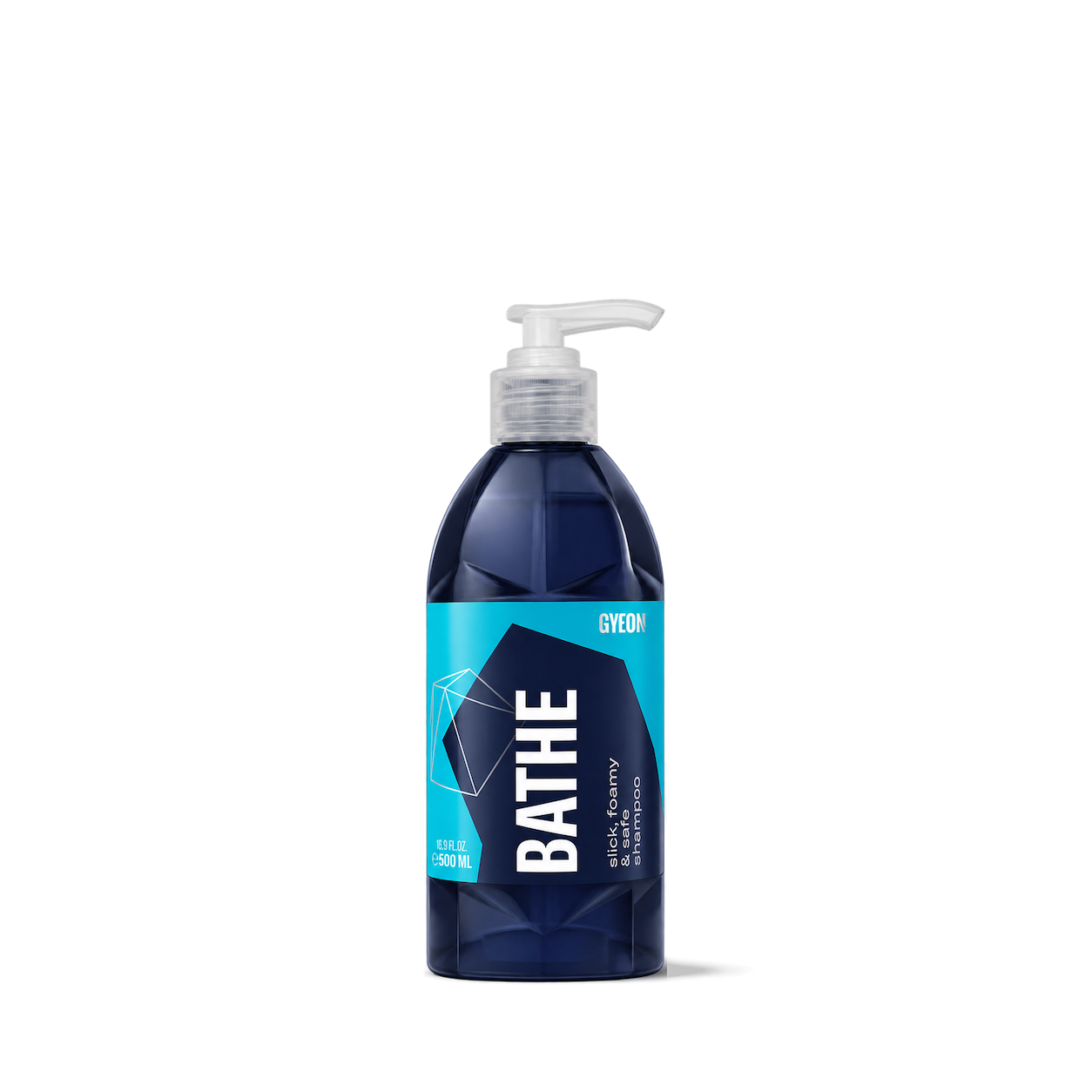

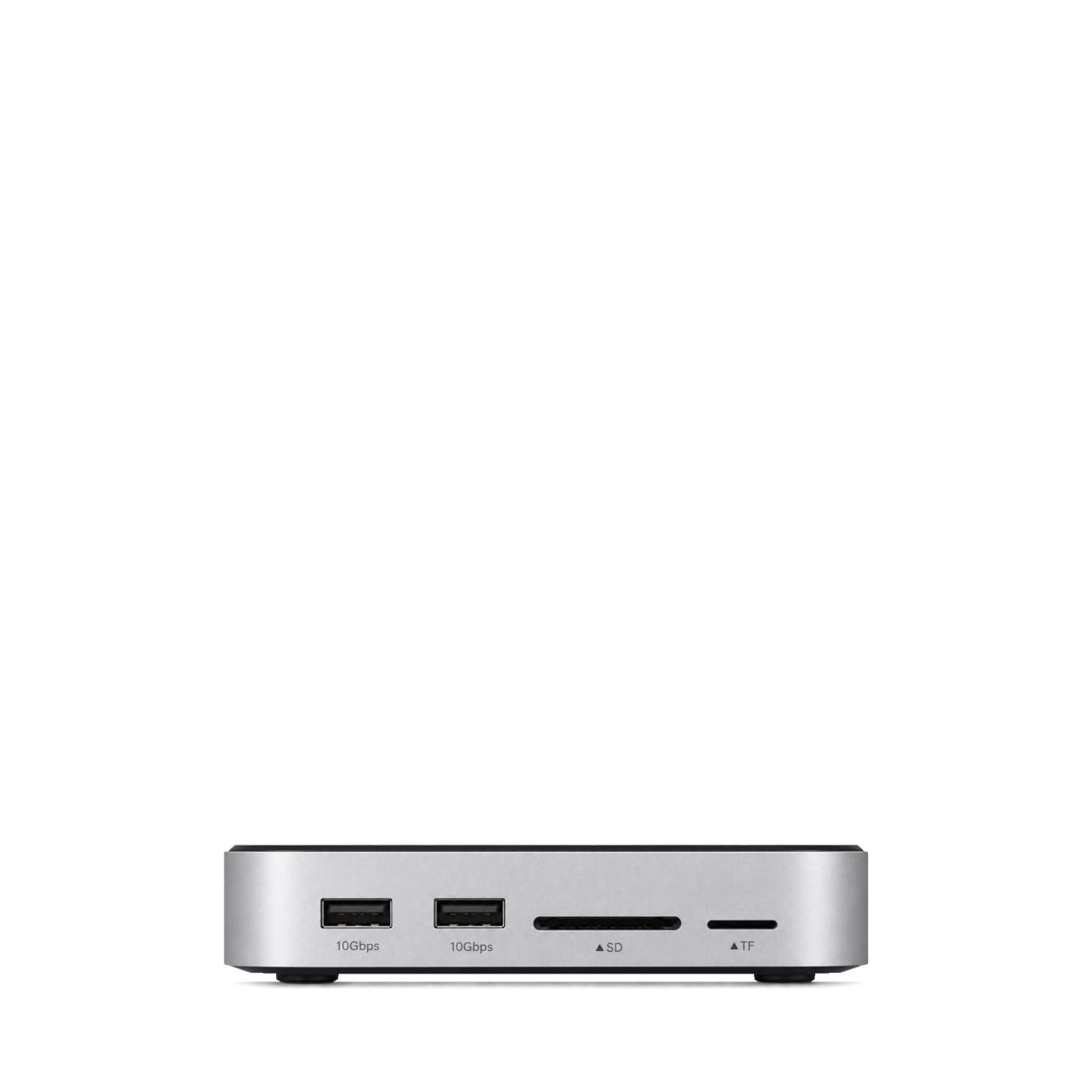
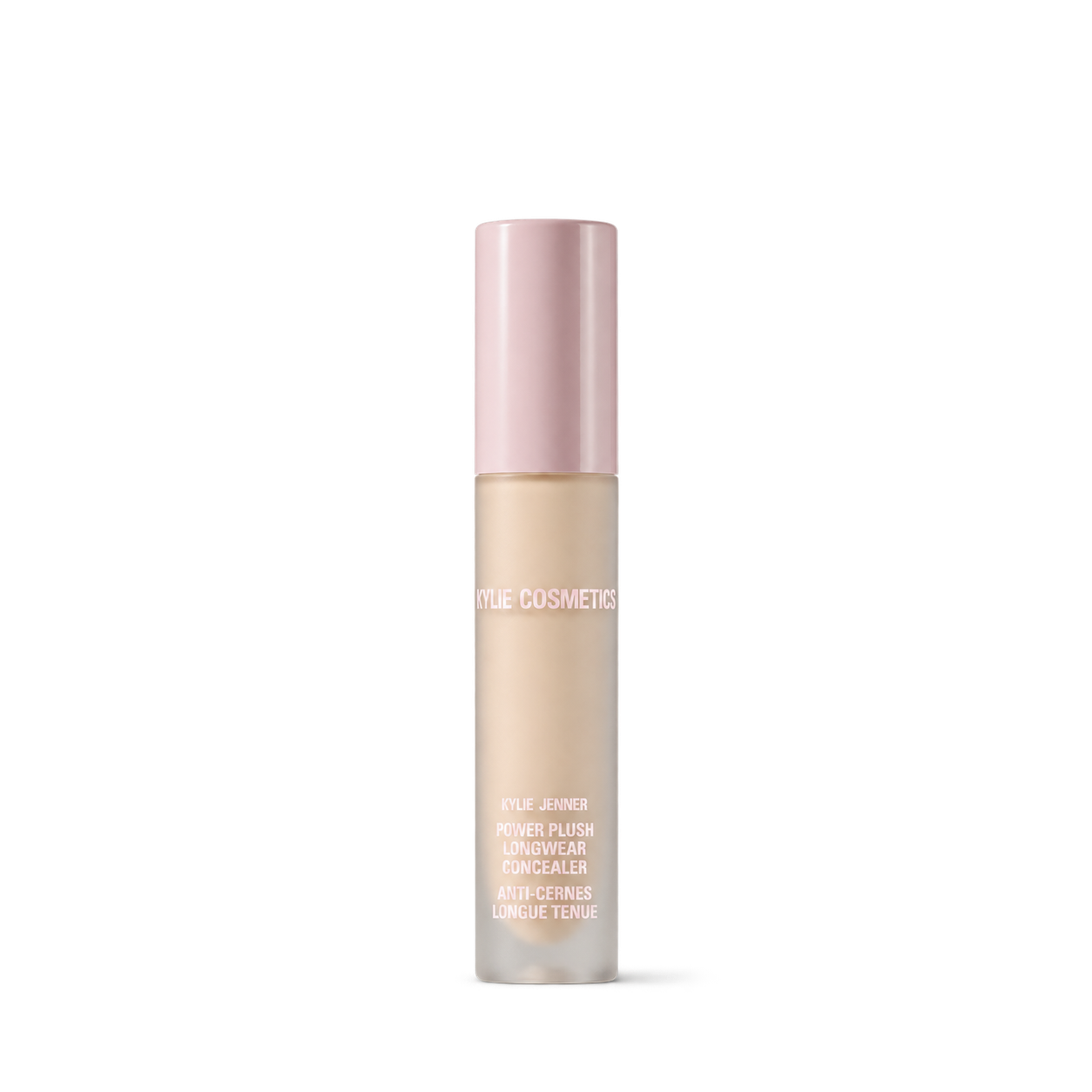
The Official MCP For Product Shots
12,572 free product images
For websites, apps, and AI tools.
Find an image
CollectionsTap an image to view details and get the free PNG.

KraveBeauty
Oat So Simple Water Cream

Beauty of Joseon
Dynasty Cream

The INKEY List
Bio-Active Ceramide Moisturizer

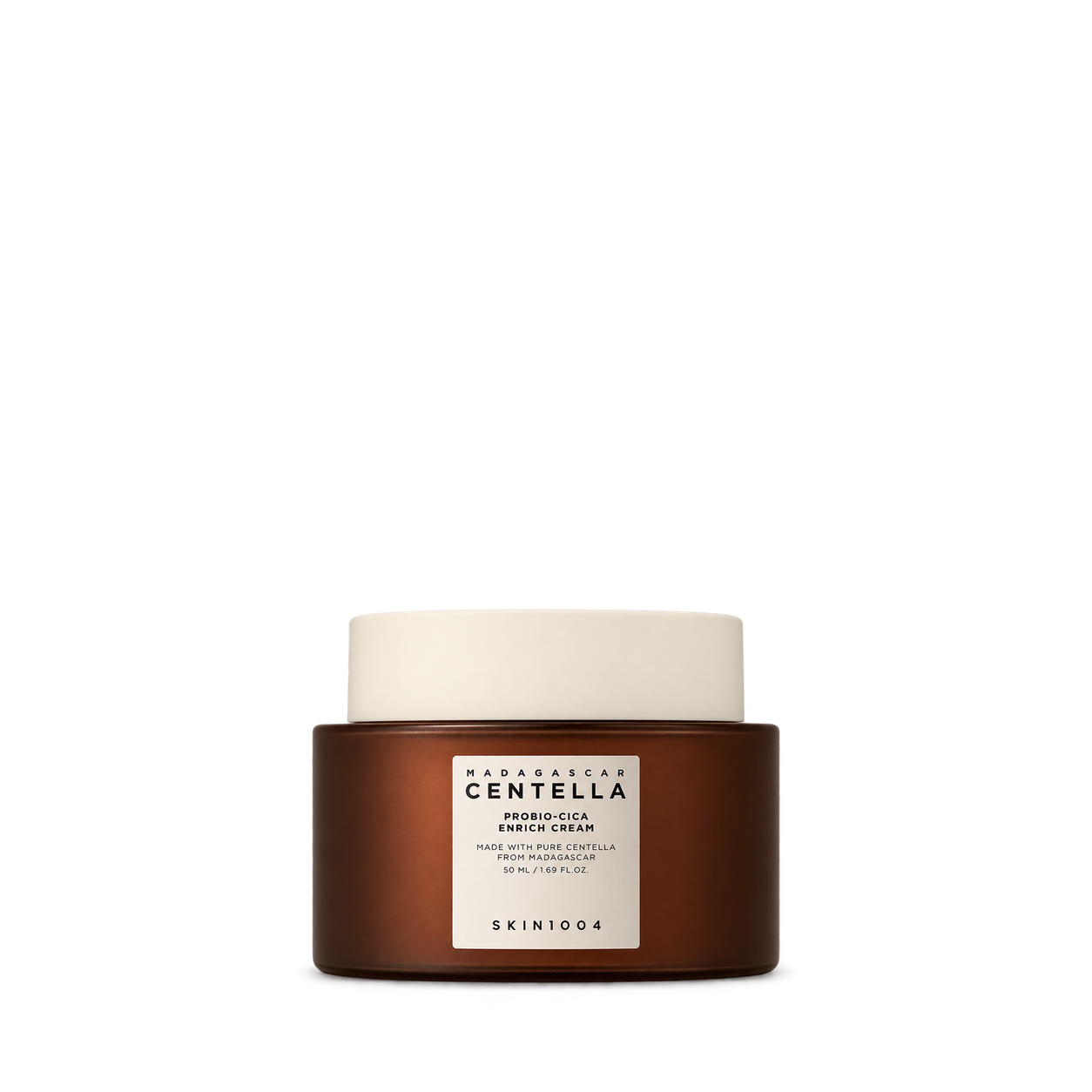
SKIN1004
Probio-Cica Enrich Cream · 50 ml


One Love Organics
Skin Dew Coconut Water Cream
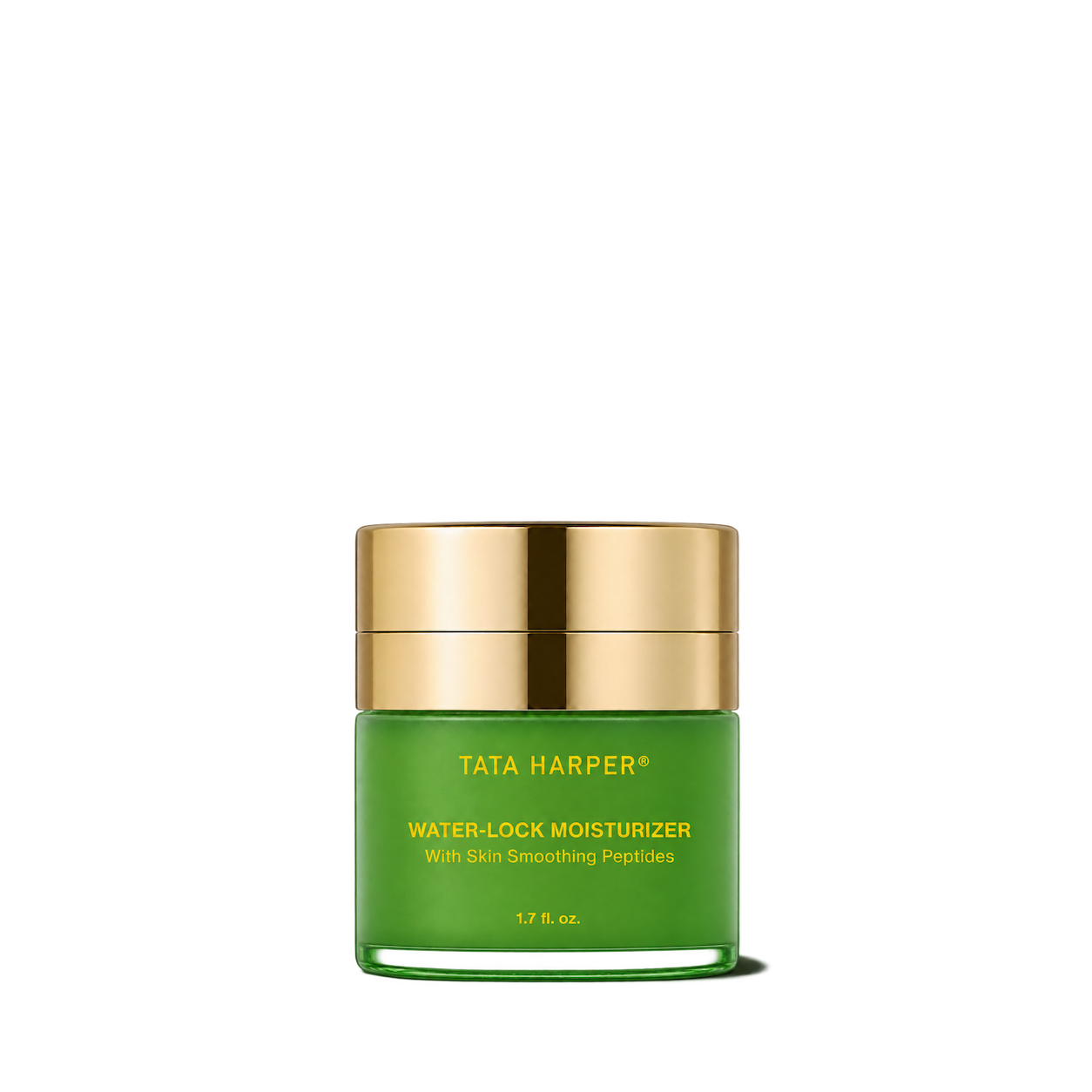
Tata Harper
Water-Lock Moisturizer

HoliFrog
Grand Amino Cushion Cream

Educated Mess
Sake Silk Restoring Peptide Gel-Cream Moisturizer

Skinfix
Ceramide Prime Whipped Cream

Allies of Skin
Peptide & Ceramide Repair Lip Balm

Transparent Lab
Proteo Repair Cream
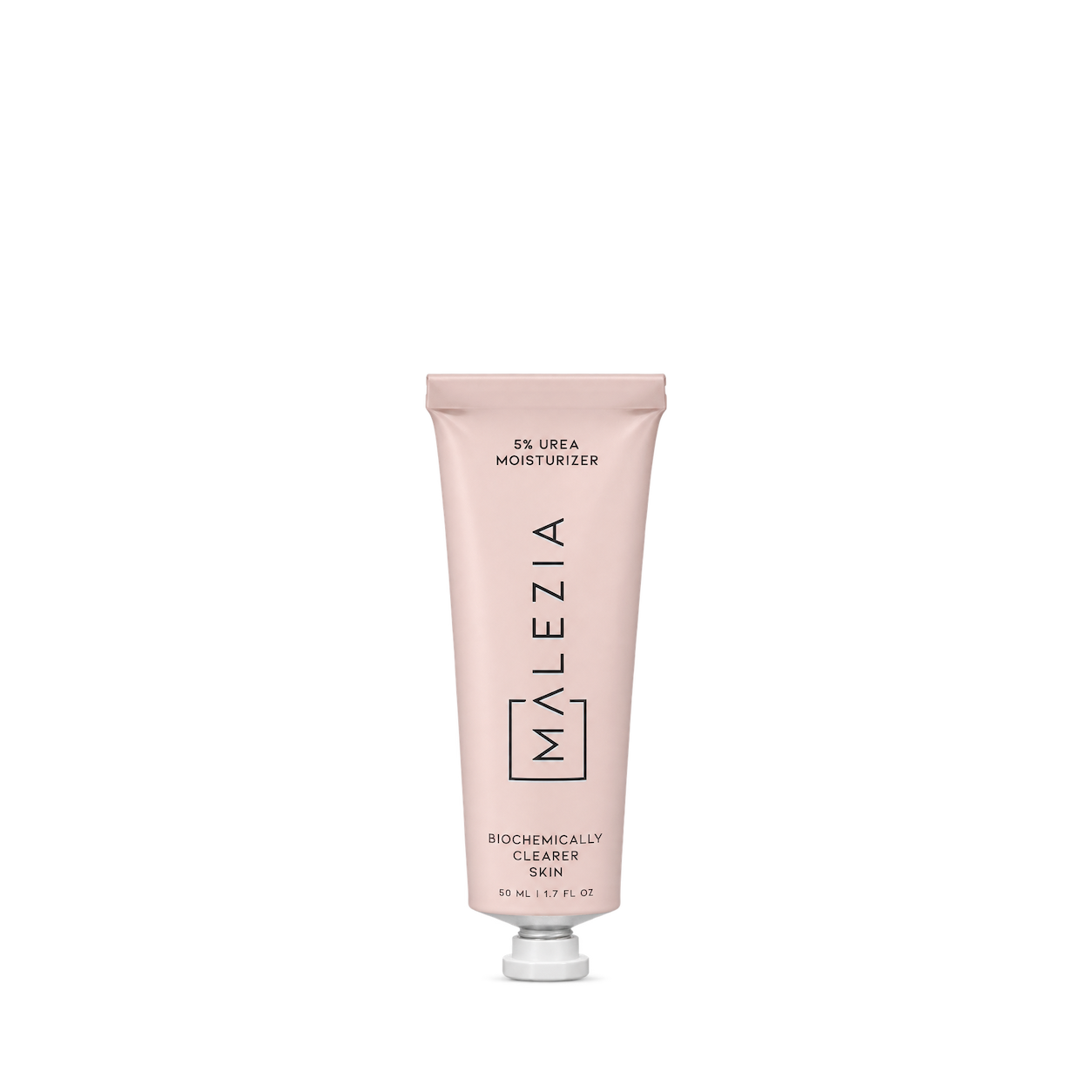
Malezia
5% Urea Moisturizer
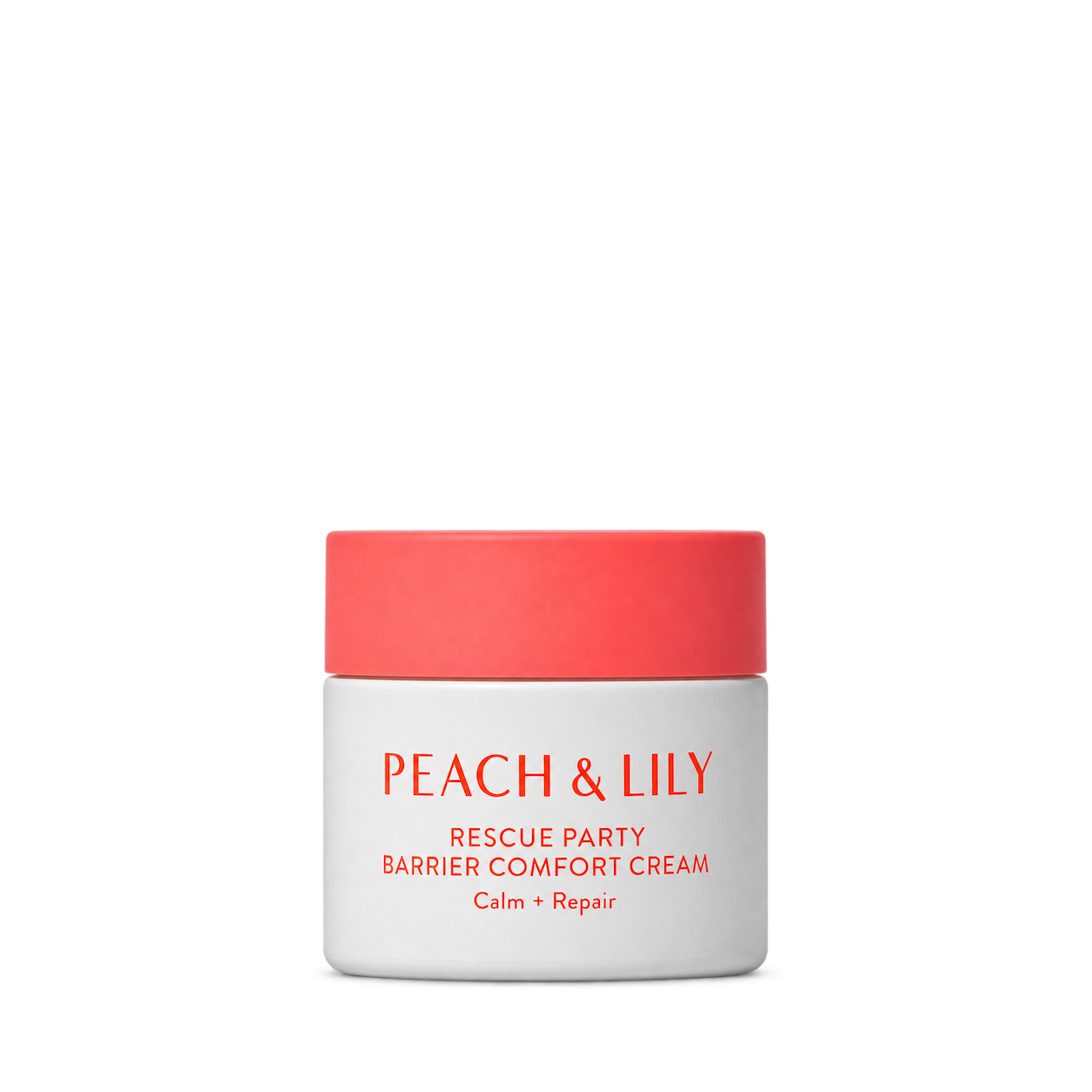
Peach & Lily
Rescue Party Barrier Comfort Cream

Then I Met You
Bong² Bounce Cream

Evolve Organic Beauty
Blue Tansy Beauty Balm
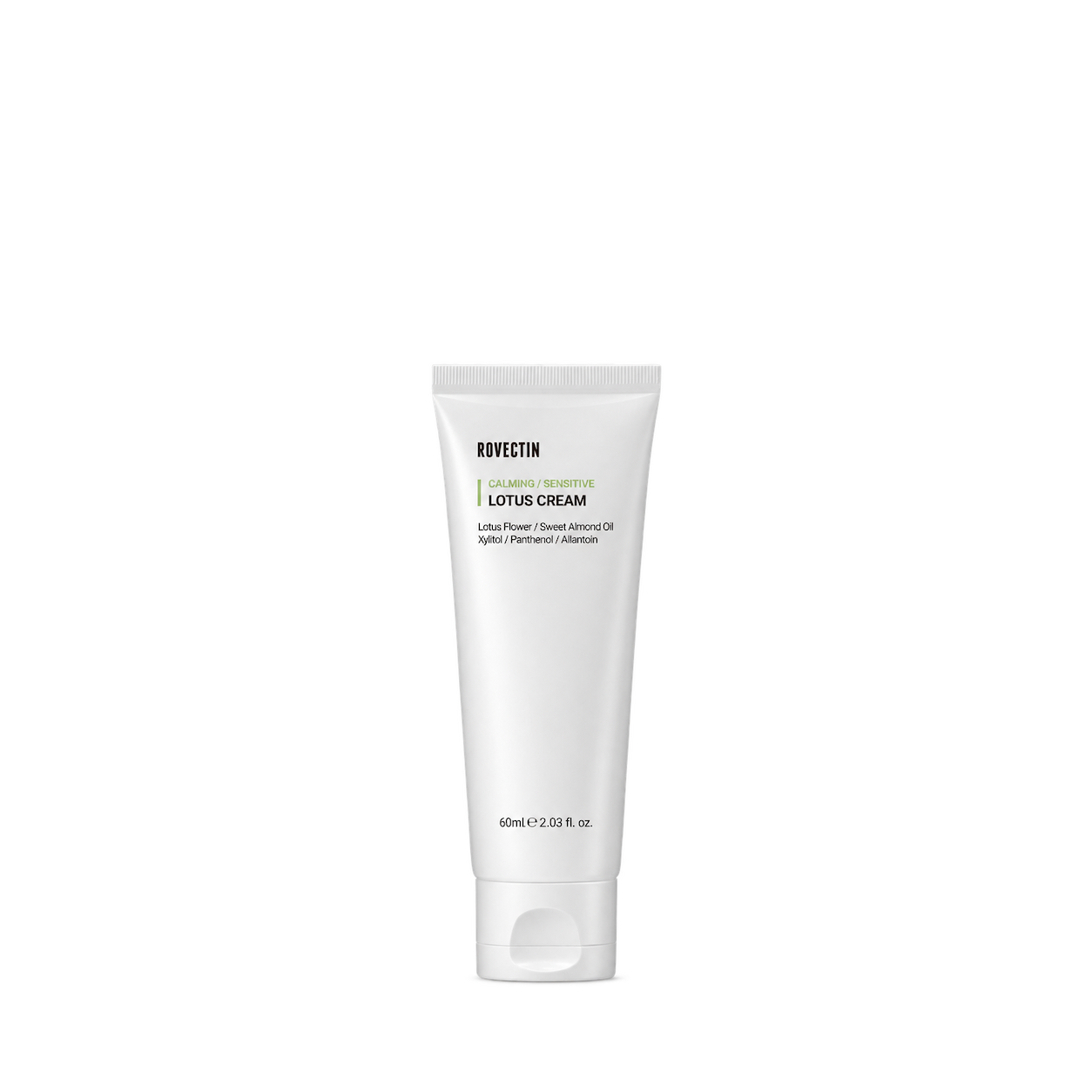
Rovectin
Calming Lotus Cream

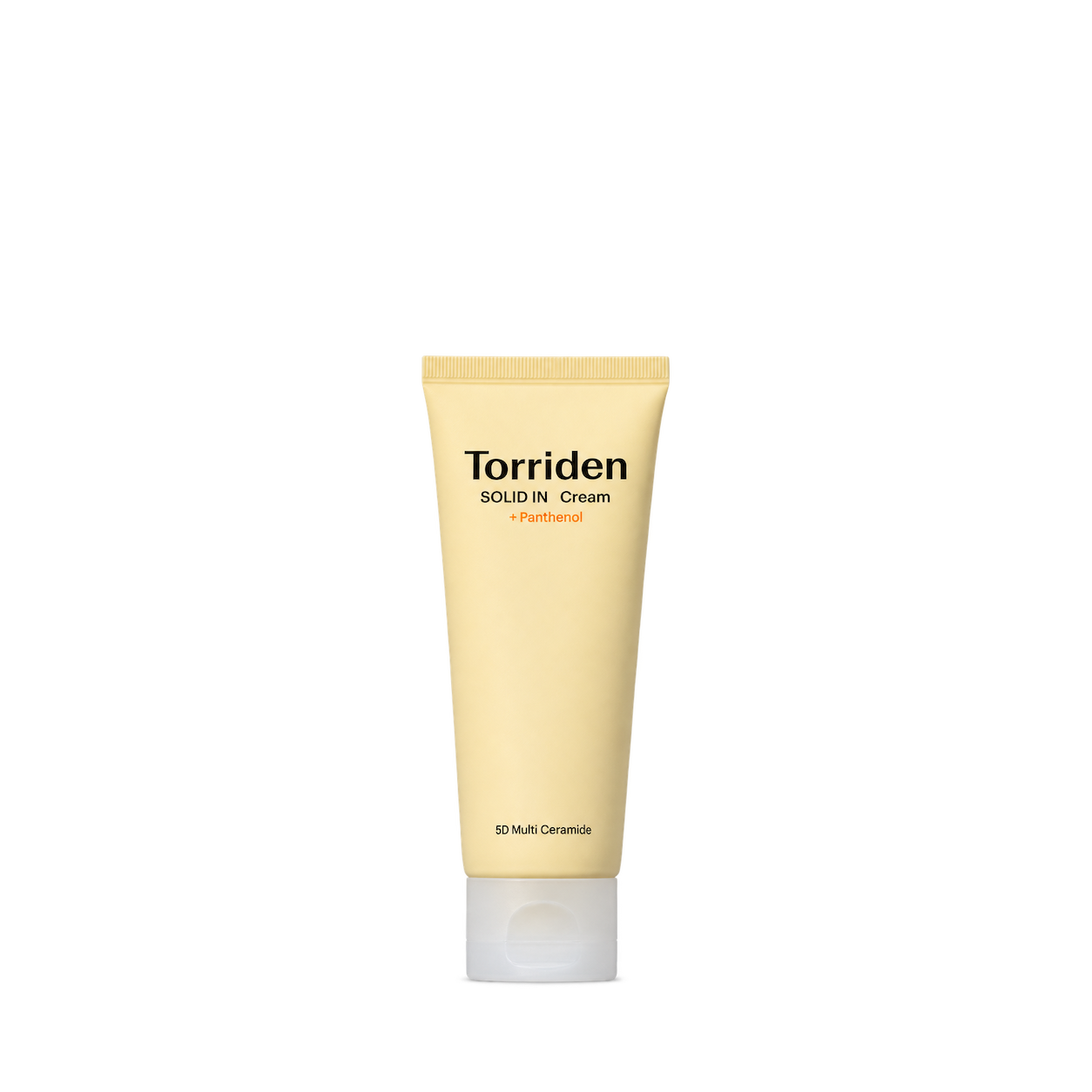
Torriden
SOLID IN Cream

Kate Somerville
DeliKate® Recovery Cream
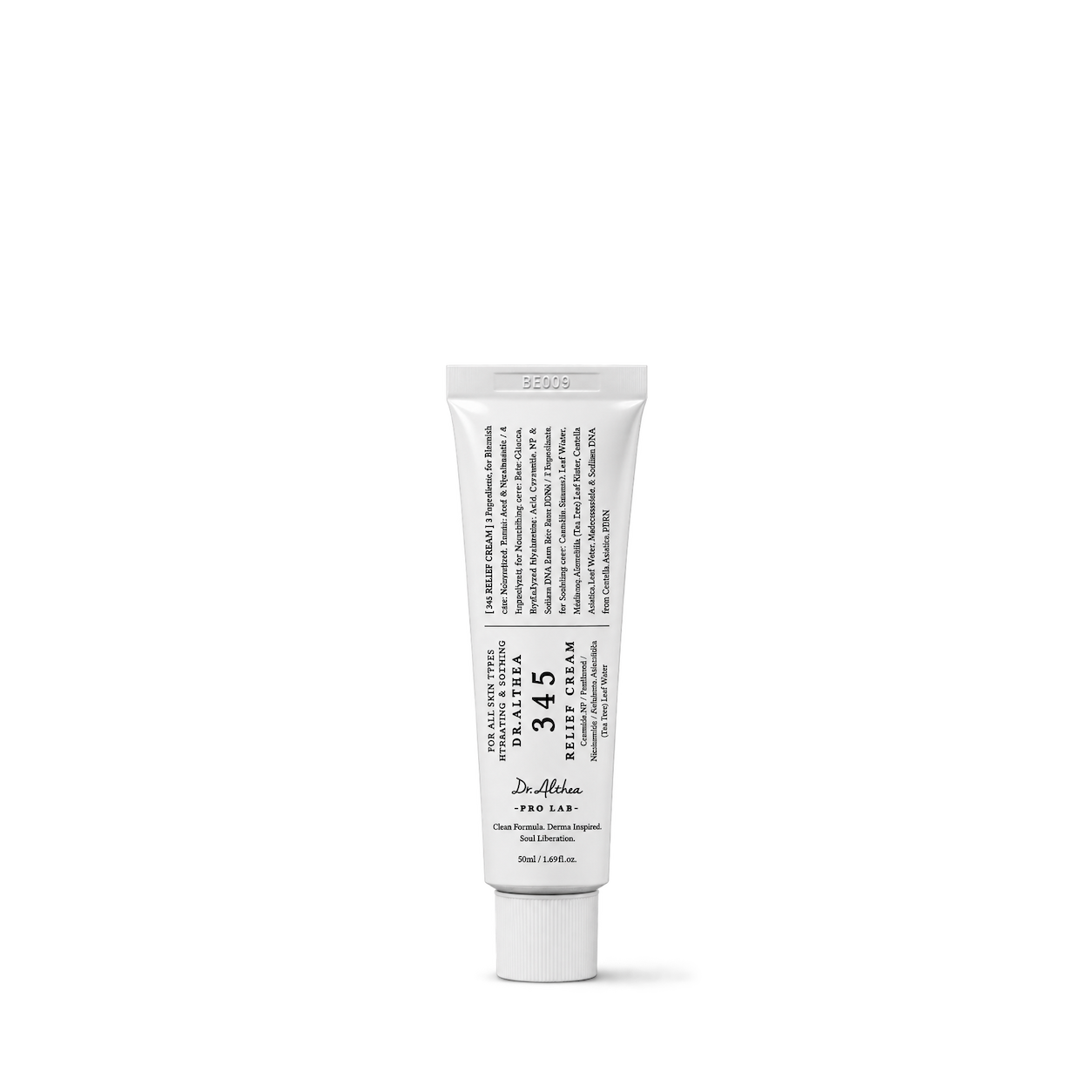
Dr. Althea
345 Relief Cream
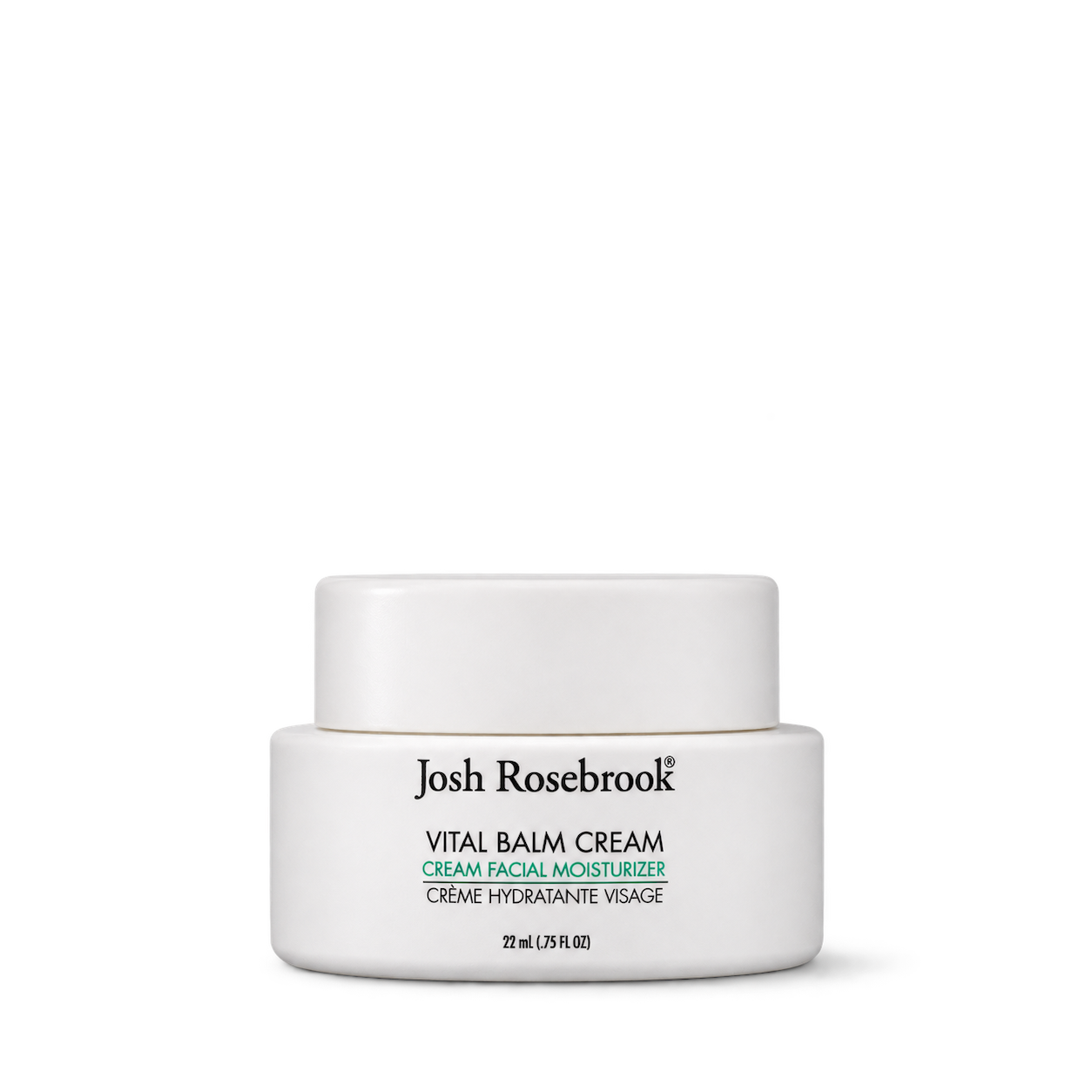
Josh Rosebrook
Vital Balm Cream


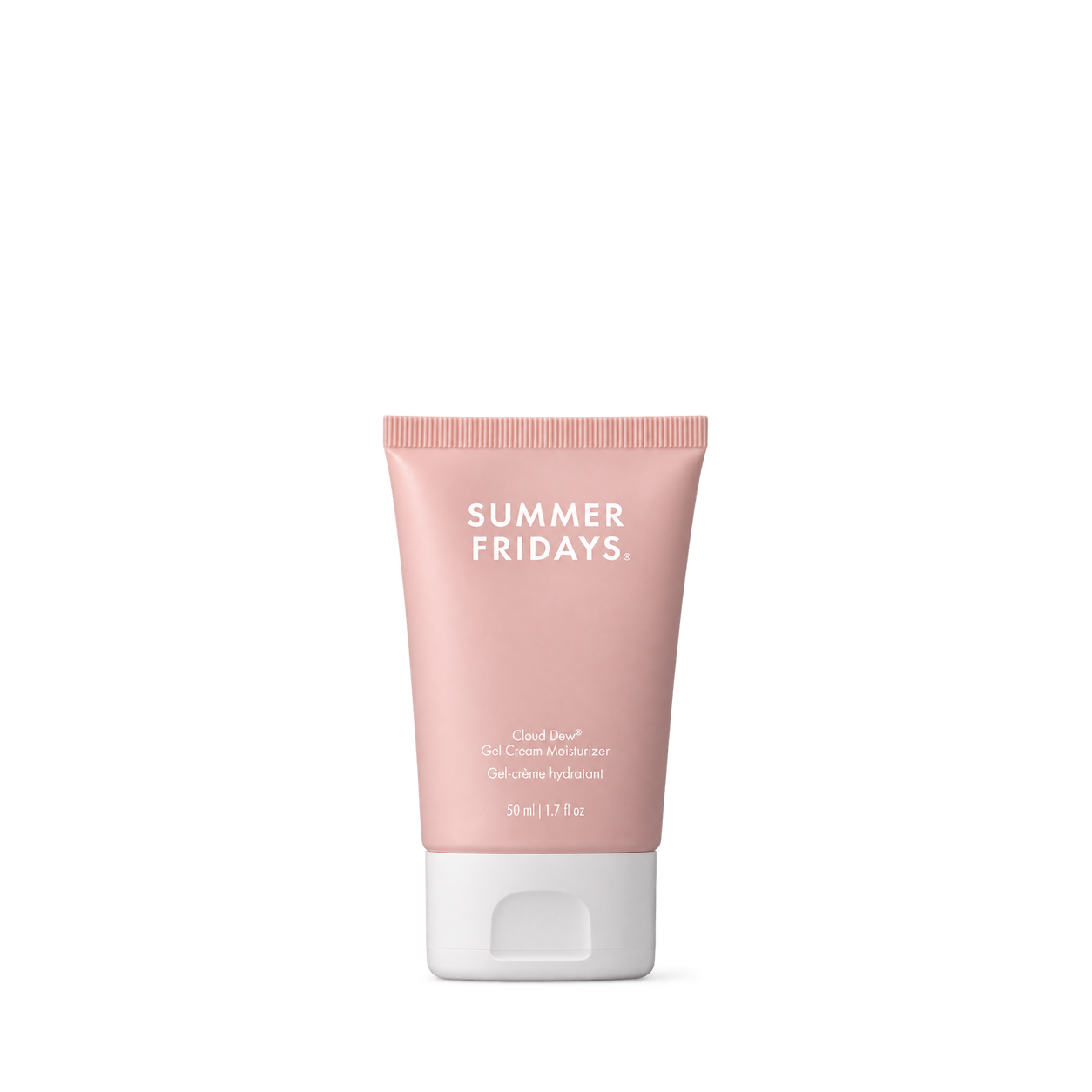
Summer Fridays
Cloud Dew® Gel Cream Moisturizer · 50 mL


The Ordinary
Lacto-PDRN* 4% + B9 Eye Cream · 15 mL
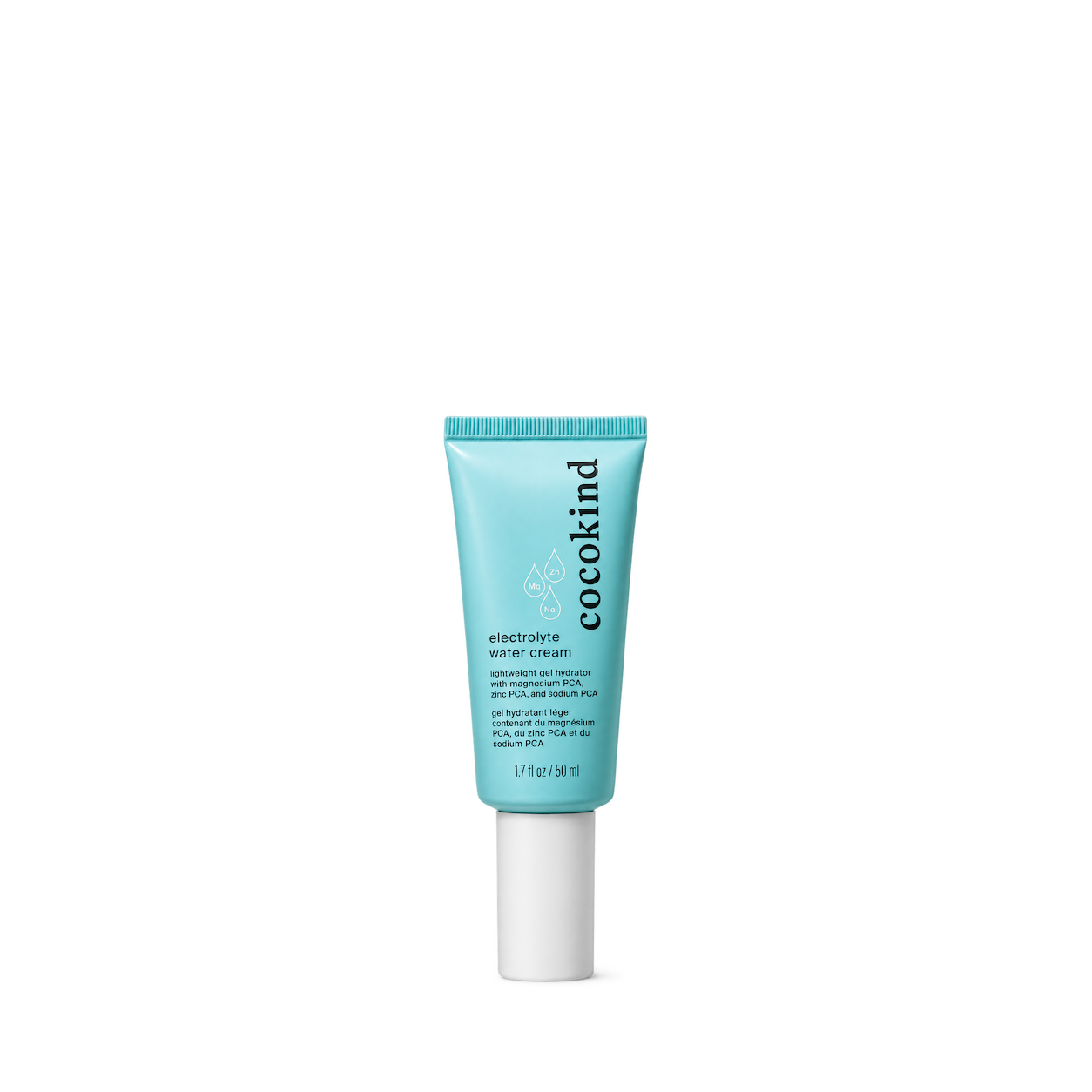
cocokind
Electrolyte Water Cream
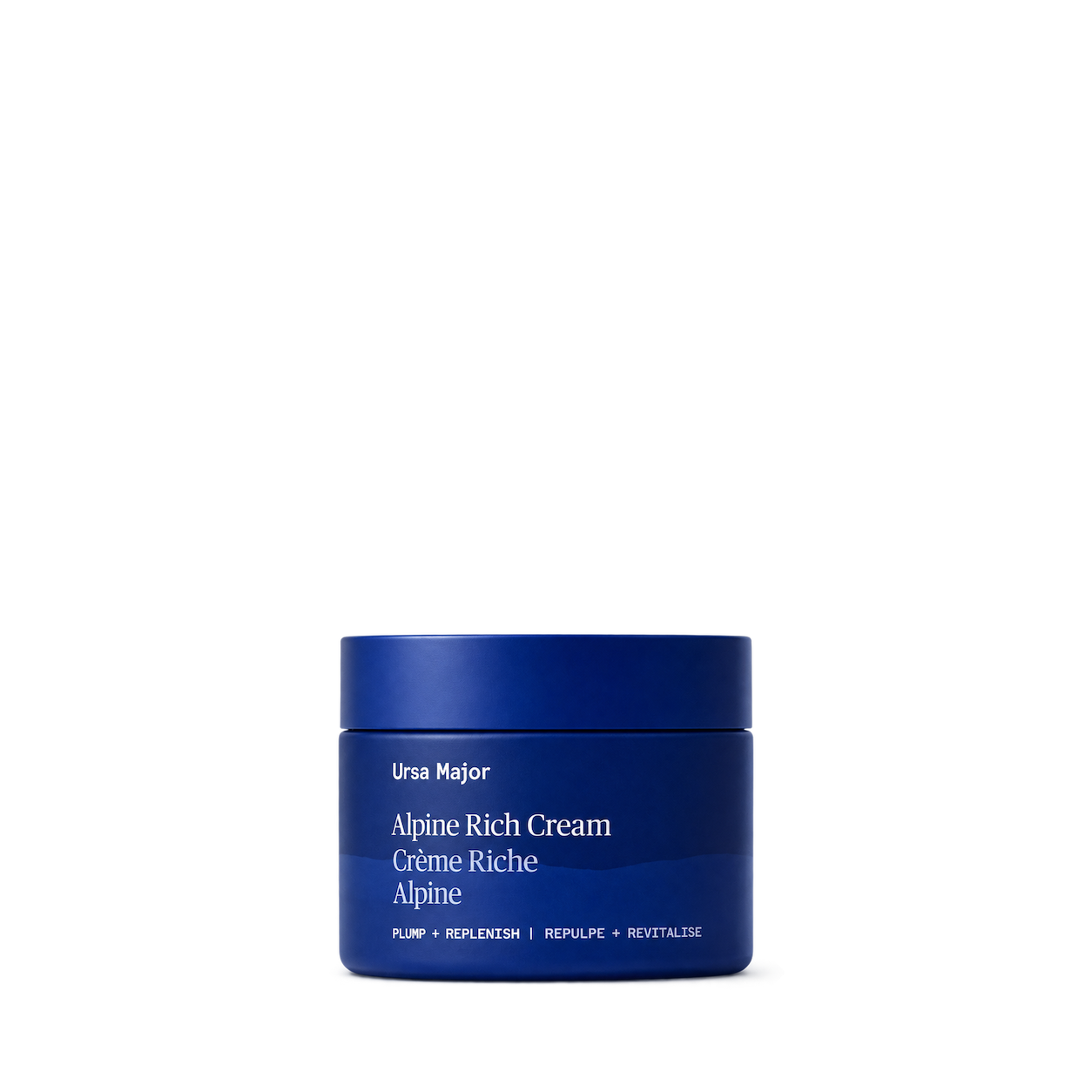
Ursa Major
Alpine Rich Cream


PureKana
CBD Balm · 1000mg CBD
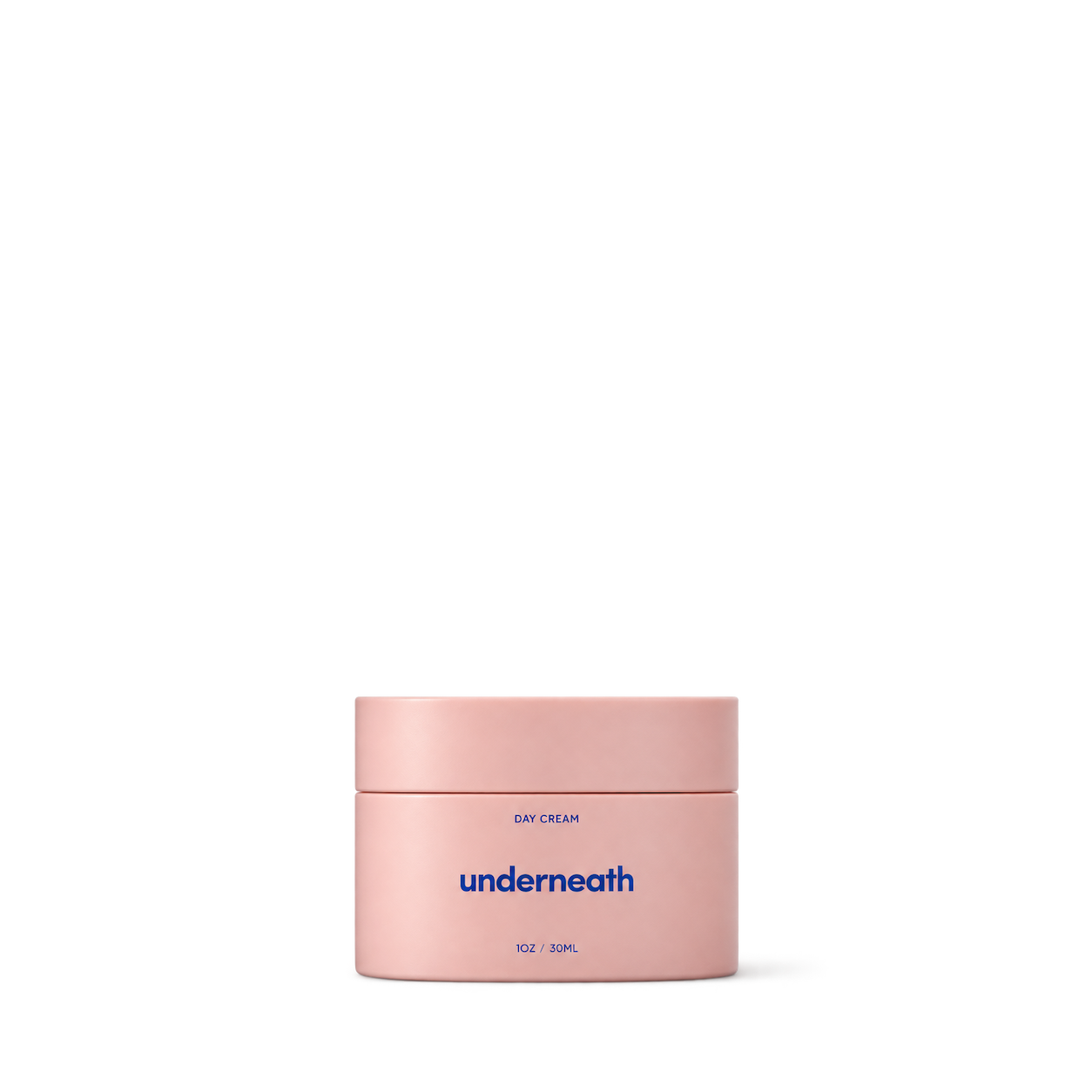
Underneath
Day Cream


Kylie Skin
Coconut Body Lotion
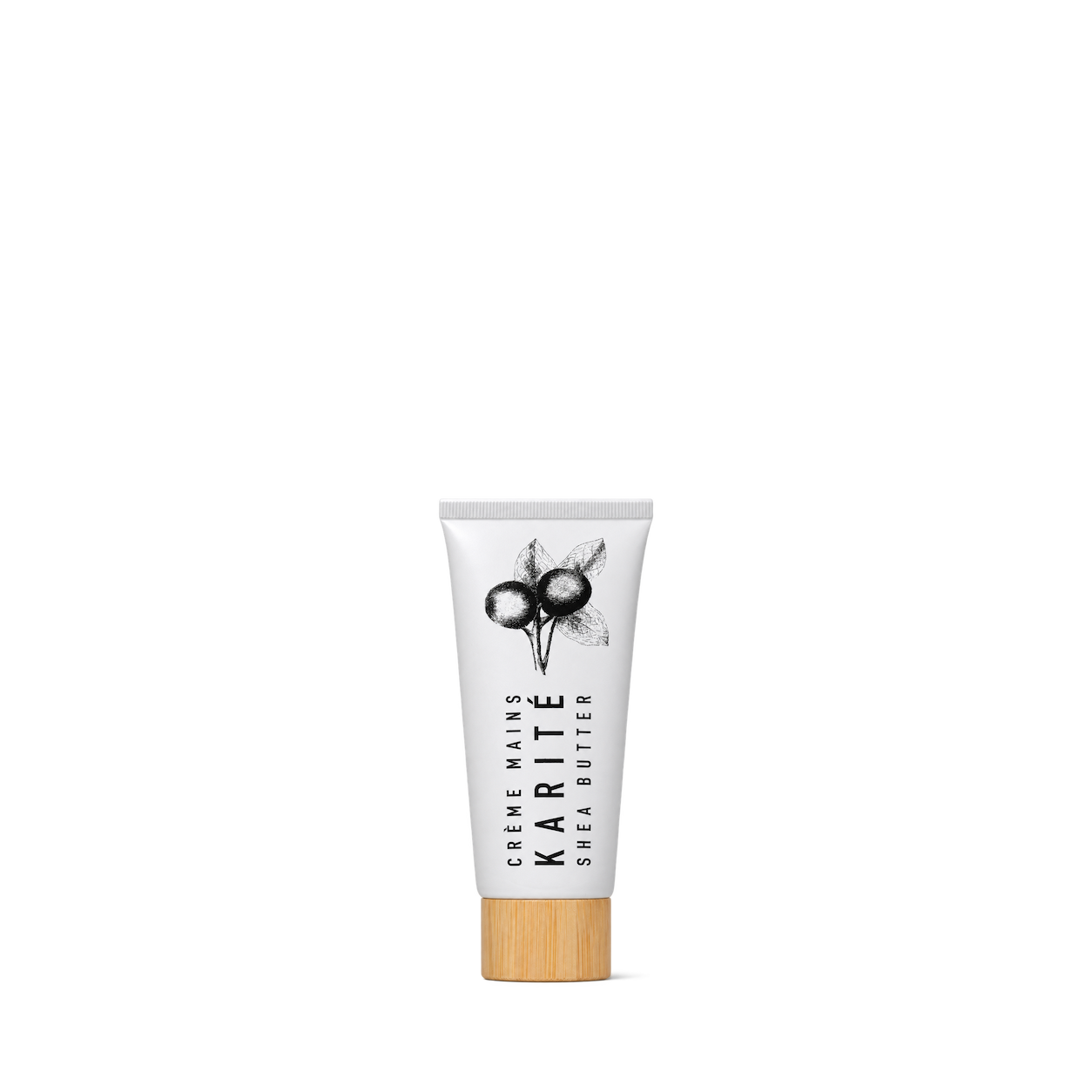
Karite
Crème Mains Hand Cream

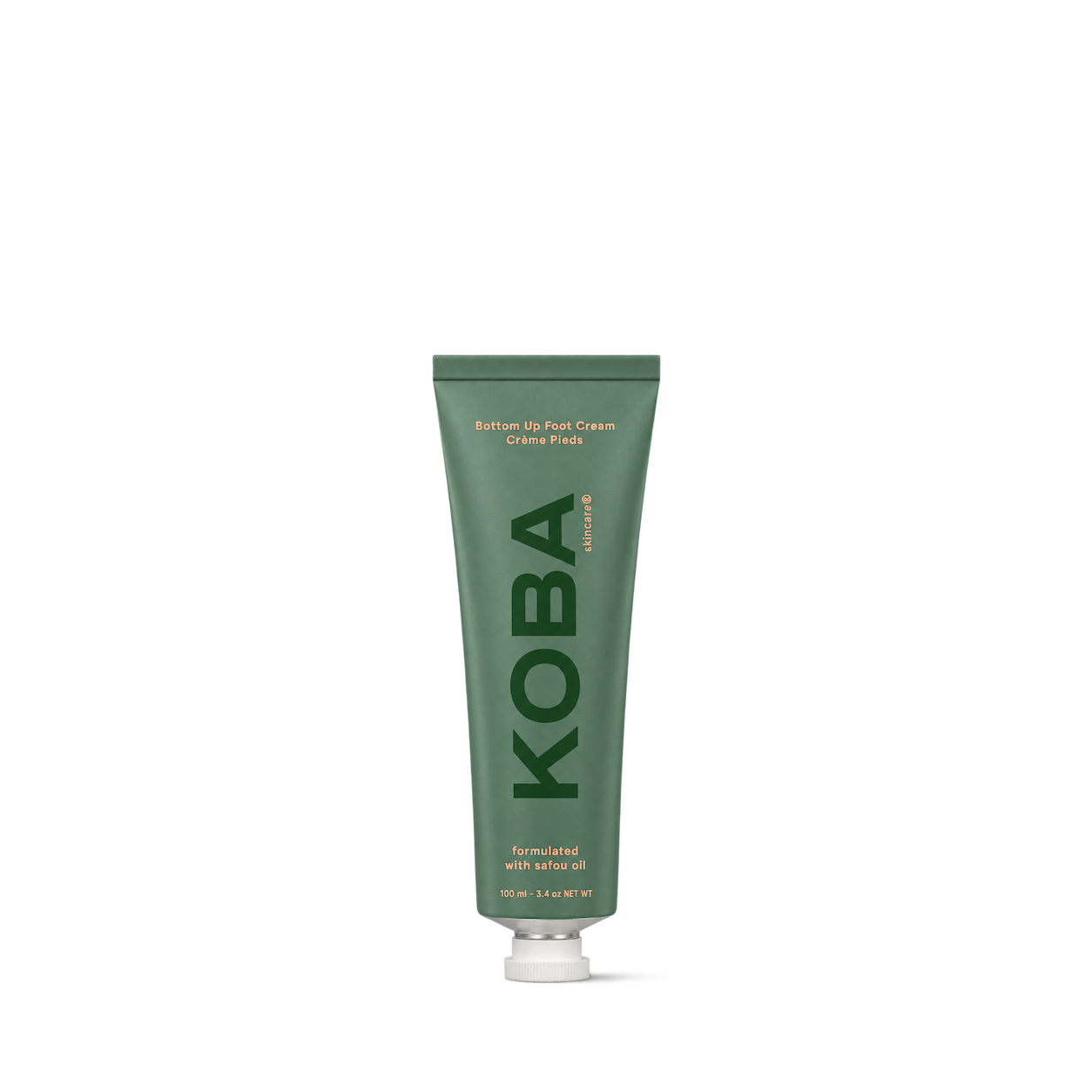

Kobees
Bee Smooth Balm
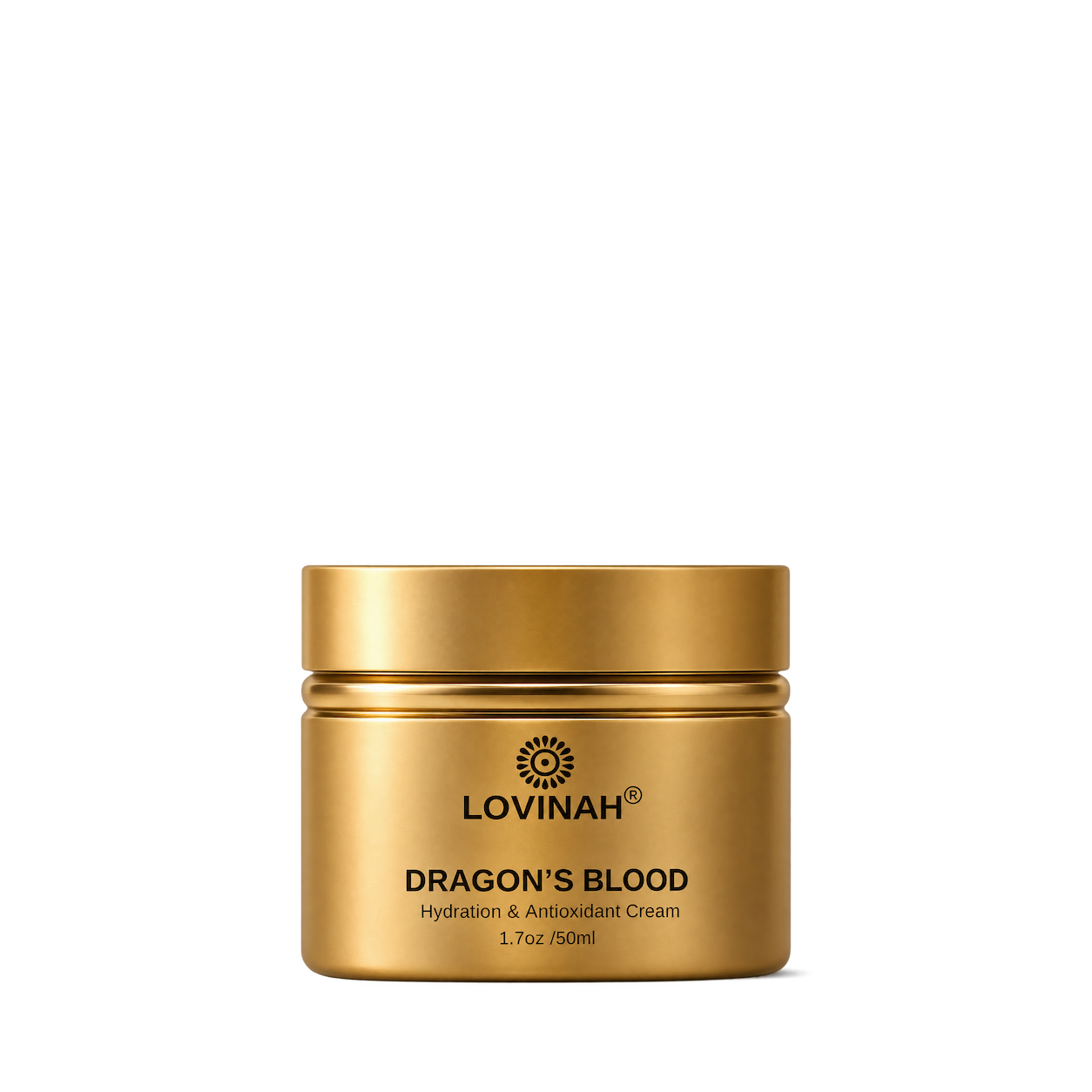

Marie Hunter
Deep Hydration Cream

Melyon
Night Cream

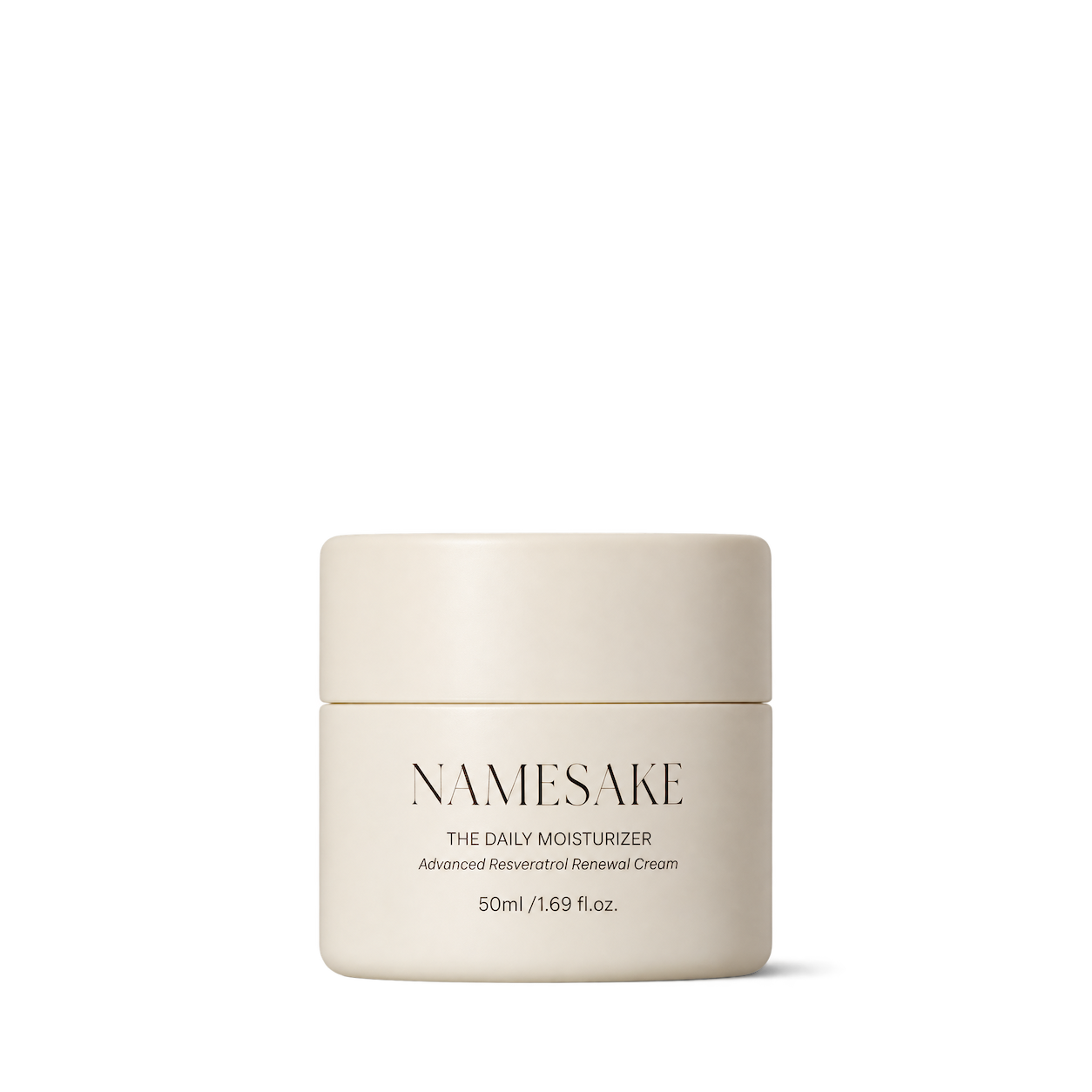
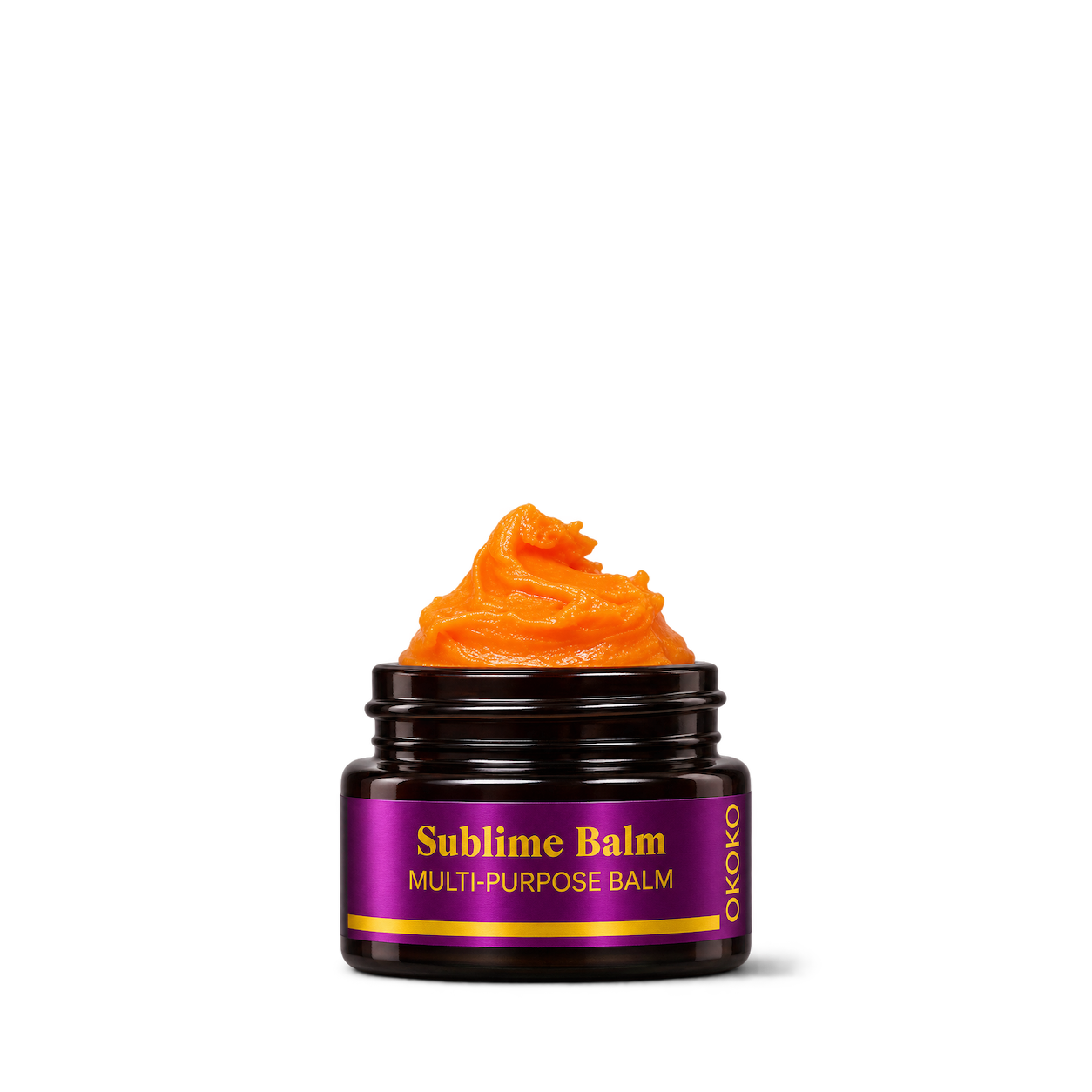
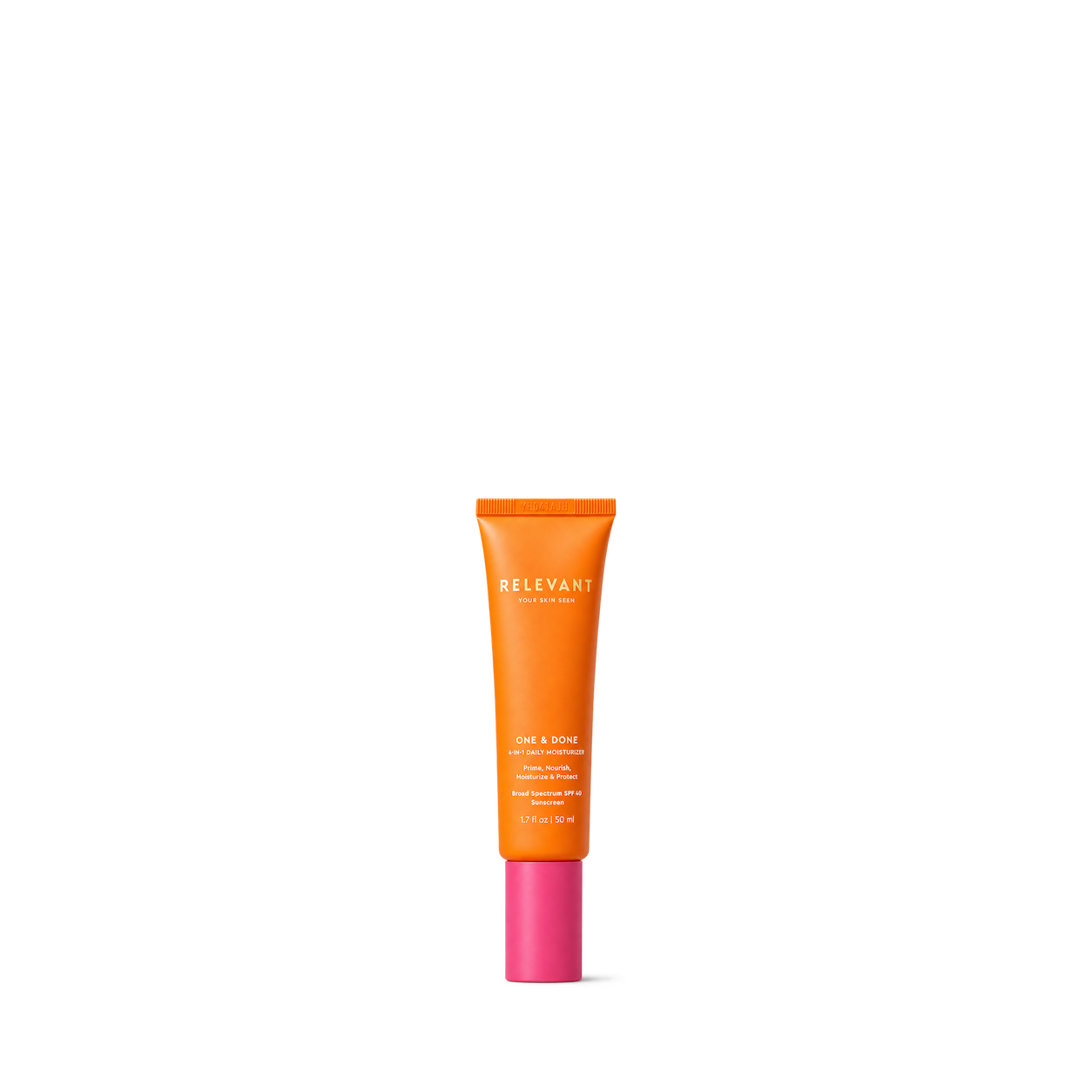

Rose MD Skin
Signature Moisturizer · 50 ml


Nardo's Natural
Lavanilla Facial Moisturizer

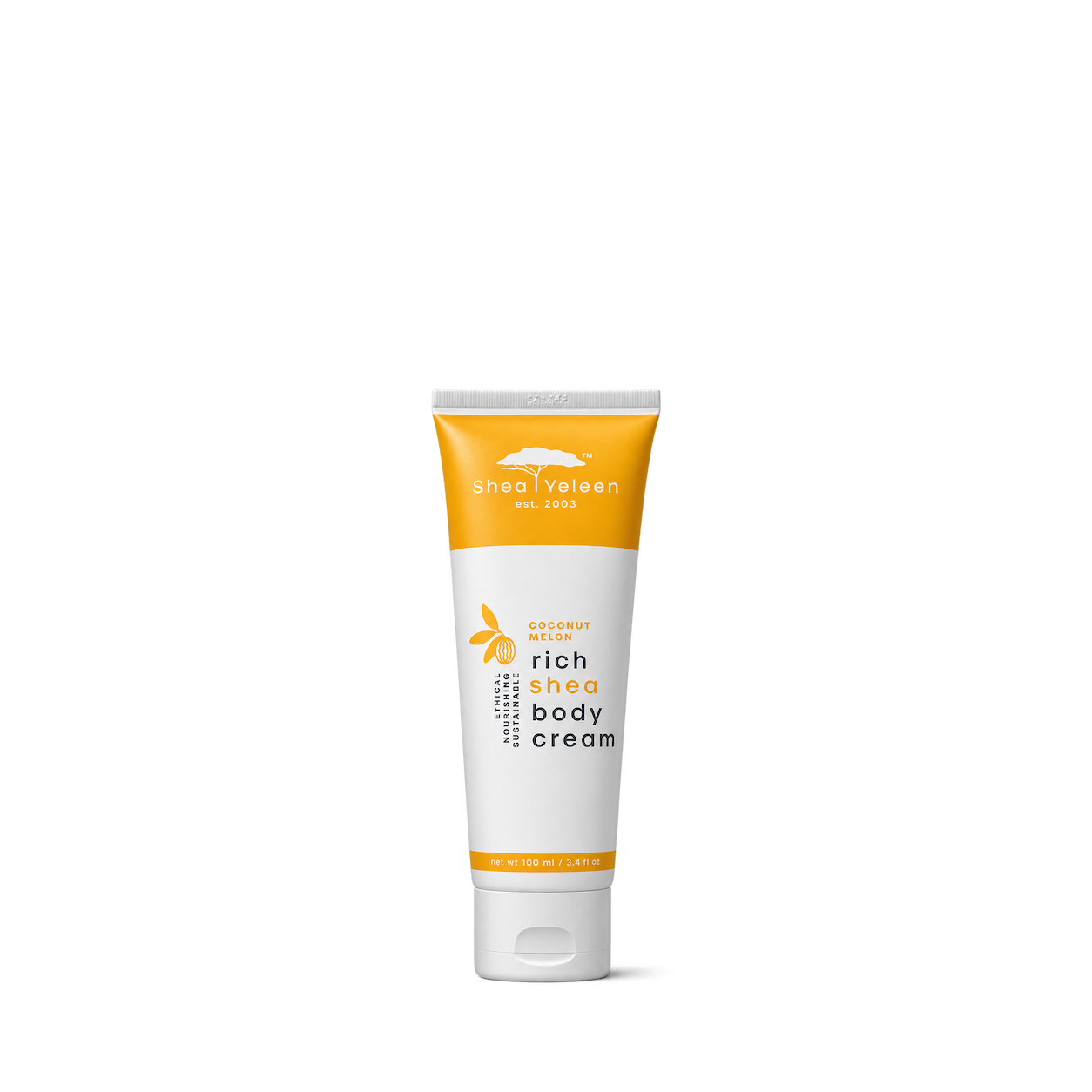
Shea Yeleen
Coconut Melon Rich Shea Body Cream 100ml
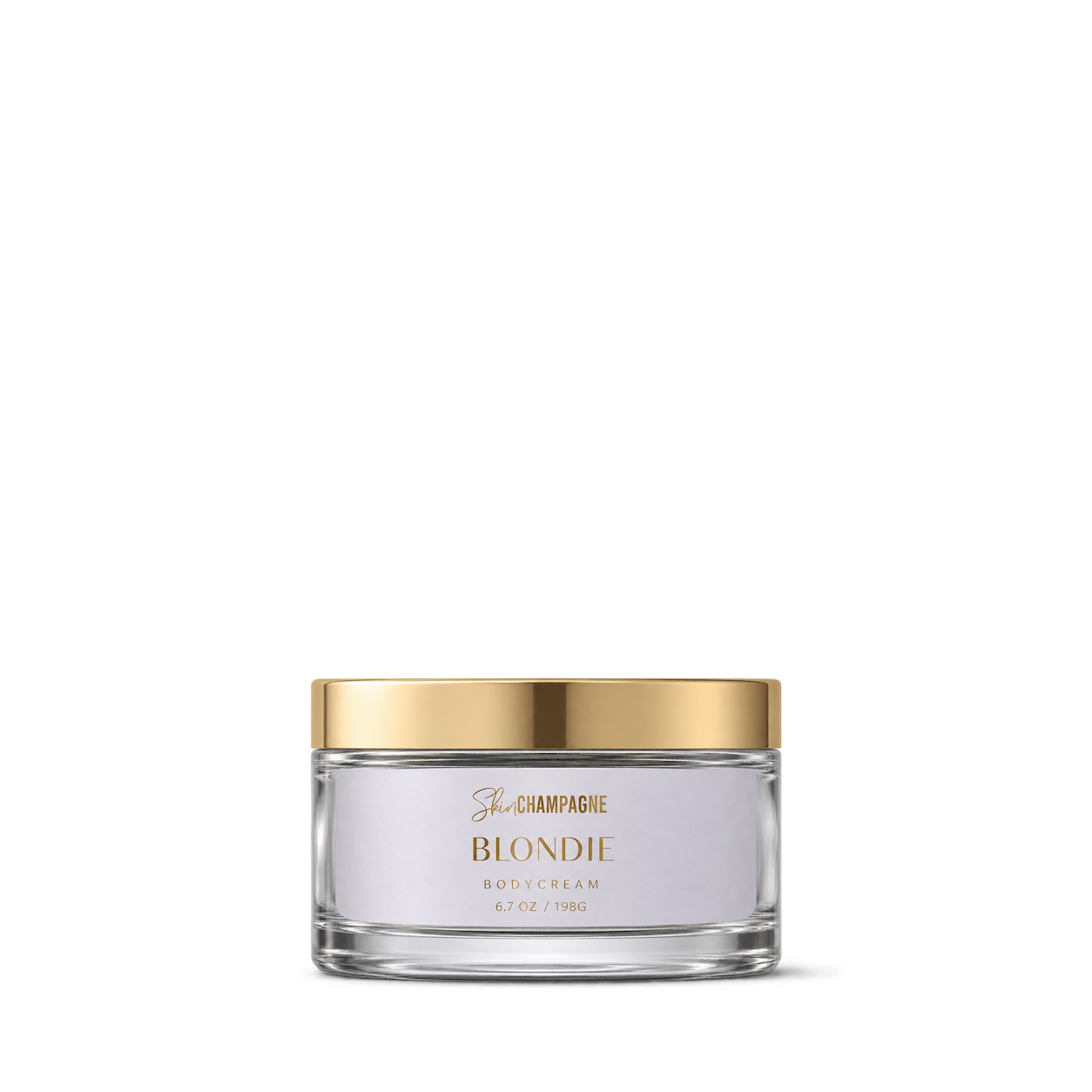

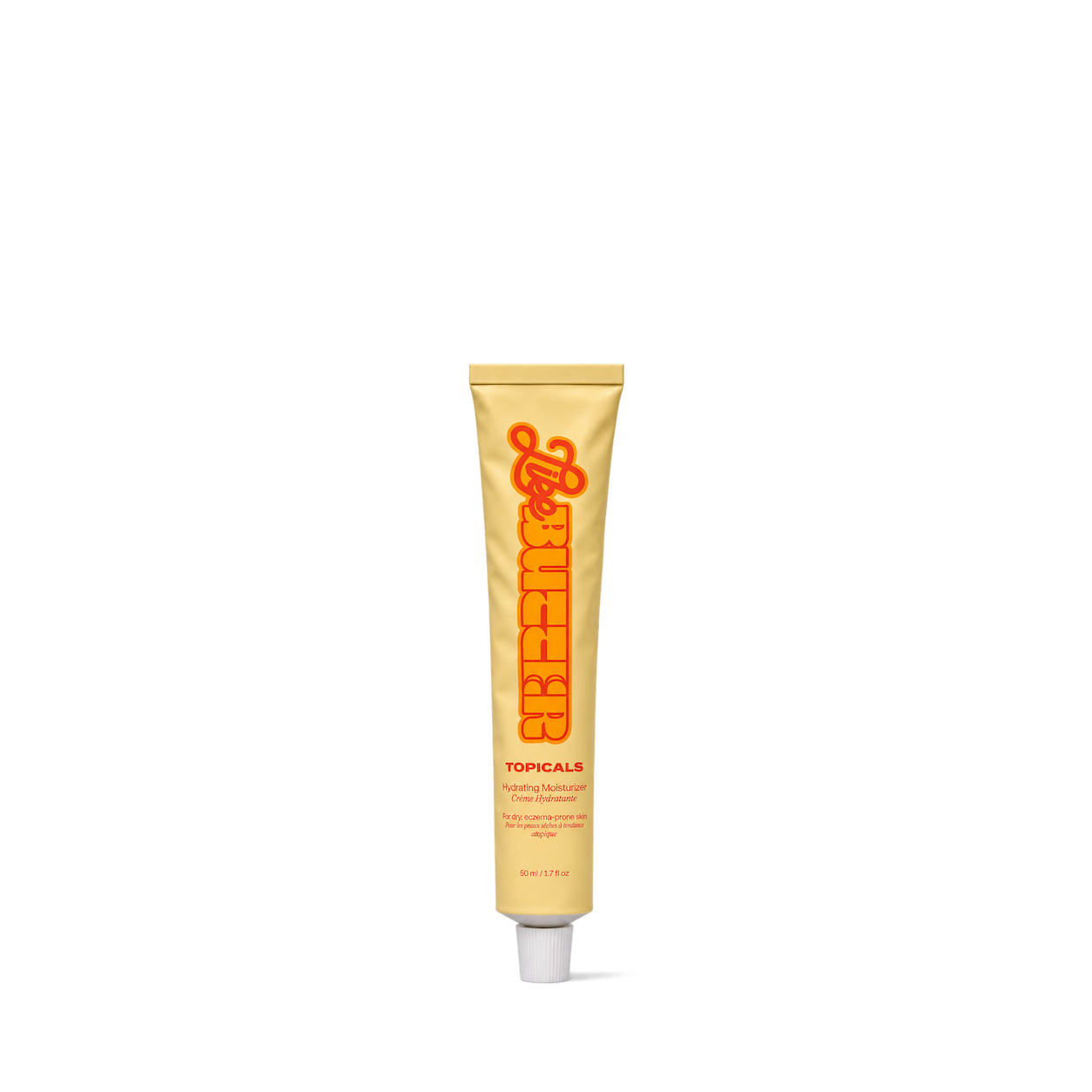
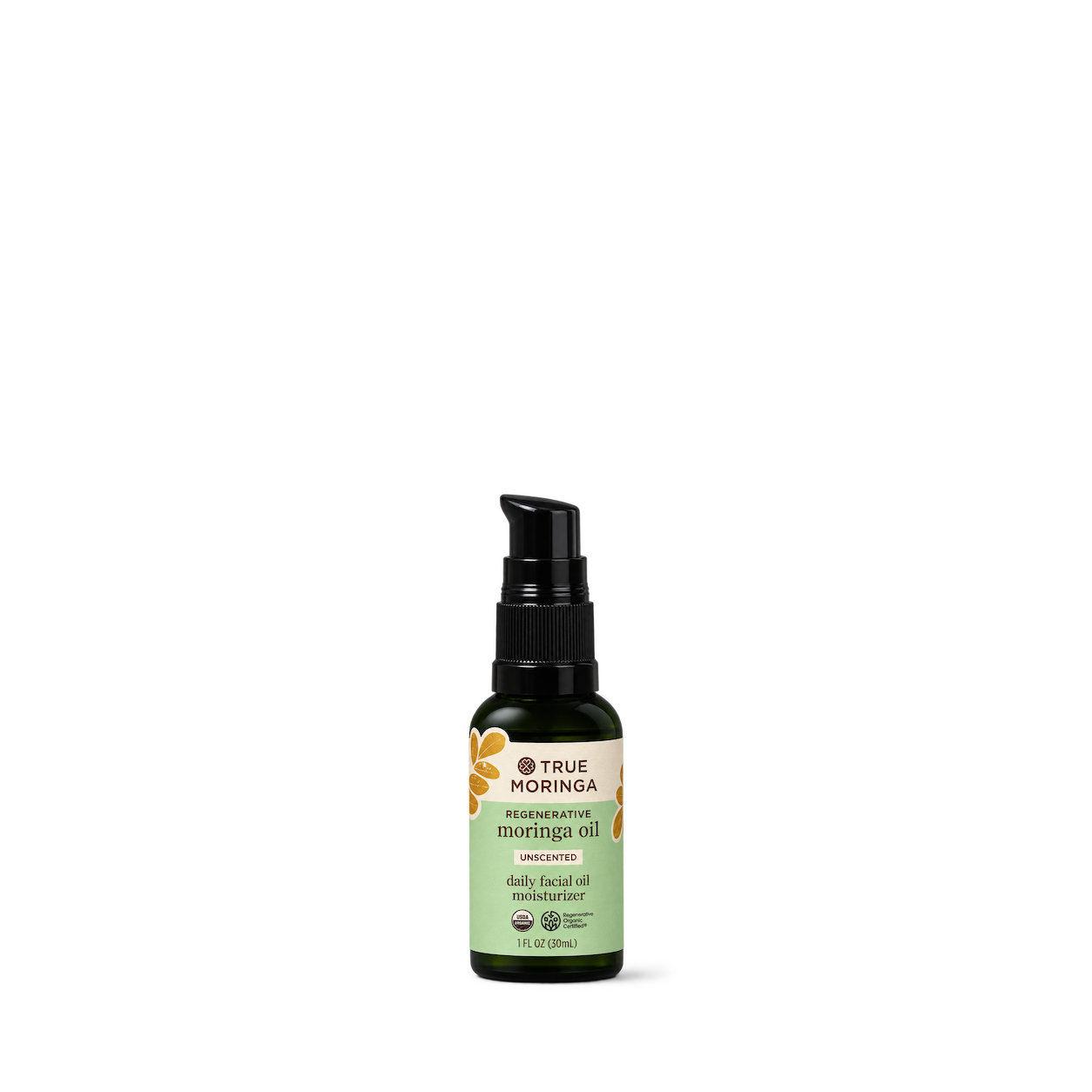

Yendy Skin
Super Shea Moisturiser 50ml
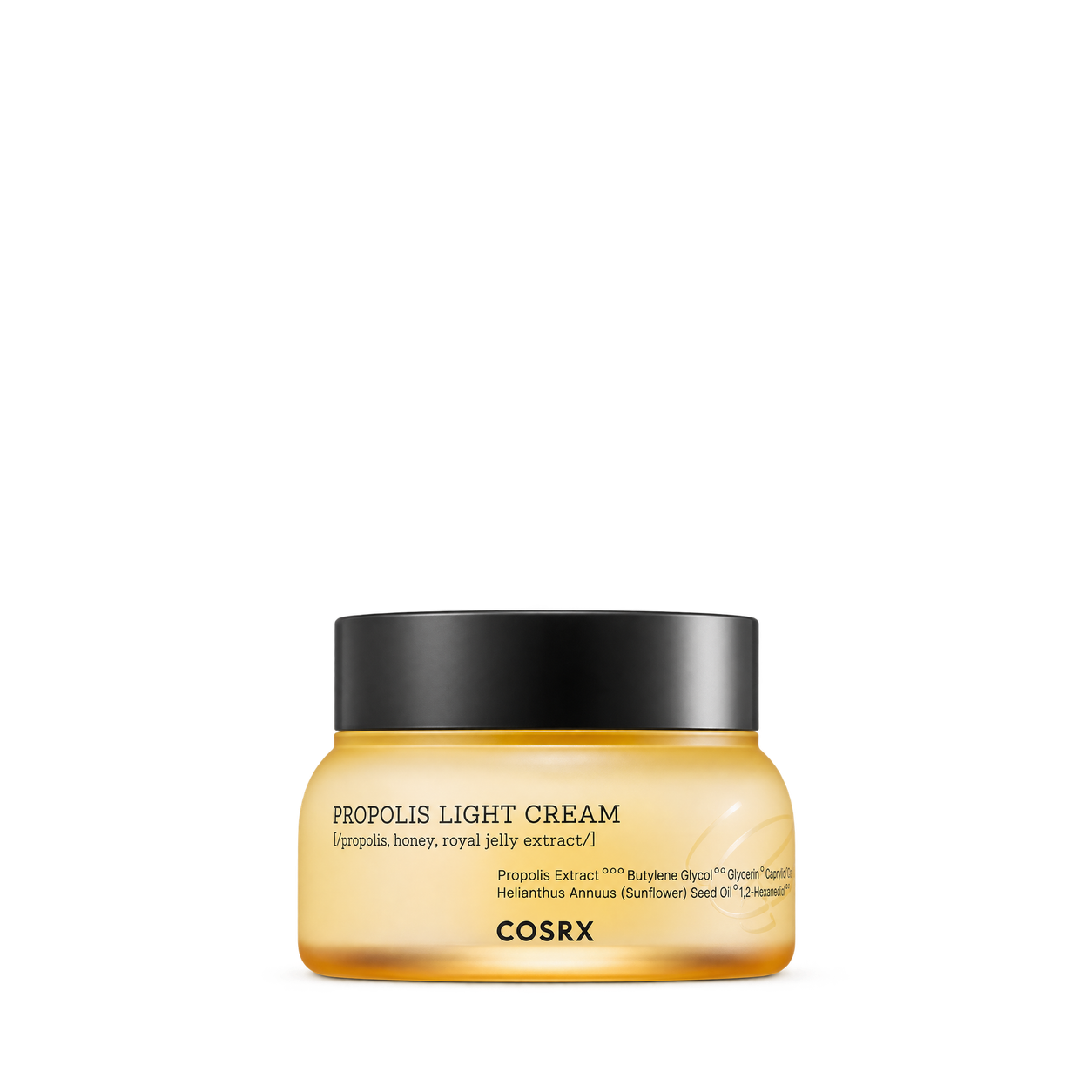
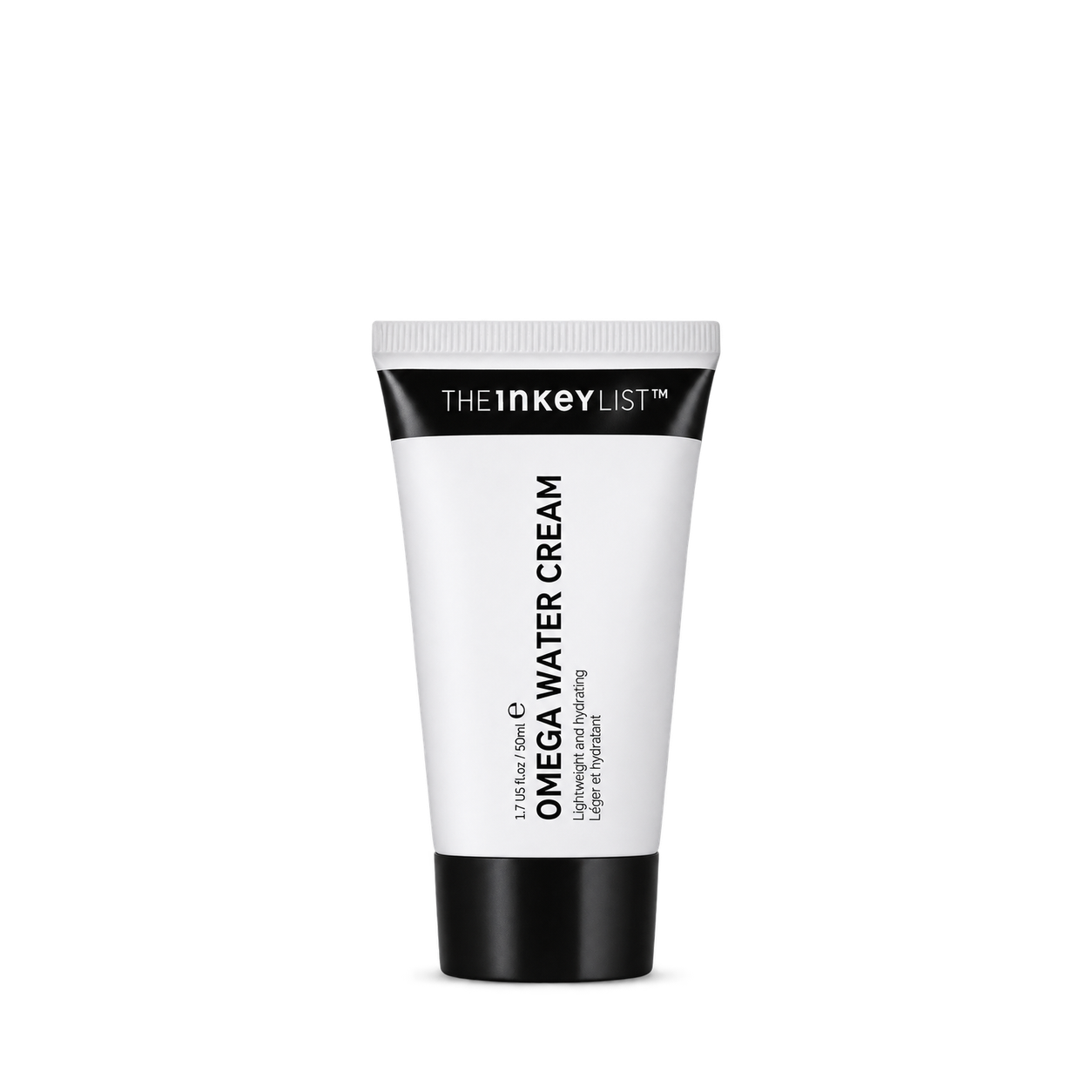
The INKEY List
Omega Water Cream - 50ml
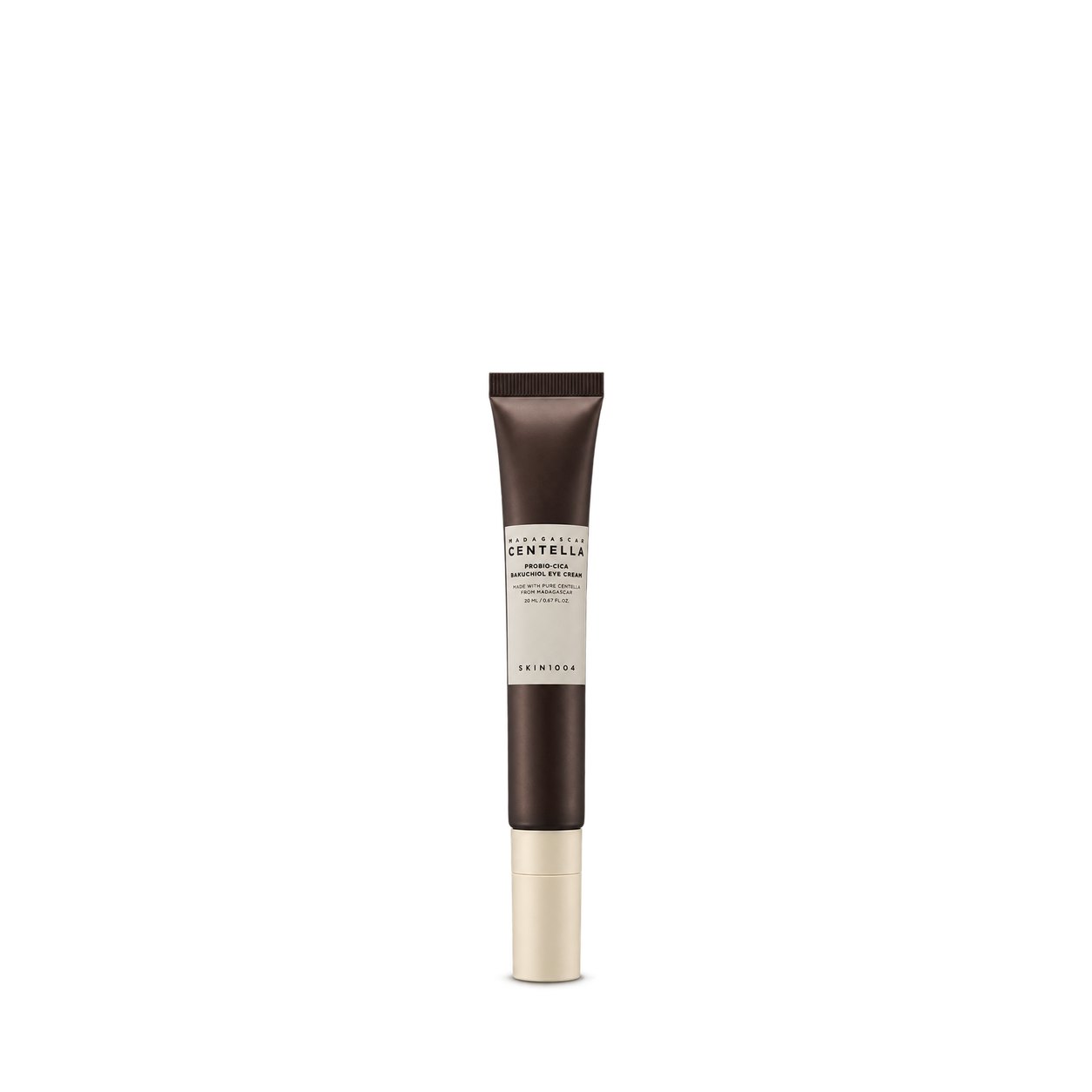

Transparent Lab
Barrier Restoring Hydrating Cream

Peach & Lily
Glass Skin Water-Gel Moisturizer

Then I Met You
Renewing Rich Beauty Cream
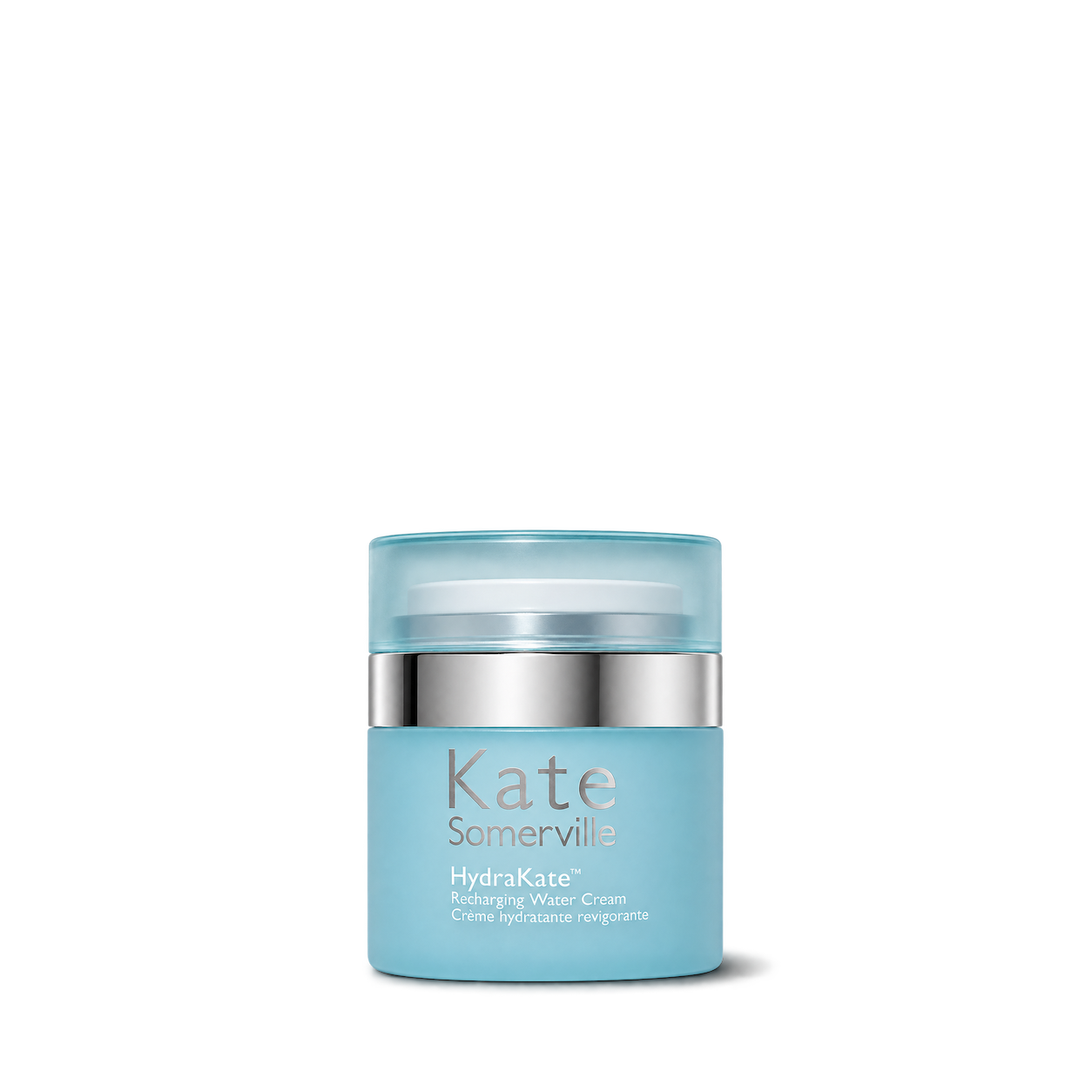
Kate Somerville
HydraKate® Recharging Water Cream

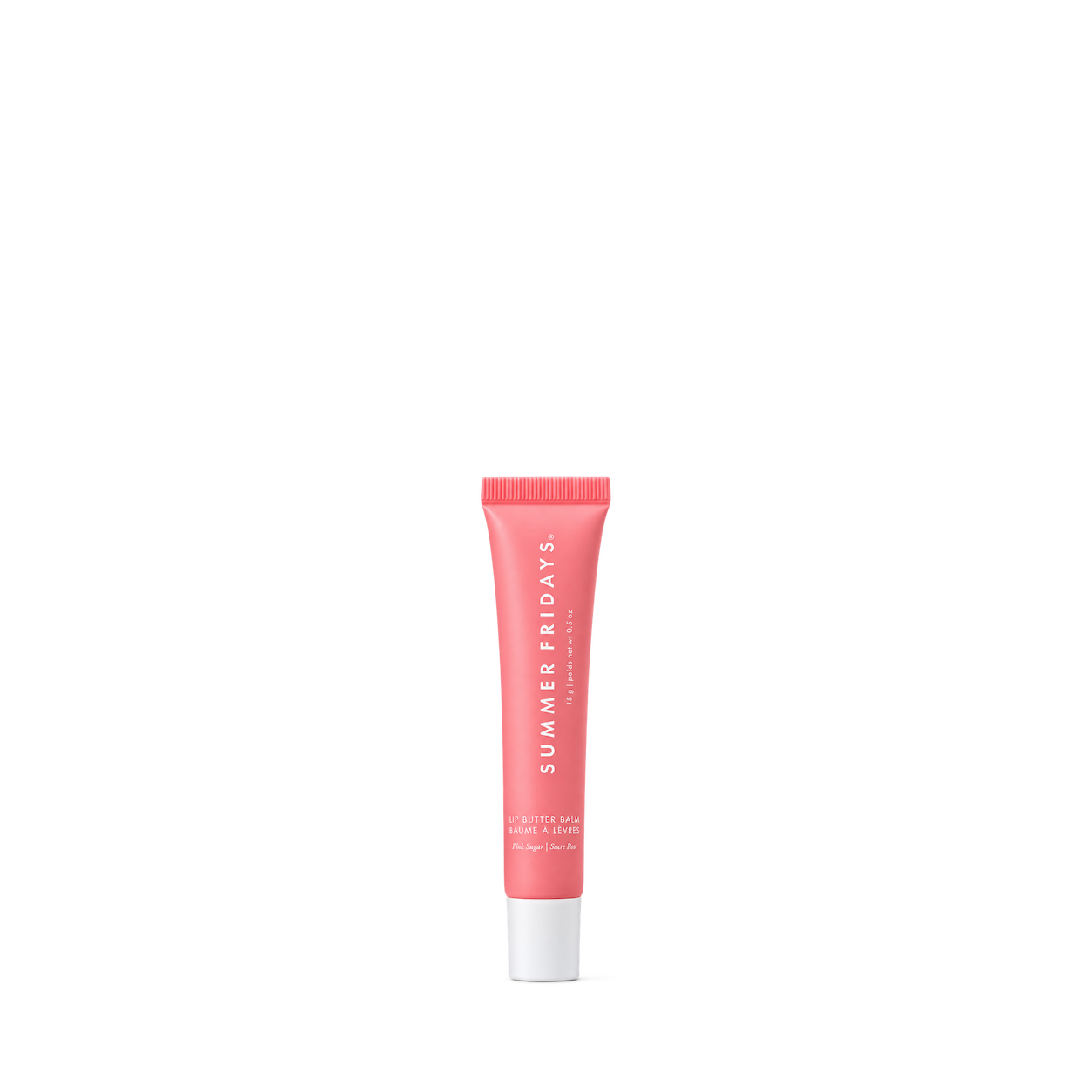
Summer Fridays
Lip Butter Balm Pink Sugar


Ursa Major
Forest Alchemy Eye Cream

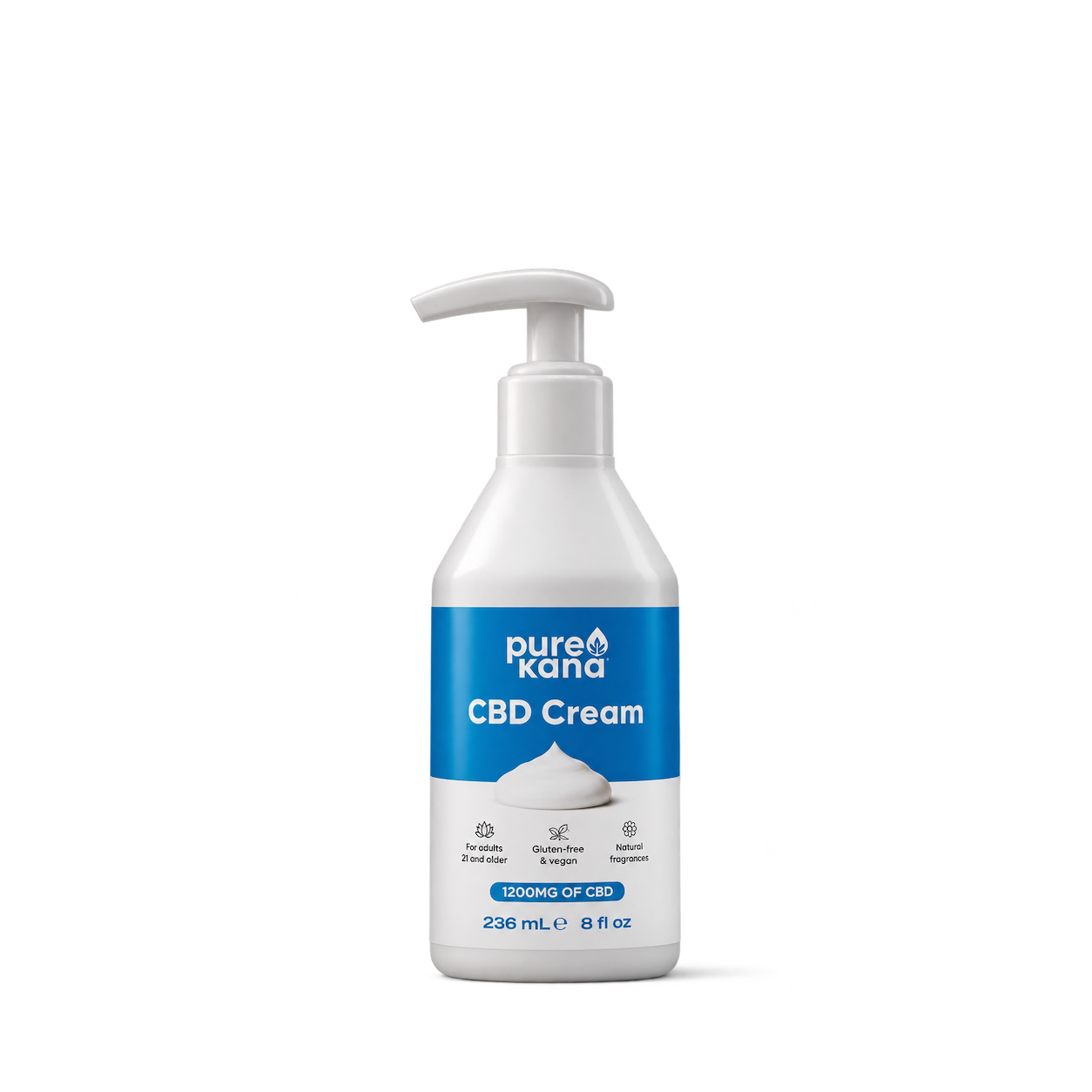
PureKana
CBD Cream · 1200mg CBD

Underneath
Night Cream
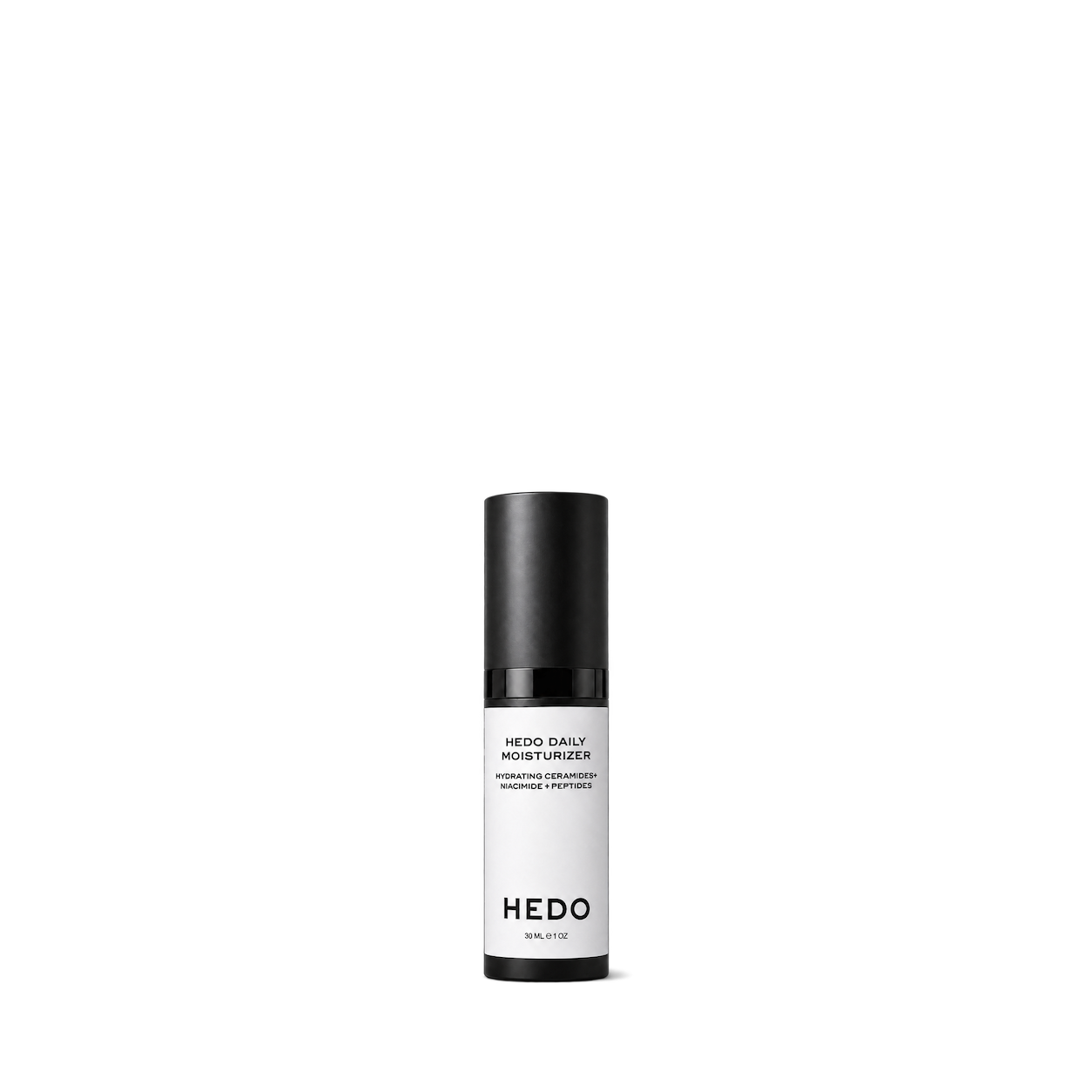
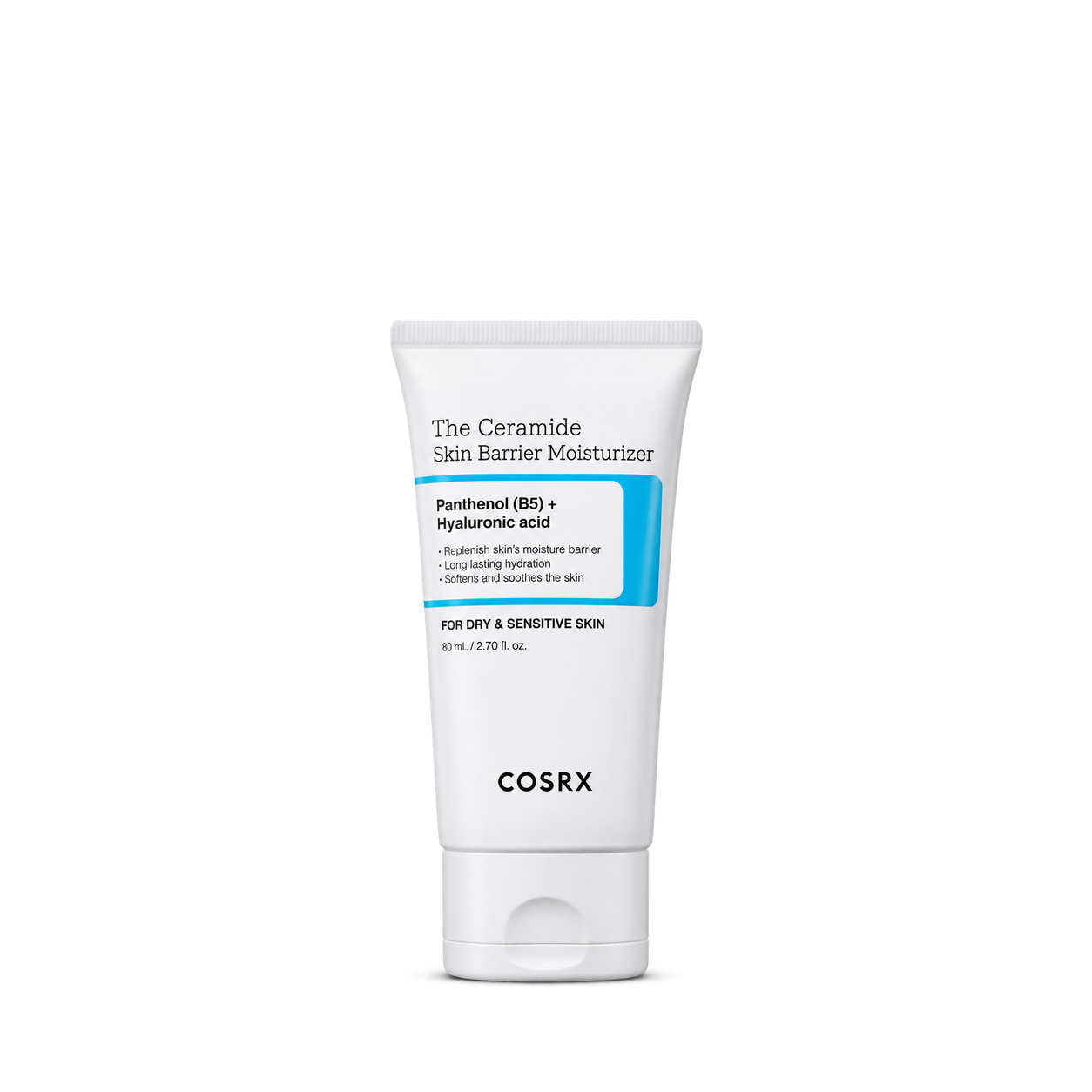

The INKEY List
Caffeine Eye Cream
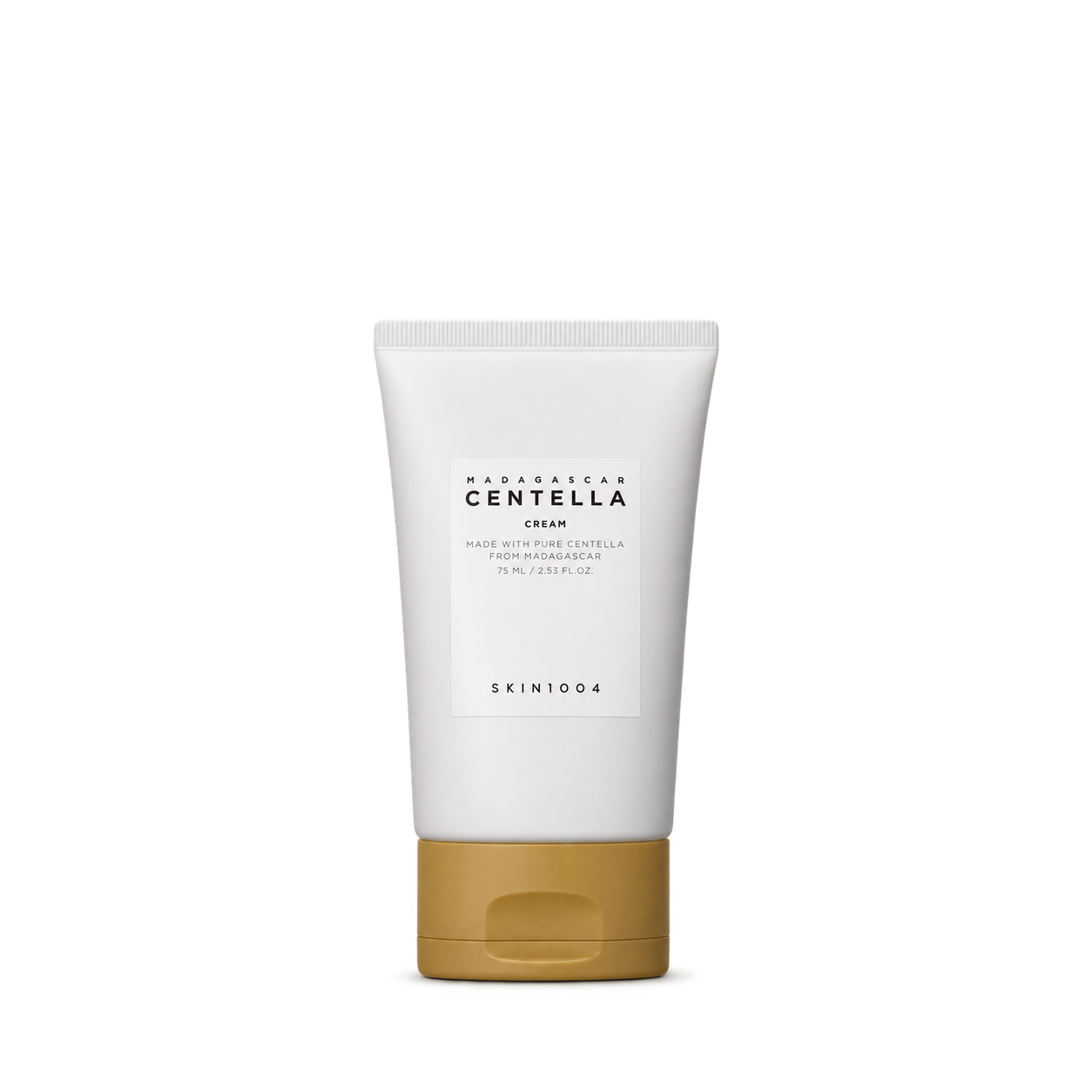
SKIN1004
Centella Cream · 75 ml


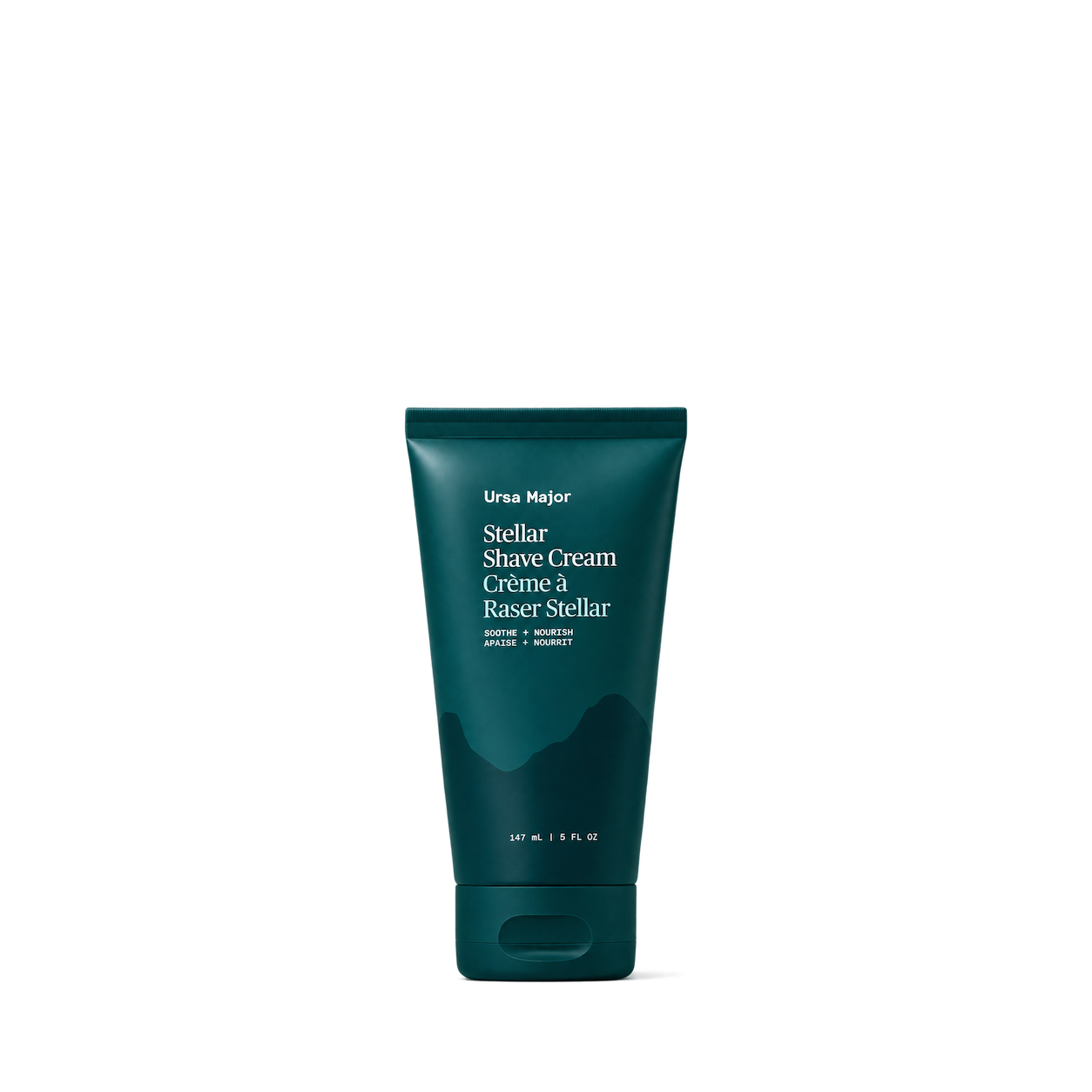
Ursa Major
Stellar Shave Cream

Carpe
Face Lotion

Underneath
The Eye Cream
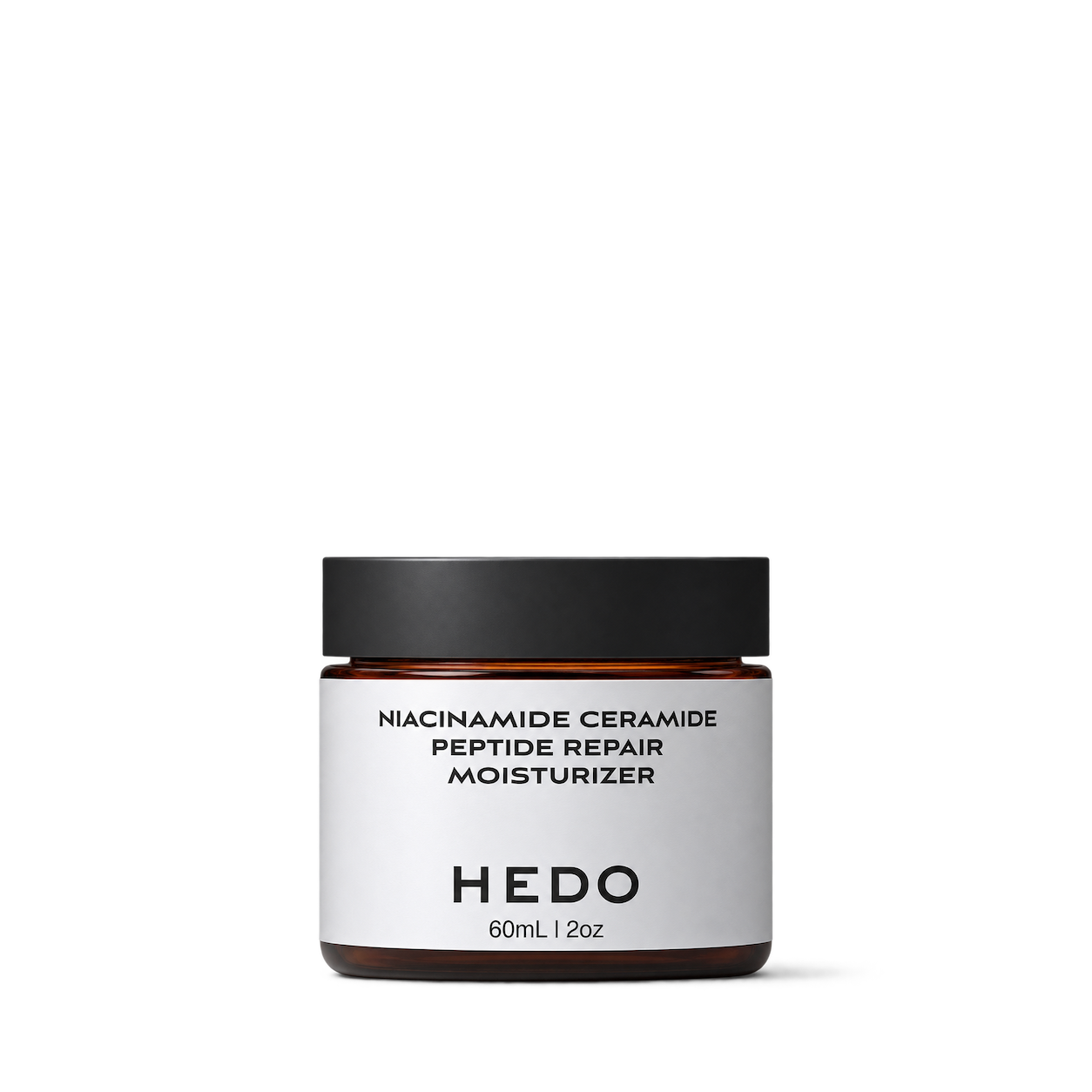
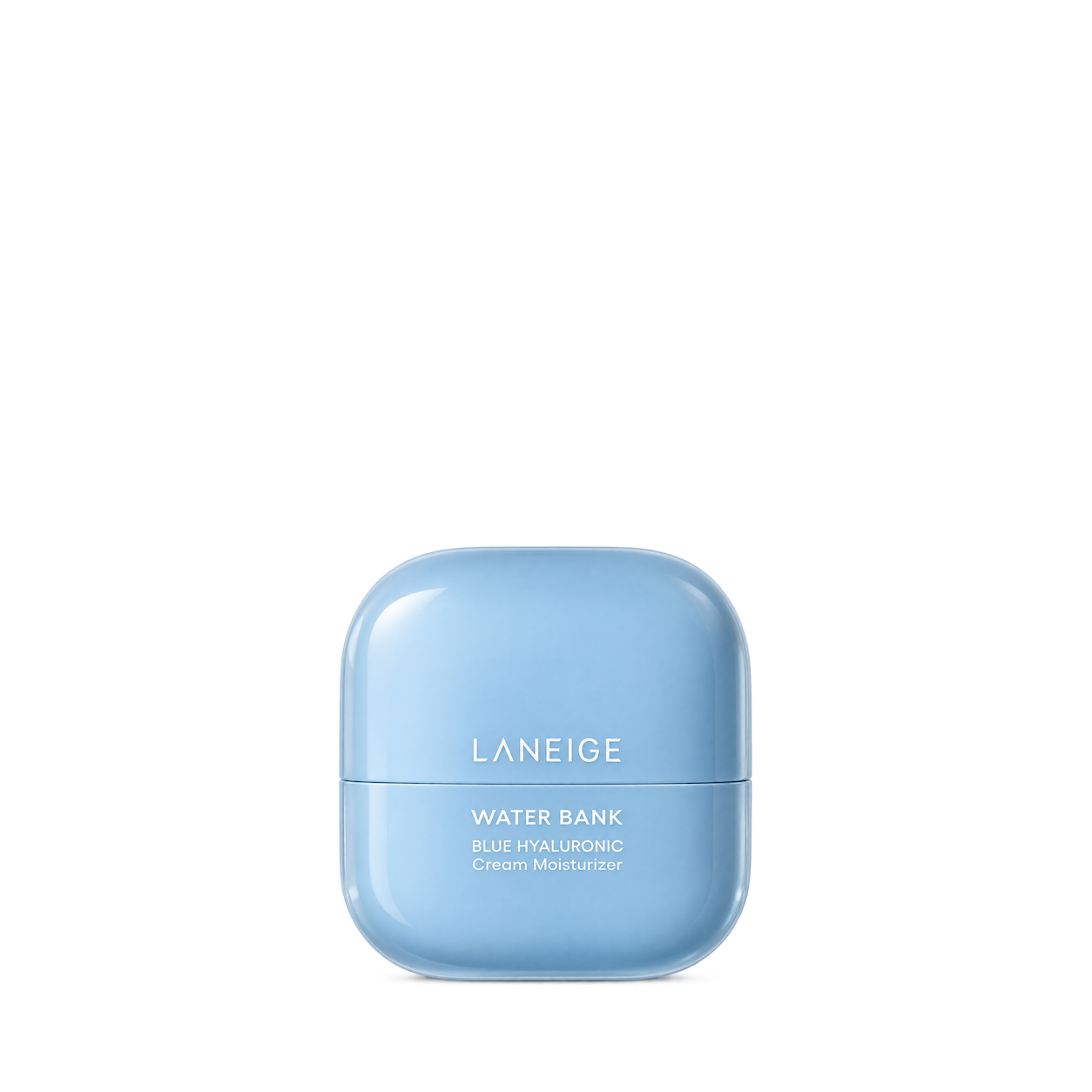
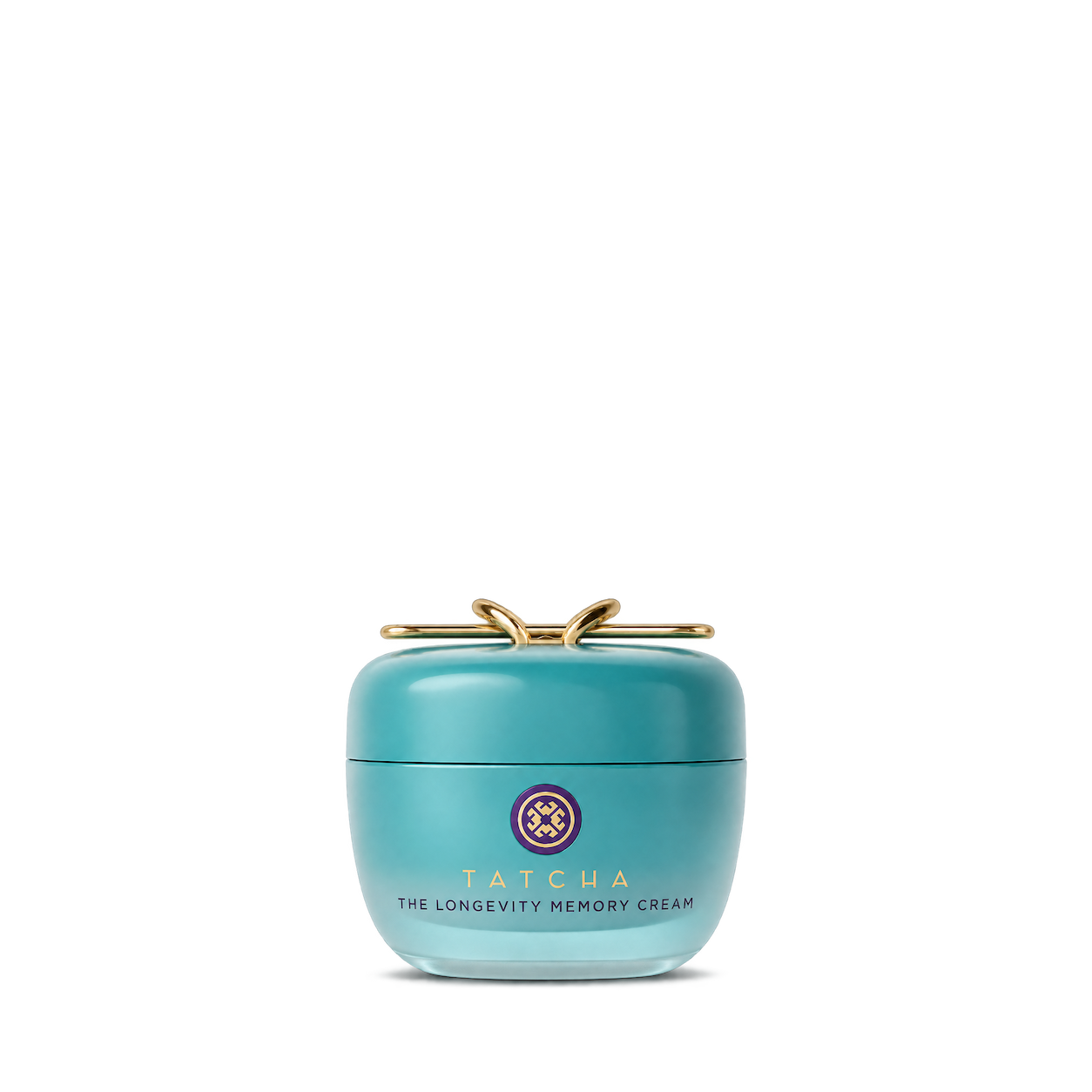


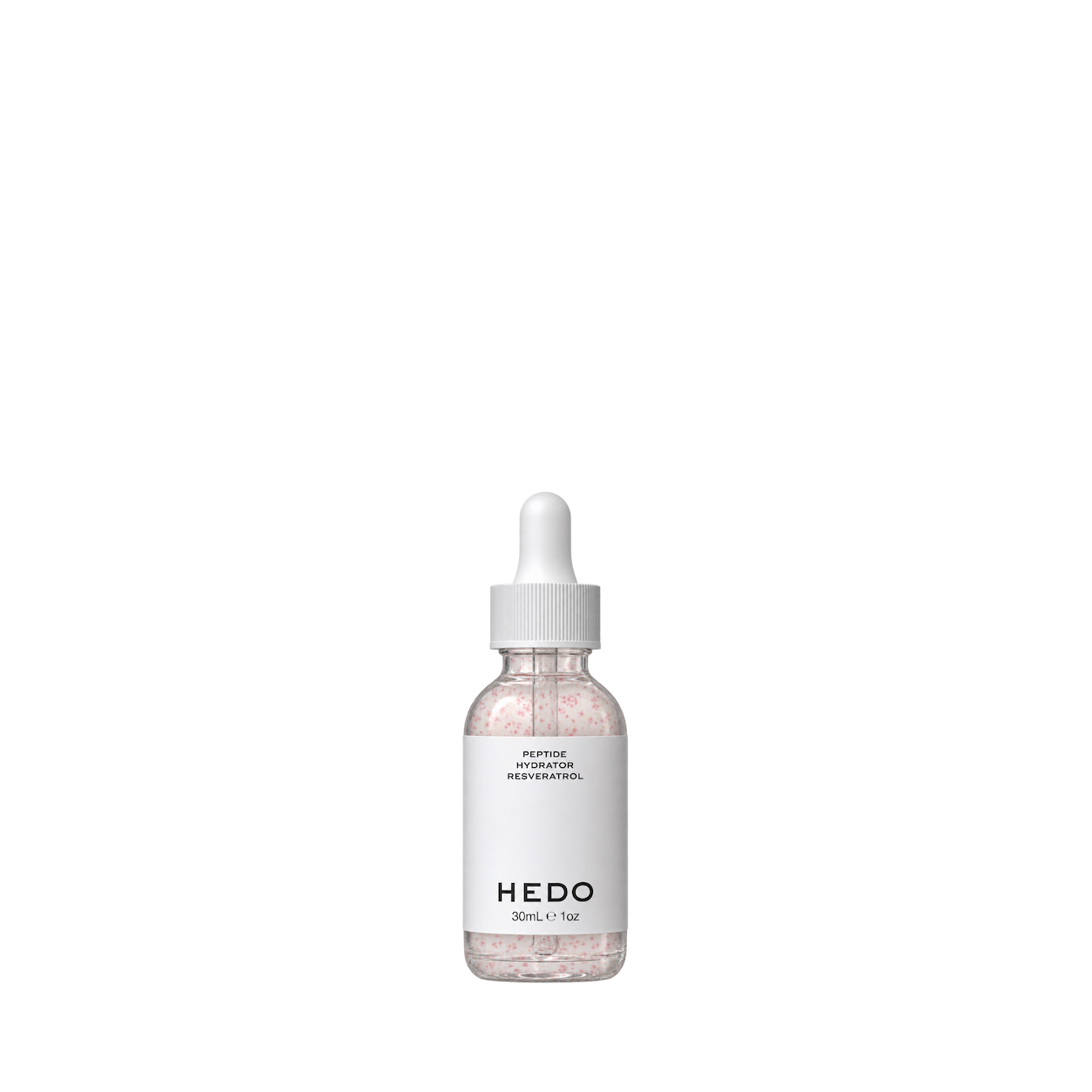
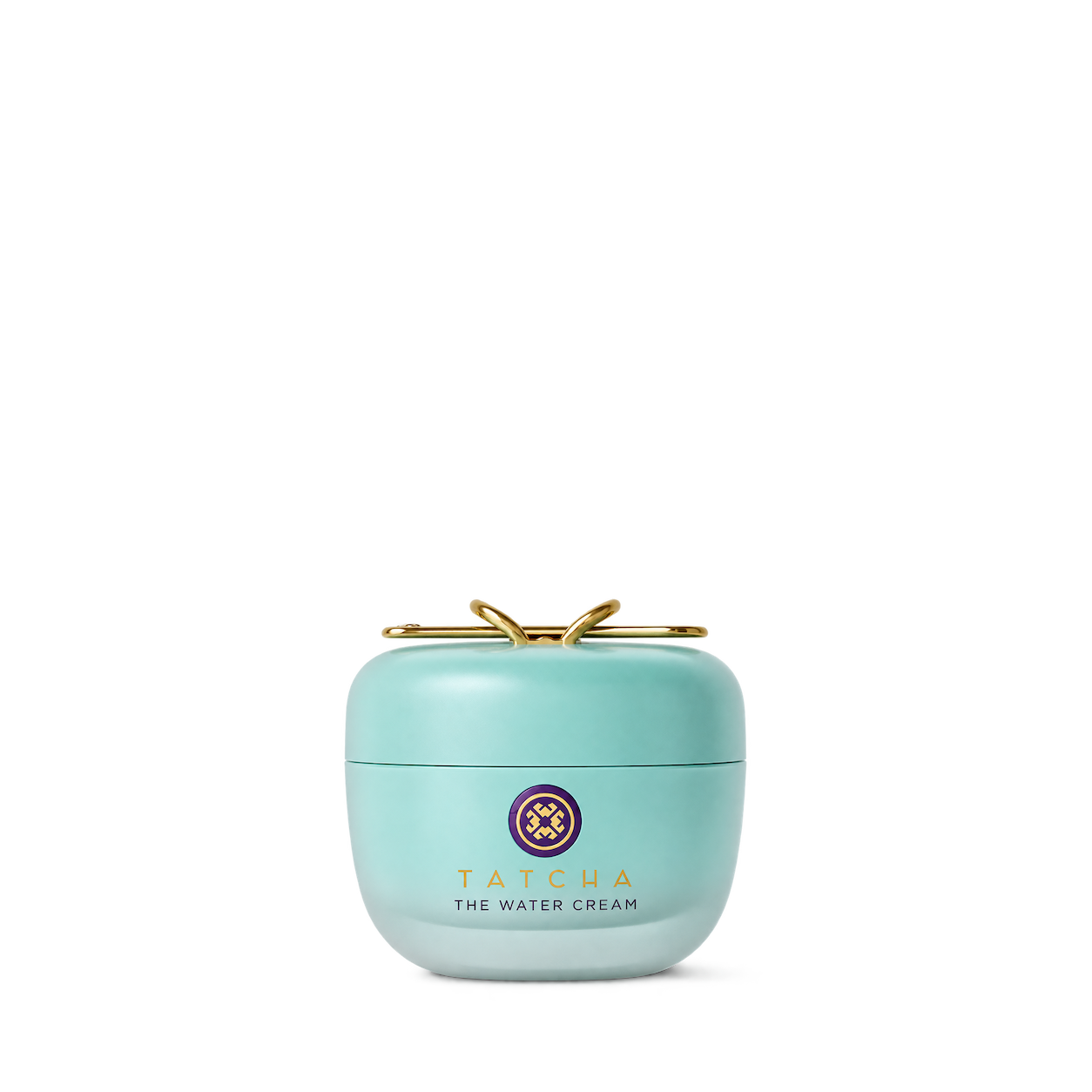
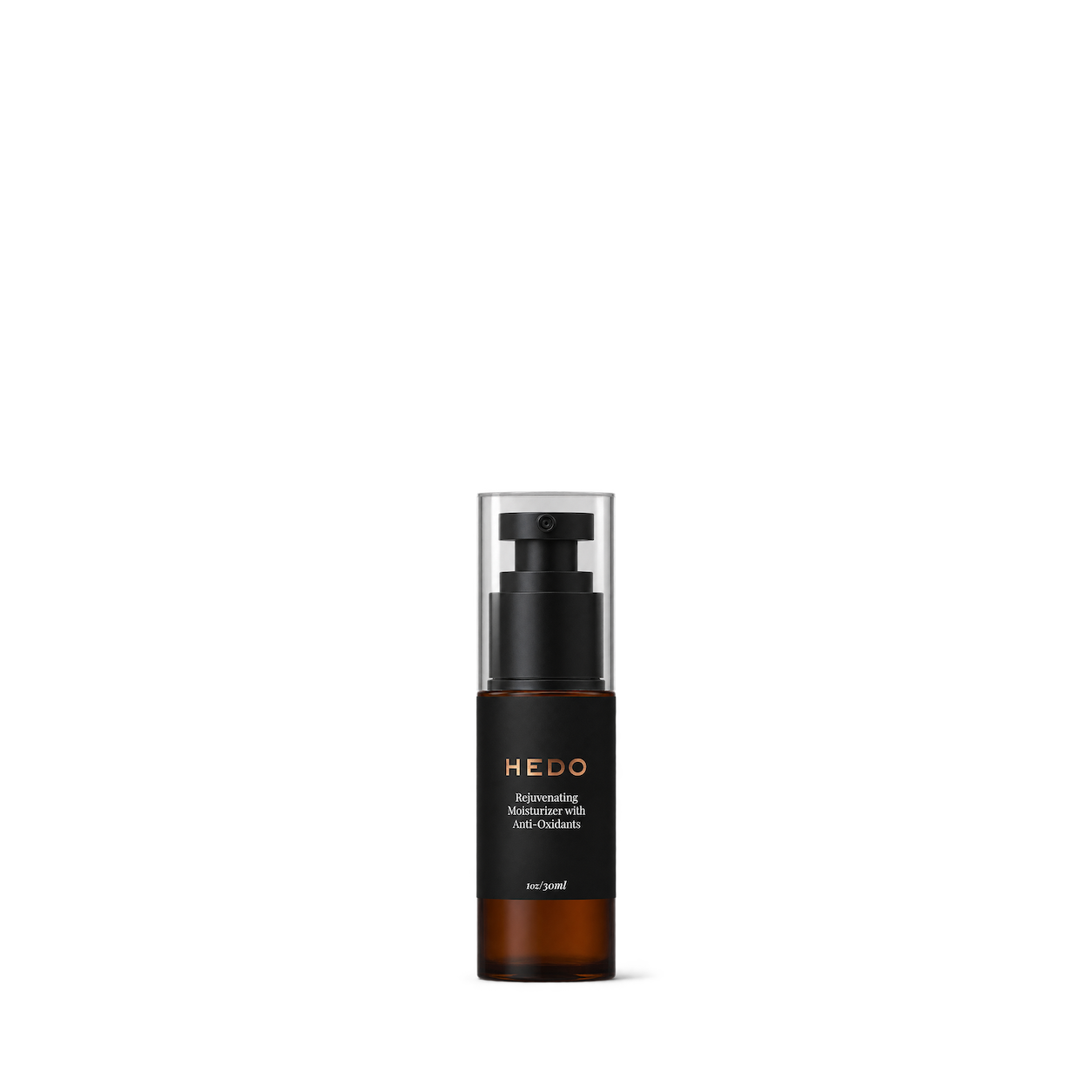
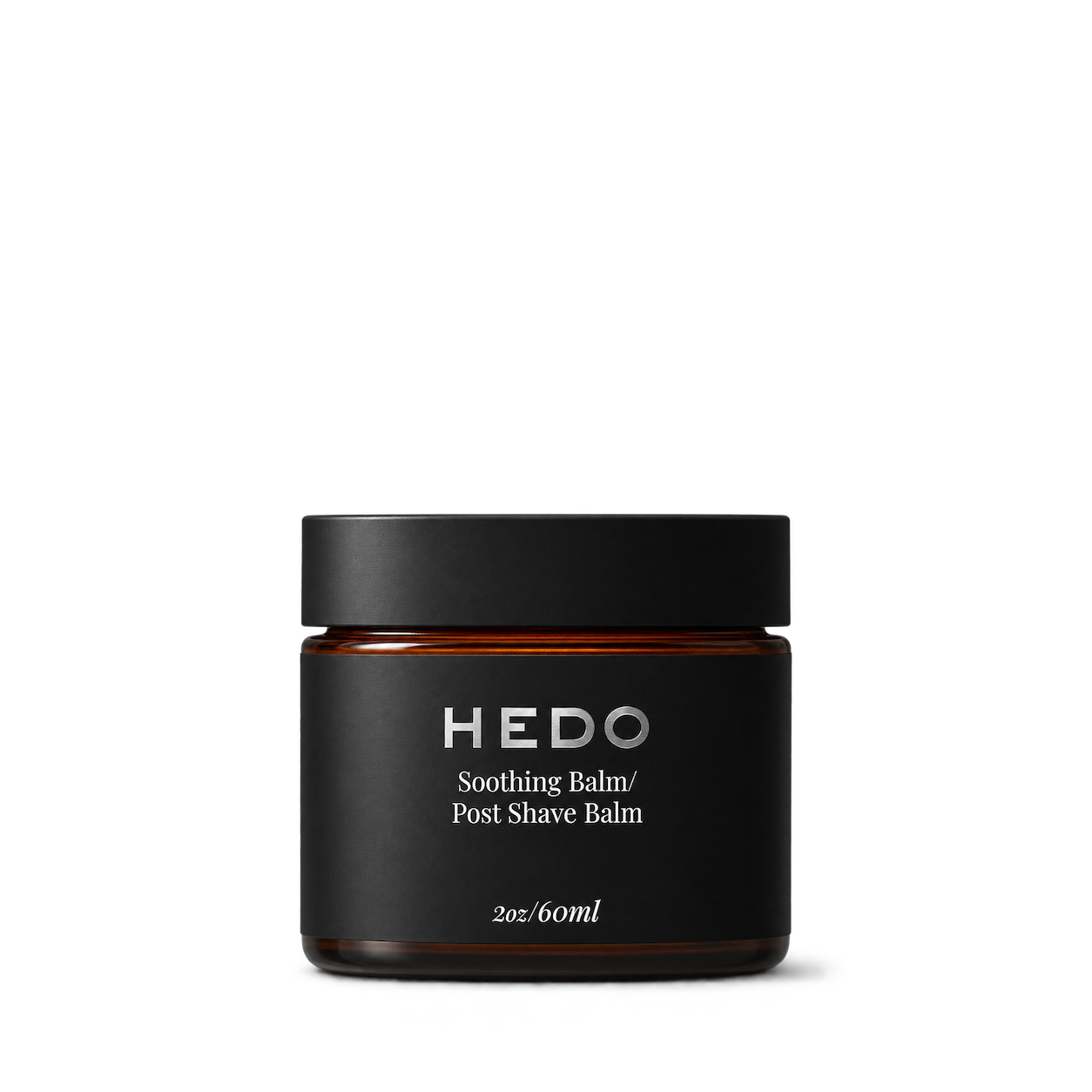
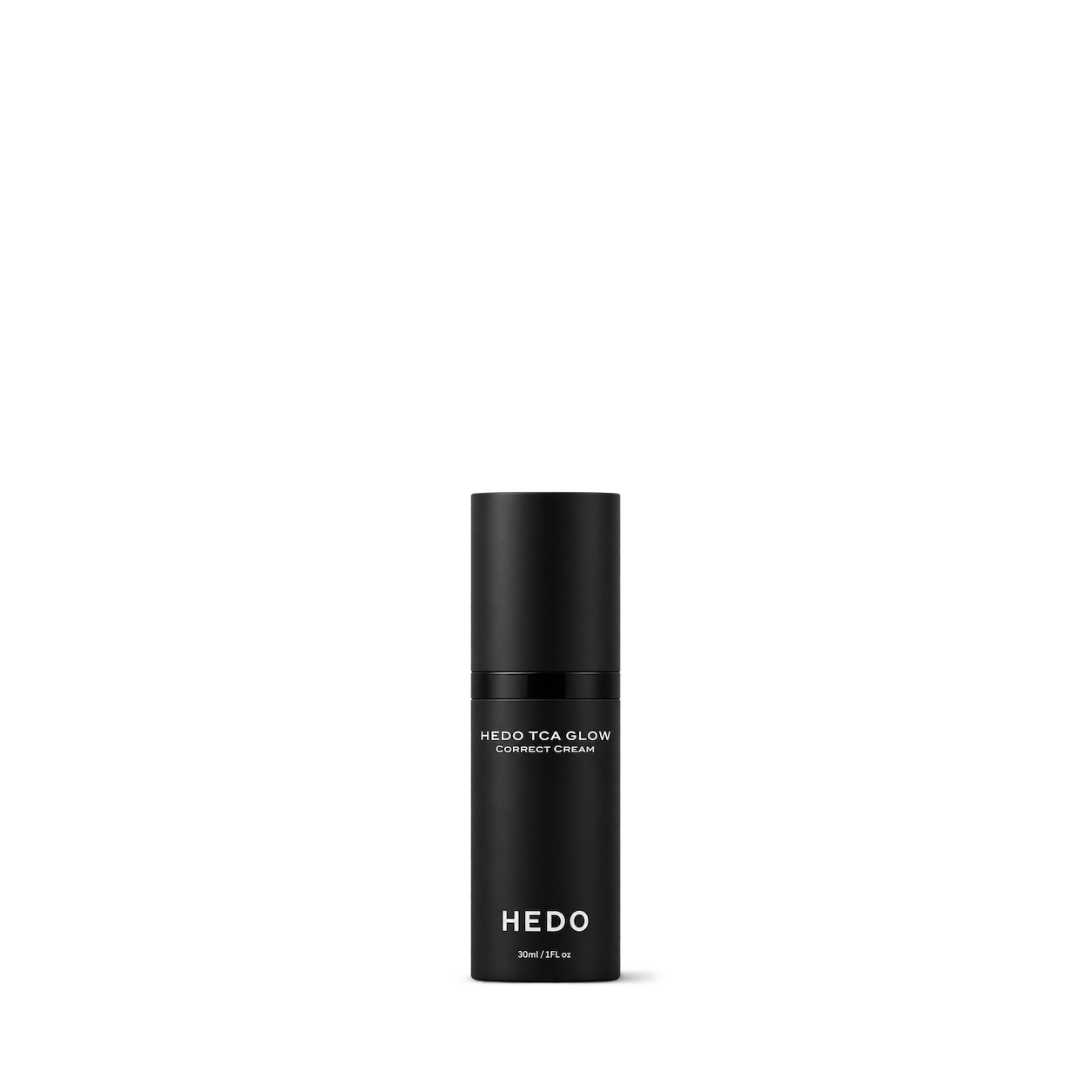
No matches, yet.
Try another brand or product, or give your filters a little room.
Showing 95 of 95
Browse the archiveAll collections
Browse by category


Bring the catalog into your app.
Connect for free to search product shots and get image URLs, dimensions, and source links.
Developer guide
Use with


FAQs
A few things you might be wondering.
Start here. No technical background needed.
What is Shelfhelp?
Shelfhelp is a library of product images for websites, apps, and designs. Find an image yourself, or connect your AI building tool so it can find and use images while you work.
Am I buying the products shown here?
You’re getting images of the products. Shelfhelp doesn’t sell or ship the physical items. Product source links take you to the brand or retailer if you want to explore the actual product.
Is Shelfhelp free?
Yes. Browsing the library, downloading images, and connecting the MCP are free. You don’t need a Shelfhelp account or subscription. The building tool you use may have its own costs.
How do I download an image?
Open the product shot you want, choose Get free PNG, and enter your email. We’ll send you a link to download the original image file, which you can upload into your website builder or design tool.
Your download link is valid for seven days.
Why do you need my email?
We use your email to deliver the original image’s download link. Requesting an image does not subscribe you to marketing.
You don’t need to enter an email to browse the library or connect your builder through MCP.
What does “Connect the MCP” mean?
It means giving your AI building tool access to Shelfhelp’s image library. Once connected, you can ask it to find product shots and use them in your project.
MCP is simply the connection that lets the two tools work together.
How do I connect it to my builder?
Select Connect the MCP and copy the connection link. In your builder’s settings, look for an option to add an MCP server or custom connector, then paste the link.
The exact steps depend on your builder. Start with our connection guide.
Can I use Shelfhelp without MCP or coding?
Absolutely. You can browse the library, request an image by email, and upload the downloaded file into your project yourself.
The MCP connection is optional. To use it, your building tool needs to support connecting to a remote MCP server.
What should I ask my AI builder?
Start with something like:
“Find five skincare product shots from Shelfhelp and use them on my homepage.”
For a specific product, include the brand and product name. If the color, size, or flavor matters, include that too—and check that the selected image matches.
What will people see on my finished website?
They’ll see the product images your builder places in your design. Your builder controls the layout, colors, text, and interactions.
Connecting Shelfhelp alone doesn’t change your website. Your visitors don’t need to connect to Shelfhelp or understand MCP.
What if the image I want isn’t in the library?
Try searching by brand, product name, or a broader category. The MCP finds existing images; it doesn’t generate new ones.
If you need an exact product or version, check the result carefully before using it.
Can I use these images in a live store, client project, or ad?
Check the image’s usage rights and approval details first. Free access doesn’t automatically grant permission for every commercial use.
The library includes independent product studies, so a pictured brand doesn’t mean that brand approved the image. If permission is unclear, confirm it before publishing.