 Shelfhelp.ai


















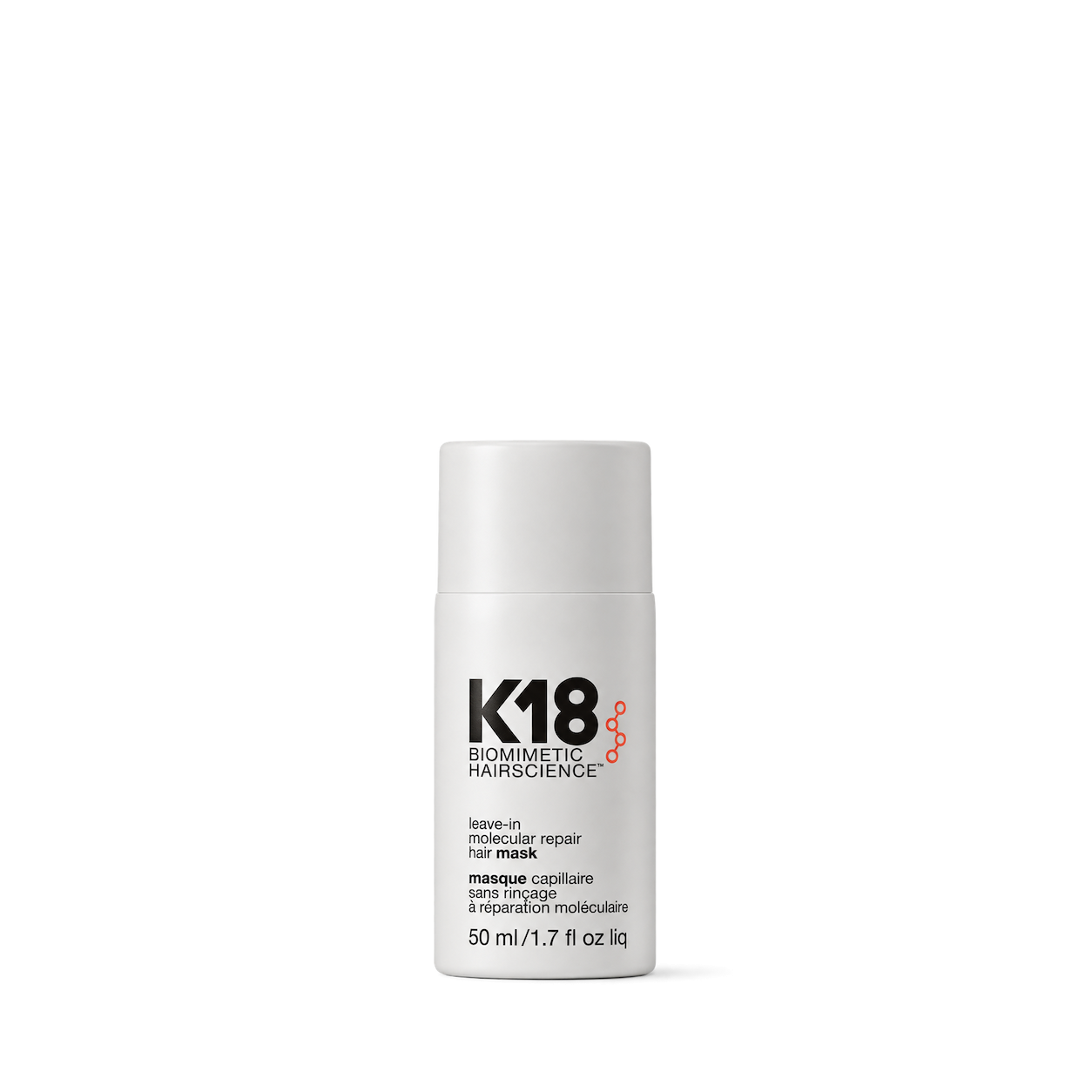
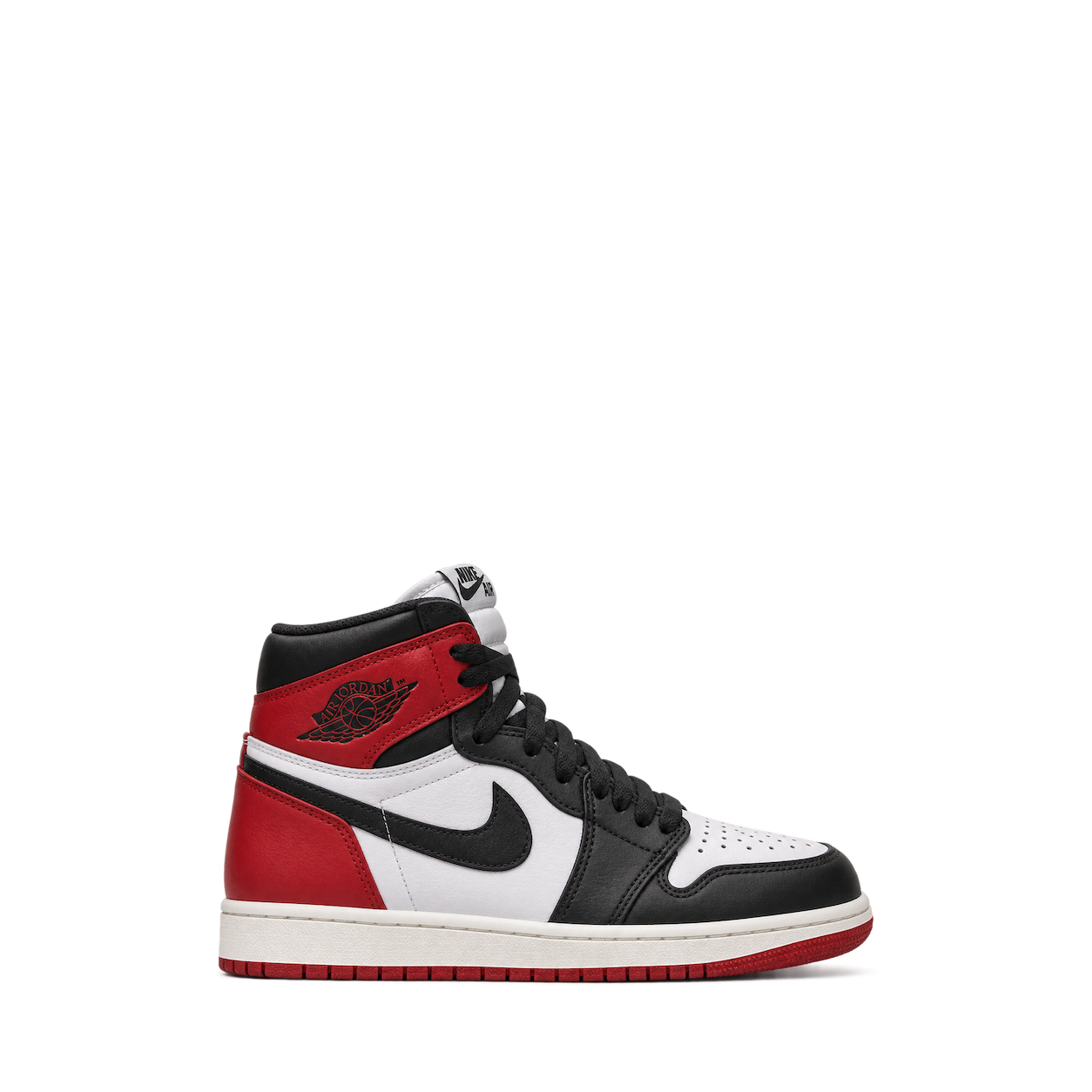
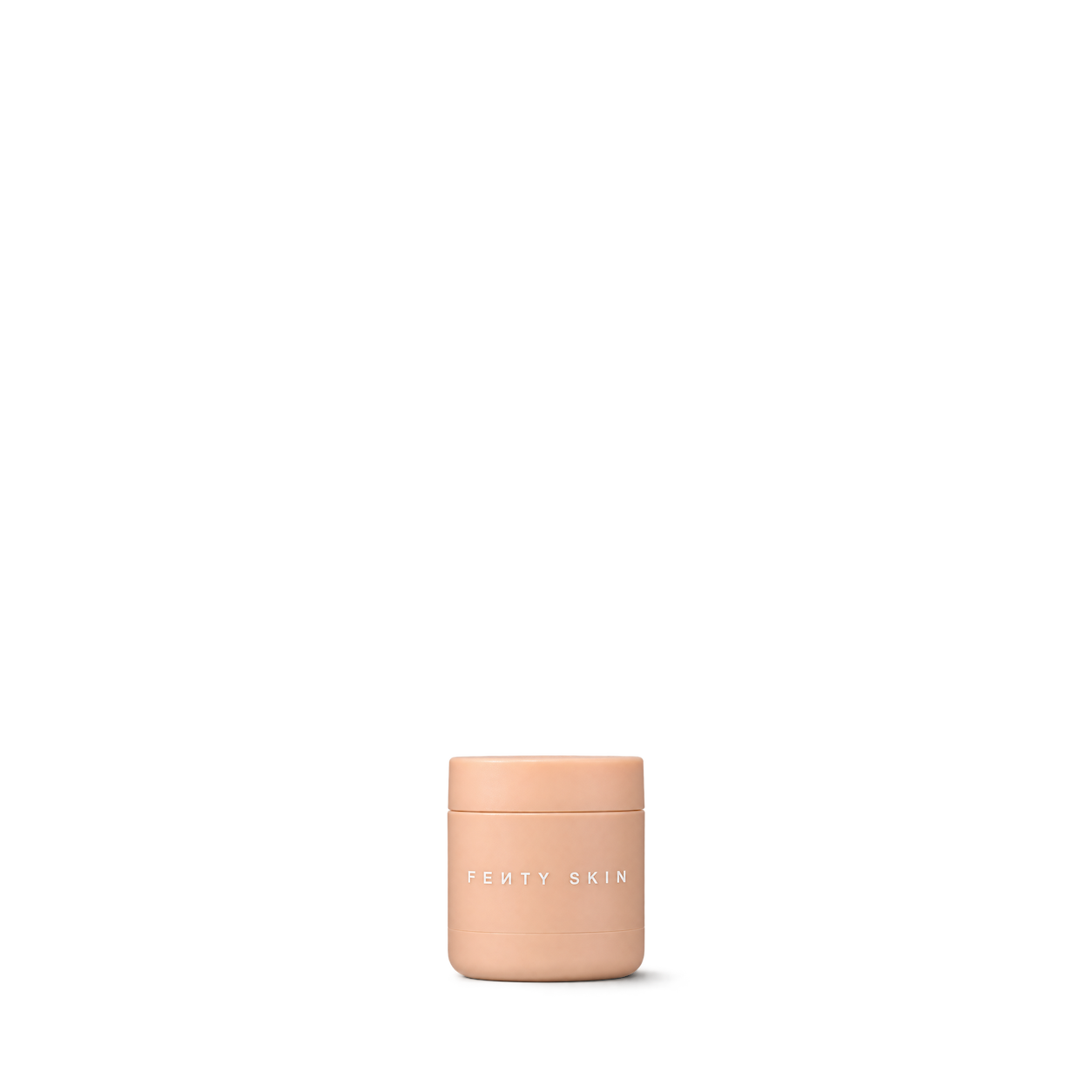
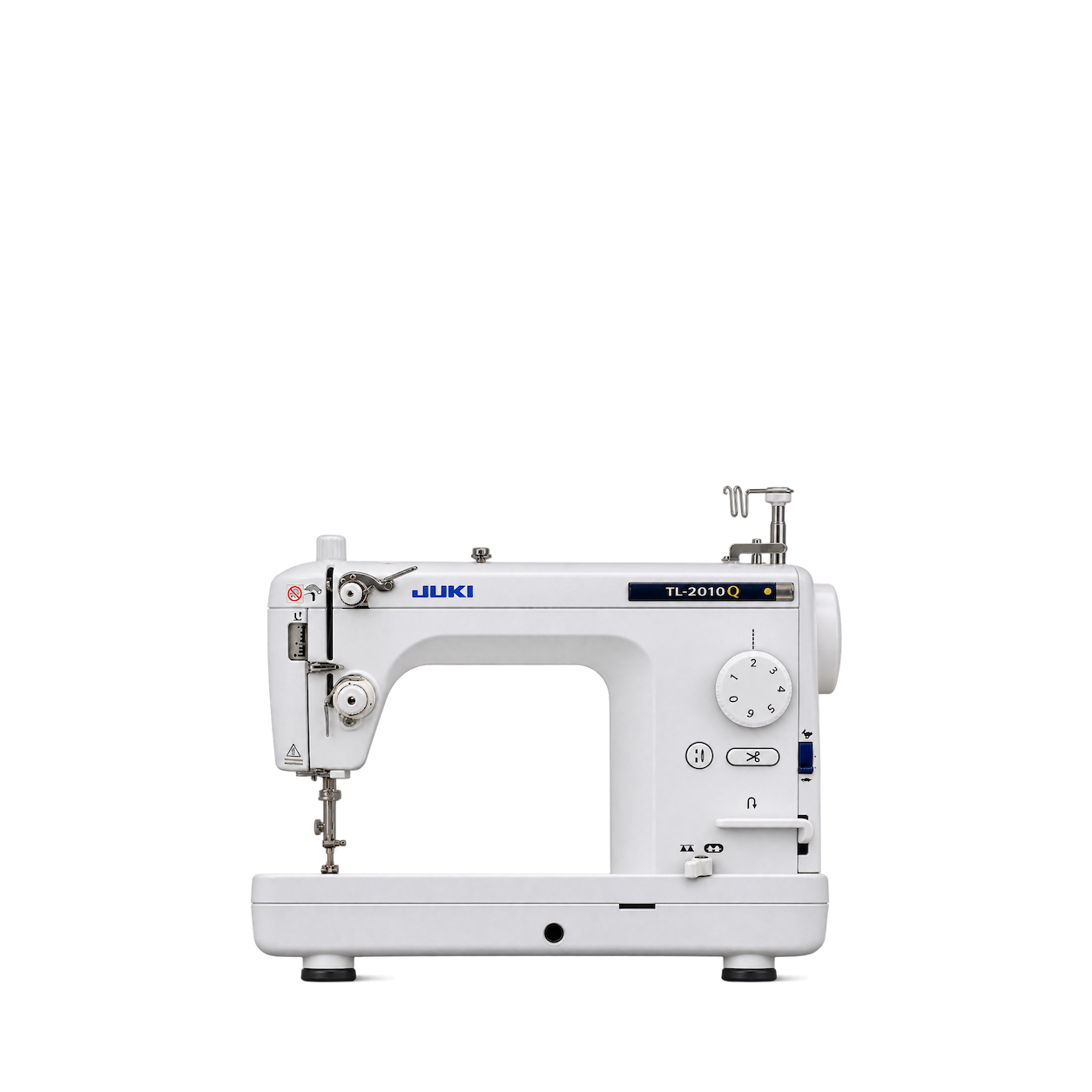























The Official MCP For Product Shots
12,572 free product images
For websites, apps, and AI tools.
Find an image
CollectionsTap an image to view details and get the free PNG.

Sawyer
MINI Water Filter · Blue

Therm-a-Rest
MondoKing™ 3D Sleeping Pad · Large
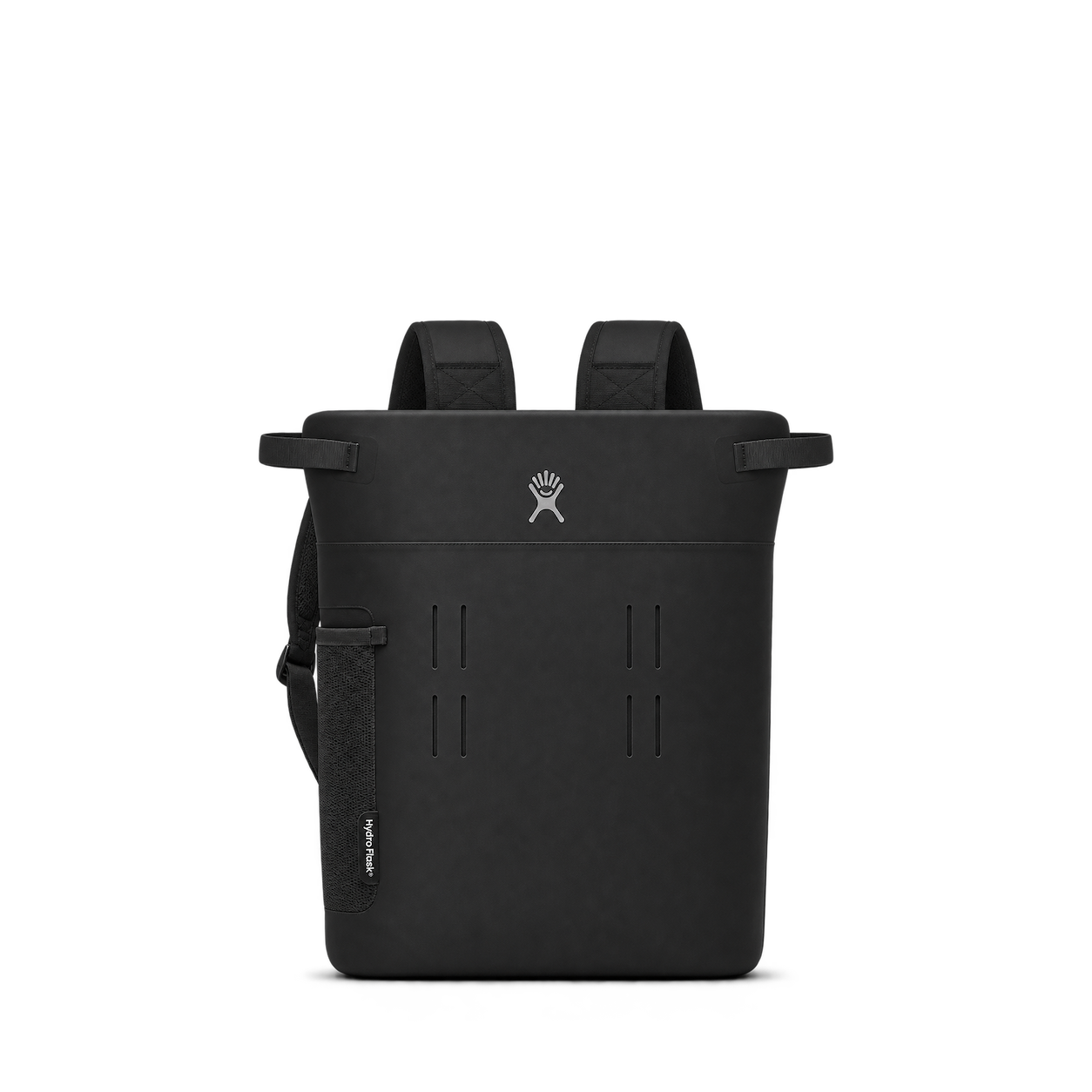
Hydro Flask
20 L Day Escape Pack · Black


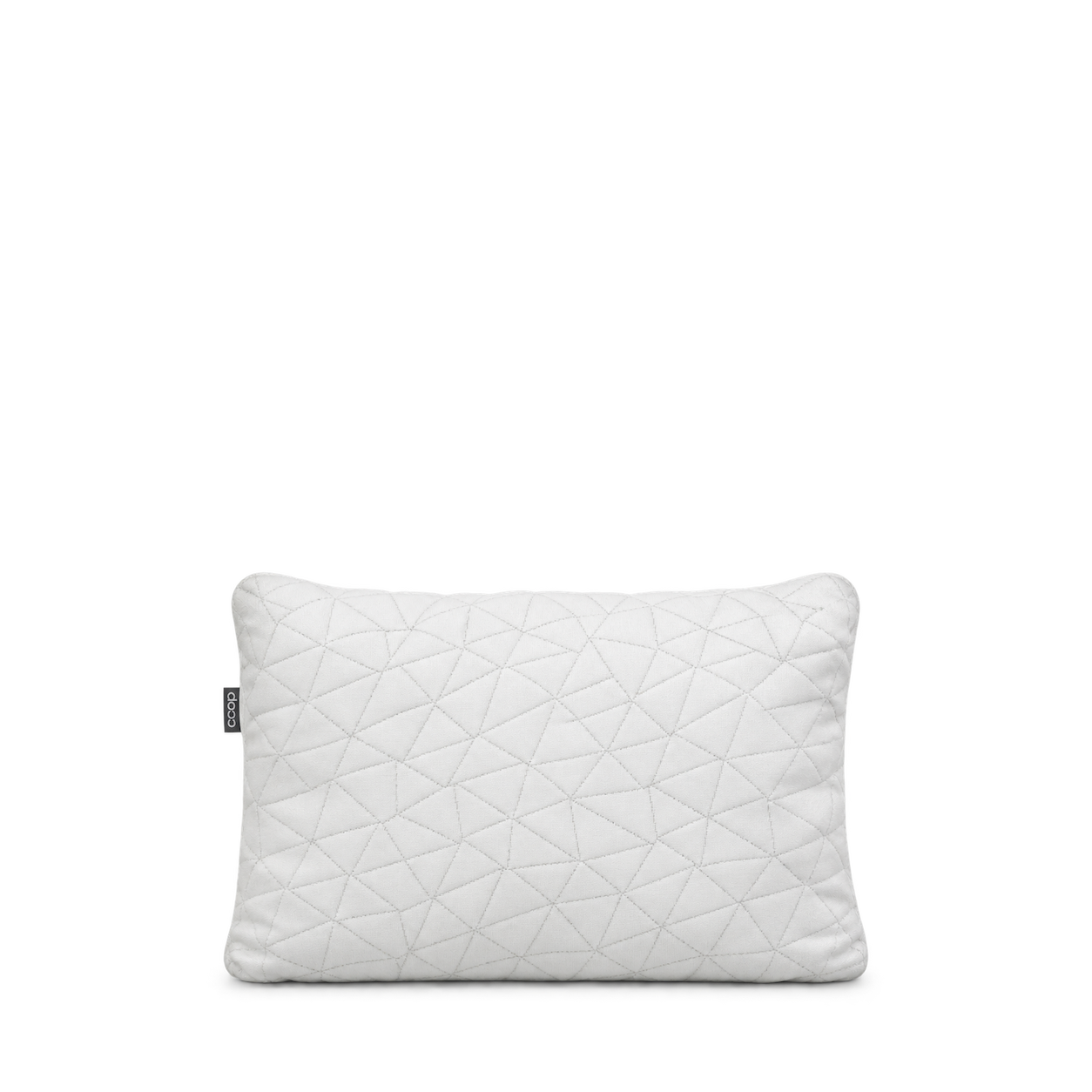
Coop Sleep Goods
Original Adjustable Travel & Camping Pillow · One Size

GSI Outdoors
Infinity Backpacker Mug Green



Light My Fire
Spork Original BIO Dusty Pink

Sea to Summit
Frontier Ultralight Collapsible Kettle 1.1L

Snow Peak
Home & Camp Burner Silver



Helinox
Chair Zero Black

Katadyn
BeFree 1.0L Water Filter

LifeStraw
Peak Series Solo Blue

Platypus
SoftBottle 1L Logo

Suunto
Clipper L/B NH Compass
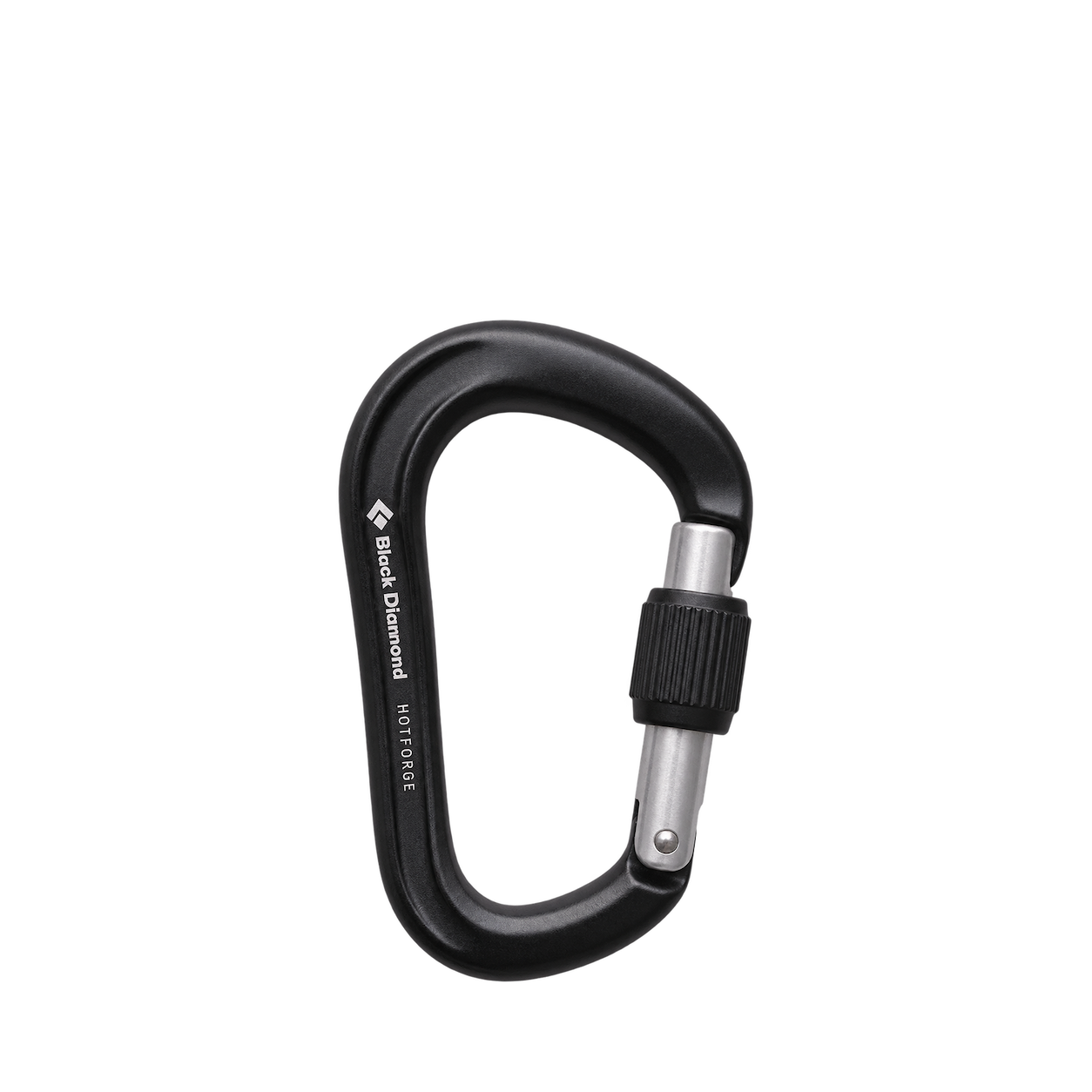
Black Diamond
HotForge Screwgate Carabiner Black
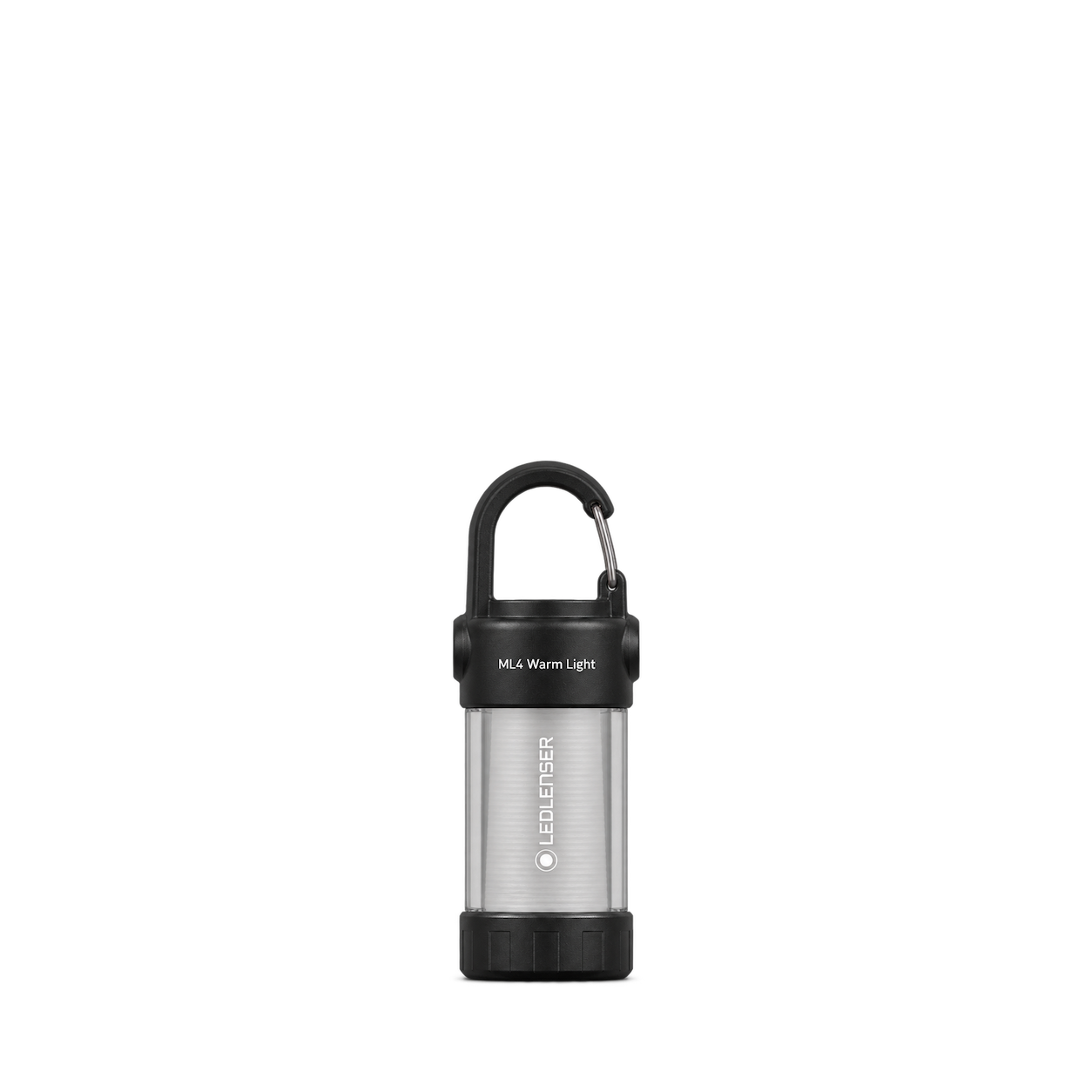
Ledlenser
ML4 Warm Light Lantern

Trangia
Kettle 27 Small 0.6L
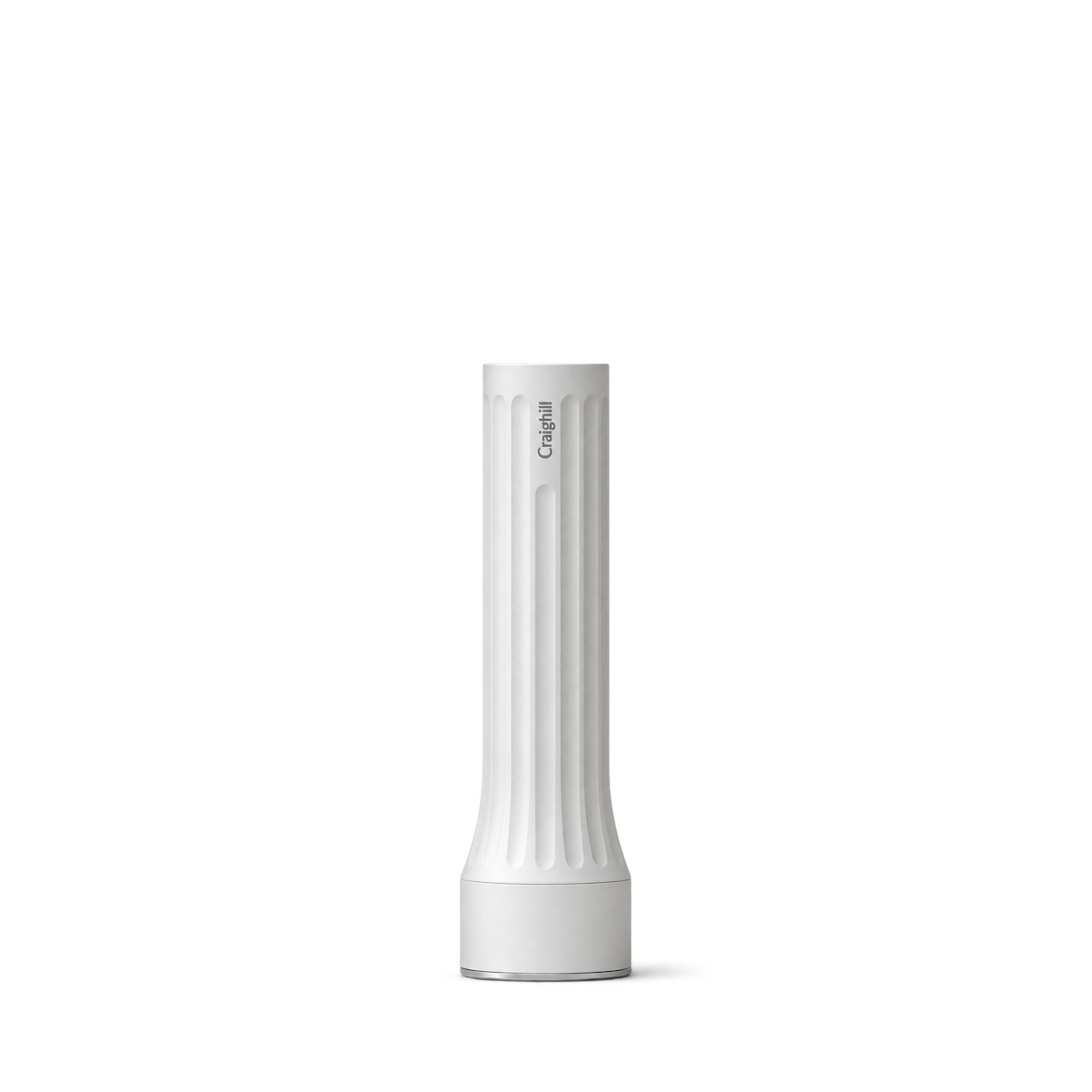
Craighill
Temple Flashlight · White

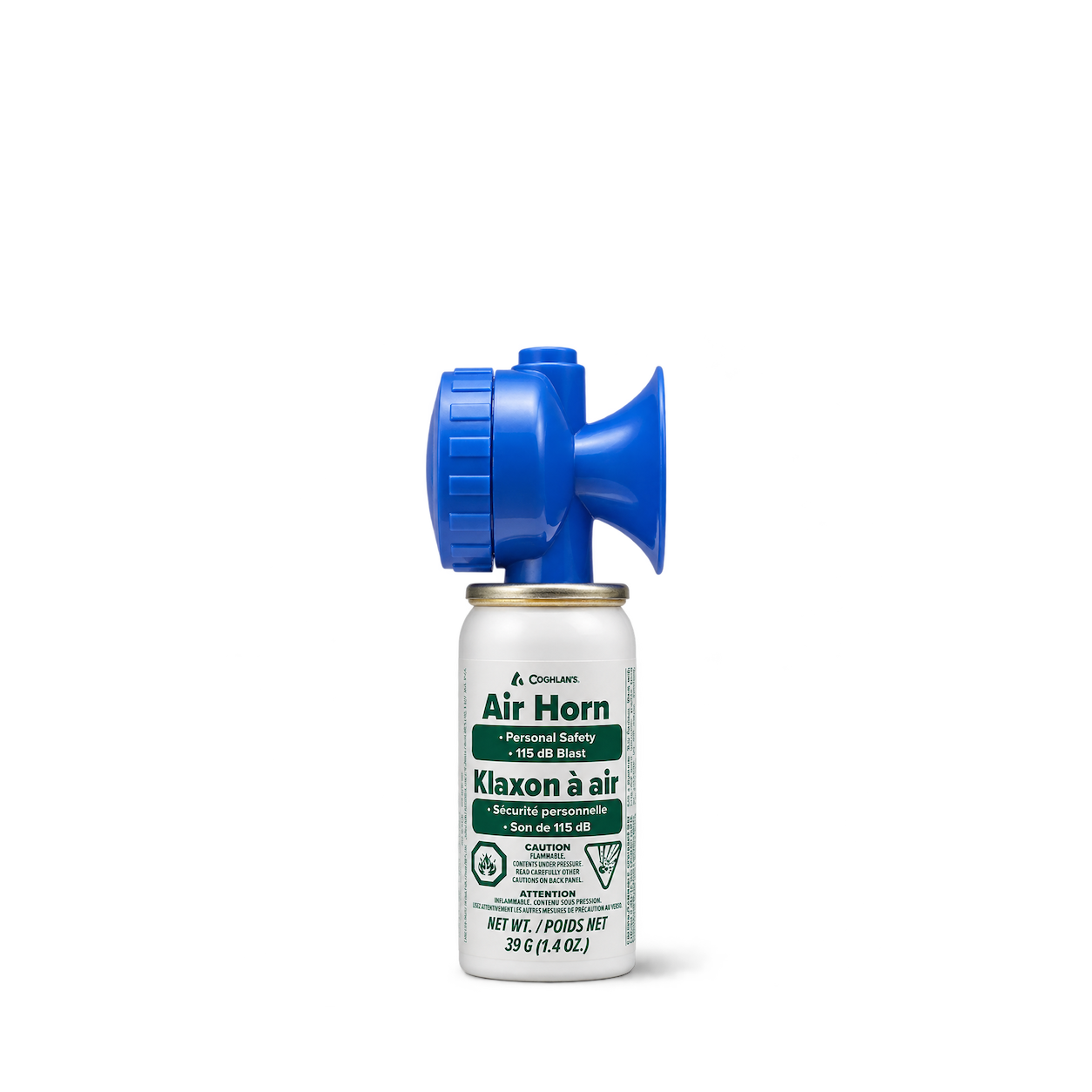
Coghlan's
Air Horn

HydraPak
Breakaway+ Filter Cap

Matador
BetaLock™

UCO
ECO CAMP CUP


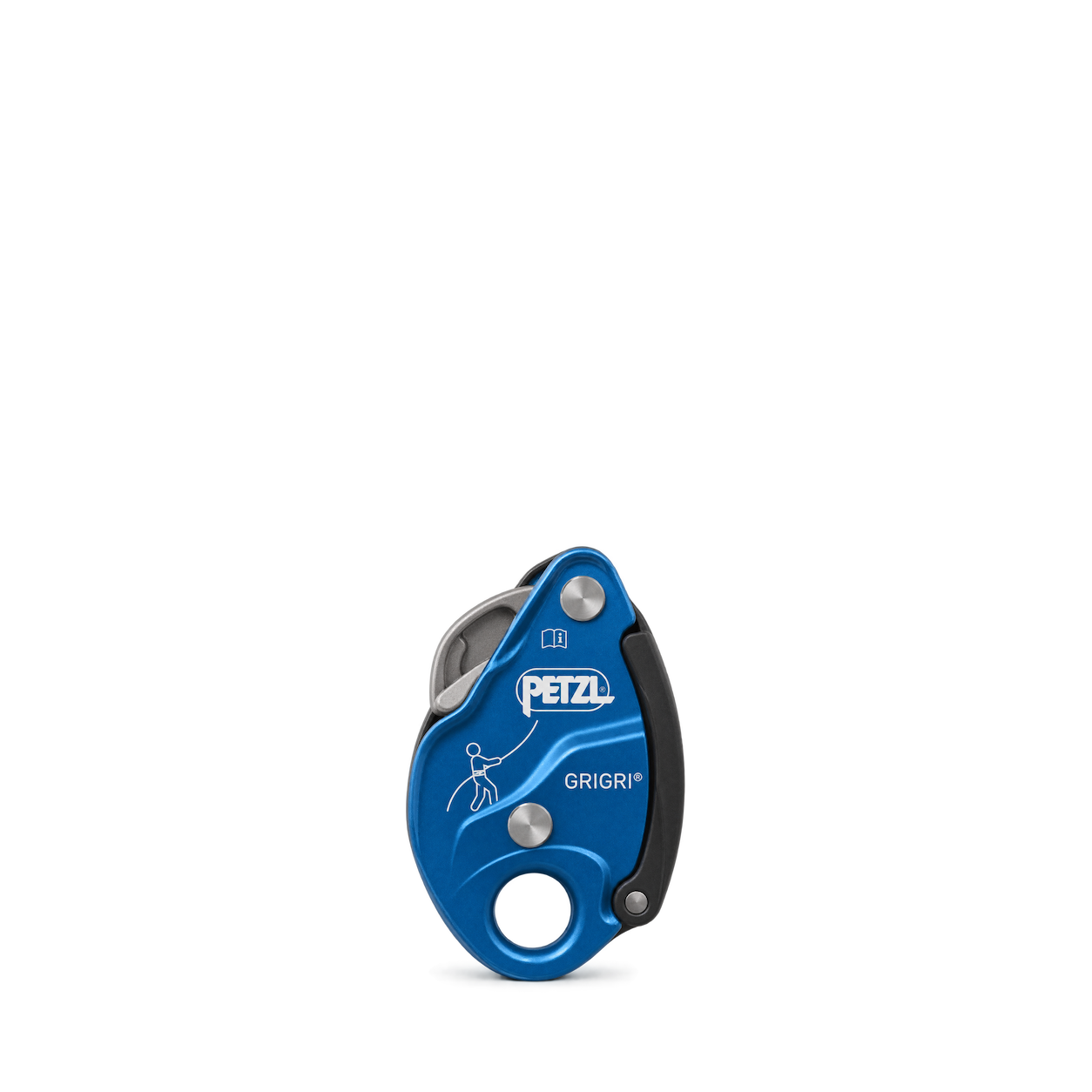
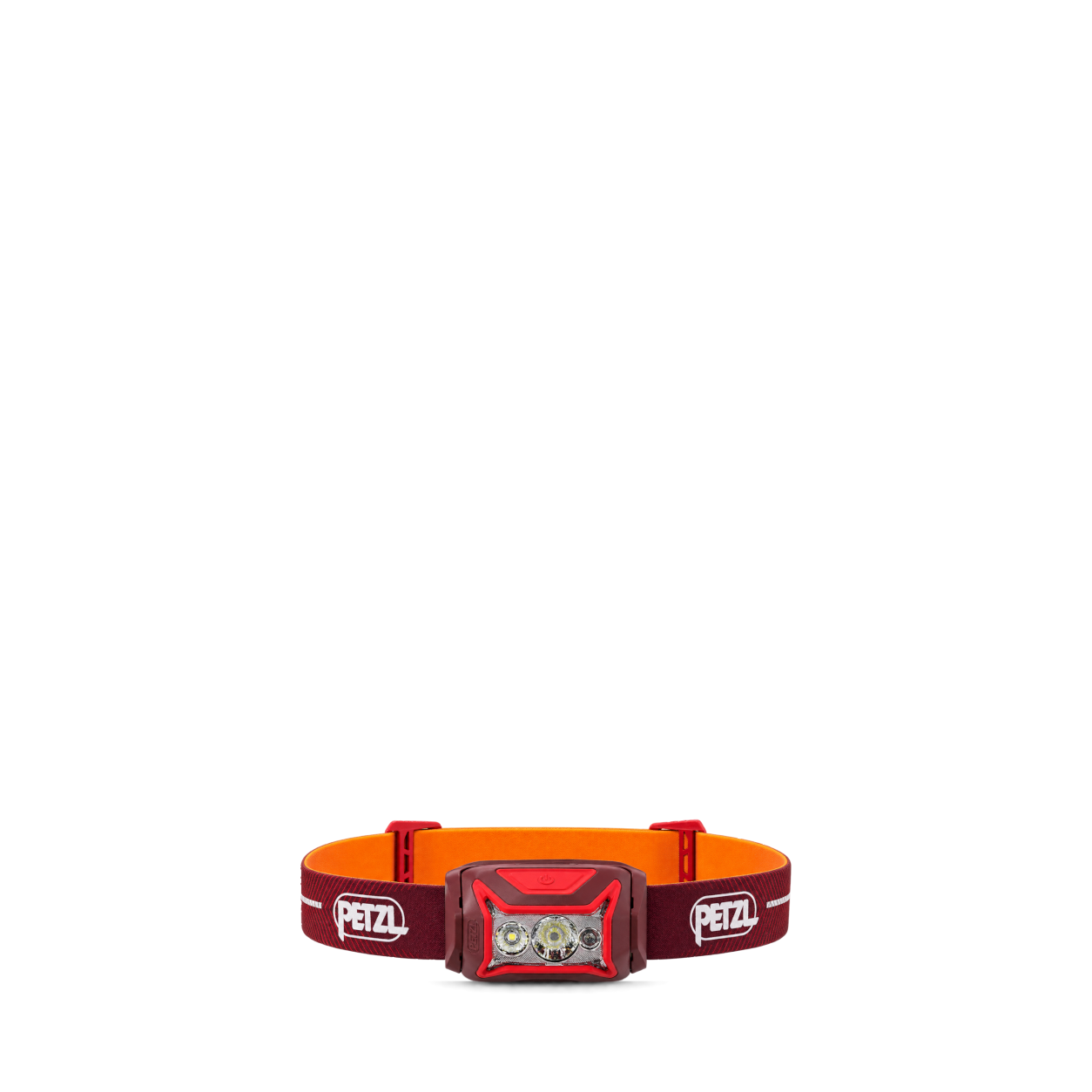
Petzl
GRIGRI Blue D014BA02


Therm-a-Rest
NeoAir® XLite™ NXT Sleeping Pad · Regular
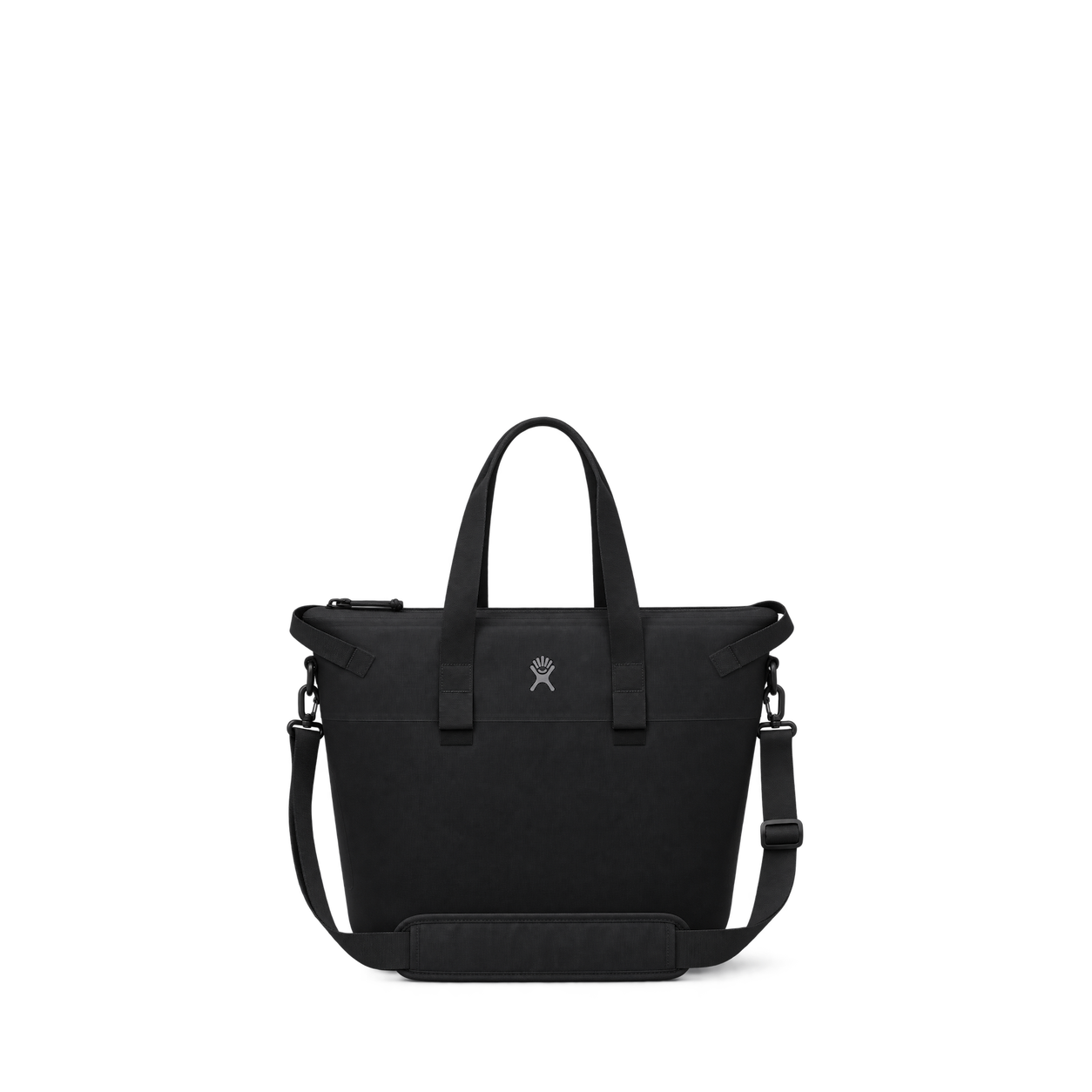
Hydro Flask
26 L Day Escape Tote · Black


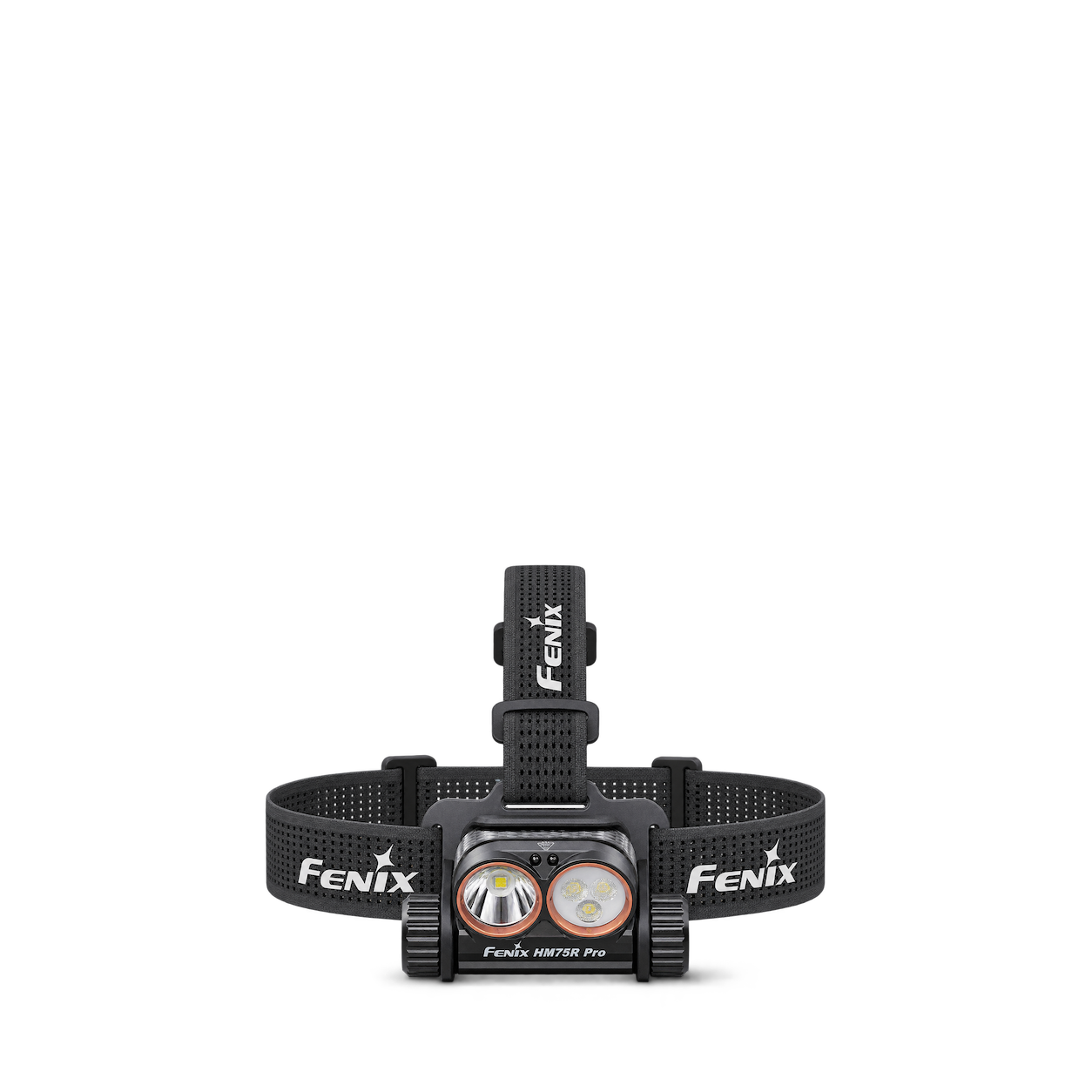
Fenix
HM75R PRO Headlamp
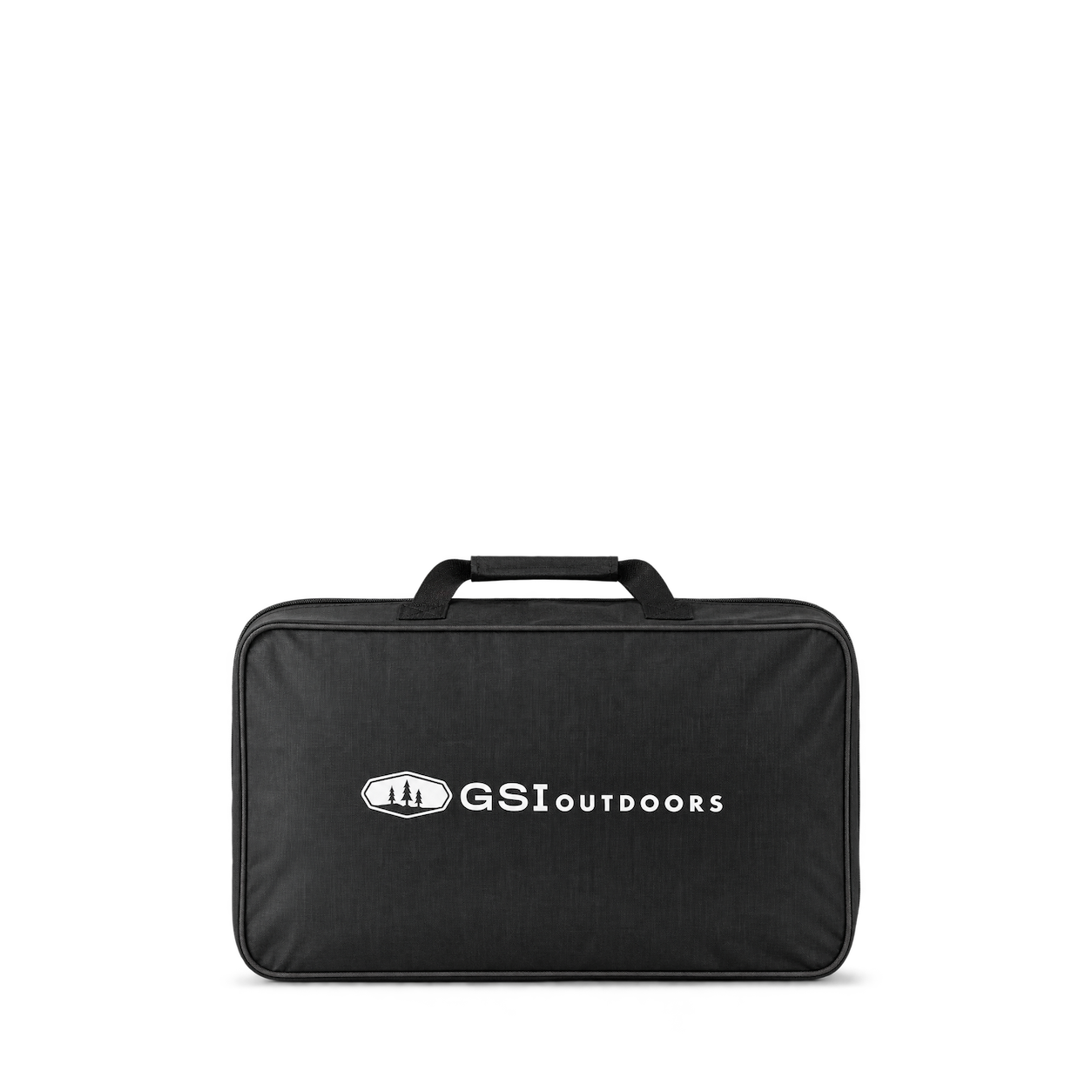
GSI Outdoors
Camp Stove Bag

Sea to Summit
Aeros Premium Pillow

Snow Peak
Titanium Spork SCT-004 Uncolored
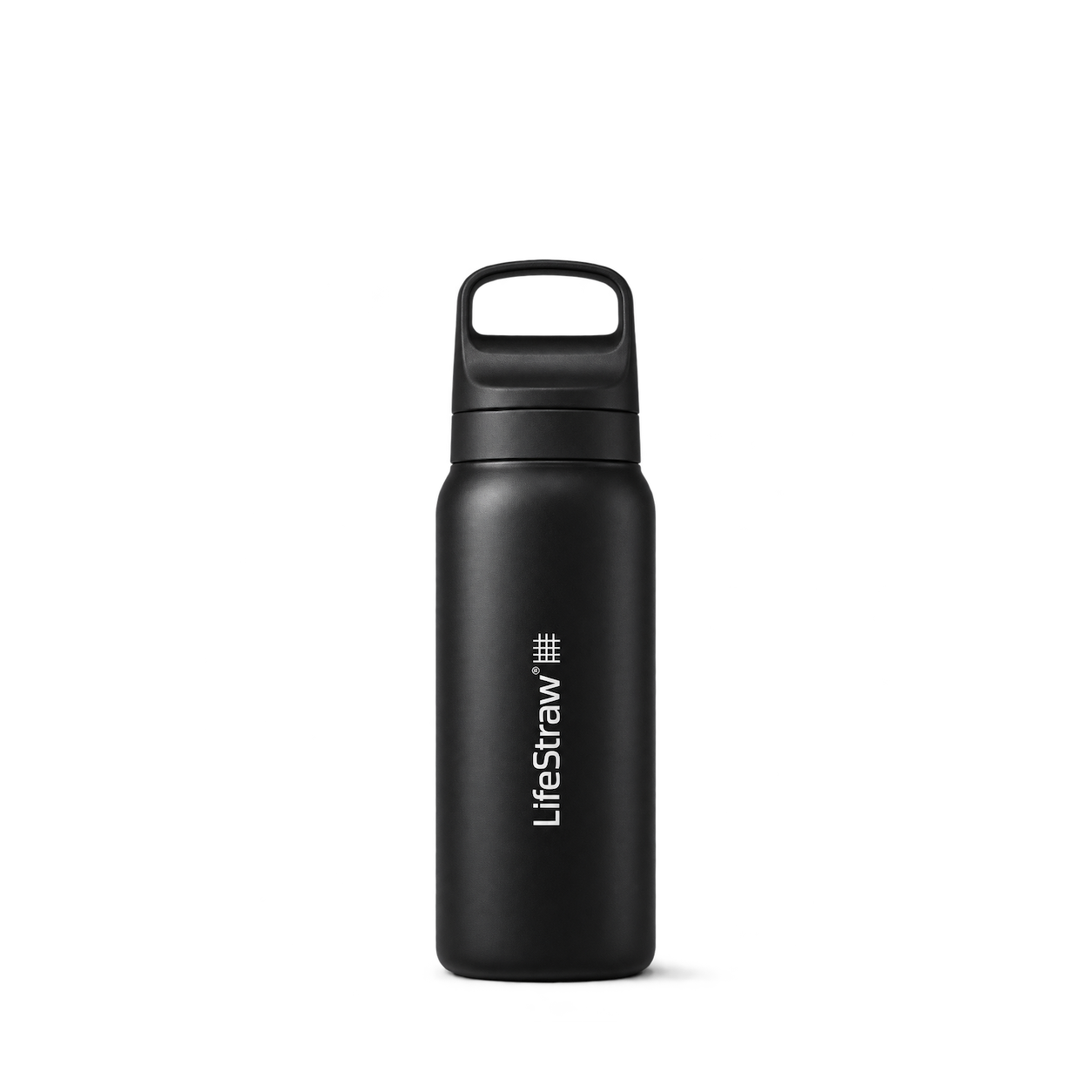
LifeStraw
Go Series Stainless Steel 24 oz

Black Diamond
Spot 400 Headlamp

Trangia
Spirit Burner B25

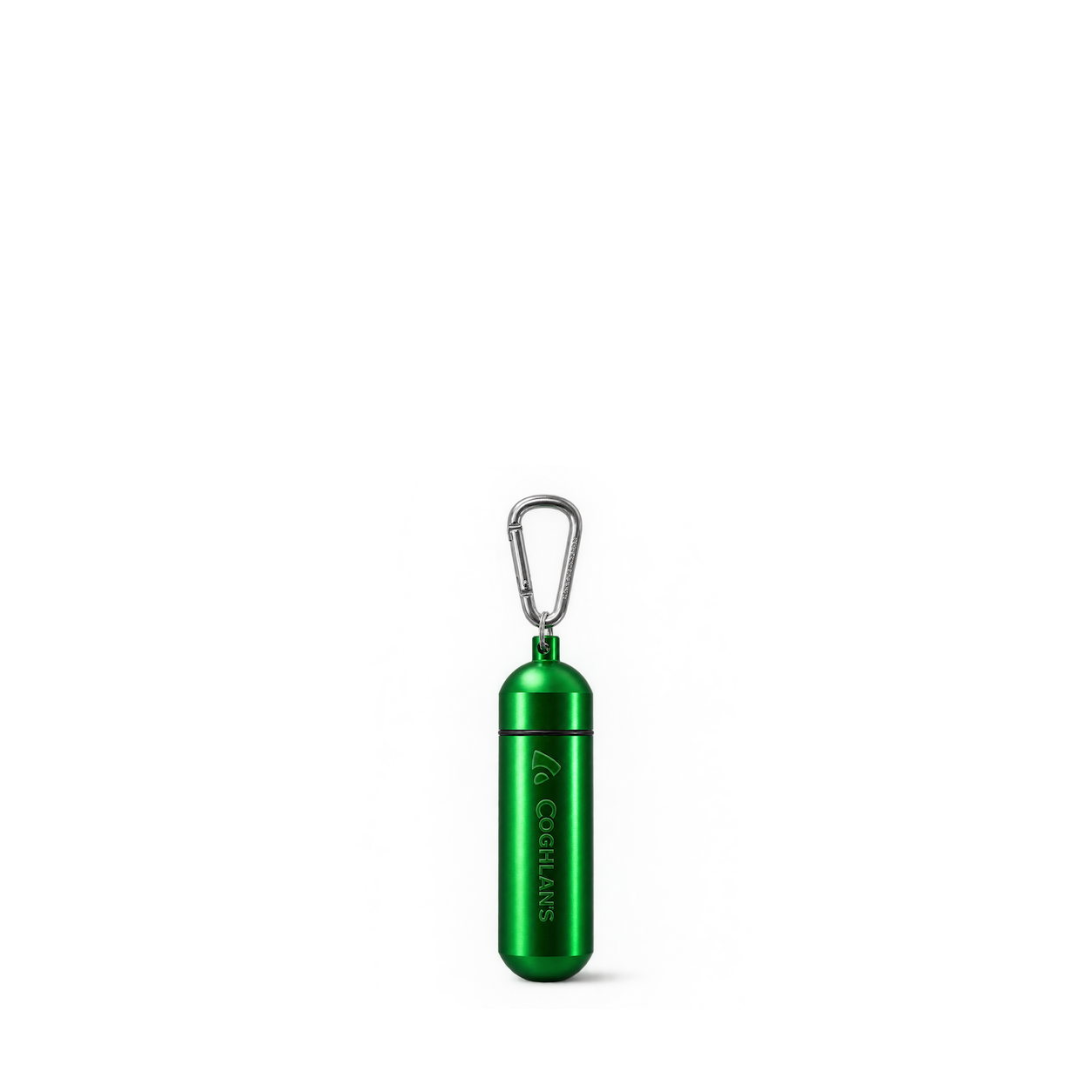
Coghlan's
Aluminum Capsule - Large

HydraPak
Polar™ Sport 24oz/700ml, Splash



Hydro Flask
Carryout Backpack 22 L · Oat


BioLite
CampStove 2+
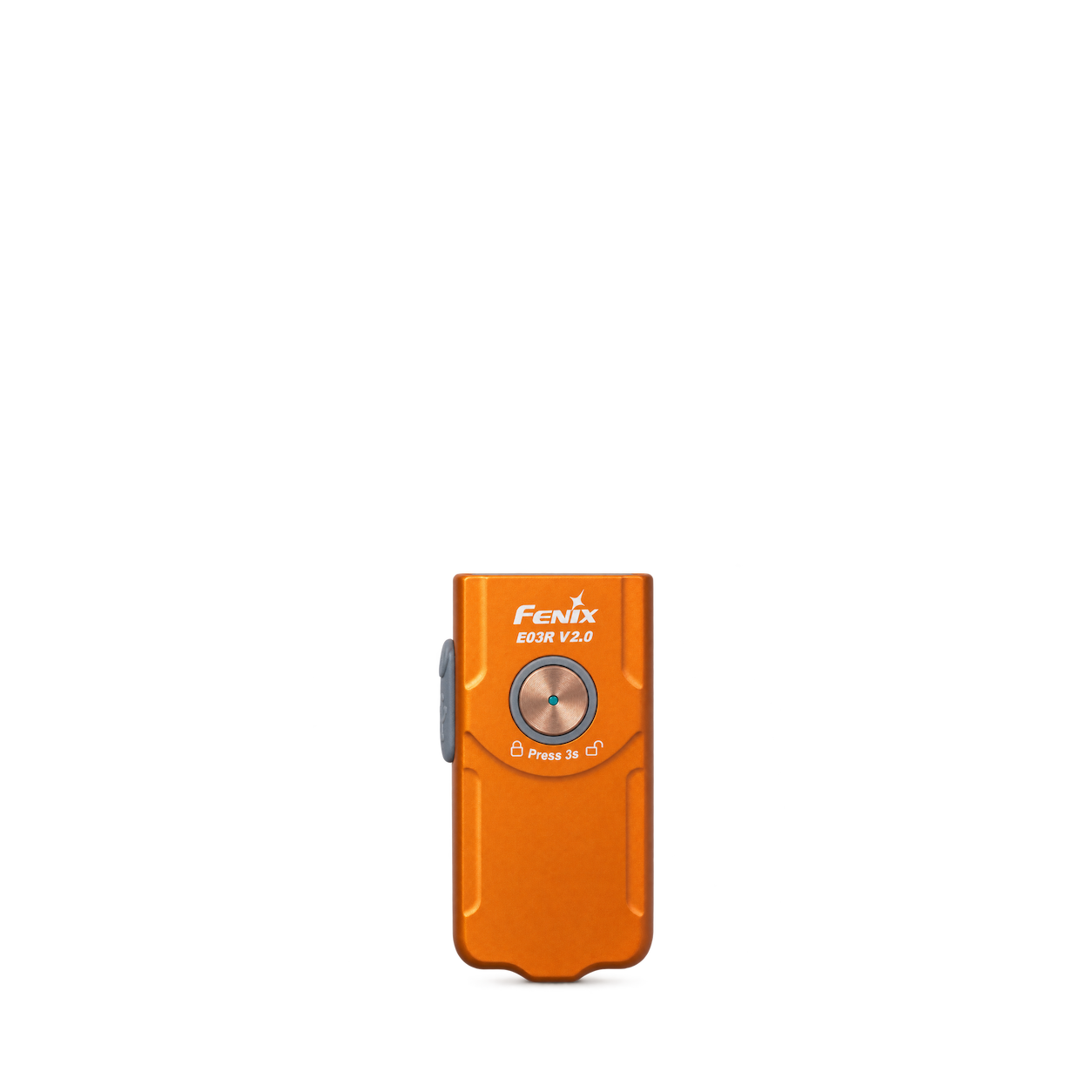

GSI Outdoors
Cathole Trowel

Sea to Summit
Field Repair Buckle Side Release [2 Pin]
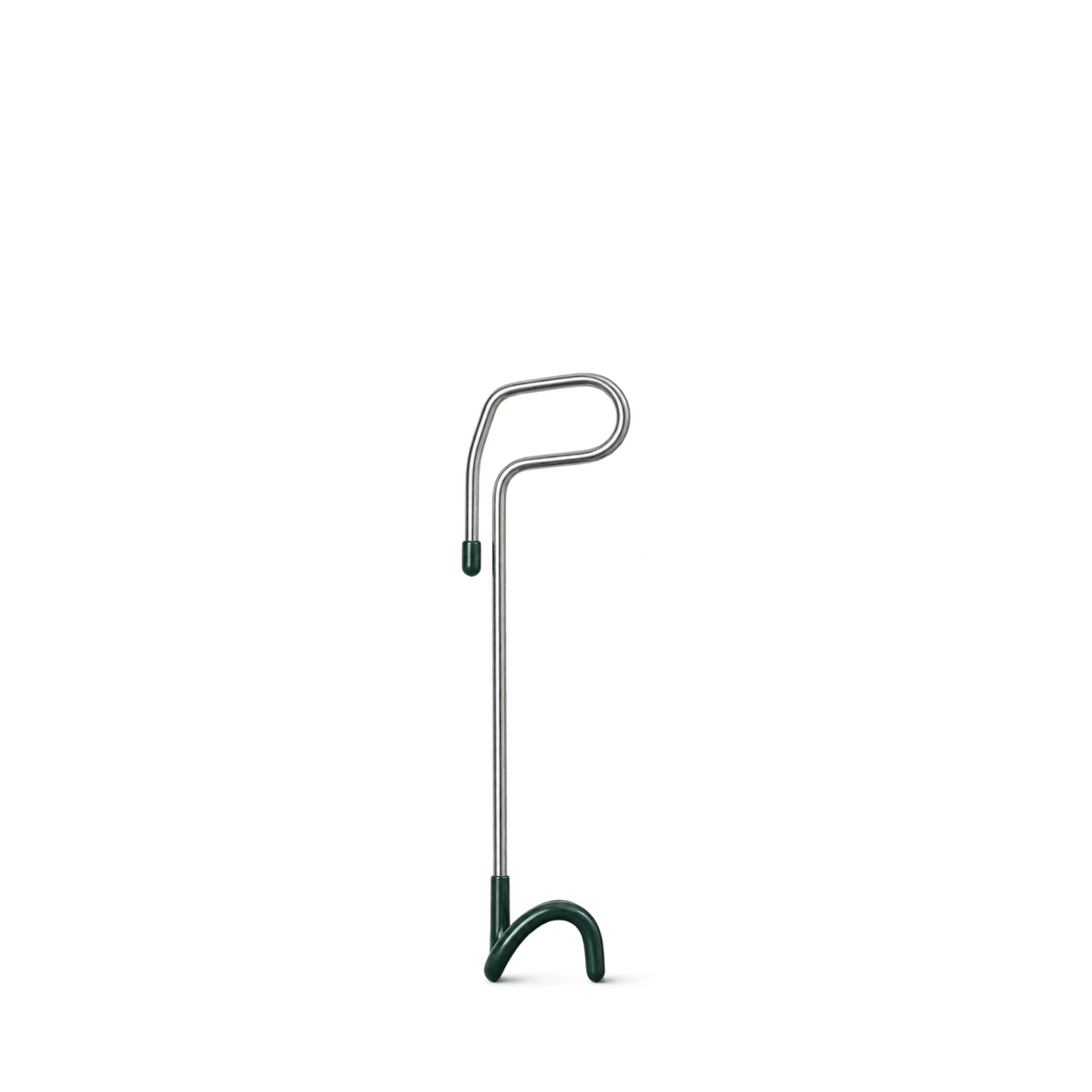
Snow Peak
Lantern Hanger

LifeStraw
Peak Series Straw
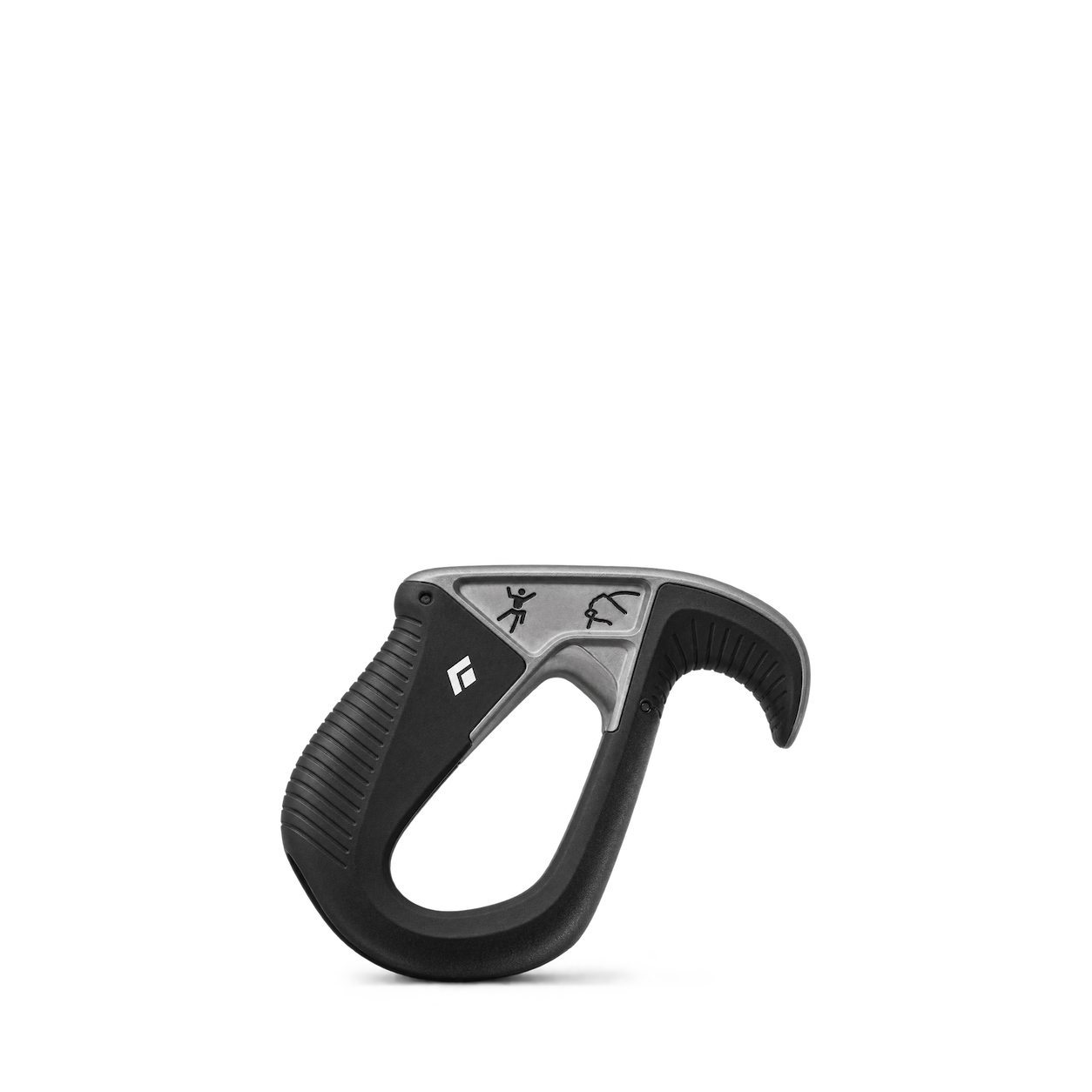
Black Diamond
ATC-Pilot Belay Device
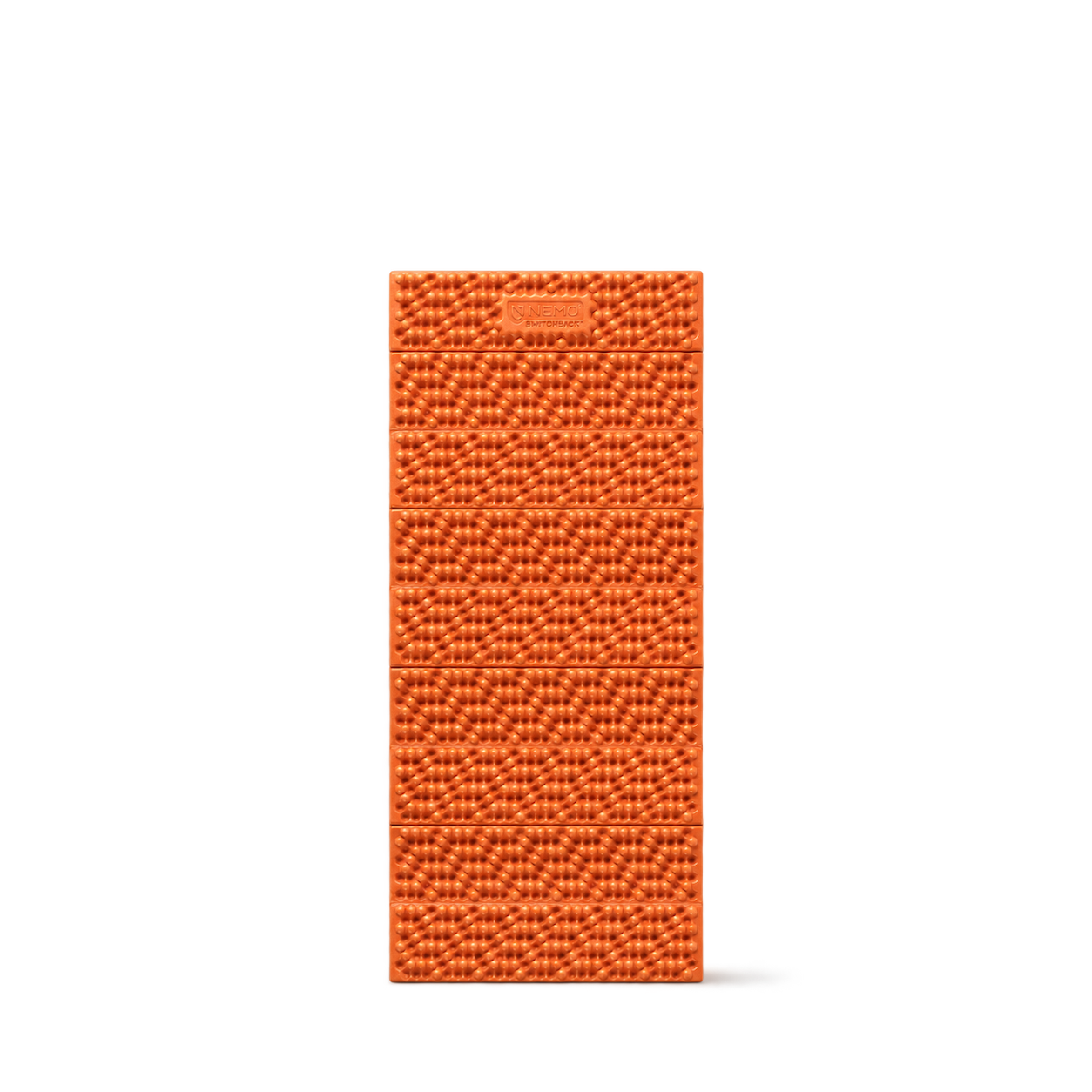
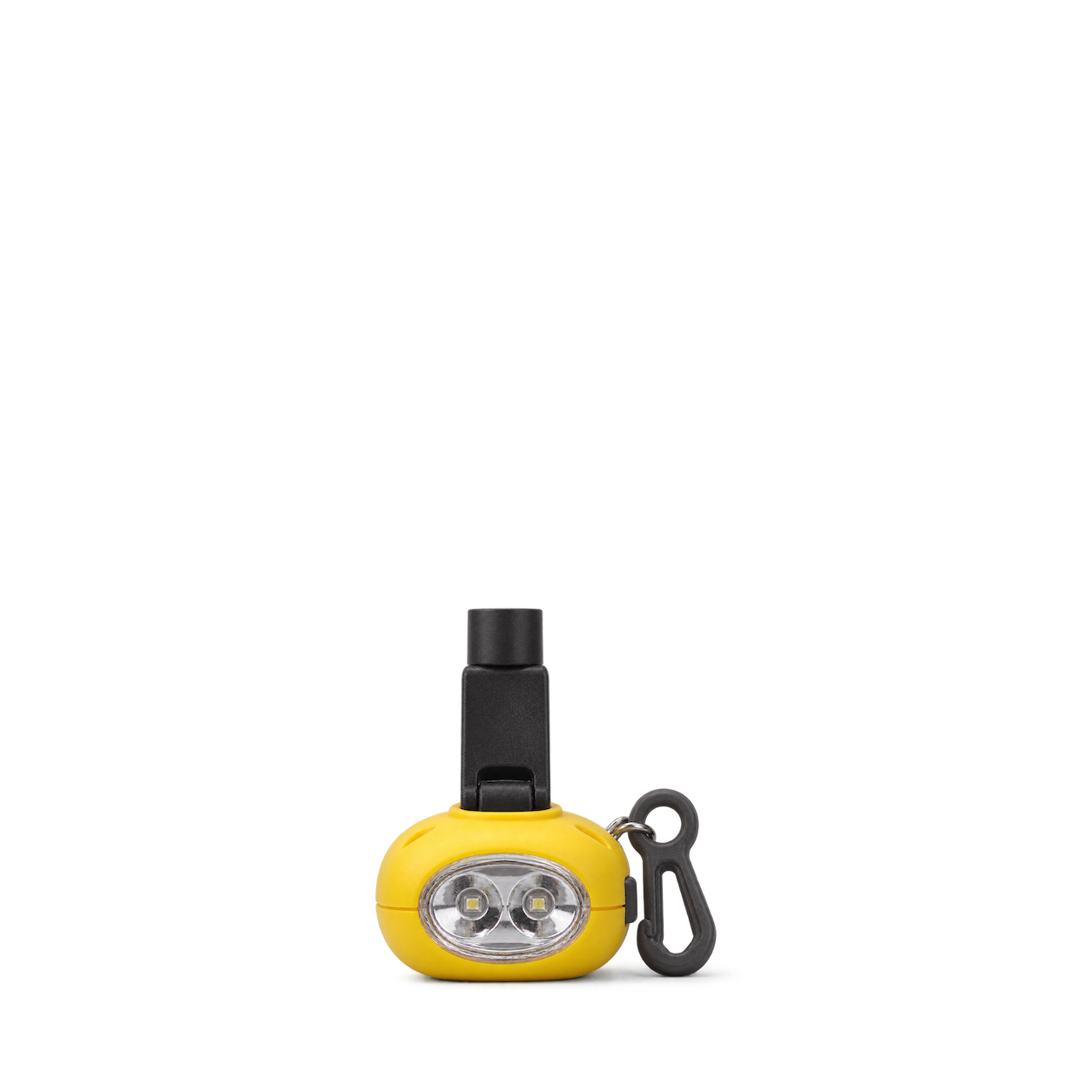
Coghlan's
Dynamo Flashlight
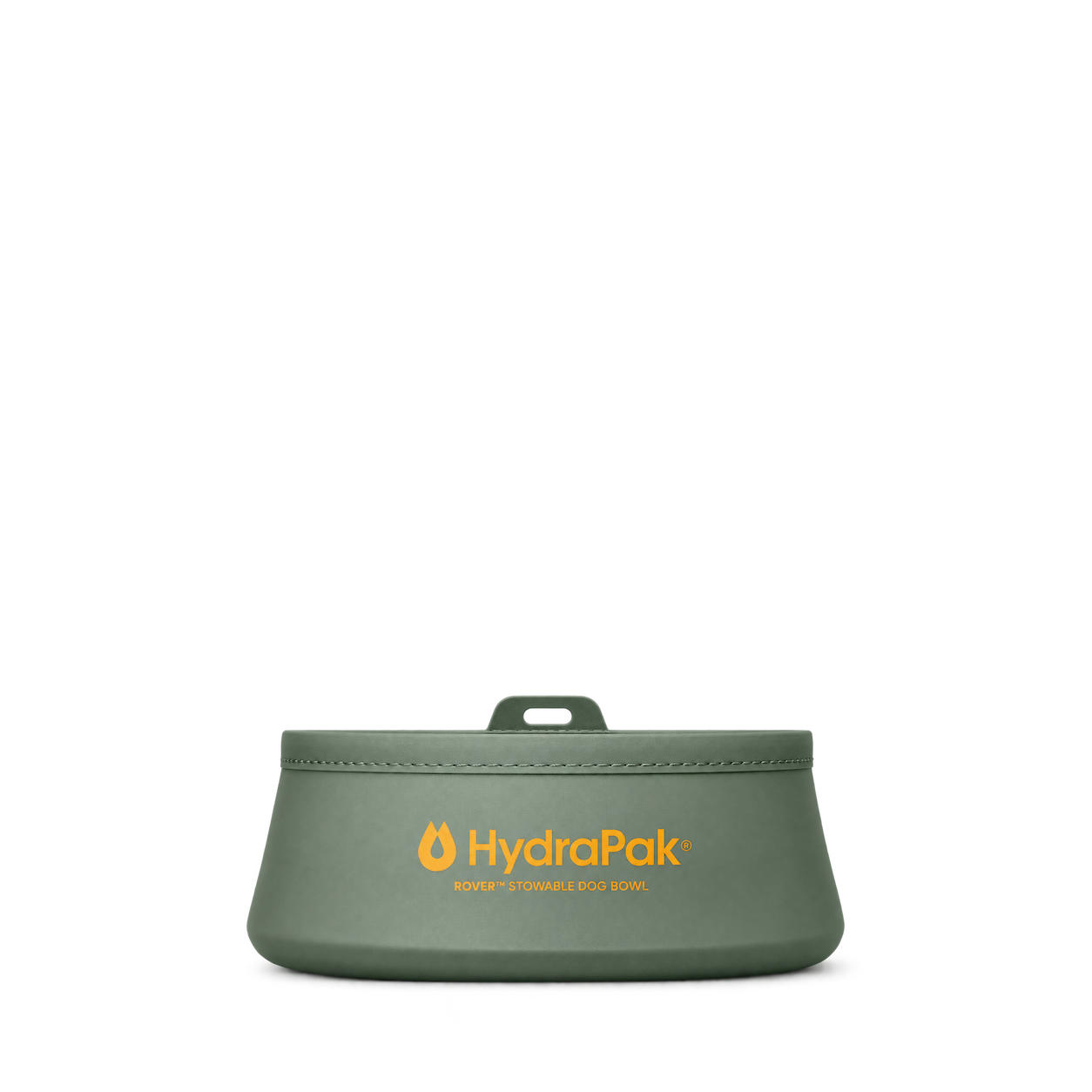
HydraPak
Rover Dog Bowl
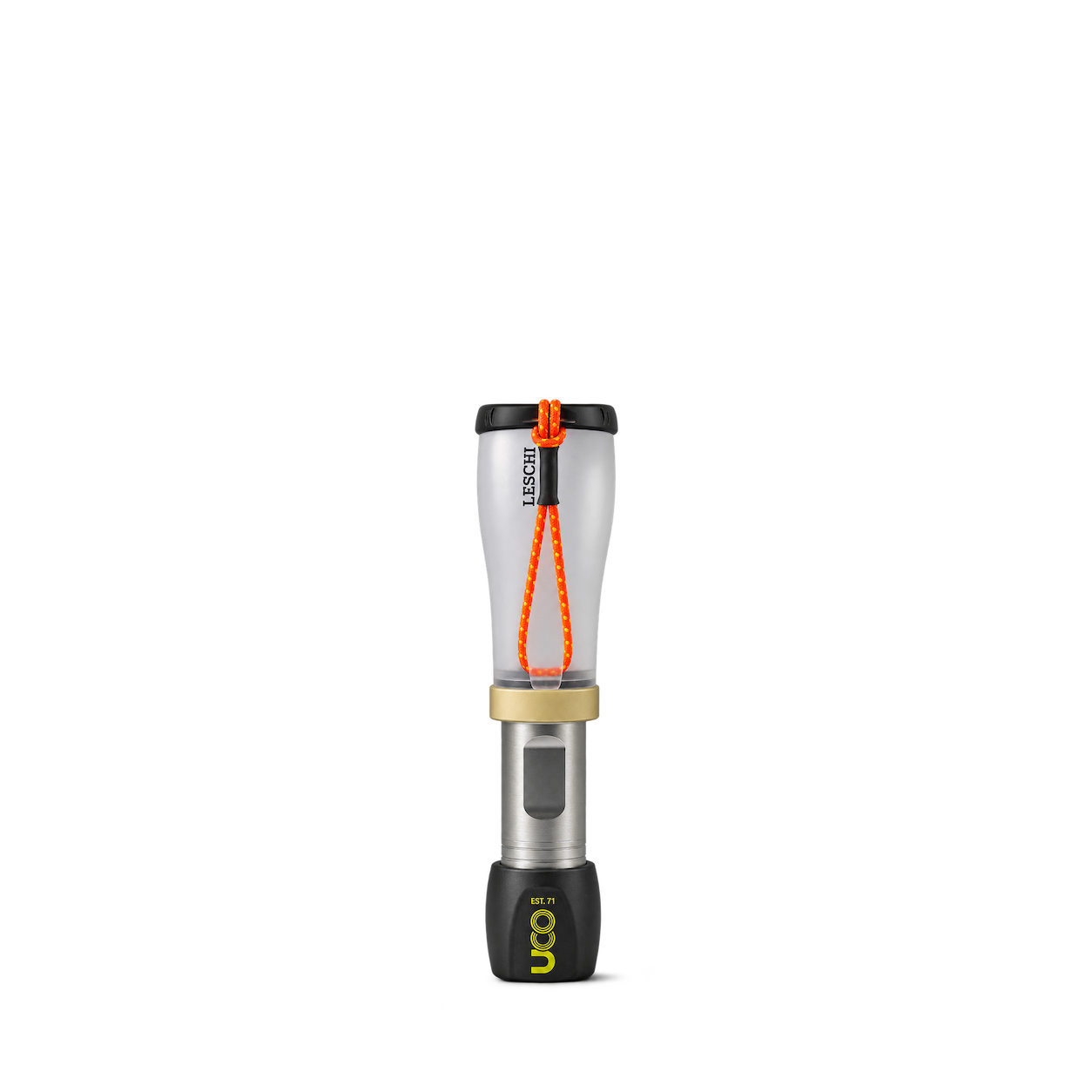
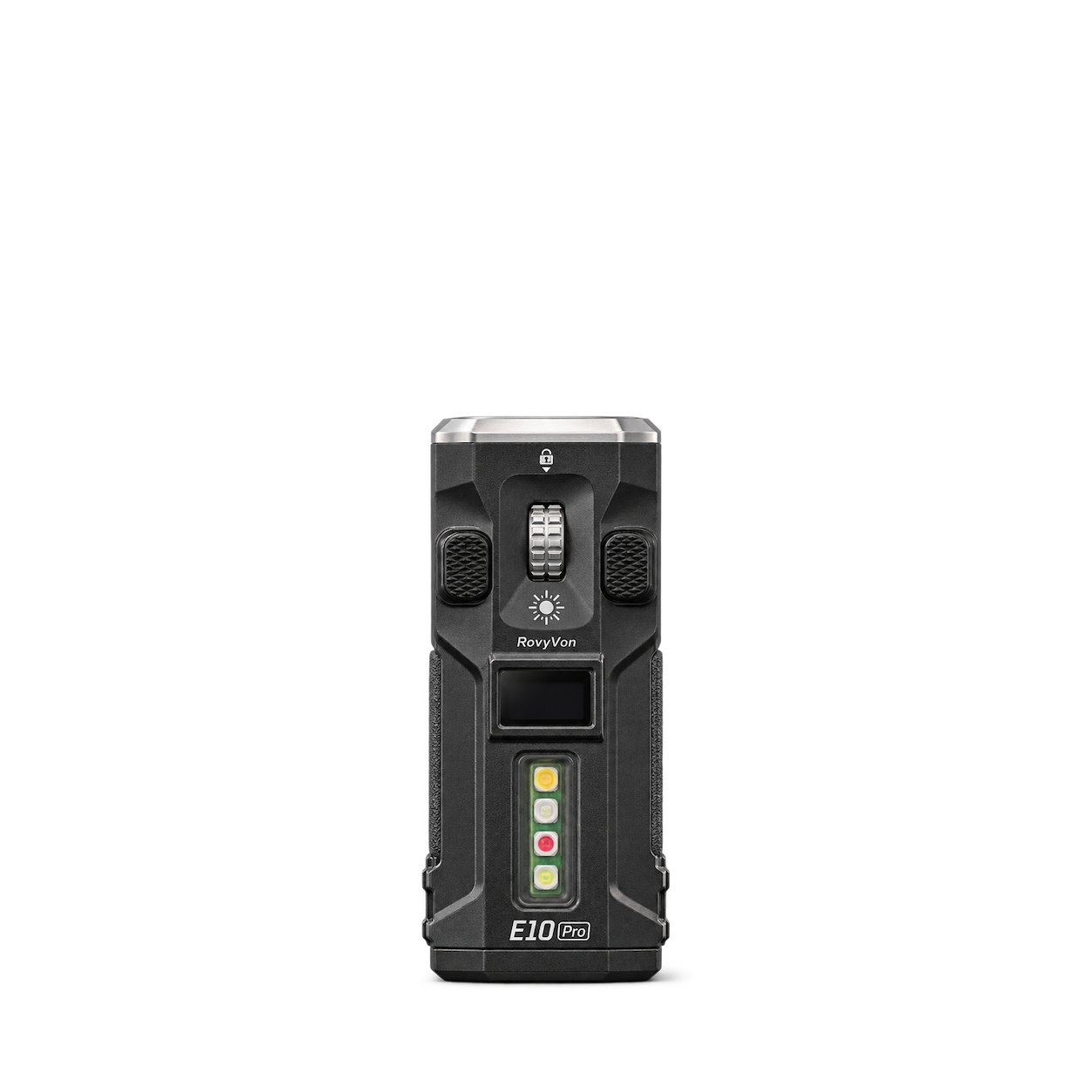

Therm-a-Rest
Z Seat Blue Silver
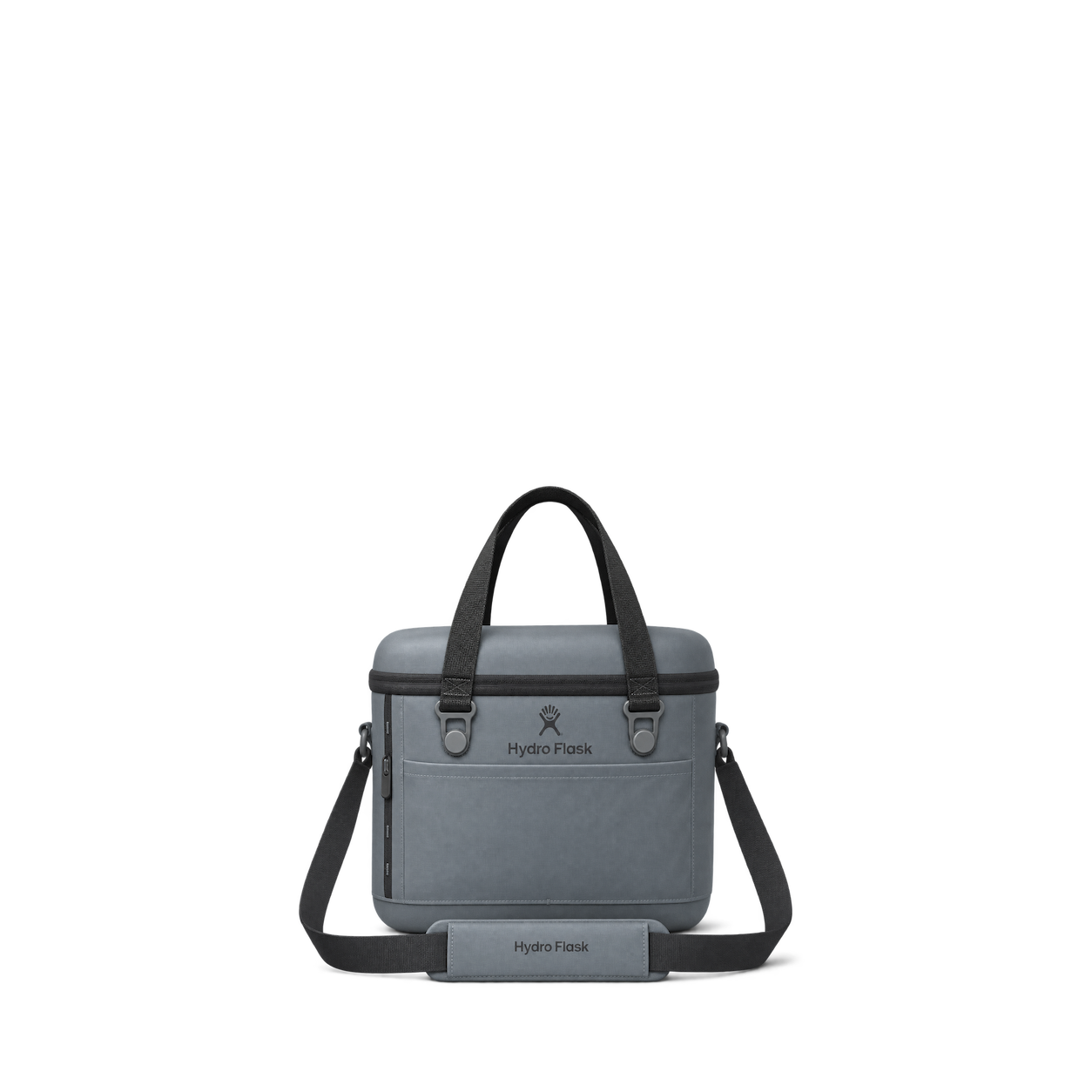
Hydro Flask
Carryout Soft Cooler 15 L · Shale Gray

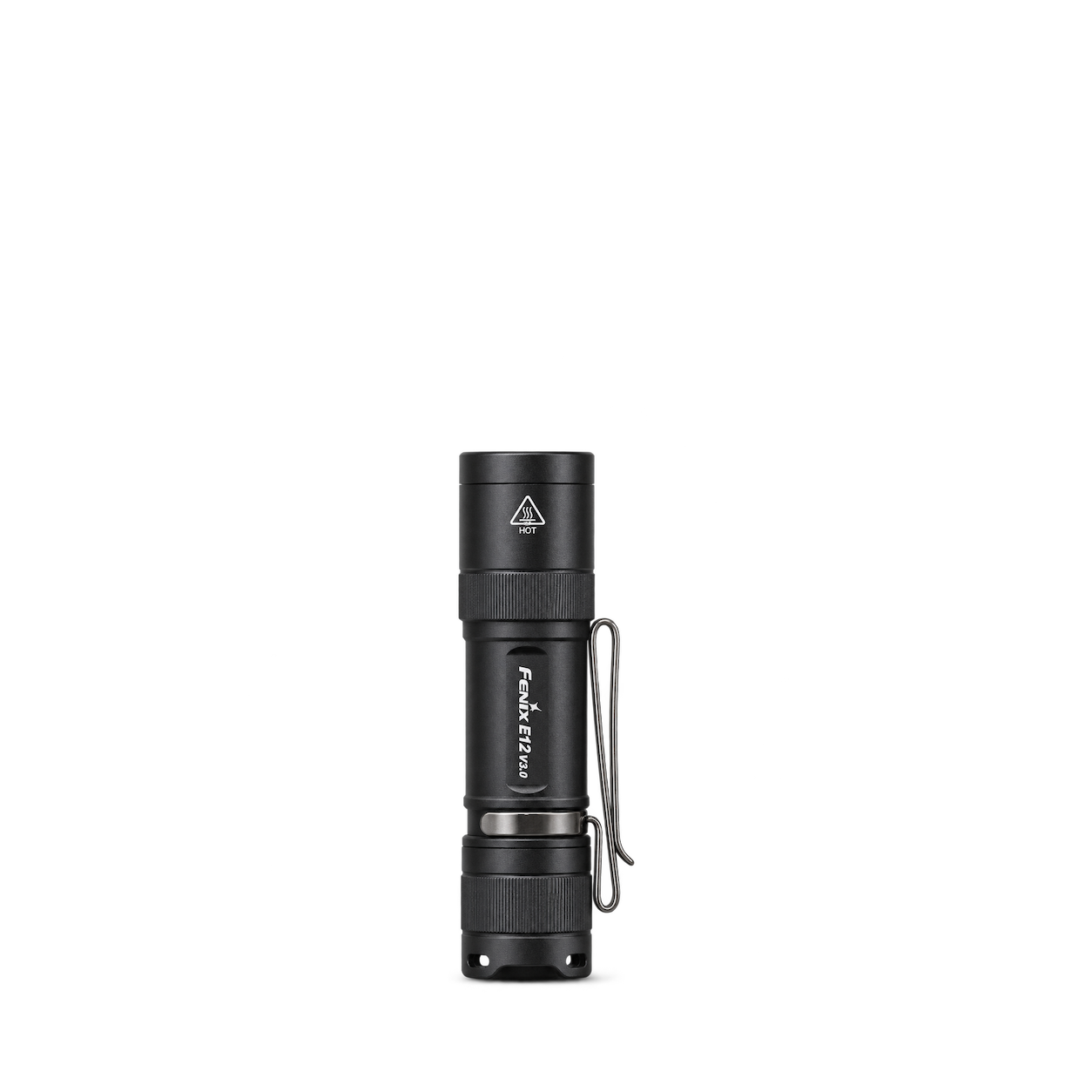

GSI Outdoors
Compact Scraper

Sea to Summit
Frontier Ultralight Spork - Short Handle
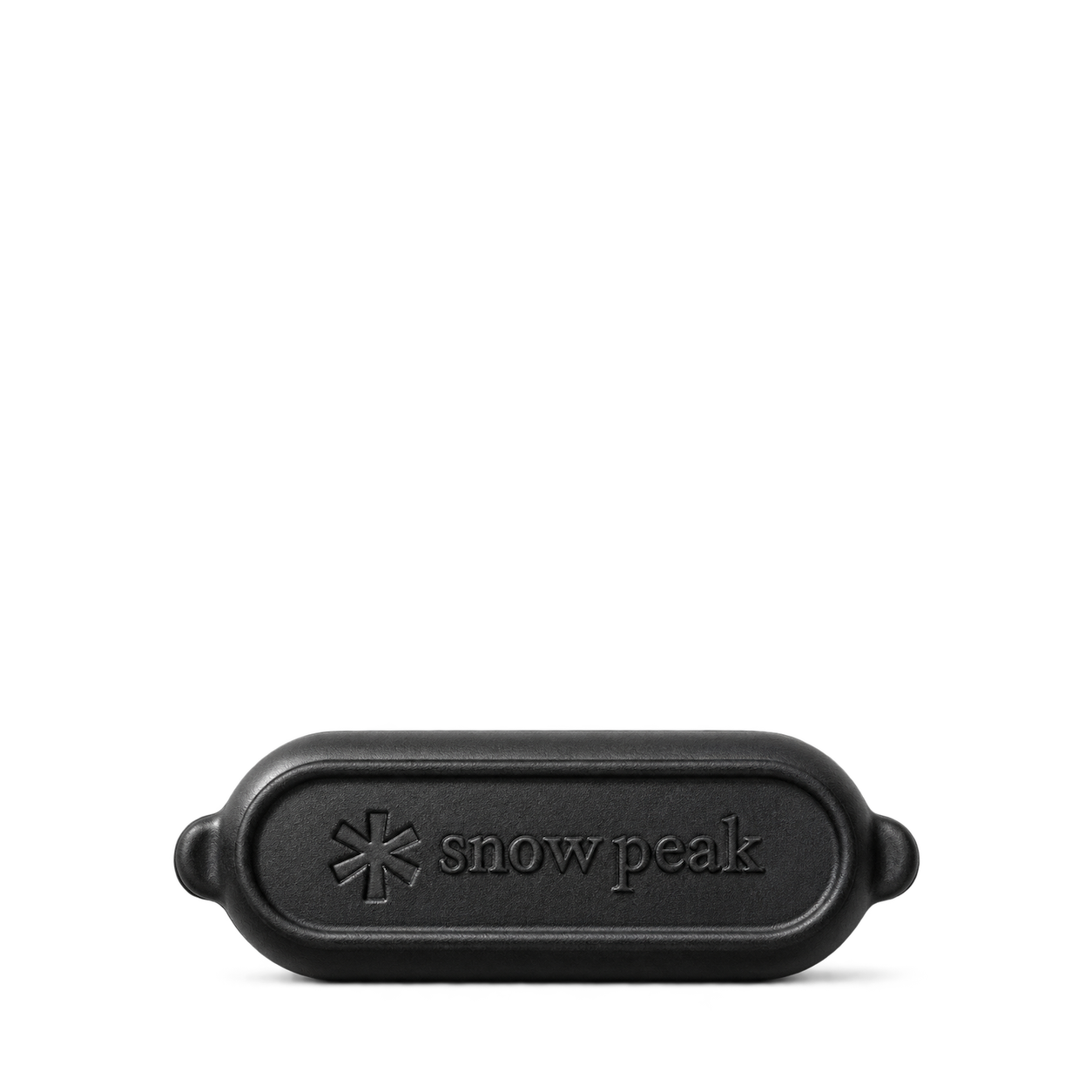
Snow Peak
Micro Capsule Incense Case
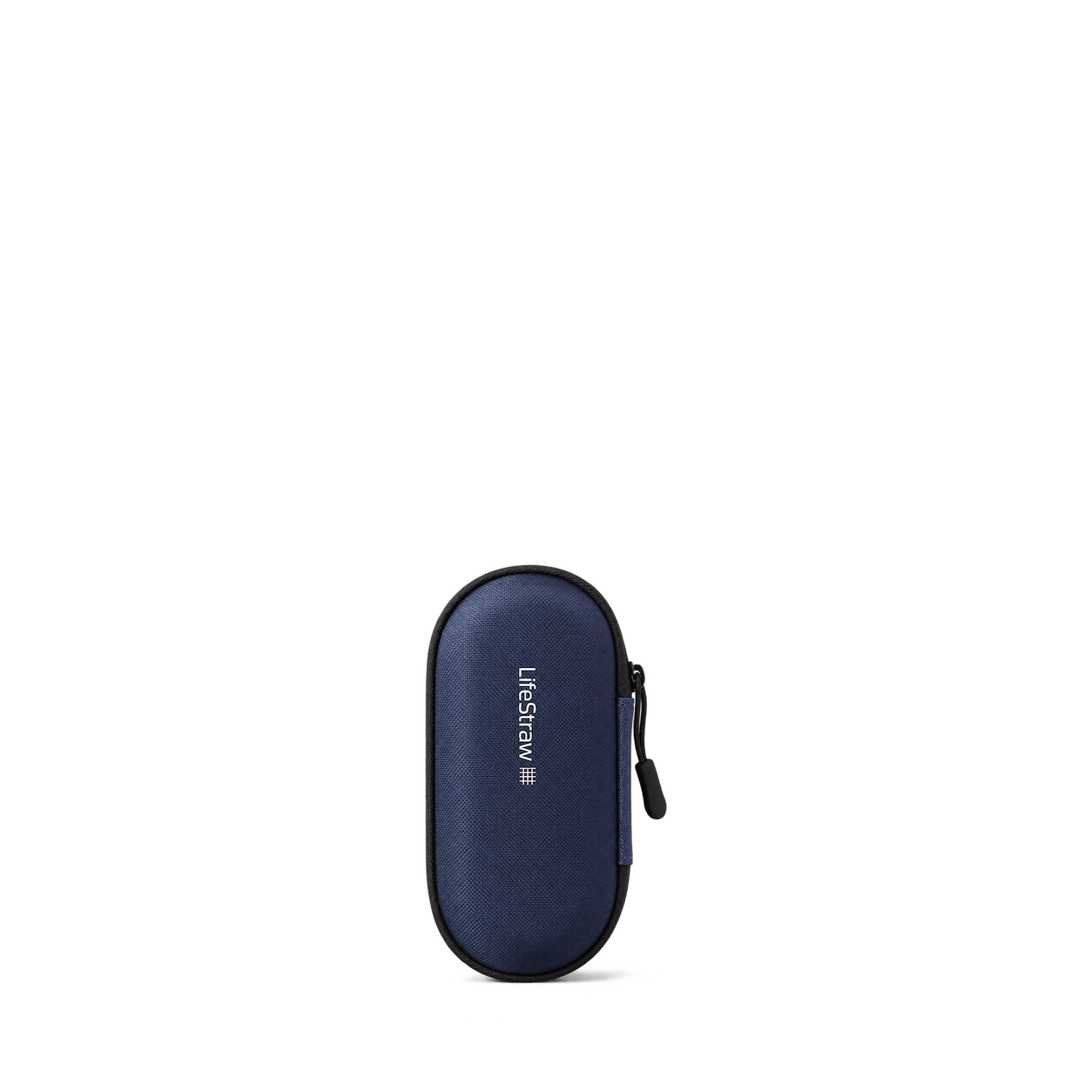
LifeStraw
Peak Solo Carry Case
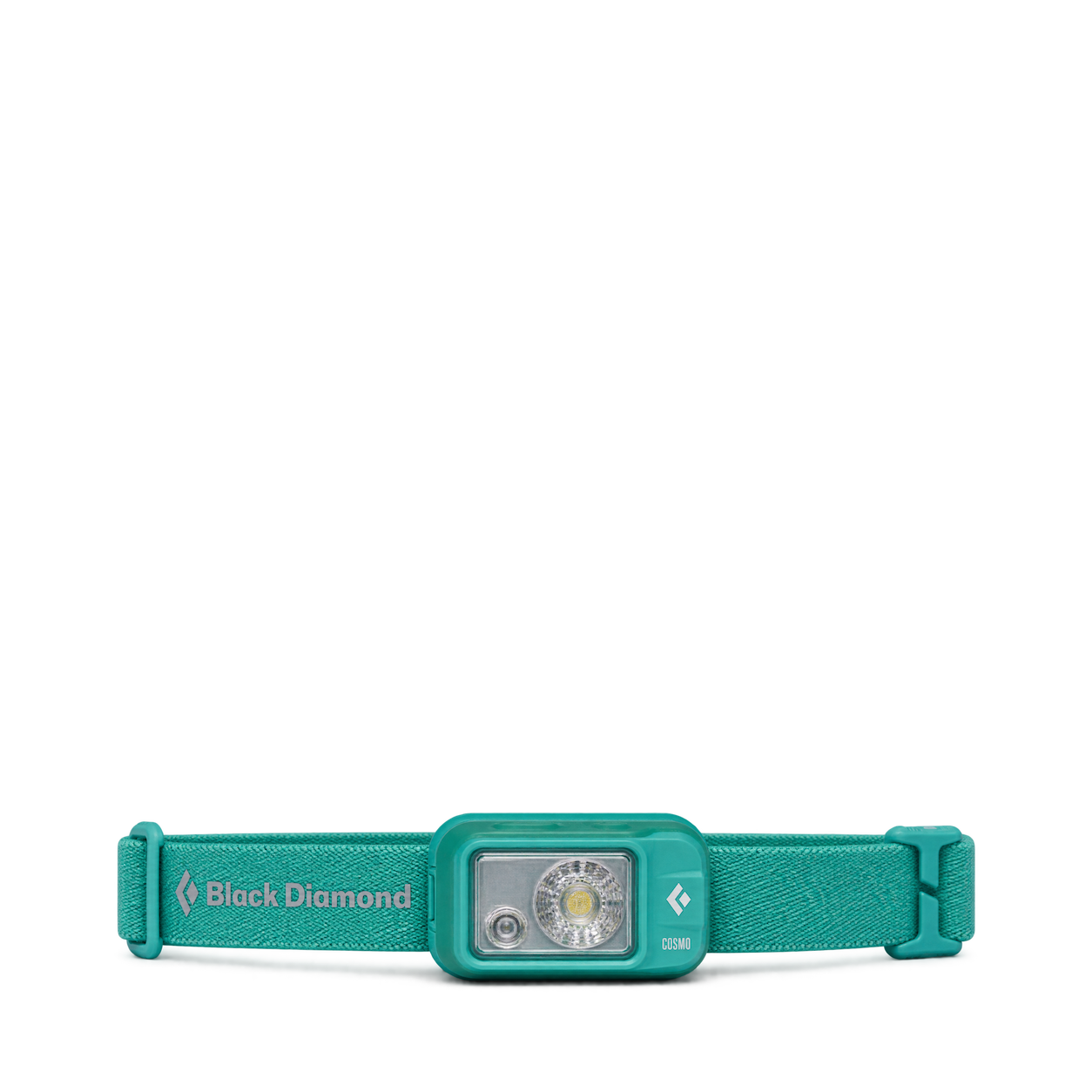
Black Diamond
Cosmo Headlamp

Coghlan's
Fire Disc
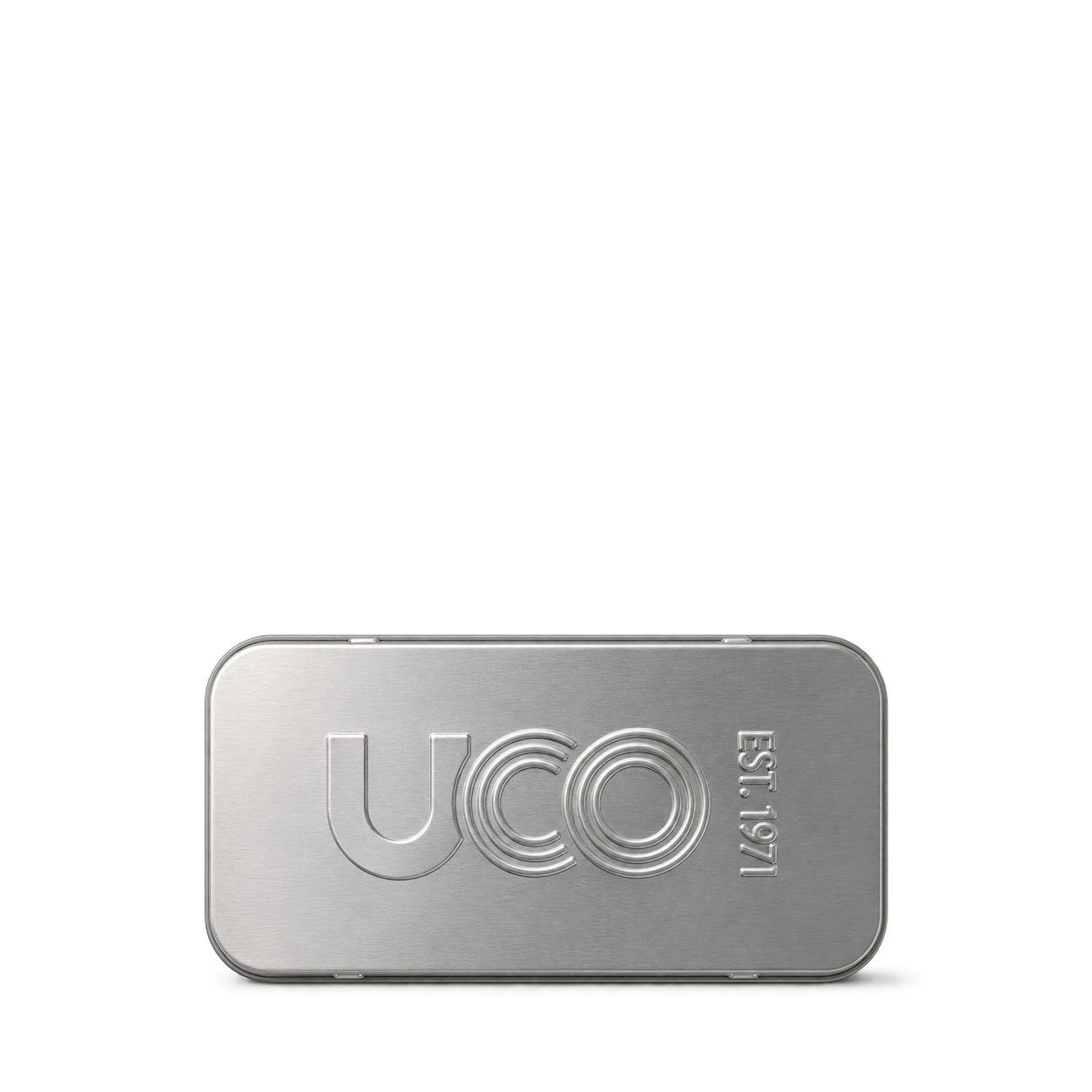

Hydro Flask
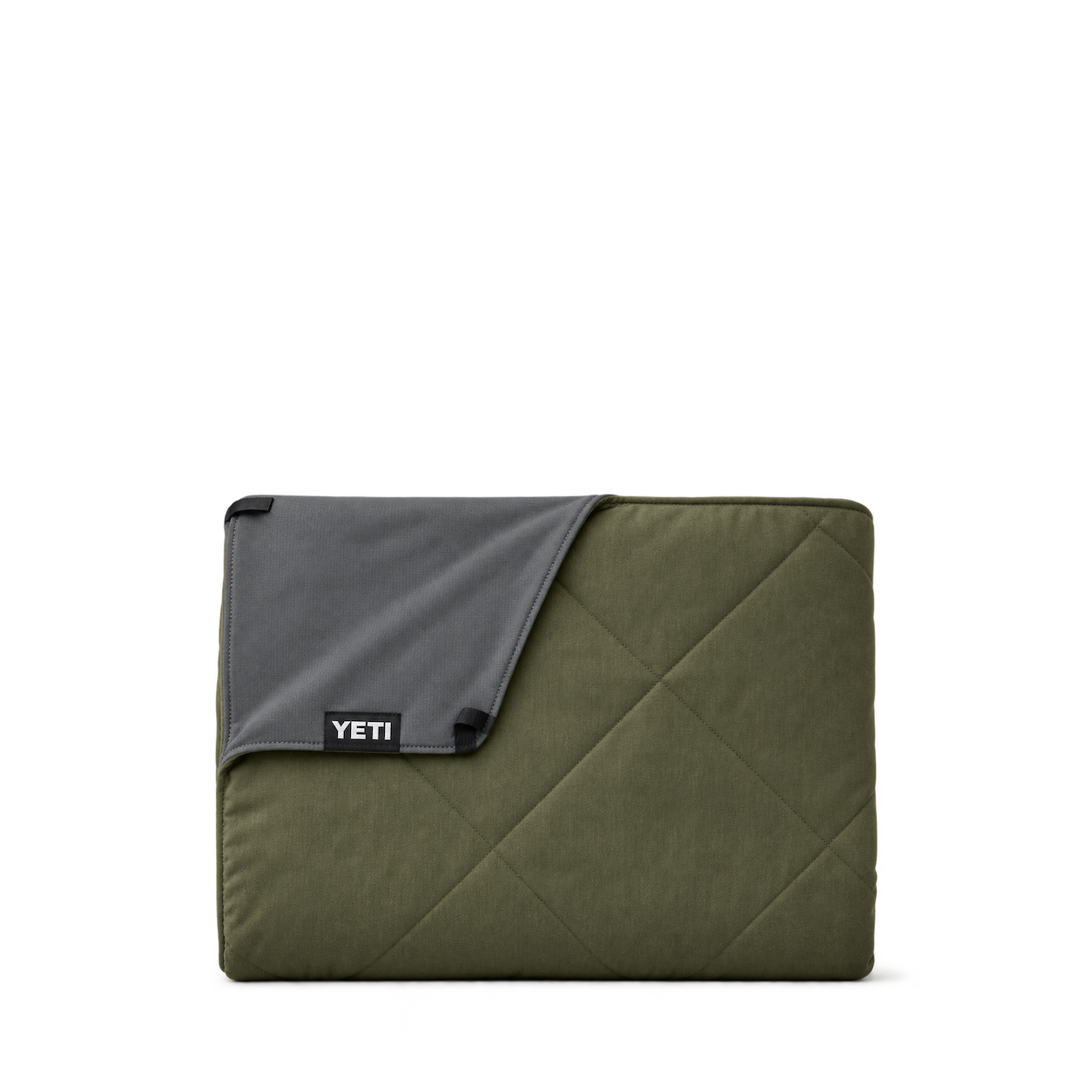
Carryout Soft Cooler 30 L · Harbor Blue
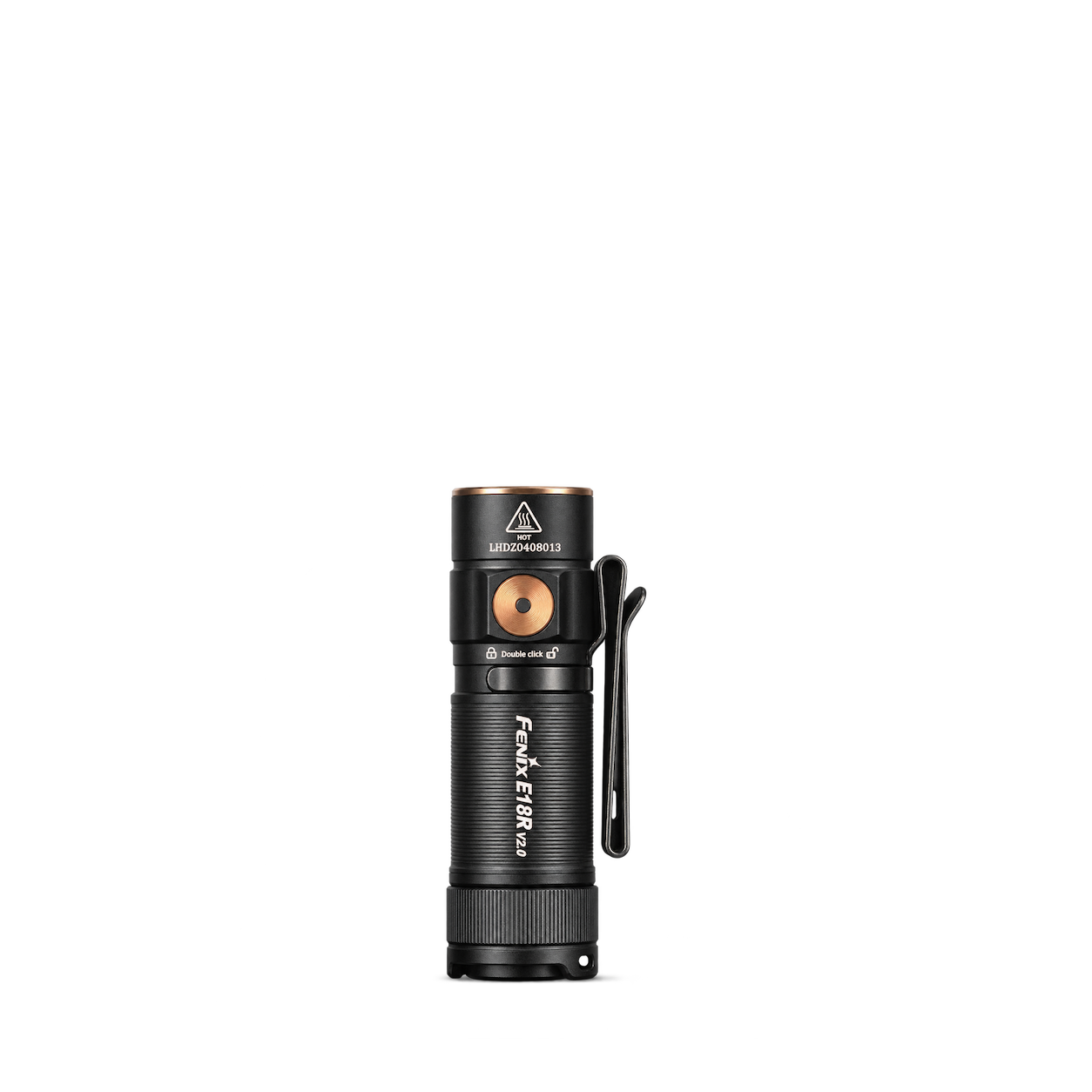

GSI Outdoors
Glacier Spork Multi-Tool
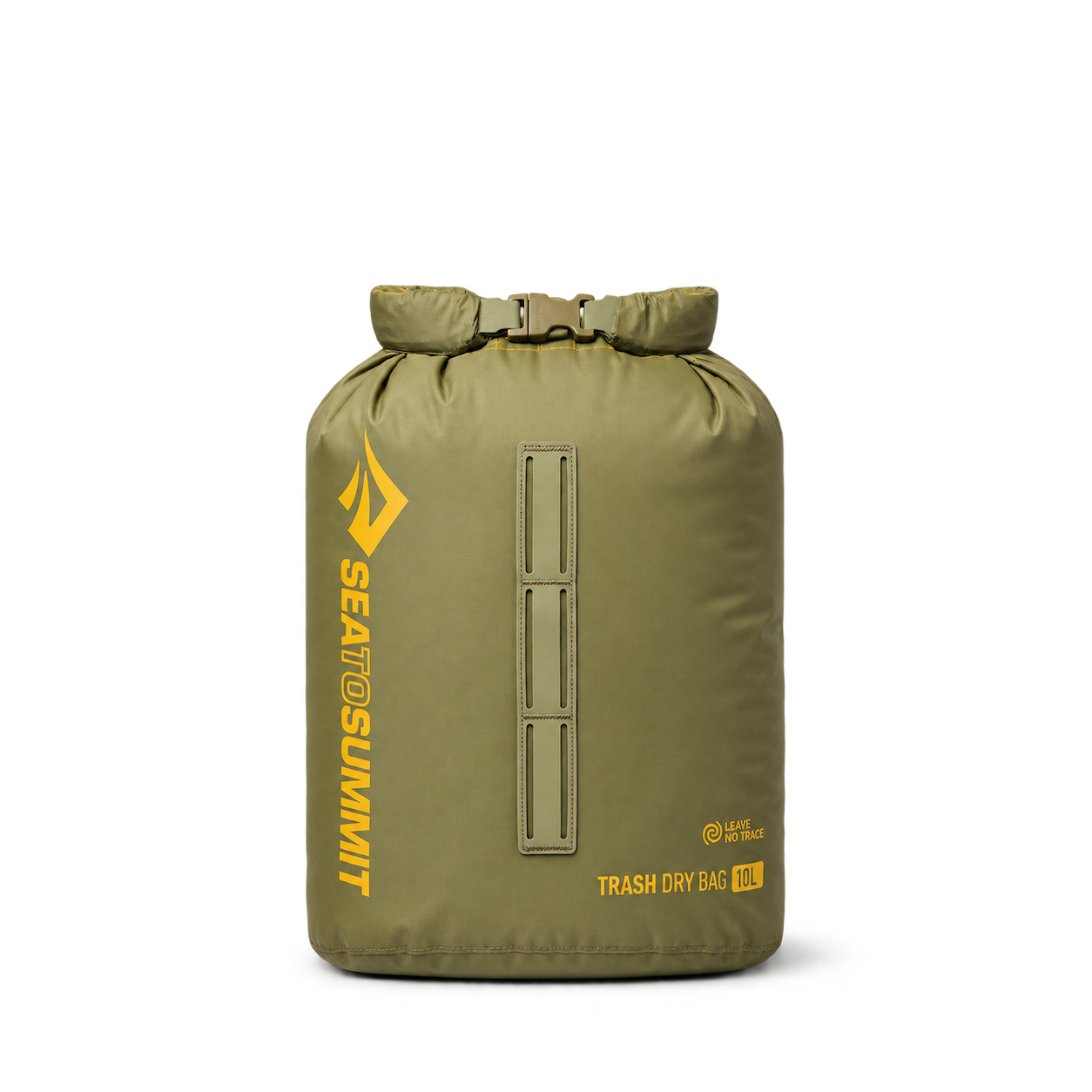
Sea to Summit
Trash Dry Bag
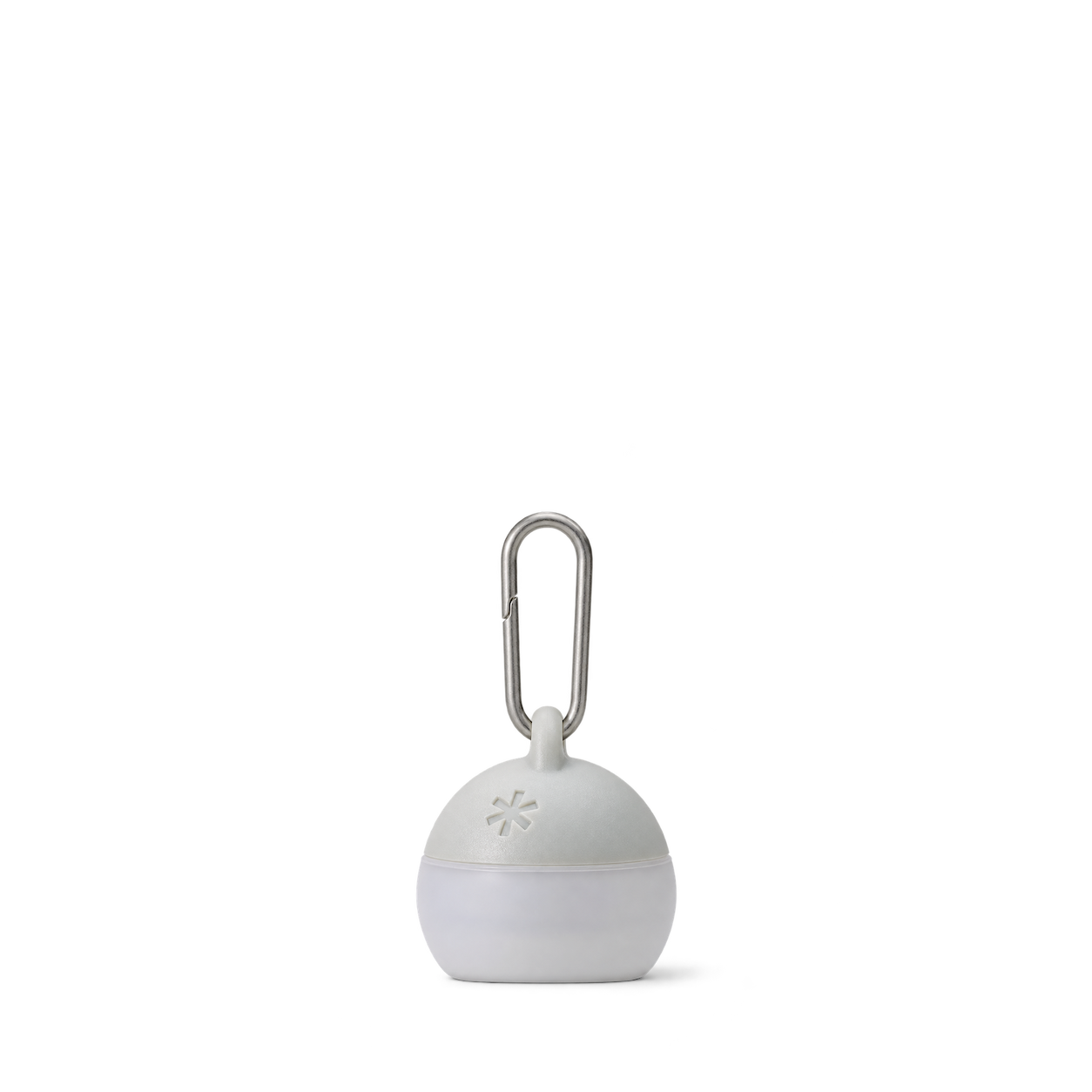
Snow Peak
Micro Hozuki

LifeStraw
Sip Essential Water Filter straw

Black Diamond
Puffy Stash
Coghlan's
Folding Stove

Hydro Flask
Carryout Soft Cooler Tote 10 L · Oat

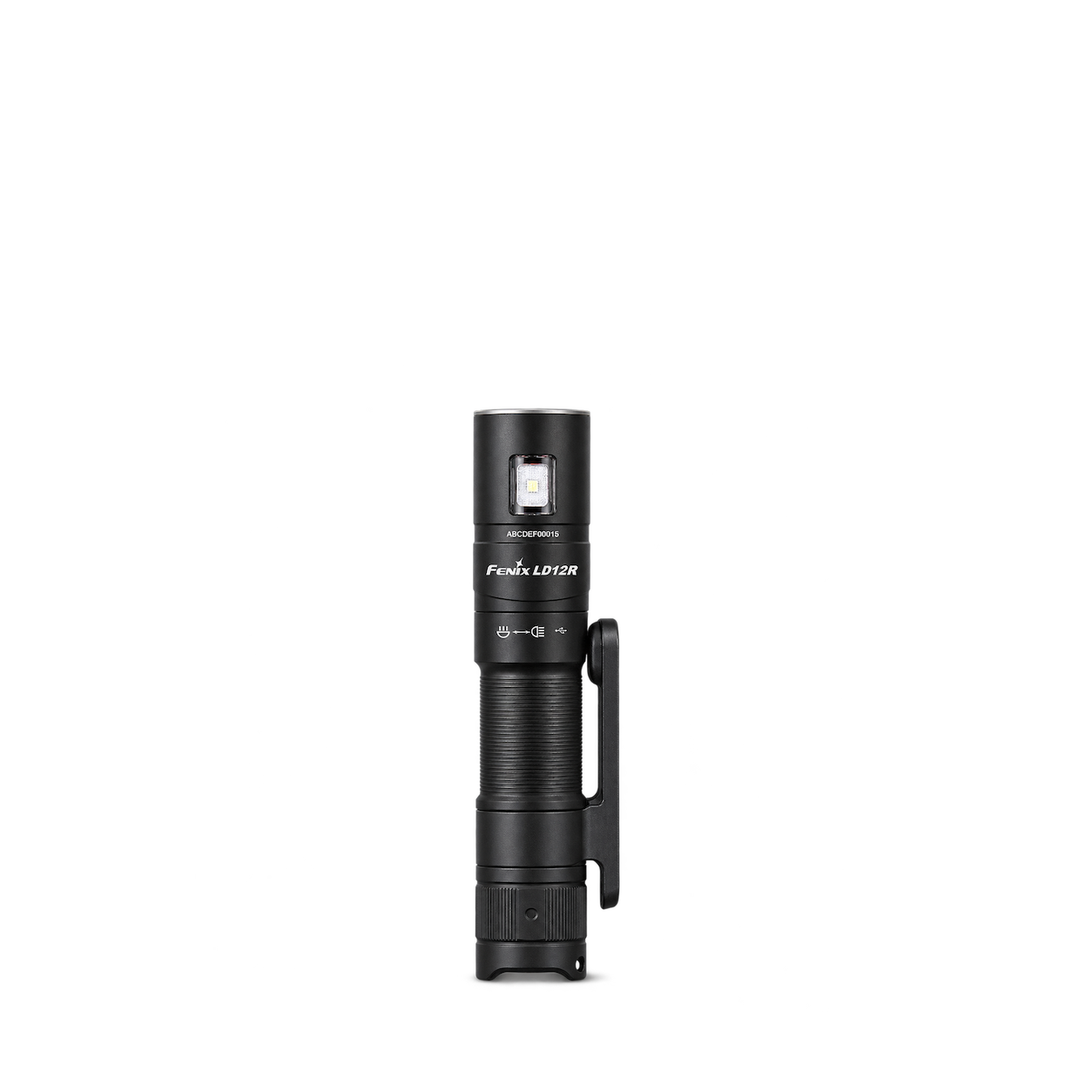
GSI Outdoors
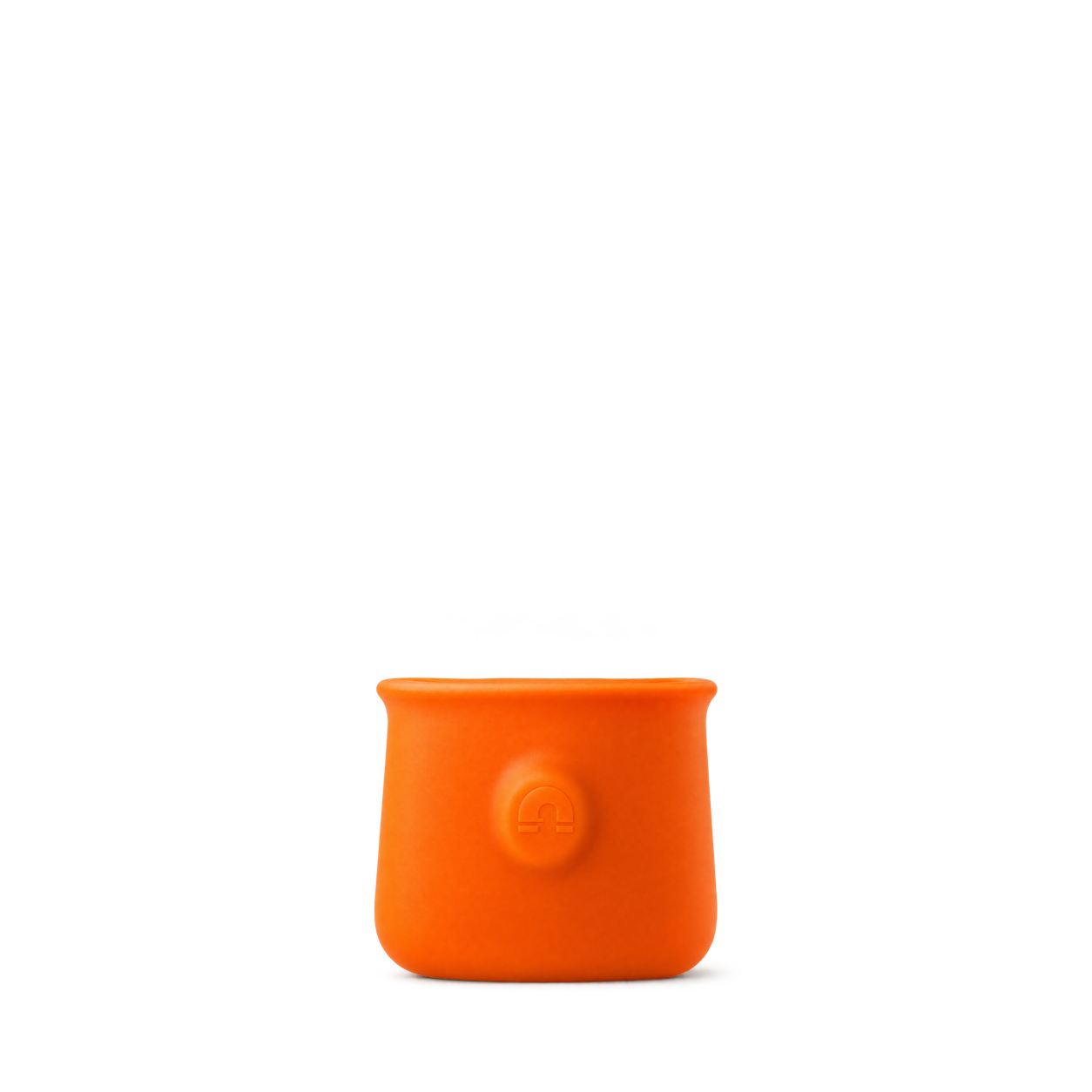
MicroGripper
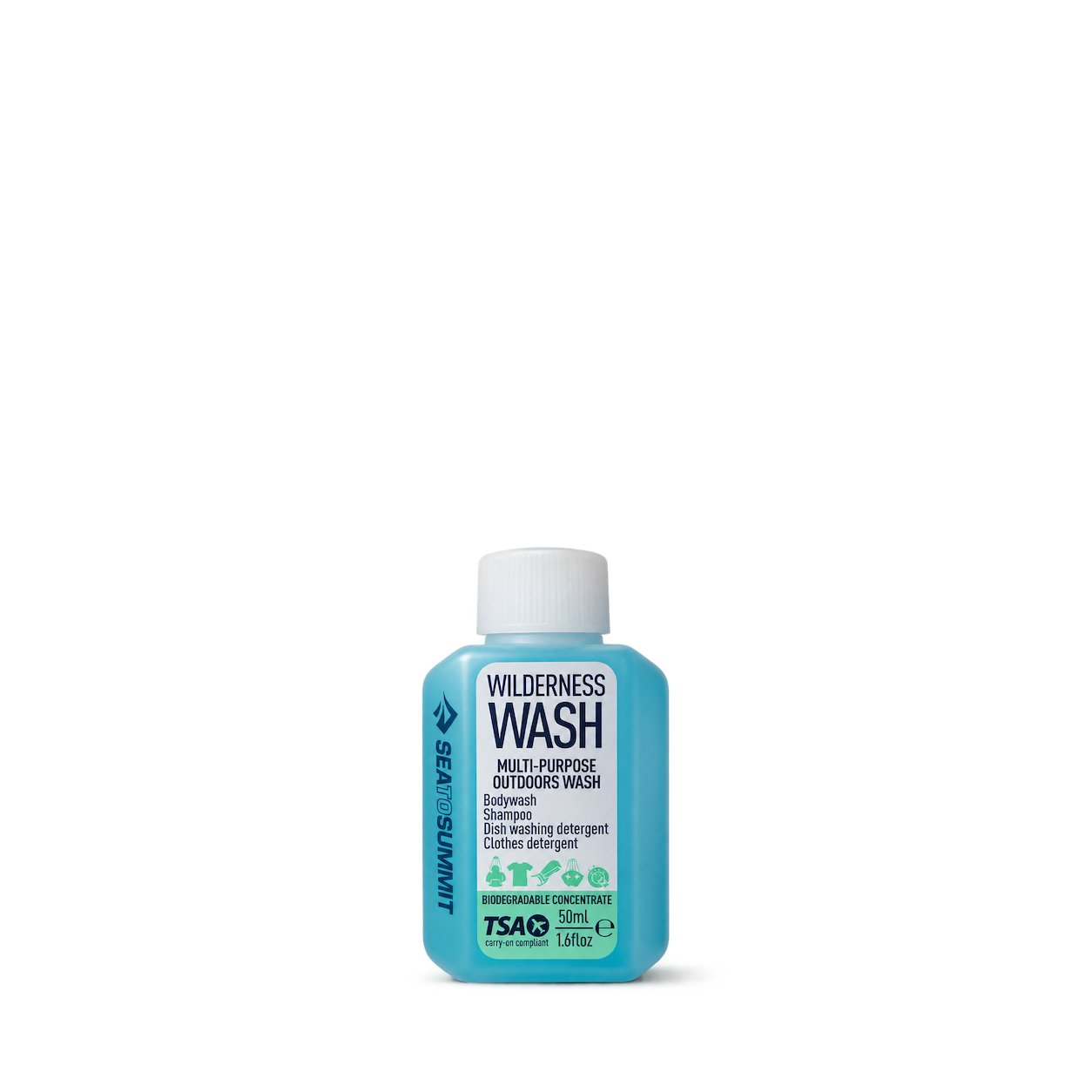
Sea to Summit
Wilderness Wash
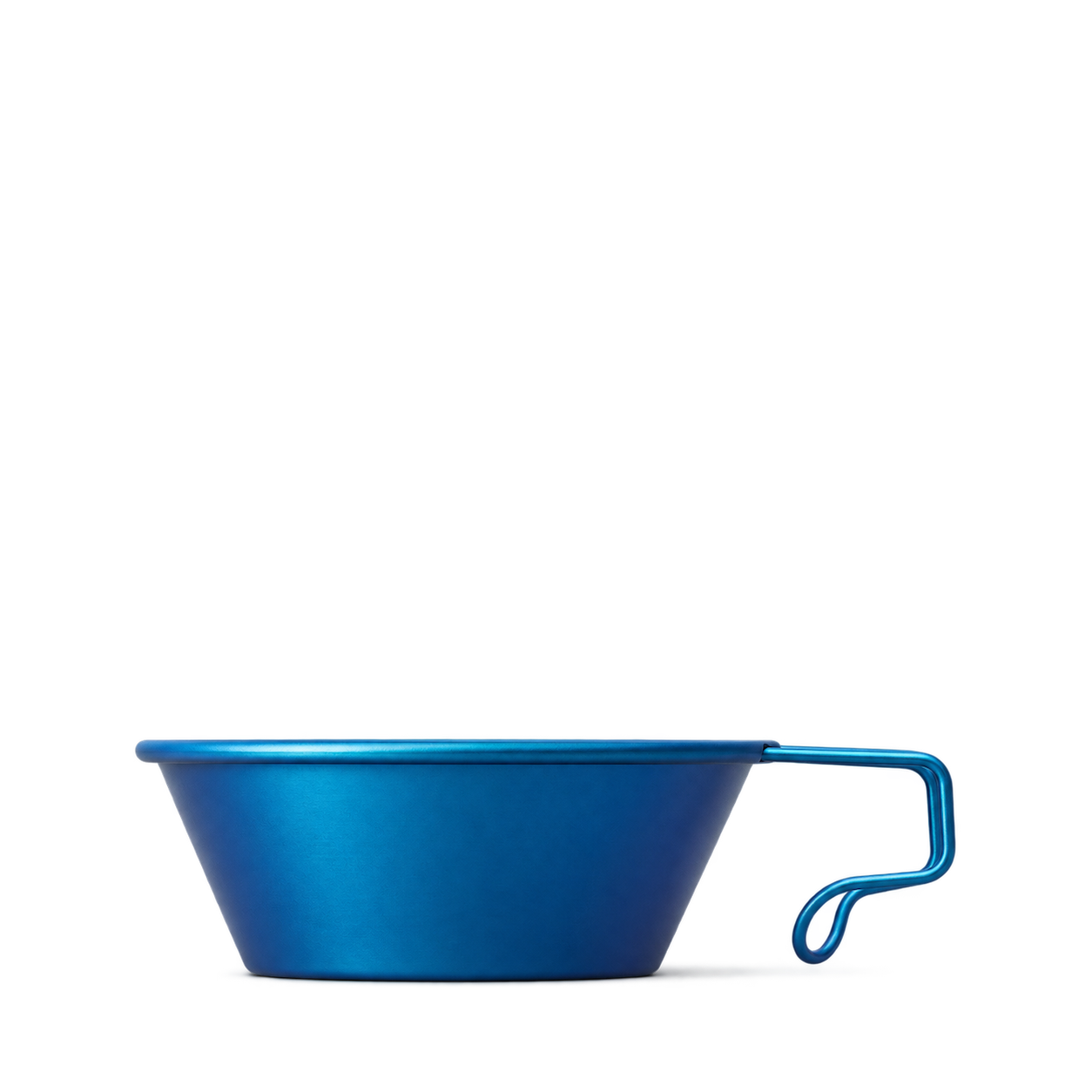
Snow Peak
Titanium Backpackers Cup in Blue
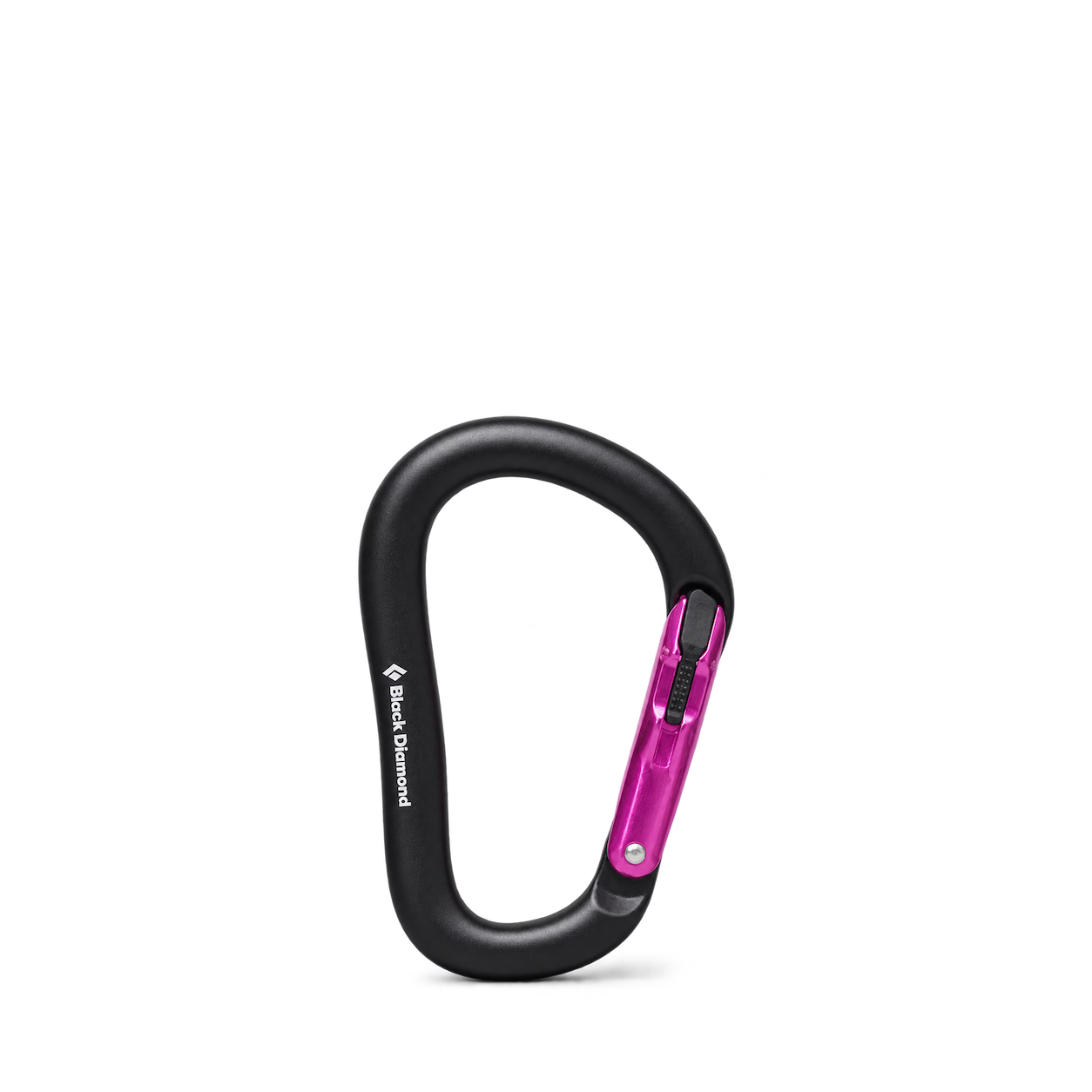
Black Diamond
Rocklock Magnetron Carabiner

Coghlan's
Six Function Whistle

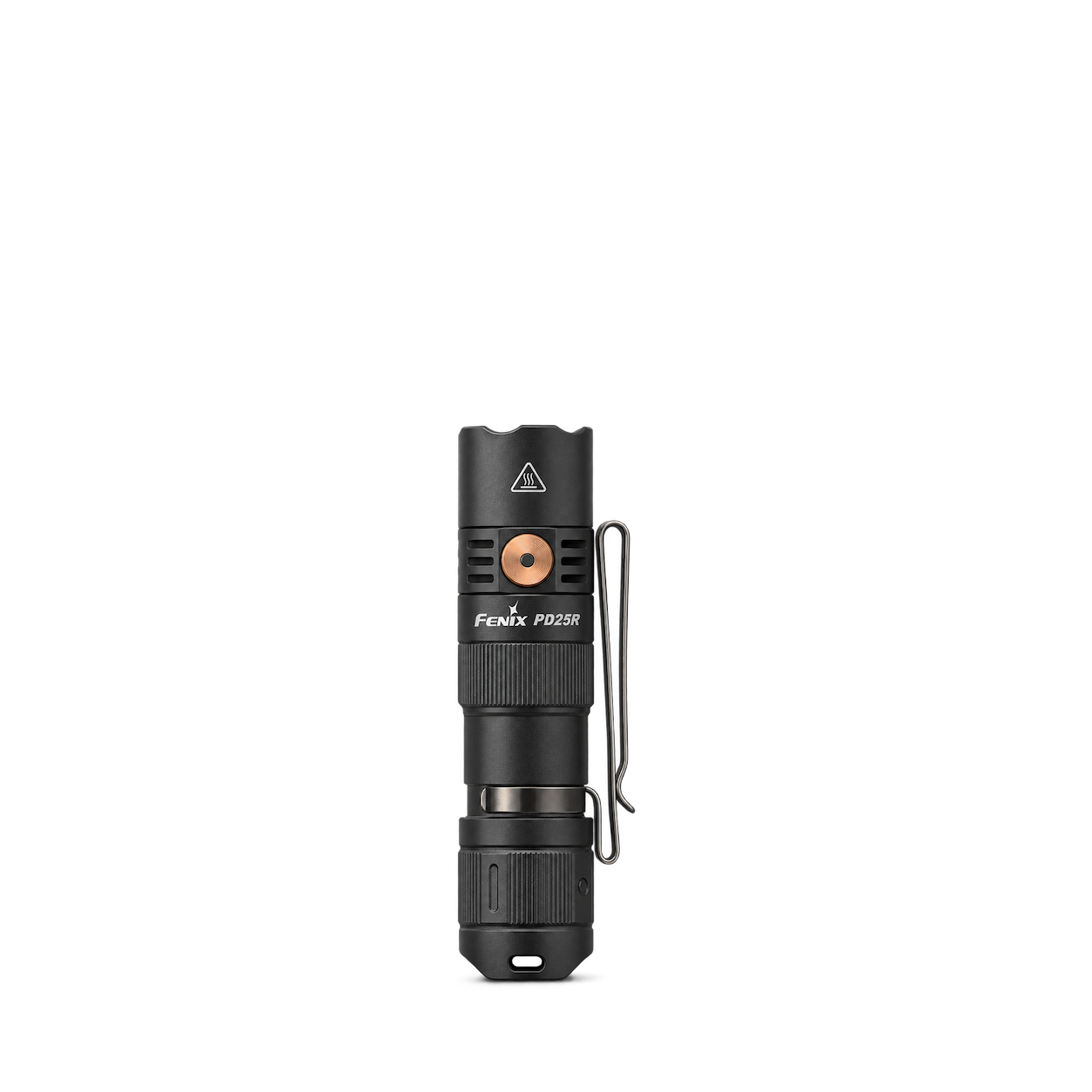
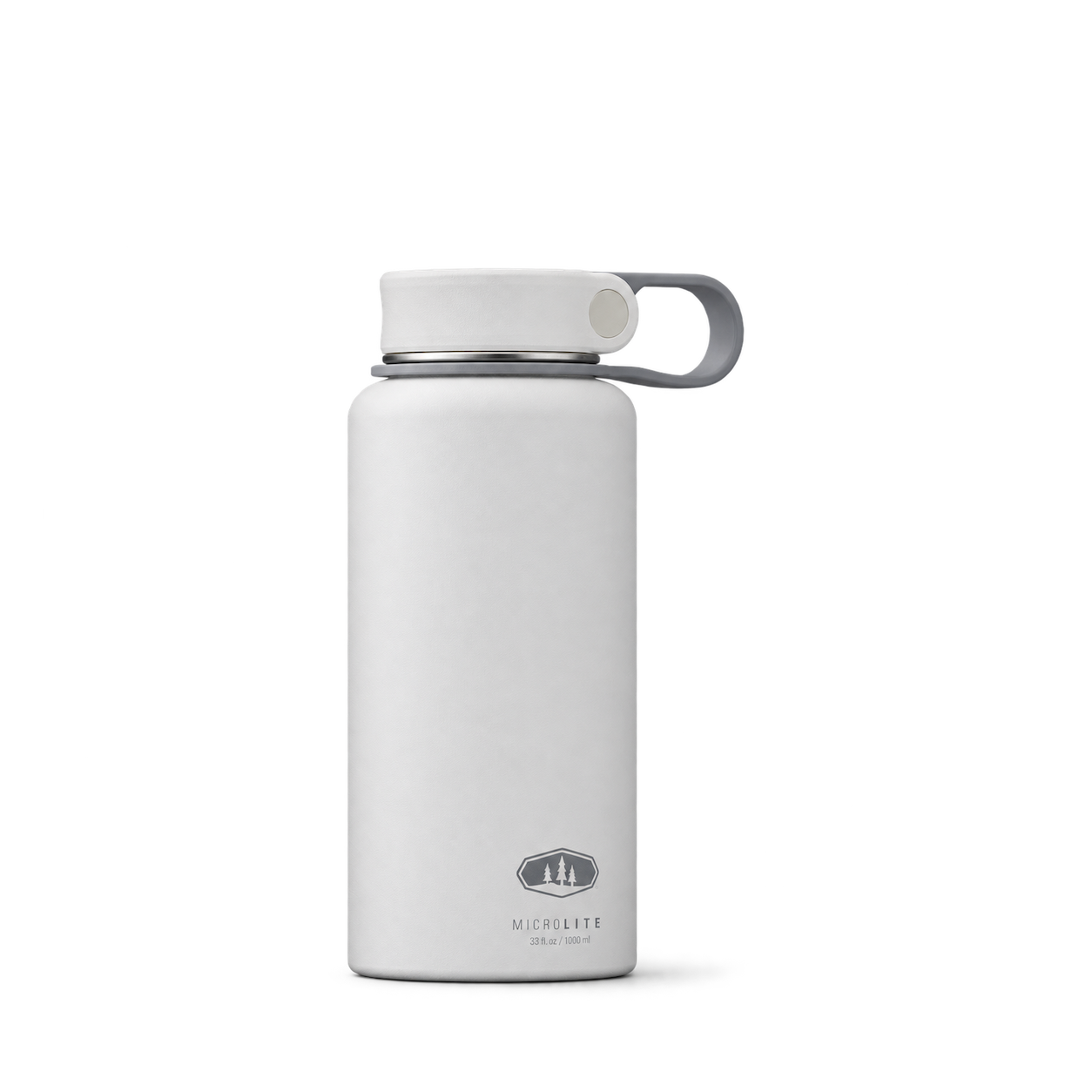
GSI Outdoors
MicroLite 1000 Twist

Sea to Summit
Ether Light XR Insulated Air Sleeping Pad · Small

Snow Peak
Utility Bag S Unit
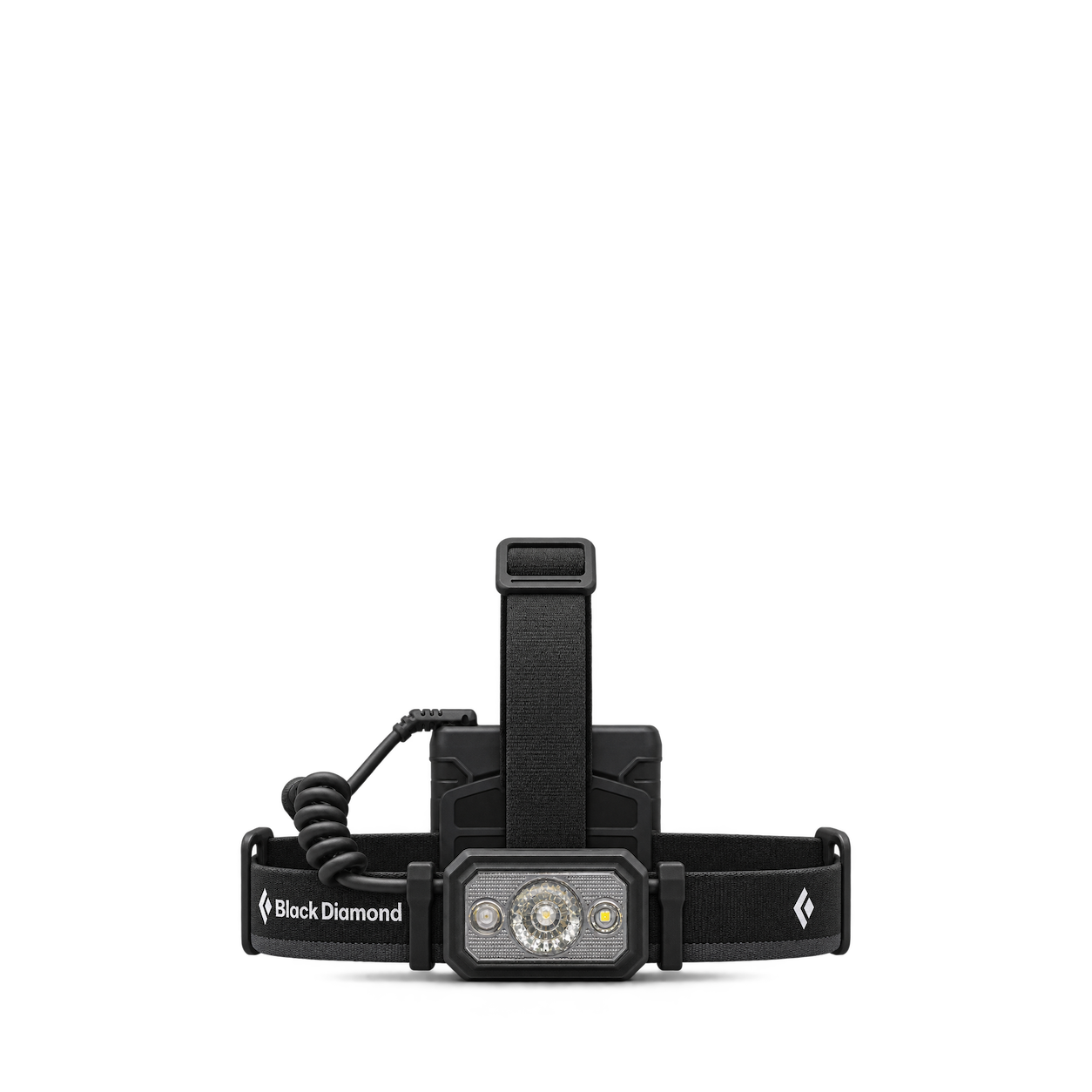
Black Diamond
Icon 700 Headlamp · Graphite
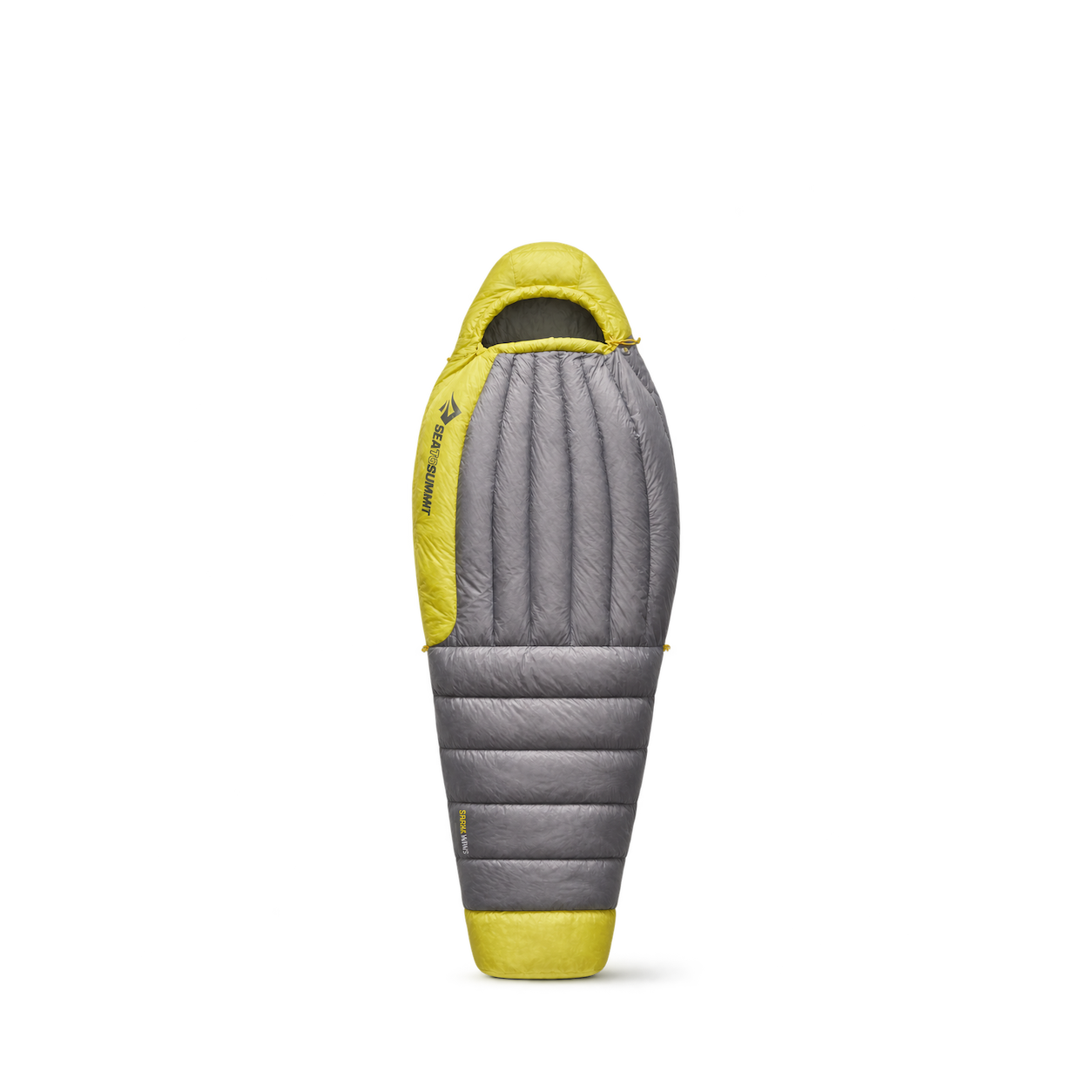
Sea to Summit
Spark Women's Down Sleeping Bag · 45°F / Regular

Black Diamond
Stella-R Headlamp · Burnt Sienna
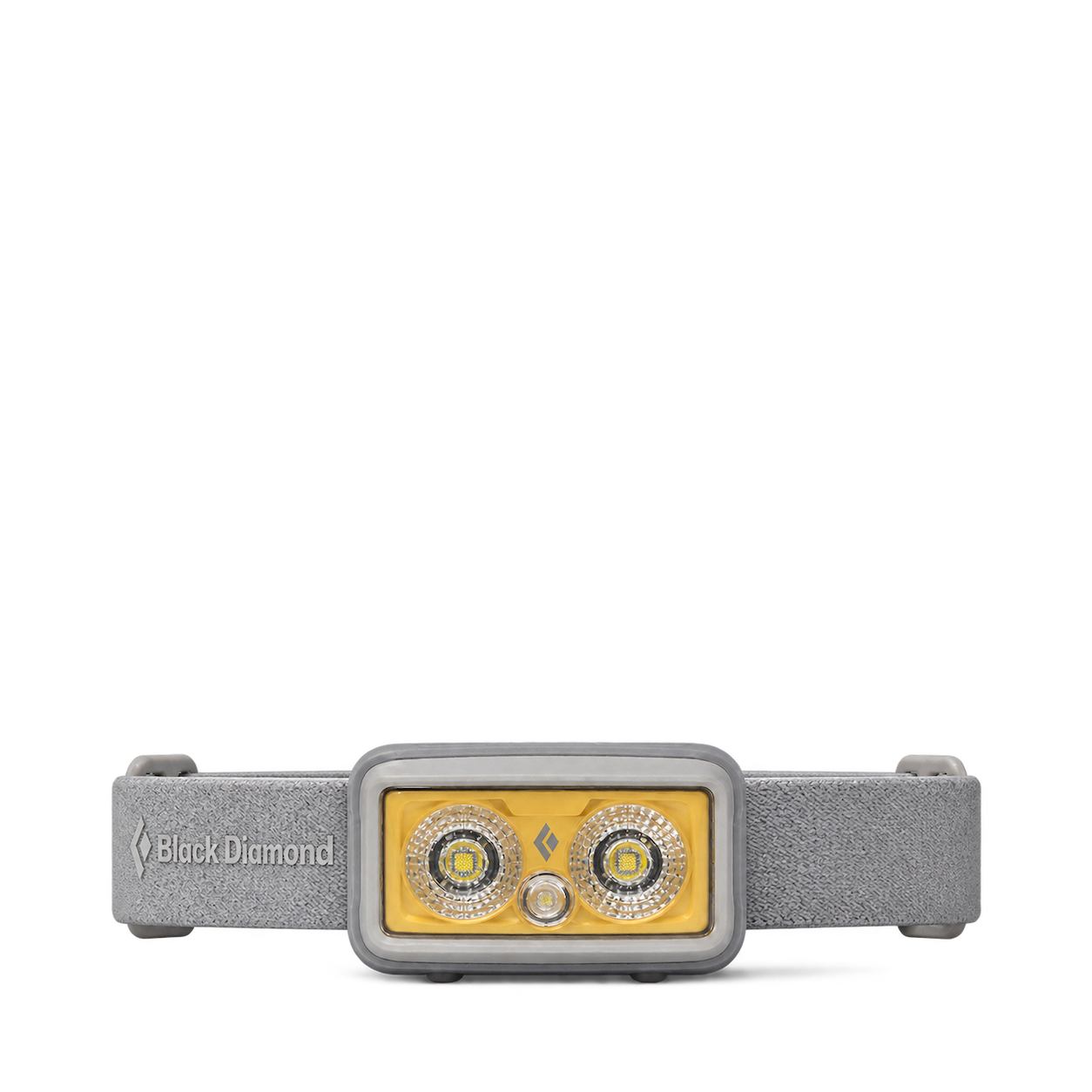
Black Diamond
Storm+ Headlamp · Pewter
No matches, yet.
Try another brand or product, or give your filters a little room.
Showing 111 of 111
Browse the archiveAll collections
Browse by category


Bring the catalog into your app.
Connect for free to search product shots and get image URLs, dimensions, and source links.
Developer guide
Use with


FAQs
A few things you might be wondering.
Start here. No technical background needed.
What is Shelfhelp?
Shelfhelp is a library of product images for websites, apps, and designs. Find an image yourself, or connect your AI building tool so it can find and use images while you work.
Am I buying the products shown here?
You’re getting images of the products. Shelfhelp doesn’t sell or ship the physical items. Product source links take you to the brand or retailer if you want to explore the actual product.
Is Shelfhelp free?
Yes. Browsing the library, downloading images, and connecting the MCP are free. You don’t need a Shelfhelp account or subscription. The building tool you use may have its own costs.
How do I download an image?
Open the product shot you want, choose Get free PNG, and enter your email. We’ll send you a link to download the original image file, which you can upload into your website builder or design tool.
Your download link is valid for seven days.
Why do you need my email?
We use your email to deliver the original image’s download link. Requesting an image does not subscribe you to marketing.
You don’t need to enter an email to browse the library or connect your builder through MCP.
What does “Connect the MCP” mean?
It means giving your AI building tool access to Shelfhelp’s image library. Once connected, you can ask it to find product shots and use them in your project.
MCP is simply the connection that lets the two tools work together.
How do I connect it to my builder?
Select Connect the MCP and copy the connection link. In your builder’s settings, look for an option to add an MCP server or custom connector, then paste the link.
The exact steps depend on your builder. Start with our connection guide.
Can I use Shelfhelp without MCP or coding?
Absolutely. You can browse the library, request an image by email, and upload the downloaded file into your project yourself.
The MCP connection is optional. To use it, your building tool needs to support connecting to a remote MCP server.
What should I ask my AI builder?
Start with something like:
“Find five skincare product shots from Shelfhelp and use them on my homepage.”
For a specific product, include the brand and product name. If the color, size, or flavor matters, include that too—and check that the selected image matches.
What will people see on my finished website?
They’ll see the product images your builder places in your design. Your builder controls the layout, colors, text, and interactions.
Connecting Shelfhelp alone doesn’t change your website. Your visitors don’t need to connect to Shelfhelp or understand MCP.
What if the image I want isn’t in the library?
Try searching by brand, product name, or a broader category. The MCP finds existing images; it doesn’t generate new ones.
If you need an exact product or version, check the result carefully before using it.
Can I use these images in a live store, client project, or ad?
Check the image’s usage rights and approval details first. Free access doesn’t automatically grant permission for every commercial use.
The library includes independent product studies, so a pictured brand doesn’t mean that brand approved the image. If permission is unclear, confirm it before publishing.