 Shelfhelp.ai



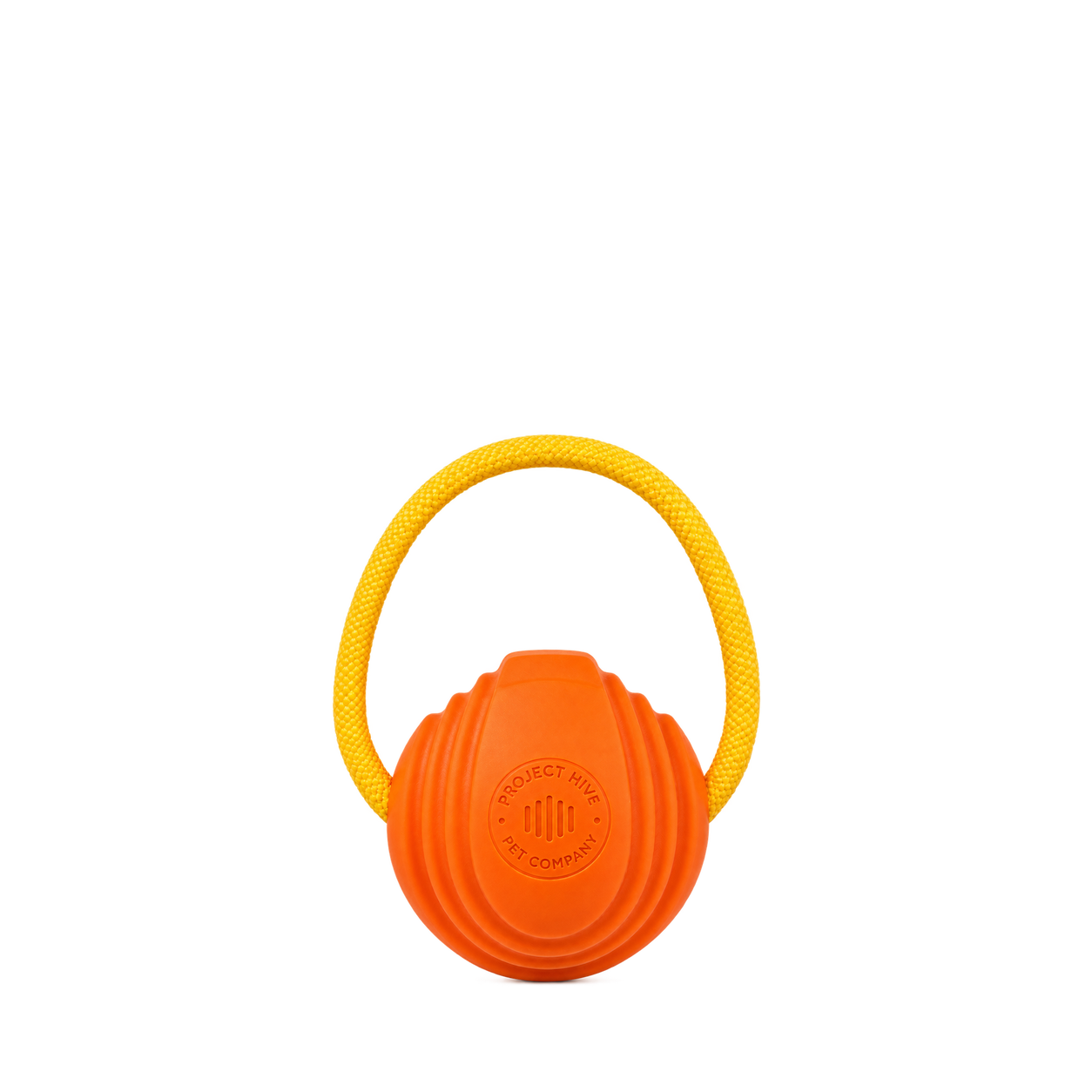

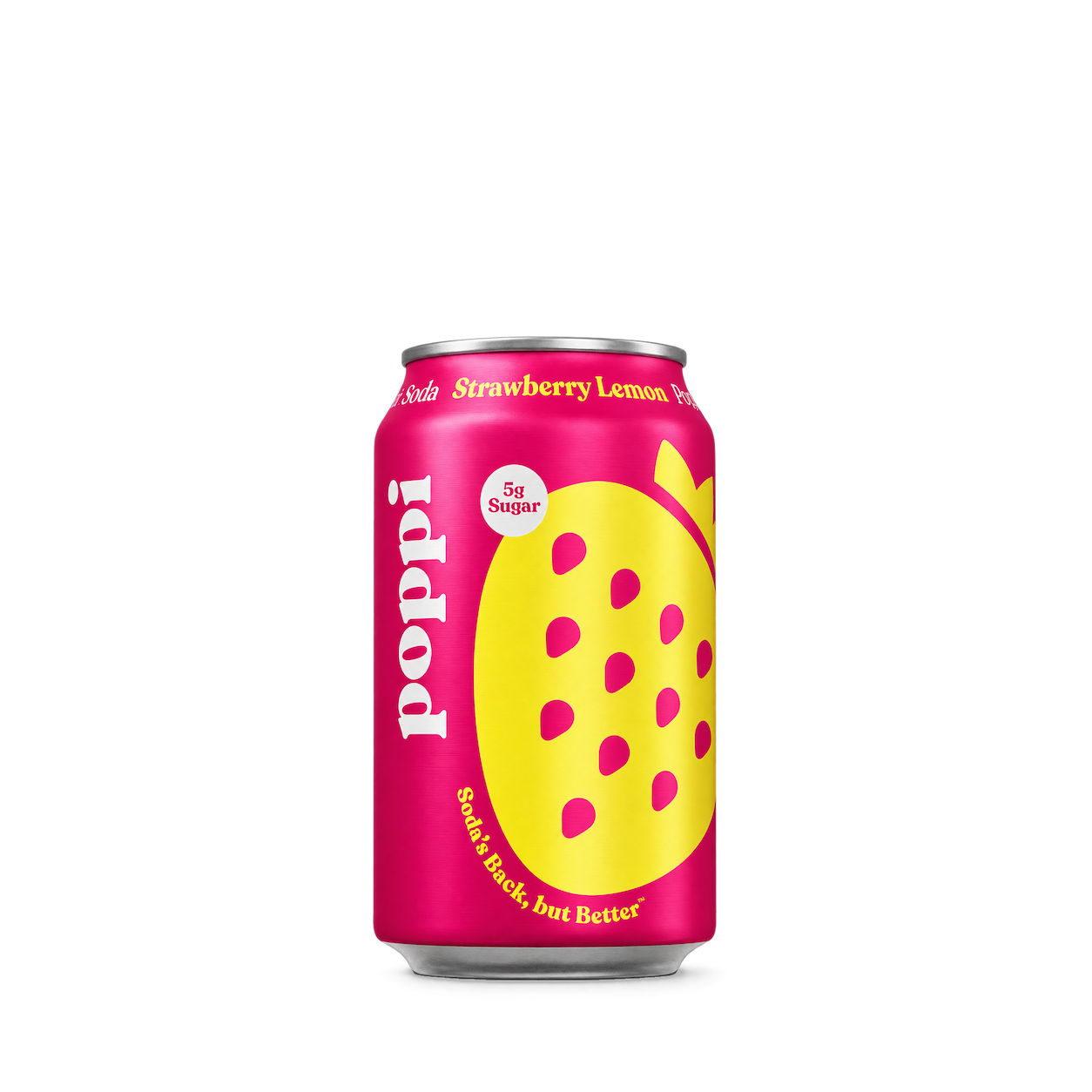
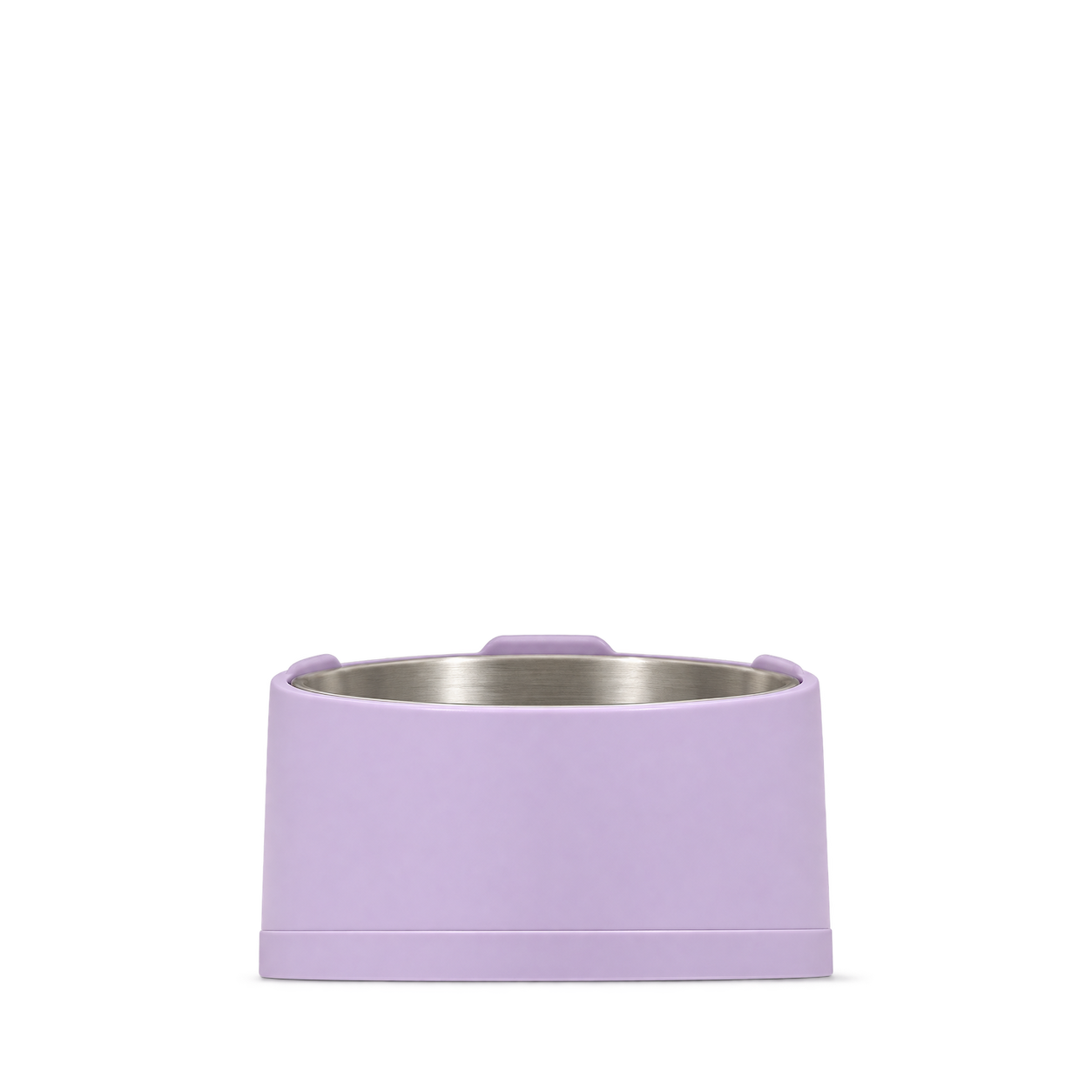
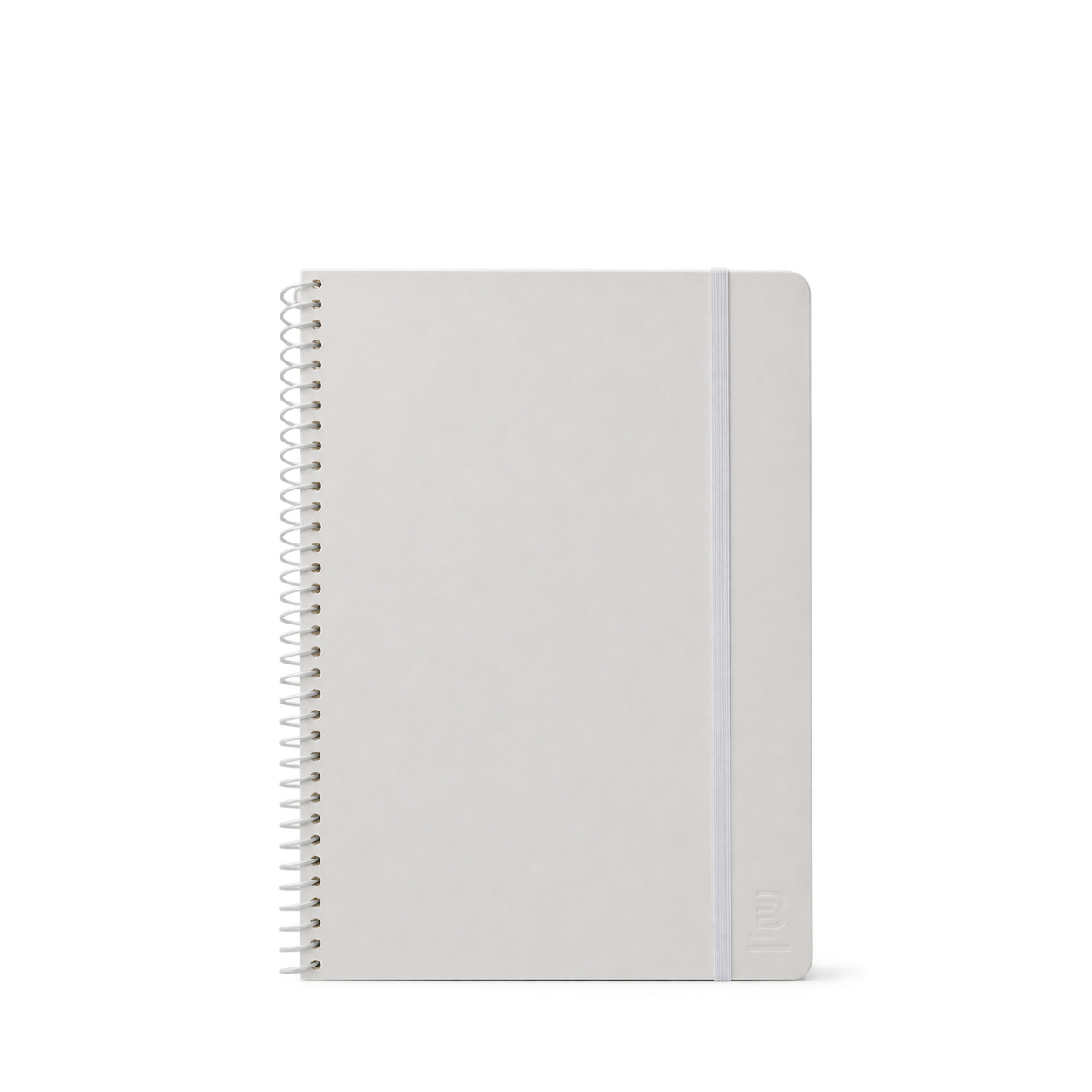

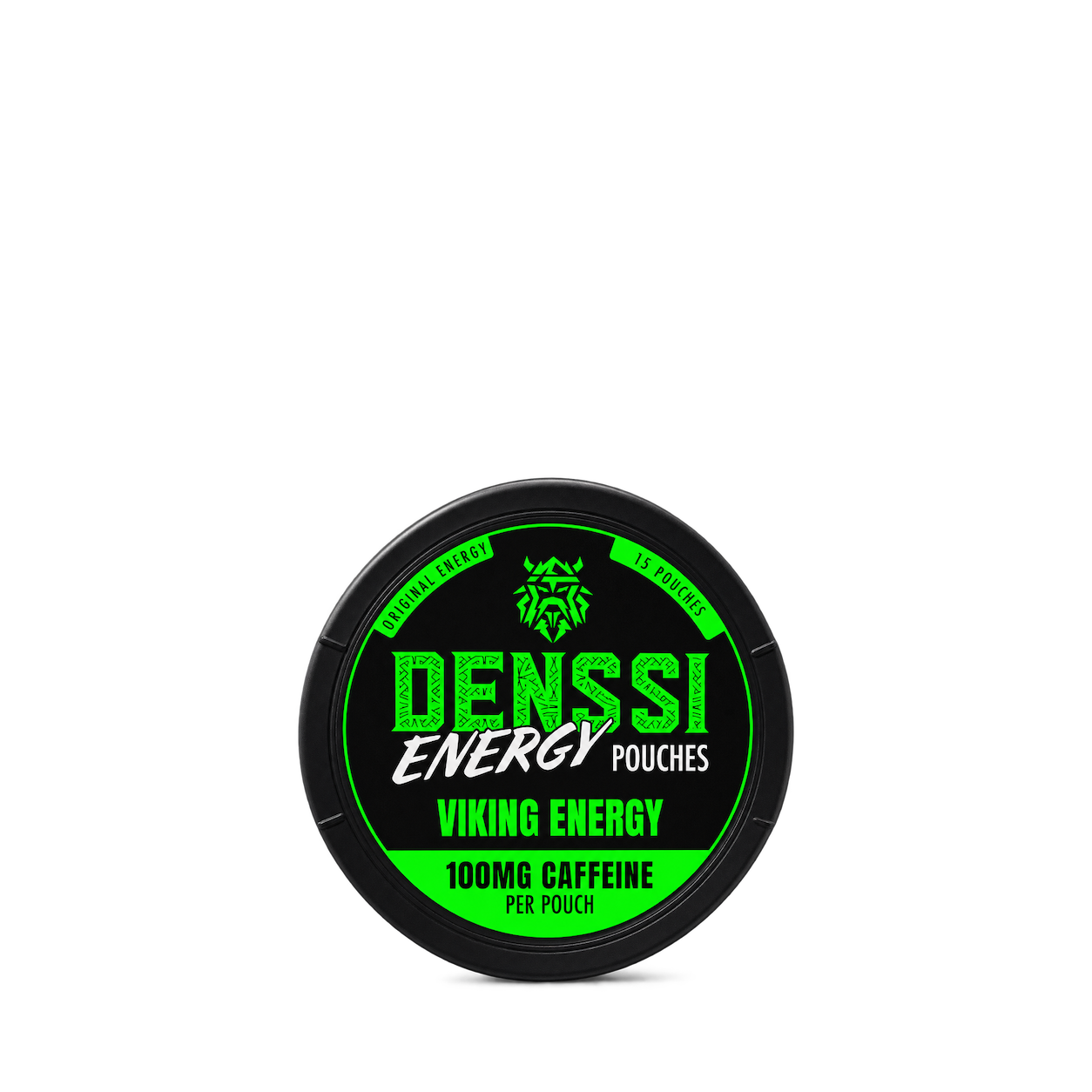


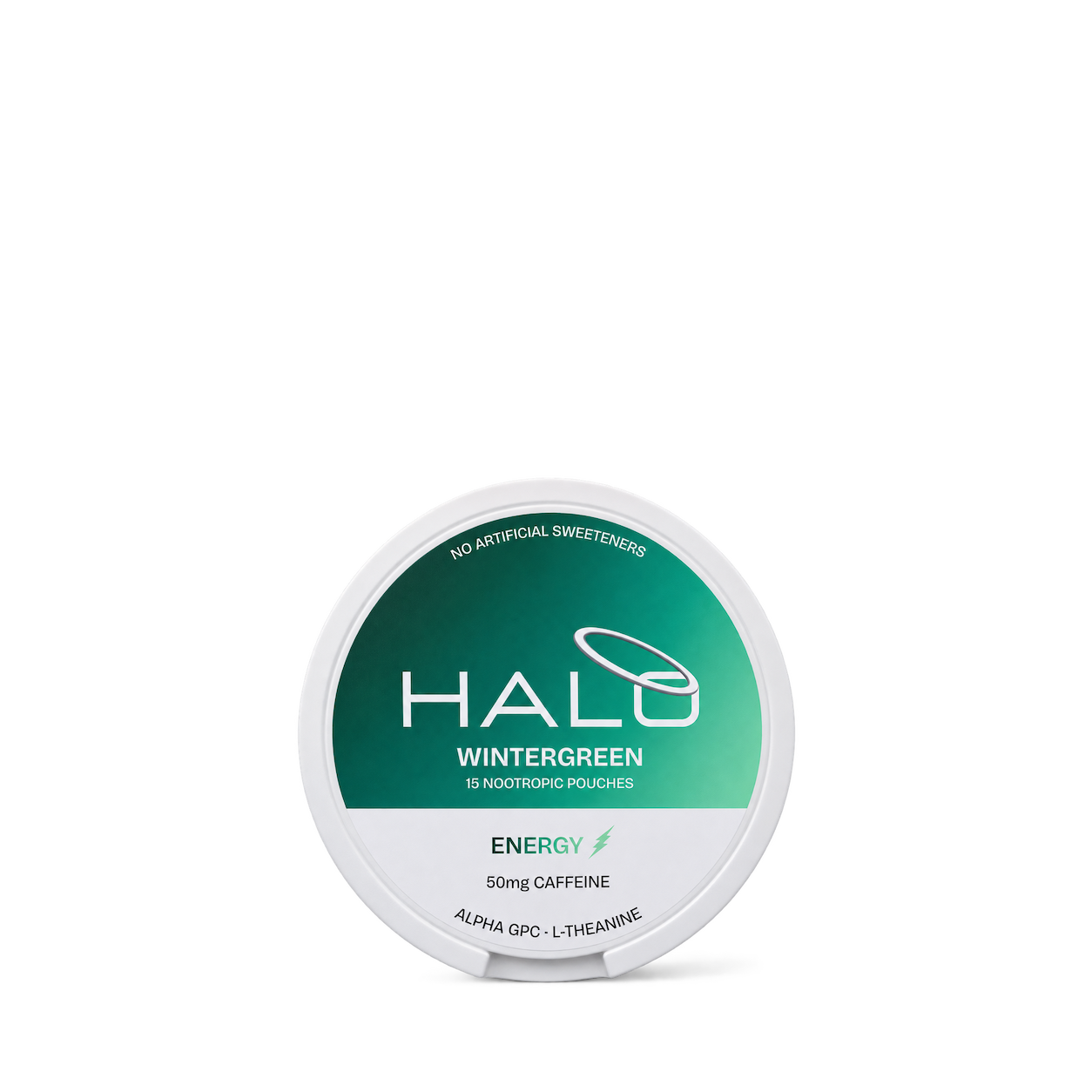
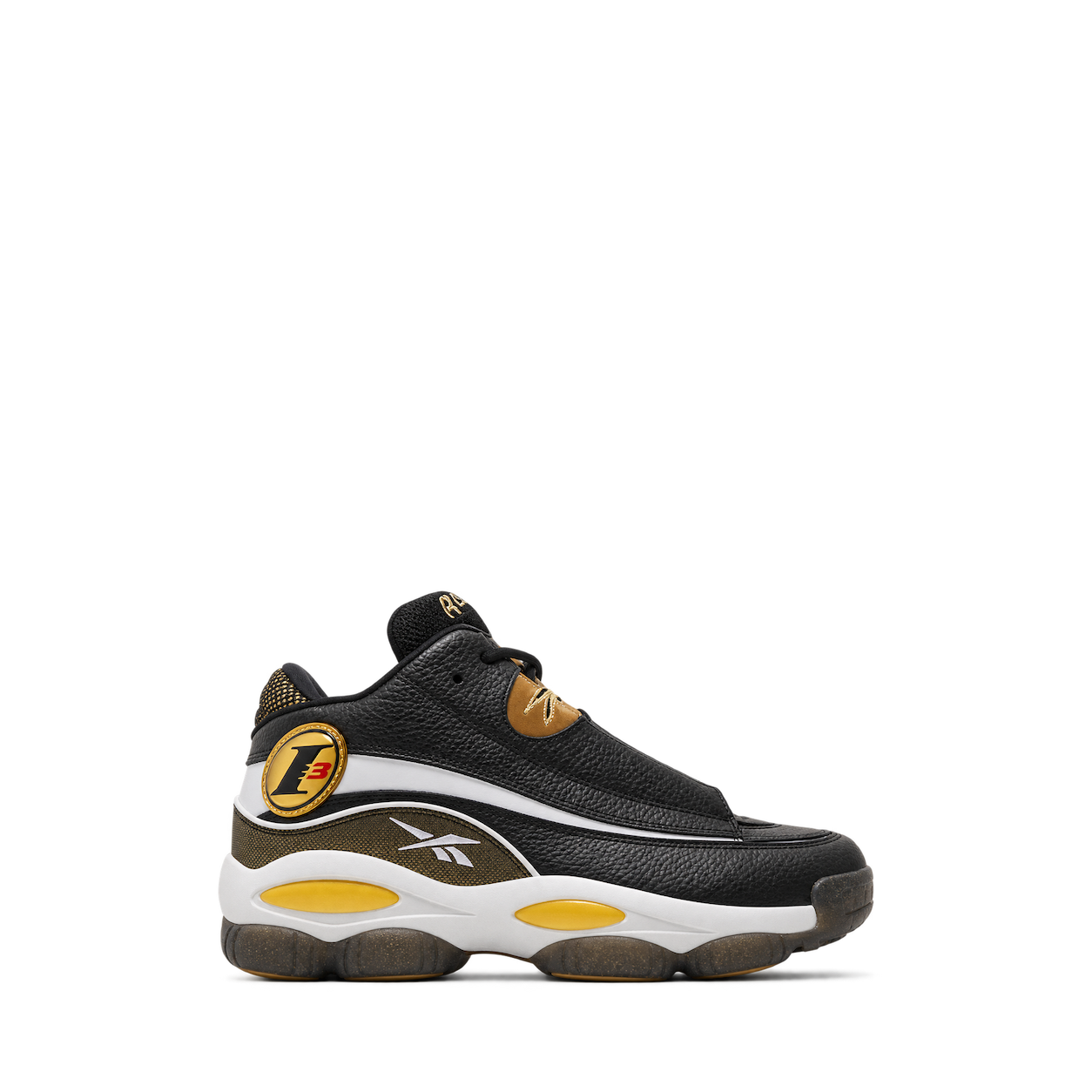
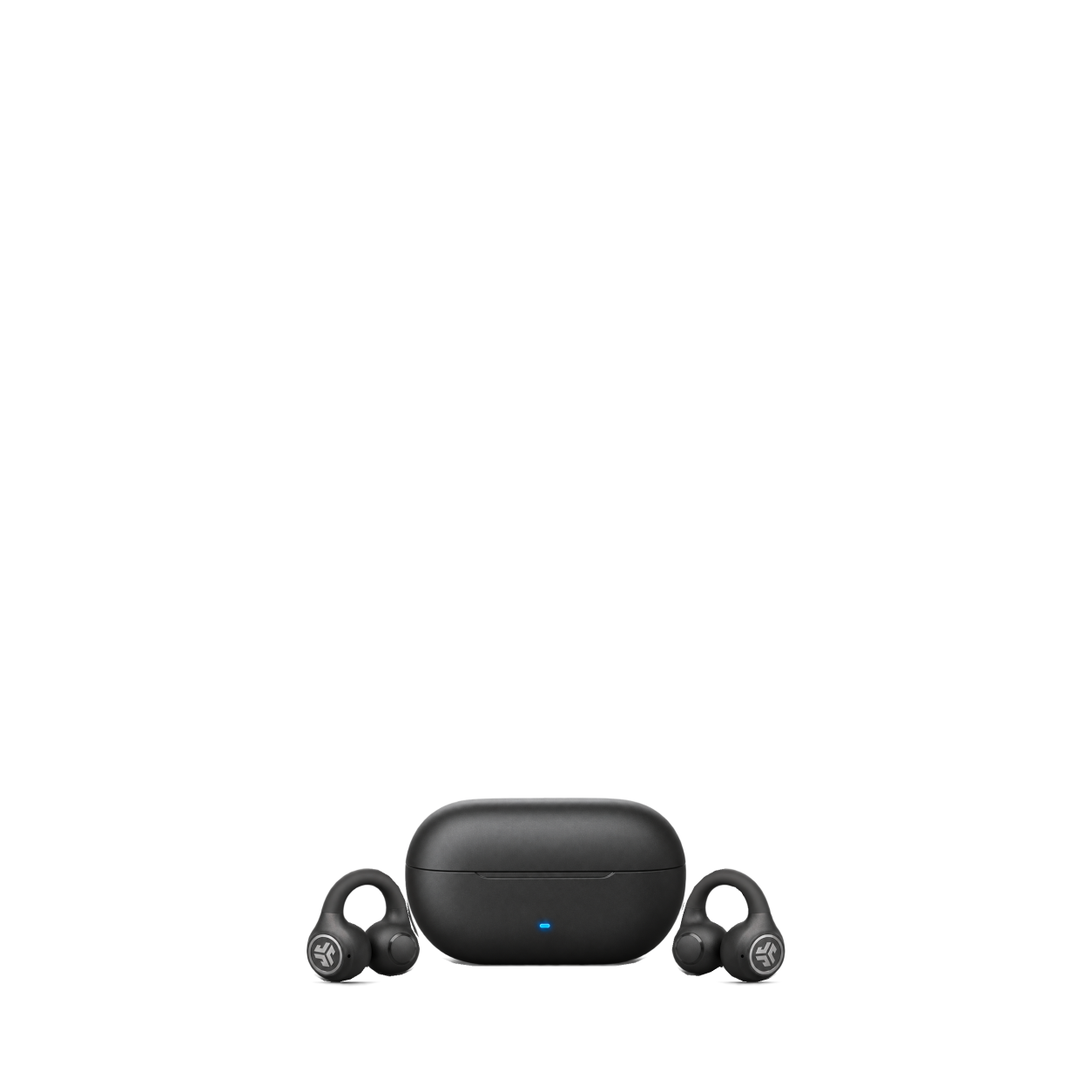


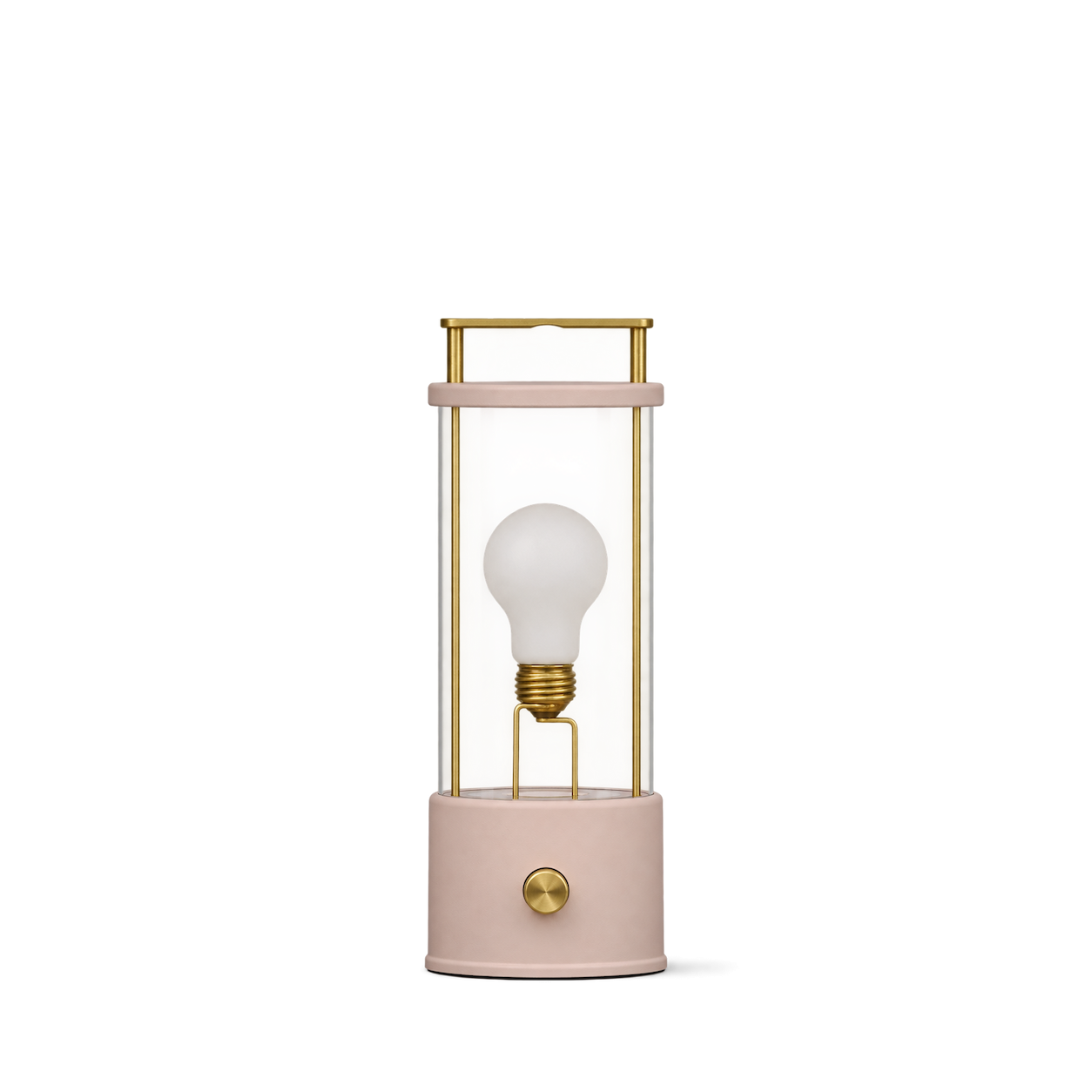

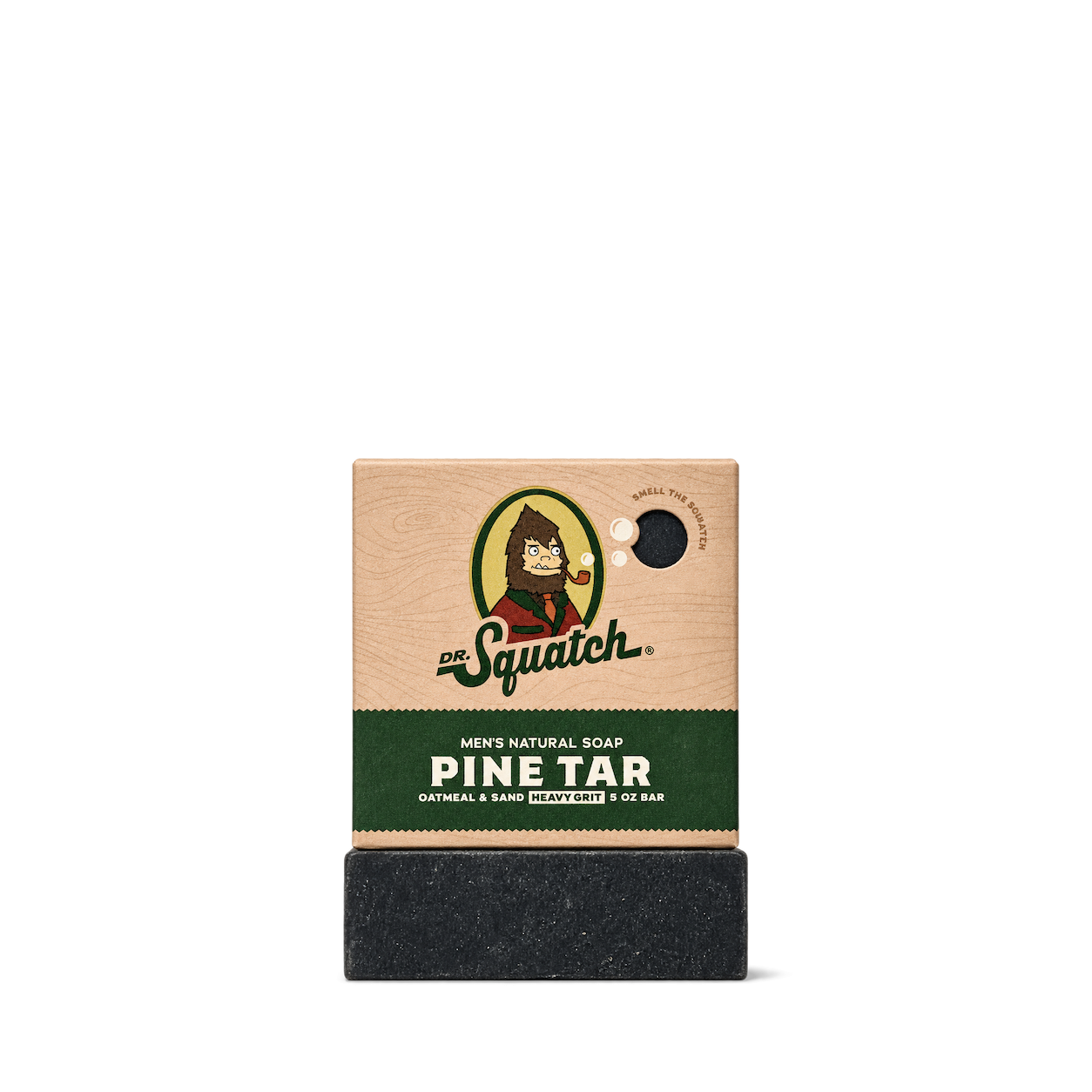


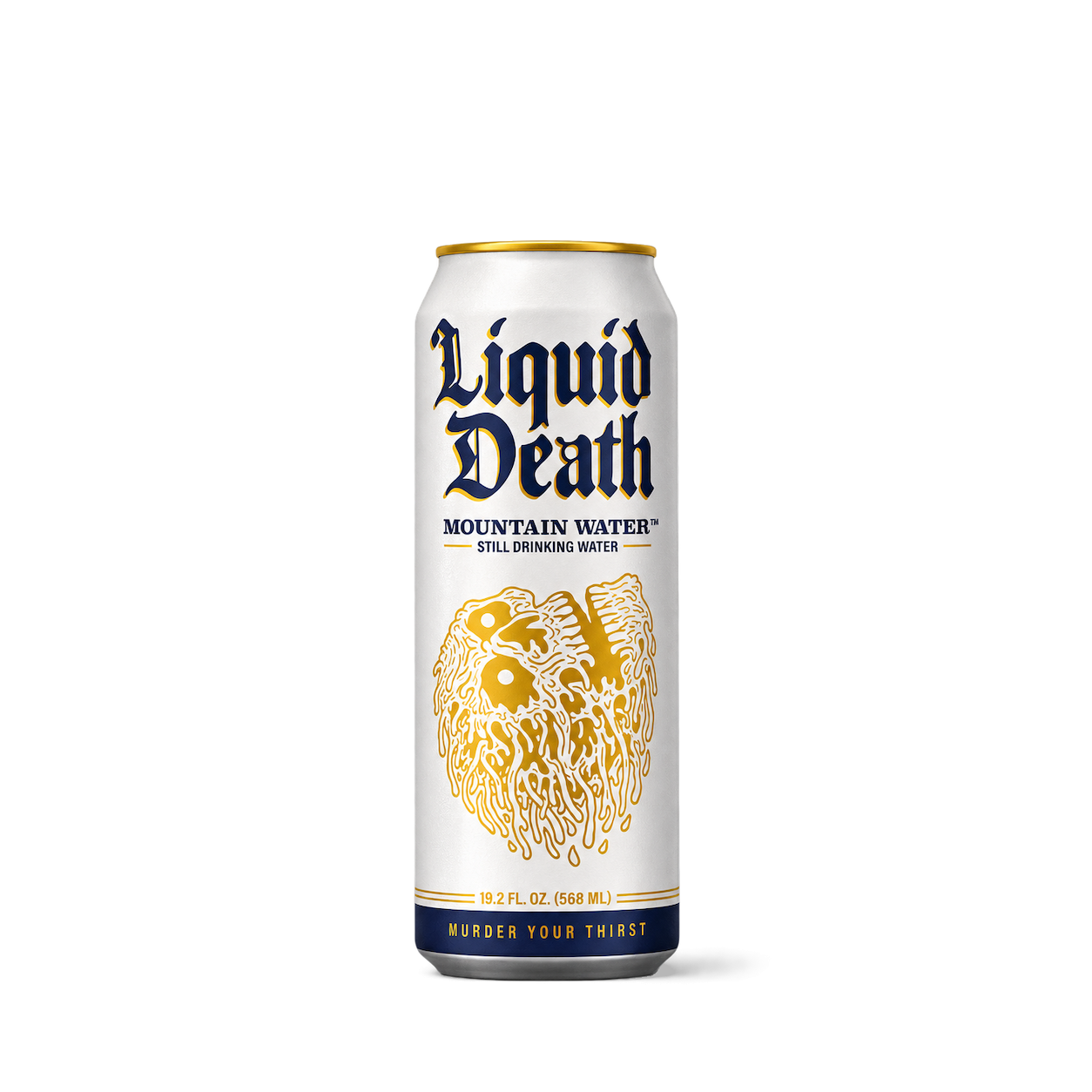
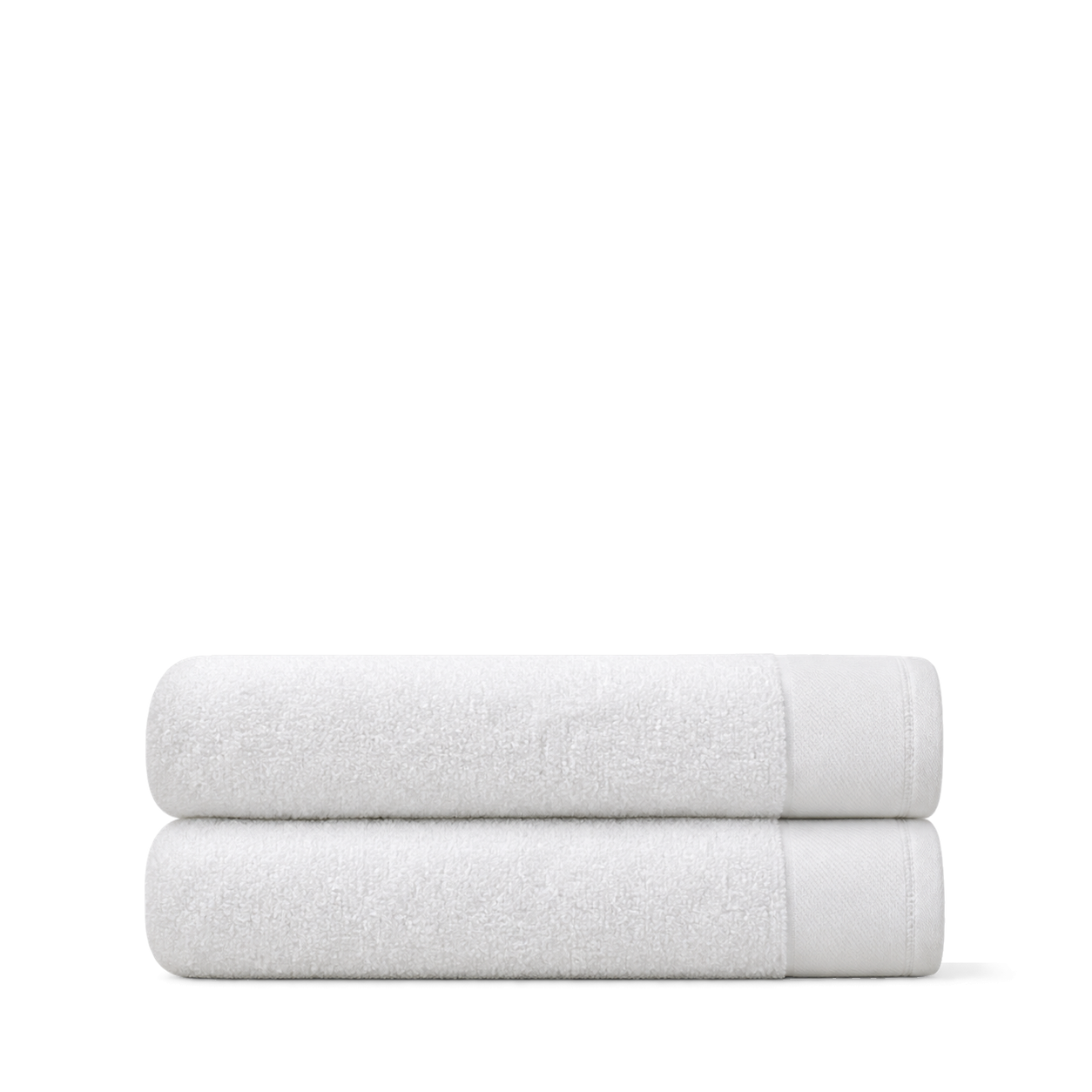






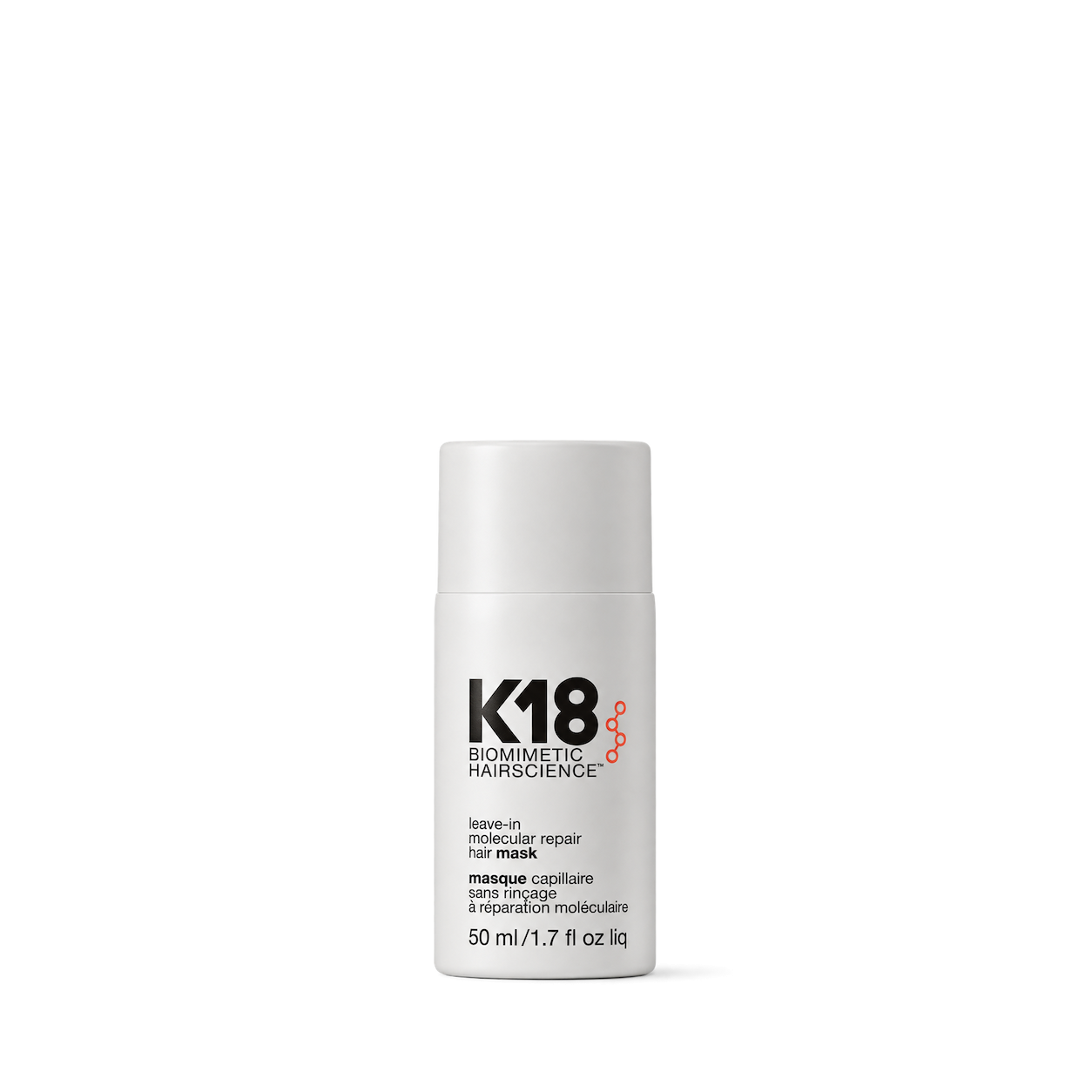
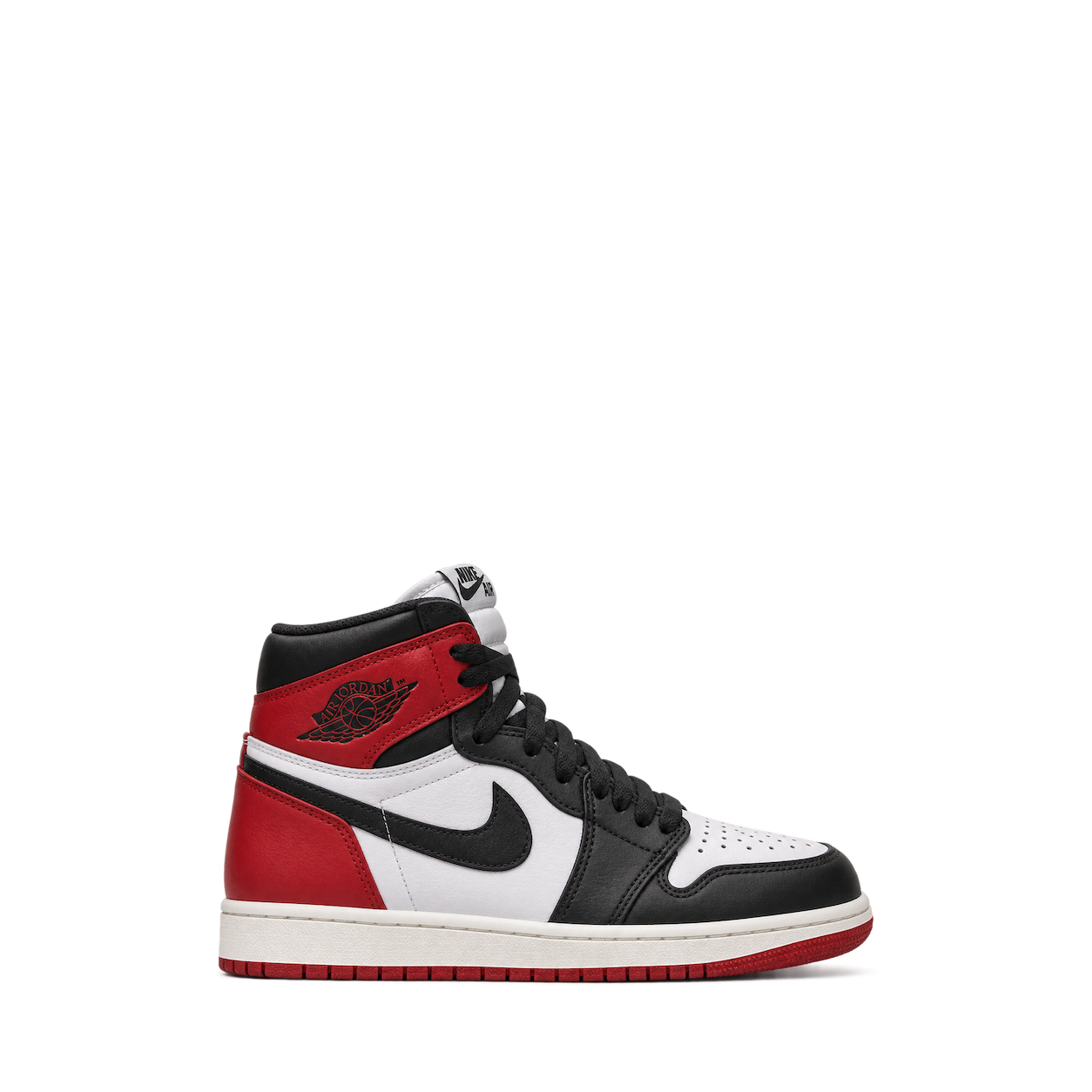
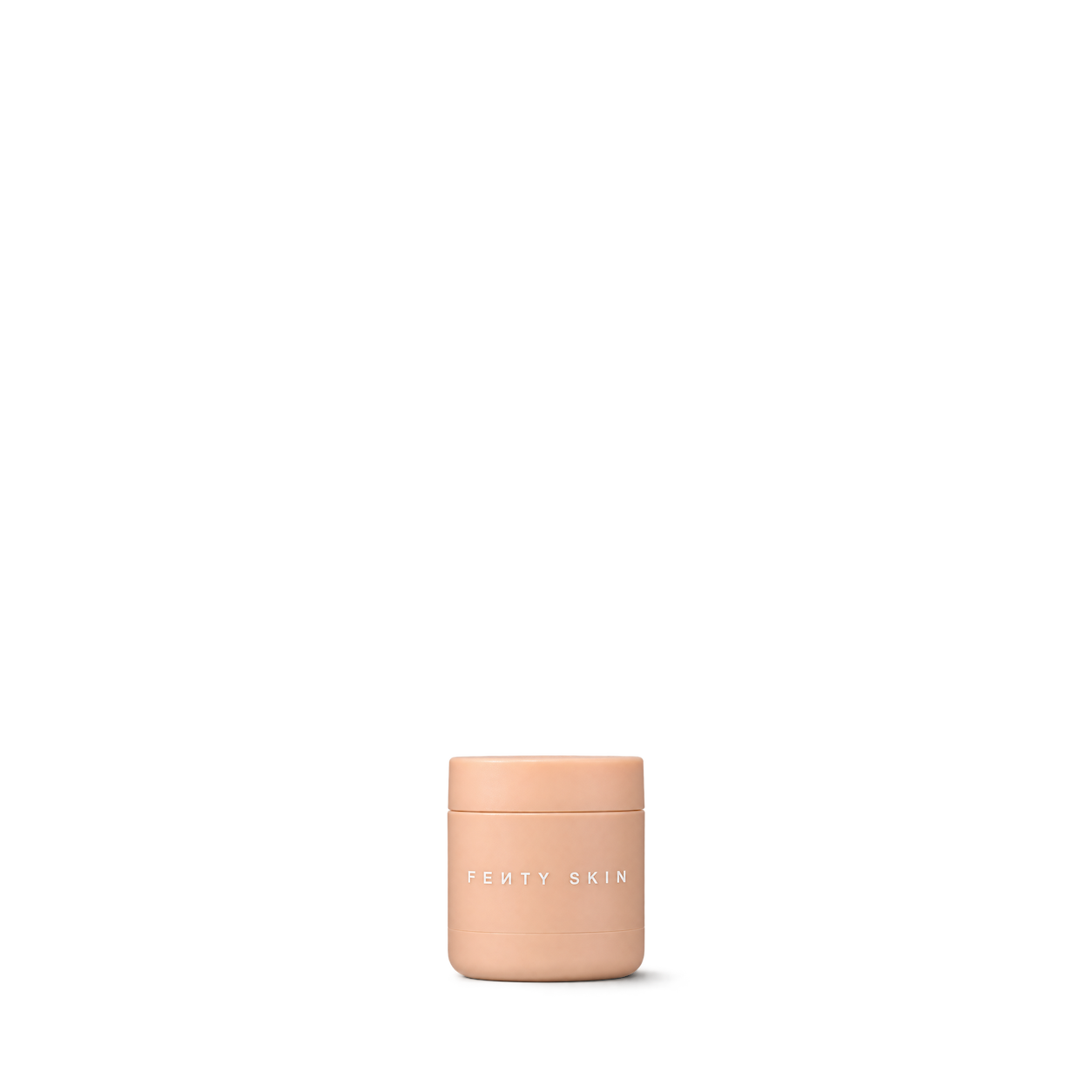
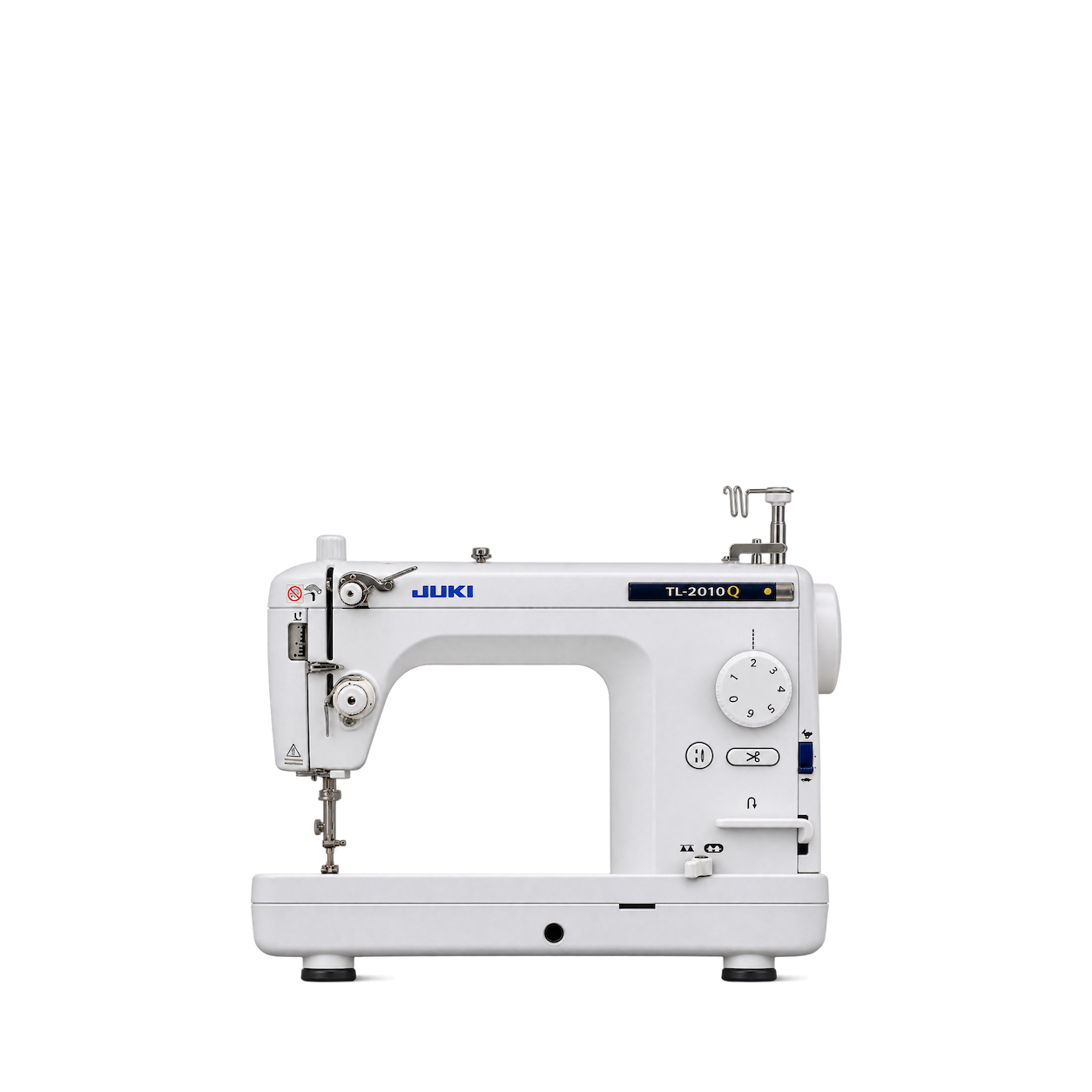








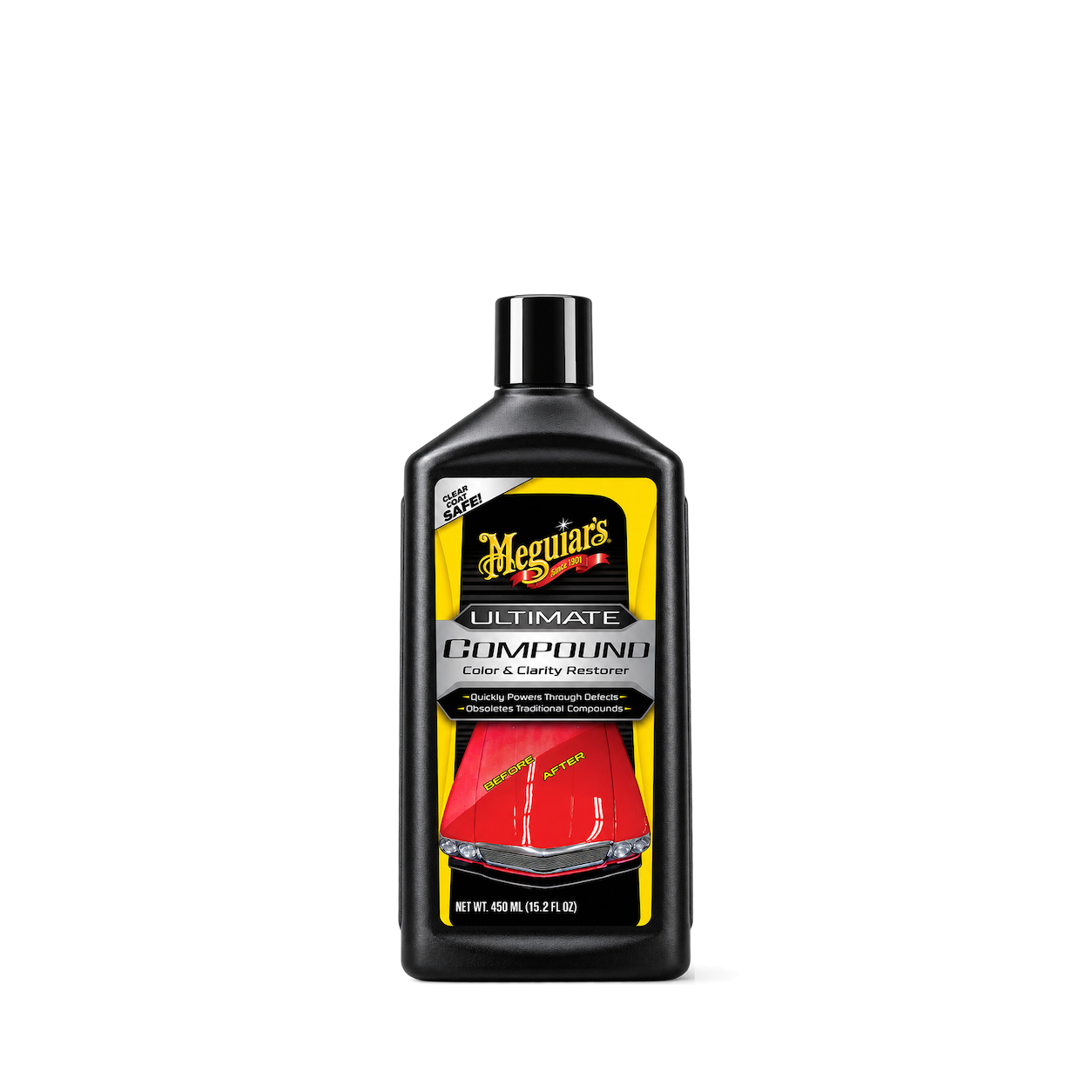

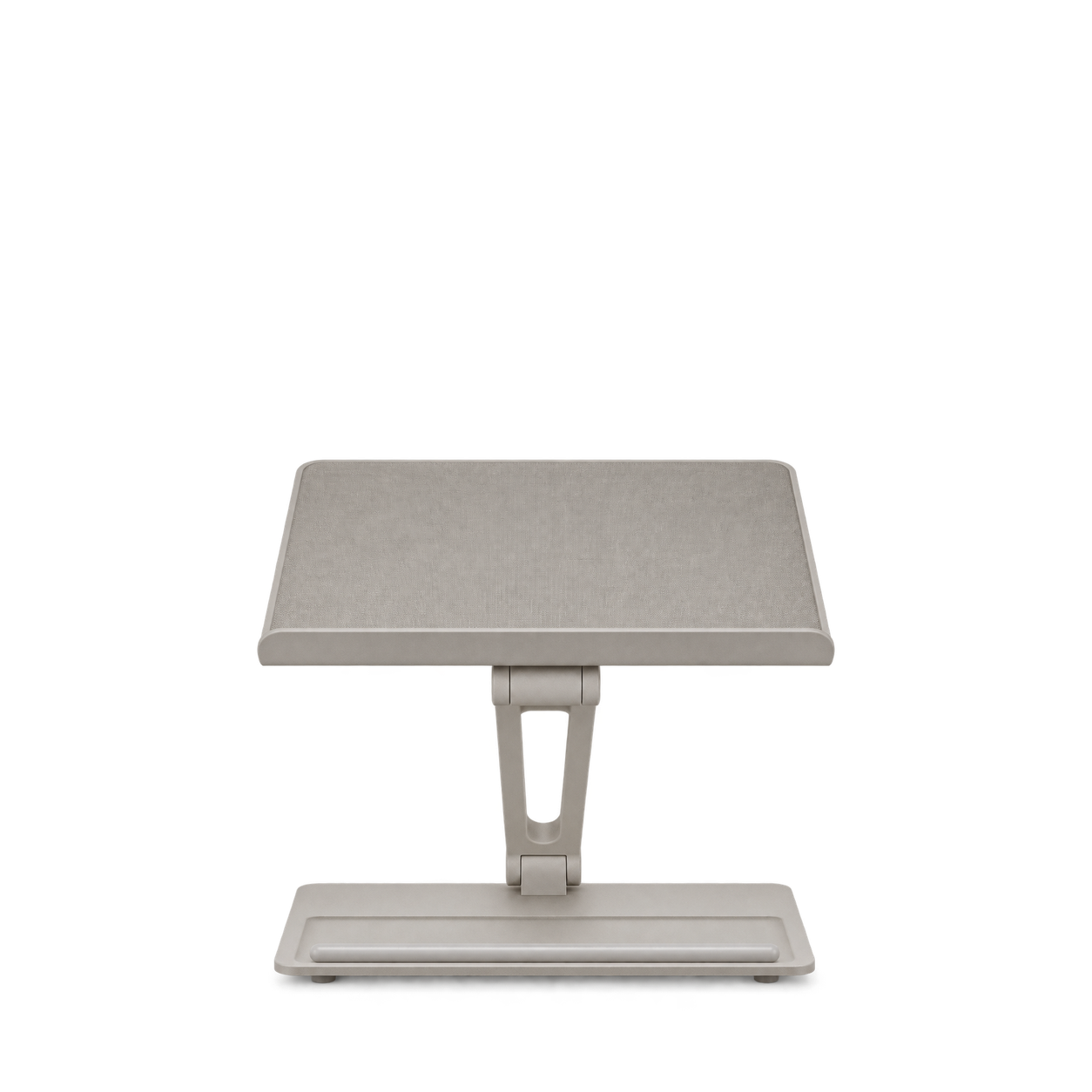
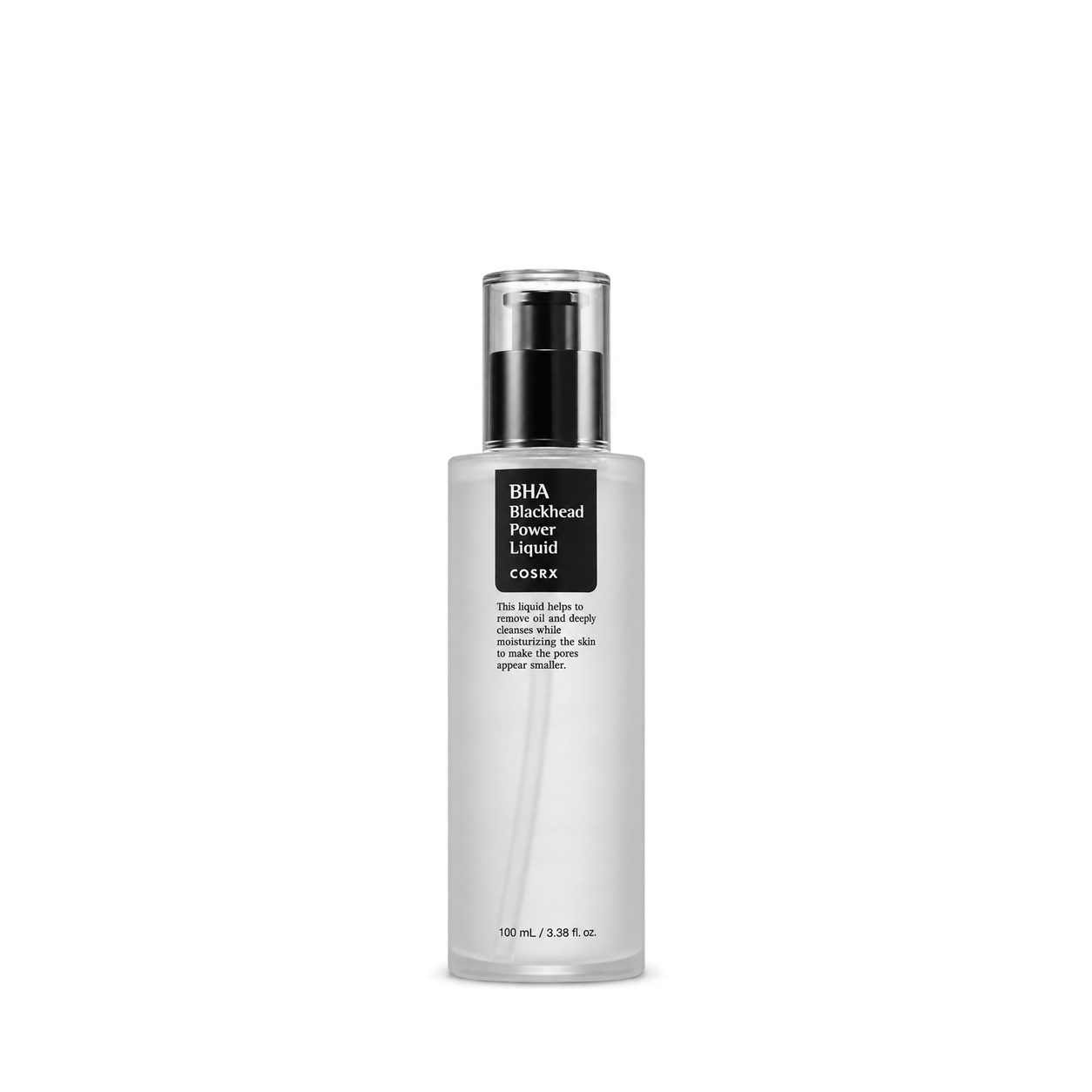


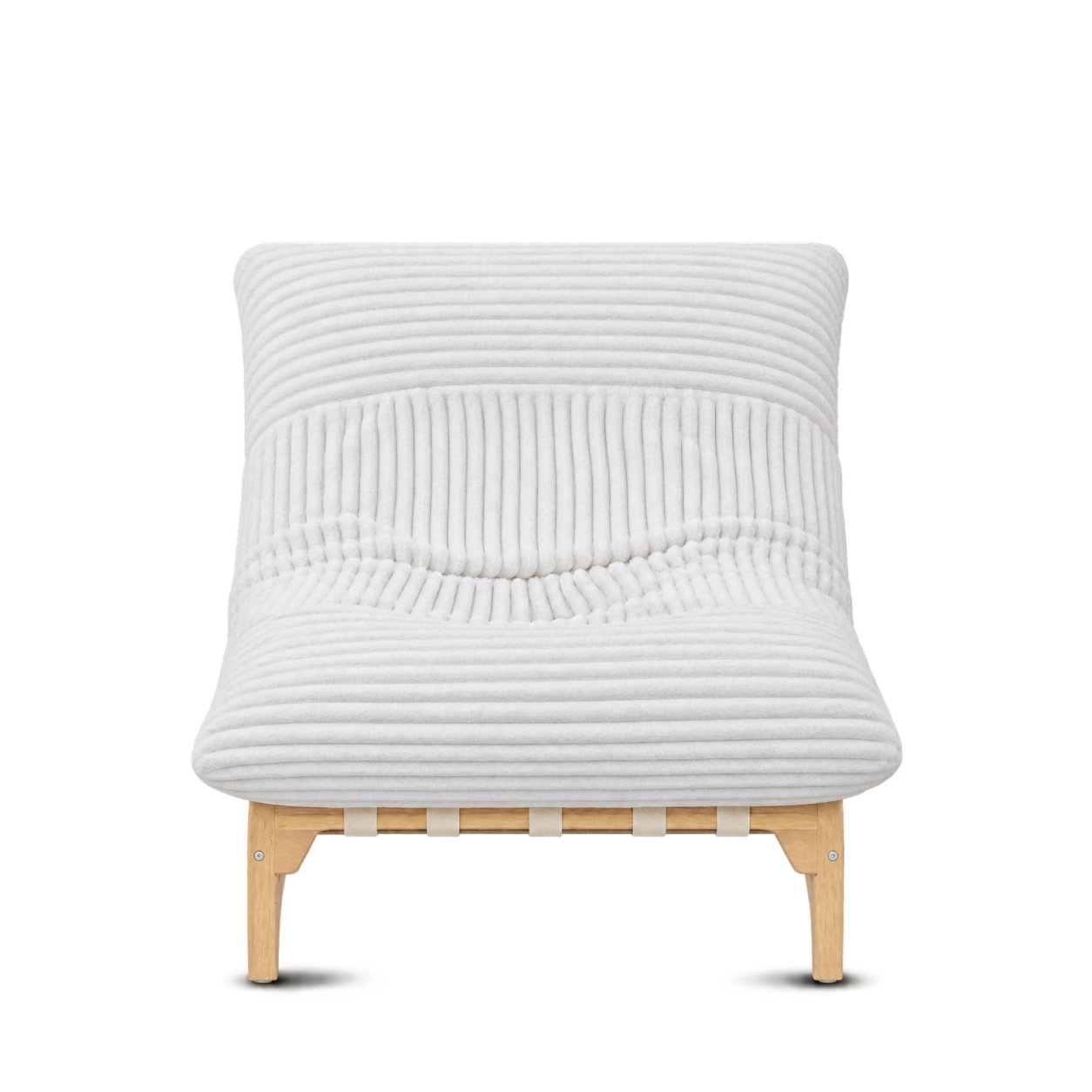


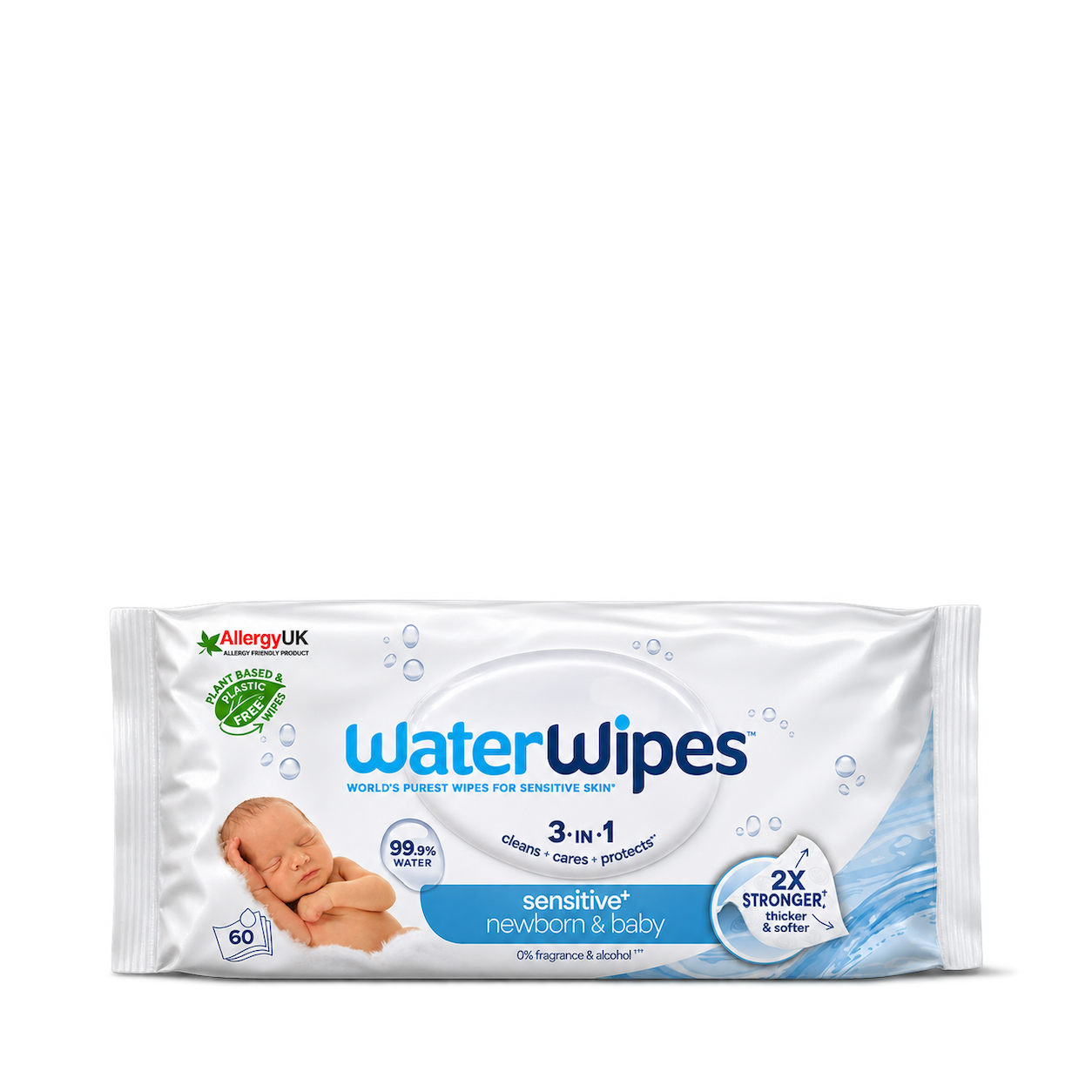


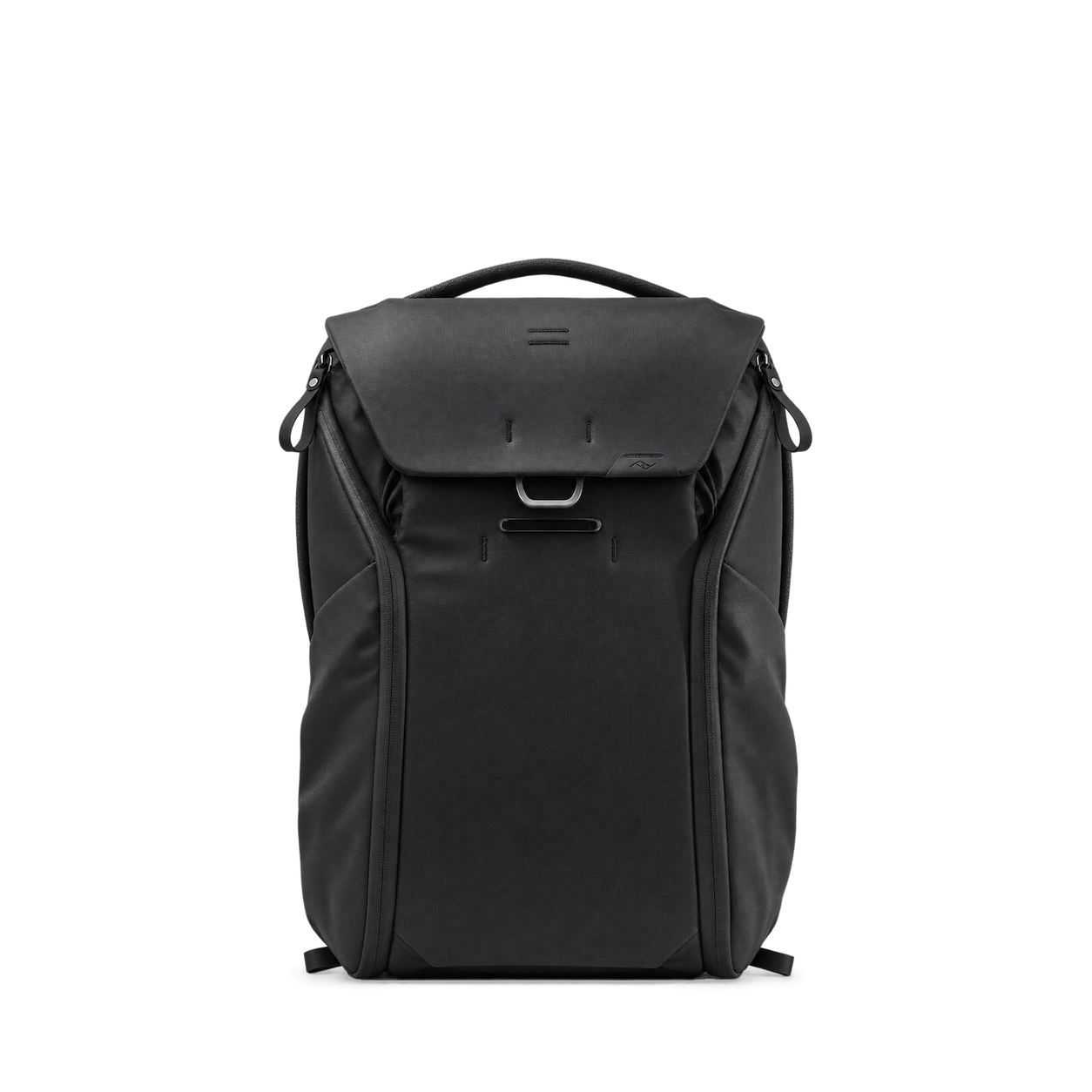

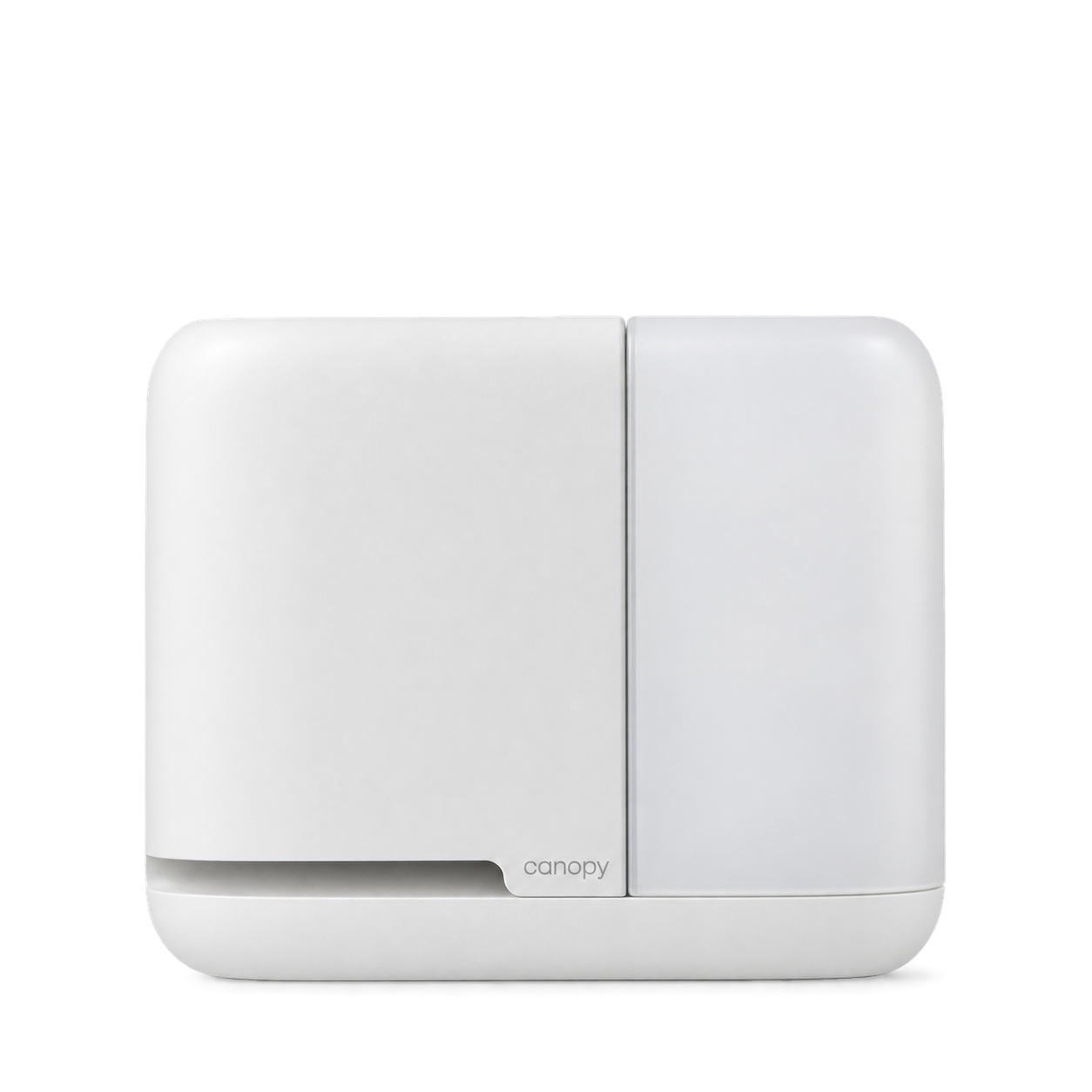


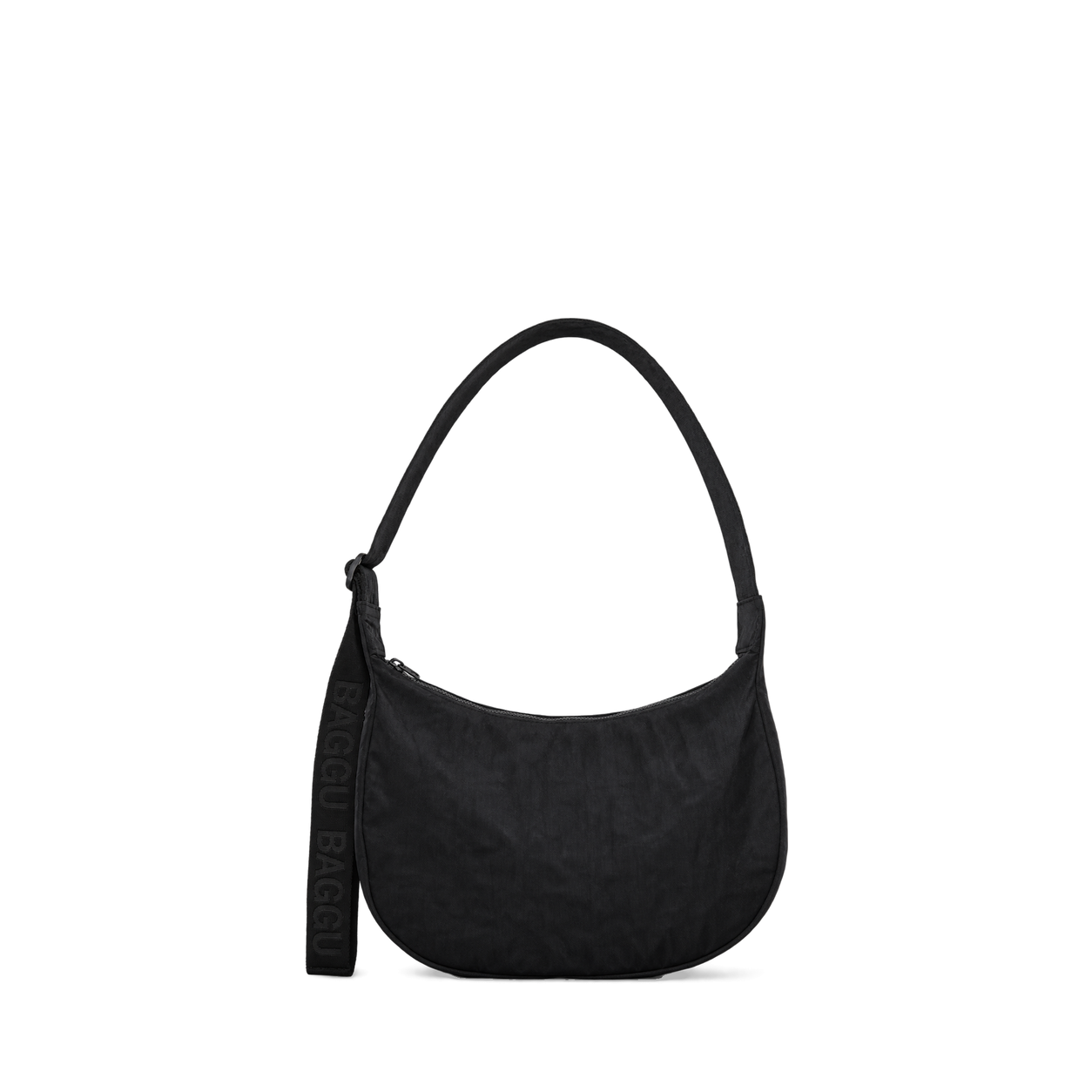

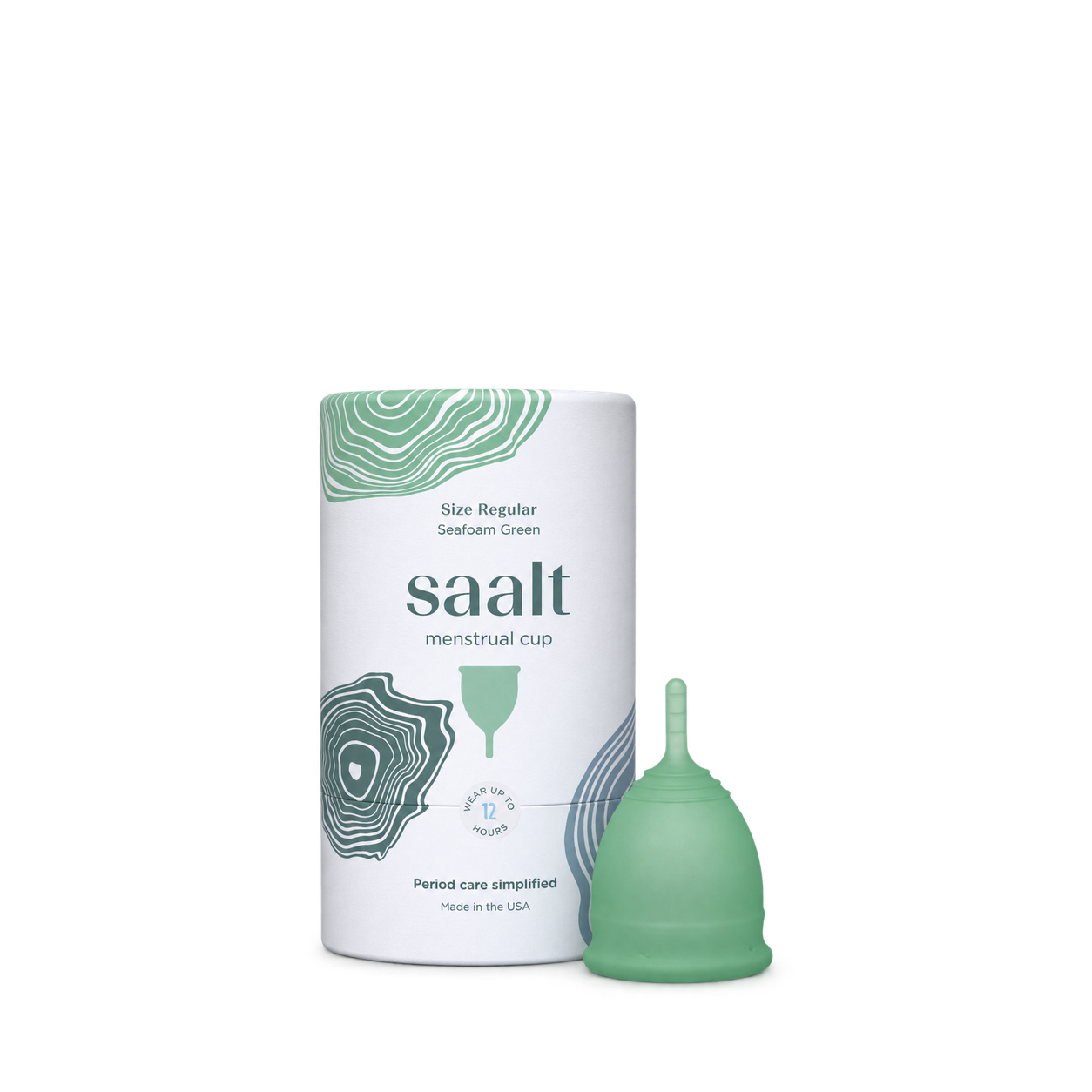
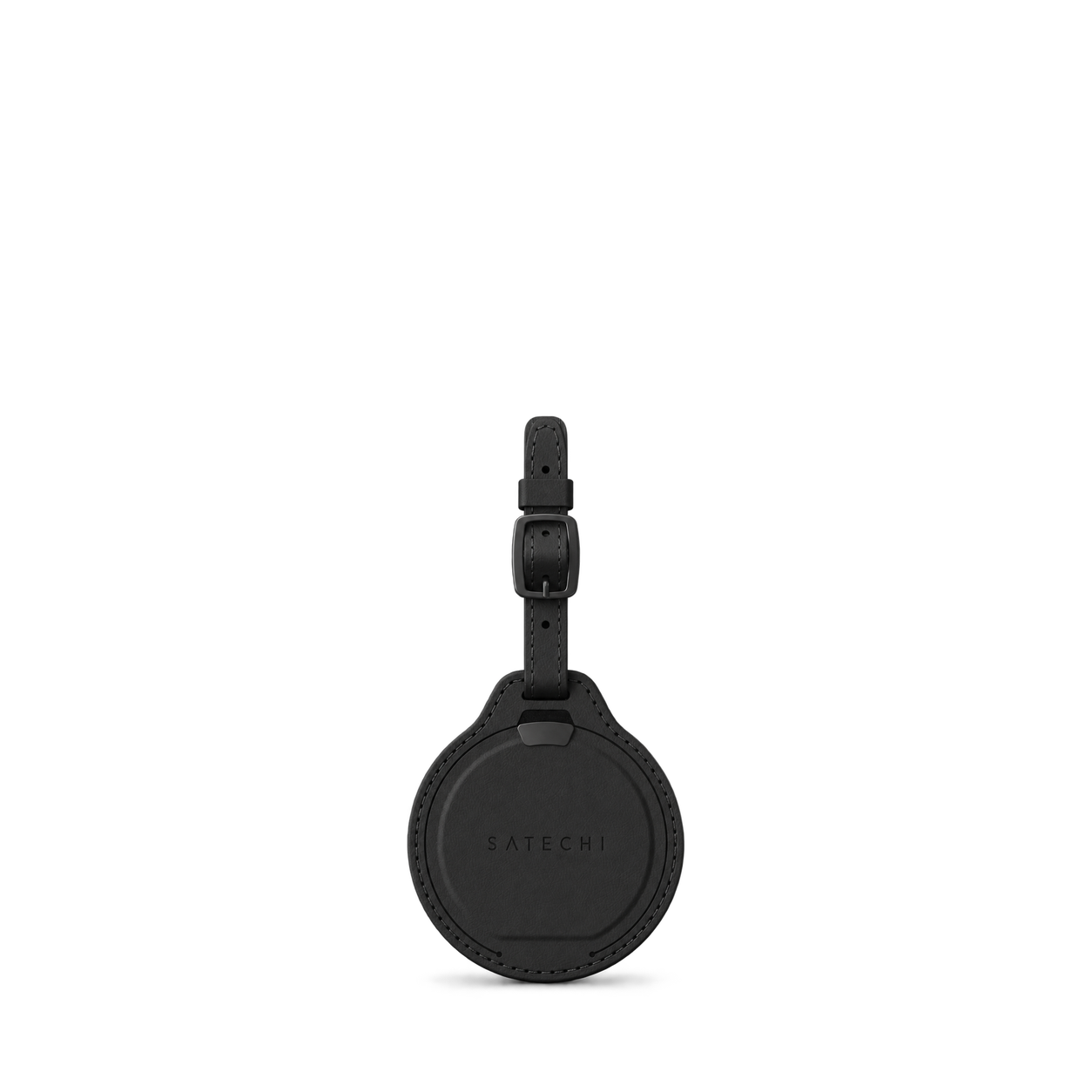


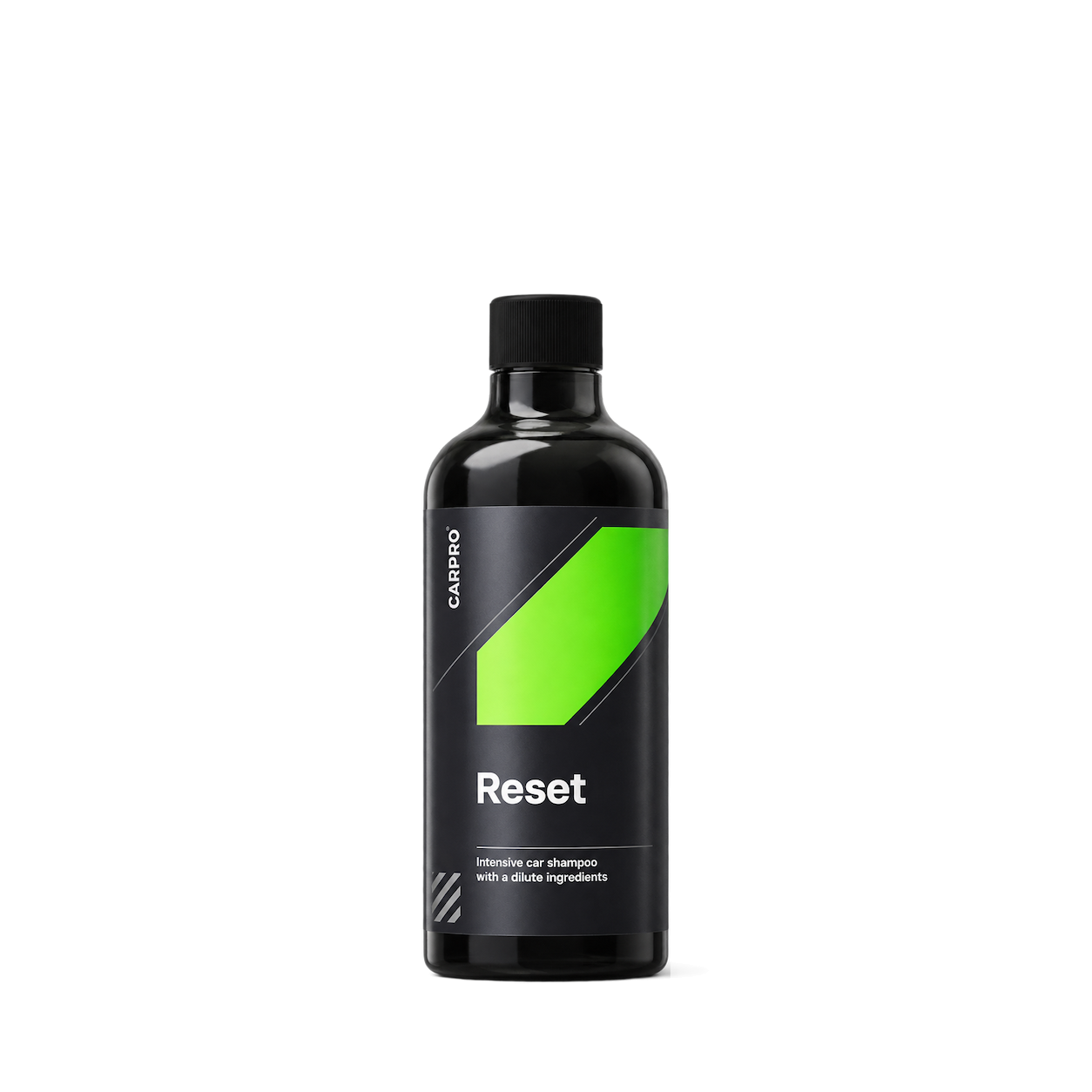
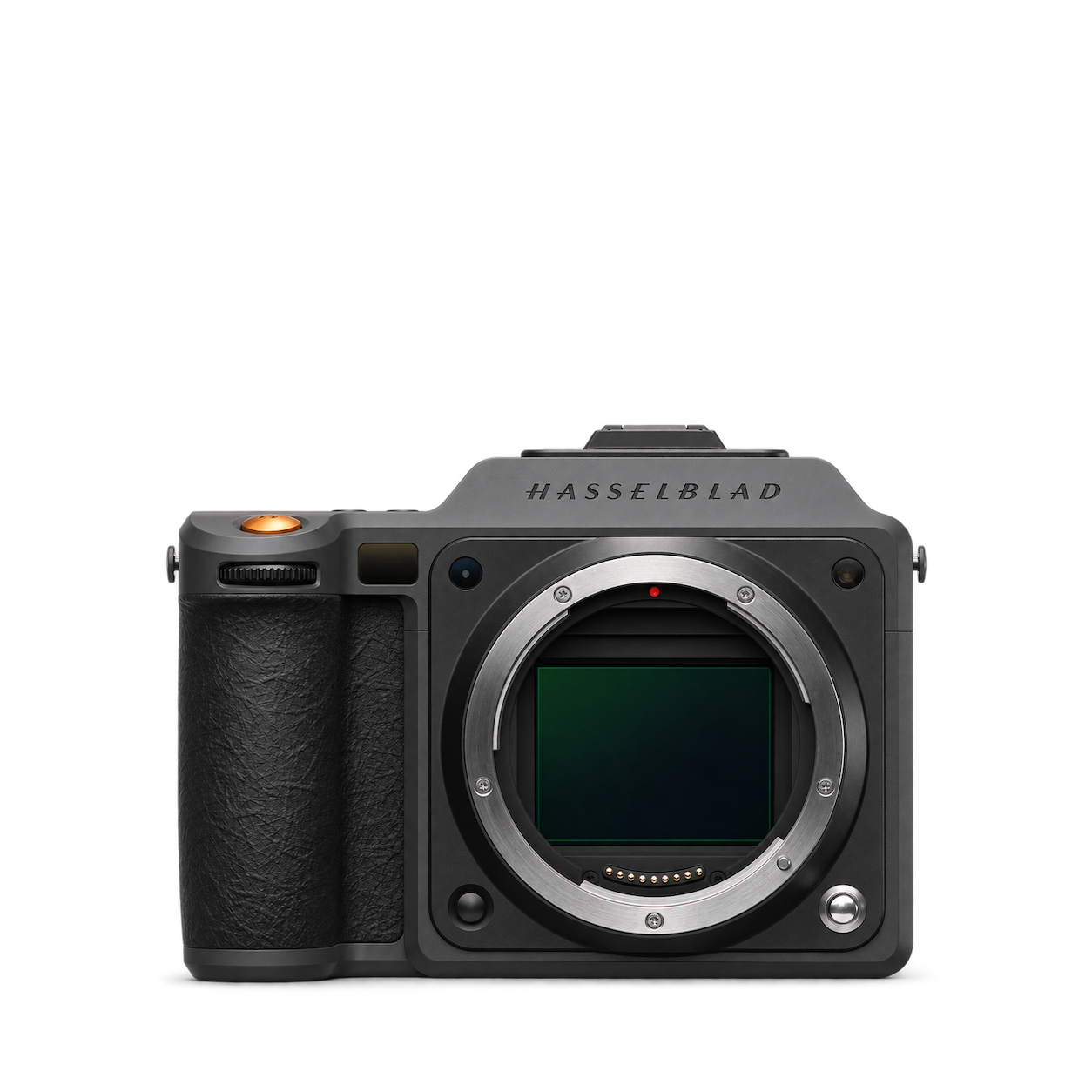
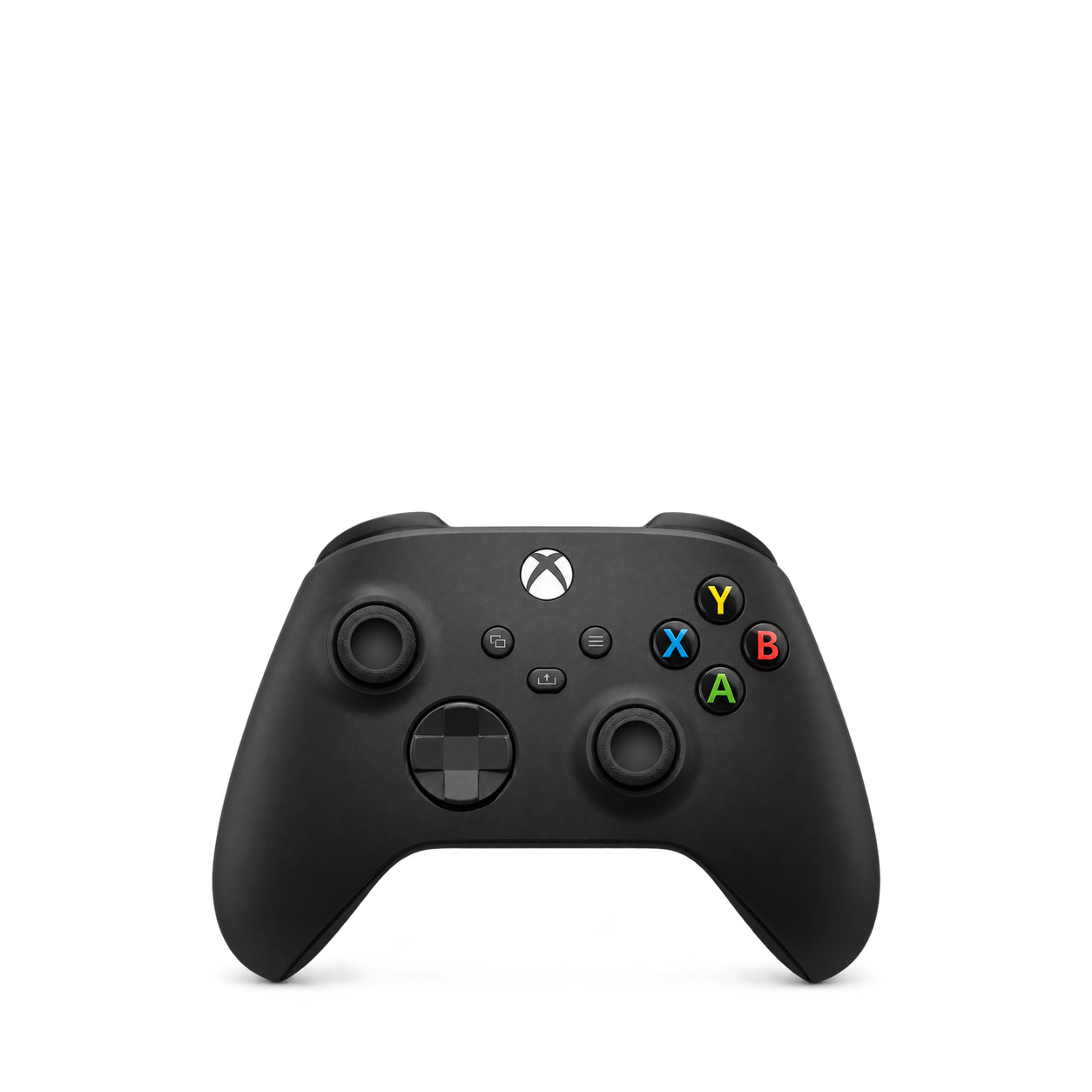
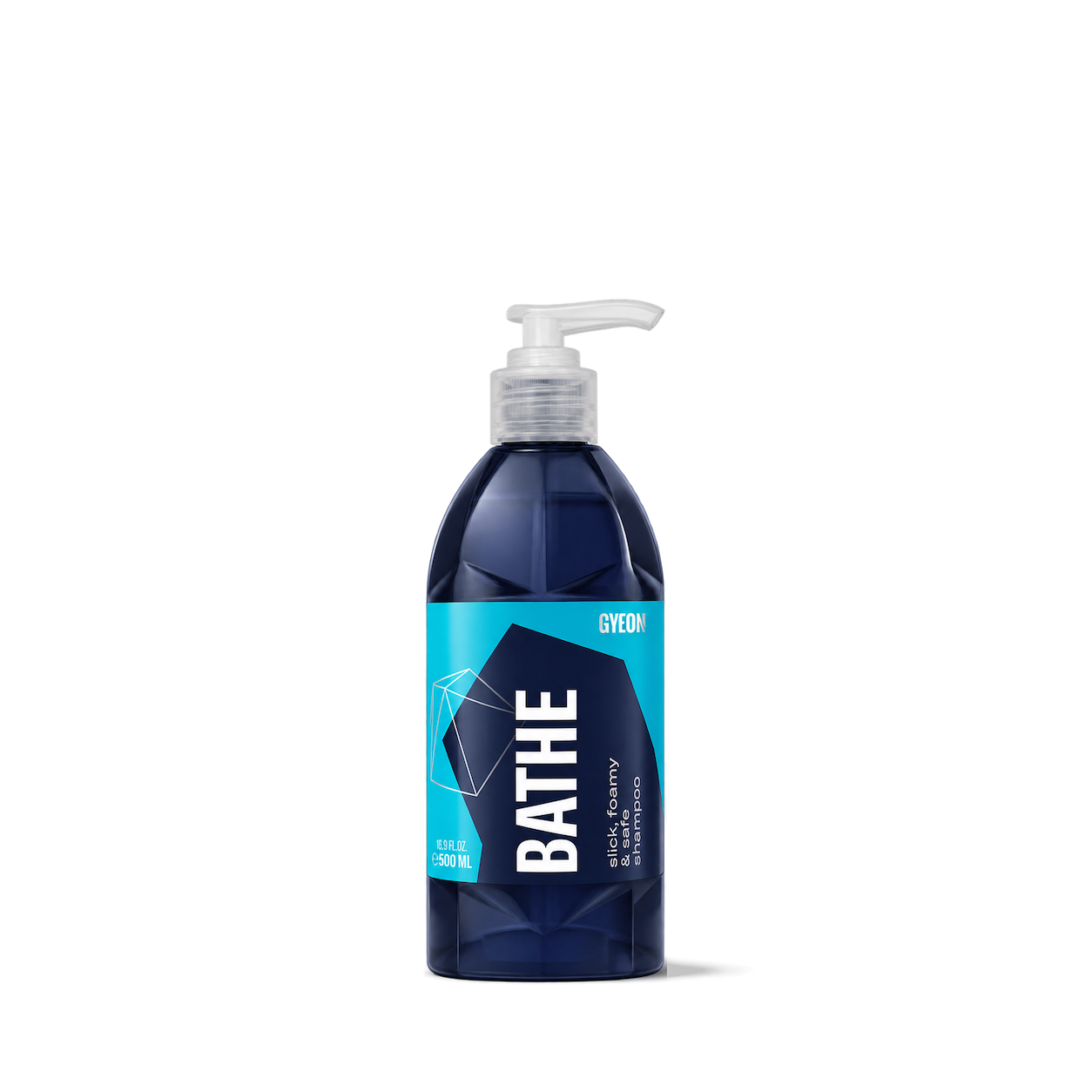

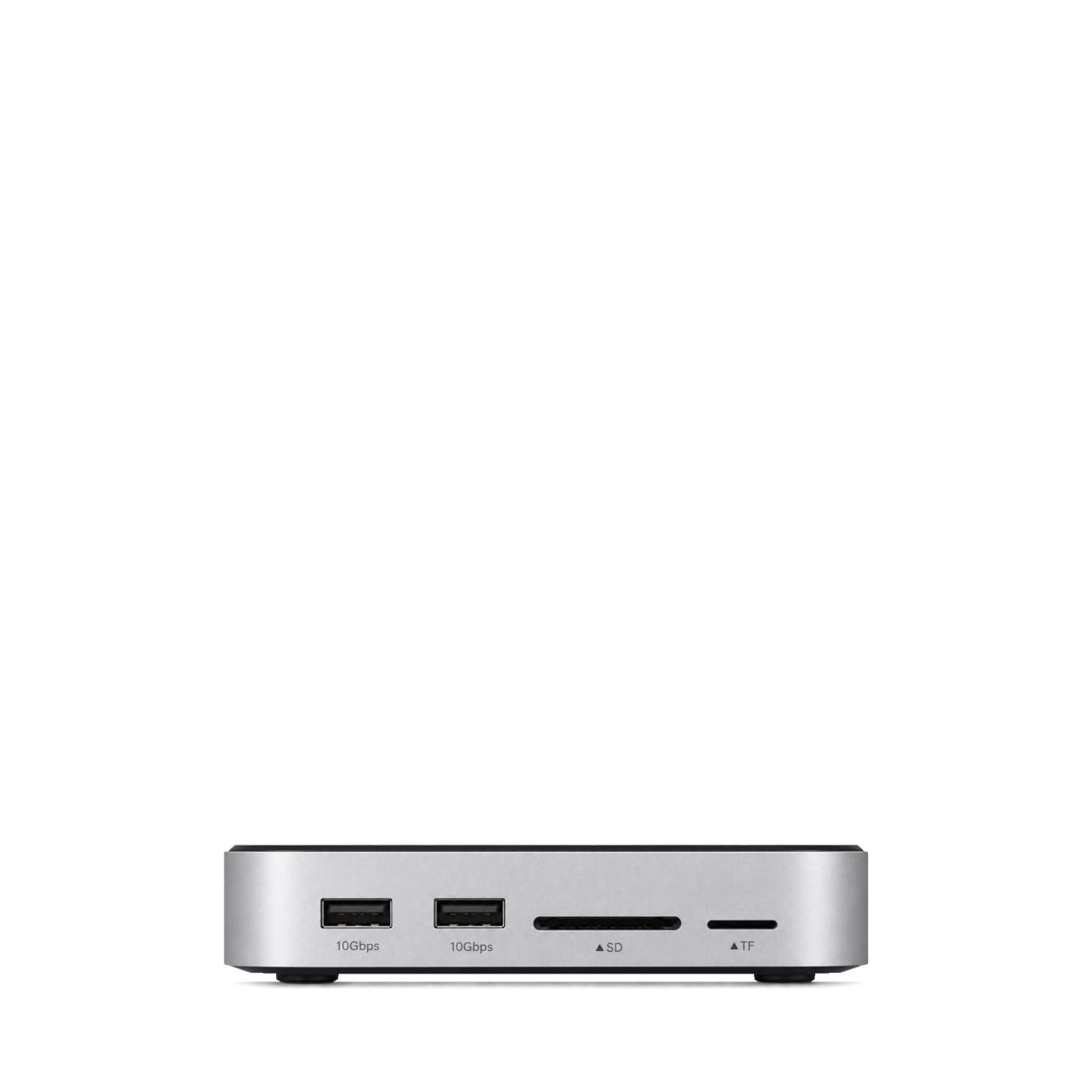
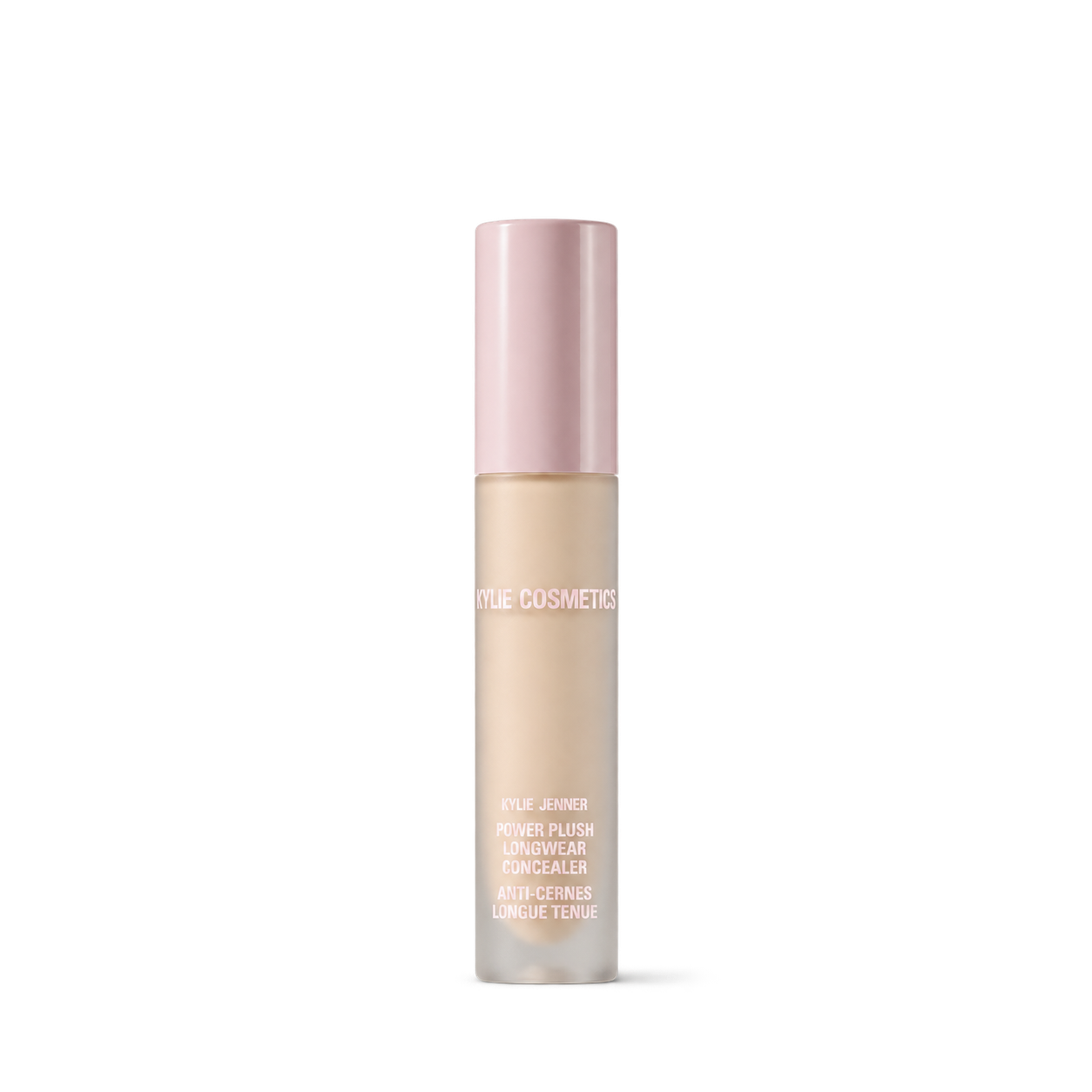
The Official MCP For Product Shots
12,572 free product images
For websites, apps, and AI tools.
Find an image
CollectionsTap an image to view details and get the free PNG.
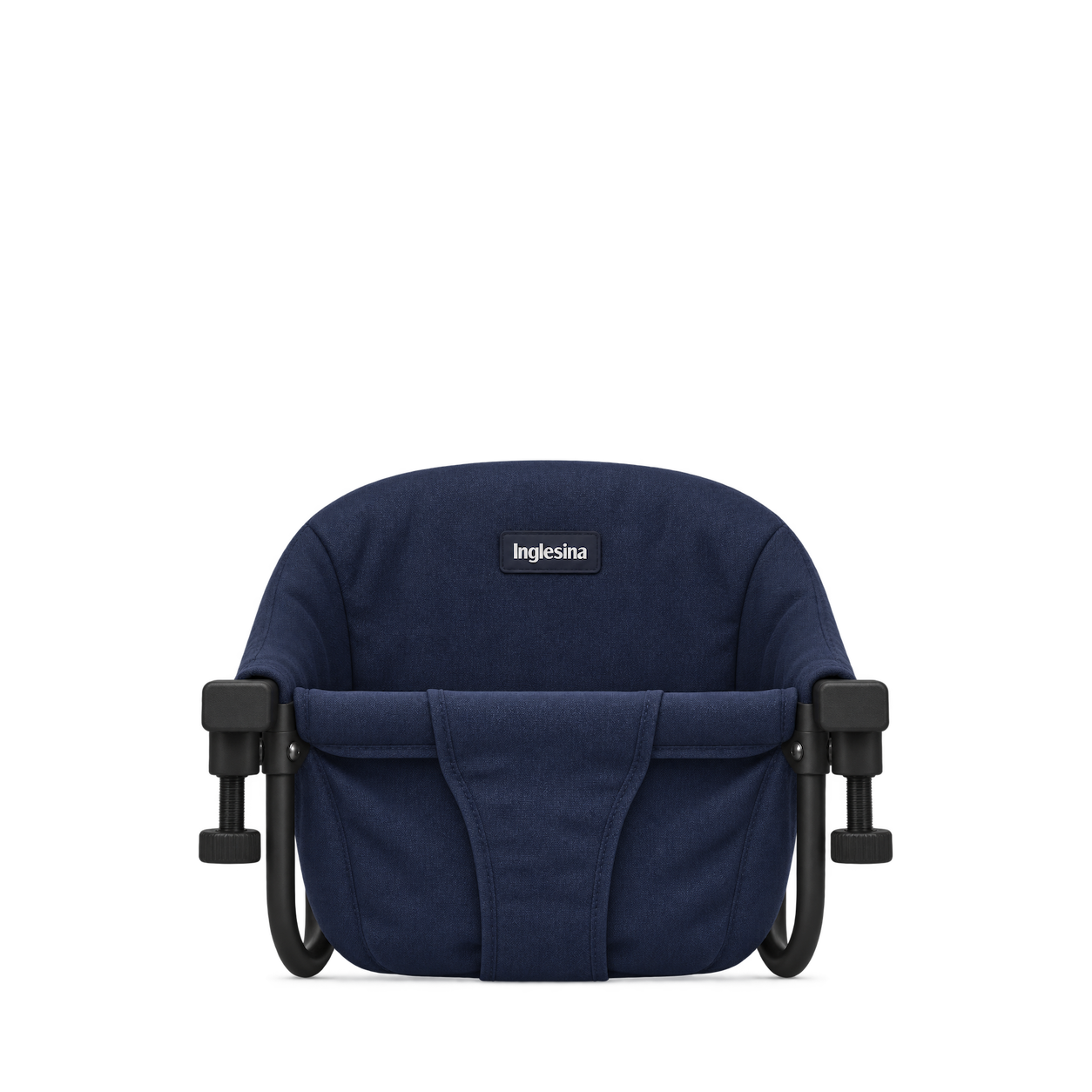
Inglesina
Fast Table Chair Navy
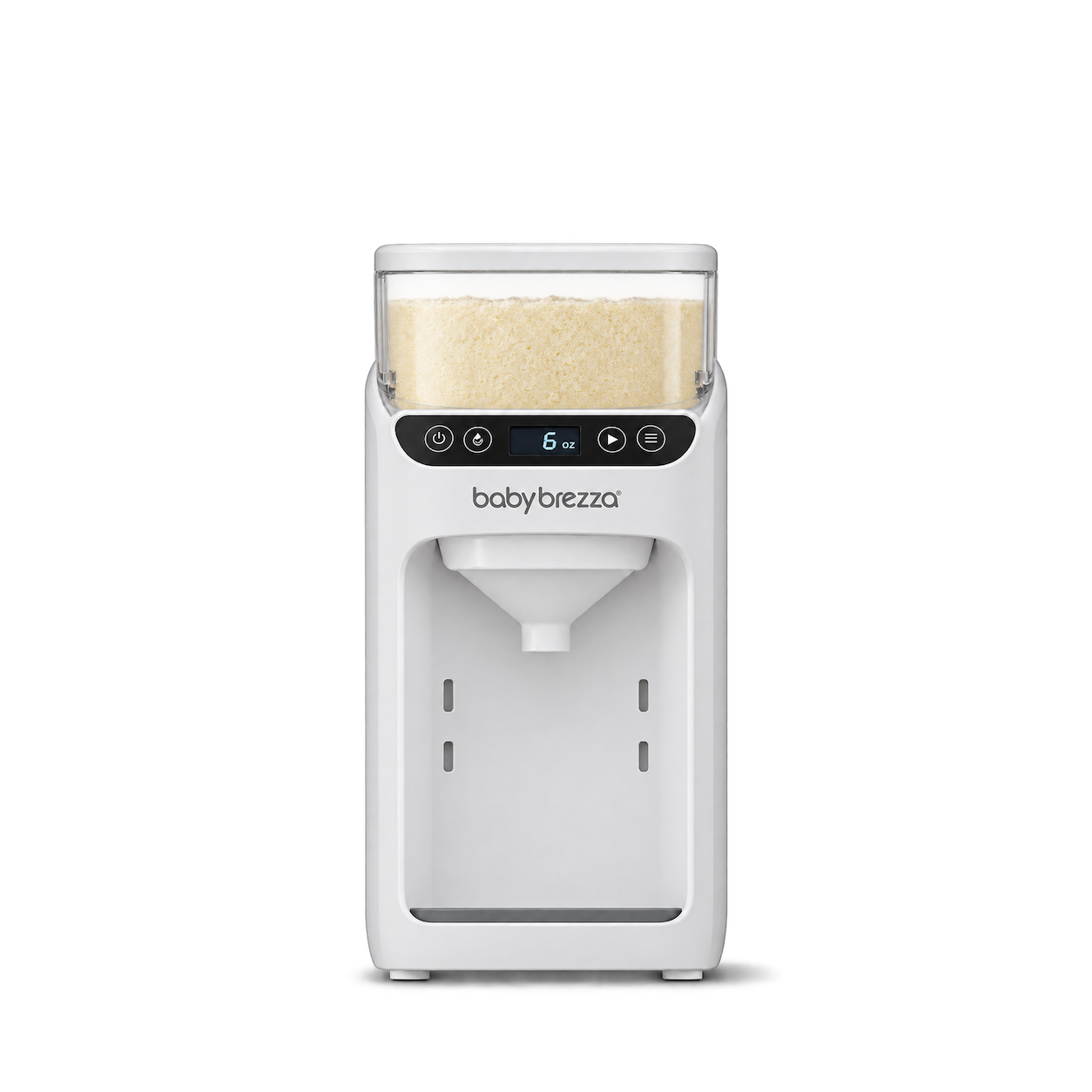
Baby Brezza
Formula Pro Advanced White
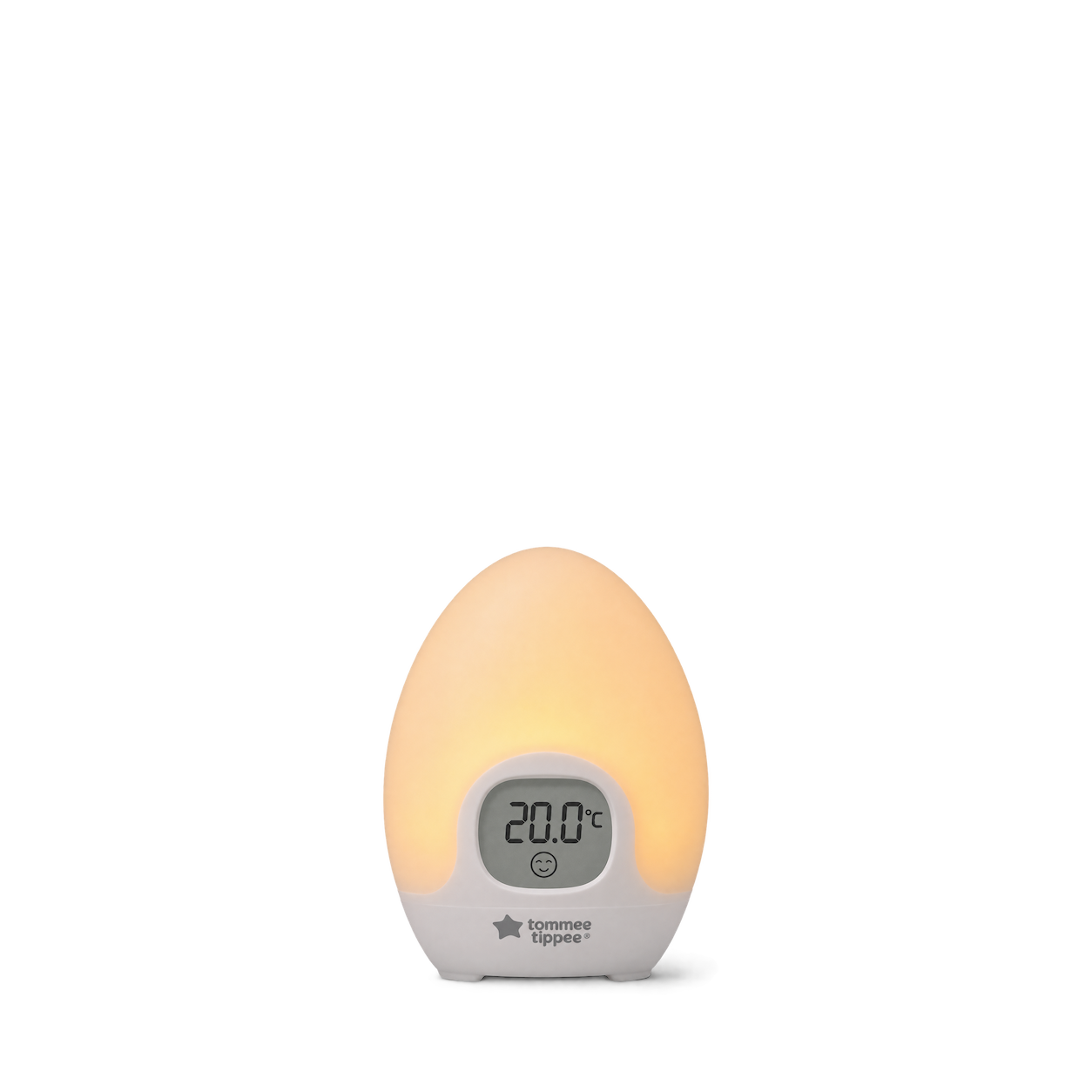
Tommee Tippee
Groegg2 Room Thermometer Night Light
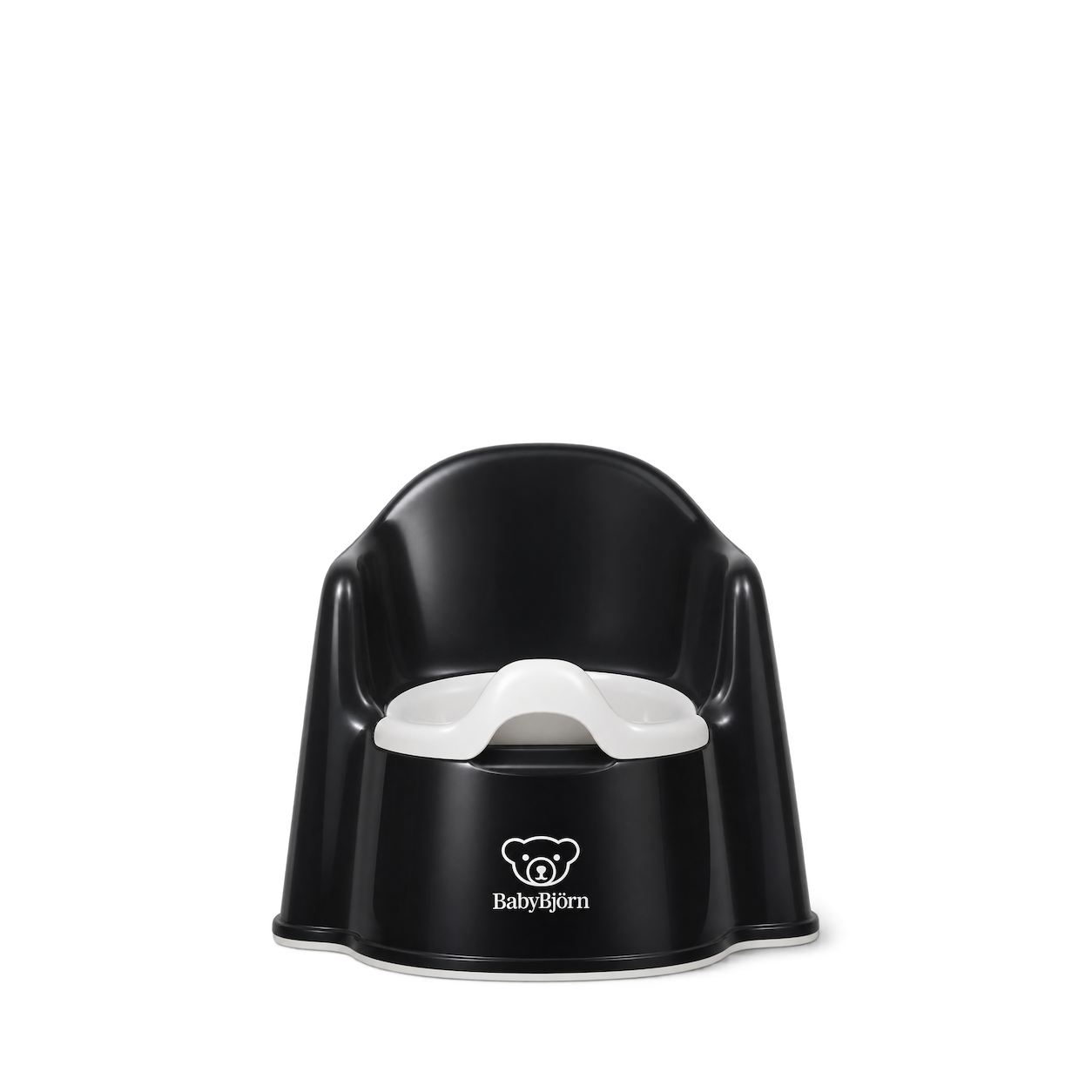
BabyBjörn
Potty Chair Black and White
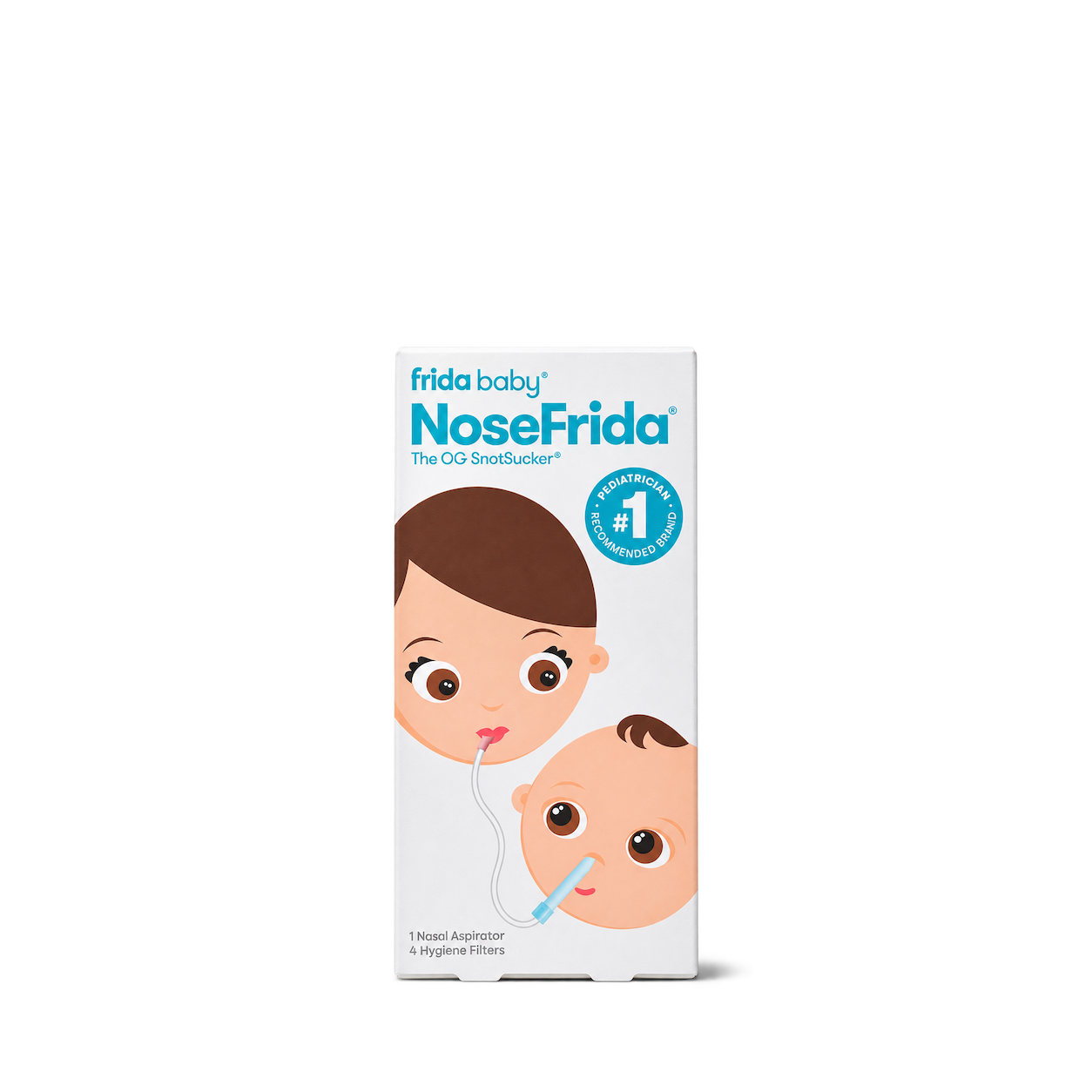
Frida Baby
NoseFrida the Snotsucker
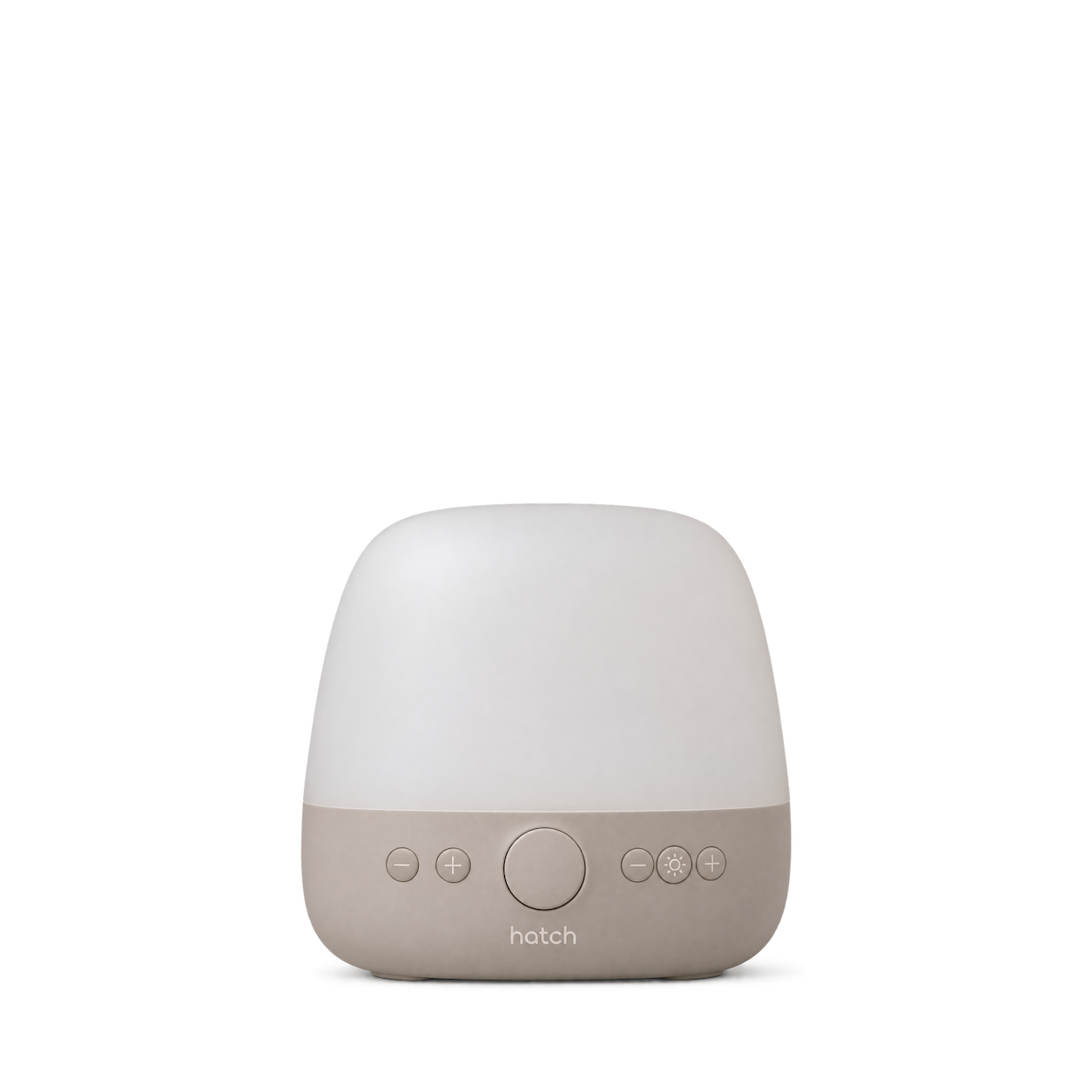
Hatch
Baby Putty
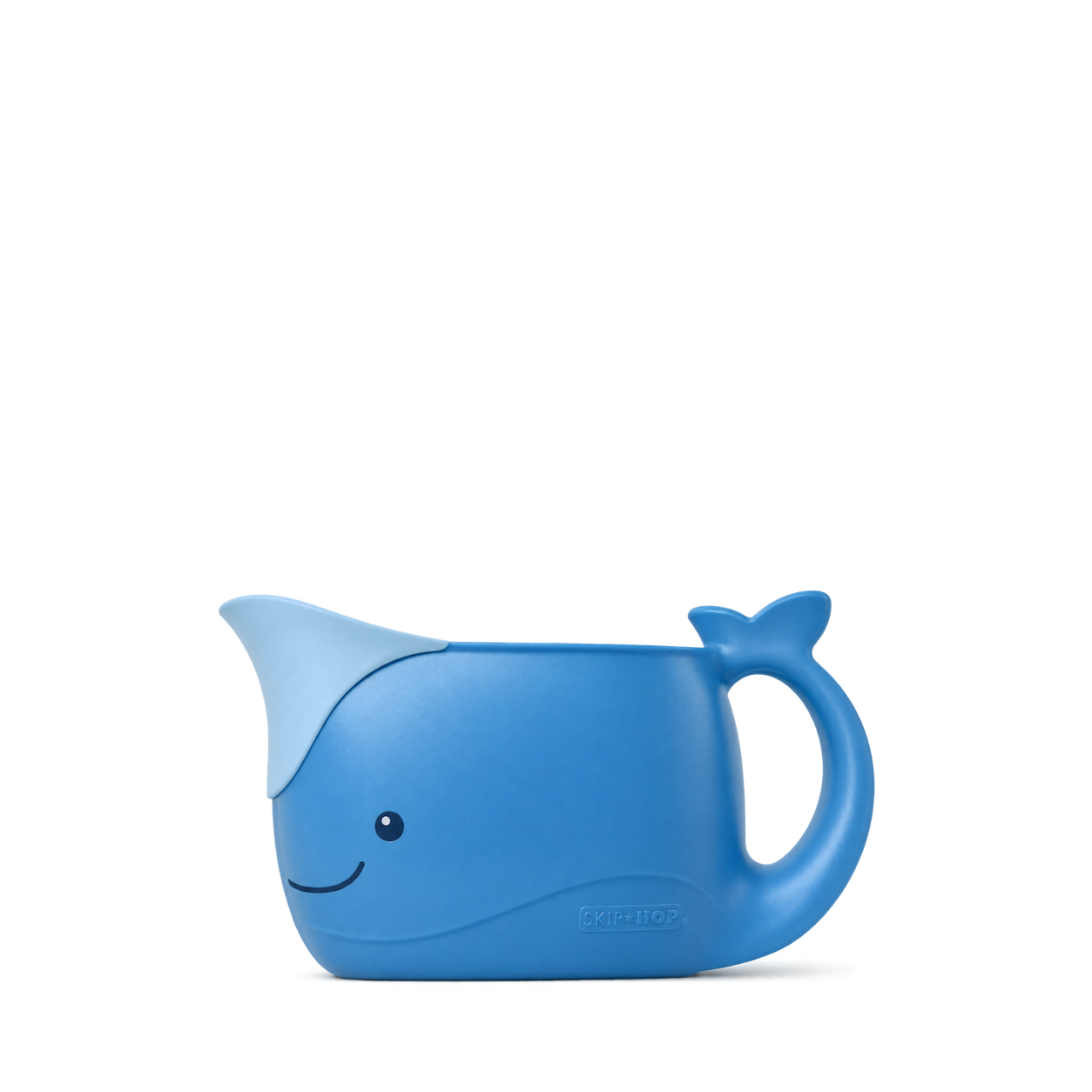
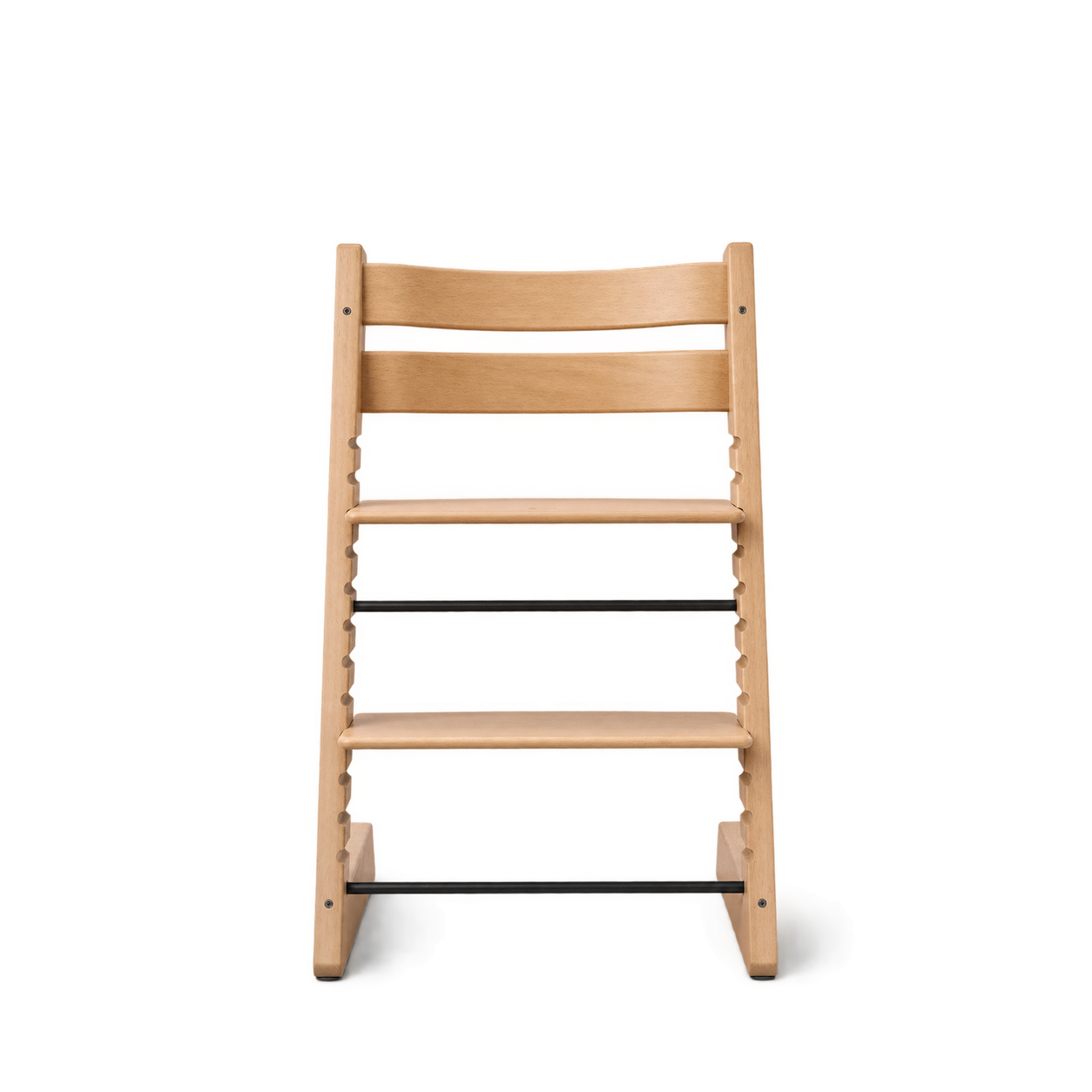
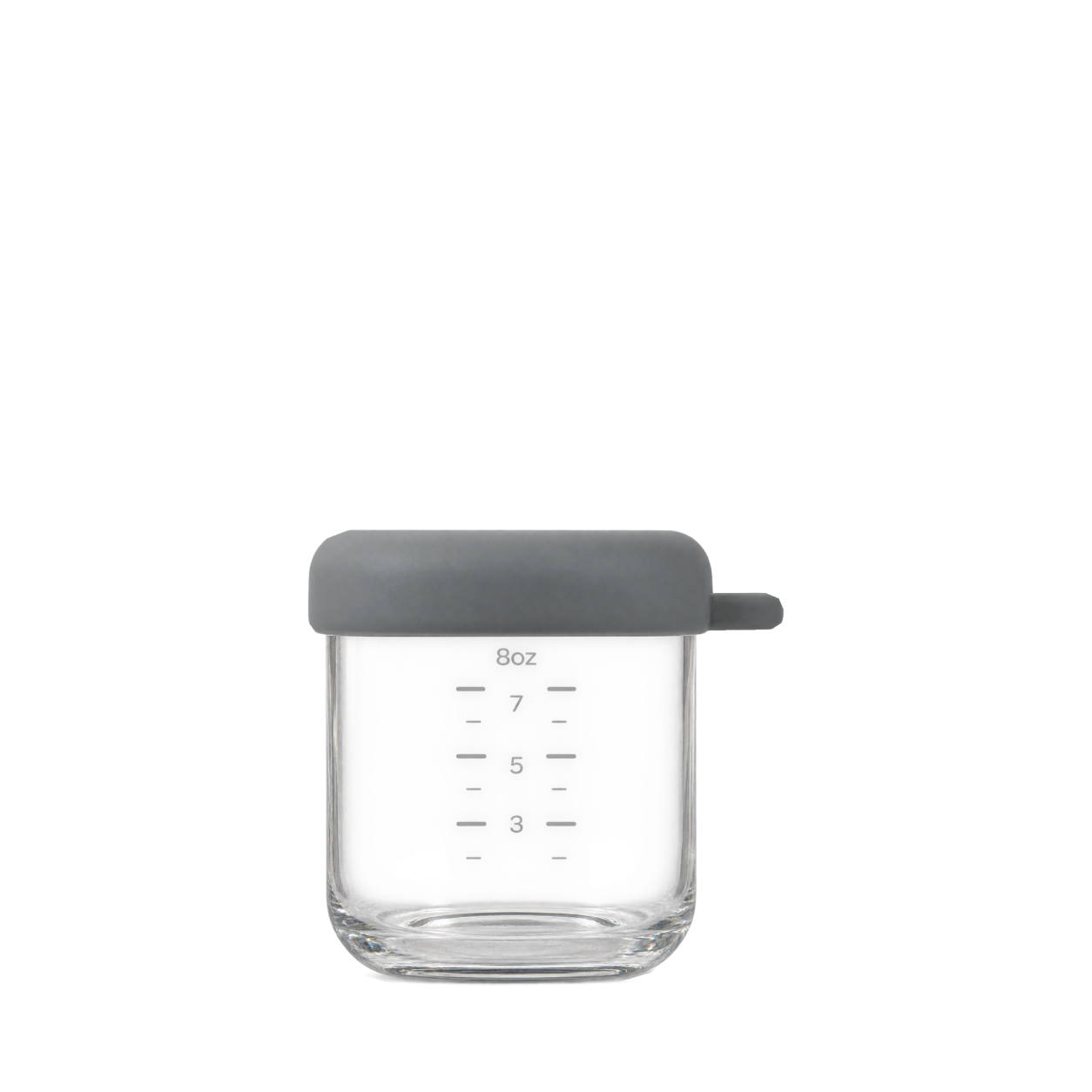
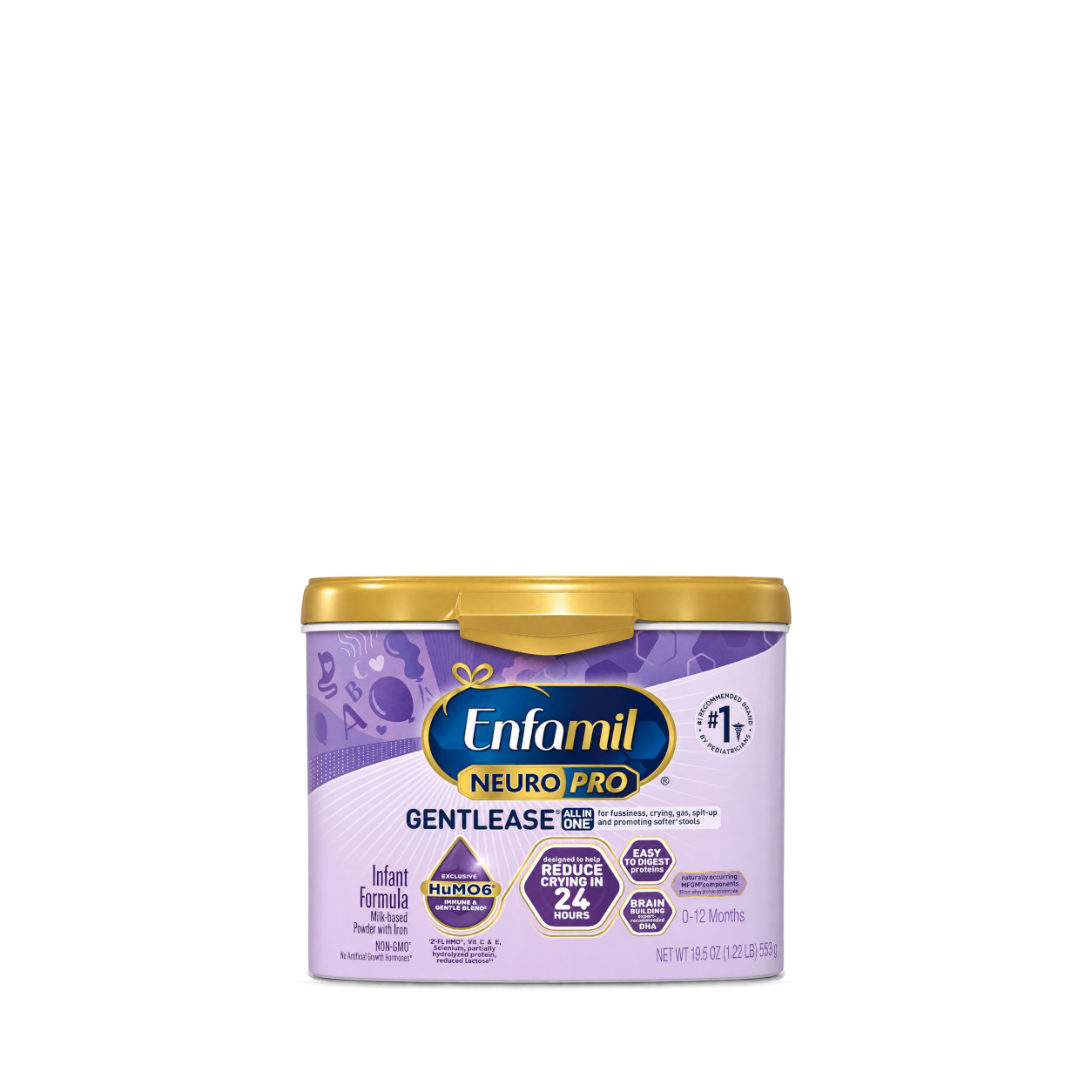
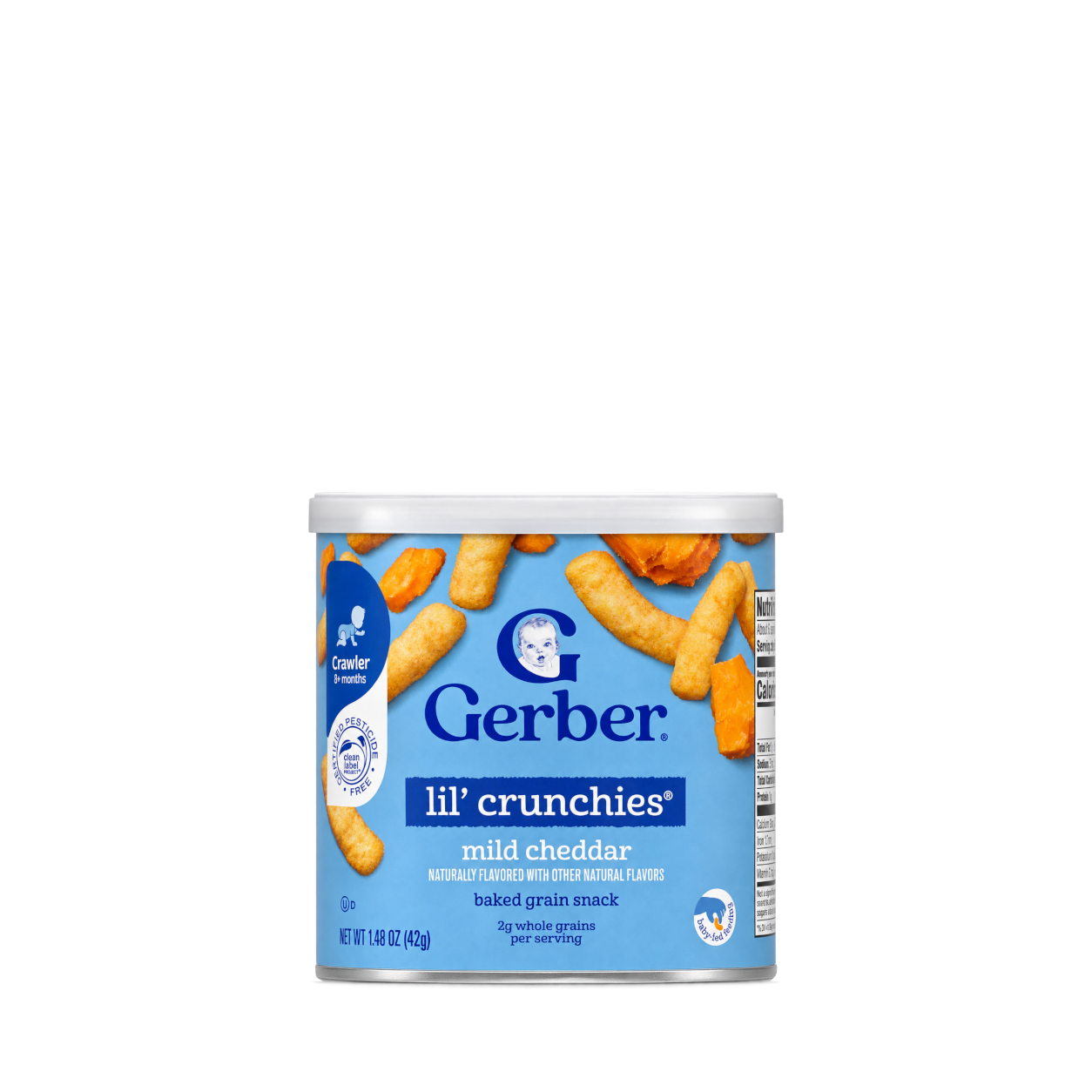
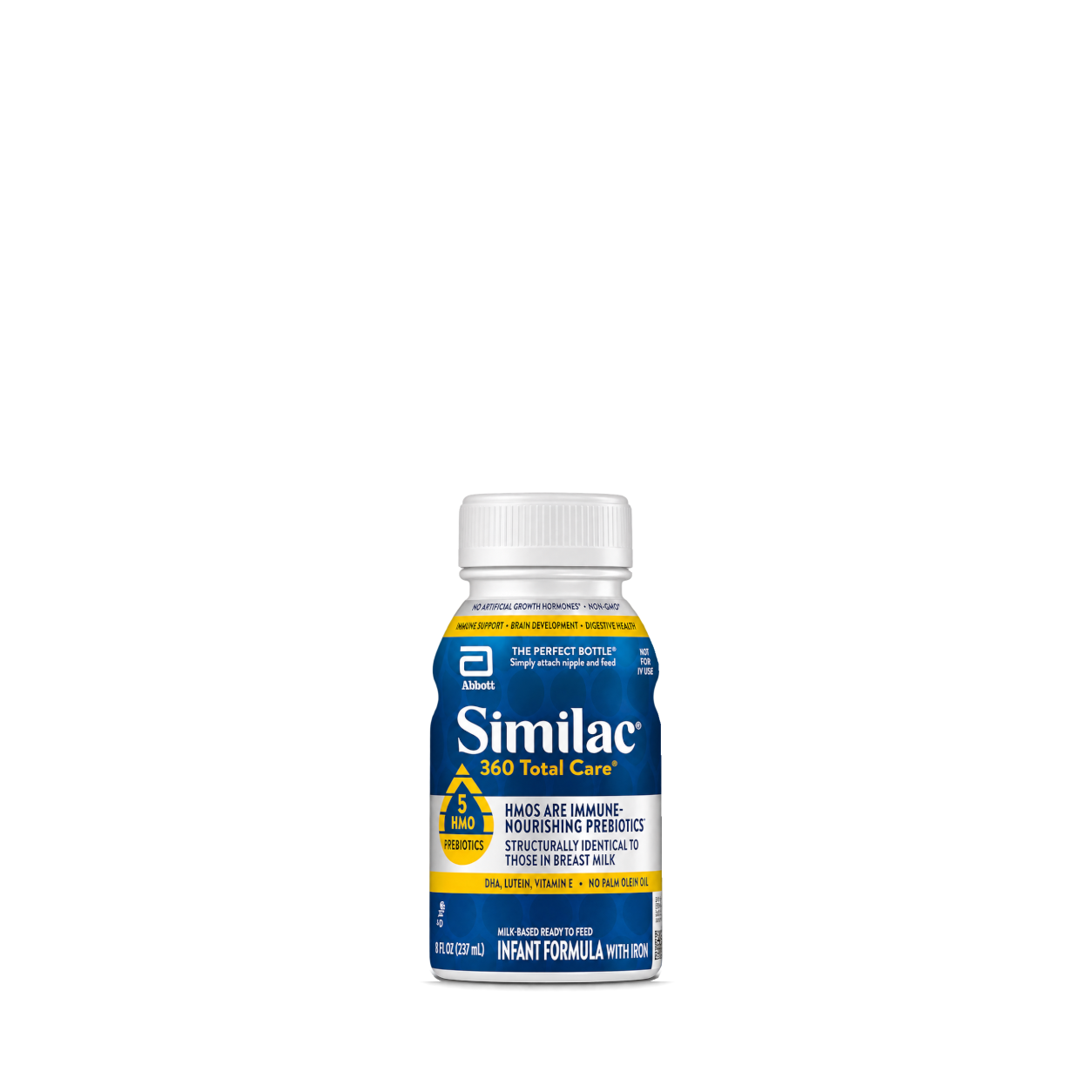


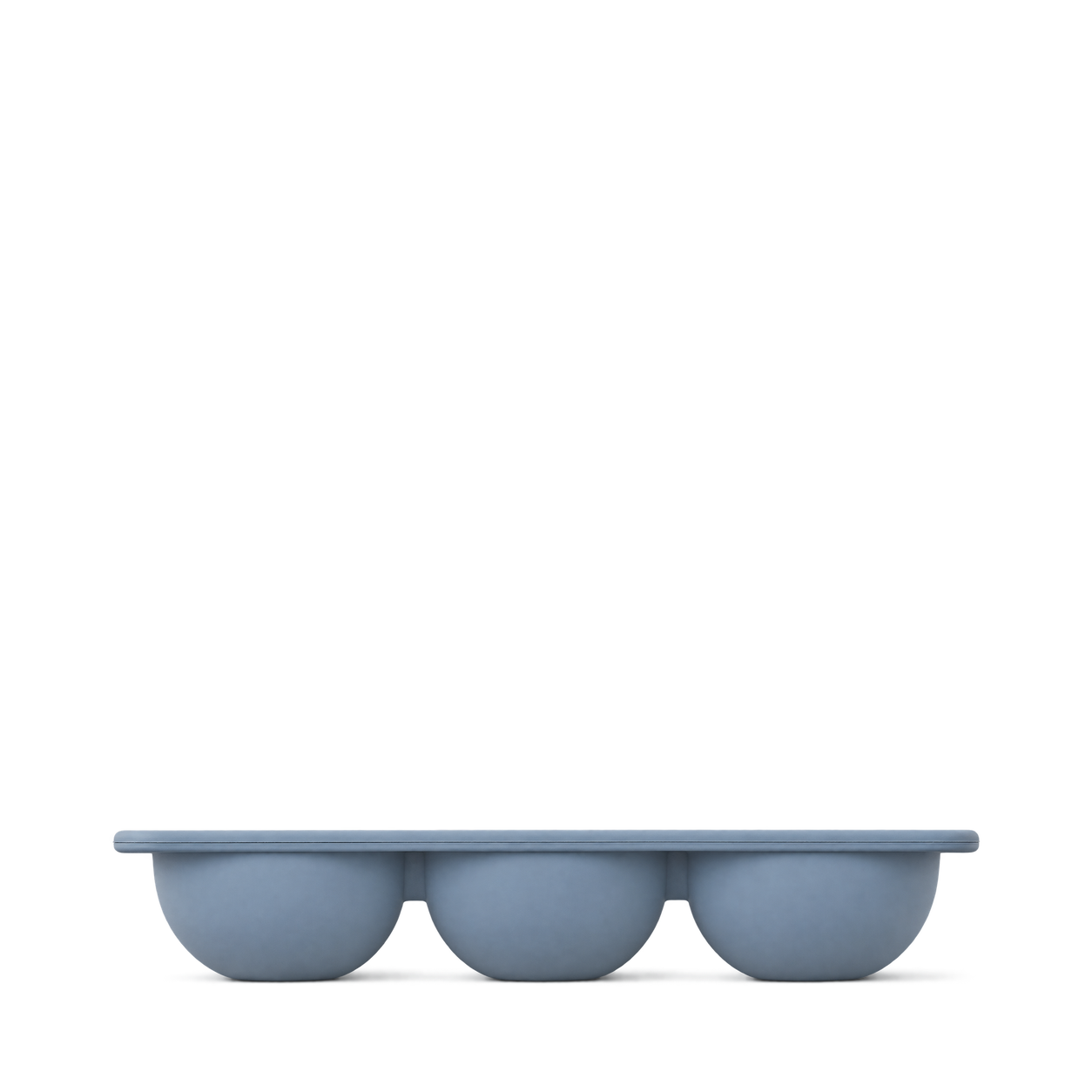
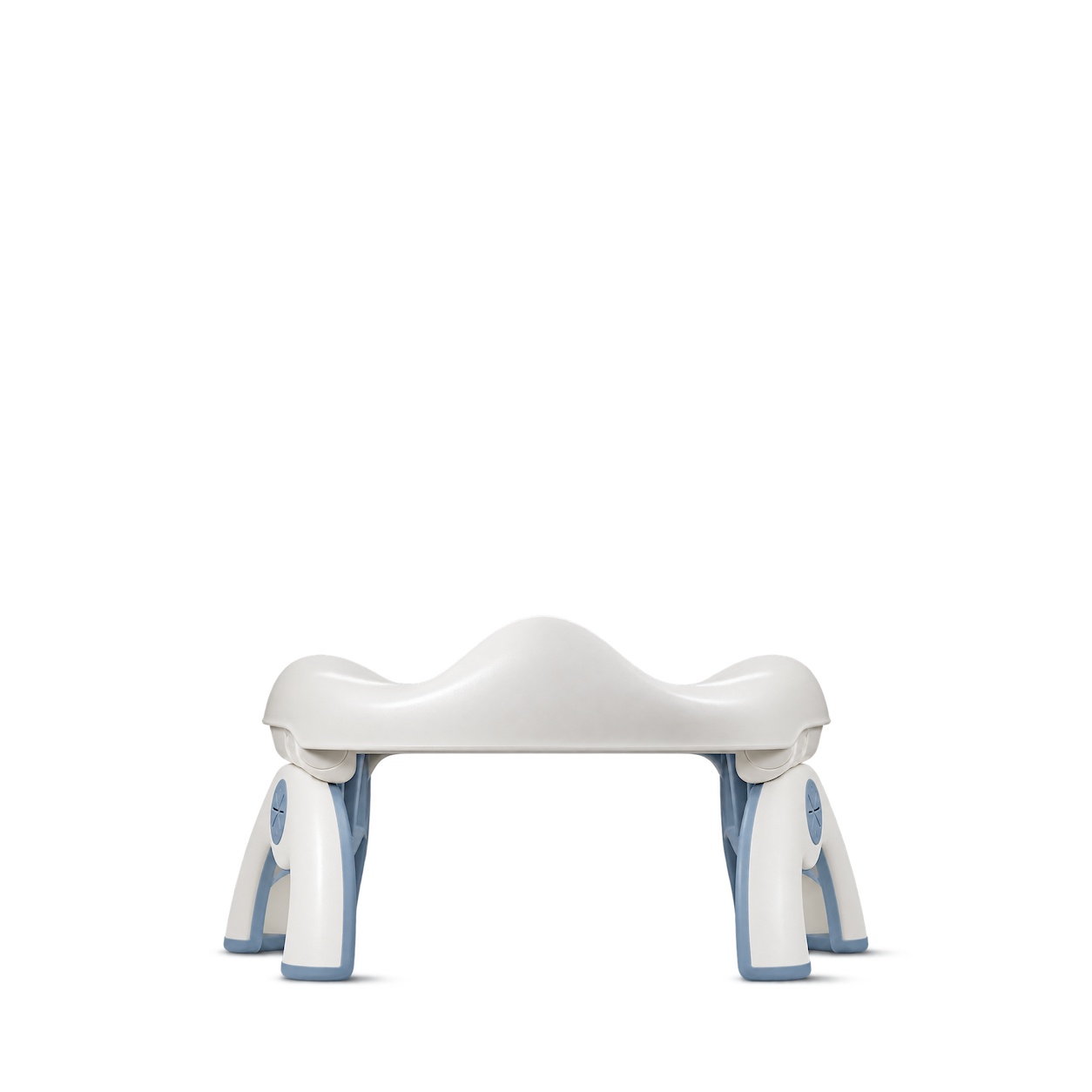
OXO Tot
Tot 2-In-1 Go Potty · Dusk
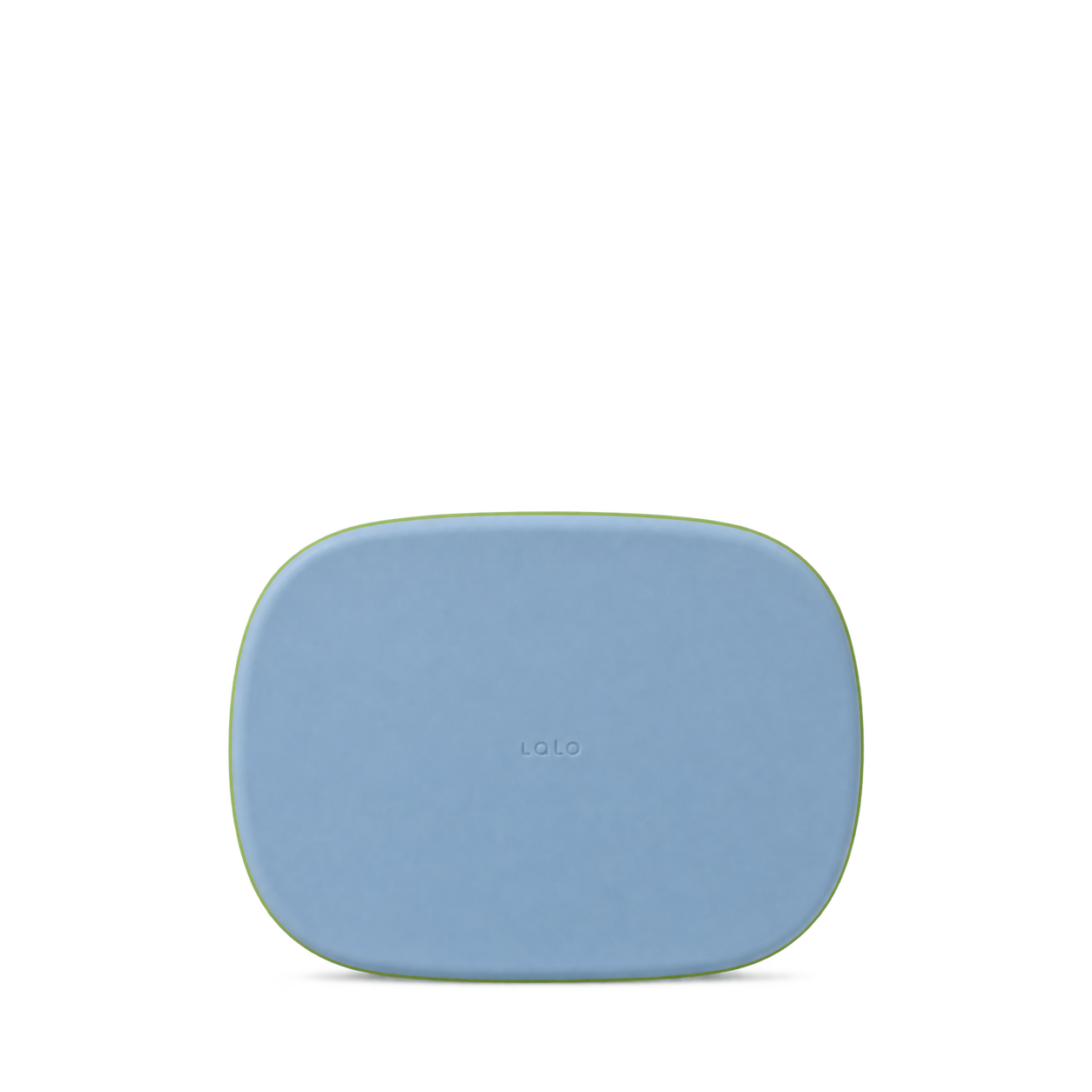
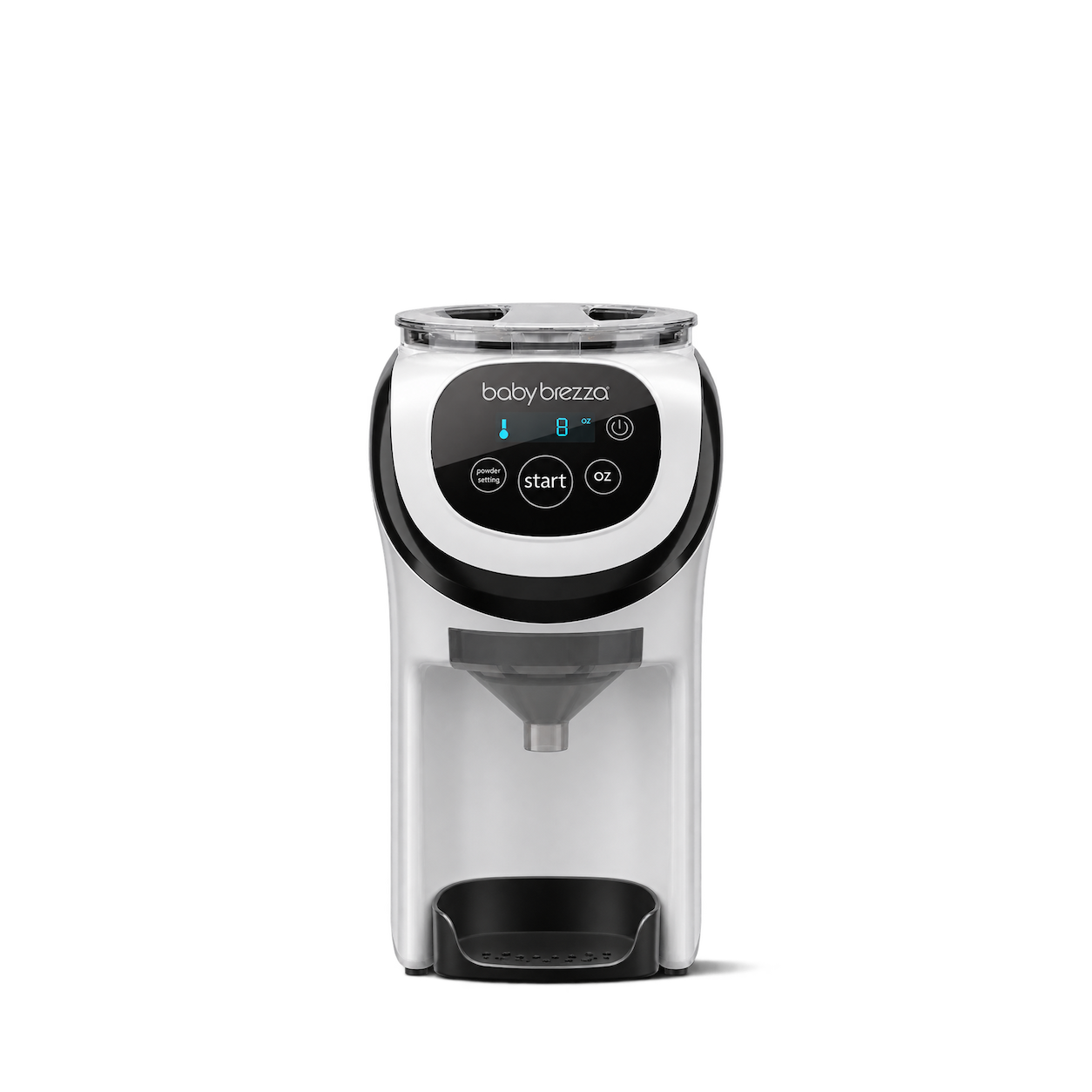
Baby Brezza
Formula Pro Mini · White

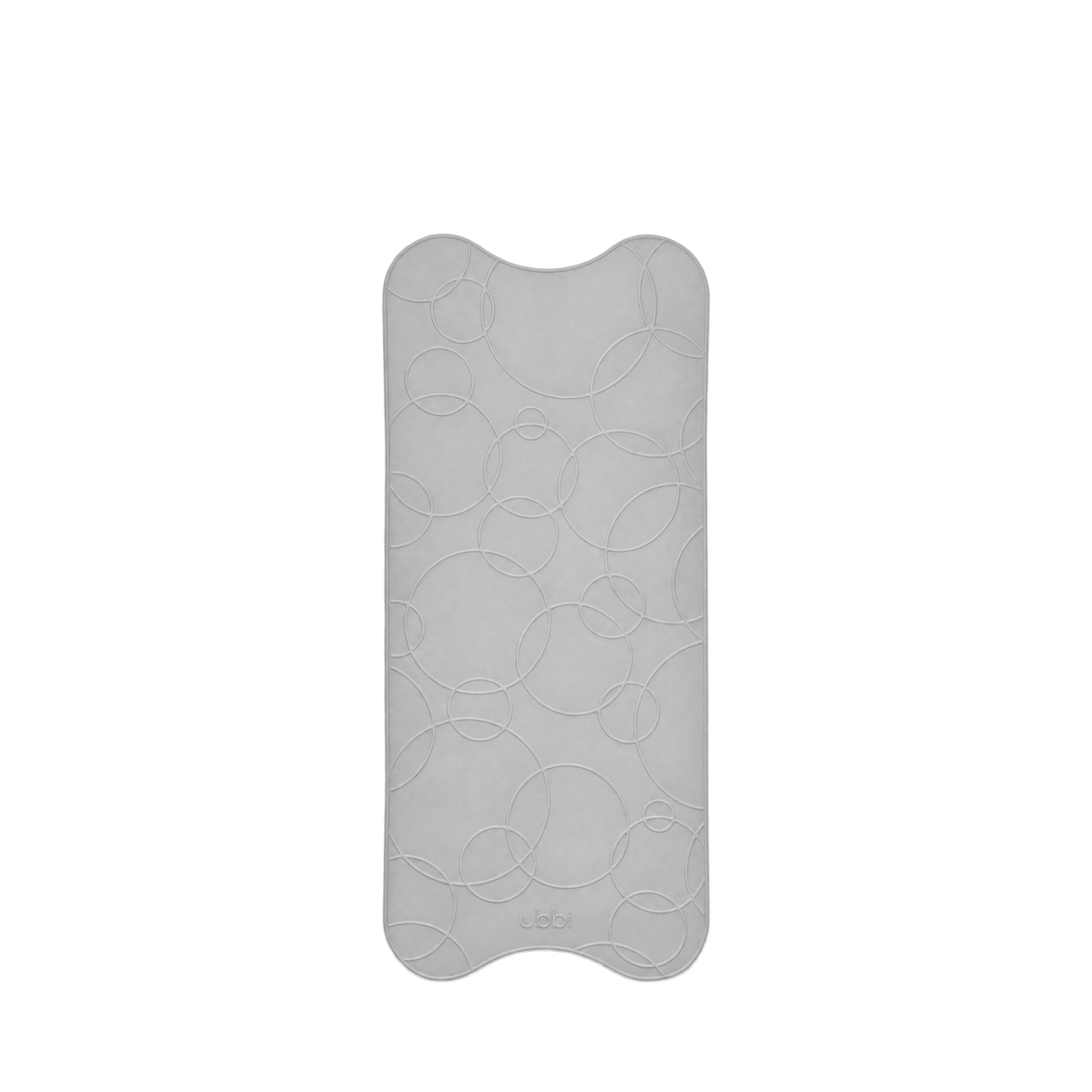
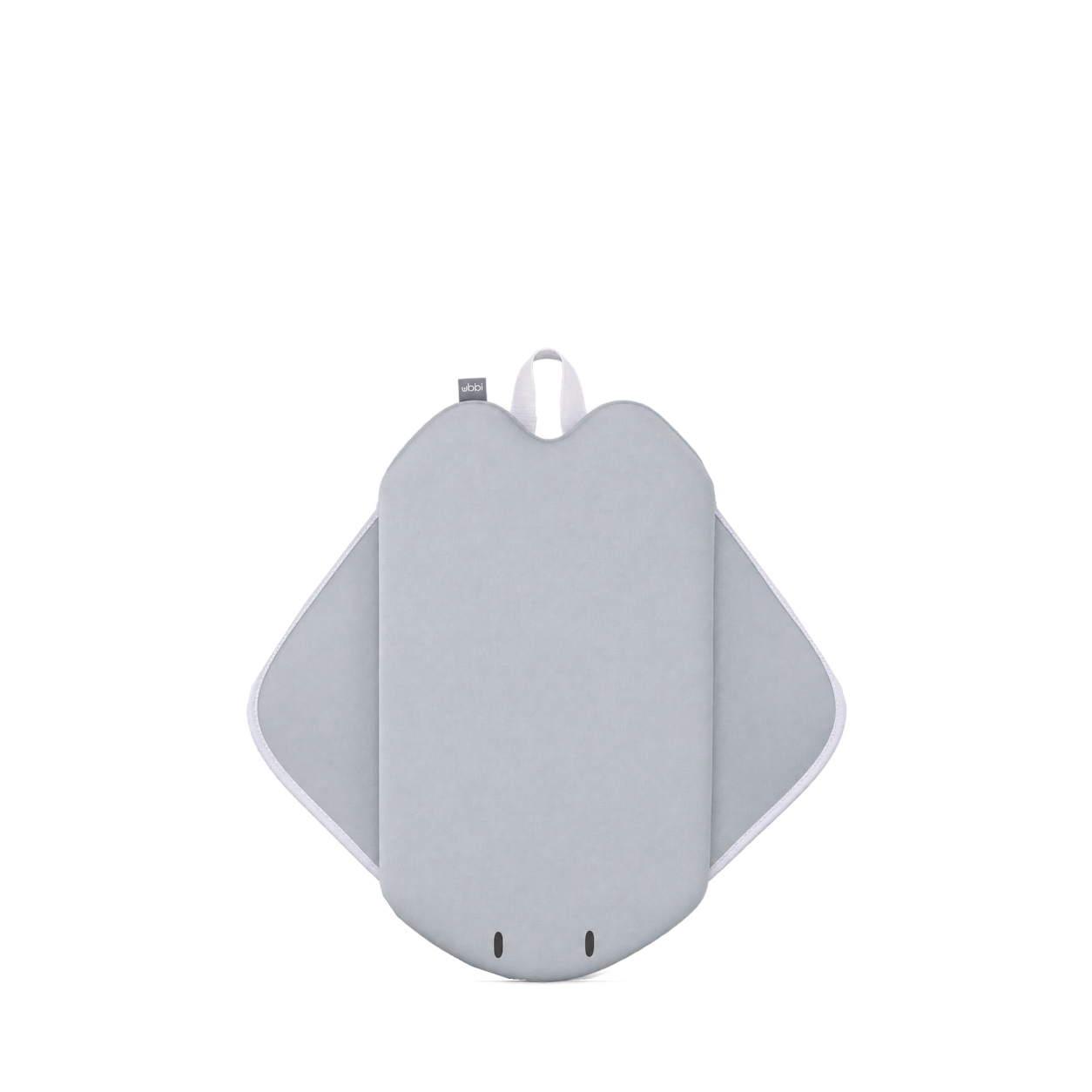
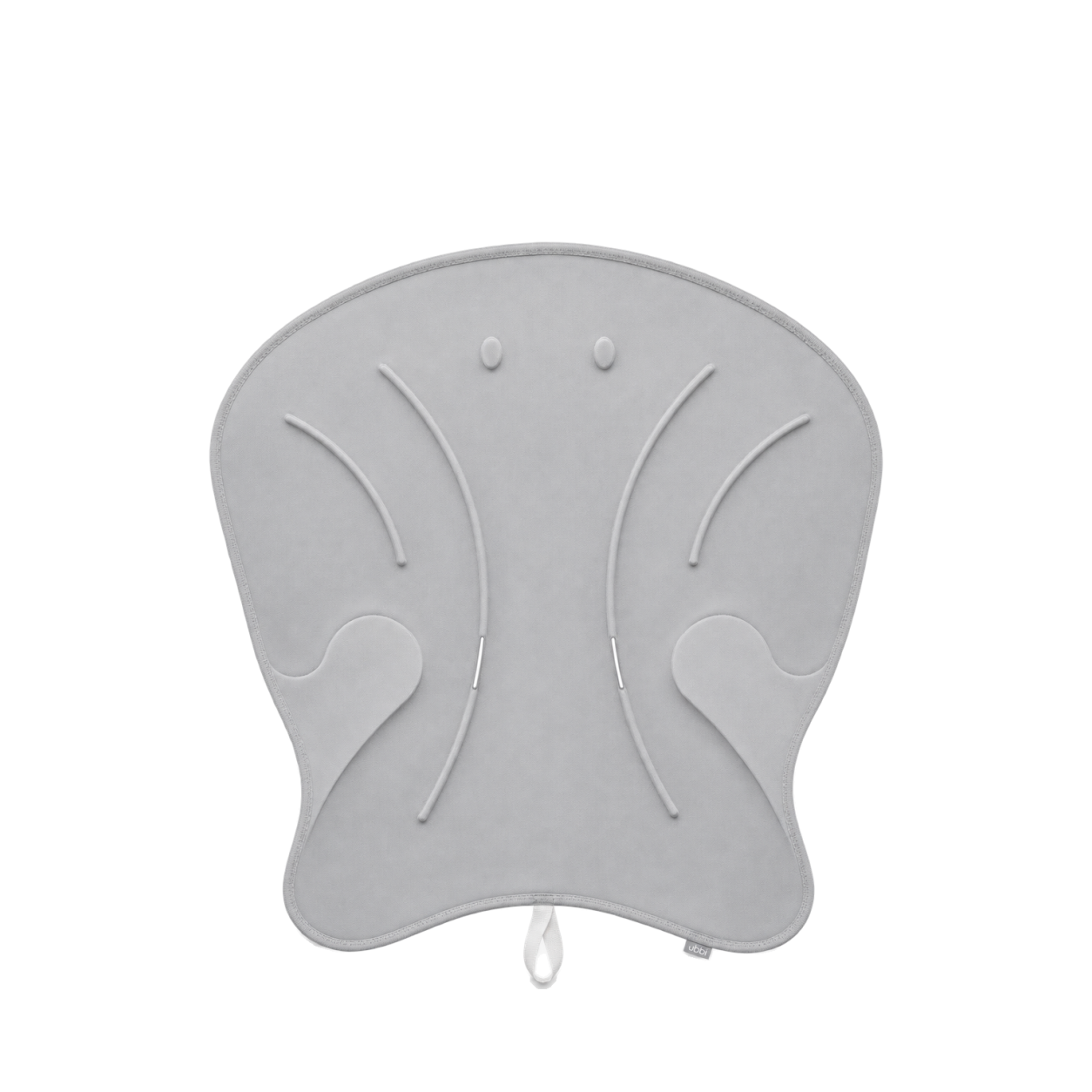
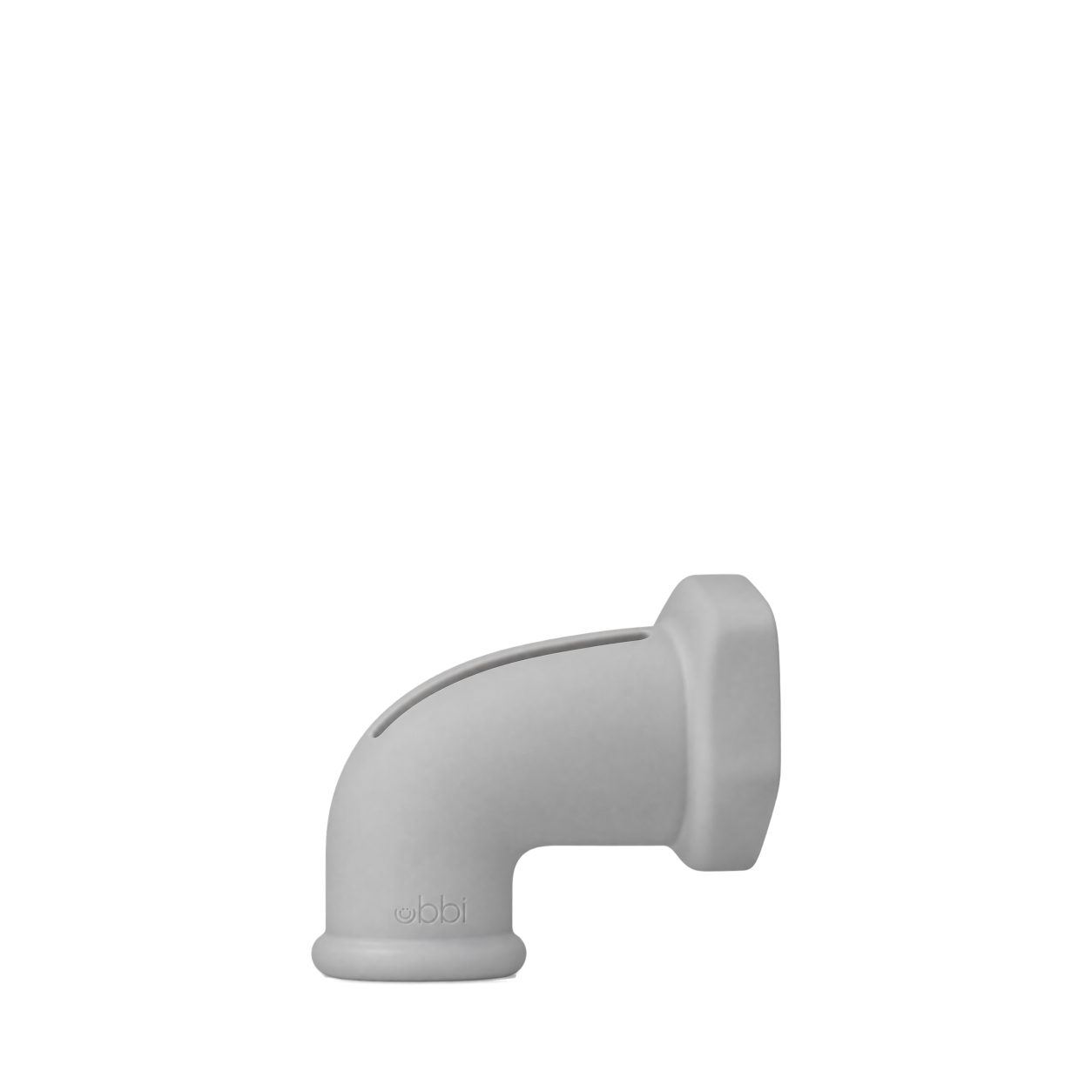
Ubbi
bath mat · gray

OXO Tot
Tot Bathtub Spout Cover
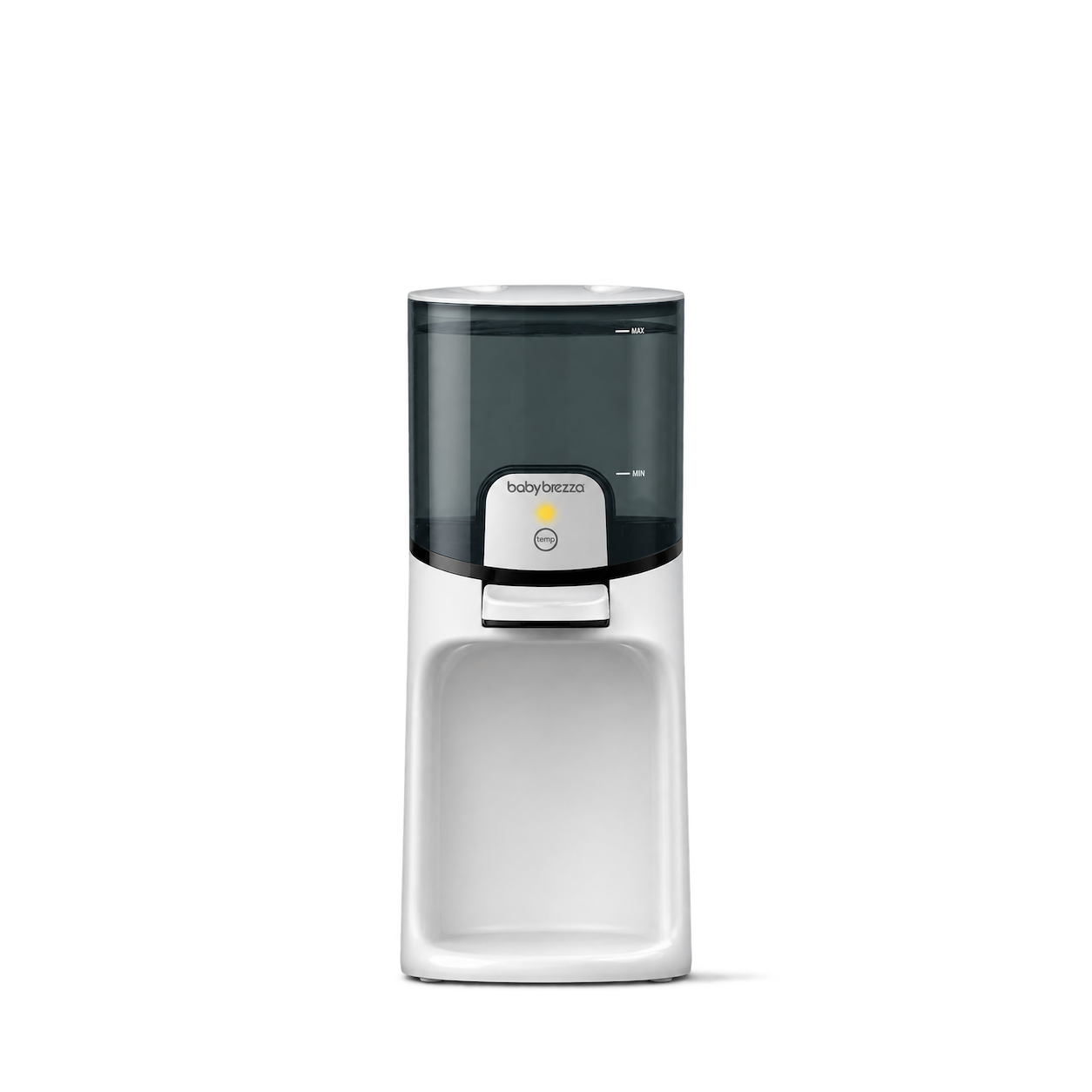
Baby Brezza
Instant Warmer · White

Frida Baby
3-in-1 True Temp Thermometer
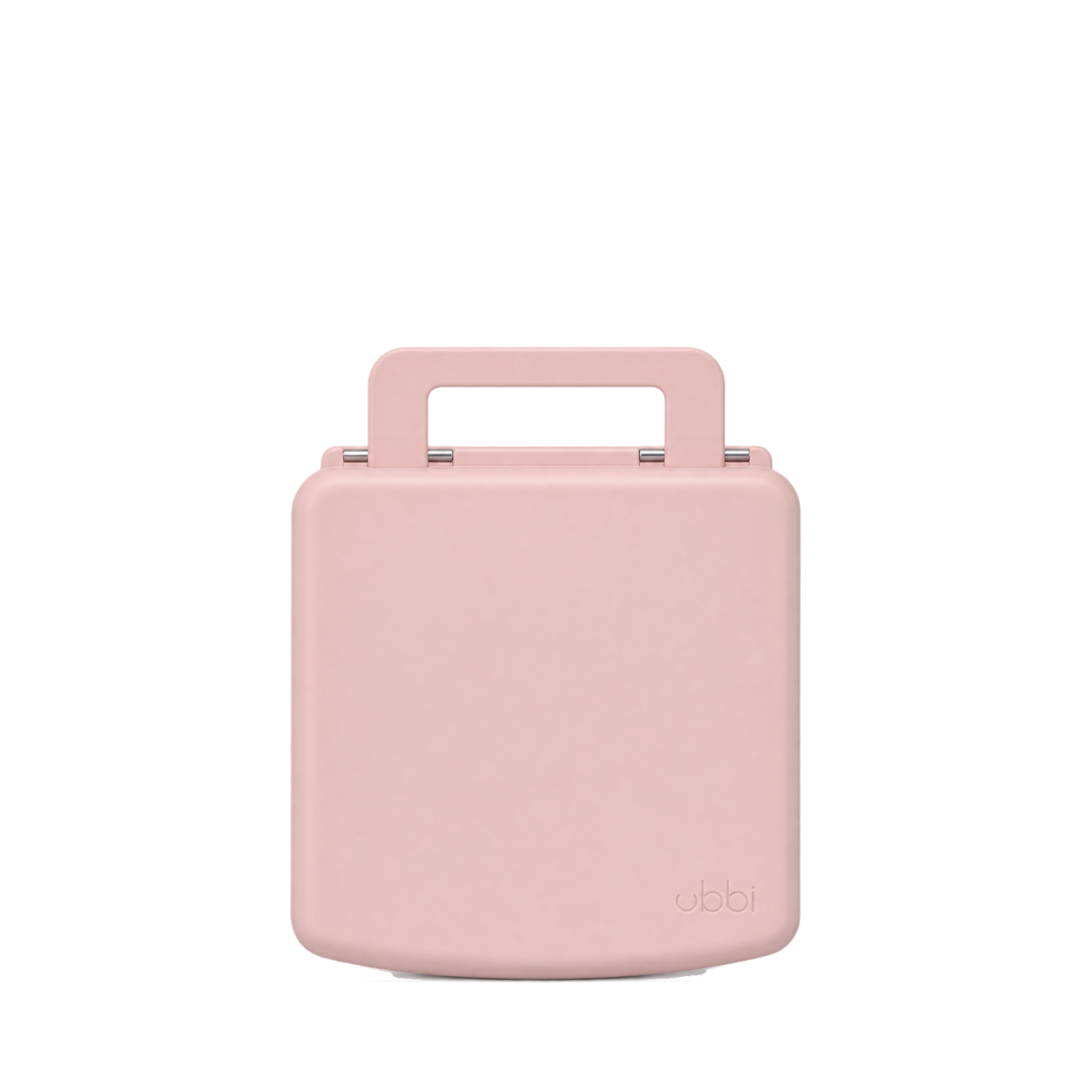
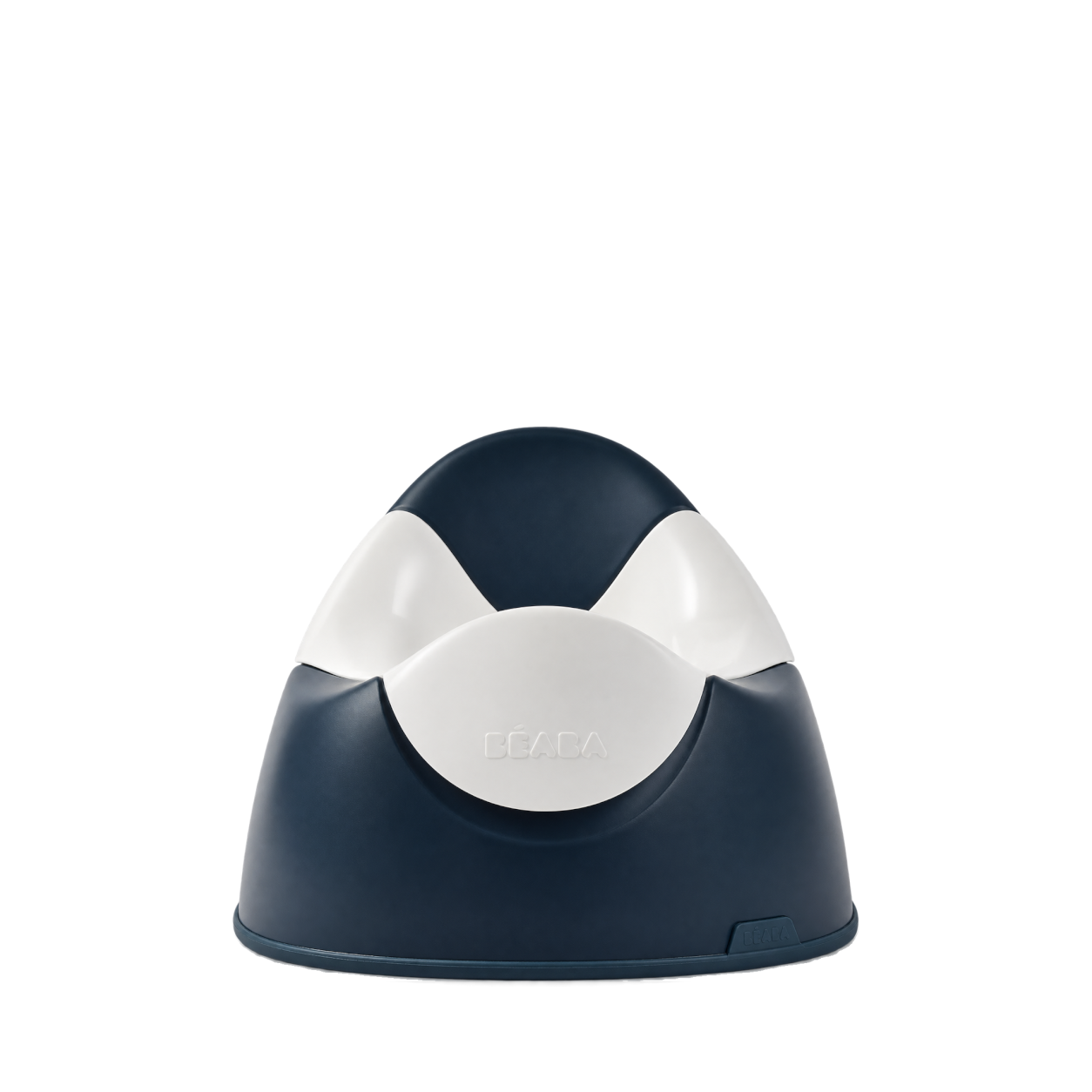

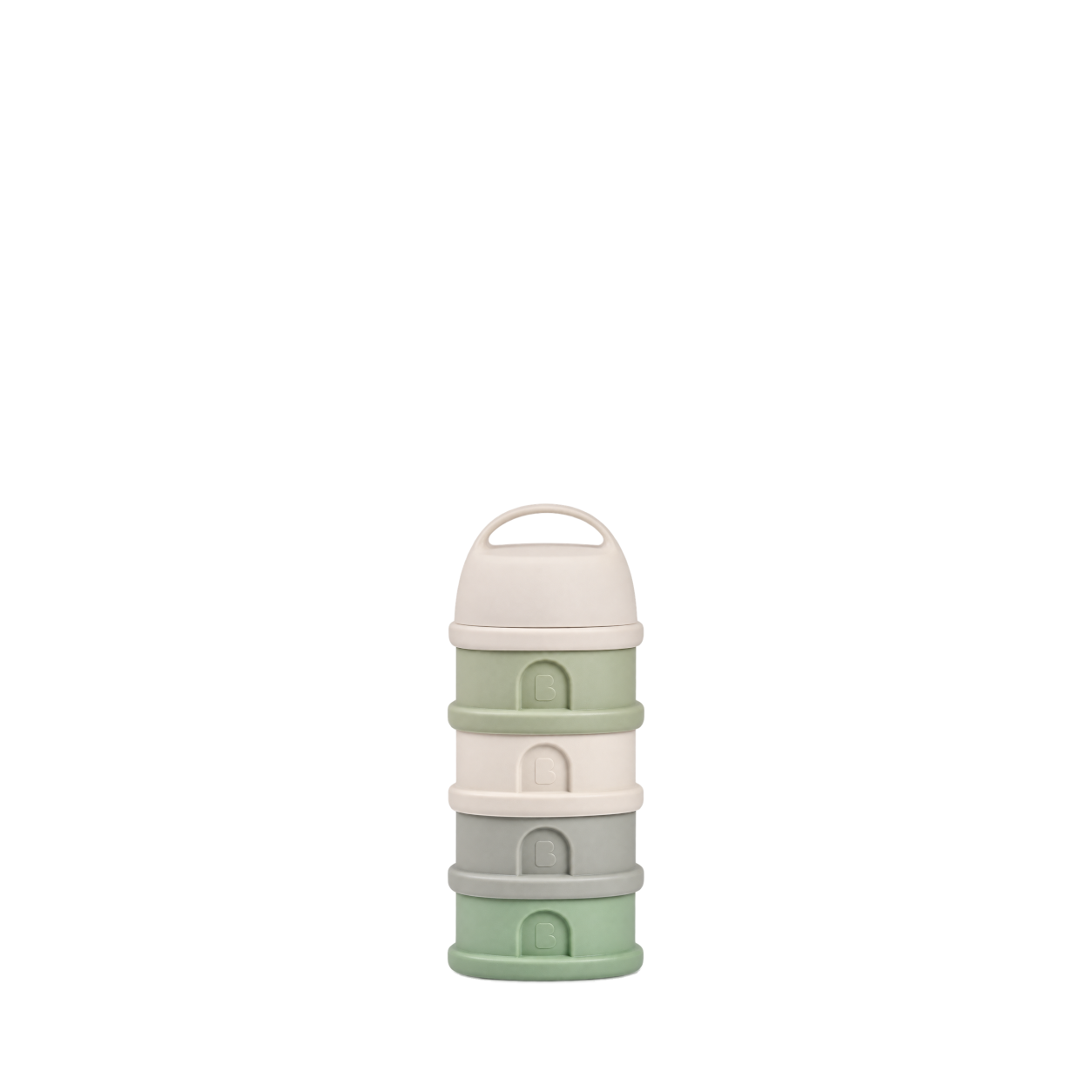
Munchkin
Formula Dispenser · Light Pink
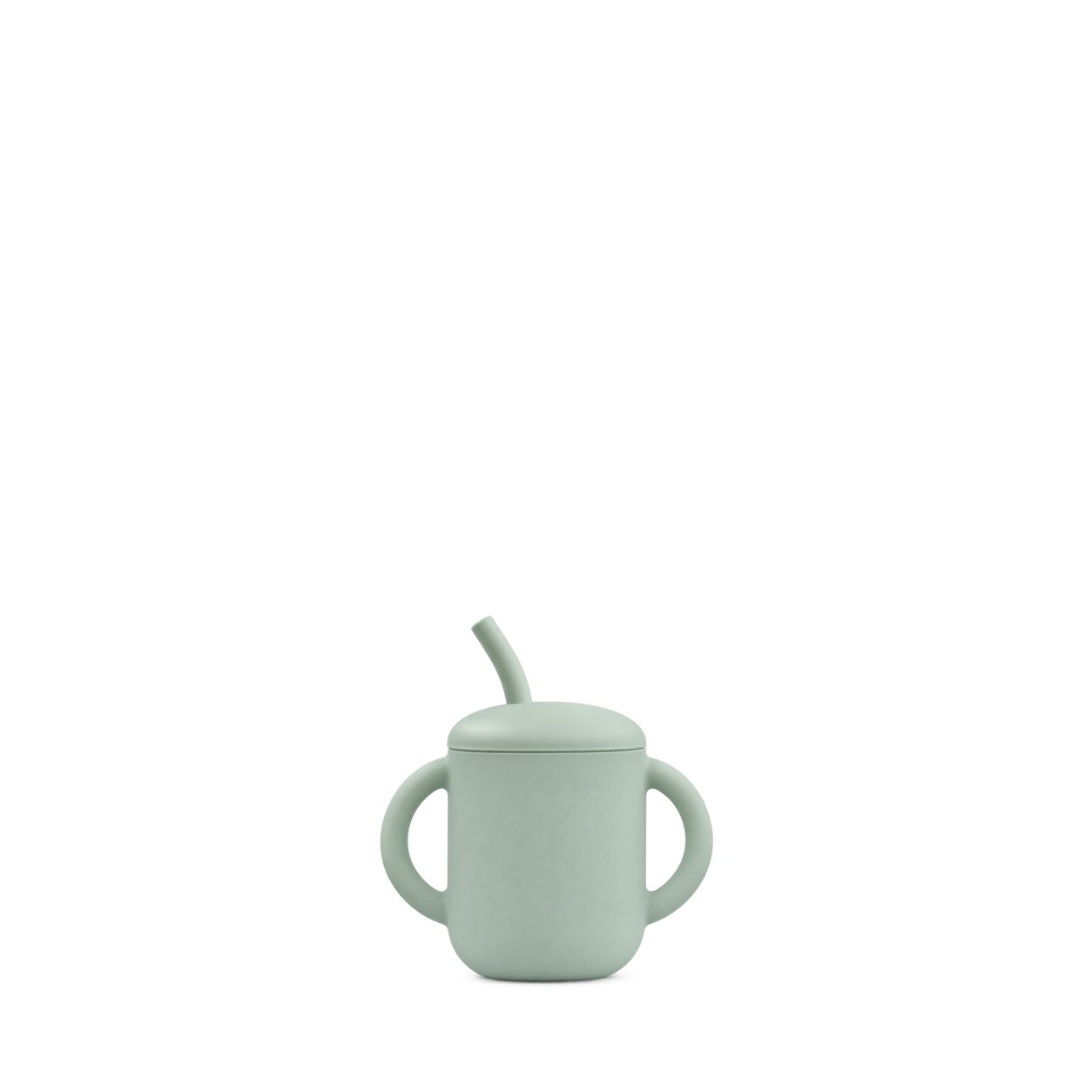
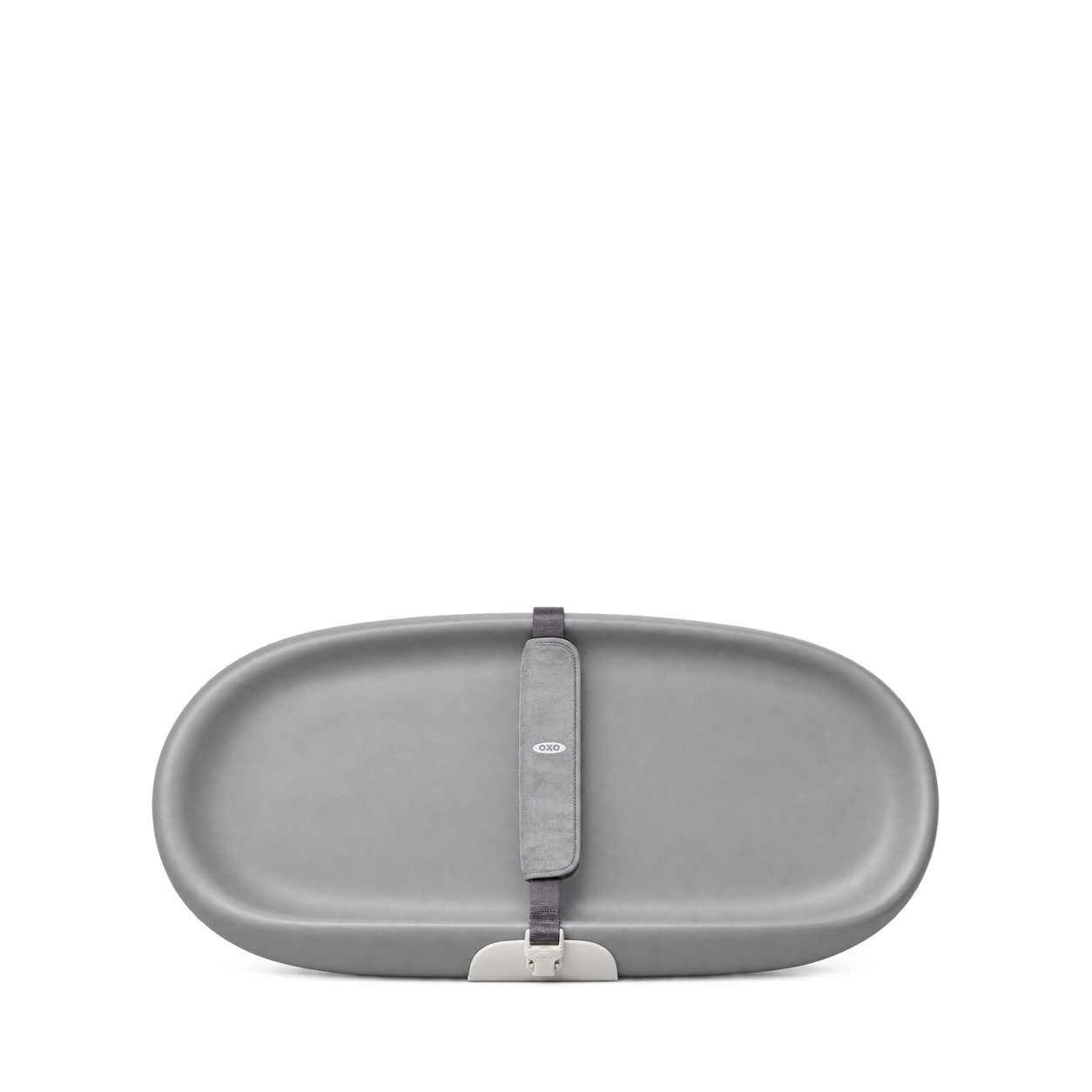
OXO Tot
Tot Changing Pad · Gray
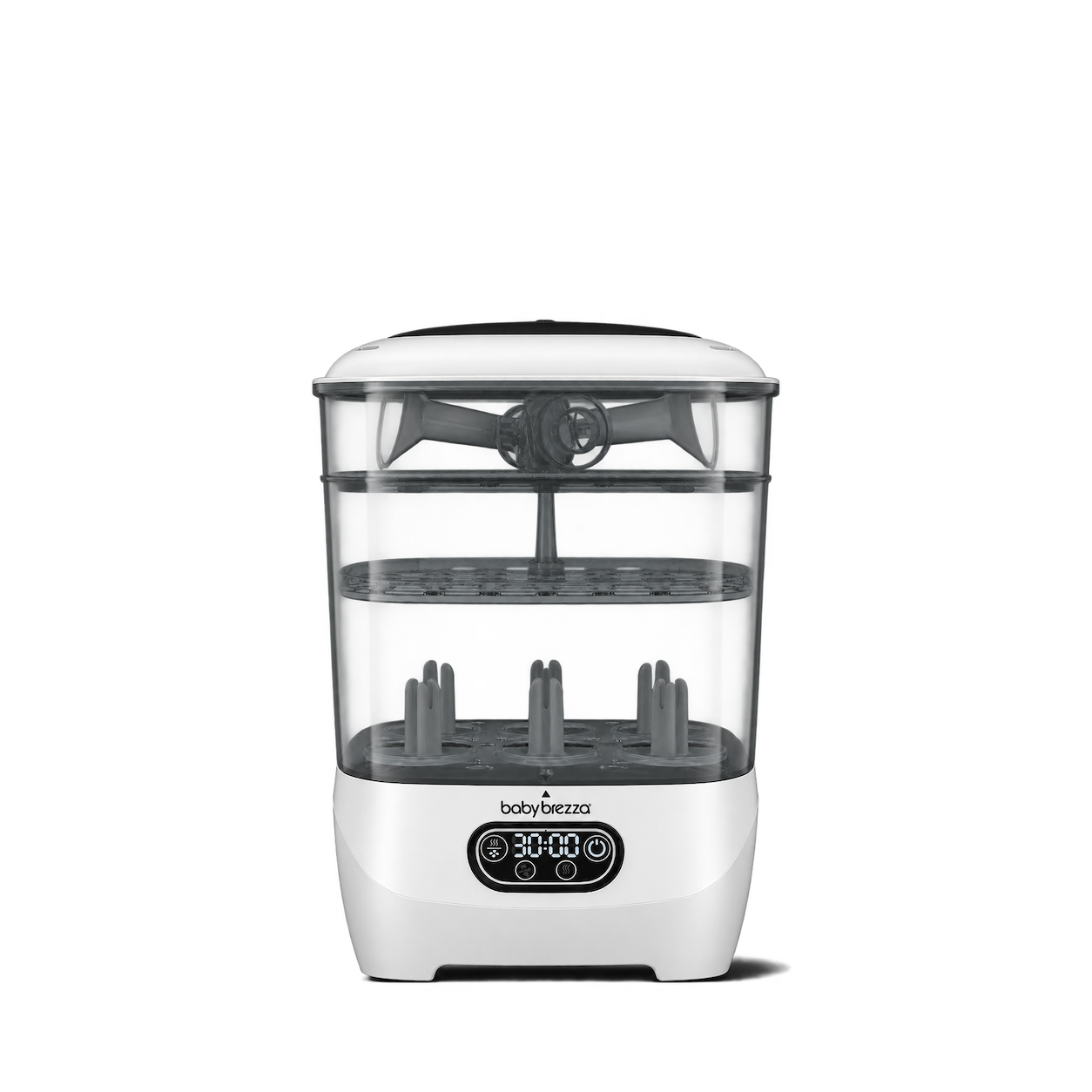
Baby Brezza
One Step Sterilizer Dryer Advanced · White

Frida Baby
Control The Flow Rinser
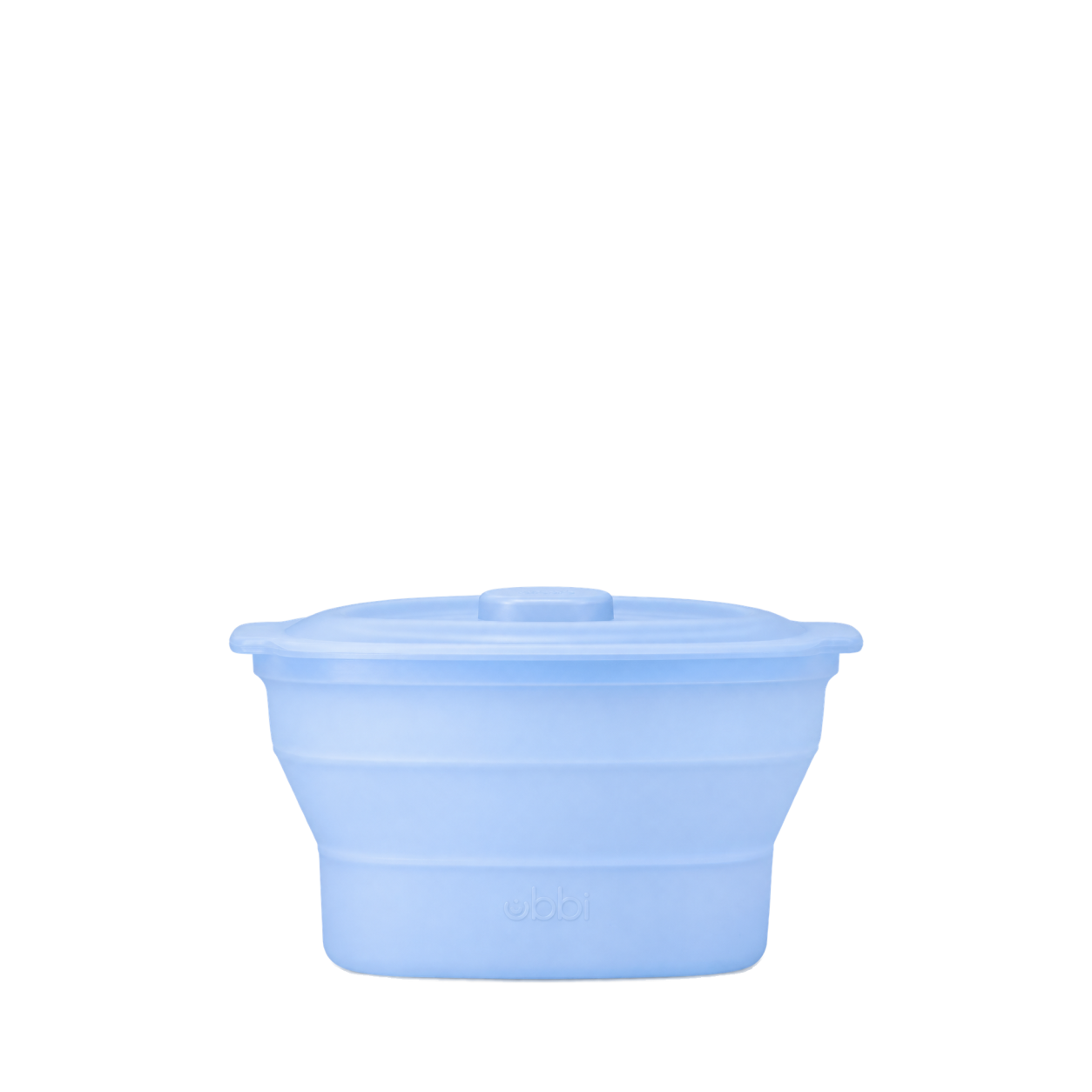
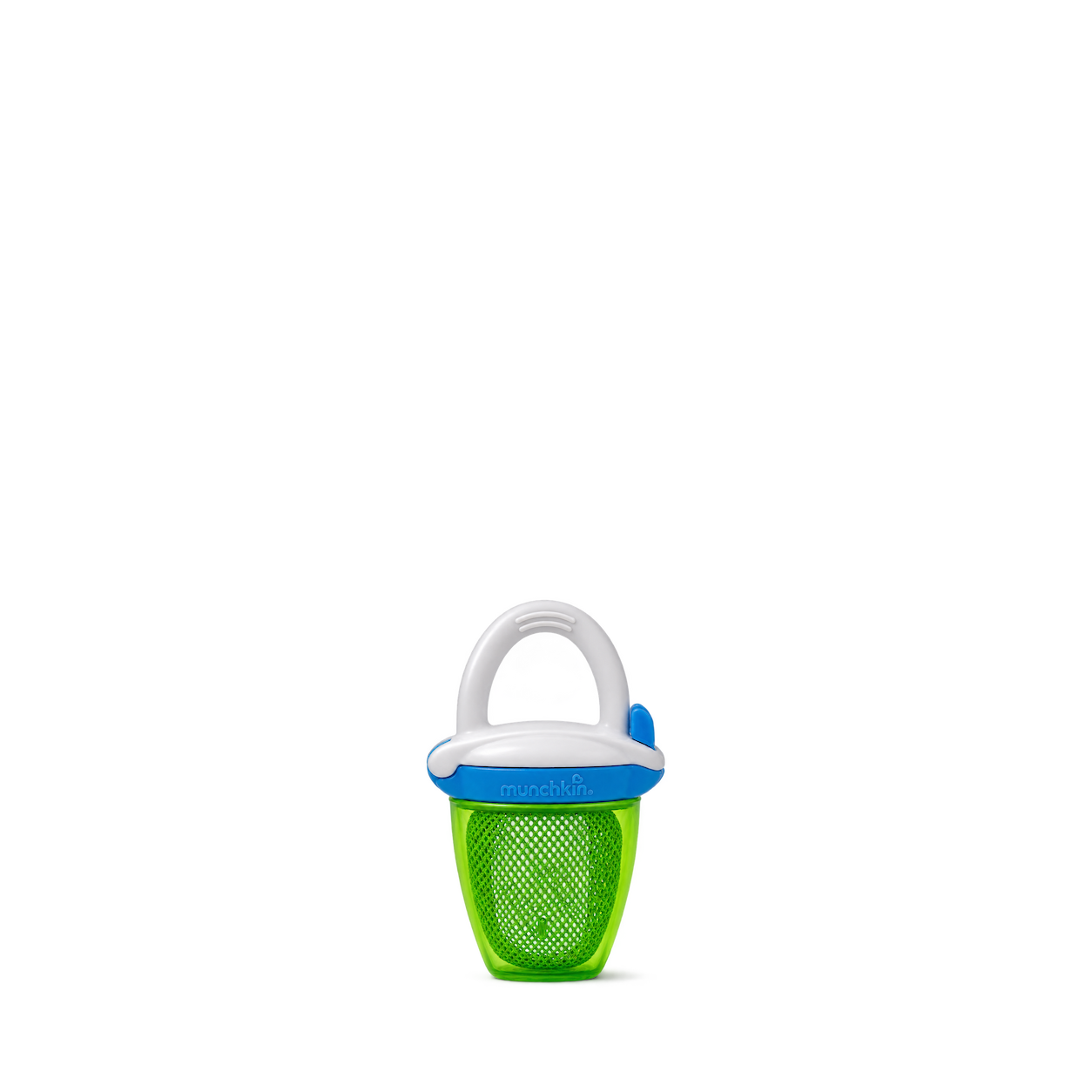
Munchkin
Fresh Feeder + · Green

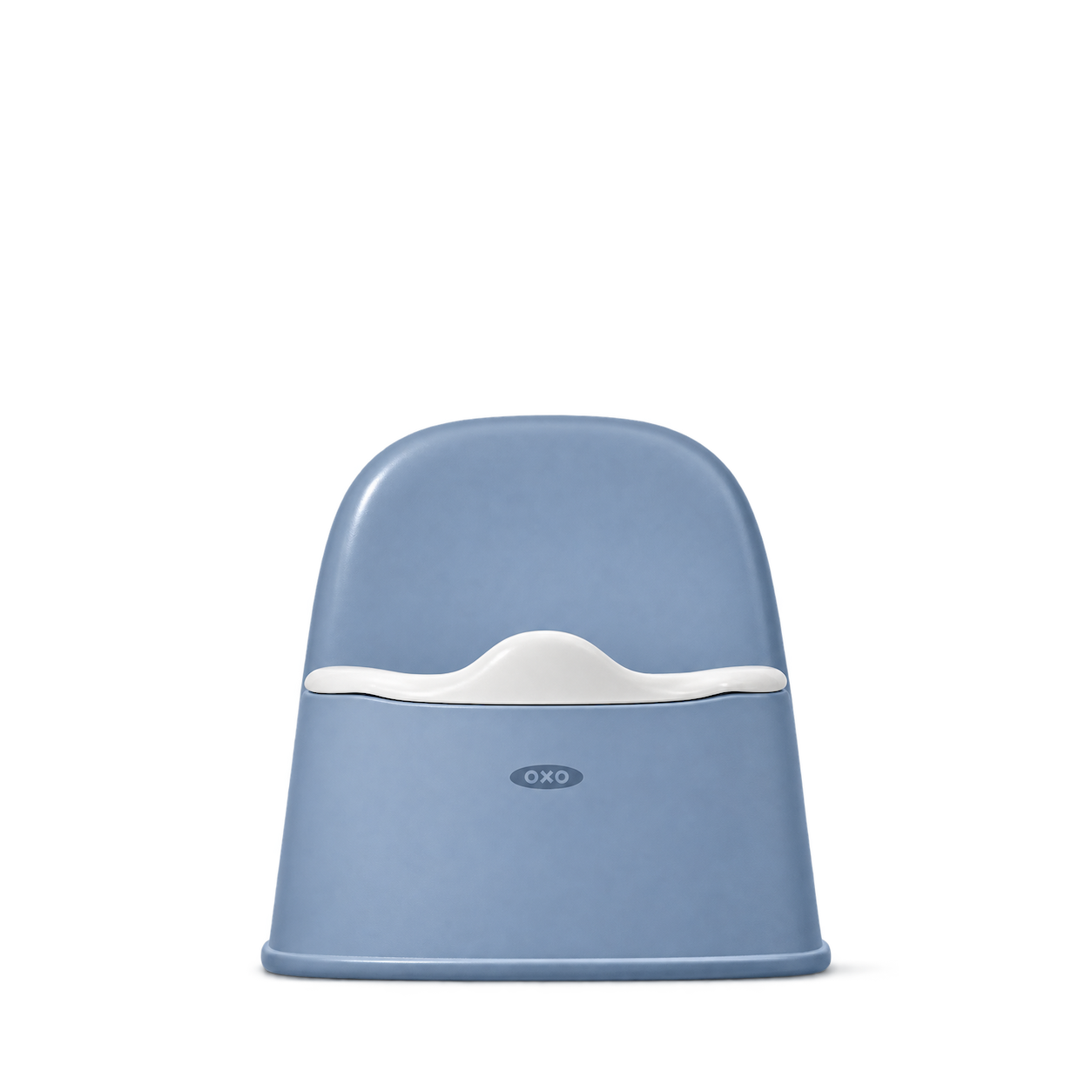
OXO Tot
Tot Potty Chair · Dusk
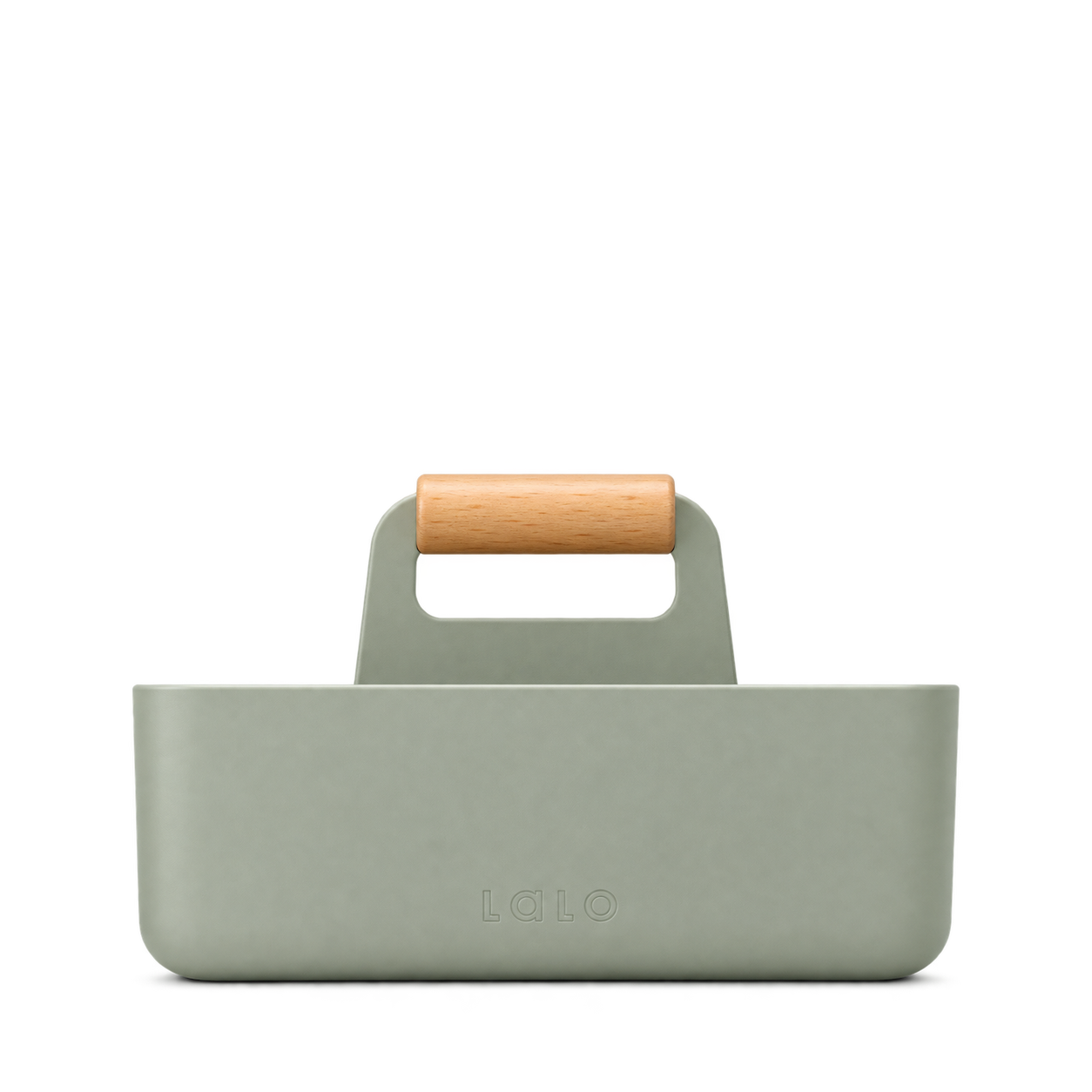
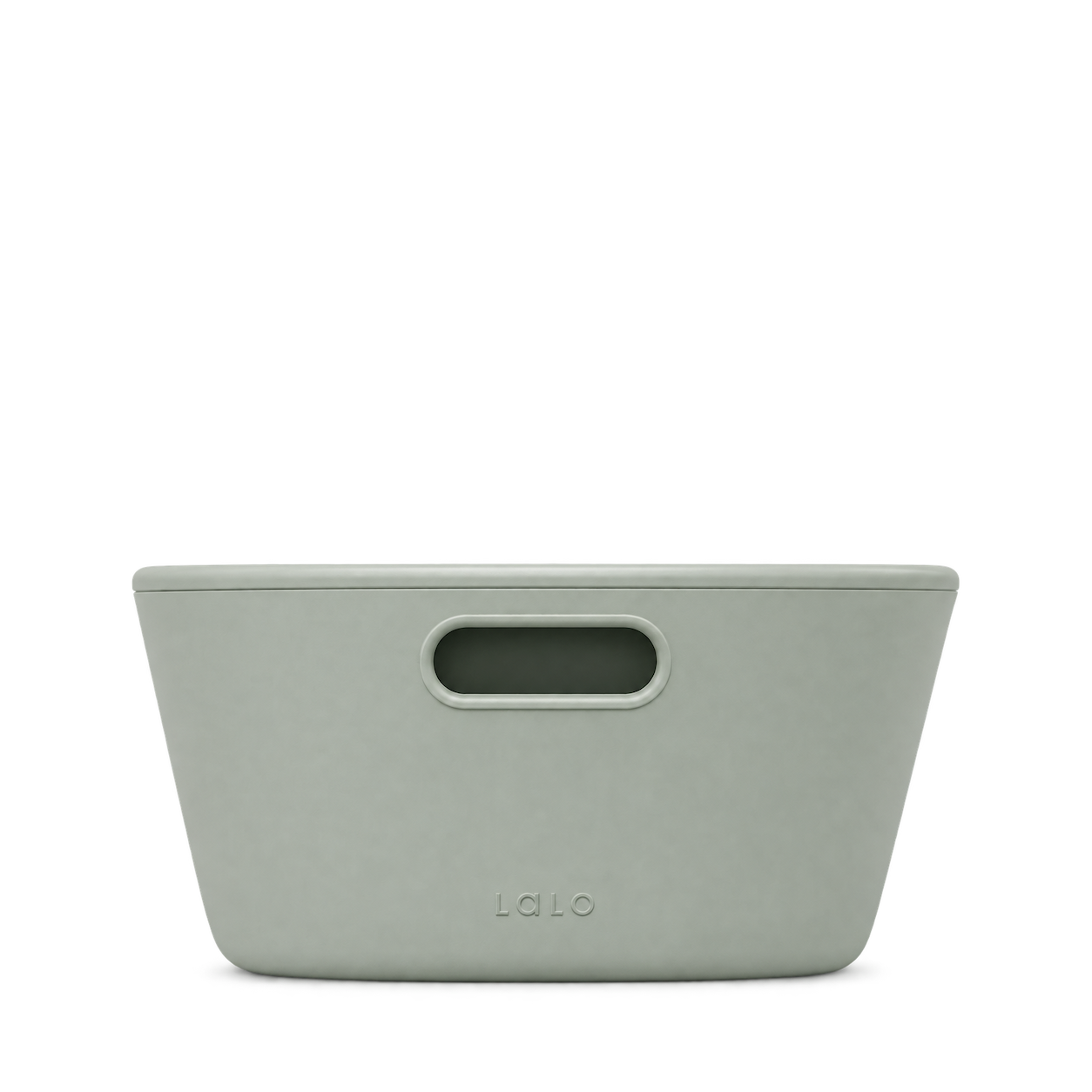
Lalo
The Caddy · Sage
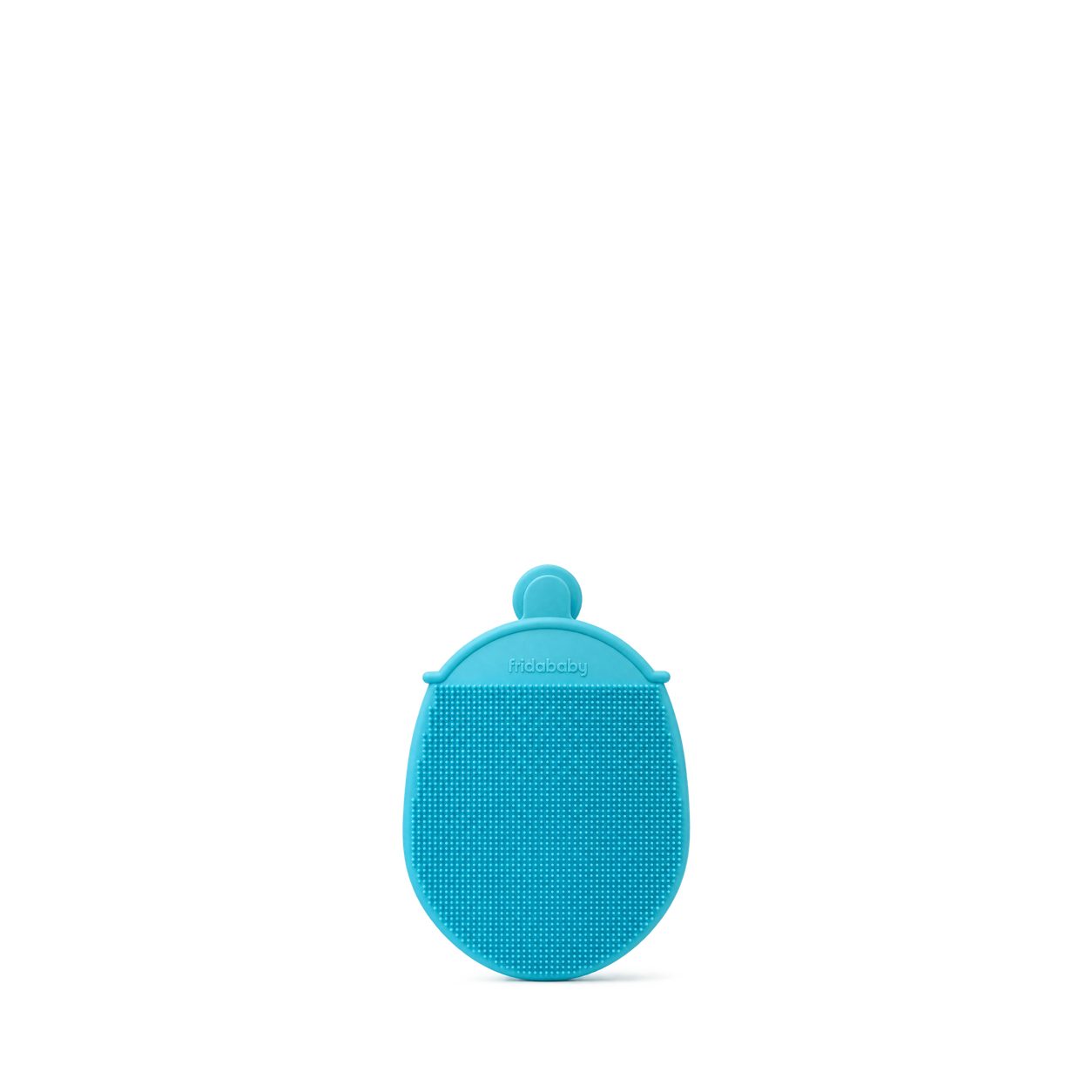
Frida Baby
DermaFrida the BATH MITT
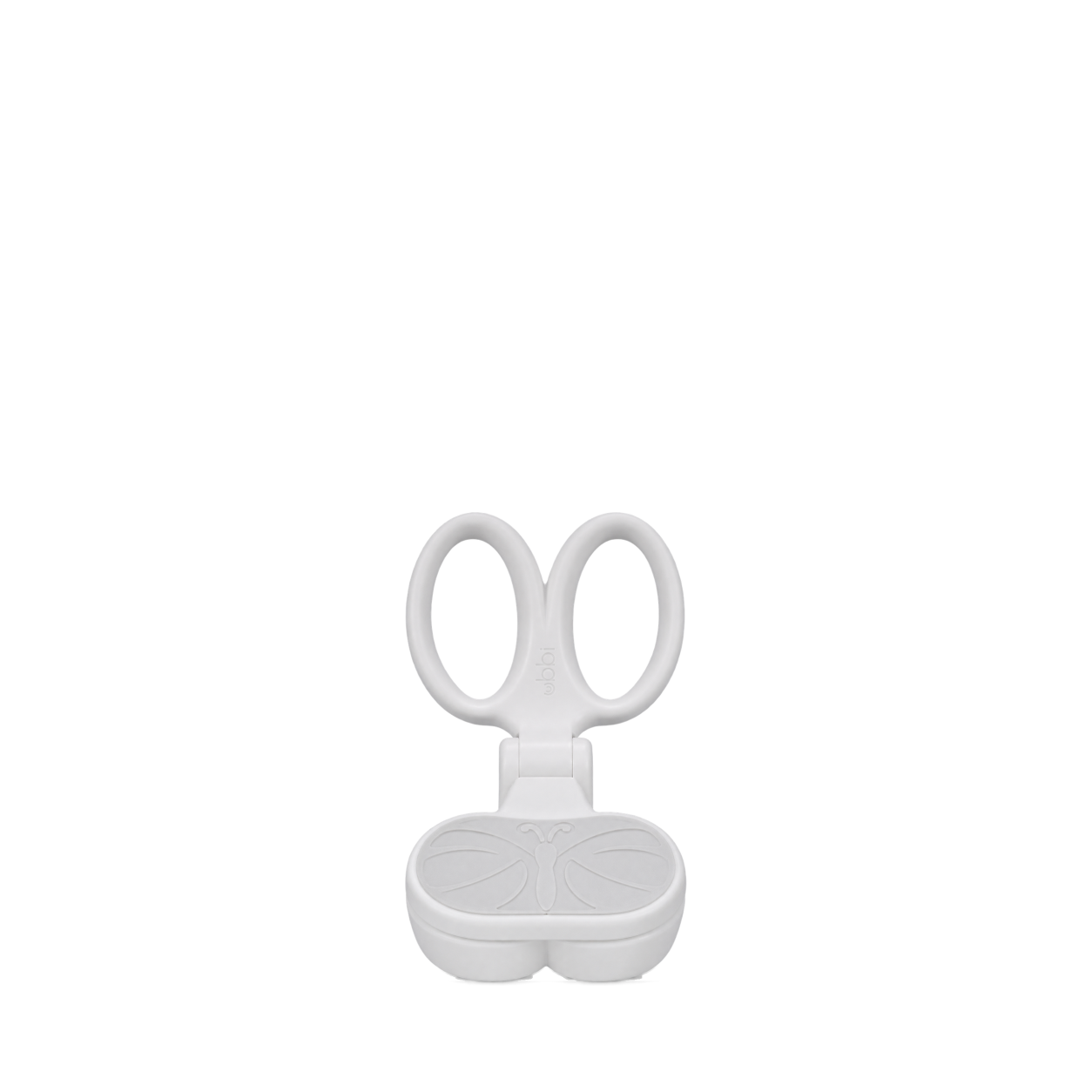
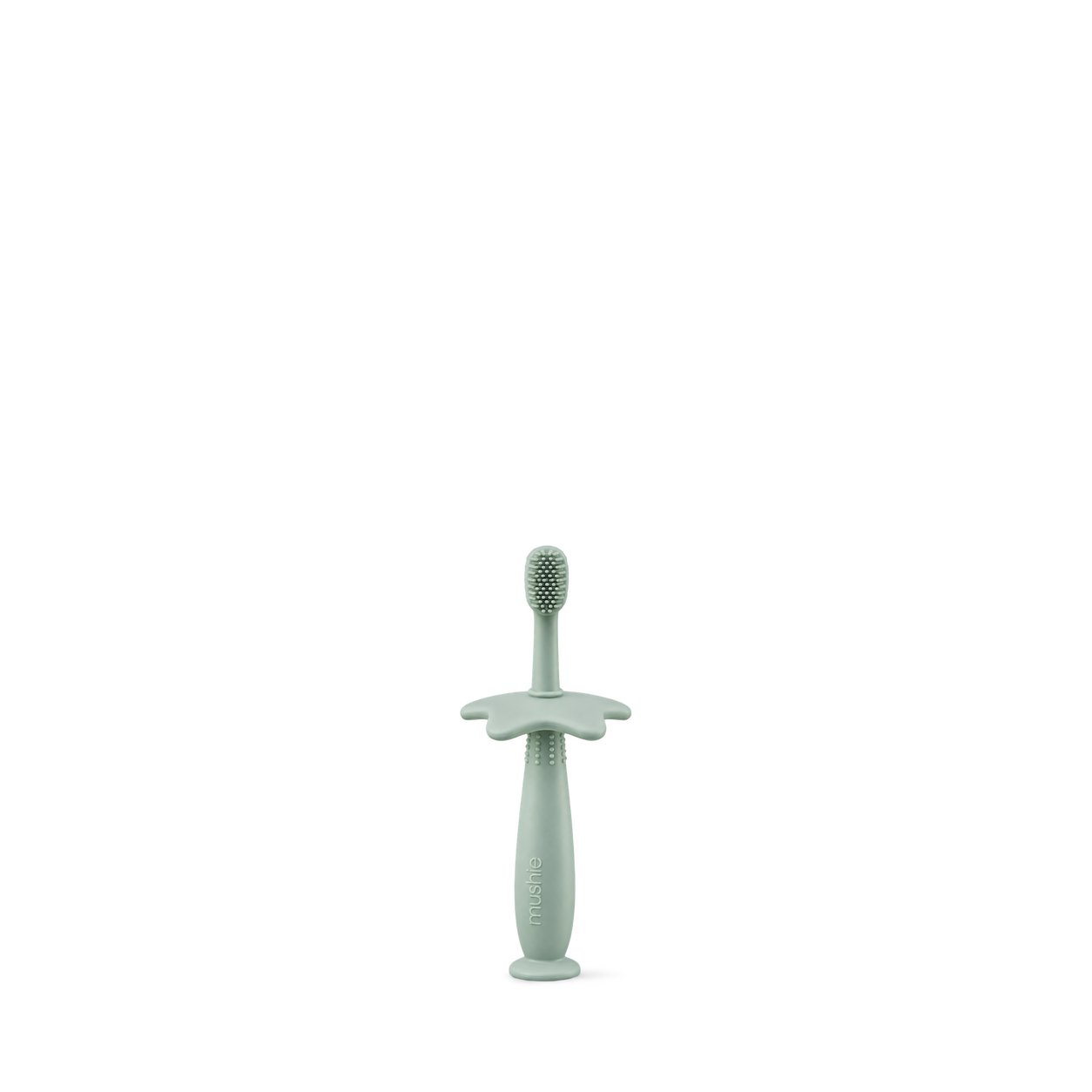
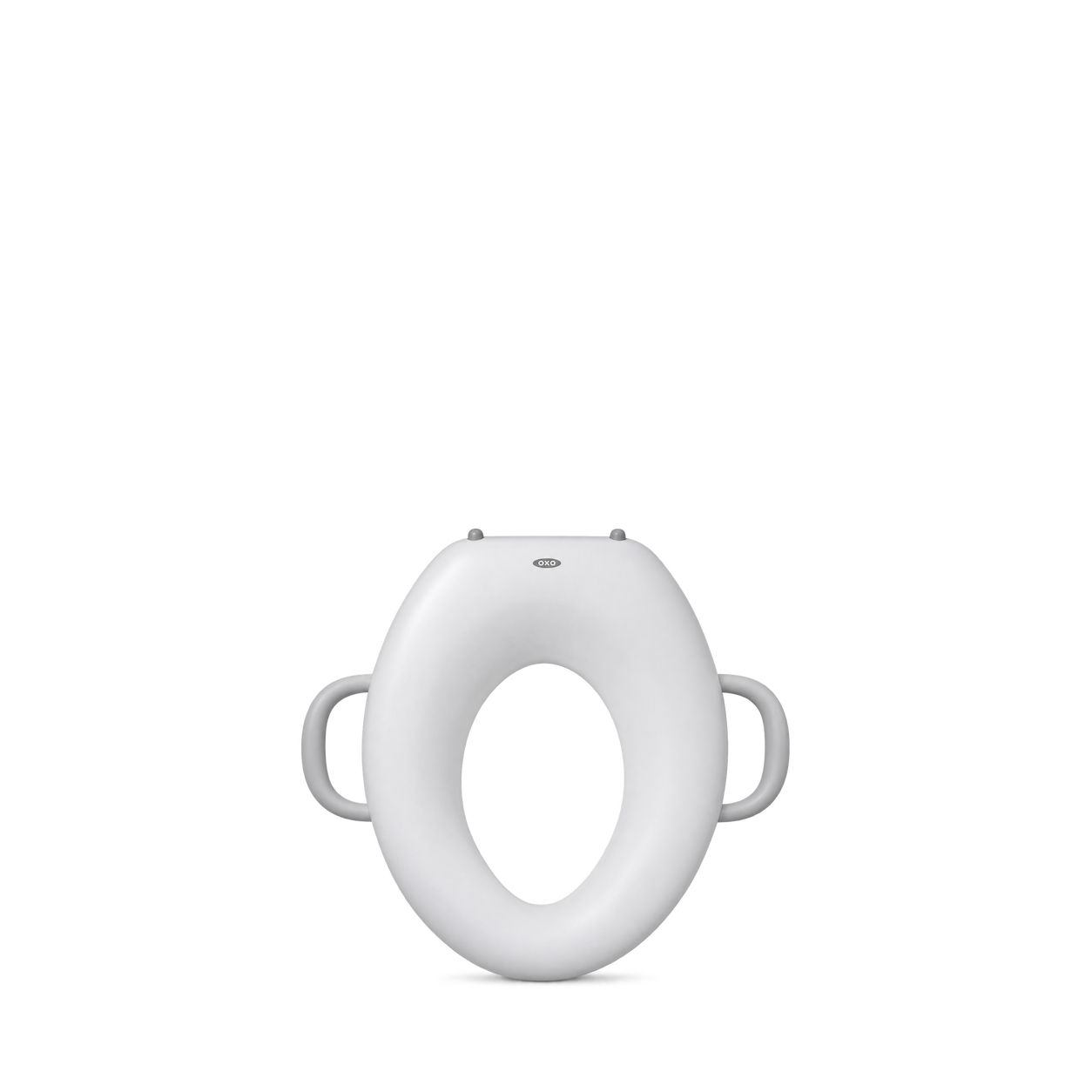
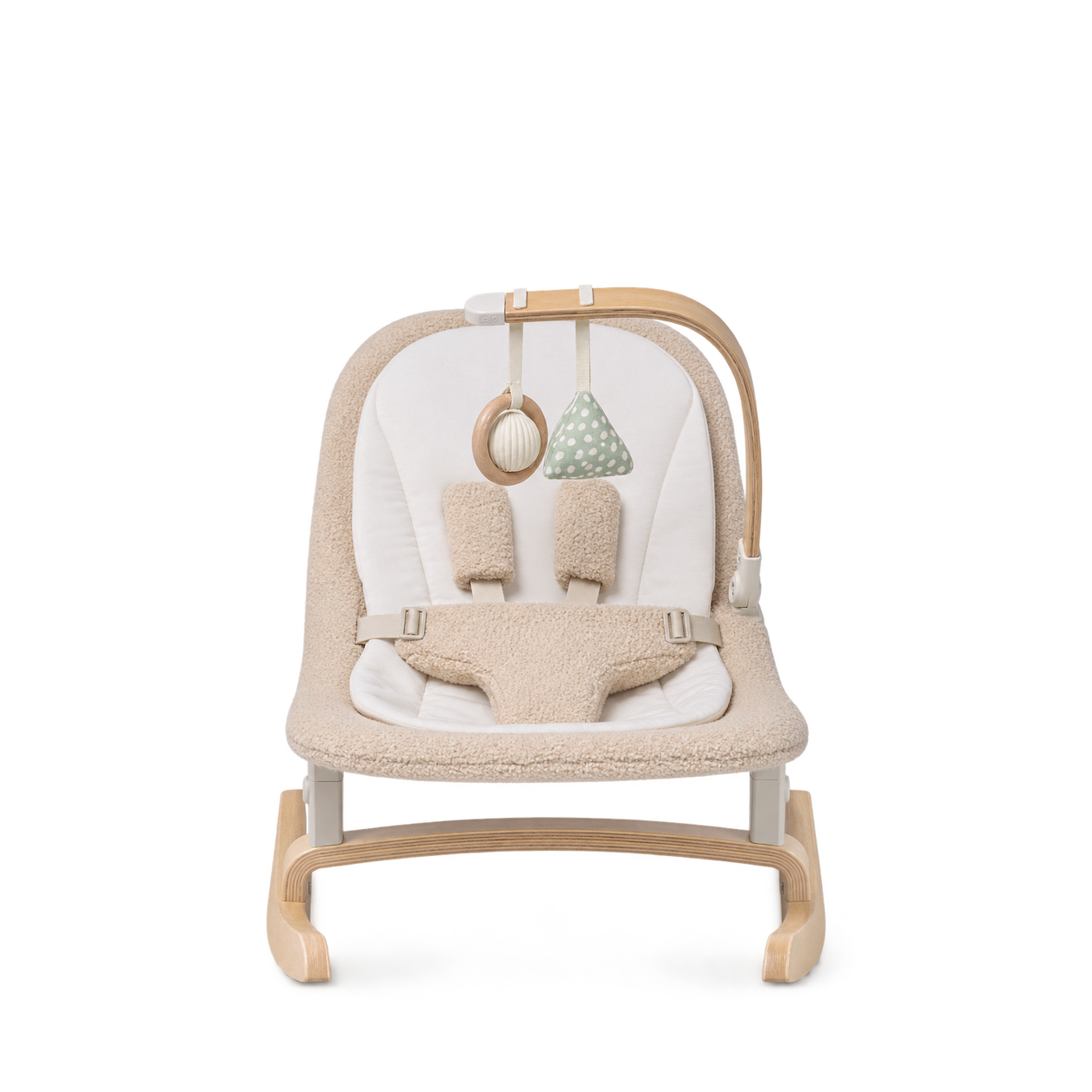

Frida Baby
Easy Grip Nail Scissors
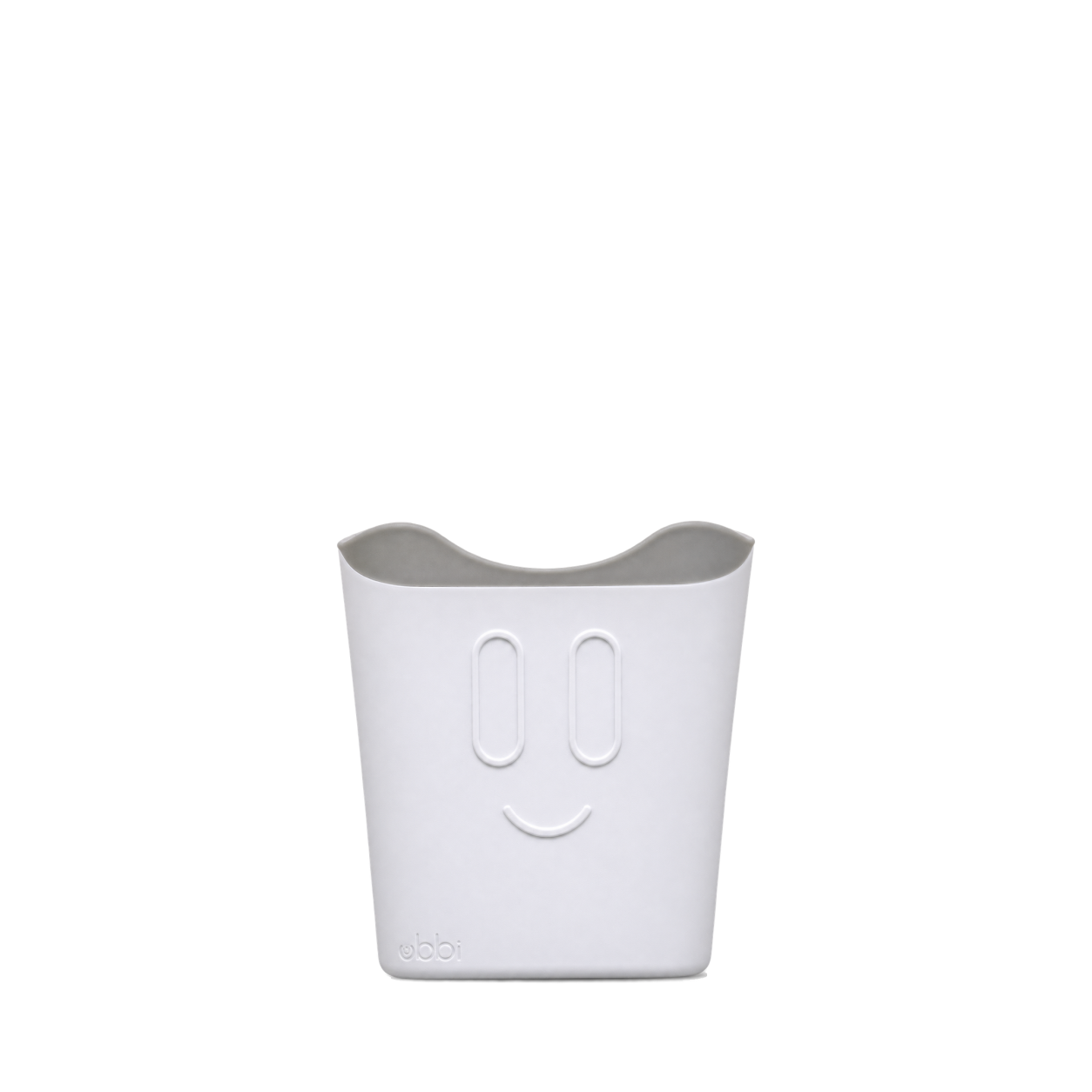
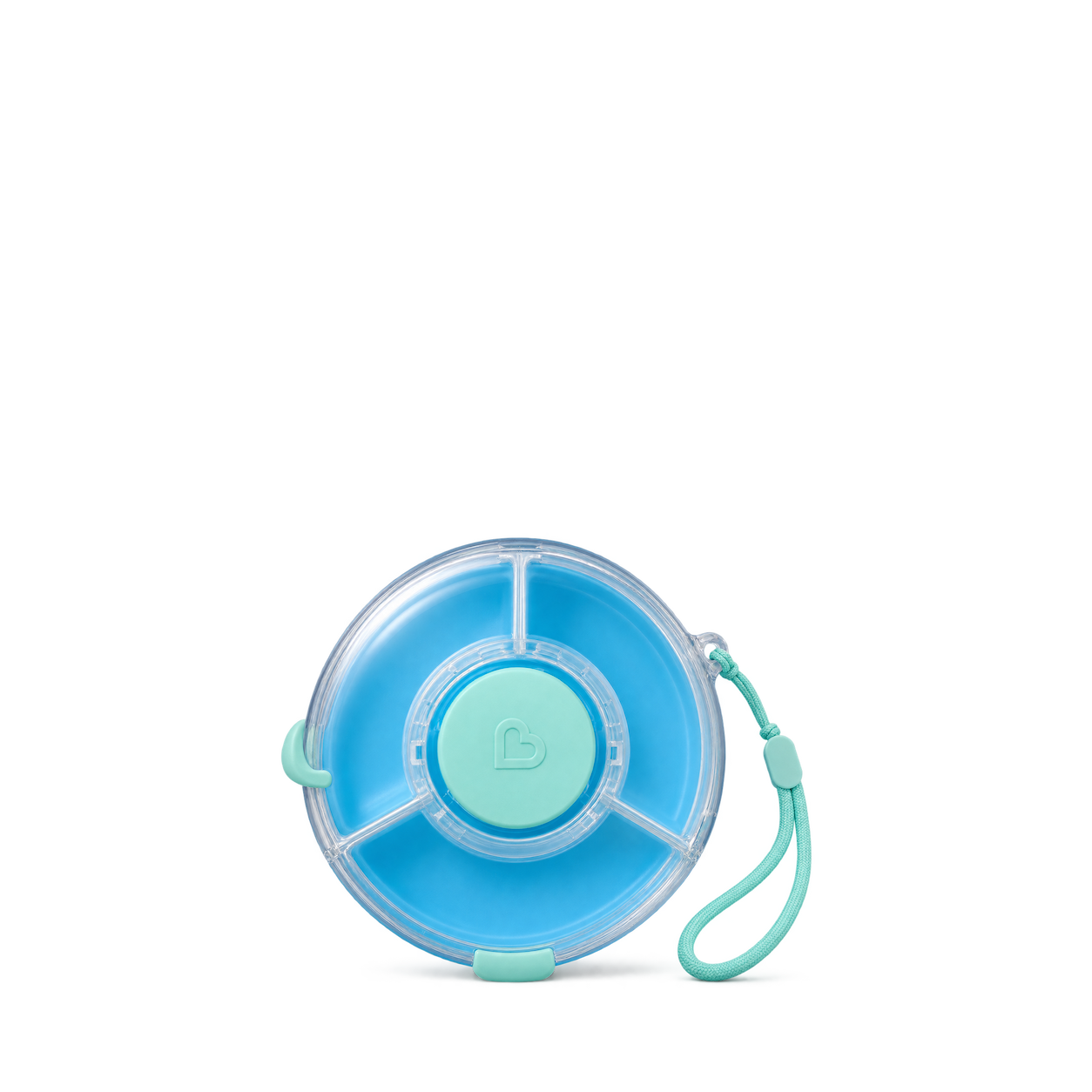
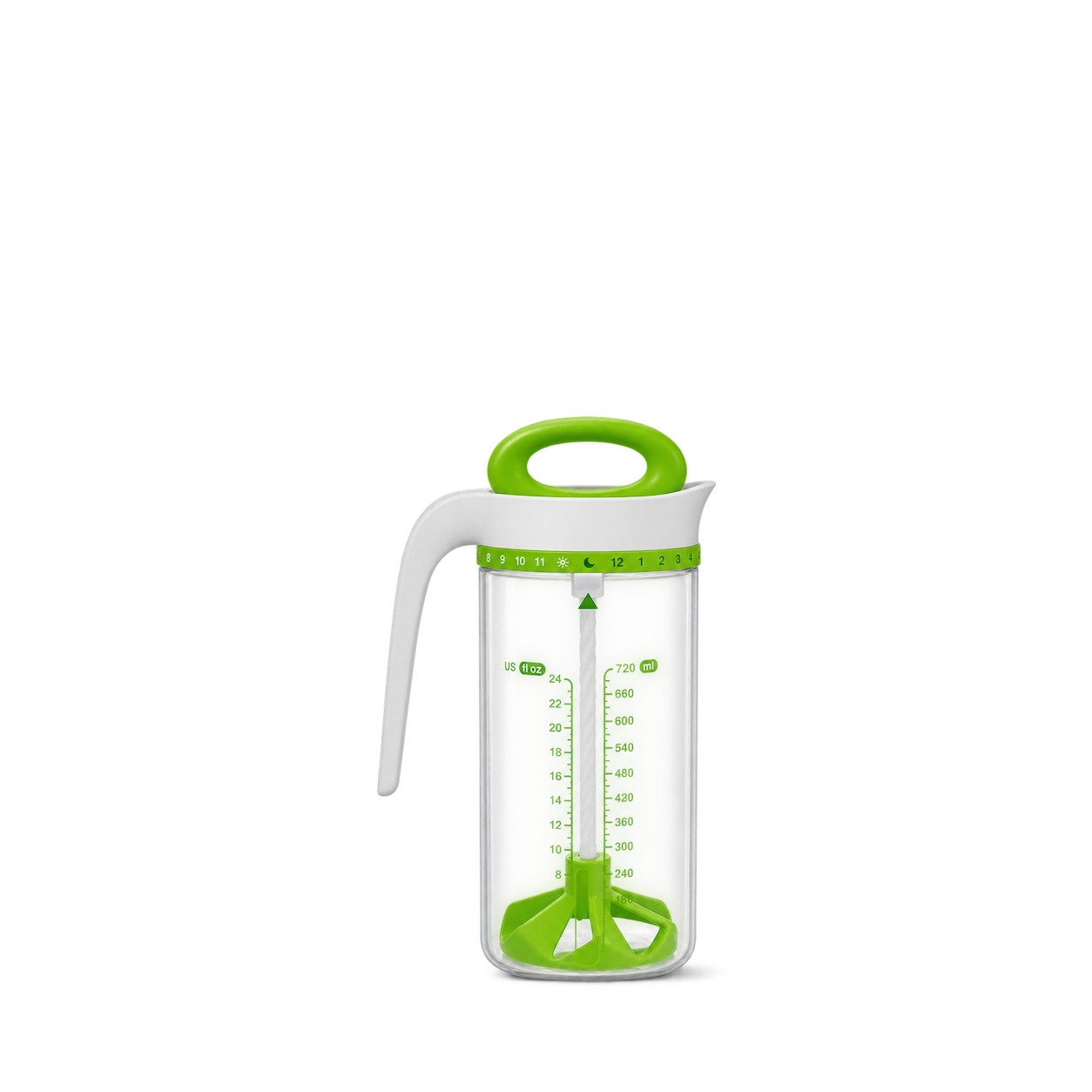
Munchkin
Snack Wheel™ · Blue
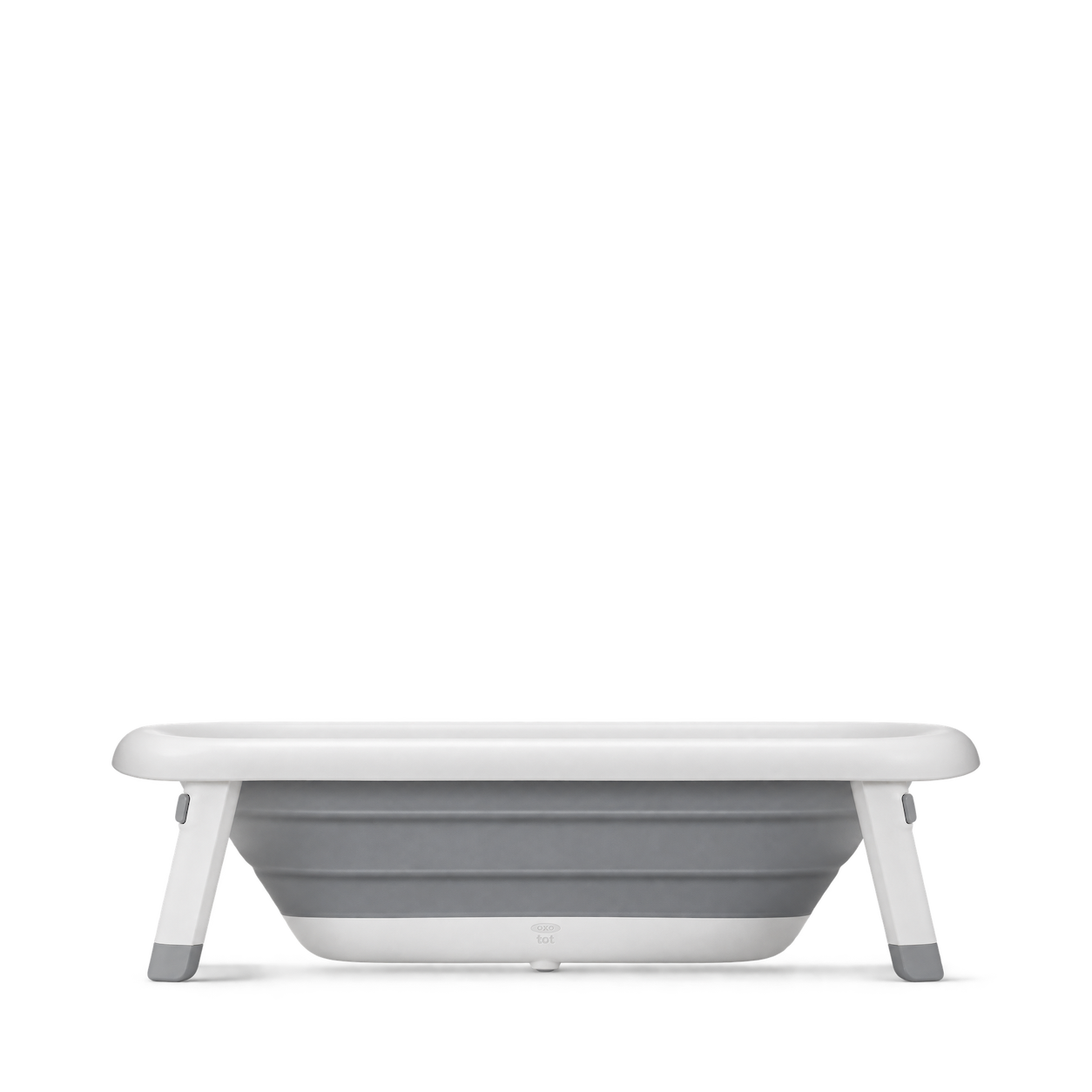
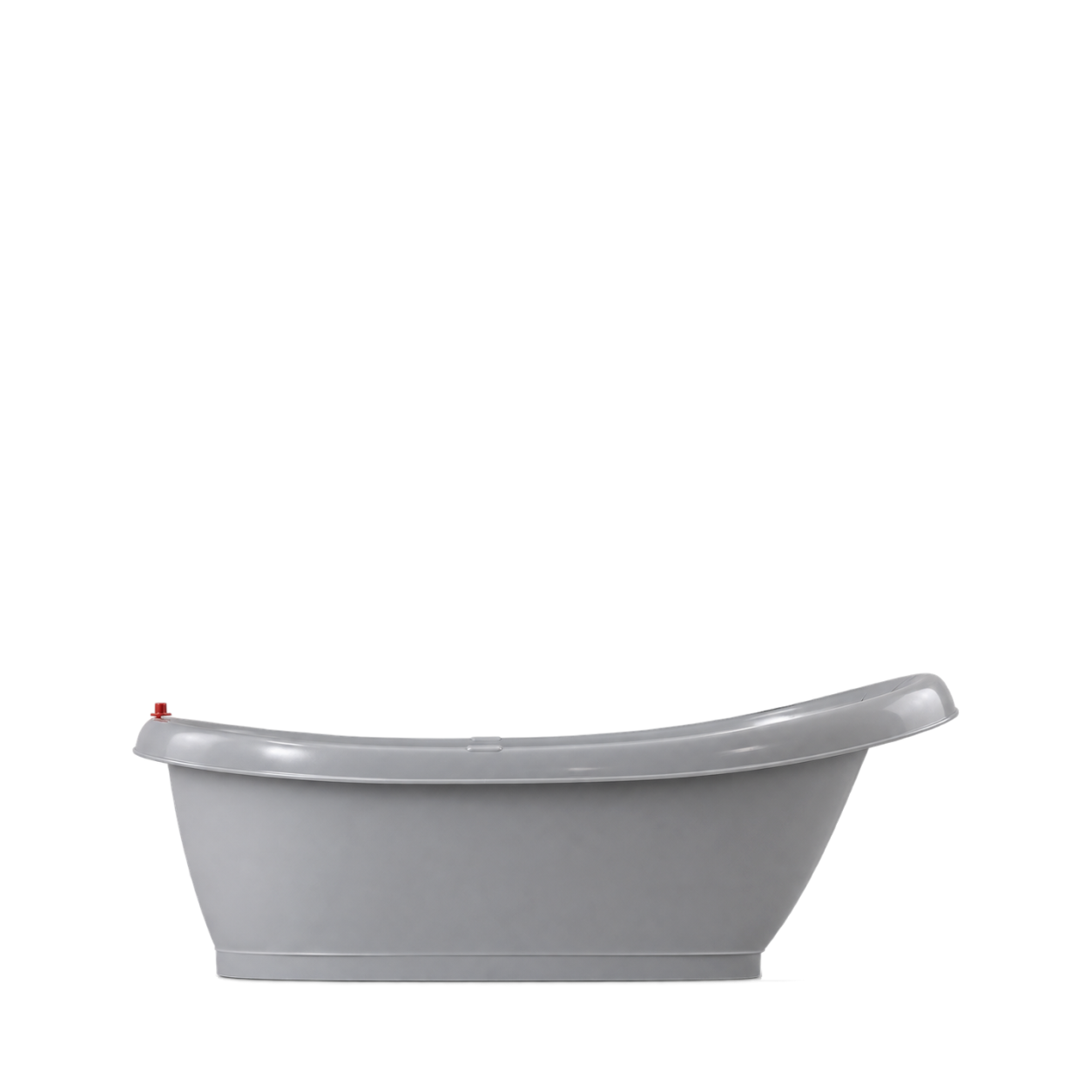
OXO Tot
Tot Splash & Store Bathtub
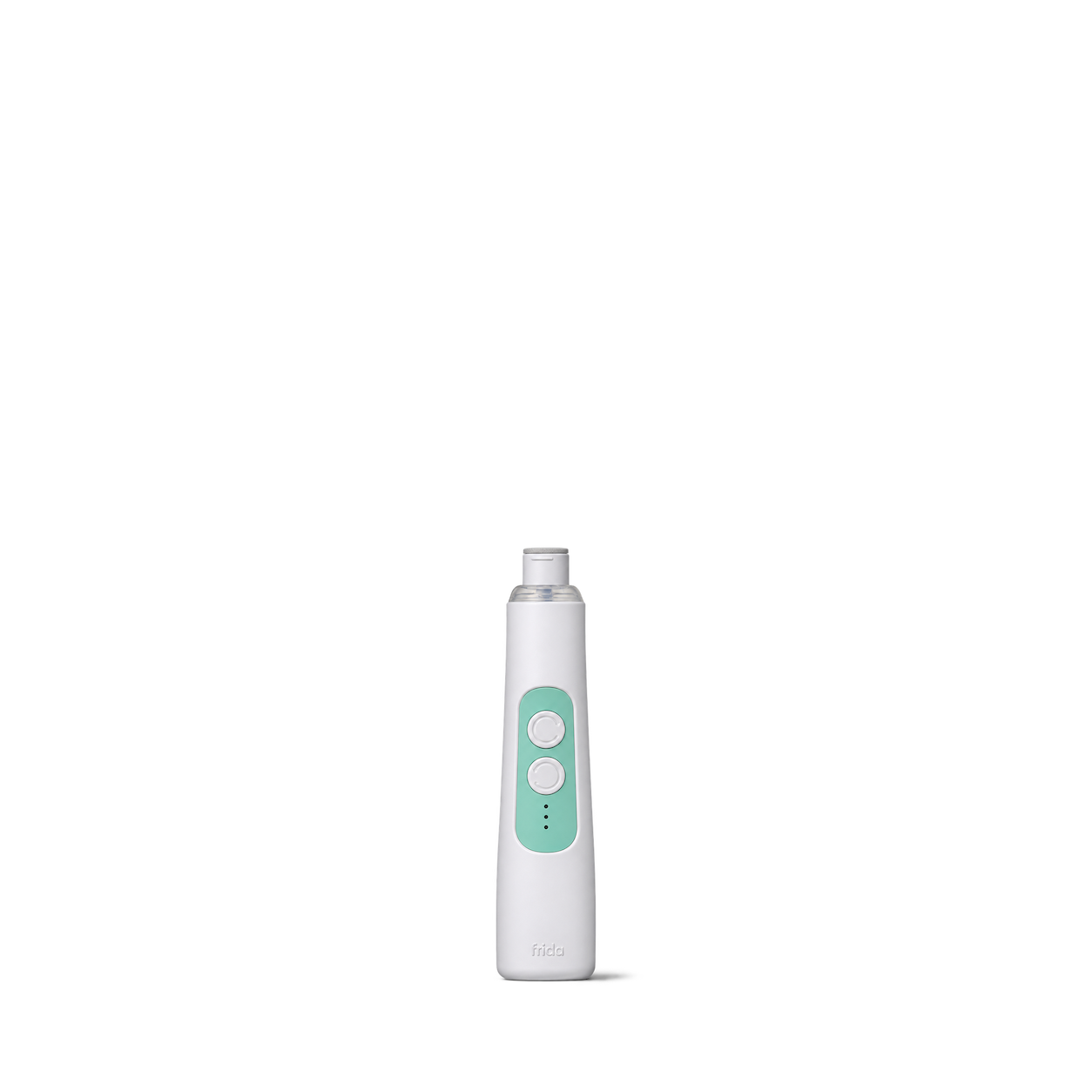
Frida Baby
Electric Nail Buffer

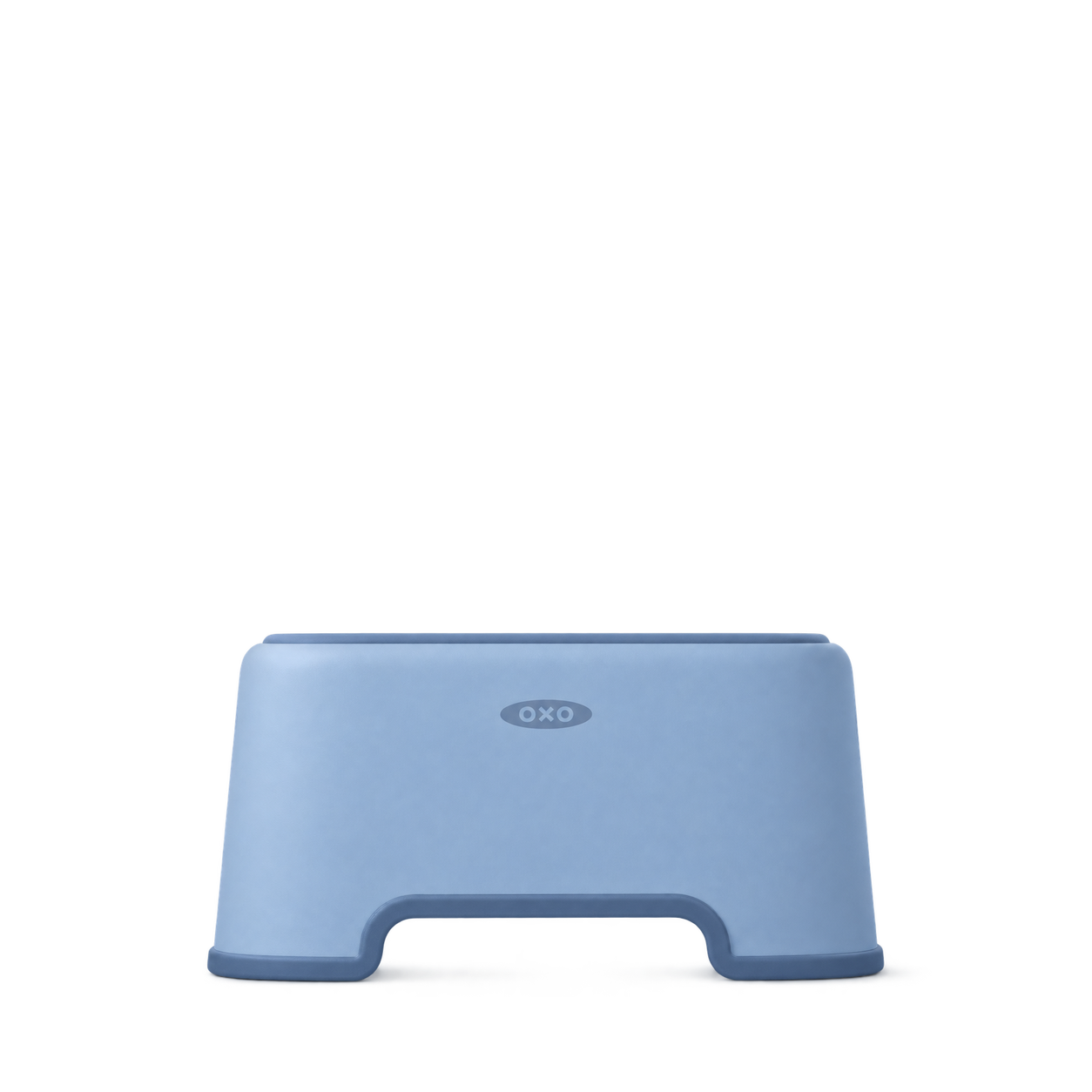
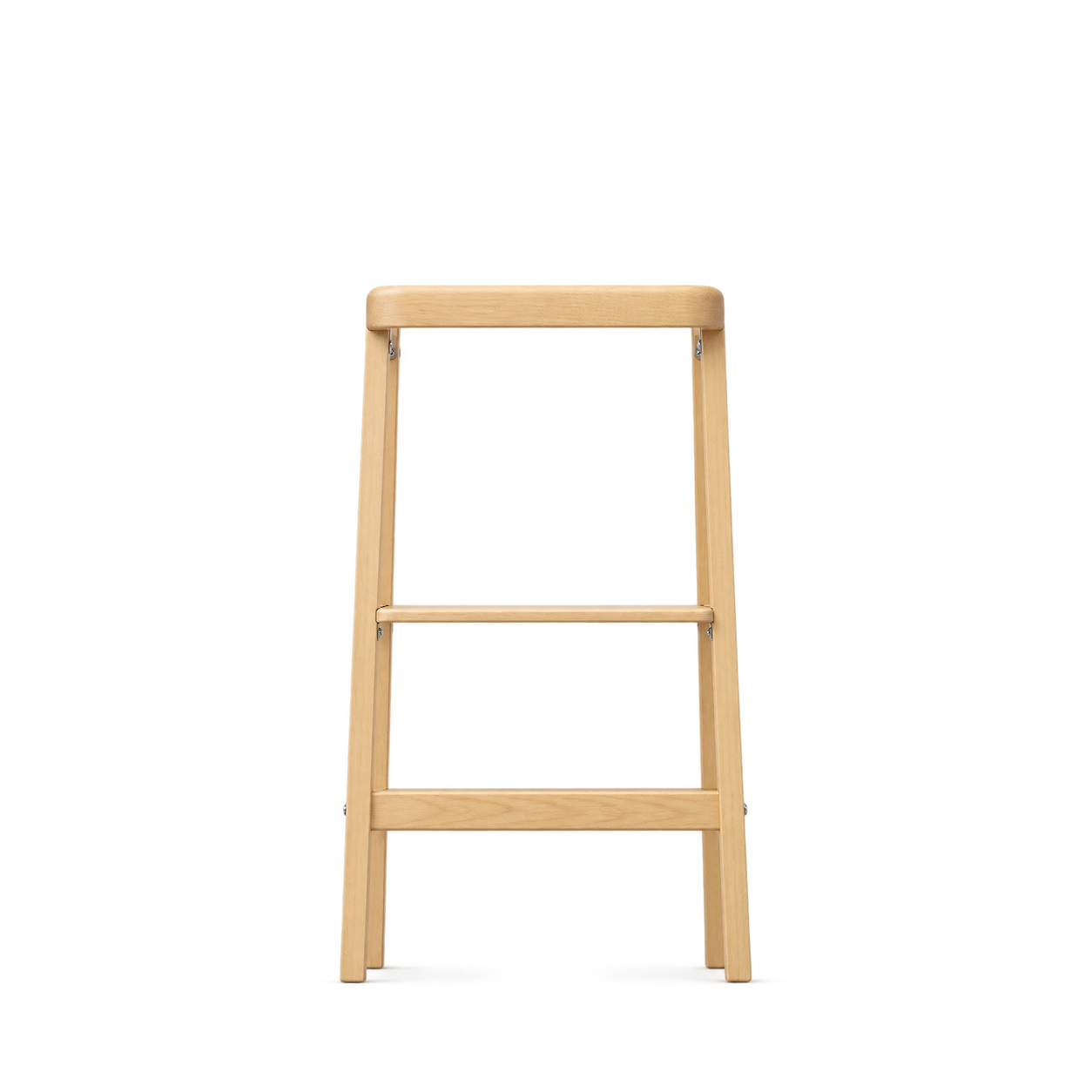
OXO Tot
Tot Step Stool · Dusk
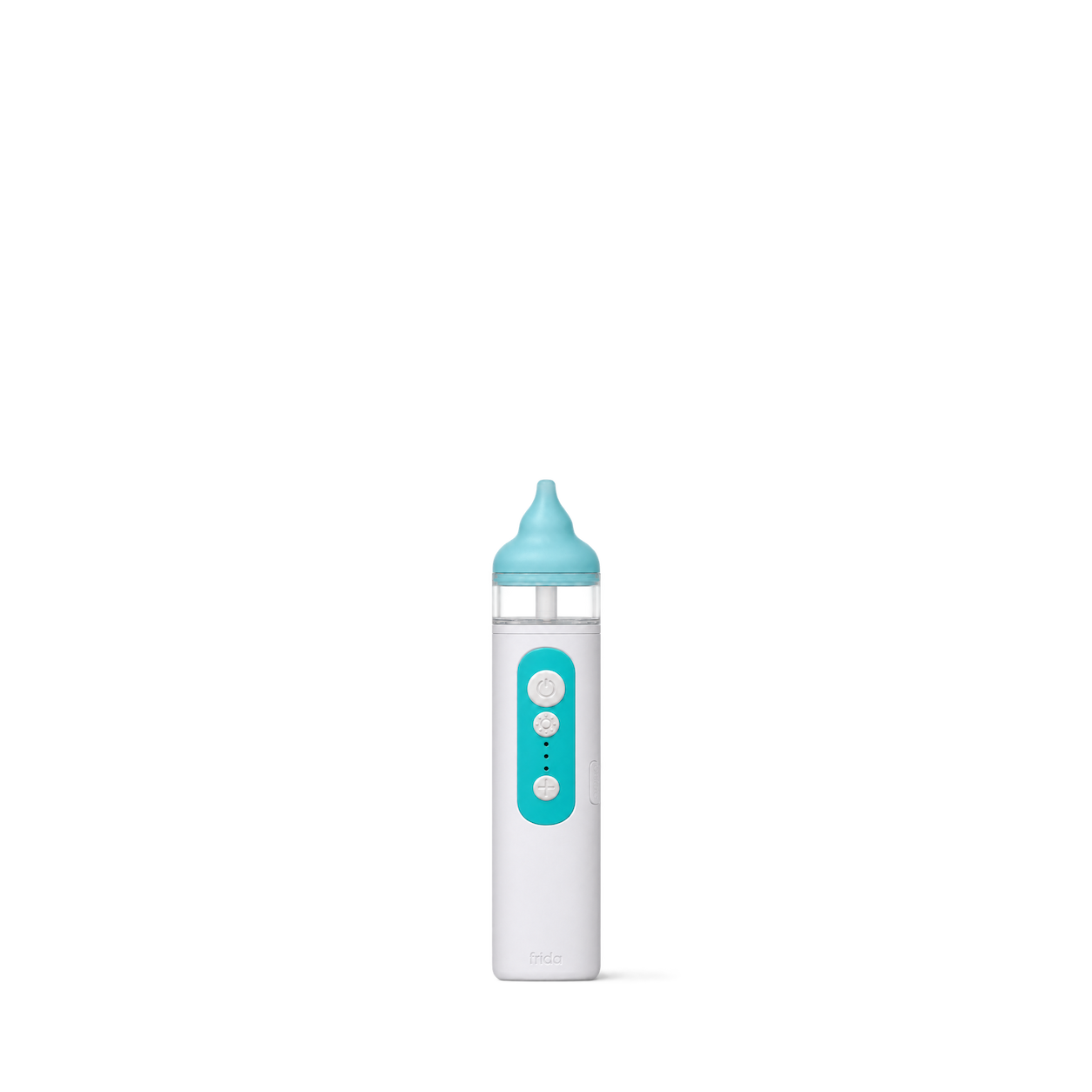
Frida Baby
Electric NoseFrida
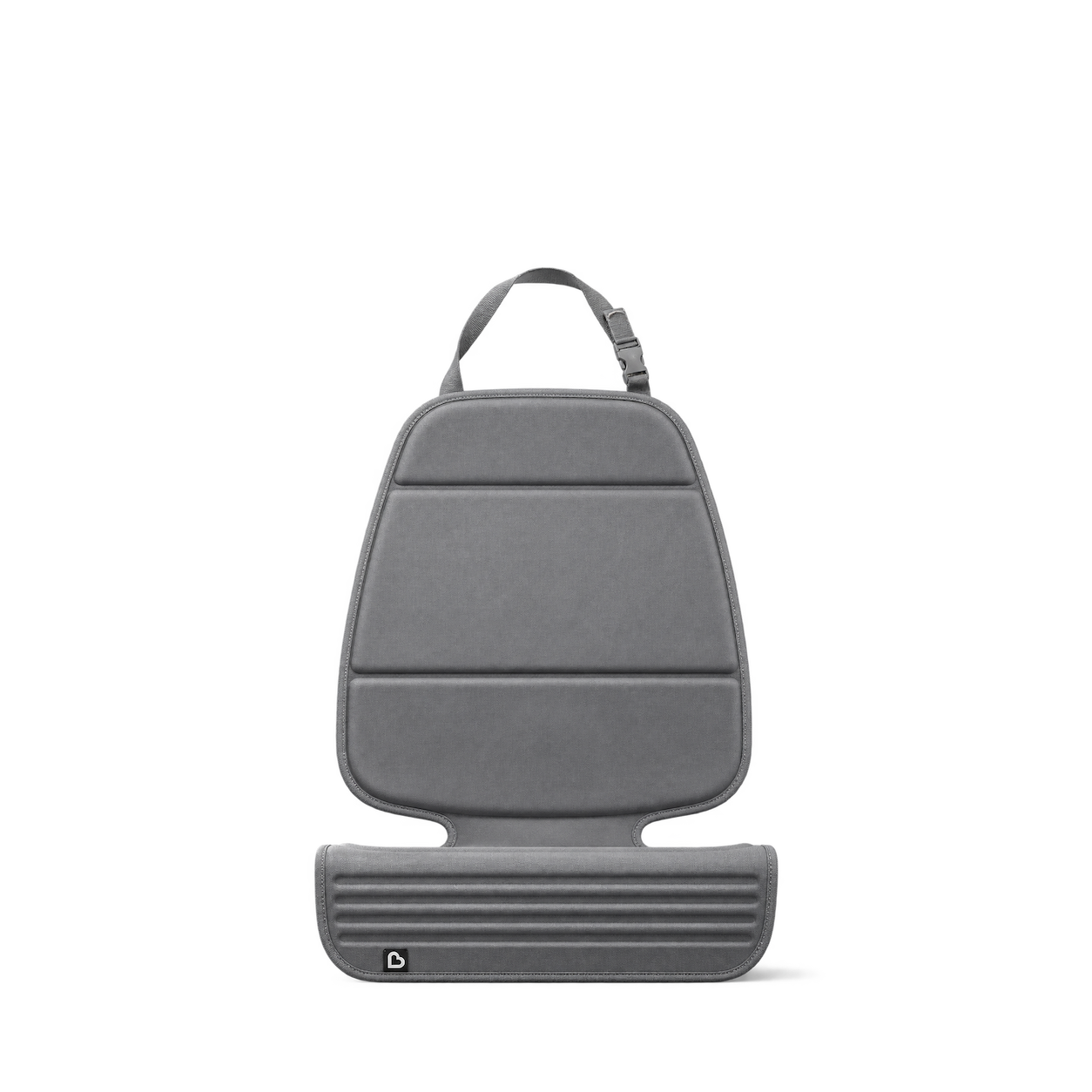
Munchkin
Elite Seat Guardian · Grey
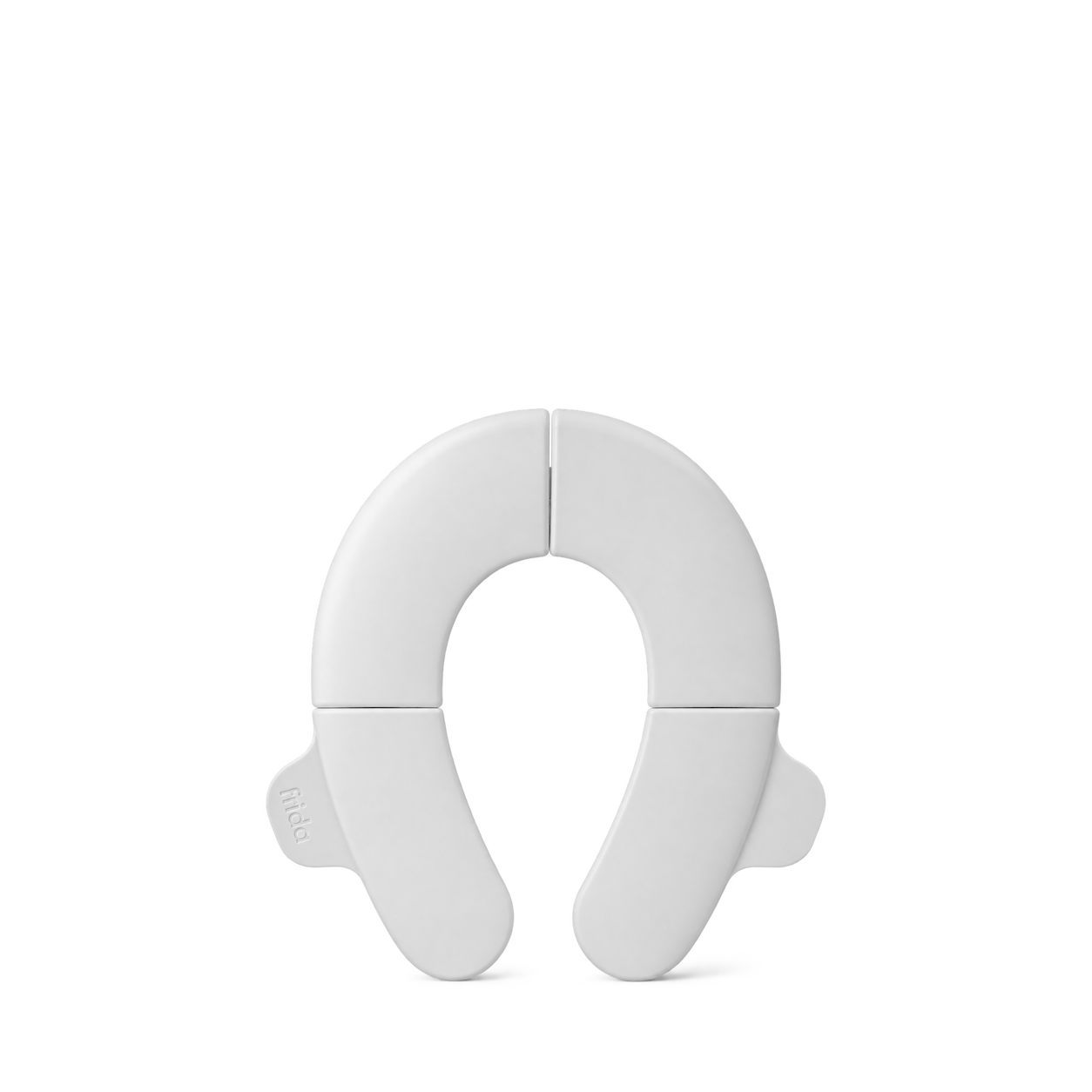
Frida Baby
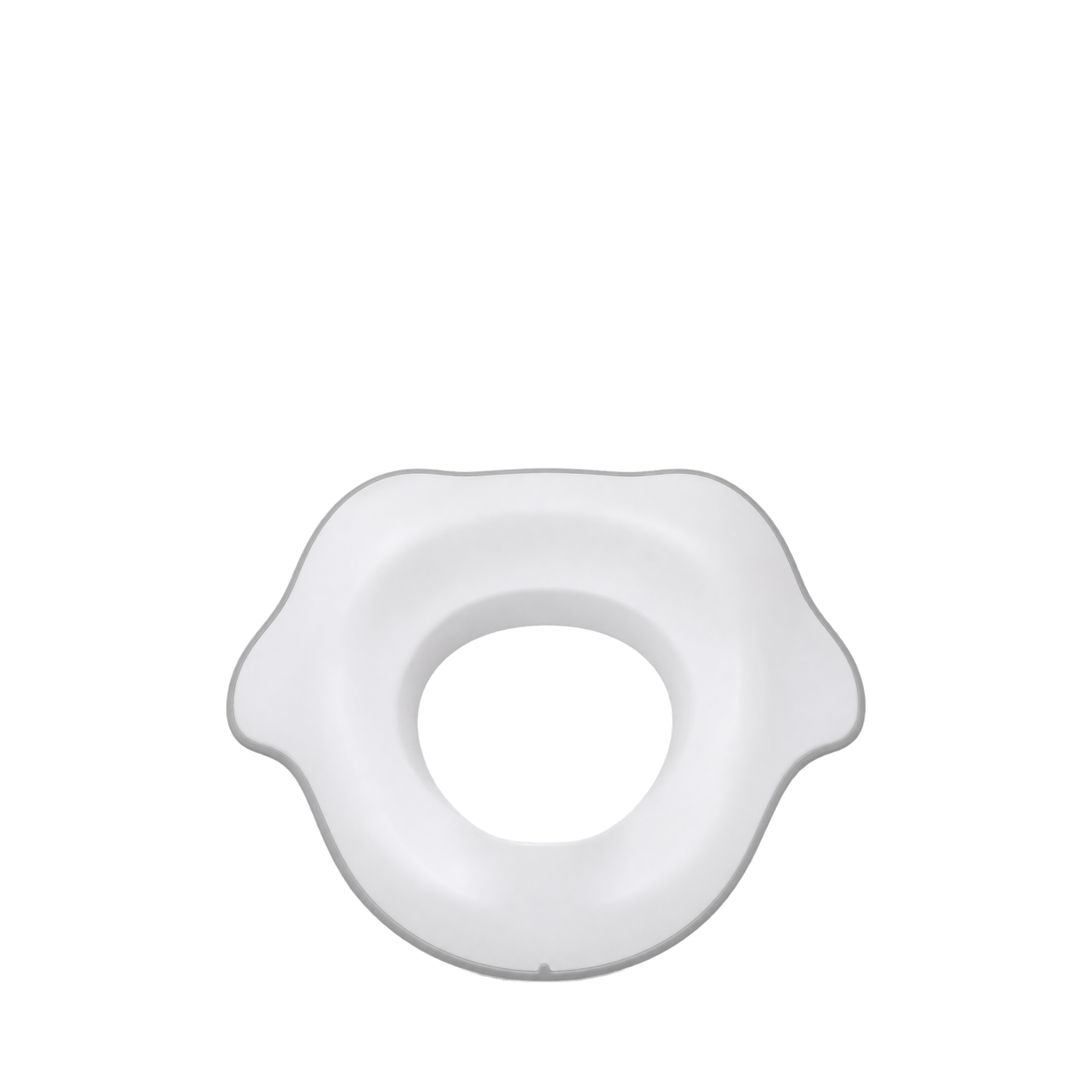
Fold-And-Go Potty Seat
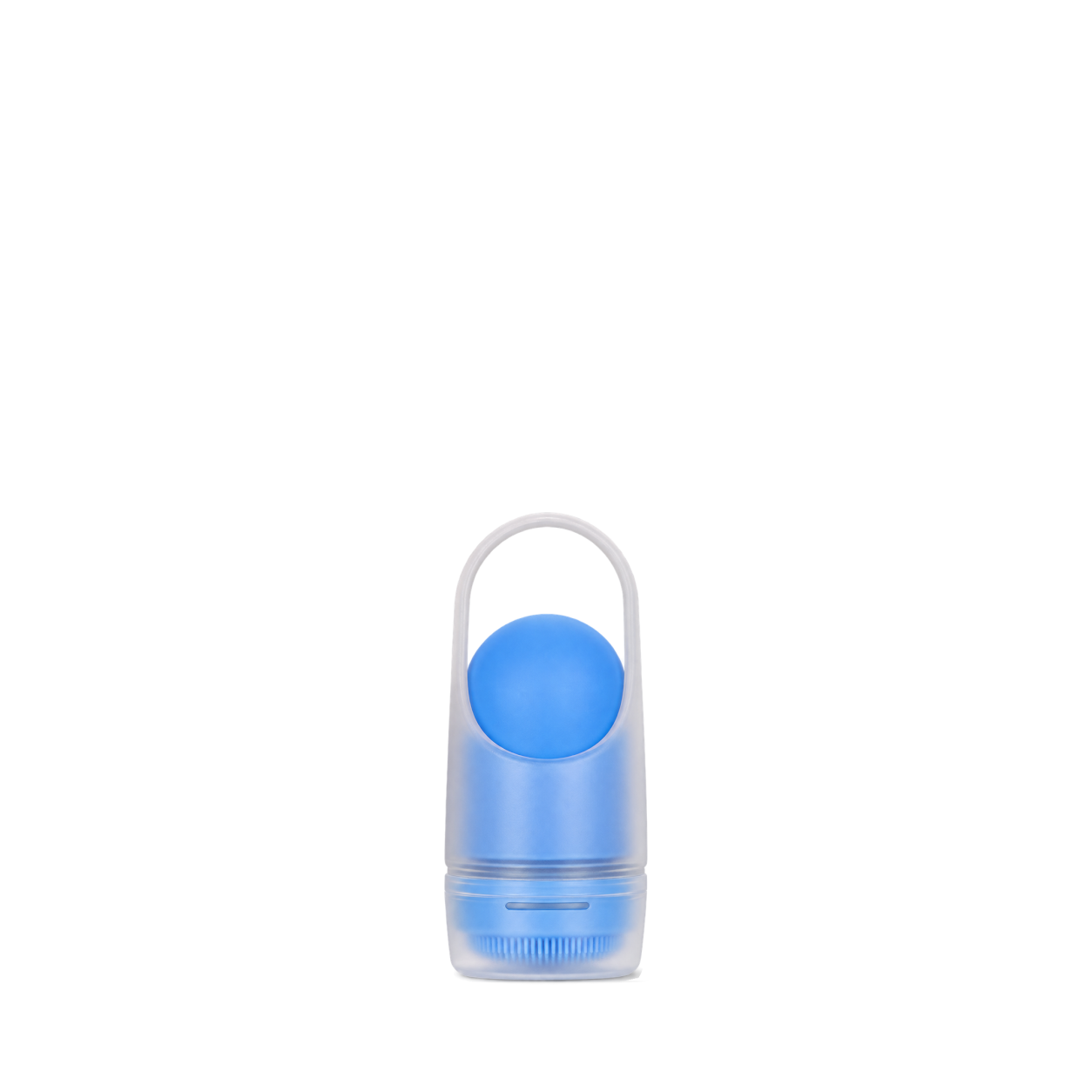
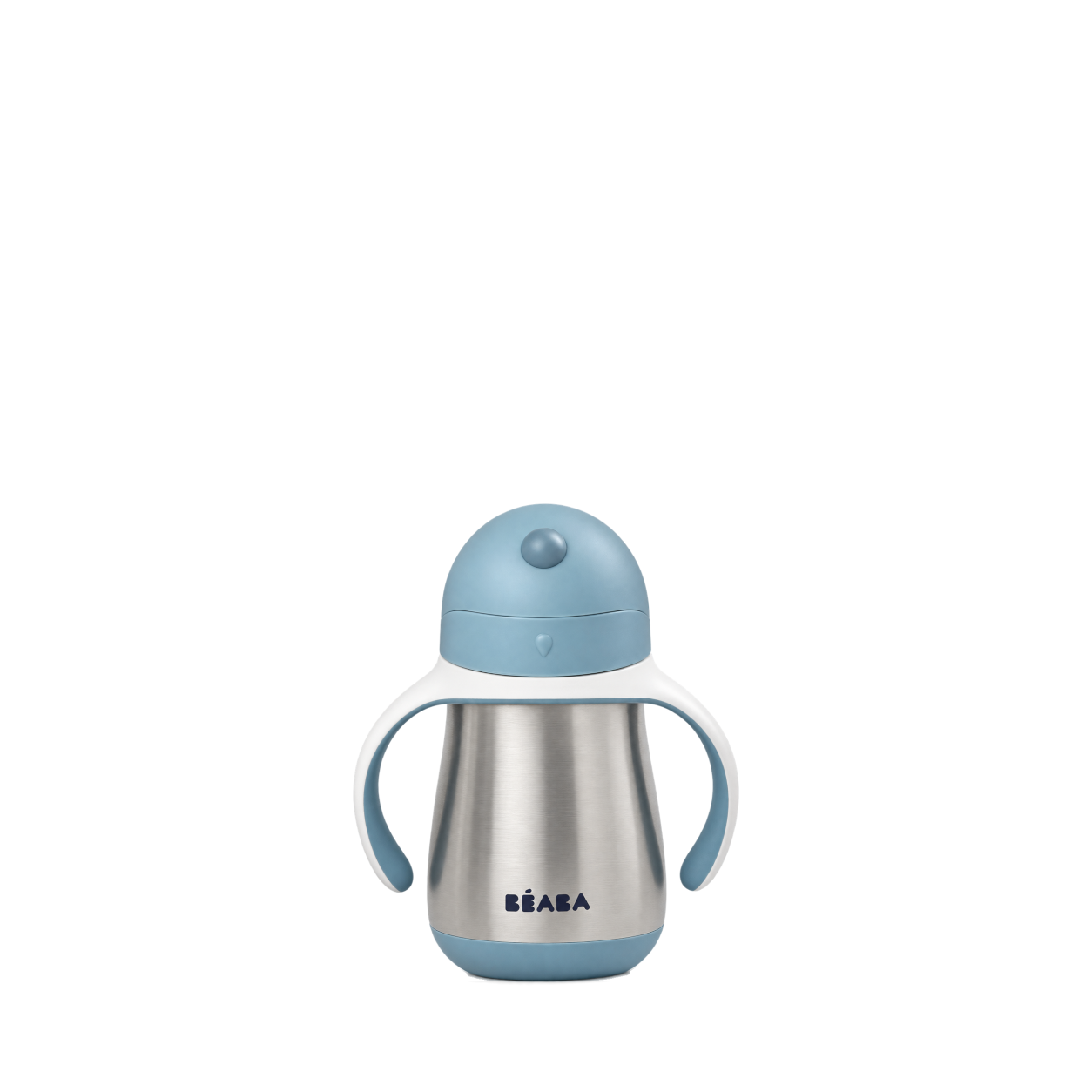
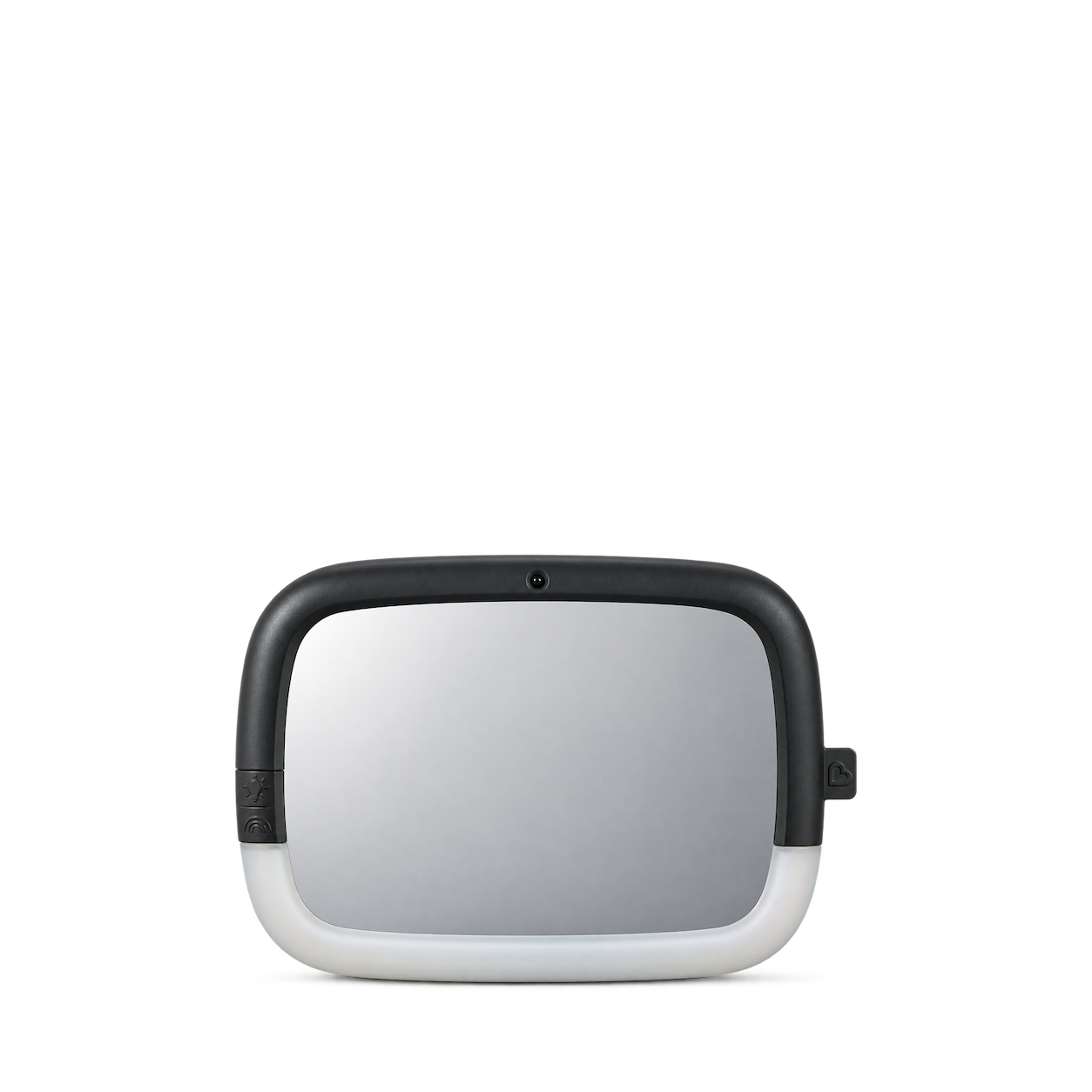

Frida Baby
Hair Detangler Brush · Fine or Straight
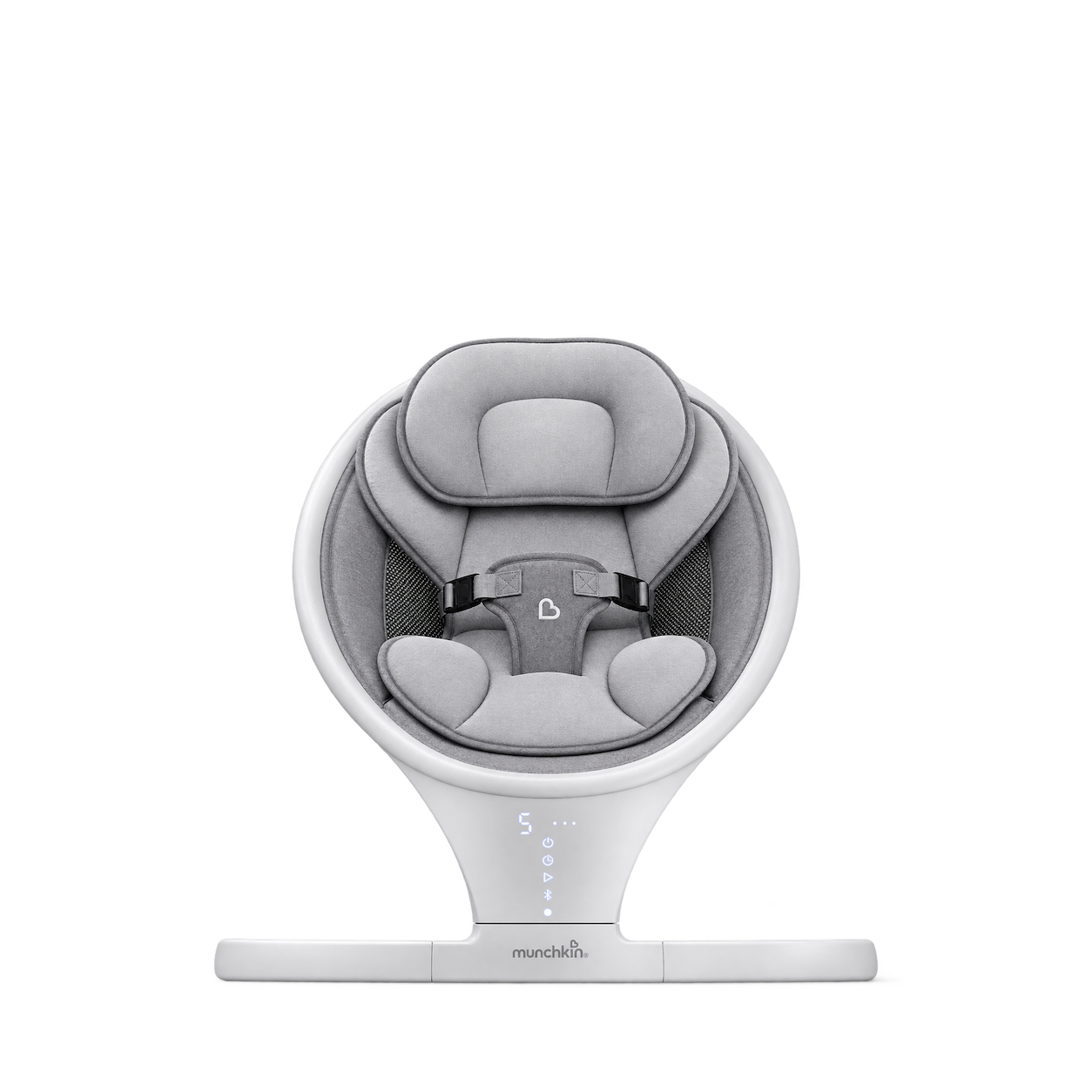
Munchkin
Swing · Grey / white

Frida Baby
NailFrida THE SNIPPERCLIPPER Solo
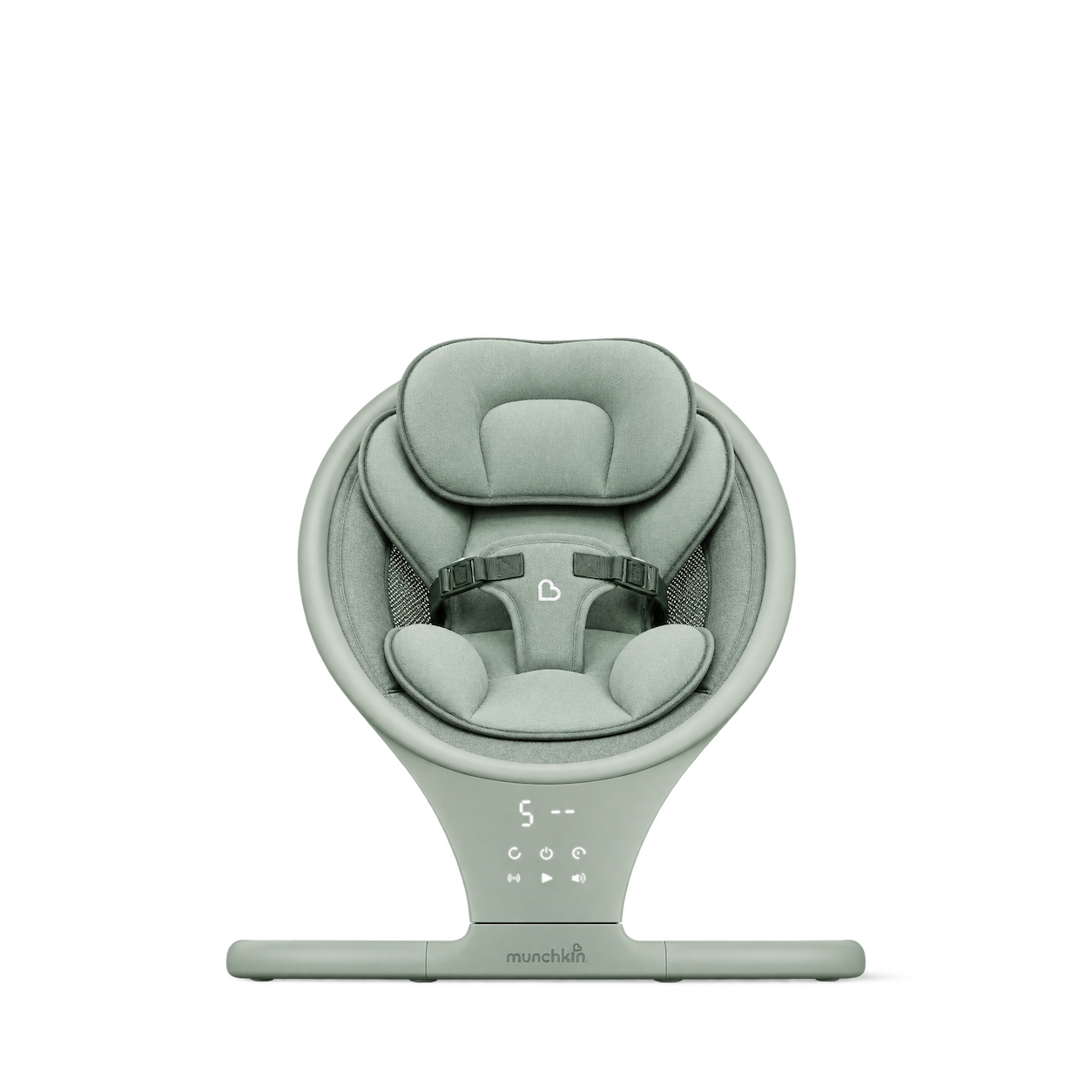
Munchkin
Vibration Swing · Sage green

Frida Baby
No-Mess Vapor Rub
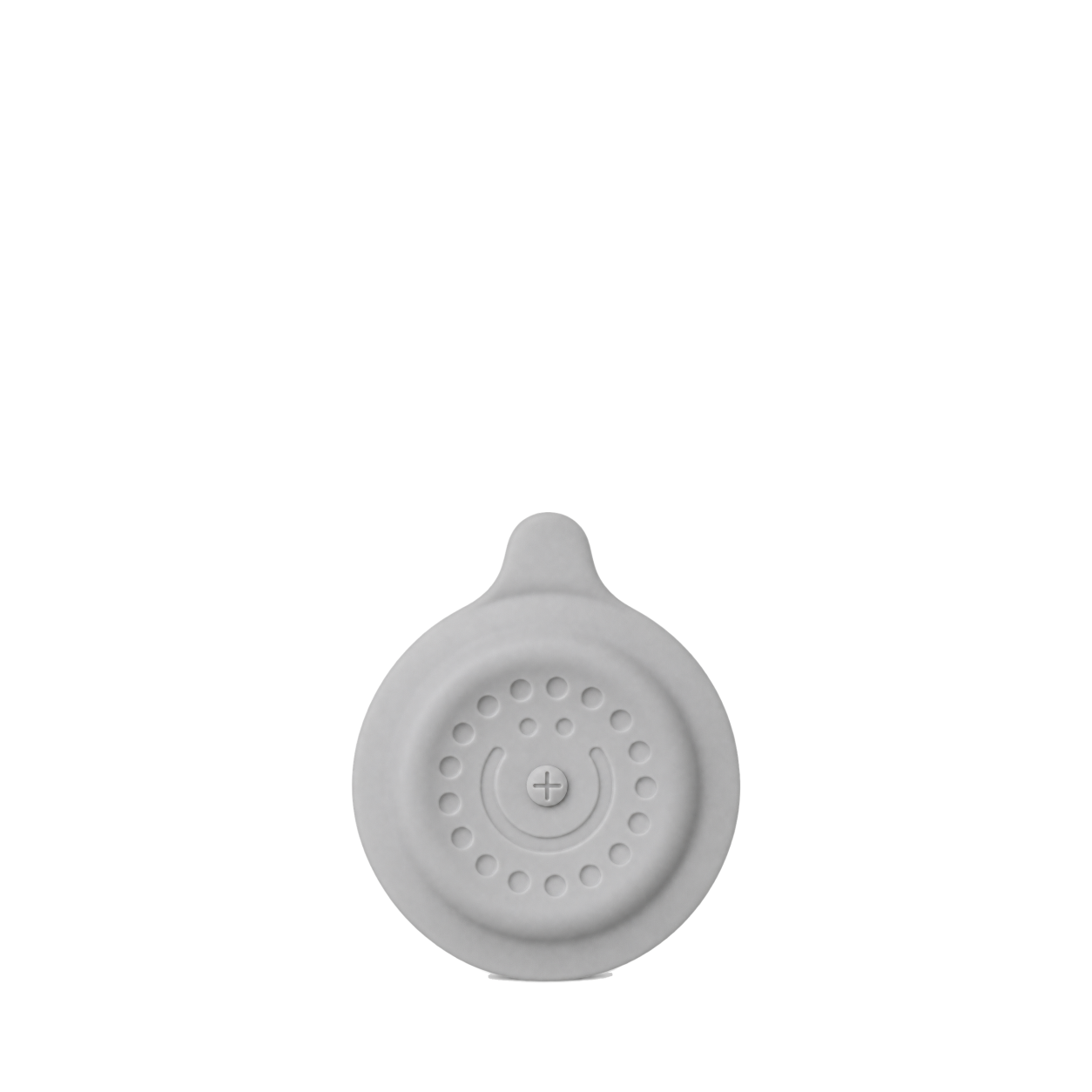
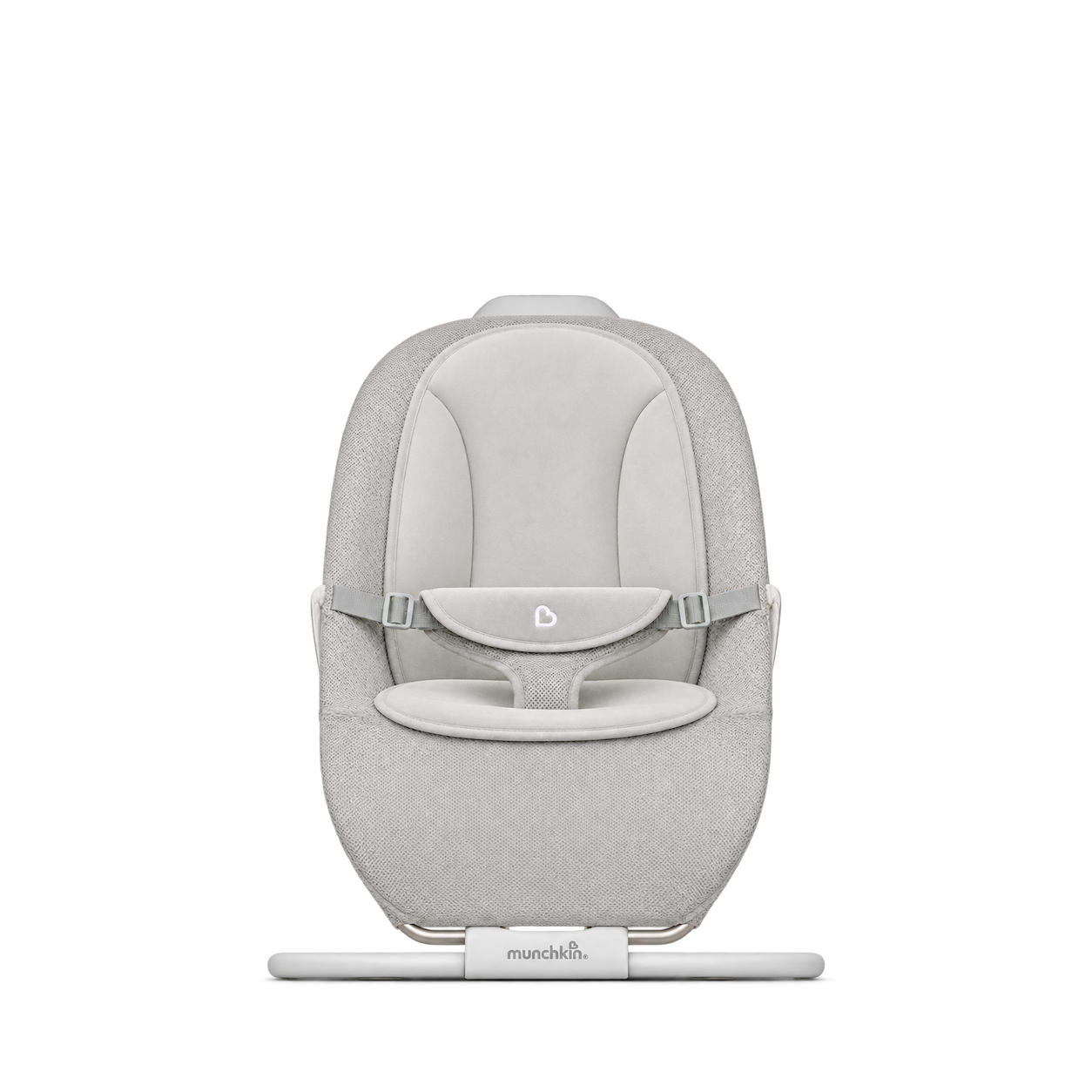
Munchkin
Electric Bouncer & Rocker
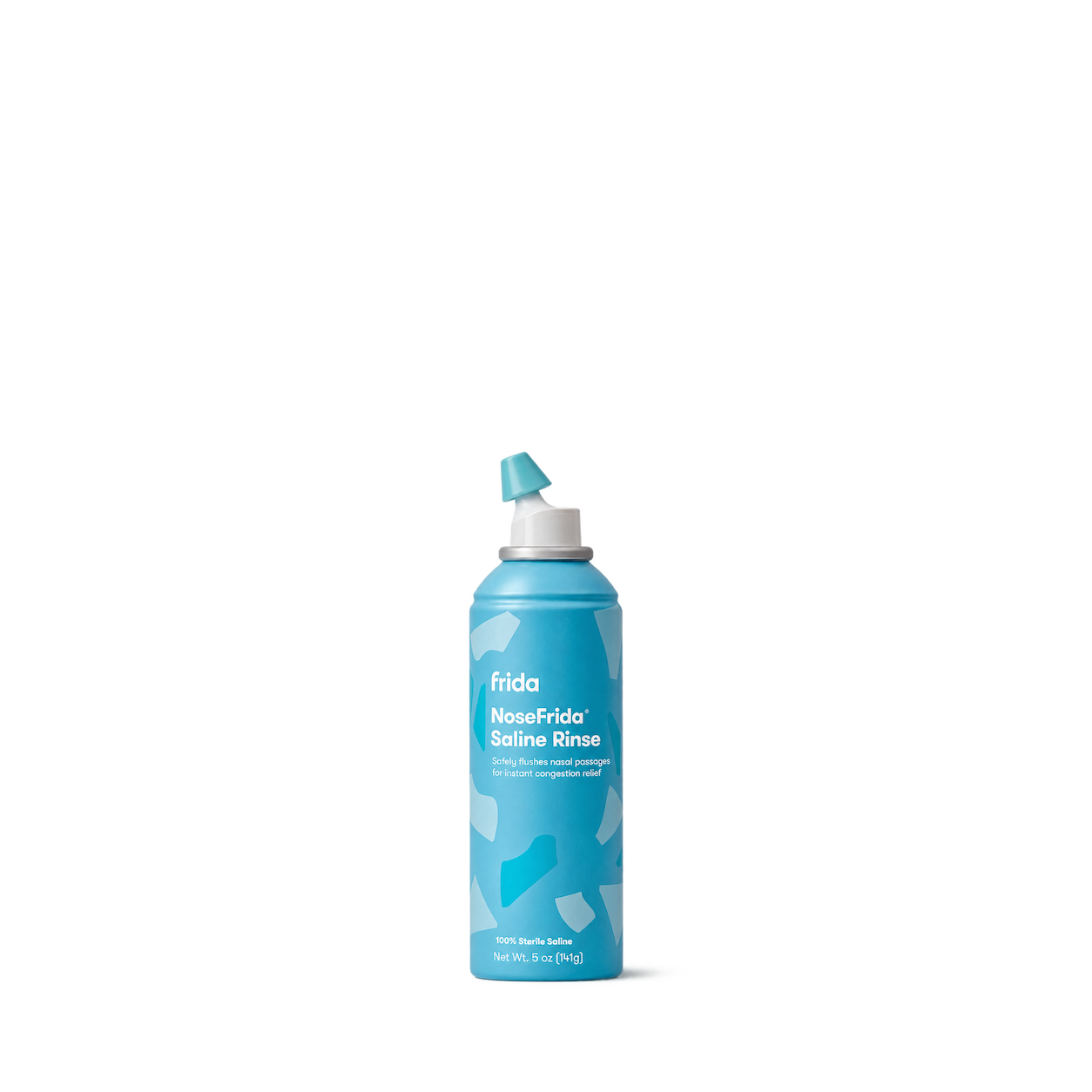
Frida Baby
NoseFrida Saline Rinse
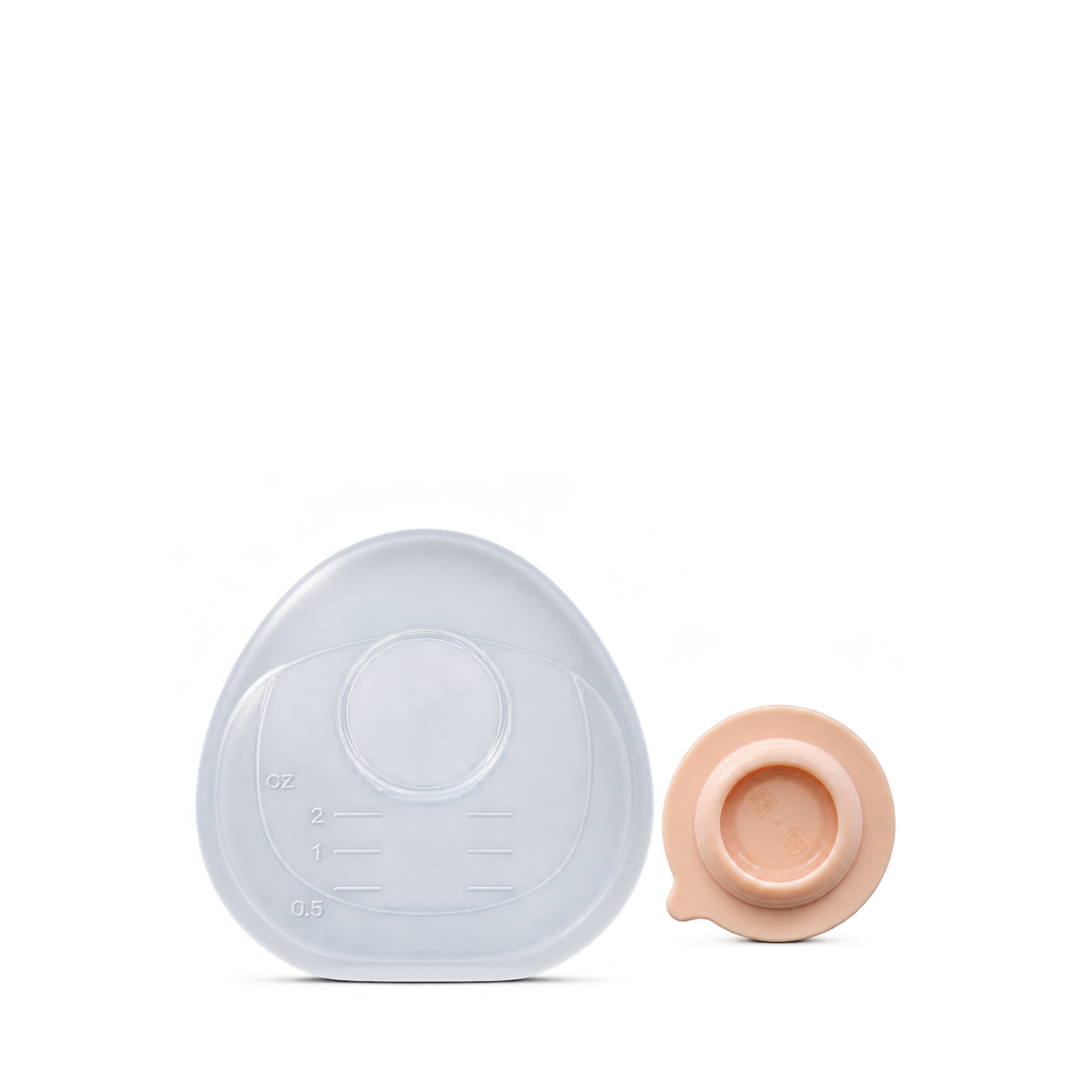
Munchkin
Silicone Breast Milk Collector
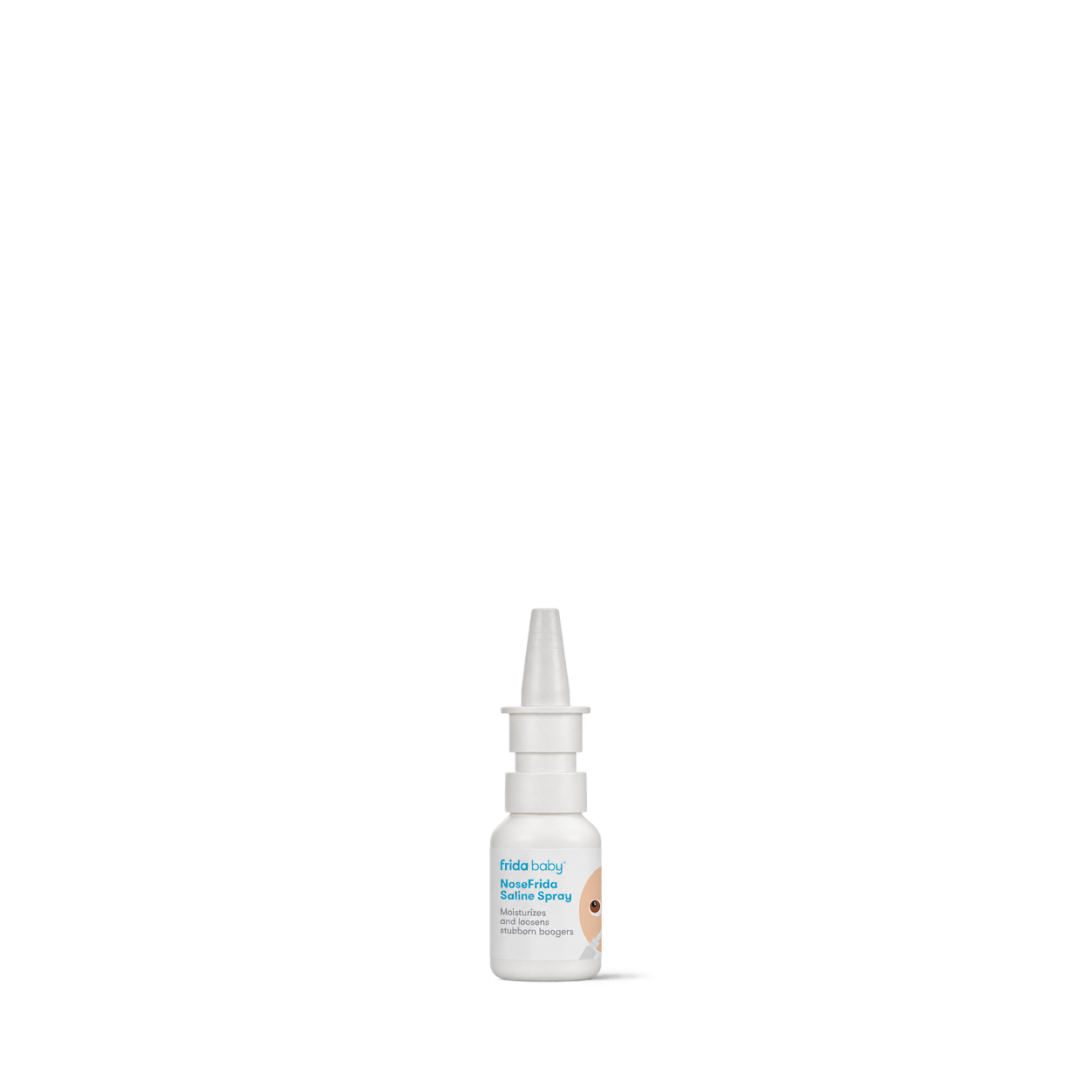
Frida Baby
NoseFrida SALINE SNOT SPRAY

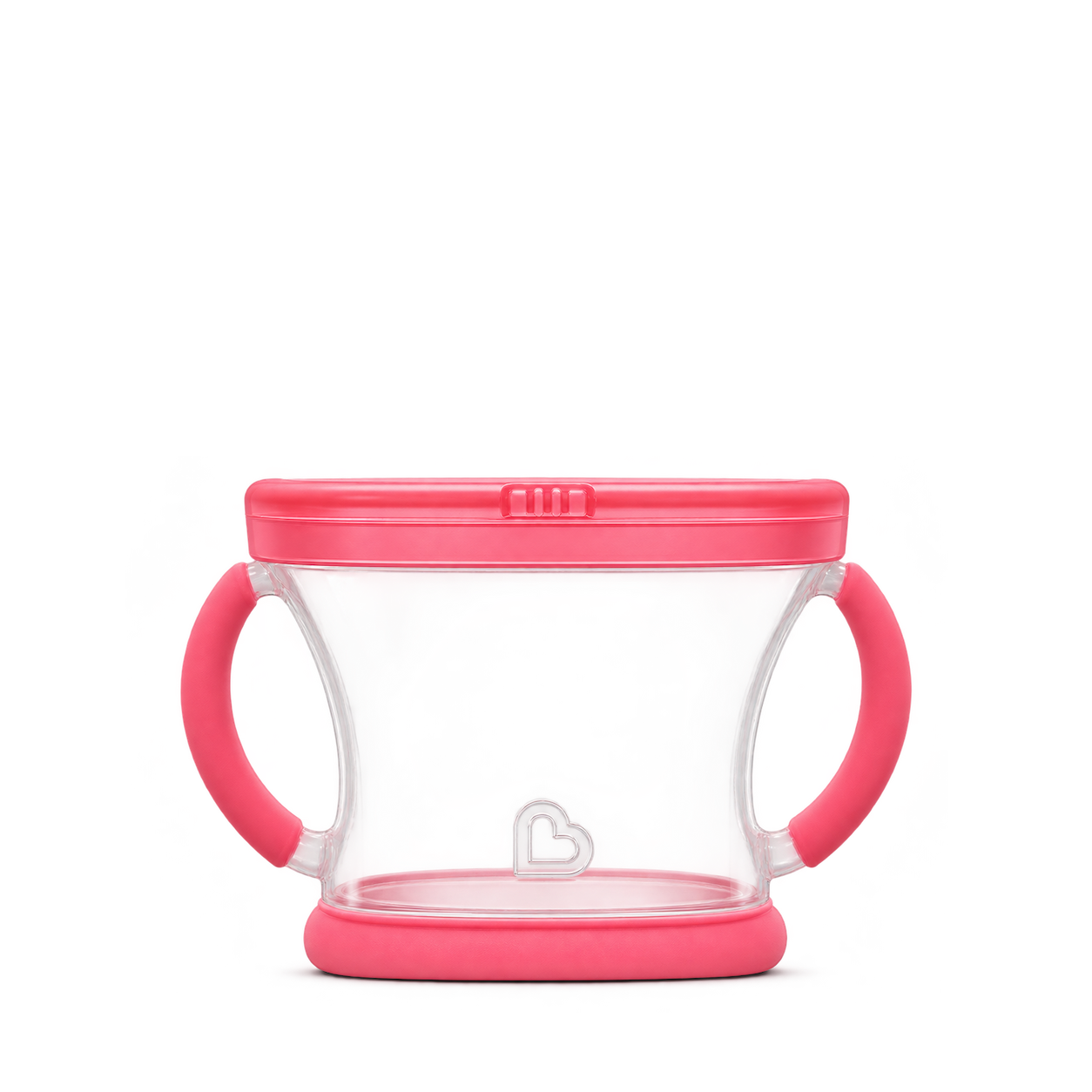
Munchkin
Snack Catcher · Pink
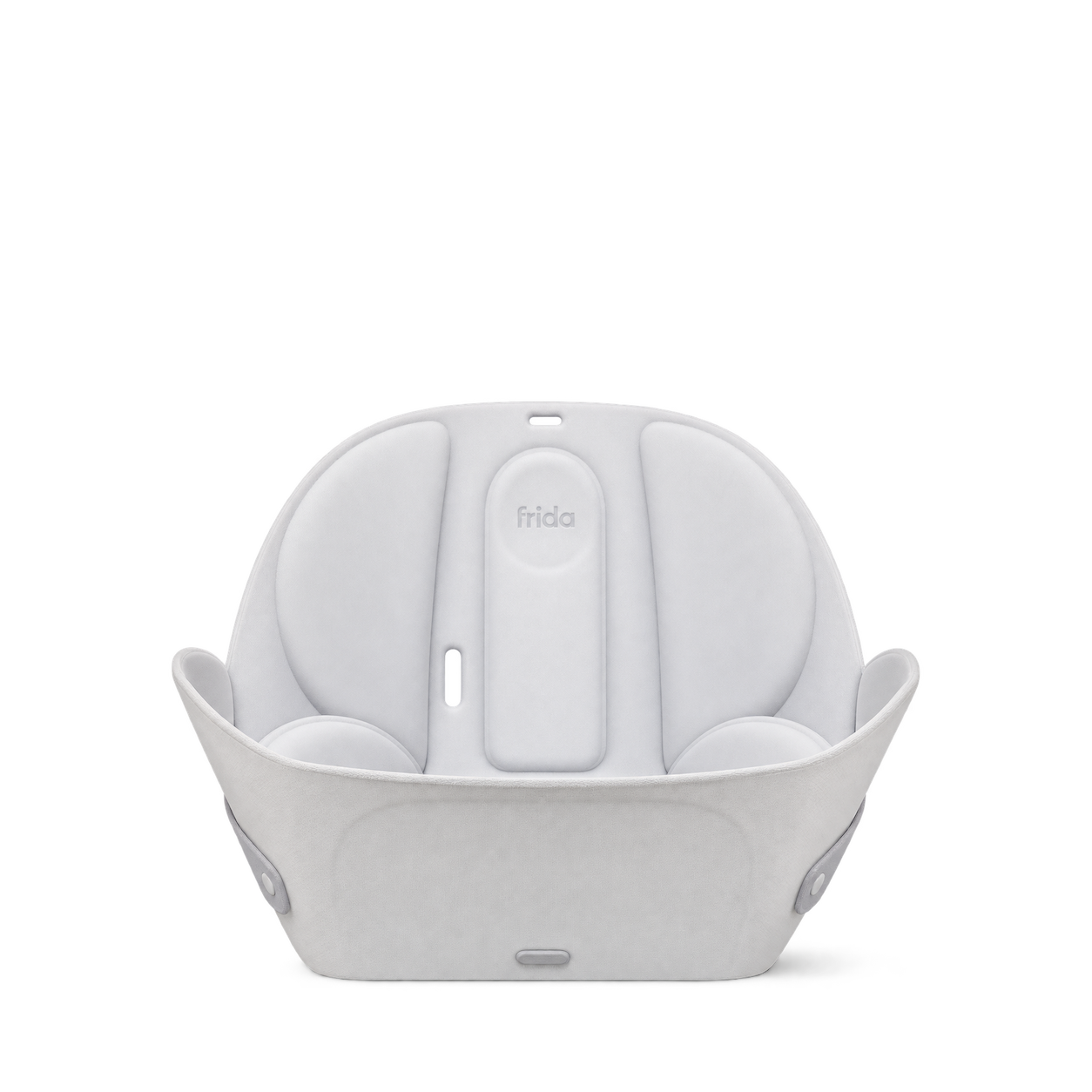
Frida Baby
Soft Sink Baby Bath
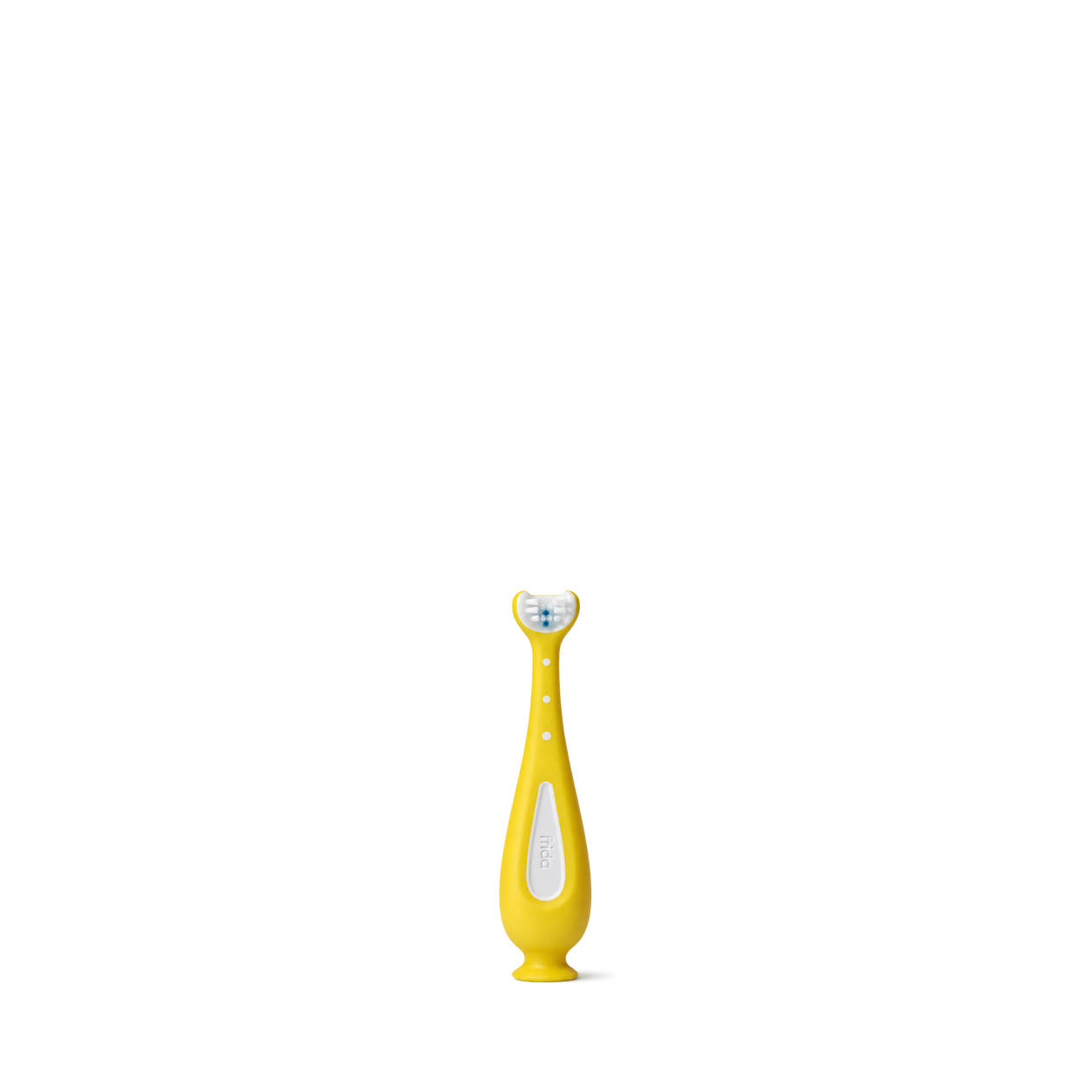

Frida Baby
Ultra-Quiet Portable Nebulizer
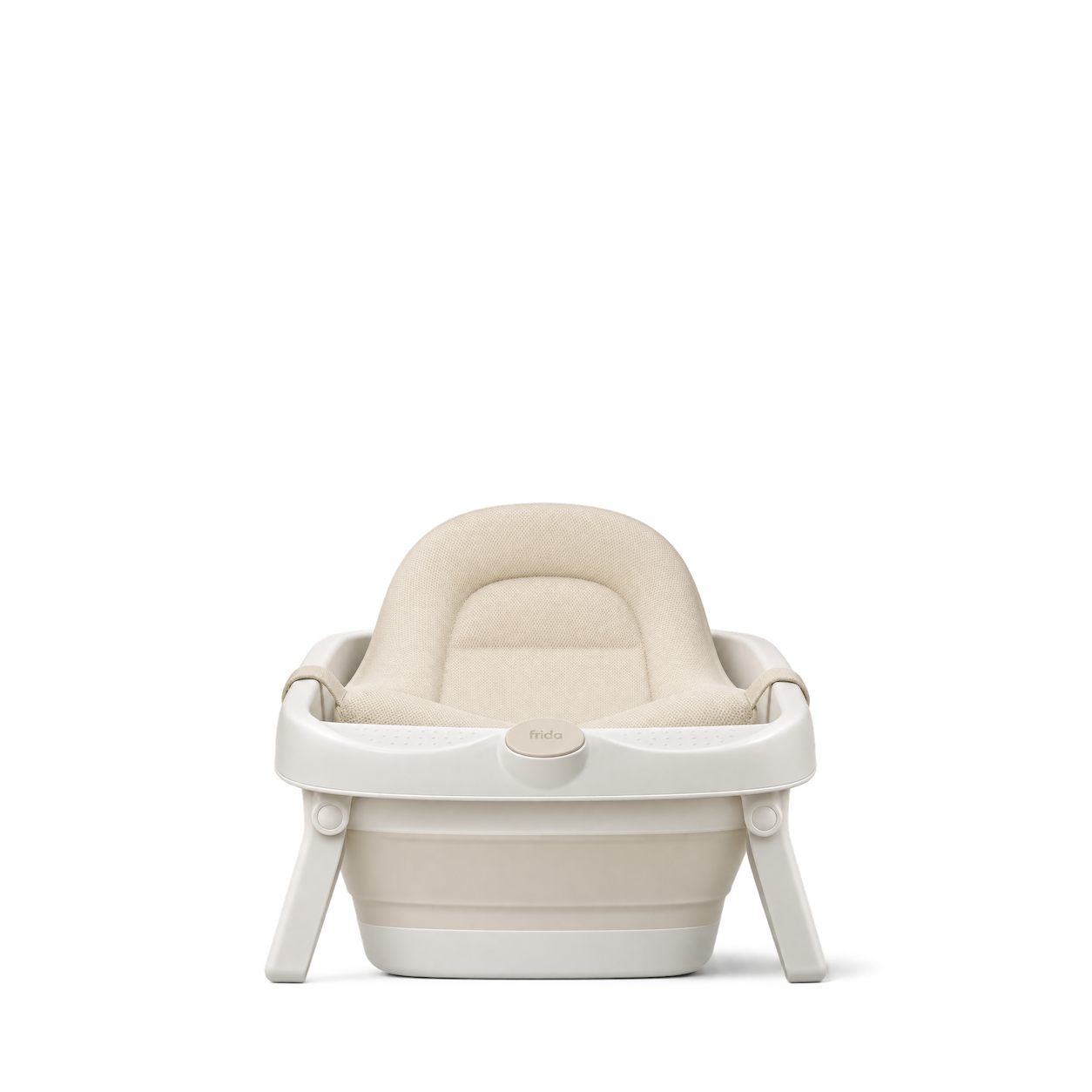
Frida Baby
2-in-1 Collapsible Baby Bath Tub · Cream
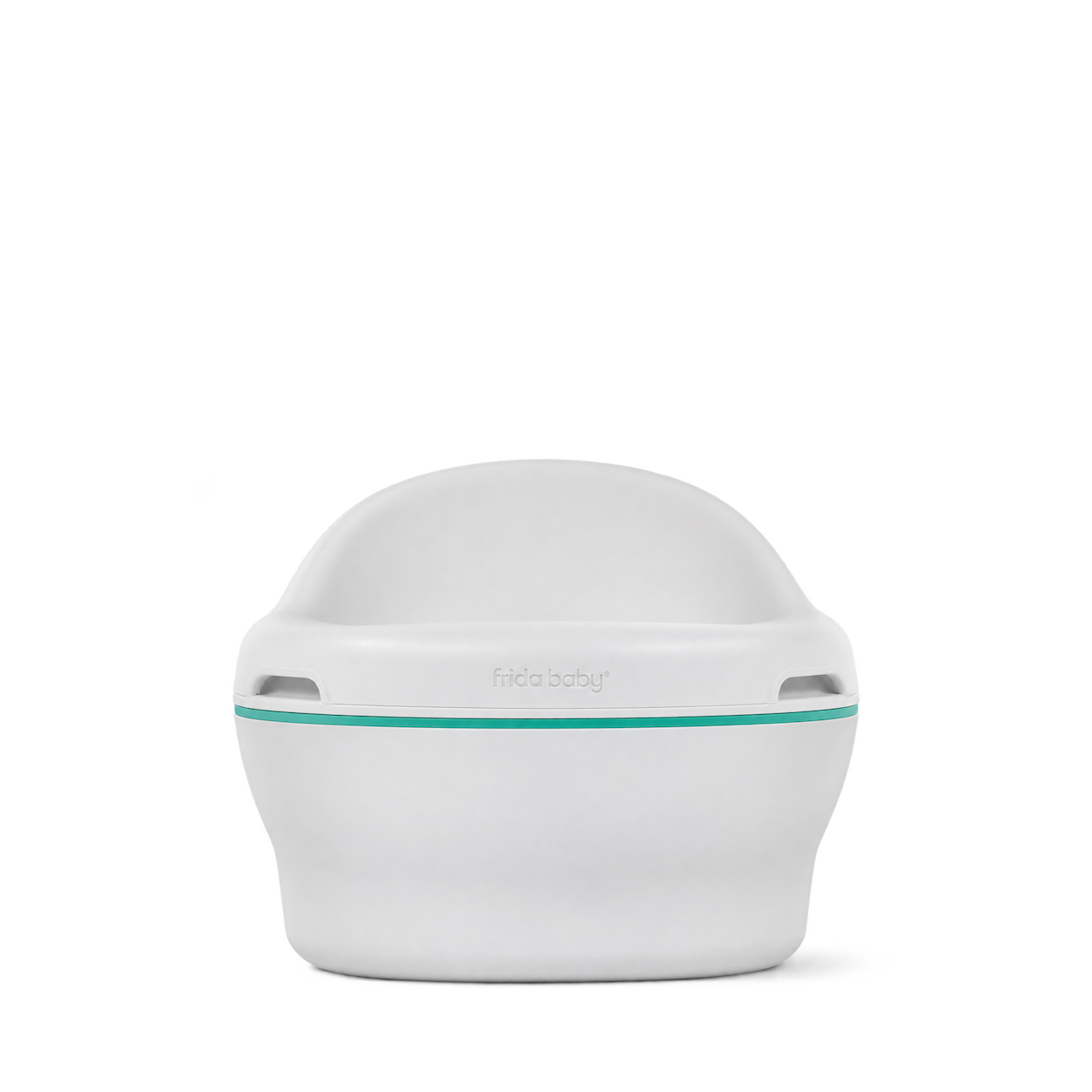
Frida Baby
3-in-1 Grow-With-Me Potty
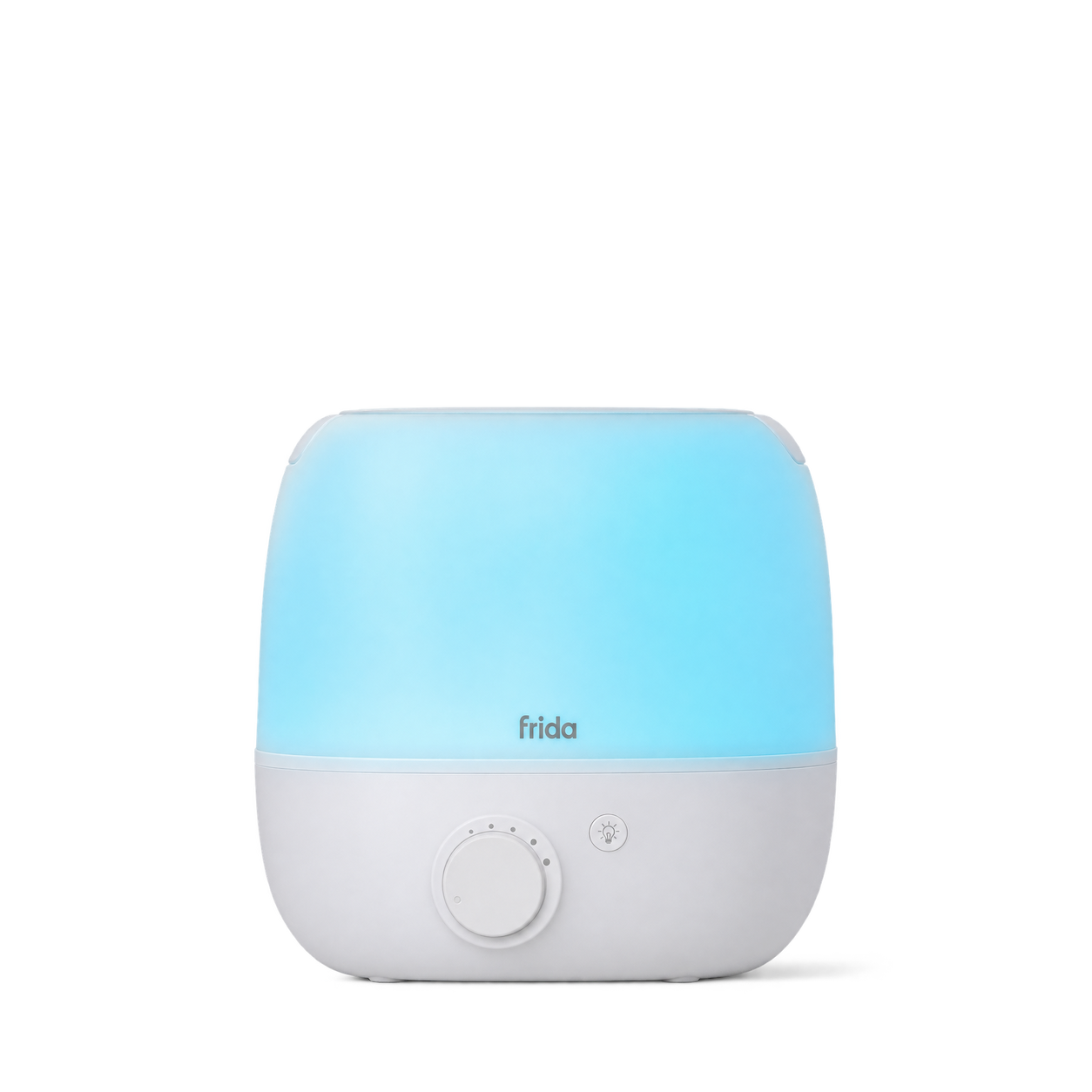
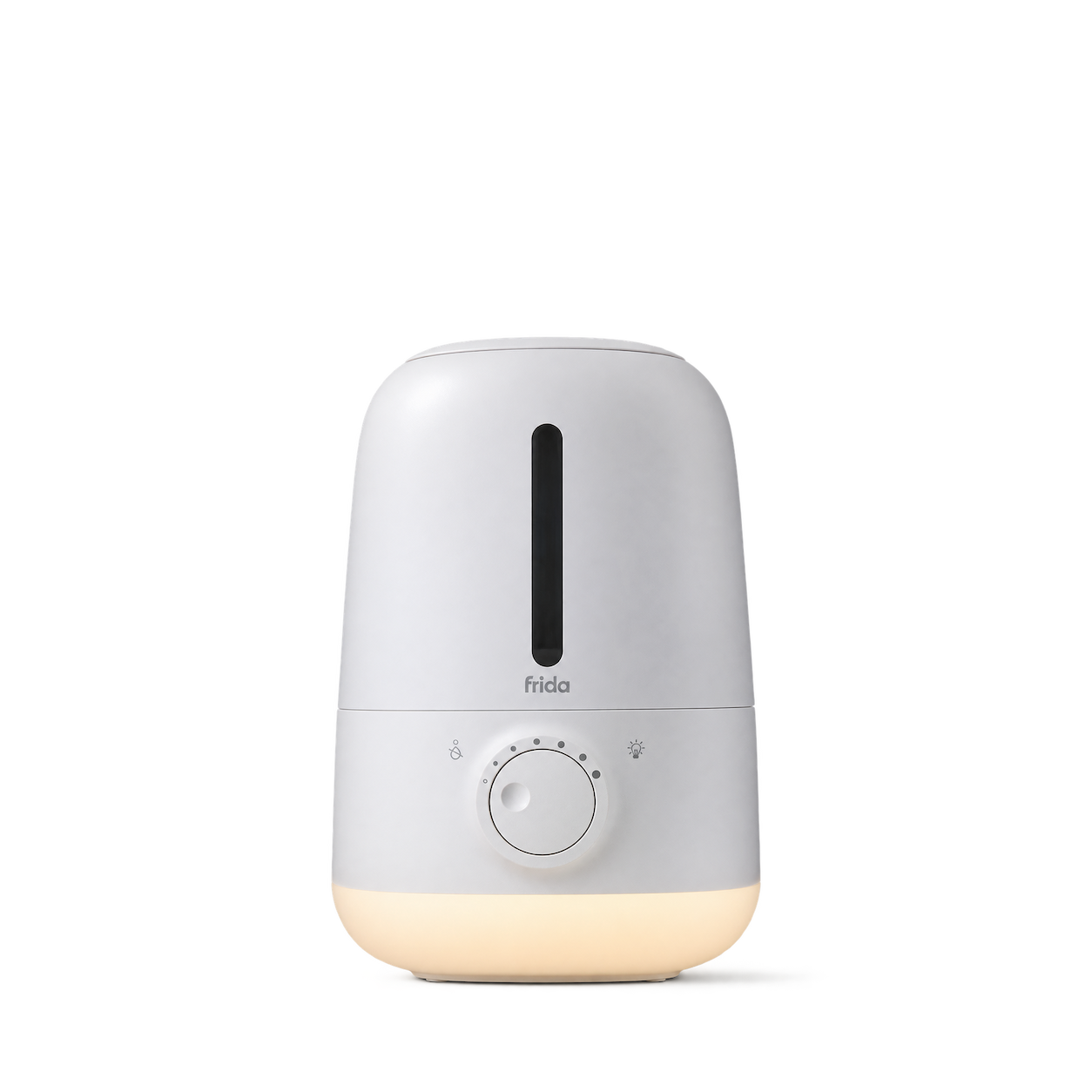
Frida Baby
3-in-1 Humidifier
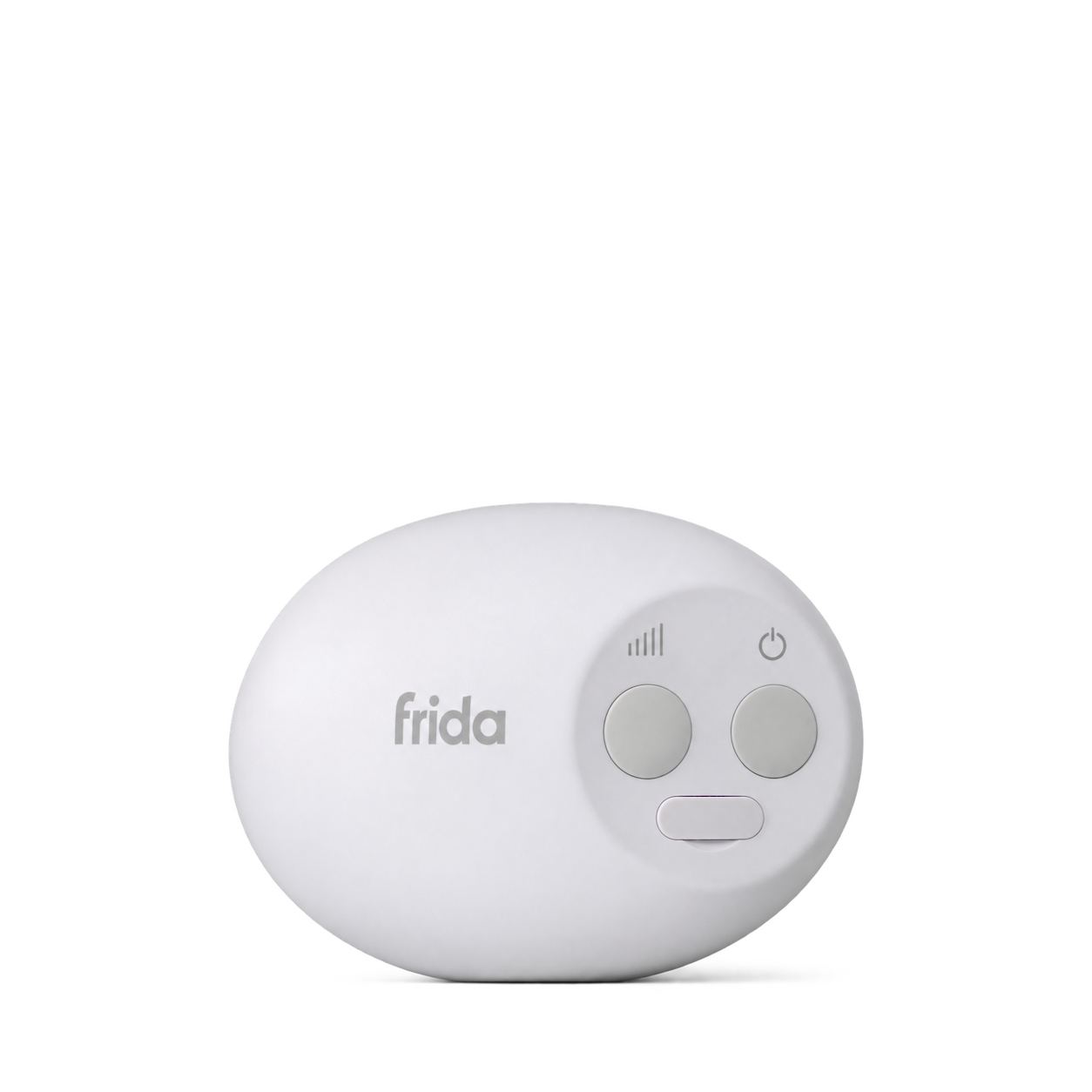
Frida Baby
Hands Free Rocker
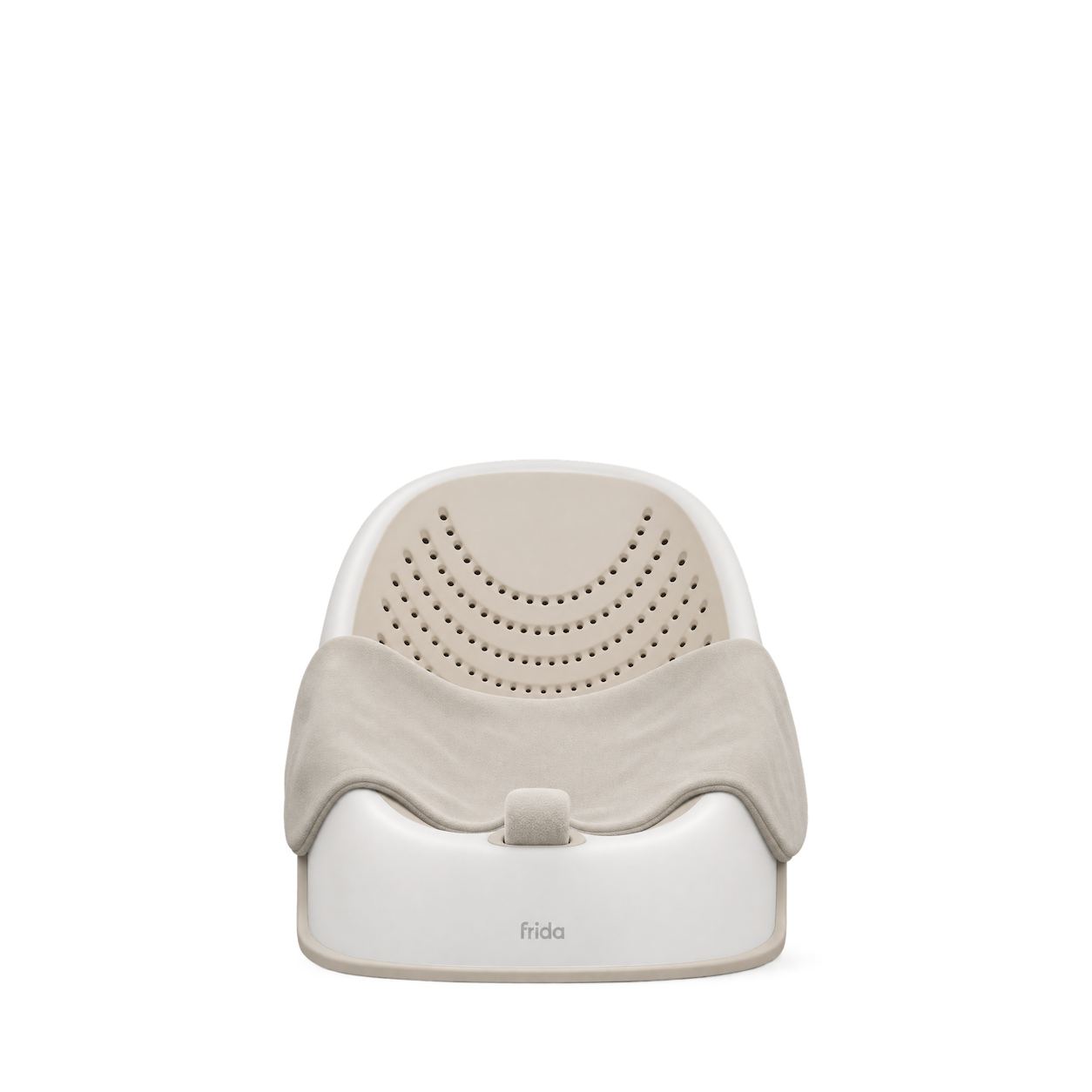
Frida Baby
Wrap + Warm Newborn Baby Bather · Cream
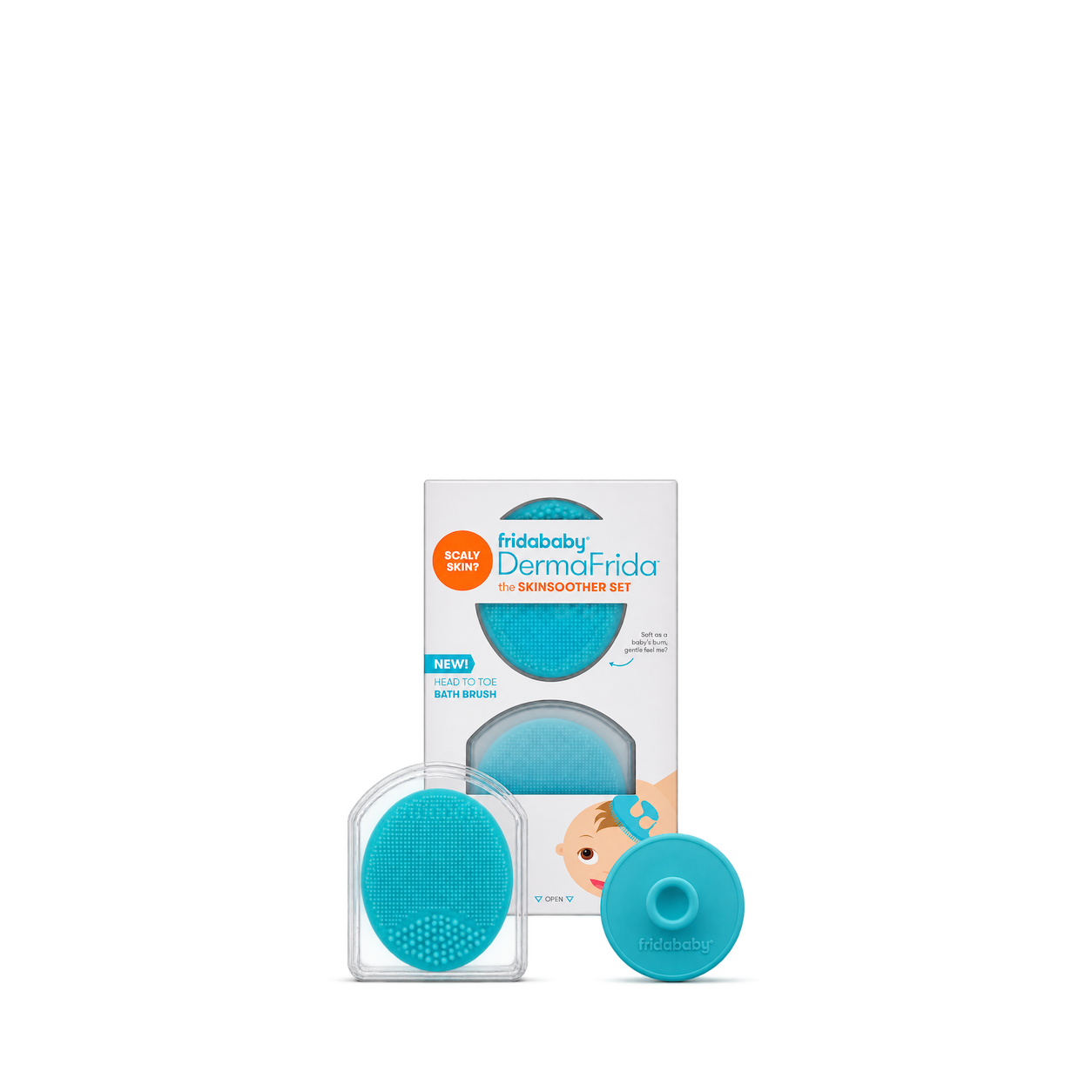
Frida Baby
DermaFrida the SkinSoother
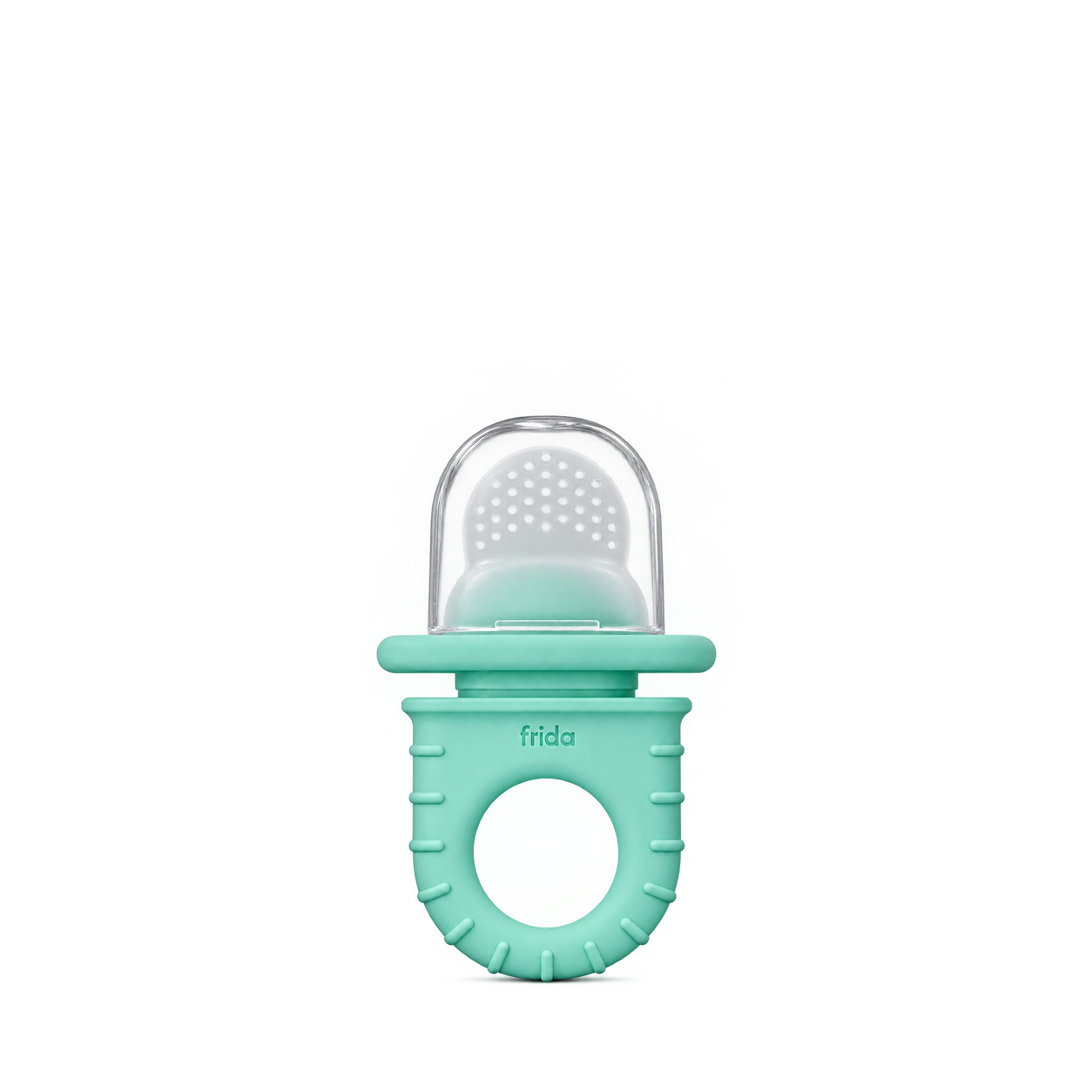
Frida Baby
Push Pop Feeder
No matches, yet.
Try another brand or product, or give your filters a little room.
Showing 102 of 102
Browse the archiveAll collections
Browse by category


Bring the catalog into your app.
Connect for free to search product shots and get image URLs, dimensions, and source links.
Developer guide
Use with


FAQs
A few things you might be wondering.
Start here. No technical background needed.
What is Shelfhelp?
Shelfhelp is a library of product images for websites, apps, and designs. Find an image yourself, or connect your AI building tool so it can find and use images while you work.
Am I buying the products shown here?
You’re getting images of the products. Shelfhelp doesn’t sell or ship the physical items. Product source links take you to the brand or retailer if you want to explore the actual product.
Is Shelfhelp free?
Yes. Browsing the library, downloading images, and connecting the MCP are free. You don’t need a Shelfhelp account or subscription. The building tool you use may have its own costs.
How do I download an image?
Open the product shot you want, choose Get free PNG, and enter your email. We’ll send you a link to download the original image file, which you can upload into your website builder or design tool.
Your download link is valid for seven days.
Why do you need my email?
We use your email to deliver the original image’s download link. Requesting an image does not subscribe you to marketing.
You don’t need to enter an email to browse the library or connect your builder through MCP.
What does “Connect the MCP” mean?
It means giving your AI building tool access to Shelfhelp’s image library. Once connected, you can ask it to find product shots and use them in your project.
MCP is simply the connection that lets the two tools work together.
How do I connect it to my builder?
Select Connect the MCP and copy the connection link. In your builder’s settings, look for an option to add an MCP server or custom connector, then paste the link.
The exact steps depend on your builder. Start with our connection guide.
Can I use Shelfhelp without MCP or coding?
Absolutely. You can browse the library, request an image by email, and upload the downloaded file into your project yourself.
The MCP connection is optional. To use it, your building tool needs to support connecting to a remote MCP server.
What should I ask my AI builder?
Start with something like:
“Find five skincare product shots from Shelfhelp and use them on my homepage.”
For a specific product, include the brand and product name. If the color, size, or flavor matters, include that too—and check that the selected image matches.
What will people see on my finished website?
They’ll see the product images your builder places in your design. Your builder controls the layout, colors, text, and interactions.
Connecting Shelfhelp alone doesn’t change your website. Your visitors don’t need to connect to Shelfhelp or understand MCP.
What if the image I want isn’t in the library?
Try searching by brand, product name, or a broader category. The MCP finds existing images; it doesn’t generate new ones.
If you need an exact product or version, check the result carefully before using it.
Can I use these images in a live store, client project, or ad?
Check the image’s usage rights and approval details first. Free access doesn’t automatically grant permission for every commercial use.
The library includes independent product studies, so a pictured brand doesn’t mean that brand approved the image. If permission is unclear, confirm it before publishing.