 Shelfhelp.ai





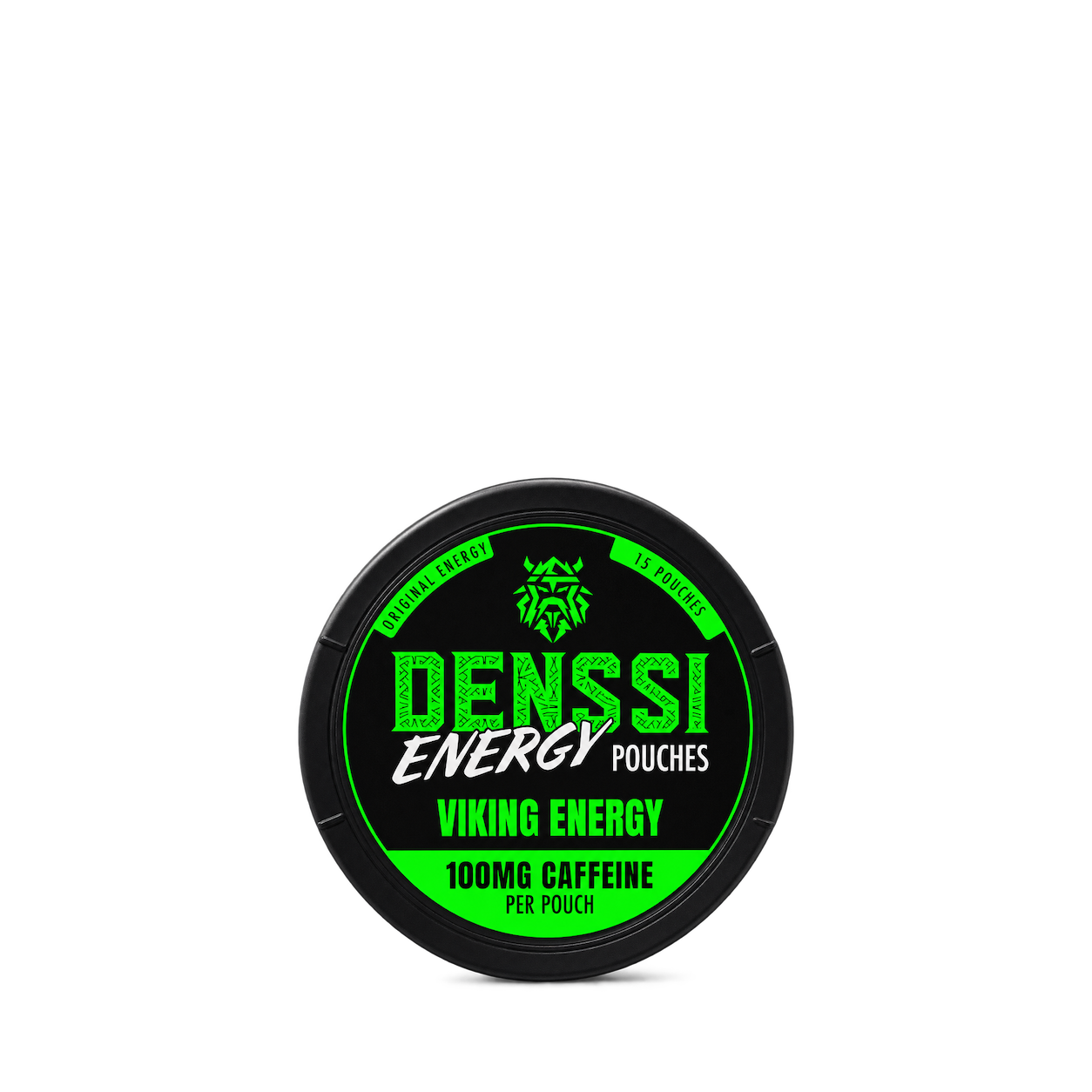


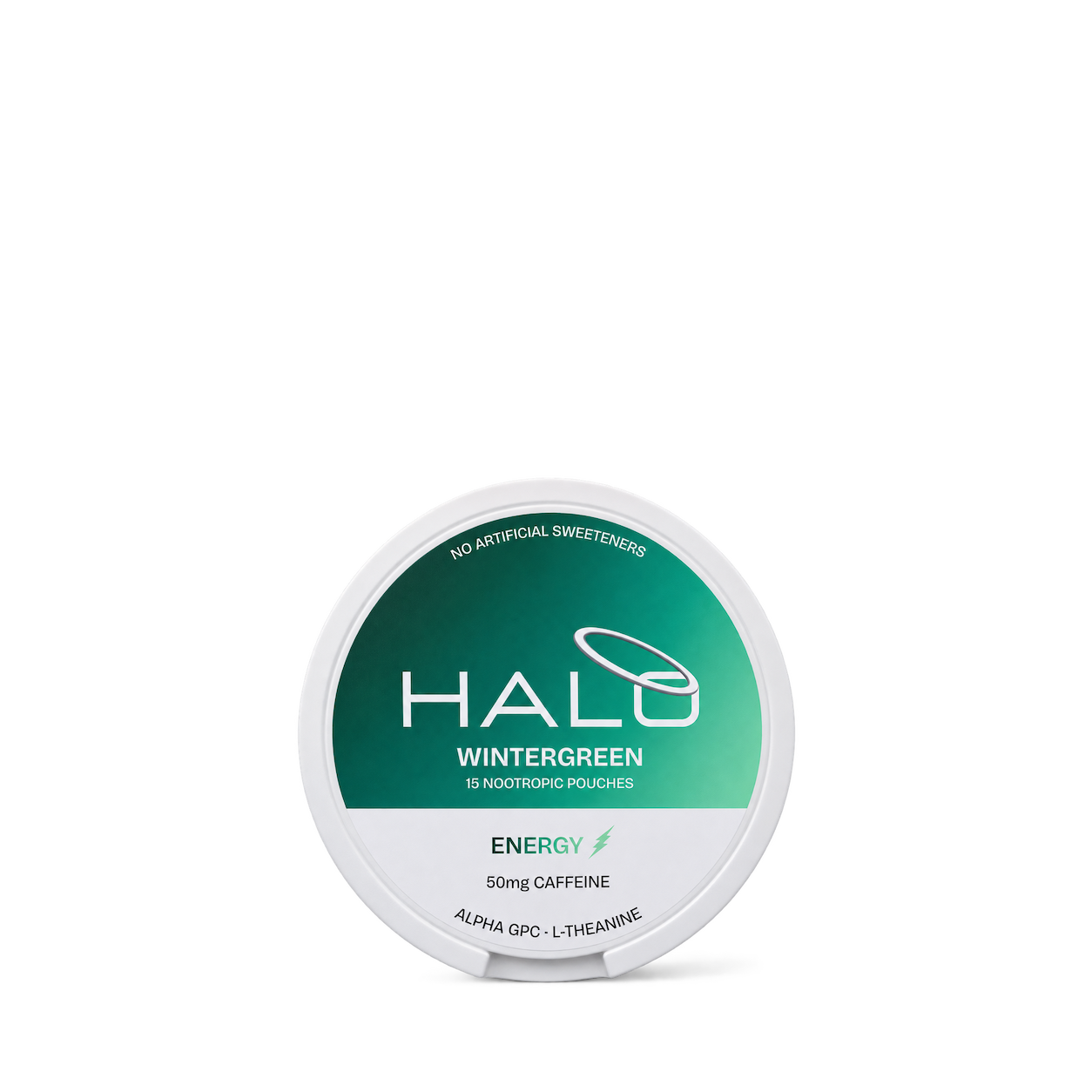
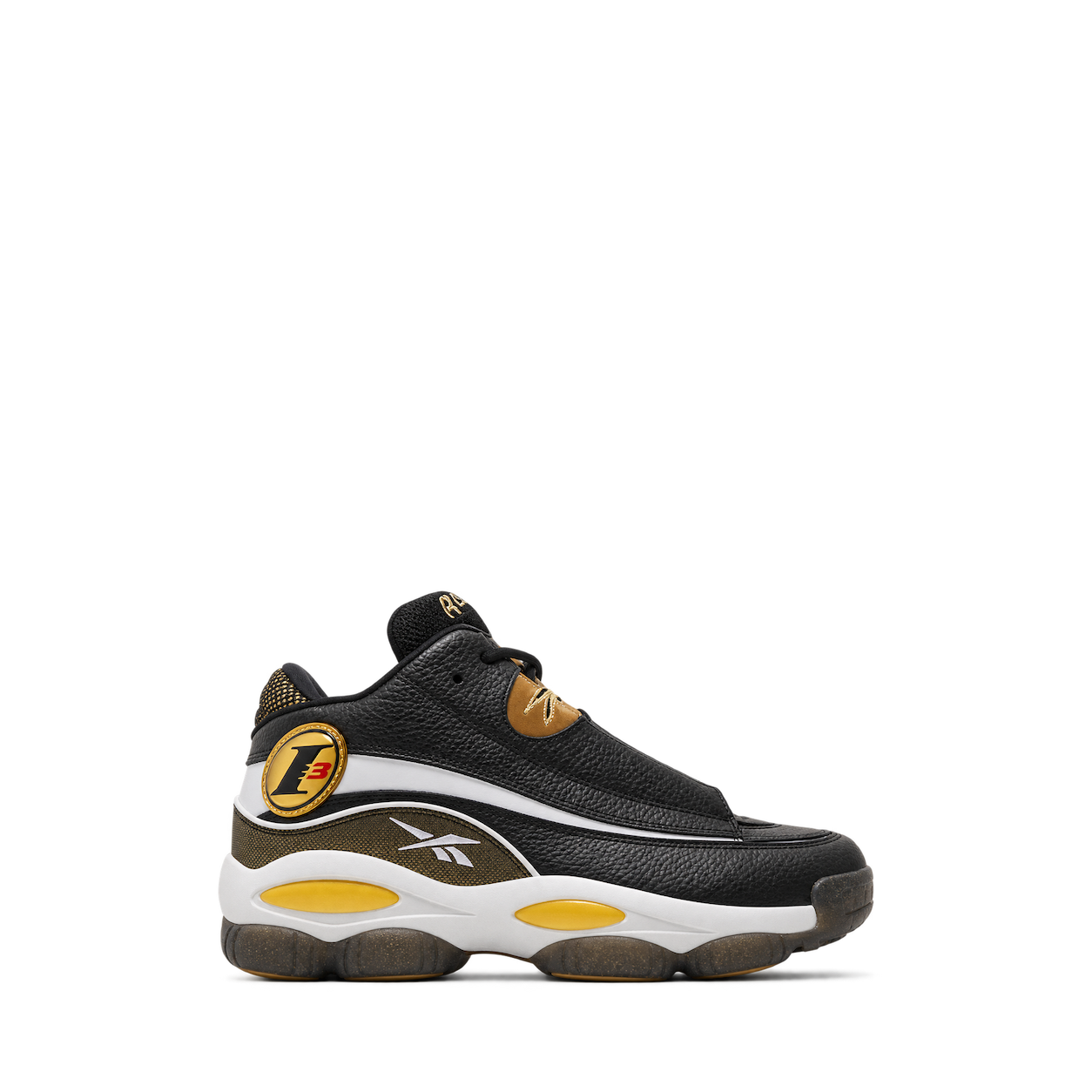
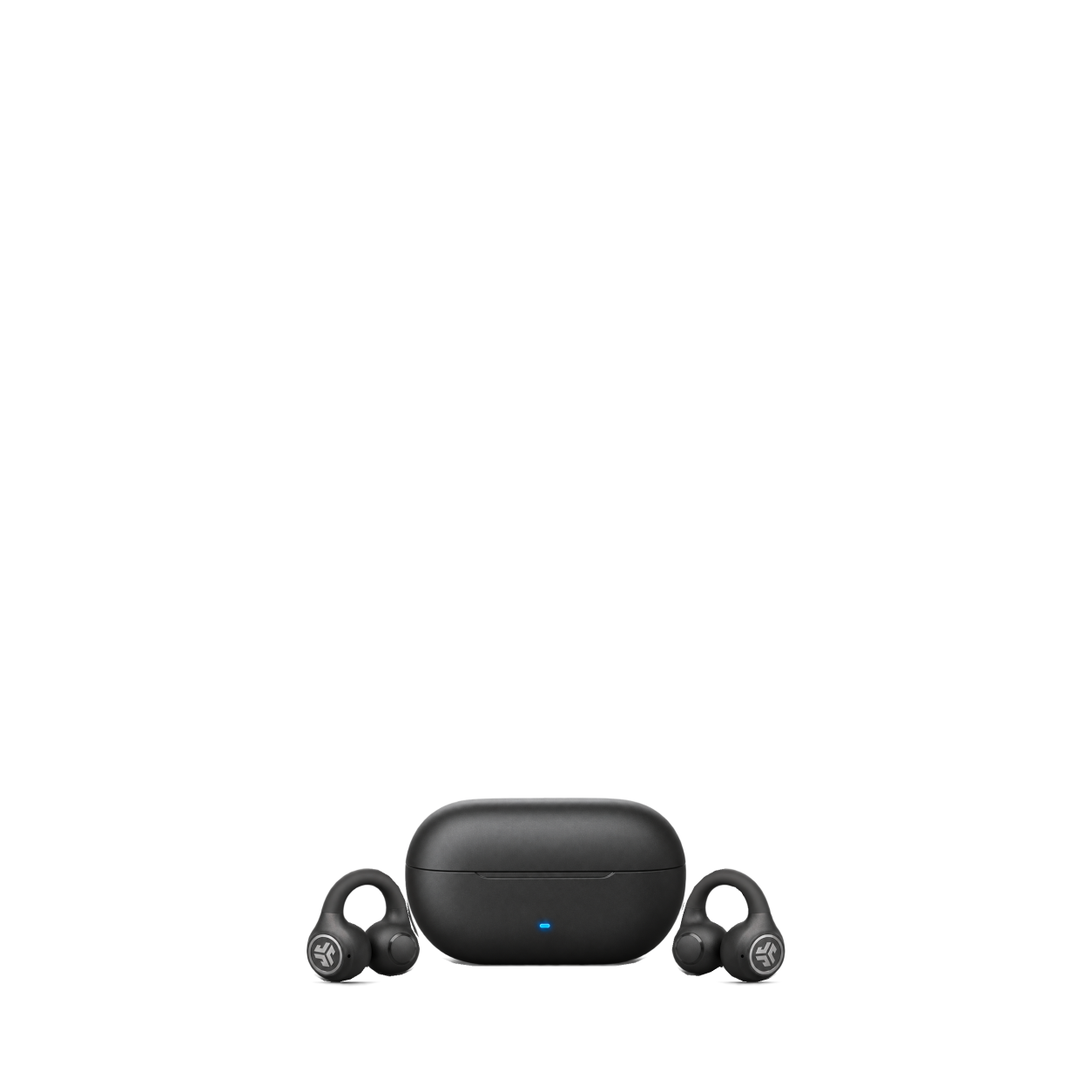










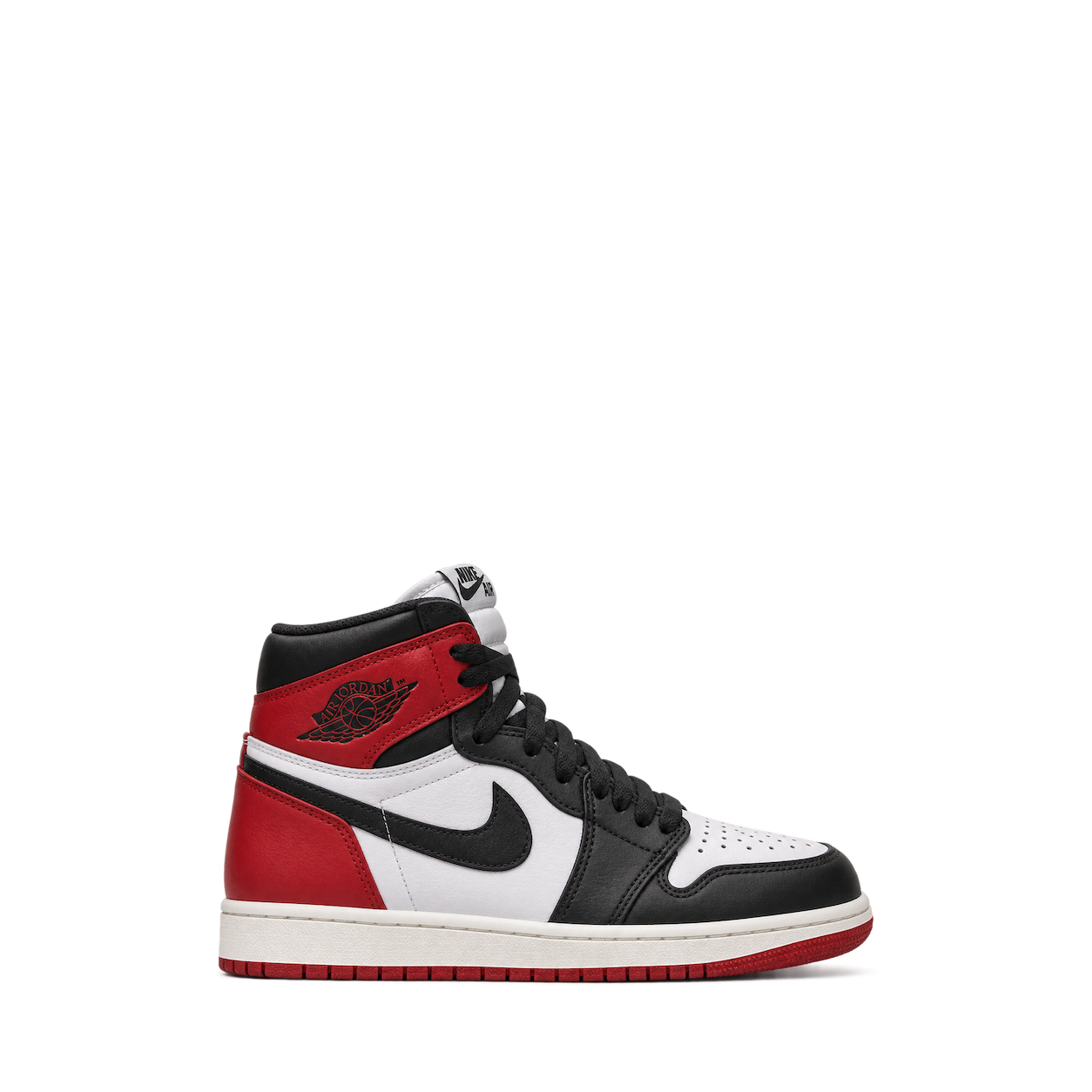
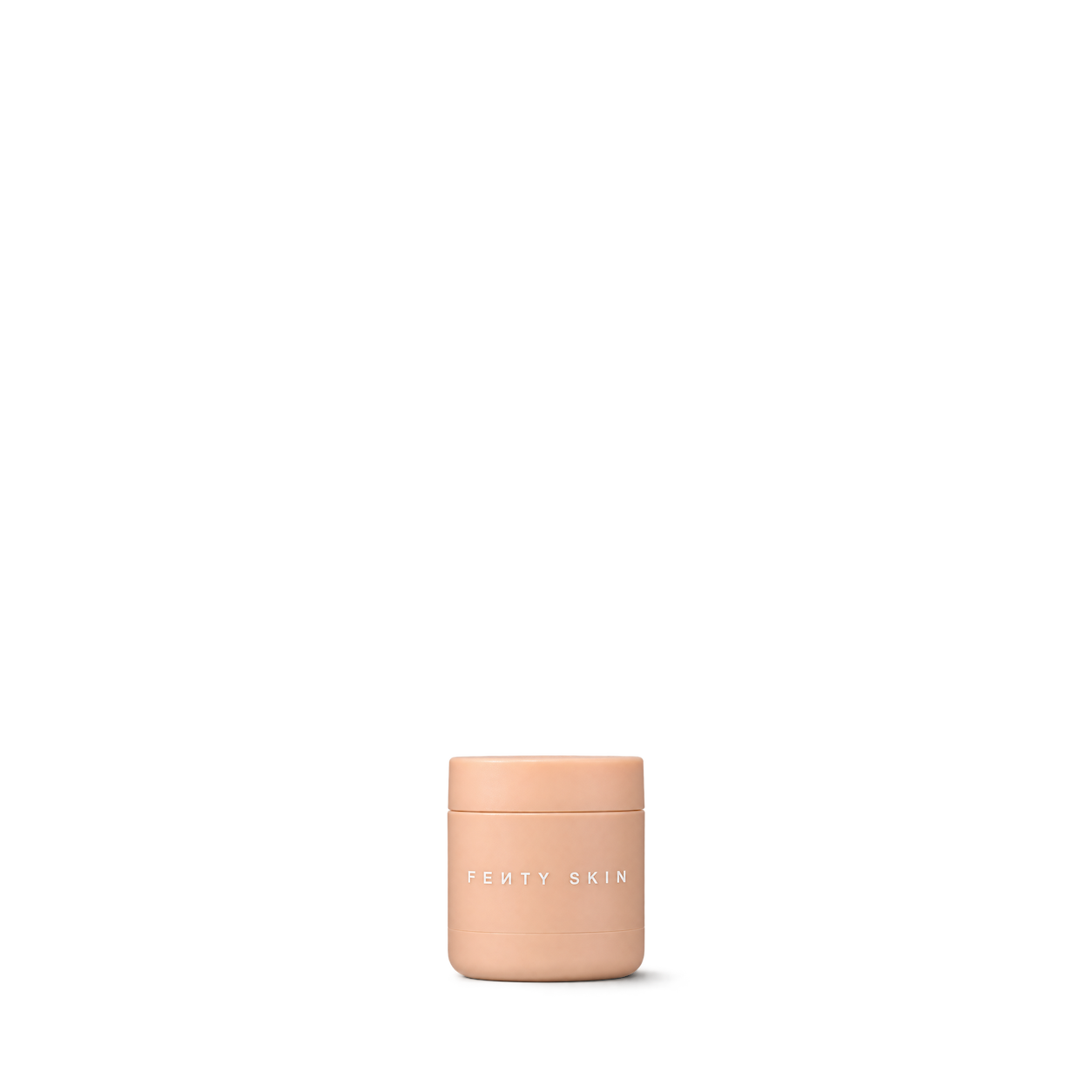
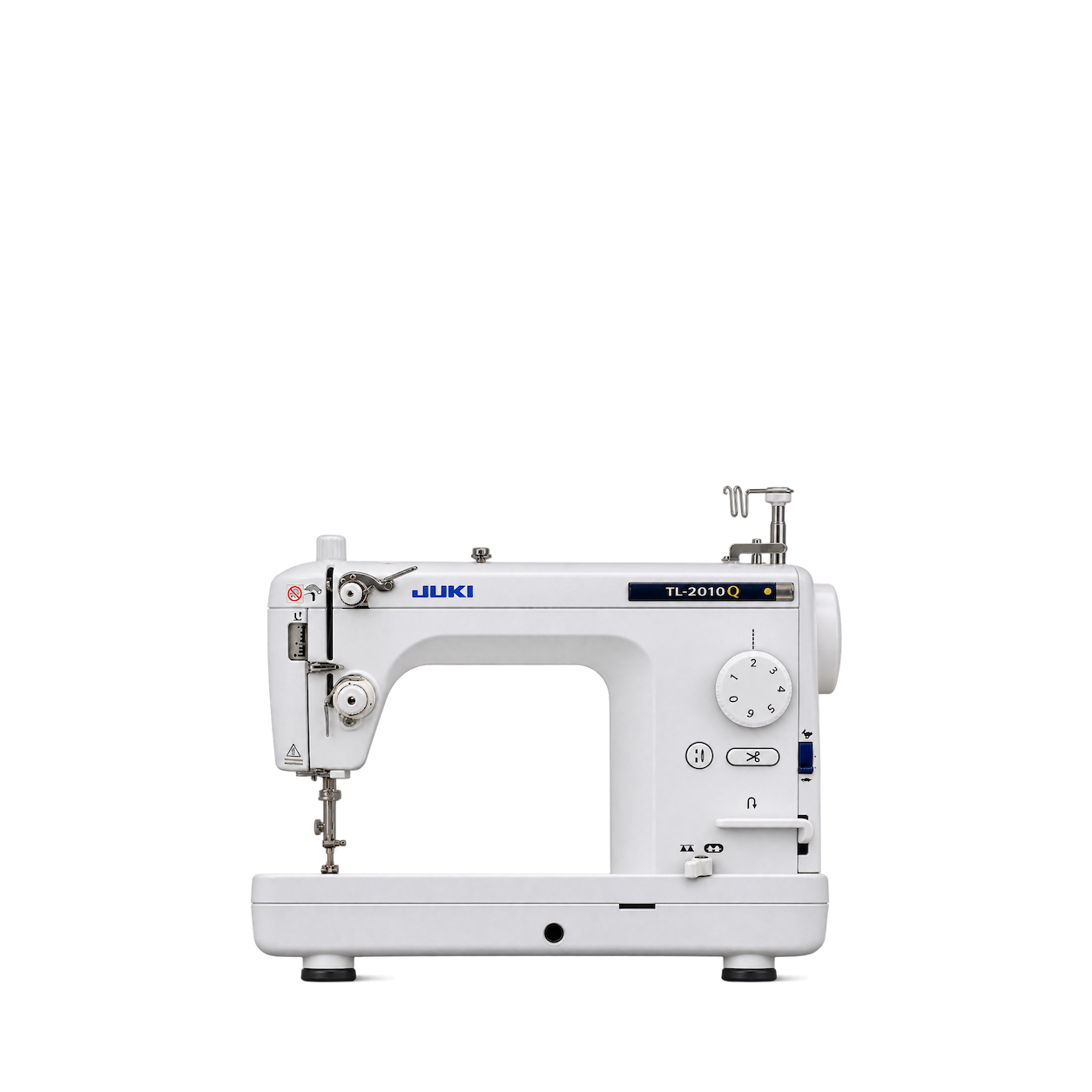
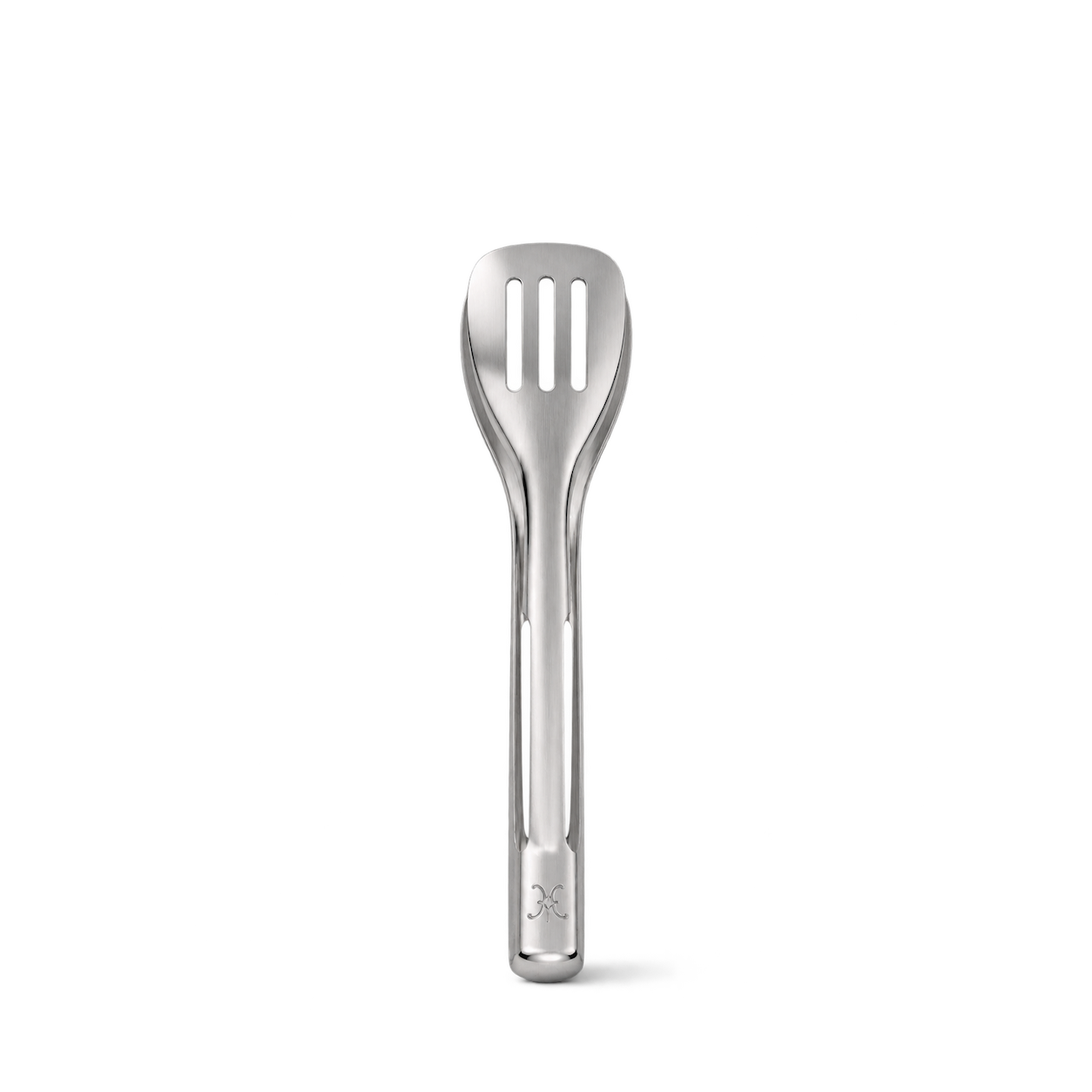






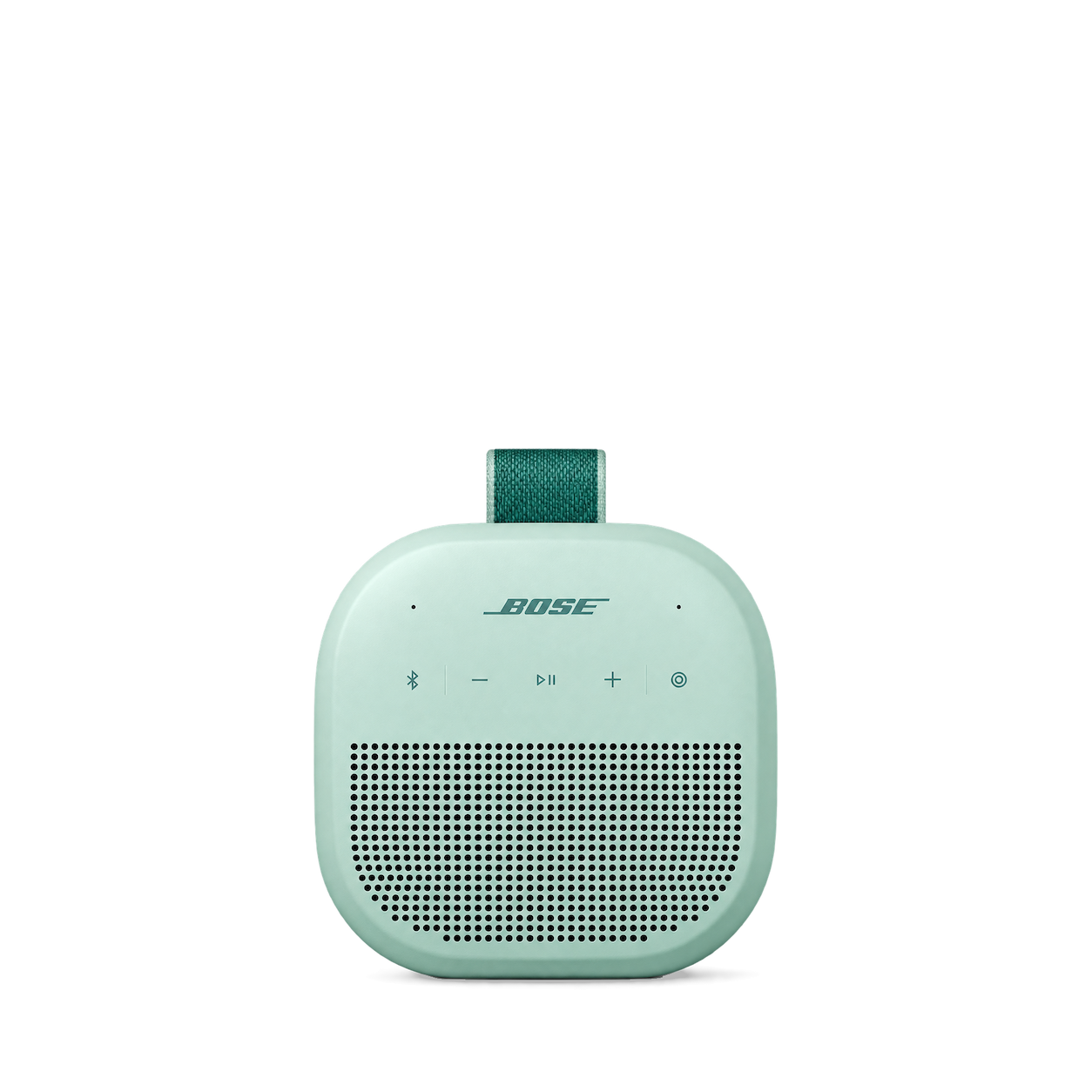

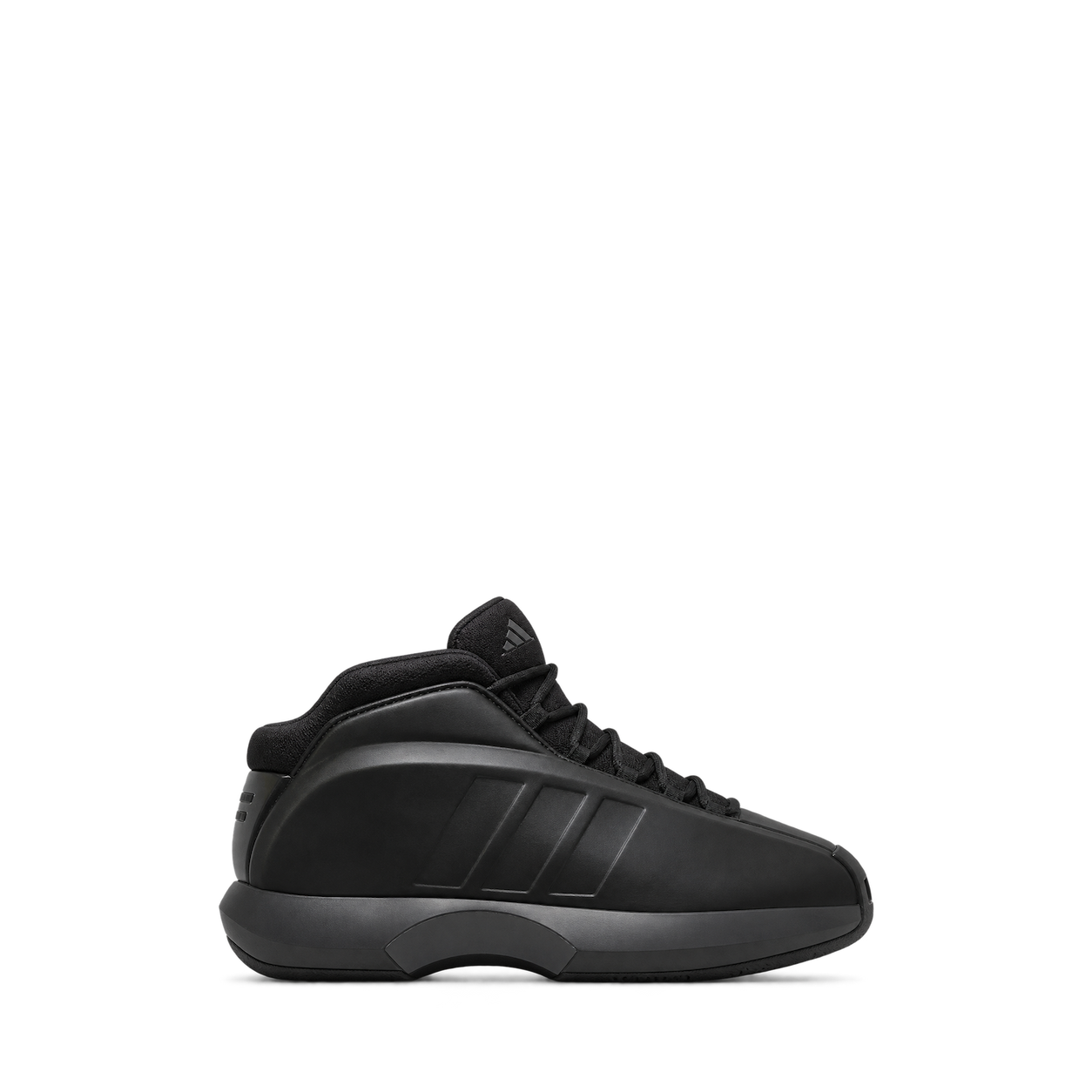

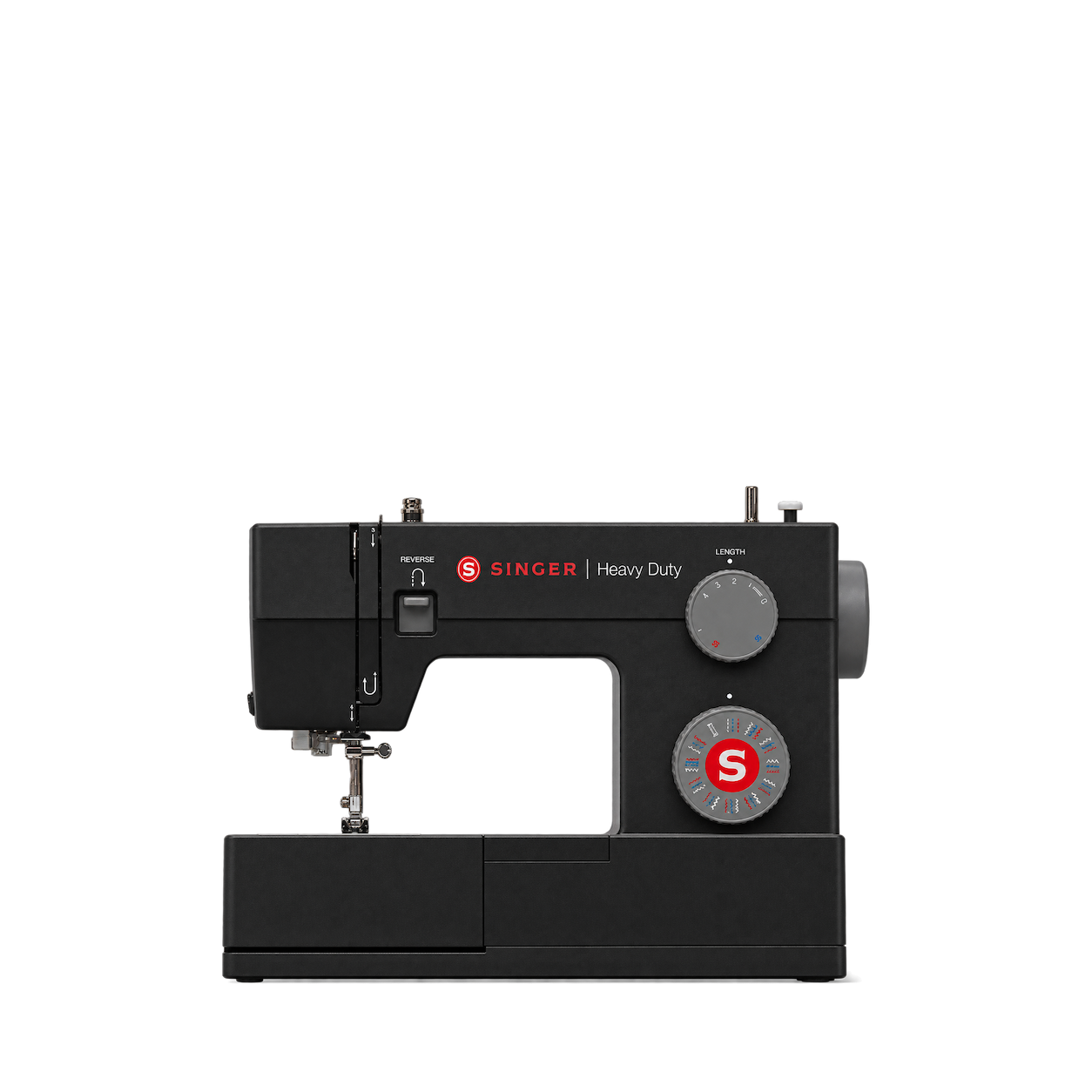
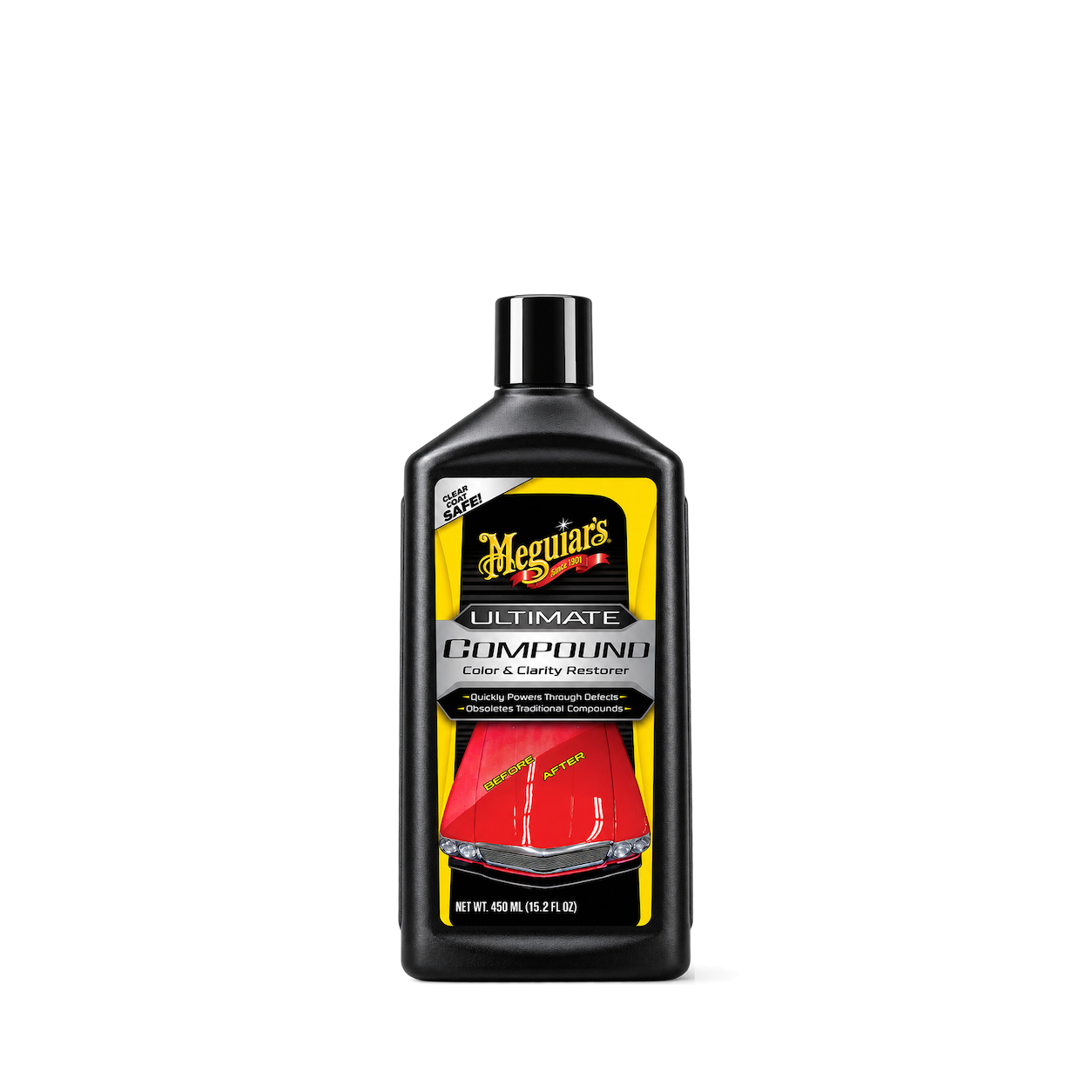

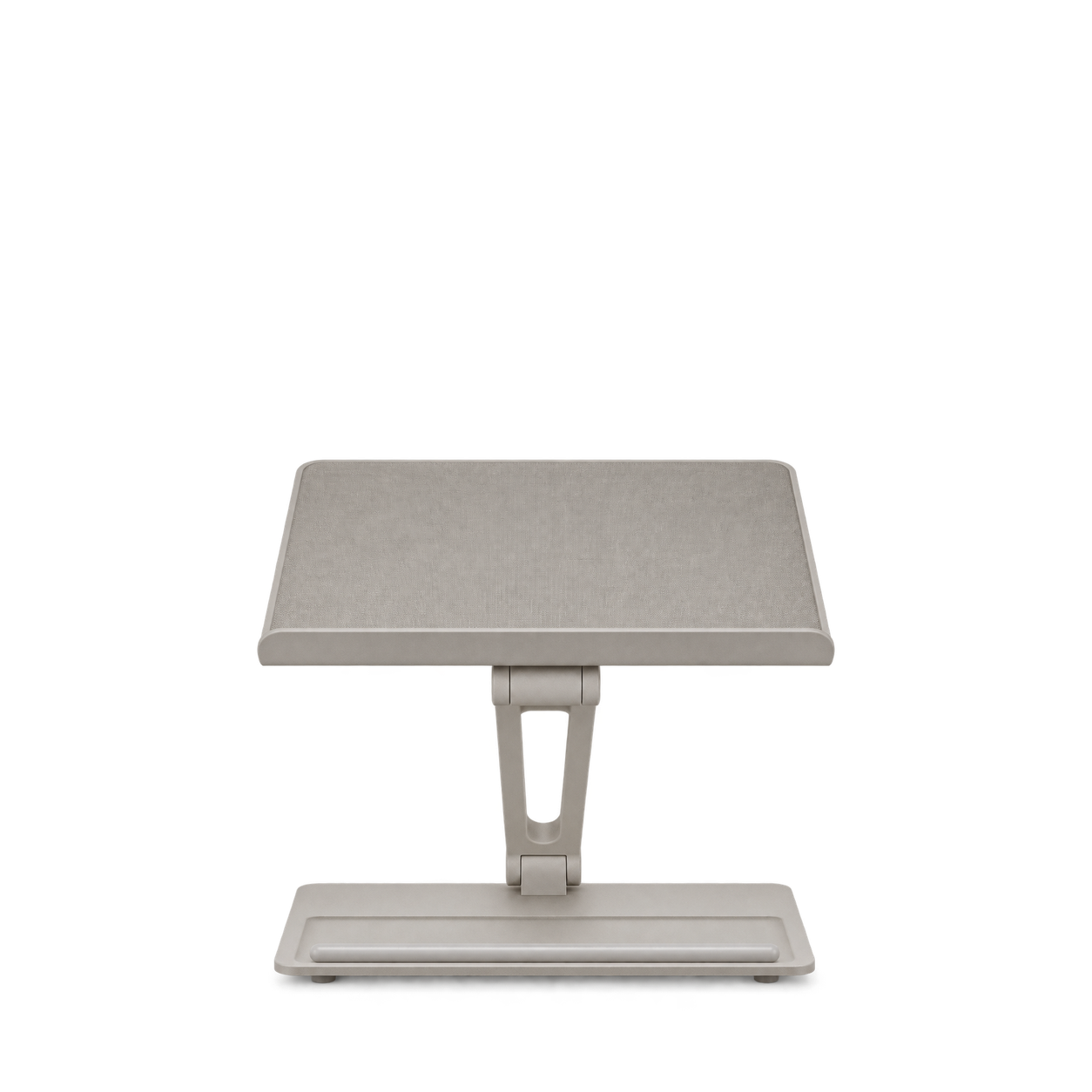
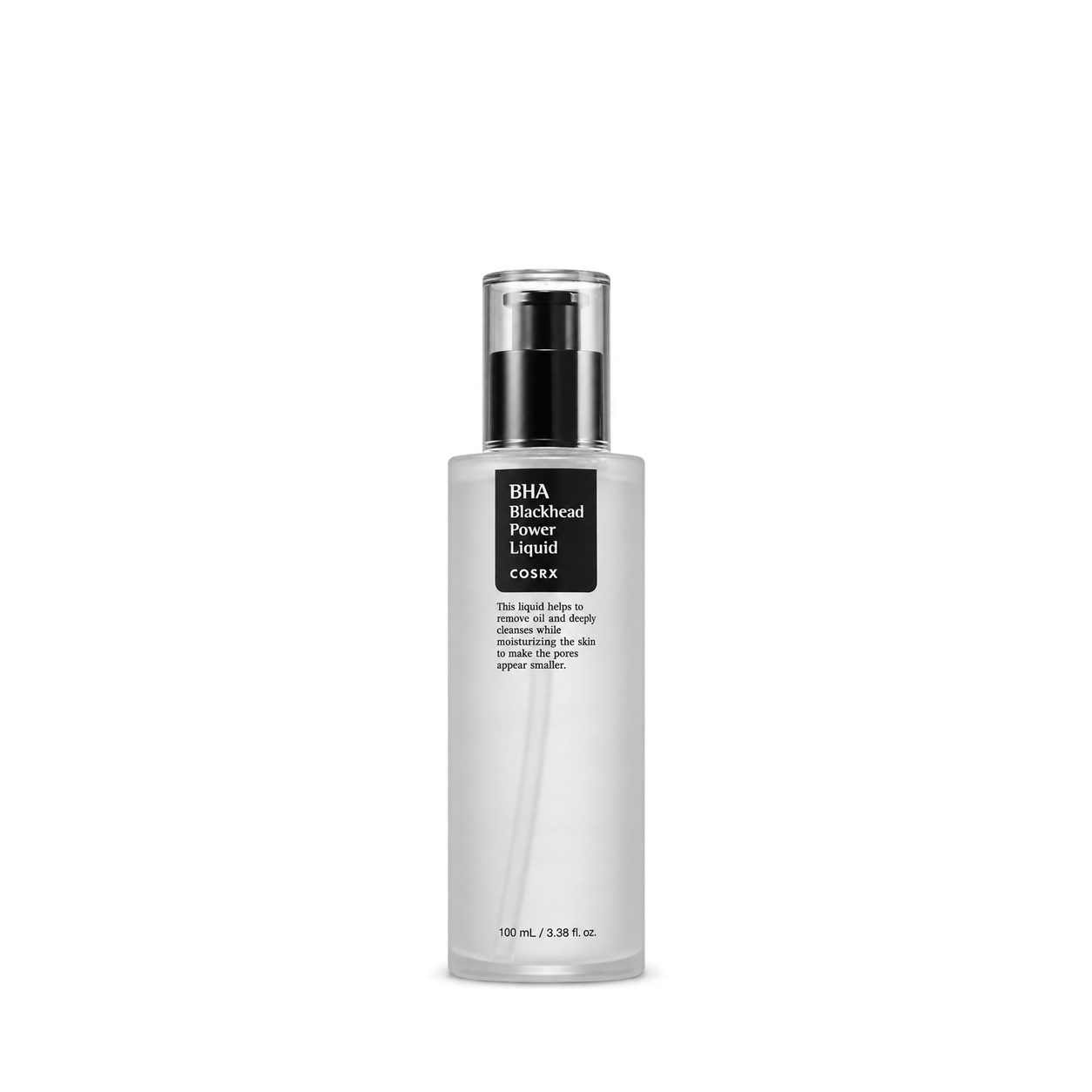


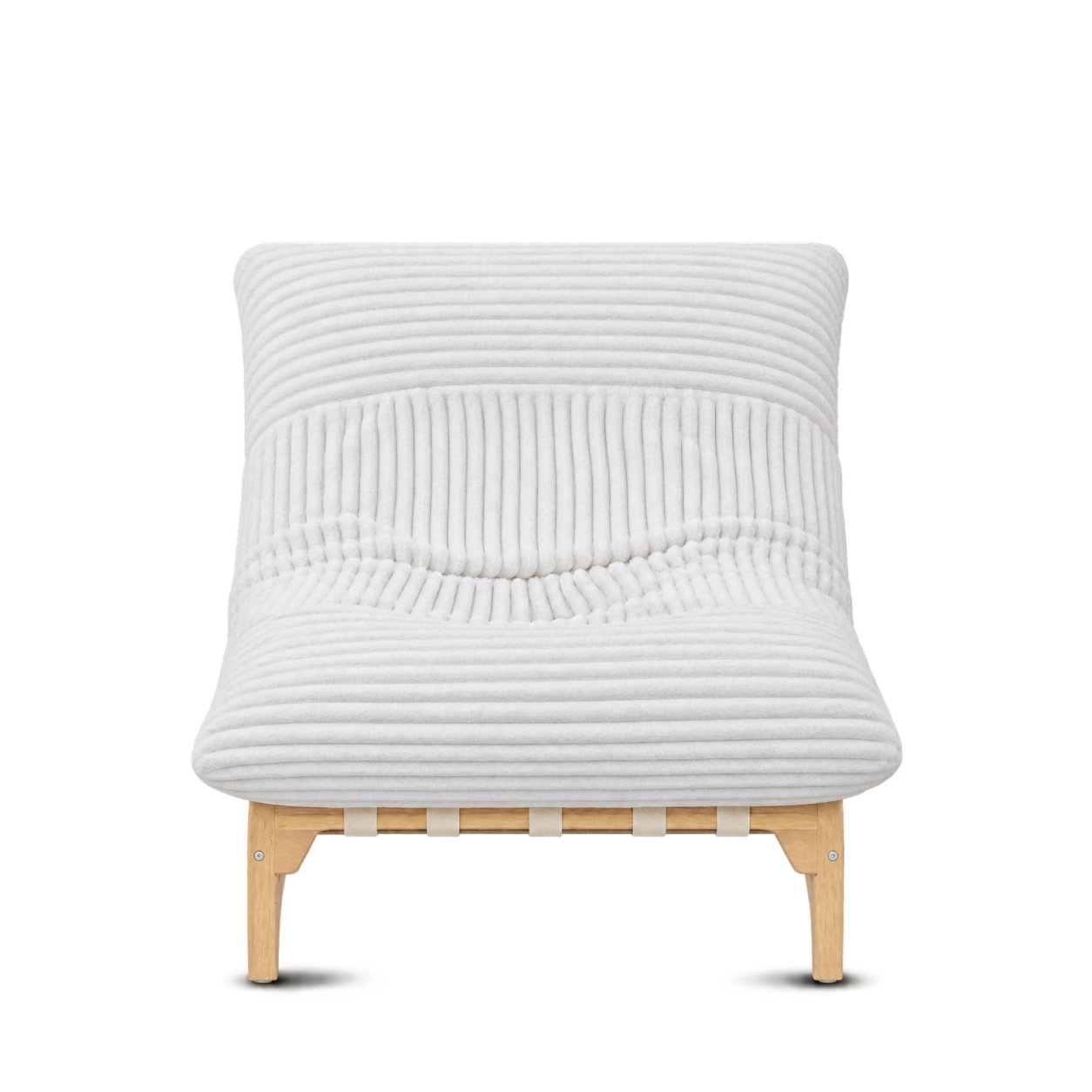


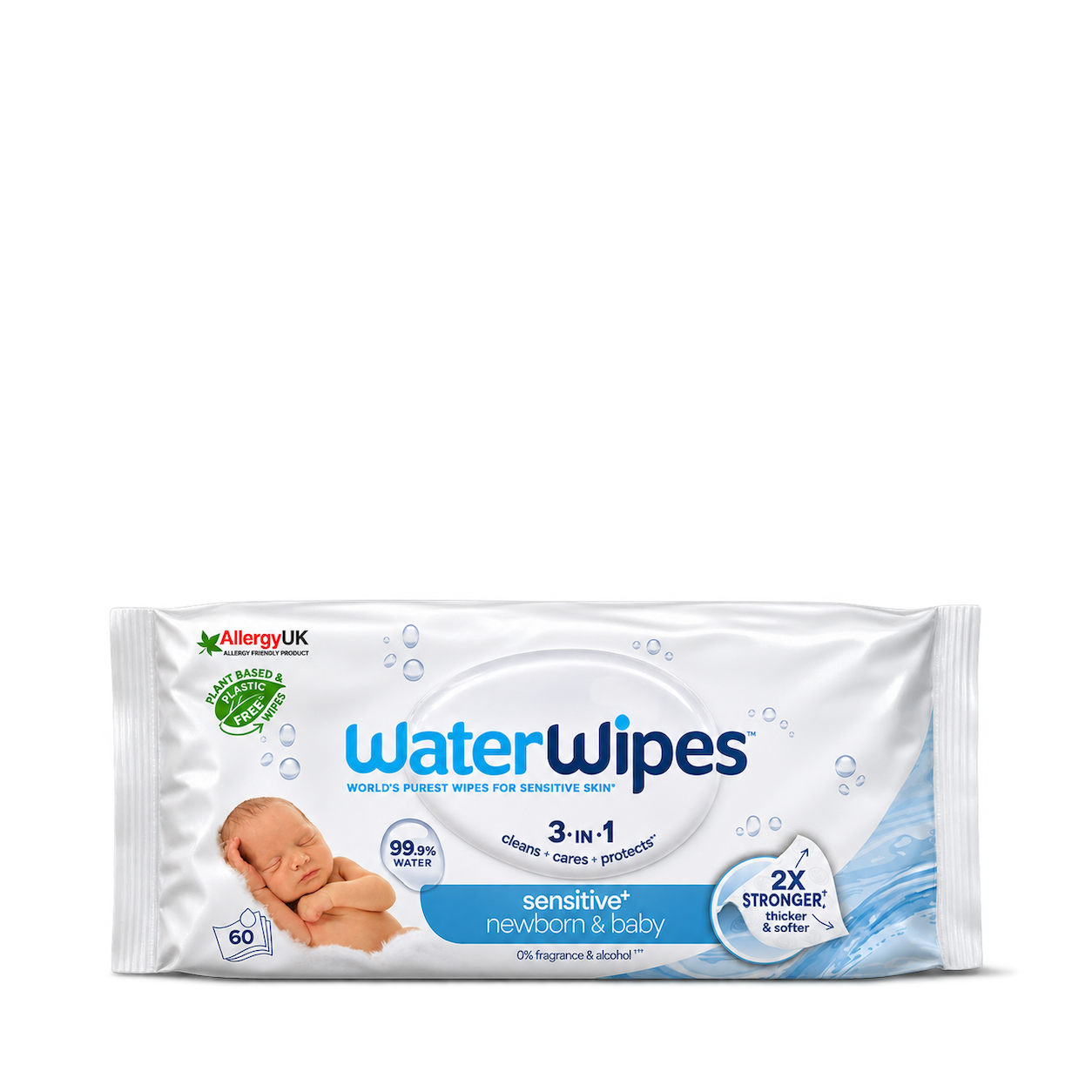










The Official MCP For Product Shots
12,572 free product images
For websites, apps, and AI tools.
Find an image
CollectionsTap an image to view details and get the free PNG.

Artemide
Nessino Table — Orange

Louis Poulsen
Panthella 160 Portable — Opal White

&Tradition
Flowerpot VP9 — Mustard

Anglepoise
Original 1227 Desk Lamp — Jet Black


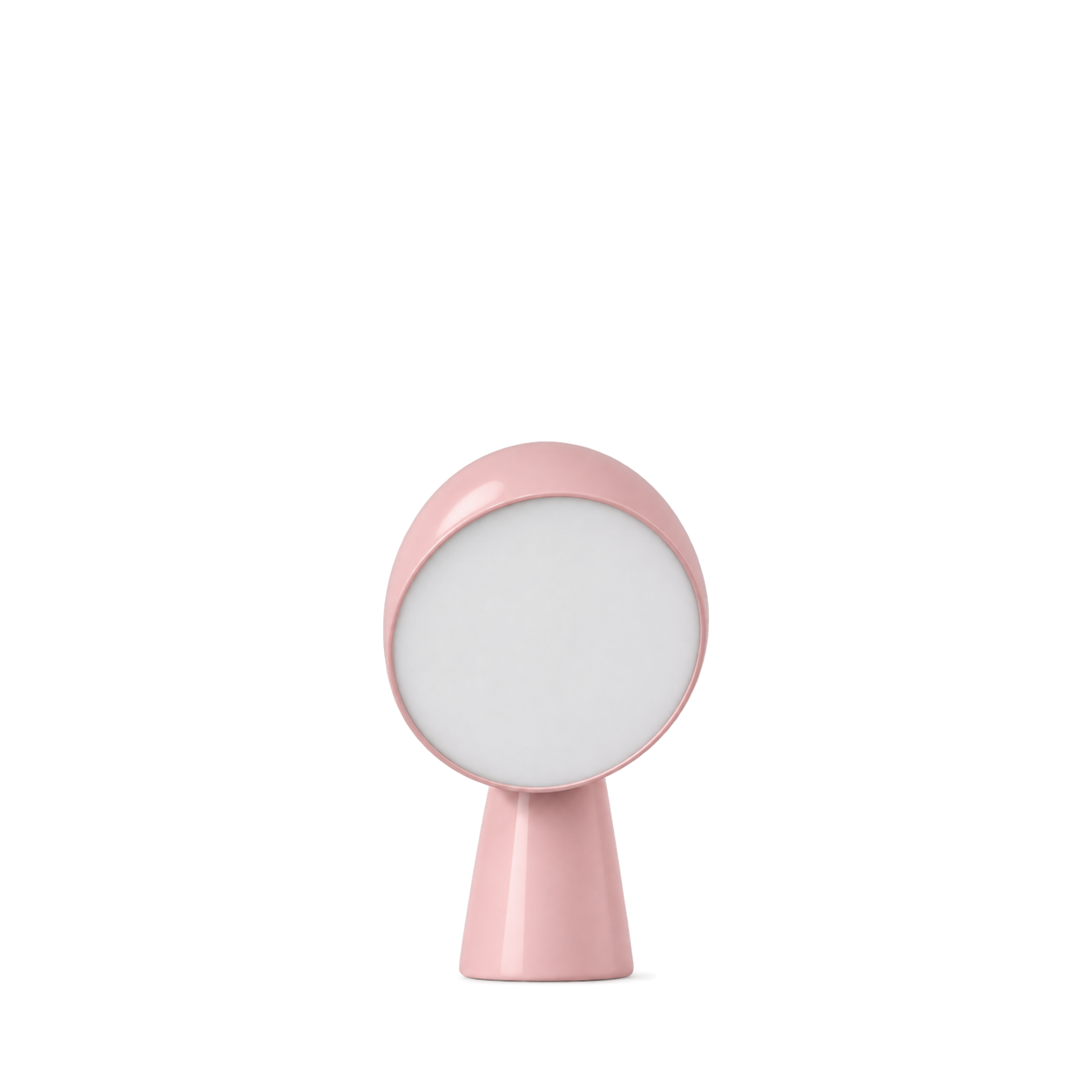
Foscarini
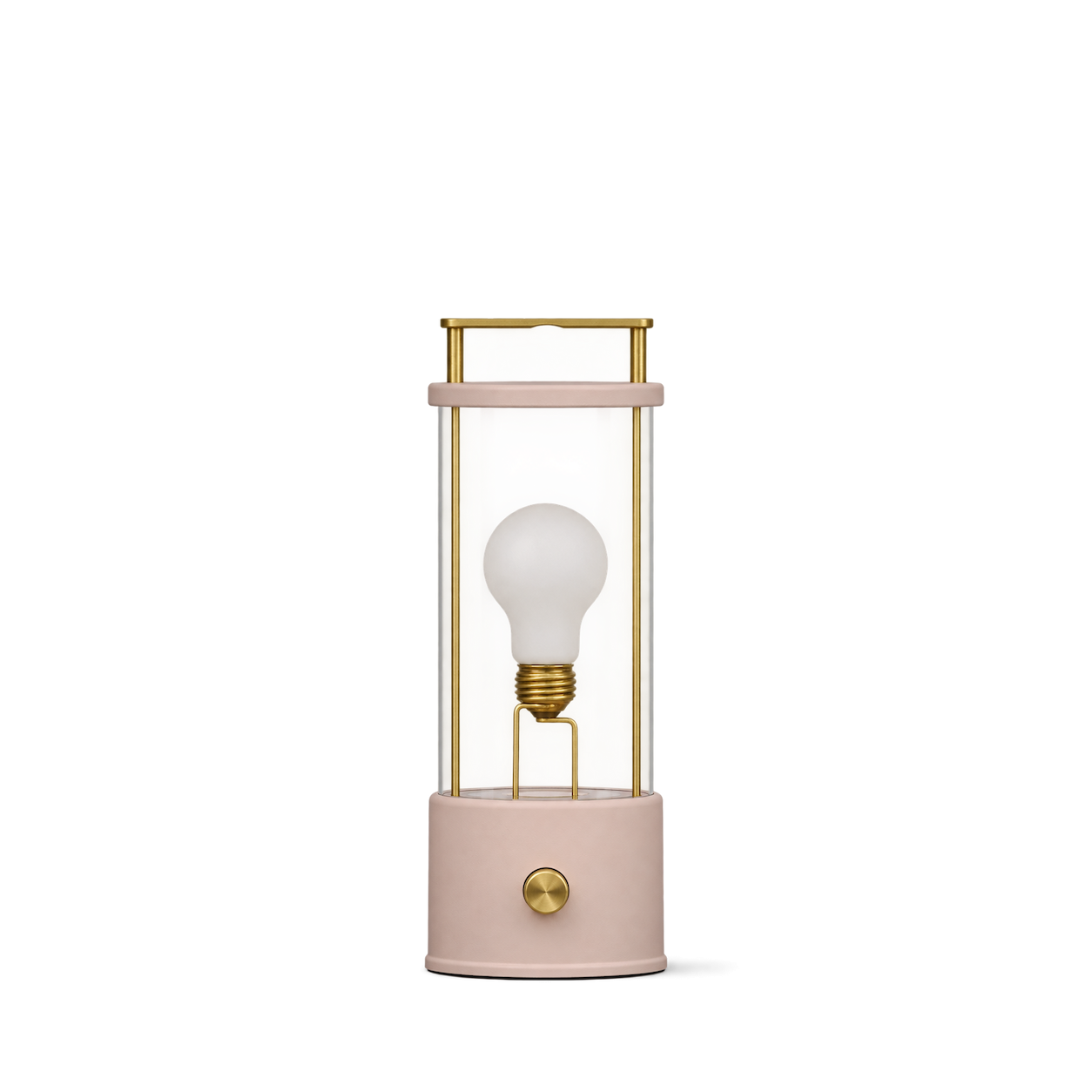
Binic Table Lamp — Pink

Kartell
Bourgie Mat — Black
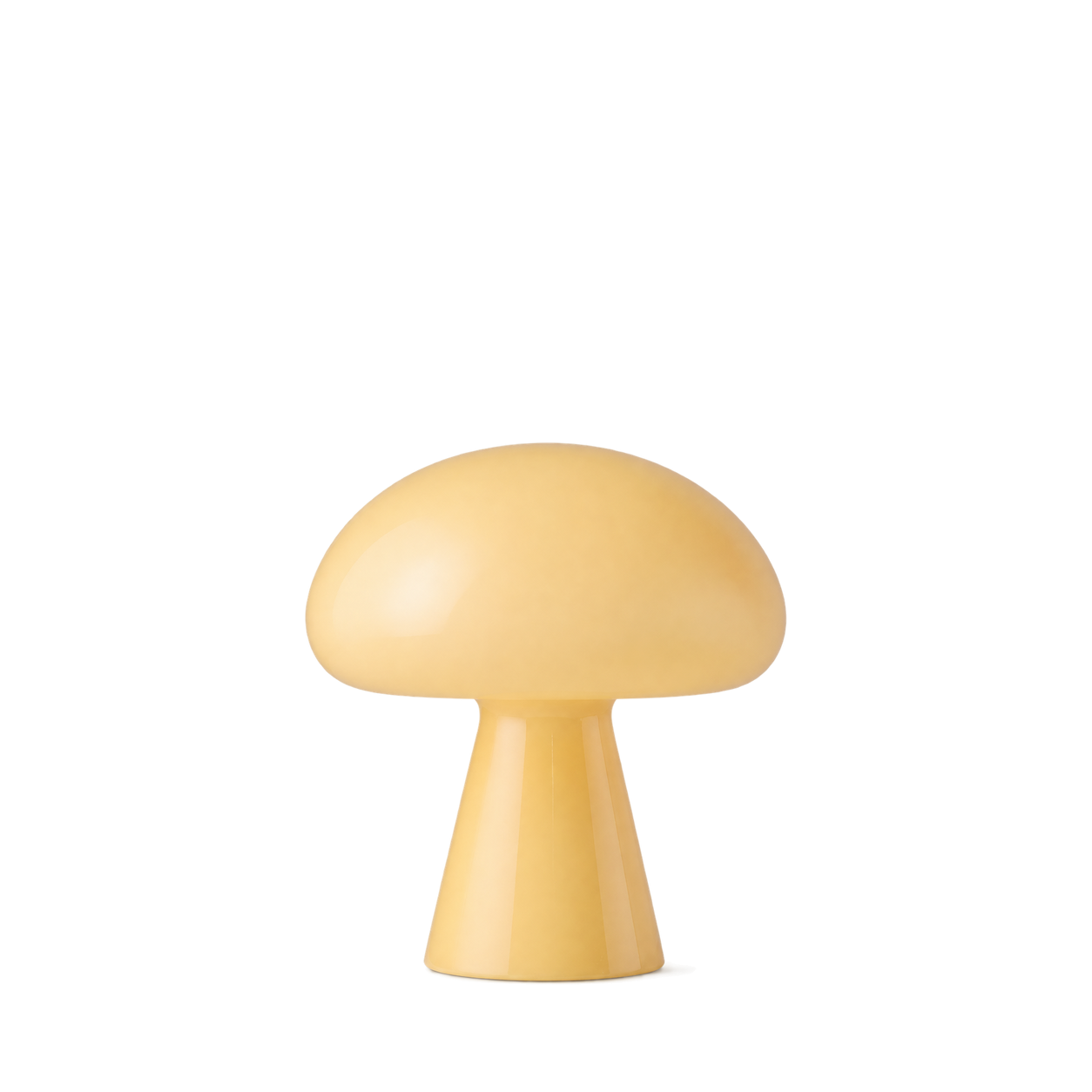

Santa & Cole
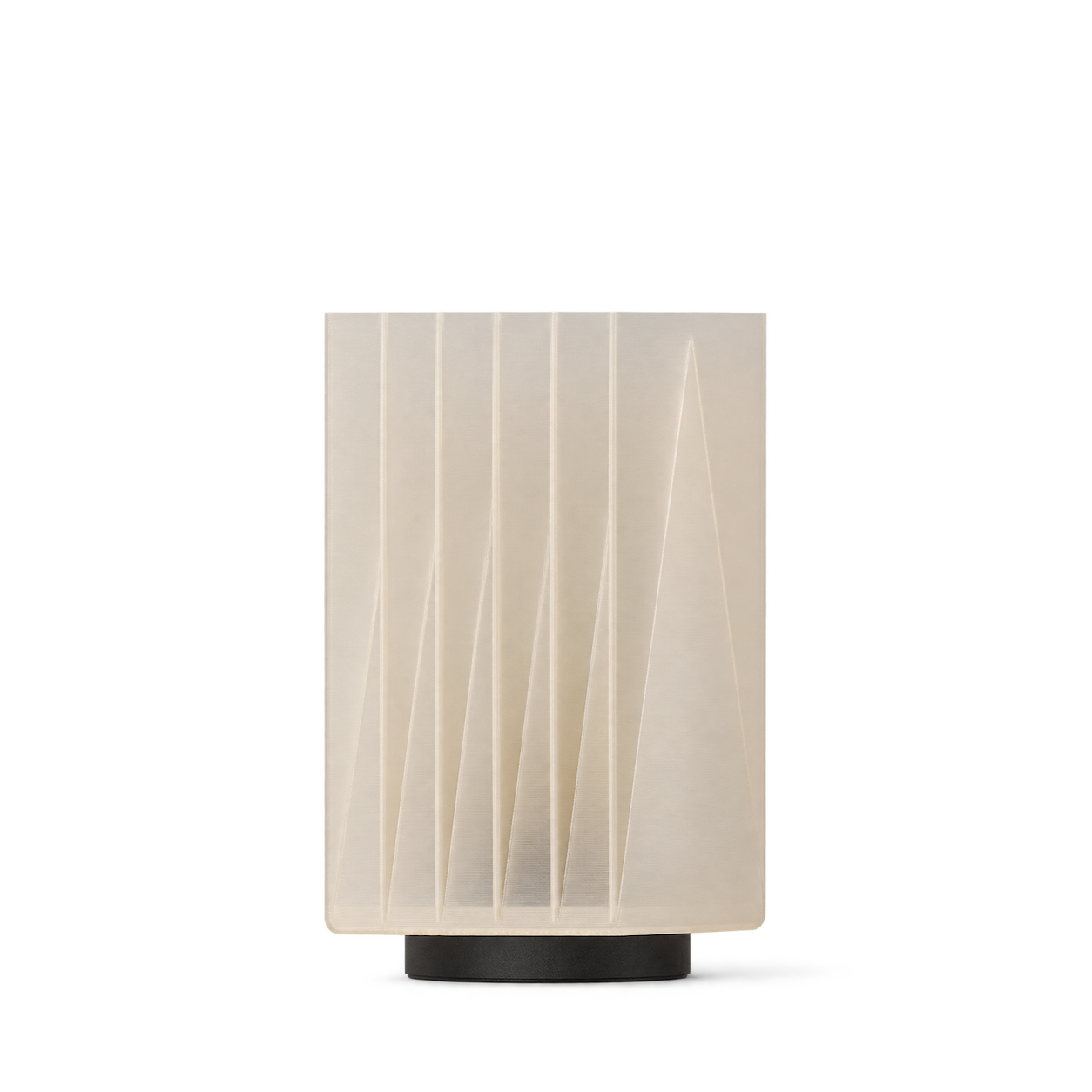
Cestita Table Lamp

New Works
Kizu Table Lamp Small — Black Marble
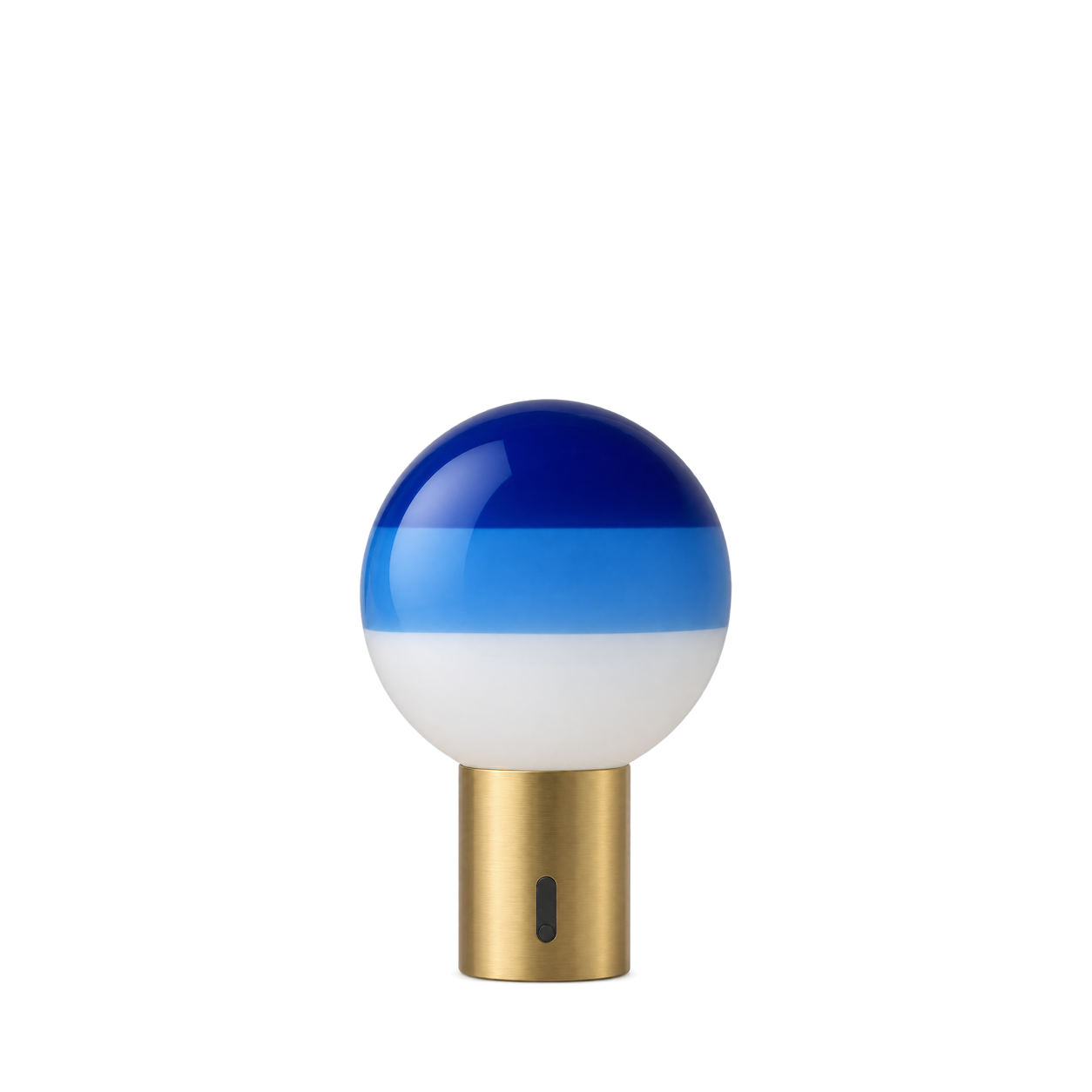
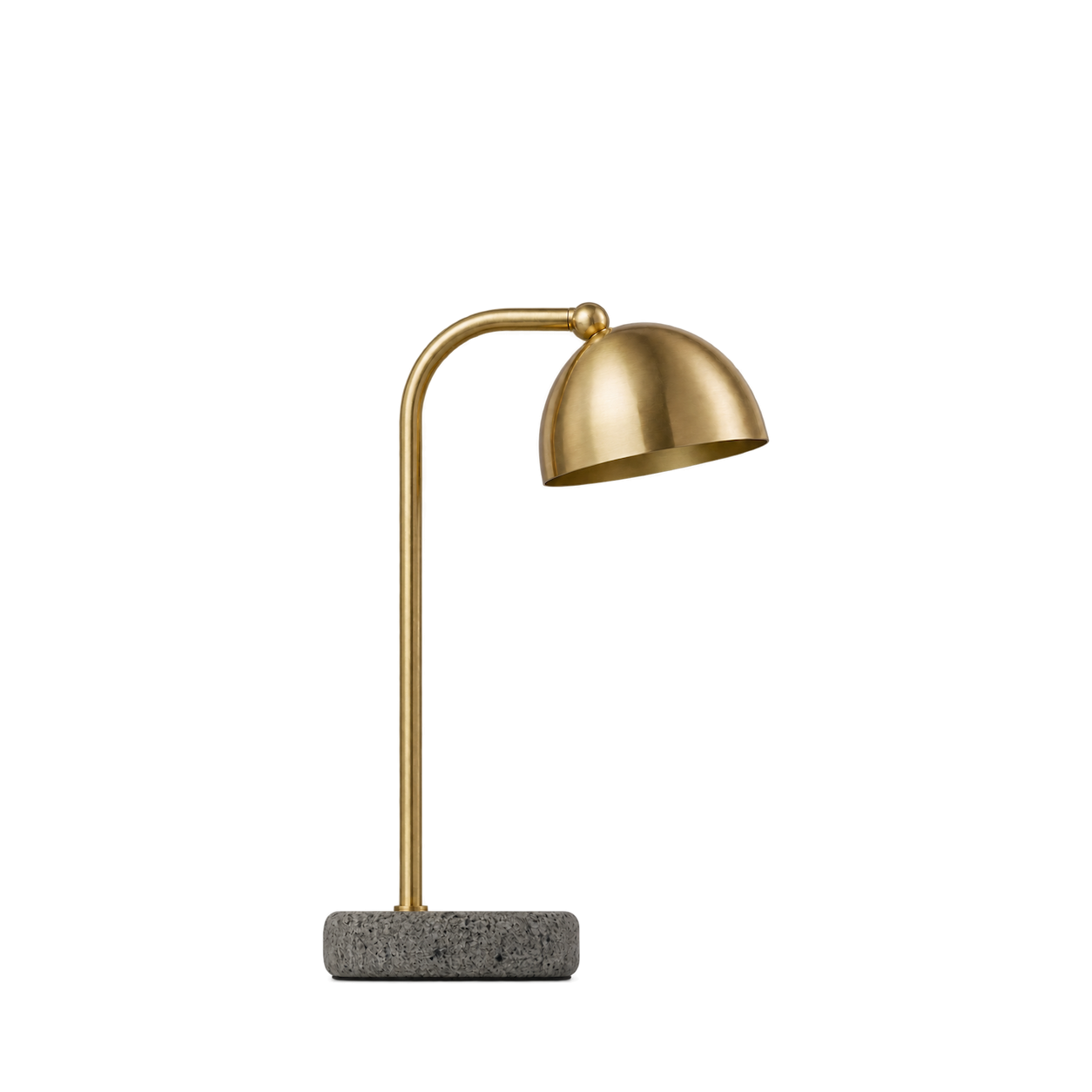
Normann Copenhagen
Grant Table Lamp — Brass

Audo Copenhagen
Carrie Portable Lamp — Olive

Ferm Living
Arum Portable Lamp — Cashmere

DCW éditions
Lampe Gras N°205 — Black

Tom Dixon
Bell Portable LED — Copper


Wästberg
w203 Ilumina — Copper

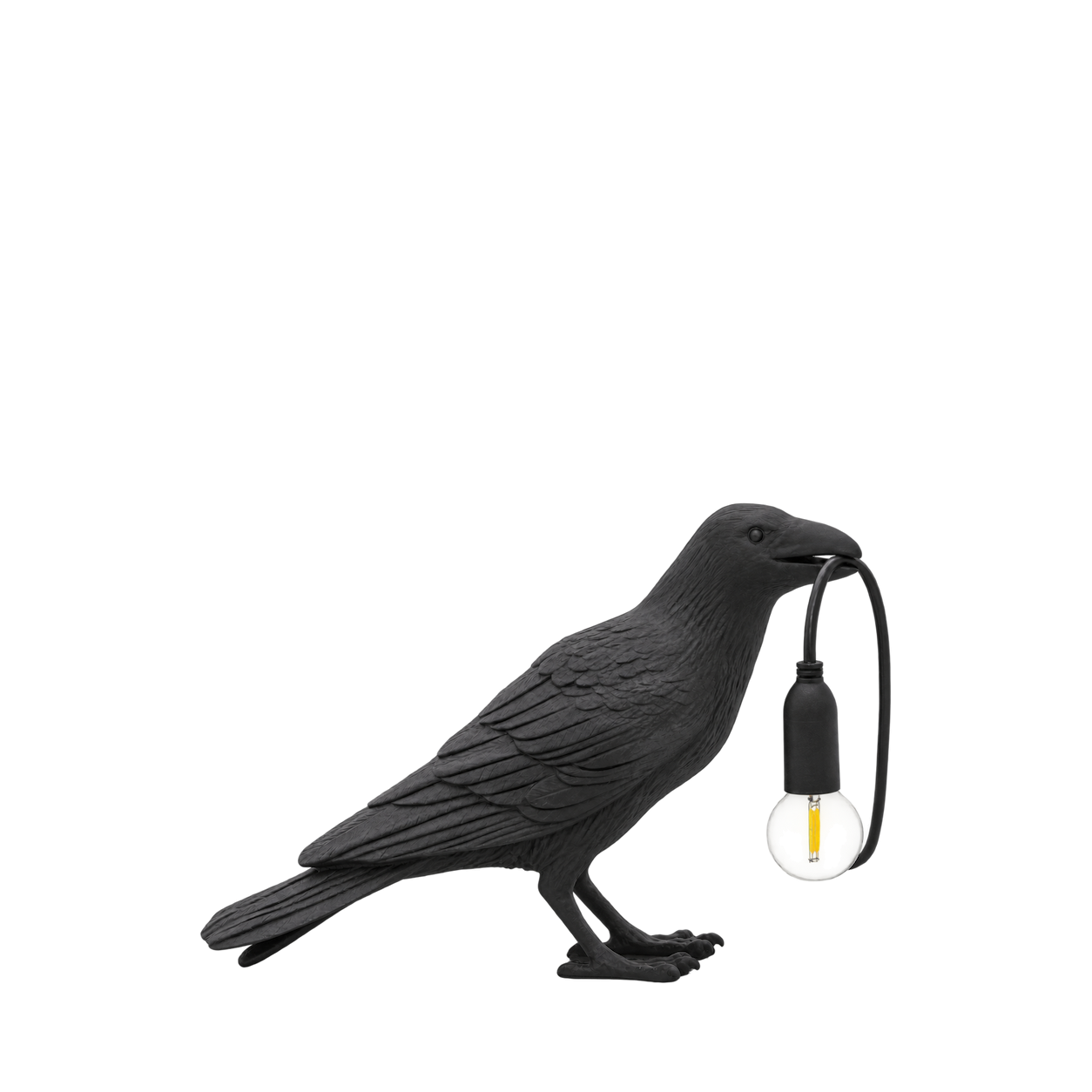




101 Copenhagen
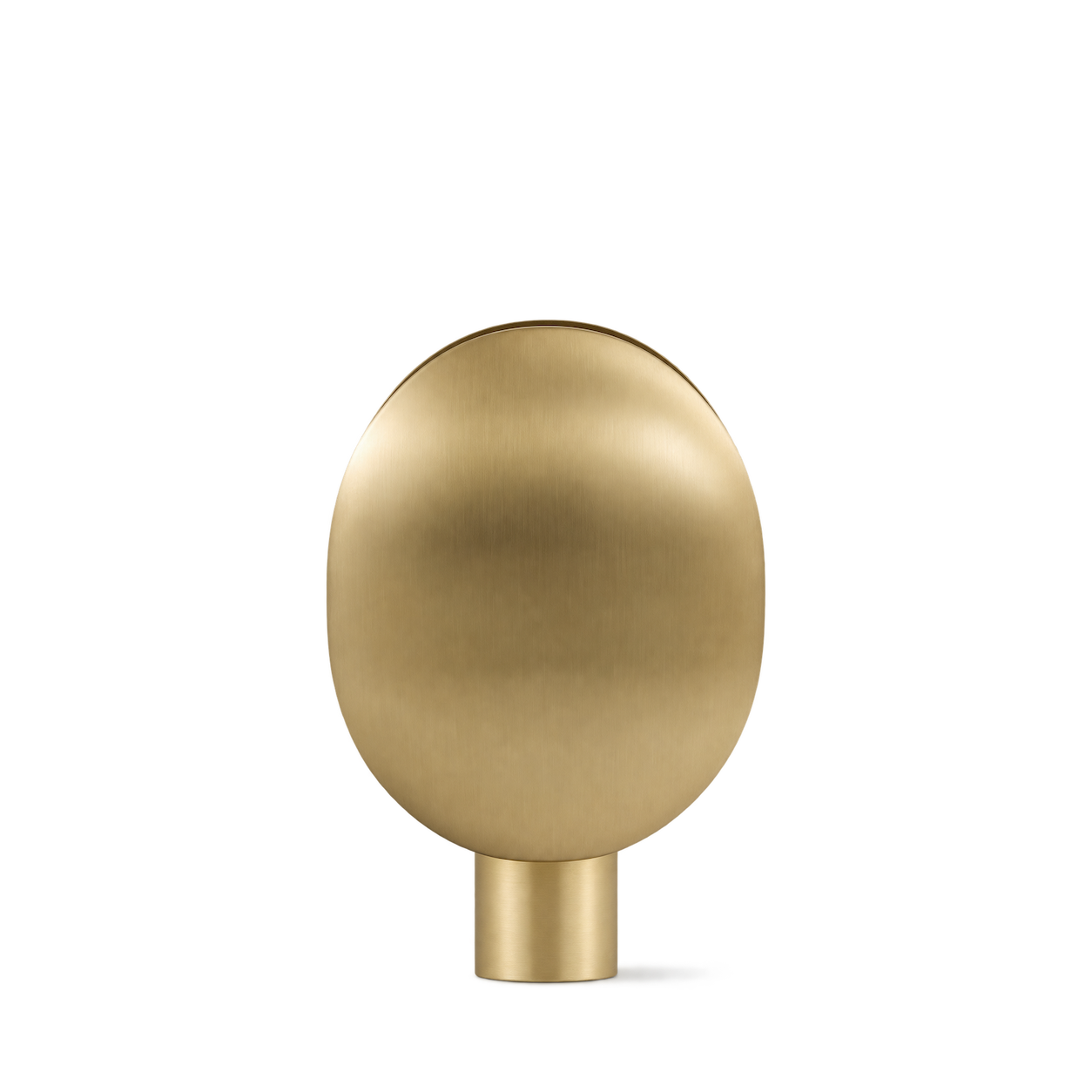
Clam Table Lamp · Brass


Schoolhouse
Abigail Table Lamp
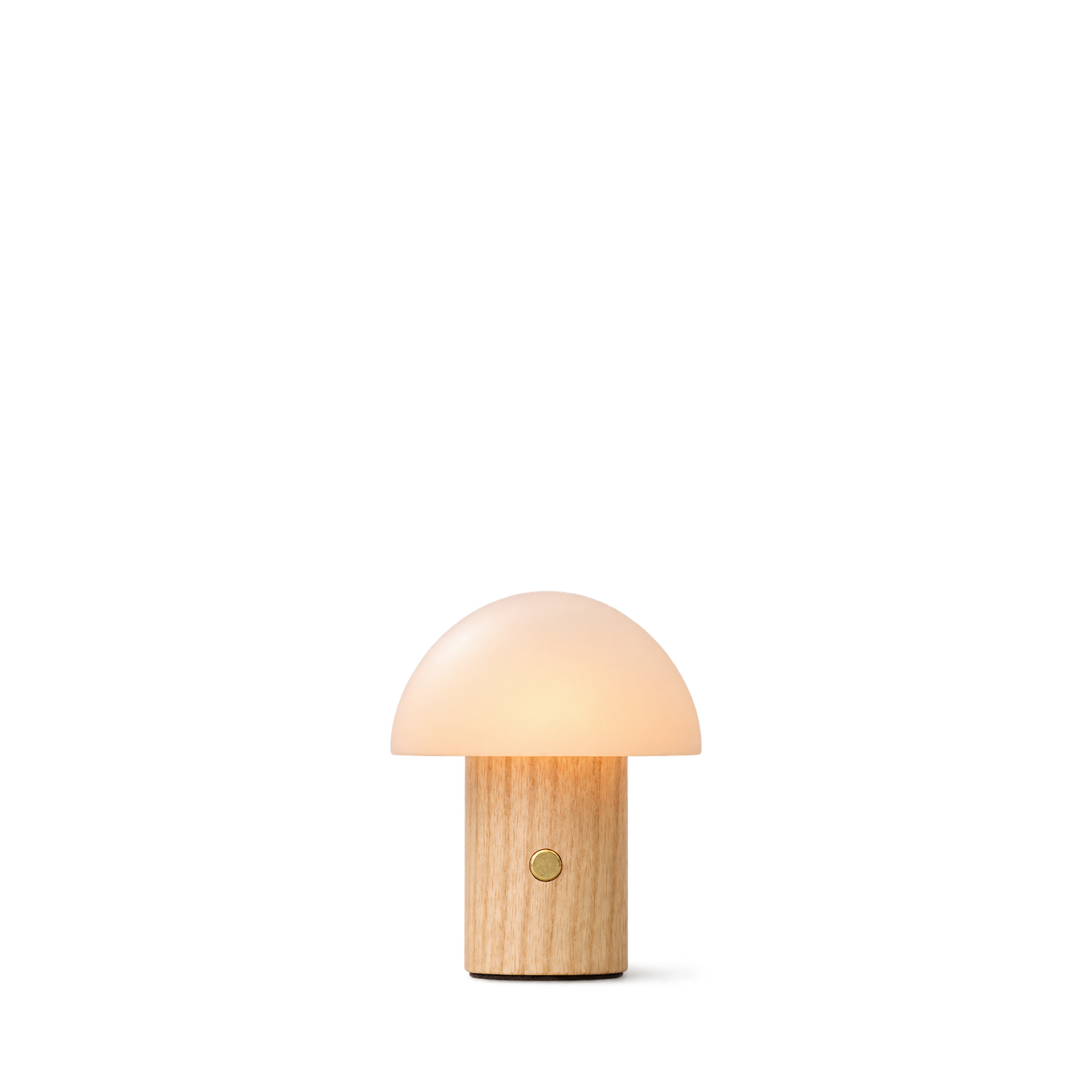
Gingko Design
Alice Mushroom Lamp · super-mini-white-ash
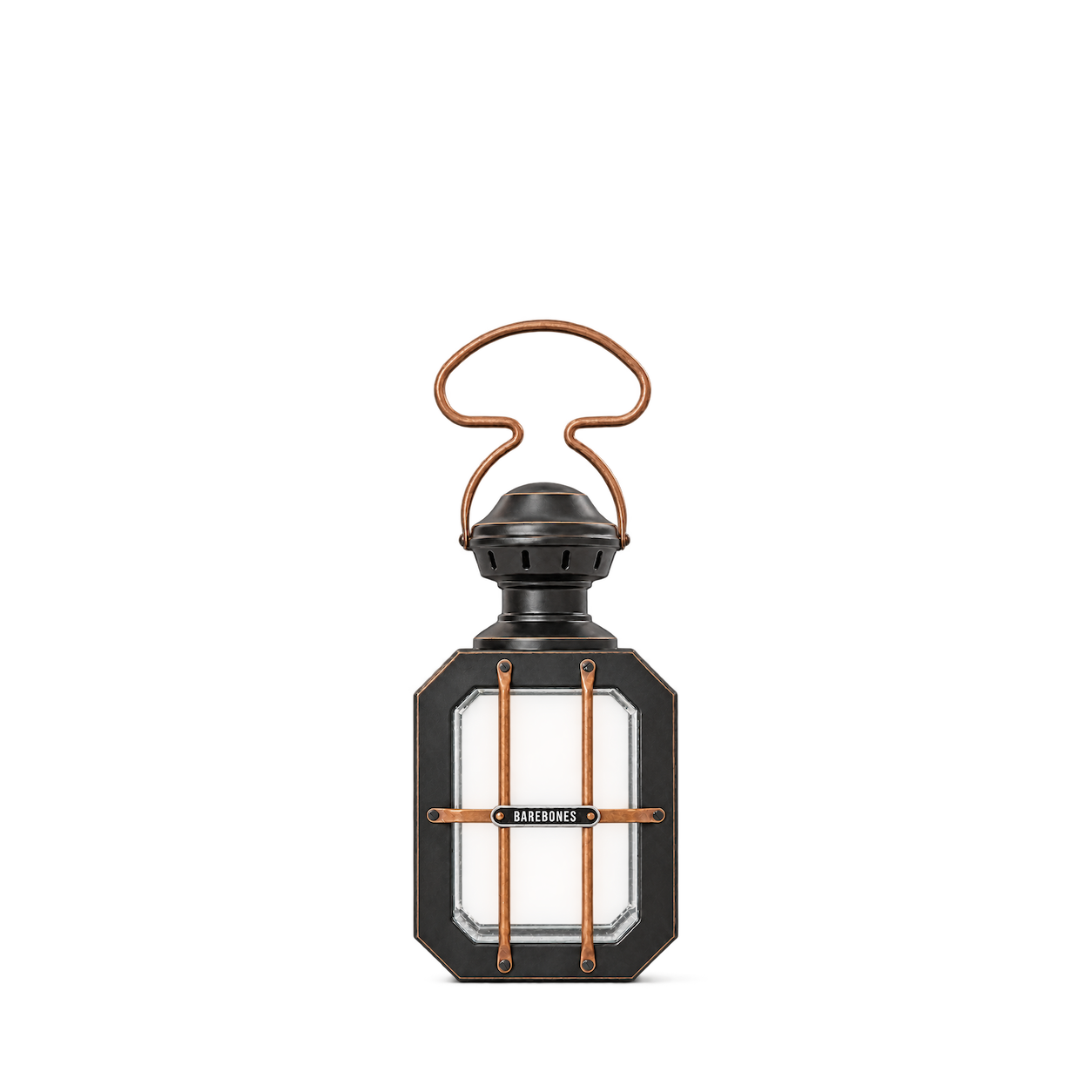
Barebones
Box Candle Lantern
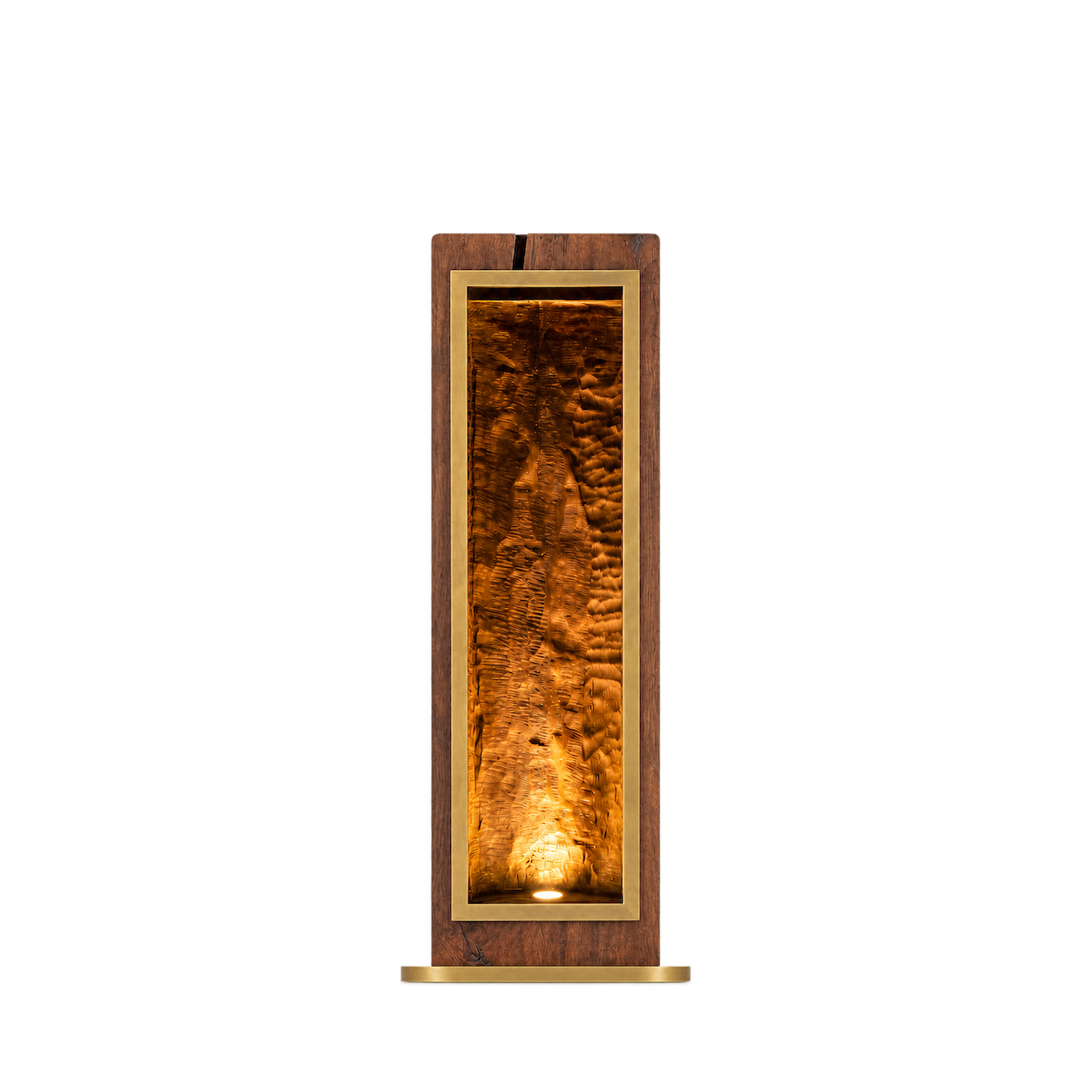
Arhaus
49" Vigas Floor Lamp

Abigail Ahern
Ortega Ceramic Table Lamp

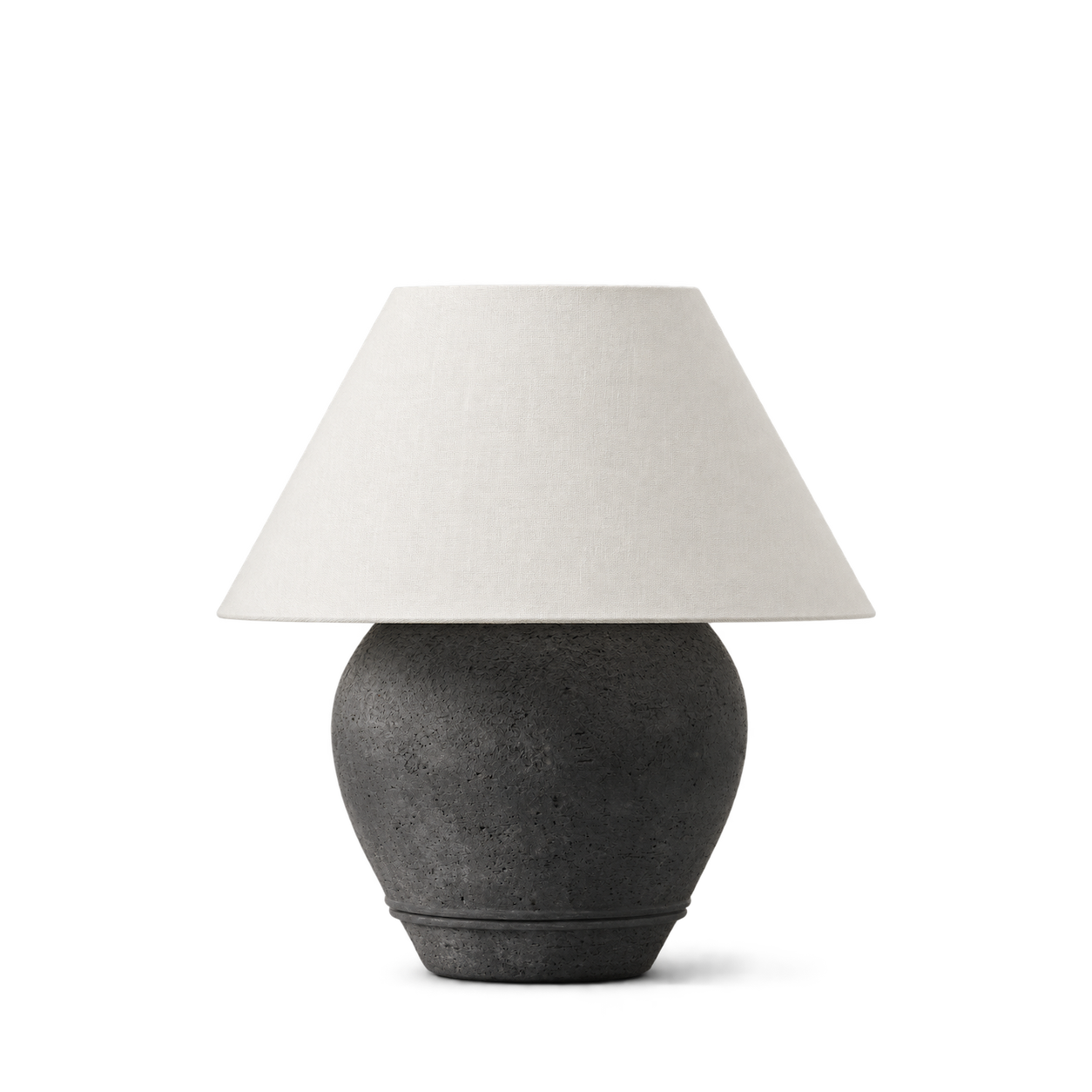
McGee & Co.
Abbott Ceramic Table Lamp · Black

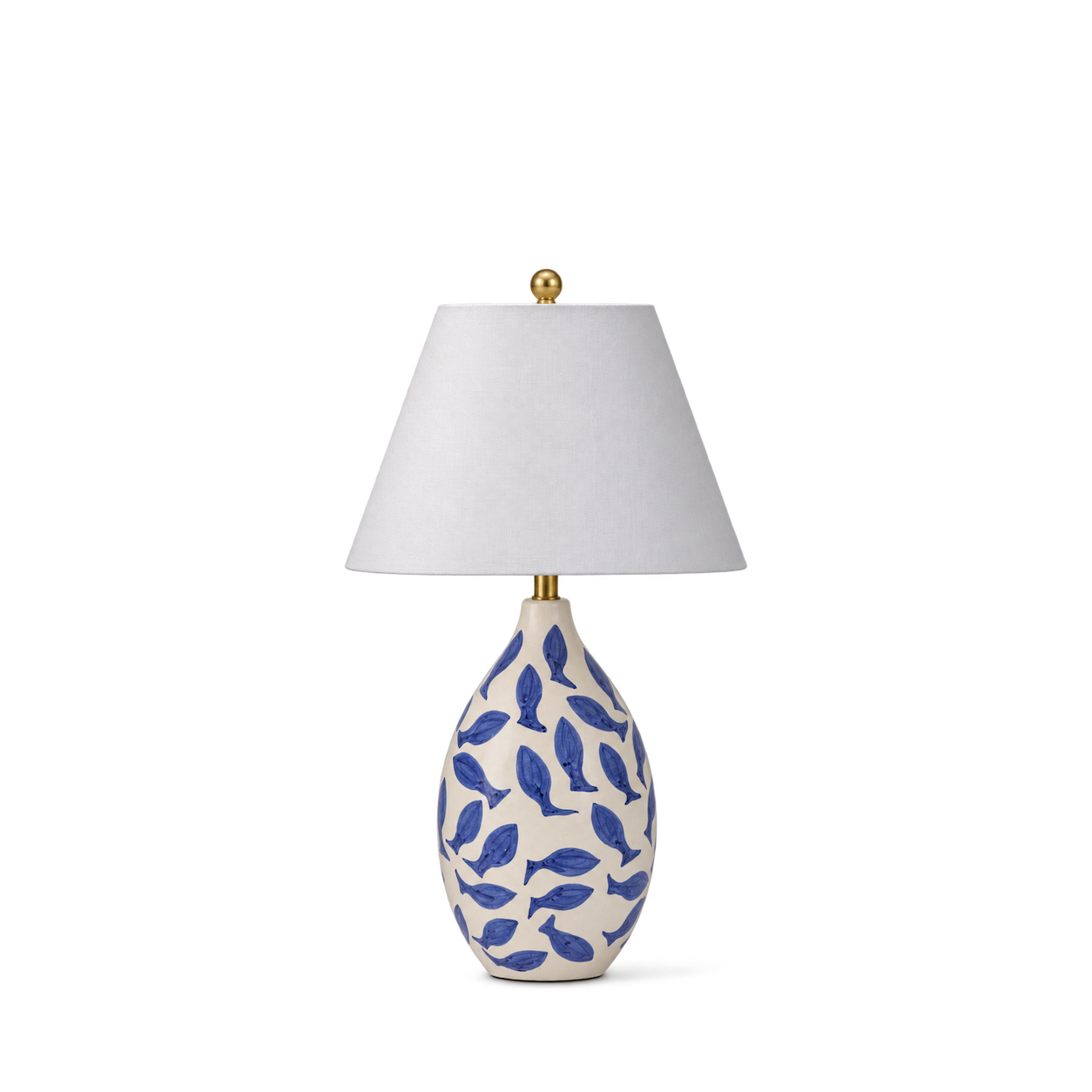
TOV Furniture
Sardine White & Blue Ceramic Table Lamp

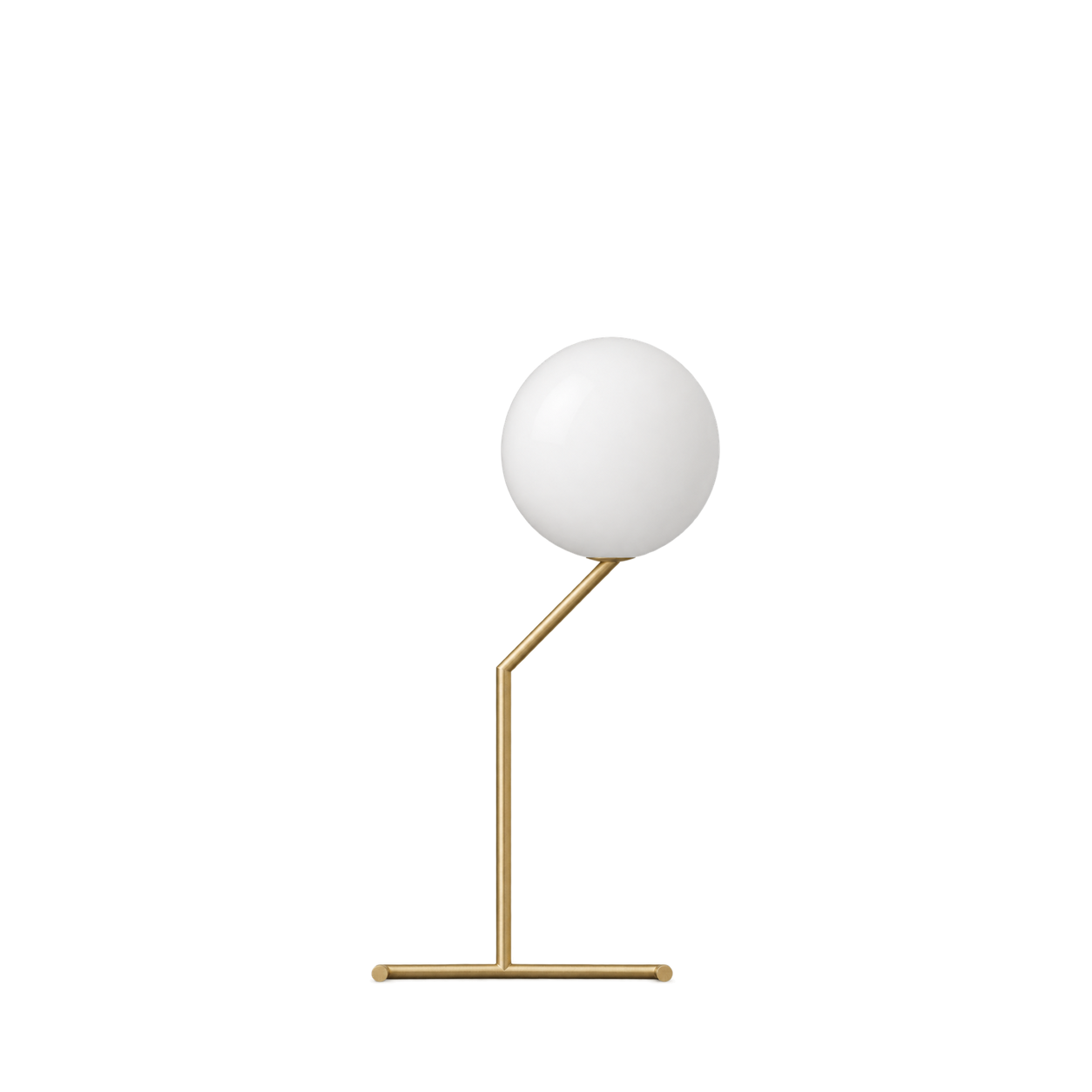

Artemide
Eclisse Table Lamp — Red
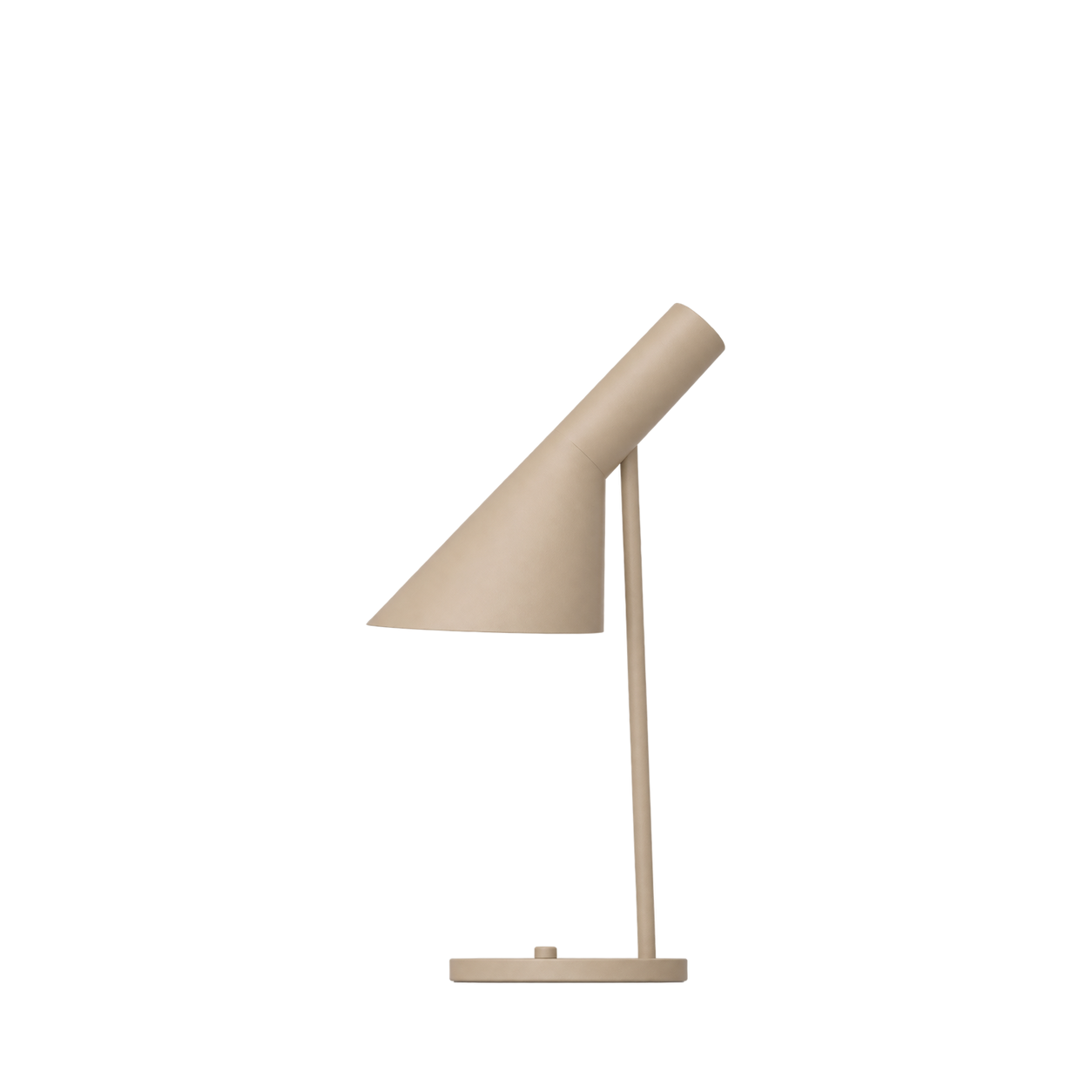
Louis Poulsen
AJ Mini Table Lamp — Warm Sand
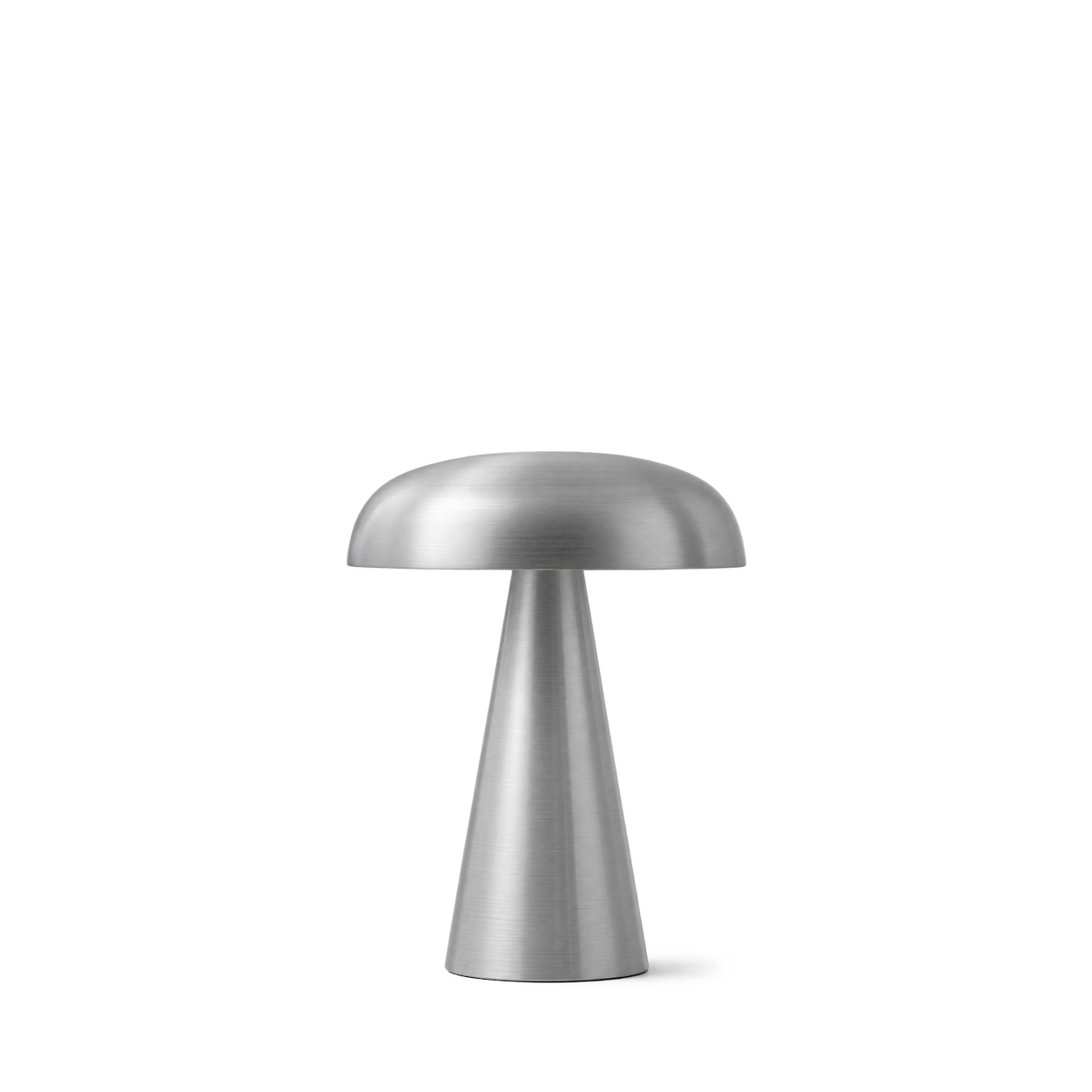
&Tradition
Como SC53 · Aluminium

Anglepoise
90 Mini Mini Desk Lamp Jasmine White


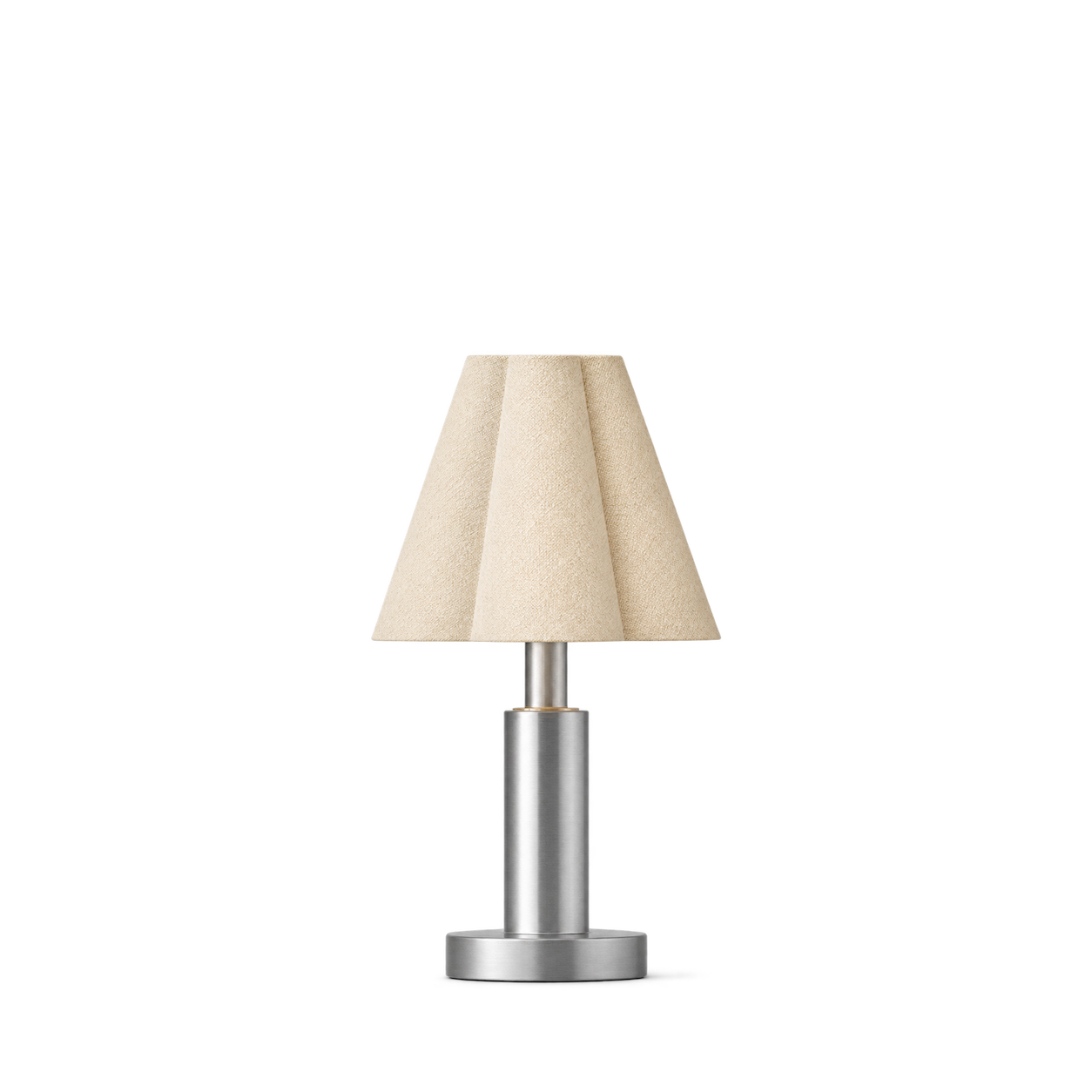

Ferm Living
Oyster Table Lamp - Light Cashmere


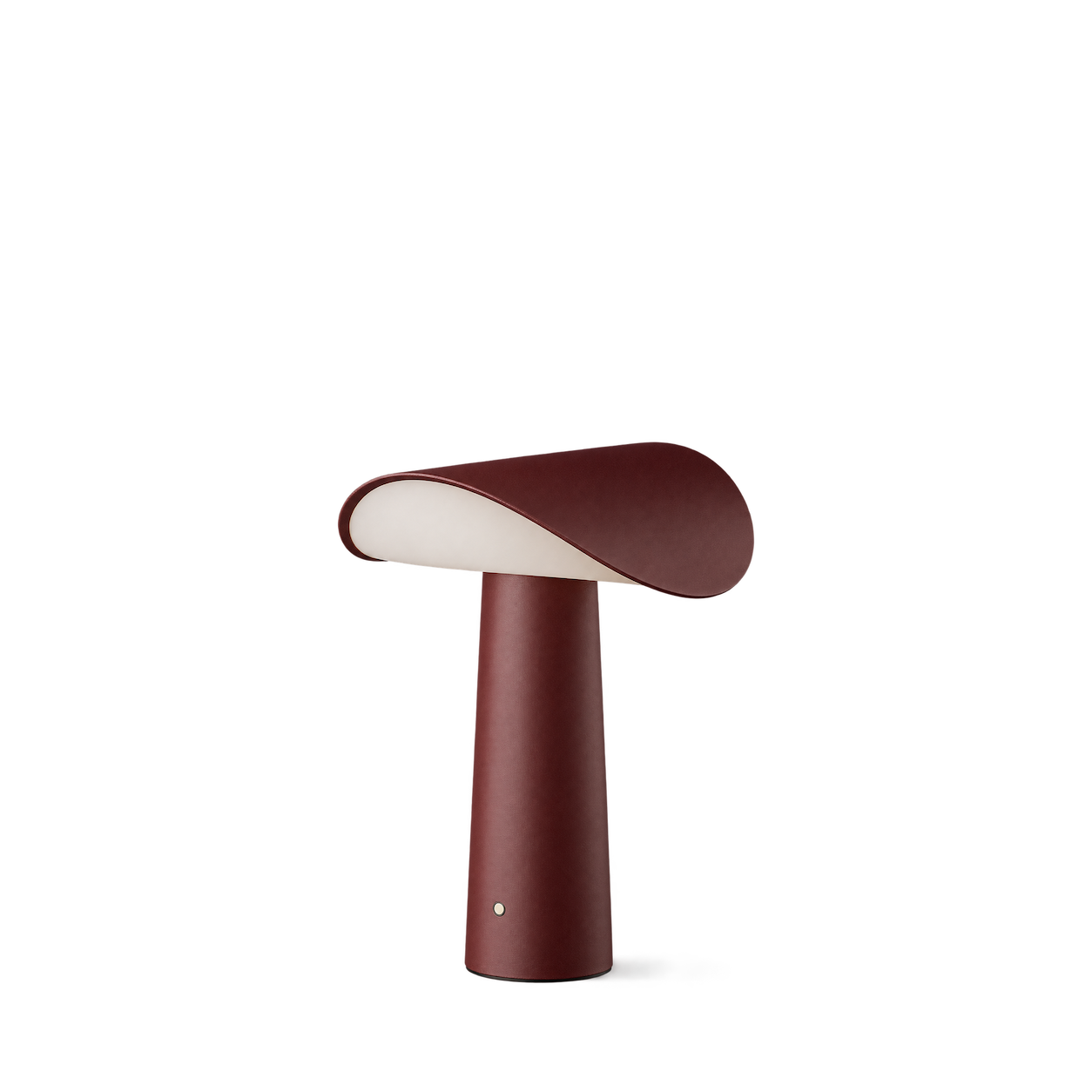
101 Copenhagen
Pivot Table Lamp · Bronze
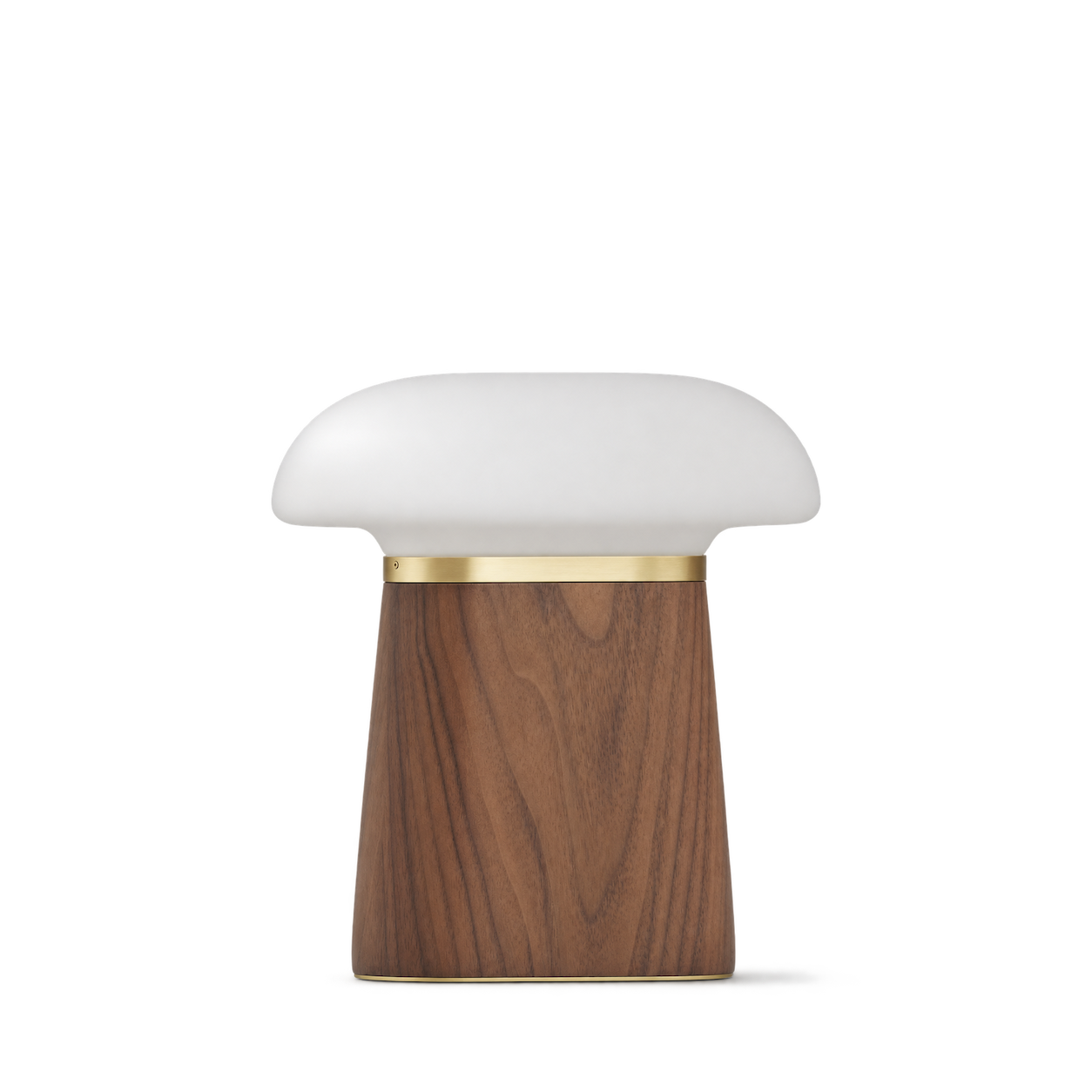

Schoolhouse
Allegheny Sconce
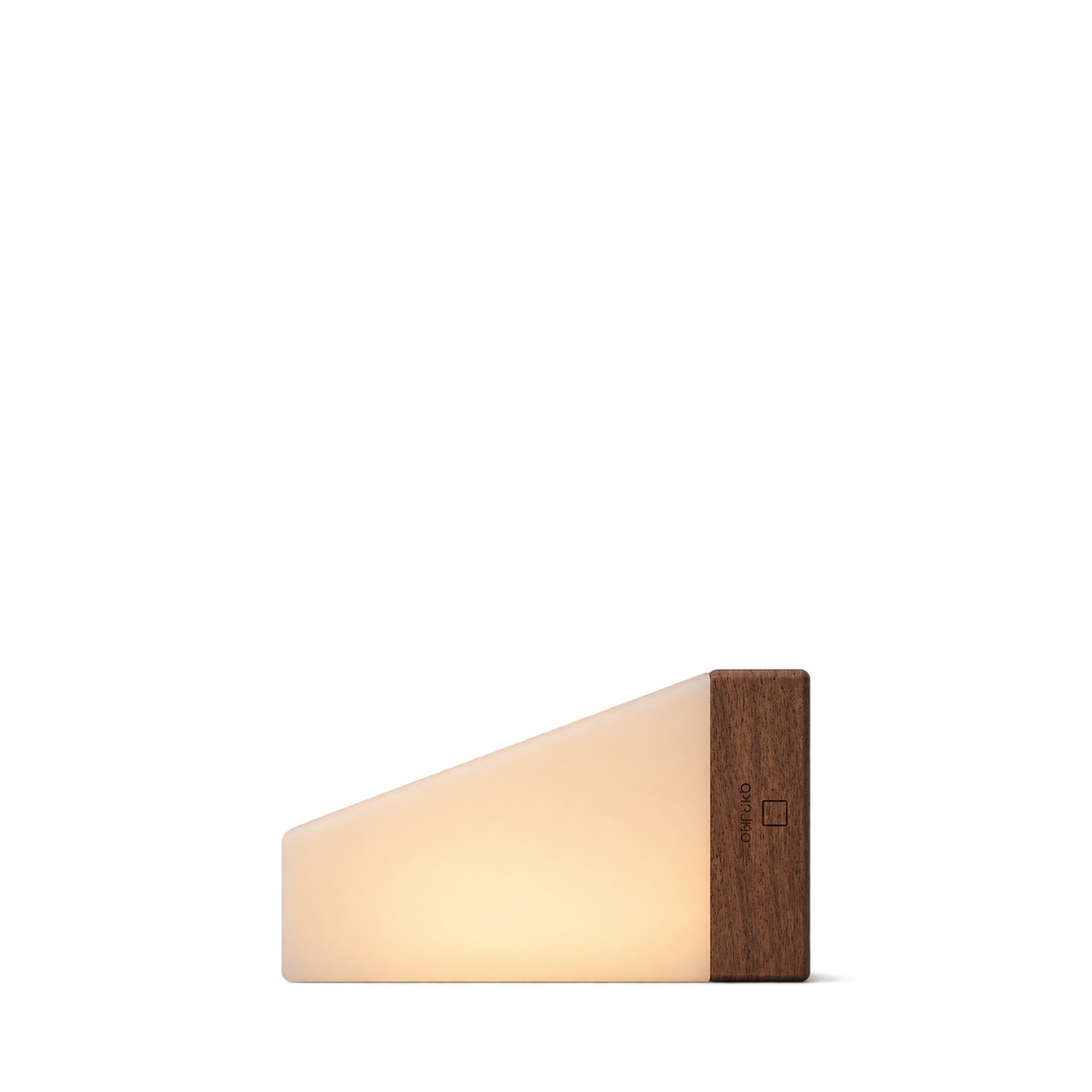
Gingko Design
CuraCheese Night Light · Natural Walnut Wood
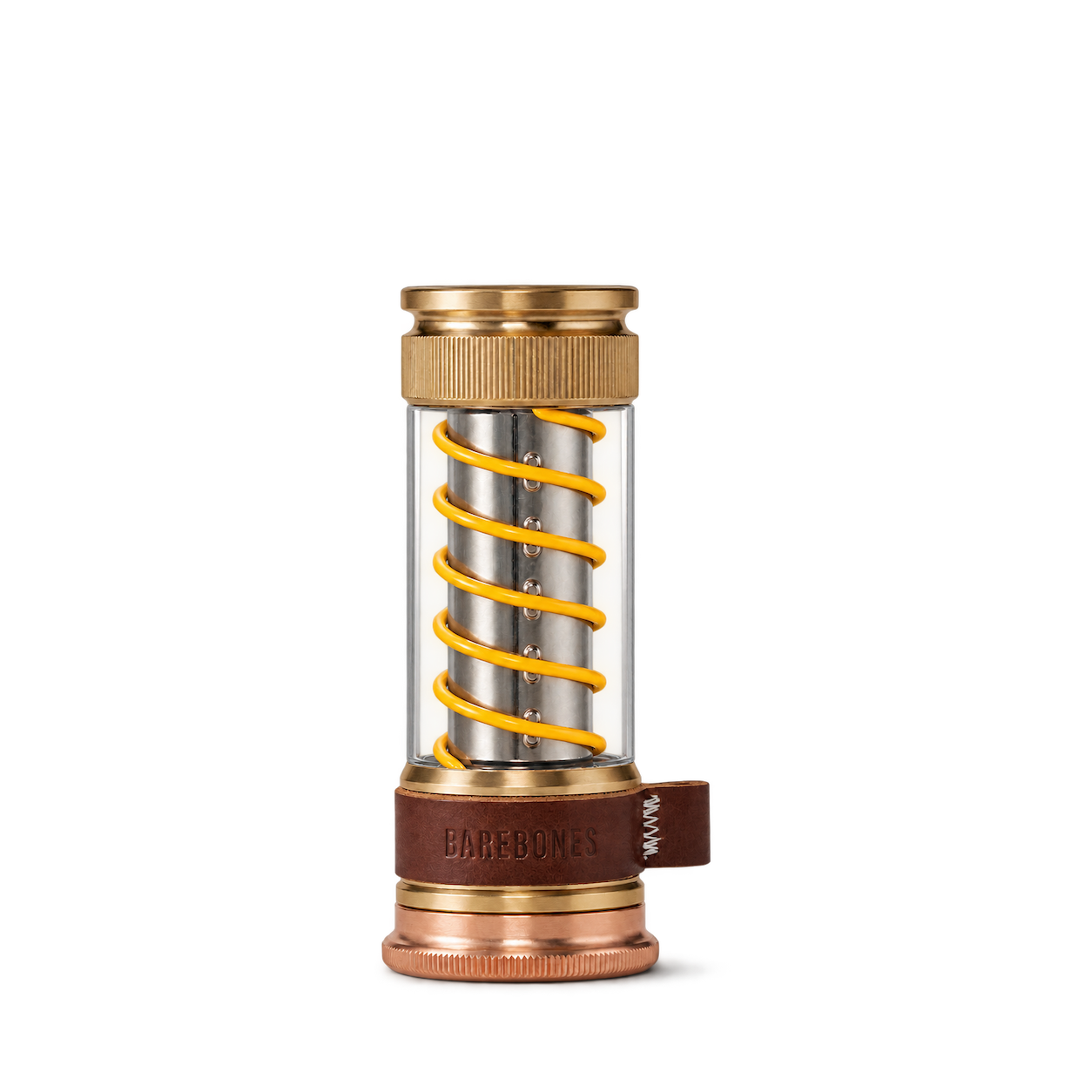
Barebones
Edison Light Stick · Brass
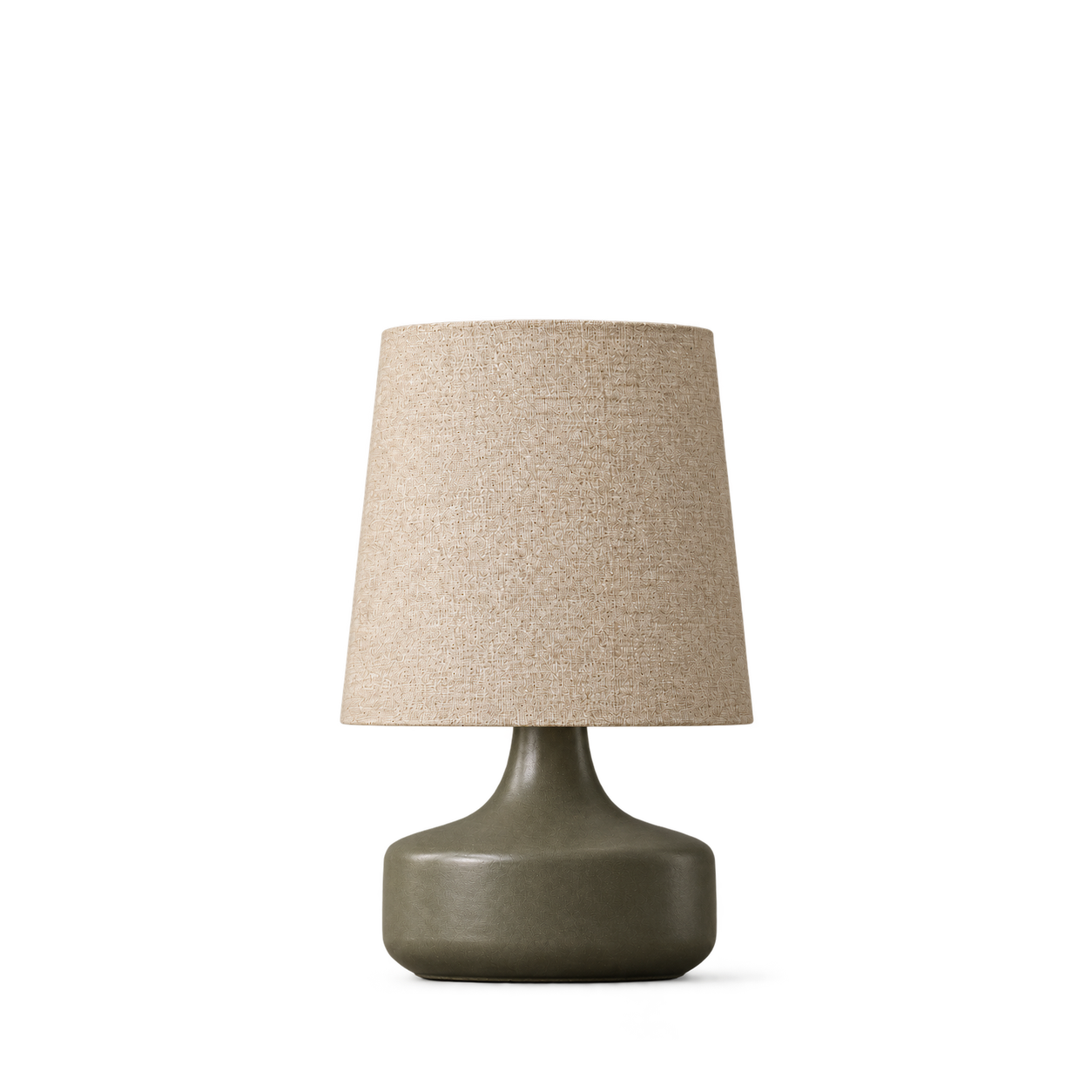

Flos
Bilboquet · Sage

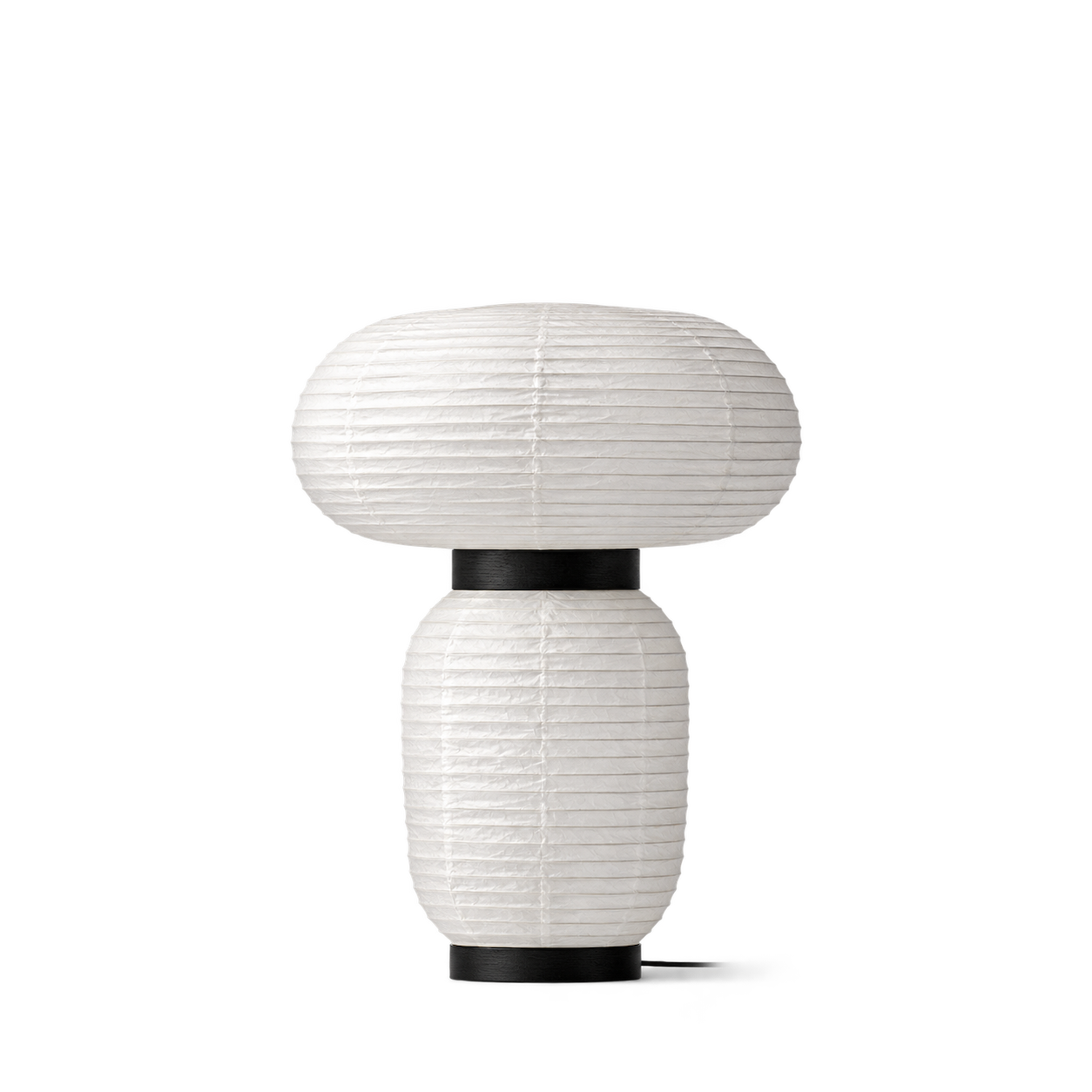
Artemide
Come together Copper

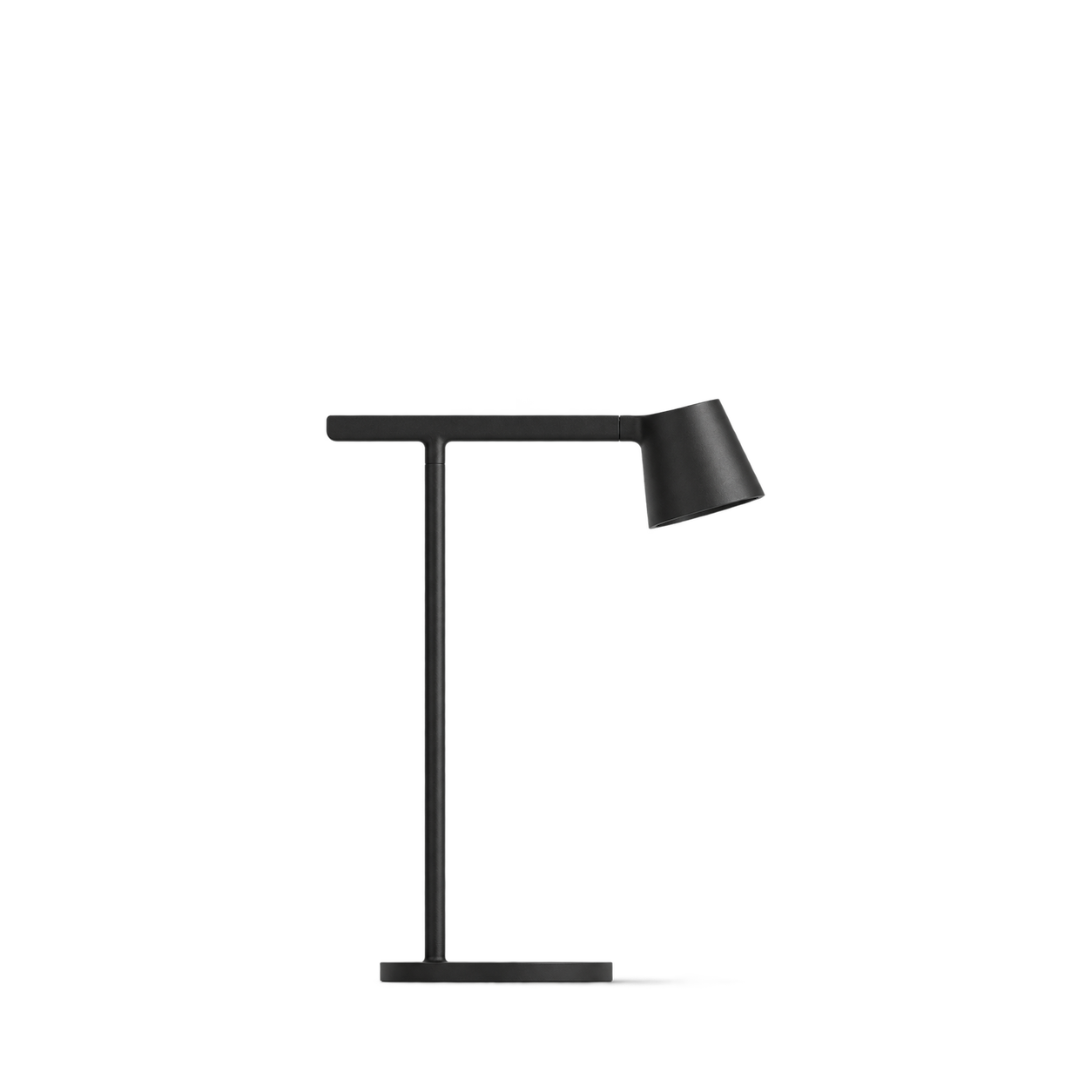
Louis Poulsen
PH 3/2 Table Lamp · High Lustre Chrome Plated

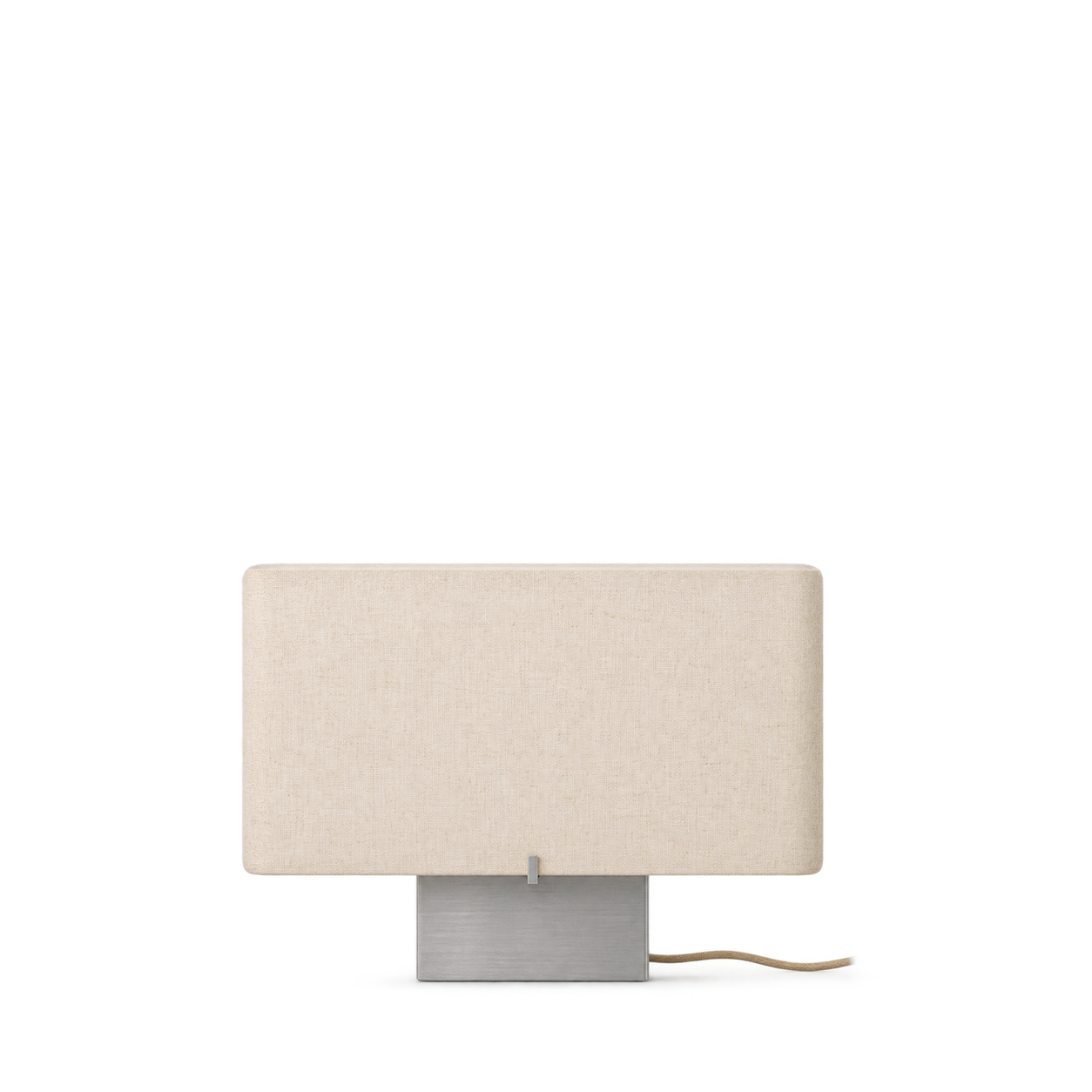
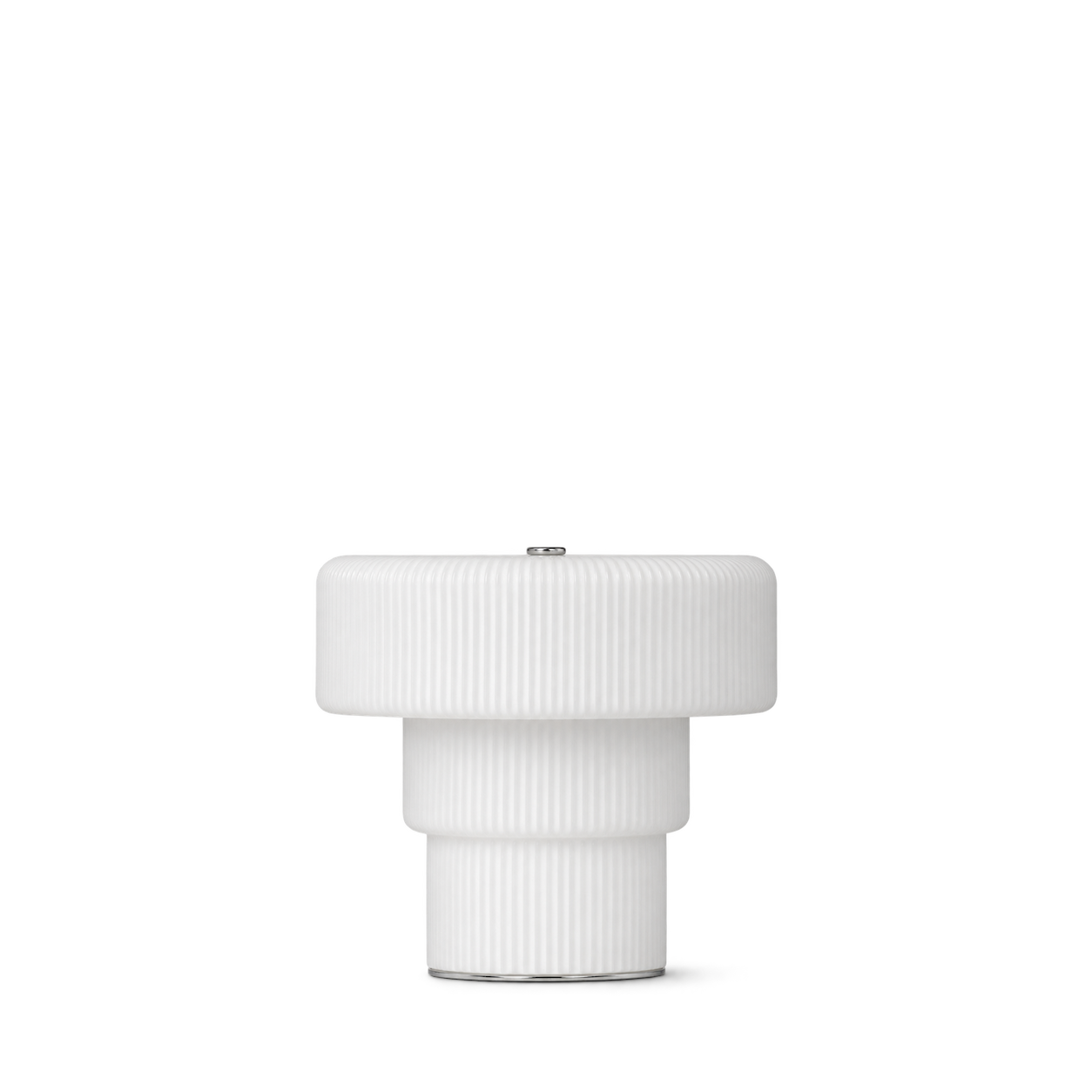
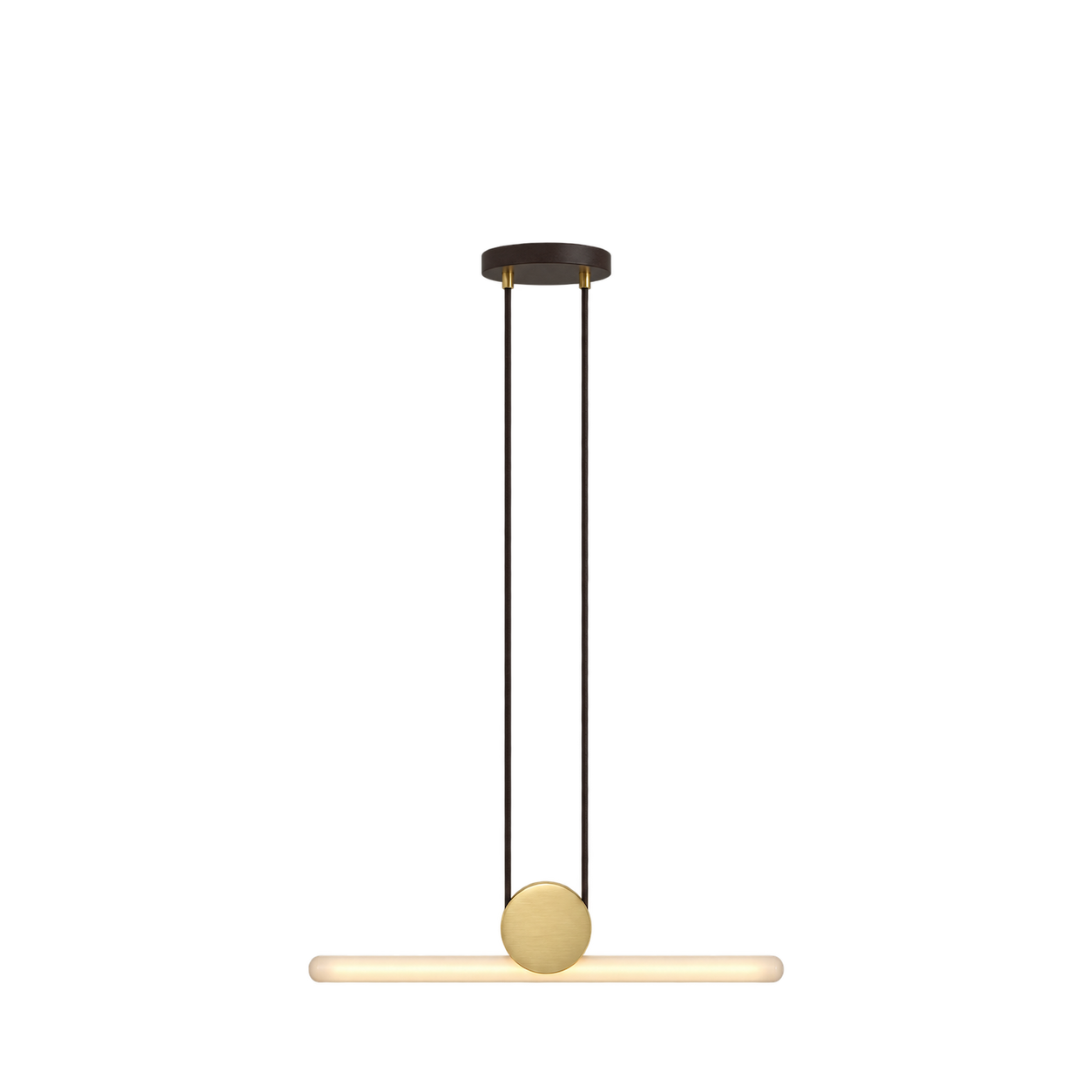
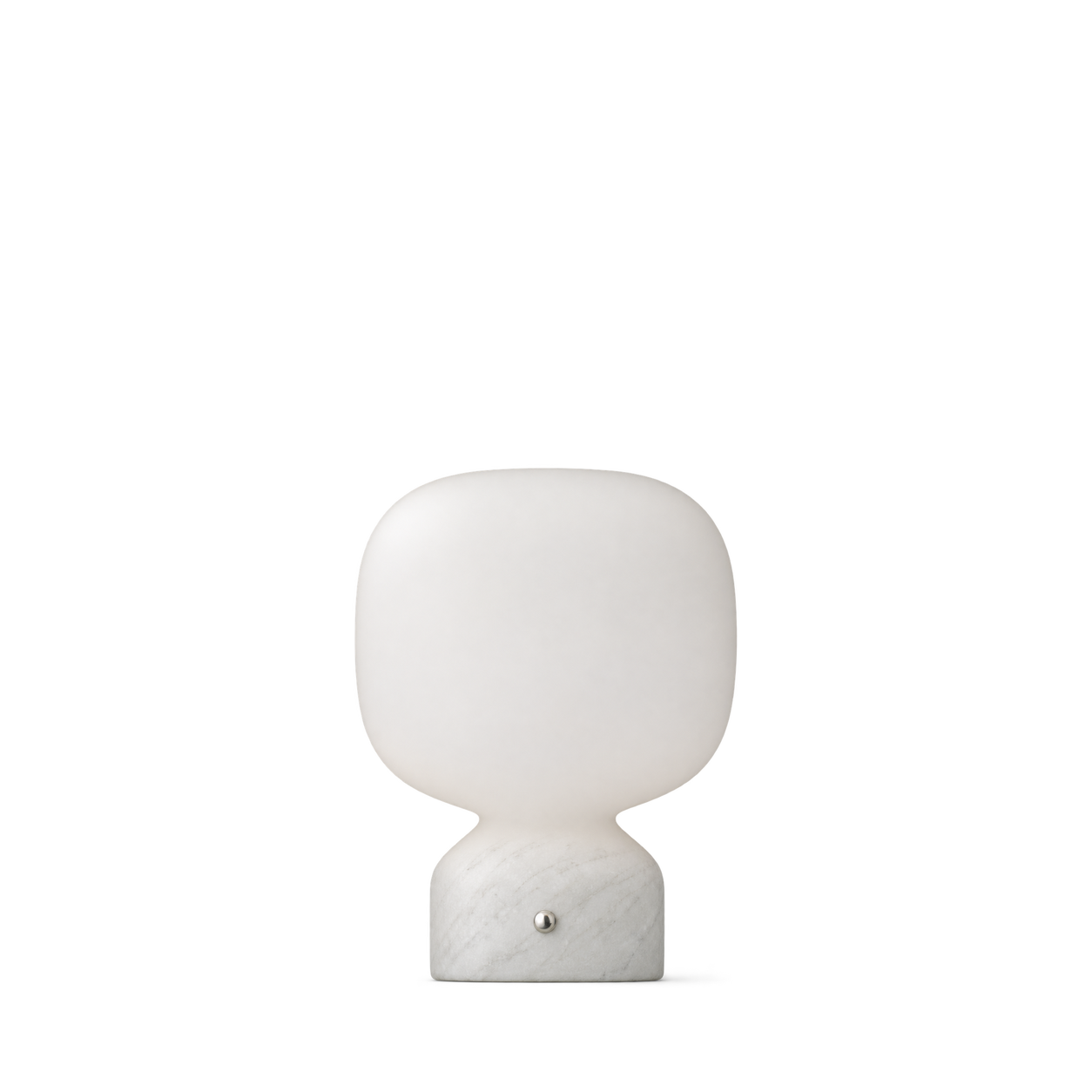
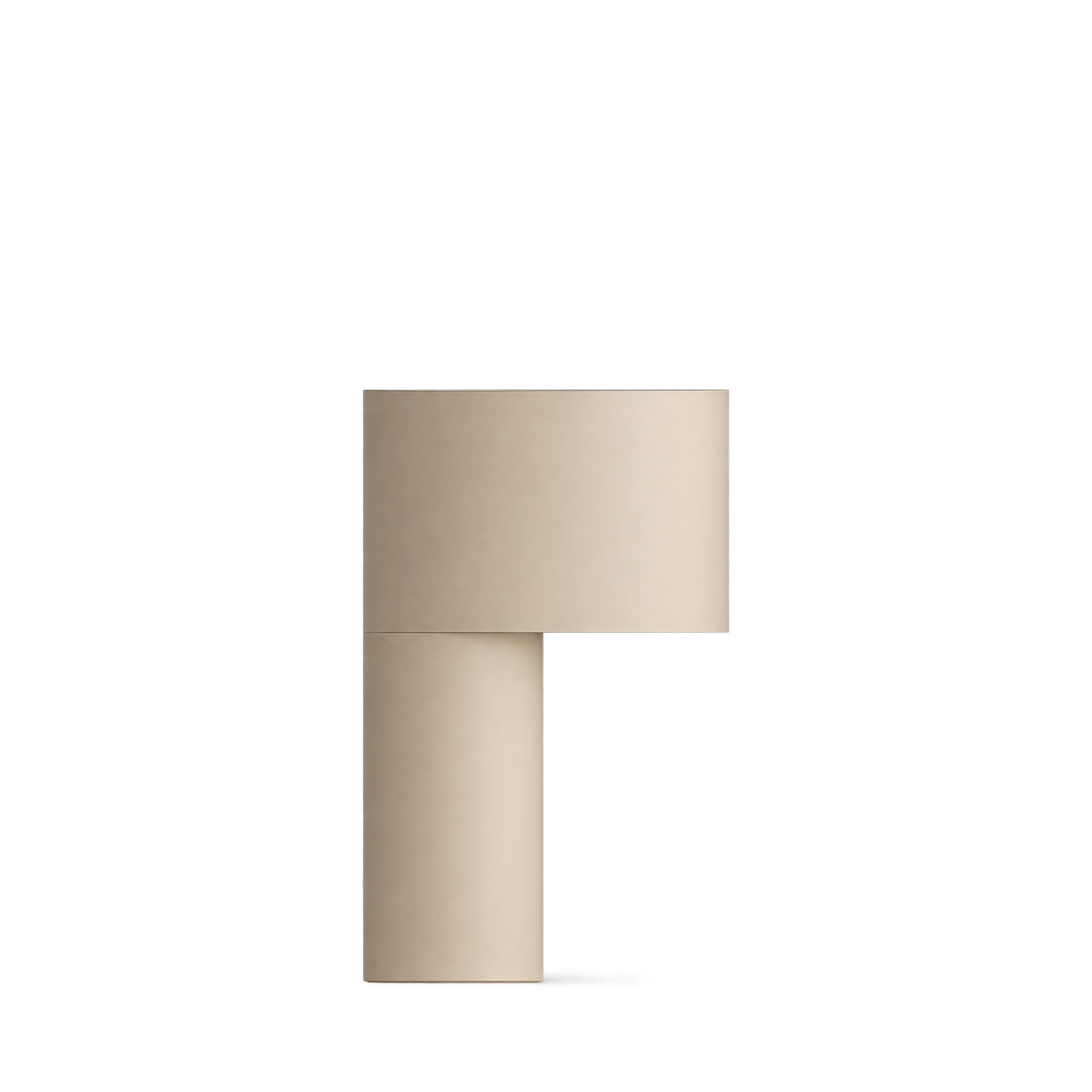

Schoolhouse
Beacon Wall Sconce

Gingko Design
Smart Accordion Lamp · bamboo

Barebones
Forest Lantern · Teal
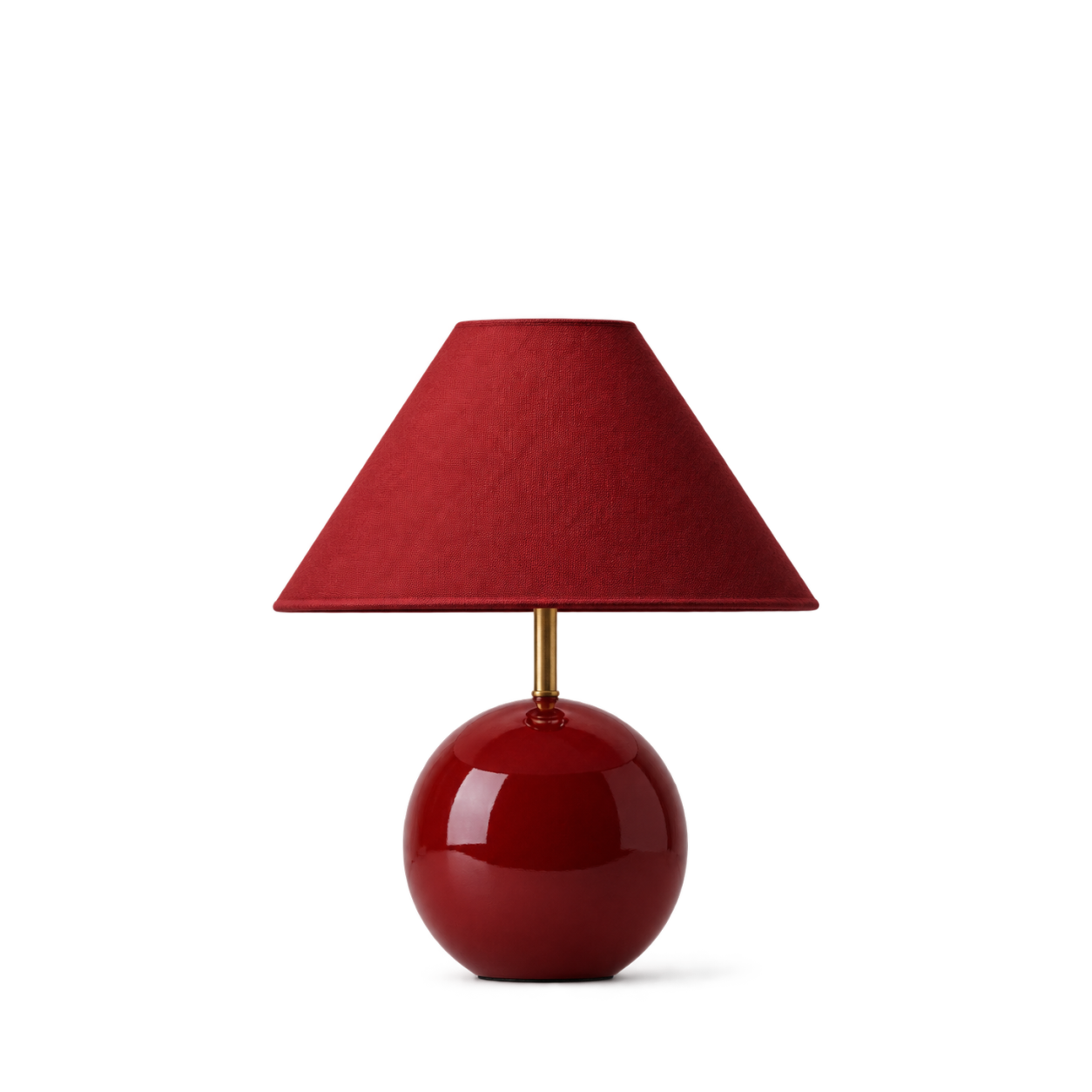


Artemide
Curiosity · 36


&Tradition
Setago JH27 · Maroon & Grape

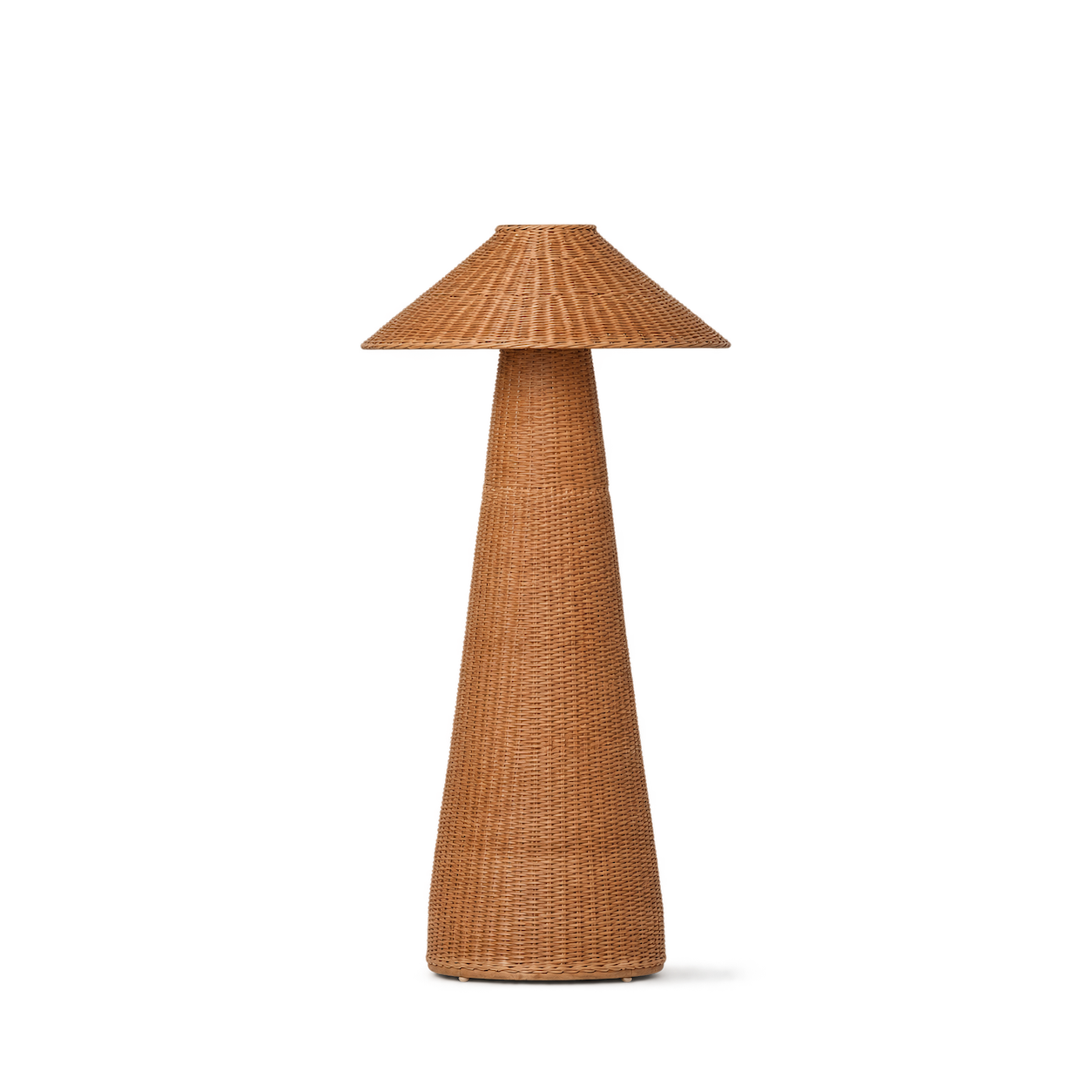
Ferm Living
Dou Floor Lamp · Natural

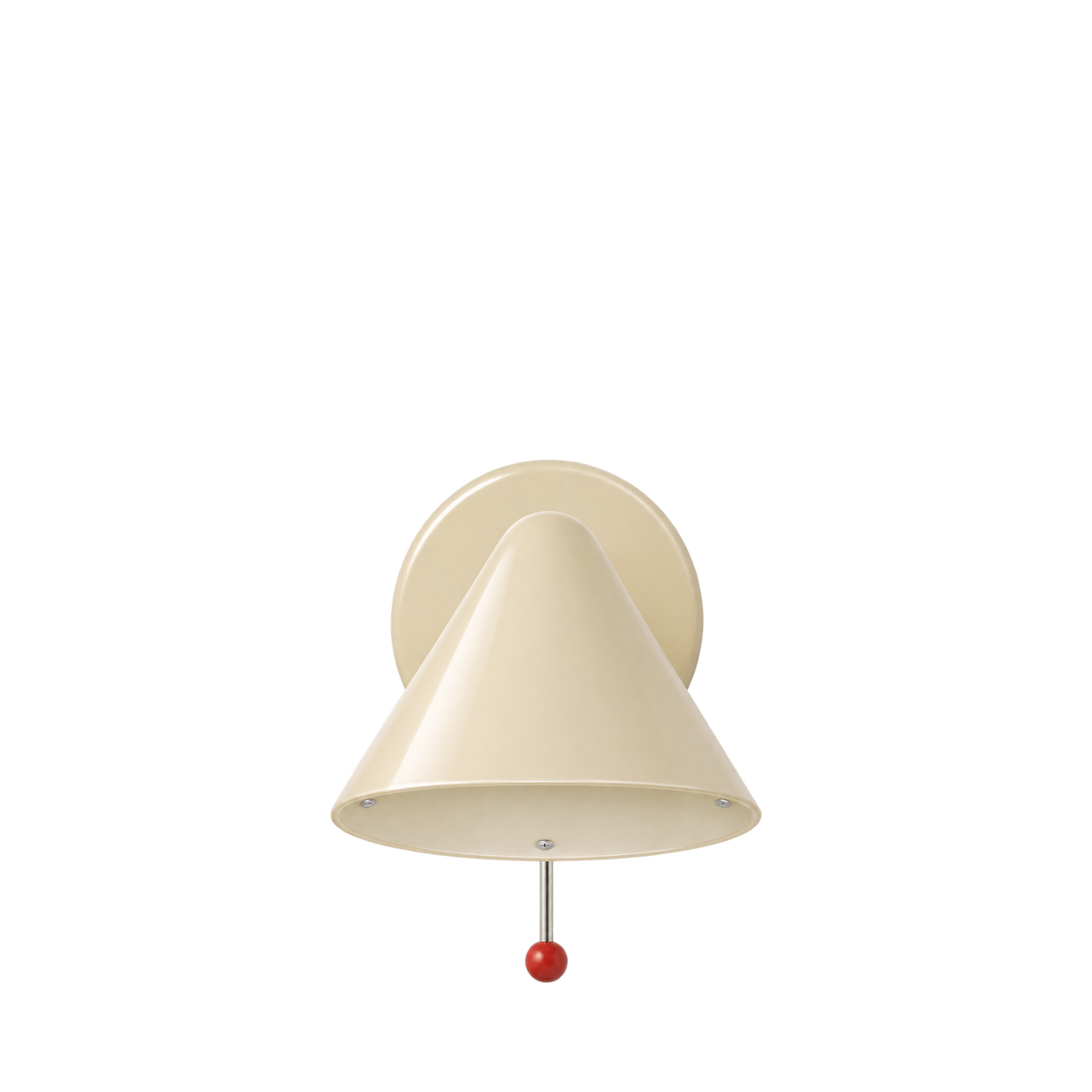
Schoolhouse
Clare V Hans Wall Sconce

Gingko Design
Smart Diffuser Lamp · american-walnut
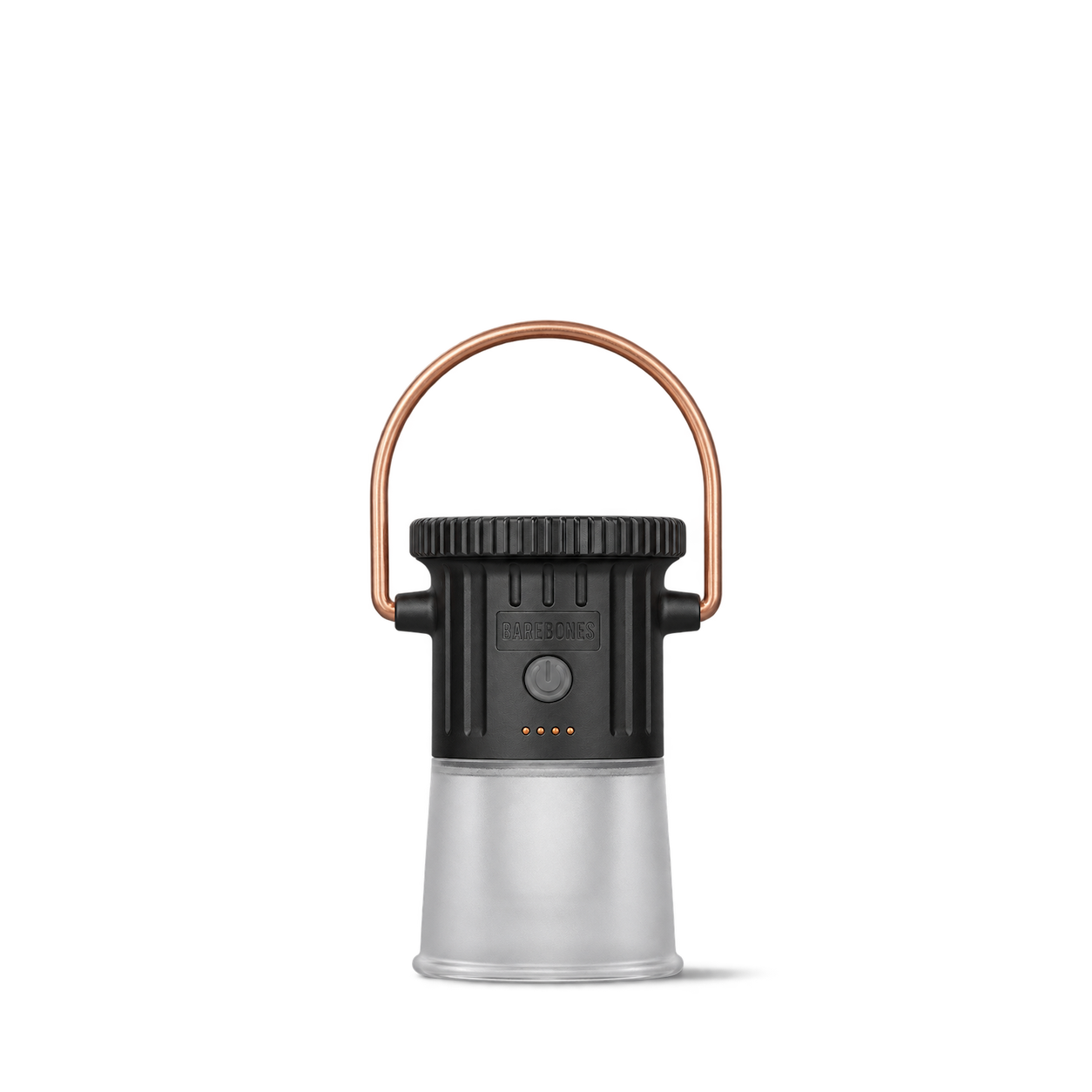
Barebones
Hoodoo Light · Black
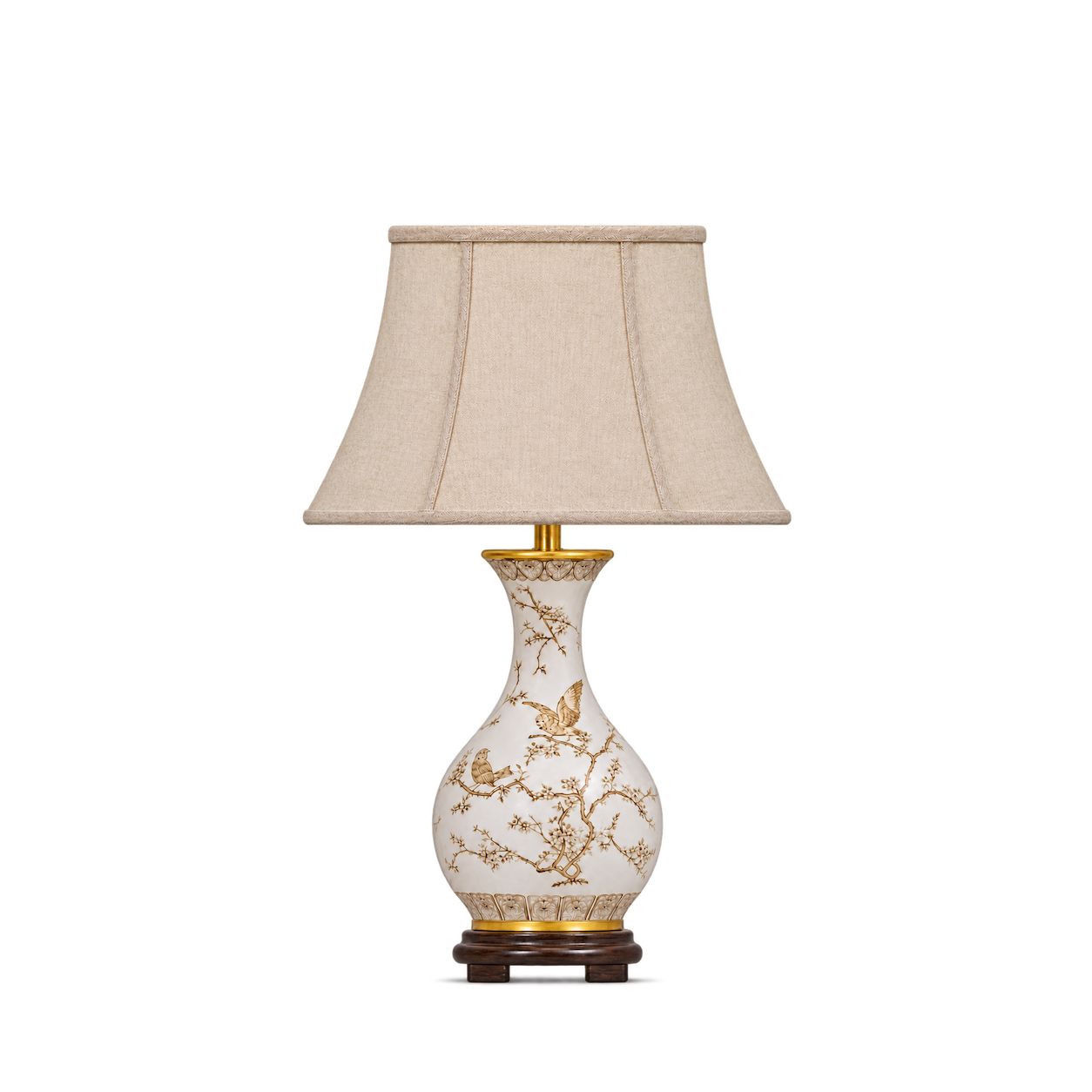
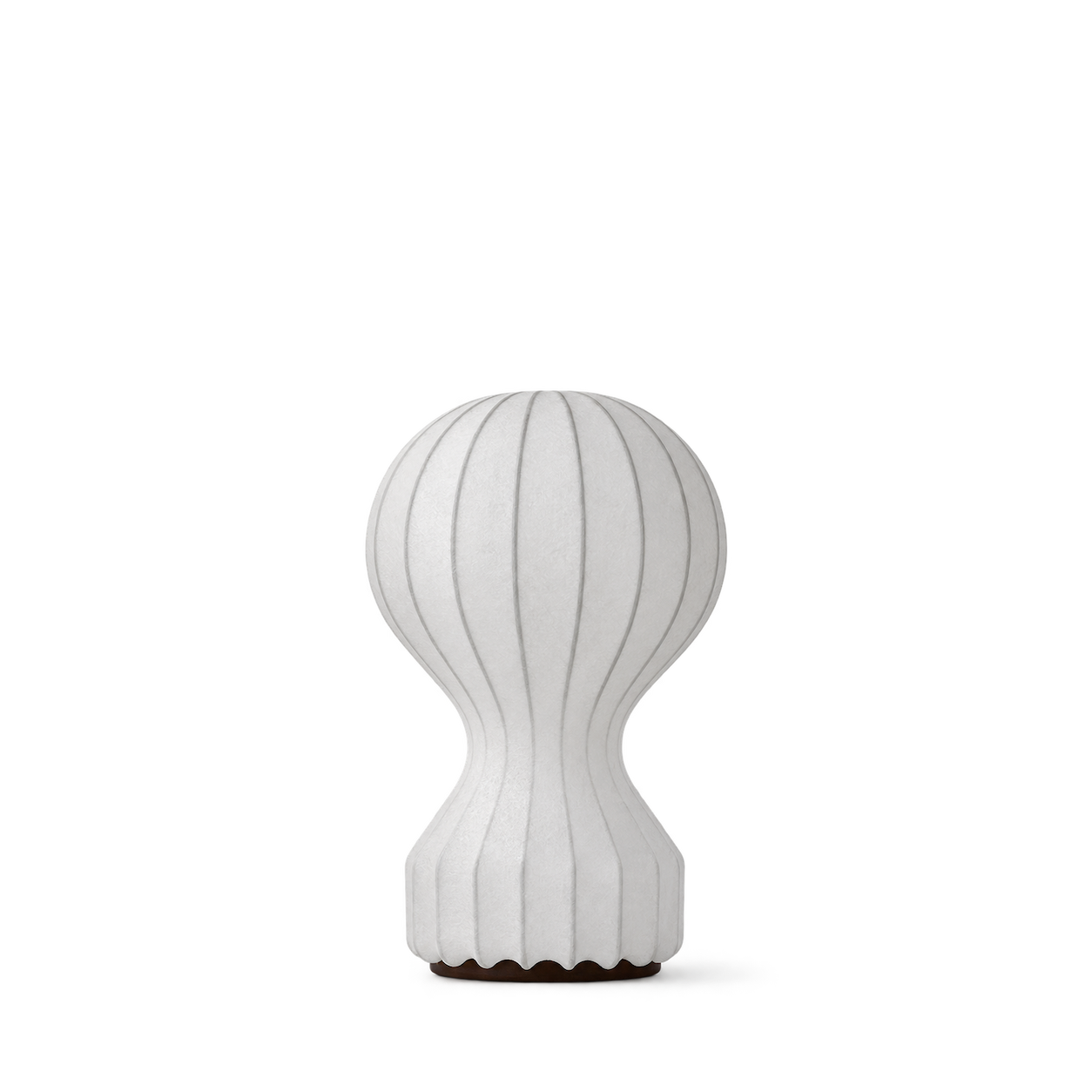
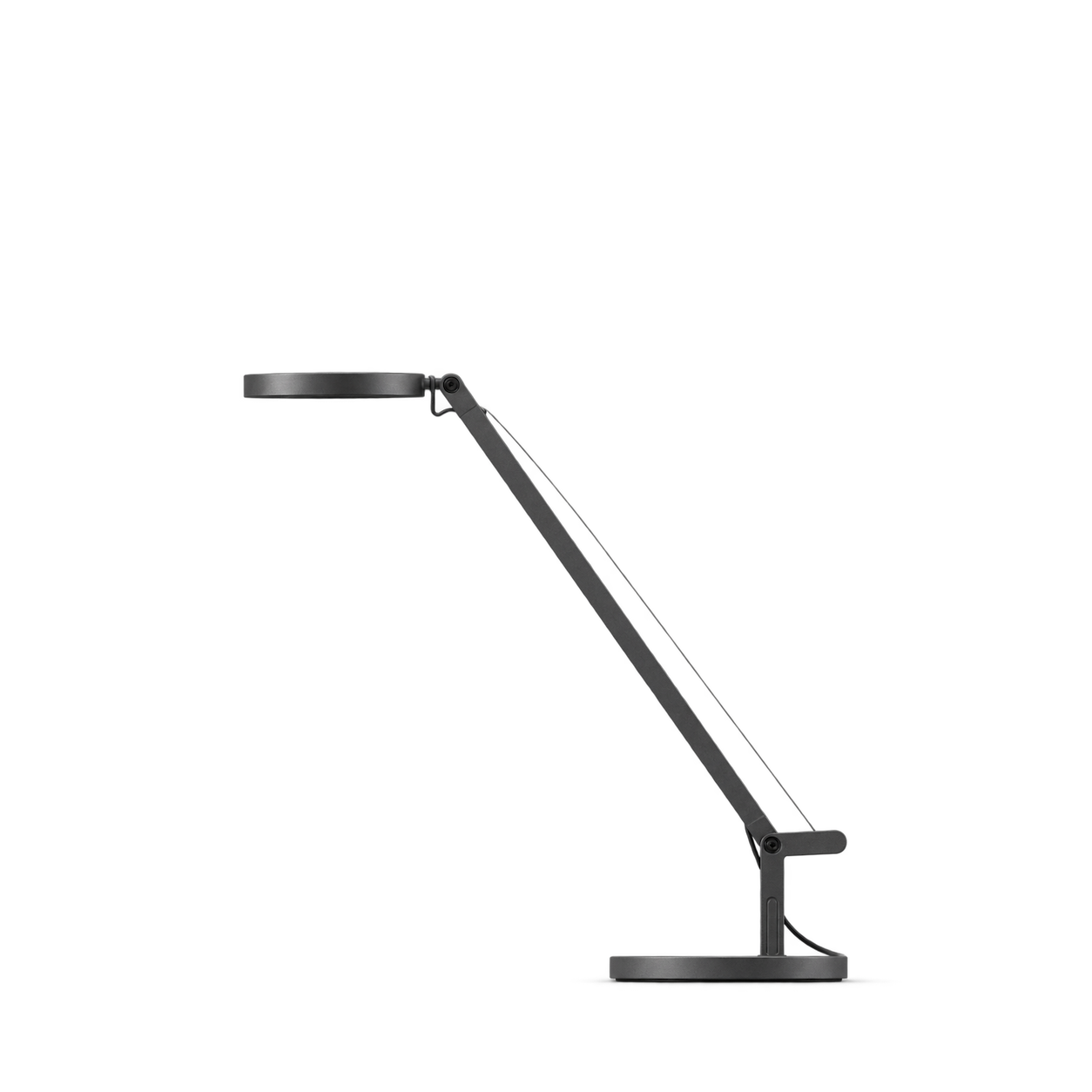

Louis Poulsen
VL 38 Table Lamp · Black / brushed brass

Audo Copenhagen
Wing Floor Lamp · Bronzed Aluminium


Schoolhouse
Cooper Table Lamp

Gingko Design
Sylva Table Lamp · Large Walnut

Barebones
Miners Lantern · Brass
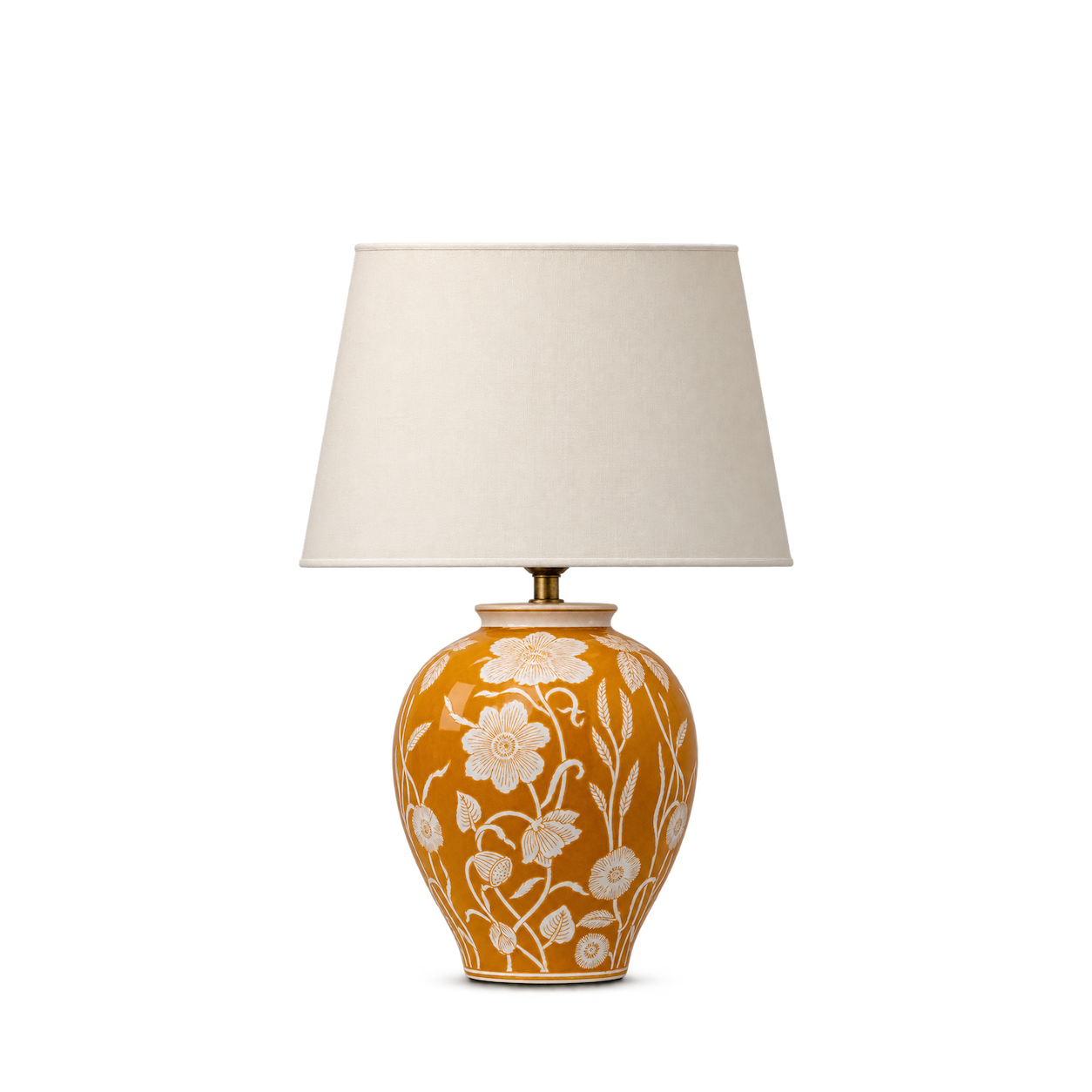


Artemide
Gople Portable · White diffuser
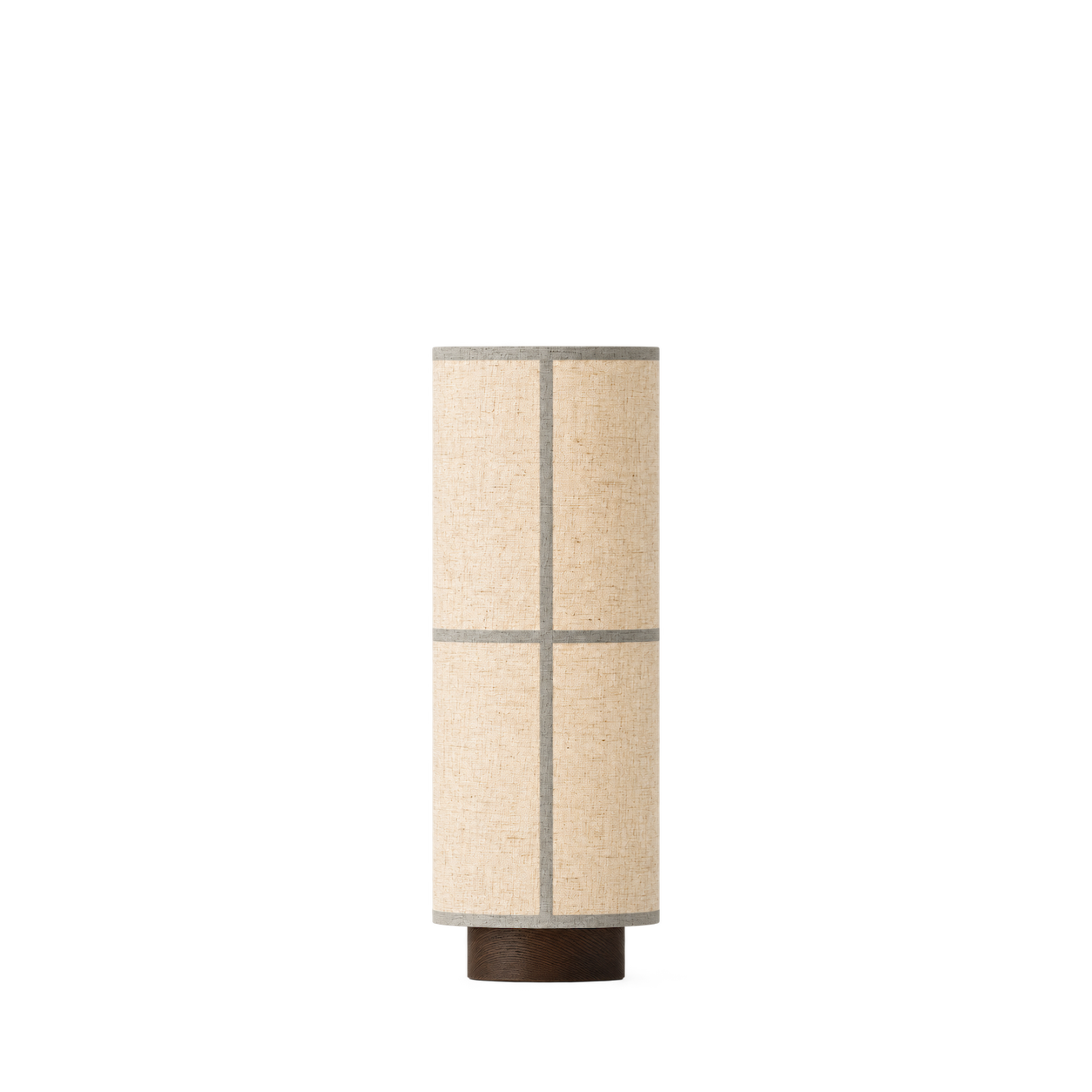
Audo Copenhagen
Hashira Table Lamp, Raw
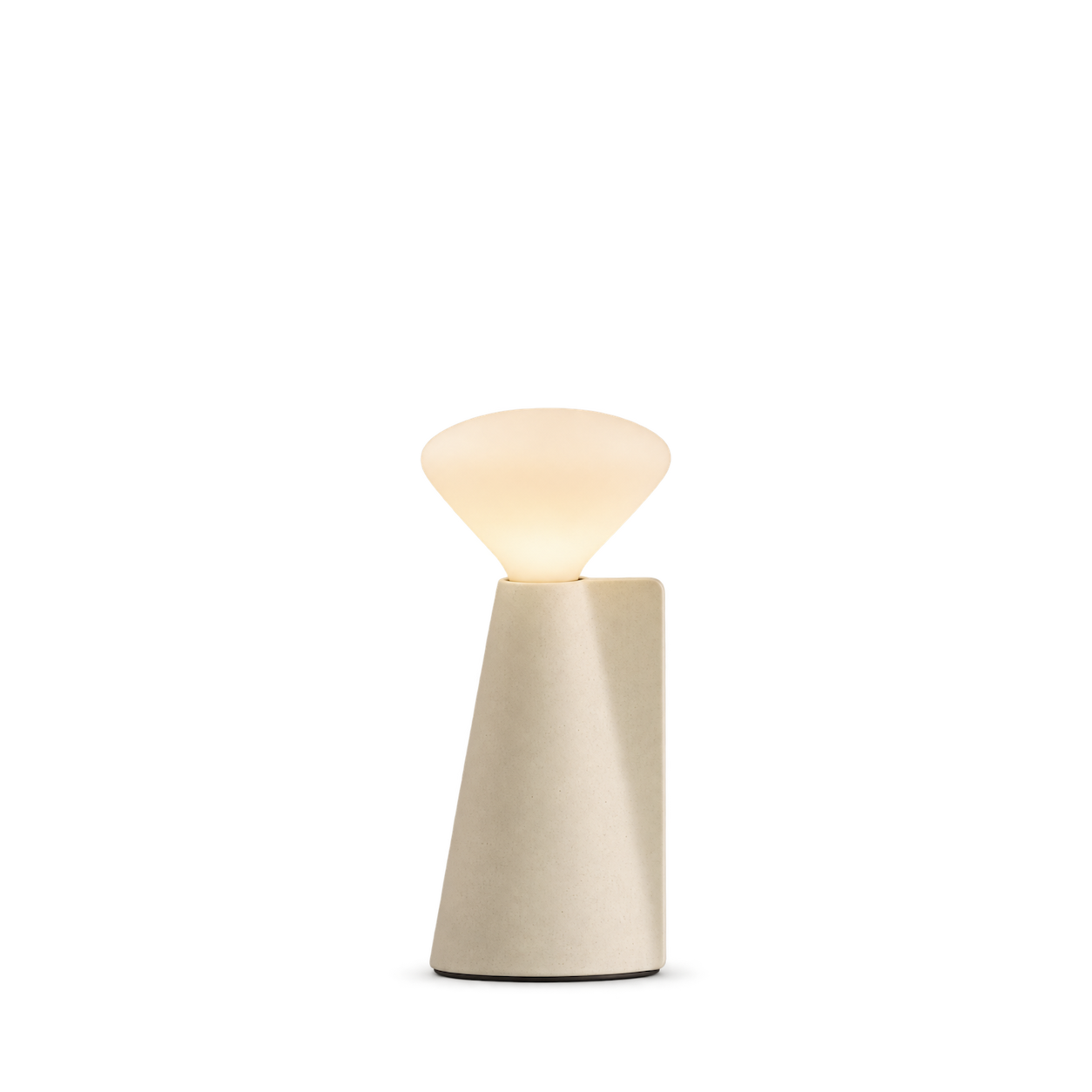
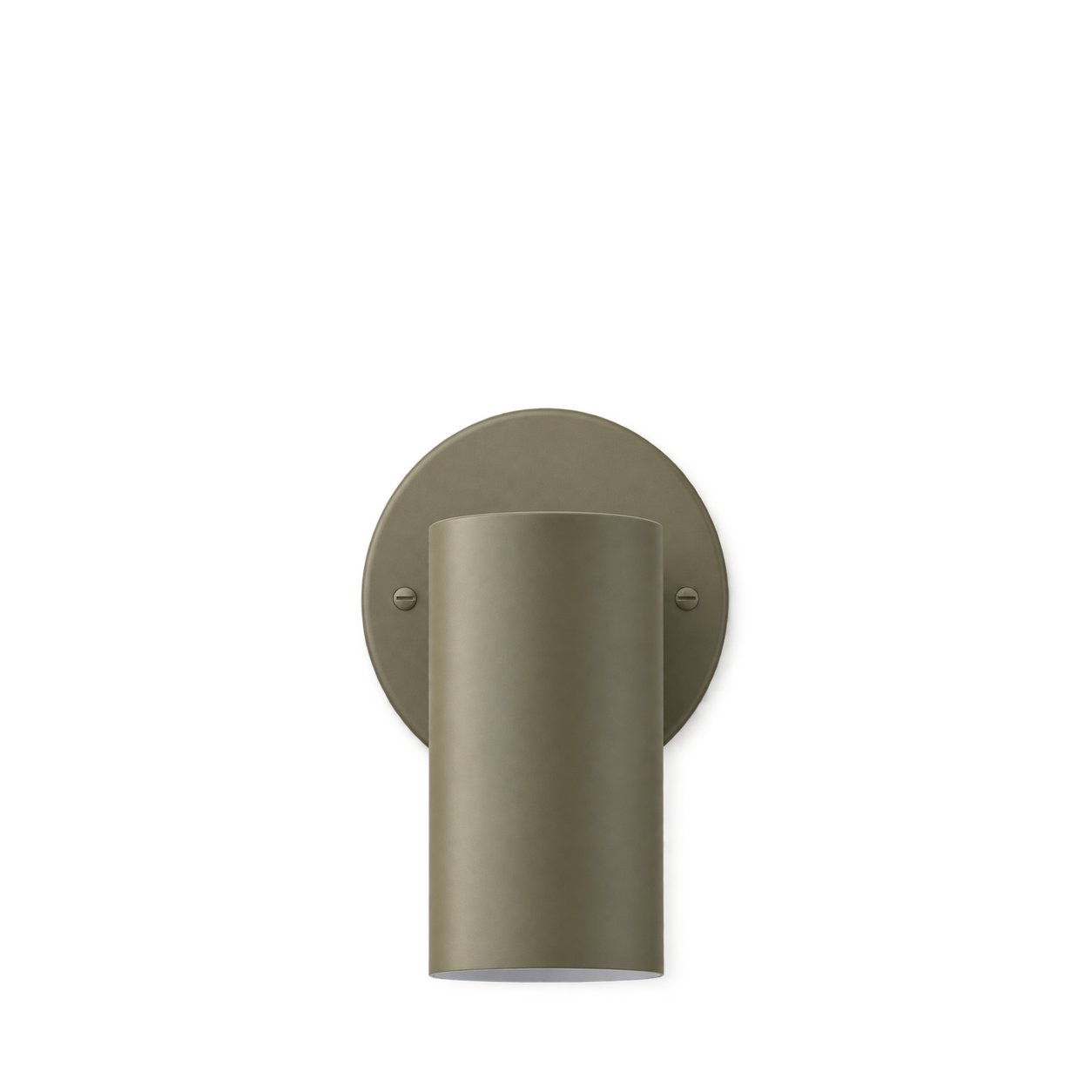
Schoolhouse
Eduard Wall Sconce
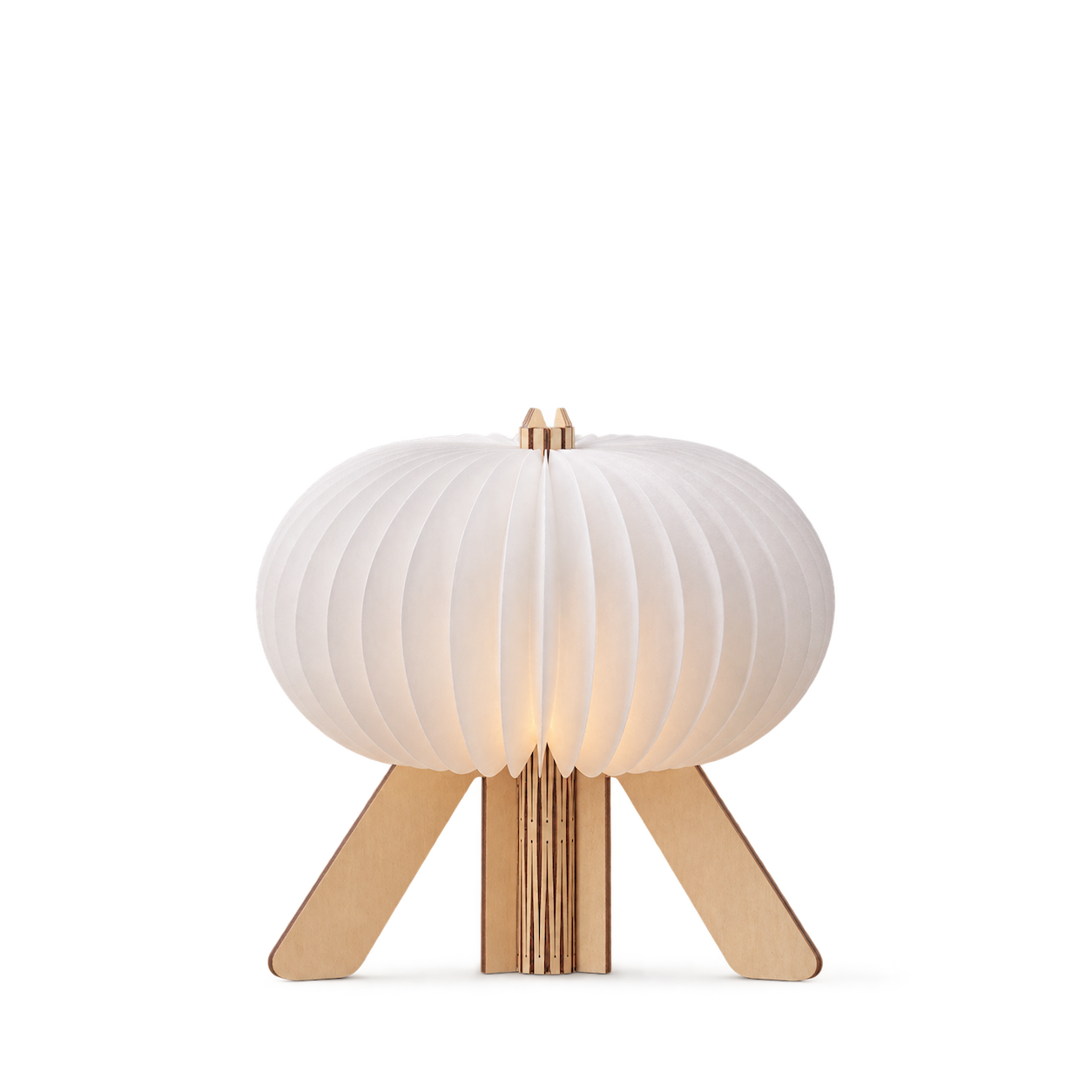
Gingko Design
The R Space Lamp · Standard
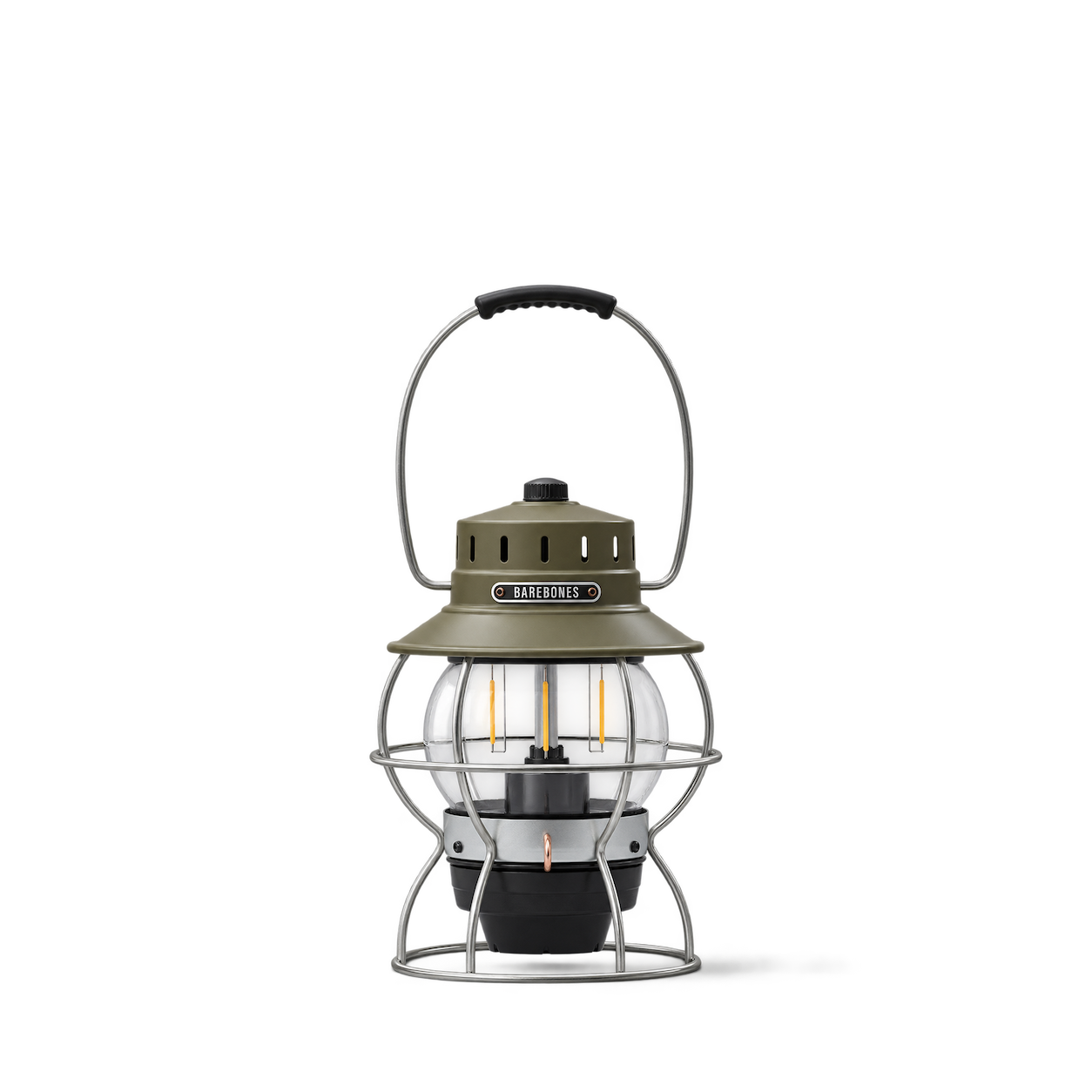
Barebones
Railroad Lantern · Olive Drab


Flos
Mayday · Orange

Artemide
Laguna · 16 / Satin Brass

Audo Copenhagen
JWDA Table Lamp, Small · Light Grey Concrete


Schoolhouse
Harlow Wall Sconce


Flos
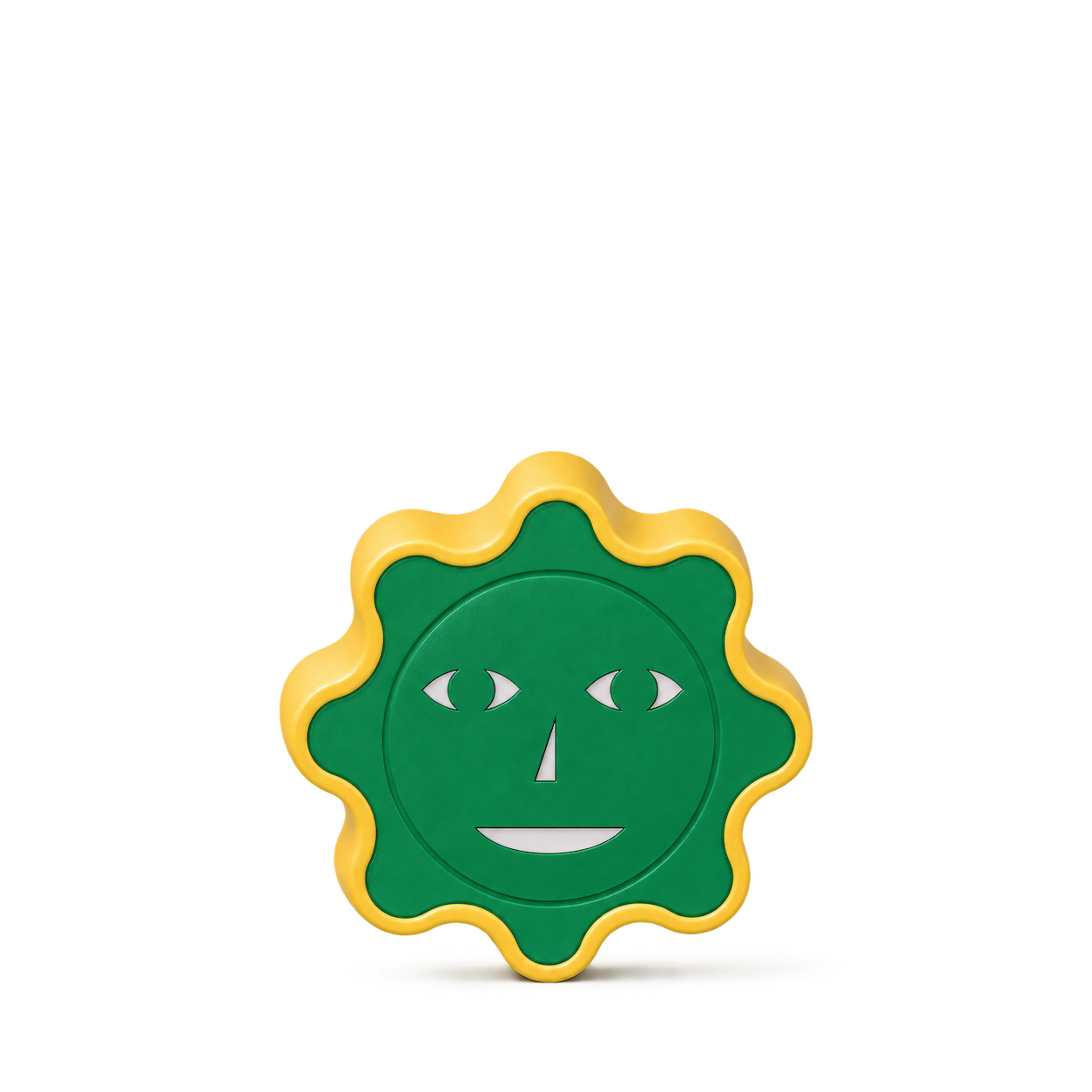
Snoopy · Green
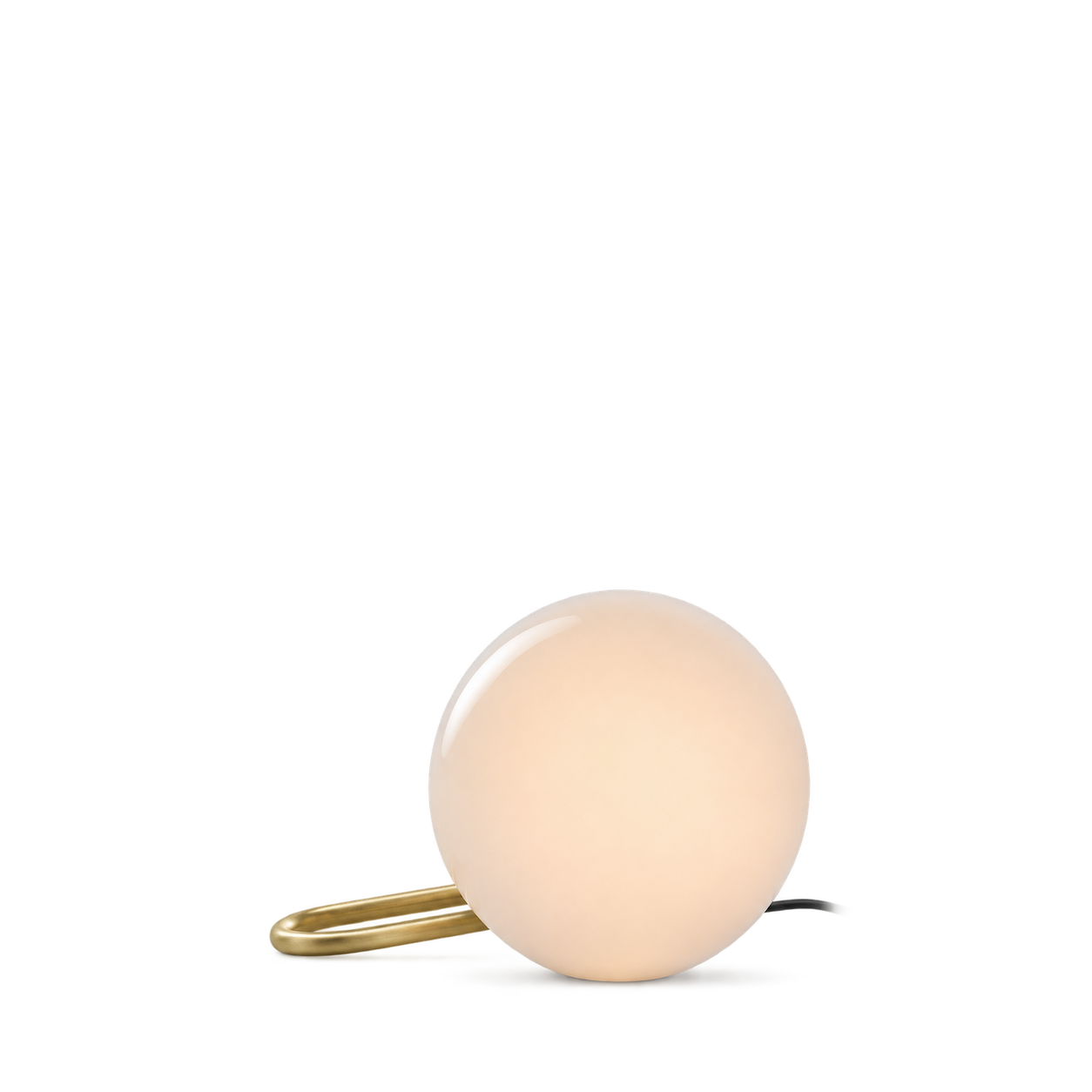
Artemide
NH1217

Audo Copenhagen
Torso Table Lamp, 37 · 37 cm / Off White


Schoolhouse
Isaac Wall Sconce
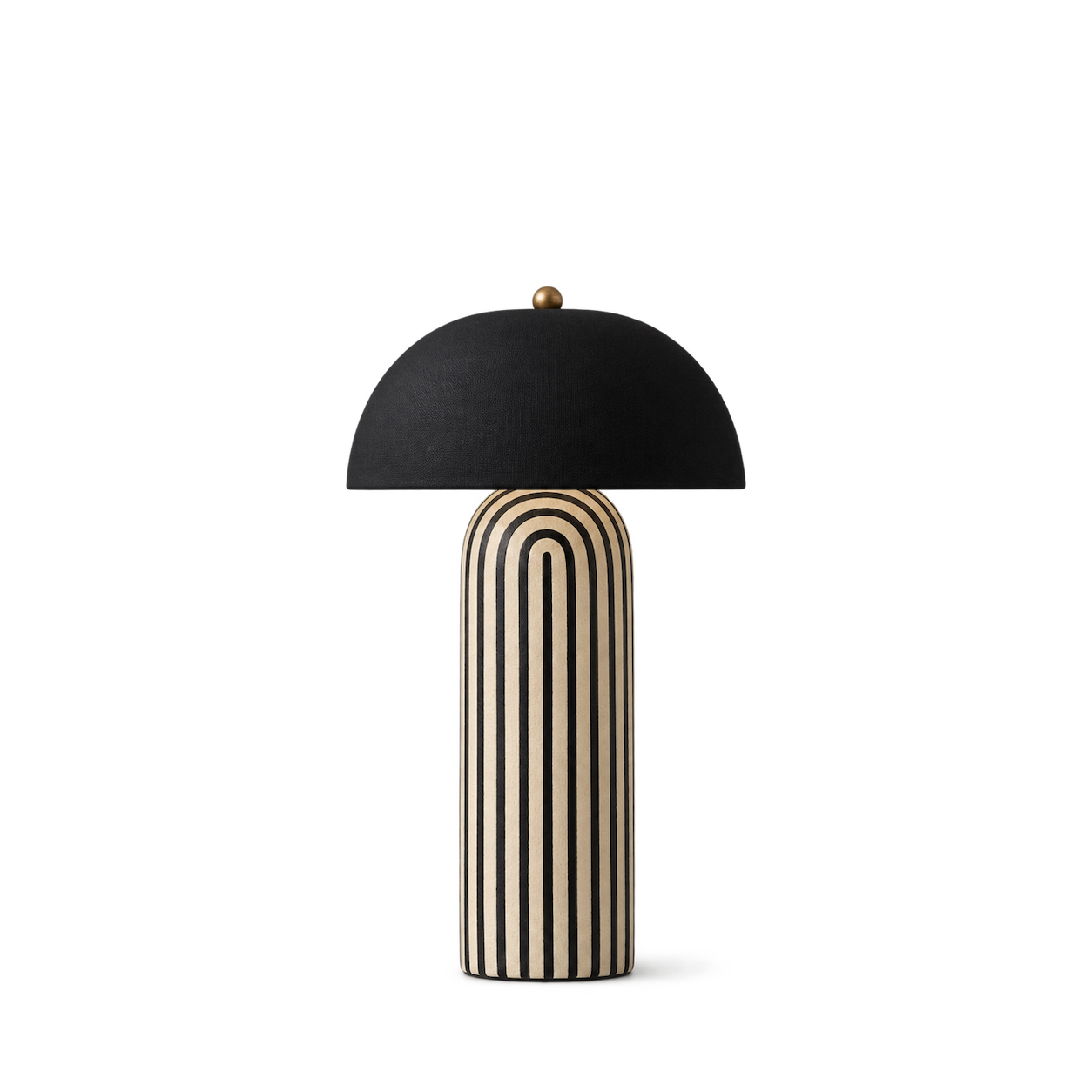
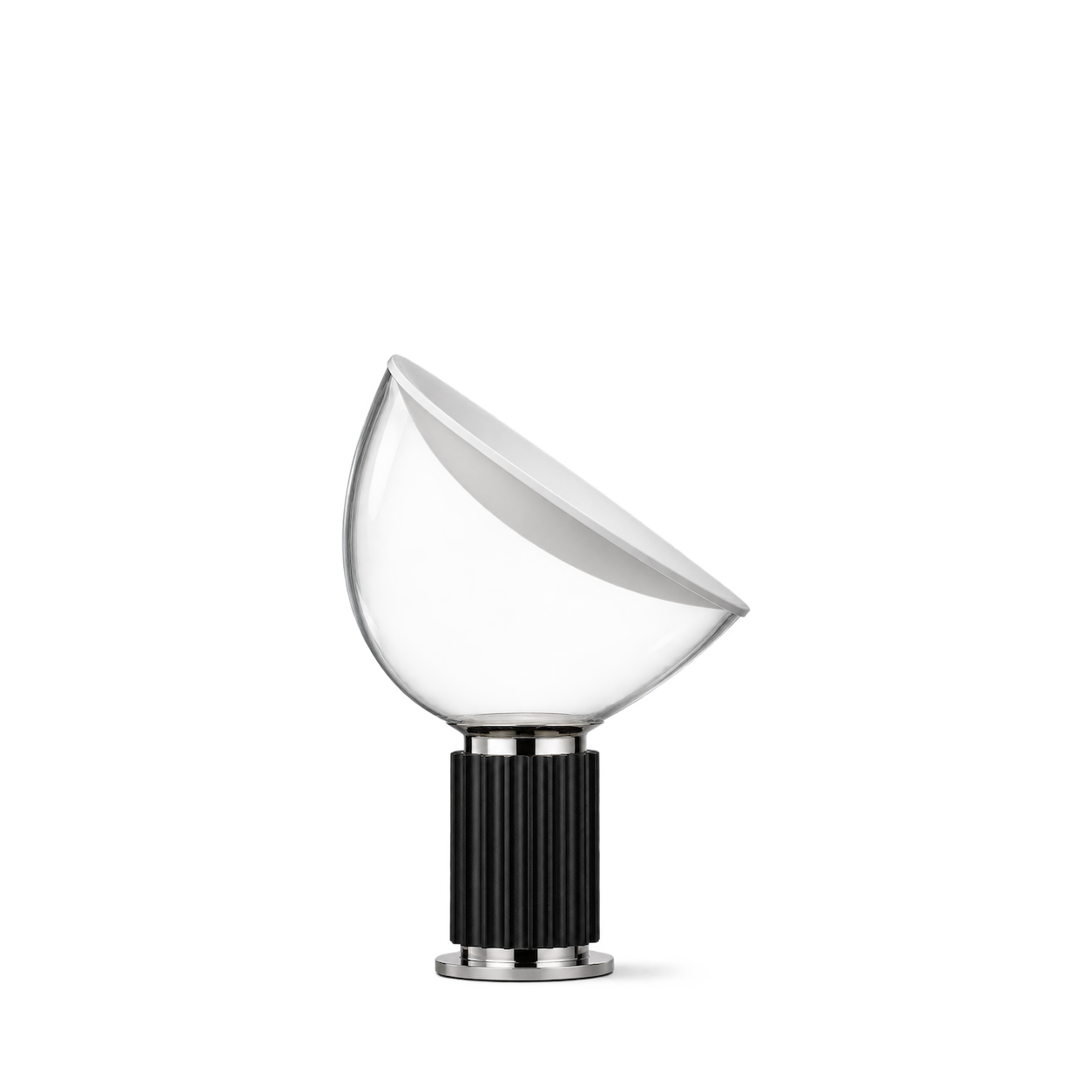

Artemide
Tolomeo Micro Table · Aluminium


Schoolhouse
Piet Floor Lamp with Clare V

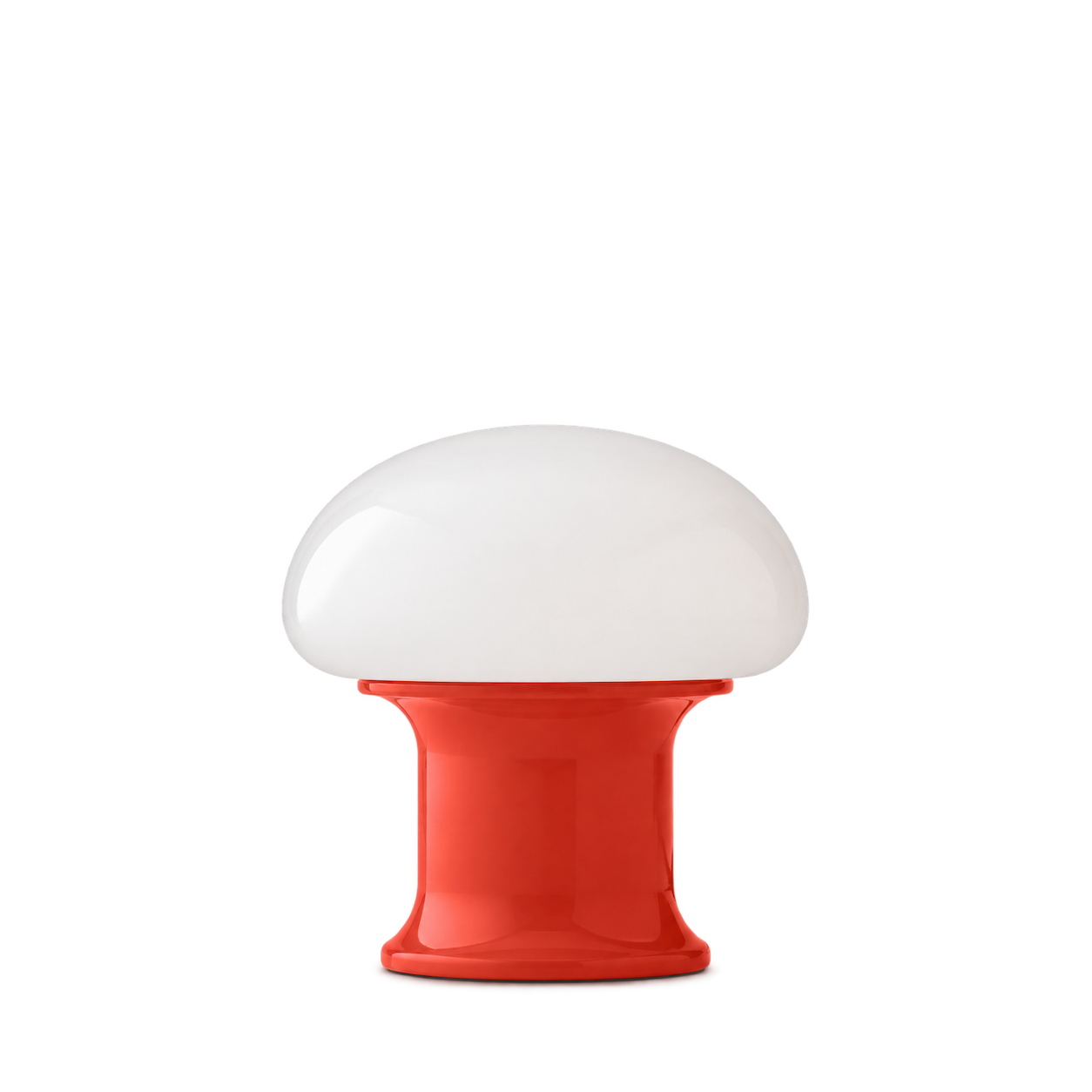
Schoolhouse
Rospo Table Lamp


Schoolhouse
Sidnie Table Lamp
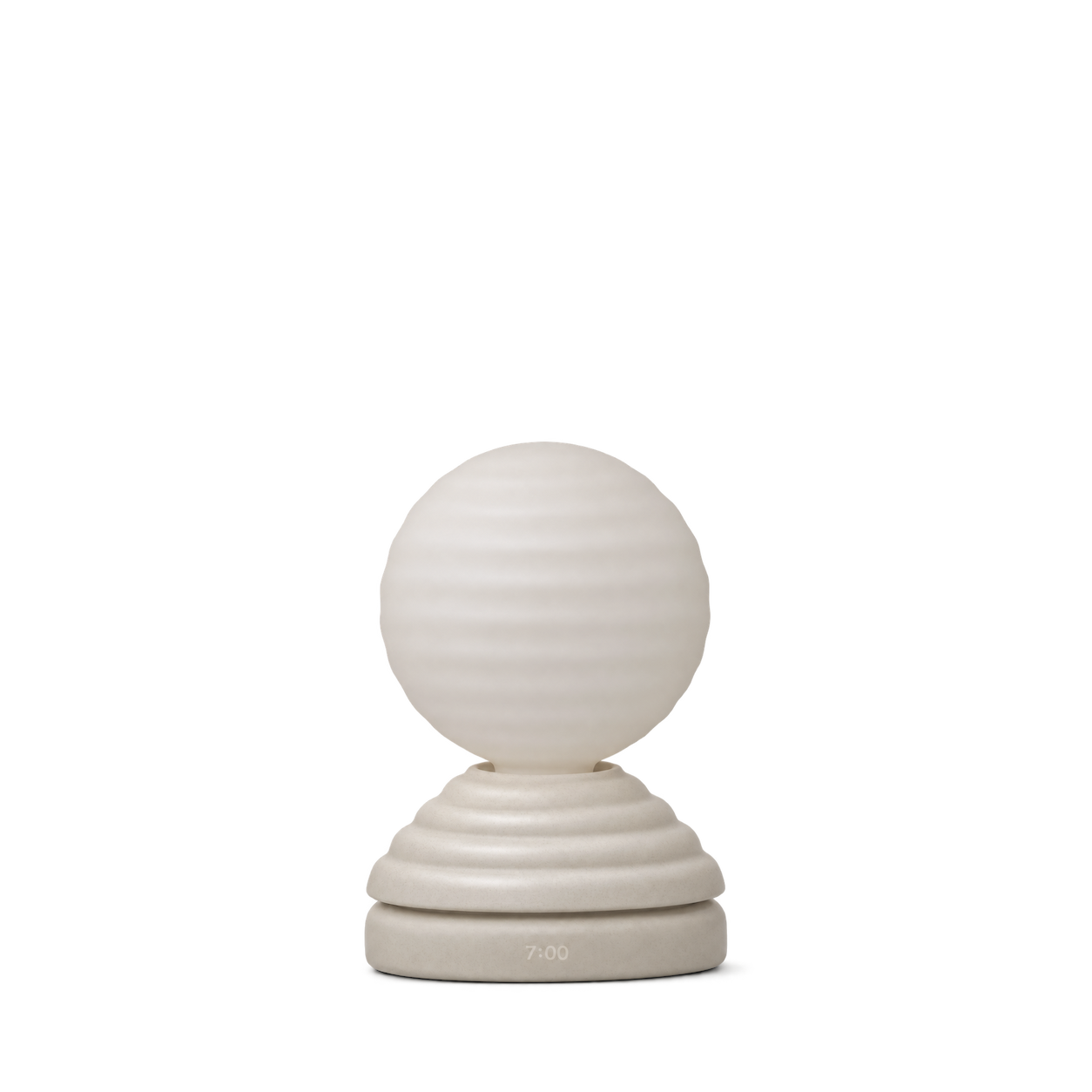

Schoolhouse
Swell Plug-In Sconce
No matches, yet.
Try another brand or product, or give your filters a little room.
Showing 127 of 127
Browse the archiveAll collections
Browse by category


Bring the catalog into your app.
Connect for free to search product shots and get image URLs, dimensions, and source links.
Developer guide
Use with


FAQs
A few things you might be wondering.
Start here. No technical background needed.
What is Shelfhelp?
Shelfhelp is a library of product images for websites, apps, and designs. Find an image yourself, or connect your AI building tool so it can find and use images while you work.
Am I buying the products shown here?
You’re getting images of the products. Shelfhelp doesn’t sell or ship the physical items. Product source links take you to the brand or retailer if you want to explore the actual product.
Is Shelfhelp free?
Yes. Browsing the library, downloading images, and connecting the MCP are free. You don’t need a Shelfhelp account or subscription. The building tool you use may have its own costs.
How do I download an image?
Open the product shot you want, choose Get free PNG, and enter your email. We’ll send you a link to download the original image file, which you can upload into your website builder or design tool.
Your download link is valid for seven days.
Why do you need my email?
We use your email to deliver the original image’s download link. Requesting an image does not subscribe you to marketing.
You don’t need to enter an email to browse the library or connect your builder through MCP.
What does “Connect the MCP” mean?
It means giving your AI building tool access to Shelfhelp’s image library. Once connected, you can ask it to find product shots and use them in your project.
MCP is simply the connection that lets the two tools work together.
How do I connect it to my builder?
Select Connect the MCP and copy the connection link. In your builder’s settings, look for an option to add an MCP server or custom connector, then paste the link.
The exact steps depend on your builder. Start with our connection guide.
Can I use Shelfhelp without MCP or coding?
Absolutely. You can browse the library, request an image by email, and upload the downloaded file into your project yourself.
The MCP connection is optional. To use it, your building tool needs to support connecting to a remote MCP server.
What should I ask my AI builder?
Start with something like:
“Find five skincare product shots from Shelfhelp and use them on my homepage.”
For a specific product, include the brand and product name. If the color, size, or flavor matters, include that too—and check that the selected image matches.
What will people see on my finished website?
They’ll see the product images your builder places in your design. Your builder controls the layout, colors, text, and interactions.
Connecting Shelfhelp alone doesn’t change your website. Your visitors don’t need to connect to Shelfhelp or understand MCP.
What if the image I want isn’t in the library?
Try searching by brand, product name, or a broader category. The MCP finds existing images; it doesn’t generate new ones.
If you need an exact product or version, check the result carefully before using it.
Can I use these images in a live store, client project, or ad?
Check the image’s usage rights and approval details first. Free access doesn’t automatically grant permission for every commercial use.
The library includes independent product studies, so a pictured brand doesn’t mean that brand approved the image. If permission is unclear, confirm it before publishing.