 Shelfhelp.ai































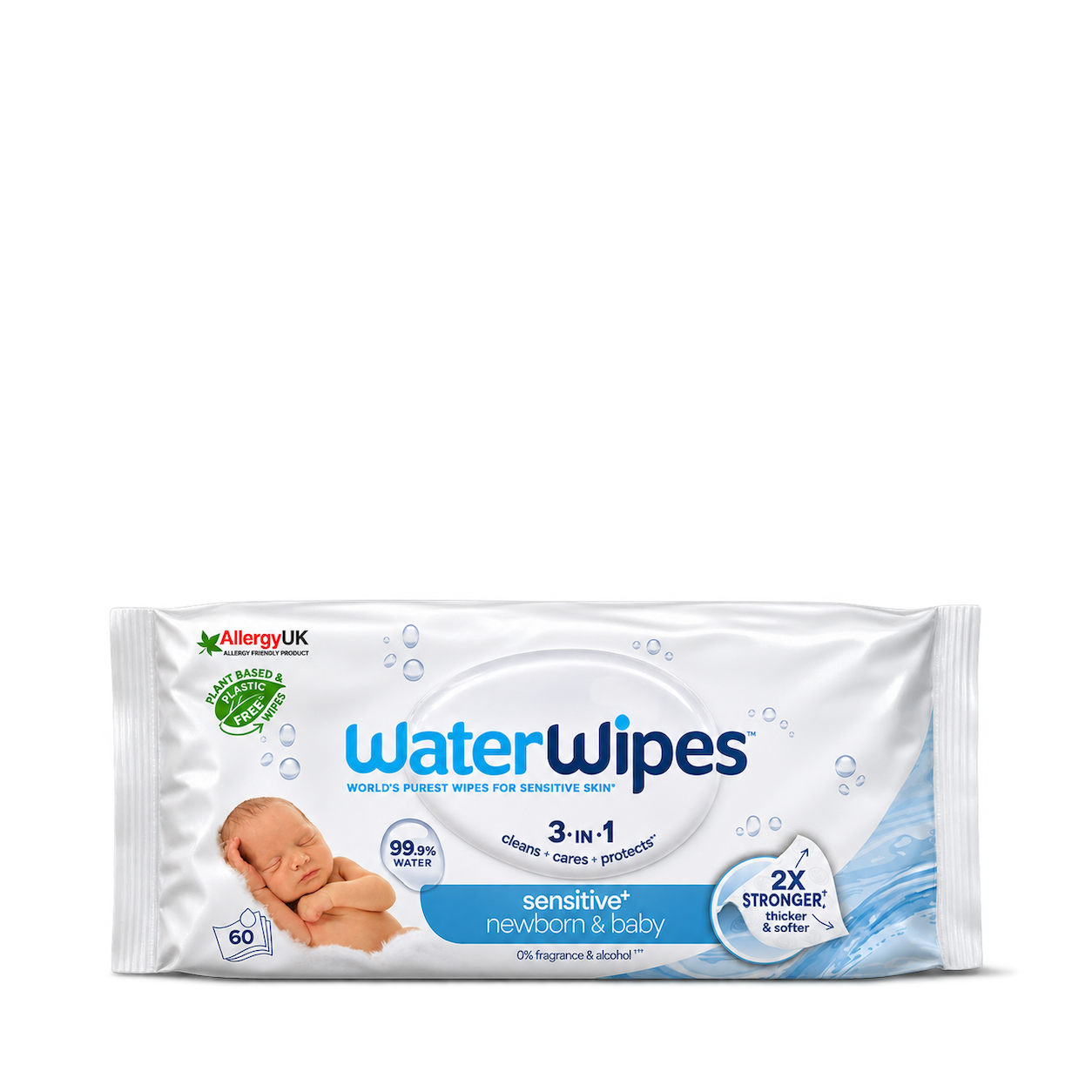


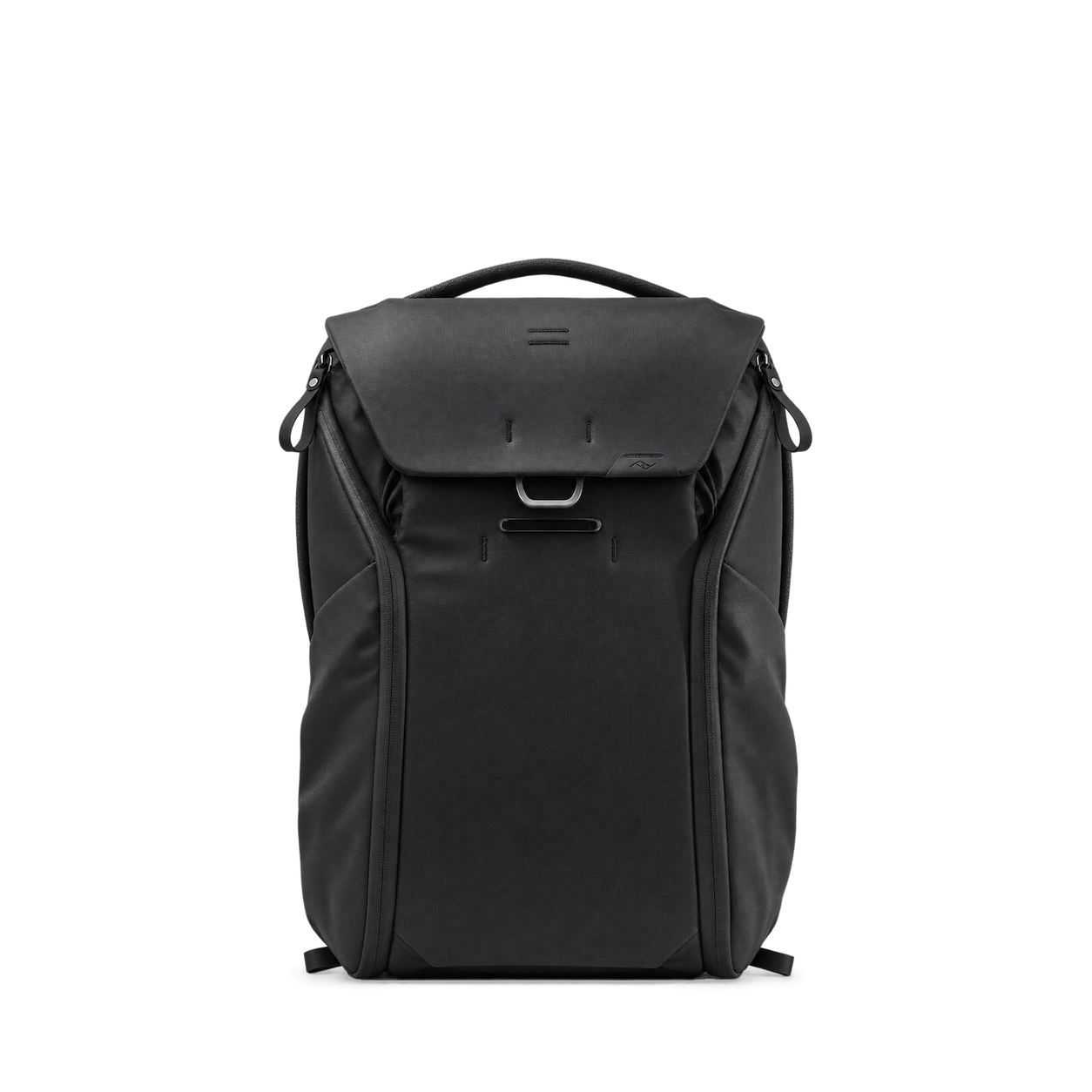

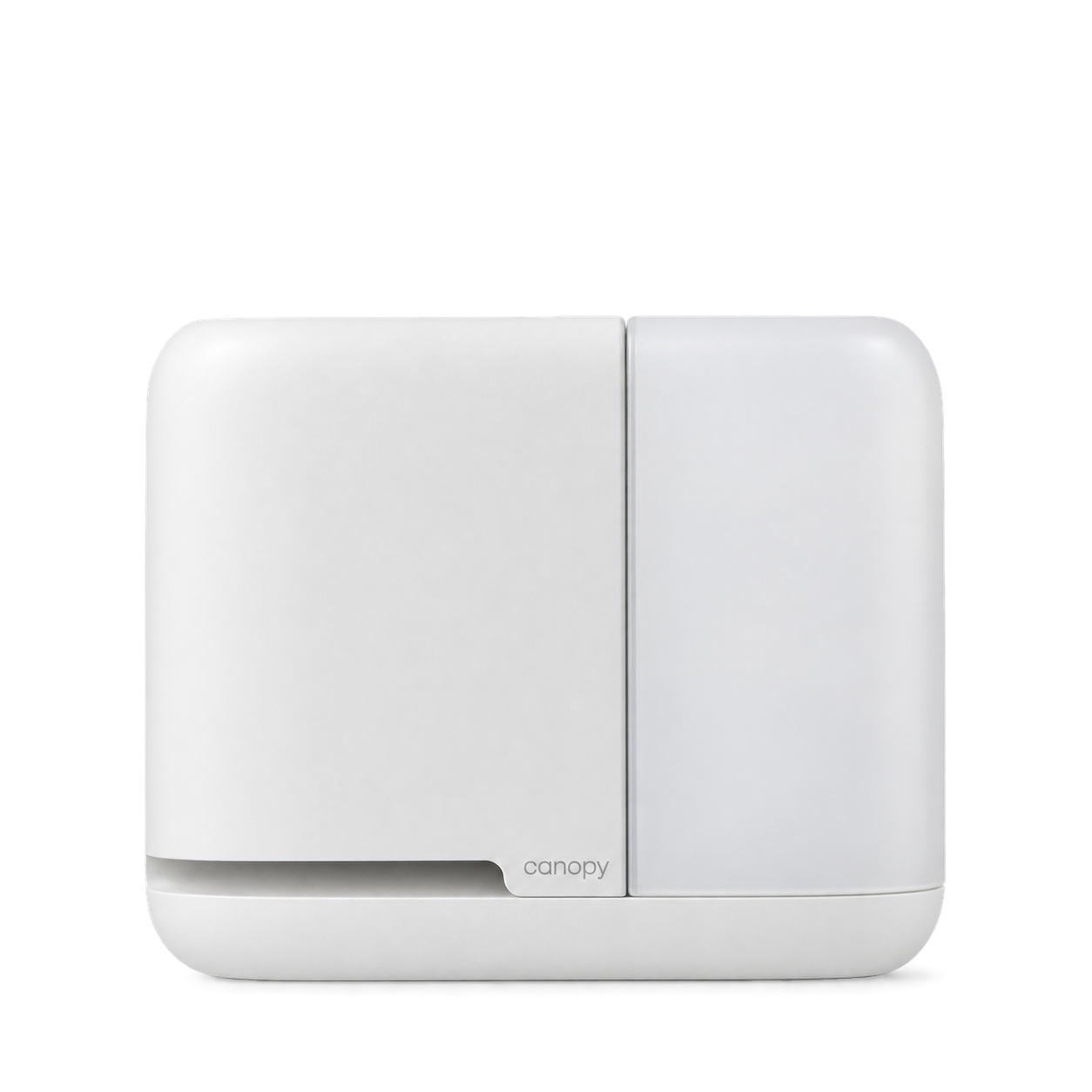


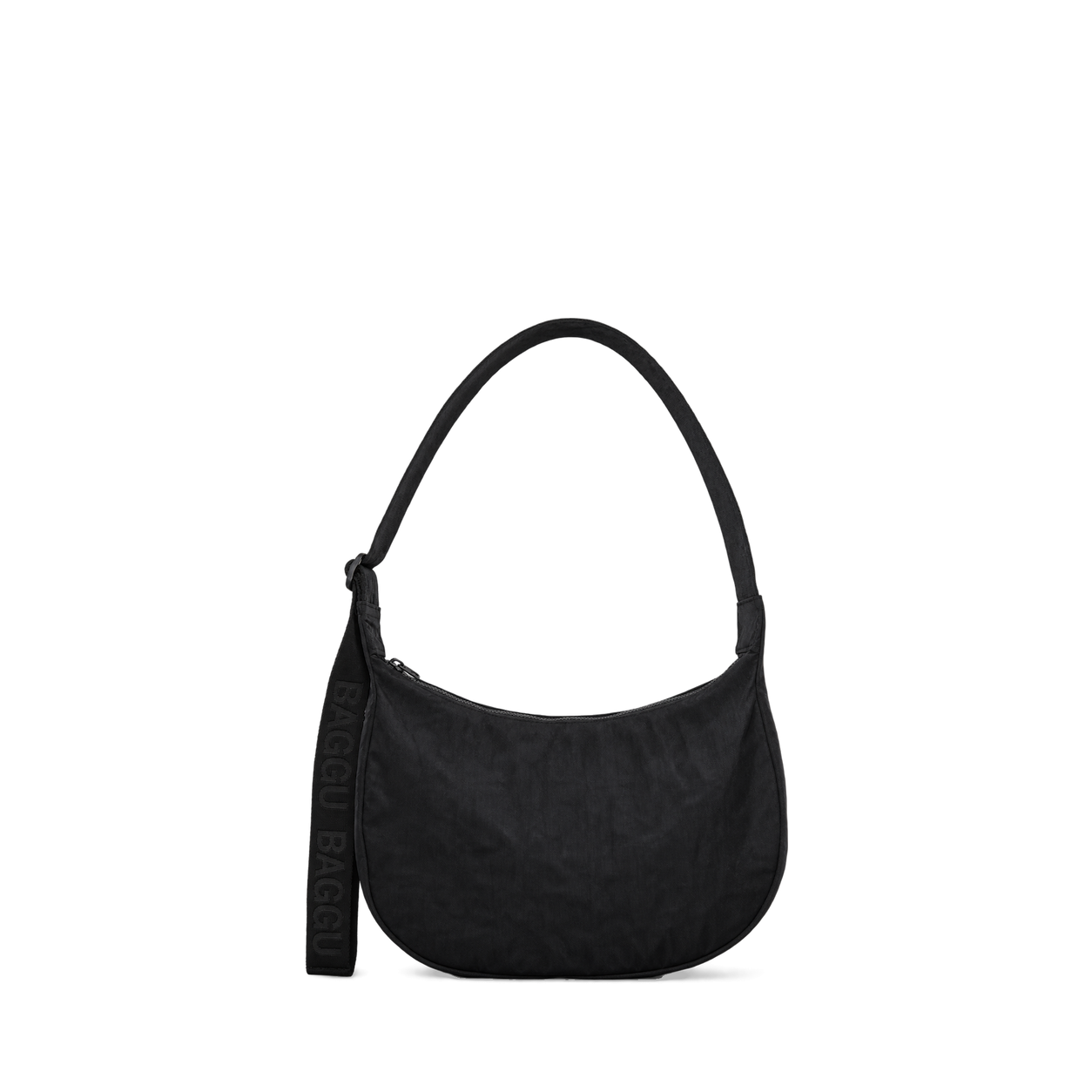





The Official MCP For Product Shots
12,572 free product images
For websites, apps, and AI tools.
Find an image
CollectionsTap an image to view details and get the free PNG.

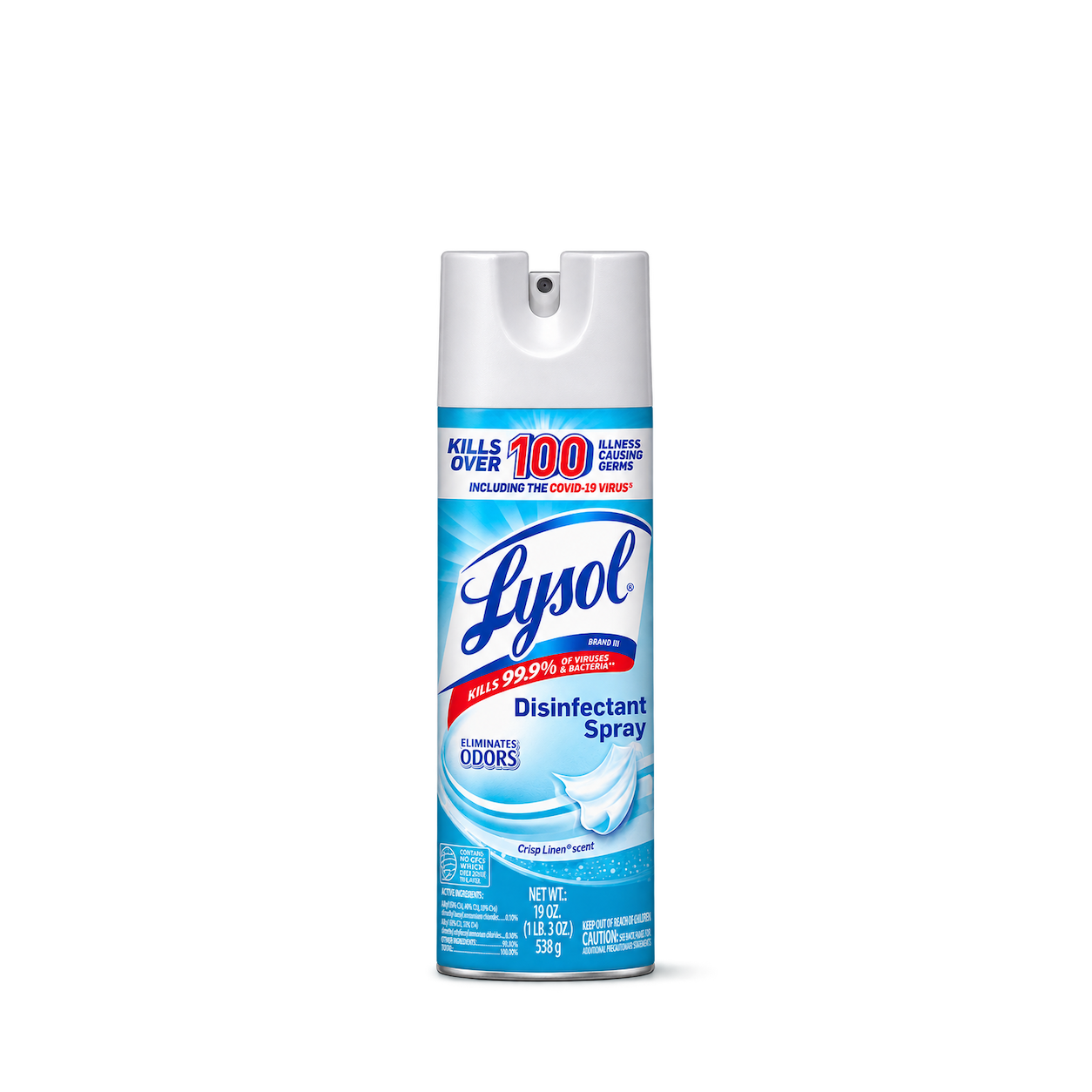


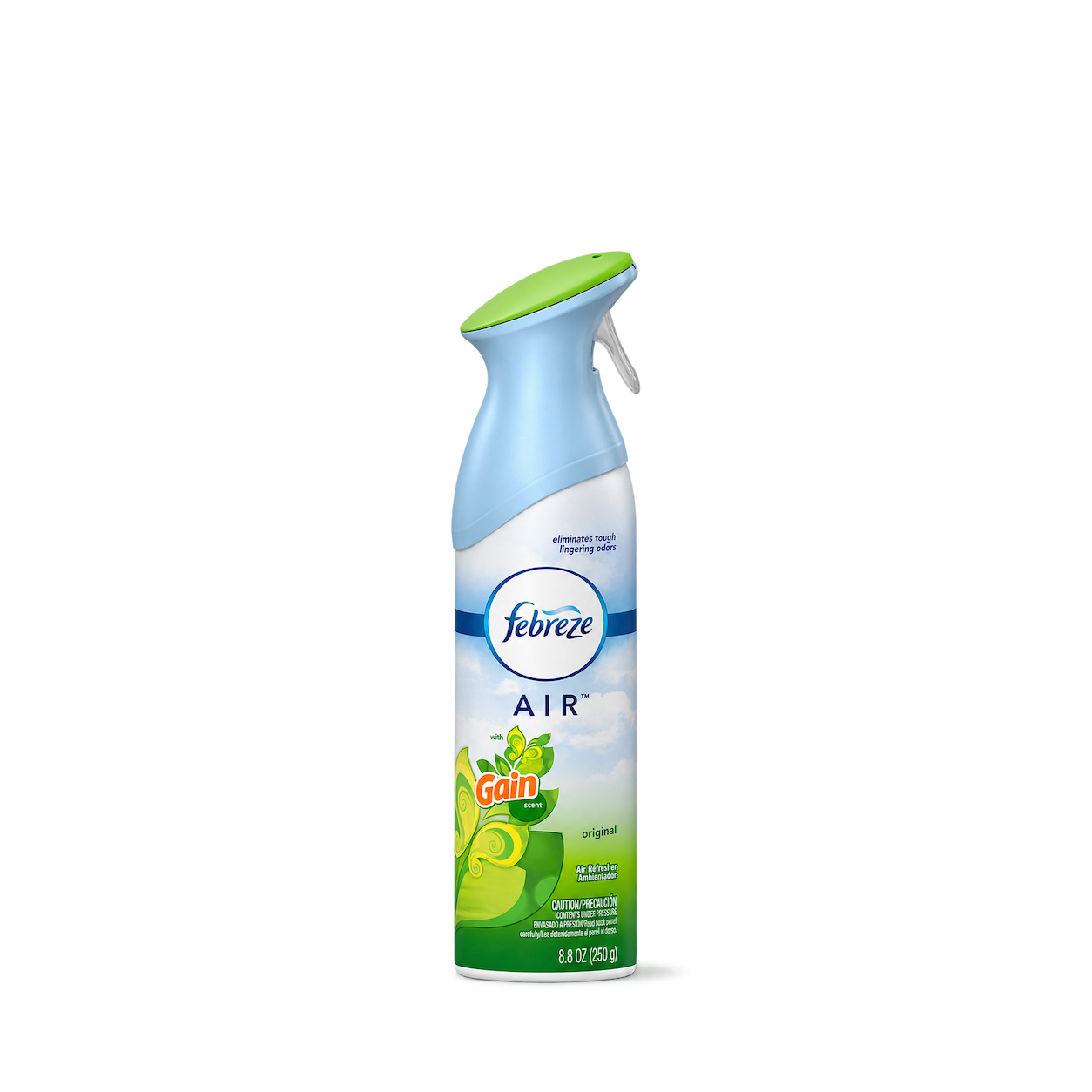
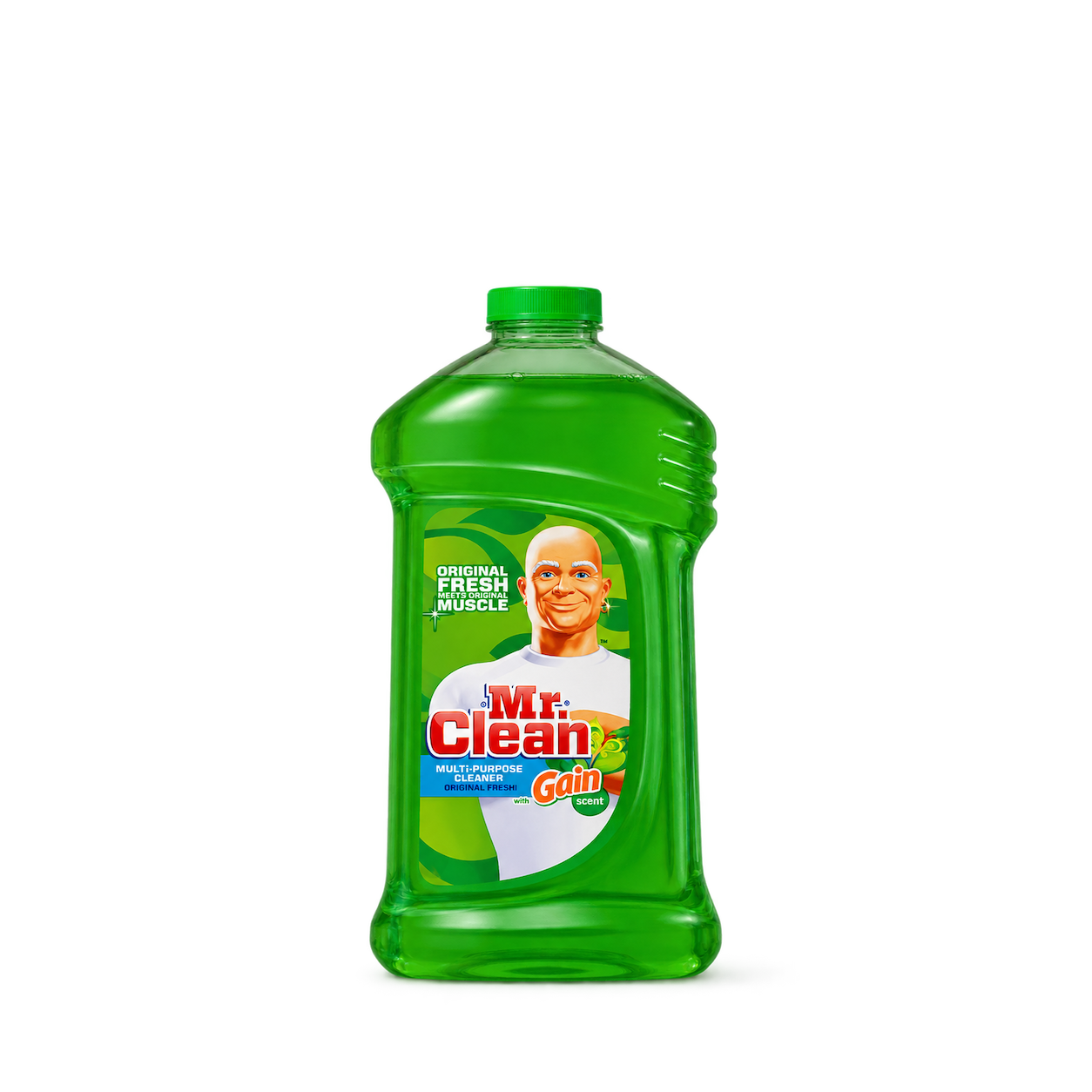
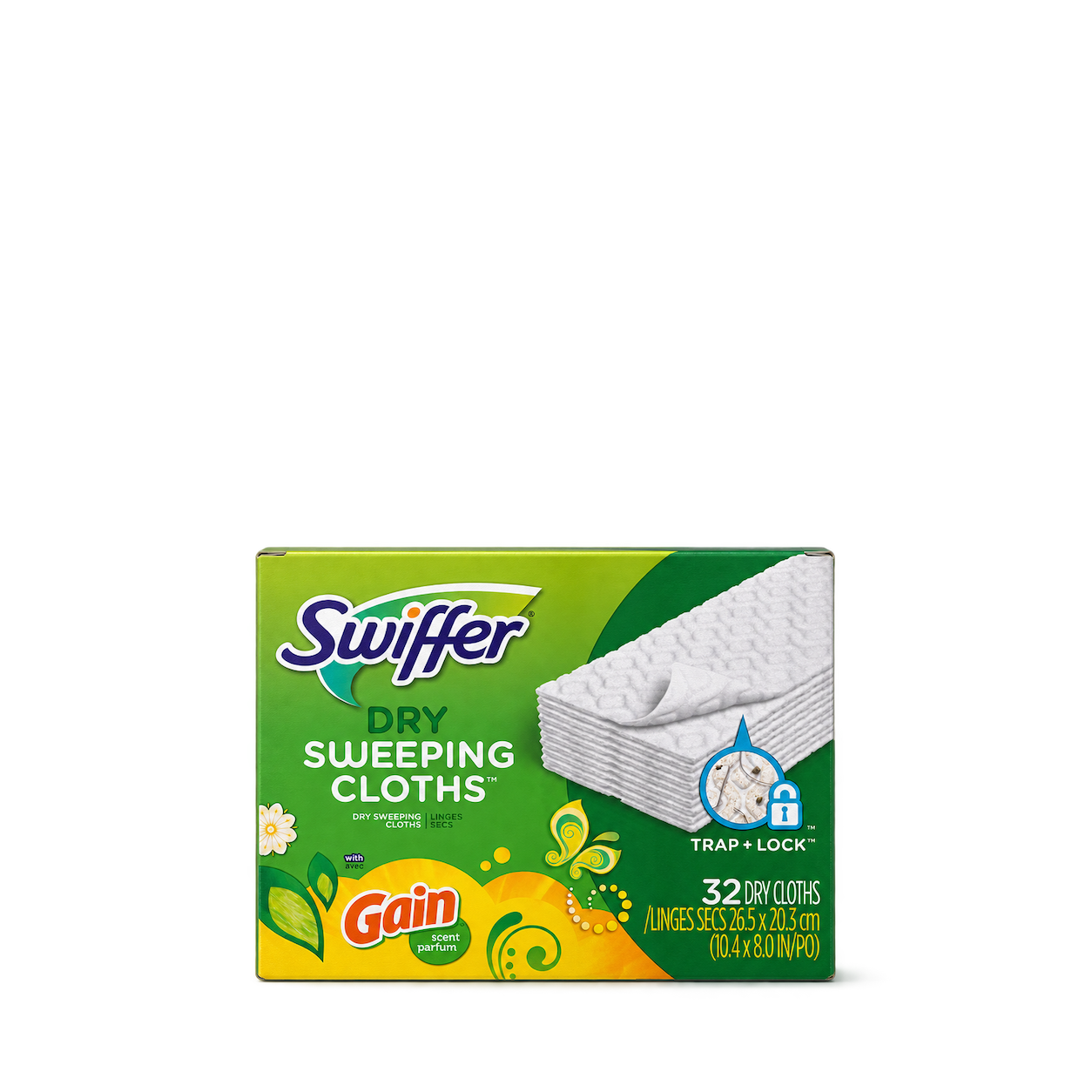

Windex
Original Glass Cleaner


Reynolds Wrap
Everyday Aluminum Foil



Cottonelle
Ultra Clean Toilet Paper


Scrubbing Bubbles
Bathroom Grime Fighter Aerosol

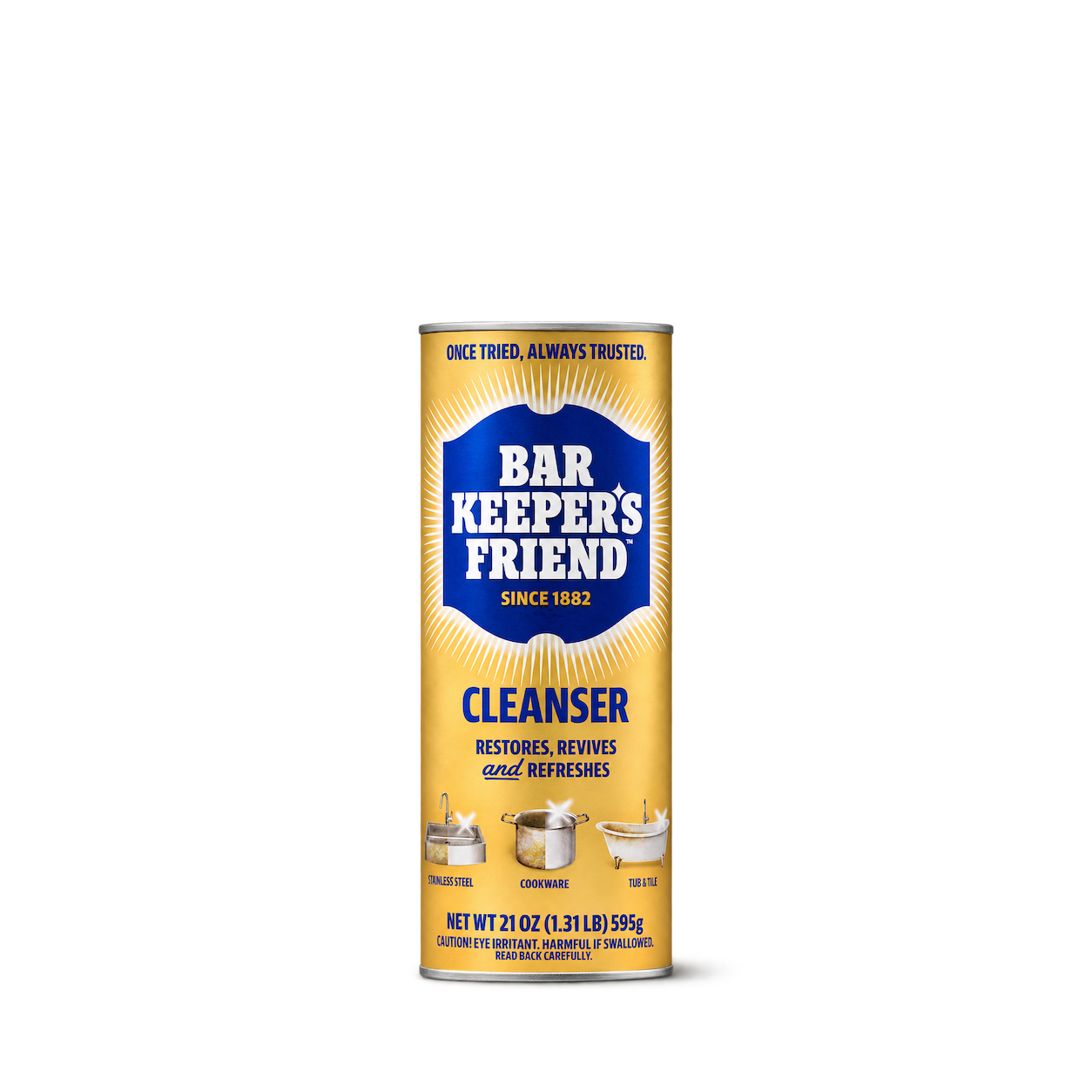
Bar Keepers Friend
Cleanser · 21 oz powder cleanser

Dirty Labs
Aestival Bio Enzyme Liquid Dish Soap

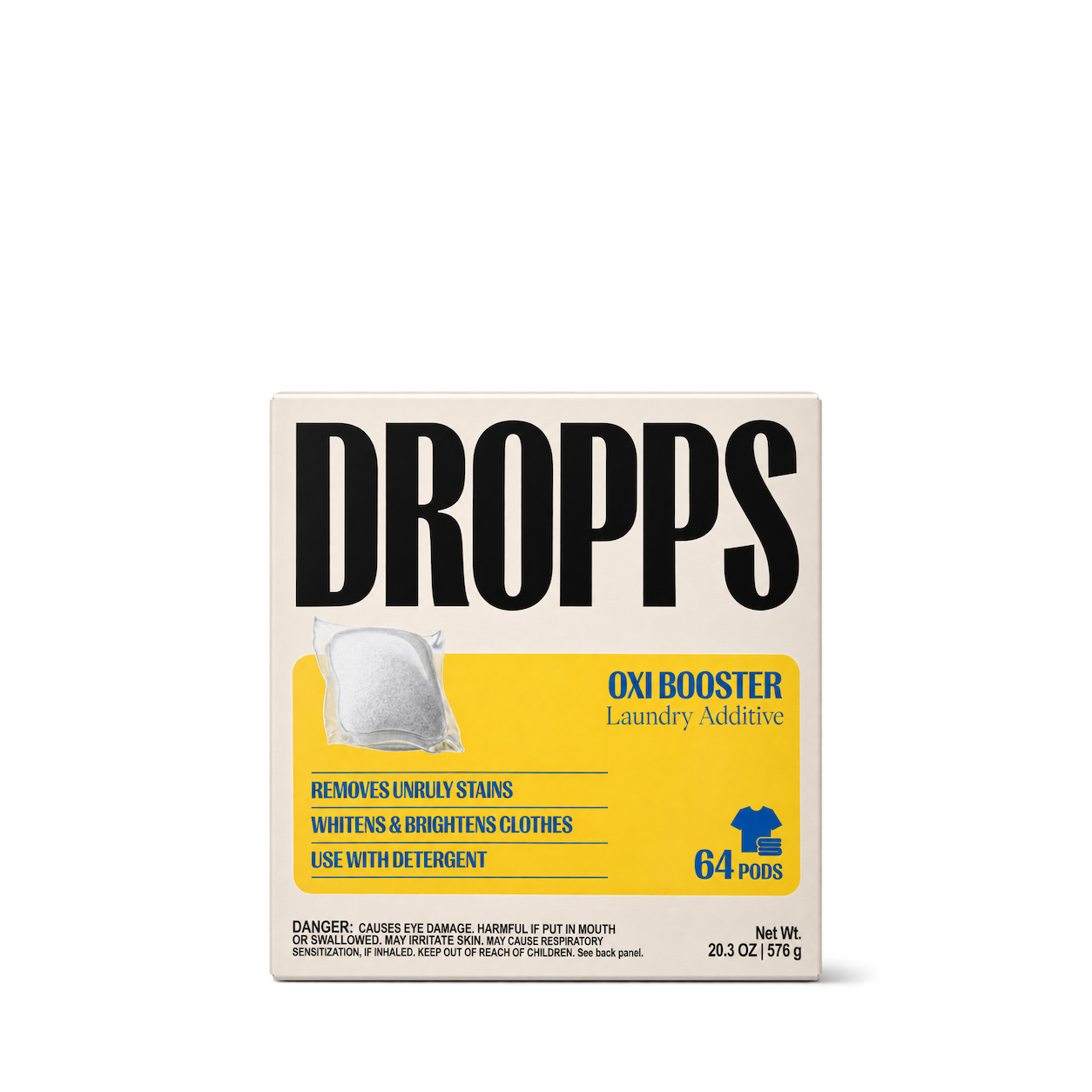

Branch Basics
Dishwasher Tablets Fragrance Free 38 Count
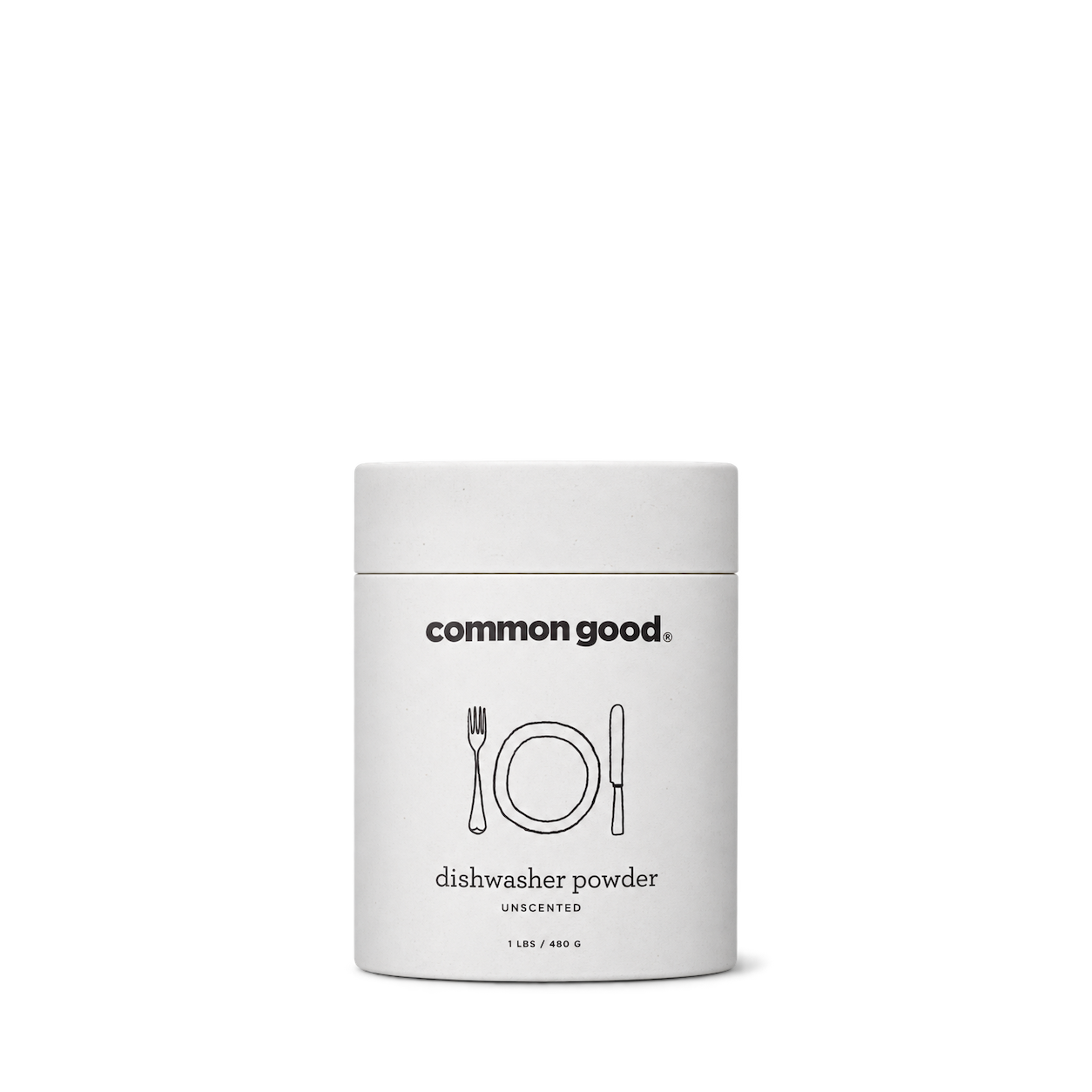
Common Good
Dishwasher Powder Unscented 480 g

The Laundress
Stain Brush
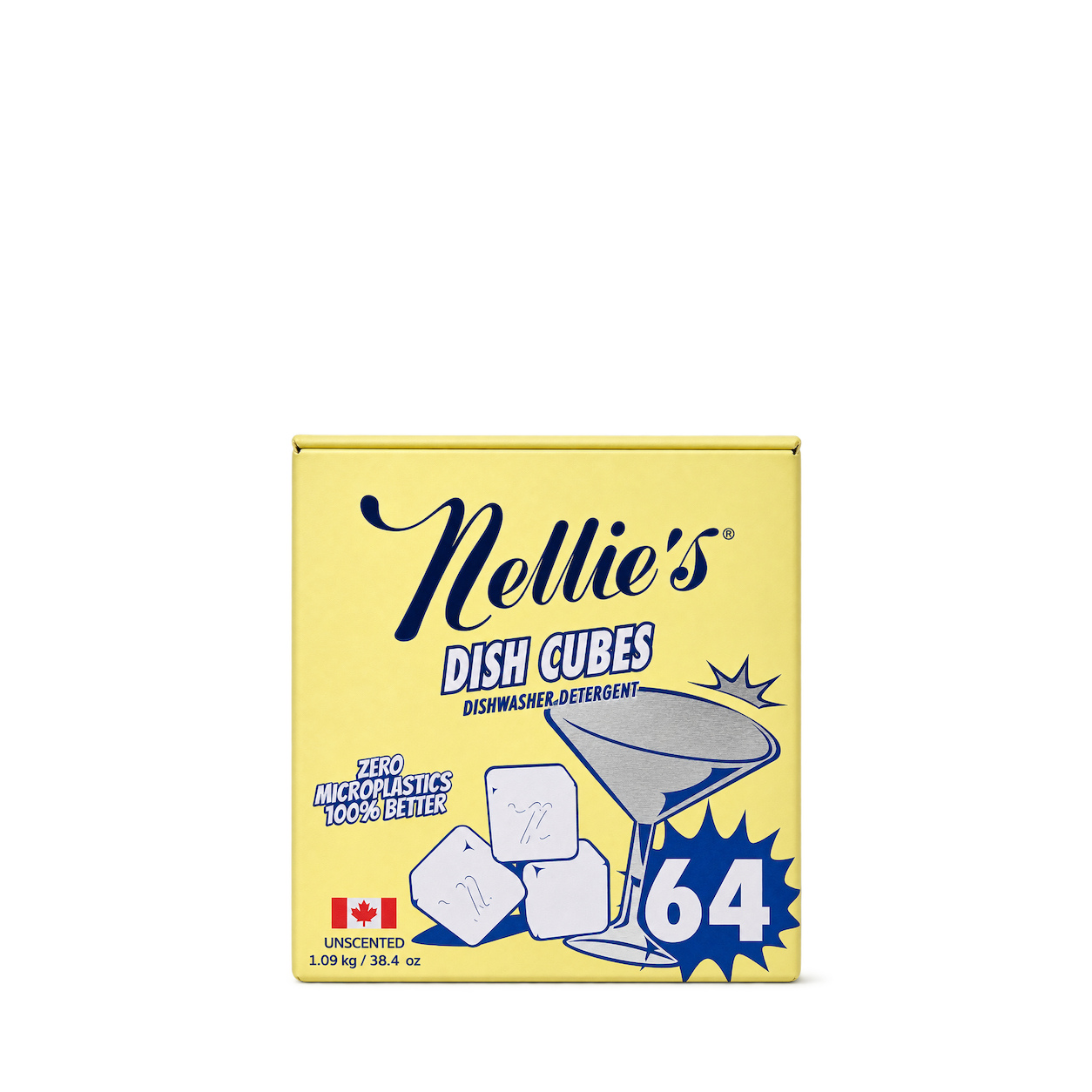
Nellie's
Dish Cubes Unscented 64 Count

AspenClean
Green Powder Cleaner SuperScrub
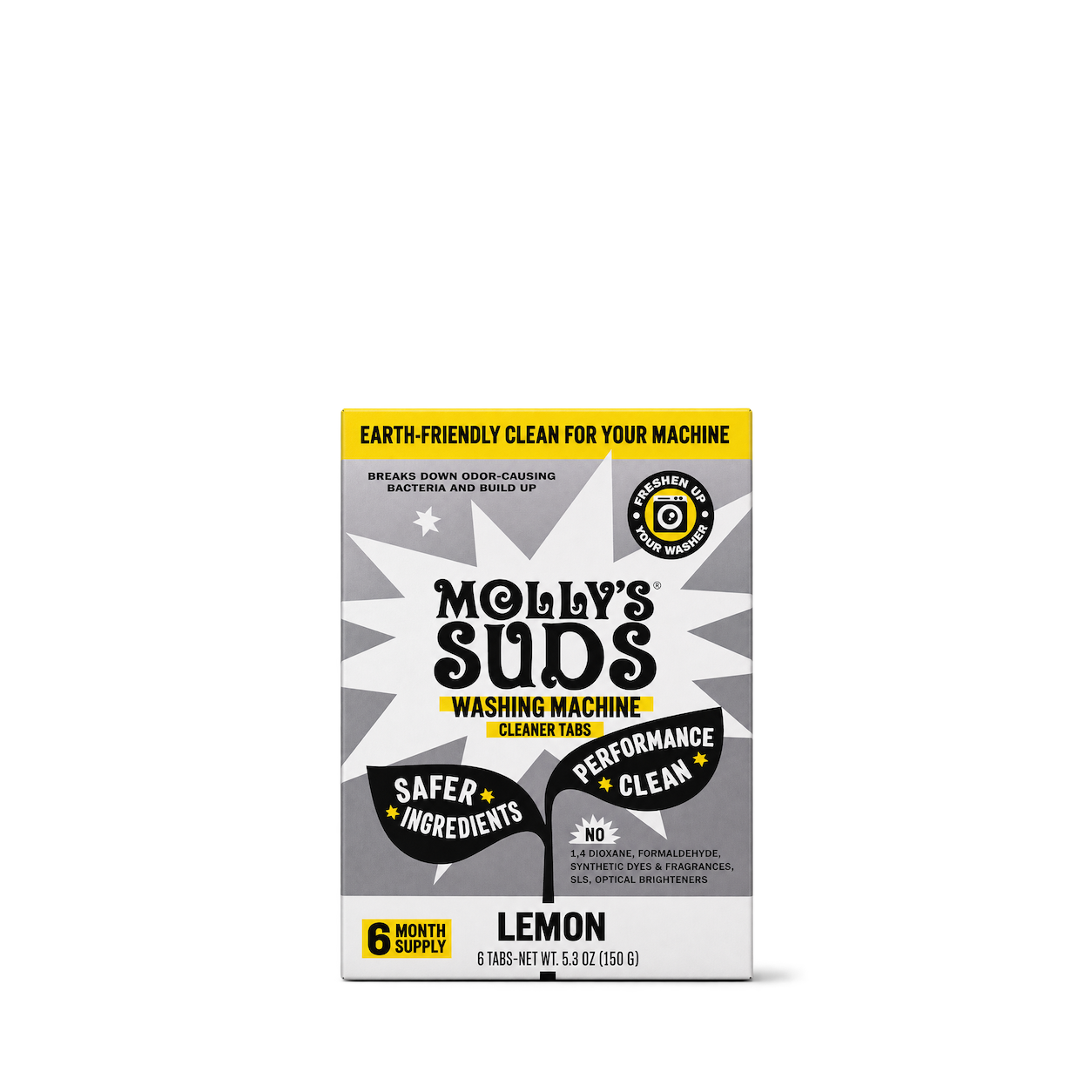
Molly's Suds
Washing Machine Cleaner Tablets

Puracy
Dishwasher Rinse Aid


Full Circle
Grunge Buster Grout & Tile Brush

Cleancult
Pure Castile Soap Unscented 946 mL
 NEW
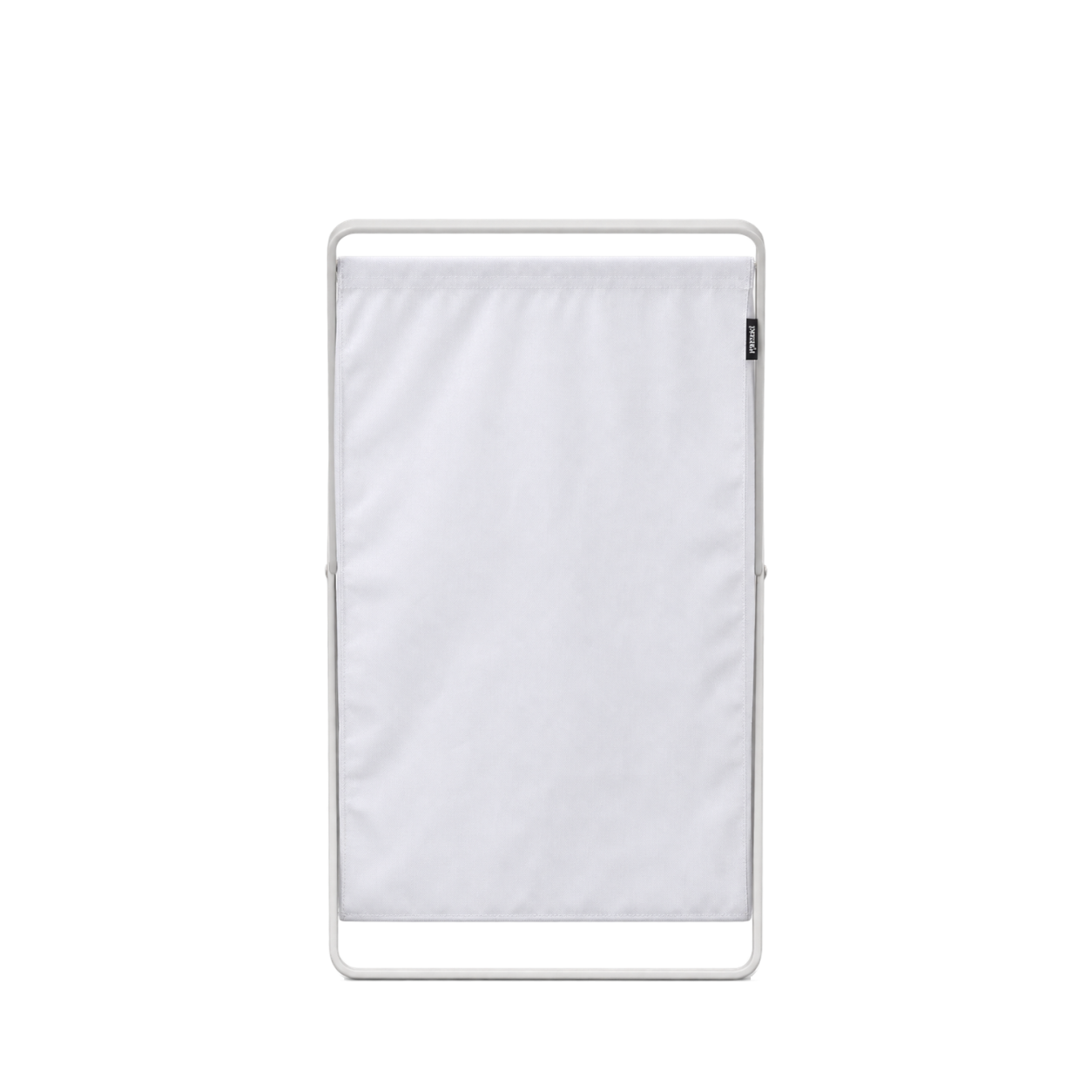
Yamazaki Home
Laundry Hamper (25" H) - Steel · White



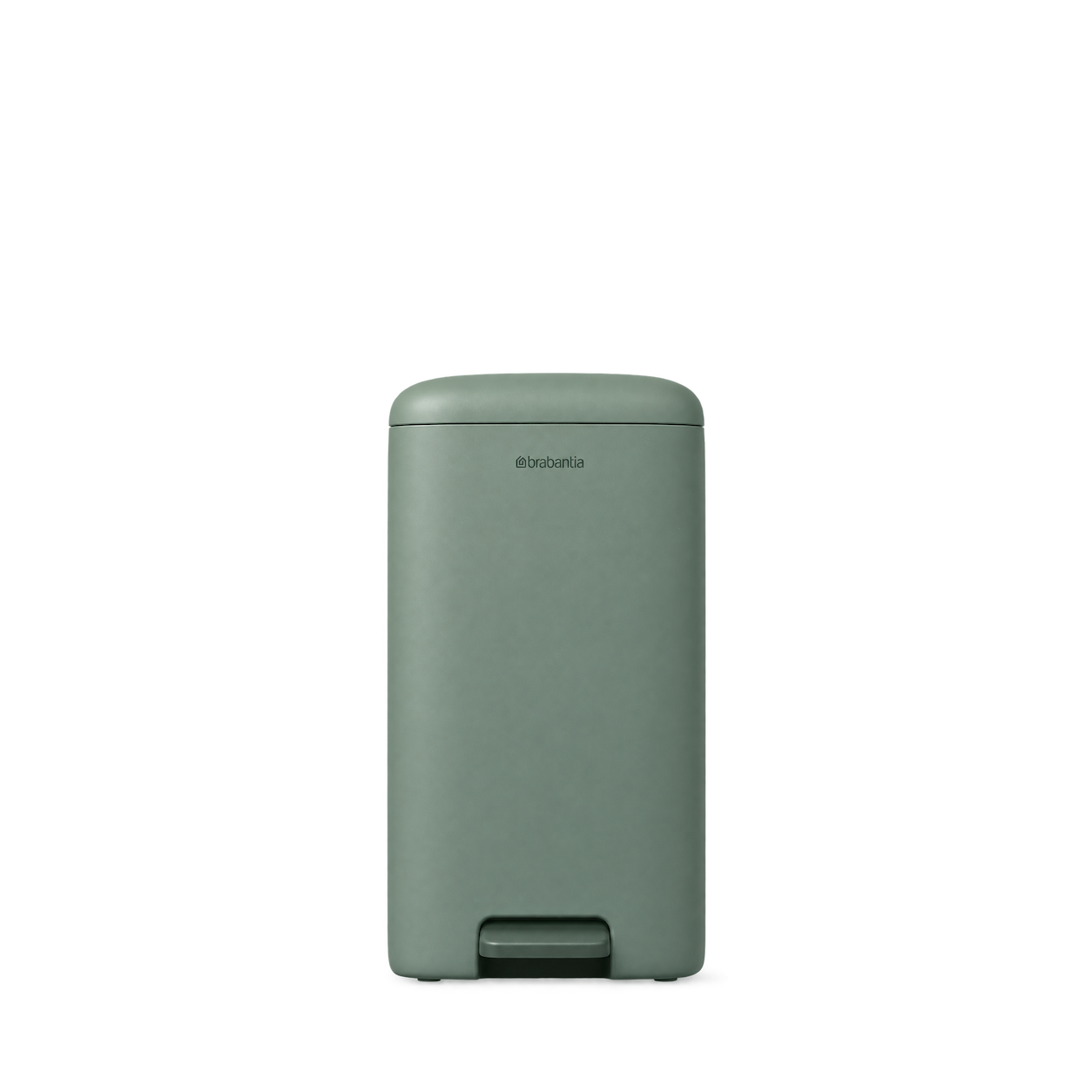
Brabantia
StepUp Pedal Bin 16L Jade Green


O-Cedar
EasyWring Spin Mop Refill

Redecker
Dish Brush Beech Horsehair

Scrub Daddy
Original Yellow Sponge
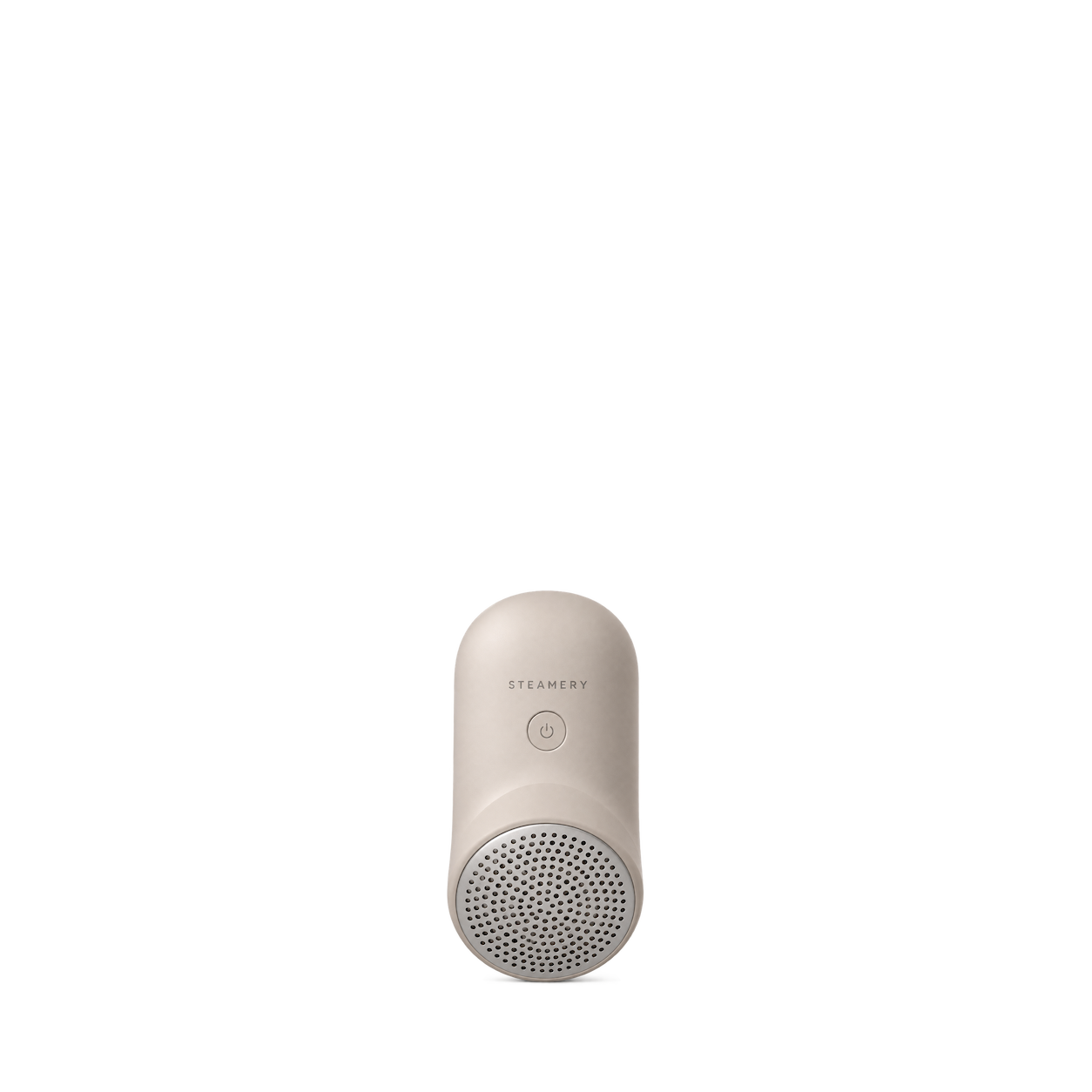
Steamery
Pilo Icon Fabric Shaver Sand

Vileda
Dish Brush Red
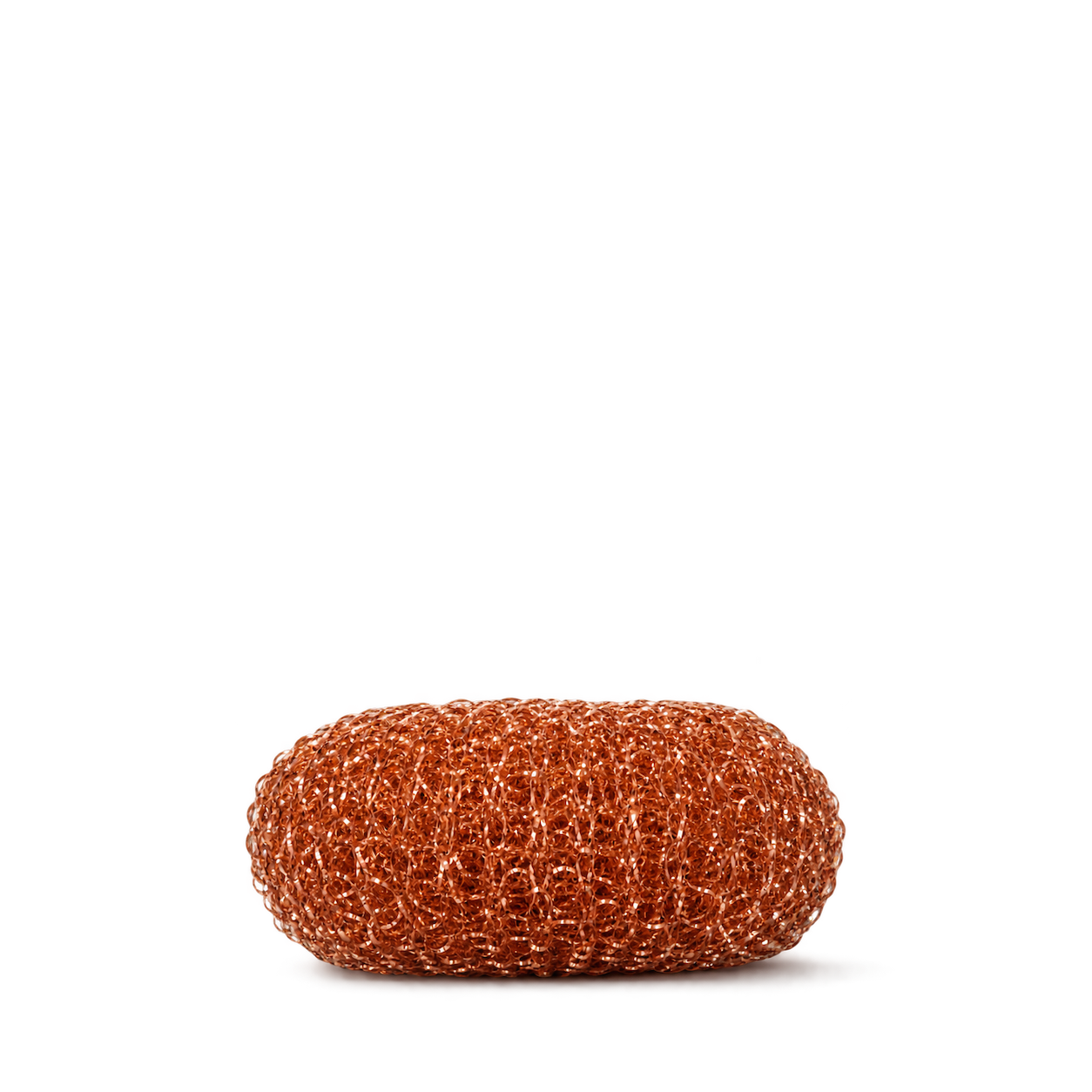
Andrée Jardin
Copper scrubber ball
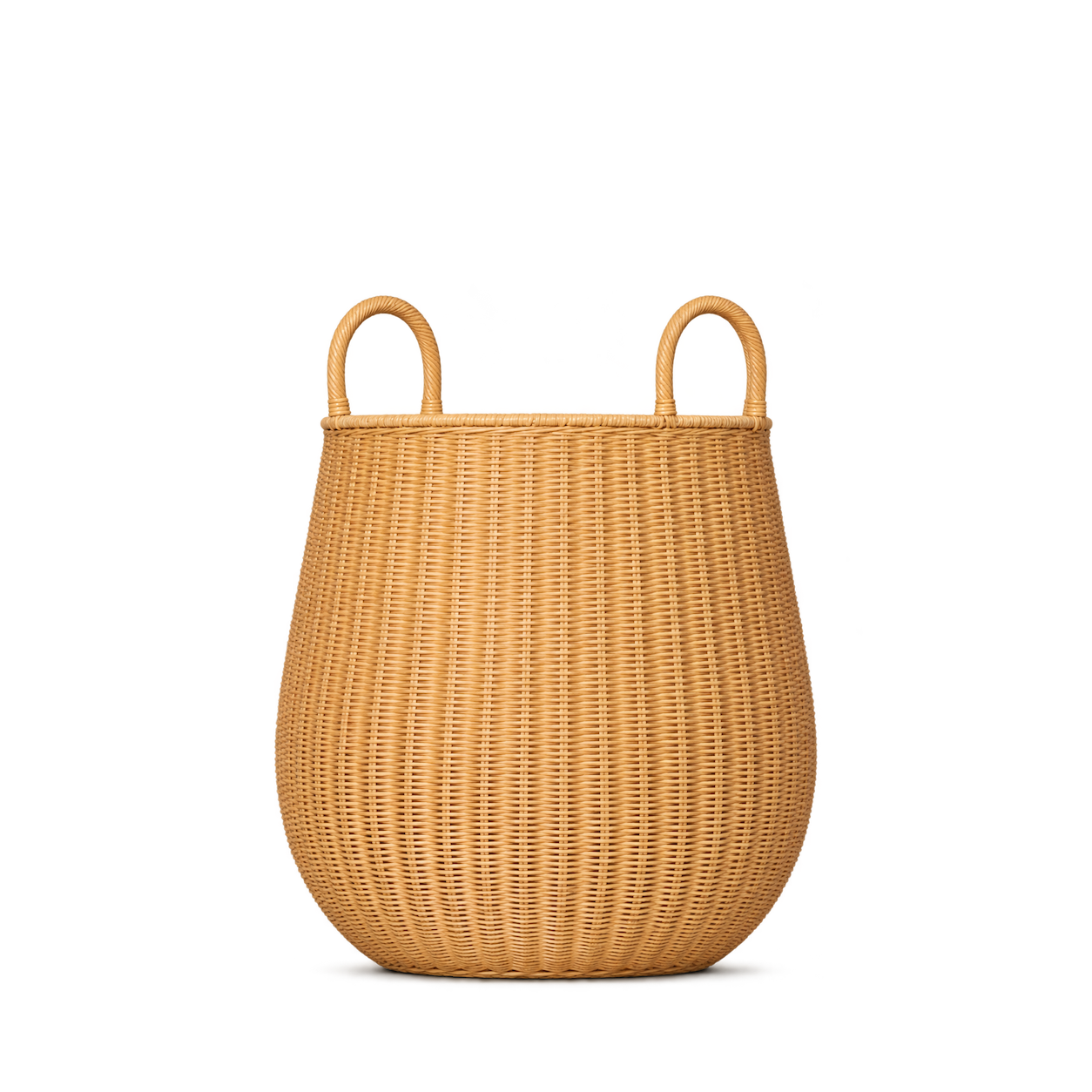
Ferm Living - COM
Braided Laundry Basket - Medium - Natural
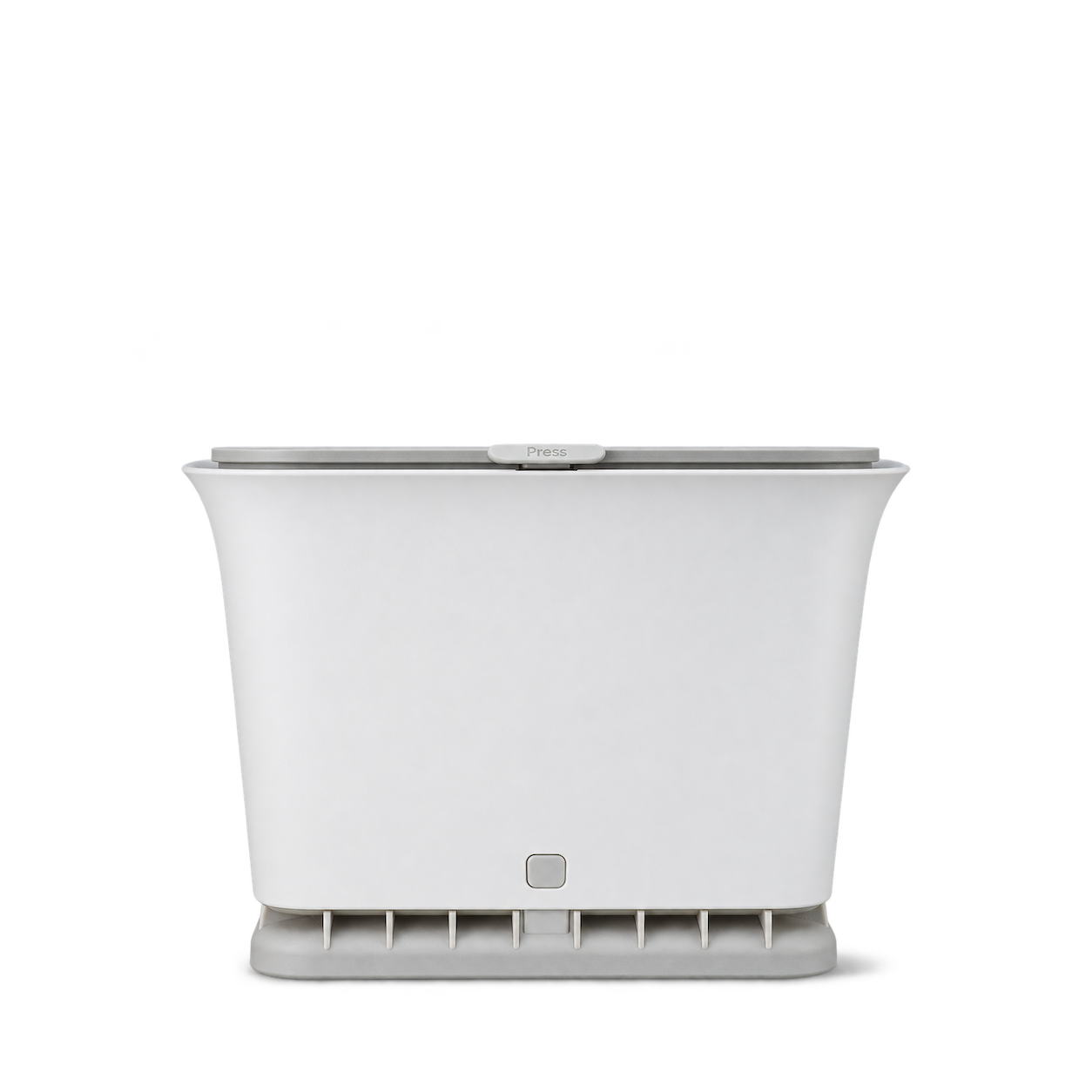
Full Circle Home
Odor-Free Kitchen Compost Bin
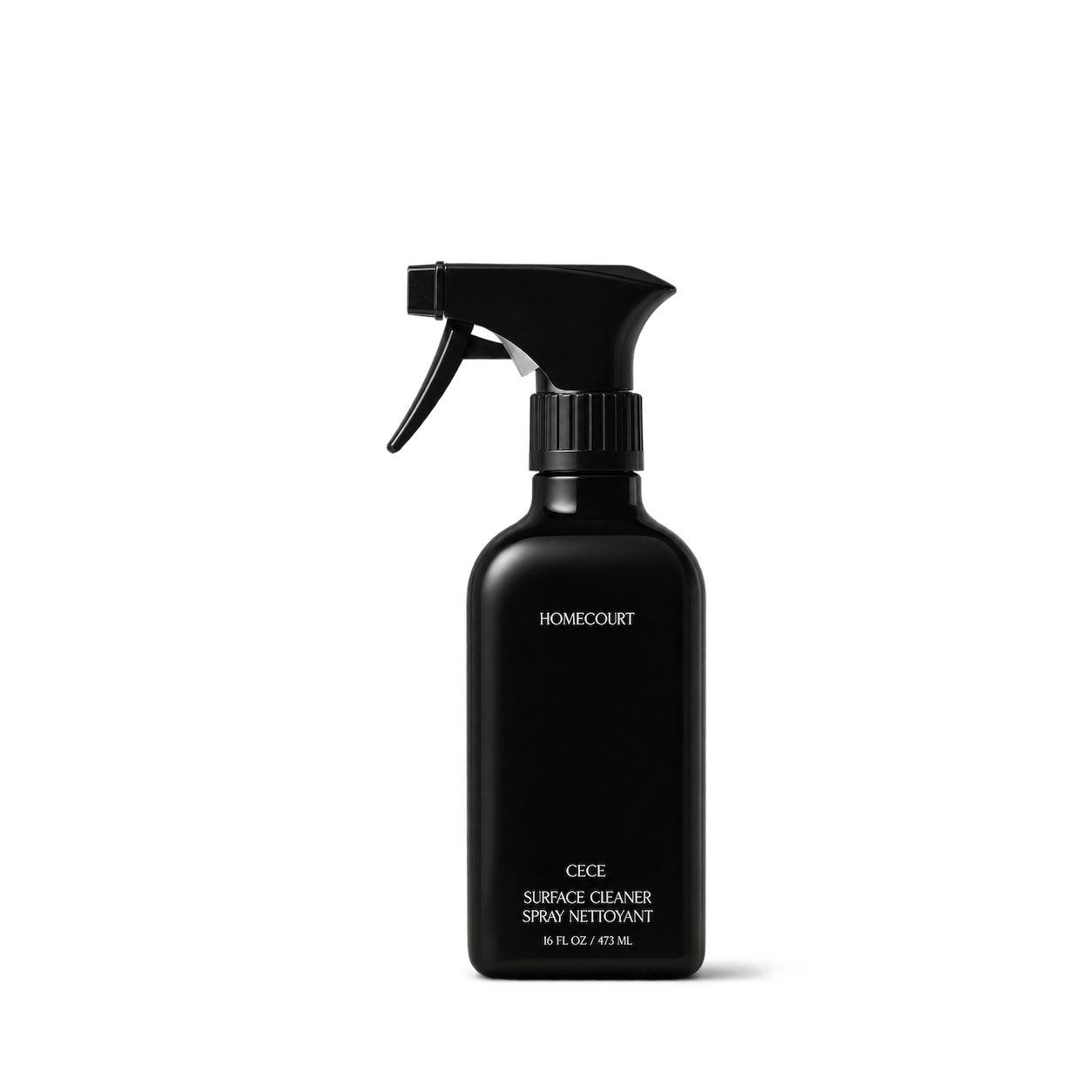
Homecourt
Surface Cleaner
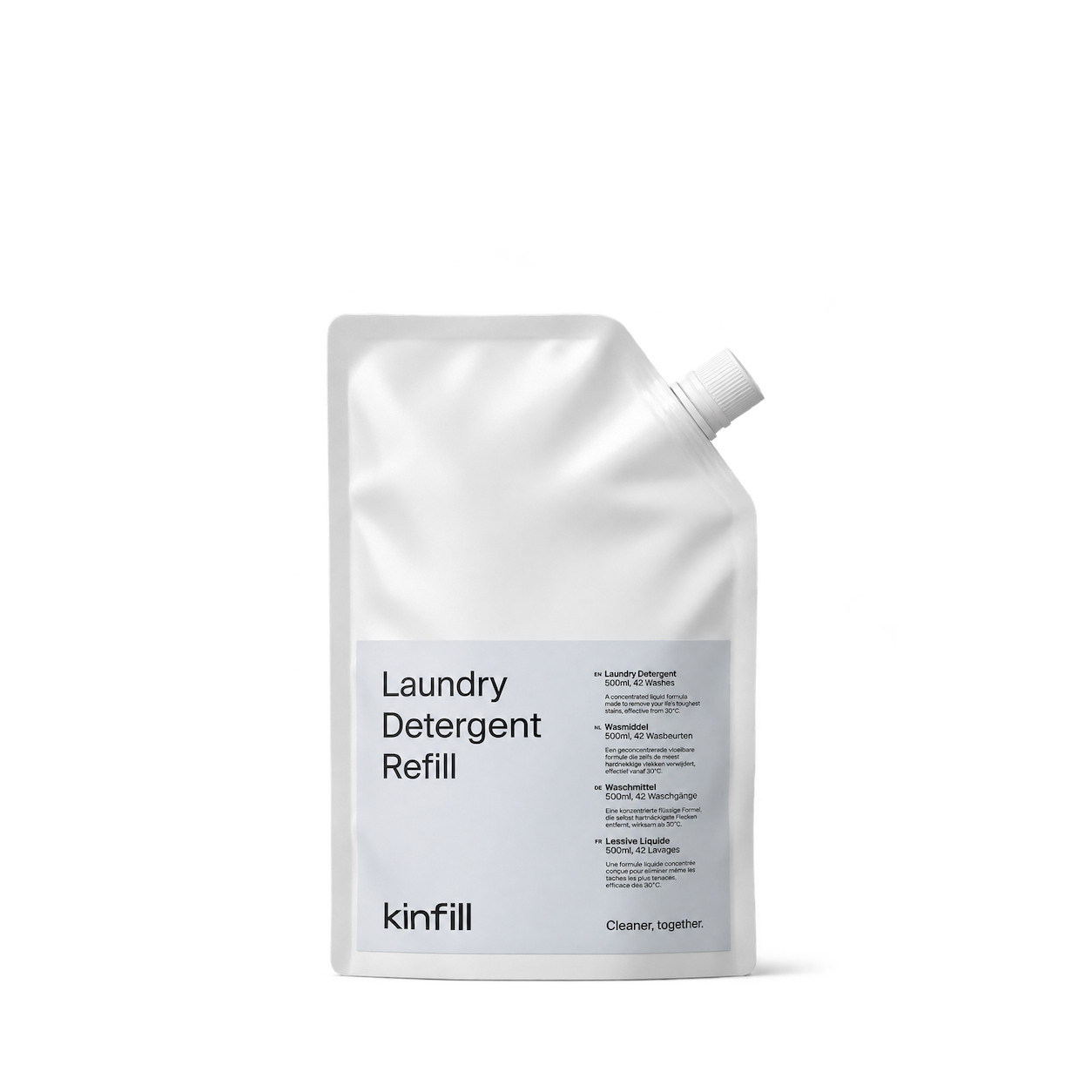
Kinfill
The Laundry Detergent Refill
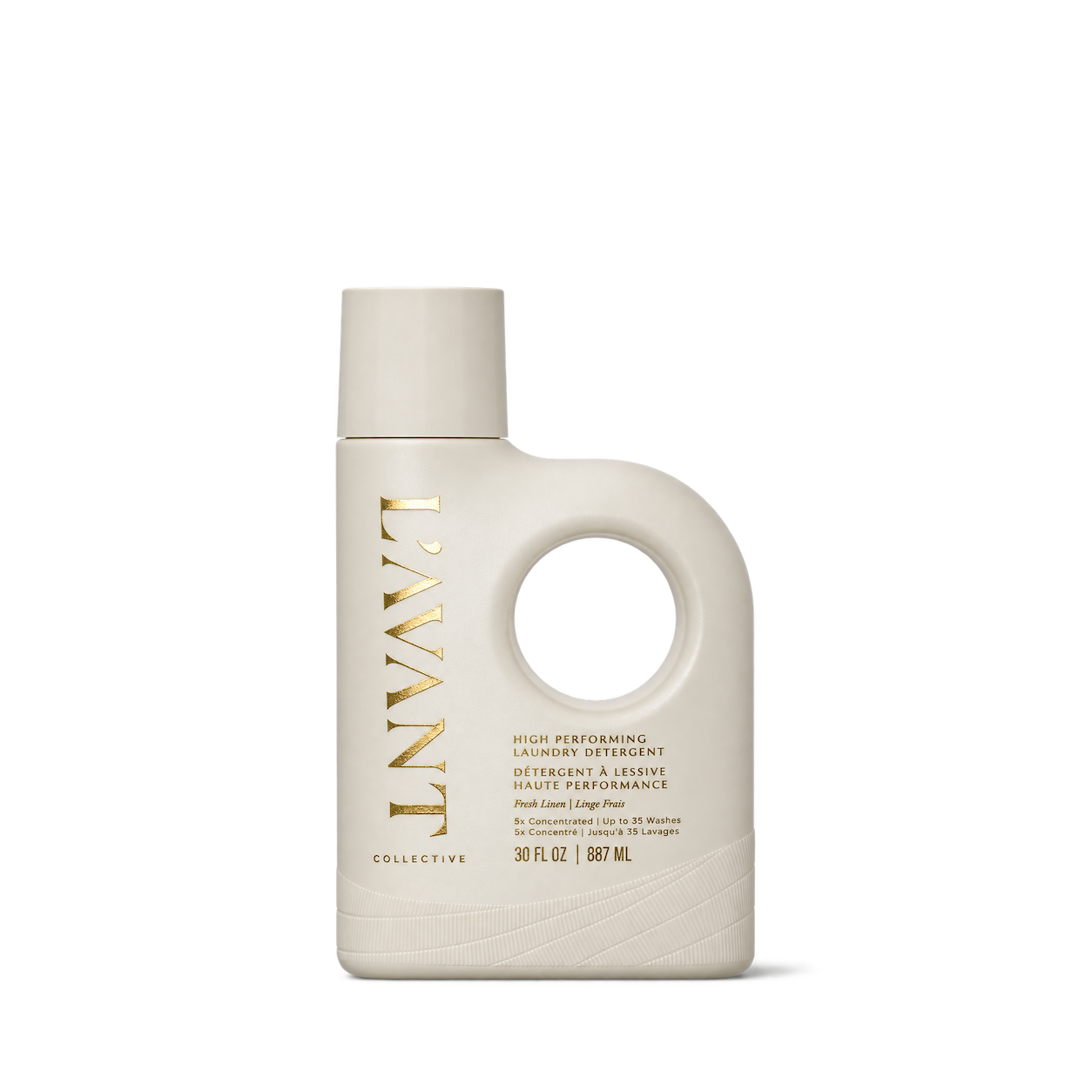
L'AVANT Collective
High Performing Laundry Detergent

Murchison-Hume
Heirloom Dish Soap Refill
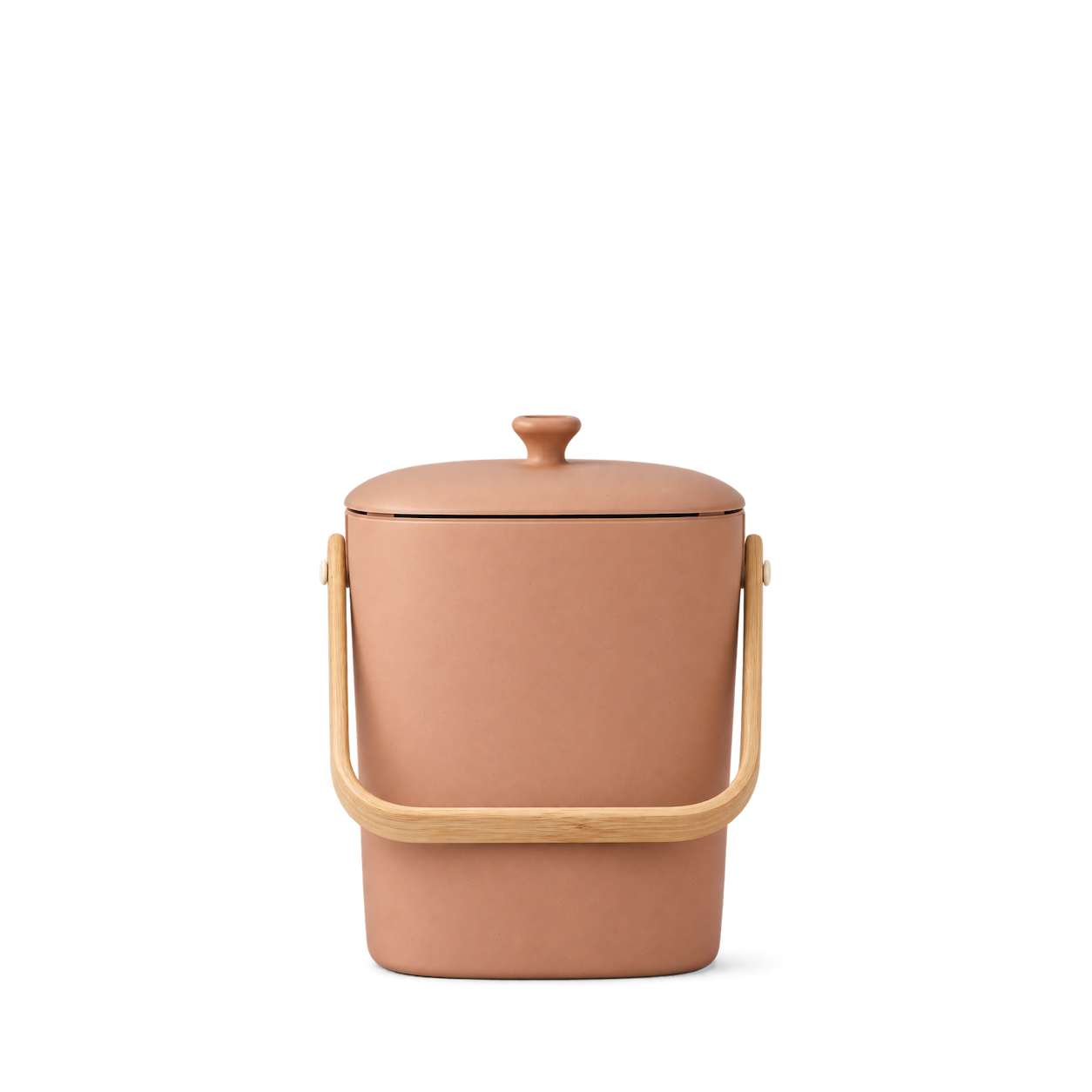
Bamboozle
Astrik Compost Bin — Terracotta


Mrs. Meyer's
Lemon Verbena Dish Soap 473 ml
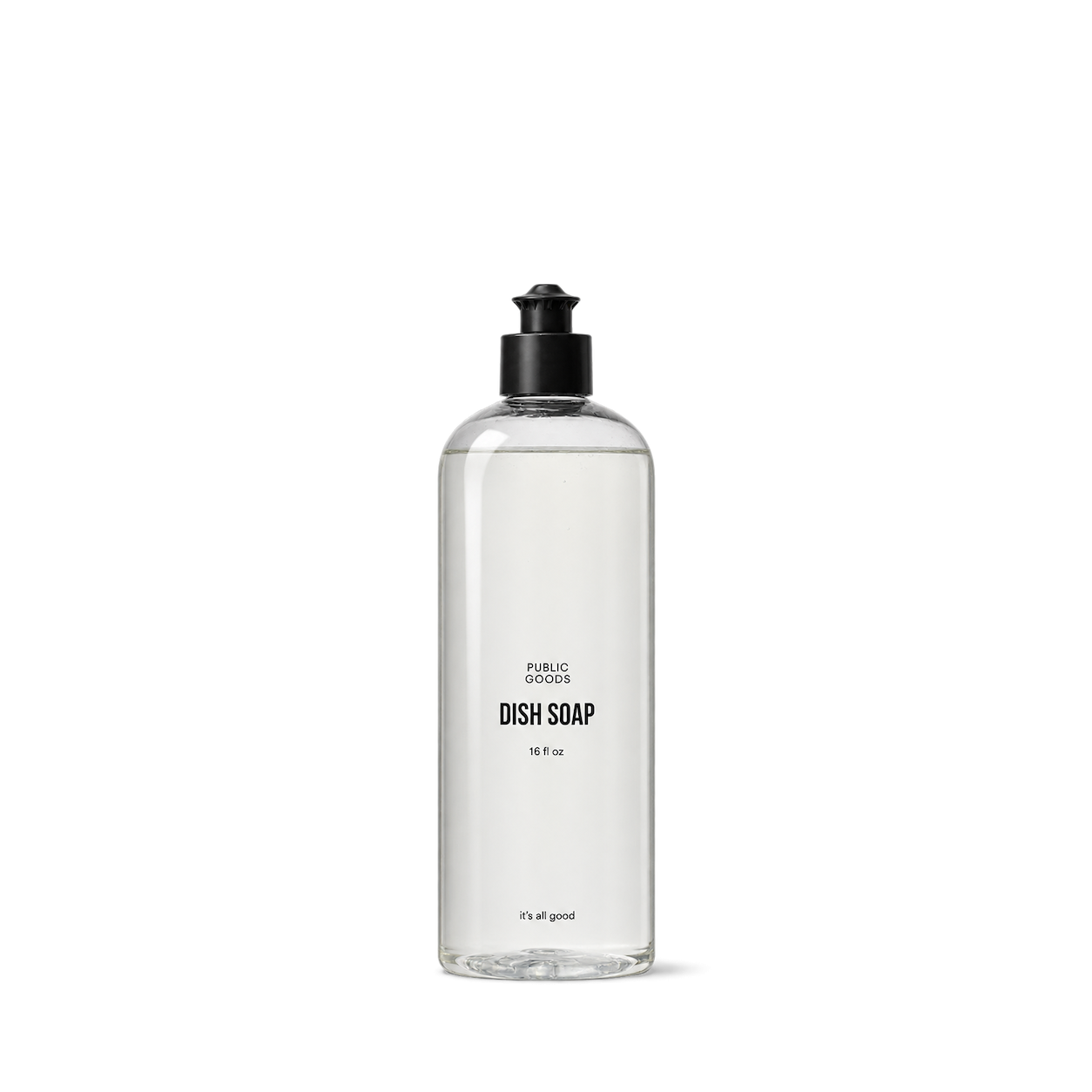
Public Goods
Dish Soap
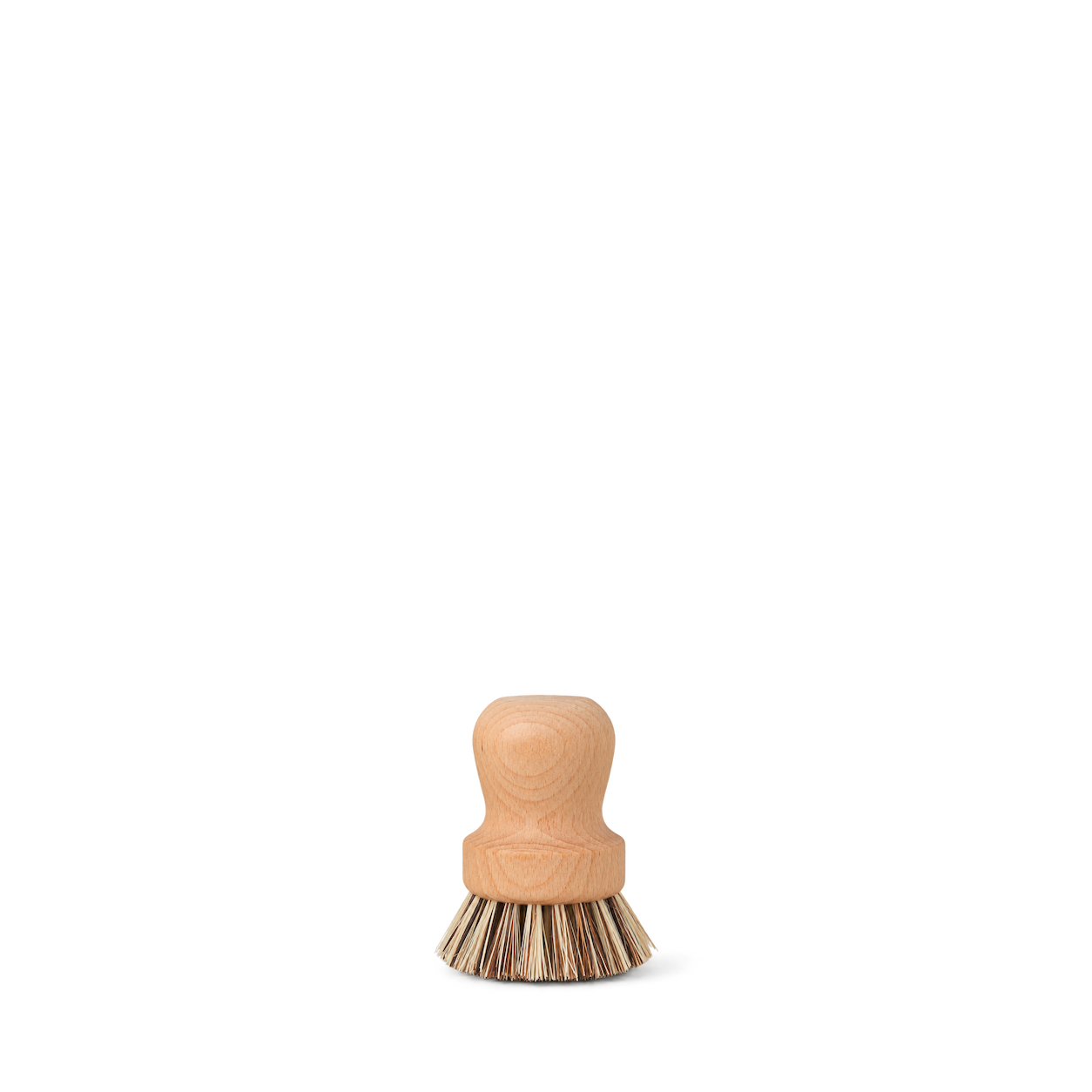
Hawkins New York
Essential Wood Pot Scrubber

Emile Henry
Compost Bin · Clay
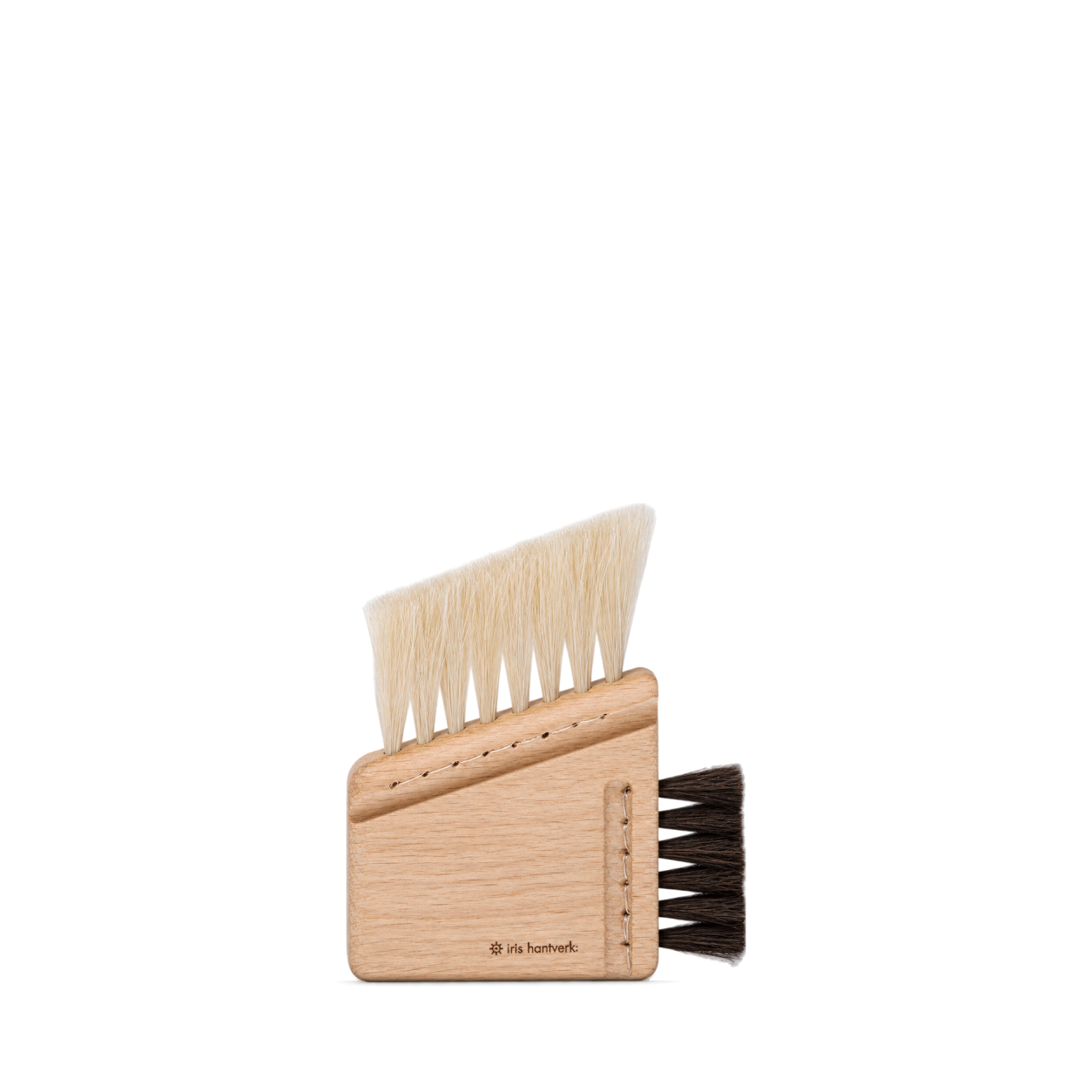
Iris Hantverk
Computer Brush Combi


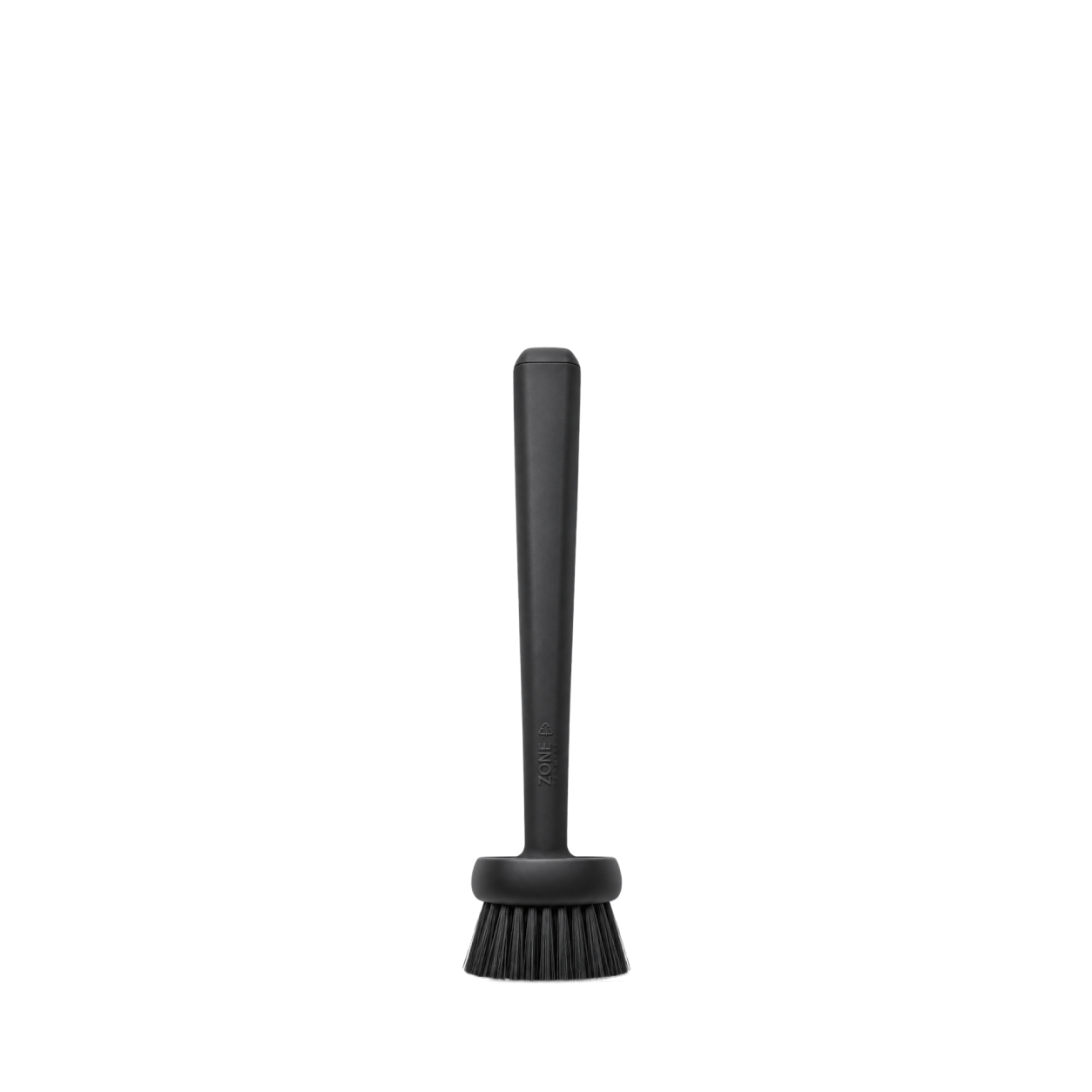
Zone Denmark
Dishwashing Brush · Black
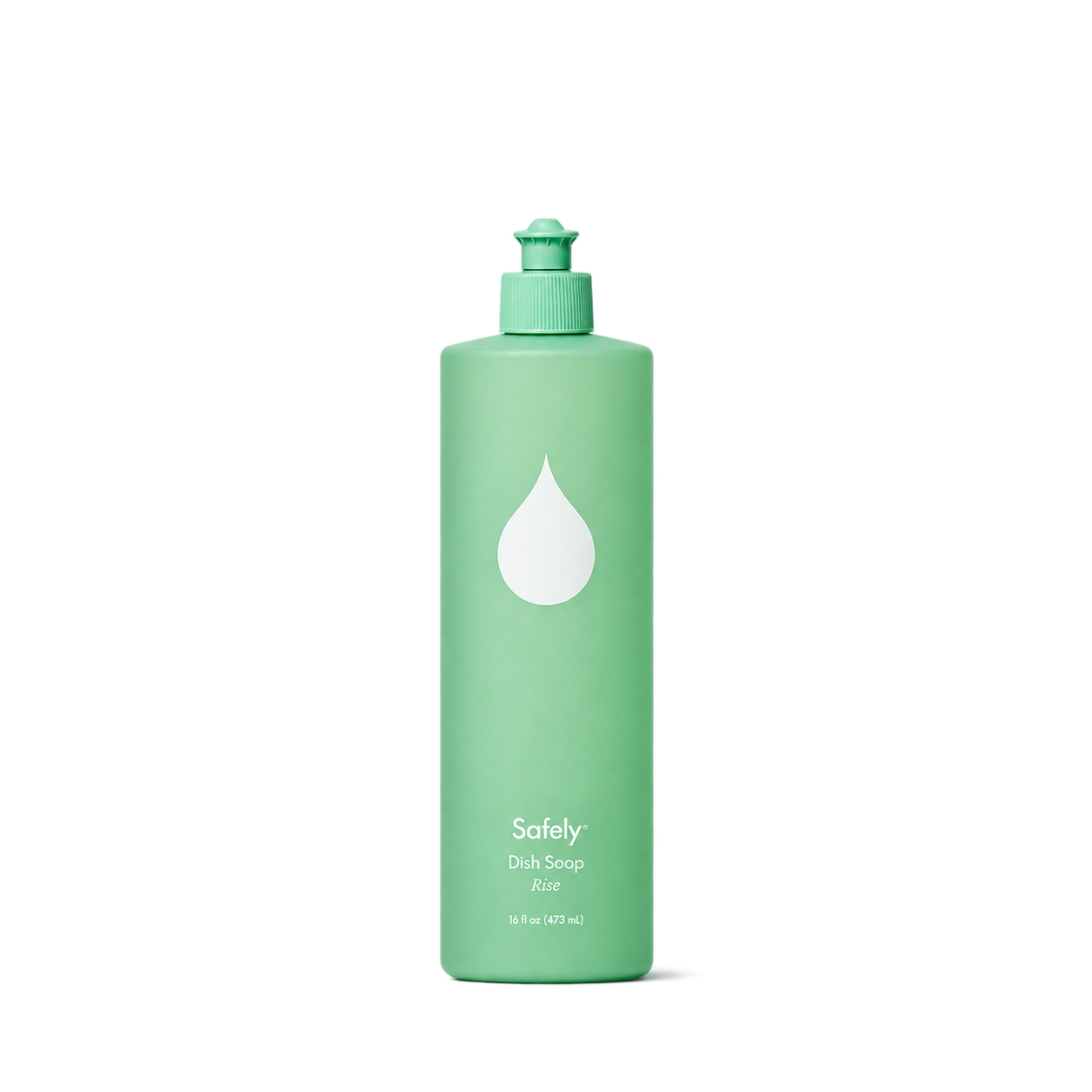
Safely
Dish Soap — Rise
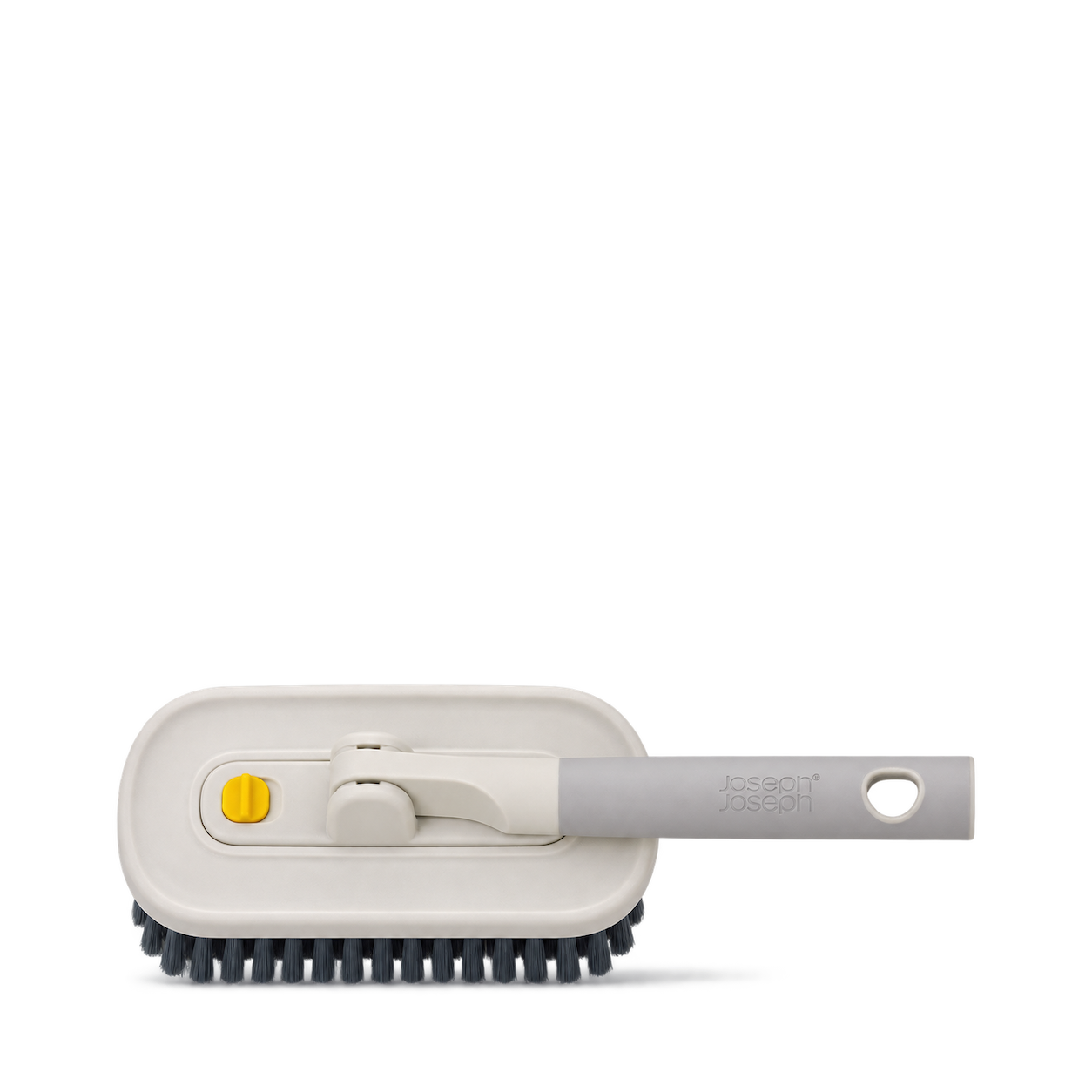
Joseph Joseph
CleanTech™ 2-in-1 Tile Scrubber Tool
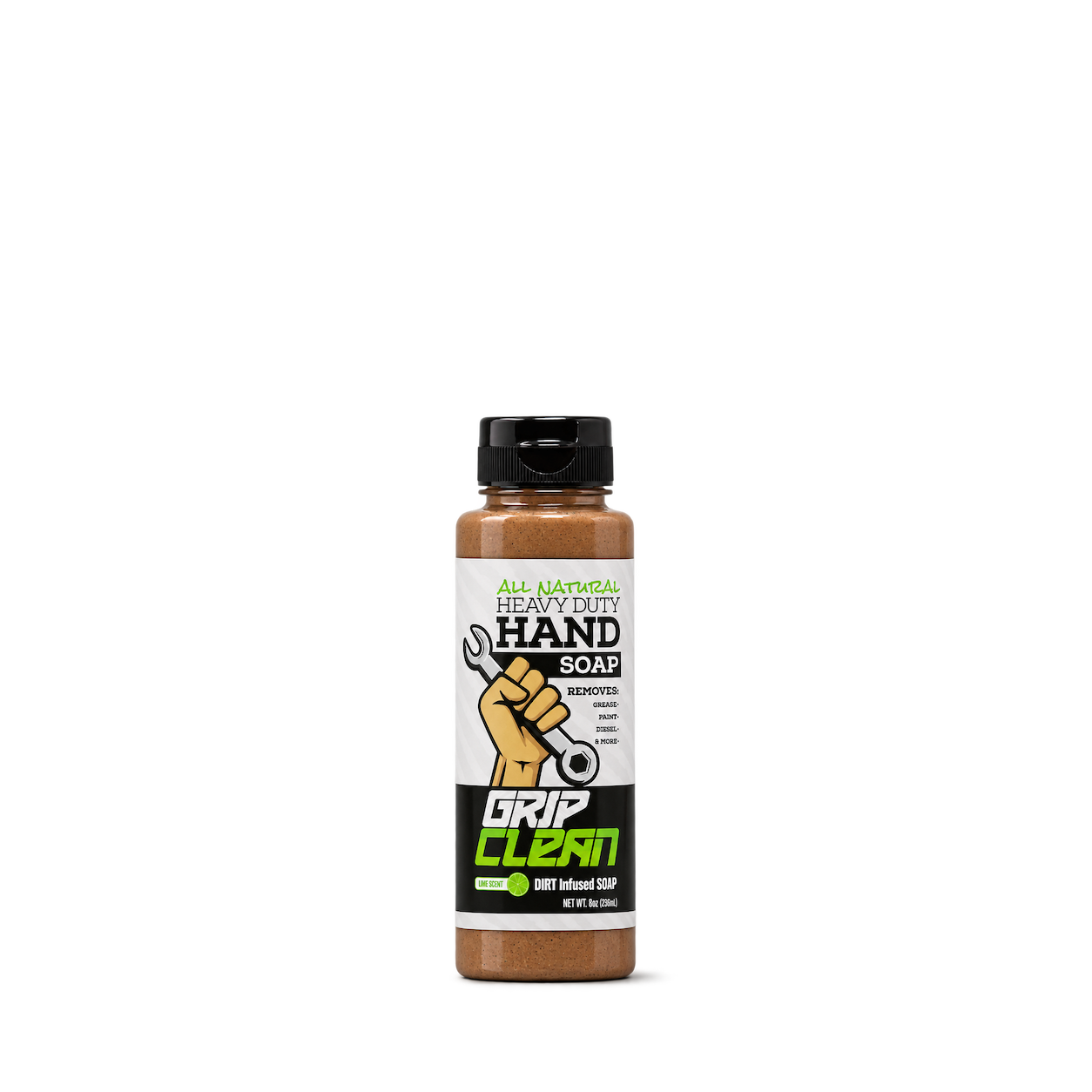
Grip Clean
Natural Pumice Hand Cleaner — 8 oz


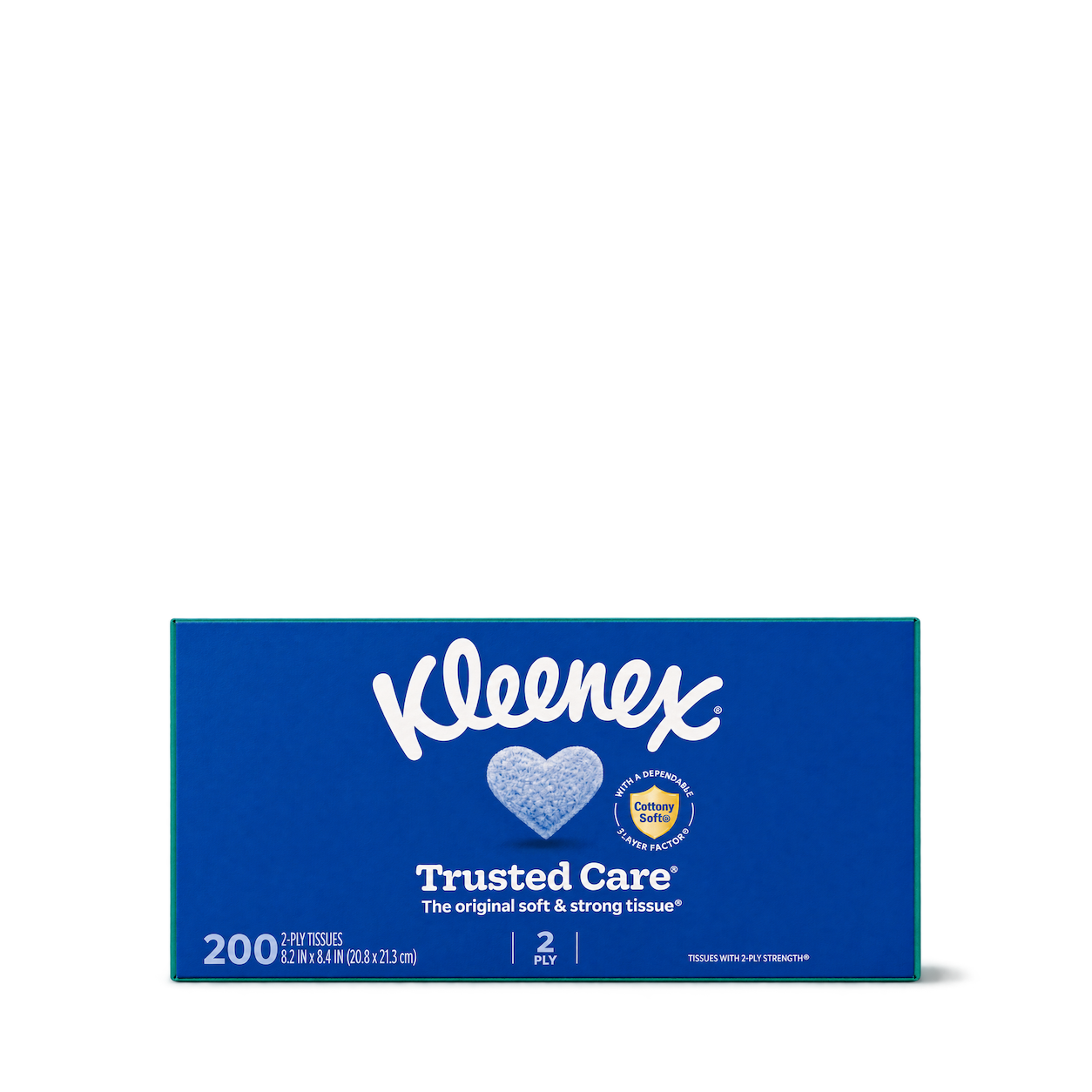
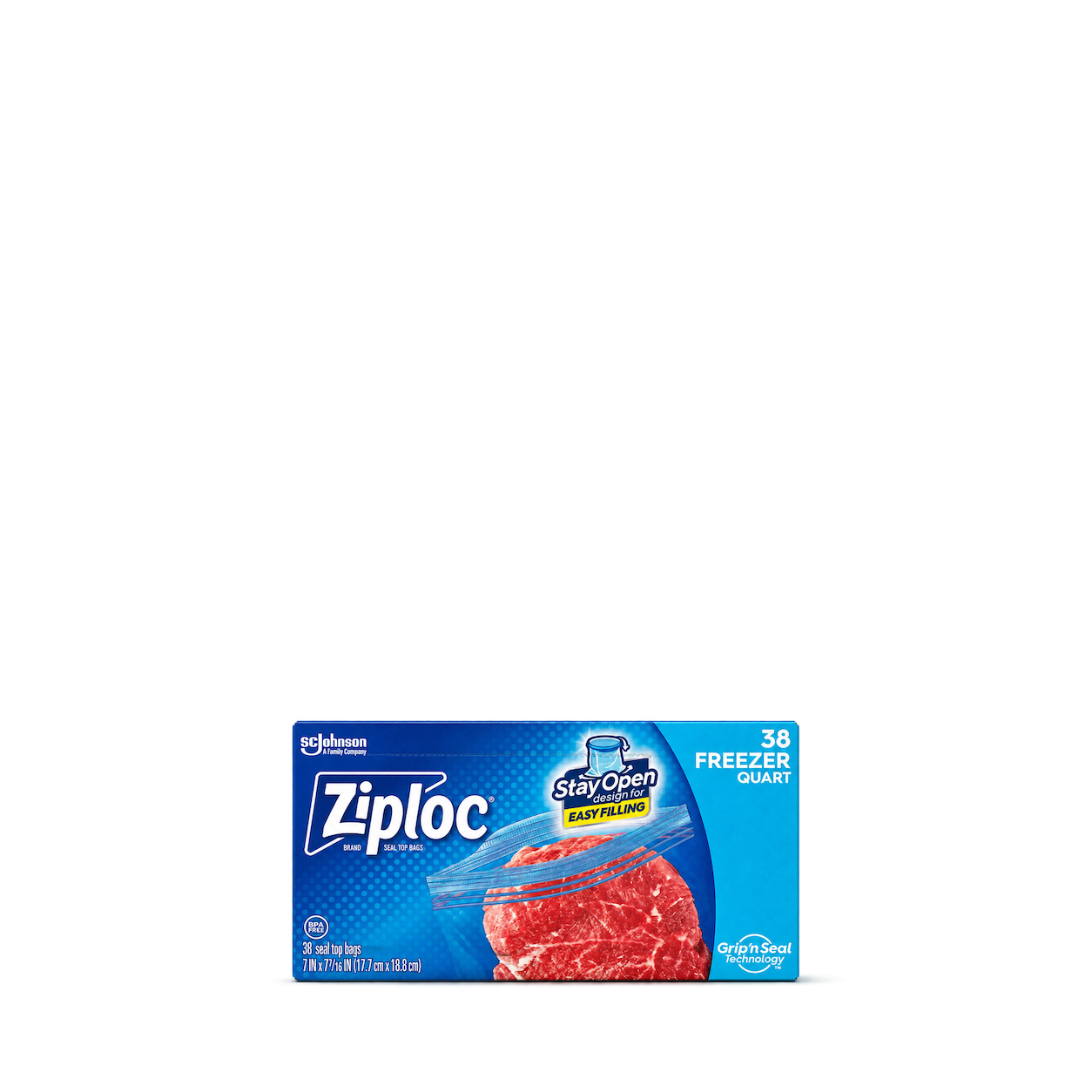

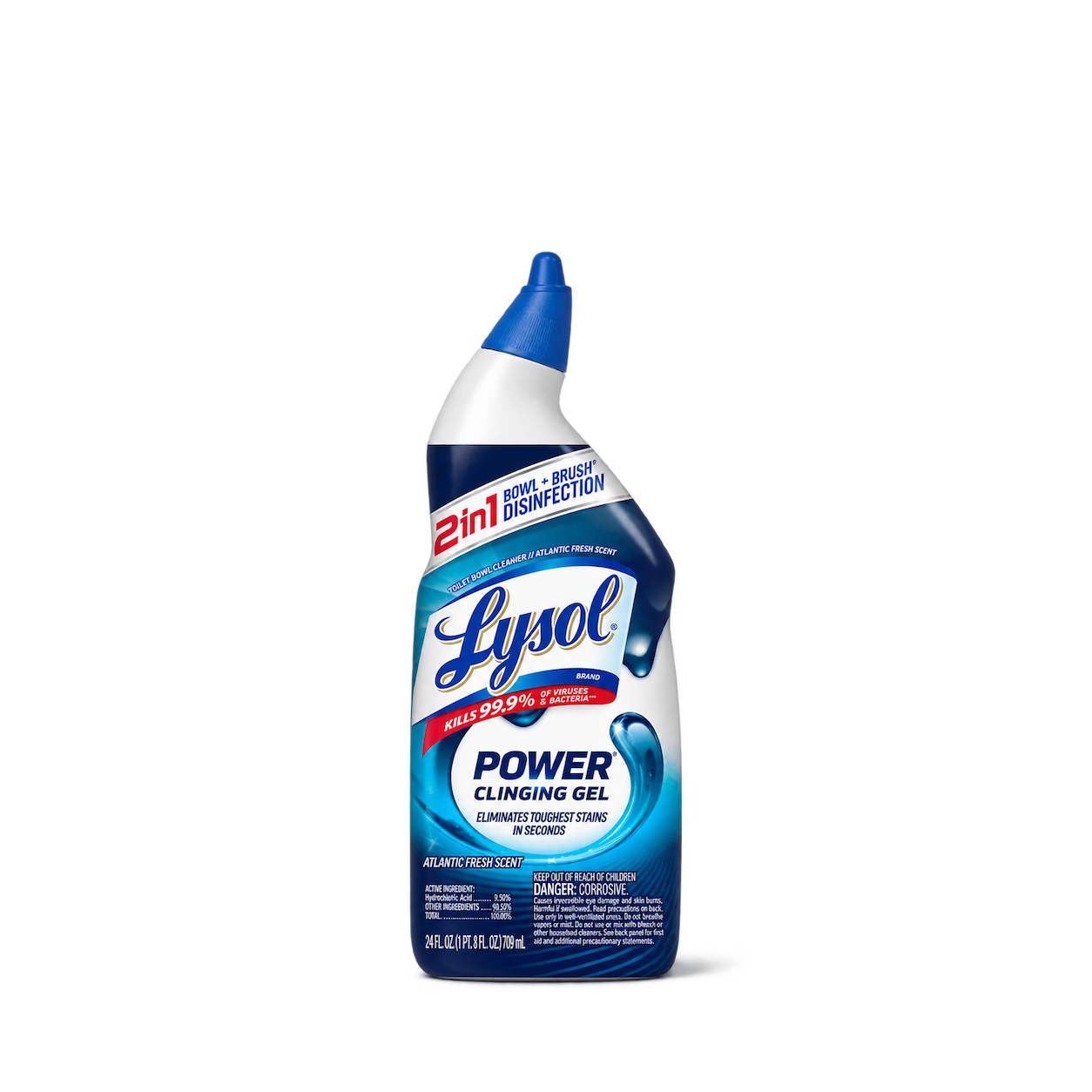


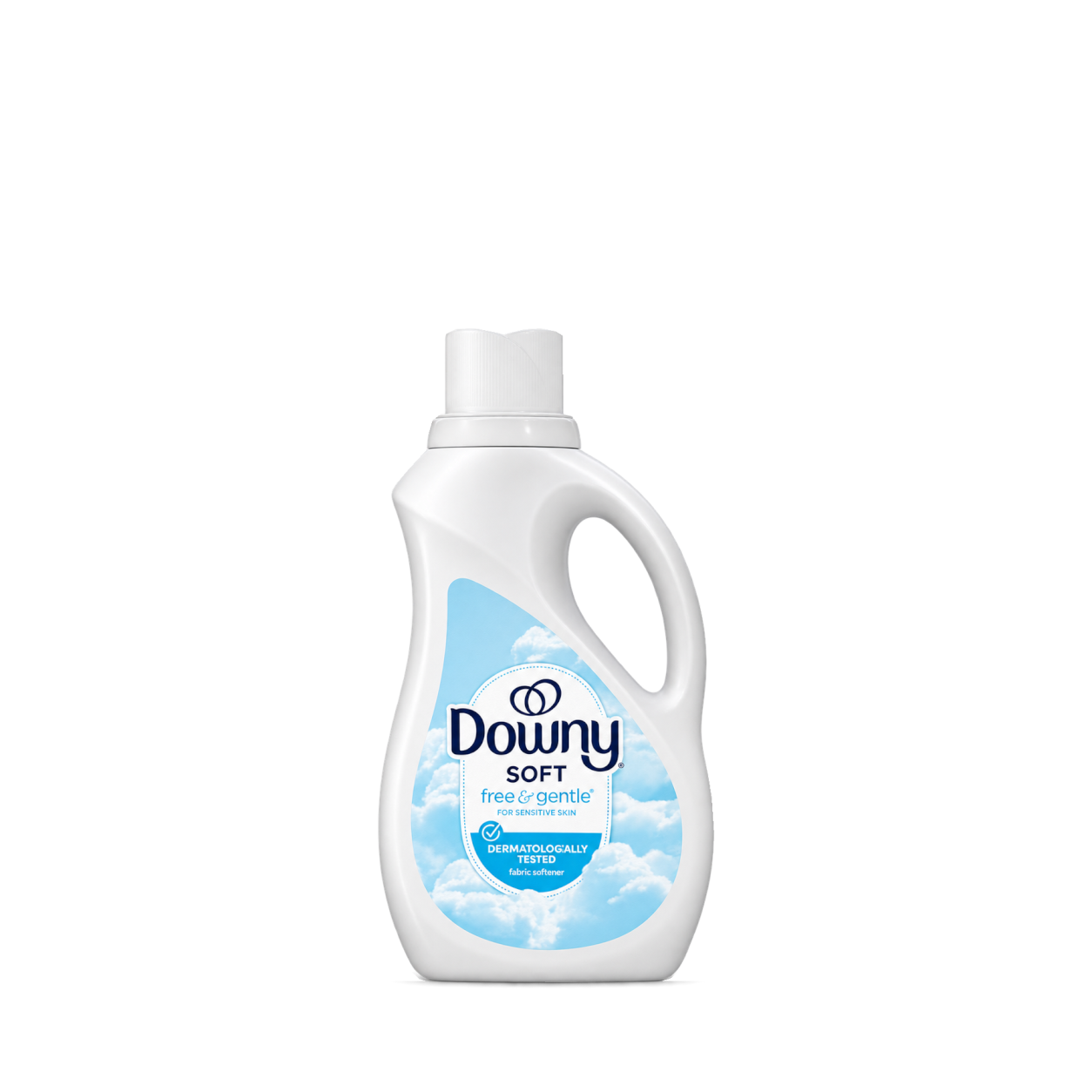

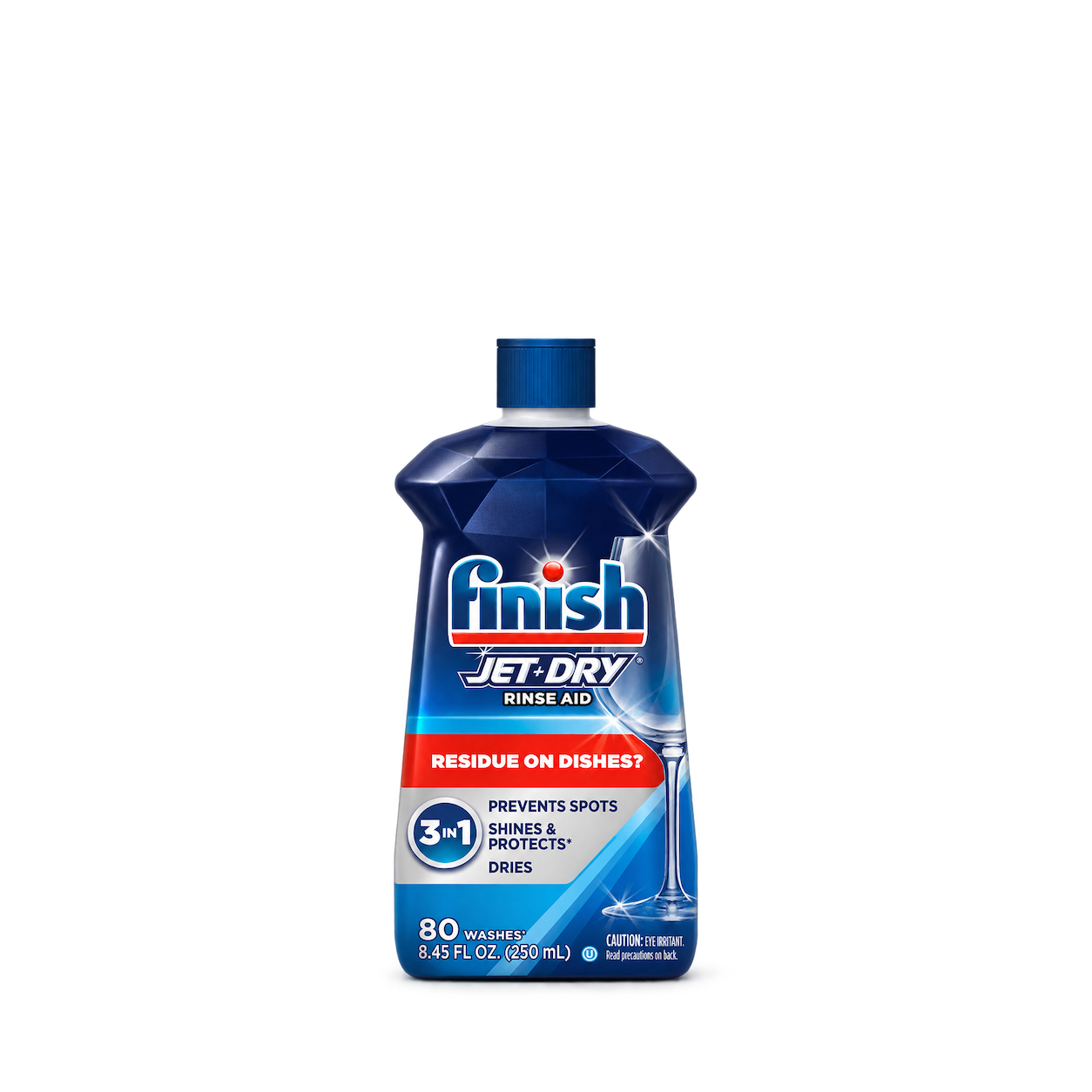
Finish
Jet-Dry Rinse Aid

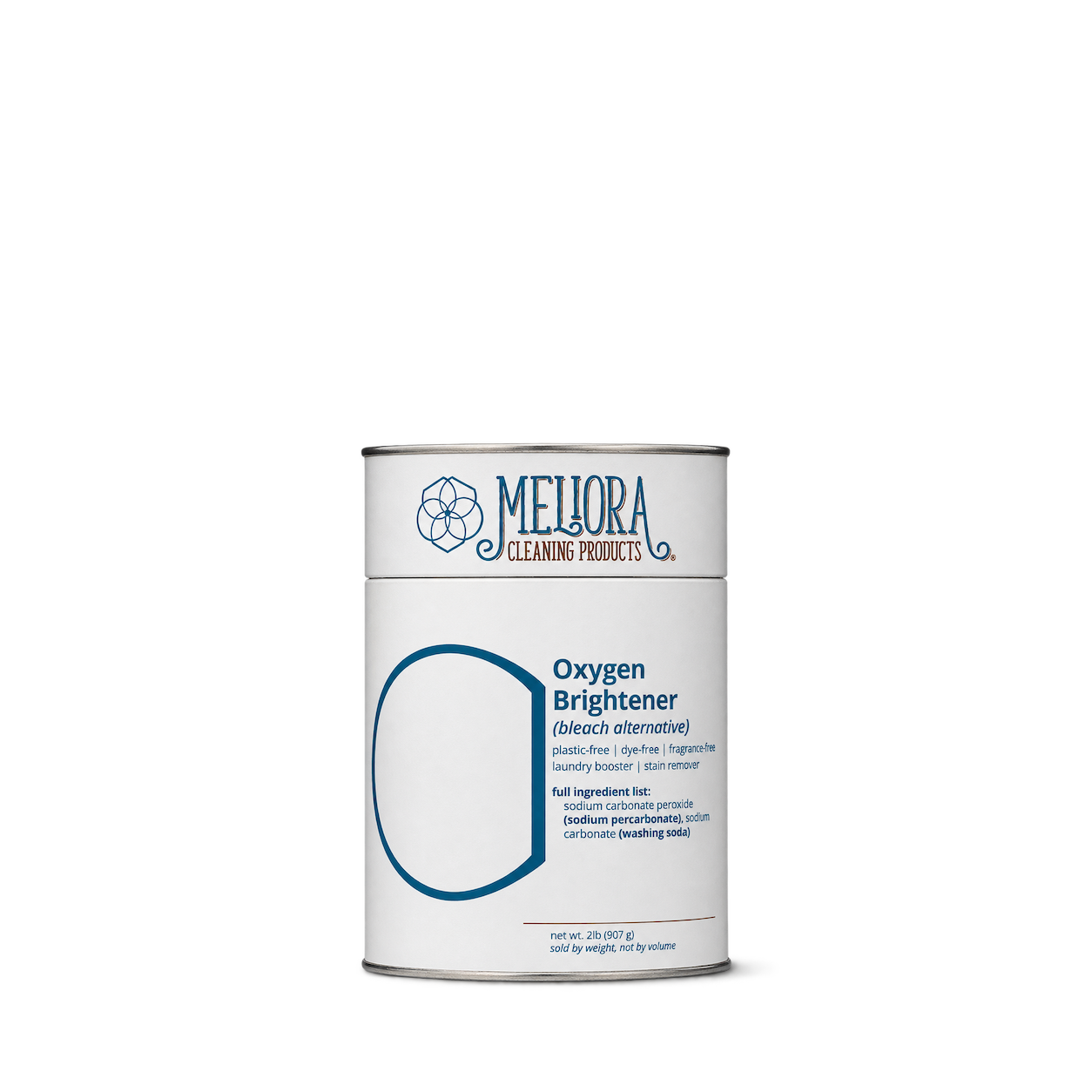
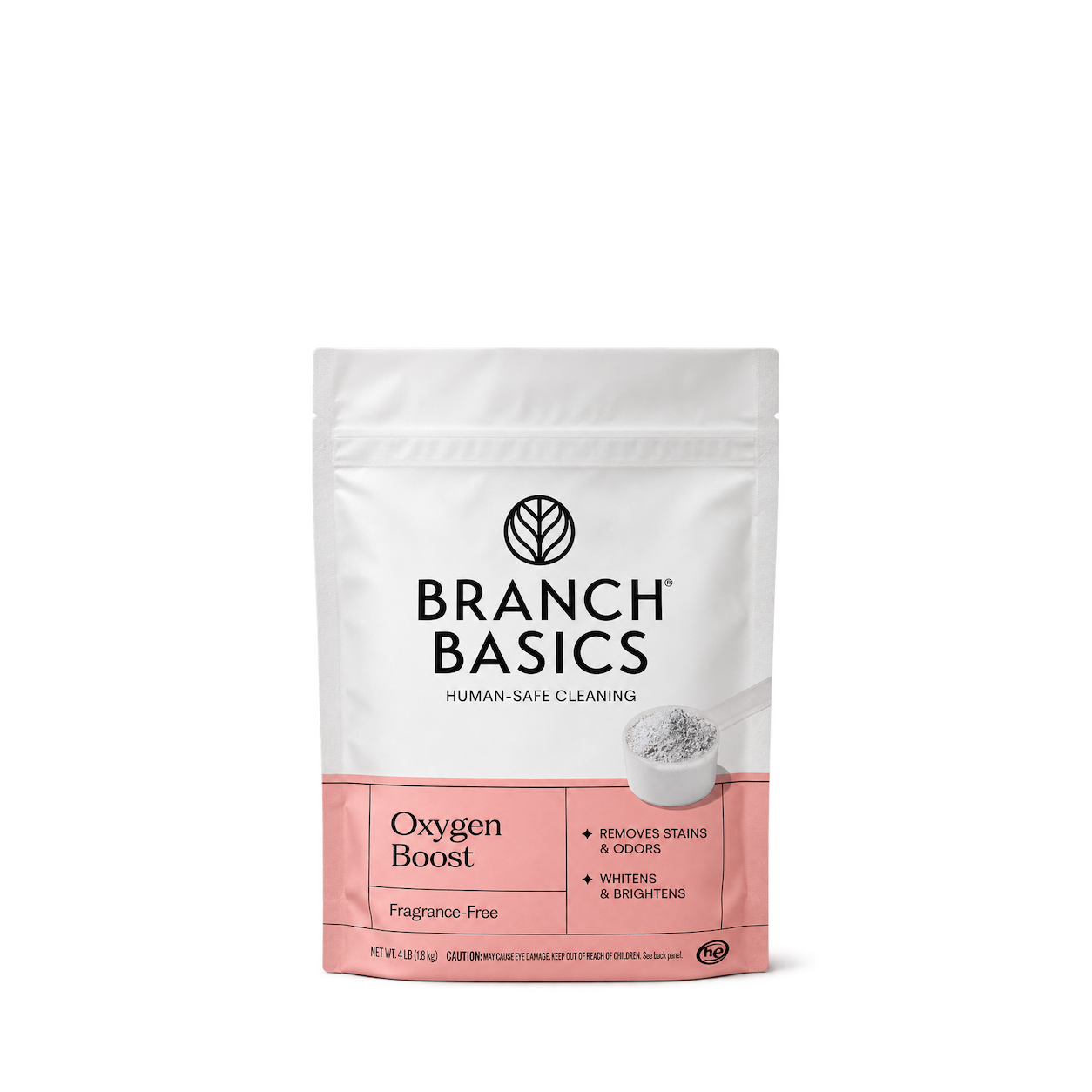
Branch Basics
Oxygen Boost Fragrance Free 1.8 kg
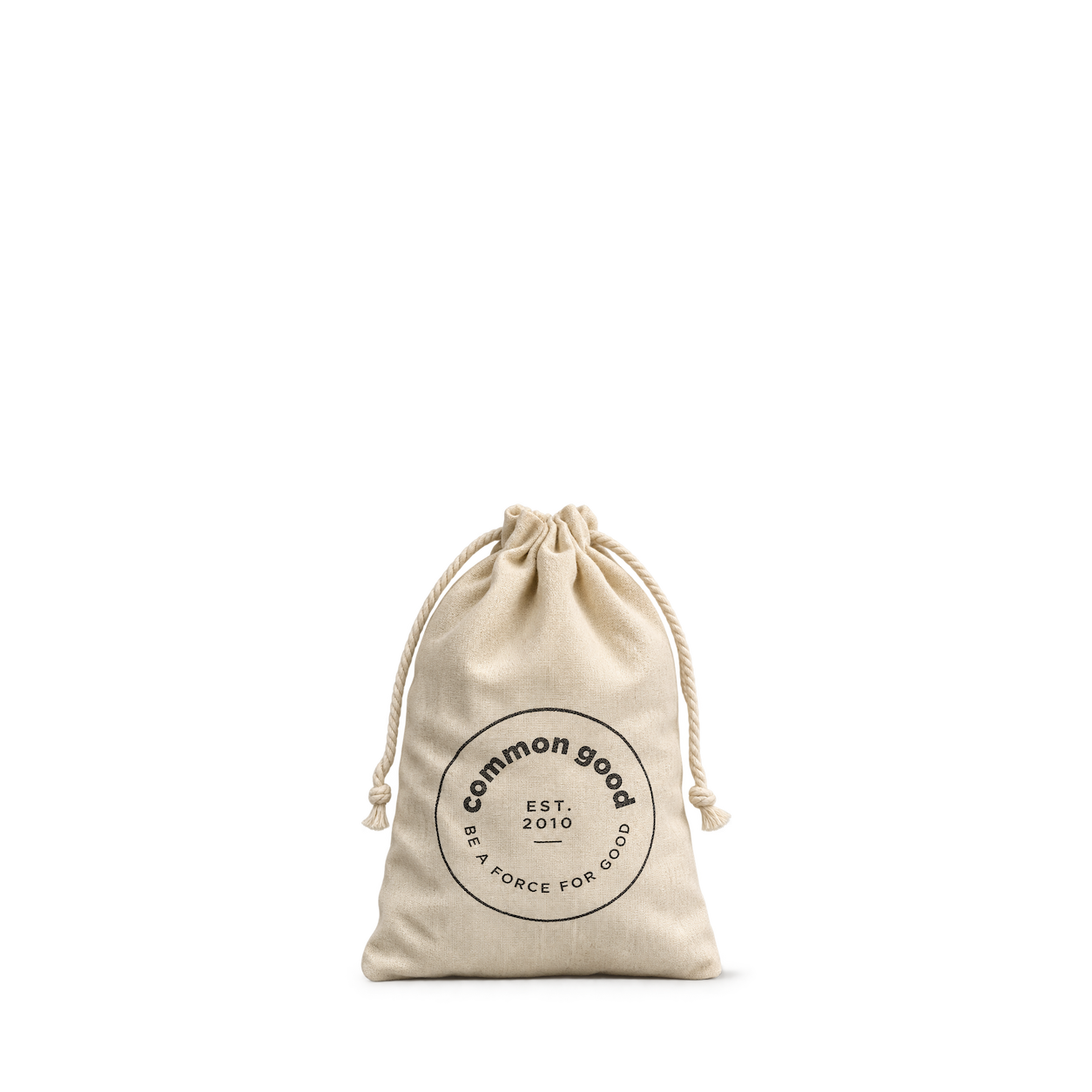
Common Good
Herbal Drawer Sachet
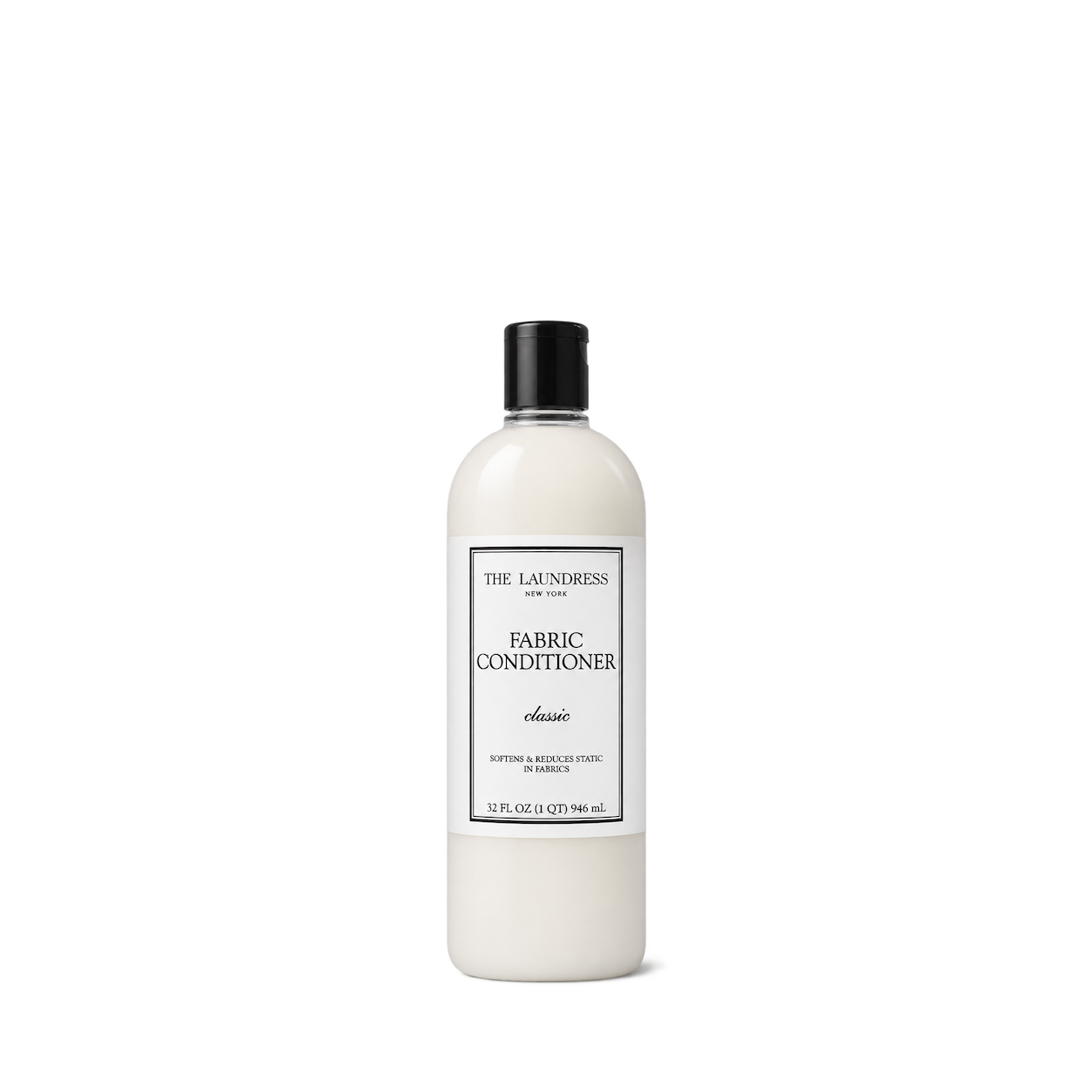
The Laundress
Fabric Conditioner Classic

Nellie's
Dish Butter

AspenClean
Kitchen Cleaner - Natural

Molly's Suds
Sink SCRUB™ Sink Cleaner

Puracy
Stain Remover Roller Pen

Full Circle
Lint Lock Bamboo Roller
 NEW
Yamazaki Home
Sponge & Bottle Holder - Steel · White



Andrée Jardin
Anti-pilling stone
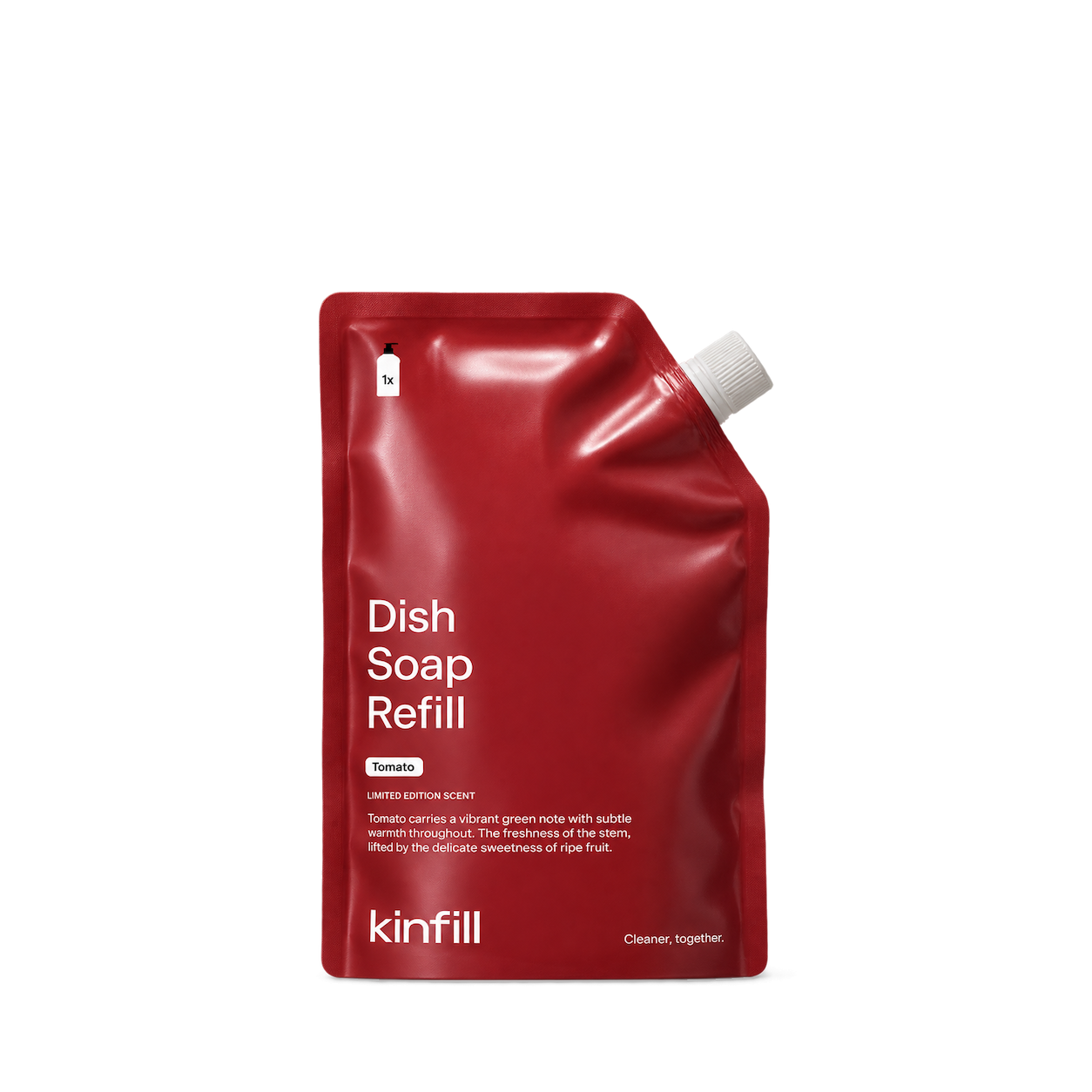
Kinfill
Tomato Dish Soap Refill
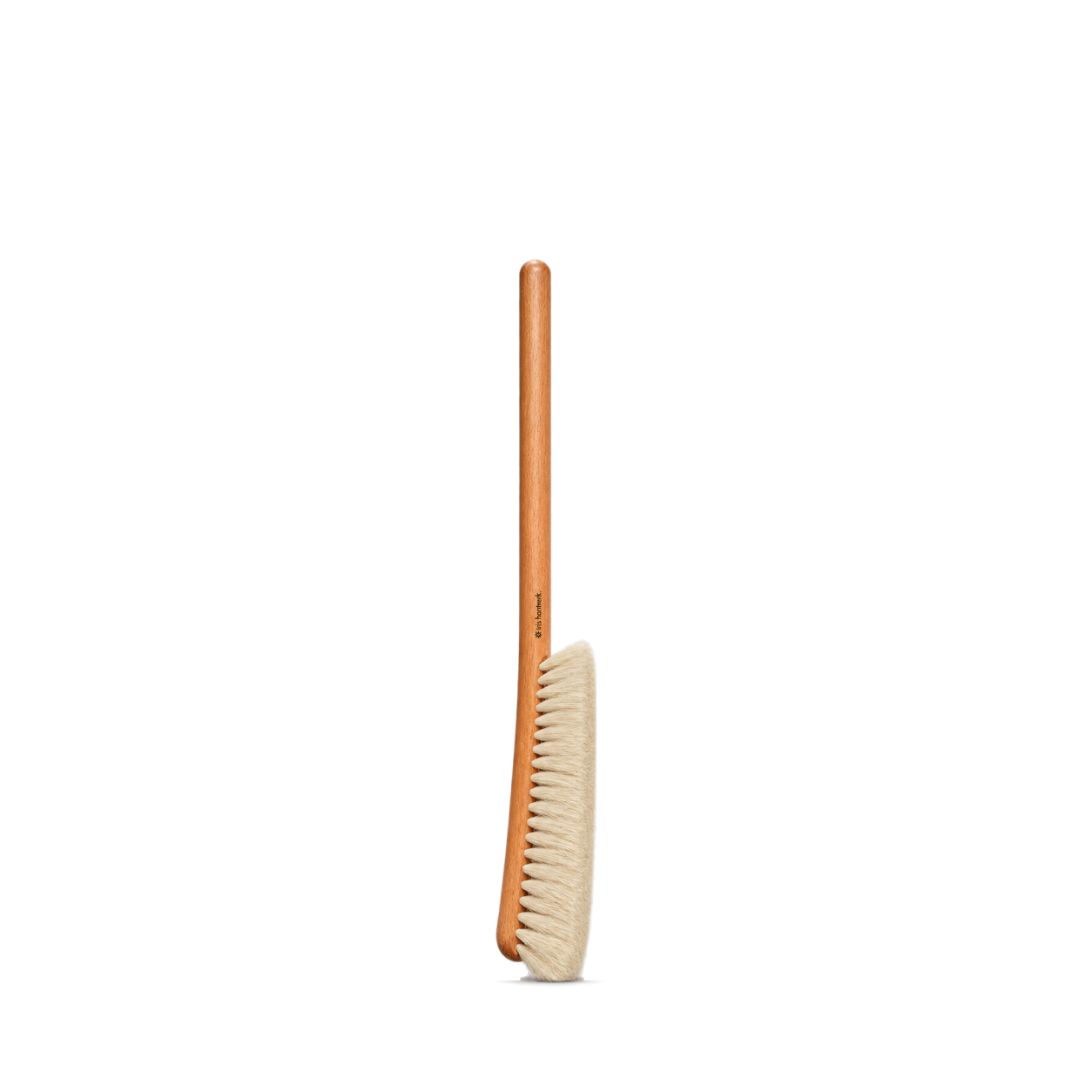
Iris Hantverk
Dust Brush Long handle
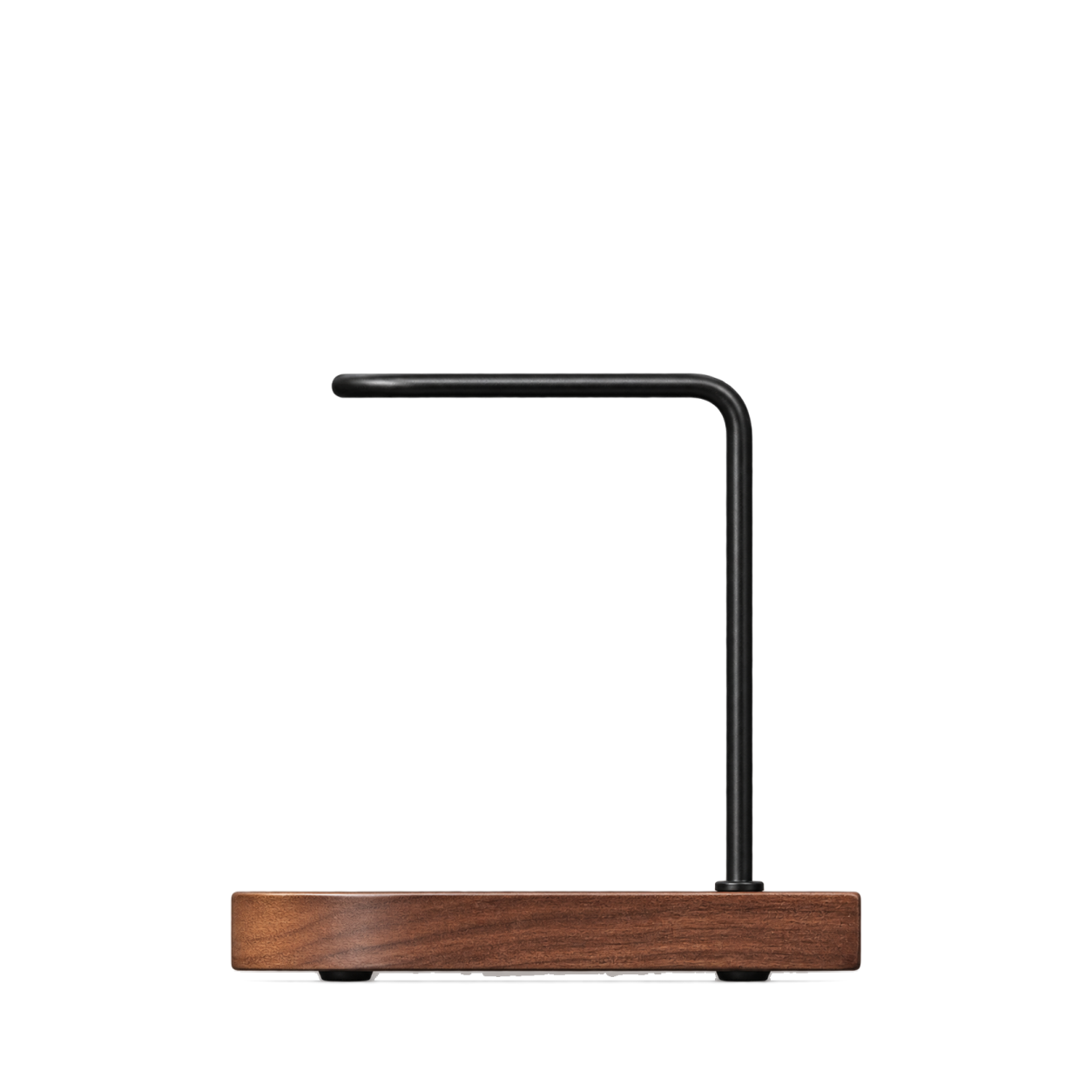
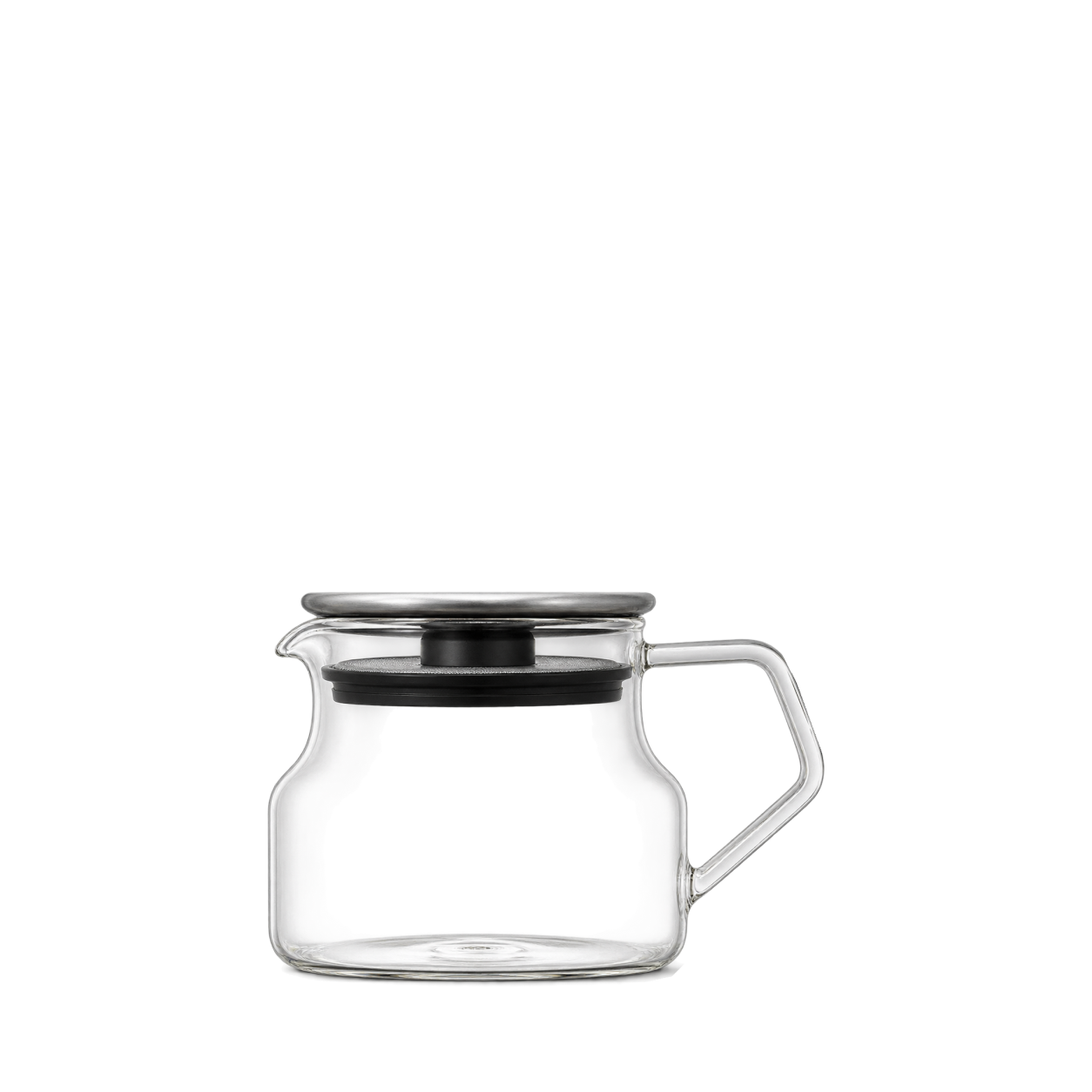

Zone Denmark
Dishwashing Station
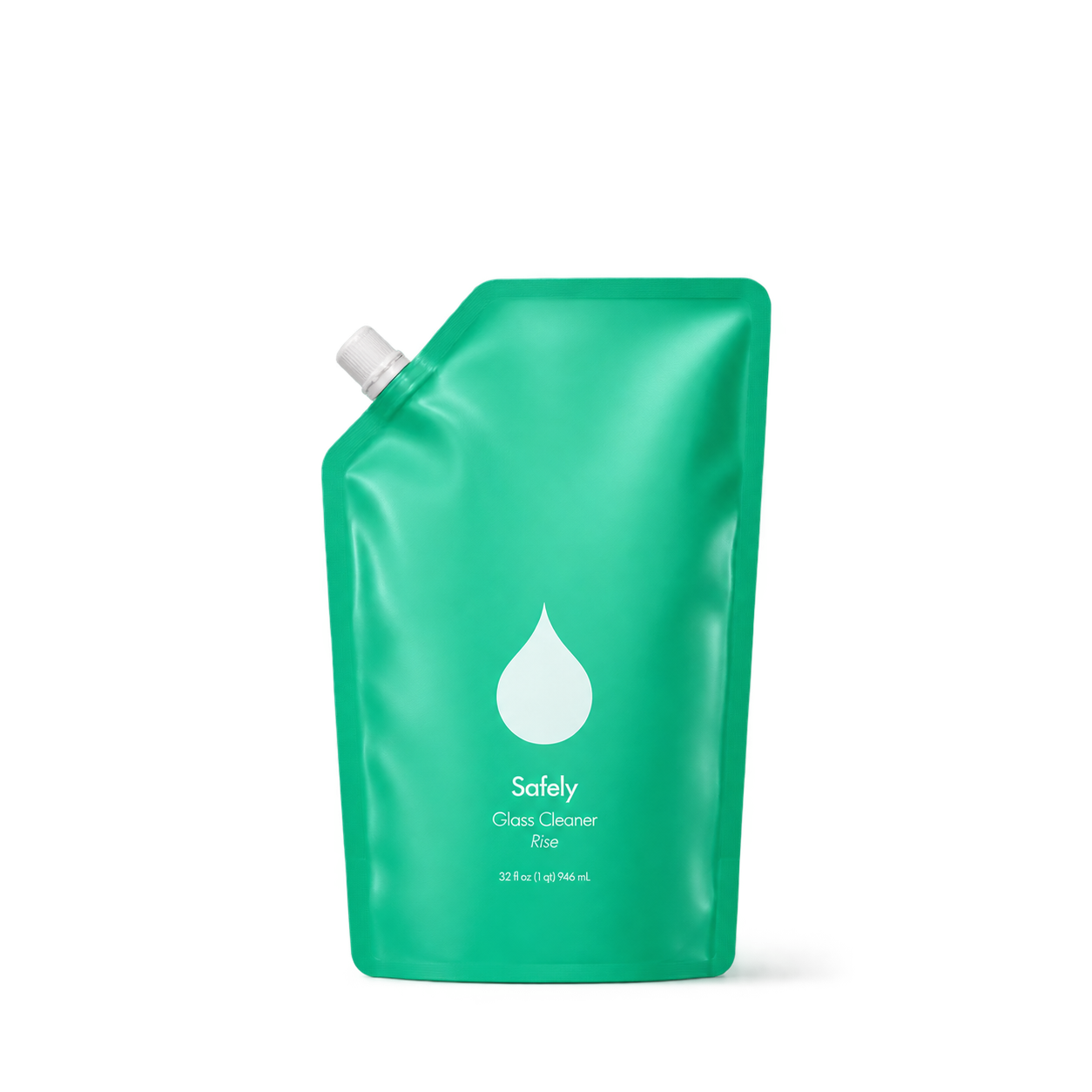
Safely
Glass Cleaner Refill
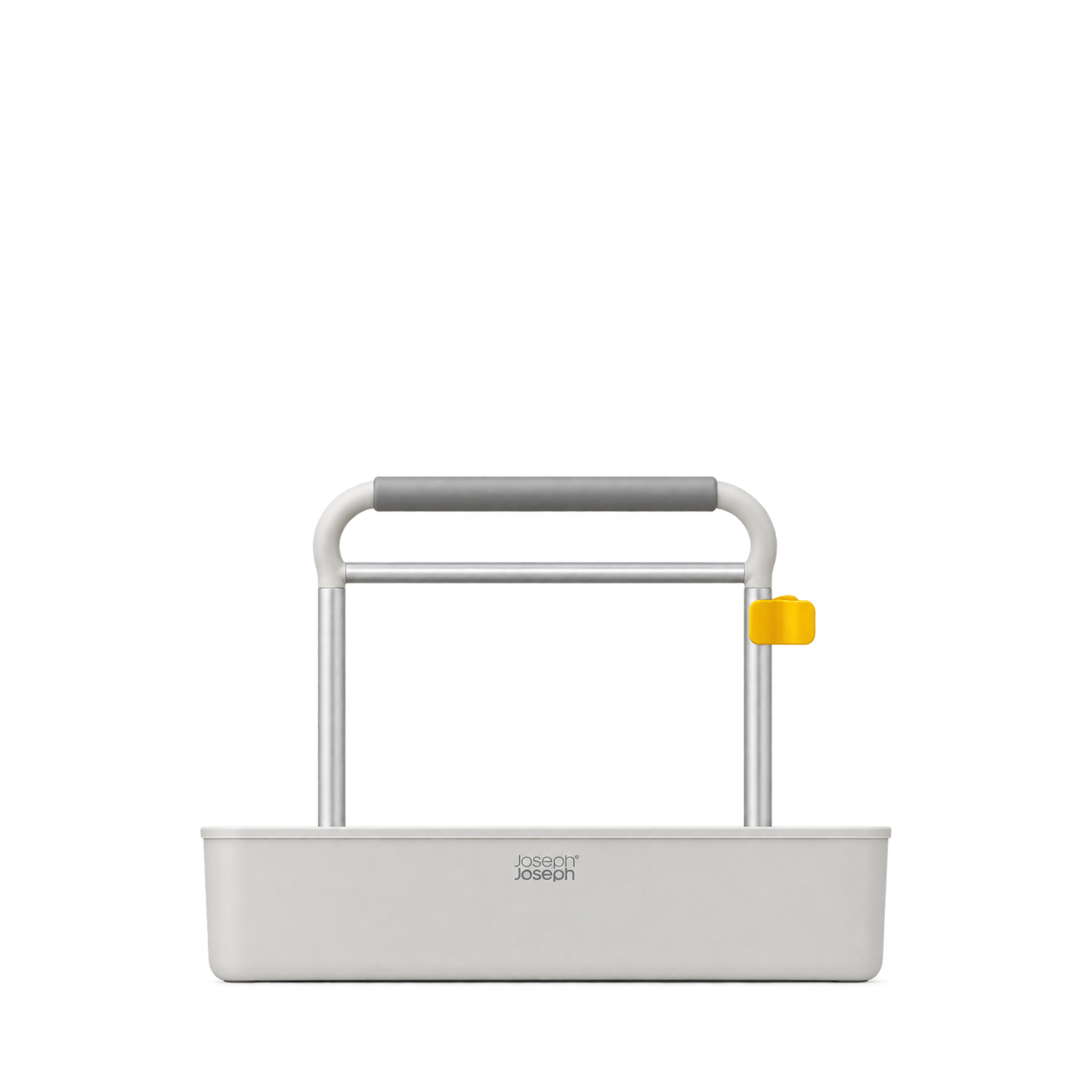
Joseph Joseph
CleanTech™ Tool Caddy Organizer
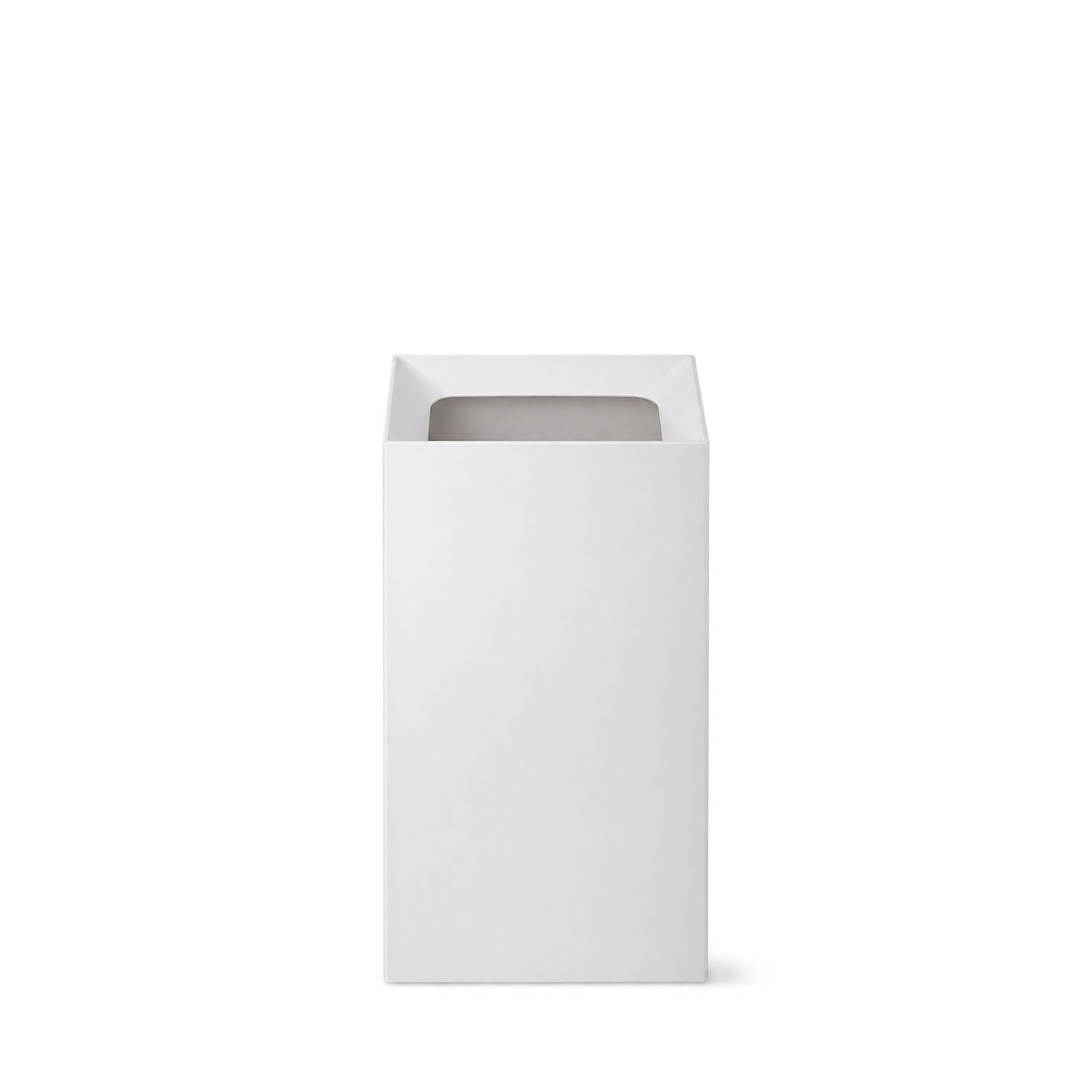
Yamazaki
Veil Trash Can · White

No matches, yet.
Try another brand or product, or give your filters a little room.
Showing 128 of 236
Browse the archiveAll collections
Browse by category


Bring the catalog into your app.
Connect for free to search product shots and get image URLs, dimensions, and source links.
Developer guide
Use with


FAQs
A few things you might be wondering.
Start here. No technical background needed.
What is Shelfhelp?
Shelfhelp is a library of product images for websites, apps, and designs. Find an image yourself, or connect your AI building tool so it can find and use images while you work.
Am I buying the products shown here?
You’re getting images of the products. Shelfhelp doesn’t sell or ship the physical items. Product source links take you to the brand or retailer if you want to explore the actual product.
Is Shelfhelp free?
Yes. Browsing the library, downloading images, and connecting the MCP are free. You don’t need a Shelfhelp account or subscription. The building tool you use may have its own costs.
How do I download an image?
Open the product shot you want, choose Get free PNG, and enter your email. We’ll send you a link to download the original image file, which you can upload into your website builder or design tool.
Your download link is valid for seven days.
Why do you need my email?
We use your email to deliver the original image’s download link. Requesting an image does not subscribe you to marketing.
You don’t need to enter an email to browse the library or connect your builder through MCP.
What does “Connect the MCP” mean?
It means giving your AI building tool access to Shelfhelp’s image library. Once connected, you can ask it to find product shots and use them in your project.
MCP is simply the connection that lets the two tools work together.
How do I connect it to my builder?
Select Connect the MCP and copy the connection link. In your builder’s settings, look for an option to add an MCP server or custom connector, then paste the link.
The exact steps depend on your builder. Start with our connection guide.
Can I use Shelfhelp without MCP or coding?
Absolutely. You can browse the library, request an image by email, and upload the downloaded file into your project yourself.
The MCP connection is optional. To use it, your building tool needs to support connecting to a remote MCP server.
What should I ask my AI builder?
Start with something like:
“Find five skincare product shots from Shelfhelp and use them on my homepage.”
For a specific product, include the brand and product name. If the color, size, or flavor matters, include that too—and check that the selected image matches.
What will people see on my finished website?
They’ll see the product images your builder places in your design. Your builder controls the layout, colors, text, and interactions.
Connecting Shelfhelp alone doesn’t change your website. Your visitors don’t need to connect to Shelfhelp or understand MCP.
What if the image I want isn’t in the library?
Try searching by brand, product name, or a broader category. The MCP finds existing images; it doesn’t generate new ones.
If you need an exact product or version, check the result carefully before using it.
Can I use these images in a live store, client project, or ad?
Check the image’s usage rights and approval details first. Free access doesn’t automatically grant permission for every commercial use.
The library includes independent product studies, so a pictured brand doesn’t mean that brand approved the image. If permission is unclear, confirm it before publishing.