 Shelfhelp.ai













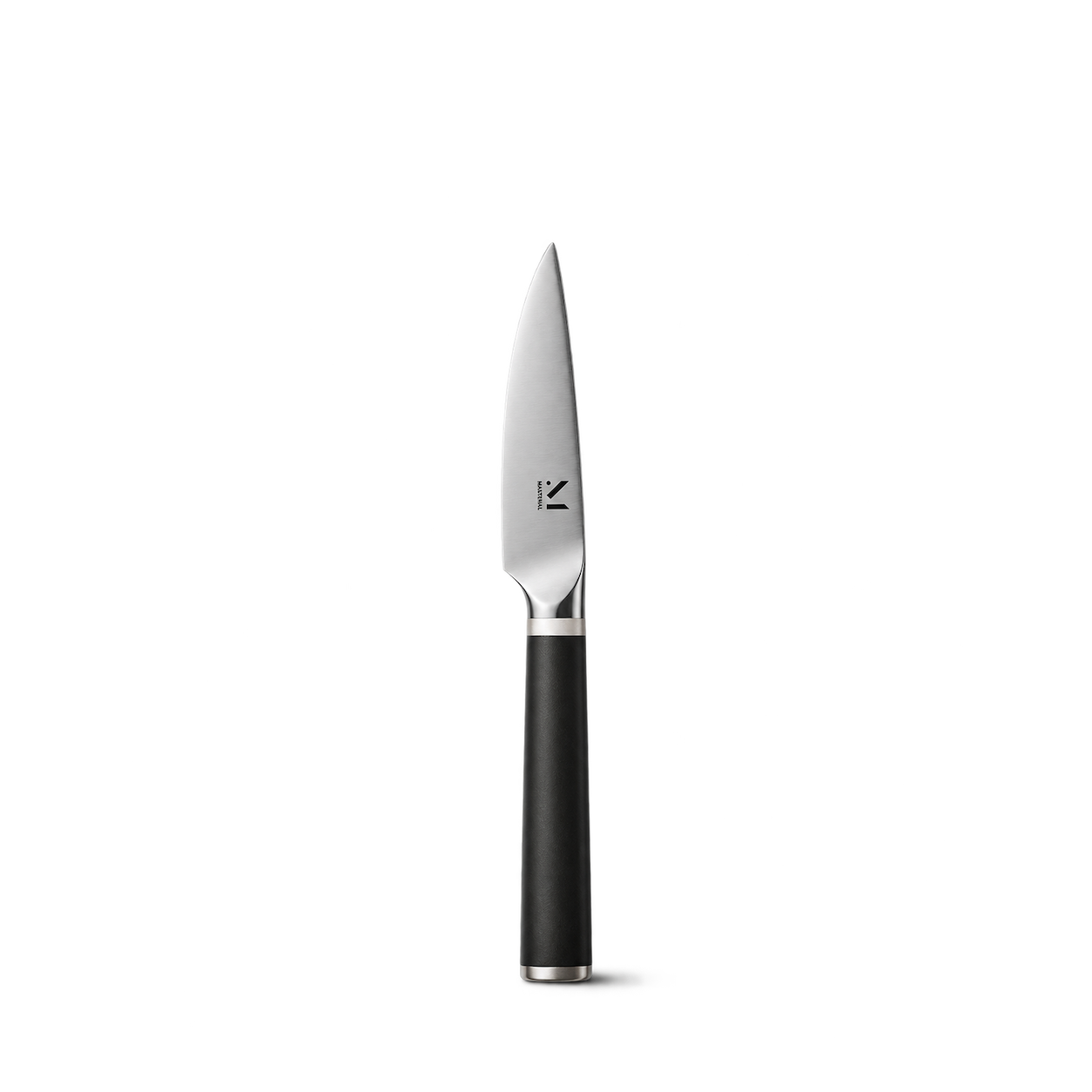
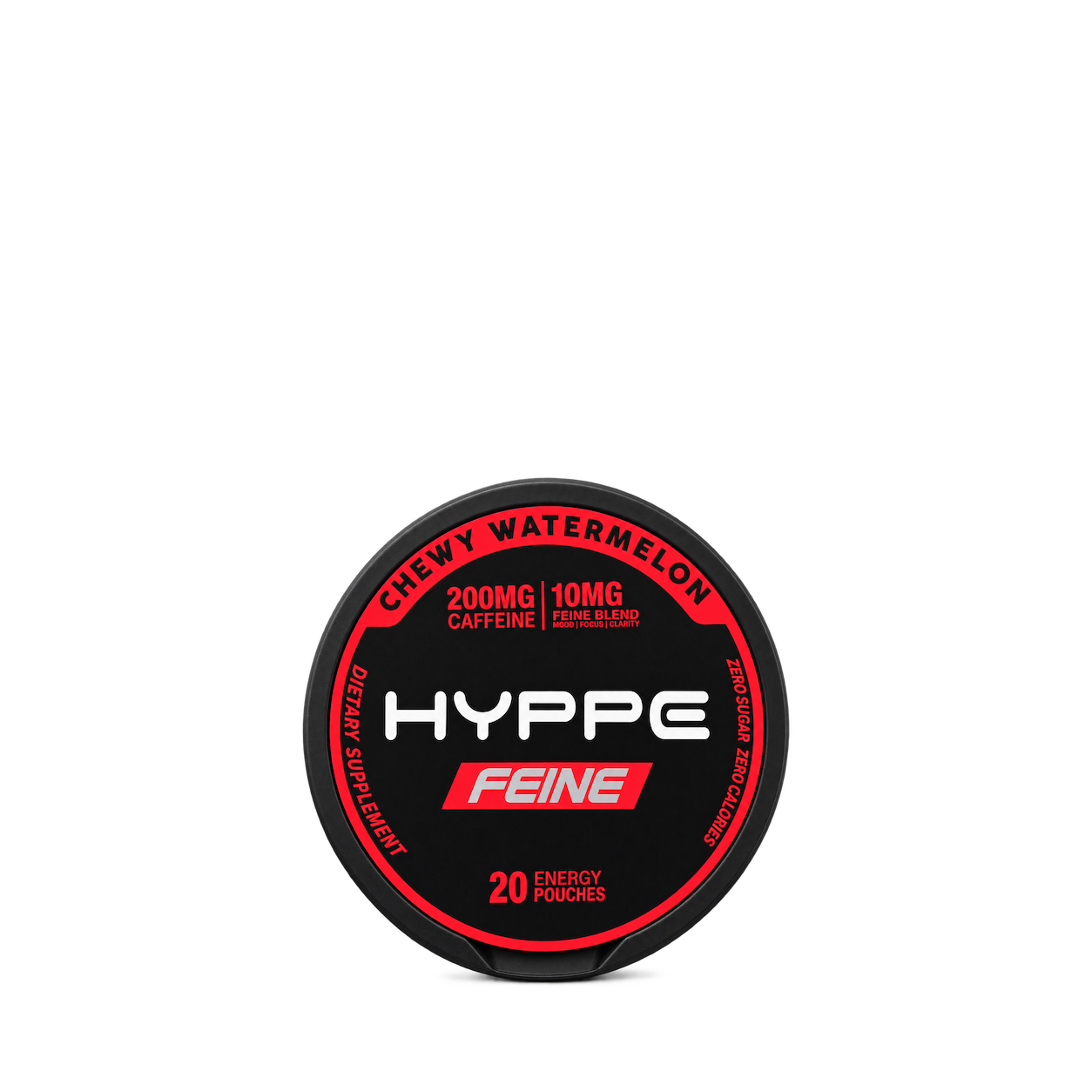
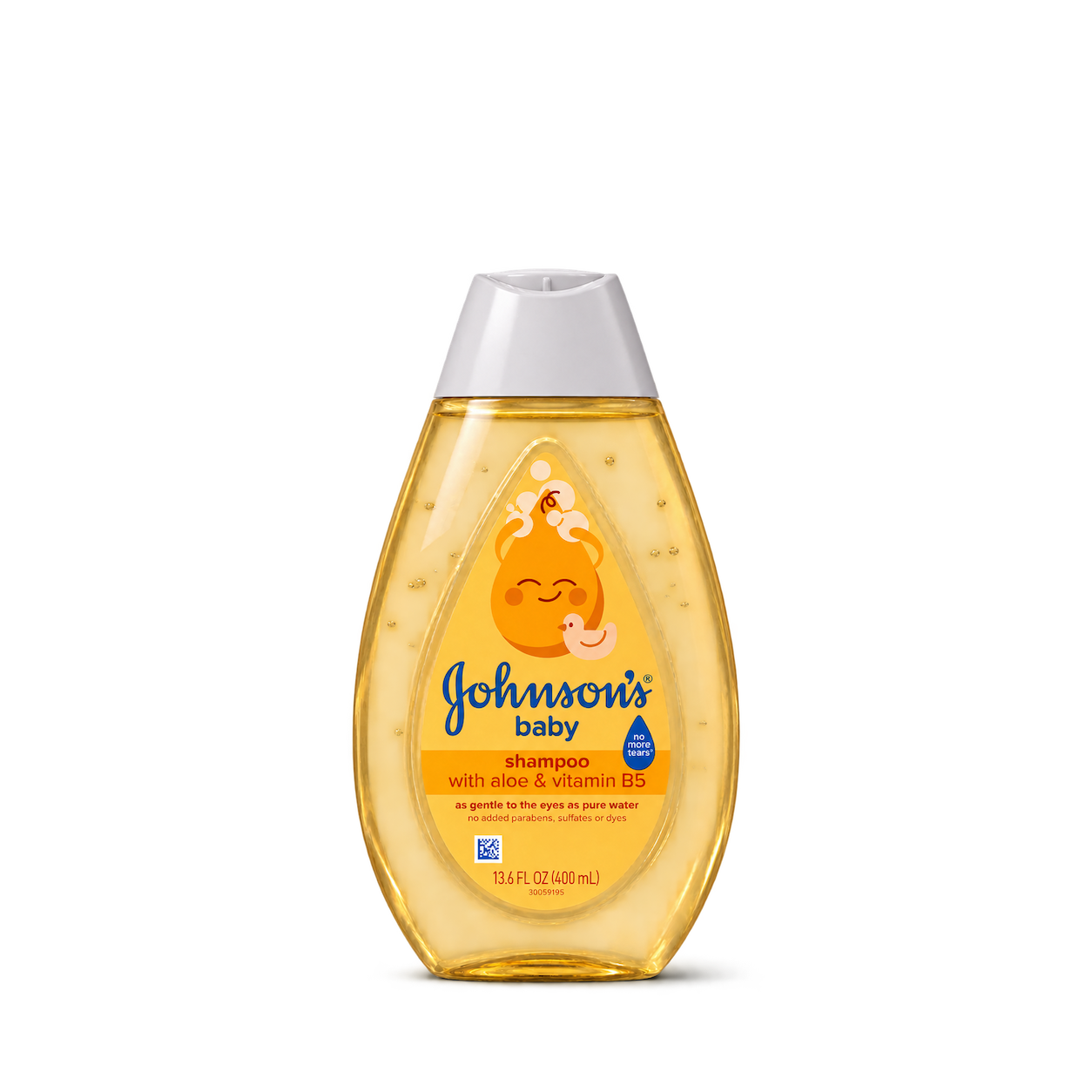
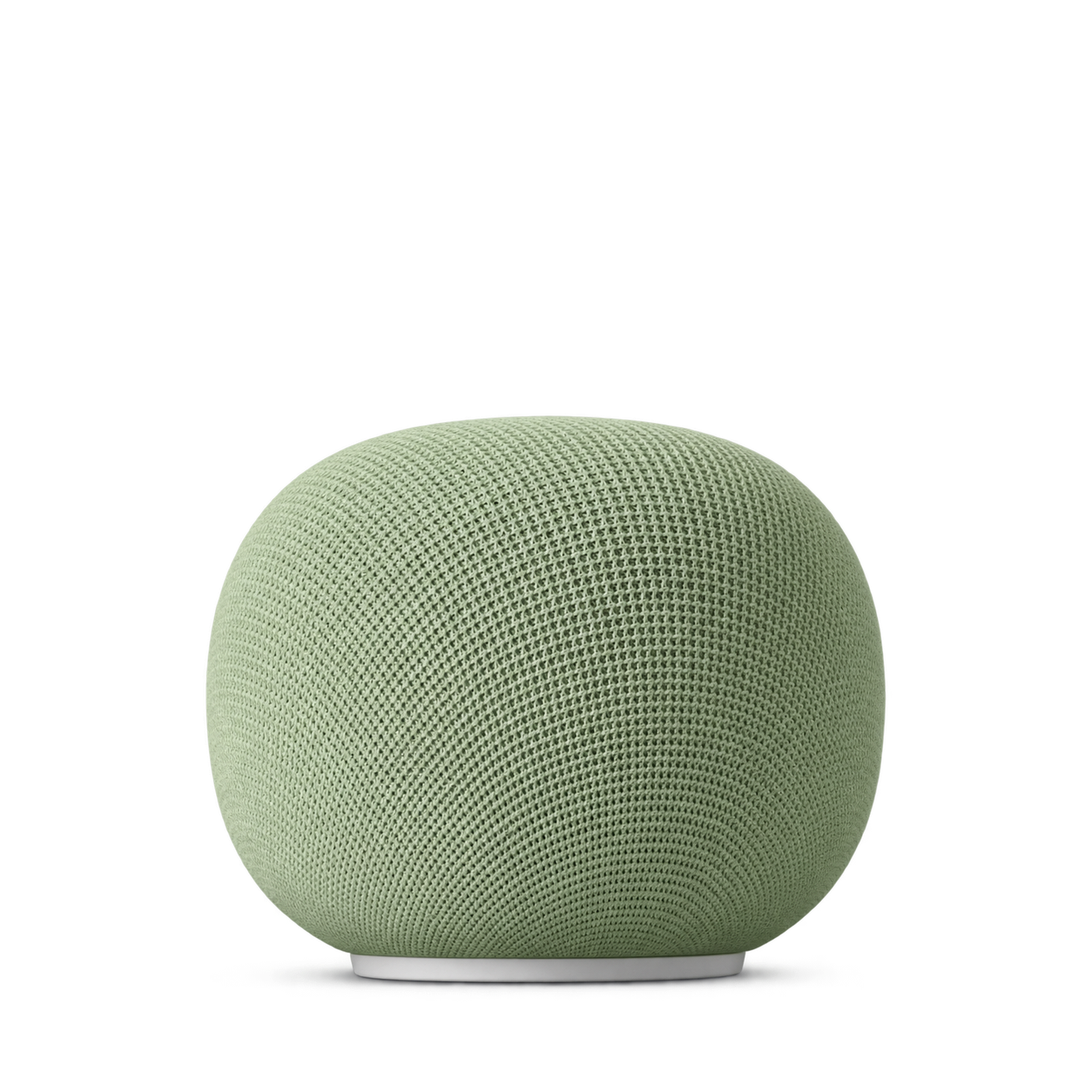
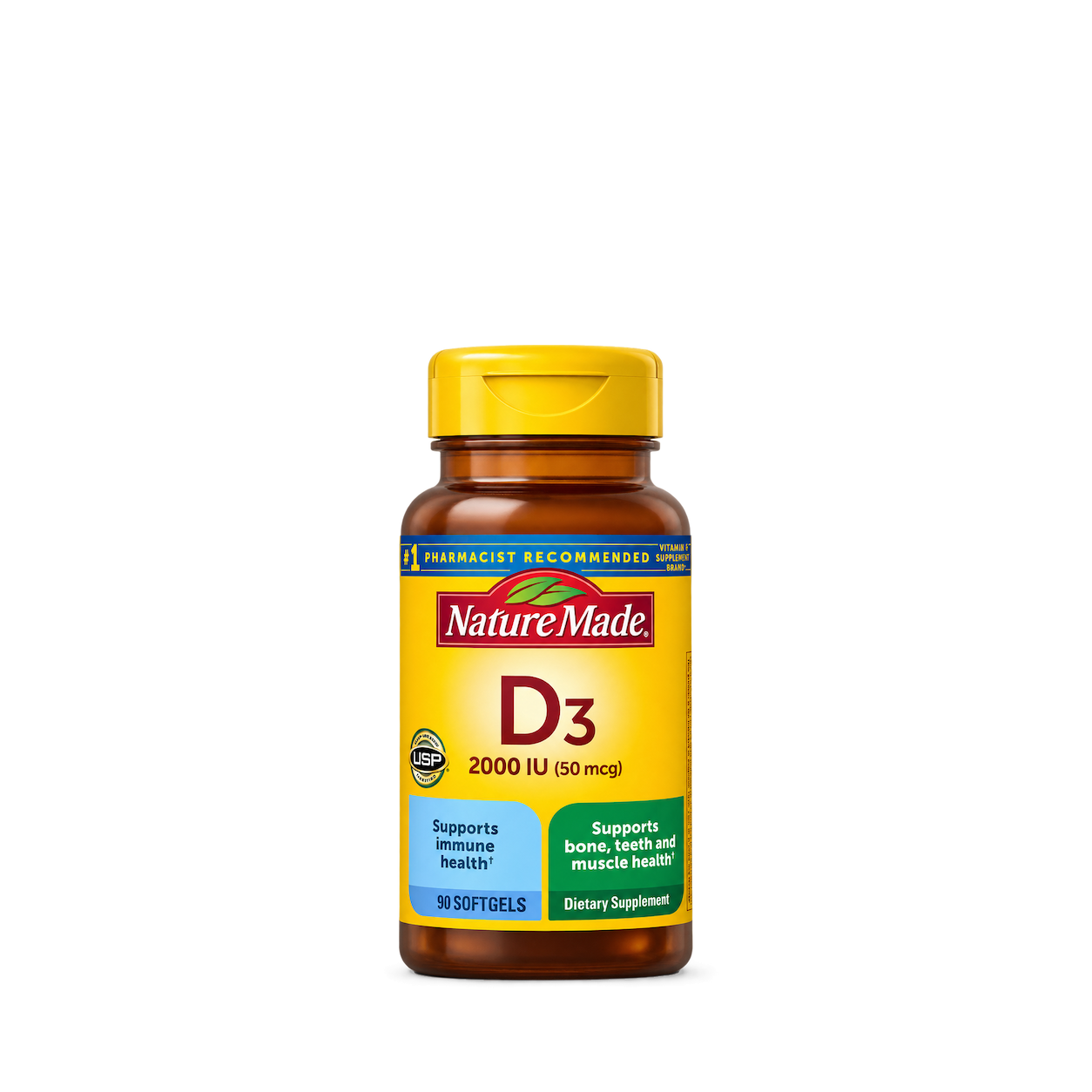
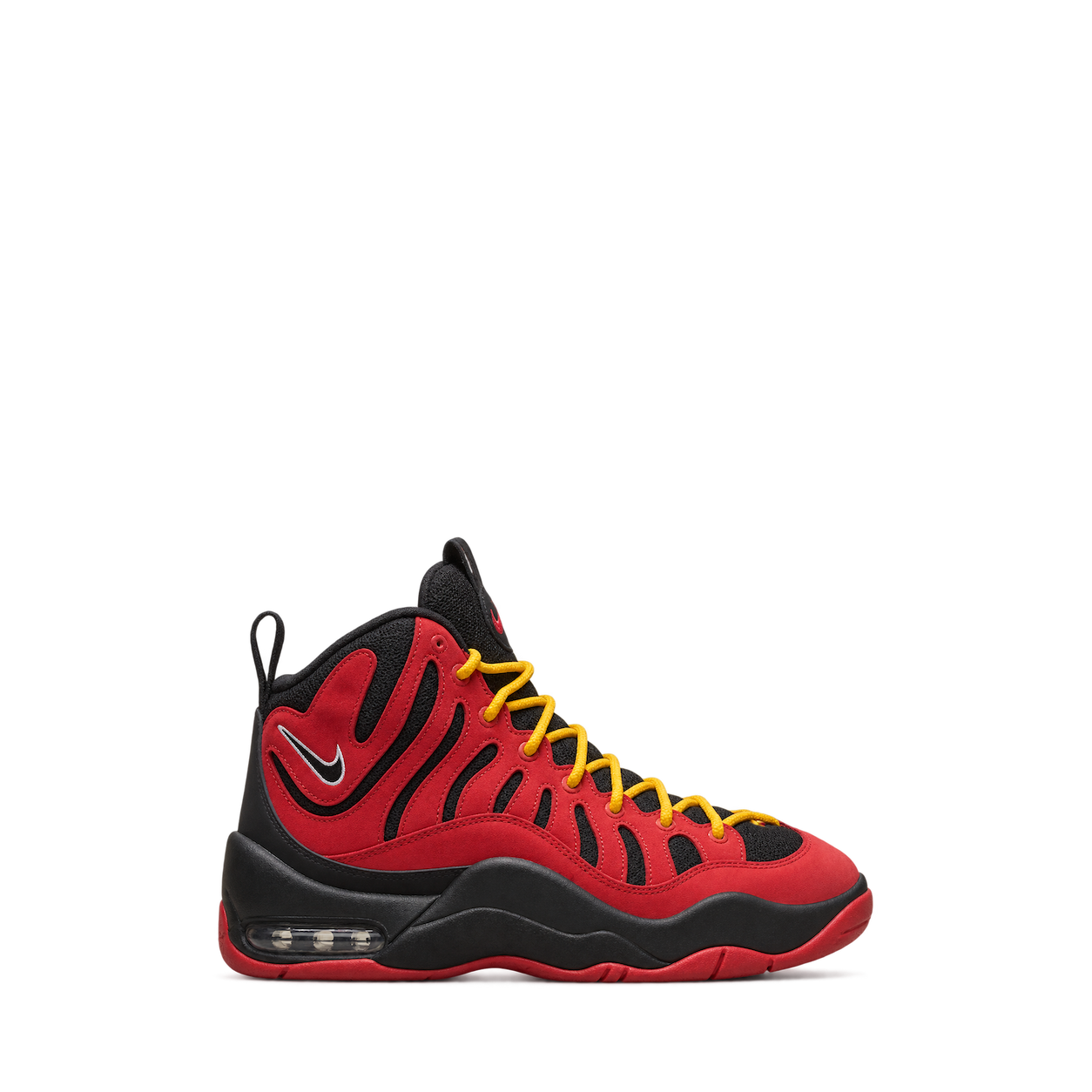

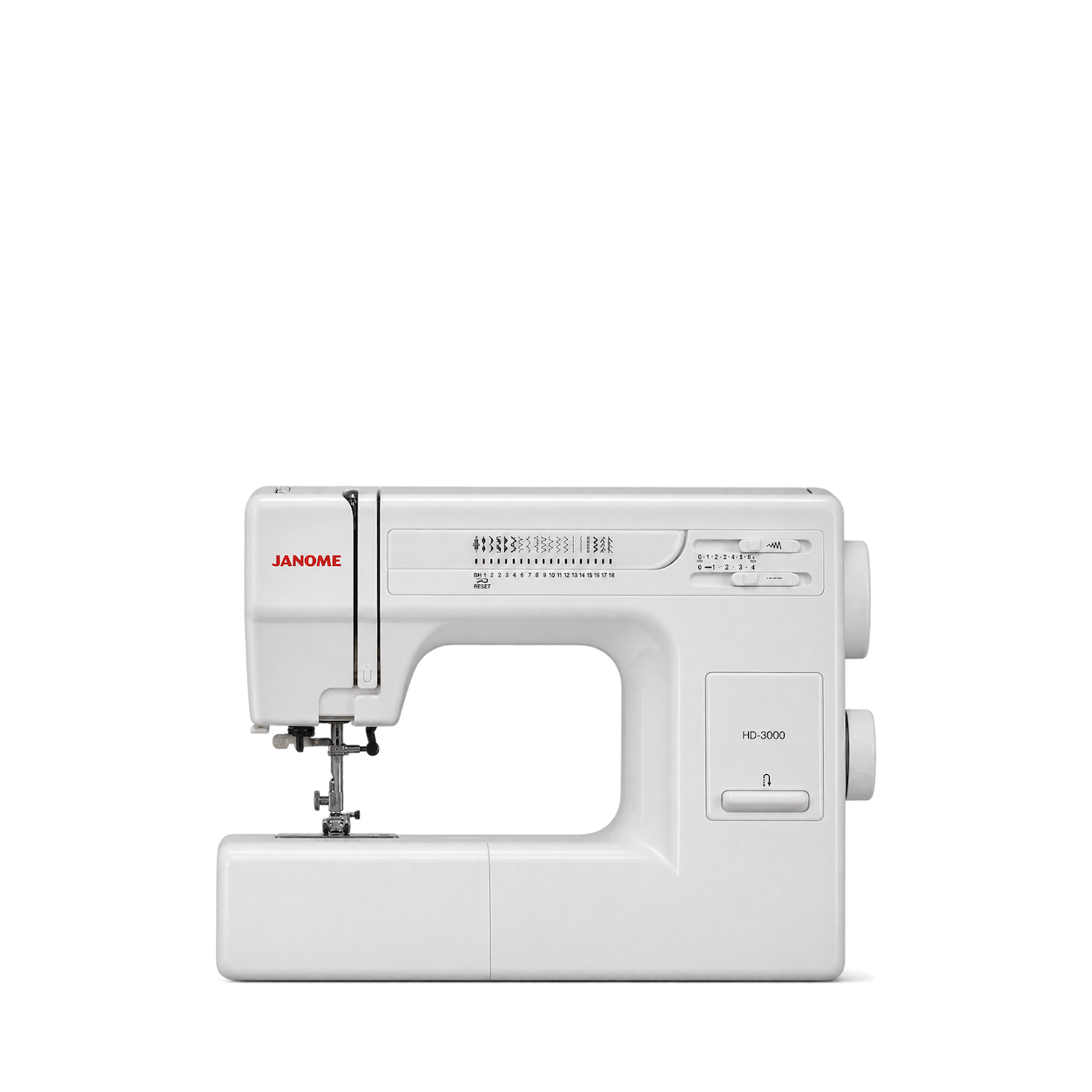
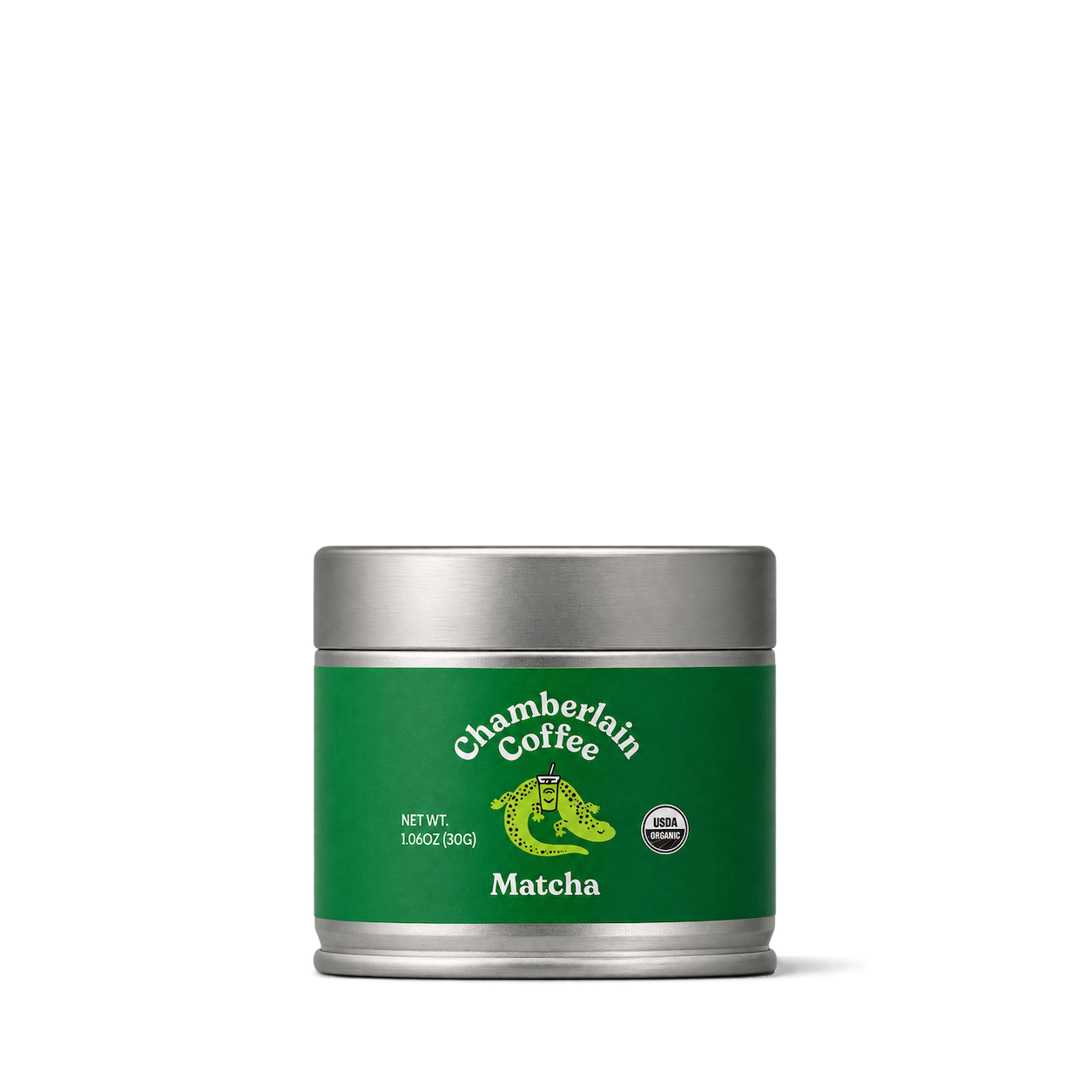




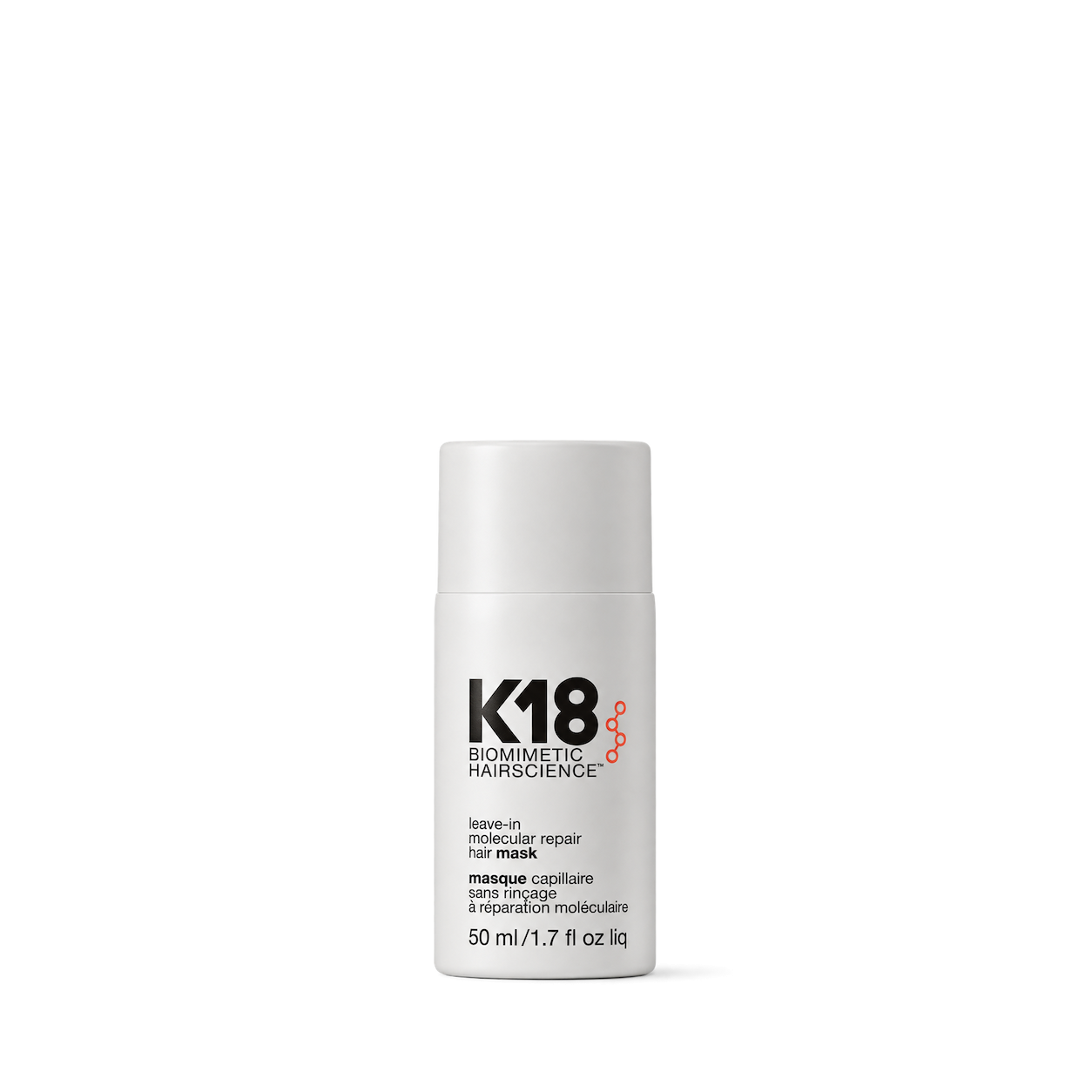
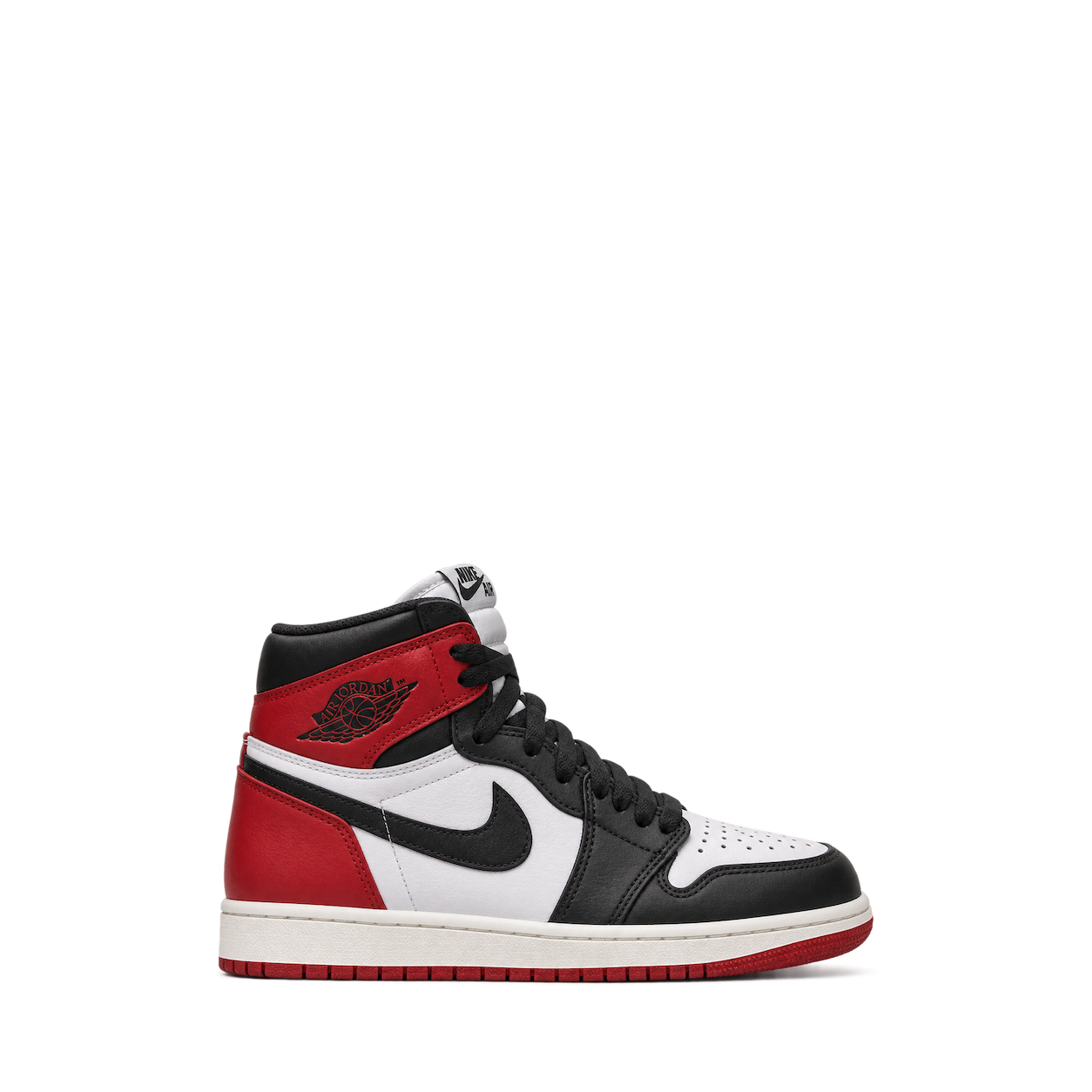
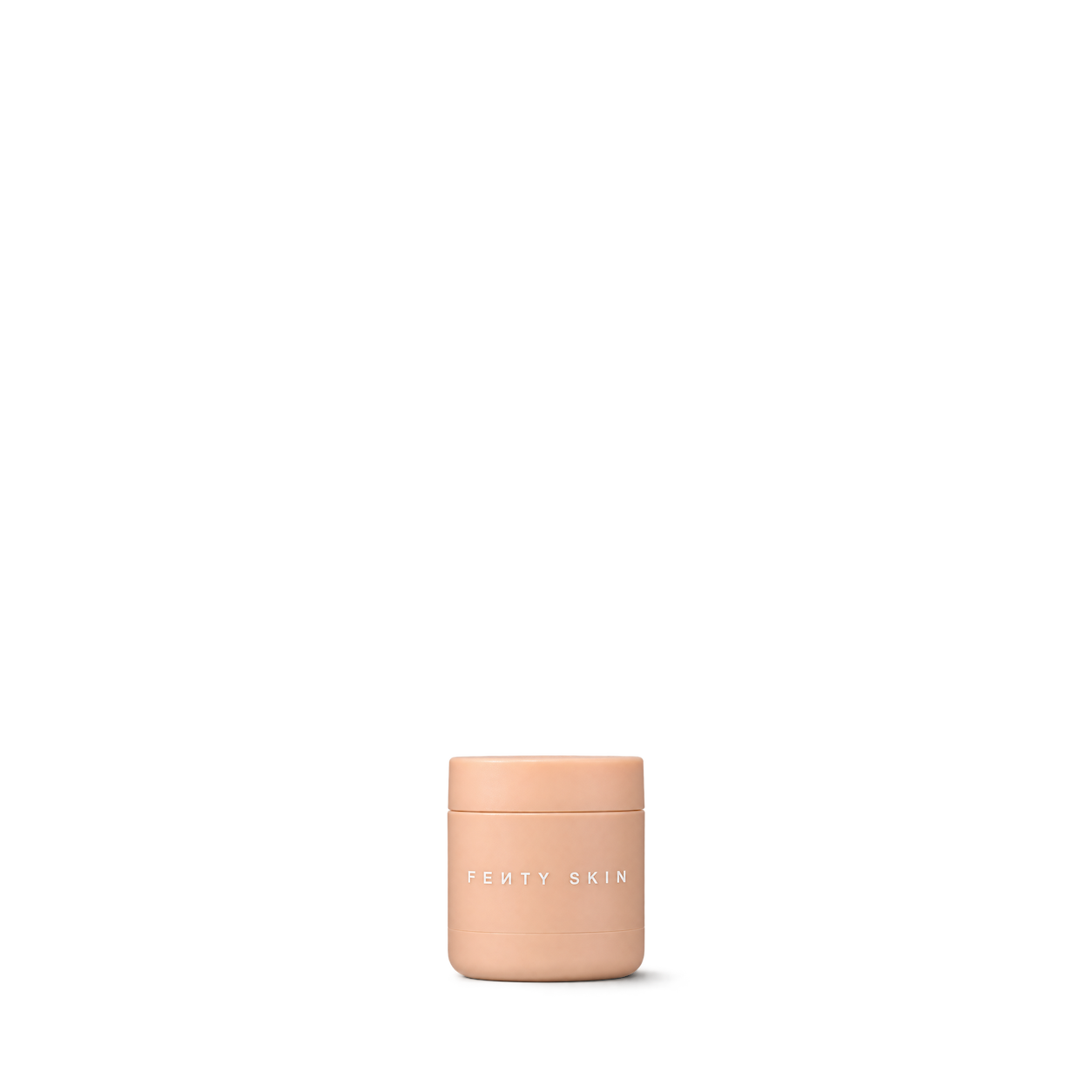
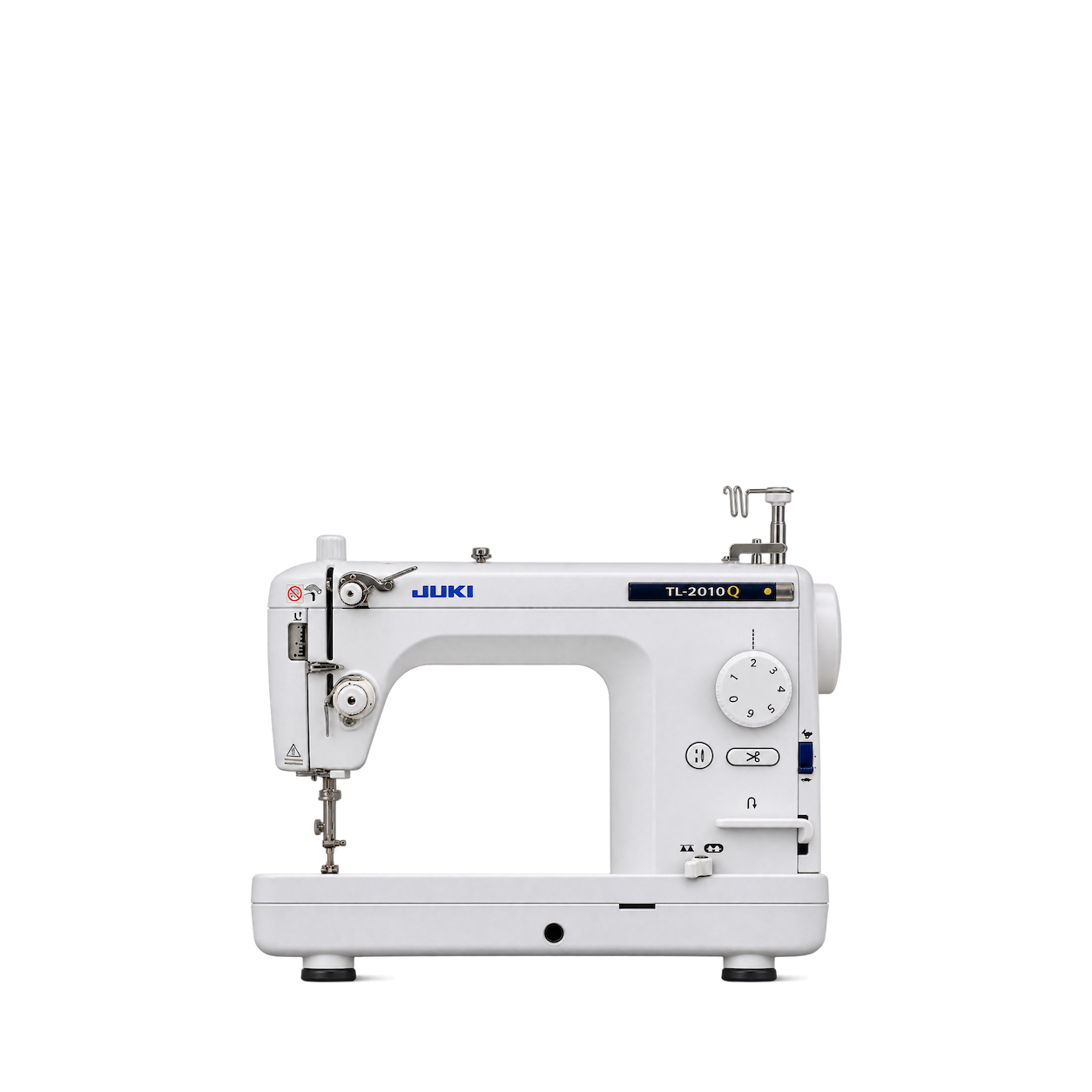













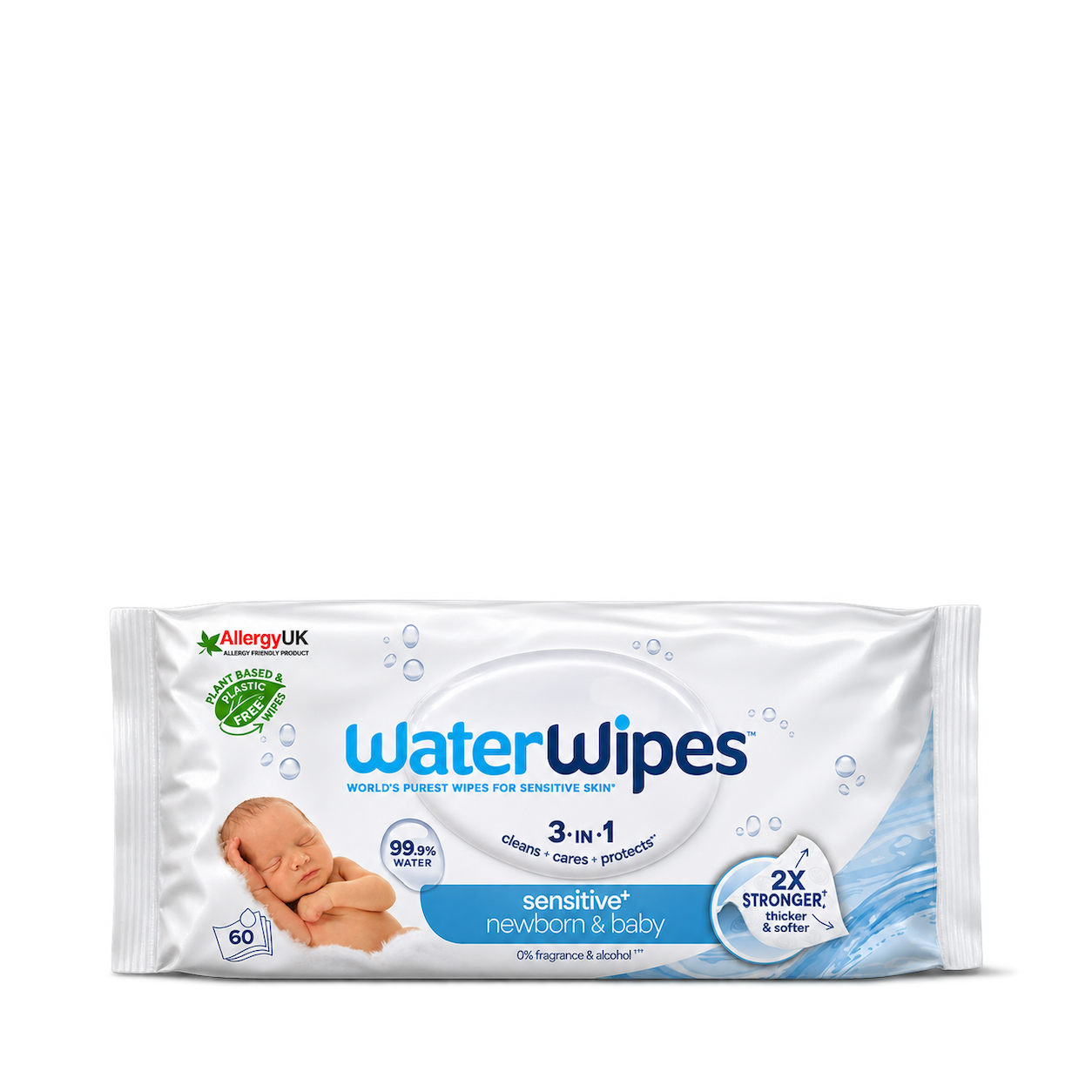


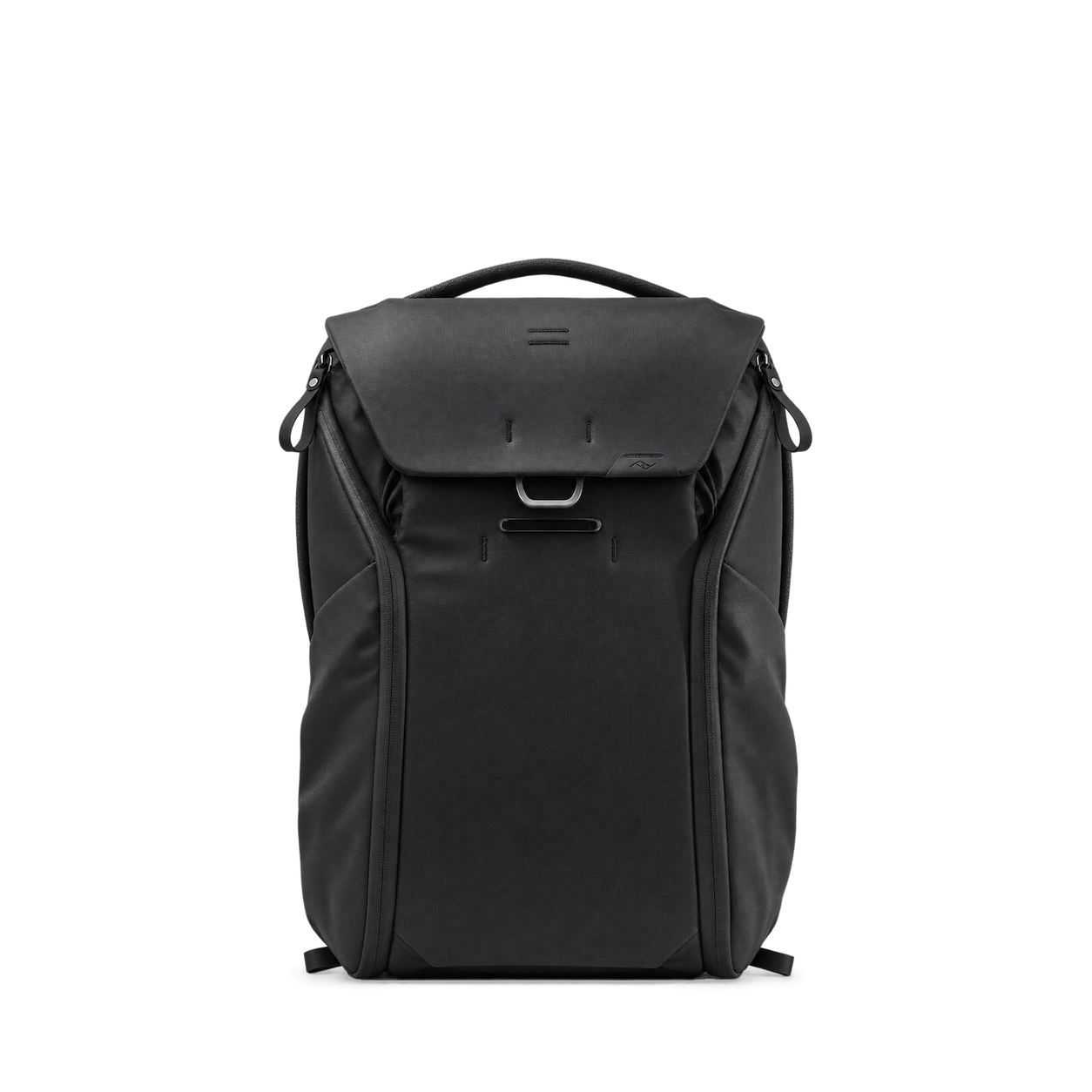

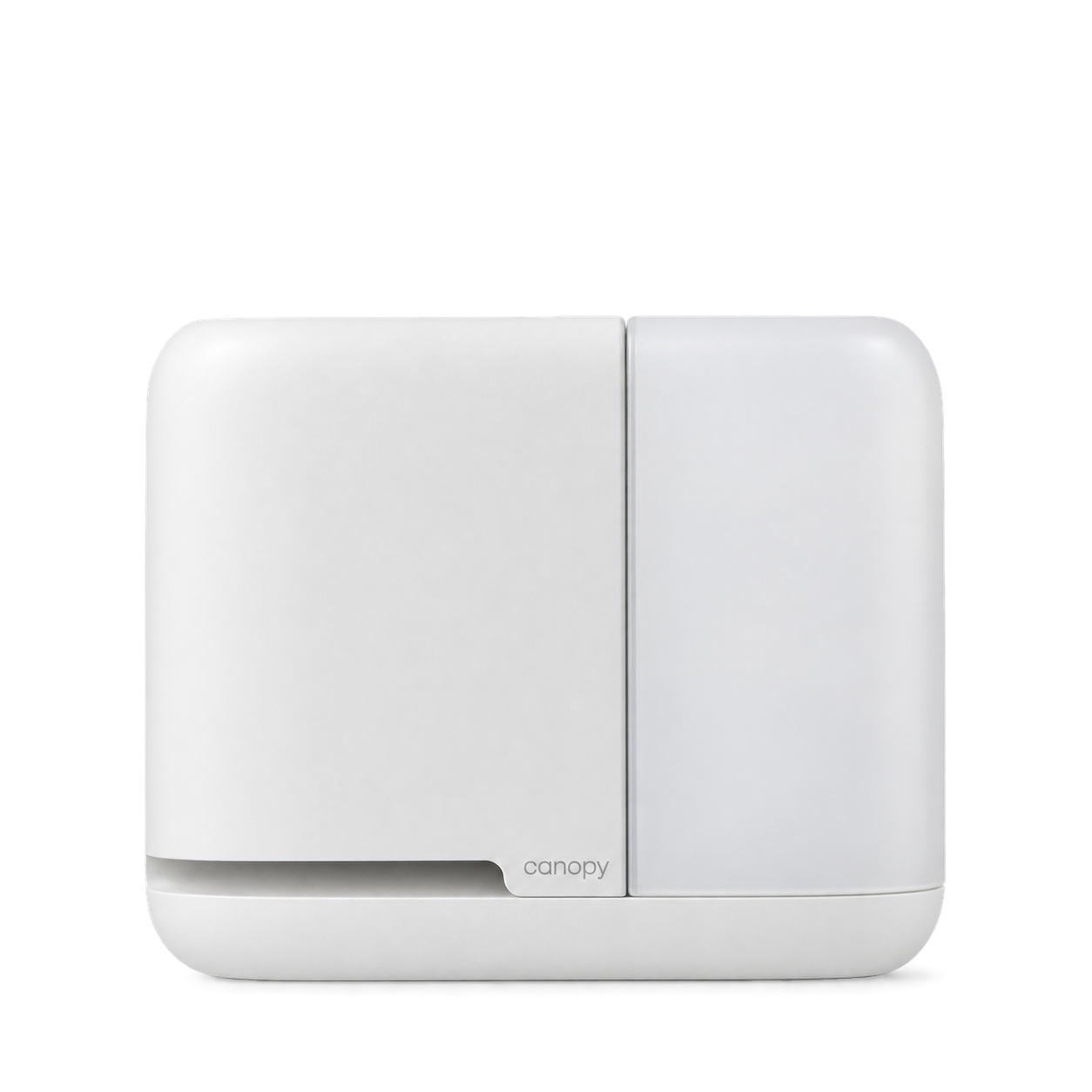


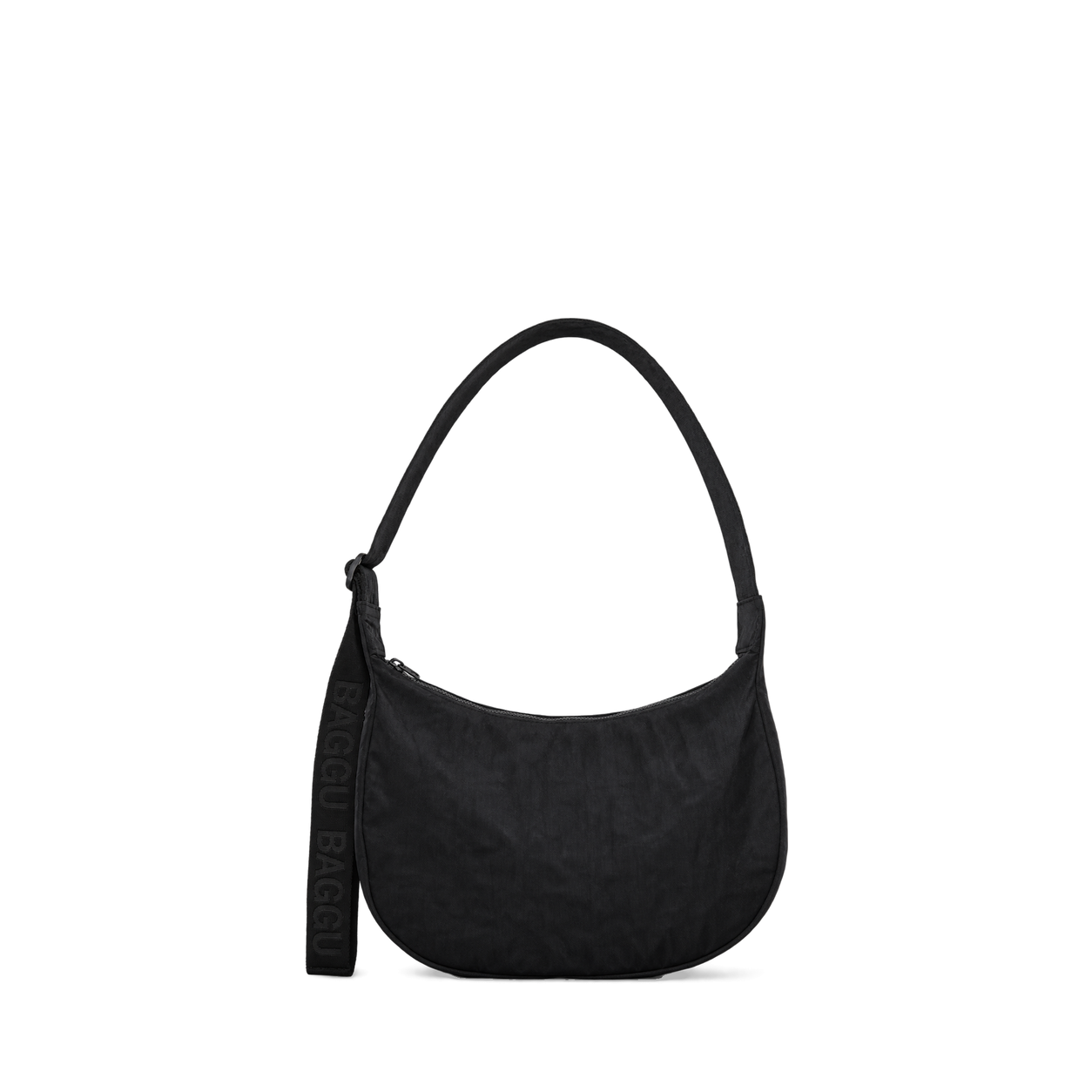




The Official MCP For Product Shots
12,572 free product images
For websites, apps, and AI tools.
Find an image
CollectionsTap an image to view details and get the free PNG.
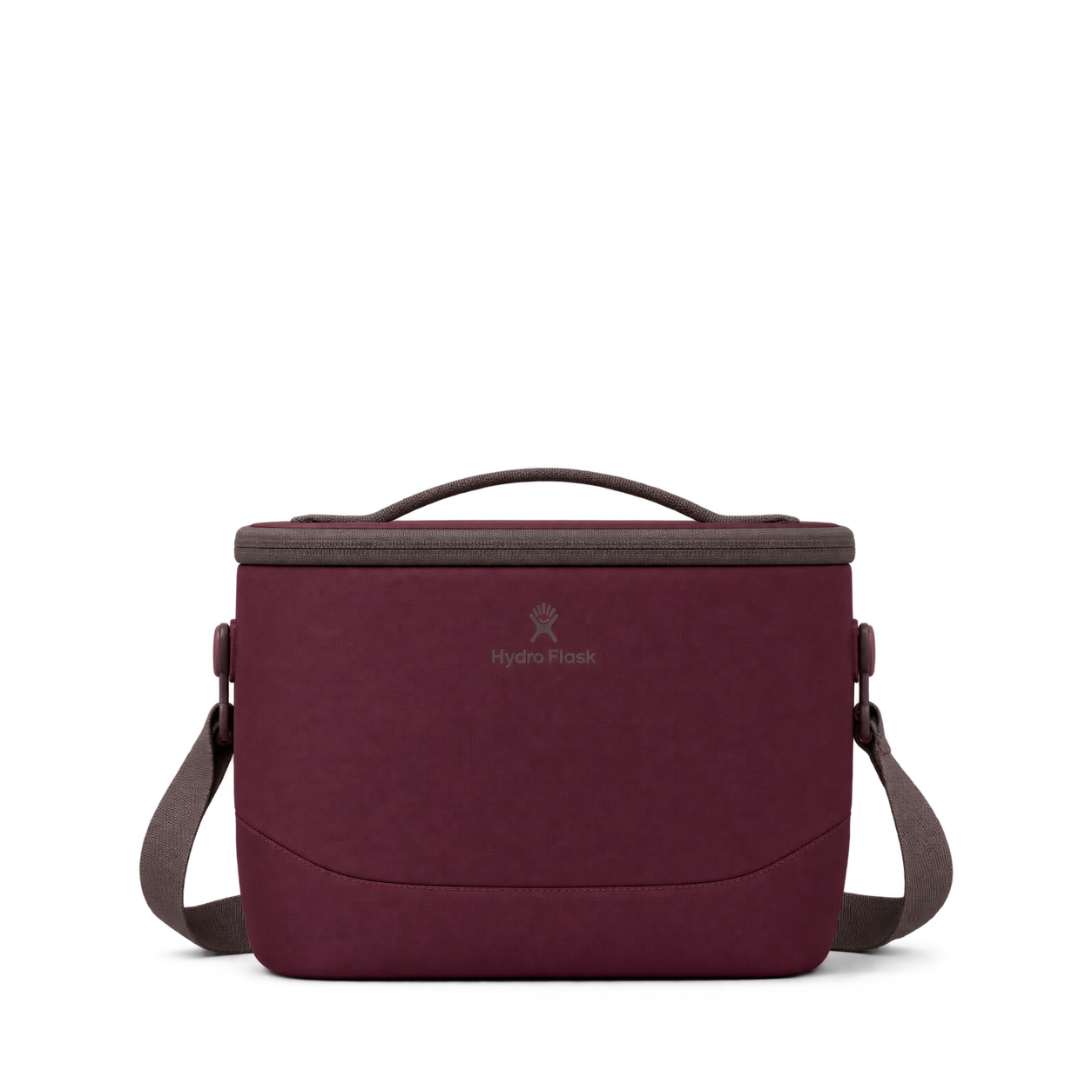
Hydro Flask
Carryout Lunch Bag · Burgundy

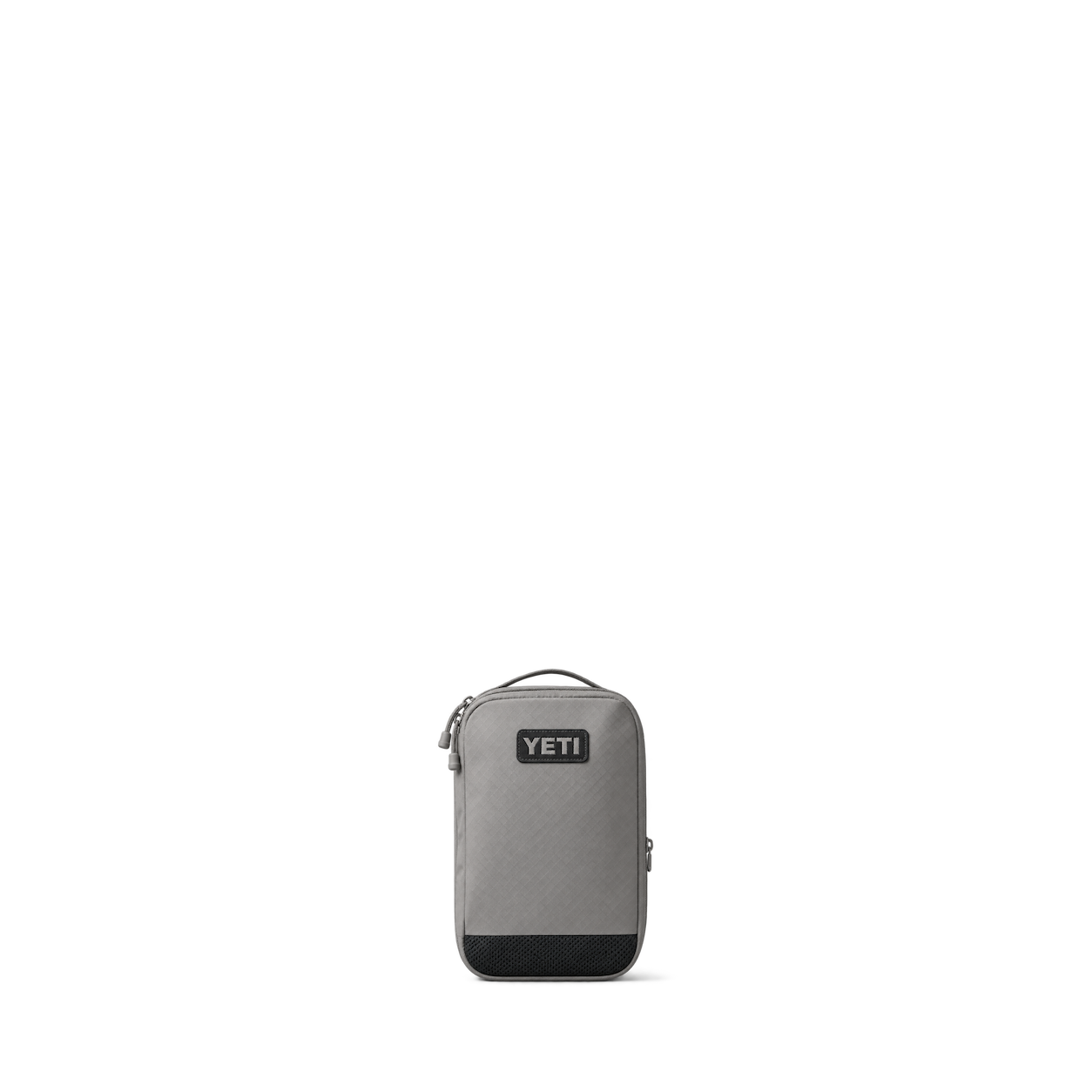

Cotopaxi
Todo 3L Bucket Bag · Husk

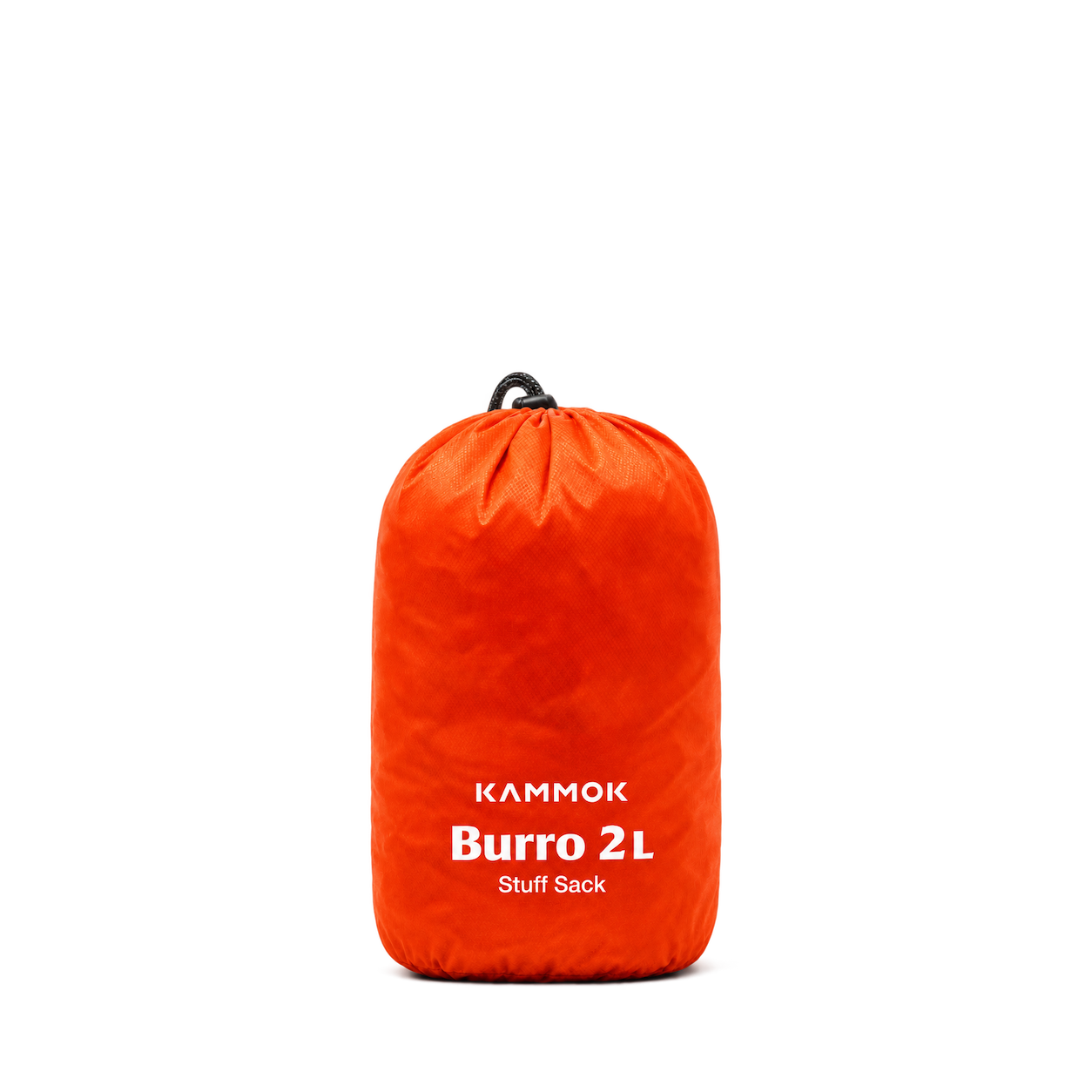
Kammok
Burro Bag · 2 Liter
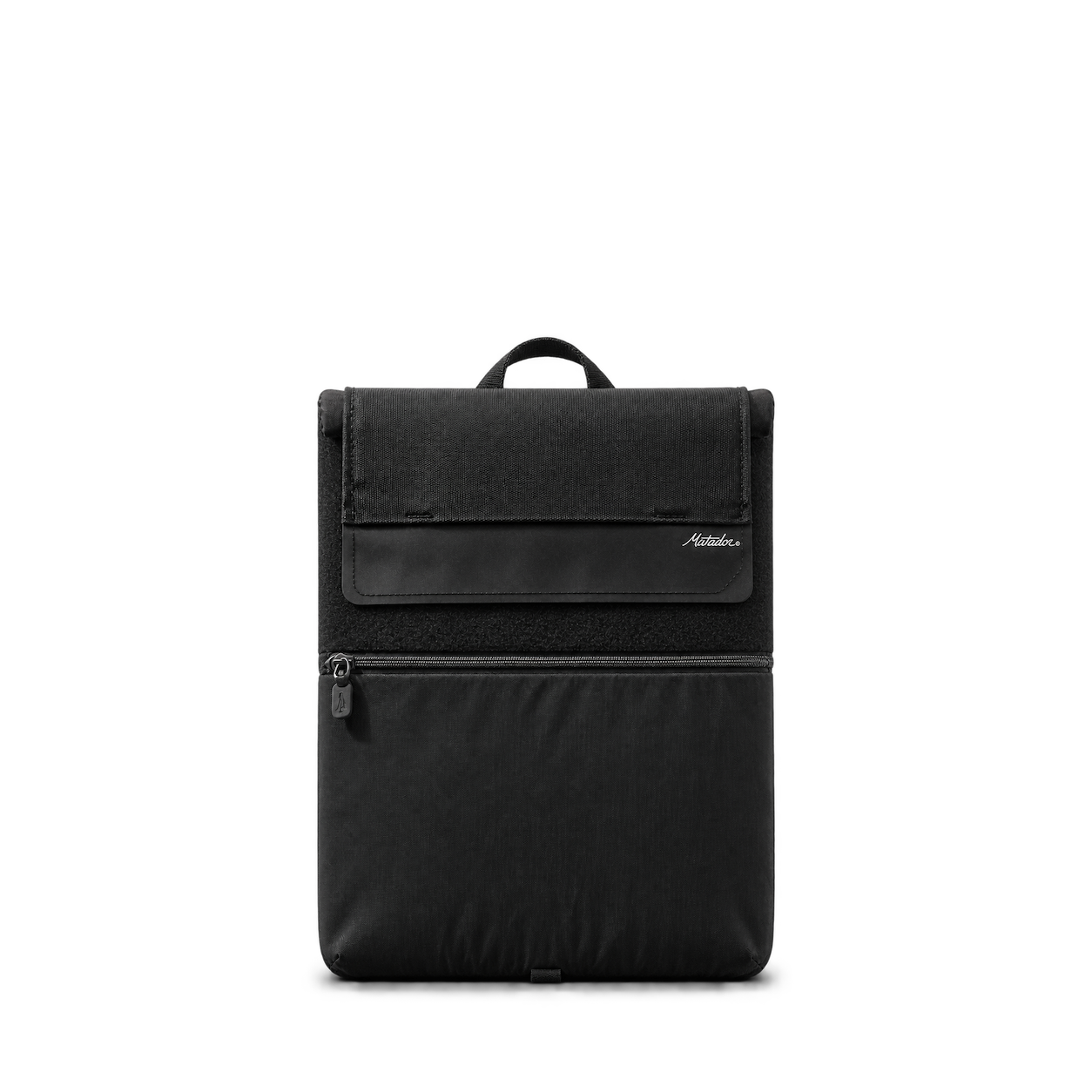
Matador
Laptop Base Layer · Black

Topo Designs
Burrito Bag · Midnight

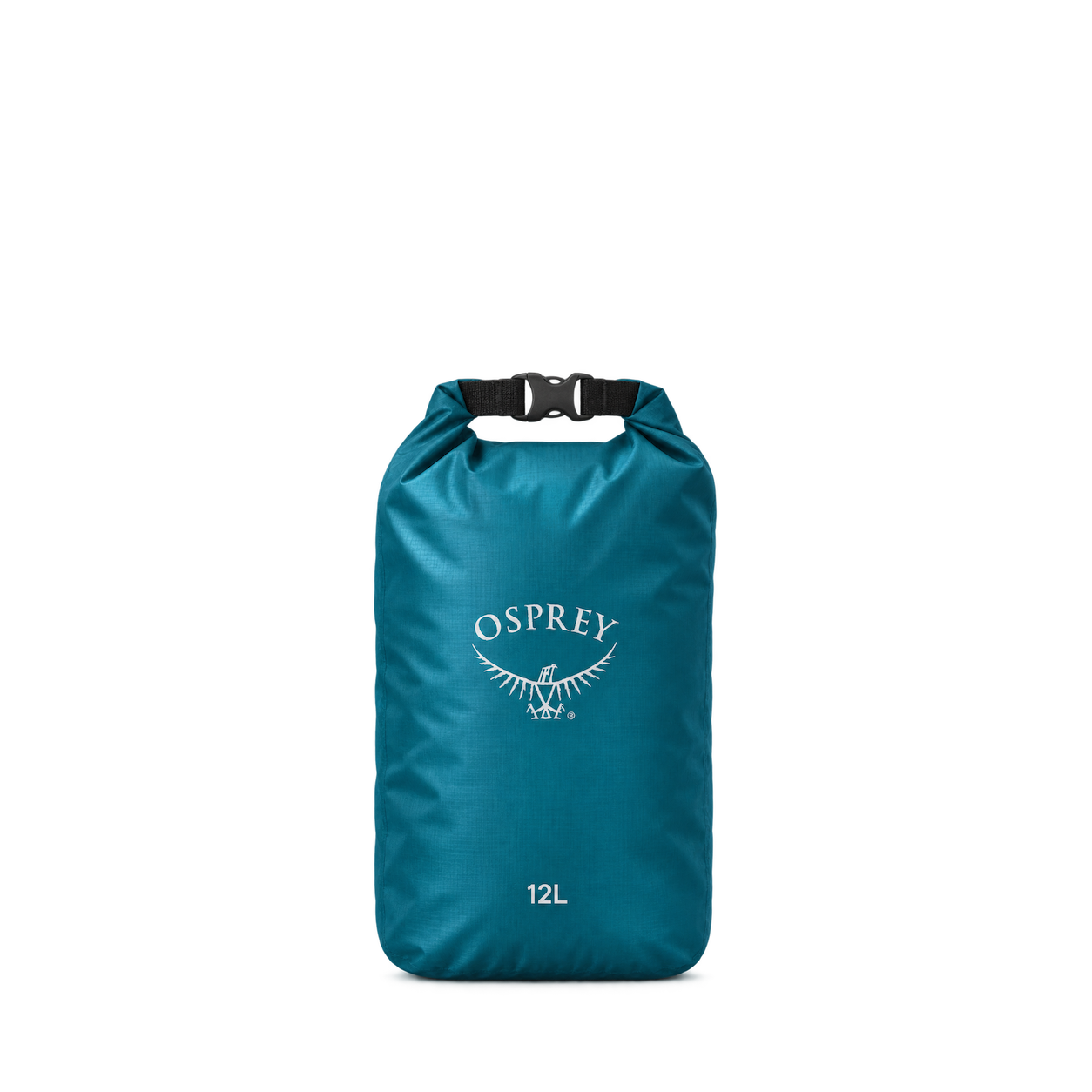
Osprey
Ultralight Dry Sack 12L


Eagle Creek
Pack-It Reveal Packing Cube M Blue

Fjällräven
Kånken Classic Forest Green
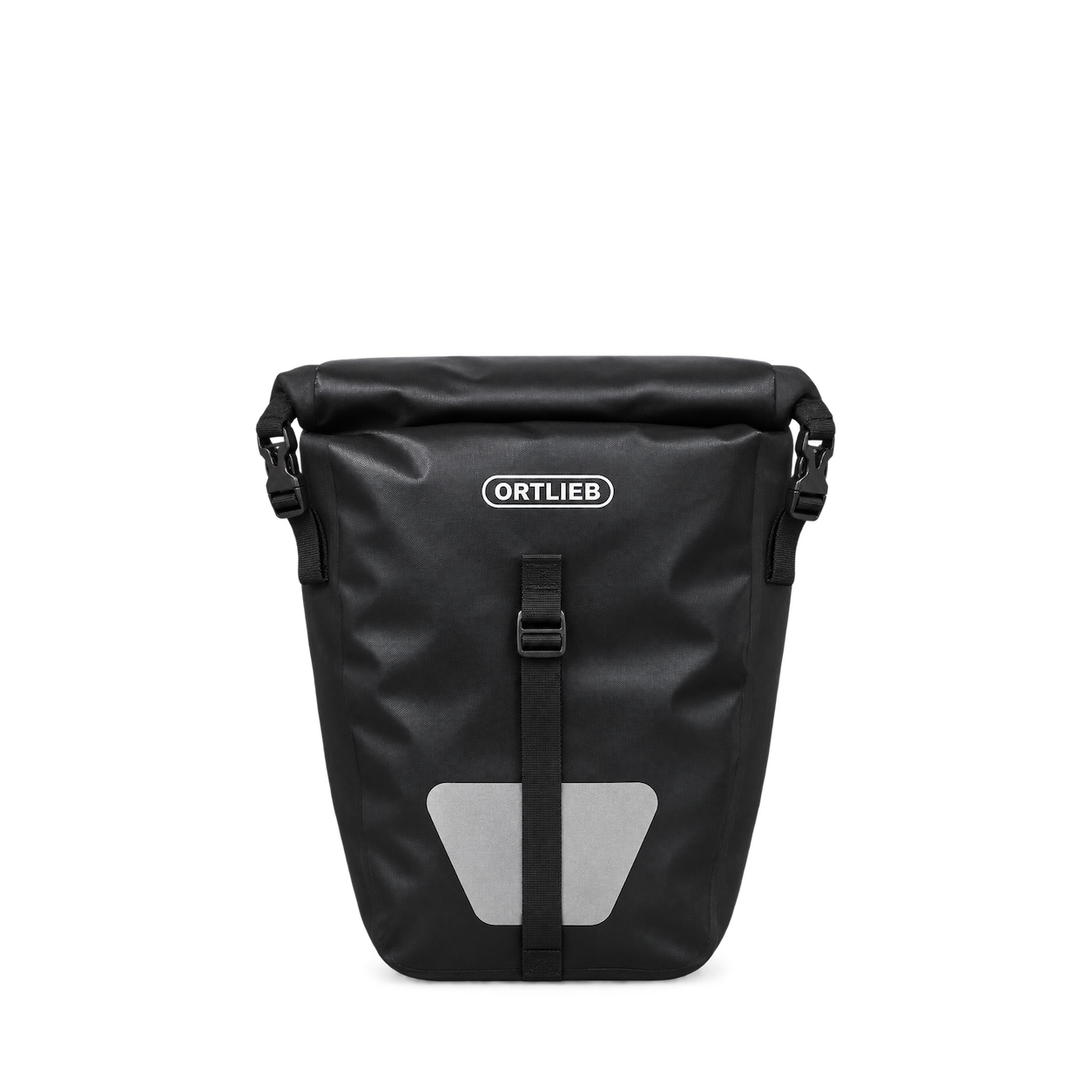
ORTLIEB
Back-Roller Core Black
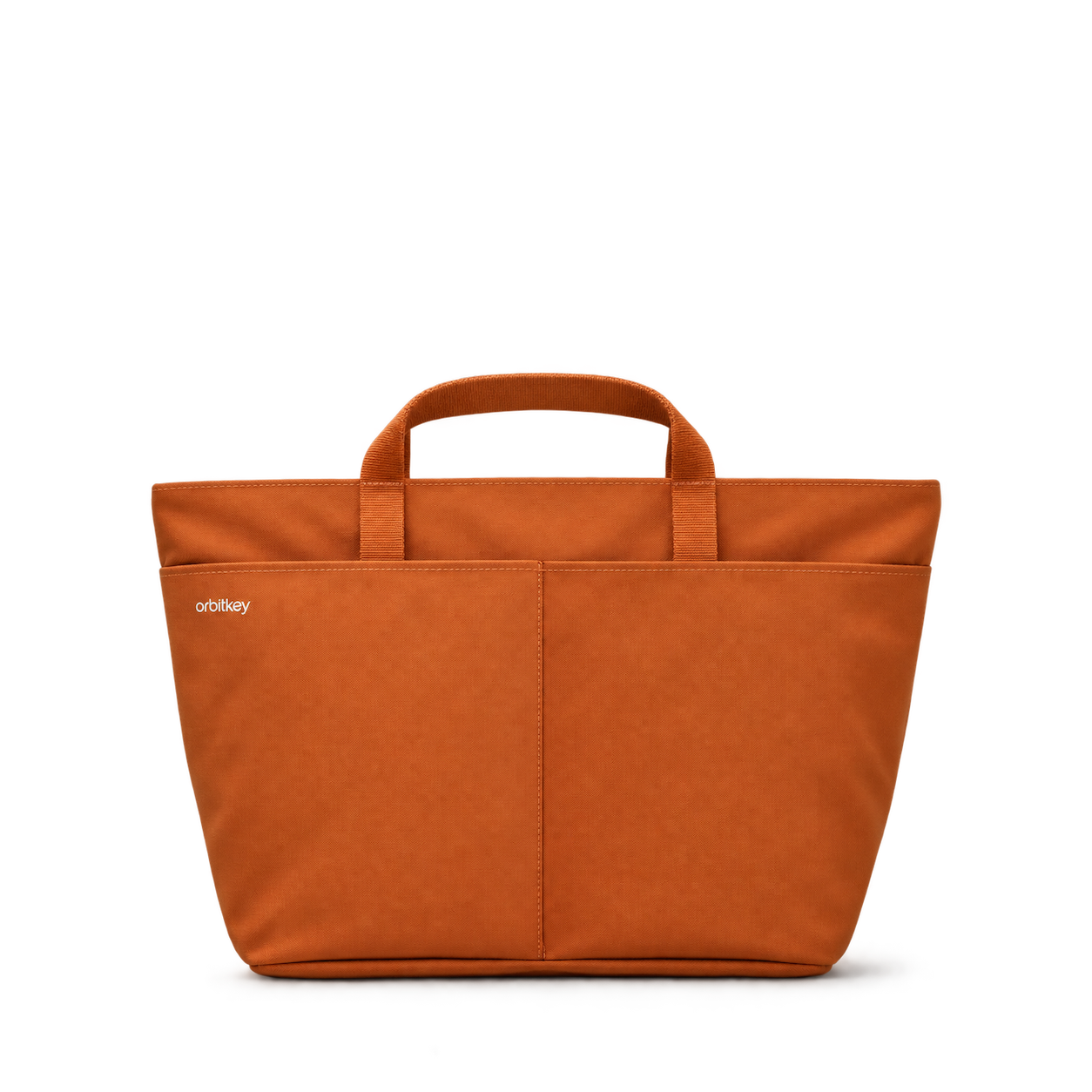


Ciele Athletics
GOCap Classic Athletics Fava
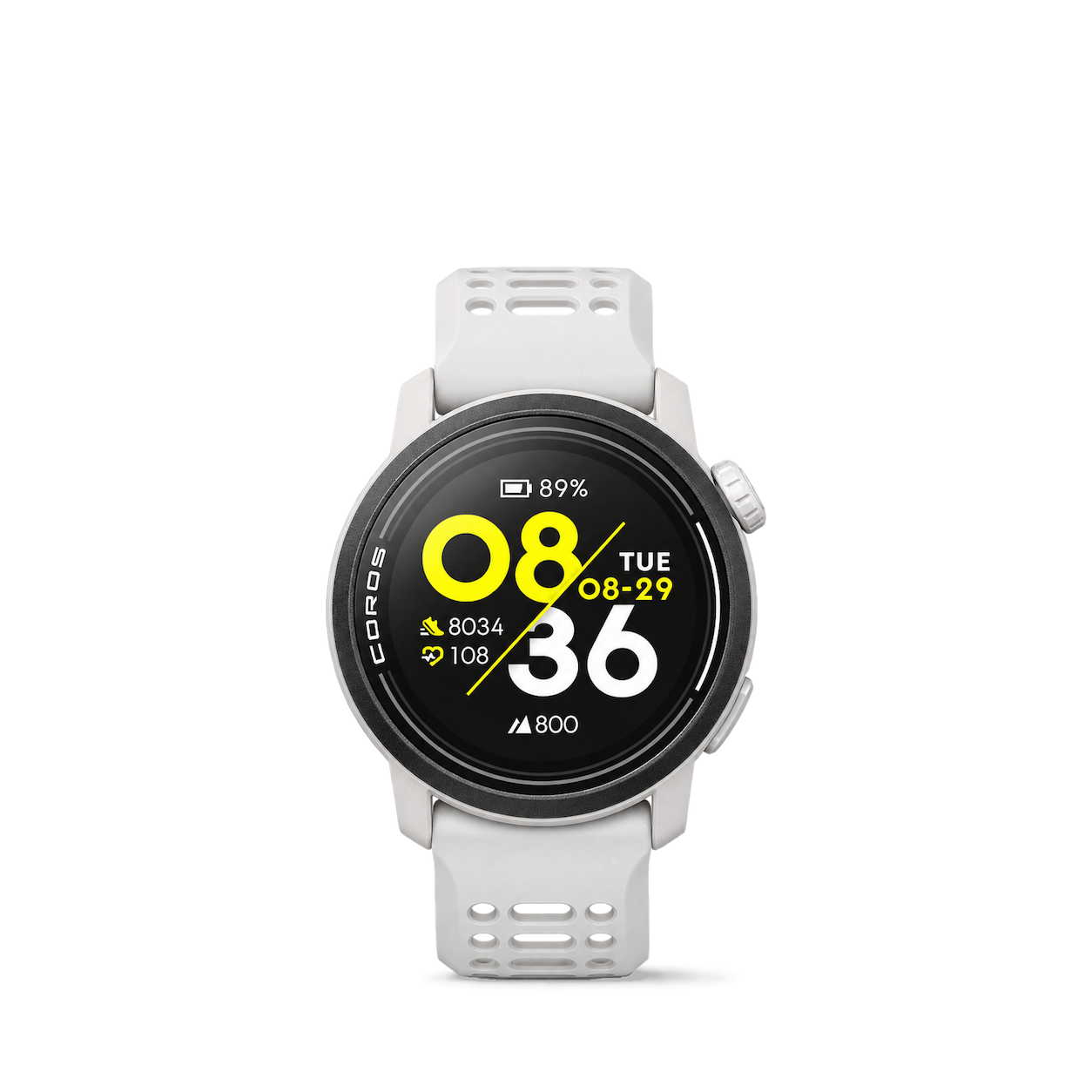
COROS
Pace 3

Garmin
inReach Mini 2 Flame Red

Leatherman
Skeletool CX
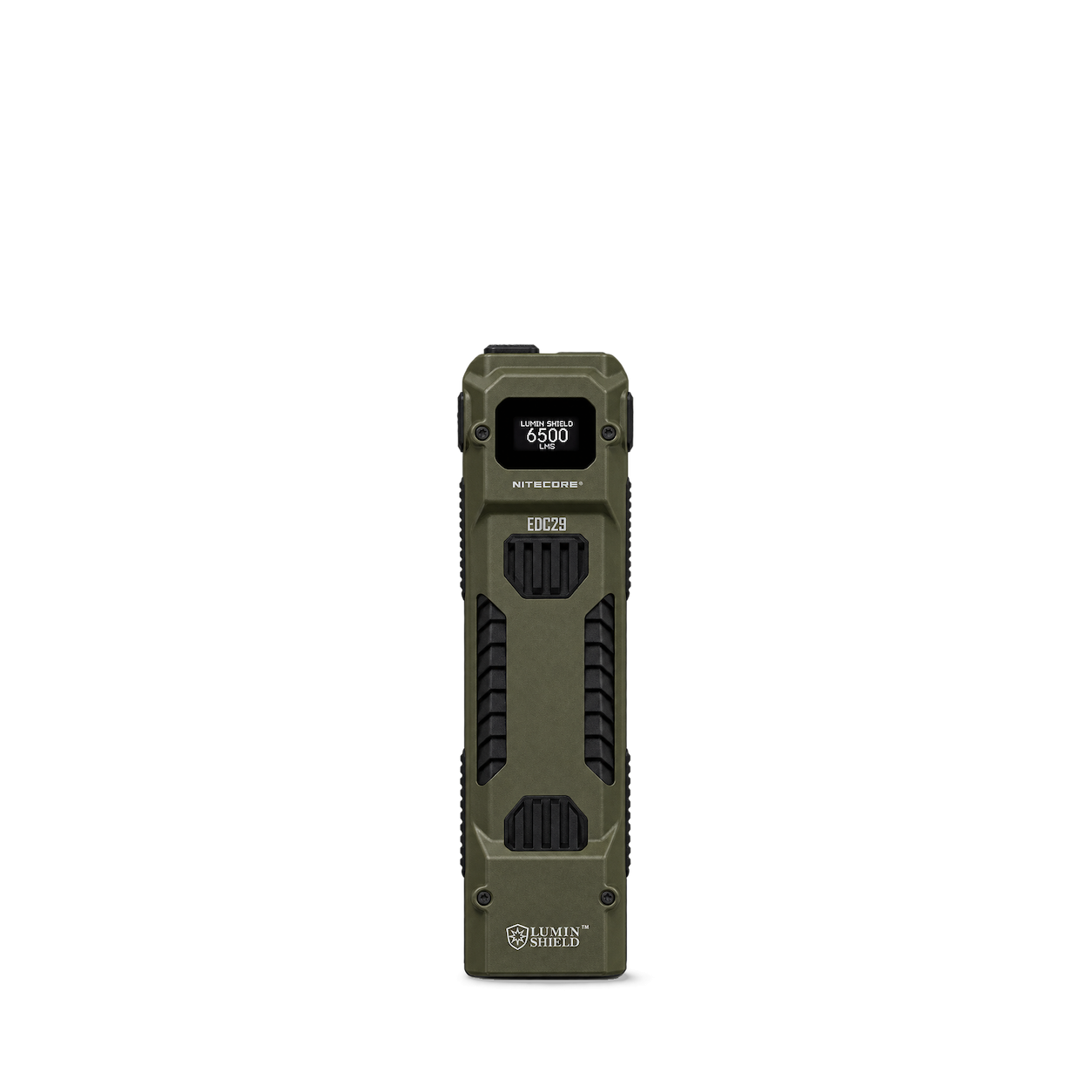
Nitecore
EDC29
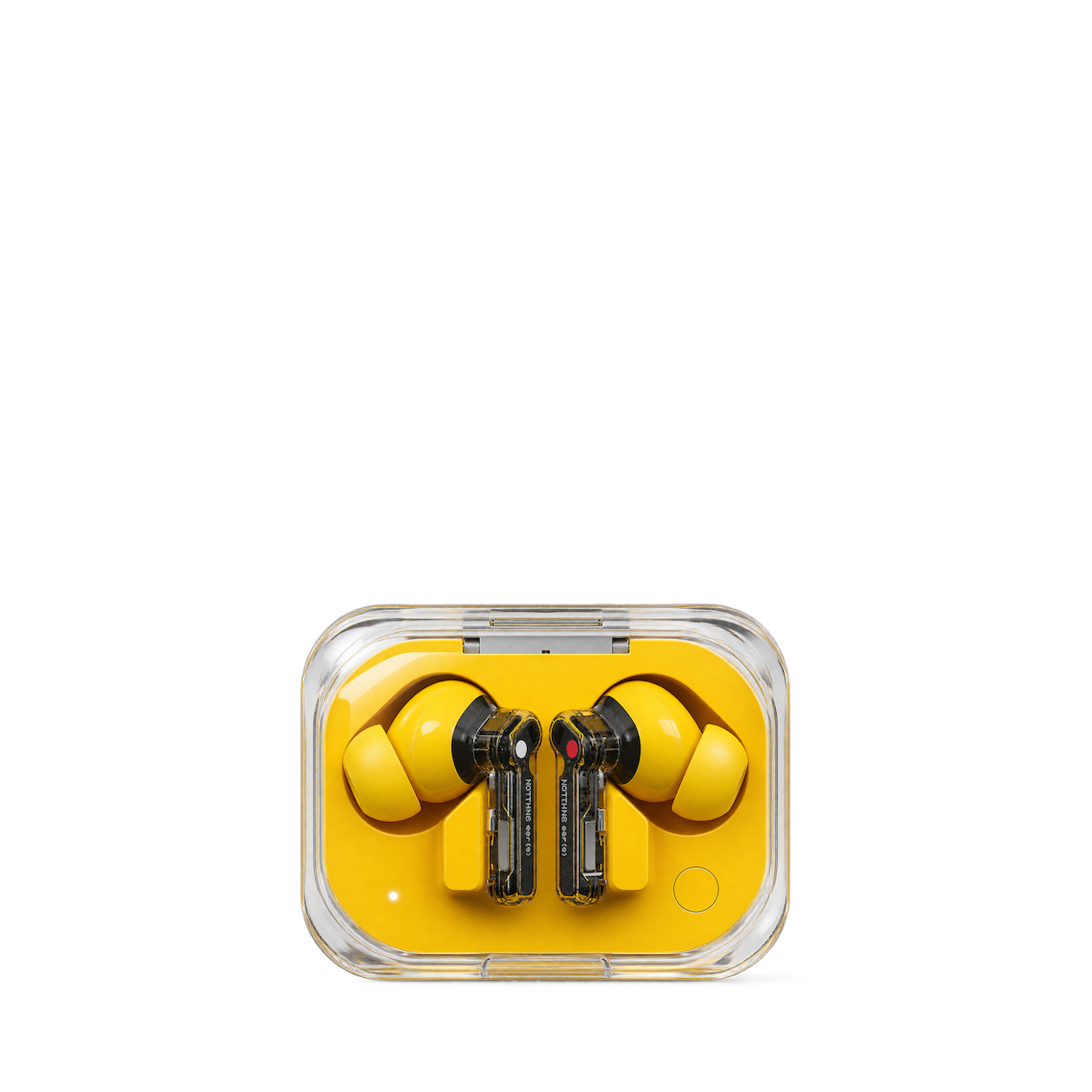
Nothing
Ear (a) — Yellow


Snow Peak
Ti Single 450 Cup

Sunski
Dipsea

Suunto
Race S Power Orange

Teenage Engineering
OB-4 — Orange

Tom Bihn
Synik 30

WANDRD
PRVKE 21 L Wasatch Green

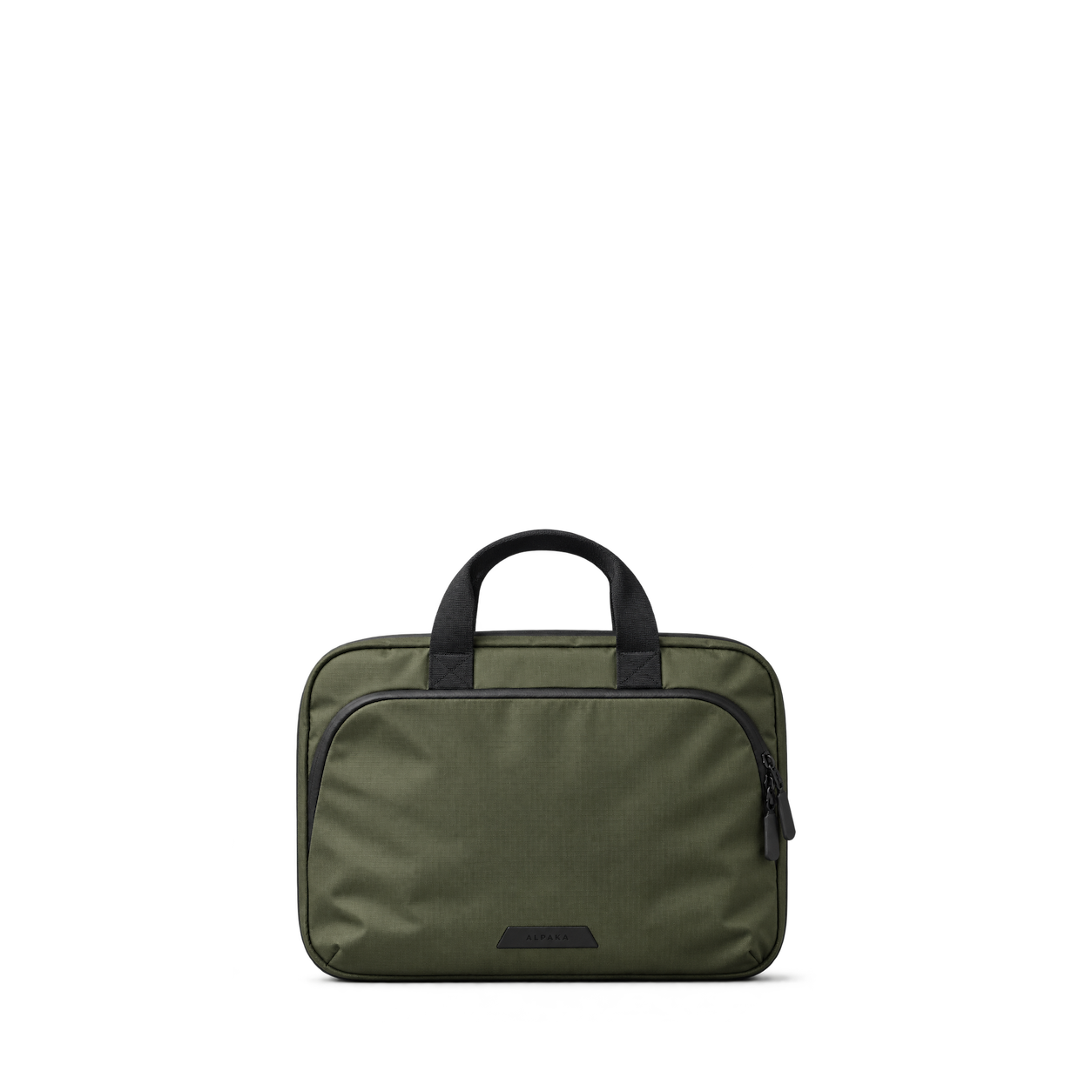
ALPAKA
HUB Keychain

Big Idea Design
Mini Pen · Brass

Craighill
Kepler Pen · Vapor Black

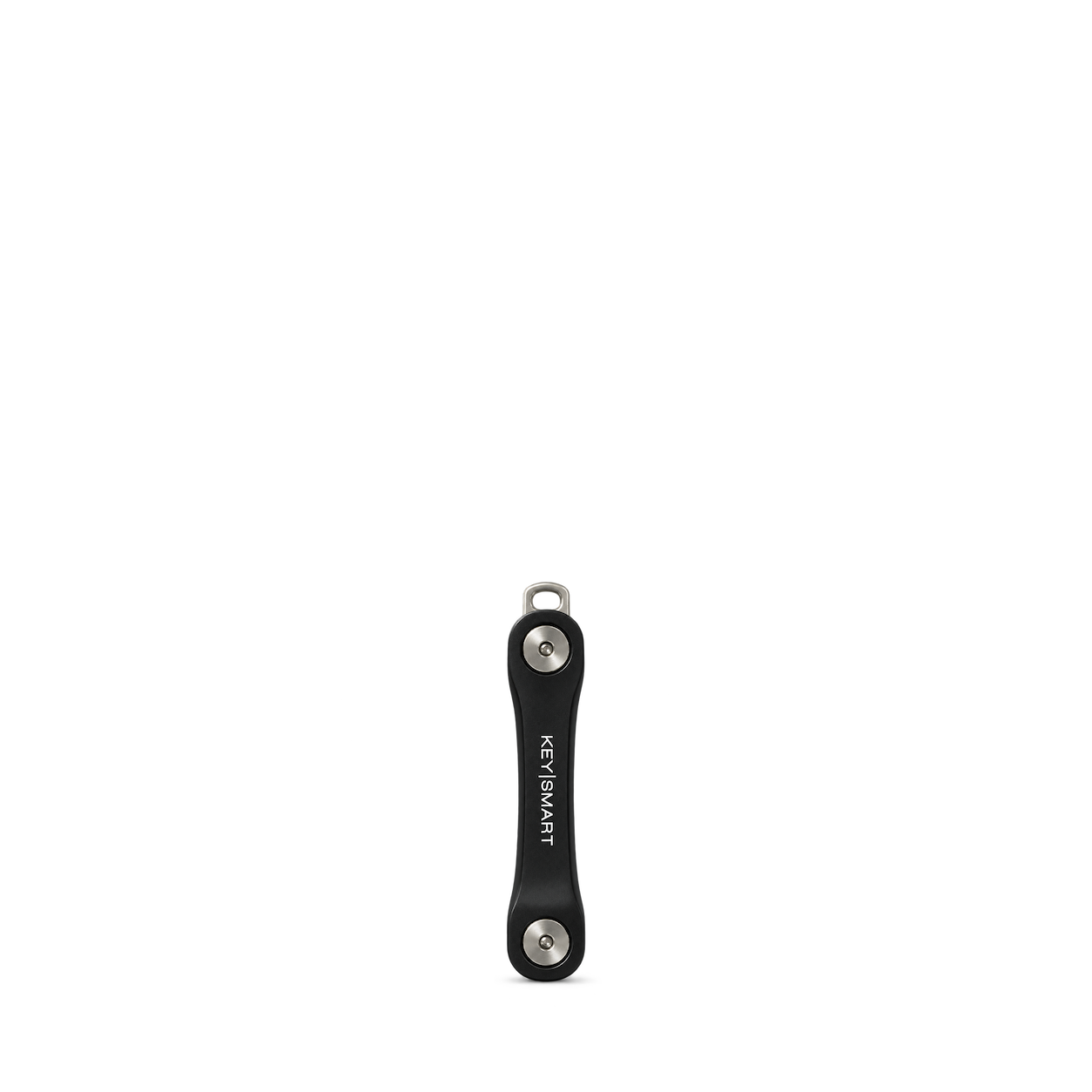
KeySmart
Flex

Leatherology
B5 Snap Padfolio Brown Croc

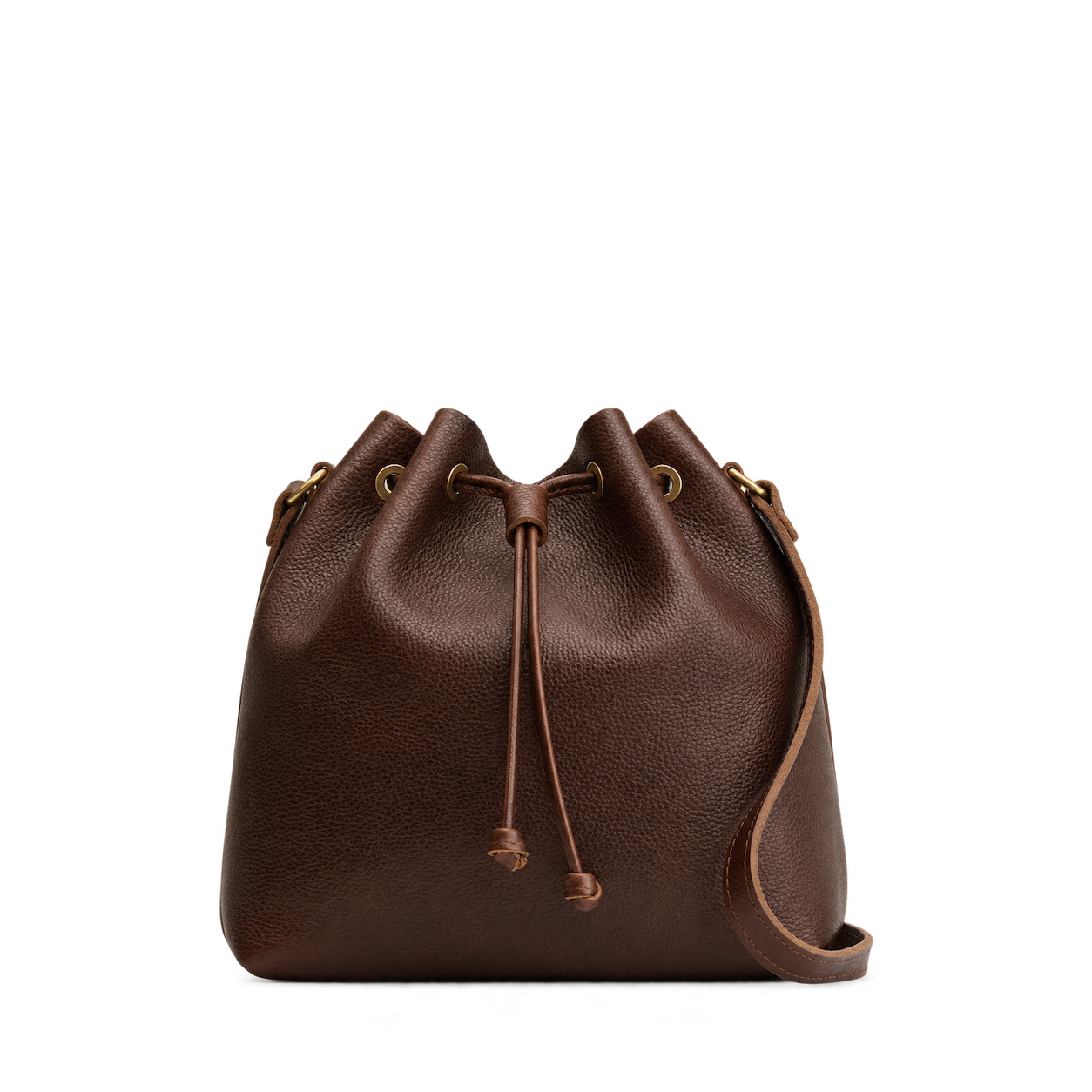
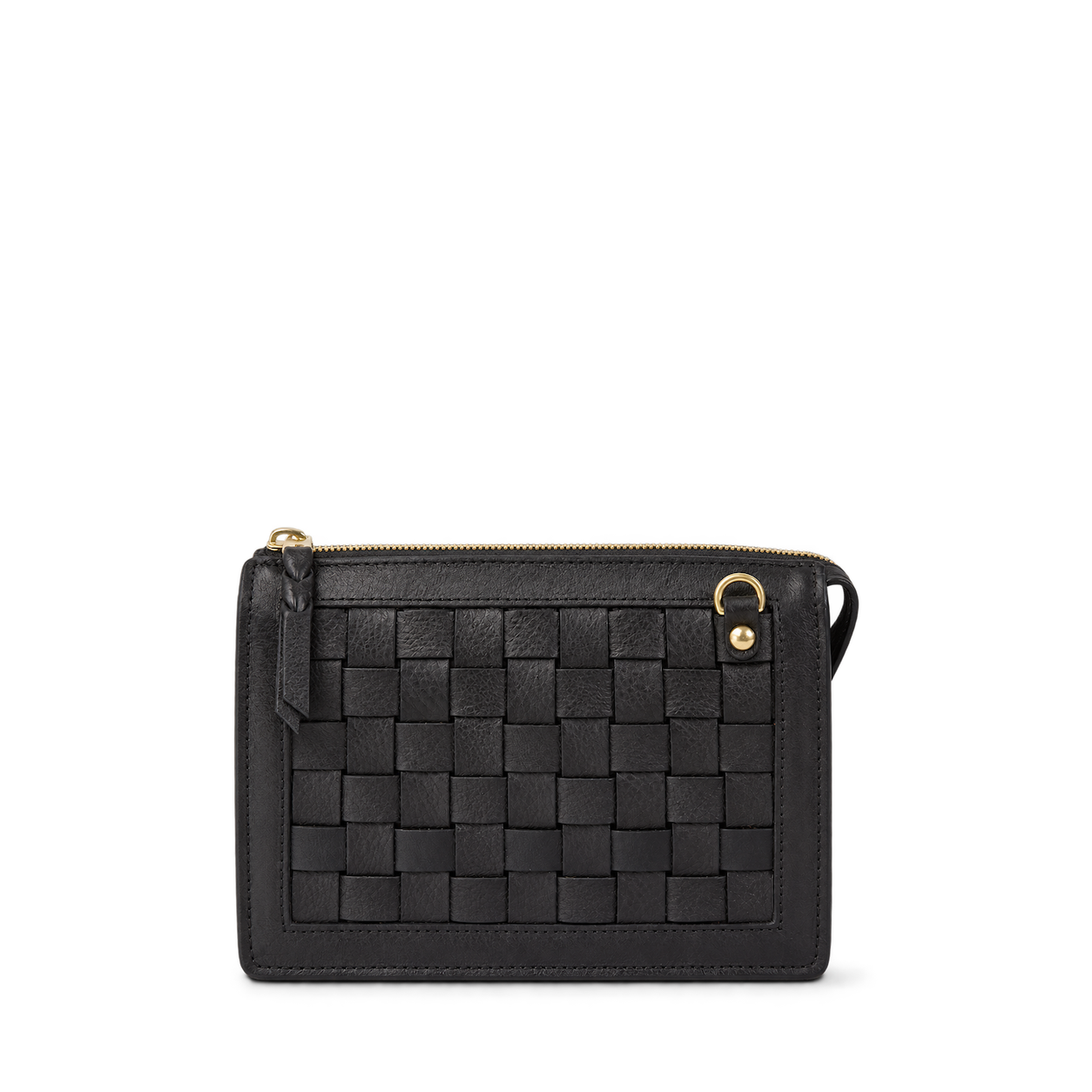
Portland Leather
Bucket Bag · Coldbrew / Large

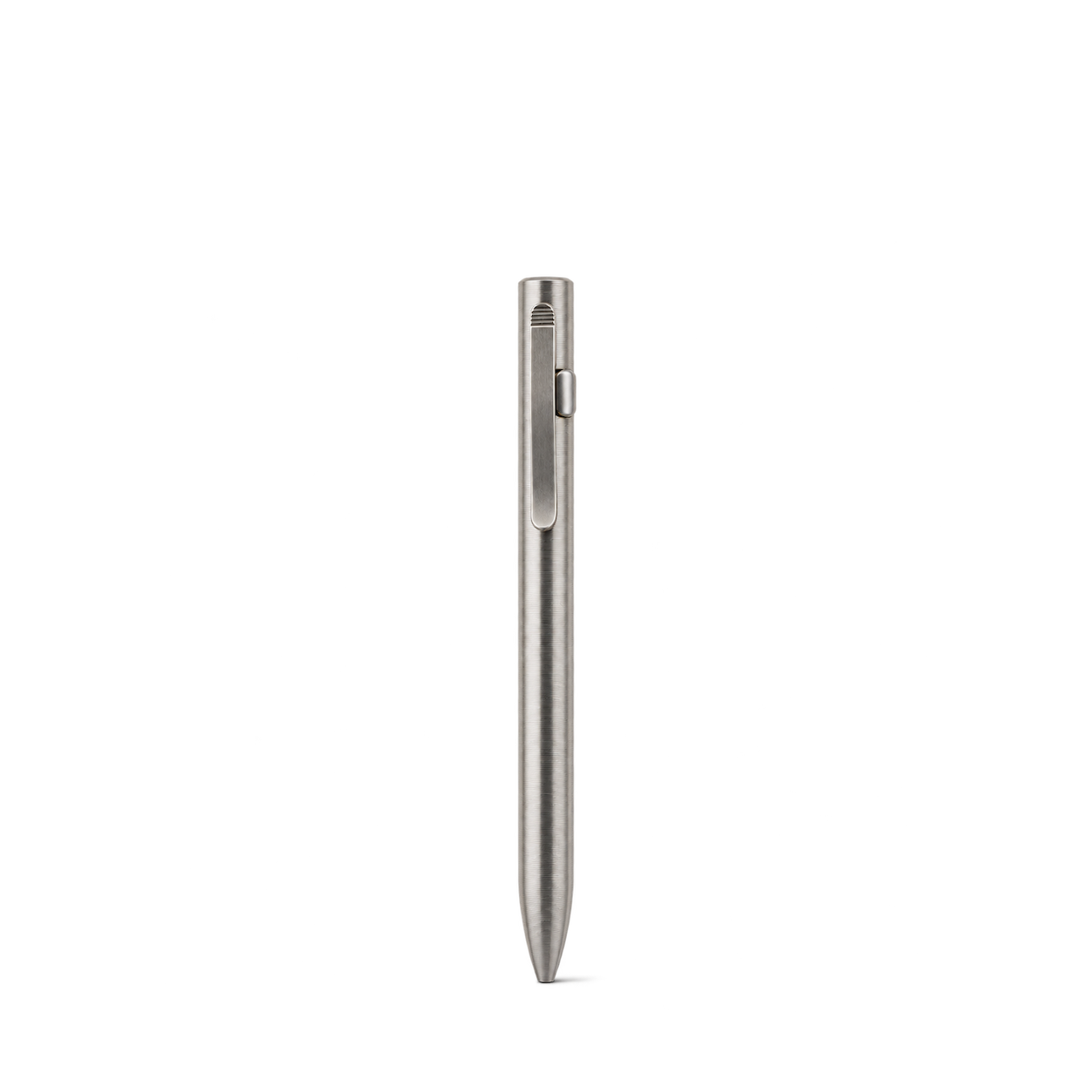
Tactile Turn
Clip Action Pen · Machined / Standard
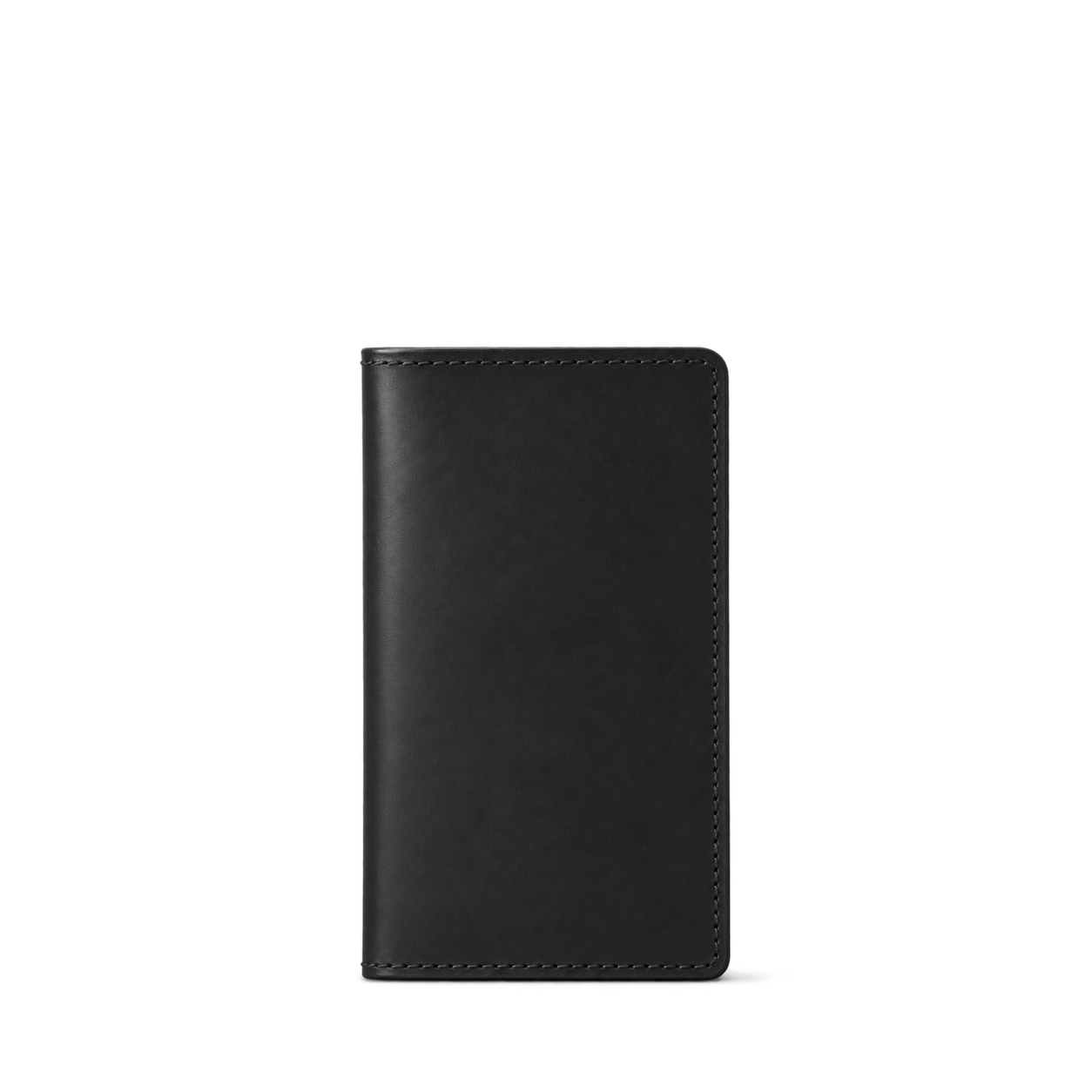
Tanner Goods
Aspect Bifold - Carbon

The James Brand
The Burwell · Rose Gold
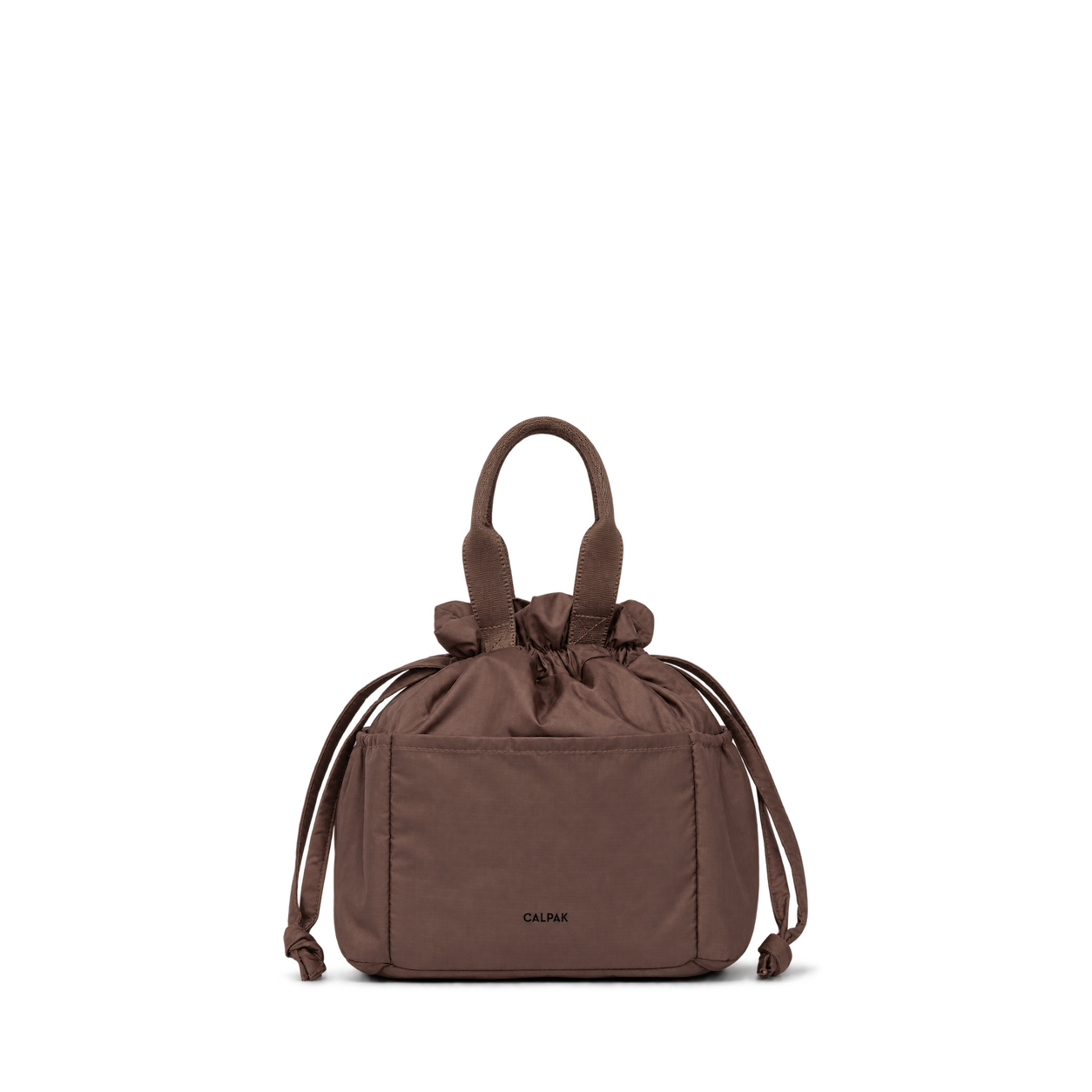

Caraa
Bindle · in Black

Dagne Dover
Capri Garment Bag in Ash

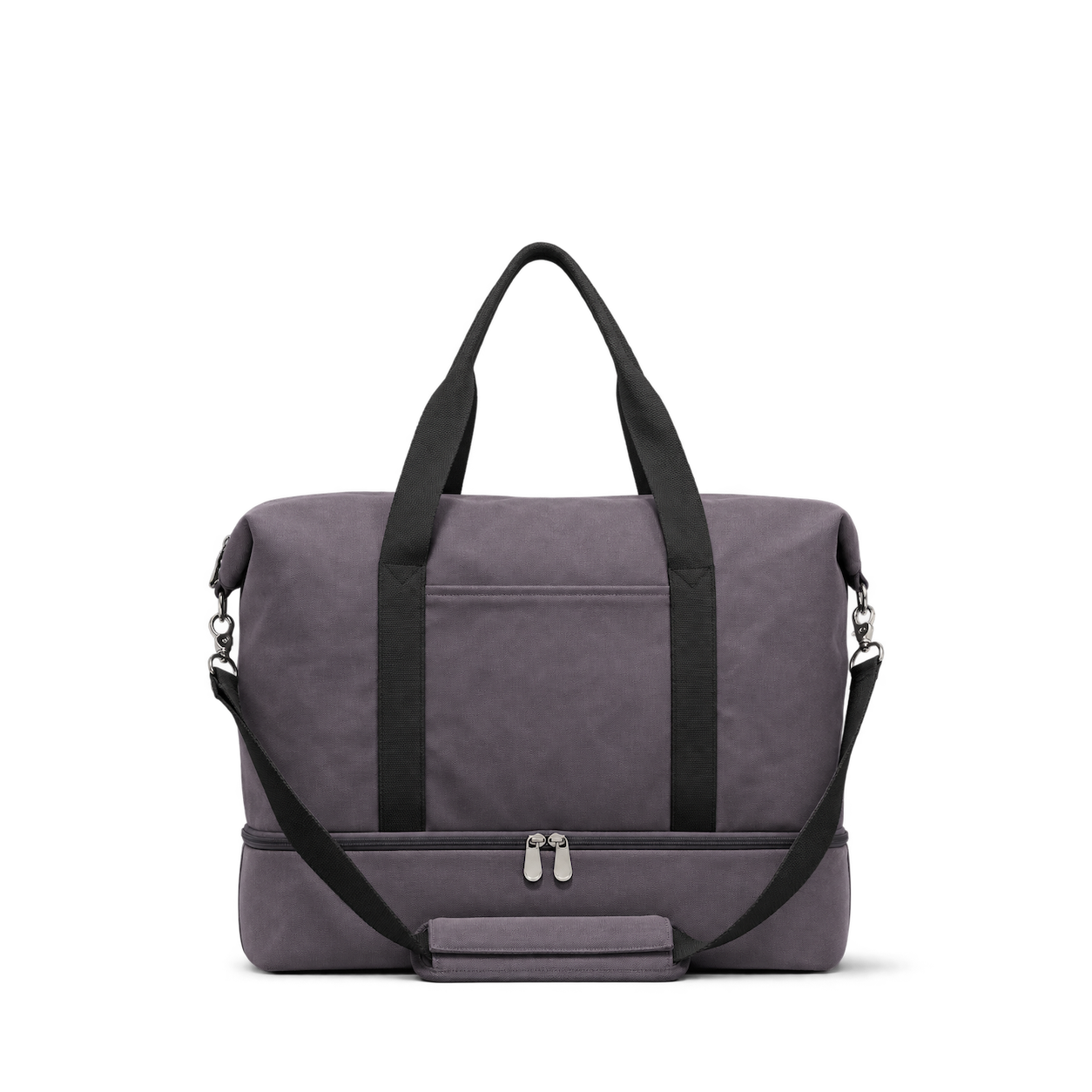

Briggs & Riley
Baseline Cabin Spinner · Black


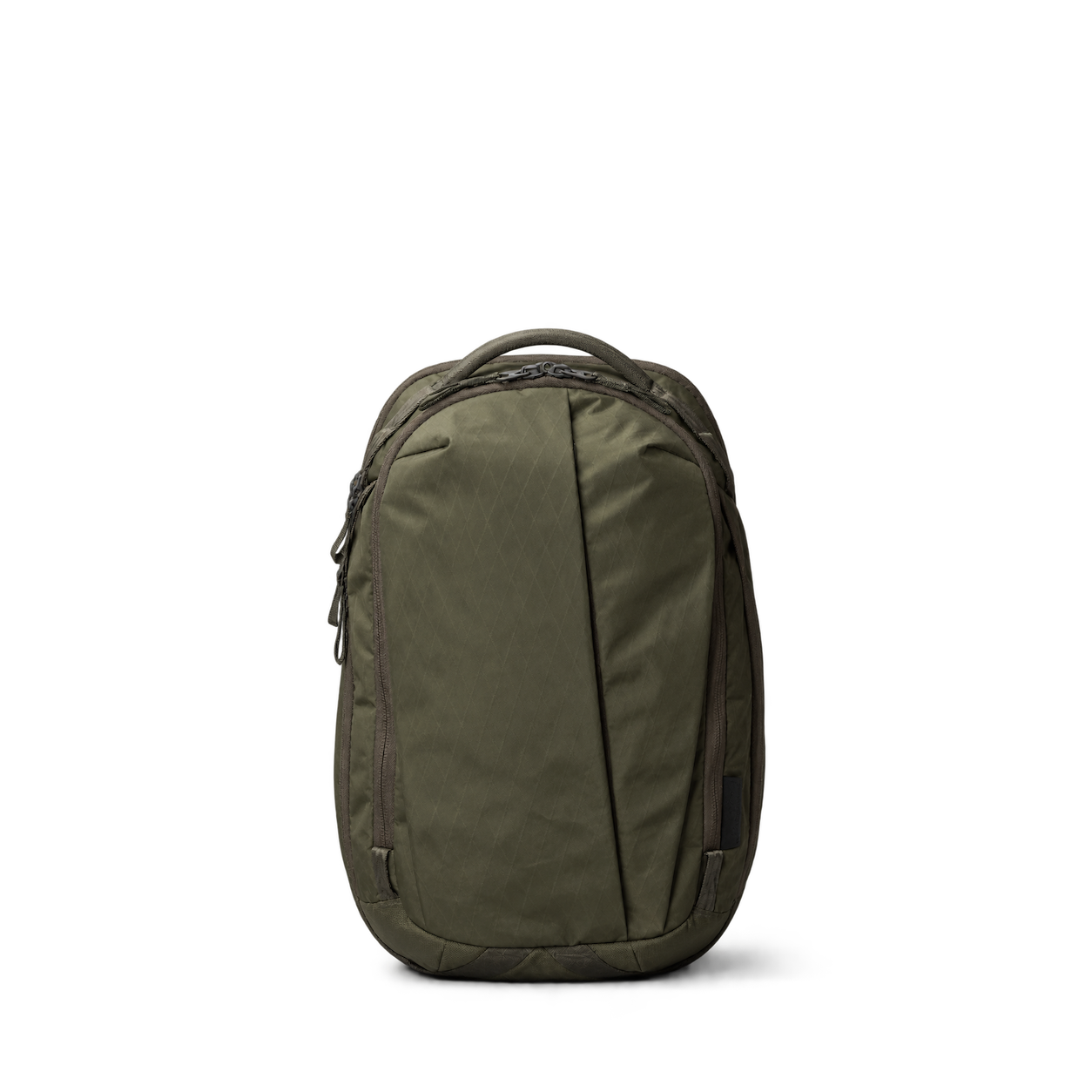
Able Carry
Max EDC · Earth Green
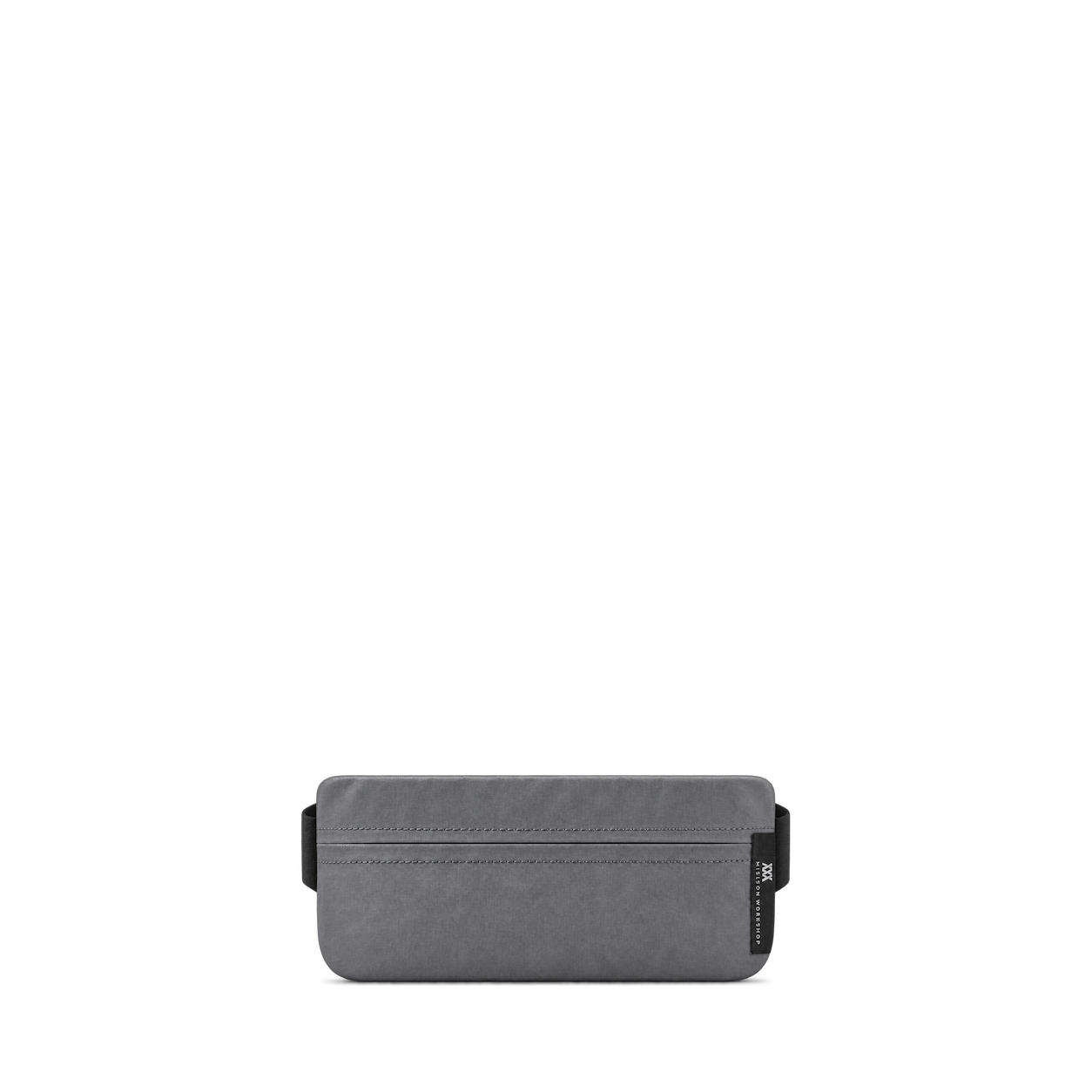
Mission Workshop
Axis · Gray EPX w/ Fidlock
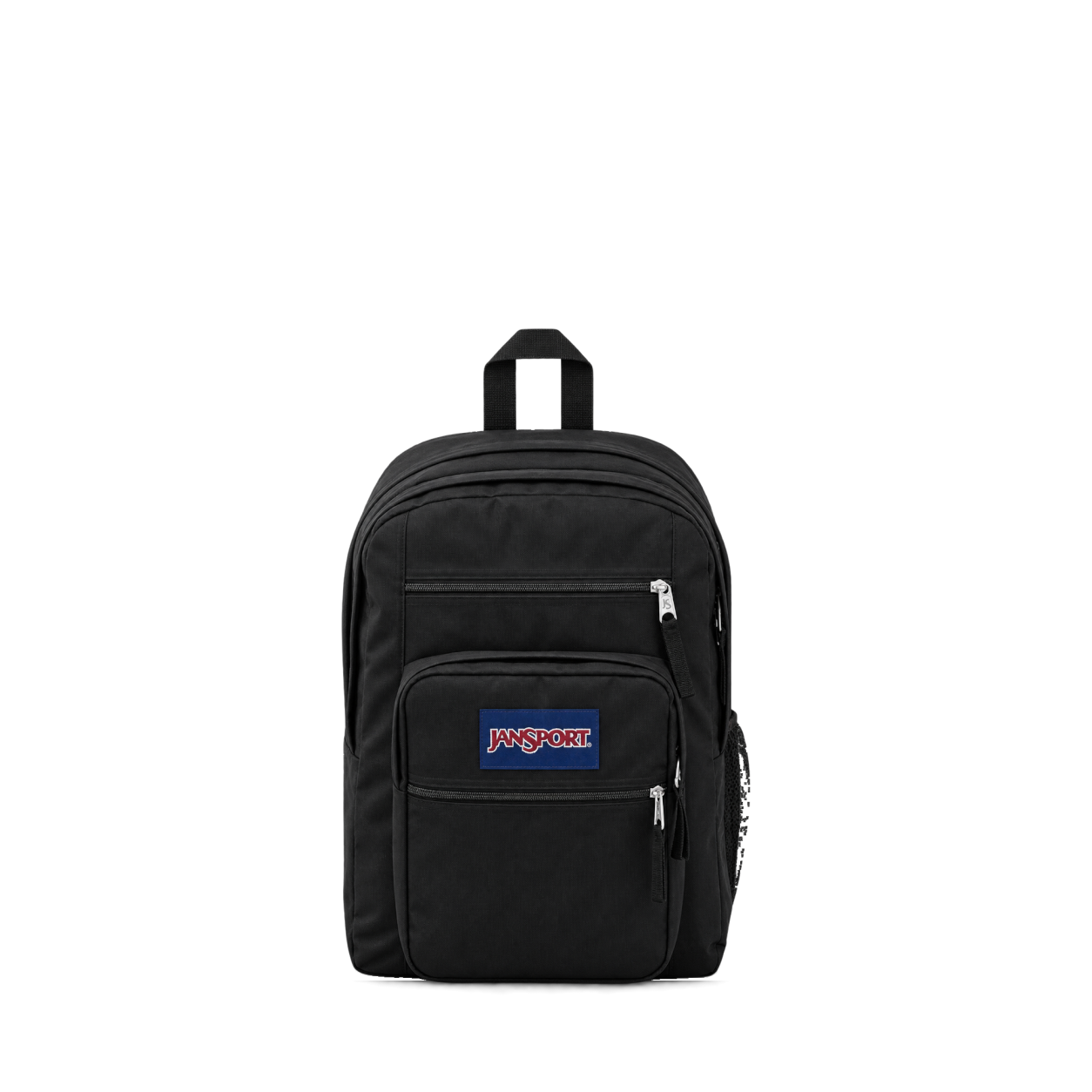
JanSport
Big Student · Black
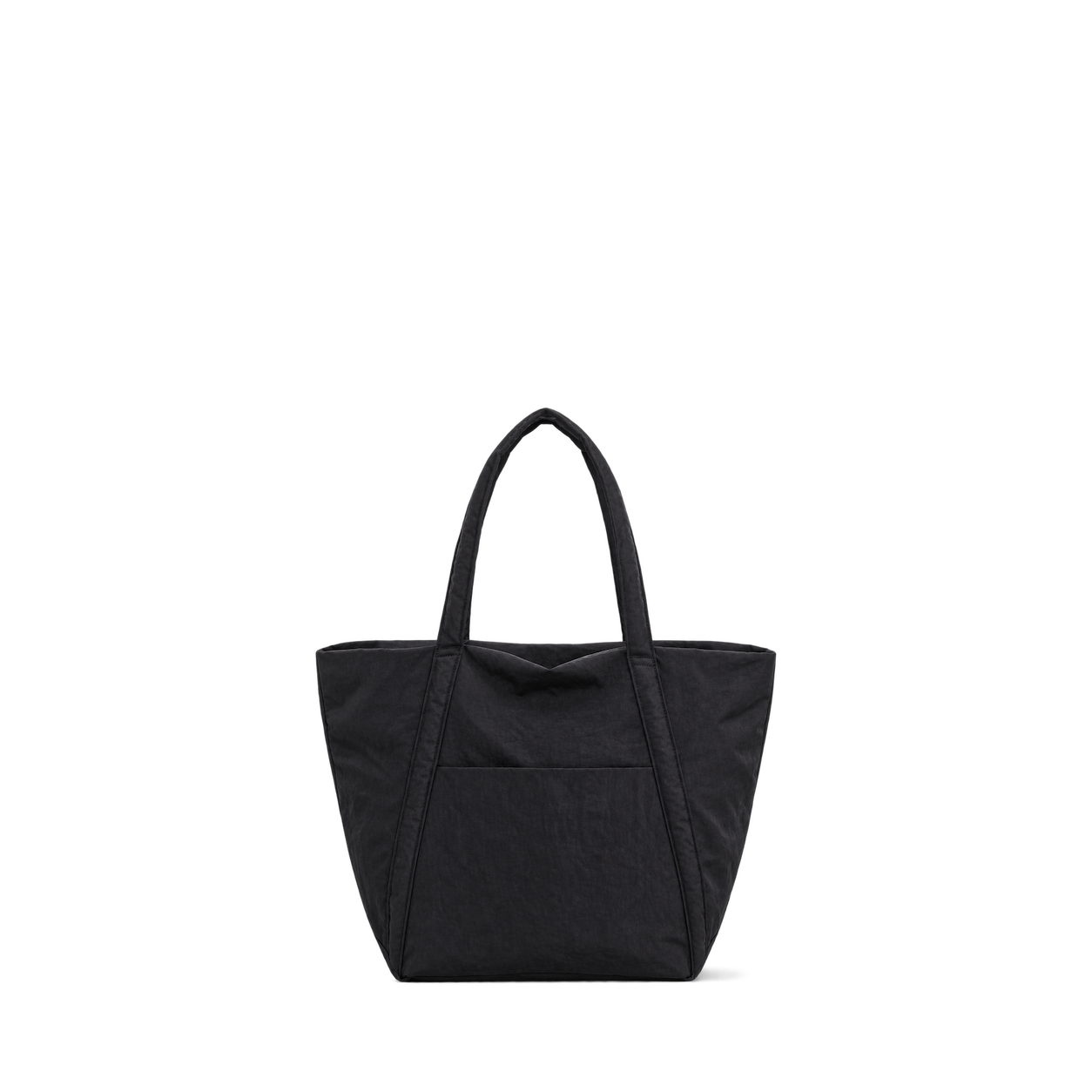
BAGGU
Cloud Bag · Black
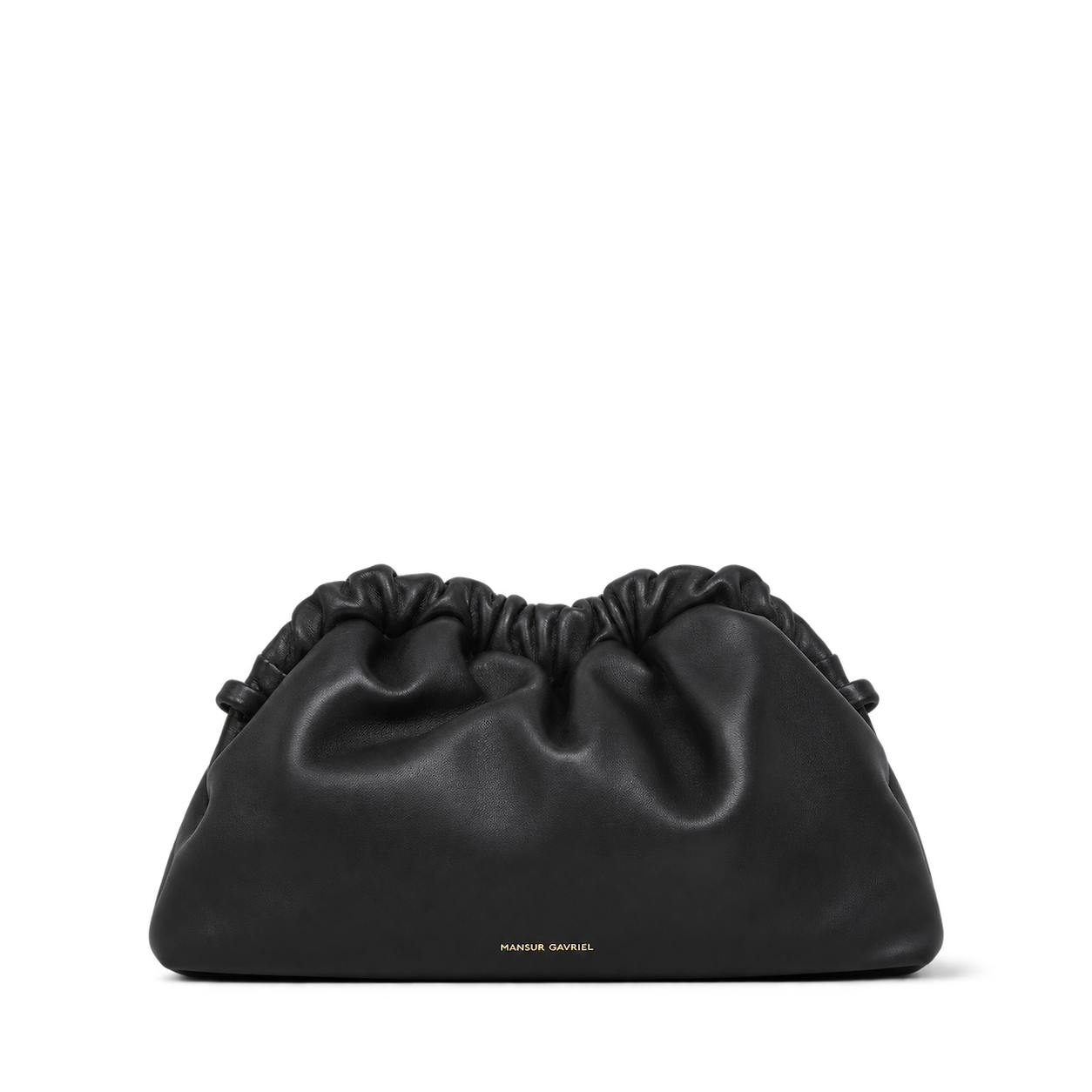
Mansur Gavriel
Mini Cloud Clutch · Black/Flamma
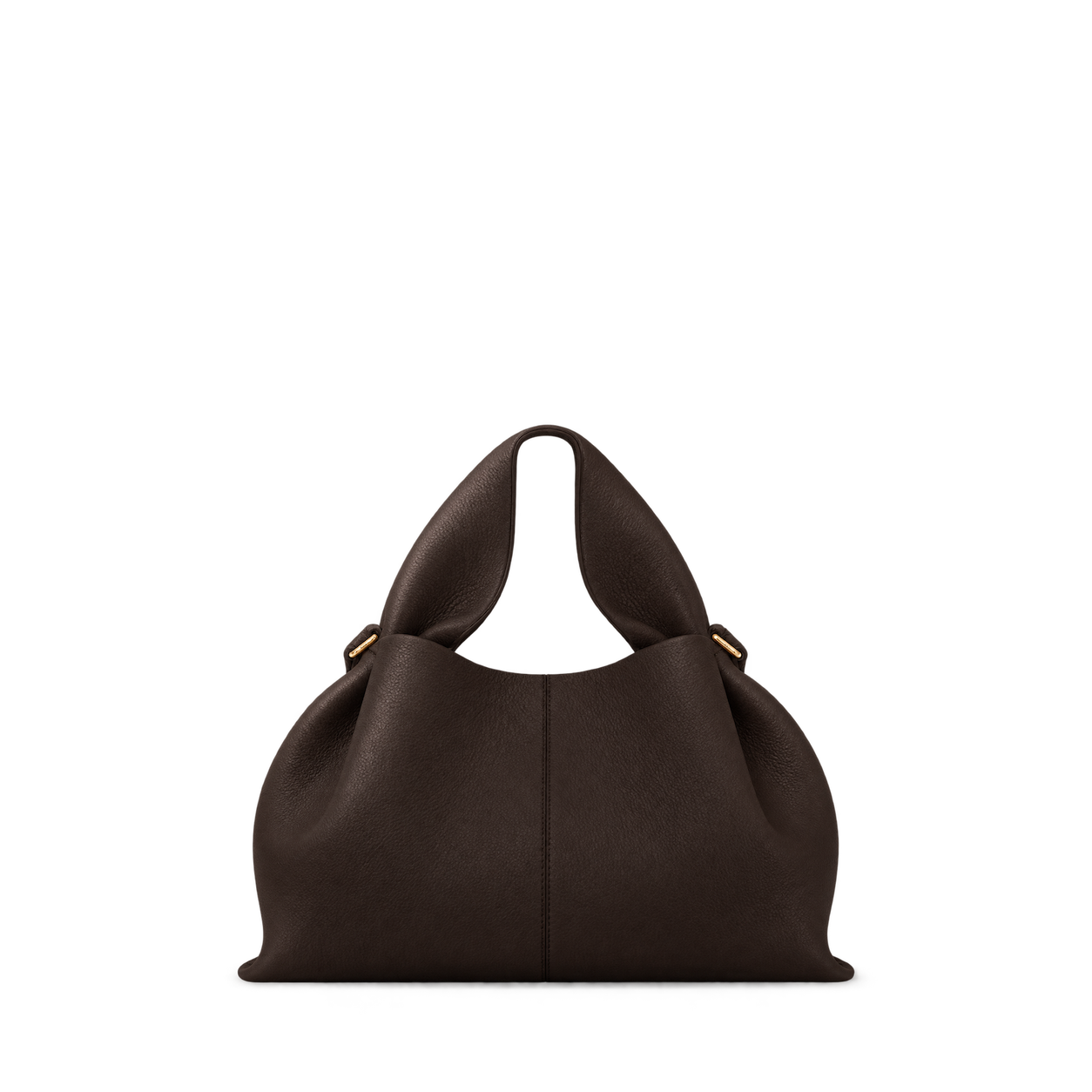
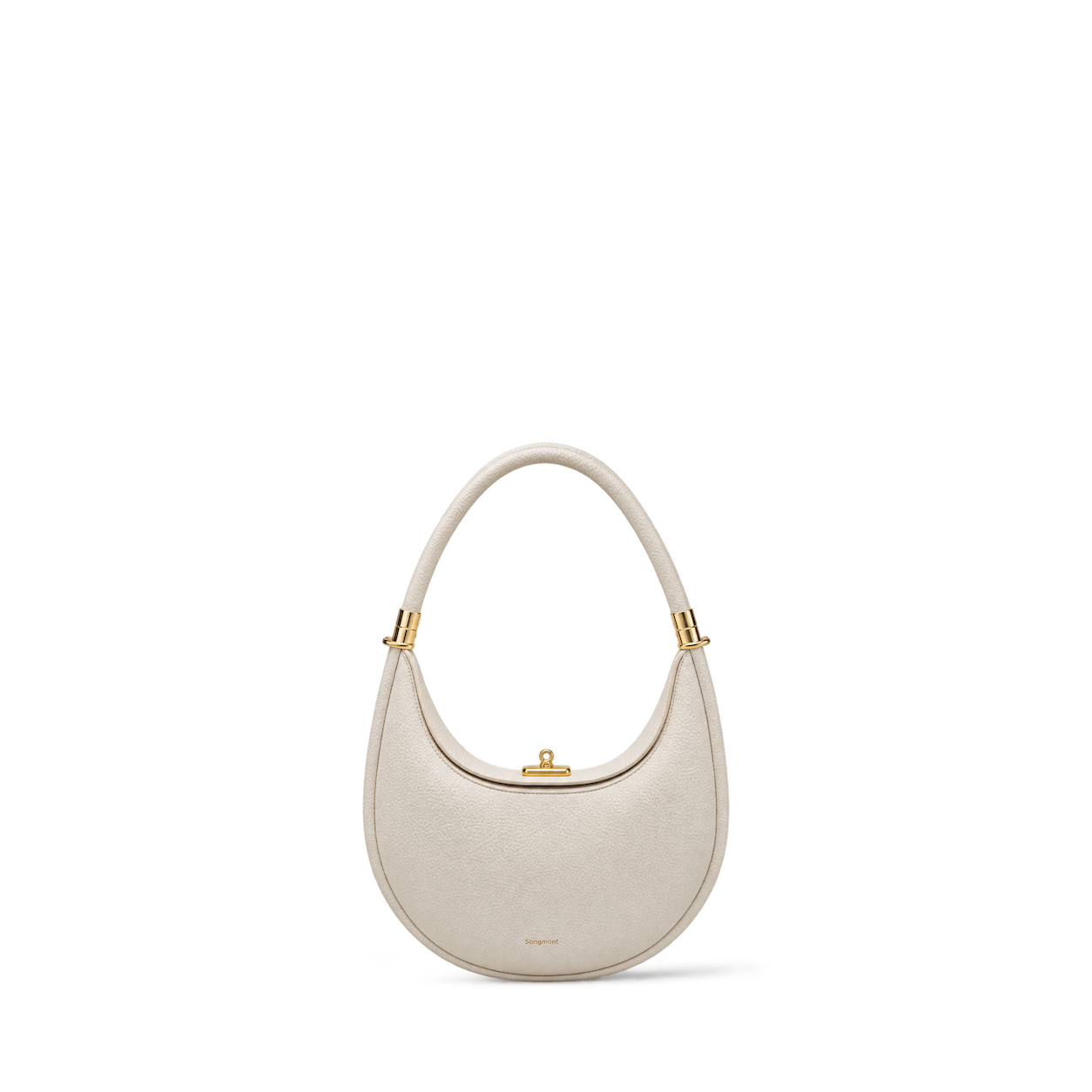
Songmont
Luna Bag · Ivory


Fashion Nova
Effortless Touch Faux Fur Clutch · Ivory

Steve Madden
SEFINA BAG BROWN SUEDE · BROWN / ONESZ / BRN


Hydro Flask
32 oz Wide Mouth Travel Bottle Agave


Matador
Global Travel Stash

Topo Designs
Global Briefcase · Black

Osprey
Daylite 13L Black


Secrid
Cardprotector · Black


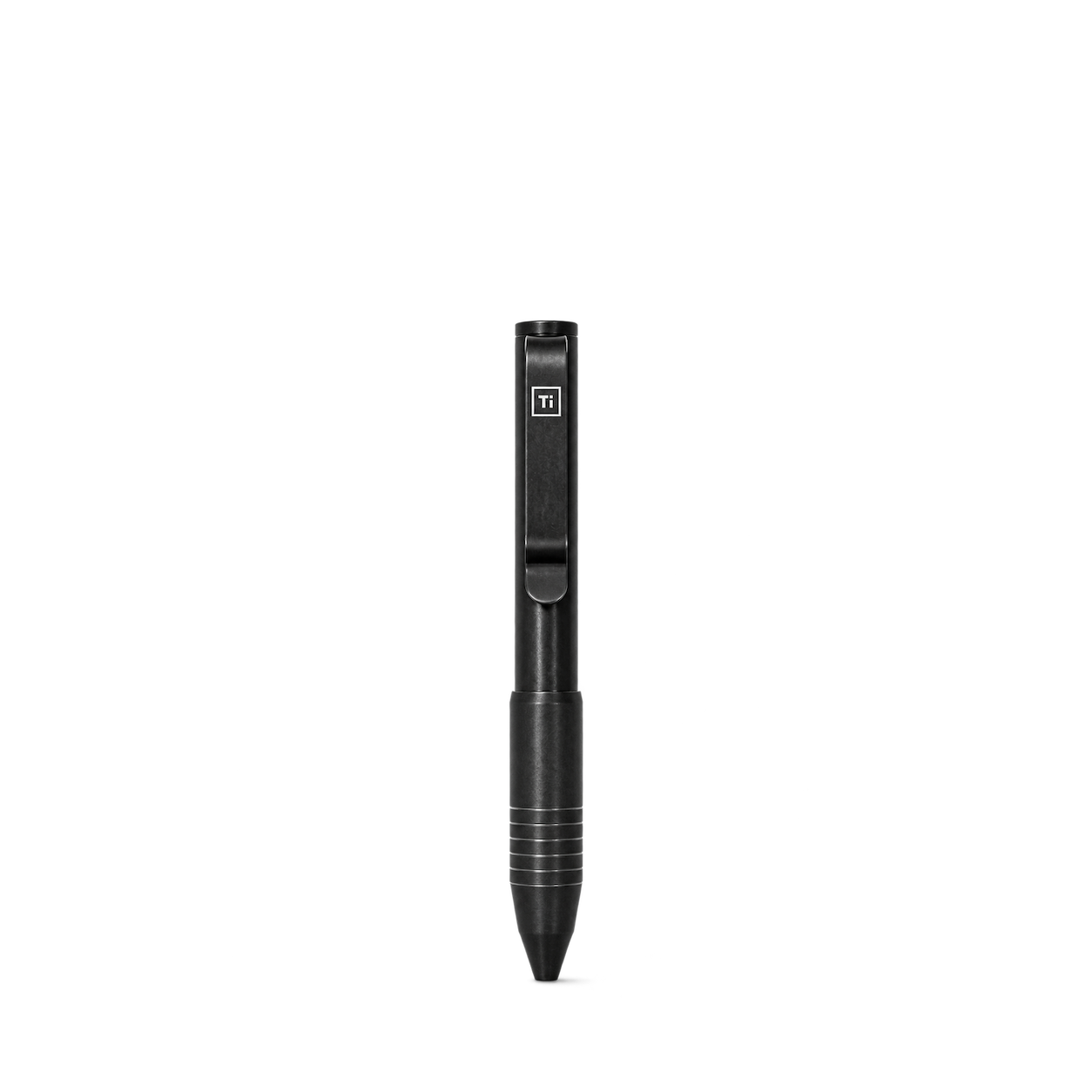
Big Idea Design
Pocket Pro Pen · Antique Black


KeySmart
MagConnect Pro · Titanium


Tactile Turn
Switch Pen · Stonewashed / Short

The James Brand
The Ellis · Grove + Stainless
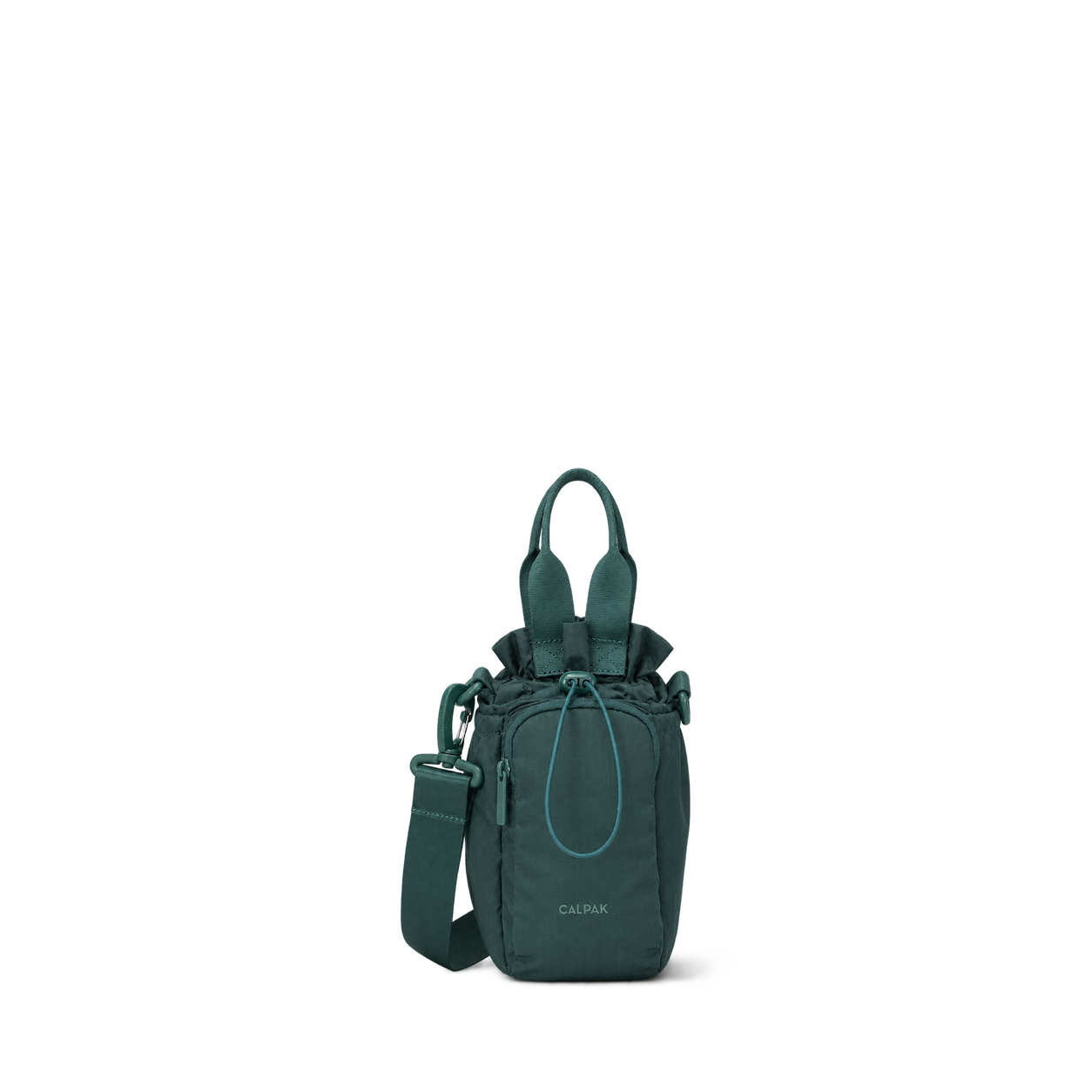
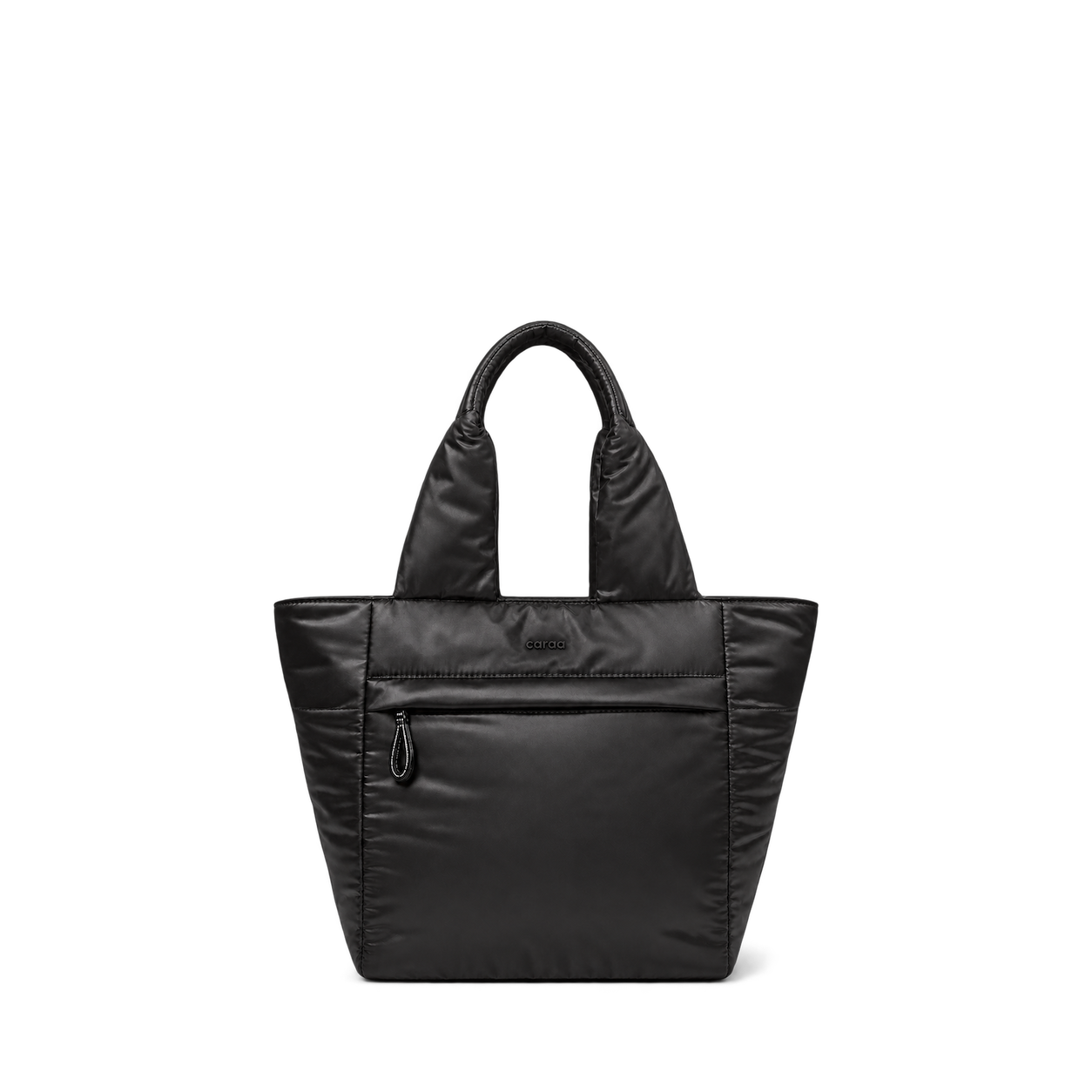

Dagne Dover
Landon Carryall in Brownstone, Medium

Lo & Sons
Claremont · Grey
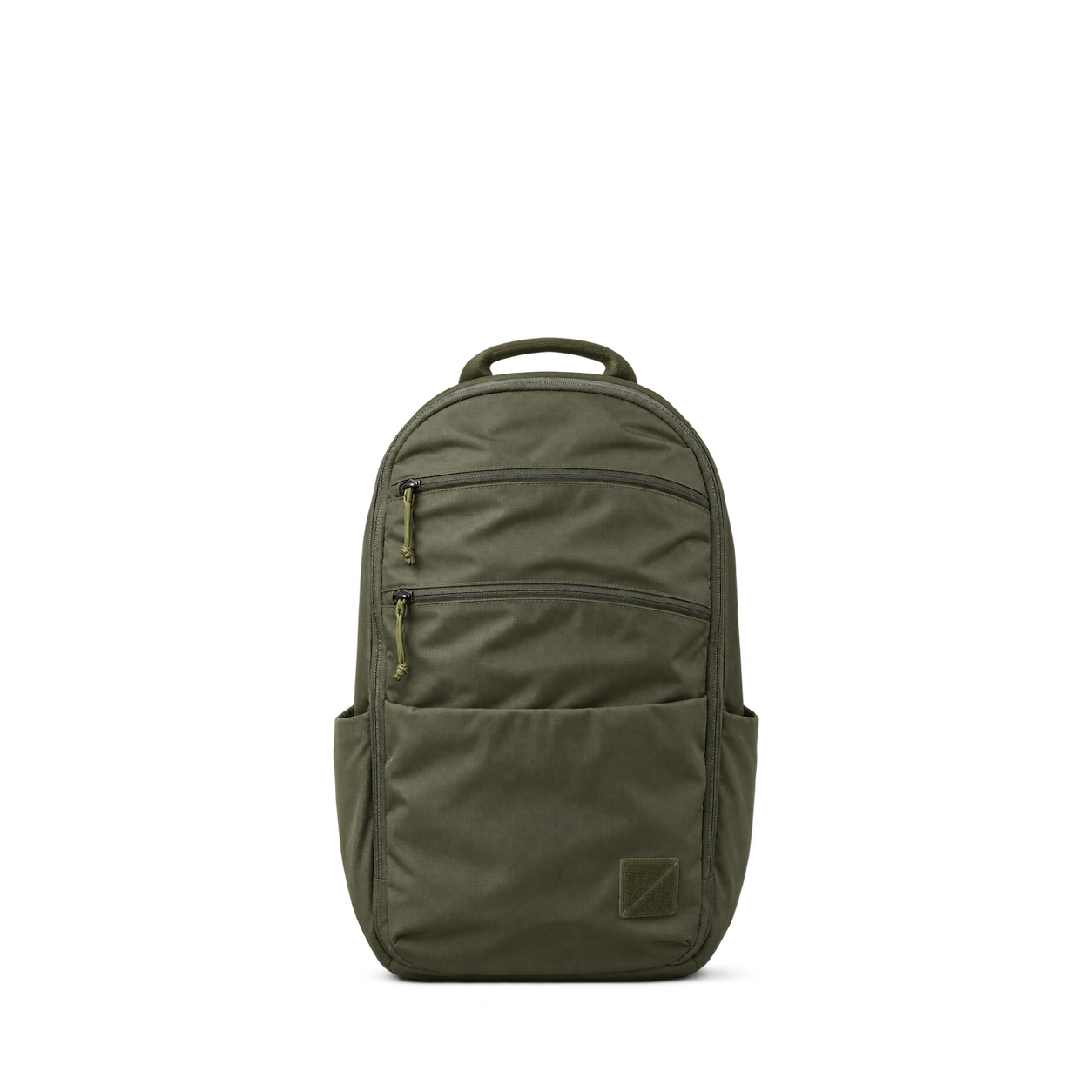
EVERGOODS
MOUNTAIN Panel Loader 22L · OD Green

Able Carry
Thirteen Daybag · Ripstop Olive

Mission Workshop
Drift · Brown Waxed Canvas
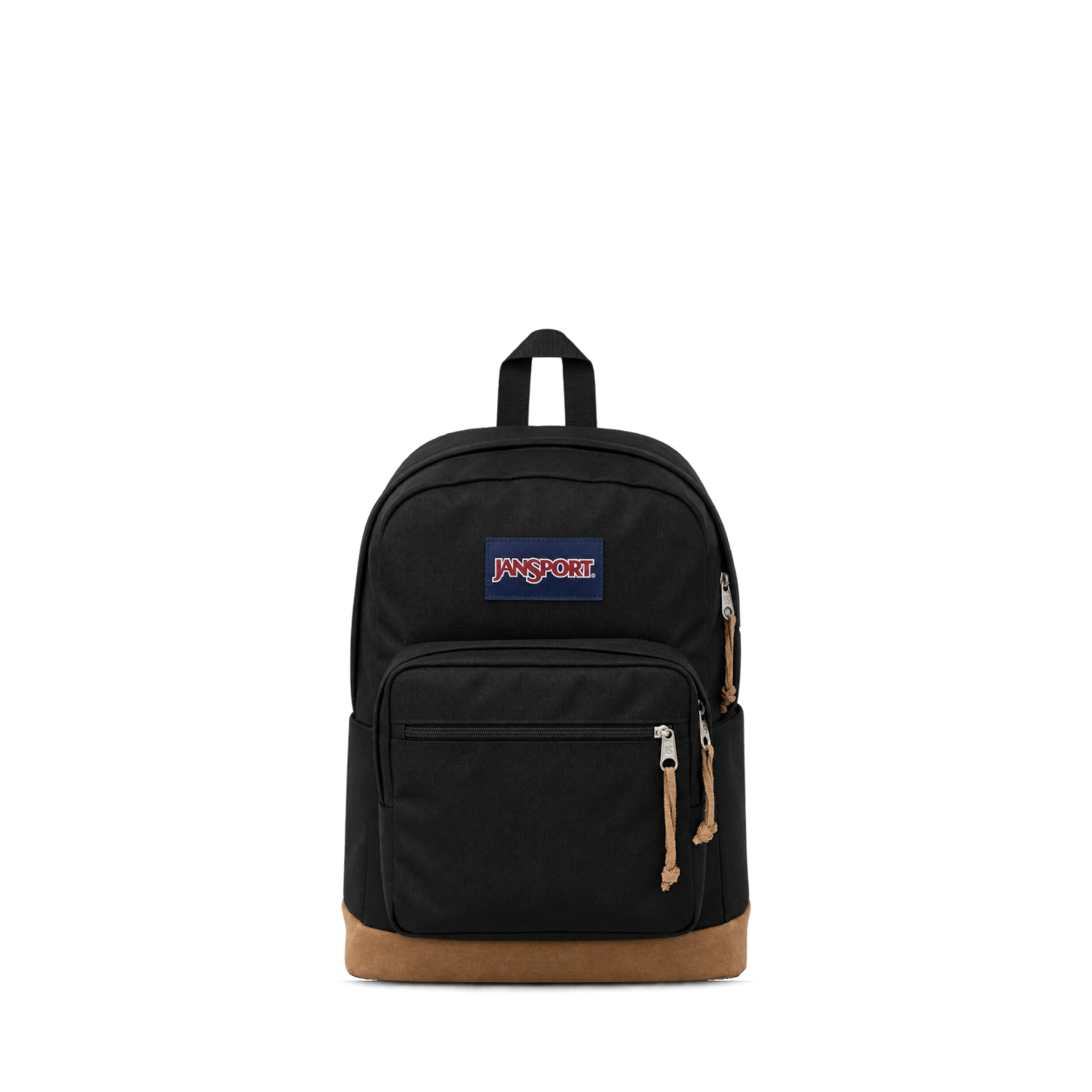
JanSport
Right Pack · Black


Patagonia
Black Hole MLC 45L · Berry Fig

Cotopaxi
Allpa 65L Roller Bag · Rusty
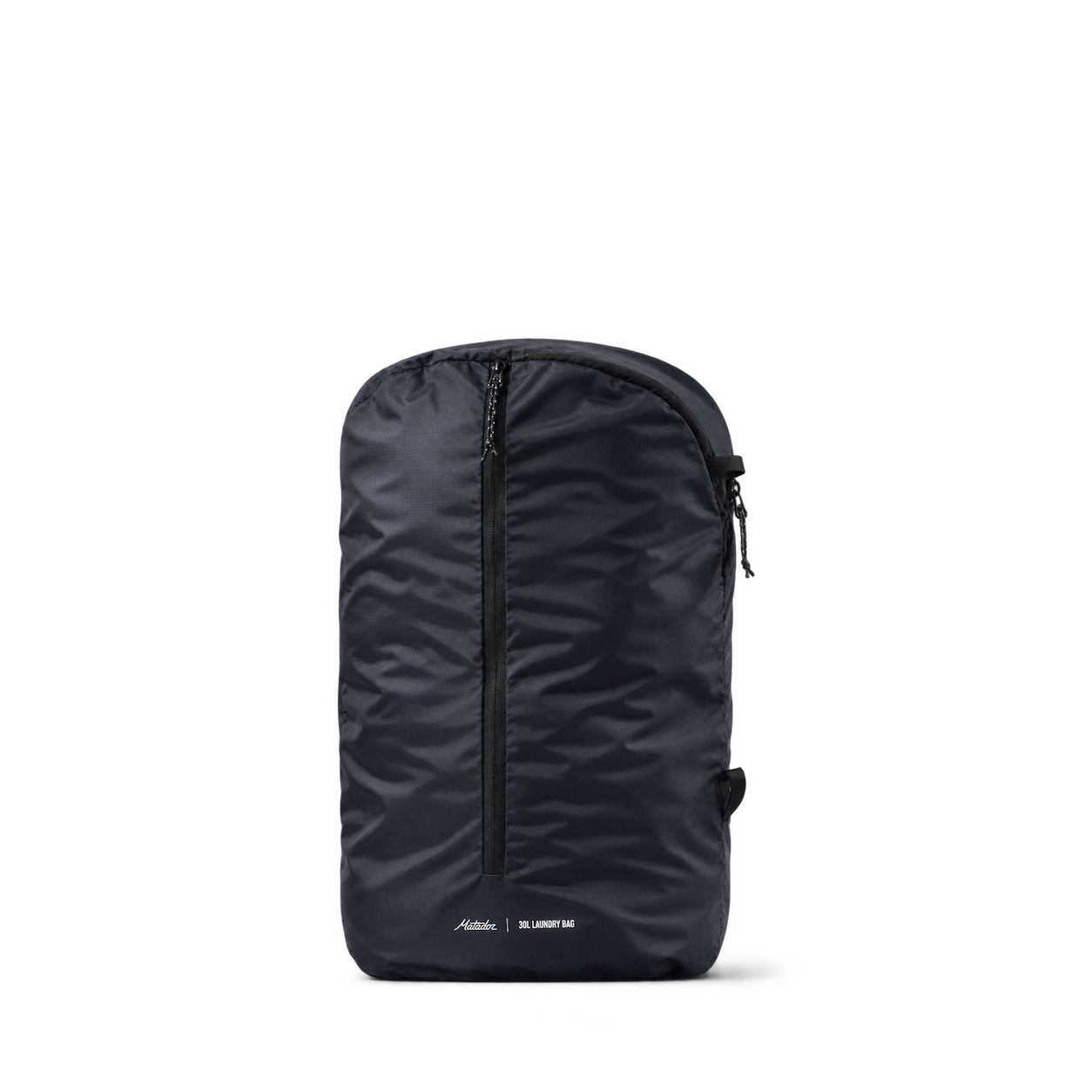
Matador
Packable Laundry Bag

Topo Designs
Mountain Cross Bag · Mustard / Forest


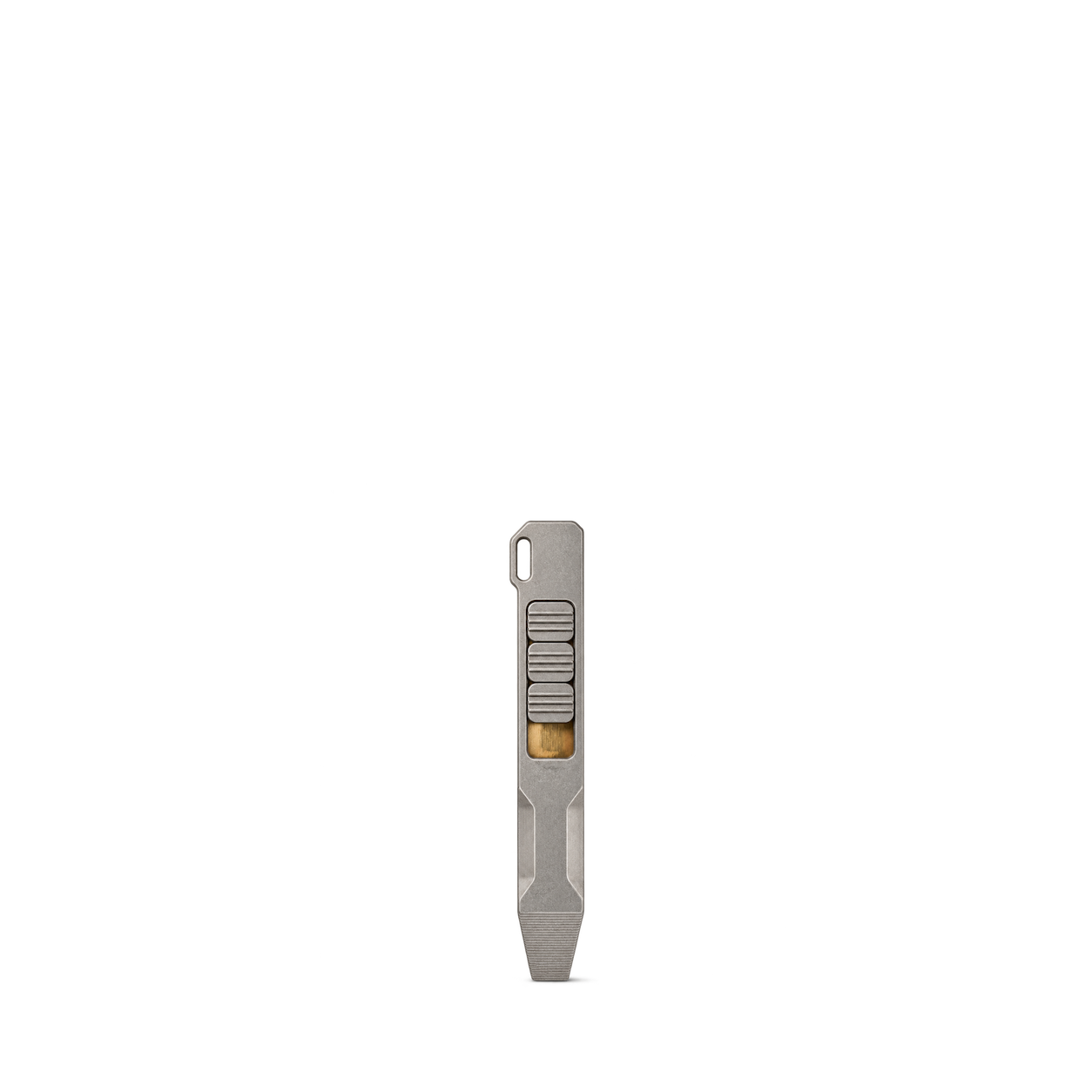
Big Idea Design
Ti Pry Bar · Stonewashed

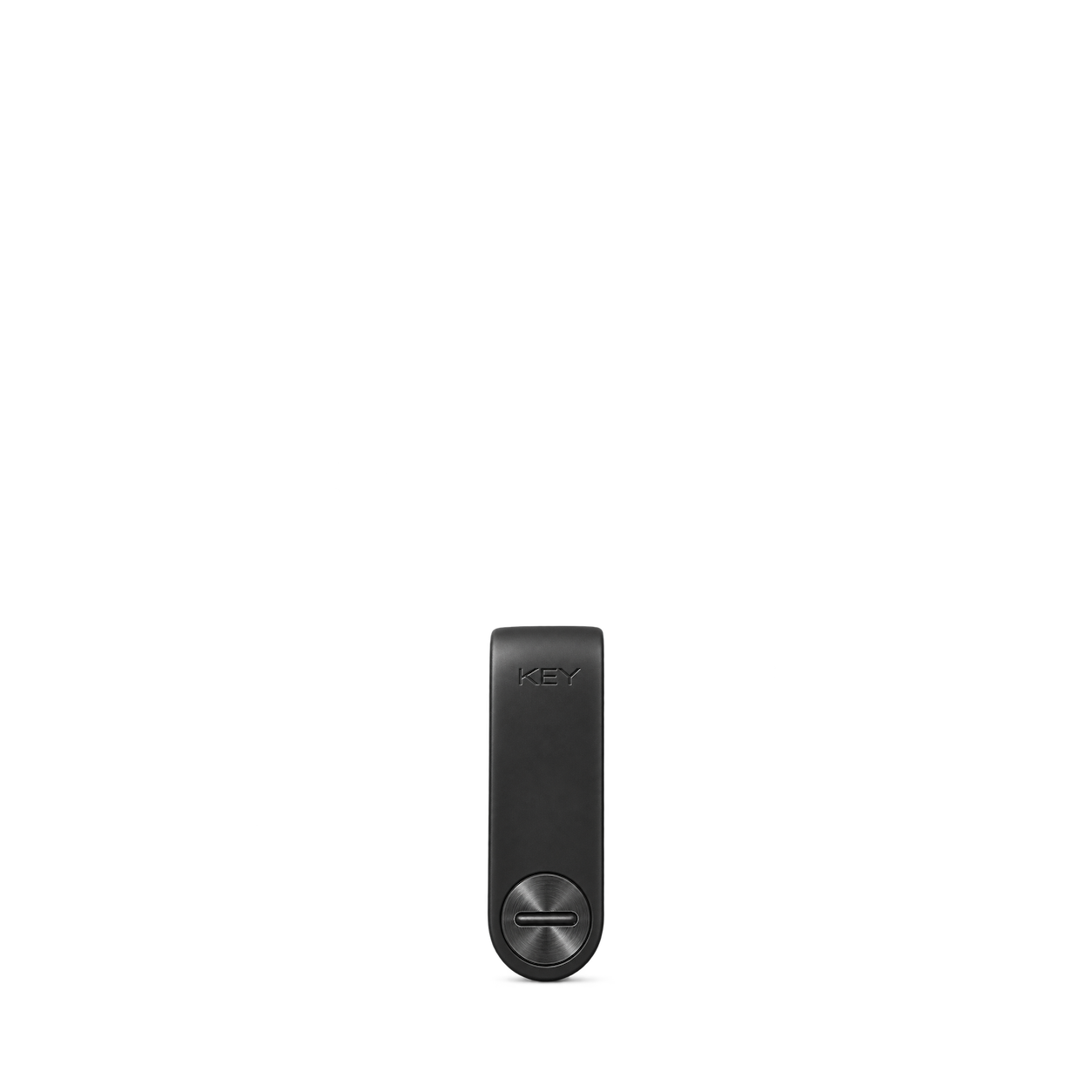
KeySmart
Mini
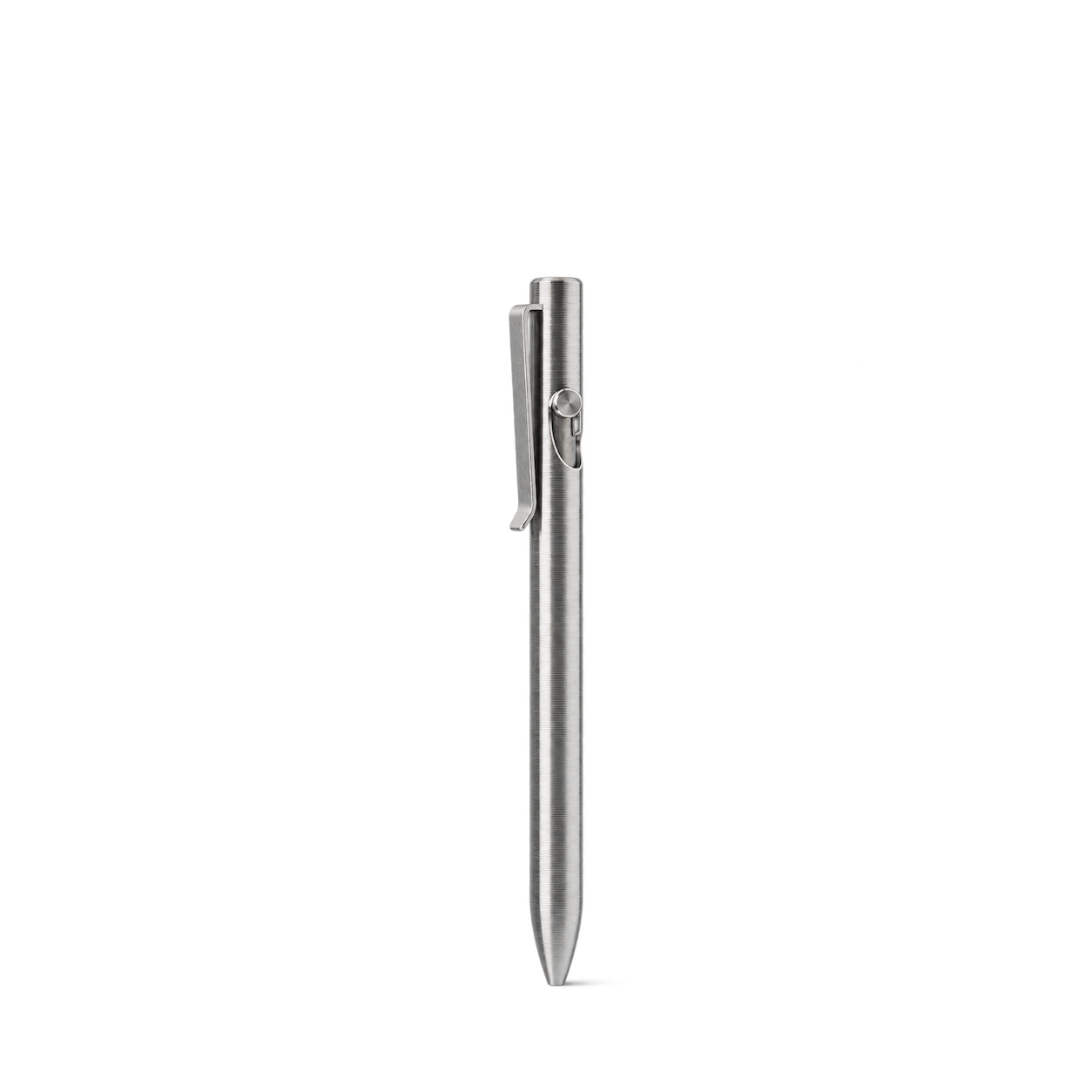
Tactile Turn
Titanium Bolt Action Pen · Machined / Standard
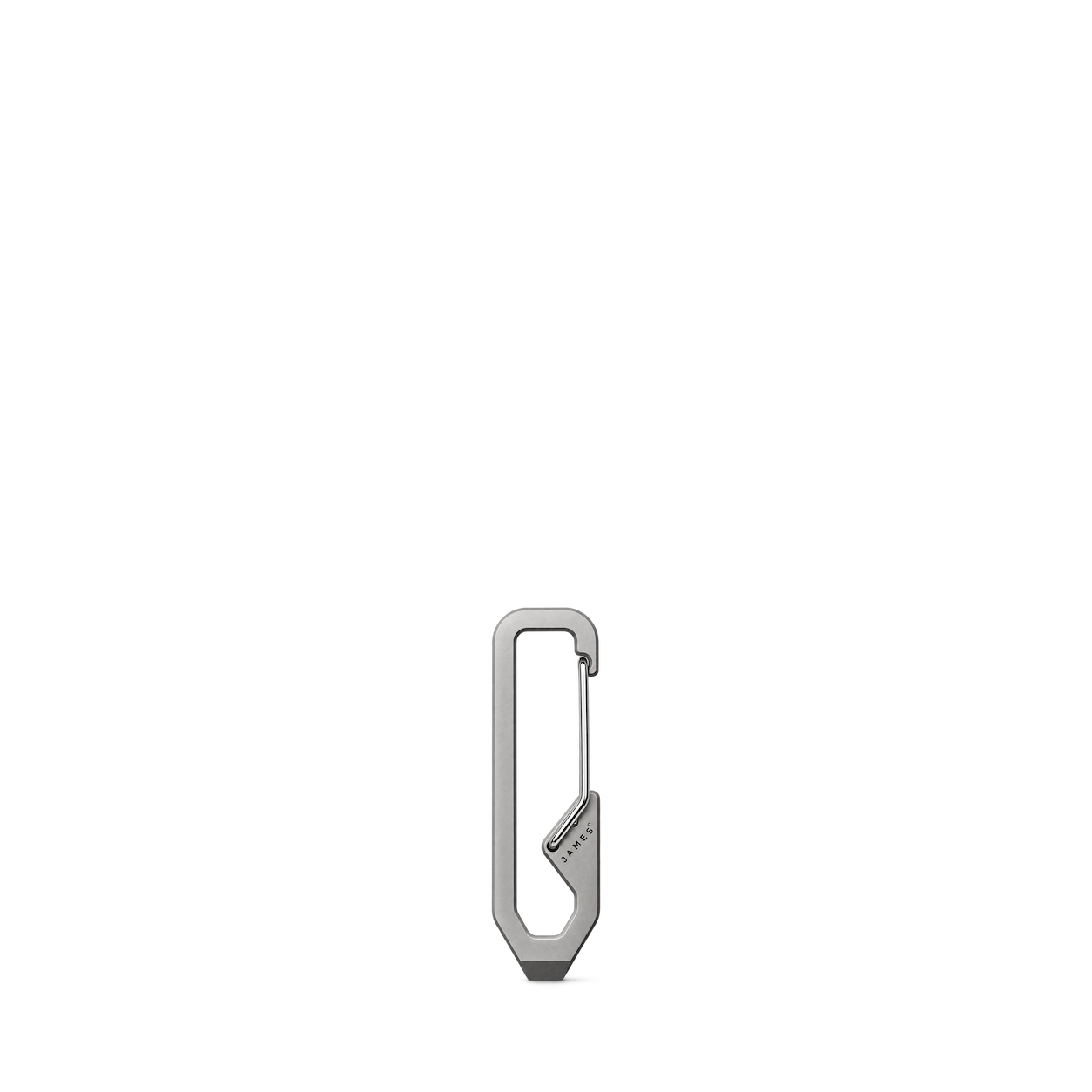
The James Brand
The Holcombe · Titanium + Stainless


Dagne Dover
Rae Roll-Top Dry Bag in Cherry
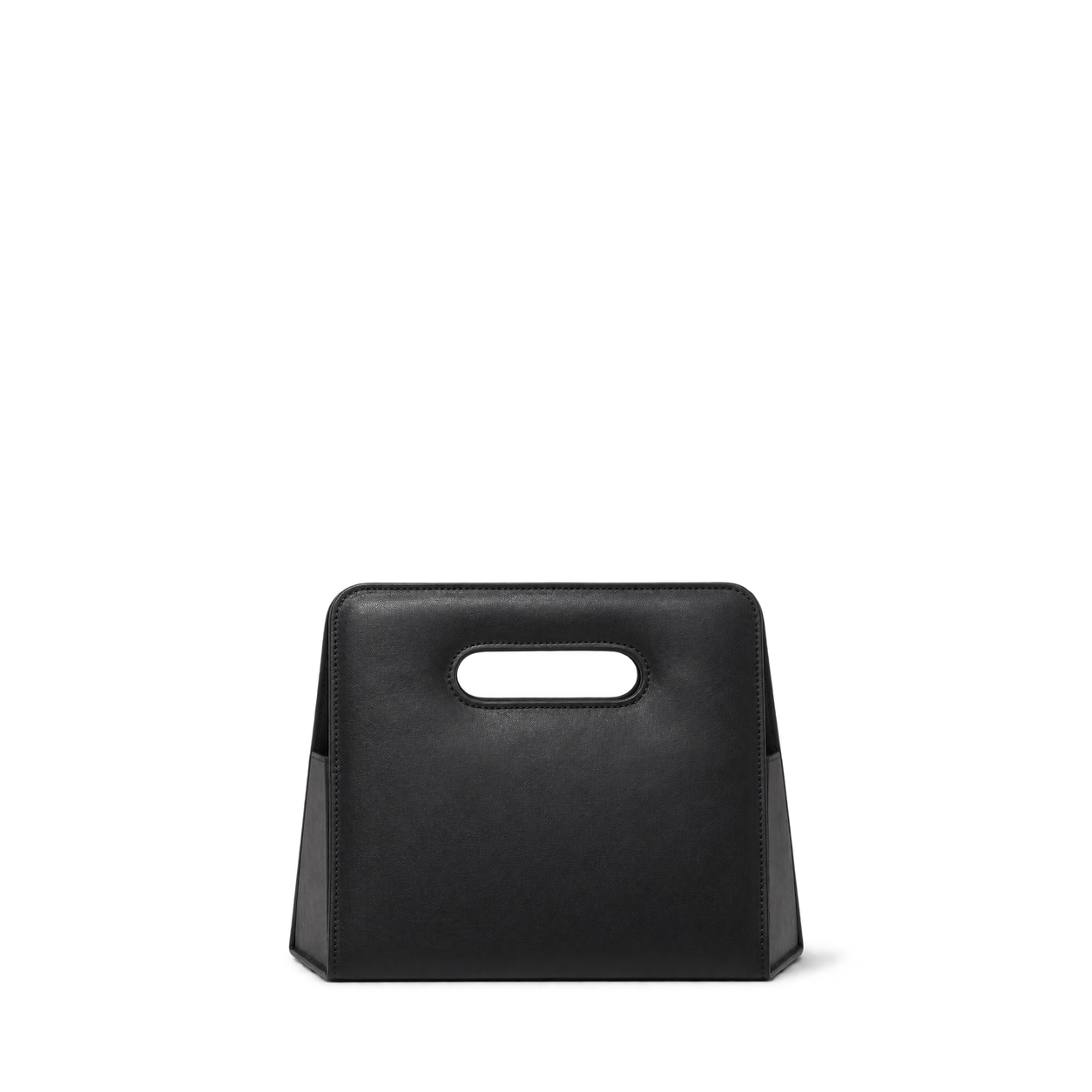
Lo & Sons
Fold Up - Nappa Leather - Black
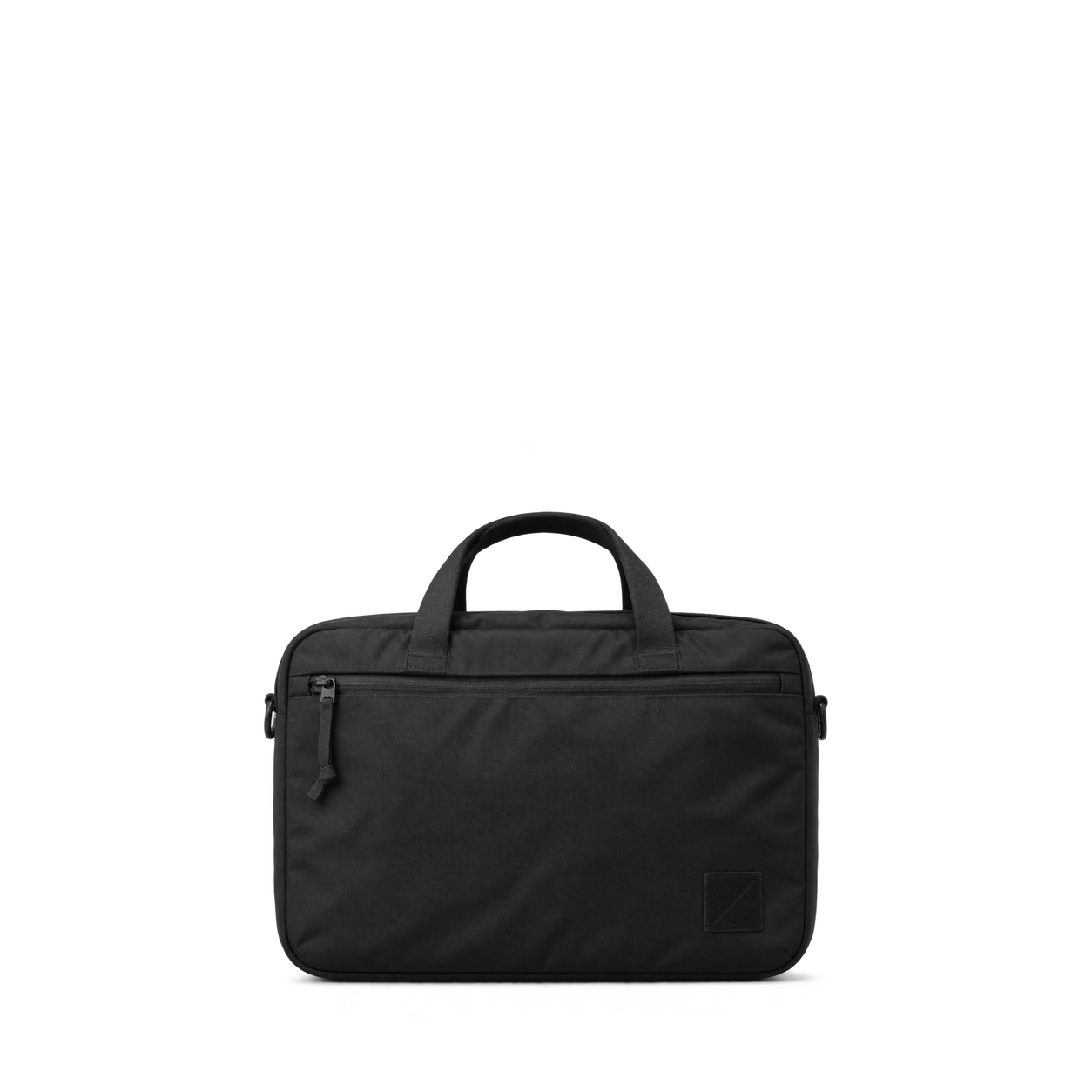

Mission Workshop
Rhake LS · Olive VX

JanSport
SuperBreak® Plus · Black


Matador
Speed Stash

Topo Designs
Mountain Gear Bag · Very Peri / Forest


KeySmart
NanoPliers

Tactile Turn
Titanium Side Click Pen · Stonewashed / Standard

The James Brand
The Mehlville · Racer Blue + Olive Stone


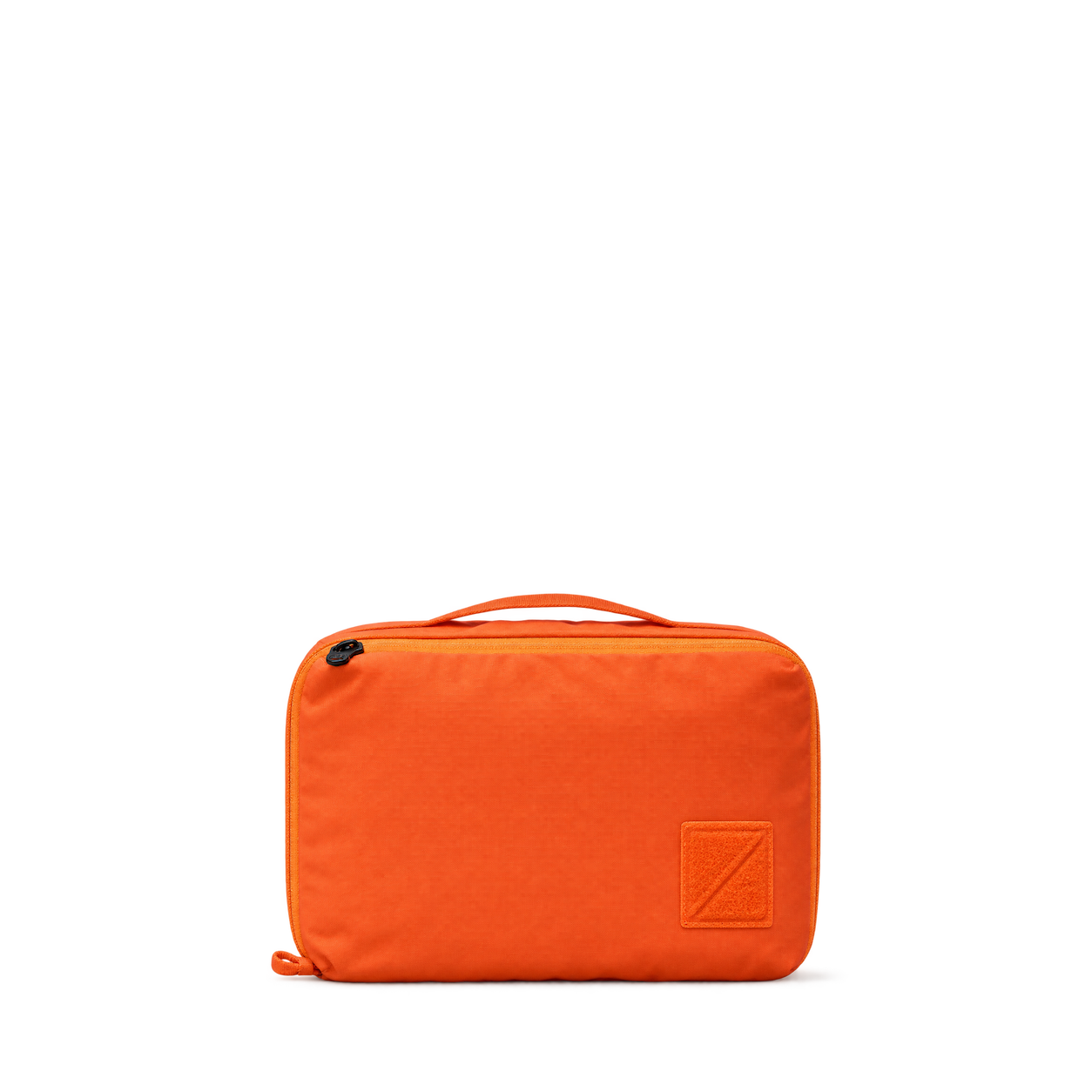
EVERGOODS
Transit Packing Cube 8L · Hot Orange
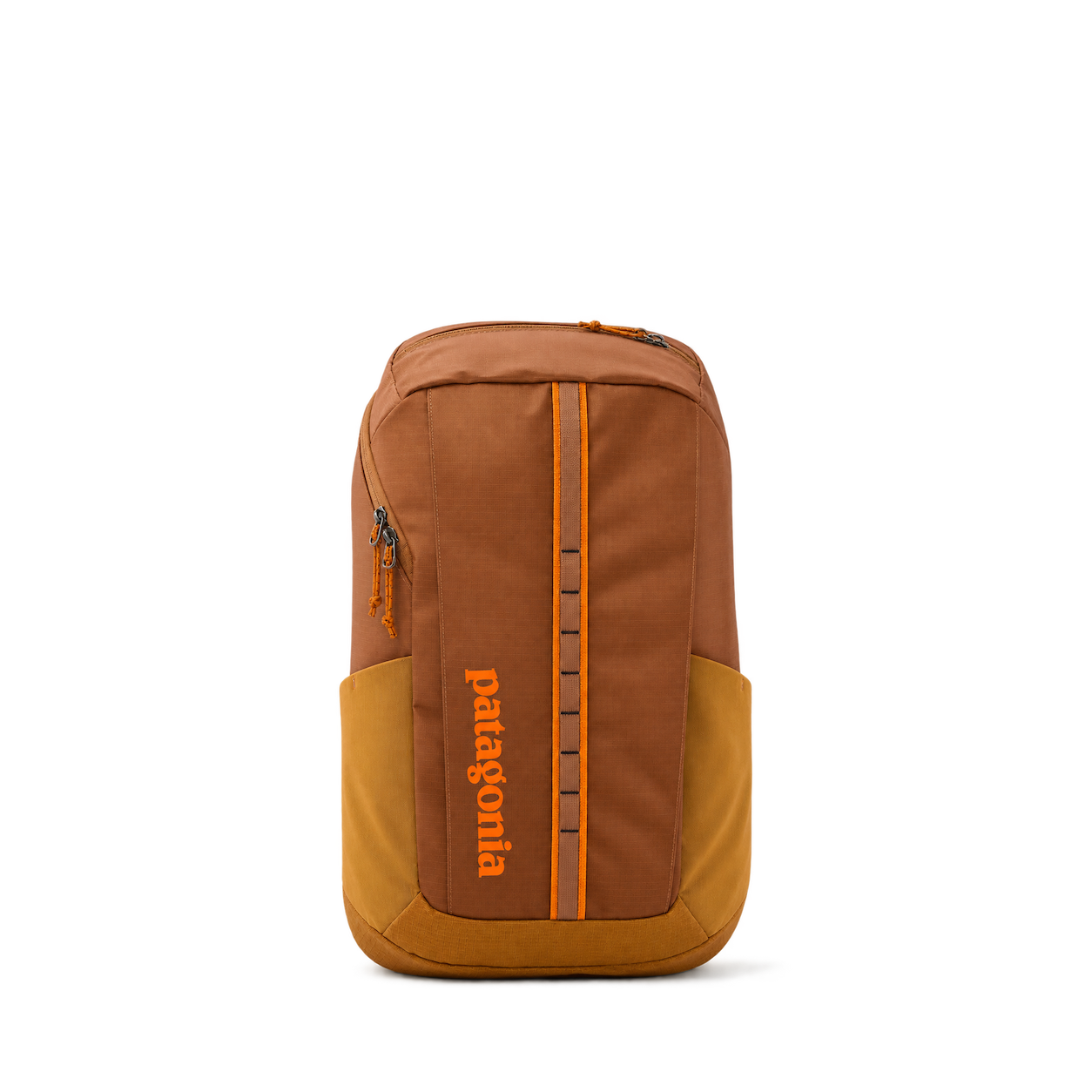
Patagonia
Black Hole Pack 25L · Cinnamon Brown
No matches, yet.
Try another brand or product, or give your filters a little room.
Showing 128 of 298
Browse the archiveAll collections
Browse by category


Bring the catalog into your app.
Connect for free to search product shots and get image URLs, dimensions, and source links.
Developer guide
Use with


FAQs
A few things you might be wondering.
Start here. No technical background needed.
What is Shelfhelp?
Shelfhelp is a library of product images for websites, apps, and designs. Find an image yourself, or connect your AI building tool so it can find and use images while you work.
Am I buying the products shown here?
You’re getting images of the products. Shelfhelp doesn’t sell or ship the physical items. Product source links take you to the brand or retailer if you want to explore the actual product.
Is Shelfhelp free?
Yes. Browsing the library, downloading images, and connecting the MCP are free. You don’t need a Shelfhelp account or subscription. The building tool you use may have its own costs.
How do I download an image?
Open the product shot you want, choose Get free PNG, and enter your email. We’ll send you a link to download the original image file, which you can upload into your website builder or design tool.
Your download link is valid for seven days.
Why do you need my email?
We use your email to deliver the original image’s download link. Requesting an image does not subscribe you to marketing.
You don’t need to enter an email to browse the library or connect your builder through MCP.
What does “Connect the MCP” mean?
It means giving your AI building tool access to Shelfhelp’s image library. Once connected, you can ask it to find product shots and use them in your project.
MCP is simply the connection that lets the two tools work together.
How do I connect it to my builder?
Select Connect the MCP and copy the connection link. In your builder’s settings, look for an option to add an MCP server or custom connector, then paste the link.
The exact steps depend on your builder. Start with our connection guide.
Can I use Shelfhelp without MCP or coding?
Absolutely. You can browse the library, request an image by email, and upload the downloaded file into your project yourself.
The MCP connection is optional. To use it, your building tool needs to support connecting to a remote MCP server.
What should I ask my AI builder?
Start with something like:
“Find five skincare product shots from Shelfhelp and use them on my homepage.”
For a specific product, include the brand and product name. If the color, size, or flavor matters, include that too—and check that the selected image matches.
What will people see on my finished website?
They’ll see the product images your builder places in your design. Your builder controls the layout, colors, text, and interactions.
Connecting Shelfhelp alone doesn’t change your website. Your visitors don’t need to connect to Shelfhelp or understand MCP.
What if the image I want isn’t in the library?
Try searching by brand, product name, or a broader category. The MCP finds existing images; it doesn’t generate new ones.
If you need an exact product or version, check the result carefully before using it.
Can I use these images in a live store, client project, or ad?
Check the image’s usage rights and approval details first. Free access doesn’t automatically grant permission for every commercial use.
The library includes independent product studies, so a pictured brand doesn’t mean that brand approved the image. If permission is unclear, confirm it before publishing.