 Shelfhelp.ai





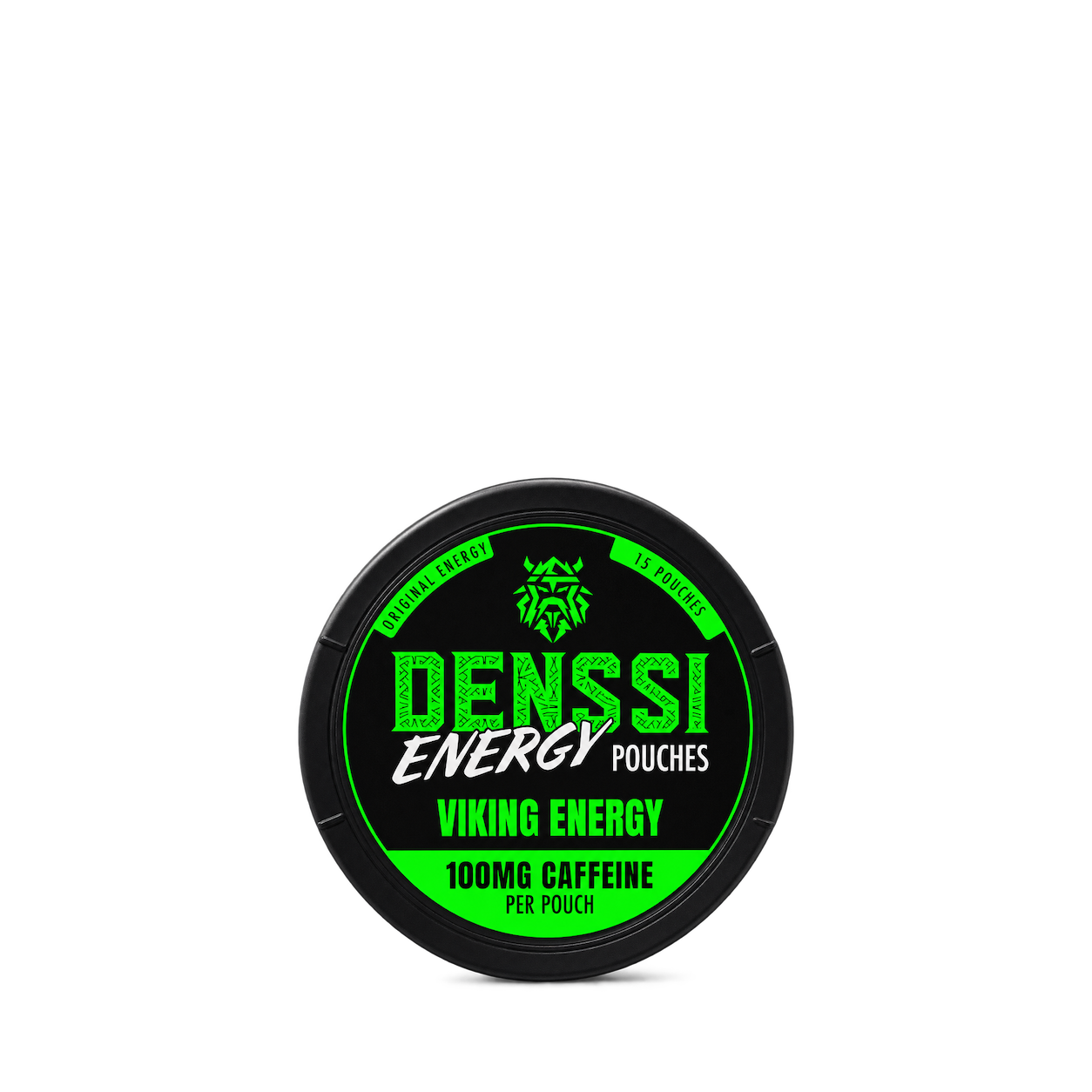


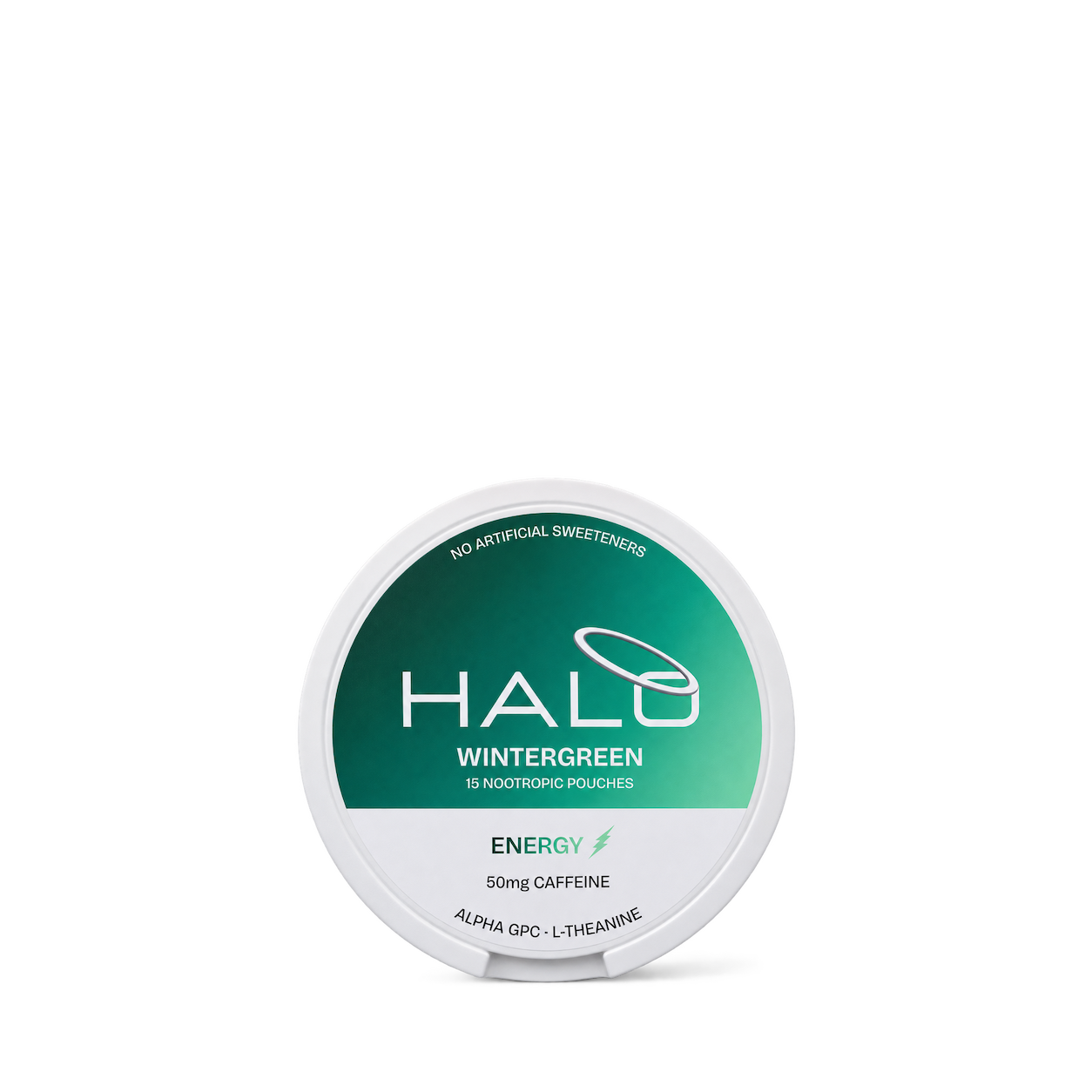
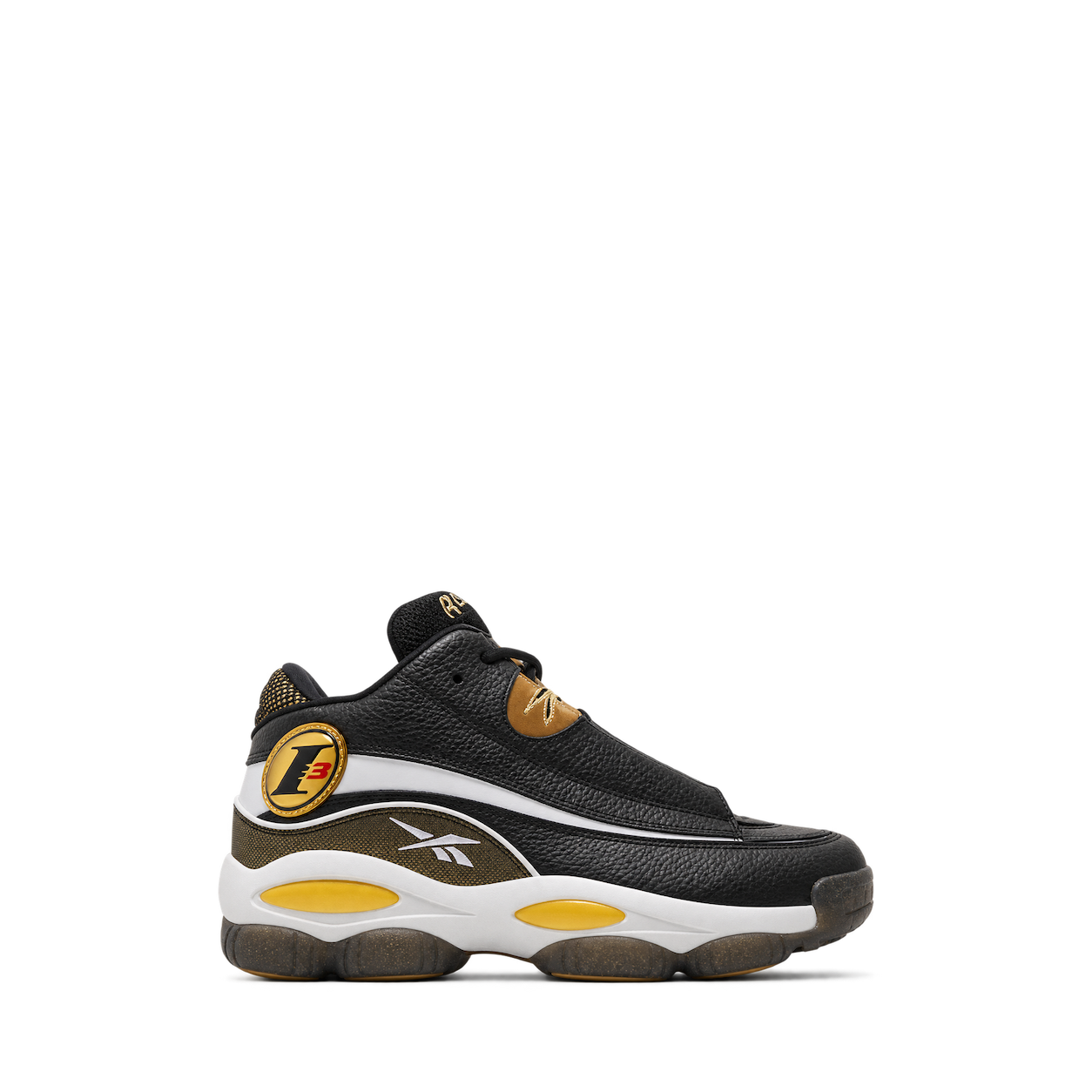
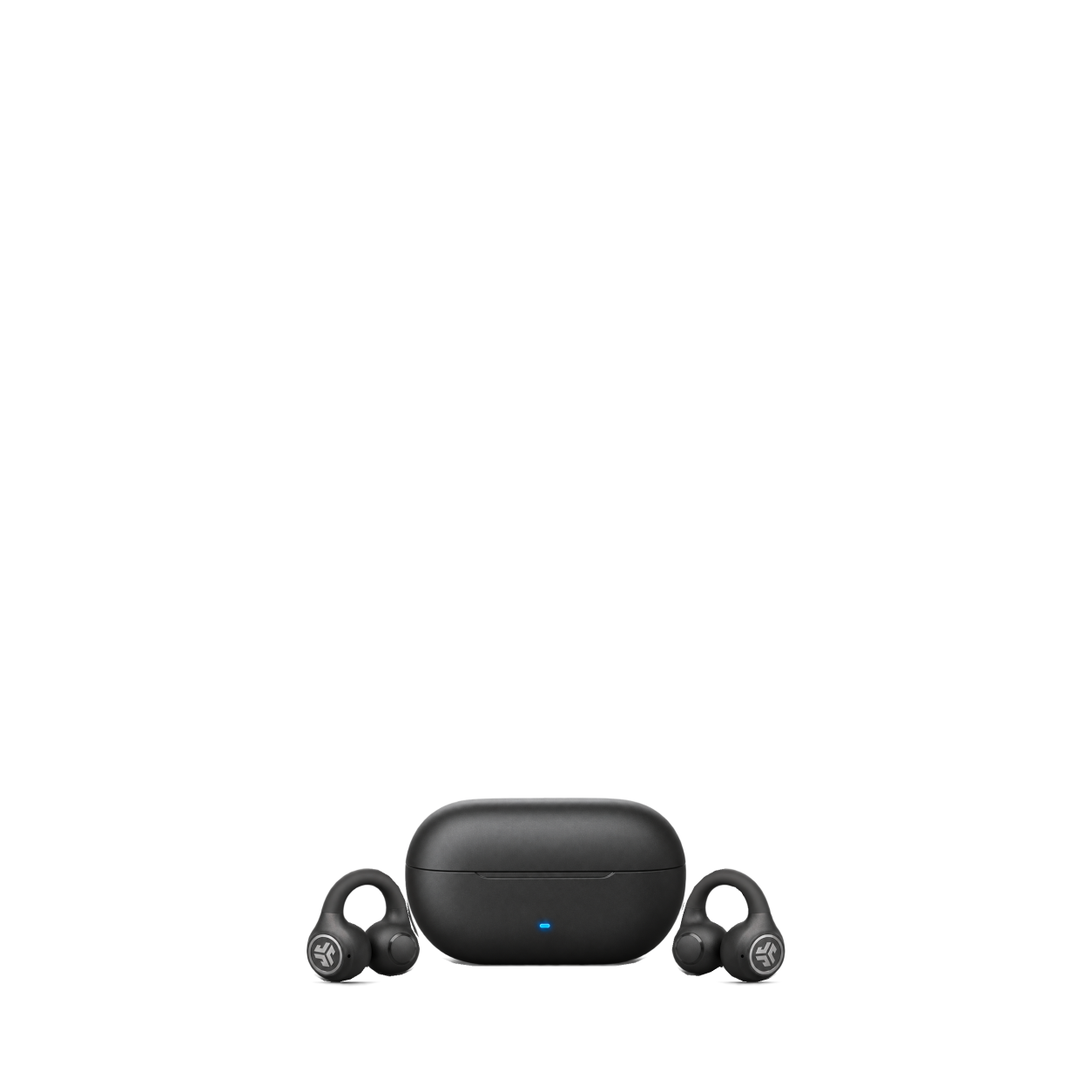





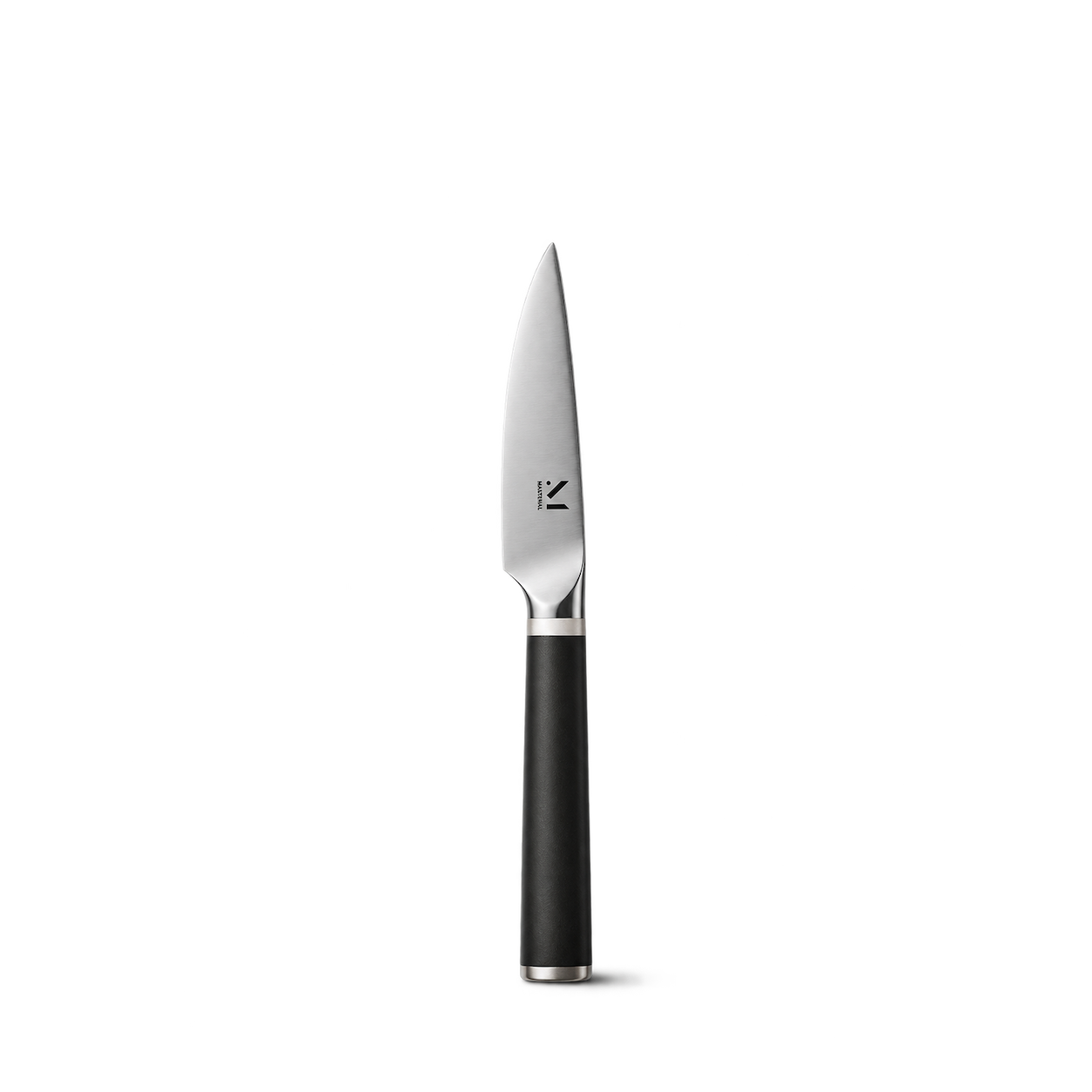
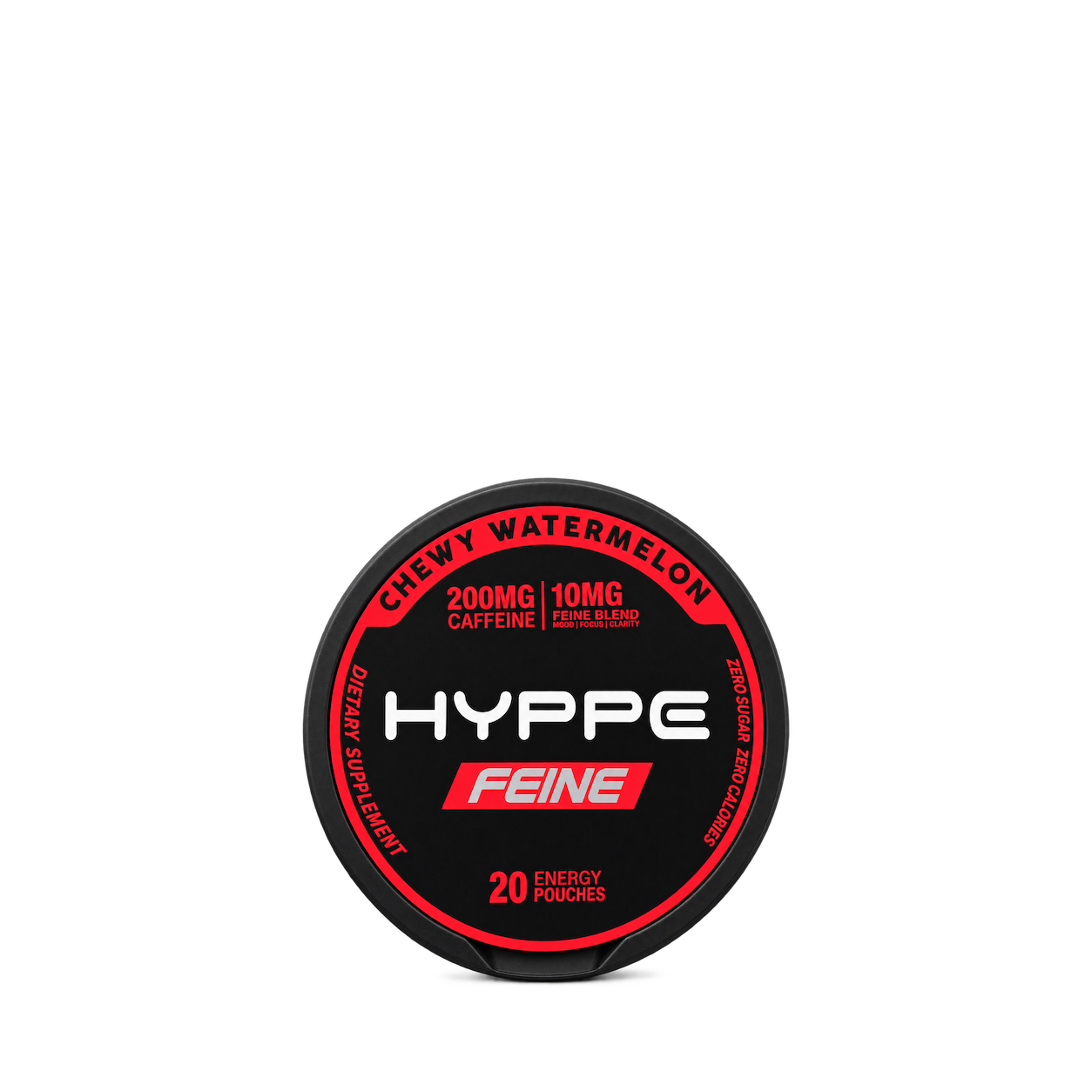
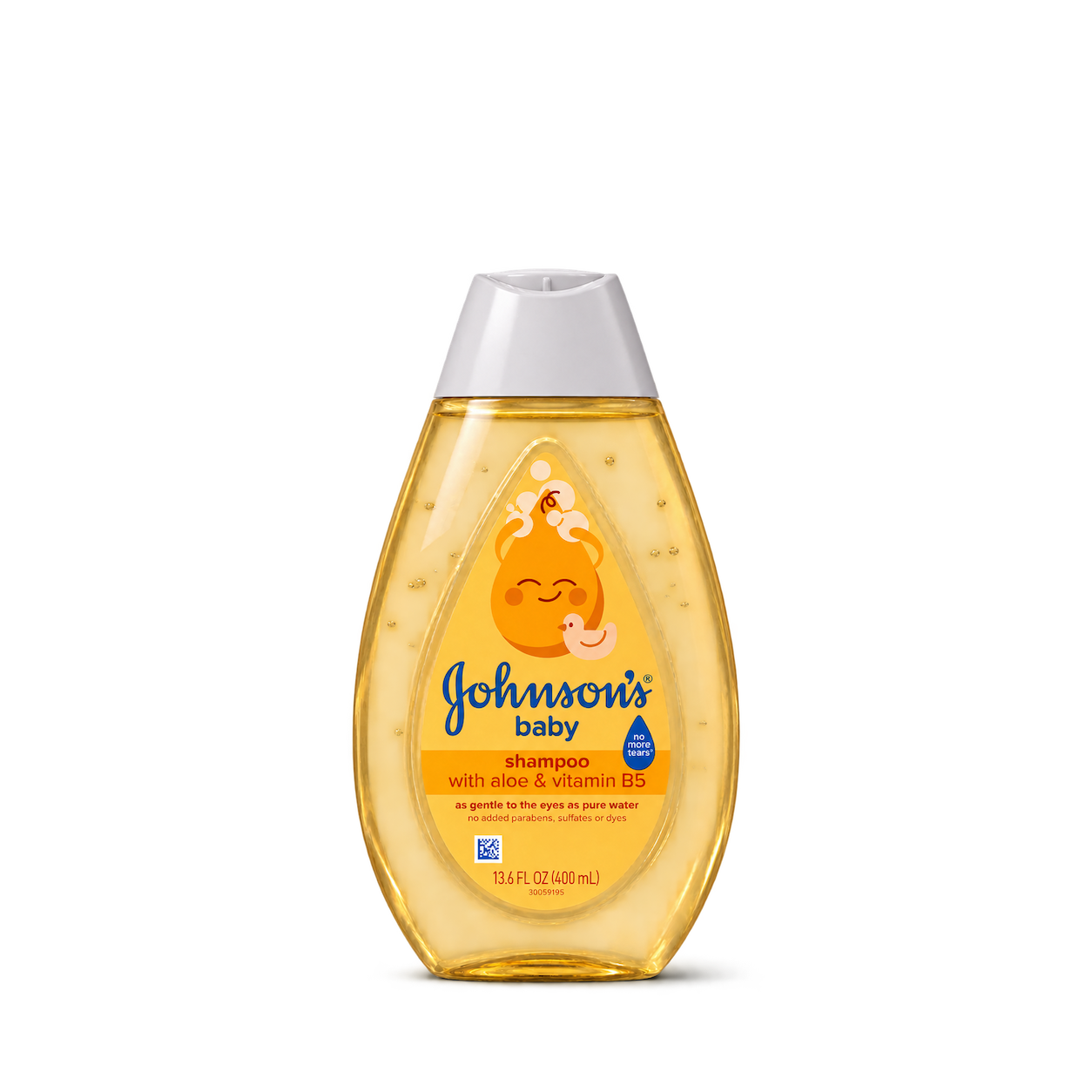
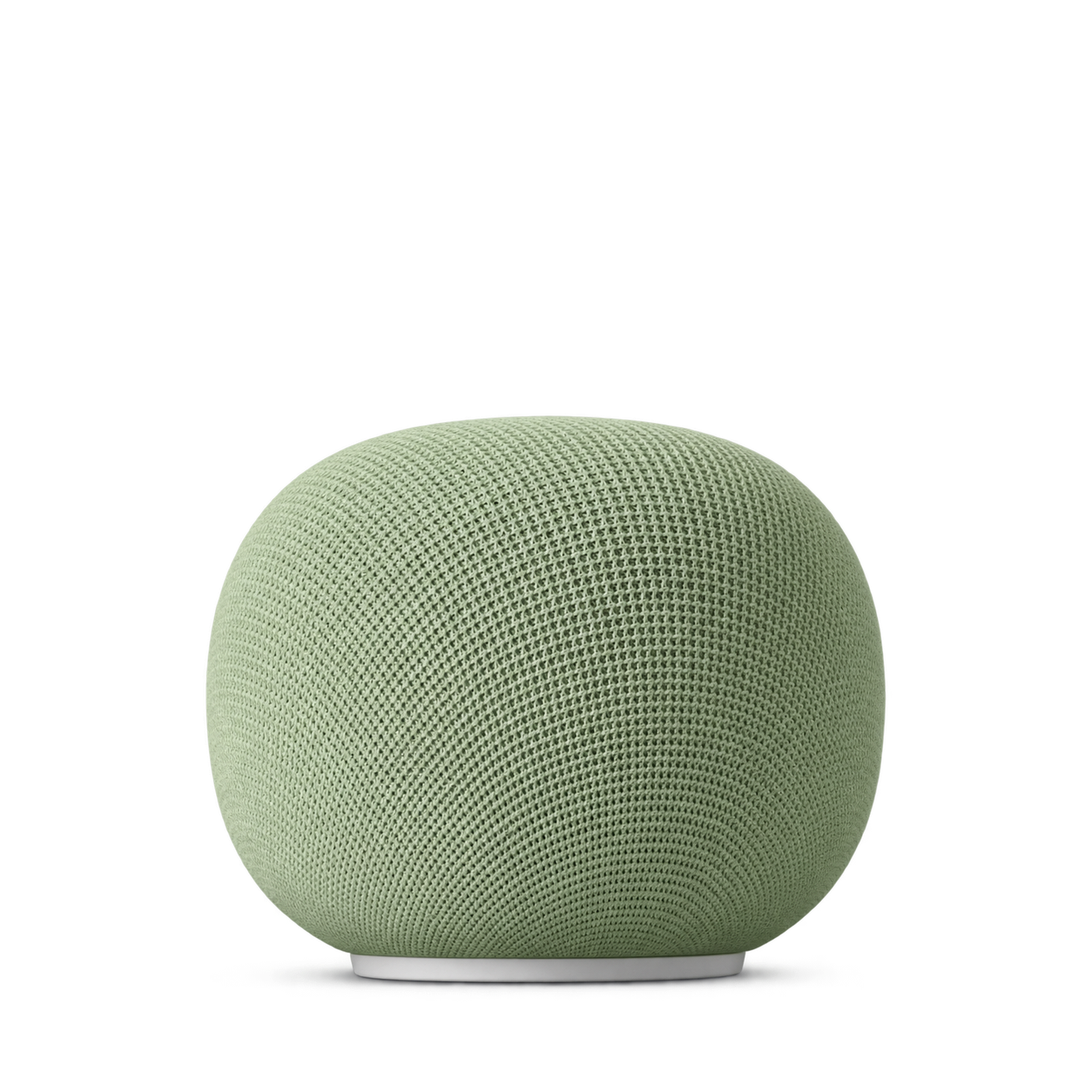
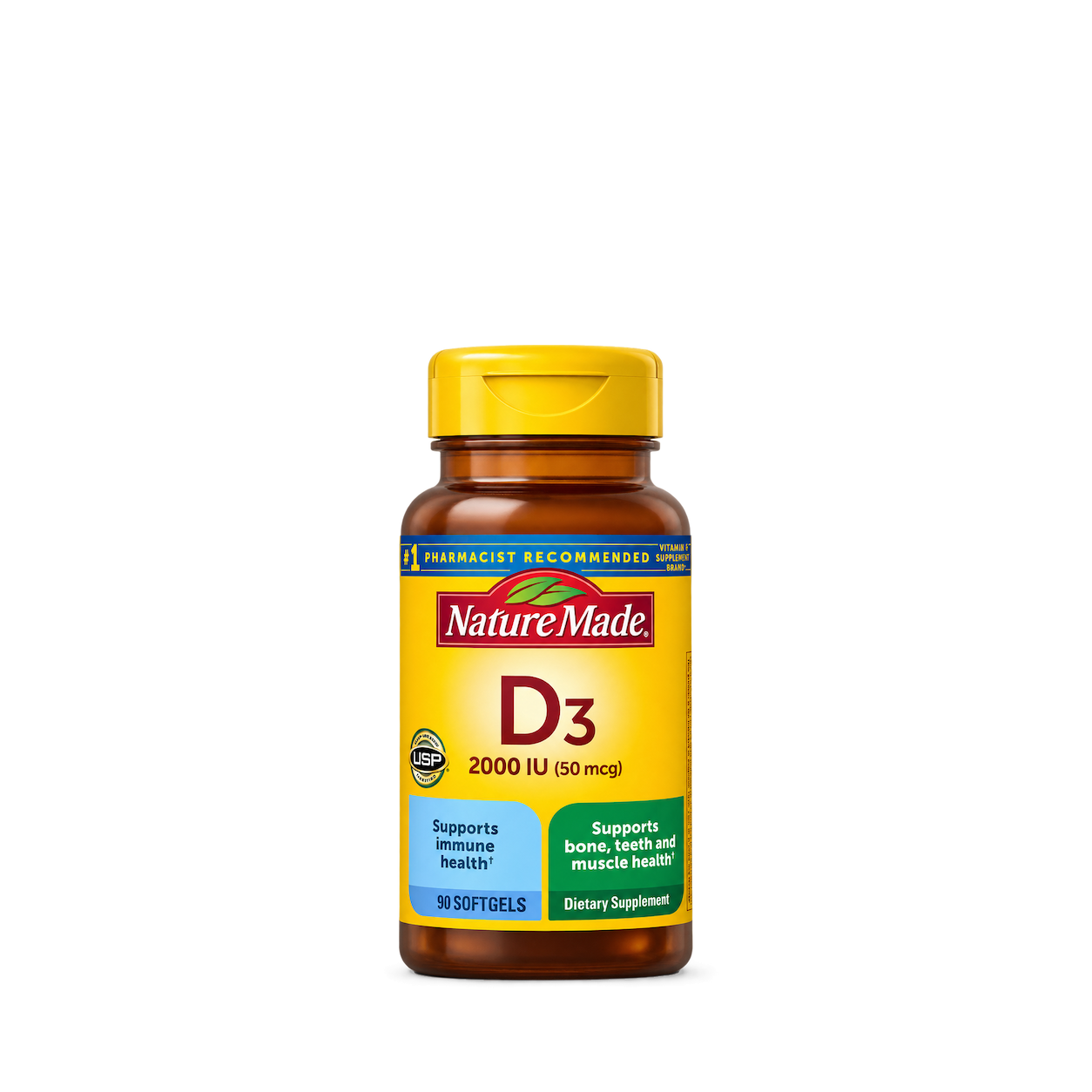
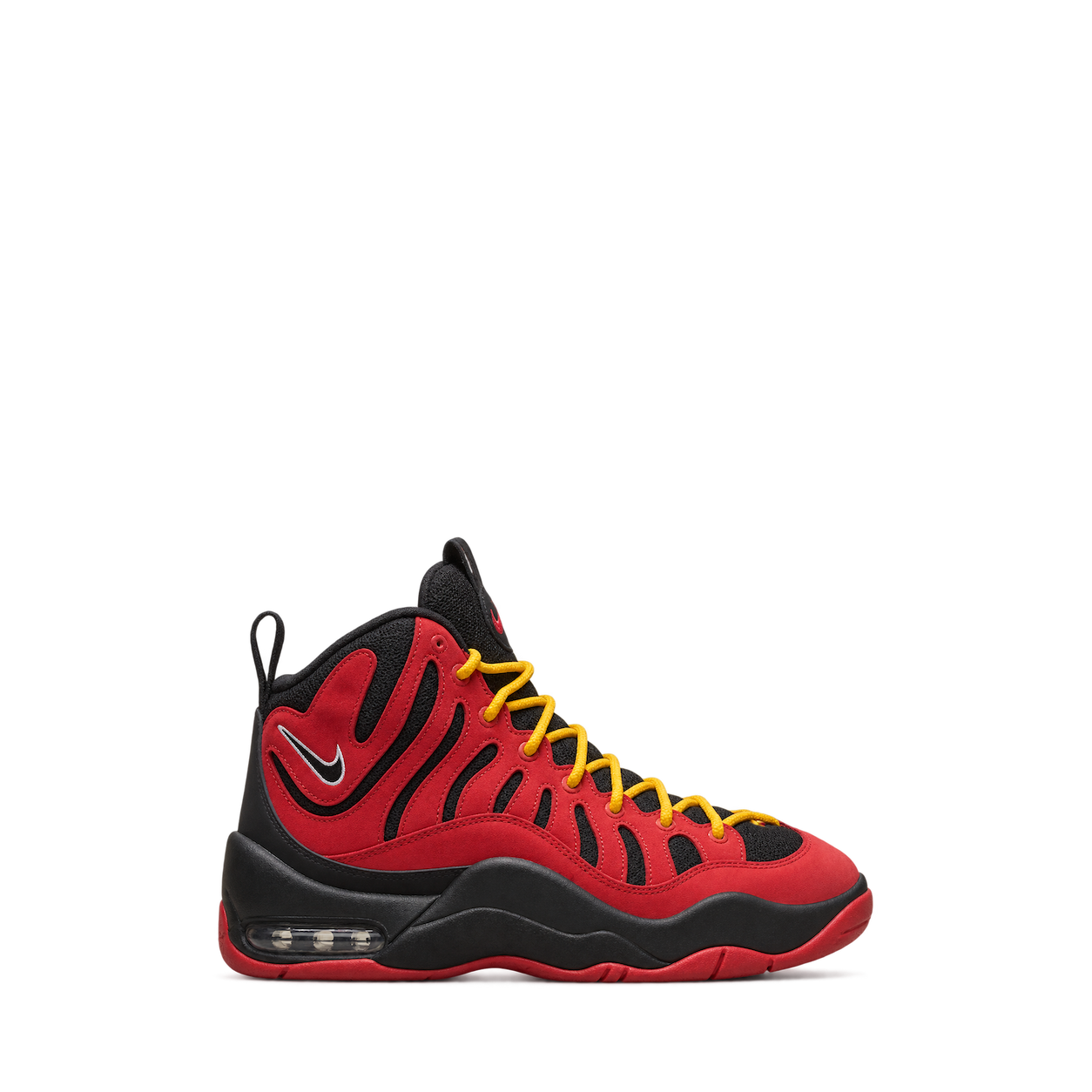

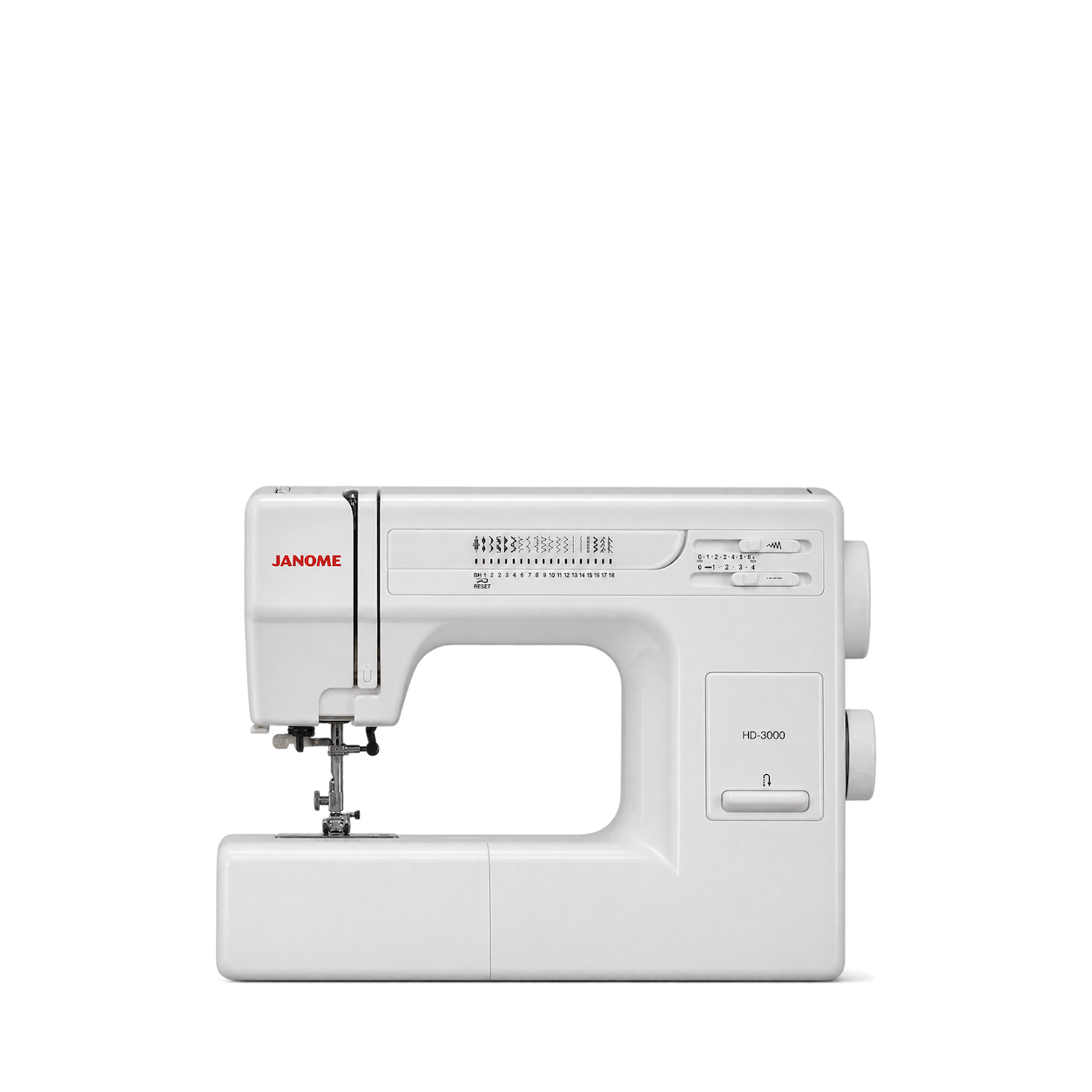
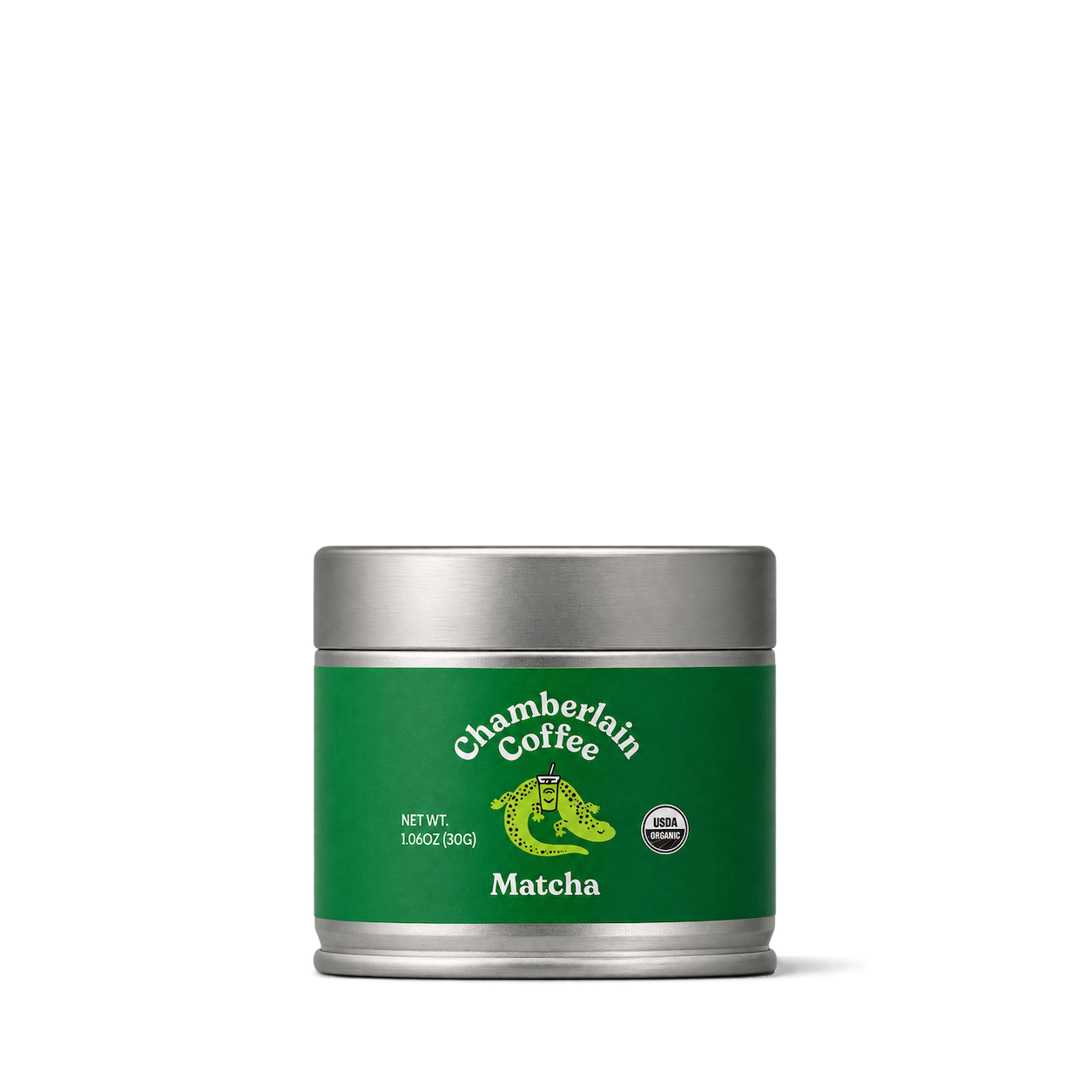


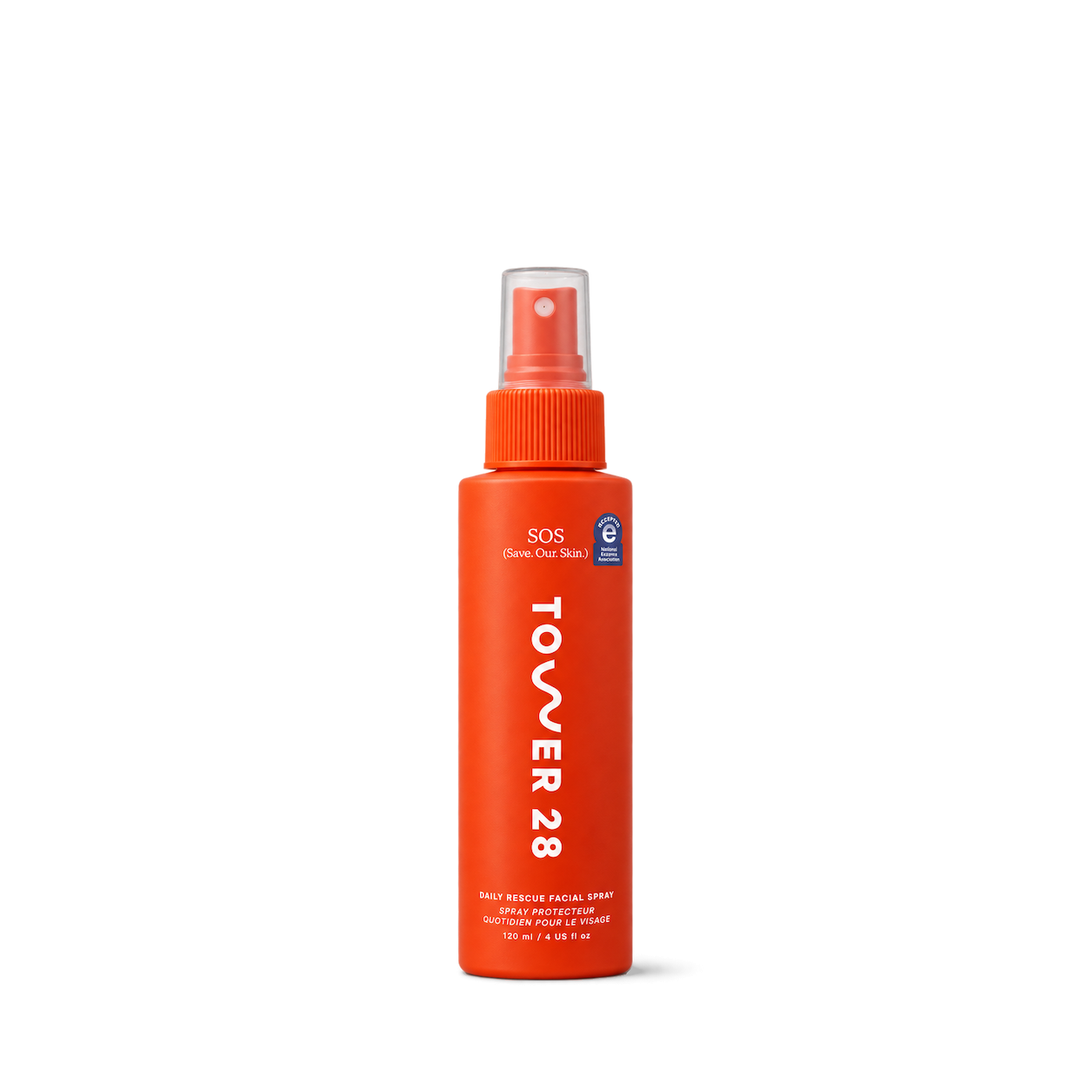
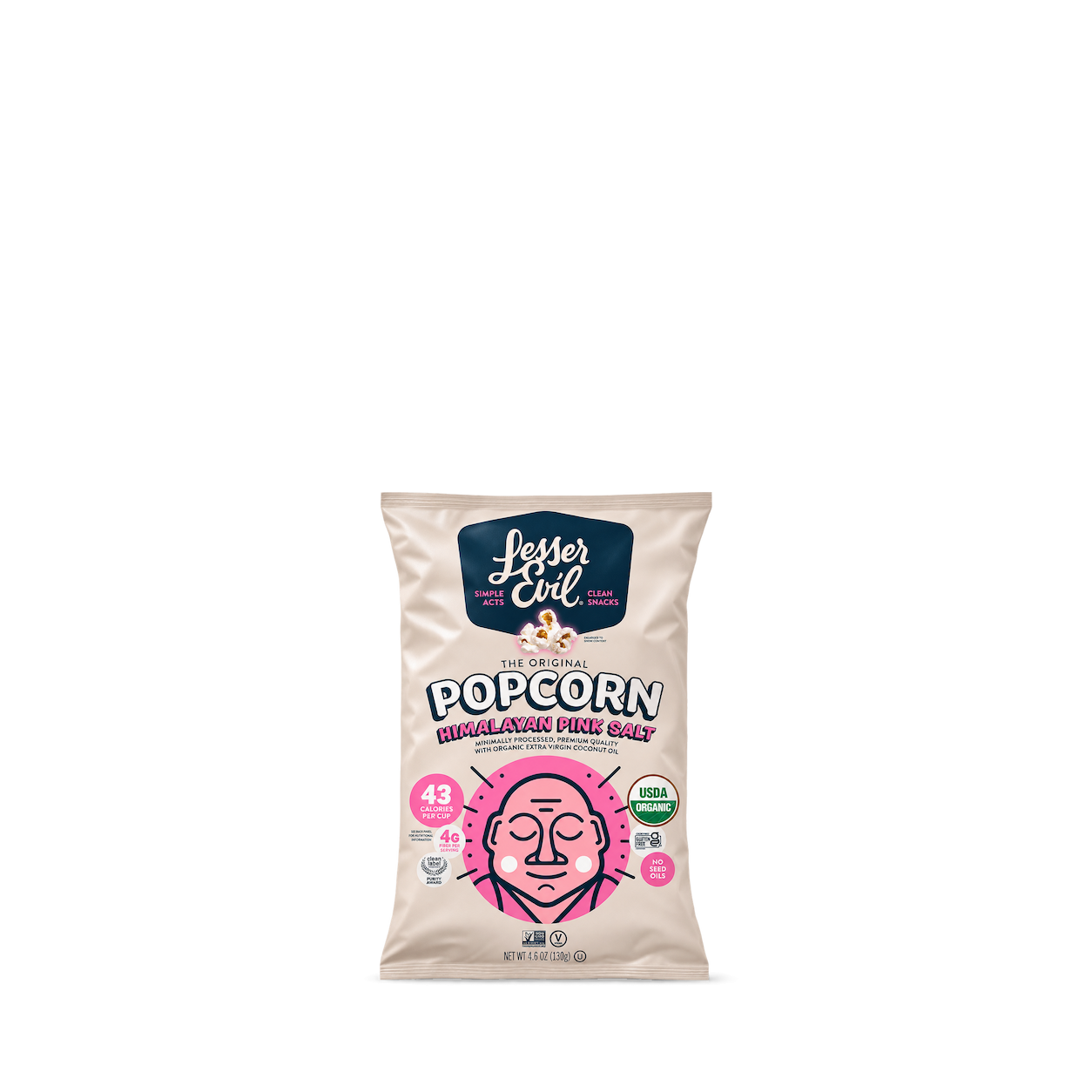

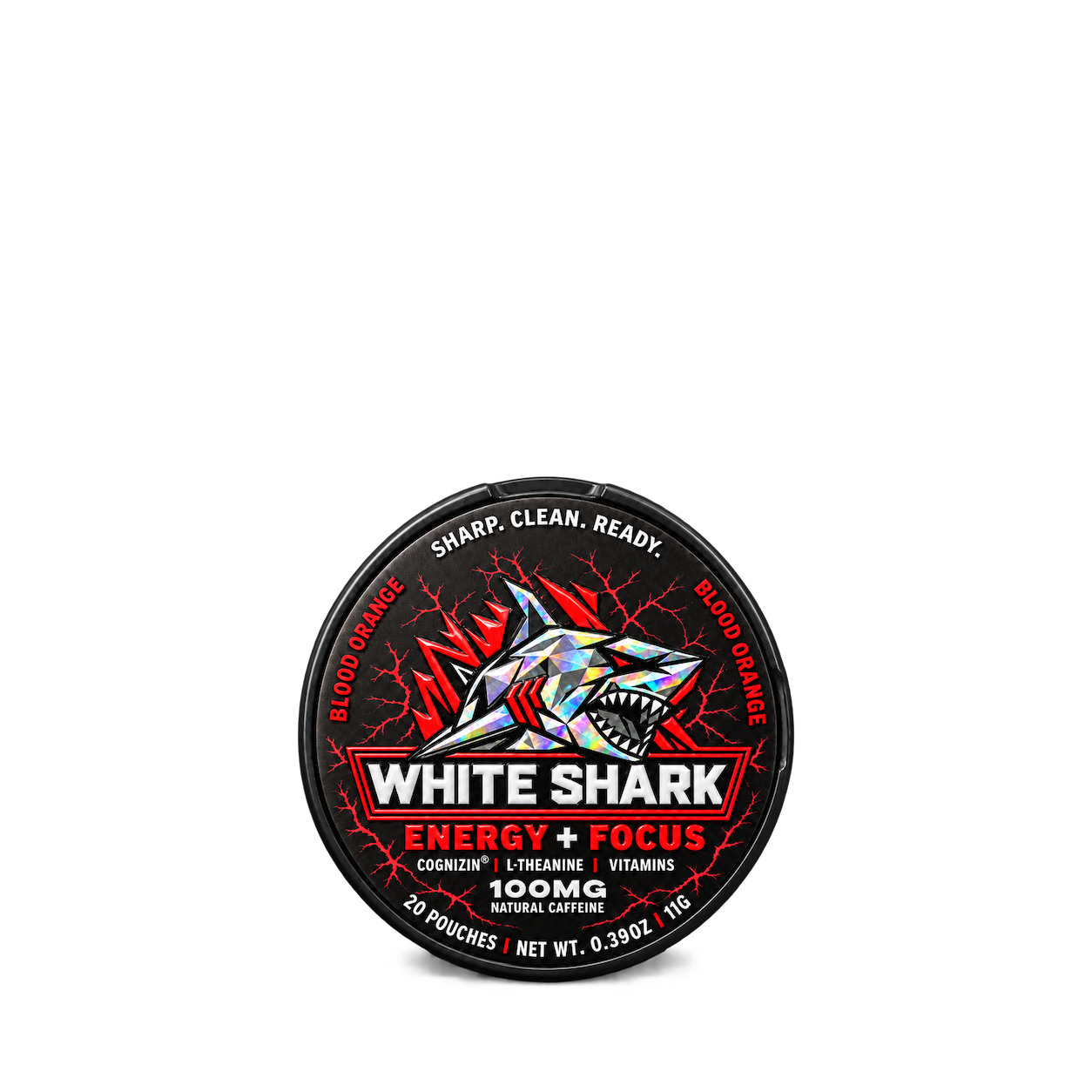

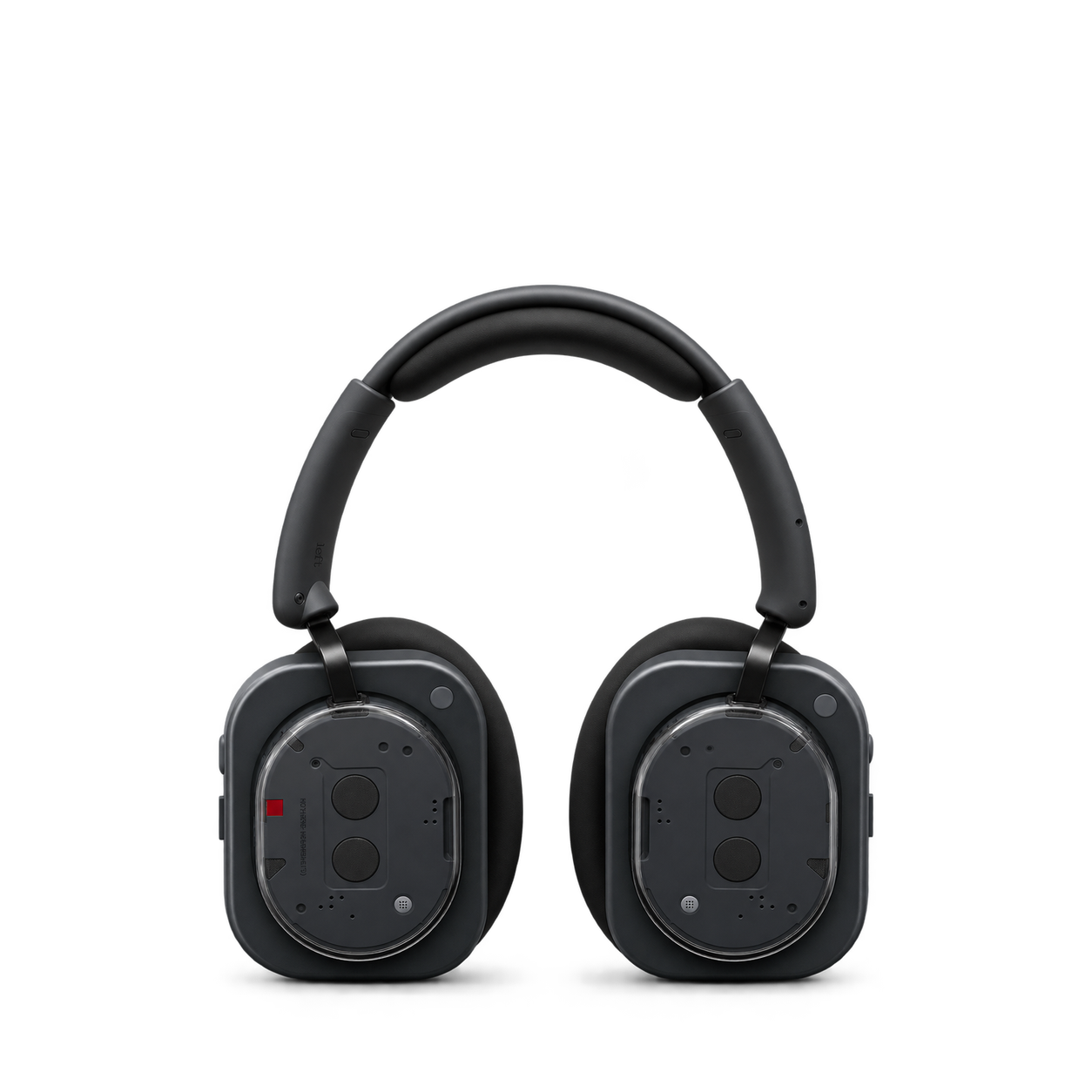
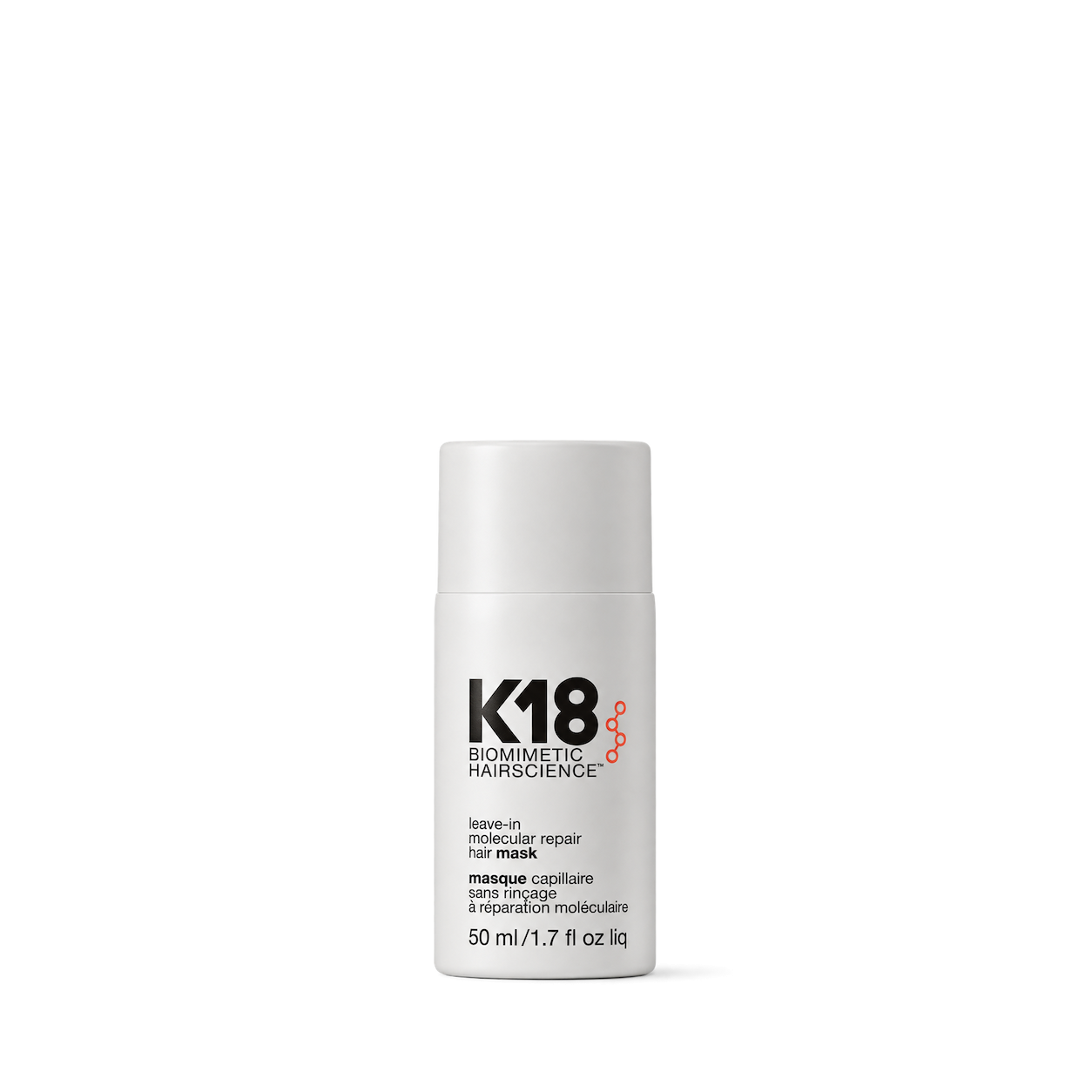
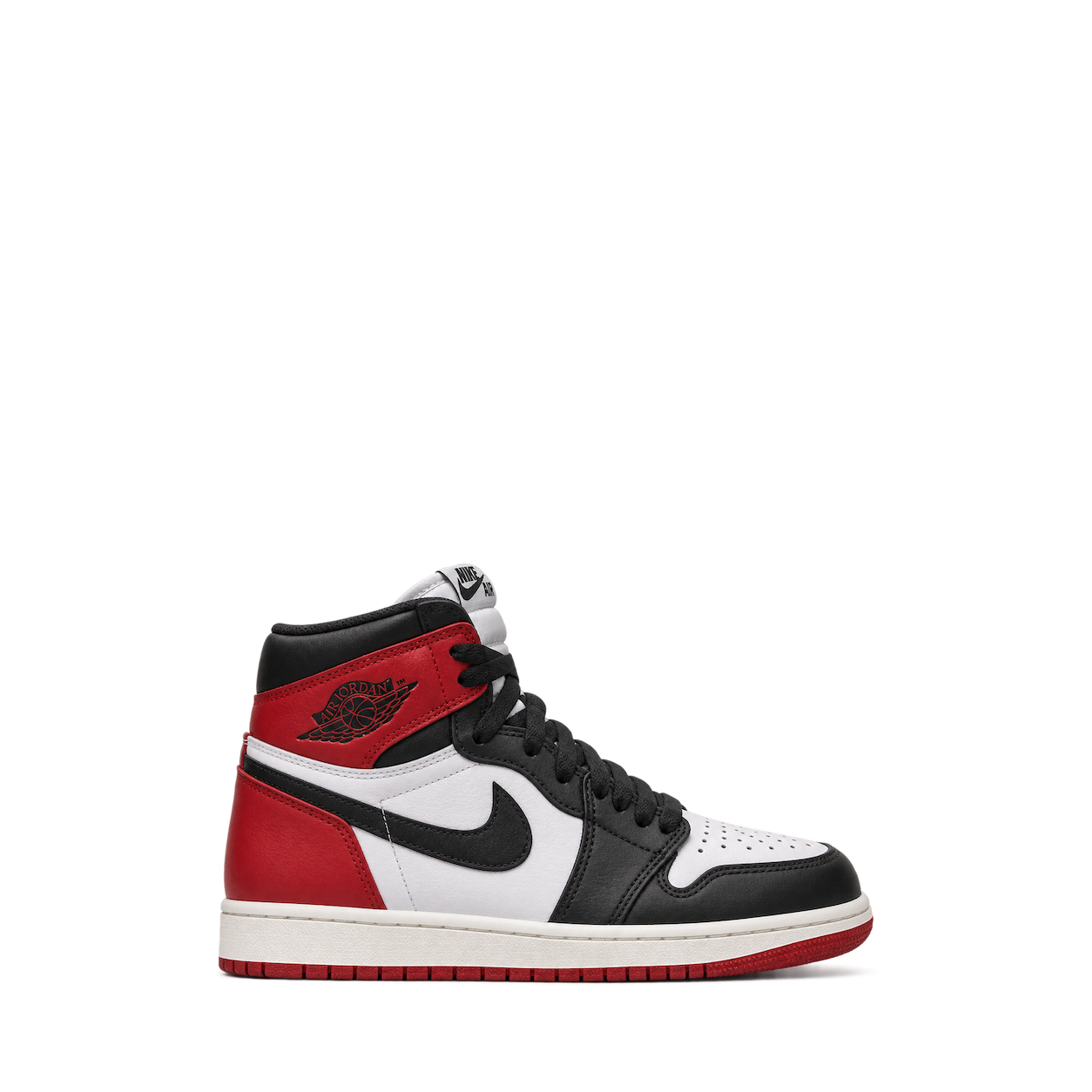
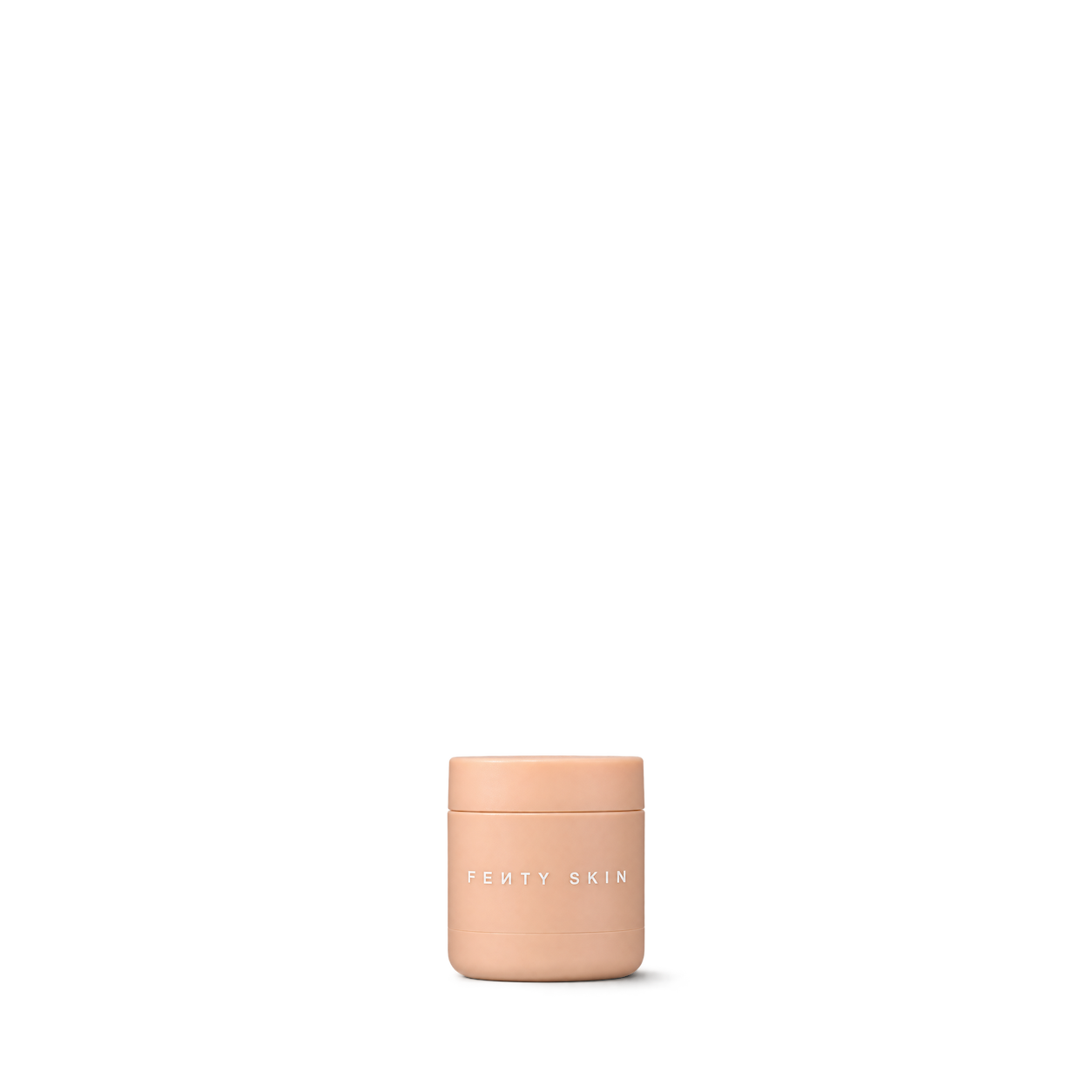
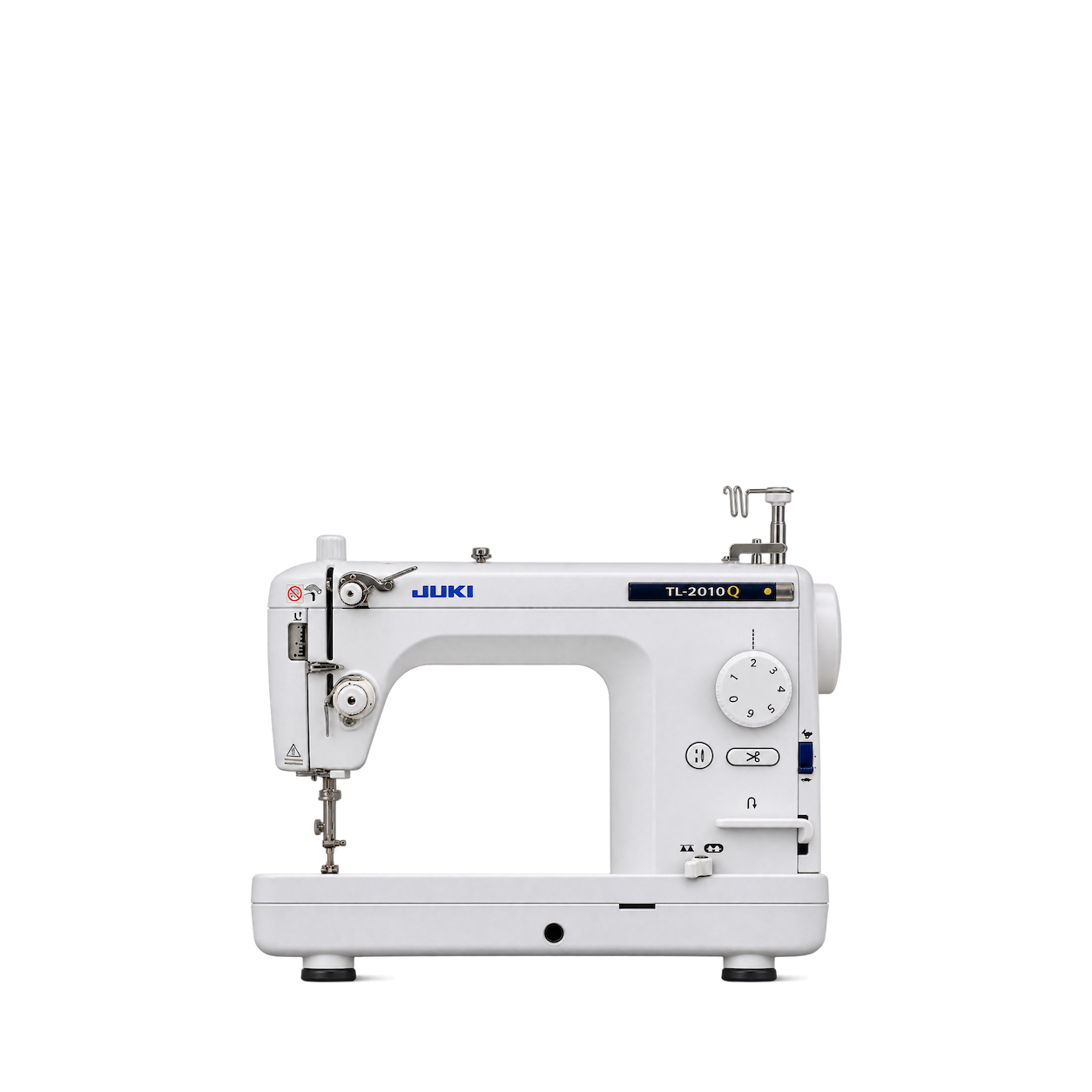








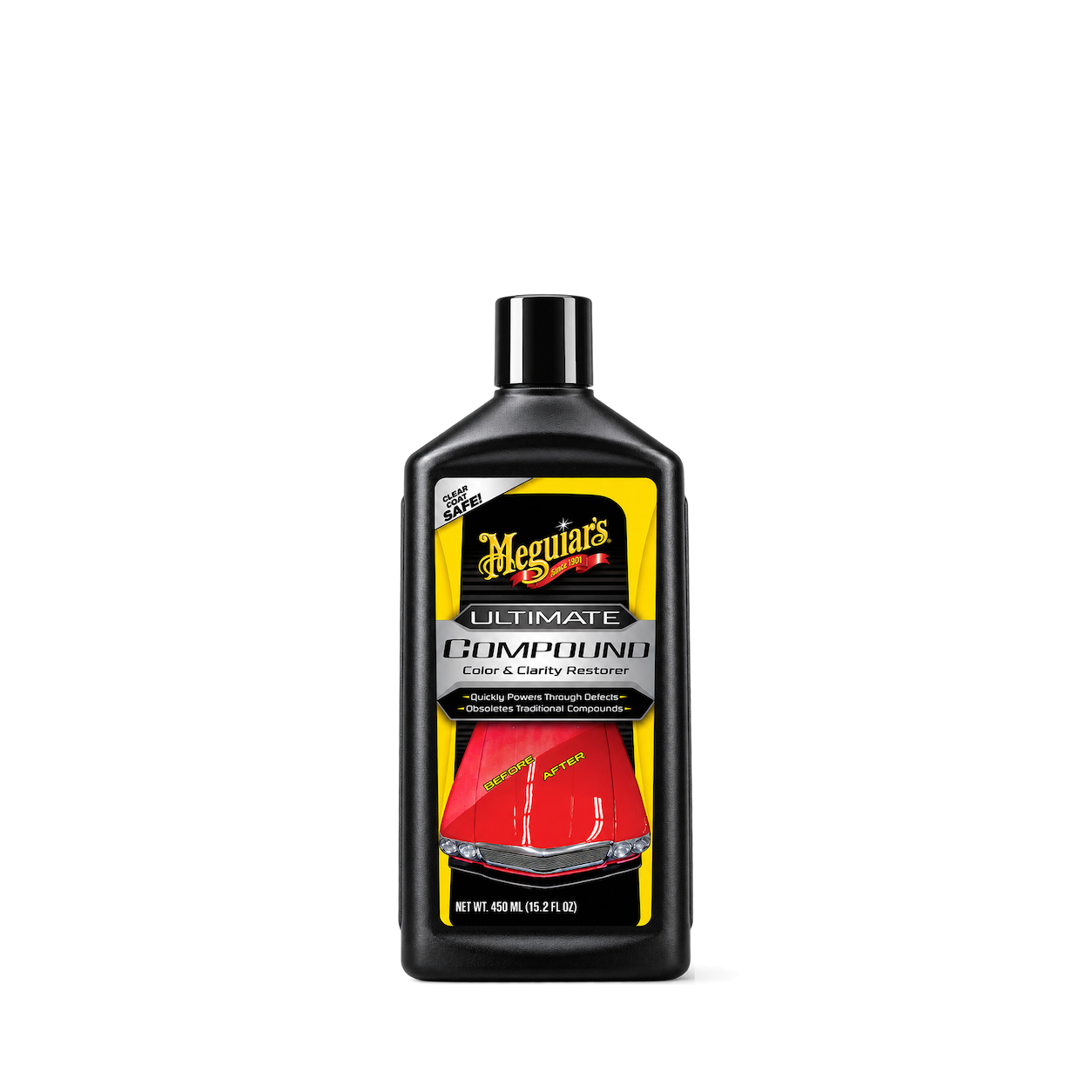

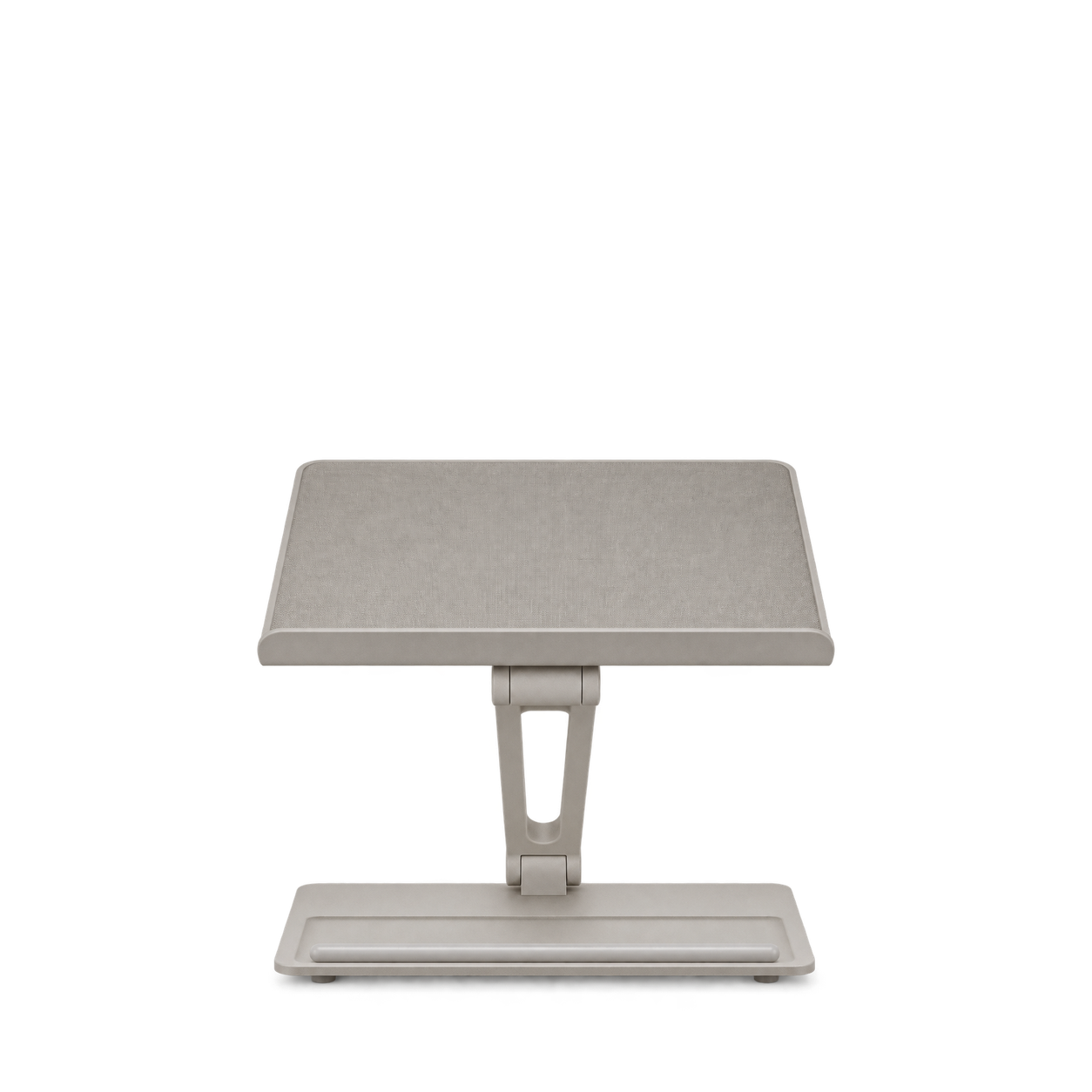
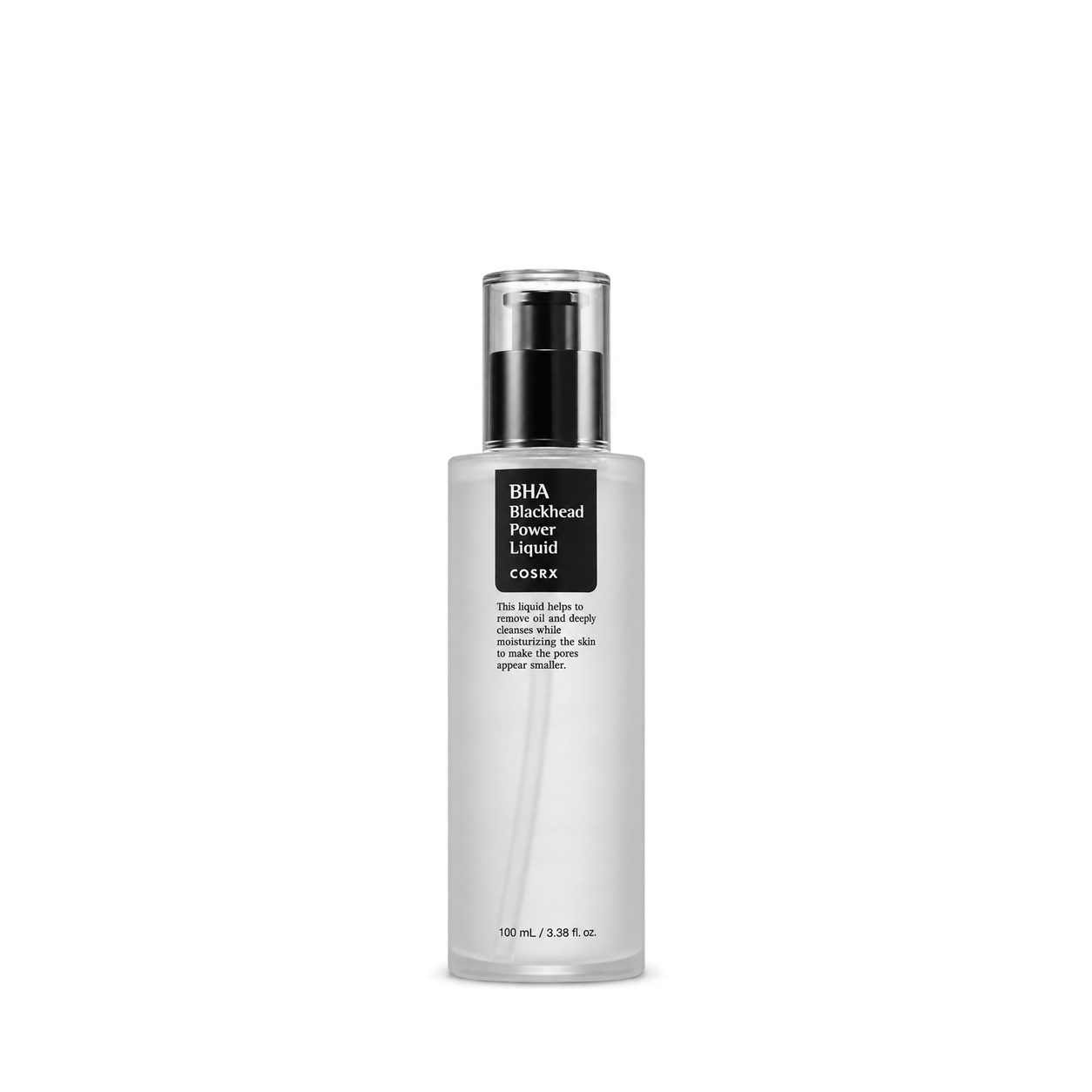


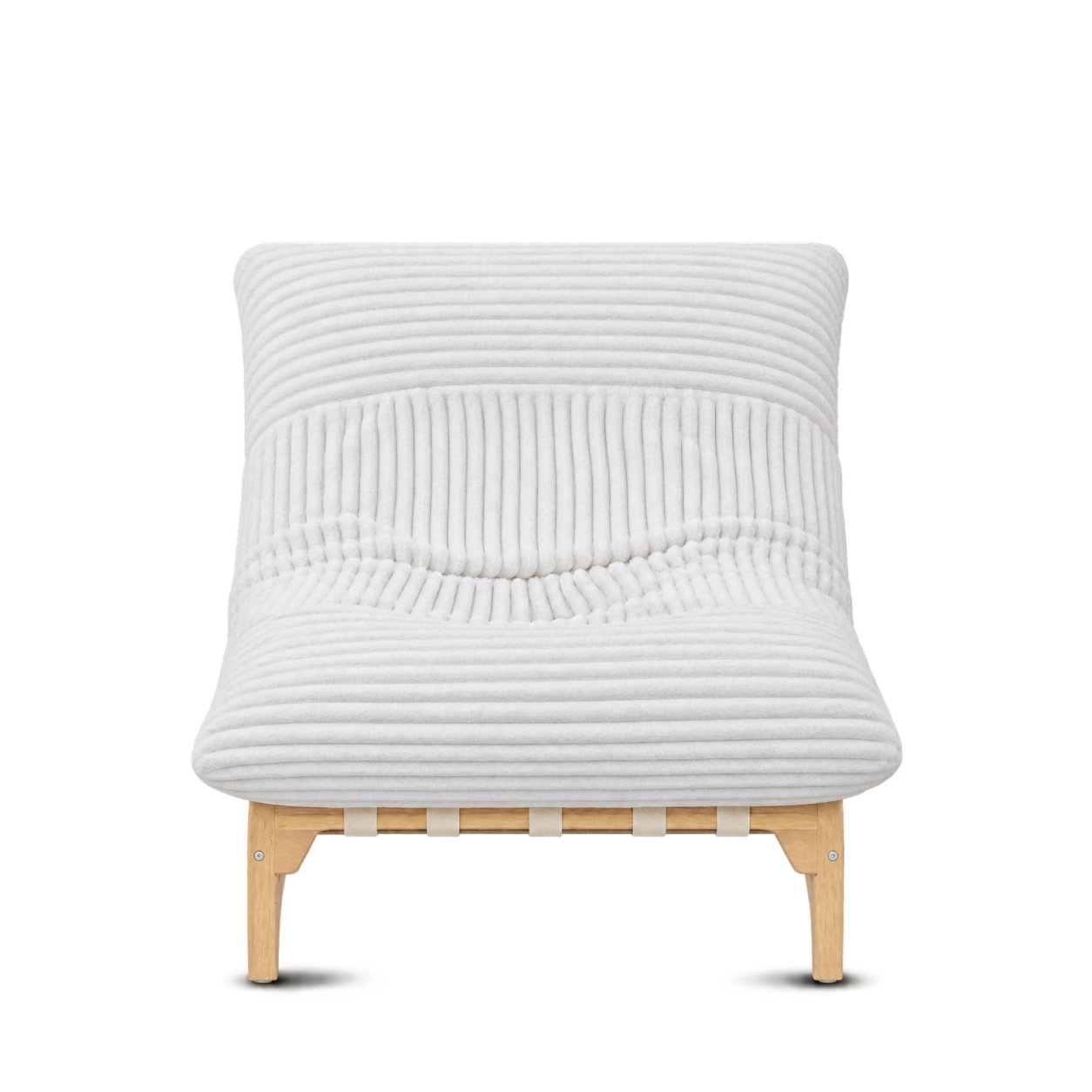












Vita Prima
12,572 free product images
For websites, apps, and AI tools.
Tap an image to view details and get the free PNG.
Vita Prima
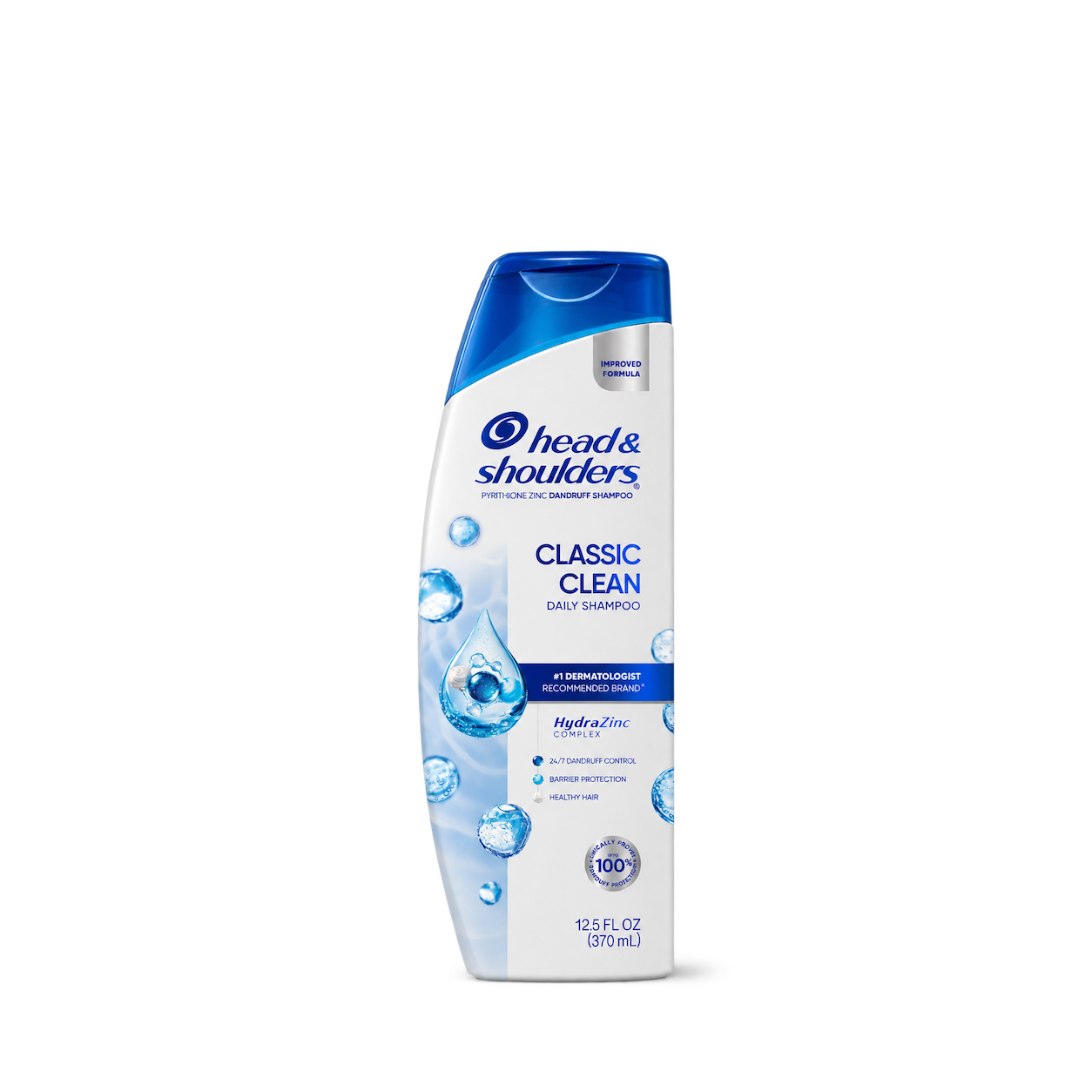
Head & Shoulders
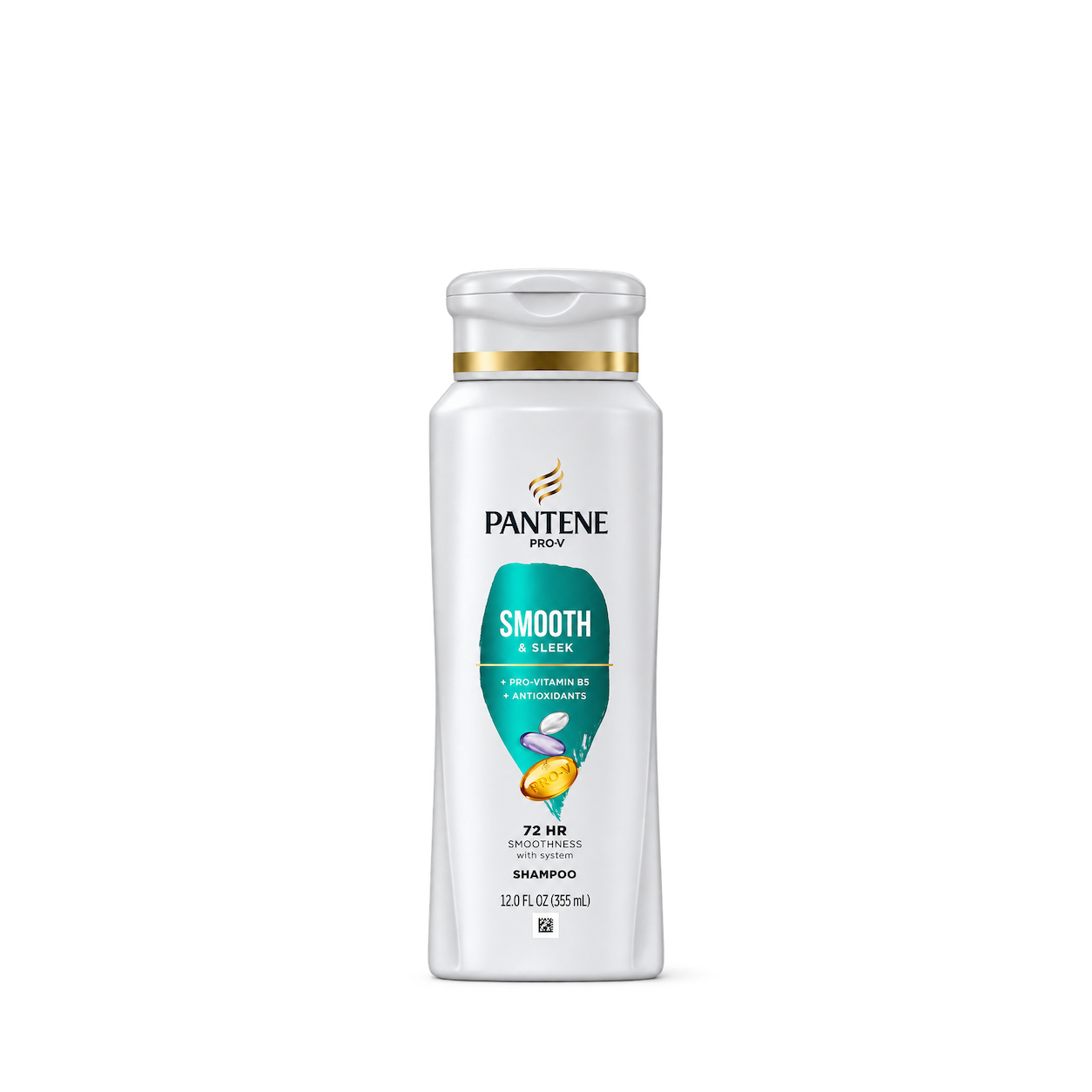
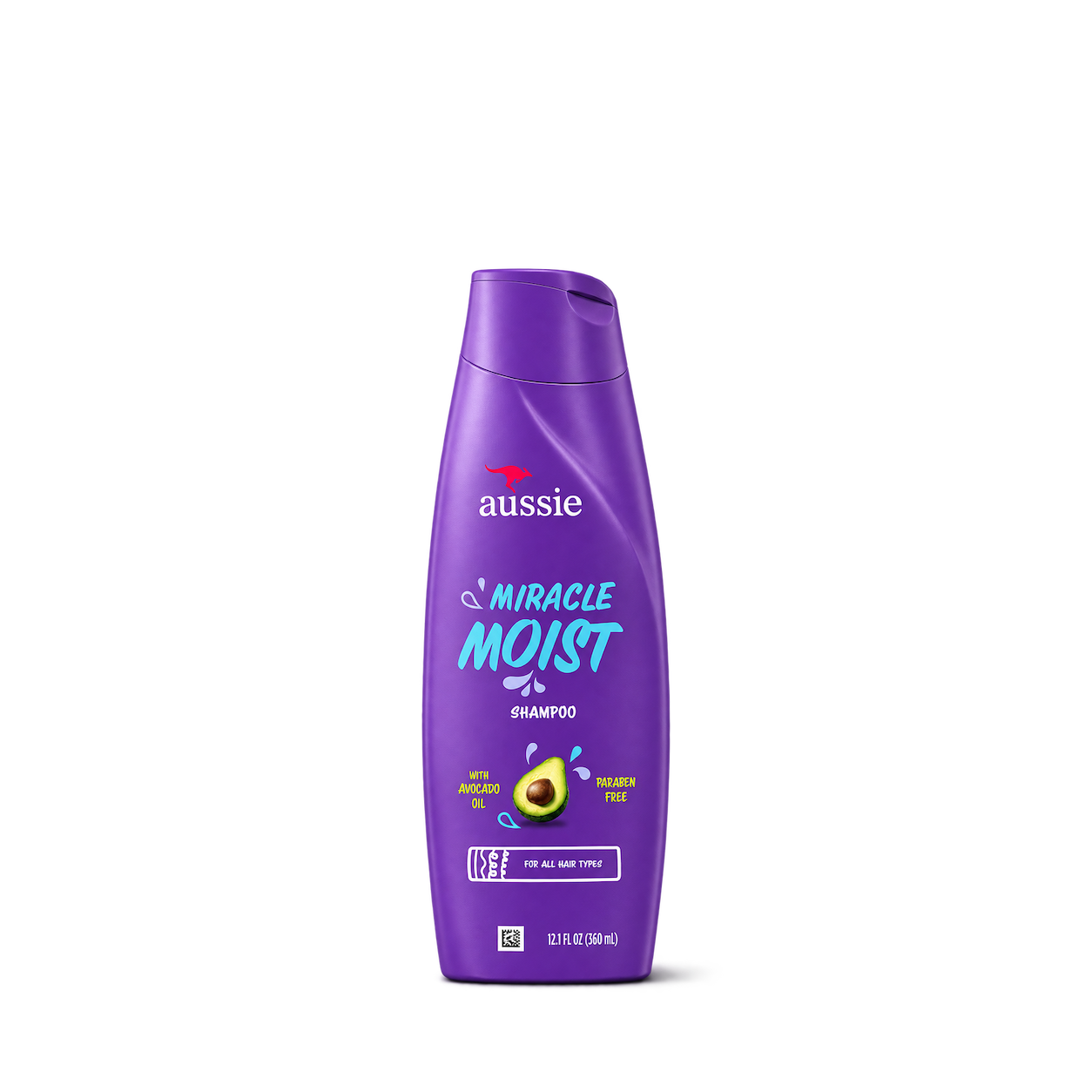
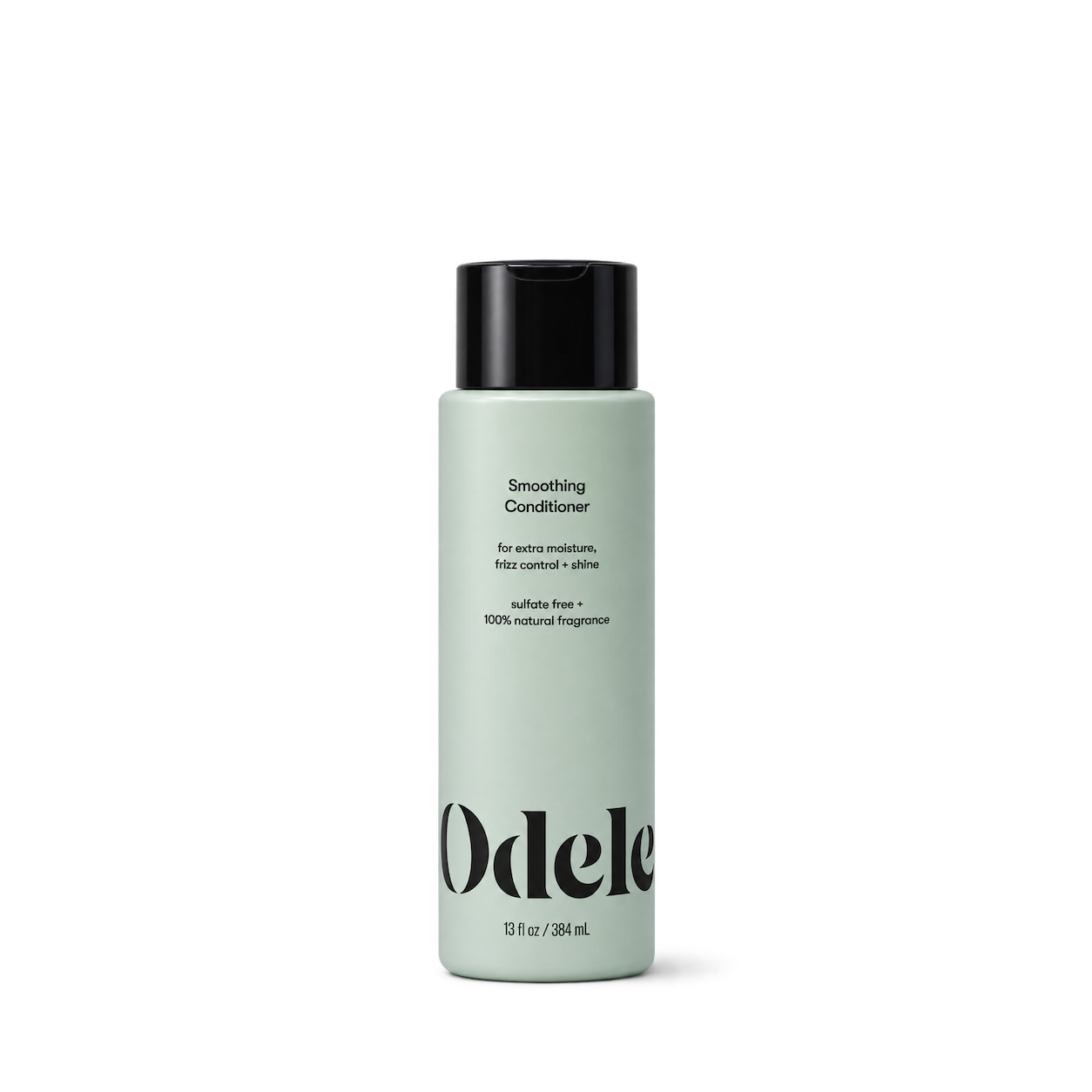


Ceremonia
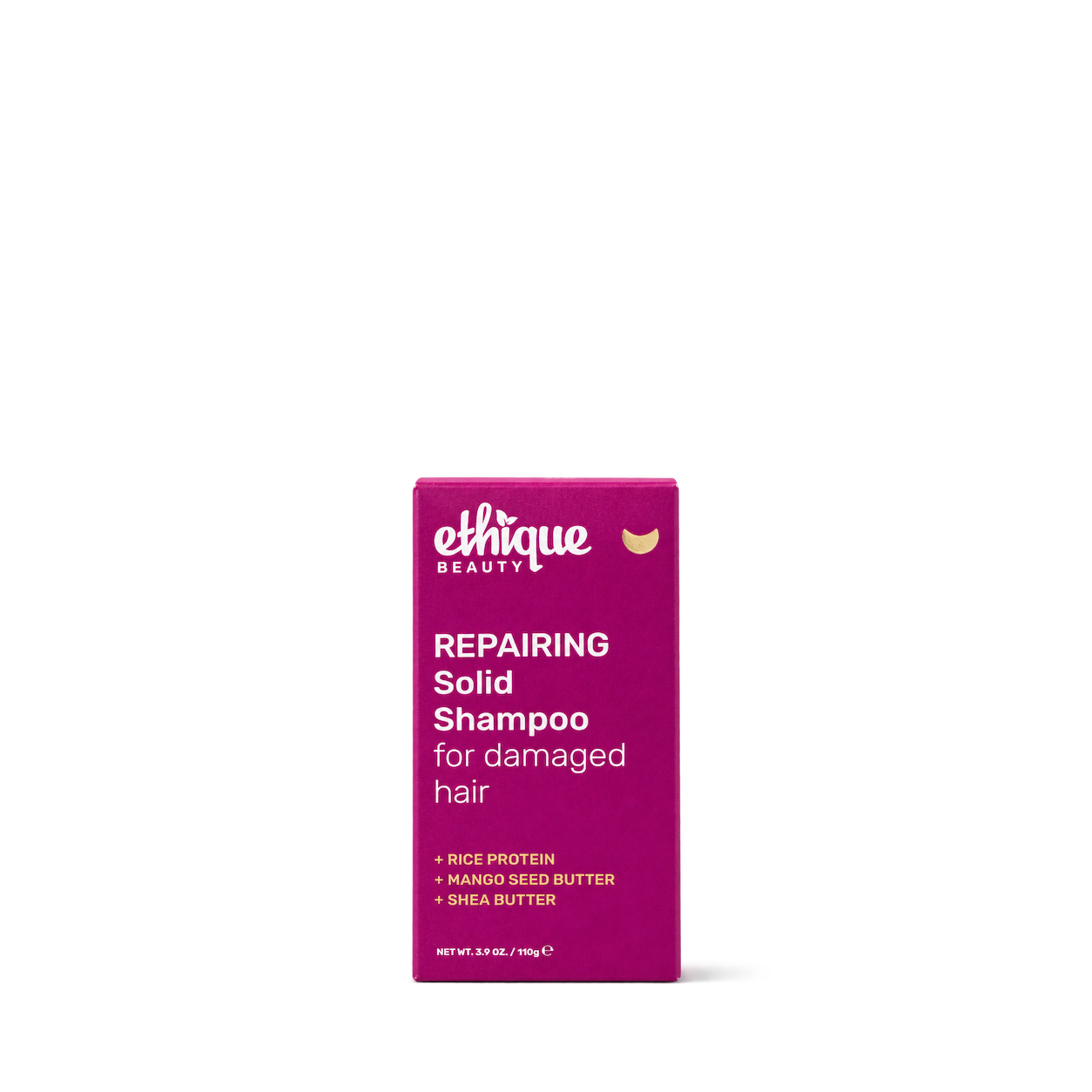
Ethique

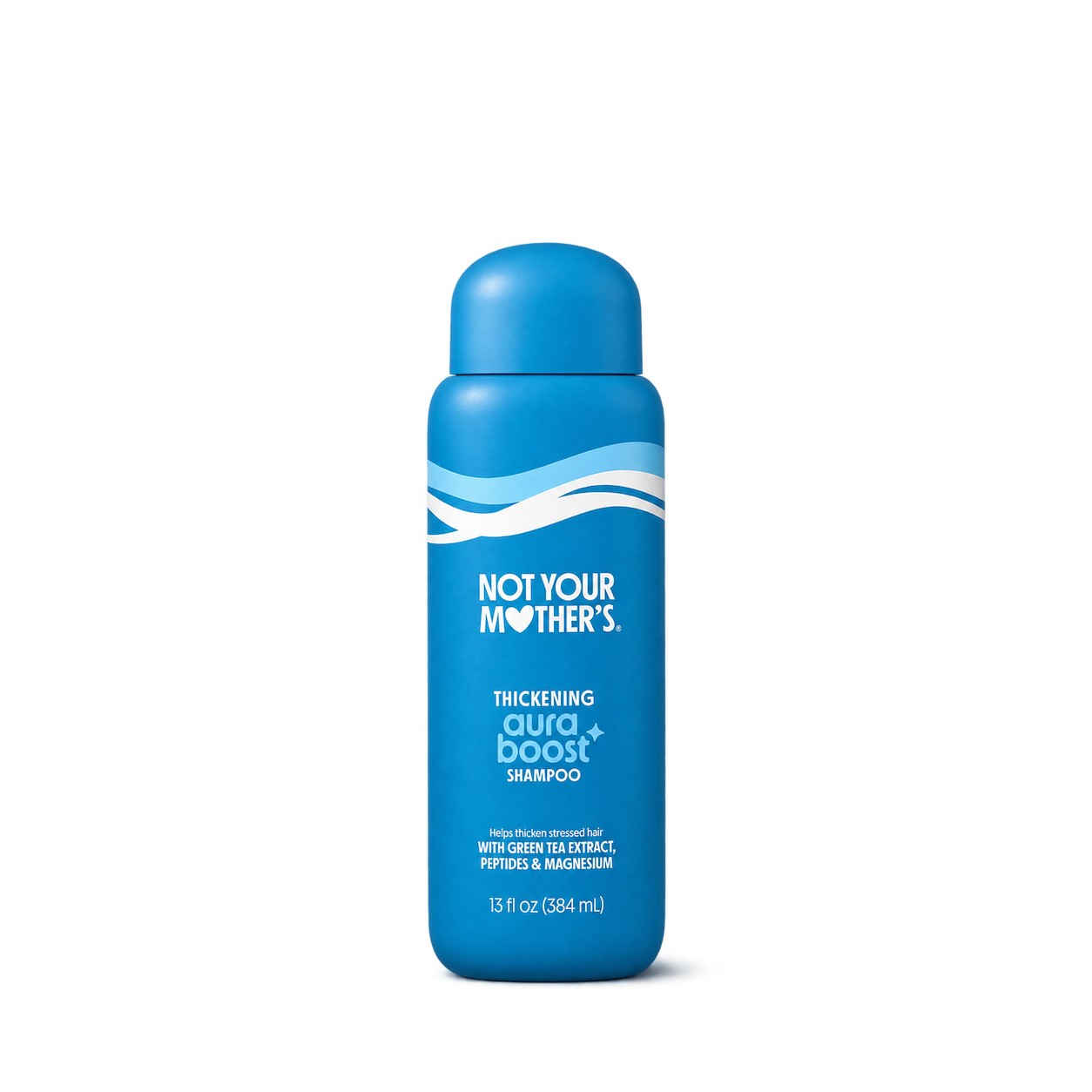
Not Your Mother's
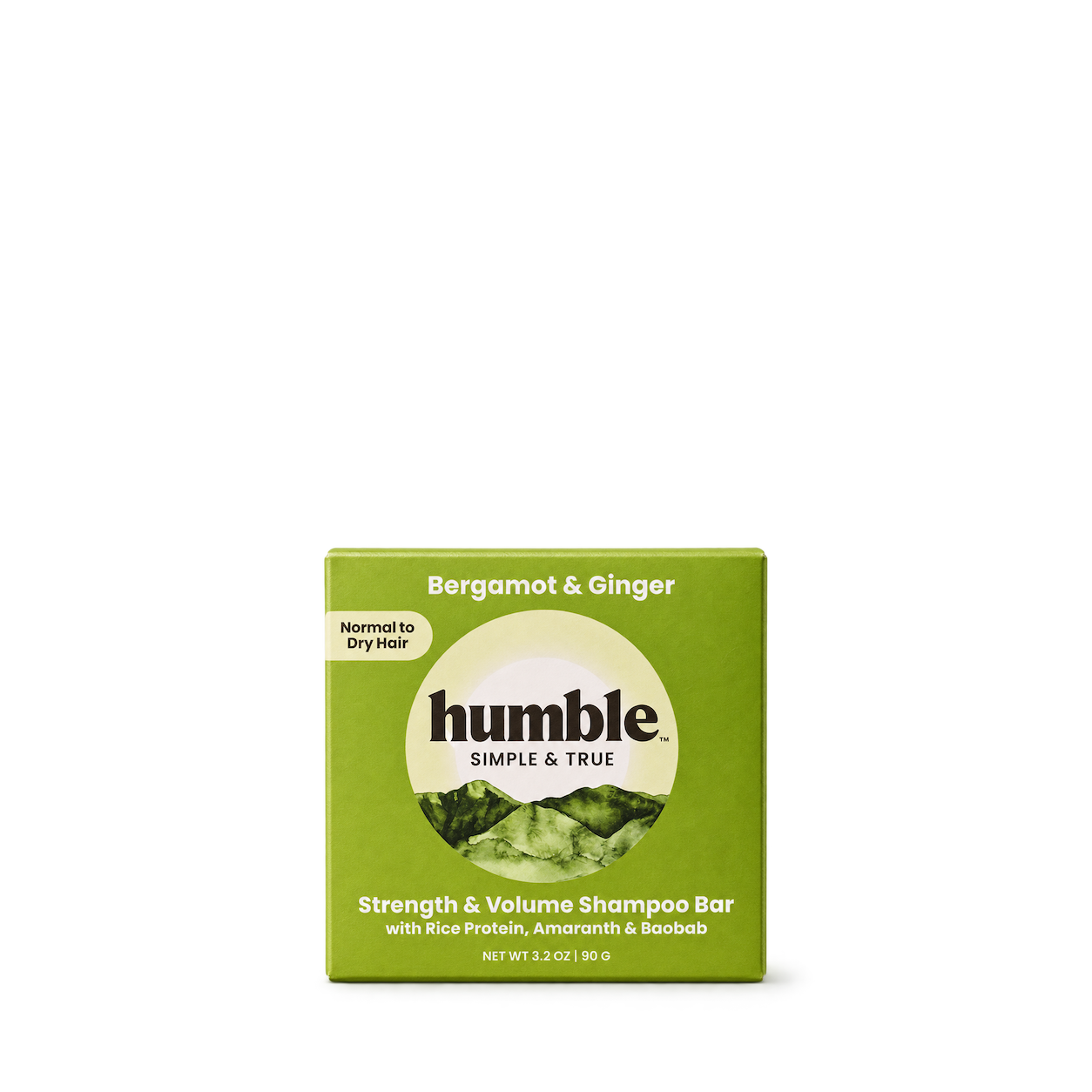
Humble Brands
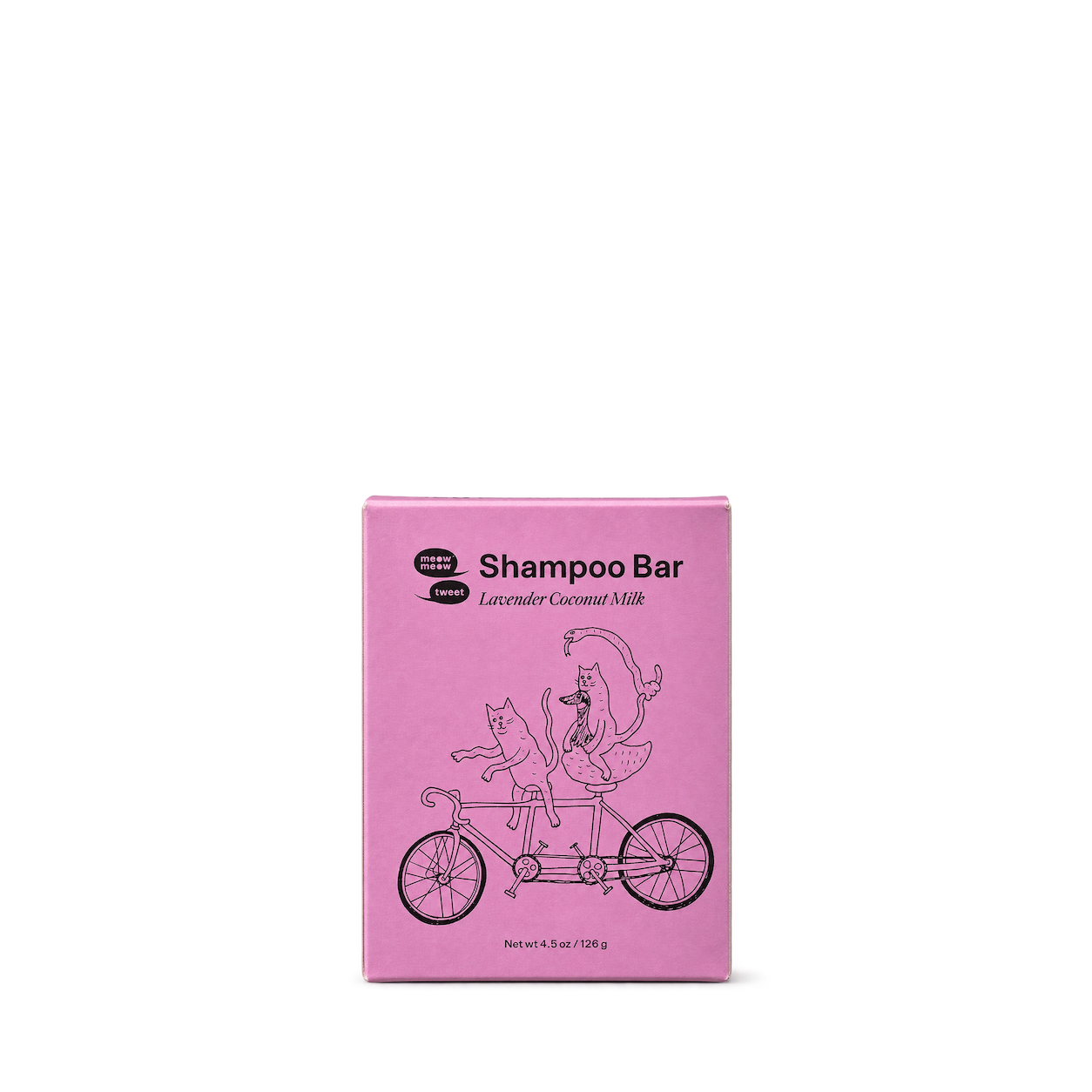
Meow Meow Tweet

 NEW
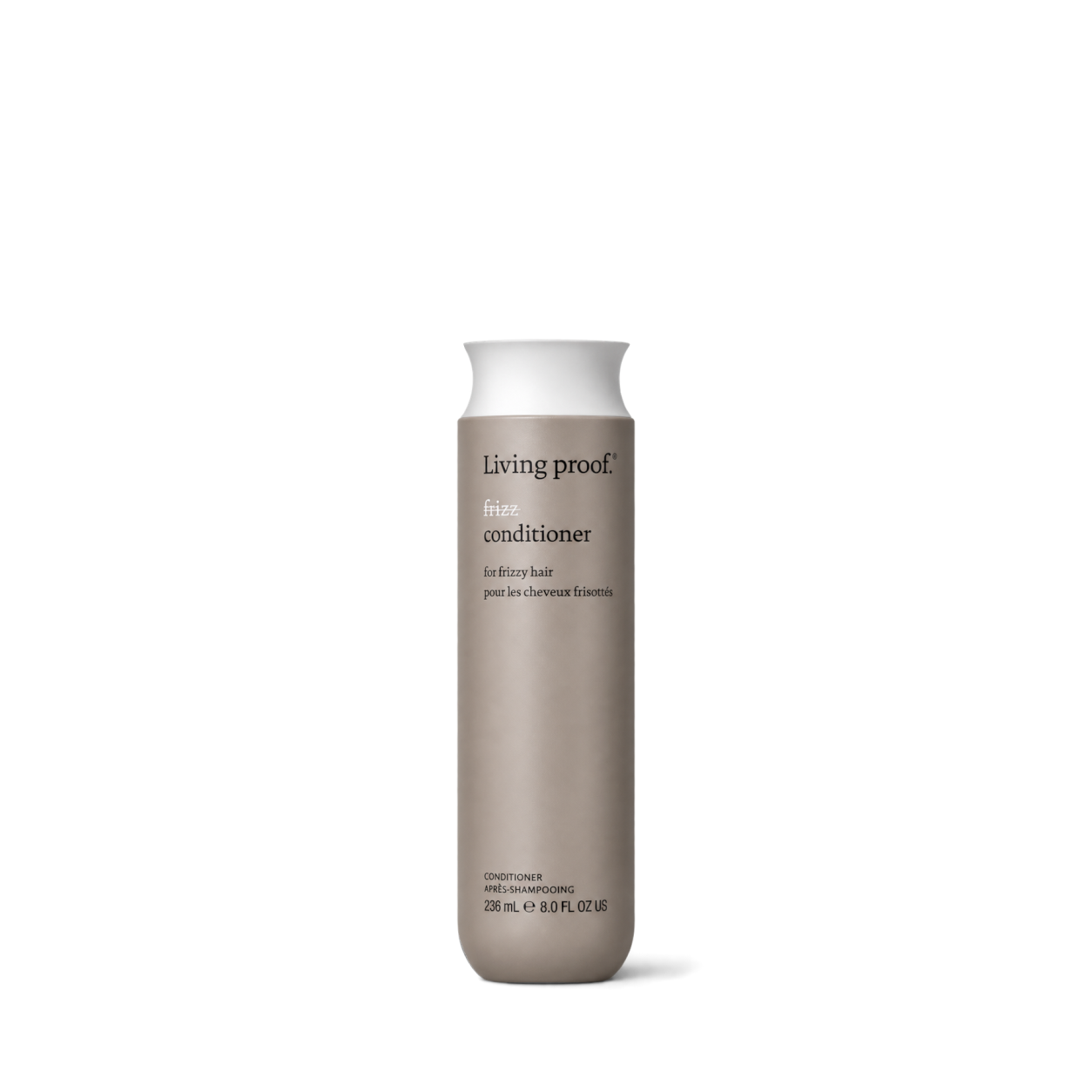 NEW
Living Proof
 NEW
 NEW
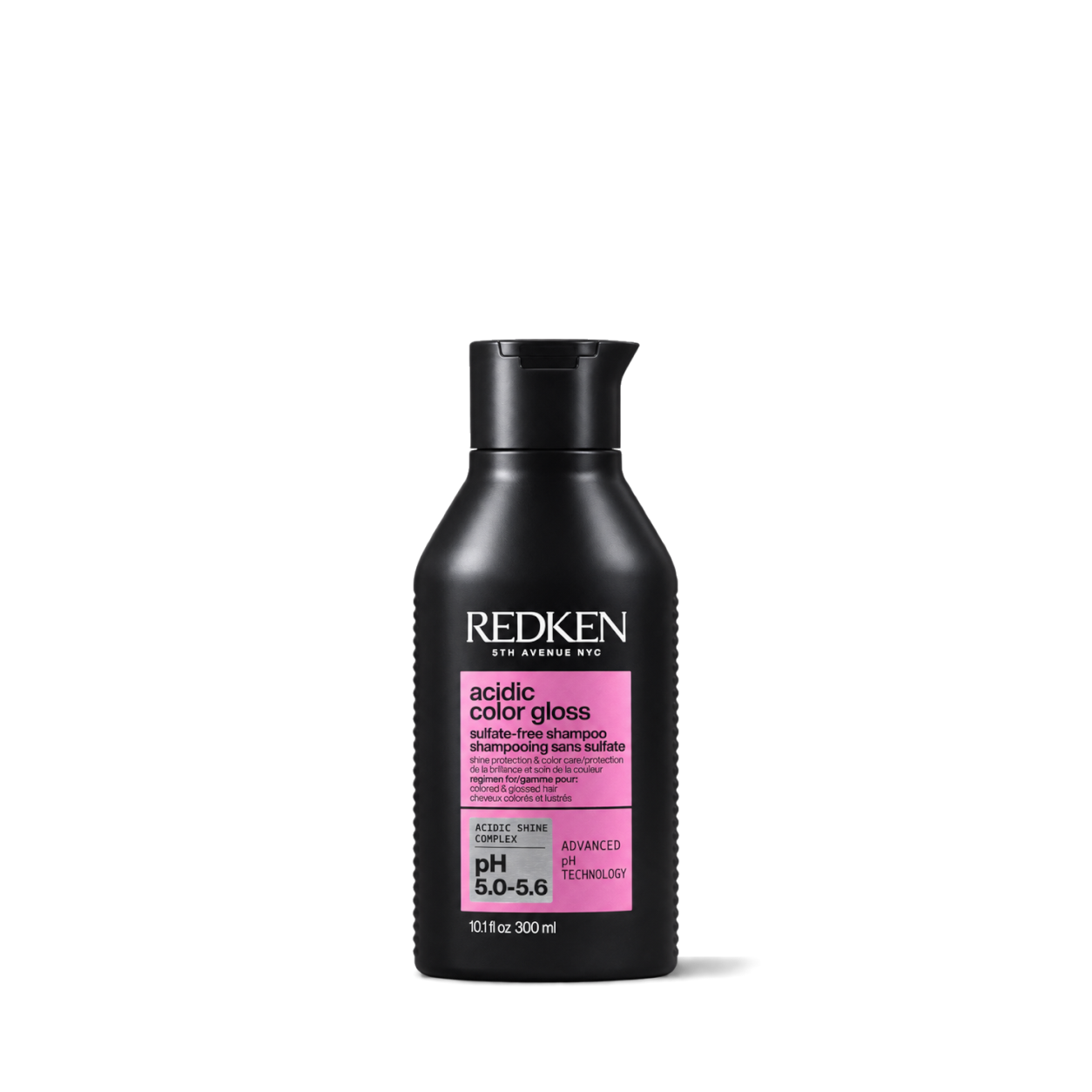 NEW
 NEW
Vanicream

Aesop
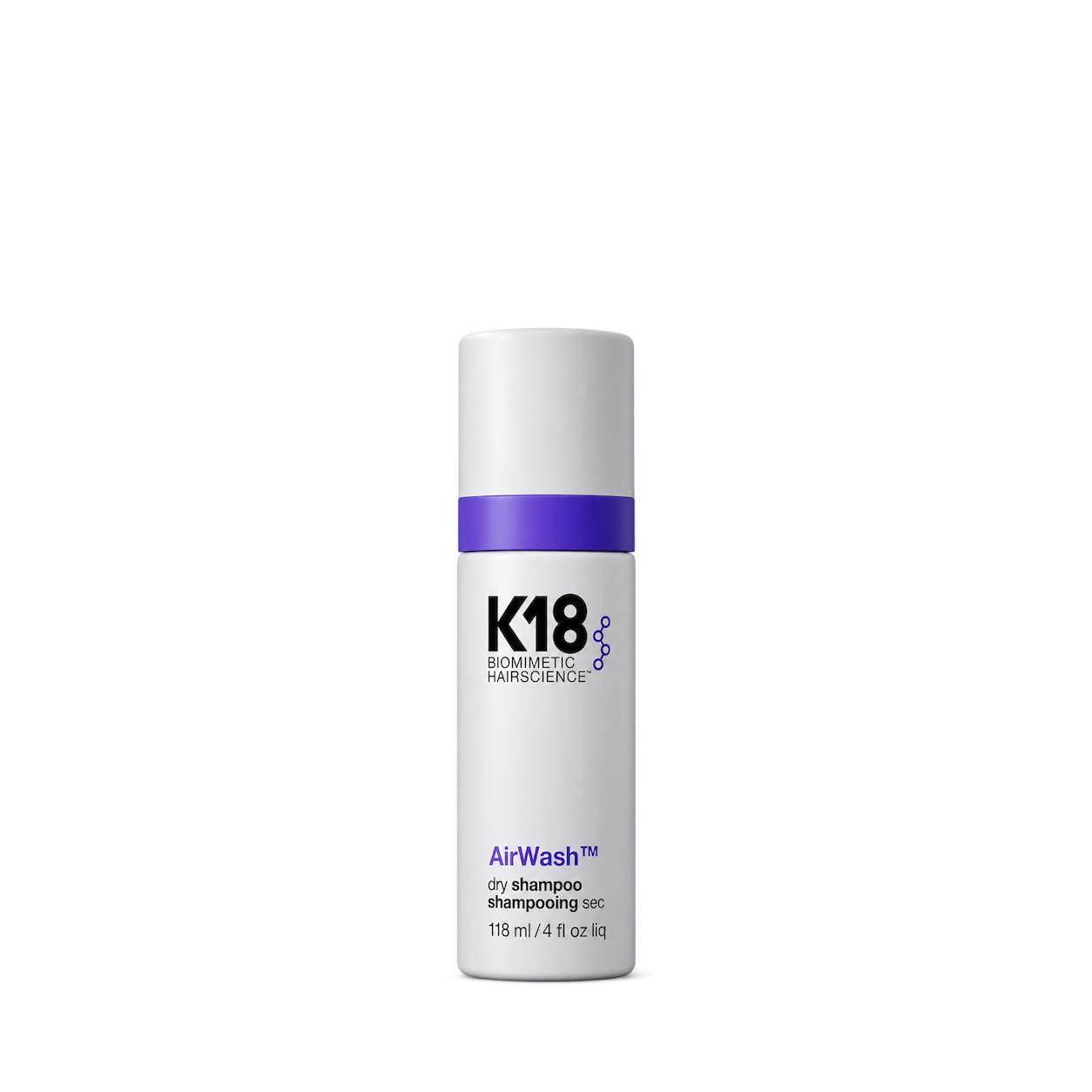
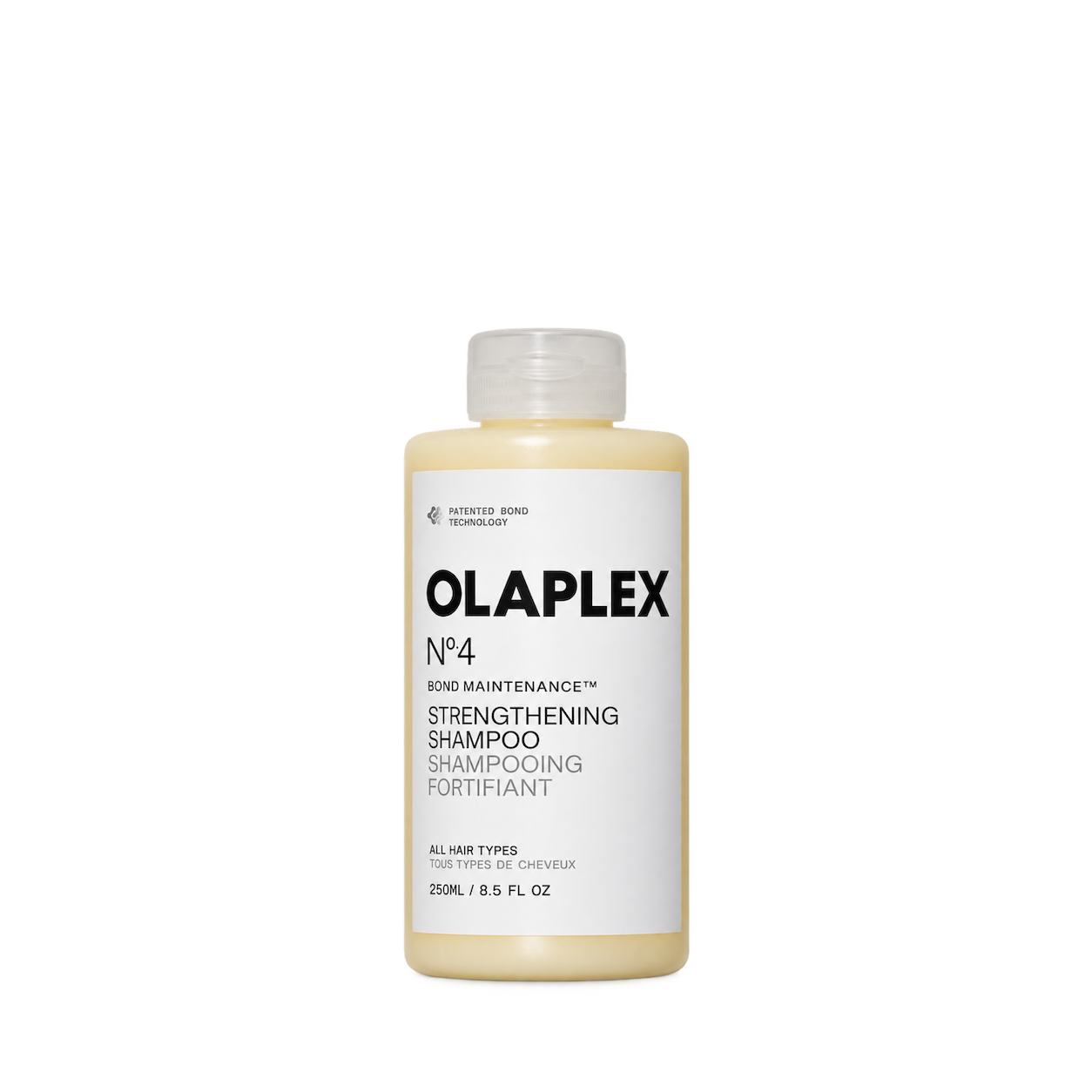
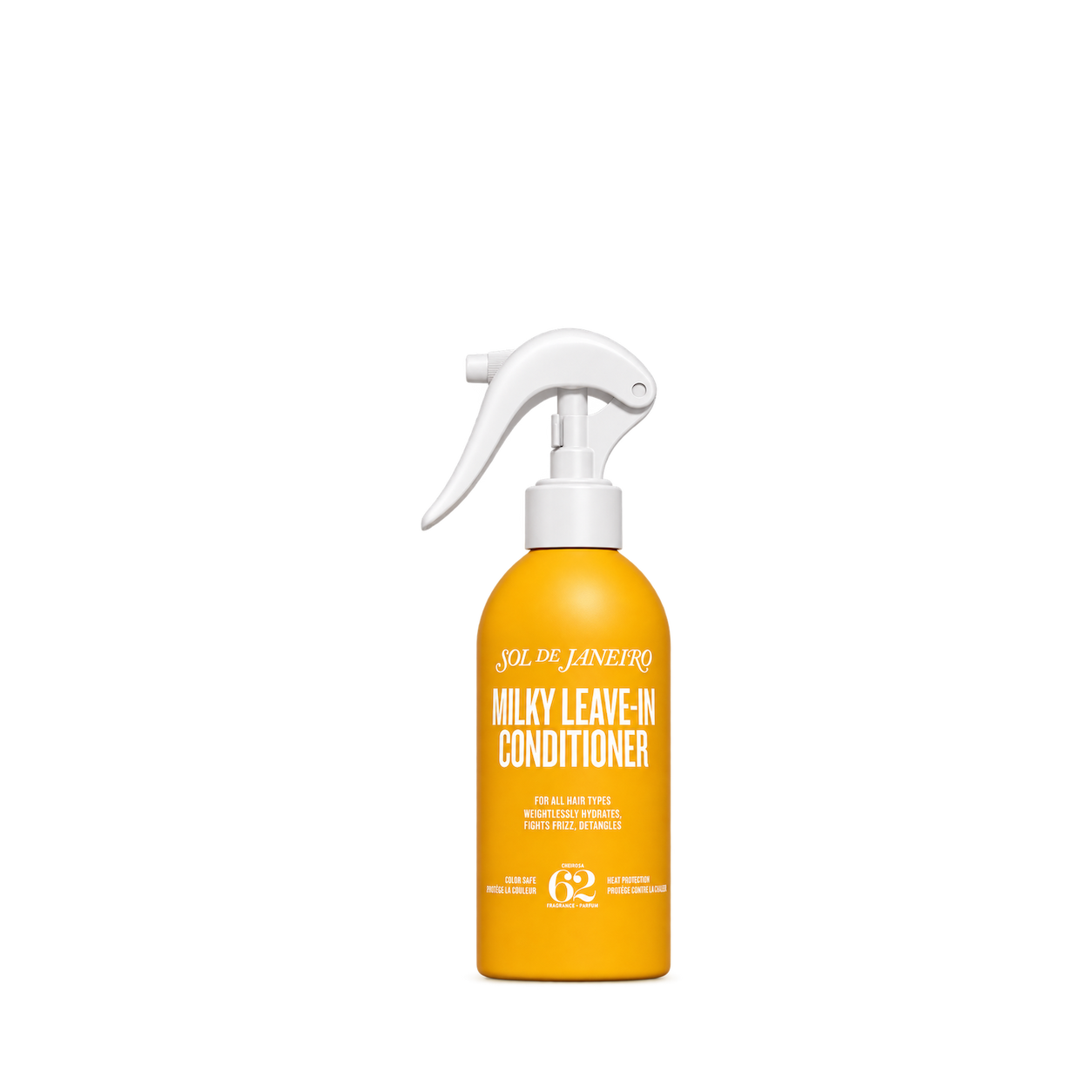
Sol de Janeiro

The Ordinary
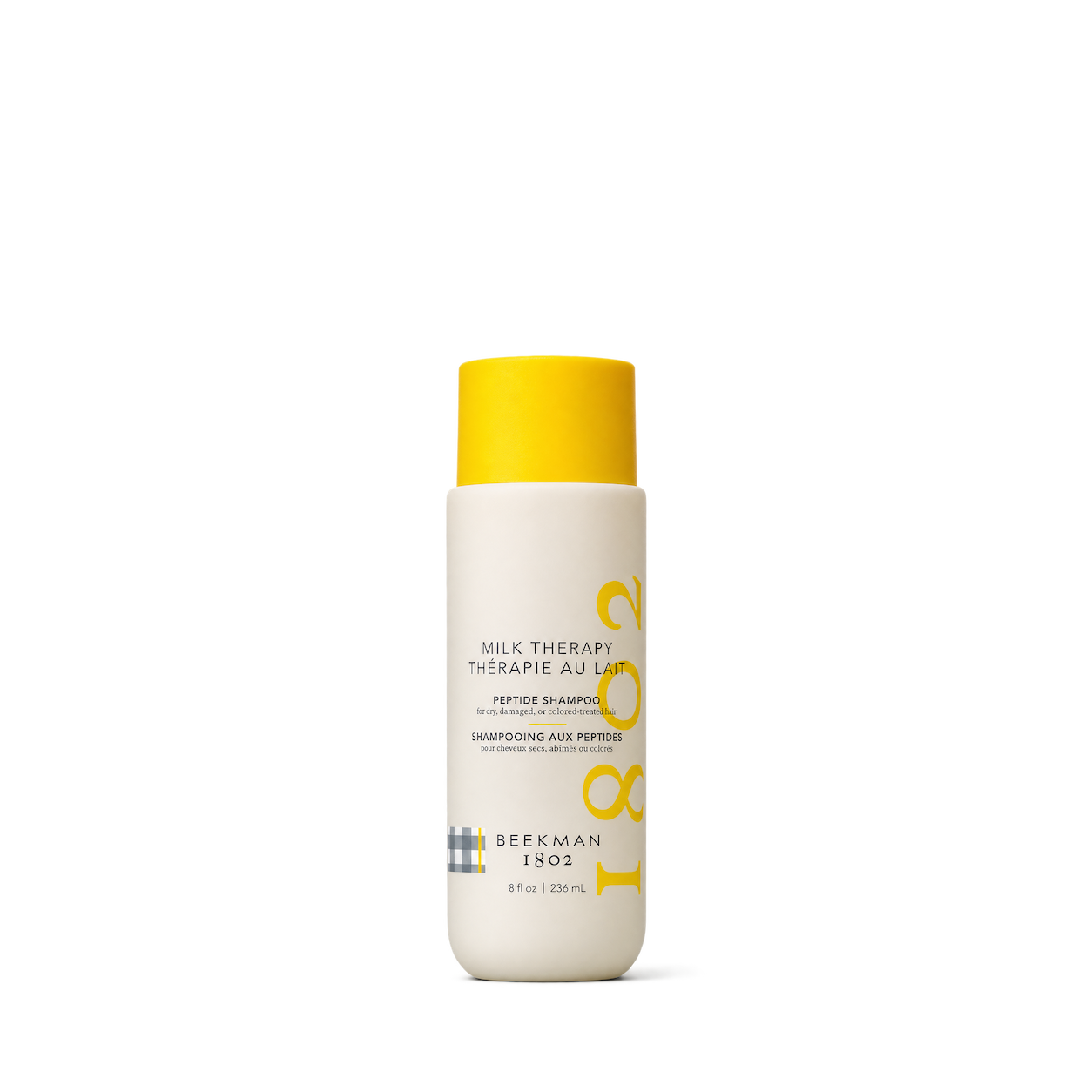
Beekman1802
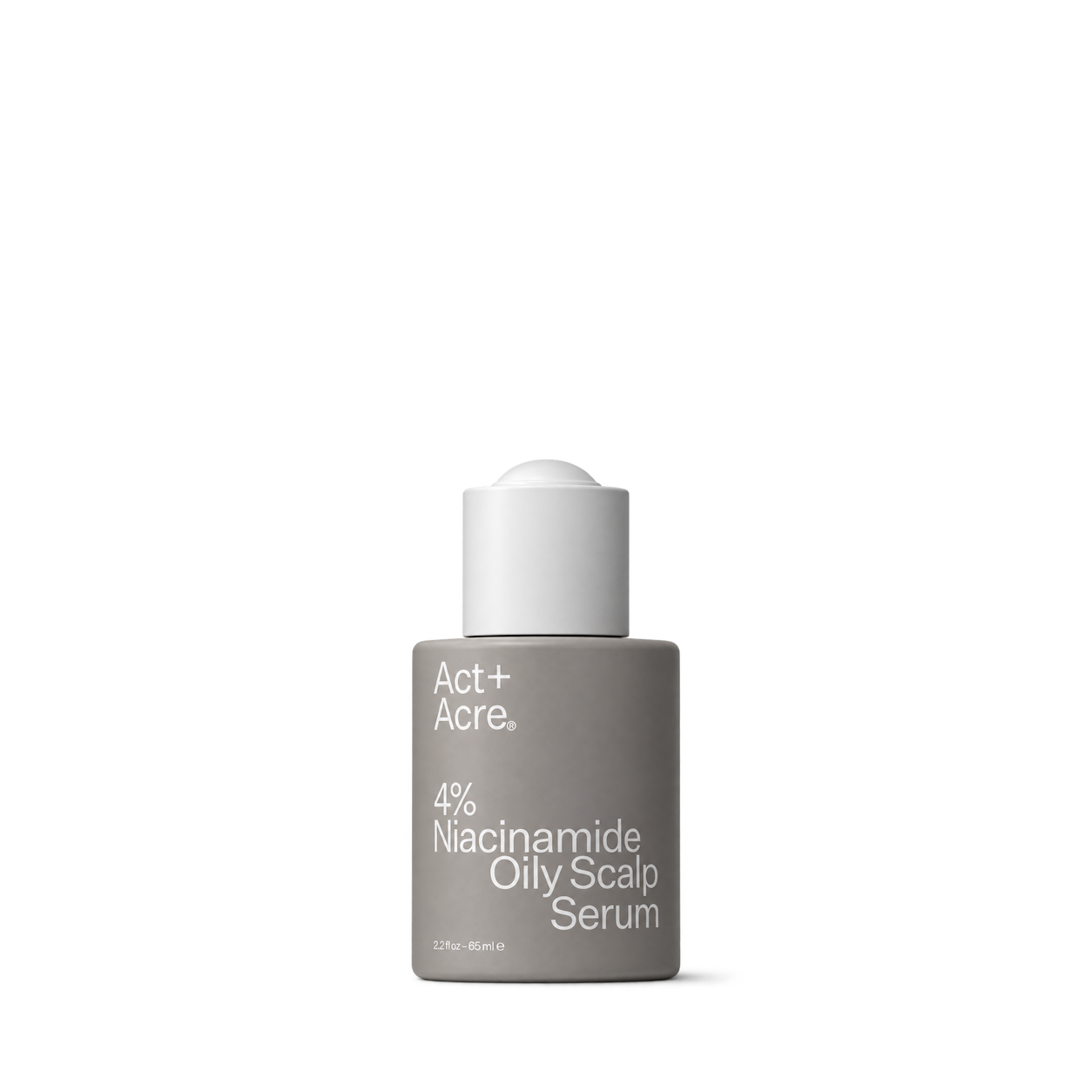
Act+Acre
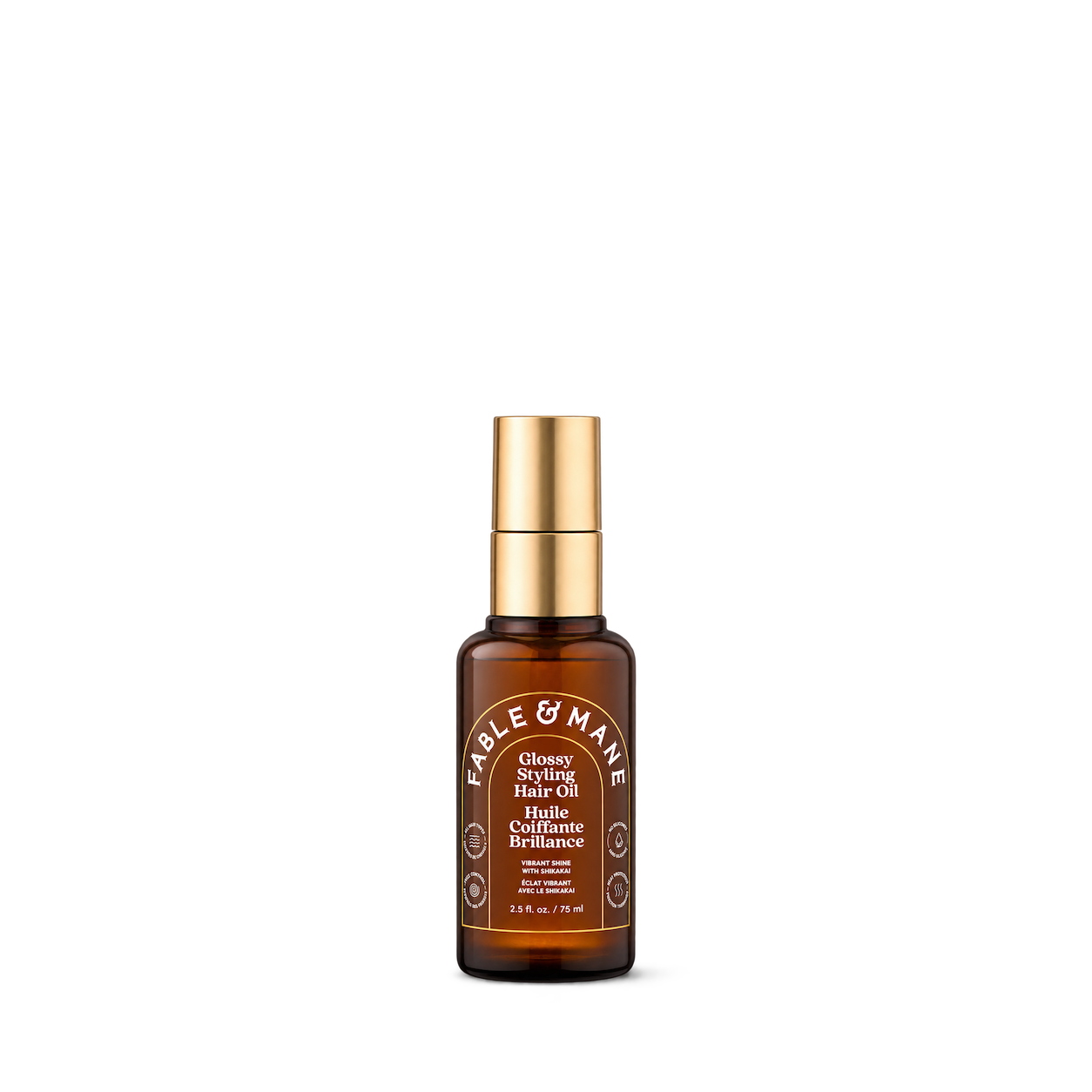
Fable & Mane

Ursa Major
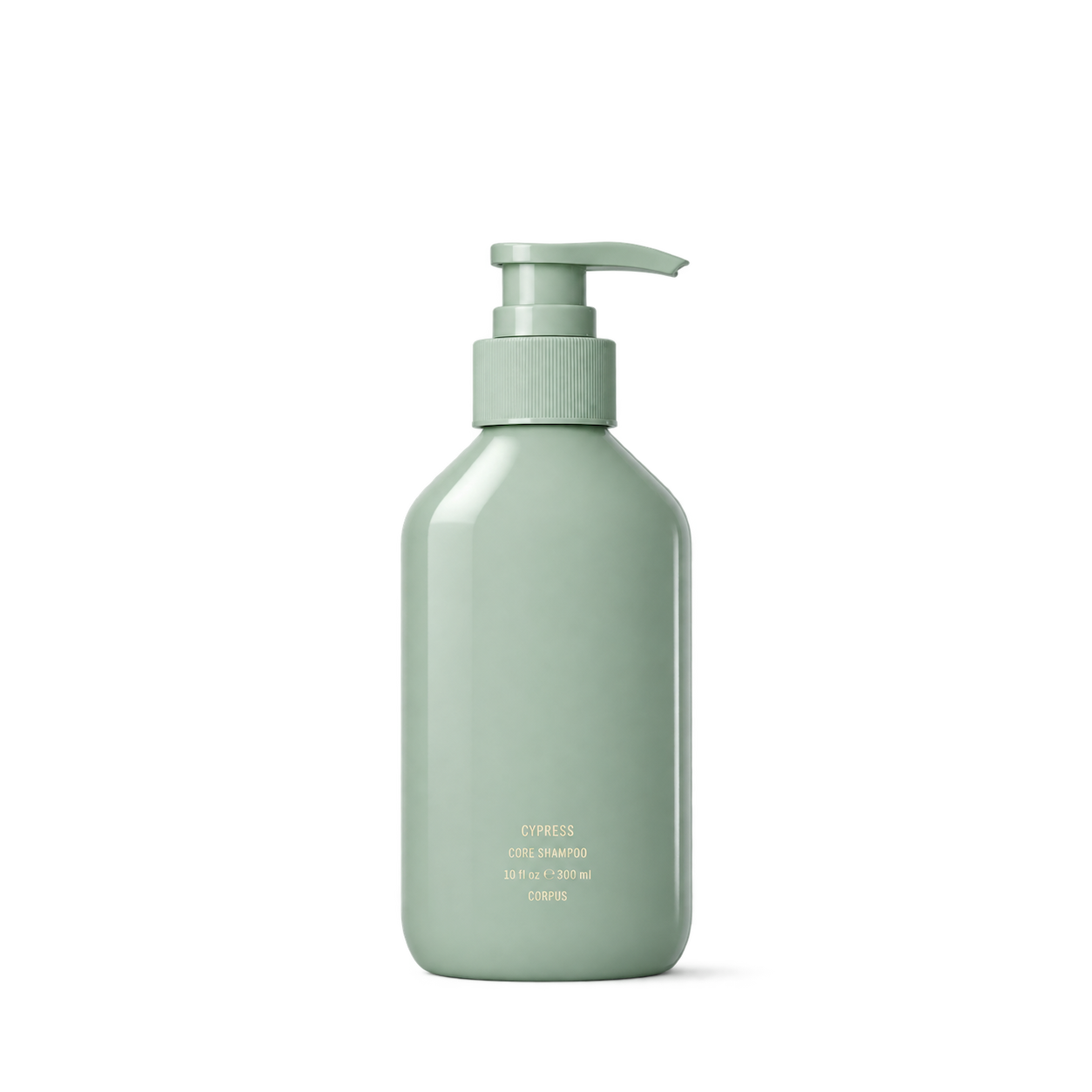
Corpus
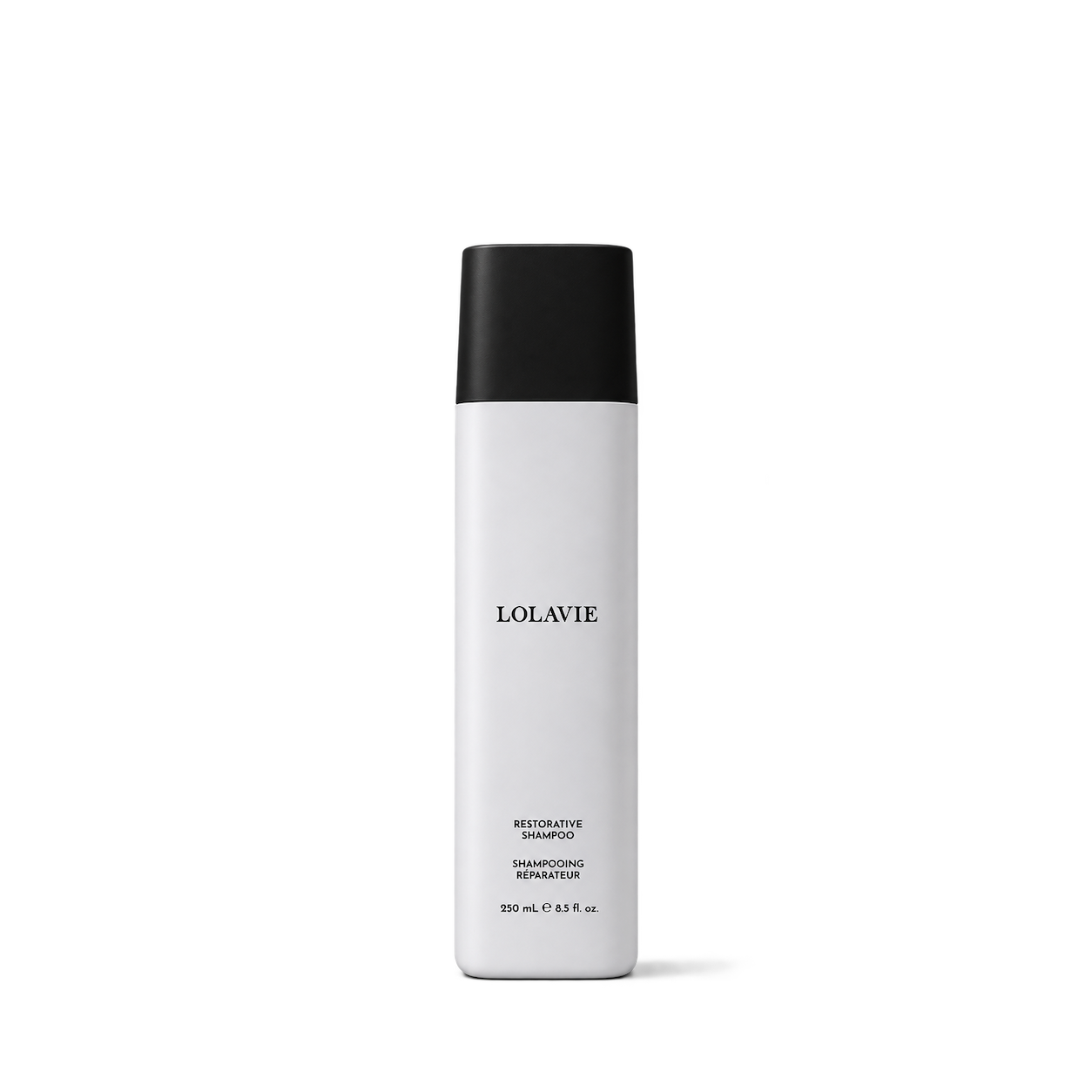
LolaVie
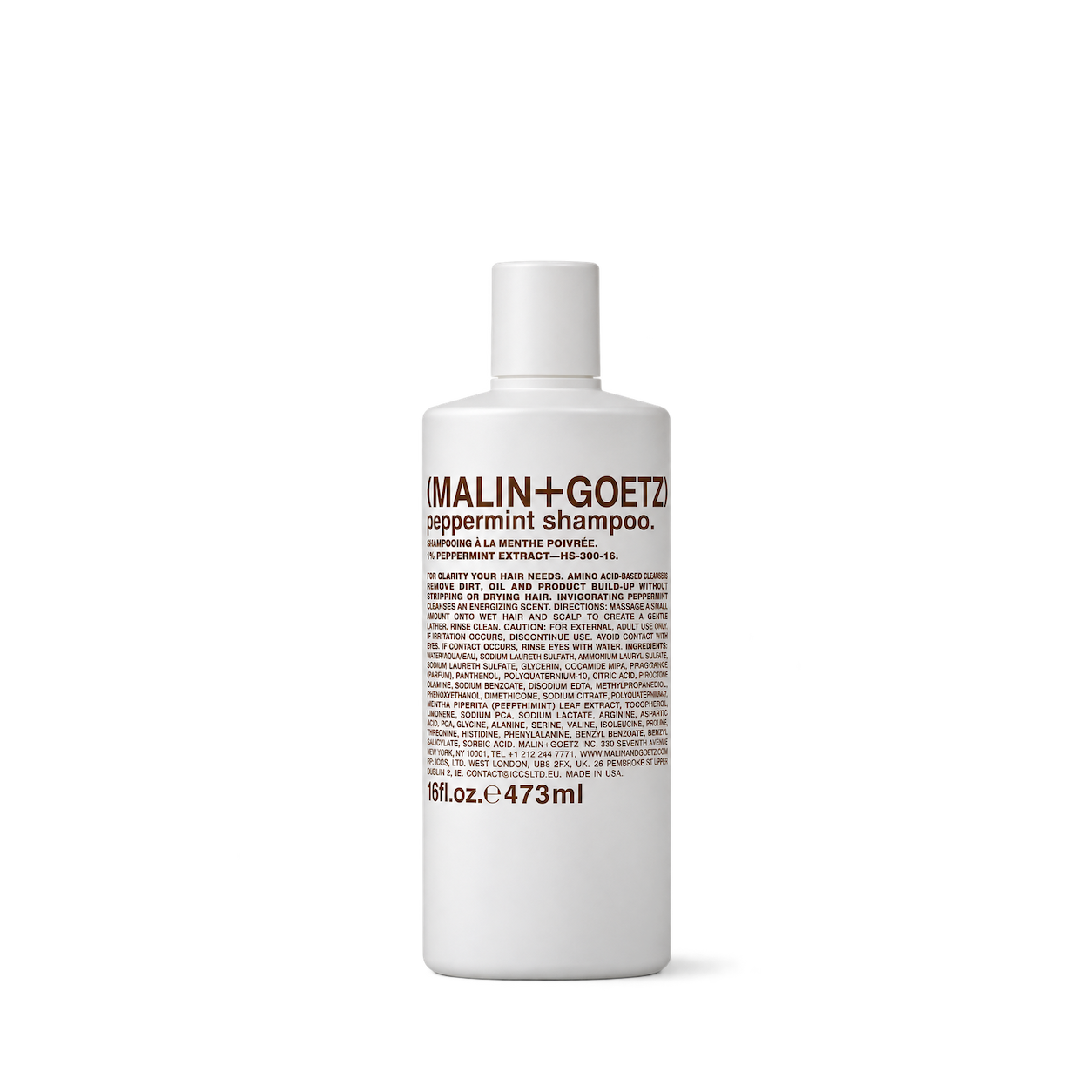
MALIN+GOETZ

Verb
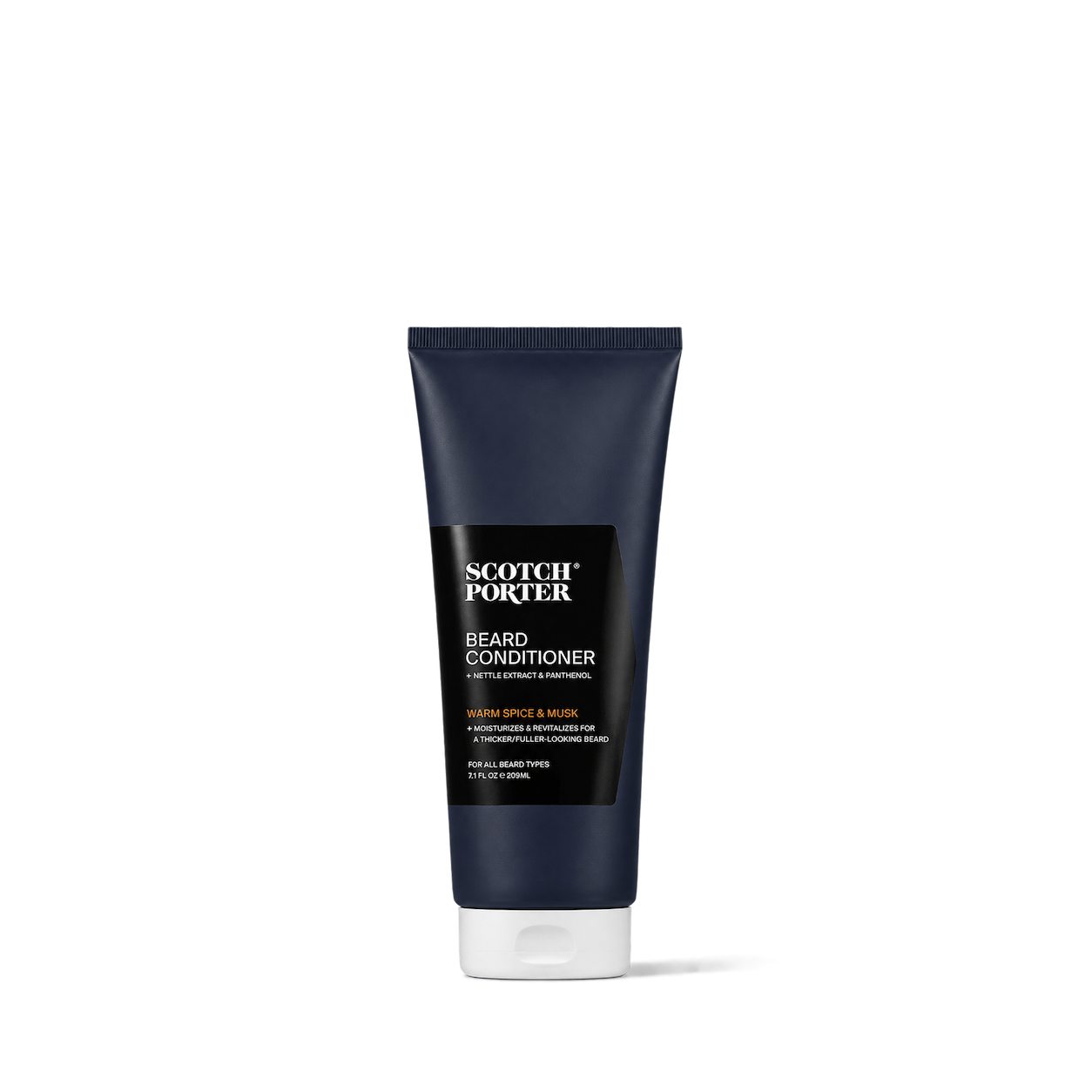
Scotch Porter


HiBAR

Kitsch
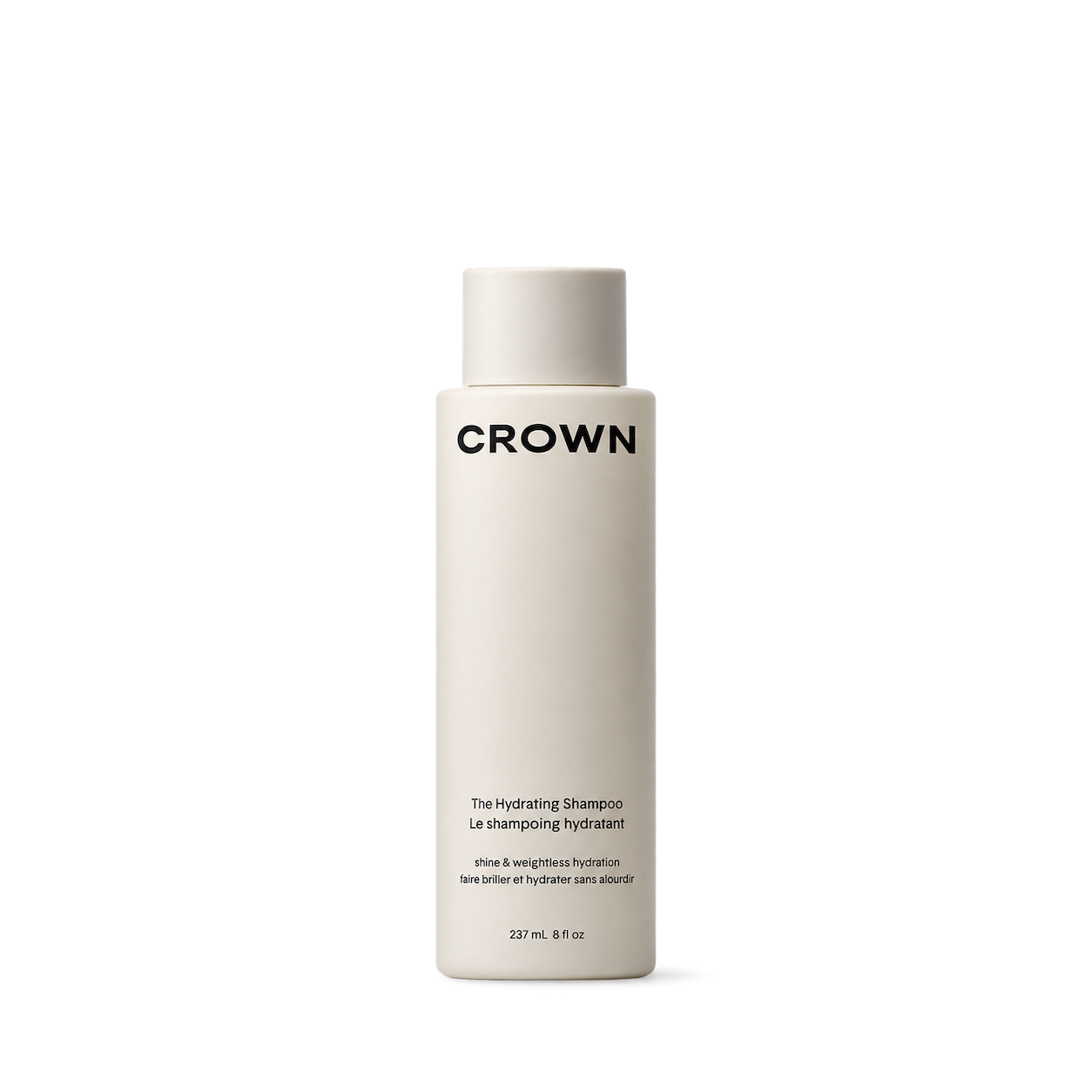
Crown Affair

Davines
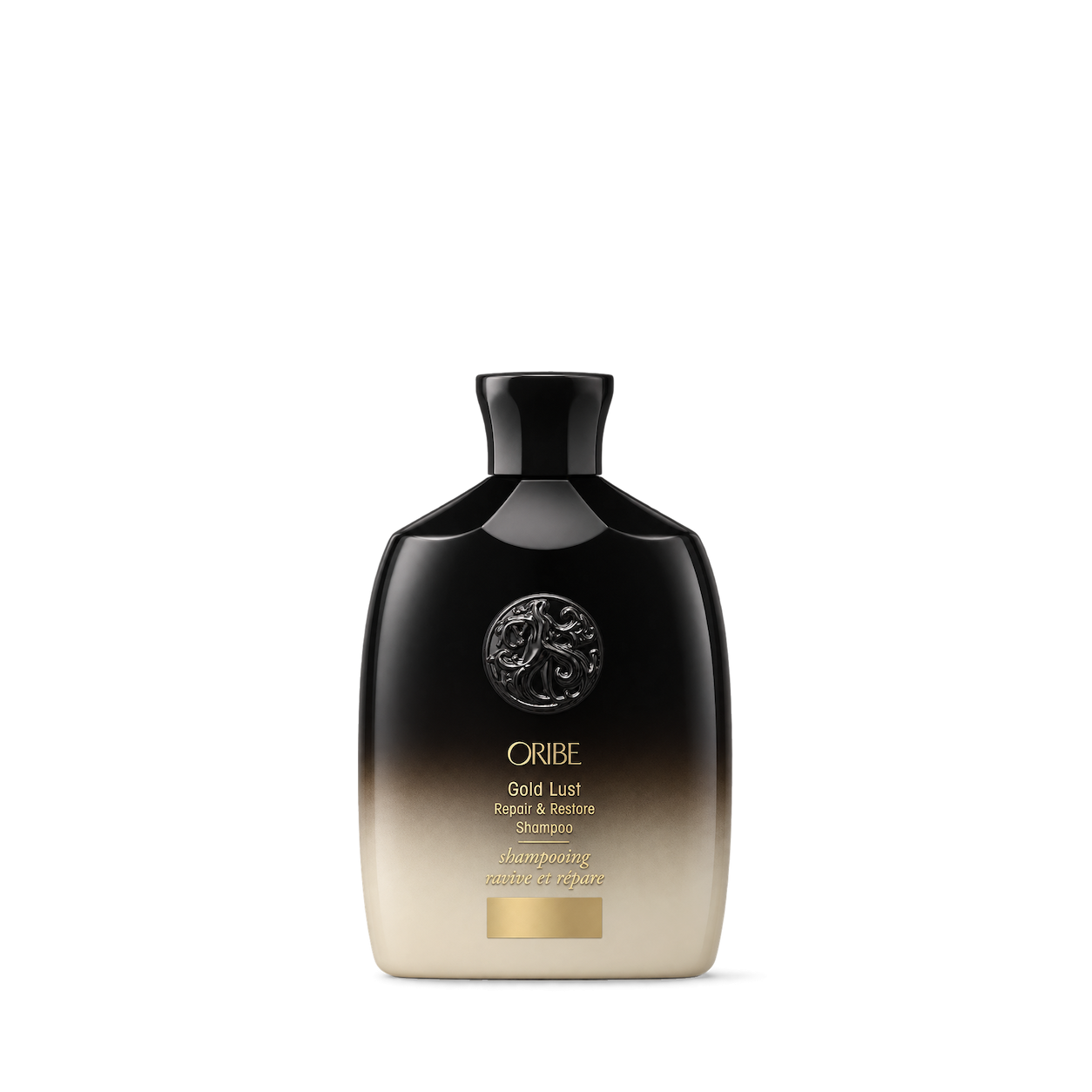
Oribe
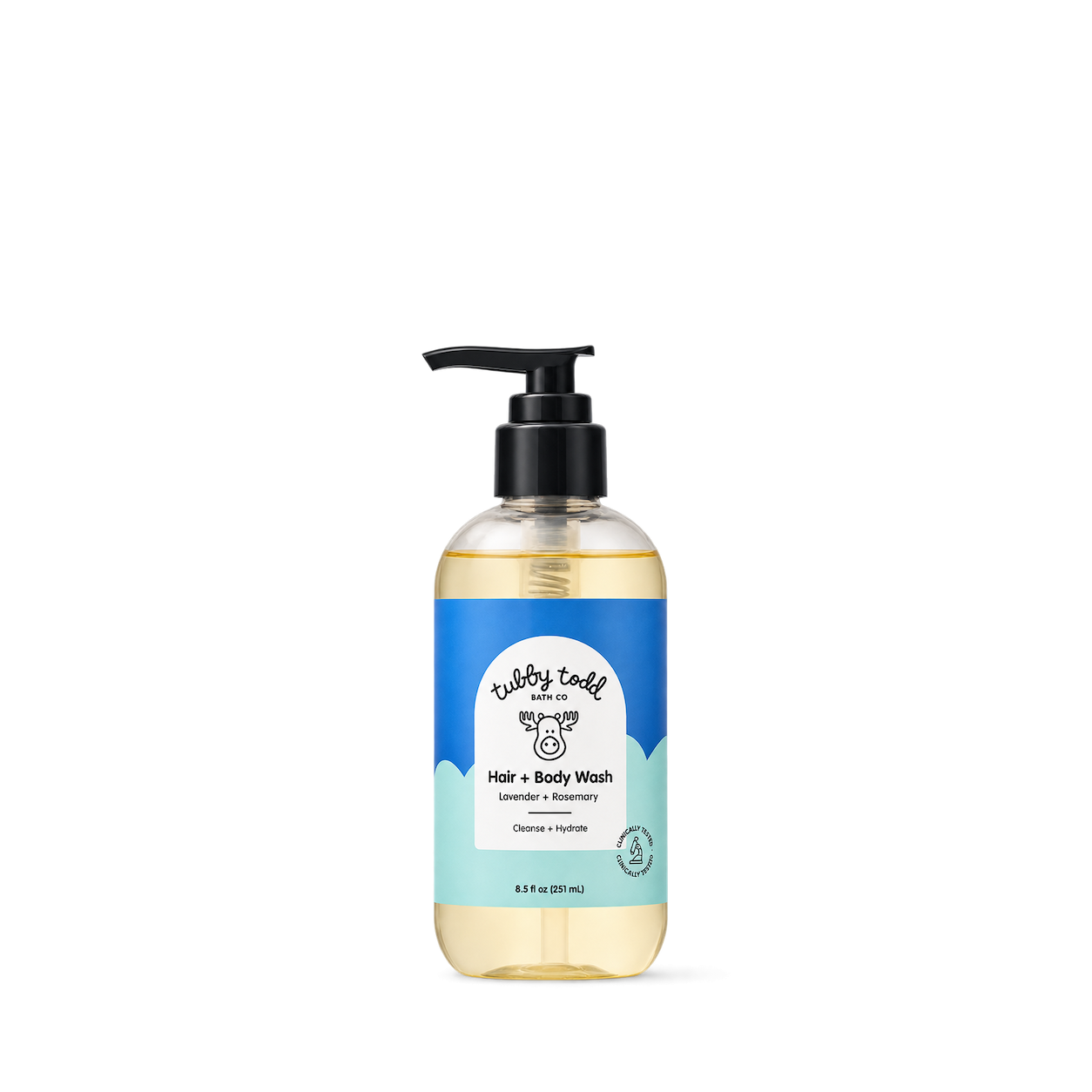
Tubby Todd
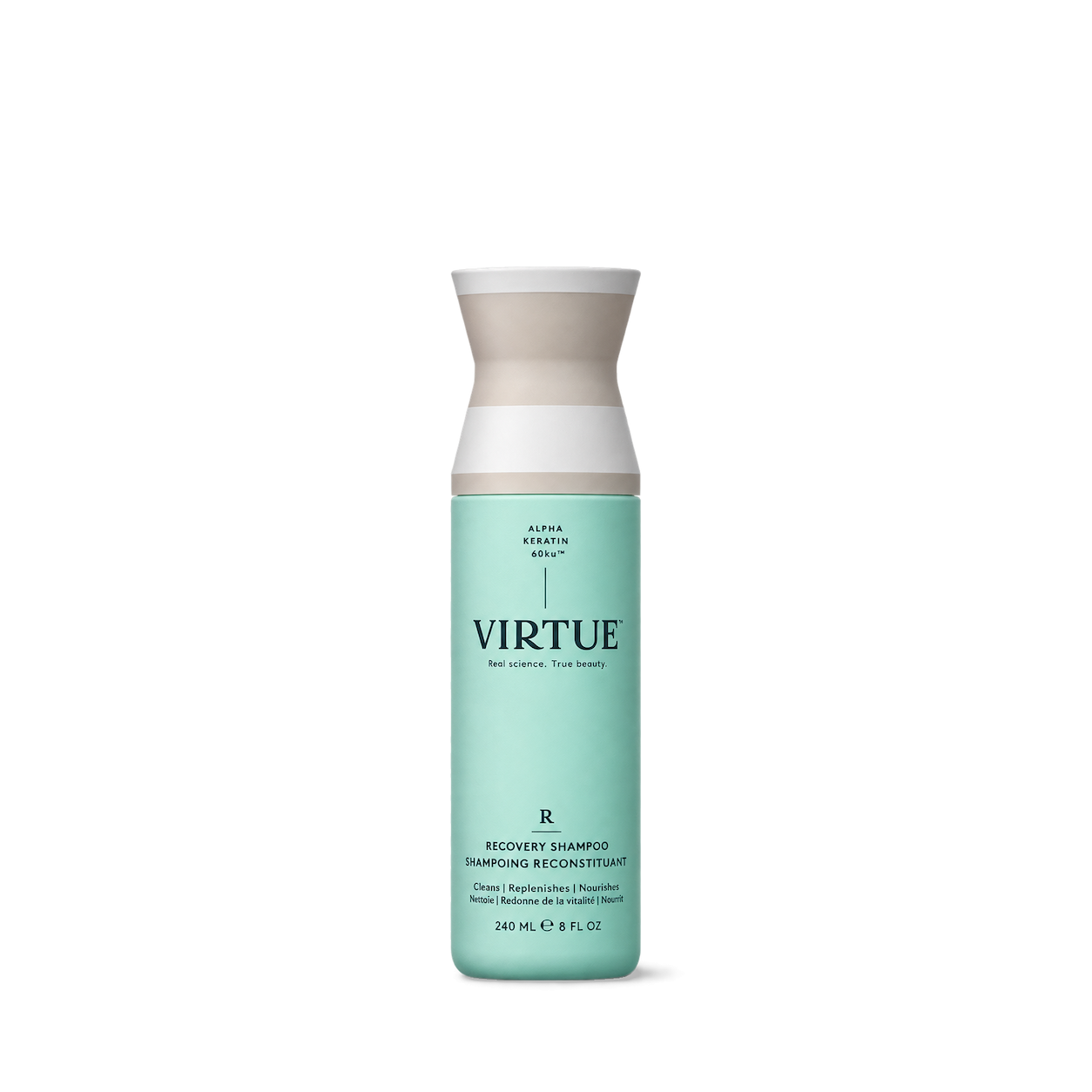
Virtue

Gisou
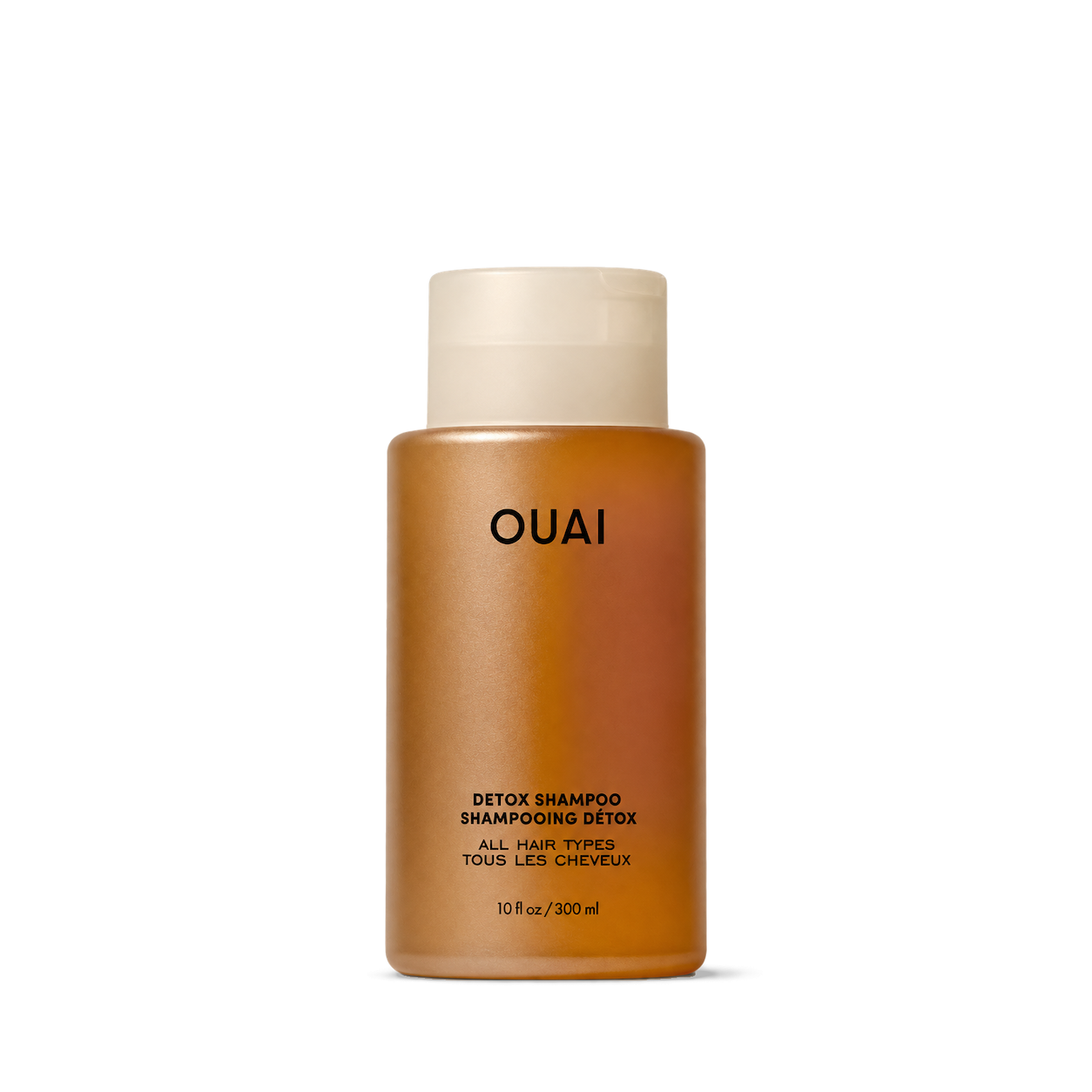
OUAI

Beessential

Fat and the Moon

Primally Pure


Brown Butter Beauty

Bry Natural
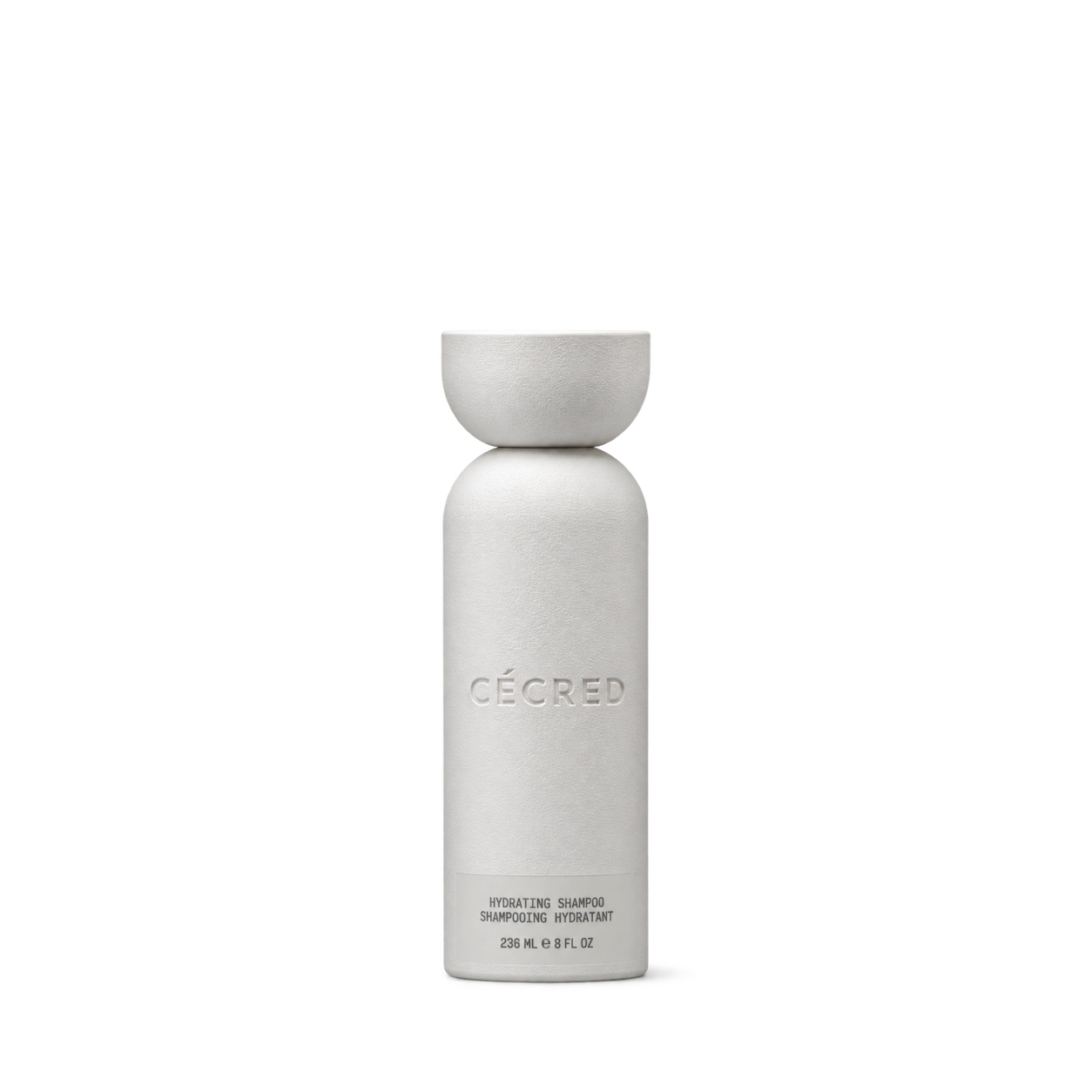


Curl Junkie
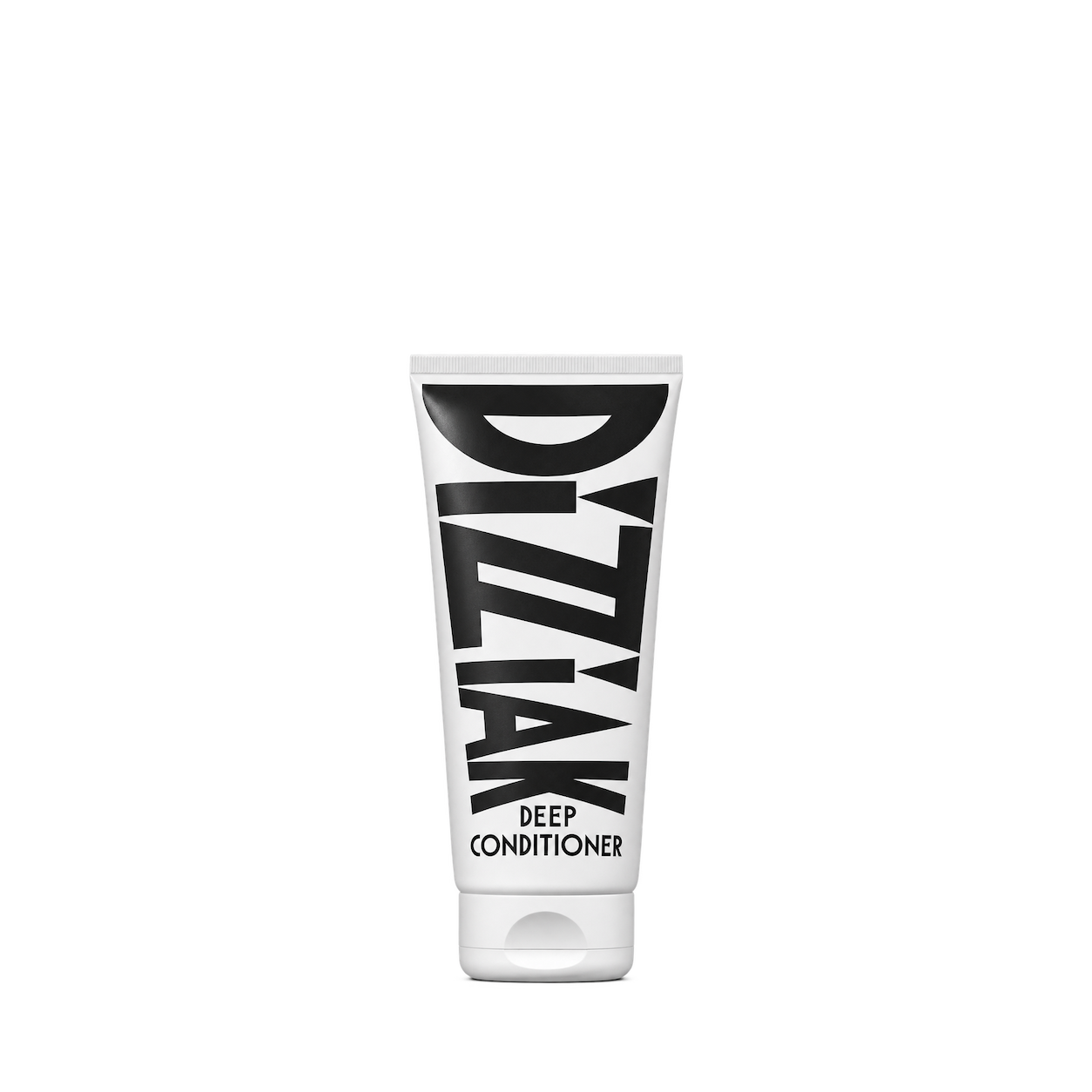
DIZZIAK
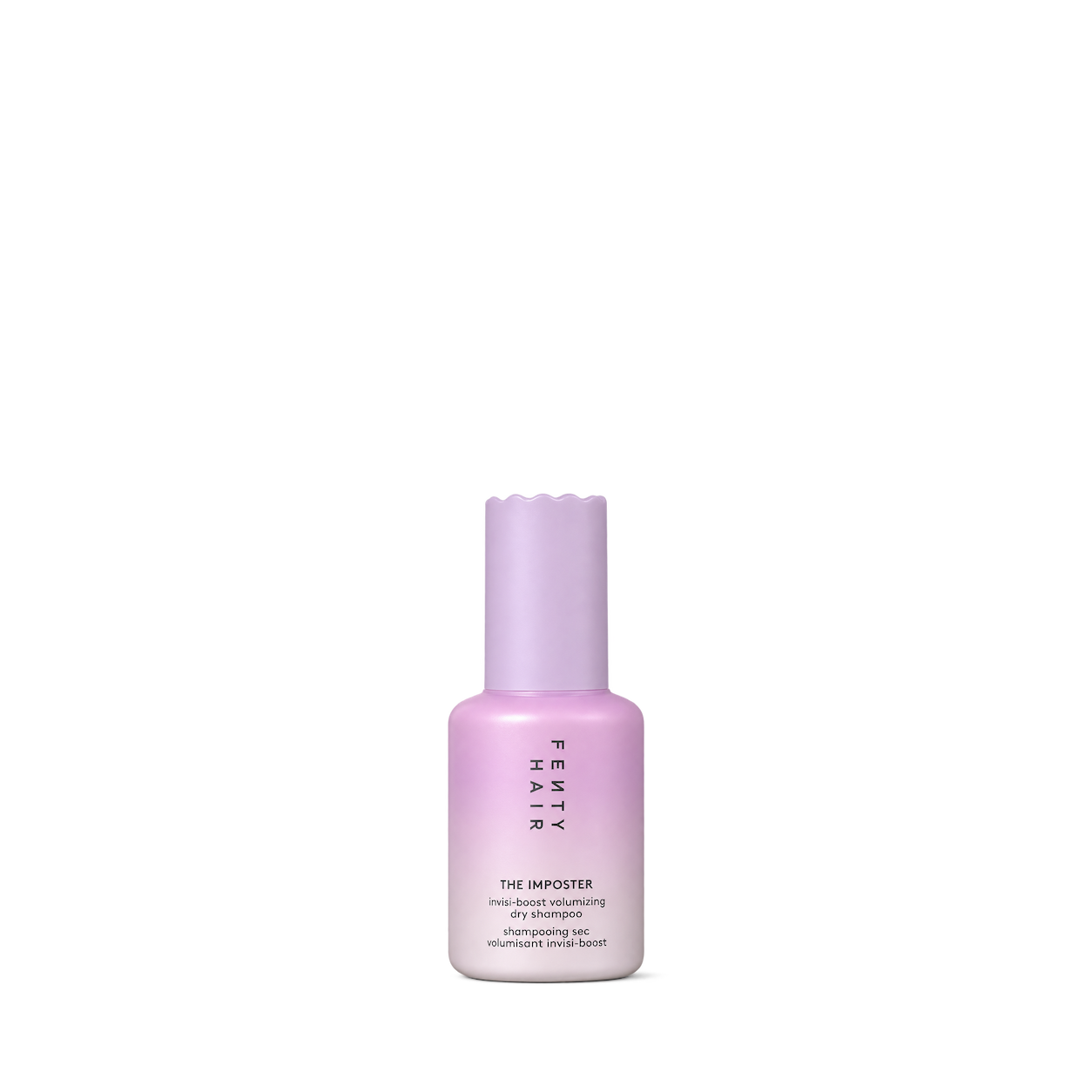
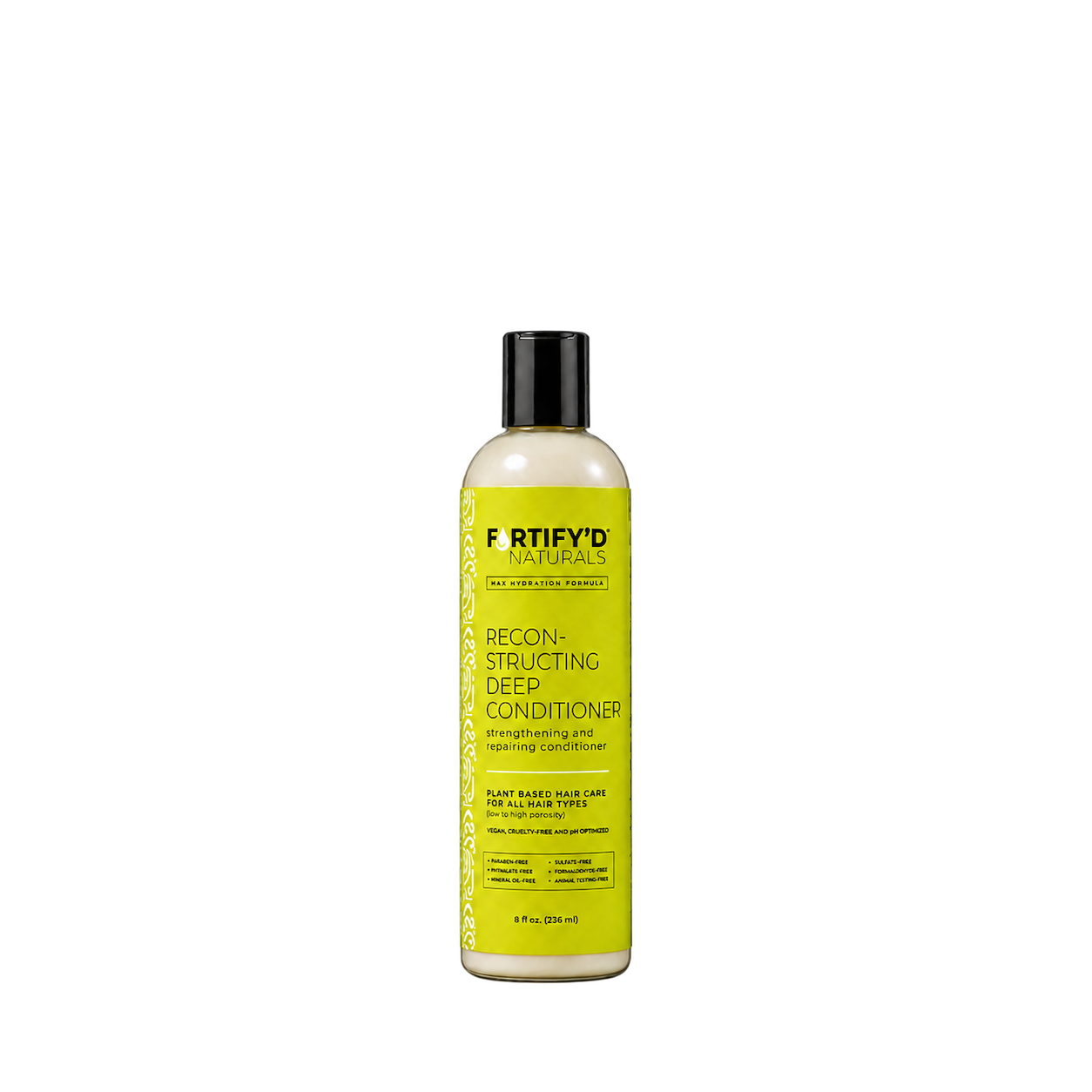
Fortify’d Naturals

Garner’s Garden

Hair of Nature

Hug My Hair

Inahsi Naturals

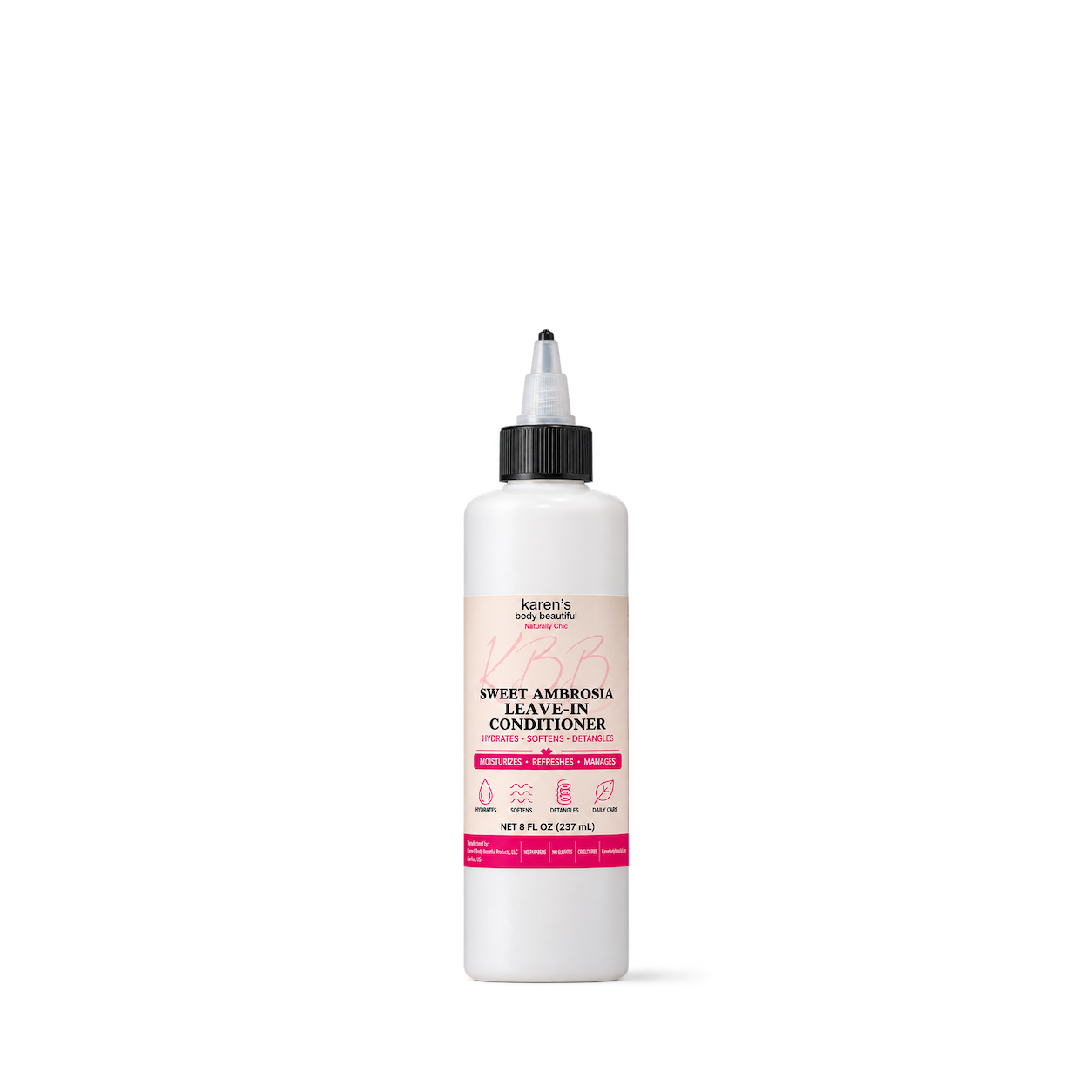
Karen's Body Beautiful

LenaLoveNaturals
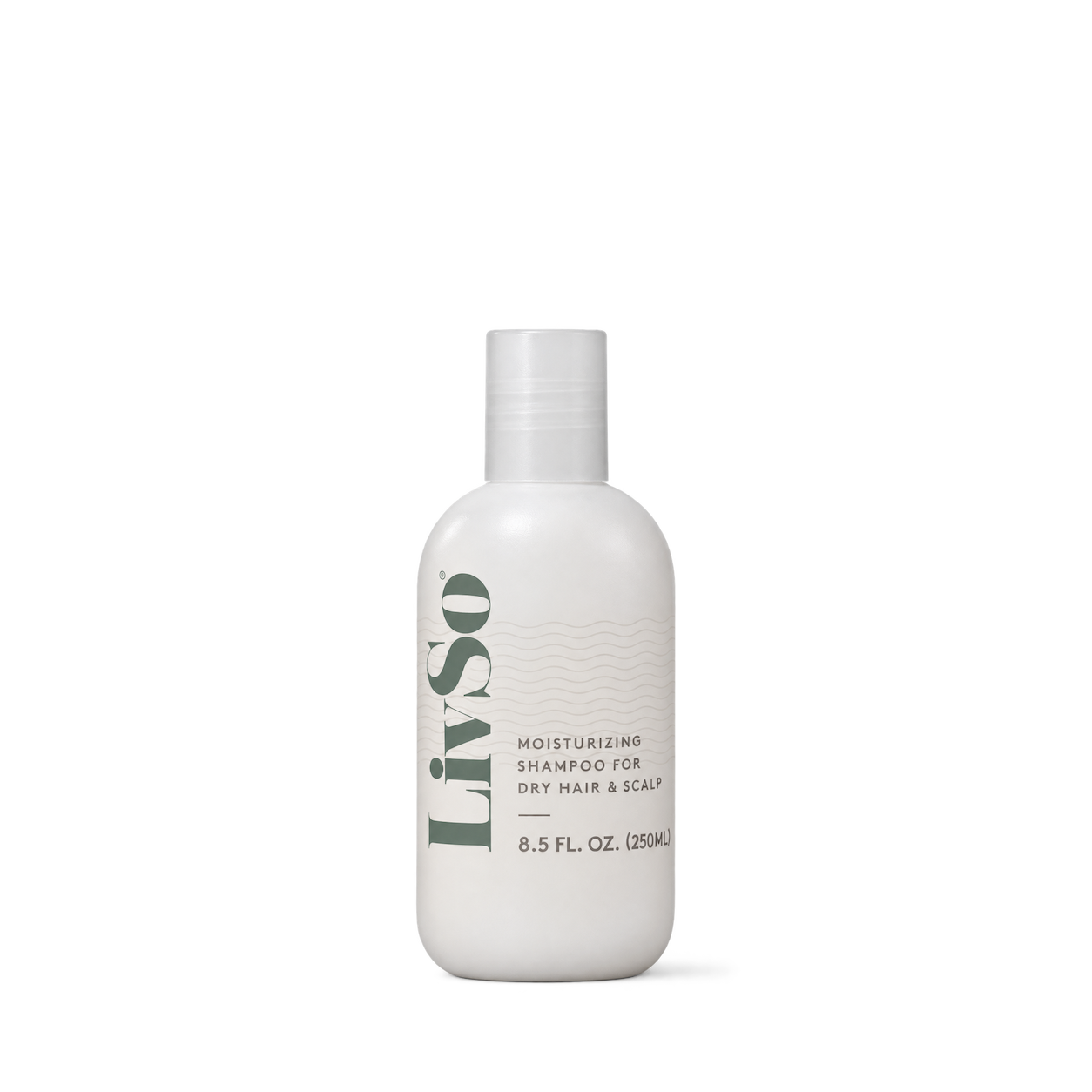

Luster Products

Natasha Somalia

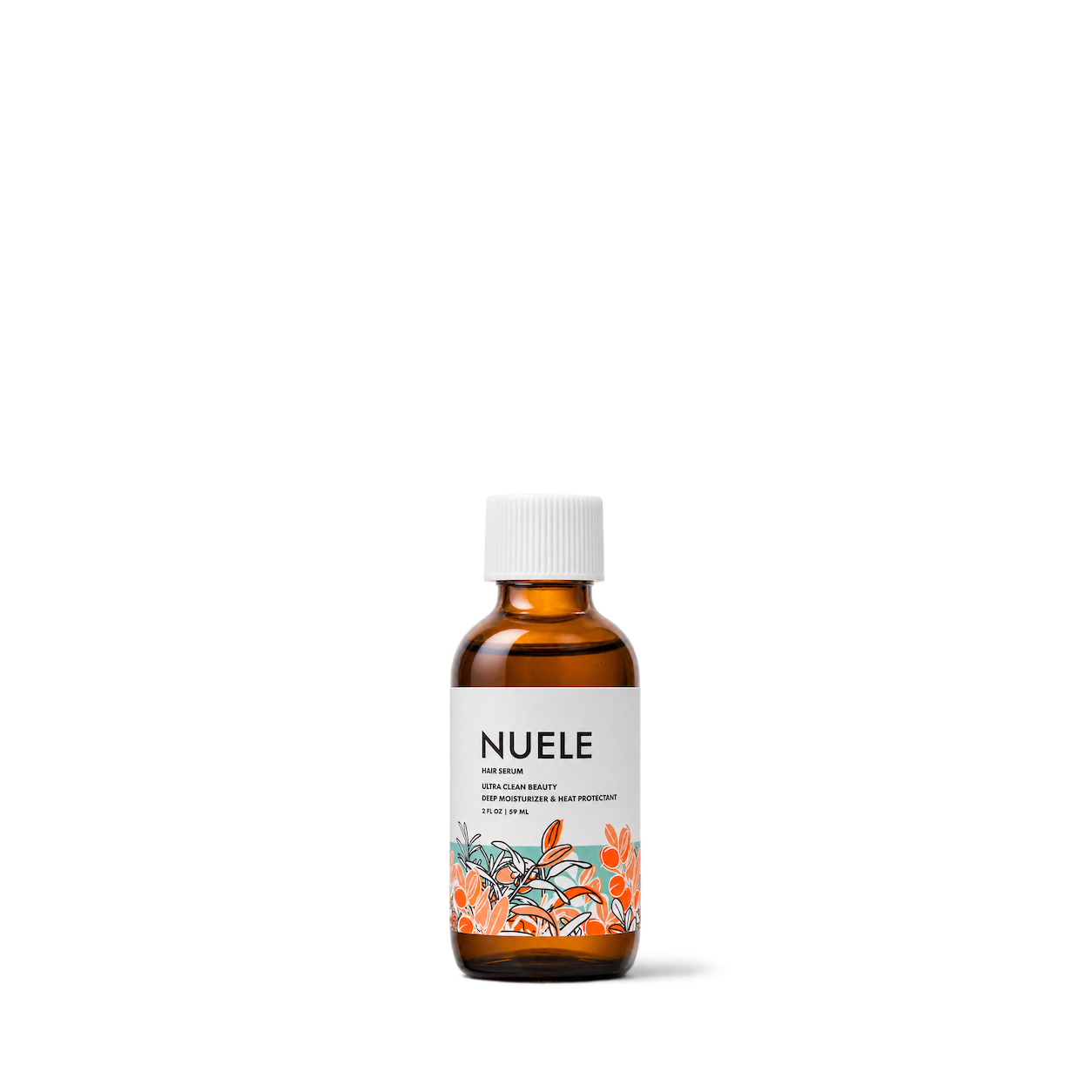
NUELE

Papa Rozier

Pardon My Fro
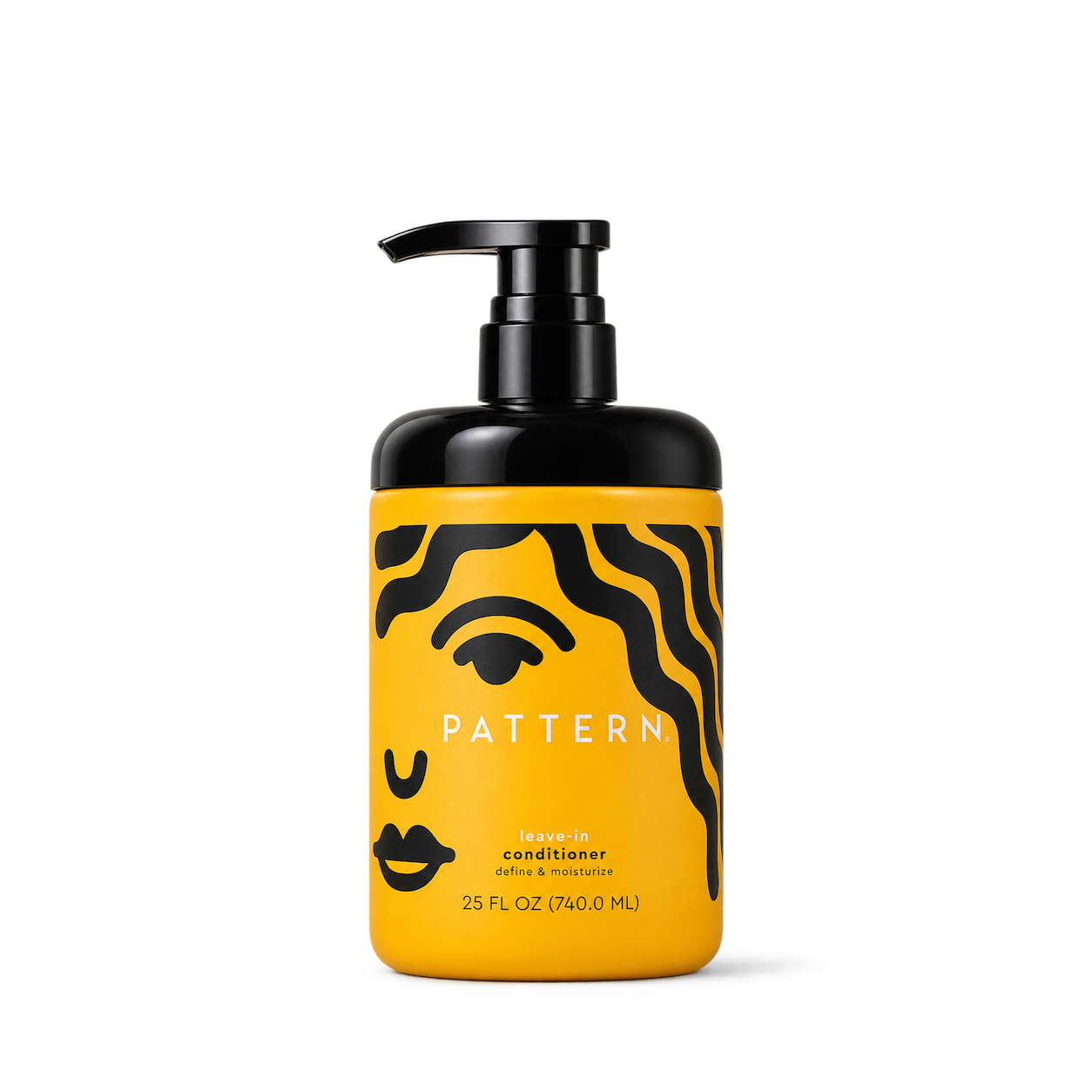
PATTERN Beauty

Pure Goodness London
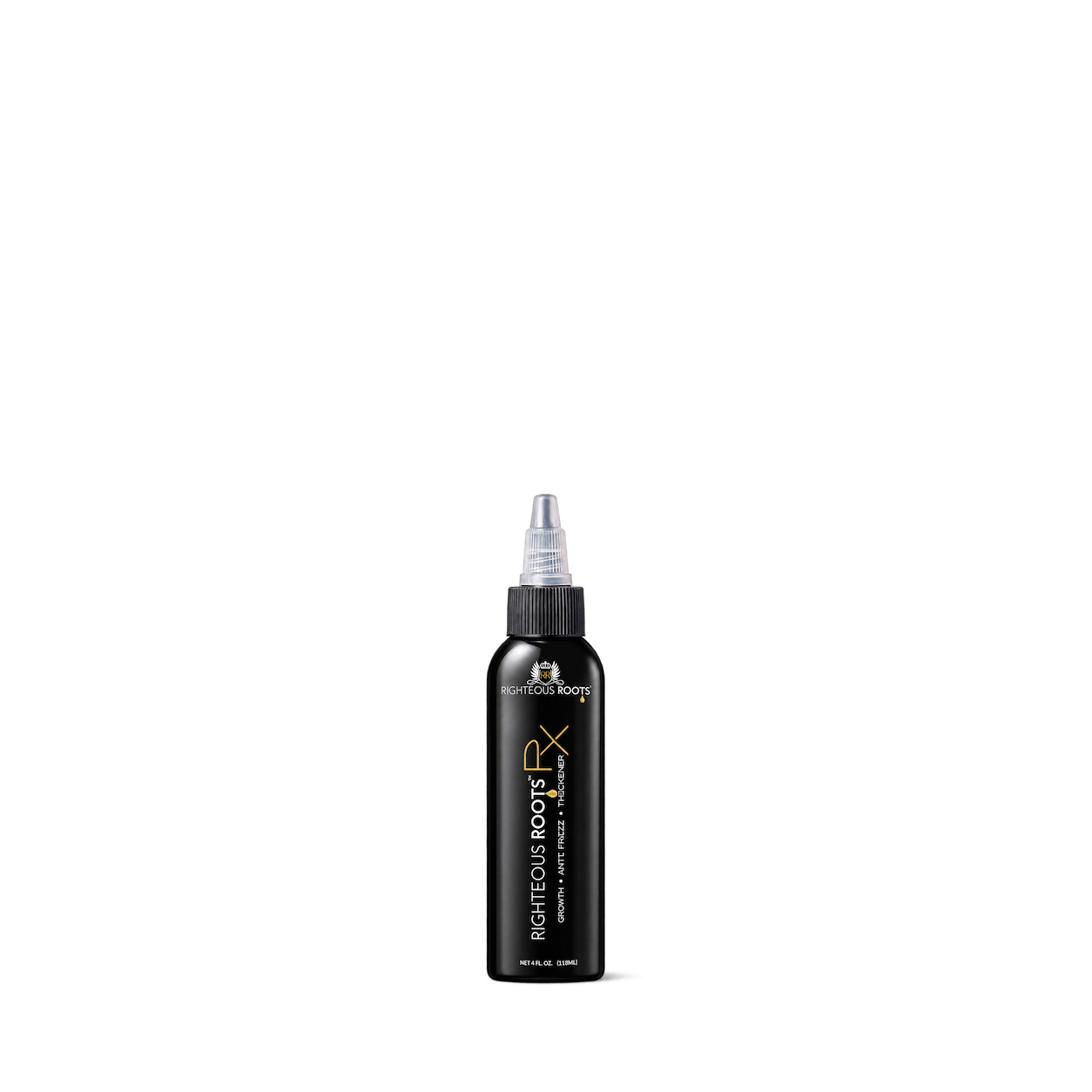
Righteous Roots

Rucker Roots
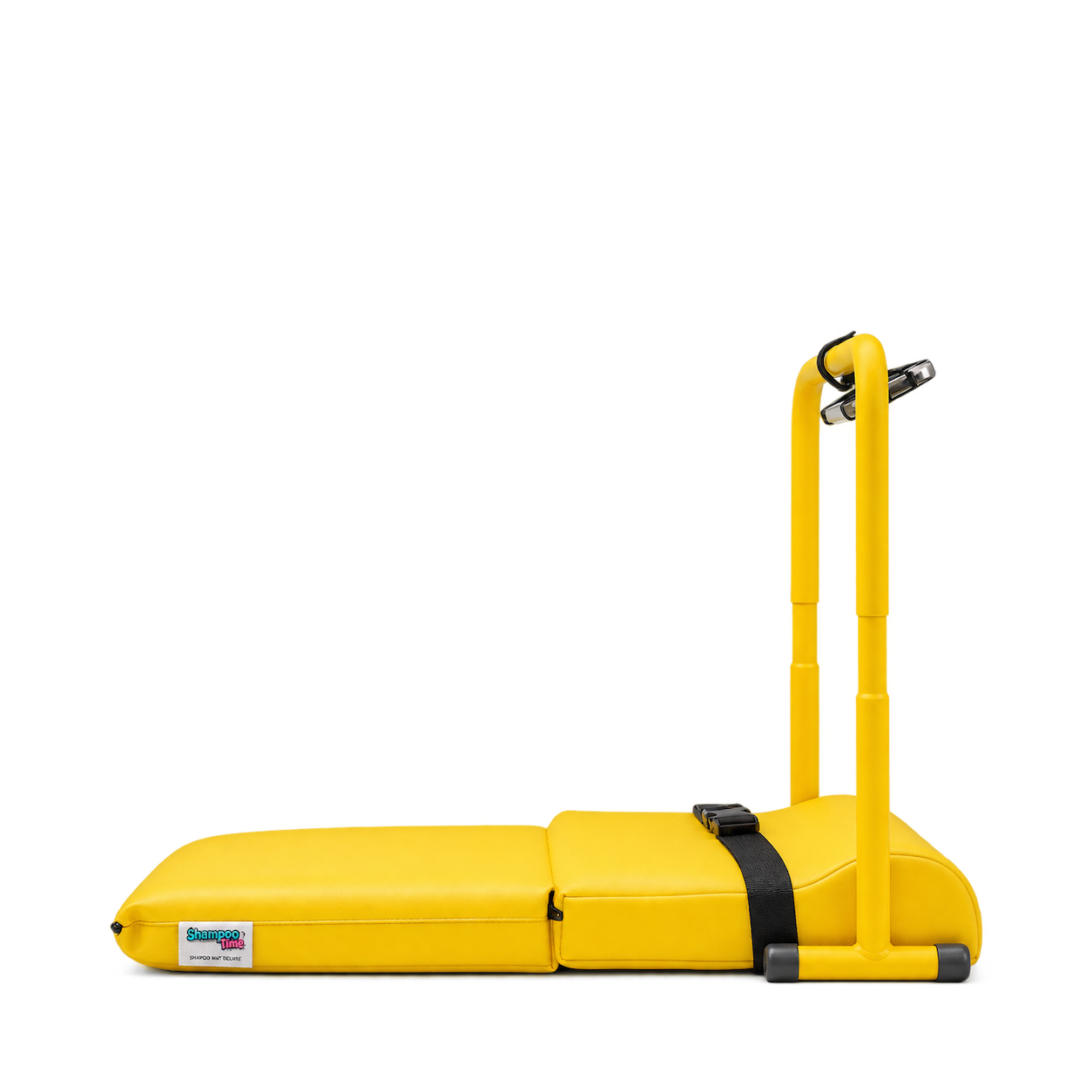
ShampooTime

Shea Butter Cottage
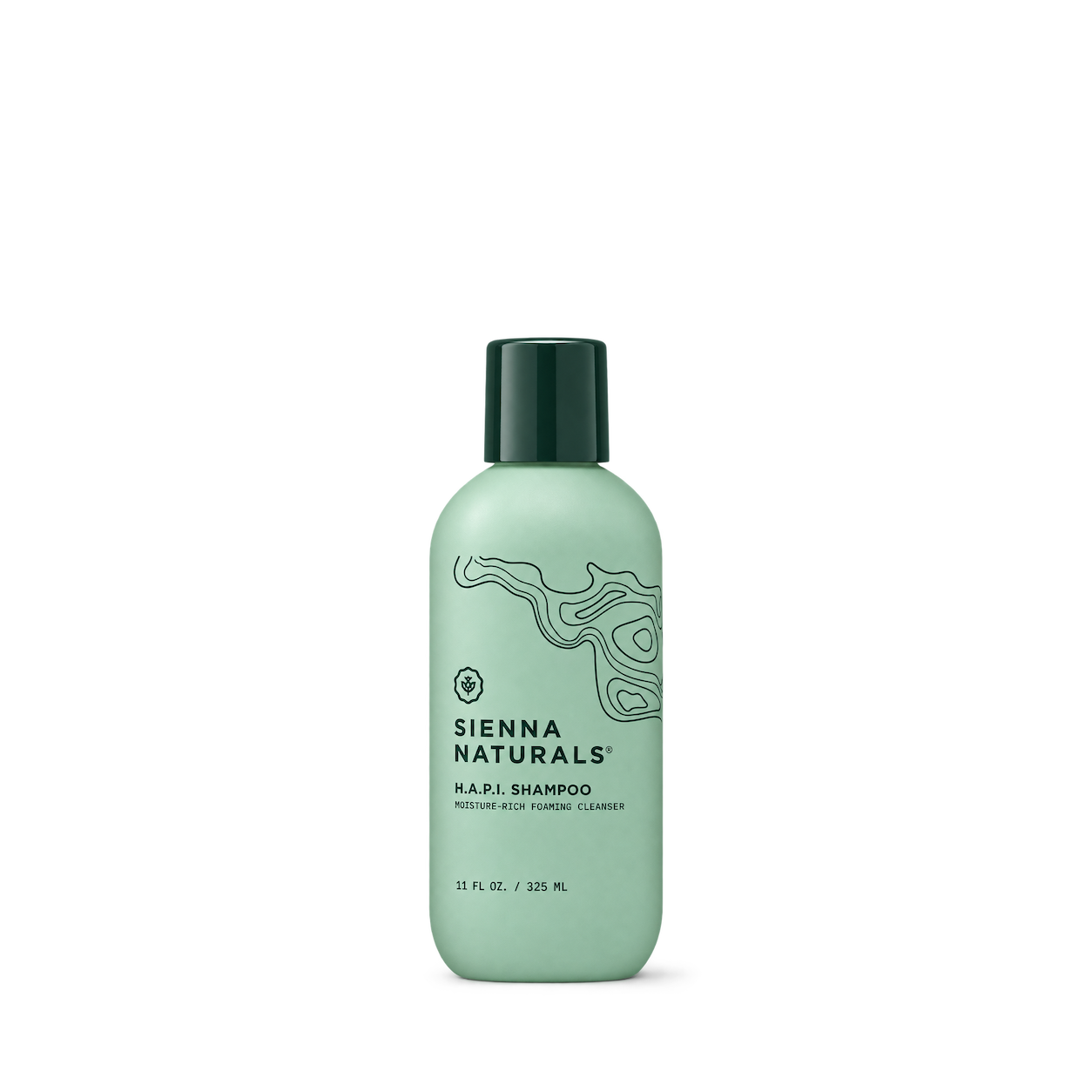
Sienna Naturals

Strands of Faith

Sunday II Sunday


SuperFoodLx
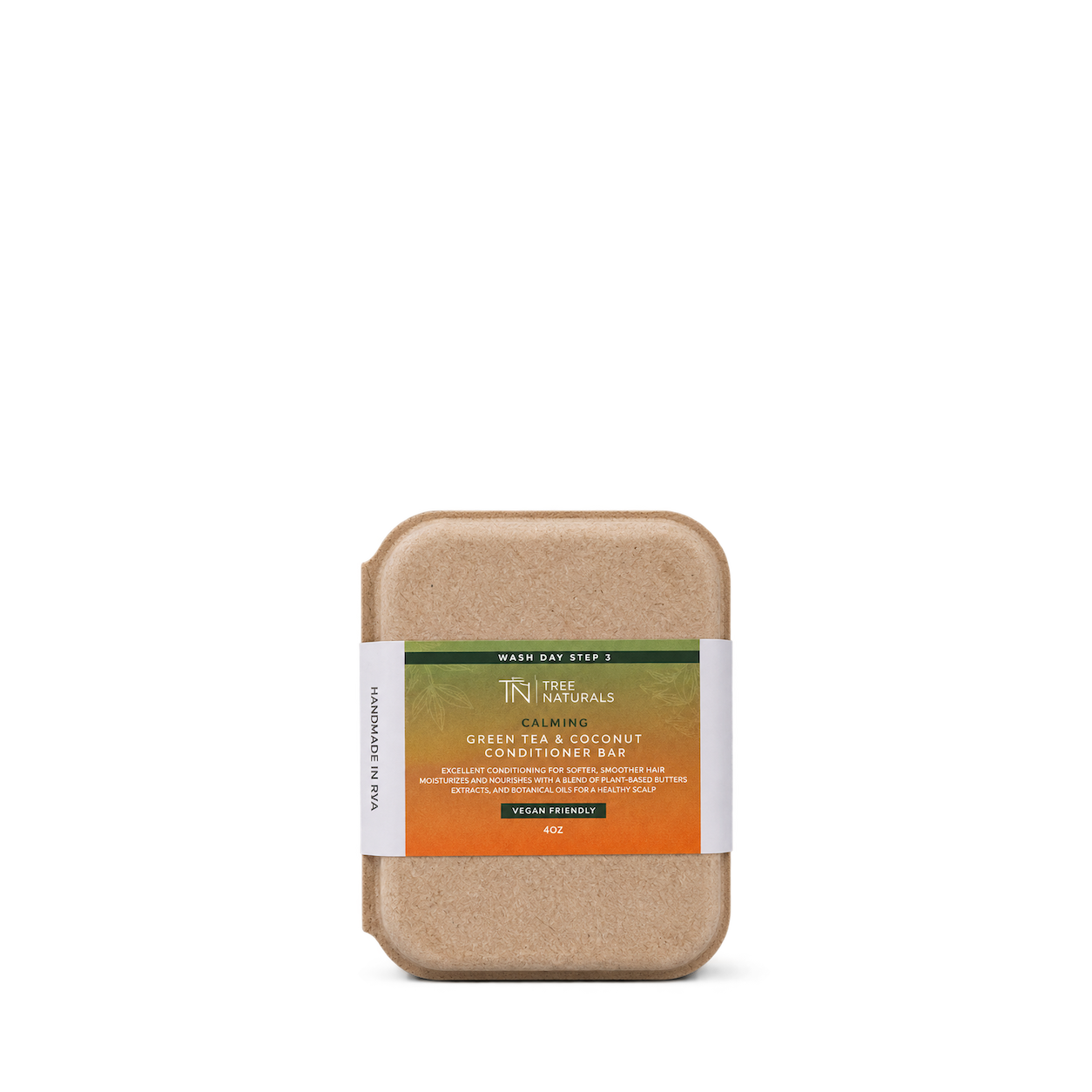
Tree Naturals
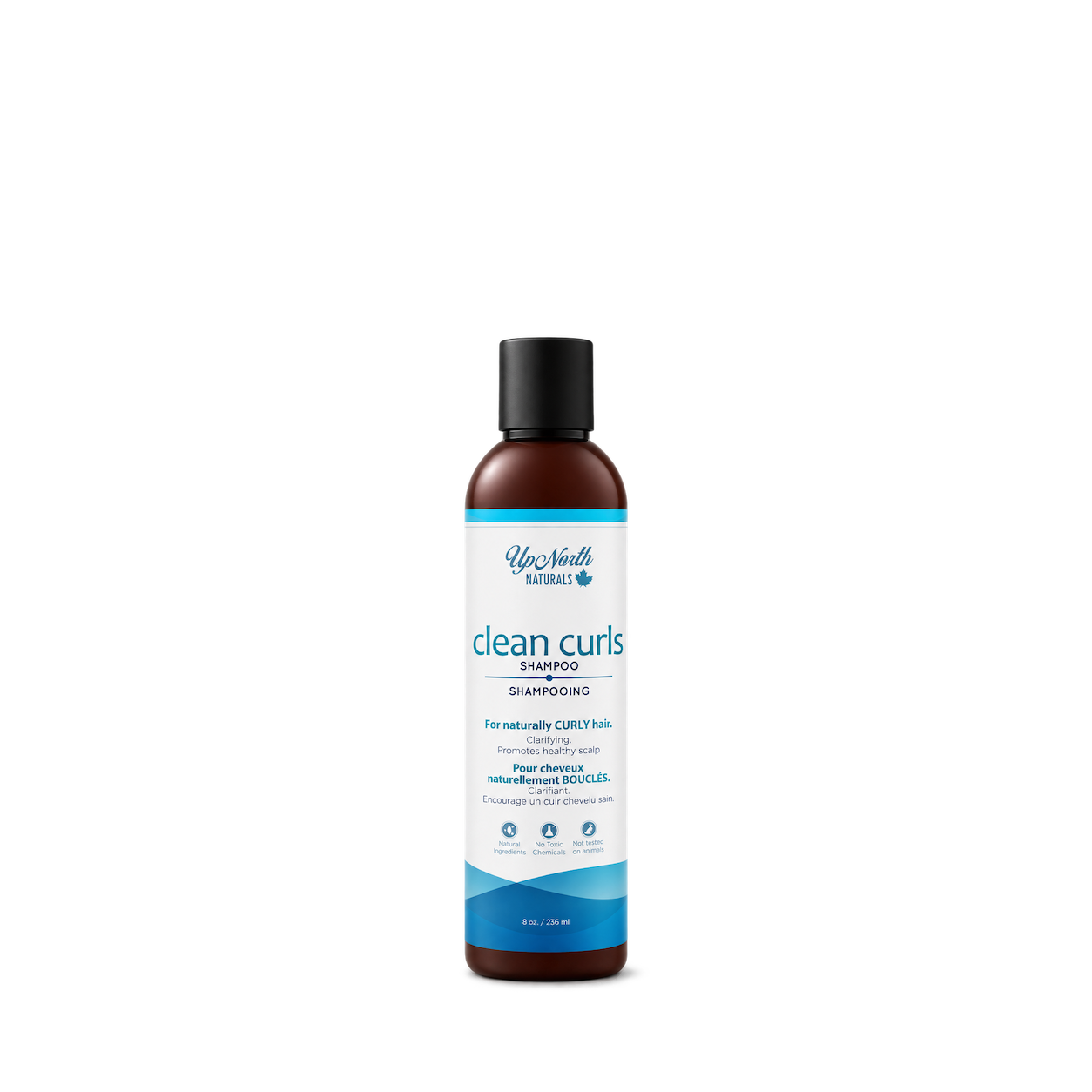
Up North Naturals

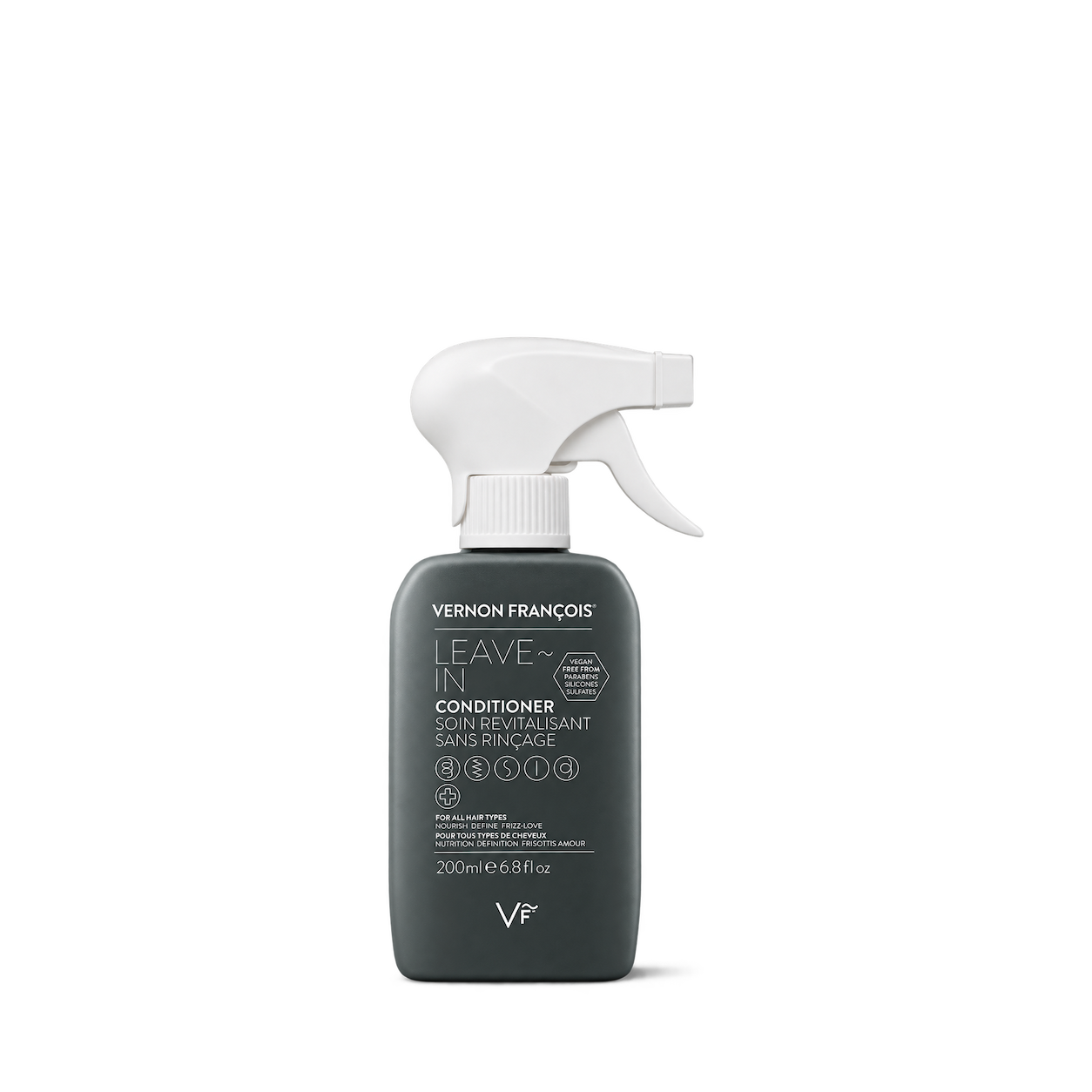
Vernon François


Everist
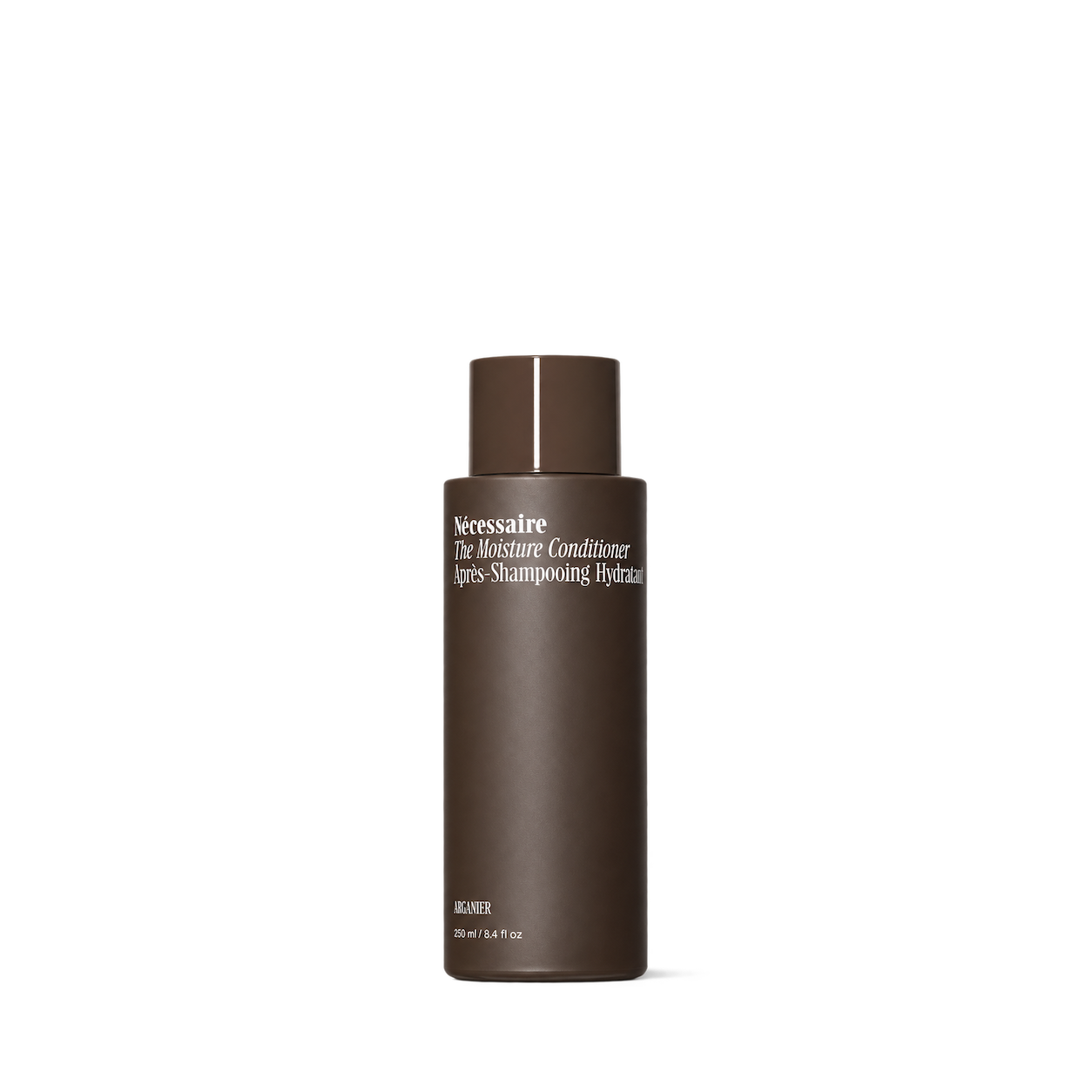
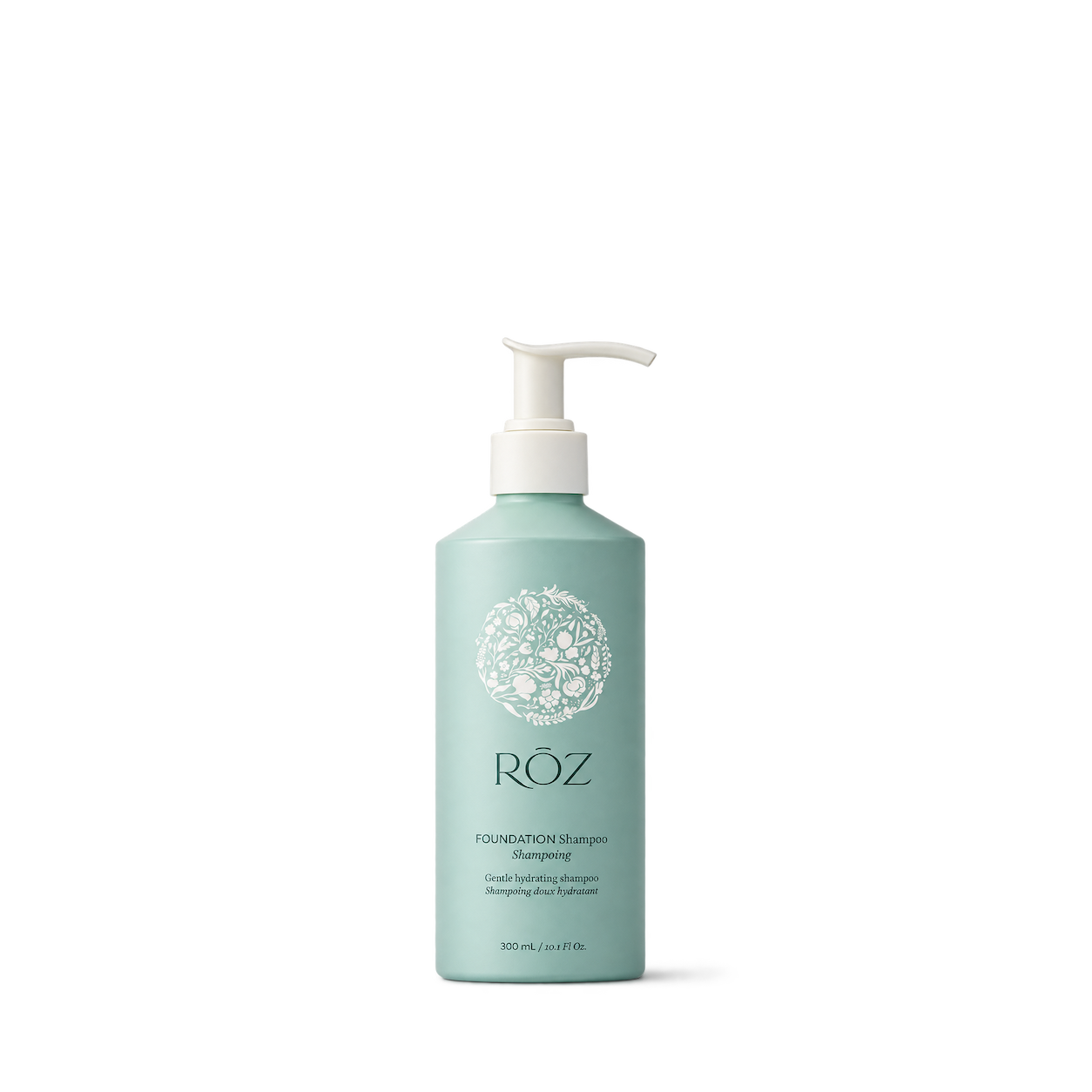

Adam's Polishes

Chemical Guys

Public Goods

Pete & Pedro
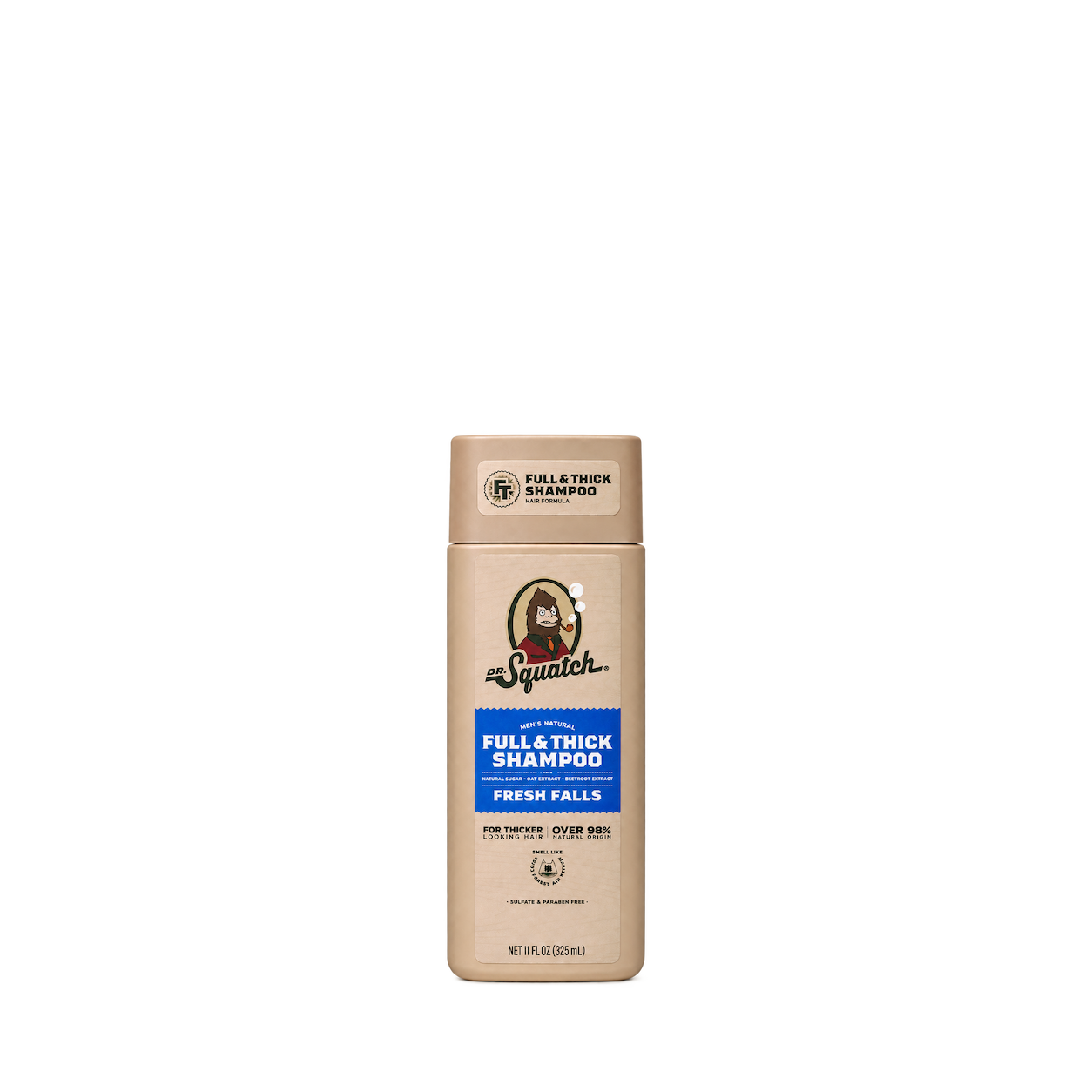
Dr. Squatch
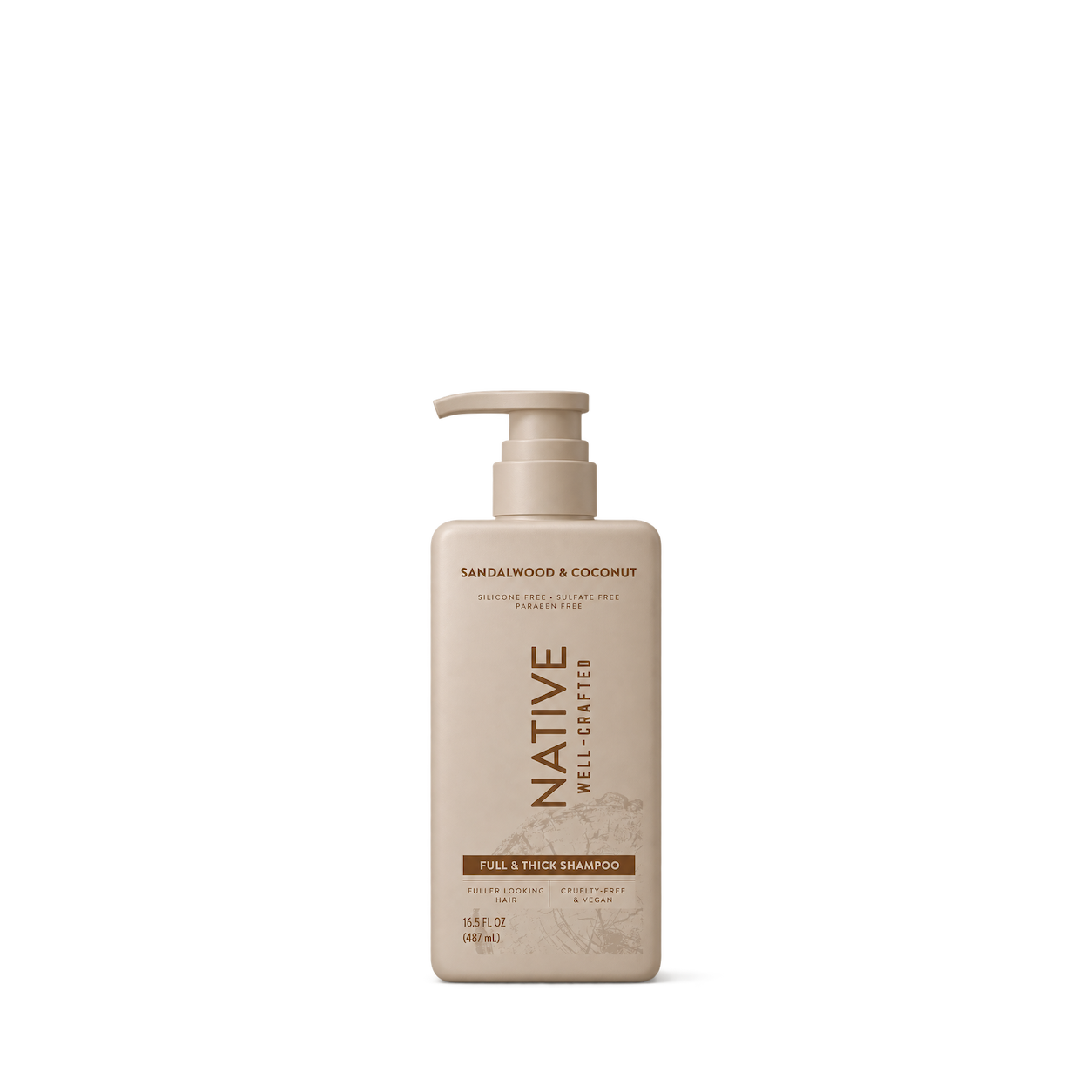


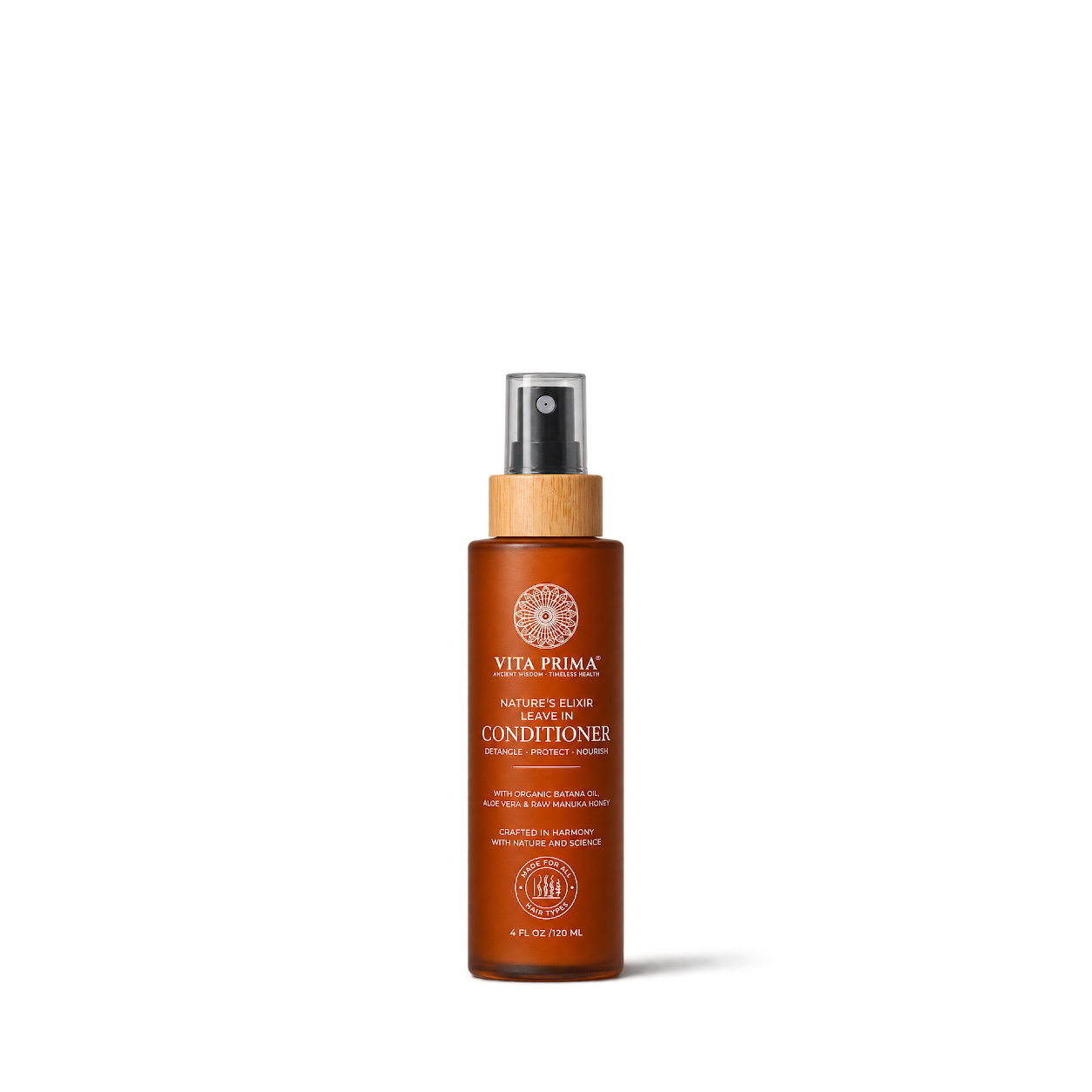
Vita Prima
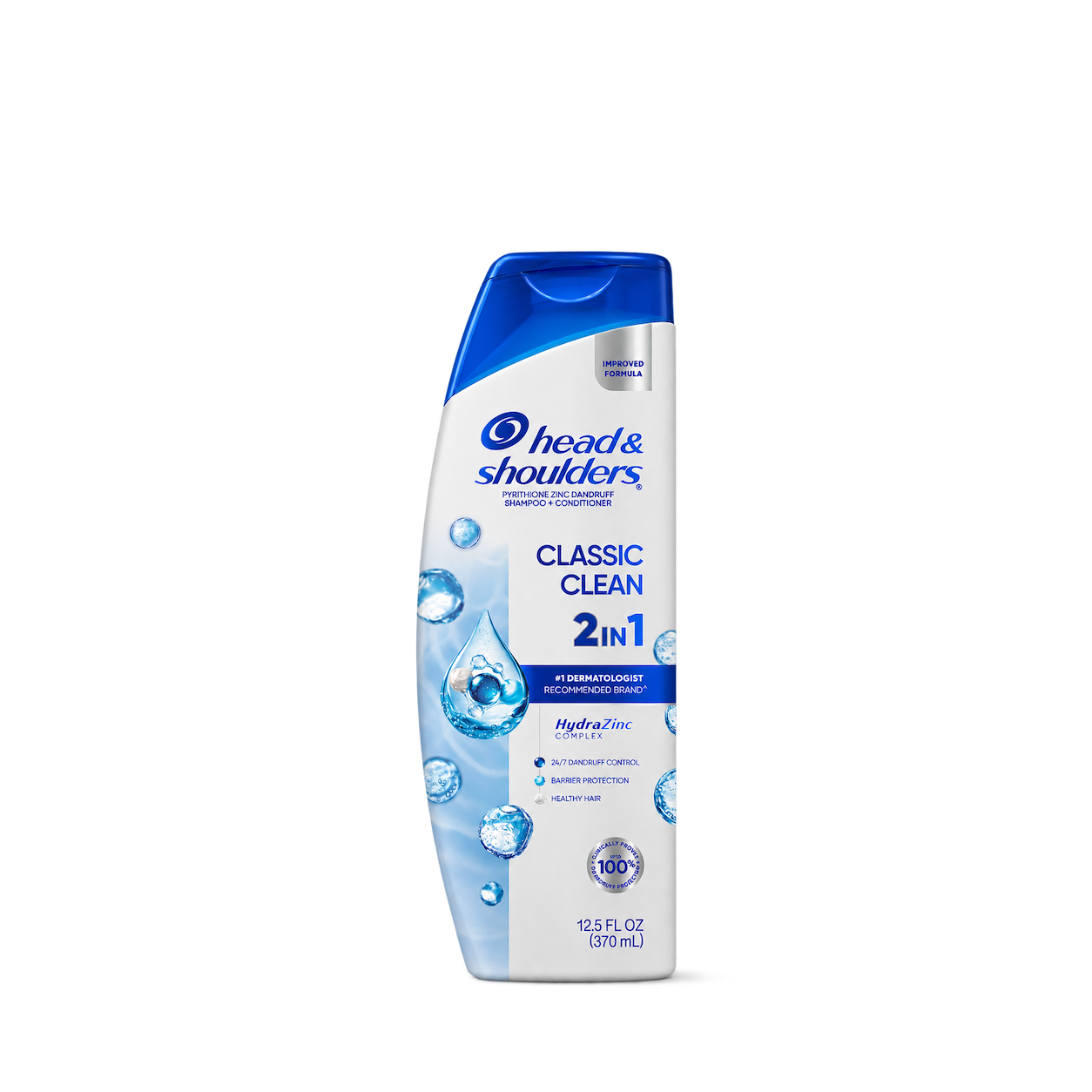
Head & Shoulders


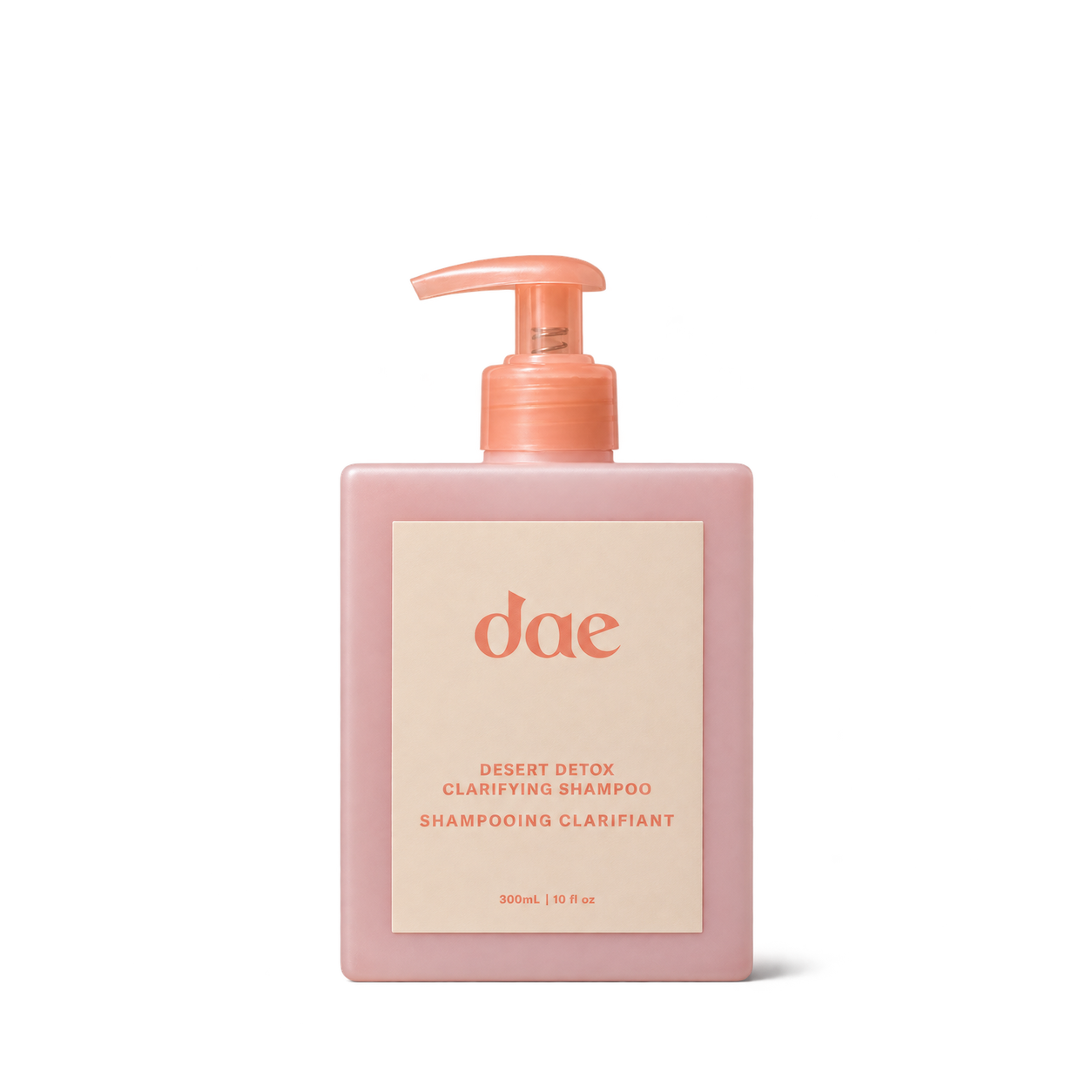
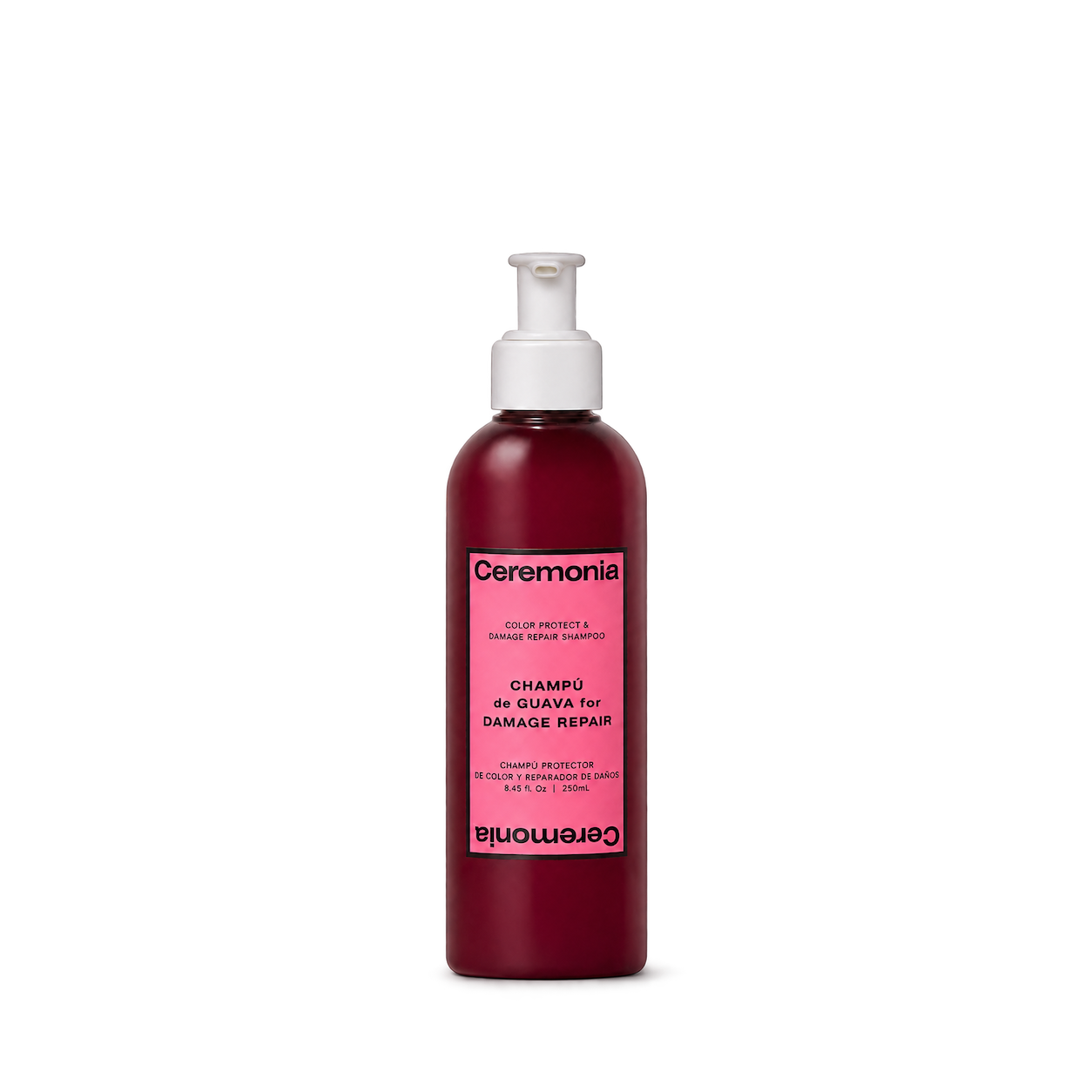
Ceremonia
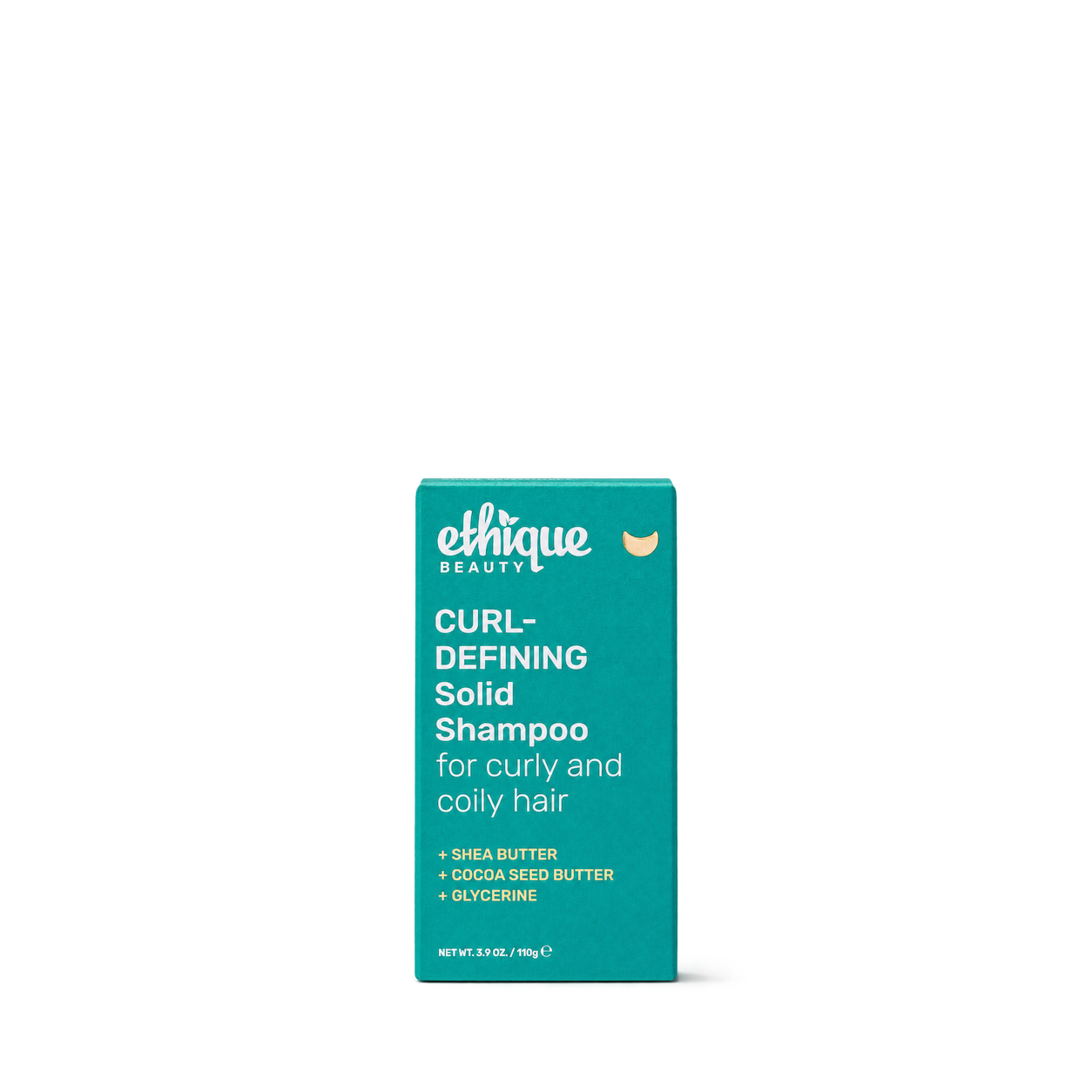
Ethique


Not Your Mother's
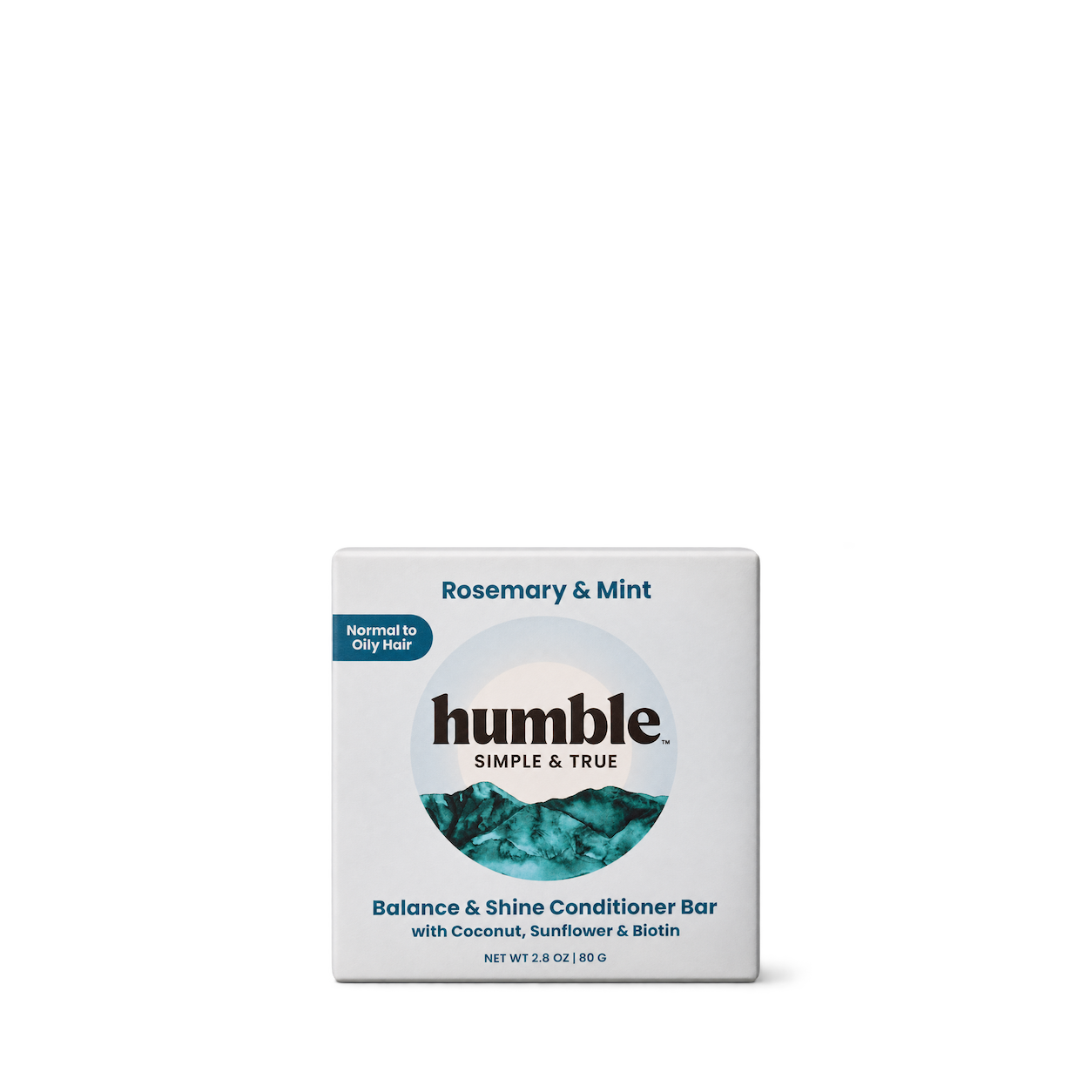
Humble Brands

 NEW
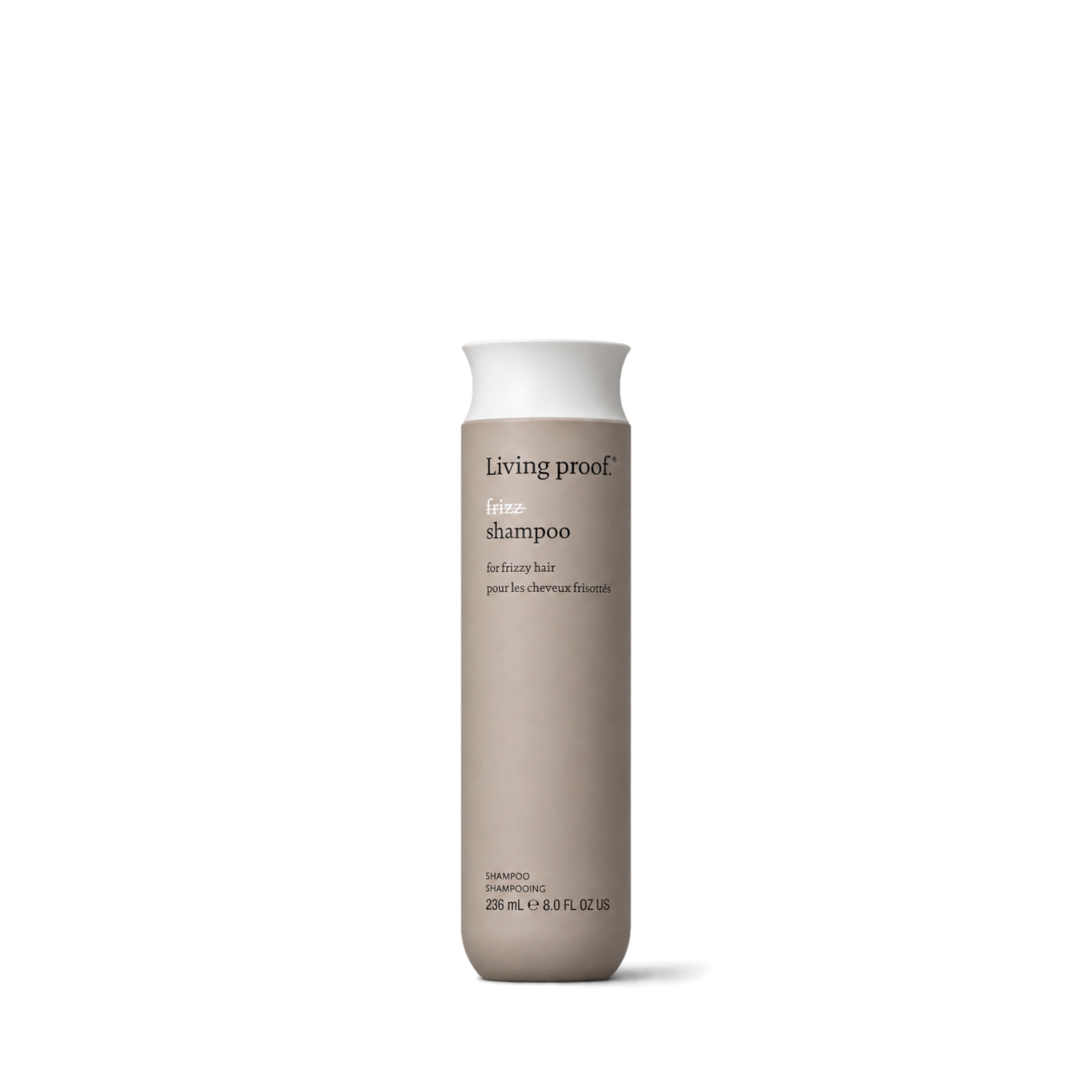 NEW
Living Proof
 NEW
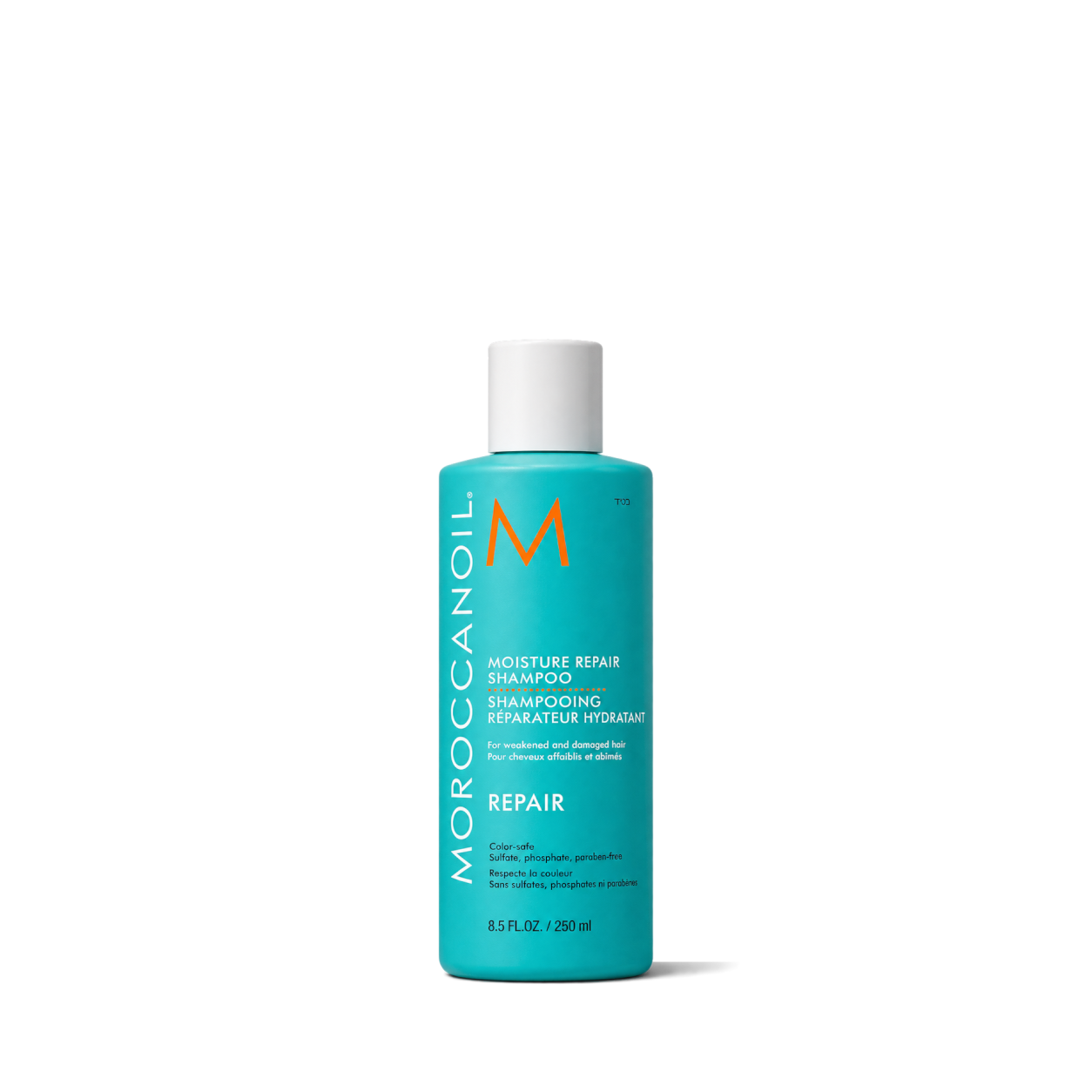
Moroccanoil
 NEW
Pureology
 NEW

Vanicream

Aesop
Act+Acre

Fable & Mane

Ursa Major
Try another brand or product, or give your filters a little room.
Showing 128 of 242
Connect for free to search product shots and get image URLs, dimensions, and source links.
Developer guide

FAQs
Start here. No technical background needed.
Shelfhelp is a library of product images for websites, apps, and designs. Find an image yourself, or connect your AI building tool so it can find and use images while you work.
You’re getting images of the products. Shelfhelp doesn’t sell or ship the physical items. Product source links take you to the brand or retailer if you want to explore the actual product.
Yes. Browsing the library, downloading images, and connecting the MCP are free. You don’t need a Shelfhelp account or subscription. The building tool you use may have its own costs.
Open the product shot you want, choose Get free PNG, and enter your email. We’ll send you a link to download the original image file, which you can upload into your website builder or design tool.
Your download link is valid for seven days.
We use your email to deliver the original image’s download link. Requesting an image does not subscribe you to marketing.
You don’t need to enter an email to browse the library or connect your builder through MCP.
It means giving your AI building tool access to Shelfhelp’s image library. Once connected, you can ask it to find product shots and use them in your project.
MCP is simply the connection that lets the two tools work together.
Select Connect the MCP and copy the connection link. In your builder’s settings, look for an option to add an MCP server or custom connector, then paste the link.
The exact steps depend on your builder. Start with our connection guide.
Absolutely. You can browse the library, request an image by email, and upload the downloaded file into your project yourself.
The MCP connection is optional. To use it, your building tool needs to support connecting to a remote MCP server.
Start with something like:
“Find five skincare product shots from Shelfhelp and use them on my homepage.”
For a specific product, include the brand and product name. If the color, size, or flavor matters, include that too—and check that the selected image matches.
They’ll see the product images your builder places in your design. Your builder controls the layout, colors, text, and interactions.
Connecting Shelfhelp alone doesn’t change your website. Your visitors don’t need to connect to Shelfhelp or understand MCP.
Try searching by brand, product name, or a broader category. The MCP finds existing images; it doesn’t generate new ones.
If you need an exact product or version, check the result carefully before using it.
Check the image’s usage rights and approval details first. Free access doesn’t automatically grant permission for every commercial use.
The library includes independent product studies, so a pictured brand doesn’t mean that brand approved the image. If permission is unclear, confirm it before publishing.

